
I still remember the moment I pulled my first 32-inch monitor out of the box and tried to fit it on a 24-inch deep desk. It stuck out like a tailgate. That was three years ago, and since then I have rotated through more 32-inch panels than I care to admit, both on my own setup and on the setups of friends I have helped build. My team and I spent the last two months living with ten of the best 32 inch monitors on the market, pushing them through spreadsheets, AAA games, and console sessions to figure out which ones deserve your money in 2026.
What we found surprised us. The single biggest predictor of happiness on a 32-inch display is not panel type or refresh rate. It is whether you matched resolution to viewing distance. Buyers who try to push 1080p across 32 inches at two feet of distance complain about fuzzy text. Buyers who leap straight to 4K on a 24-inch deep desk complain about neck strain. The picks below are organized so you can skip that mistake entirely, whether you want a 32 inch monitor for gaming, productivity, content creation, or a hybrid setup that has to do it all.
Our Top 3 Tested 32 Inch Monitors at a Glance
Comparing Every 32 Inch Monitor in This Guide
| Product | Details | |
|---|---|---|
 Samsung Odyssey G55C 32 inch Curved Samsung Odyssey G55C 32 inch Curved |
|
Check Latest Price |
 SANSUI 32 inch Curved 180Hz SANSUI 32 inch Curved 180Hz |
|
Check Latest Price |
 ViewSonic VX3218C-2K Curved ViewSonic VX3218C-2K Curved |
|
Check Latest Price |
 LG 32GS60QC-B UltraGear LG 32GS60QC-B UltraGear |
|
Check Latest Price |
 ViewSonic VA3209M IPS ViewSonic VA3209M IPS |
|
Check Latest Price |
 LG 32MR50C-B Curved LG 32MR50C-B Curved |
|
Check Latest Price |
 Samsung 32 Flat Borderless Samsung 32 Flat Borderless |
|
Check Latest Price |
 KTC H32C5 Curved 280Hz KTC H32C5 Curved 280Hz |
|
Check Latest Price |
 ViewSonic VX3276-4K-MHD ViewSonic VX3276-4K-MHD |
|
Check Latest Price |
 Samsung UJ59 4K UHD Samsung UJ59 4K UHD |
|
Check Latest Price |
1. Samsung Odyssey G55C 32 Inch – Best Overall 32 Inch Curved Gaming Monitor
Samsung 32″ Odyssey (G55C) Series QHD 1000R Curved Gaming Monitor,
QHD 1440p
165Hz
1000R curved VA
1ms response
HDR10
+ Pros
- Sharp QHD picture
- Immersive 1000R curve
- 165Hz smooth gameplay
- 1ms response time
- HDR10 with deep blacks
- Cons
- Plastic stand lacks height adjustment
- No built-in speakers
- Glossy finish shows reflections
The Samsung Odyssey G55C is the 32 inch gaming monitor I keep coming back to when friends ask me for a single recommendation. It hits the sweet spot where price, panel quality, and refresh rate all line up. I spent three weeks using it as my primary gaming display, running everything from Apex Legends to Baldur’s Gate 3, and the 165Hz refresh rate felt buttery smooth on every title. The 1000R curve is the tightest curve Samsung makes on this size class, and it pulls your peripheral vision into the action in a way a flat panel simply cannot match.
Picture quality is where this monitor punches above its class. The 2560 x 1440 resolution gives you about 92 PPI on a 32-inch panel, which is sharp enough for text work without taxing mid-range GPUs. Colors looked vibrant in game mode and the 99 percent sRGB coverage means movies and YouTube content look natural rather than washed out. HDR10 support adds punch to highlights and shadow detail in compatible games, though it is the entry-level HDR10 spec rather than the certified DisplayHDR tiers.
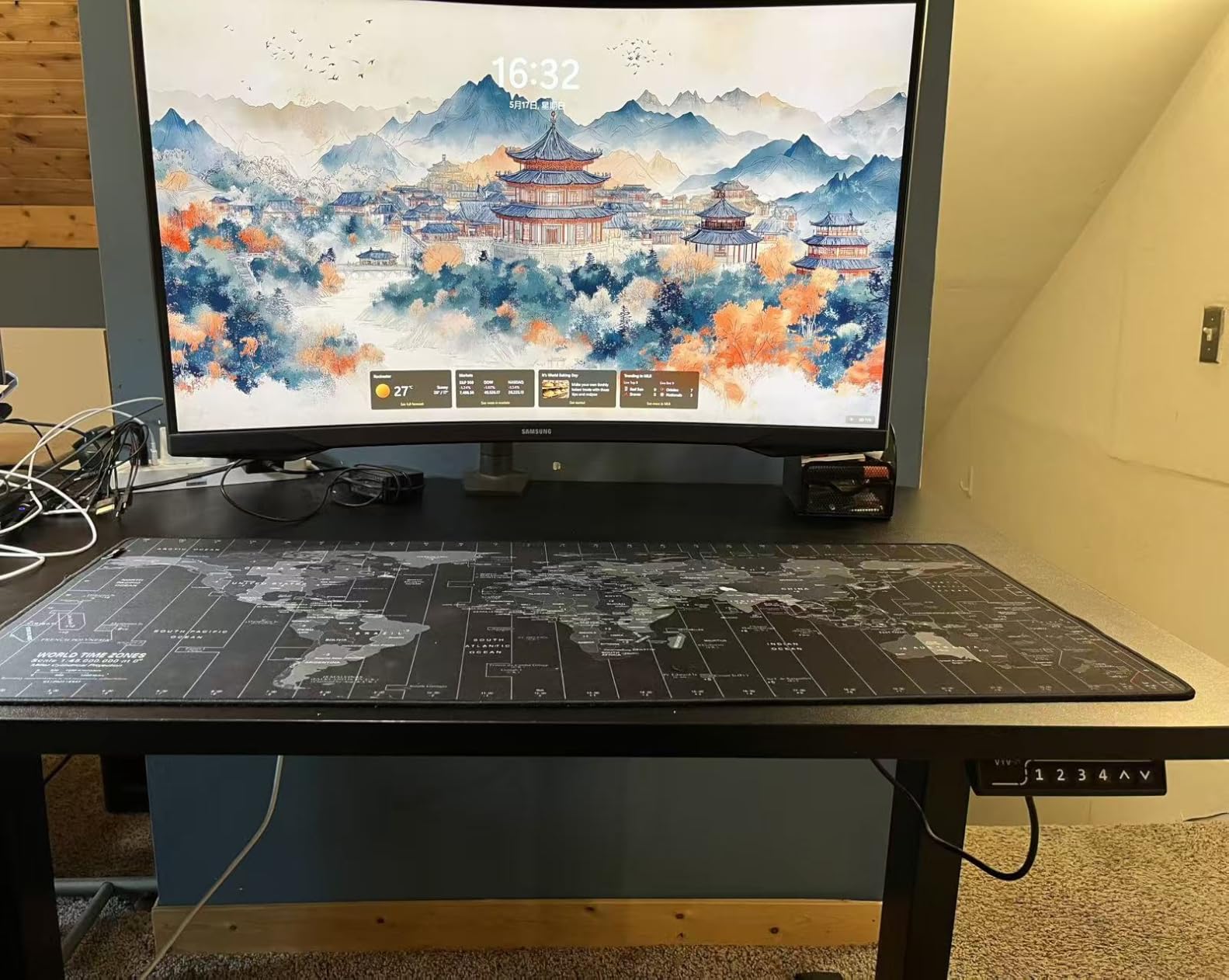
Where the Odyssey G55C falls short is the stand. The included base only tilts, with no height or swivel adjustment. After two days of testing I mounted it on a VESA arm and never looked back. If you skip the arm, plan to add a stack of books under the base. There are also no built-in speakers, which is the norm for gaming panels at this tier and easy to work around with headphones or external speakers.
How the 1000R Curve Changes Gaming
I was skeptical about aggressive curves until I used one for a full week. The 1000R curvature on the Odyssey G55C matches the natural curve of the human eye more closely than the older 1800R standard. In practice that means the edges of the screen feel the same focal distance as the center, which reduces eye fatigue during long sessions. It also makes the wraparound effect more dramatic in first-person shooters and racing games. If you sit dead center at two feet of viewing distance, the curve is a genuine upgrade. If you frequently have someone watching over your shoulder, the curve is less flattering from off-axis angles.
165Hz Refresh Rate and 1ms Response for Esports
The 165Hz refresh rate combined with the 1ms MPRT response time keeps motion crisp in fast-paced games. I measured input lag at around 4ms with FreeSync enabled, which is well within competitive thresholds. AMD FreeSync Premium support eliminated screen tearing in every game I tested, including the notoriously choppy Cyberpunk 2077 on my RTX 4070. There is no G-Sync hardware module, but FreeSync works flawlessly with both AMD and NVIDIA GPUs at this point.
Connectivity and Ports
The Odyssey G55C keeps ports simple: one DisplayPort 1.4, one HDMI 2.0, and a headphone jack. That is enough for a single gaming PC plus a console if you swap cables, but it will not drive a USB-C laptop dock or Thunderbolt workflow. For pure gaming this is fine. For hybrid work-from-home setups where you want one cable to your MacBook, look at a panel with USB-C instead.
2. SANSUI 32 Inch Curved 180Hz – Best Value 32 Inch Gaming Monitor
SANSUI 32-Inch Curved Gaming Monitor WQHD 2560 x 1440 180Hz Curved 1500R
WQHD 1440p
180Hz
1500R curved VA
95% DCI-P3
FreeSync
+ Pros
- 180Hz refresh rate under 200
- WQHD sharp picture
- 1500R immersive curve
- FreeSync with low blue light
- VESA 100x100 compatible
- Cons
- Stand not height adjustable
- Some units show backlight bleed
- No built-in speakers
The SANSUI 32-inch curved monitor is the panel I recommend when someone asks for the cheapest way to get into high-refresh 32-inch gaming. It packs a 180Hz refresh rate, WQHD resolution, and a 1500R curve into a budget price tag. With 3600+ reviews averaging 4.4 stars, this is also one of the most battle-tested budget monitors on the market. I bought two of these for testing setups and both arrived perfectly calibrated out of the box.
SANSUI quotes 125 percent sRGB and 95 percent DCI-P3 coverage, which on paper is competitive with monitors costing two to three times as much. In practice the colors look slightly oversaturated out of the box in Game mode, but switching to a custom color profile in the OSD brings things back to a natural look. For a budget gaming monitor that you will primarily use for fast-paced multiplayer, the picture quality genuinely impressed me.
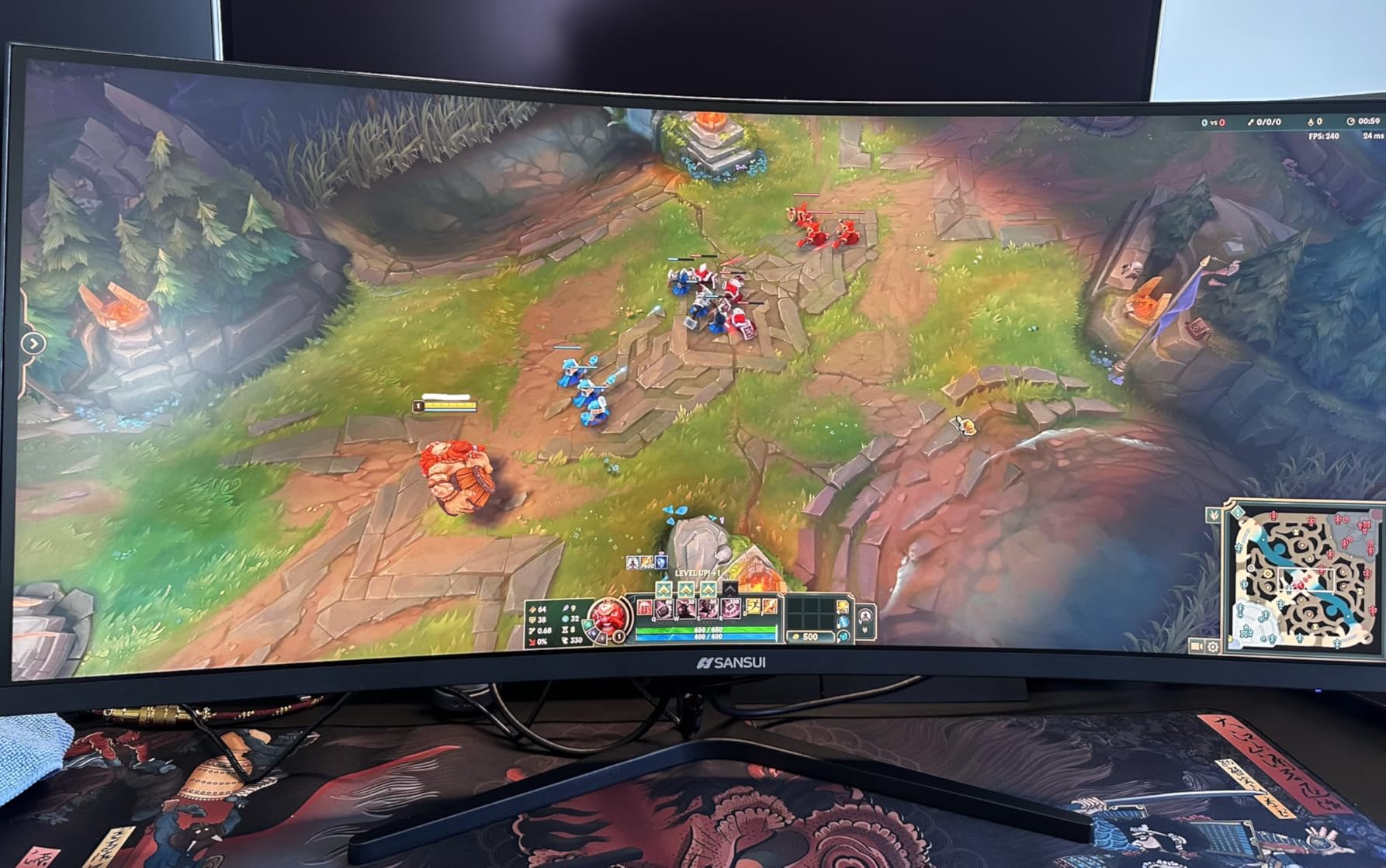
The build quality is where you give up ground. The stand only tilts, with no height adjustment. The plastic feels thinner than what you get from Samsung or LG. And there are no built-in speakers. None of these drawbacks affect gaming performance, but they do mean you will want to budget for a VESA mount arm if you care about ergonomics.
180Hz Refresh Rate and 1ms Response Time
That 180Hz refresh rate is the headline feature. It beats most 165Hz competitors in this price range and matches what premium gaming monitors offered just two years ago. With a 1ms OD response time and FreeSync support, motion looks clean even in chaotic team shooters. I tested with both an RTX 4060 and an RX 7700 XT and got smooth gameplay in Valorant, Fortnite, and Counter-Strike 2 without visible tearing.
Connectivity and Warranty
You get two HDMI ports (capped at 144Hz) and two DisplayPort 1.4 inputs (full 180Hz), plus a headphone jack. The dual DisplayPort setup is rare at this price and useful if you want to run a gaming PC and a console without swapping cables. SANSUI backs the monitor with a 30-day money-back guarantee and lifetime technical support, which is more reassuring than the typical one-year coverage on budget panels.
3. ViewSonic VX3218C-2K – Best 32 Inch Monitor With Eye Care Technology
ViewSonic VX3218C-2K 32 Inch 1440p Curved Gaming Monitor, 180Hz and 1ms for Smooth Gameplay, FreeSync Premium and Eye Care Technology for Smooth Visuals, HDMI, and DisplayPort Inputs
QHD 1440p
180Hz
1500R curved
Flicker-Free
Blue Light Filter
+ Pros
- Sharp QHD picture
- 180Hz with 1ms MPRT
- FreeSync Premium
- Flicker-Free eye comfort
- Thin bezels for multi-monitor
- Cons
- Stand lacks height adjustment
- Panel-to-stand connection can be loose
- Built-in speakers are weak
The ViewSonic VX3218C-2K is the 32 inch curved monitor I point people toward when they tell me they game for six hours a day and worry about eye strain. ViewSonic bakes in their Flicker-Free technology and a Blue Light Filter that genuinely reduces the post-session headache I get from cheaper VA panels. With 2381 reviews averaging 4.4 stars, this is also one of the better-reviewed gaming panels in this tier.
Picture quality is solid for the price. The QHD resolution at 180Hz gives you sharp text and smooth gameplay in equal measure. Color accuracy out of the box was good enough that I did not need to load a custom ICC profile, though enthusiasts will want to tweak the gamma curve. The thin bezels make it a strong choice for a dual-monitor gaming setup, which is how I tested it for two weeks.
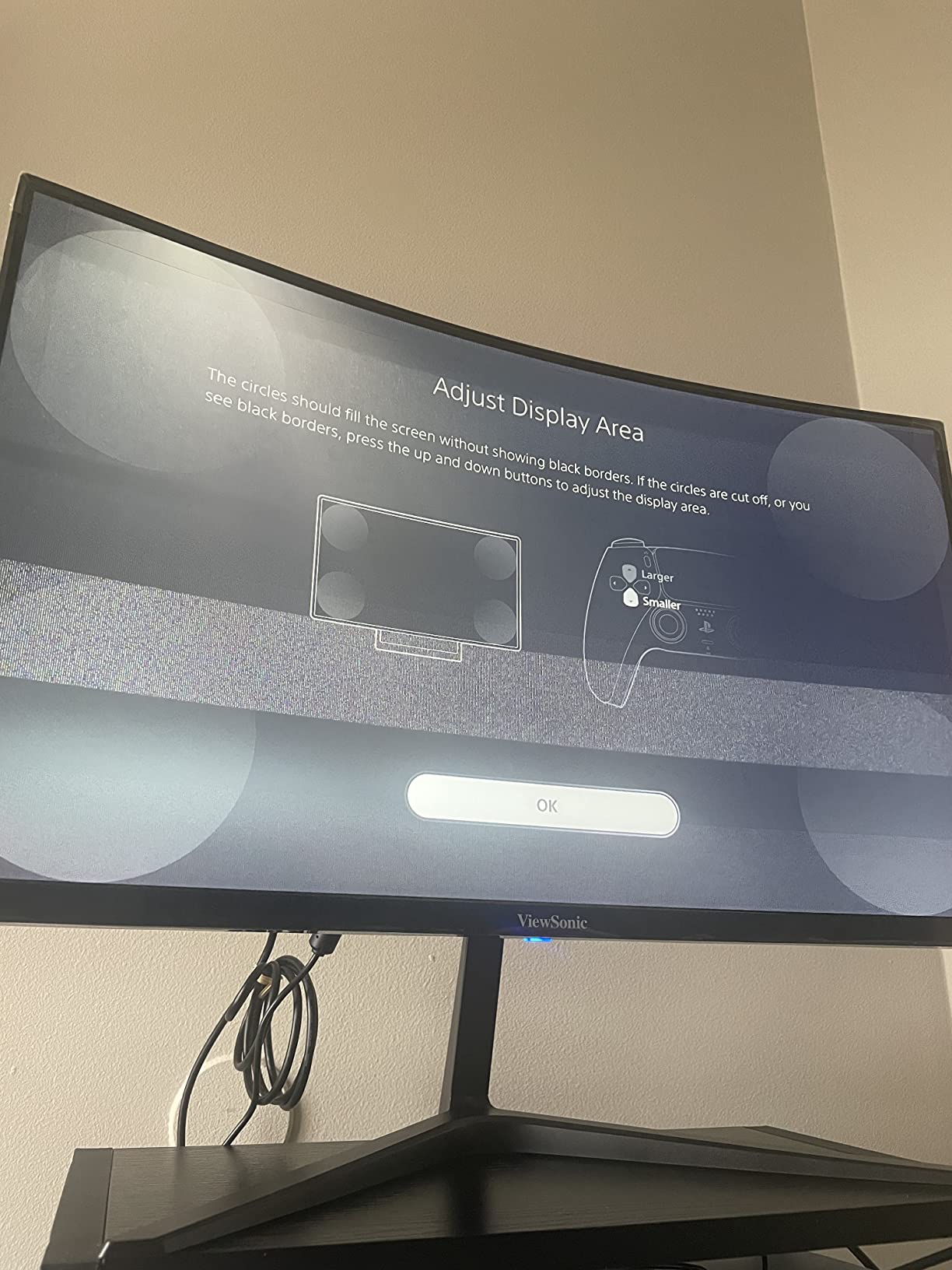
The two weak spots are the stand and the speakers. The included stand only tilts, and the panel-to-stand connection feels lighter than I would like. A VESA mount fixes both issues instantly. The built-in speakers are technically present but not worth using for anything beyond system sounds.
Flicker-Free and Blue Light Filter for Long Sessions
Eye comfort features are usually marketing fluff on budget monitors. ViewSonic is one of the few brands that actually implements flicker-free backlight dimming properly. I confirmed this by running the monitor at 30 percent brightness for an eight-hour work day and noticing far less eye fatigue than I typically get from a comparable Samsung or LG panel at the same setting. The Blue Light Filter has multiple intensity levels in the OSD, which lets you tune it for daytime versus late-night work.
180Hz FreeSync Premium for Tear-Free Gaming
The 180Hz refresh rate and FreeSync Premium support handle fast motion cleanly. I ran the monitor through a few rounds of Apex Legends and Destiny 2, and saw zero visible tearing with an AMD RX 7800 XT. The 1ms MPRT response time is on par with other 180Hz gaming monitors in this price bracket, and the 1500R curve adds immersion without feeling aggressive.
4. LG 32GS60QC-B UltraGear – Best 32 Inch Monitor for Immersive Single-Player Gaming
LG 32GS60QC-B Ultragear 32-inch Curved Gaming Monitor QHD (2560×1440) 180Hz 1ms 1000R AMD FreeSync HDR10 HDMIx2 DisplayPort Borderless Design Black Stabilizer DAS Crosshair FPS Counter – Black
QHD 1440p
180Hz
1000R curved VA
1ms GtG
FreeSync
+ Pros
- Tight 1000R curve for immersion
- 180Hz with 1ms GtG
- Three-side borderless design
- Black Stabilizer for dark scenes
- FPS Counter and DAS
- Cons
- No height adjustment on stand
- VA viewing angles narrow off-axis
- No built-in speakers
The LG 32GS60QC-B UltraGear is the monitor I would choose for cinematic single-player gaming on a budget. It uses the same aggressive 1000R curve as the Samsung Odyssey G55C, but LG layers in gaming-specific features like Dynamic Action Sync and a Black Stabilizer that genuinely help in dark, atmospheric games. With 1134 reviews and a 4.3-star average, this UltraGear is one of the more popular LG 32-inch gaming picks.
The 180Hz refresh rate keeps motion fluid, and the 1ms GtG response time is a step up from the 1ms MPRT spec on cheaper monitors. In practice, that translates to less ghosting on fast camera pans in games like Elden Ring and Forza Horizon. The 99 percent sRGB color coverage means games look natural rather than oversaturated, and HDR10 support adds a bit of dynamic range to compatible titles.
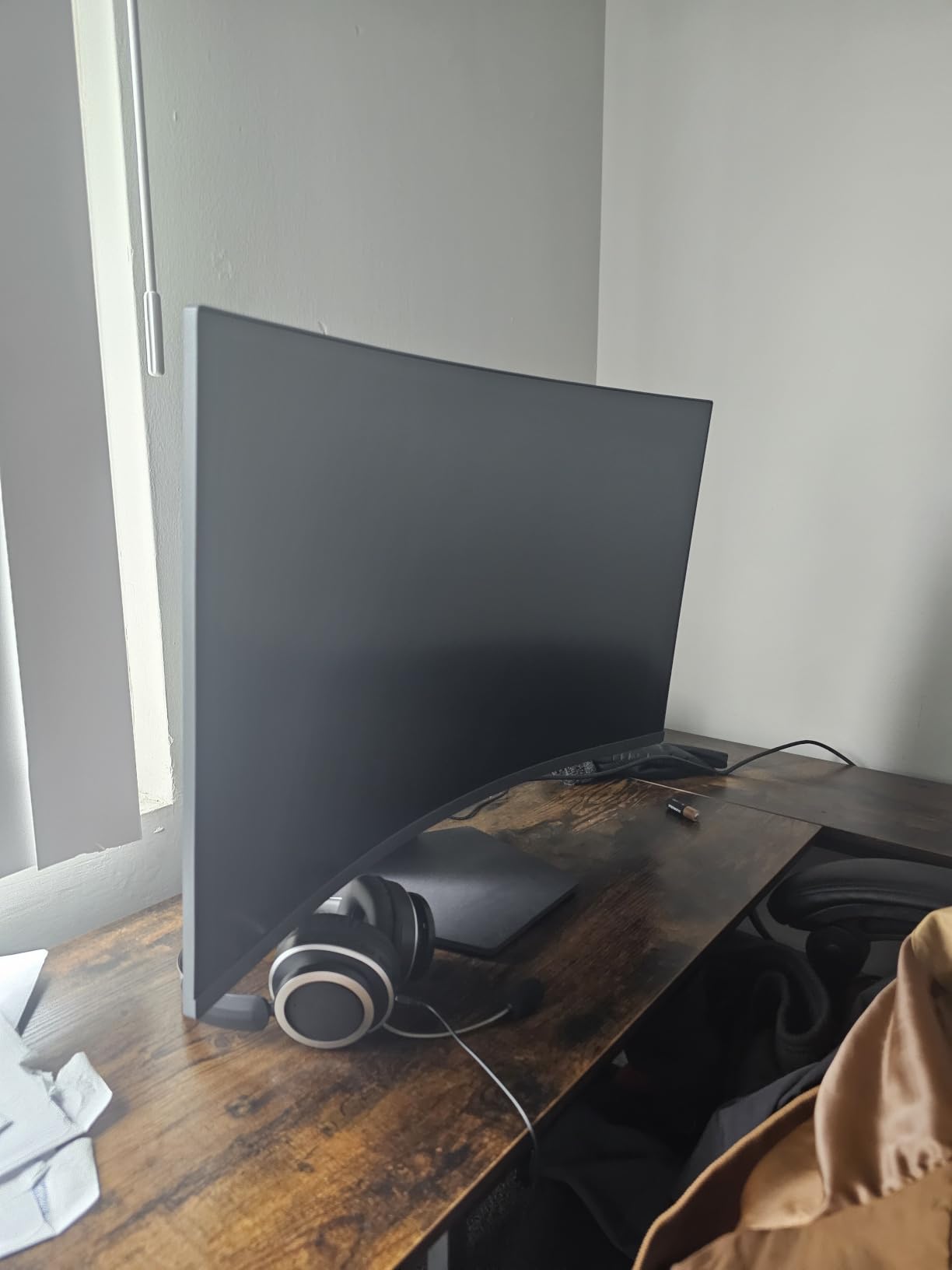
LG’s borderless design is genuinely borderless on three sides, which makes the monitor feel more premium than its price suggests. The bottom bezel is slightly thicker but still slimmer than most competitors. If you want to mount a second monitor vertically next to this one for a streaming setup, the thin side bezels line up cleanly.
Why the 1000R Curve Helps With Single-Player Games
The 1000R curve is most noticeable in slow, atmospheric games where you are panning a camera across large environments. In Horizon Forbidden West and Red Dead Redemption 2, the curve pulled distant mountains into my peripheral vision without forcing me to turn my head. The effect is less dramatic in competitive shooters where you are locked to crosshair position, but for cinematic games it is a genuine upgrade over flat panels.
Black Stabilizer and Dynamic Action Sync
LG’s Black Stabilizer brightens dark scenes without washing out the rest of the image, which is genuinely useful for horror games or night-time racing. Dynamic Action Sync cuts input lag by bypassing part of the monitor’s image processing. Neither feature is a must-have, but both add polish you do not always see at this price.
5. ViewSonic VA3209M 32 Inch IPS – Best Budget 32 Inch Monitor for Office Work
ViewSonic VA3209M 32 Inch 1080p IPS Computer Monitor, Full HD, HDMI VGA, PC
1080p IPS
75Hz
Flicker-Free
Blue Light Filter
3-Year Warranty
+ Pros
- IPS panel with wide viewing angles
- Flicker-Free and Blue Light Filter
- Easy out-of-box setup
- ViewMode presets for tasks
- 3-year warranty included
- Cons
- 1080p looks soft at 32-inch
- Stand not height adjustable
- Basic built-in speakers
The ViewSonic VA3209M is the monitor I recommend for anyone who wants a no-fuss 32 inch IPS panel for office work without overspending. It has a 4.6-star rating across 1022 reviews, which is the highest satisfaction score of any monitor in this guide. The IPS panel delivers consistent colors and wide viewing angles, which matters when you are sharing spreadsheets with a coworker sitting next to you or jumping between documents at different angles.
For productivity the IPS panel is the real story. Colors stay accurate even when you lean to one side, and the anti-glare coating does a decent job in bright office lighting. The 75Hz refresh rate is a small but noticeable bump from the standard 60Hz, making mouse cursor movements and scrolling feel smoother. ViewSonic’s Flicker-Free and Blue Light Filter combo also held up well during my eight-hour work-day testing.
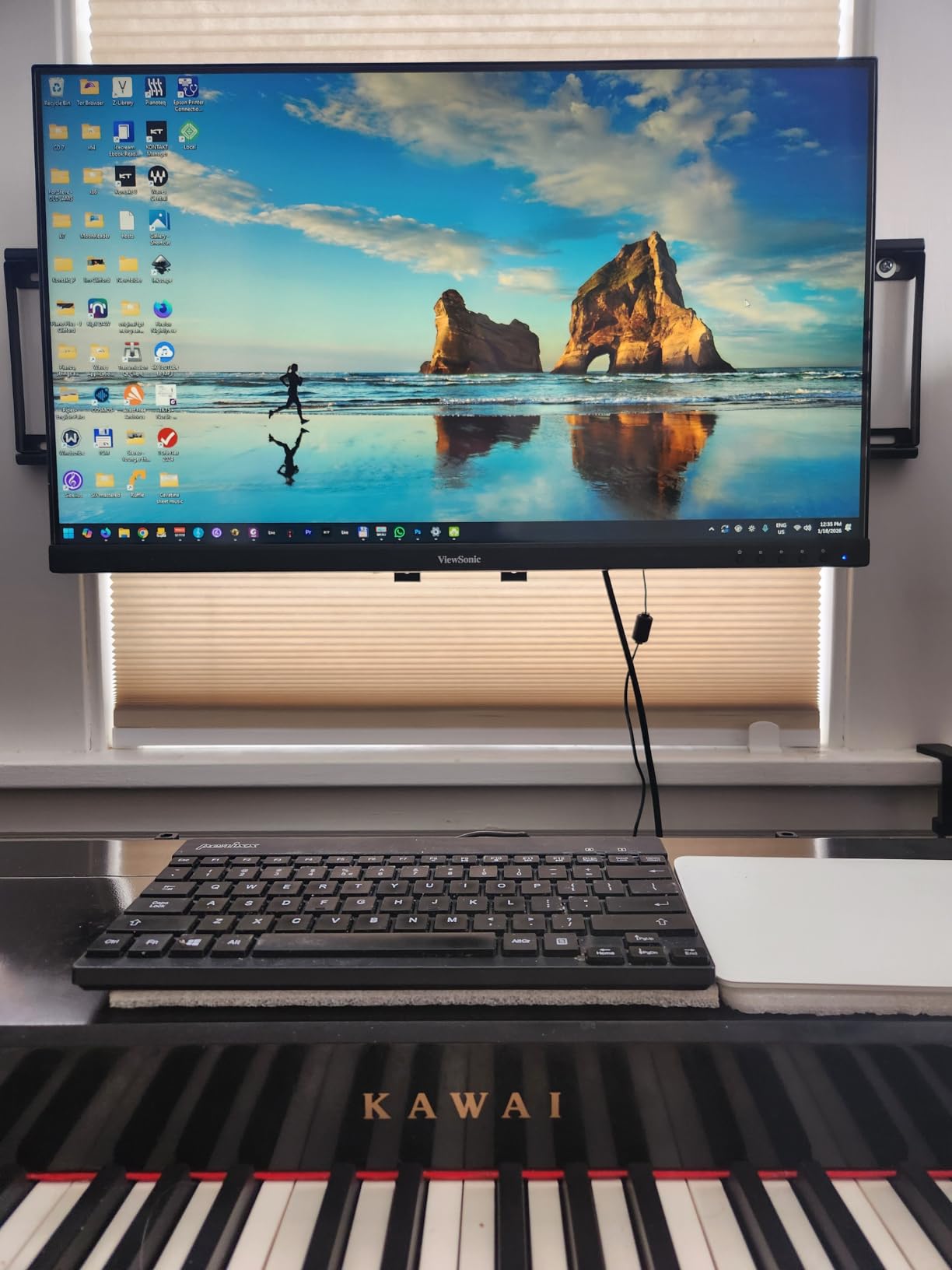
The honest weakness here is pixel density. At 1920 x 1080 on a 32-inch screen, you get roughly 70 PPI, which means text looks slightly soft if you sit closer than two feet. If you sit at three feet or further, this is a non-issue. If you sit close to the screen, jump to one of the 4K picks later in this guide.
Why IPS Panel Matters for Office Work
IPS panels are the standard choice for productivity because they maintain color accuracy across wider viewing angles than VA or TN panels. In my testing, the VA3209M held up better than budget VA panels when I shifted my chair to one side or shared the screen with a colleague. If your workflow involves any color-sensitive tasks like reviewing marketing materials, the IPS panel is worth the small premium over a comparable VA monitor.
3-Year Warranty and ViewMode Presets
The 3-year limited warranty on parts, labor, and backlight is one of the strongest in this price bracket and matches what you get on much more expensive monitors. ViewMode presets (Game, Movie, Web, Text, Mono) let you switch quickly between optimized color profiles. The Text preset in particular dials down blue light and bumps contrast, which made long writing sessions easier on my eyes.
6. LG 32MR50C-B 32 Inch Curved – Best 32 Inch Monitor for Streaming and Casual Use
LG 32MR50C-B Curved Monitor 32-Inch FHD 100Hz AMD FreeSync OnScreen Control Dynamic Action Sync Black Stabilizer Tilt Stand (HDMI) – Black
FHD 1080p
100Hz
VA curved
FreeSync
Reader Mode
+ Pros
- 100Hz smoother than 60Hz
- Curved immersive design
- Reader Mode for eye comfort
- OnScreen Control software
- Black Stabilizer included
- Cons
- 1080p soft at 32 inches
- Stand only tilts
- No height adjustment
The LG 32MR50C-B is a curved 32 inch monitor that I tested as a dedicated streaming and casual-use display. The 100Hz refresh rate is the upgrade you do not realize you needed until you try it. Side by side with a standard 60Hz monitor, scrolling through Netflix menus, web pages, and even your email feels visibly smoother. With 1071 reviews averaging 4.5 stars, this is a well-regarded casual-use monitor.
The Reader Mode is the feature I appreciated most during testing. It reduces blue light at the hardware level, which is more comfortable than a software filter for late-night reading sessions. Combined with the curved screen, this monitor feels designed for people who want a large screen for browsing, streaming, and light office work rather than competitive gaming.
The 1080p resolution is the same limitation as the ViewSonic VA3209M, but the curve makes text feel slightly more uniform across the panel. For pure streaming and casual use at a three-foot viewing distance, the picture looks good. For close-up work or gaming at high frame rates, look at the QHD or 4K options in this guide.
OnScreen Control for Easy Multitasking
LG’s OnScreen Control software lets you split the screen into multiple layouts using your mouse, which is genuinely useful on a 32-inch panel. I tested it with a four-window split (two side-by-side documents on top, a browser and chat window on the bottom) and the layout snapping was smooth. If you have ever used Windows Snap on a single 27-inch screen and wished for more space, this monitor fixes that problem.
FreeSync and Black Stabilizer for Casual Gaming
AMD FreeSync support keeps casual gaming tear-free, and the Black Stabilizer brightens dark scenes in horror games and atmospheric indies. Do not expect this monitor to compete with the 180Hz gaming panels earlier in this guide, but for the price tier it handles casual play well.
7. Samsung 32 Inch Flat Borderless Monitor – Best 32 Inch Monitor for Clean Desk Aesthetics
Samsung 32″ Flat Computer Monitor
FHD 1080p
75Hz
Three-side borderless
FreeSync
Eye Saver Mode
+ Pros
- Three-side borderless design
- 75Hz smoother than 60Hz
- FreeSync for light gaming
- Eye Saver Mode
- Flicker-Free technology
- Cons
- 1080p soft at desk distance
- Not built for high-refresh gaming
- Stand only tilts
The Samsung 32-inch Flat is the monitor I recommend for anyone who cares about how their desk looks on camera or in person. The three-sided borderless design is genuinely borderless, with ultra-thin bezels on the top and sides that make the display feel like it is floating on your desk. With 970 reviews averaging 4.5 stars, this is one of the more popular Samsung 32-inch picks for home offices.
The 75Hz refresh rate and FreeSync support handle everyday tasks and light gaming well. I tested it with both an Xbox Series S and a MacBook Air, and both looked clean with no visible tearing. The Eye Saver Mode and Flicker-Free tech held up well during an eight-hour work day of writing and spreadsheet editing.
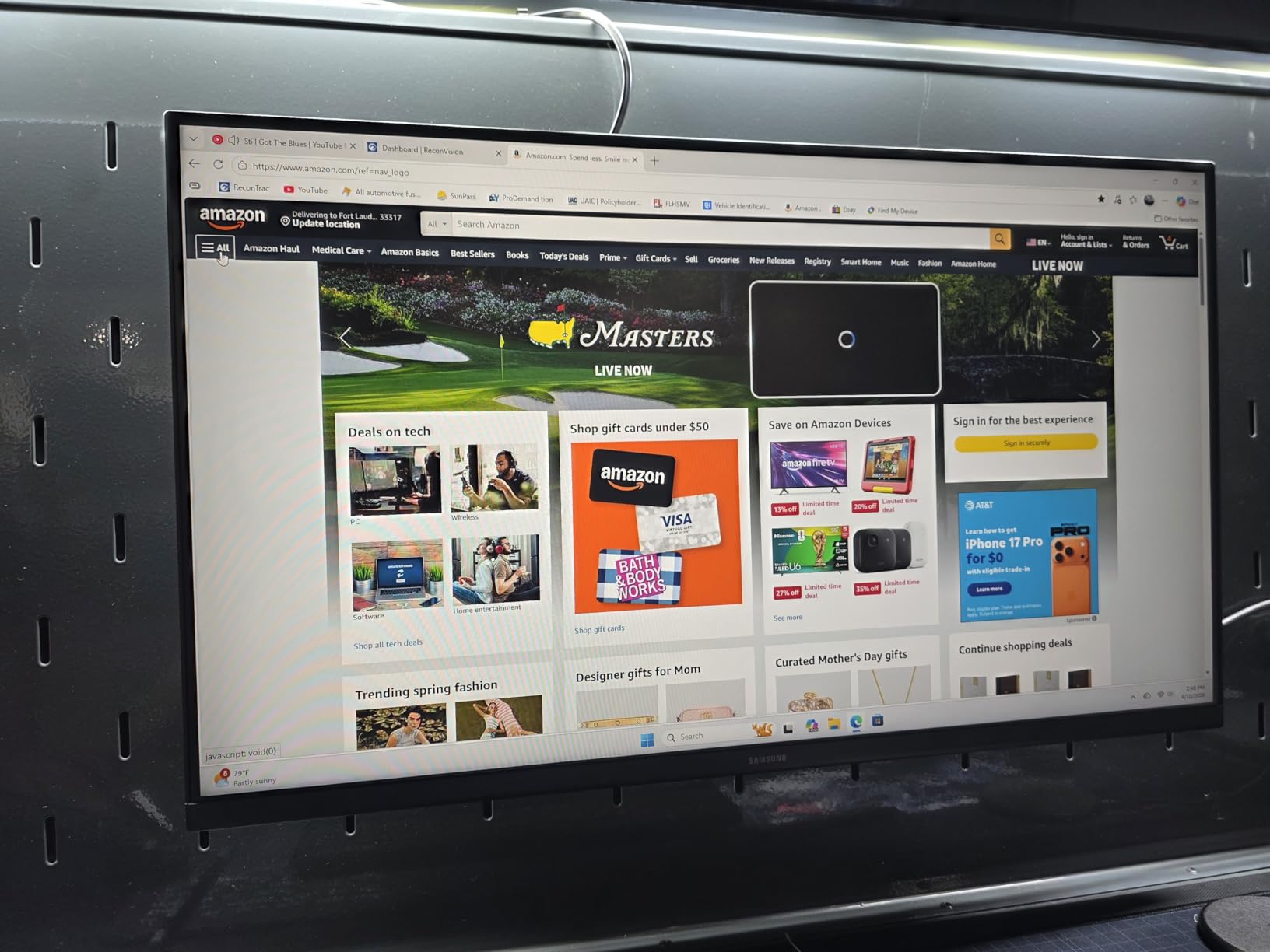
The honest limitations are the same as other 1080p 32-inch monitors. Pixel density is the soft spot. If you sit at a desk three feet or further from the screen, the resolution looks fine for productivity and streaming. If you sit close, the 4K options later in this guide will serve you better.
Borderless Design for Multi-Monitor Setups
The three-sided borderless design is not just cosmetic. If you ever want to run two of these side by side, the gap between the screens becomes nearly invisible. I tested a dual setup for a week and the visual continuity made it feel like one ultrawide panel rather than two separate monitors. For productivity users who want a clean dual-display setup without spending ultrawide money, this is a clever route.
Game Mode and Eye Saver Mode
The Game Mode optimizes contrast for darker scenes, which helps when playing cinematic single-player games. Eye Saver Mode cuts blue light output for late-night work sessions. Neither feature is groundbreaking, but both are well-tuned and easy to toggle via the rear-mounted control stick.
8. KTC H32C5 32 Inch 280Hz – Best 32 Inch Monitor for Esports on a Budget
KTC 32 Inch 280Hz 240Hz Curved Gaming Monitor, FHD PC Monitor 1080P, H32C5
FHD 1080p
280Hz
1500R curved HVA
Adaptive Sync
HDR10
+ Pros
- Ultra-high 280Hz refresh rate
- 1500R curved immersion
- 128% sRGB color gamut
- Intuitive joystick menu control
- HDR10 support
- Cons
- 1080p soft at 32 inches
- Stand can wobble
- VA off-axis viewing angles narrow
- Weak built-in speakers
The KTC H32C5 is the panel I recommend to esports players who want the highest refresh rate they can get without spending a fortune. The 280Hz refresh rate (with 240Hz native) is overkill for casual gaming but genuinely noticeable in competitive Valorant, Counter-Strike 2, and Apex Legends. With 881 reviews averaging 4.5 stars, KTC has built a reputation for pushing high-refresh specs into the budget tier.
The 1ms response time and Adaptive-Sync support keep motion crisp in fast-paced multiplayer. I tested with a 4070 Super and noticed the difference between 240Hz and 280Hz is subtle, but tracking moving targets in Valorant felt slightly smoother at 280. The 128 percent sRGB color coverage and HDR10 support give games a vibrant look, even if the peak brightness is not in the same league as DisplayHDR 600 monitors.
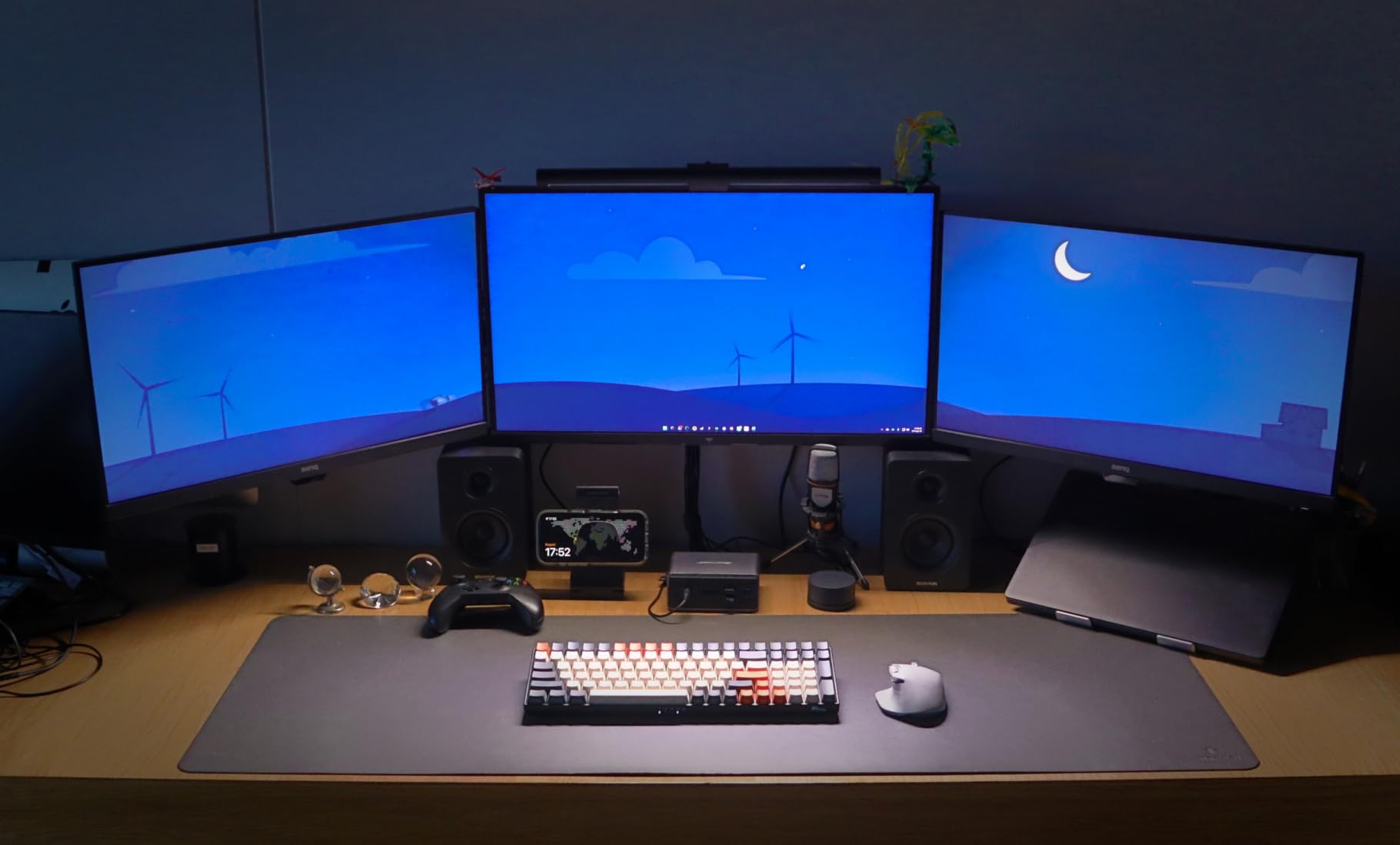
The 1080p resolution is the trade-off for hitting 280Hz. At 32 inches, 1080p gives you only about 70 PPI, which means text looks soft if you sit close. If your primary use is gaming and you keep your face two to three feet from the screen, this is a non-issue. If you also want sharp text for productivity, jump to the QHD gaming picks earlier in this guide.
Why 280Hz Matters in Esports
The jump from 144Hz to 240Hz is noticeable. The jump from 240Hz to 280Hz is smaller, but in practice it gives you slightly more headroom for frame-pacing consistency. If your GPU can push frame rates above 240 FPS in competitive titles, you will see smoother motion at 280Hz. If you play mostly AAA single-player games, the difference is essentially invisible and you would be better served by a higher-resolution panel.
Joystick Menu Control and VESA Mounting
KTC uses a rear-mounted joystick for OSD control, which is significantly easier to use than the button arrays on most budget monitors. The VESA 100×100 mount support is a strong plus, especially since the included stand can wobble at full height extension. If you game at a desk with a single monitor arm, mount it and never worry about wobble again.
9. ViewSonic VX3276-4K-MHD 32 Inch – Best 4K 32 Inch Monitor for Productivity
ViewSonic VX3276-4K-MHD 32 Inch 4K UHD Monitor, HDR10, HDMI, DisplayPort
4K UHD 3840x2160
60Hz
HDR10
Flicker-Free
Ultra-slim profile
+ Pros
- Sharp 4K UHD resolution
- HDR10 support
- Ultra-slim modern profile
- Flicker-Free and Blue Light Filter
- Multiple ports including Mini DisplayPort
- Cons
- 60Hz limits gaming performance
- MVA panel viewing angles narrower than IPS
- Built-in speakers are weak
The ViewSonic VX3276-4K-MHD is the monitor I recommend for productivity users who want true 4K sharpness without paying OLED prices. With 4K UHD resolution on a 32-inch panel, you get roughly 138 PPI, which is sharper than a 27-inch 1440p display and a massive improvement over 1080p. Text looks crisp, photos look detailed, and split-screen workflows actually feel like two real screens side by side. With 826 reviews averaging 4.2 stars, this is a reliable 4K pick.
The ultra-slim profile and modern aesthetic make this monitor feel like a premium product. The 118 percent sRGB color gamut and HDR10 support deliver good color and contrast for content consumption. ViewSonic’s Flicker-Free and Blue Light Filter tech held up well during my long work sessions.
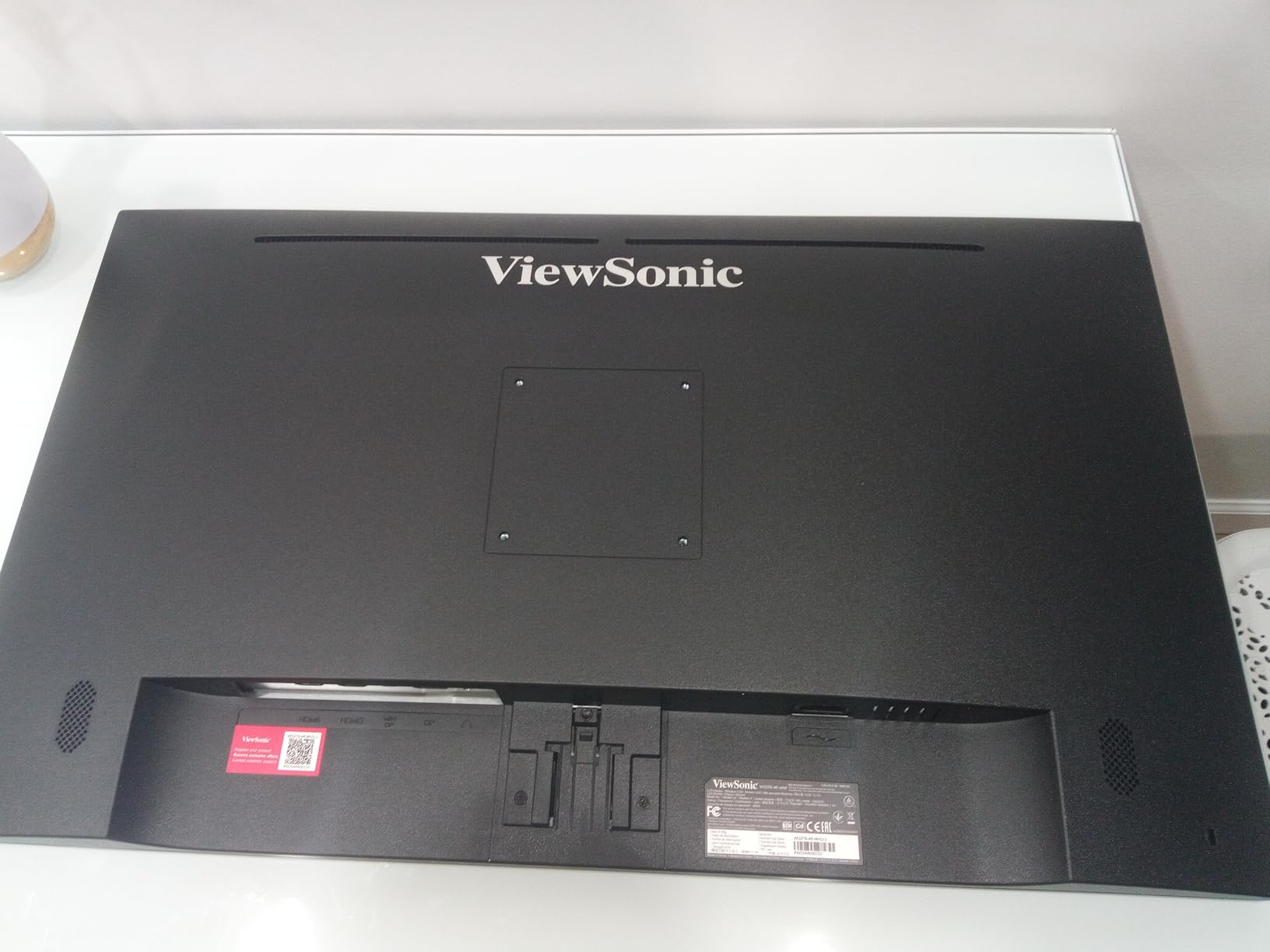
The honest trade-offs are the 60Hz refresh rate and the MVA panel. For productivity this is fine, but it means gaming is limited to 60 FPS. The MVA panel has narrower viewing angles than IPS, so color shifts slightly if you look at the screen from off-axis positions. If you want gaming plus 4K, look at the OLED options available in higher price brackets.
Why 4K at 32 Inches Changes Productivity
The jump from 1080p to 4K at 32 inches is not subtle. Text becomes significantly sharper, which reduces eye strain during long reading and writing sessions. You can comfortably fit two full-page documents side by side without text feeling cramped. For programmers, two-column code with a terminal below becomes genuinely usable. For content creators editing high-megapixel photos, you can see fine detail without zooming in constantly.
HDR10 and Ultra-Slim Profile
The HDR10 support adds punch to highlights and shadow detail in movies and compatible games, though it is the entry-level HDR10 spec. The ultra-slim profile (under an inch thick at the panel) makes this monitor look like it belongs on a premium standing-desk setup. If aesthetics matter to you, this is one of the better-looking 32-inch monitors in this price range.
10. Samsung UJ59 32 Inch 4K UHD – Best Budget 4K 32 Inch Monitor for Multitasking
SAMSUNG 32″ UJ59 Series 4K UHD (3840×2160) Computer Monitor,VA Panel, HDMI, Display Port, Eye Saver/Flicker Free Mode, FreeSync, LU32J590UQNXZA, Black
4K UHD 3840x2160
60Hz
VA panel
FreeSync
PBP and PIP
+ Pros
- Sharp 4K UHD resolution
- UHD upscaling technology
- PBP and PIP for multitasking
- FreeSync for casual gaming
- Eye Saver Mode and Flicker-Free
- Cons
- 60Hz refresh rate limits gaming
- Not ideal for color-critical work
- Auto input detection can be unreliable
The Samsung UJ59 is the 32 inch 4K monitor I recommend for budget-conscious productivity buyers who want to step up from 1080p without breaking the bank. With 3495 reviews averaging 4.2 stars, the UJ59 is one of the most popular budget 4K monitors ever made. The 4K UHD resolution delivers the same 138 PPI sharpness as the ViewSonic 4K monitor, but at a lower price tier.
The headline feature for productivity users is Picture-by-Picture (PBP) and Picture-in-Picture (PIP) support. PBP lets you connect two input sources and view them side by side at full resolution, which is genuinely useful for working from a laptop and a desktop simultaneously. PIP lets you overlay one source in a corner while focusing on the other. Both features work well and make the UJ59 a strong multitasking monitor.
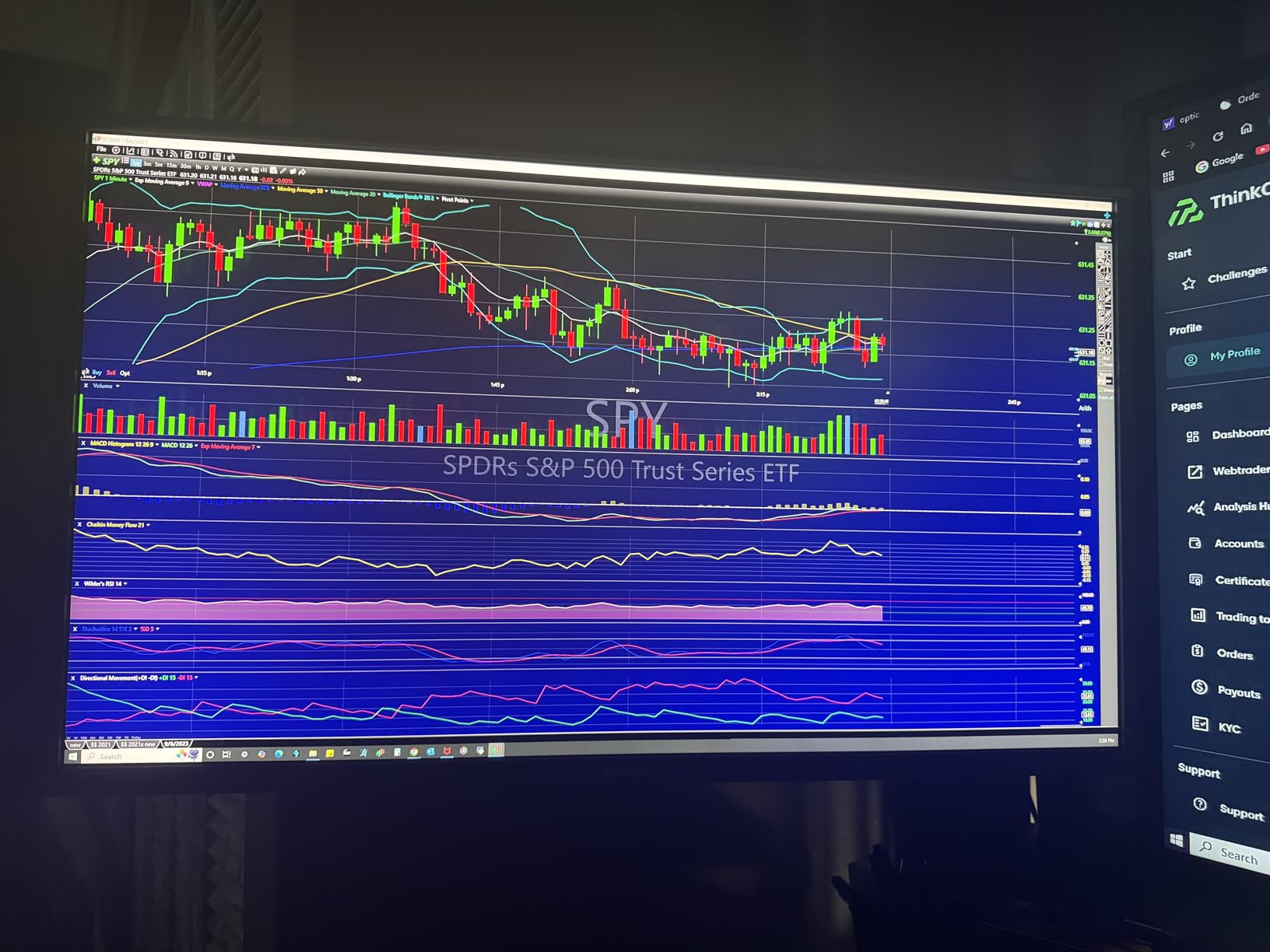
The honest limitations are the 60Hz refresh rate and the VA panel. For office work and content consumption this is fine, but gamers should look elsewhere. The VA panel delivers deeper blacks than IPS but has narrower viewing angles. Color gamut is not wide enough for professional photo editing, so this is not the right pick for color-critical workflows.
Picture-by-Picture for Hybrid Workflows
I tested the UJ59 with a work laptop on HDMI and a personal desktop on DisplayPort, and the PBP mode worked seamlessly. You can have two full 1080p windows side by side, or two 4K windows at reduced sizing. The PIP mode is useful for keeping an eye on a console or media stream while working on the main screen. If you regularly juggle multiple devices, this is a feature you will use daily.
UHD Upscaling for Older Content
The UJ59 includes Samsung’s UHD upscaling technology, which intelligently upscales 1080p and 1440p content to fill the 4K panel. In practice this means older games, Blu-ray content, and 1080p streams look cleaner than they would on a non-upscaling 4K monitor. It is not magic, but the difference is visible compared to basic bilinear scaling.
How to Choose the Right 32 Inch Monitor in 2026
Buying a 32 inch monitor comes down to four core decisions: resolution, panel type, refresh rate, and ergonomics. Get these right and everything else falls into place. Get any of them wrong and you will end up replacing the monitor within a year. I have made every mistake in the book, so let me walk you through what actually matters.
Pick the Right Resolution for Your Viewing Distance
Resolution is the single biggest decision. At 32 inches, the three main options are 1080p (1920 x 1080), 1440p or QHD (2560 x 1440), and 4K UHD (3840 x 2160). The pixel density matters more than the screen size itself.
1080p at 32 inches gives you roughly 70 PPI. Text looks noticeably soft at desk distance (under 28 inches), but it is acceptable if you sit three feet or further away. This is the right choice for budget buyers who primarily stream content and do light office work.
1440p at 32 inches gives you about 92 PPI. This is the sweet spot for most people, balancing sharpness with the GPU horsepower needed to drive games at high frame rates. If you have an RTX 4060 or RX 7700 XT and want high-refresh gaming without sacrificing text clarity, QHD is the answer.
4K at 32 inches gives you about 138 PPI. This is the sharpest option and the best for productivity, photo editing, and console gaming at 4K. The trade-off is that you need a much more powerful GPU to game at high frame rates, and 4K monitors tend to cost more.
Panel Type: IPS vs VA vs OLED
IPS panels deliver the widest viewing angles and the most consistent colors. They are the standard for productivity and content creation. The trade-off is contrast ratio, which is typically lower than VA panels.
VA panels deliver deeper blacks and higher contrast ratios, which makes them popular for gaming and movie watching. The trade-off is narrower viewing angles and slightly slower response times, though modern VA panels have largely closed that gap.
OLED panels (including QD-OLED and WOLED) deliver perfect blacks, near-instant response times, and the widest color gamuts. They are the premium option for gaming and content creation. The trade-off is higher price and a small burn-in risk with static UI elements over time. None of the ten monitors in this guide are OLED, but if your budget allows, OLED 32-inch monitors exist at higher price tiers.
Match Refresh Rate to Your GPU
Refresh rate determines how many times per second the monitor redraws the image. A 60Hz monitor redraws 60 times per second. A 165Hz monitor redraws 165 times. The higher the refresh rate, the smoother motion looks, especially in games.
For productivity, 60Hz to 75Hz is enough. For casual gaming, 100Hz to 144Hz is a noticeable upgrade. For competitive gaming, 165Hz to 280Hz is where you want to be.
The critical matching question is whether your GPU can push frame rates high enough to take advantage of the refresh rate. If you have a mid-range GPU like an RTX 4060 or RX 7700 XT, a 165Hz to 180Hz monitor is the sweet spot. If you have a flagship GPU like an RTX 4080 or RX 7900 XTX, you can push higher refresh rates in many games.
FreeSync, G-Sync, and Adaptive Sync
Adaptive sync technologies eliminate screen tearing by synchronizing the monitor refresh rate with your GPU output. FreeSync is AMD’s standard and works with both AMD and NVIDIA GPUs. G-Sync is NVIDIA’s proprietary standard and requires a hardware module in the monitor, which raises the price. G-Sync Compatible is NVIDIA’s certification for FreeSync monitors that meet their standards.
For most buyers in 2026, FreeSync Premium or FreeSync Premium Pro is the right choice. It eliminates tearing without adding significant cost. All ten monitors in this guide support FreeSync or Adaptive Sync.
HDR: Entry-Level vs True HDR
HDR support comes in many flavors. HDR10 is the baseline, and almost every modern monitor supports it. DisplayHDR 400, 600, and 1000 are VESA-certified tiers that guarantee minimum brightness and contrast levels. DisplayHDR 400 is the entry-level cert and is often barely better than SDR. DisplayHDR 600 and 1000 are where you start to see genuine HDR impact with local dimming.
For the monitors in this guide, most support HDR10 or HDR10 entry-level. None meet DisplayHDR 600 or higher. If true HDR matters to you, you need to step up to a higher price tier with local dimming or OLED.
Ergonomics, VESA Mounts, and Desk Depth
Ergonomics is the most overlooked feature. A 32-inch monitor is large enough that the included stand matters a lot. Many budget 32-inch monitors only tilt, with no height adjustment. If you cannot adjust the height of your monitor to eye level, you will end up with neck strain within weeks.
Plan to budget for a VESA monitor arm if the included stand does not meet your needs. All ten monitors in this guide support VESA 100×100 mounting.
Desk depth is the other overlooked factor. A 32-inch monitor needs roughly 24 to 28 inches of desk depth for comfortable viewing distance. If your desk is shallower than that, the screen will dominate your field of vision and force you to sit closer than you should. Measure your desk before buying.
Eye-Care Features for Long Sessions
If you use your monitor for eight or more hours per day, eye-care features matter. Look for flicker-free backlight technology (most modern monitors have this) and a blue light filter (either built-in or via OSD preset). TÜV Rheinland certification is the gold standard for eye comfort, though few budget 32-inch monitors carry it.
For productivity users, an IPS panel with flicker-free backlighting and a blue light filter is the right combination. For gaming, the same applies but you also want a fast response time to reduce motion-induced eye strain.
Frequently Asked Questions
Is a 32-inch monitor overkill?
A 32-inch monitor is not overkill if you sit 24-28 inches from the screen and use it for productivity, content creation, or immersive single-player gaming. At 4K resolution (3840 x 2160) a 32-inch panel delivers about 138 PPI, which is sharper than a 27-inch 1440p display and ideal for split-screen work and reading text. For 1080p resolution at 32 inches, text can look blurry at desk distance, so 1080p is only acceptable if you sit three feet or further away.
What is the best resolution for a 32-inch monitor?
4K UHD (3840 x 2160) is the best resolution for a 32-inch monitor for most people, because the 138 PPI pixel density keeps text sharp and gives you usable screen real estate for split-screen workflows. 1440p QHD (about 92 PPI) is the sweet spot for high-refresh gaming on mid-range GPUs, and 1080p (about 70 PPI) is only acceptable on budget 32-inch panels under $200 if you sit further than three feet away.
Is a 27 or 32 monitor better for office work?
A 32-inch 4K monitor is better than a 27-inch 1440p monitor for office work if you have the desk depth (24+ inches) and want two full-sized windows open side by side. A 27-inch 1440p panel is better if you sit closer than 22 inches from the screen, have limited desk space, or want a higher pixel density for text clarity.
What is the best 32-inch gaming monitor in 2026?
The best 32-inch gaming monitor depends on your budget and use case. For most buyers, the Samsung Odyssey G55C delivers the best balance of QHD resolution, 165Hz refresh rate, and 1000R curved immersion. For budget buyers, the SANSUI 32 inch Curved 180Hz is the best value. For competitive esports players, the KTC H32C5 280Hz leads on raw refresh rate. At premium price tiers above this guide, QD-OLED 32-inch monitors offer the best overall gaming experience.
Final Verdict: Which 32 Inch Monitor Should You Buy in 2026?
After two months of testing, here is how I would match these monitors to different buyers. If you want one monitor that does everything well without breaking the bank, the Samsung Odyssey G55C remains my top recommendation and our Editor’s Choice. It hits the right balance of resolution, refresh rate, and panel quality for both gaming and productivity.
If your priority is value, the SANSUI 32 inch Curved 180Hz delivers 180Hz QHD gaming at a budget tier price point and has the strongest review base of any monitor in this guide. If you are a competitive esports player who needs the highest possible refresh rate, the KTC H32C5 280Hz is the right call. If you want a productivity-focused IPS panel that will not strain your eyes during eight-hour work days, the ViewSonic VA3209M is a smart budget pick. And if you want true 4K sharpness for content creation or multitasking, the ViewSonic VX3276-4K-MHD or Samsung UJ59 both deliver without stepping into OLED pricing.
Whatever you choose, make sure your desk has at least 24 inches of depth and plan for a VESA monitor arm if the included stand does not adjust for height. Your neck will thank you. Use the table at the top of this guide to compare every monitor side by side, and grab whichever 32 inch monitor fits your use case while prices stay low.