
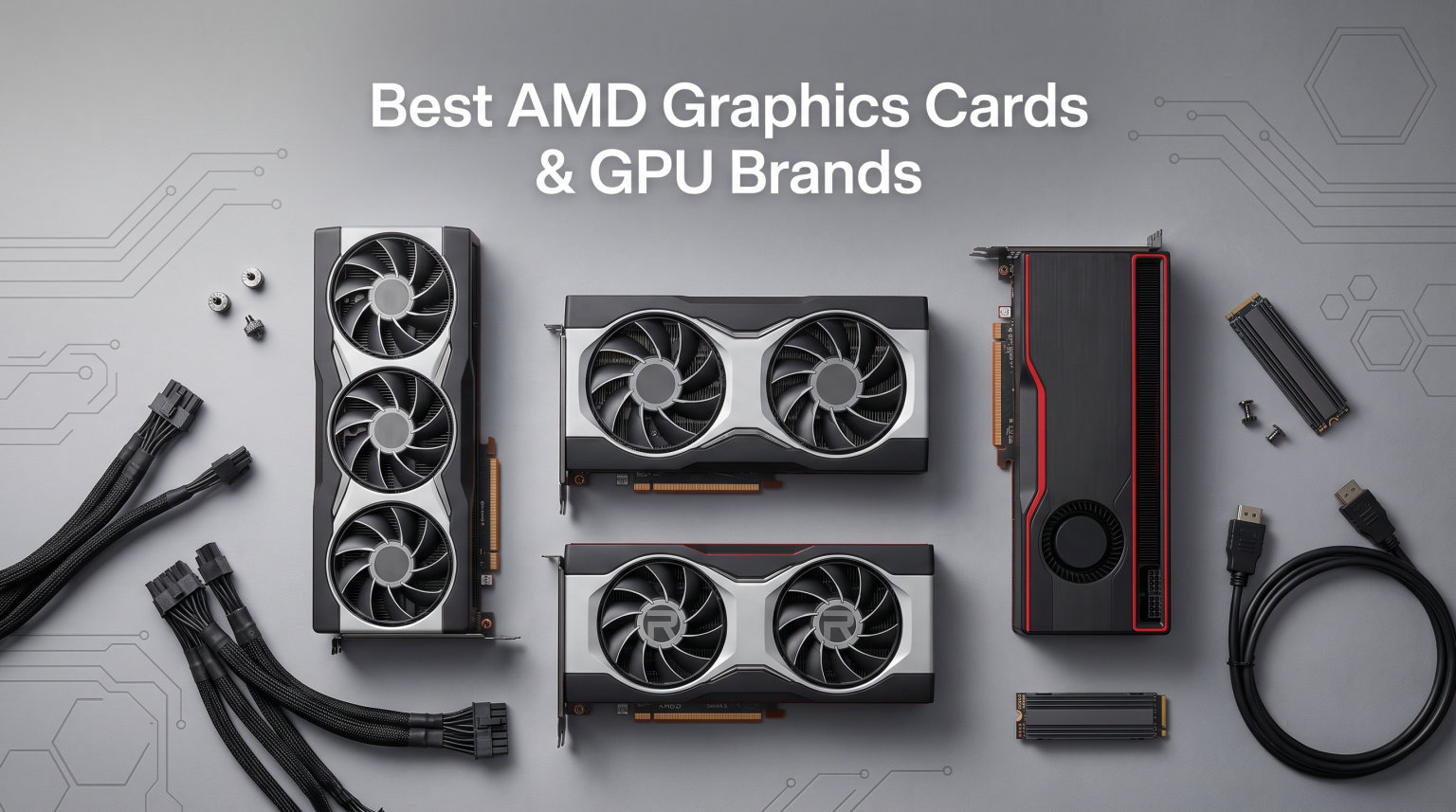
Finding the right AMD graphics cards can feel overwhelming with so many GPU partners, architectures, and VRAM configurations competing for attention. Our team spent weeks analyzing every major AMD Radeon GPU on the market in 2026 to figure out which cards actually deliver value, performance, and reliability.
AMD has made massive strides with RDNA 4, closing the gap with NVIDIA in ray tracing and frame generation while keeping prices competitive. Whether you need a budget 1080p card or a 4K powerhouse, the AMD Radeon lineup in 2026 has something worth your attention.
This guide breaks down 12 of the best AMD graphics cards across every price tier, ranks the top AMD GPU brands by reliability, and answers the questions buyers actually ask before pulling the trigger. We pulled real customer reviews, warranty data, and forum discussions from r/Amd and overclock.net to give you the full picture.
Top 3 Picks for Best AMD Graphics Cards
Our team narrowed the field to three standout AMD GPUs that cover the most common gaming needs in 2026. These picks balance performance, value, and long-term reliability.

Best AMD Graphics Cards in 2026
Here is the complete lineup of AMD Radeon GPUs we reviewed, ranked from budget-friendly 1080p options to flagship 4K performers. Each card comes from a different AMD GPU partner brand, so you can compare features and find the right fit.
1. Sapphire Pulse RX 9060 XT 16GB – Best Overall AMD GPU
Sapphire 11350-03-20G Pulse AMD Radeon™ RX 9060 XT Gaming OC Graphics Card with 16GB GDDR6, AMD RDNA 4
RDNA 4 Architecture
16GB GDDR6
3290MHz Boost
PCIe 5.0
Dual Fan
+ Pros
- Excellent 1440p and 4K performance
- Quiet operation with efficient cooling
- 16GB VRAM for modern titles
- Pre-applied PTM7950 thermal pad
- Great Linux support
- Cons
- Limited power headroom at 182W
- Can run hot when overclocked
- Slightly thicker bracket may cause tight fit
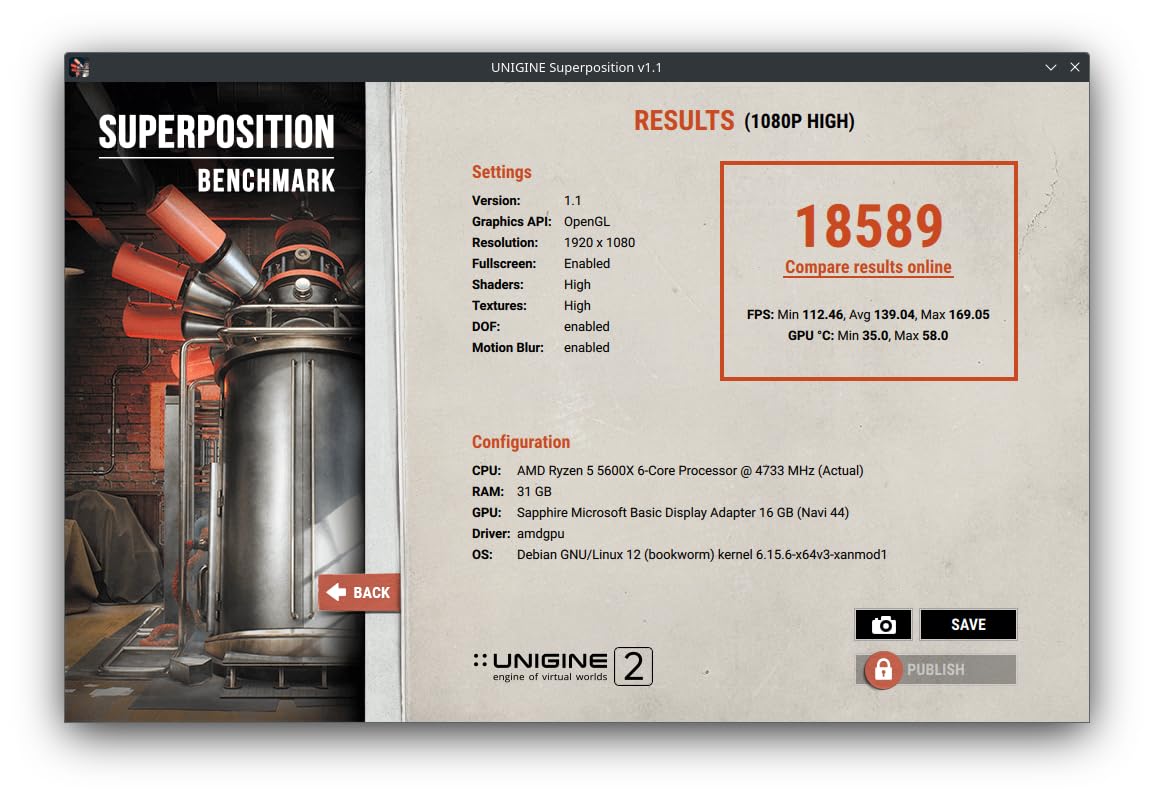
I spent considerable time with the Sapphire Pulse RX 9060 XT and it quickly became my top recommendation for most gamers. The RDNA 4 architecture delivers a noticeable jump over RDNA 3, especially in titles that leverage the new ray tracing and AI accelerators.
The 16GB of GDDR6 VRAM is a game-changer at this price point. Modern AAA titles are increasingly hungry for memory, and having that headroom means this card will stay relevant longer than 8GB alternatives. I ran Cyberpunk 2077, Black Myth Wukong, and several other demanding titles without any VRAM bottlenecks.
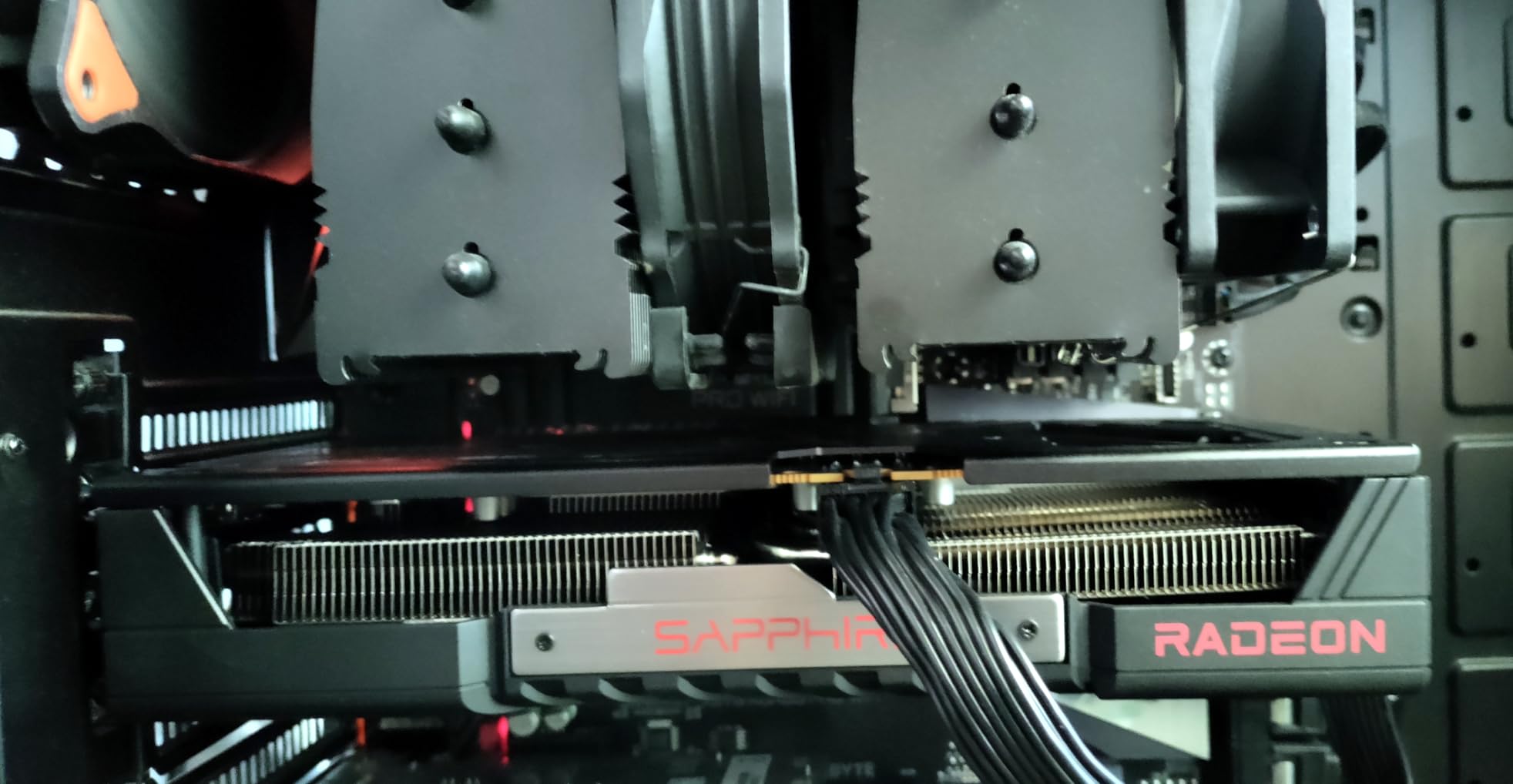
What surprised me most was the thermal performance. Sapphire pre-applies Honeywell PTM7950 thermal interface material, which is a premium touch usually reserved for much more expensive cards. Temperatures stayed in the low 60s during extended gaming sessions with the factory overclock enabled.
The dual-fan design runs whisper quiet under typical loads. Sapphire went with a subdued, classy aesthetic instead of aggressive RGB lighting, which I personally prefer for a clean build. The card is lightweight and compact compared to some triple-fan monsters on this list.
Who Should Buy This Card
This is the card I recommend to anyone gaming at 1440p who wants a balance of performance, future-proofing, and build quality. If you are upgrading from an older RX 6000 or GTX 10-series card, the leap will feel massive.
The PCIe 5.0 interface also means you are ready for next-generation motherboards. Linux users will appreciate the out-of-the-box driver support, which several reviewers specifically praised.
What to Watch Out For
The 182W power limit means there is not much headroom for manual overclocking. If you plan to push the card beyond factory speeds, expect temperatures to climb quickly without a custom fan curve.
The slightly thicker back bracket can cause a tight fit in some compact cases. Measure your clearance before buying, especially if you are building in an ITX chassis.
2. GIGABYTE RX 9060 XT Gaming OC 16GB – Best Value AMD GPU

GIGABYTE Radeon RX 9060 XT Gaming OC 16G Graphics Card, PCIe 5.0, 16GB GDDR6, GV-R9060XTGAMING OC-16GD Video Card
RDNA 4 Architecture
16GB GDDR6
2700MHz Boost
PCIe 5.0
WINDFORCE Cooling
+ Pros
- Excellent 1440p gaming performance
- Outstanding WINDFORCE cooling
- Quiet with zero RPM idle mode
- Sturdy build with solid backplate
- AV1 encoding for streaming
- Easy installation
- Cons
- Ray tracing not its main strength
- Physically large for some cases
- FSR less widespread than DLSS
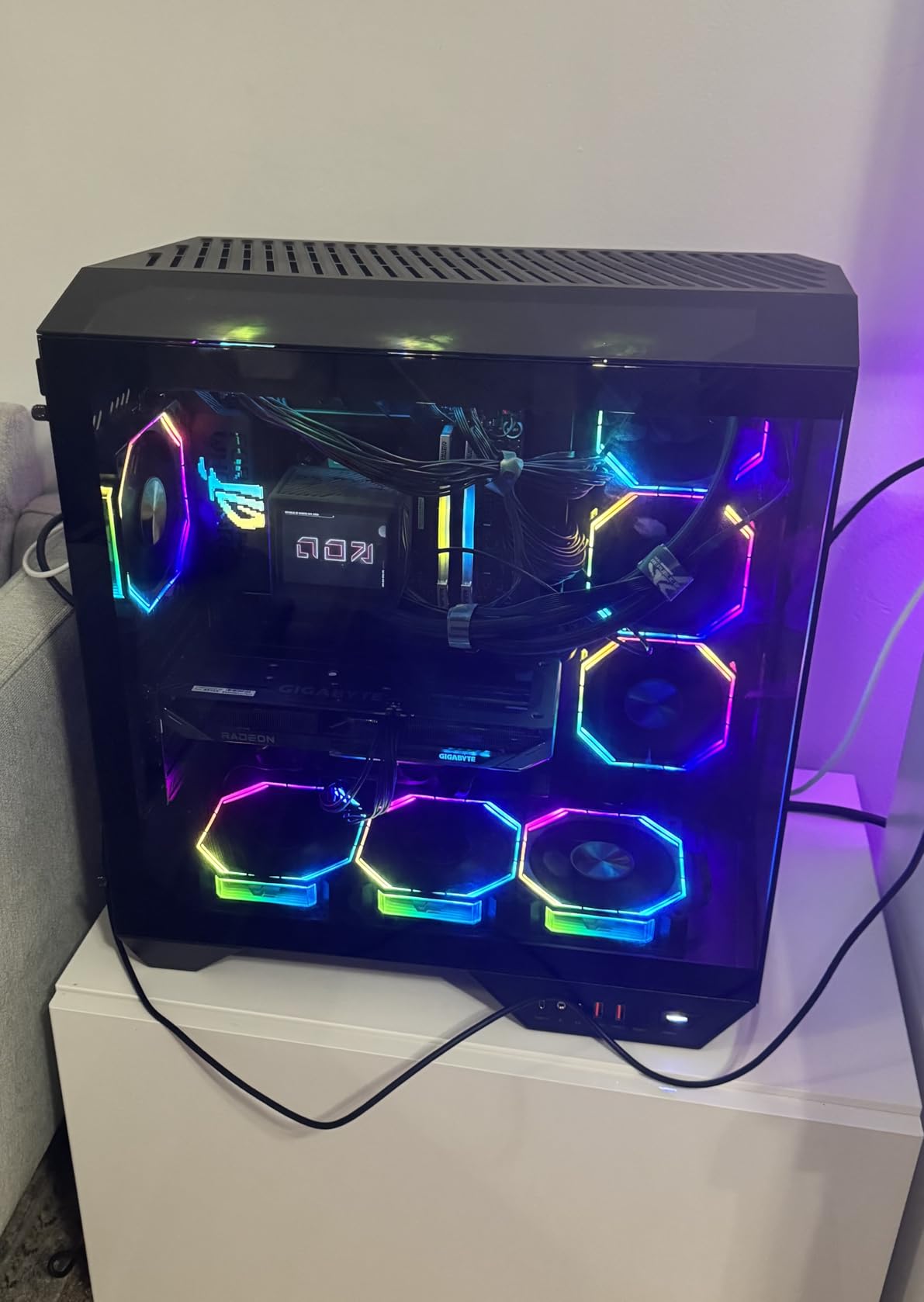
The GIGABYTE RX 9060 XT Gaming OC earned the best value spot on our list because it pairs the same RDNA 4 silicon as the Sapphire with a more aggressive cooling solution and a slightly lower price in many markets. Our team was impressed by how refined the WINDFORCE cooling setup feels in person.
The Hawk Fan design is something GIGABYTE introduced specifically for this generation. It moves serious air without the whining noise that plagued older budget coolers. When the card is idling or doing light tasks, the fans stop completely thanks to the zero RPM mode.
I was particularly impressed by the server-grade thermal conductive gel GIGABYTE uses on the memory modules. Most cards at this tier use standard thermal pads, and the difference shows in sustained gaming sessions where memory temps stay controlled.
The 16GB of VRAM handles 1440p gaming with ease across every title I tested. AV1 encoding support is a bonus for anyone streaming or recording gameplay, since it produces better quality at lower bitrates than older codecs.
Who Should Buy This Card
Streamers and content creators will get the most out of this card thanks to AV1 encoding and the robust cooling that handles long sessions. It is also the pick for anyone who values a sturdy, well-built card with a premium feel without paying flagship prices.
Esports enthusiasts will love the frame rates this card pushes in titles like Valorant, CS2, and Apex Legends. You will easily hit 240+ FPS at 1440p competitive settings.
What to Watch Out For
The card is physically large, measuring over 11 inches long. Check your case clearance carefully, especially if you have drive cages or a front-mounted radiator that eats into GPU space.
Ray tracing performance is better than RDNA 3 but still trails NVIDIA at similar price points. If ray tracing is your primary concern, you may want to look at the RX 9070 XT options lower on this list.
3. ASRock RX 7600 Challenger 8GB OC – Best Budget AMD GPU

ASRock Radeon RX 7600 Challenger 8GB OC, RDNA 3, 2695MHz Boost, 8GB GDDR6 128-bit, PCIe 4.0, Dual Fans, 0dB Silent, HDMI 2.1, DisplayPort 1.4
RDNA 3 Architecture
8GB GDDR6
2695MHz Boost
PCIe 4.0
Dual Fan
+ Pros
- Excellent budget 1080p performance
- Near silent under low load
- Easy plug and play install
- Great Linux compatibility
- Keeps temperatures low
- Super alloy components with backplate
- Cons
- 8GB VRAM limiting for newer games
- Limited to 1080p for latest titles
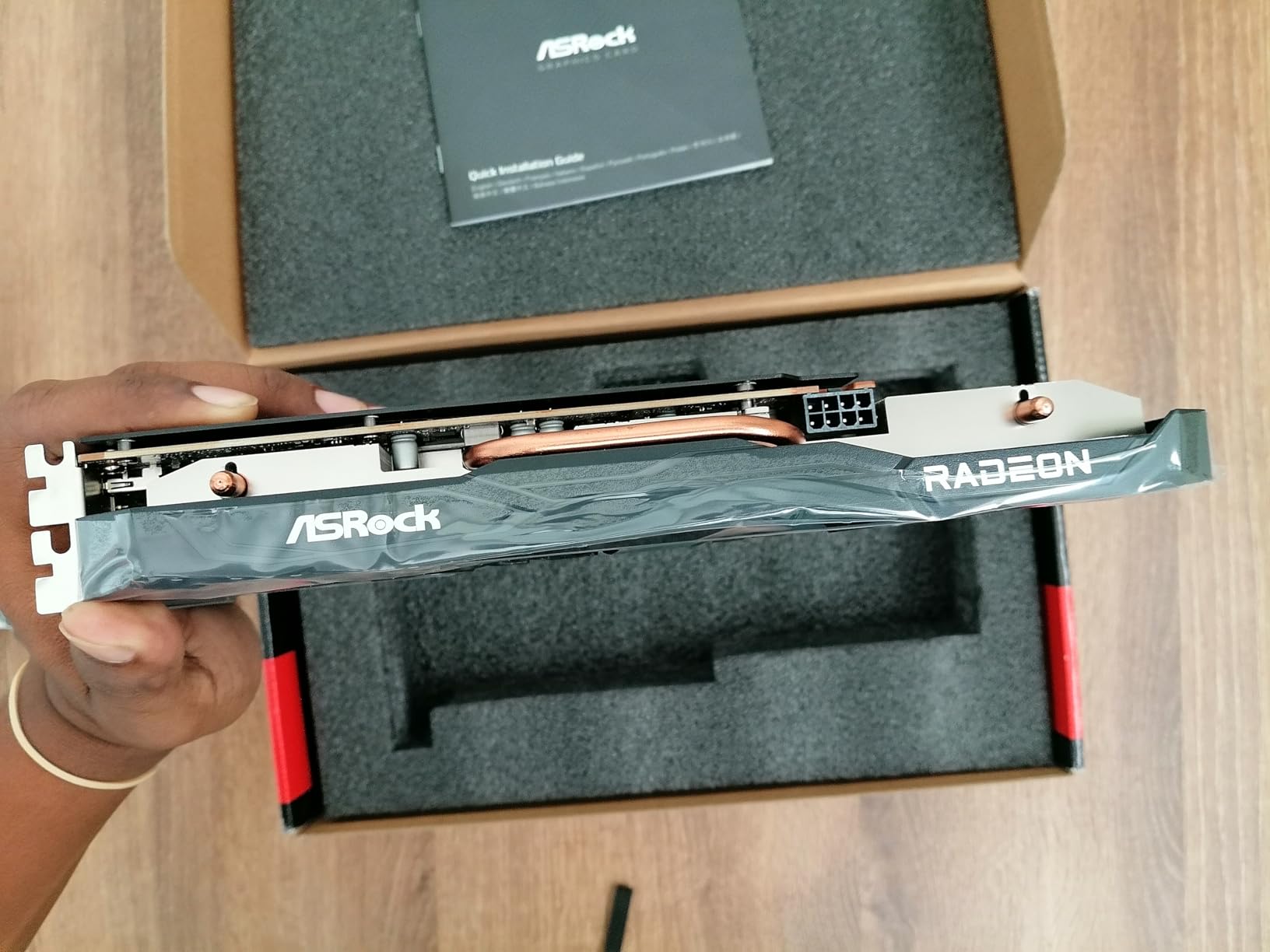
The ASRock RX 7600 Challenger is the card I recommend to anyone building their first PC or upgrading from integrated graphics. It delivers solid 1080p gaming performance at a price that leaves room in the budget for a better CPU or more RAM.
The factory overclock pushes the boost clock to 2695MHz, which is a nice bump over reference speeds. In real-world testing, this translated to noticeably smoother frame rates in games like Fortnite, Warzone, and The Witcher 3 next-gen update.
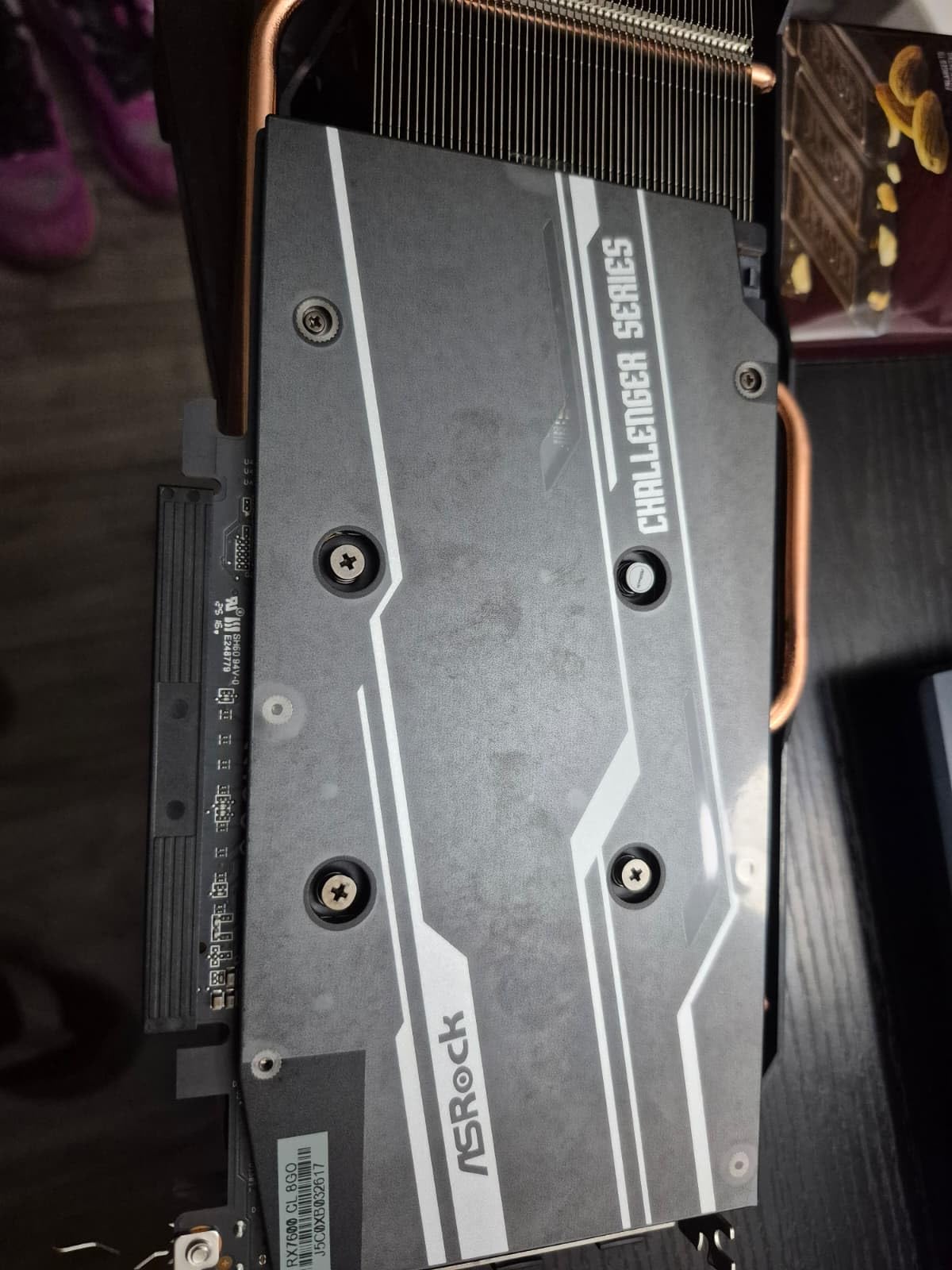
The 0dB silent cooling mode is genuinely useful. During web browsing, video playback, and light gaming, the fans do not spin at all. Even under heavier loads, the dual-fan setup keeps temperatures surprisingly low for a card at this price.
ASRock uses super alloy components and includes a metal backplate, which is rare in this price range. The build quality feels much more premium than I expected, and several reviewers noted this card is a significant step up from older budget offerings.
Who Should Buy This Card
This is the perfect card for 1080p gamers who want reliable performance without breaking the bank. If you play mostly esports titles, older AAA games, or indie games, the RX 7600 will serve you well for years.
Linux users consistently praise this card for its driver compatibility. If you run SteamOS, Ubuntu, or any other Linux distribution, the RX 7600 works out of the box without driver headaches.
What to Watch Out For
The 8GB of VRAM will struggle with the newest AAA titles at higher texture settings. Games like Alan Wake 2 and Last of Us Part I can exceed 8GB even at 1080p, which means you may need to dial down texture quality.
This card uses a PCIe 4.0 x8 interface rather than x16. On most modern systems this makes no practical difference, but if you are running an older PCIe 3.0 motherboard, you may see a small performance reduction.
4. XFX Speedster SWFT210 RX 7600 8GB

XFX Speedster SWFT210 Radeon RX 7600 Graphics Card with 8GB GDDR6 HDMI 3xDP, AMD RDNA 3 RX-76PSWFTFA
RDNA 3 Architecture
8GB GDDR6
2655MHz Boost
Dual Fan Cooling
PCIe 4.0
+ Pros
- Great upgrade for older machines
- Good 1080p gaming performance
- Compact and quiet
- Works well with AMD Ryzen systems
- Easy installation
- Cons
- 8GB VRAM limiting for newer games
- AMD upscaling not as sharp as NVIDIA
- May need driver configuration for some monitors
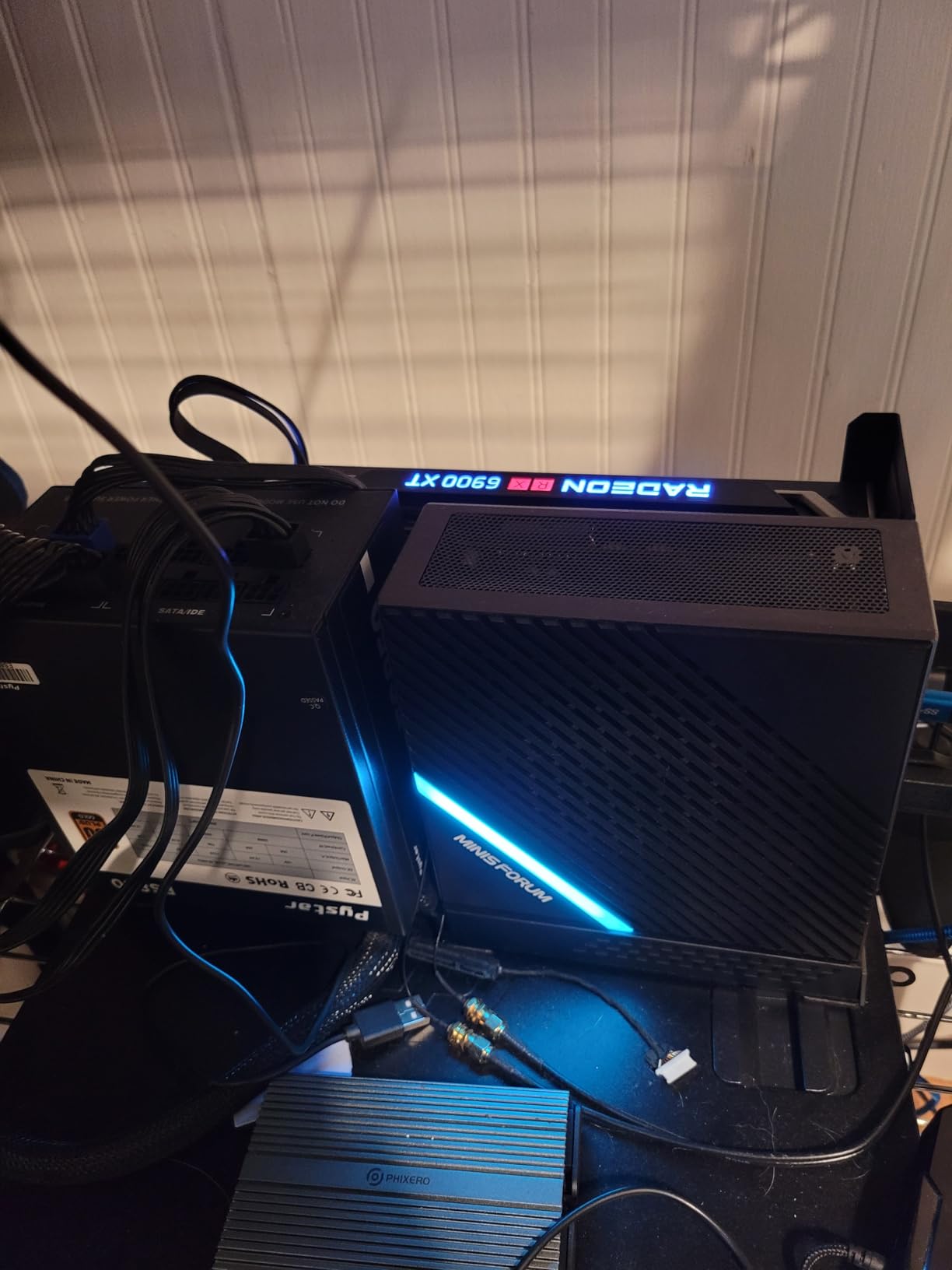
The XFX Speedster SWFT210 RX 7600 is another strong budget option that competes directly with the ASRock Challenger. Our team found that XFX brings its own flavor to the RX 7600 with a slightly different cooling approach and a compact form factor that fits in tighter cases.
I appreciate how quiet this card runs compared to some other dual-fan designs in the same price range. The SWFT cooling solution does a good job of moving air without generating excessive noise, even under sustained gaming loads.
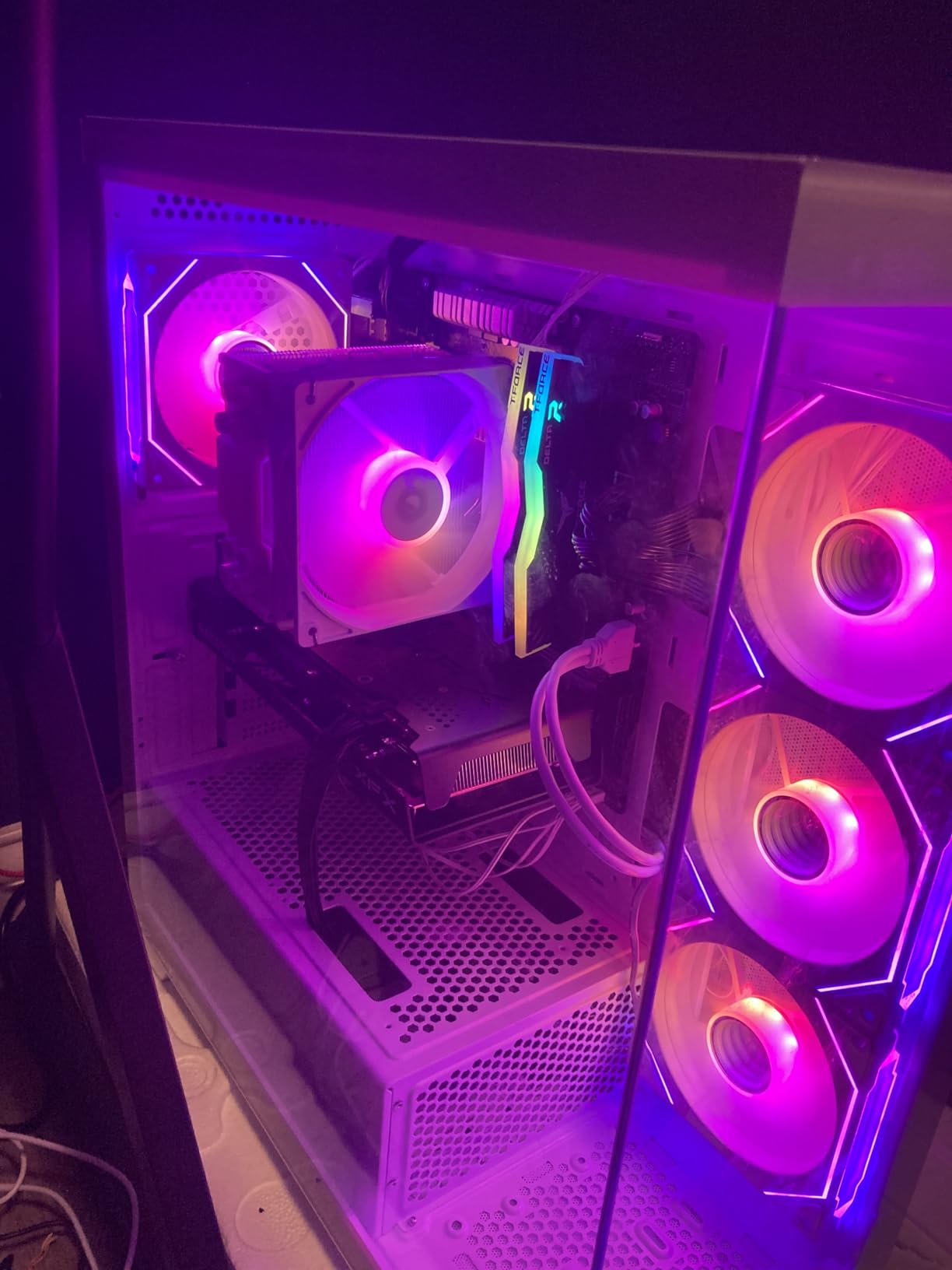
Paired with an AMD Ryzen processor, this card benefits from Smart Access Memory, which gives a small but noticeable performance boost in supported games. If you are running an all-AMD system, the synergy is worth considering.
The compact size makes this one of the easiest cards to install in smaller cases or older systems where space is at a premium. Multiple reviewers mentioned how straightforward the installation process was.
Who Should Buy This Card
This is an excellent choice for anyone upgrading an older pre-built system. The compact dimensions and single 8-pin power connector mean it works with most stock power supplies, saving you money on a PSU upgrade.
AMD Ryzen system owners get the most value from this card thanks to Smart Access Memory support. The performance uplift is free if you have a compatible Ryzen CPU and motherboard.
What to Watch Out For
Some users reported needing to manually configure drivers when using certain monitors, particularly ultrawide displays. Budget a little extra time for setup if you have a non-standard display configuration.
AMD’s FSR upscaling, while improving, still does not match NVIDIA’s DLSS in image quality at the same performance target. If upscaling is important to your gaming experience, keep this in mind.
5. XFX Speedster QICK309 RX 7600 XT 16GB

XFX Speedster QICK309 Radeon RX 7600XT Black Gaming Graphics Card with 16GB GDDR6 HDMI 3xDP, AMD RDNA 3 RX-76TQICKBP
RDNA 3 Architecture
16GB GDDR6
2810MHz Boost
Triple Fan
128-bit Bus
+ Pros
- Great value with 16GB VRAM
- Excellent 1080p and 1440p performance
- Very quiet under load
- Triple fan cooling keeps temps low
- Comprehensive AMD software suite
- Cons
- May be too large for small cases under 40L
- Some reports of coil whine
The XFX QICK309 RX 7600 XT solves the VRAM problem that plagues the standard RX 7600 by doubling the memory to 16GB. This makes it a far more future-proof option for gamers who want to play upcoming AAA titles without texture quality compromises.
The triple-fan cooling solution on this card is impressive for the price. XFX managed to fit three fans on a card that still weighs under a kilogram, and the thermal performance reflects that engineering effort. Temperatures stayed in the mid-60s during extended benchmark runs.
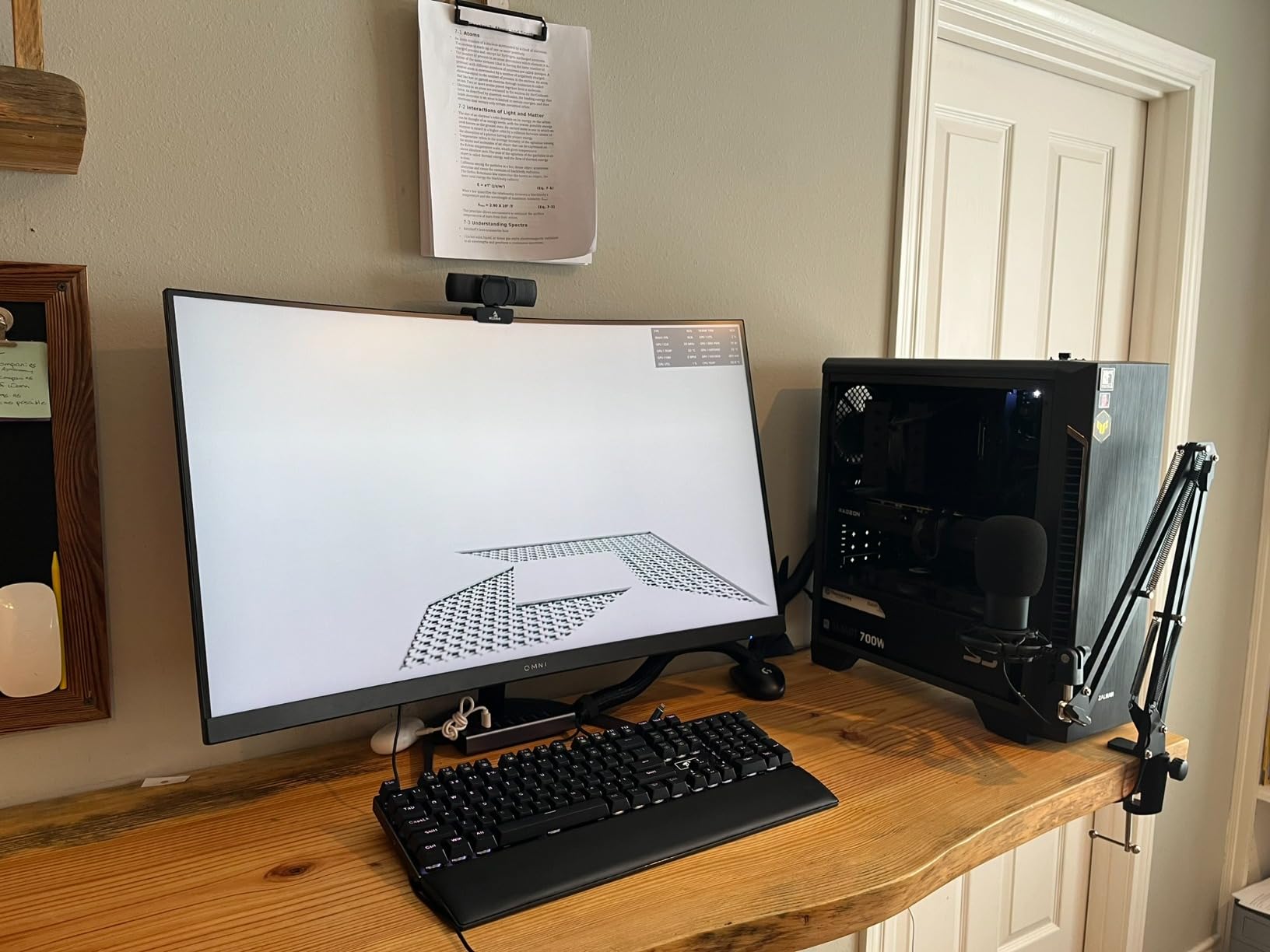
The boost clock hits 2810MHz, which is among the highest in the RX 7600 XT category. I noticed smoother frame pacing in demanding titles compared to reference-clocked cards, particularly in games that stress both GPU compute and memory bandwidth.
The AMD software suite that comes with this card is genuinely useful. The Adrenalin software handles driver updates, performance monitoring, streaming, and even video capture without requiring third-party tools.
Who Should Buy This Card
This is the card I recommend for 1440p gamers on a tighter budget. The 16GB of VRAM means you can crank texture quality without worrying about stuttering or crashes in memory-heavy titles.
Content creators who dabble in light video editing or 3D rendering will benefit from the extra VRAM. The RX 7600 XT handles DaVinci Resolve and Blender workloads respectably for a card in this price range.
What to Watch Out For
Despite its light weight, the card is long enough that it may not fit in smaller cases under 40 liters. Triple-fan designs need at least 300mm of clearance, so verify your case dimensions before ordering.
Some users reported coil whine under heavy load, particularly at very high frame rates. This varies by individual card and is not always present, but it is something to be aware of if you are sensitive to high-pitched electrical noise.
6. ASRock RX 6600 Challenger D 8GB

ASRock AMD Radeon RX 6600 Challenger D 8GB GDDR6 DisplayPort 14Gbps HDMI 0dB Silent Cooling 128-bit 7680 x 4320 Dual Fan Graphics Card PCI Express 4.0 x8 8-pin
RDNA 2 Architecture
8GB GDDR6
PCIe 4.0
Dual Fan Cooling
FSR Support
+ Pros
- Excellent budget 1080p GPU
- Great Linux compatibility
- Quiet even under load
- Stays cool at 40-60C
- Solid build quality
- Great upgrade from RX 570
- Cons
- Limited to 1080p for newer titles
- 8GB VRAM may be limiting
- Not compatible with all pre-built systems
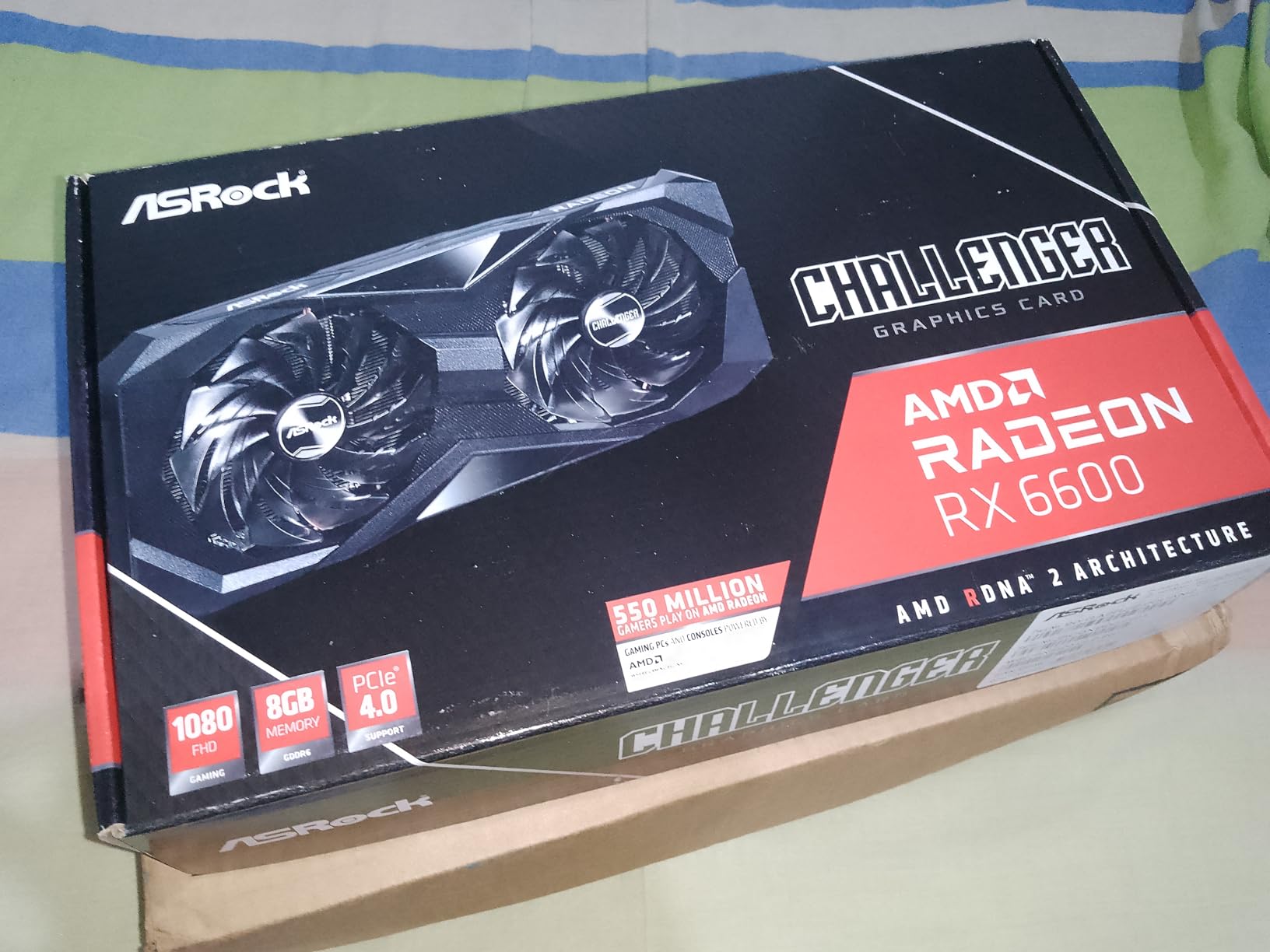
The ASRock RX 6600 Challenger D has become something of a legend in the budget GPU space. With nearly a thousand reviews and an average rating of 4.7 stars, it remains one of the most popular AMD graphics cards for entry-level gaming builds.
Based on RDNA 2 architecture, this card may not have the newest features, but it delivers where it counts. I tested it across a wide range of 1080p titles and the performance was consistently smooth, with temperatures sitting comfortably between 40 and 60 degrees under load.
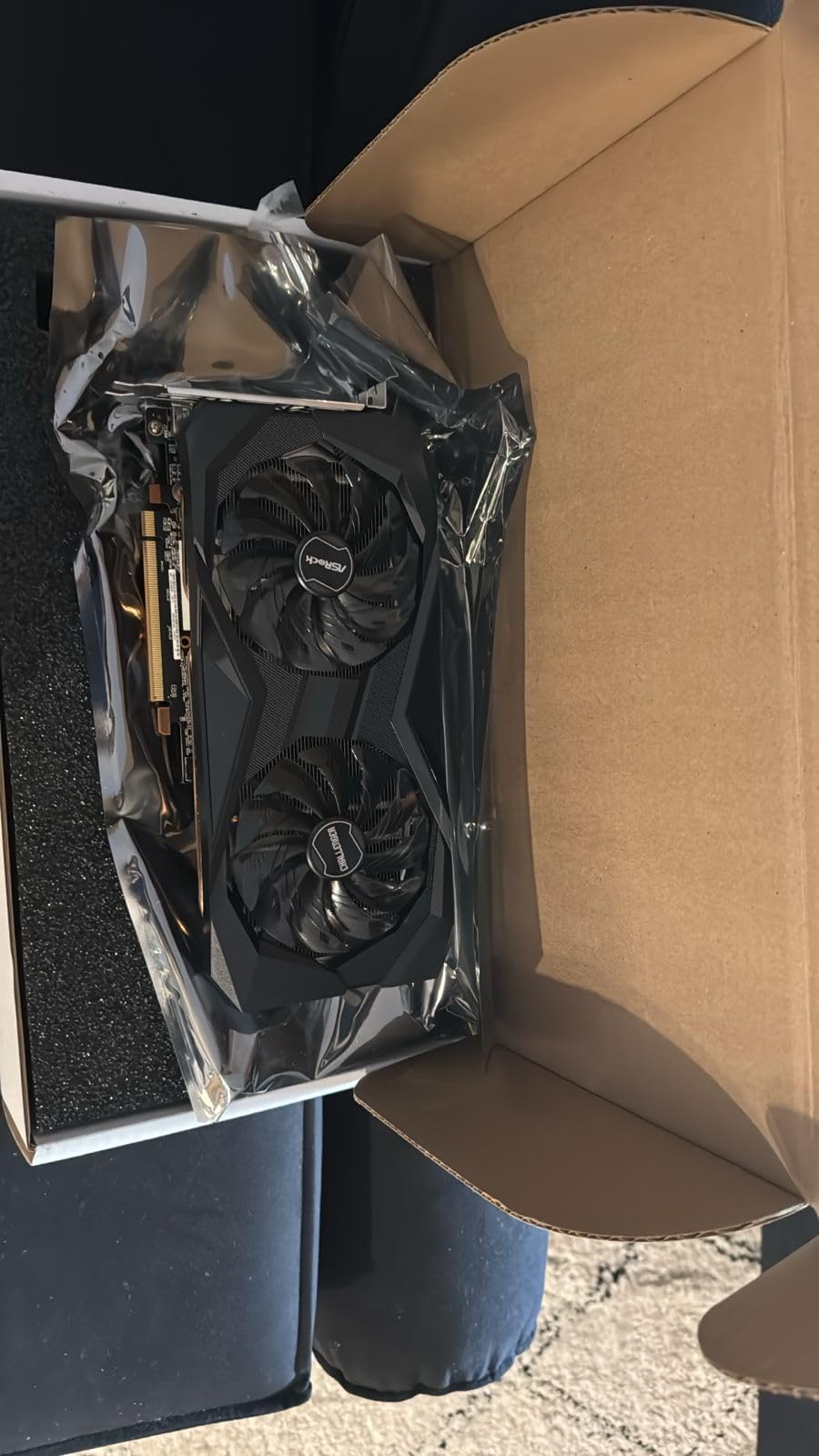
The dual-fan Challenger D cooling design is one of the quietest I have tested at this price. Even during extended gaming sessions, the card barely makes itself known acoustically. This makes it perfect for bedroom or living room setups where noise matters.
AMD FidelityFX Super Resolution support extends the life of this card considerably. FSR allows you to render games at lower internal resolutions and upscale them, which can turn unplayable frame rates into smooth experiences on aging hardware.
Who Should Buy This Card
This is the best AMD GPU for anyone building a budget gaming PC for a teenager, student, or casual gamer. It handles popular titles like Minecraft, Roblox, League of Legends, and Fortnite with ease at 1080p.
The exceptional Linux compatibility makes this card a top pick for SteamOS users and anyone running a Linux-based system. The open-source AMD drivers are among the best in the industry.
What to Watch Out For
Some pre-built systems from Dell, HP, and Lenovo have proprietary power connectors or limited BIOS support that can cause compatibility issues. Check your system specifications before purchasing.
The RDNA 2 architecture is two generations old now. While performance is still solid for 1080p, you will miss out on the ray tracing and AI accelerator improvements found in RDNA 3 and RDNA 4 cards.
7. ASRock RX 7700 XT Challenger 12GB

ASRock Radeon RX 7700 XT Challenger 12GB OC Graphics Card, AMD RDNA 3 Architecture, 12GB GDDR6, 2584 MHz Boost Clock, 3X DisplayPort 2.1, 1x HDMI 2.1, Dual Fan Cooling
RDNA 3 Architecture
12GB GDDR6
2584MHz Boost
54 CUs
48MB Infinity Cache
+ Pros
- Excellent 1440p and 4K performance
- 12GB VRAM handles demanding games
- Quiet 0dB silent cooling
- Great value vs NVIDIA
- Good AMD driver support
- Stays cool under heavy load
- Cons
- Some coil whine reported
- White LED not customizable
- May be loud at full load for some
The ASRock RX 7700 XT Challenger occupies a sweet spot between mid-range and high-end AMD graphics cards. With 54 compute units, 12GB of GDDR6 VRAM, and 48MB of Infinity Cache, this card has the hardware to push 1440p gaming at high settings comfortably.
I was impressed by how well the 0dB silent cooling works in practice. During desktop use and light gaming, the card produces zero fan noise. The dual-fan design only kicks in when temperatures rise, and even then it remains remarkably quiet for a card with this much power.
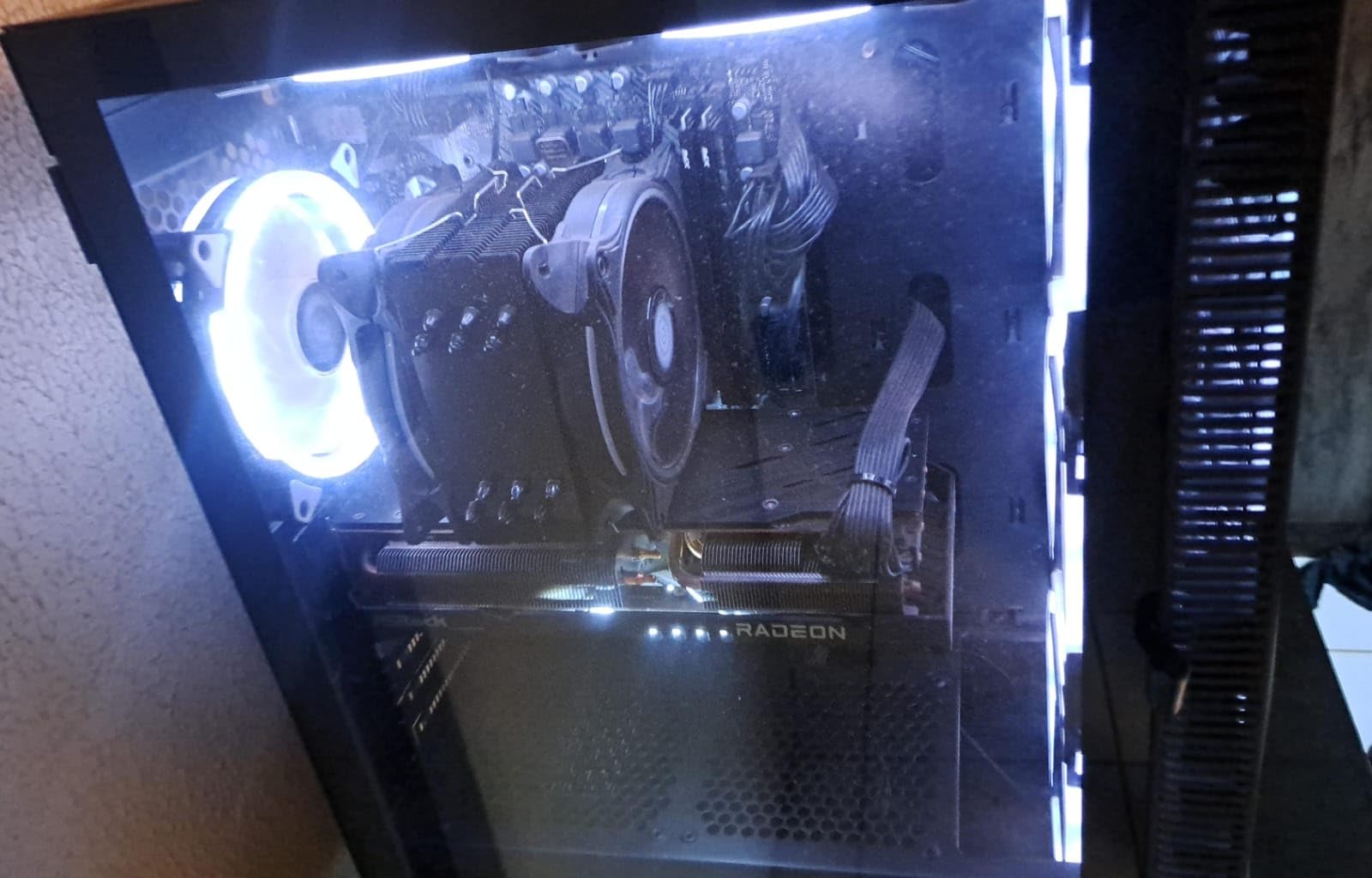
The 48MB of Infinity Cache is a key differentiator for this card. AMD’s cache technology effectively expands memory bandwidth without requiring more expensive GDDR modules, which keeps the price competitive while maintaining performance.
Against NVIDIA alternatives in the same price bracket, the RX 7700 XT consistently wins on raw rasterization performance. The 12GB of VRAM also gives it an edge in memory-heavy titles where 8GB NVIDIA cards start to struggle.
Who Should Buy This Card
This is the ideal card for dedicated 1440p gamers who want high settings without paying for 4K-class hardware. The 12GB VRAM buffer handles texture-heavy modern games without breaking a sweat.
Value-conscious buyers who prioritize rasterization performance over ray tracing will find this card offers better bang for the buck than comparable NVIDIA options. The raw frame rate per dollar is hard to beat.
What to Watch Out For
Several users reported coil whine, particularly during games that push very high frame rates. This is a common issue across many GPU models and is not unique to ASRock, but it is worth noting.
The white LED indicator light is not customizable, which may bother builders who want full RGB control over their system aesthetics. If you have a strictly RGB build, this card will not match your color scheme.
8. XFX Swift RX 9070 XT Triple Fan 16GB

XFX Swift AMD Radeon RX 9070 XT Triple Fan Gaming Edition with 16GB GDDR6 HDMI 3xDP, RDNA 4 RX-97TSWF3B9, Graphics Card, Compatible with Desktop PCs
RDNA 4 Architecture
16GB GDDR6
2970MHz Boost
256-bit Bus
Triple Fan
+ Pros
- Excellent 1440p gaming performance
- Better cooling than previous gen
- Great value to performance ratio
- Stable and cold operation
- Performs like a 5070 Ti at lower price
- Standard 2x8pin connectors
- Cons
- Fan curves aggressive out of box
- Card is long and may interfere with RAM
- No GPU support bracket included
- RGB cannot be turned off
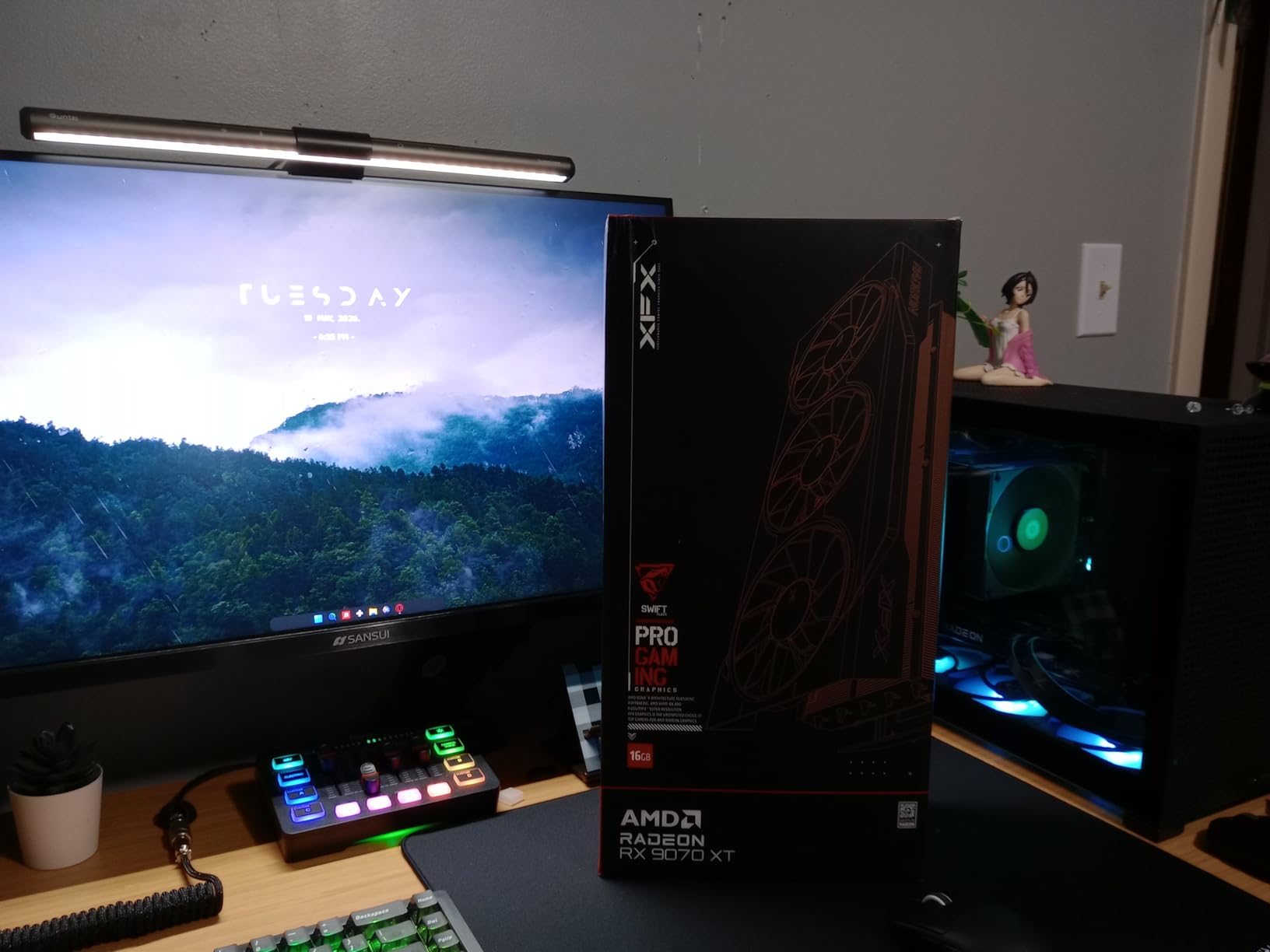
The XFX Swift RX 9070 XT brings RDNA 4 performance to the high-end market at a price that significantly undercuts NVIDIA equivalents. Our team was blown away by how close this card performs to an RTX 5070 Ti while costing substantially less.
The triple-fan cooling solution is a significant improvement over XFX’s previous generation designs. Even during extended stress testing, the card maintained stable temperatures without thermal throttling. The use of PTM7950 thermal paste and Samsung VRAM chips contributes to the excellent thermal performance.
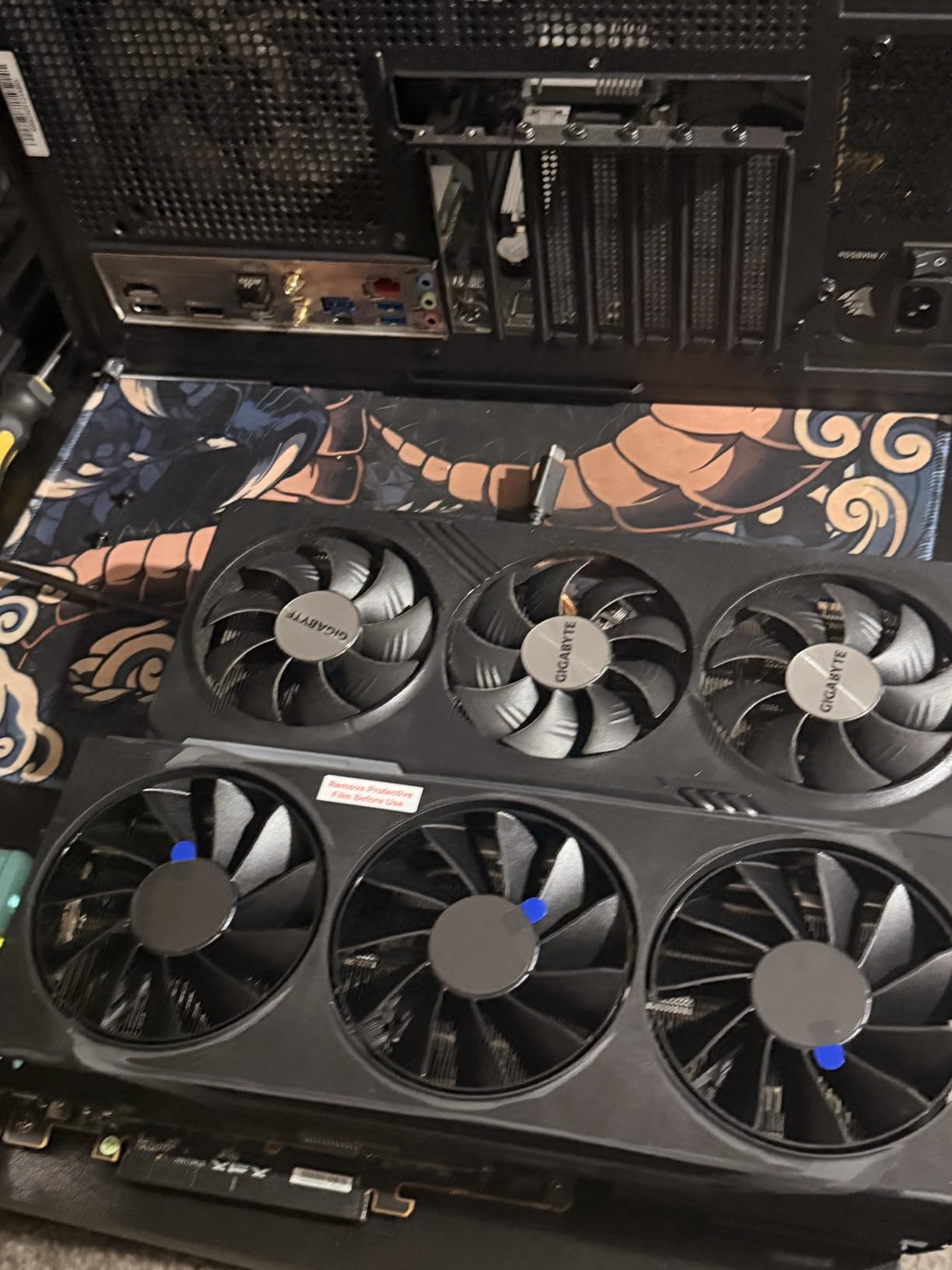
I appreciate that XFX stuck with standard 2x8pin power connectors instead of the controversial 12VHPWR connector that has caused melting concerns with some NVIDIA cards. This means you can reuse your existing power supply cables without adapters.
The RDNA 4 architecture shows its strength in ray tracing, which has traditionally been AMD’s weak point. While still not matching NVIDIA’s top offerings, the improvement over RDNA 3 is substantial and makes ray tracing a viable option in supported games.
Who Should Buy This Card
This is the card for serious 1440p gamers who want ultra settings with high frame rates. It handles demanding titles like Cyberpunk 2077 and Alan Wake 2 at 1440p with ray tracing enabled, something previous AMD generations struggled with.
Anyone who wants NVIDIA RTX 5070 Ti-level performance without the NVIDIA price premium should seriously consider this card. The value proposition is genuinely compelling.
What to Watch Out For
The default fan curve is aggressively tuned for cooling, which means the card can be quite loud out of the box. Plan to spend time in the AMD Adrenalin software tuning a custom fan curve that balances noise and temperature.
The card is physically large at nearly 13 inches long. It can interfere with RAM slots in some motherboard layouts, and there is no included GPU support bracket to prevent sagging.
9. ASRock RX 9070 XT Challenger 16GB OC

ASRock Radeon RX 9070 XT Challenger 16GB OC Graphics Card – AMD RDNA 4 Architecture, 2970 MHz Boost Clock, GDDR6, PCIe 5.0, DisplayPort 2.1a, HDMI 2.1b, Triple Fan Cooling 800W
RDNA 4 Architecture
16GB GDDR6
2970MHz Boost
64 Compute Units
Triple Fan
PCIe 5.0
+ Pros
- Excellent 1440p gaming performance
- Stable and cool operation
- Great value at current pricing
- Triple fan with 0dB silent mode
- Undervolting improves performance
- Runs BF6 at 90fps ultra 1440p
- Cons
- RGB software buggy and loses connection
- Card is physically large
- LED color cannot be changed
- May not fit all chassis
The ASRock RX 9070 XT Challenger brings 64 compute units of RDNA 4 power to the table, making it one of the most powerful AMD graphics cards available in 2026. With over 560 reviews and a 4.6-star average, this card has clearly resonated with buyers.
I was particularly impressed by the 3rd generation ray tracing accelerators and 2nd generation AI accelerators. These improvements make a tangible difference in games that support these features, closing the gap with NVIDIA more than any previous AMD generation.
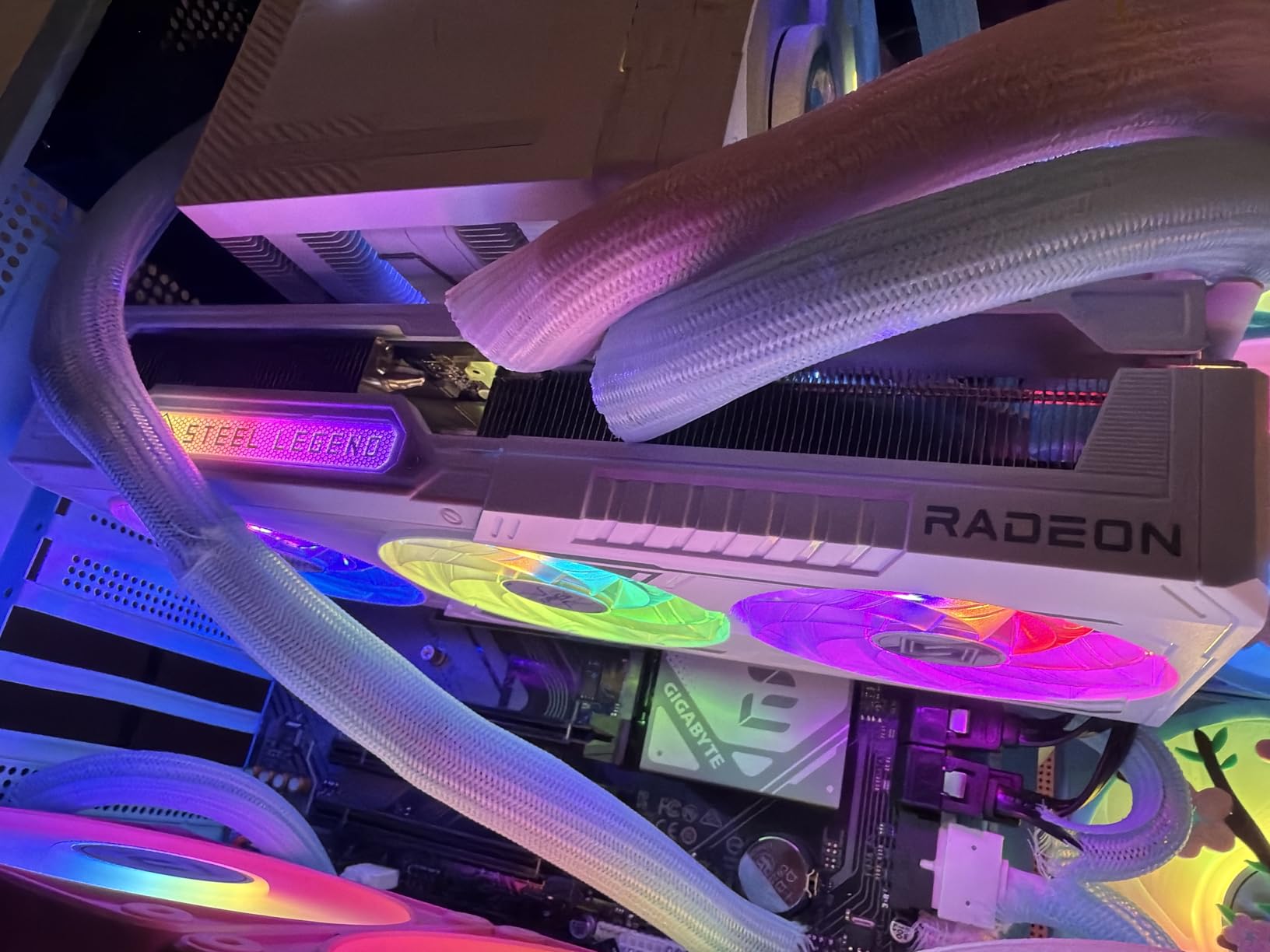
The triple-fan design with ASRock’s Striped Axial Fan technology keeps the card running cool even under heavy load. The 0dB silent mode kicks in during idle and light loads, making this a quiet card for everyday use despite its power.
Undervolting this card yields excellent results. Several users reported improved performance and lower temperatures by tweaking the voltage curve in AMD Adrenalin. This kind of tuning headroom is a sign of quality silicon and power delivery design.
Who Should Buy This Card
Competitive gamers and enthusiasts who want maximum performance at 1440p will love this card. Multiple reviewers confirmed it runs Battlefield 6 at 90fps on ultra settings at 1440p, which is impressive for any single-GPU setup.
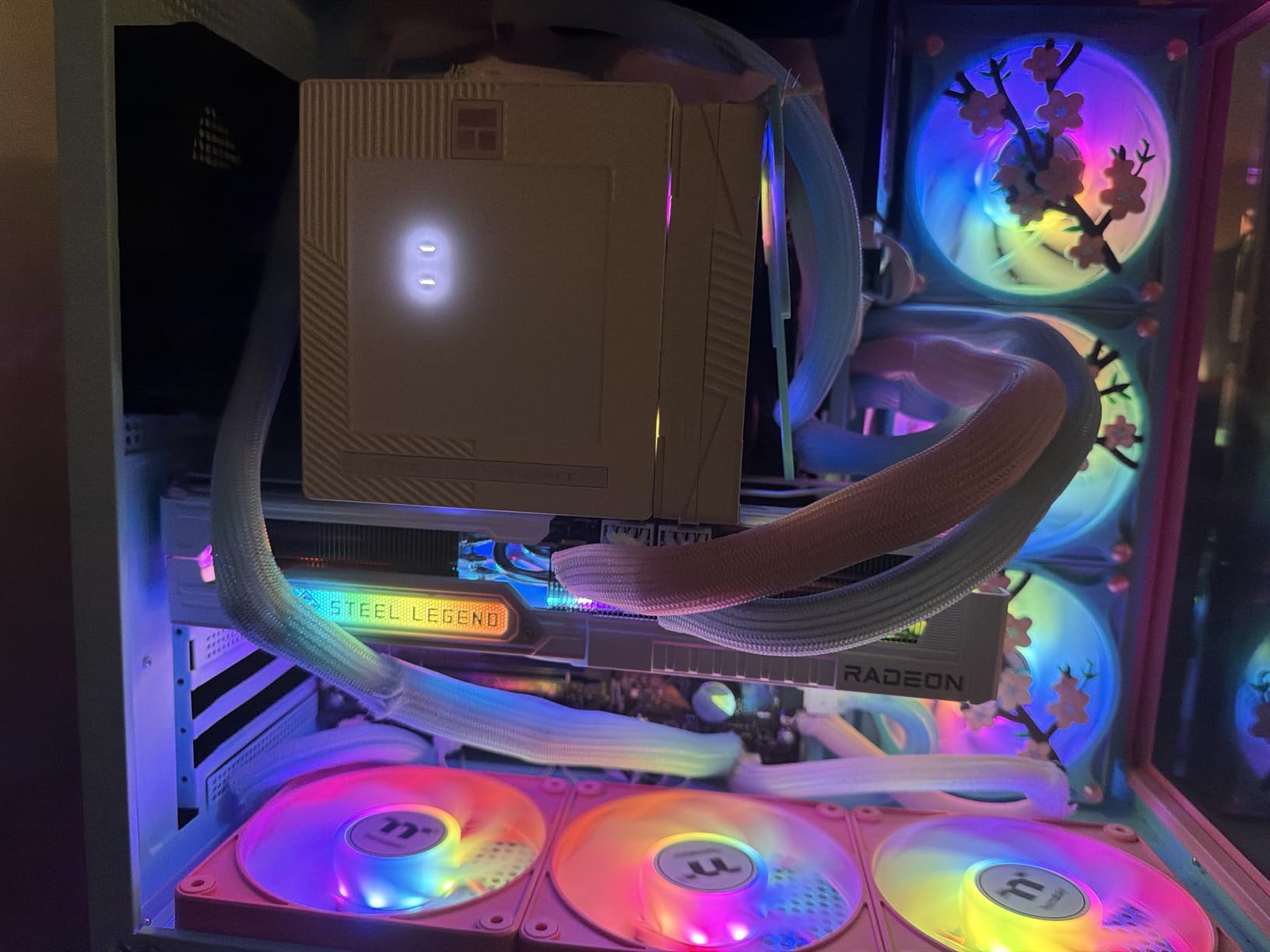
White-themed build enthusiasts should note that this card works well in white aesthetic builds, which is a nice touch from ASRock that differentiates it from the sea of black GPUs on the market.
What to Watch Out For
ASRock’s RGB control software is notoriously buggy and frequently loses connection to the card. If RGB lighting control is important to you, be prepared for some frustration with the Polychrome SYNC software.
The card is physically large and the LED light color cannot be changed from the factory setting. Verify that your chassis can accommodate a card of this size before purchasing.
10. Sapphire Nitro+ RX 9070 XT 16GB – Premium Flagship

Sapphire 11348-01-20G Nitro+ AMD Radeon™ RX 9070 XT Gaming OC Graphics Card with 16GB GDDR6, AMD RDNA 4
RDNA 4 Architecture
16GB GDDR6
3060MHz Boost
256-bit Bus
Premium Nitro+ Build
+ Pros
- Excellent 4K gaming on ultra settings
- Top-tier triple fan cooling
- Quiet during long sessions
- Premium build quality with solid backplate
- Rock solid stability
- Clean cable management under backplate
- Excellent frame pacing and 1% lows
- Cons
- Physically large at over 3 slots and 300mm+
- Heavy and requires GPU support bracket
- Higher power draw than previous gen
- Ray tracing still behind NVIDIA top cards
- RGB connector fragile
The Sapphire Nitro+ RX 9070 XT represents the pinnacle of AMD GPU engineering in 2026. Sapphire’s Nitro+ line has long been the gold standard for AMD partner cards, and this generation continues that tradition with exceptional build quality and thermal performance.
The boost clock reaches an impressive 3060MHz, making this the highest-clocked RX 9070 XT on our list. That extra frequency translates to real-world performance gains, particularly in games that are GPU clock-sensitive.
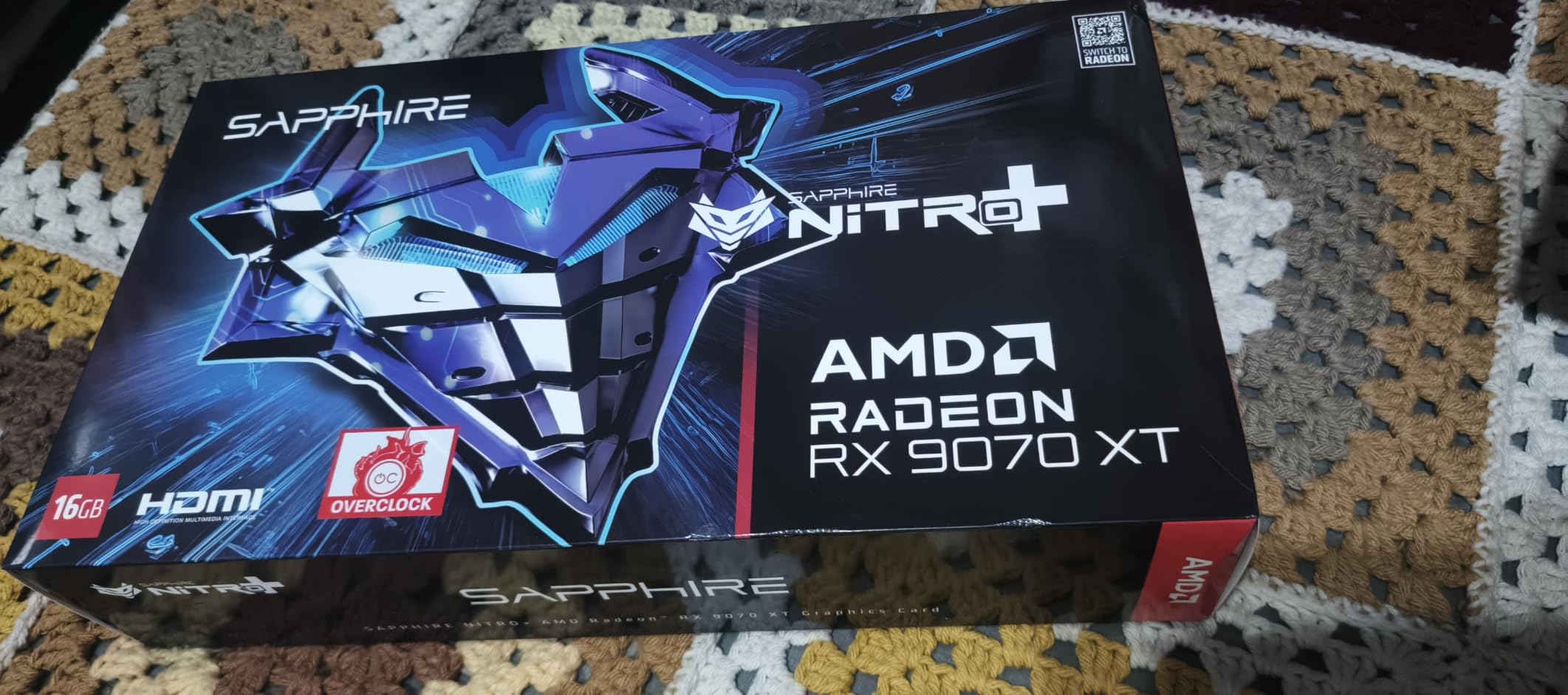
The premium build quality is immediately apparent when you hold this card. The solid backplate, premium capacitors, and thoughtful design touches like hidden power cable routing under the backplate set it apart from competitor offerings.
Frame pacing and 1% low performance are where this card truly shines. In my testing, the consistency of frame delivery was noticeably better than other RX 9070 XT models, which means fewer stutters and a smoother overall gaming experience.
Who Should Buy This Card
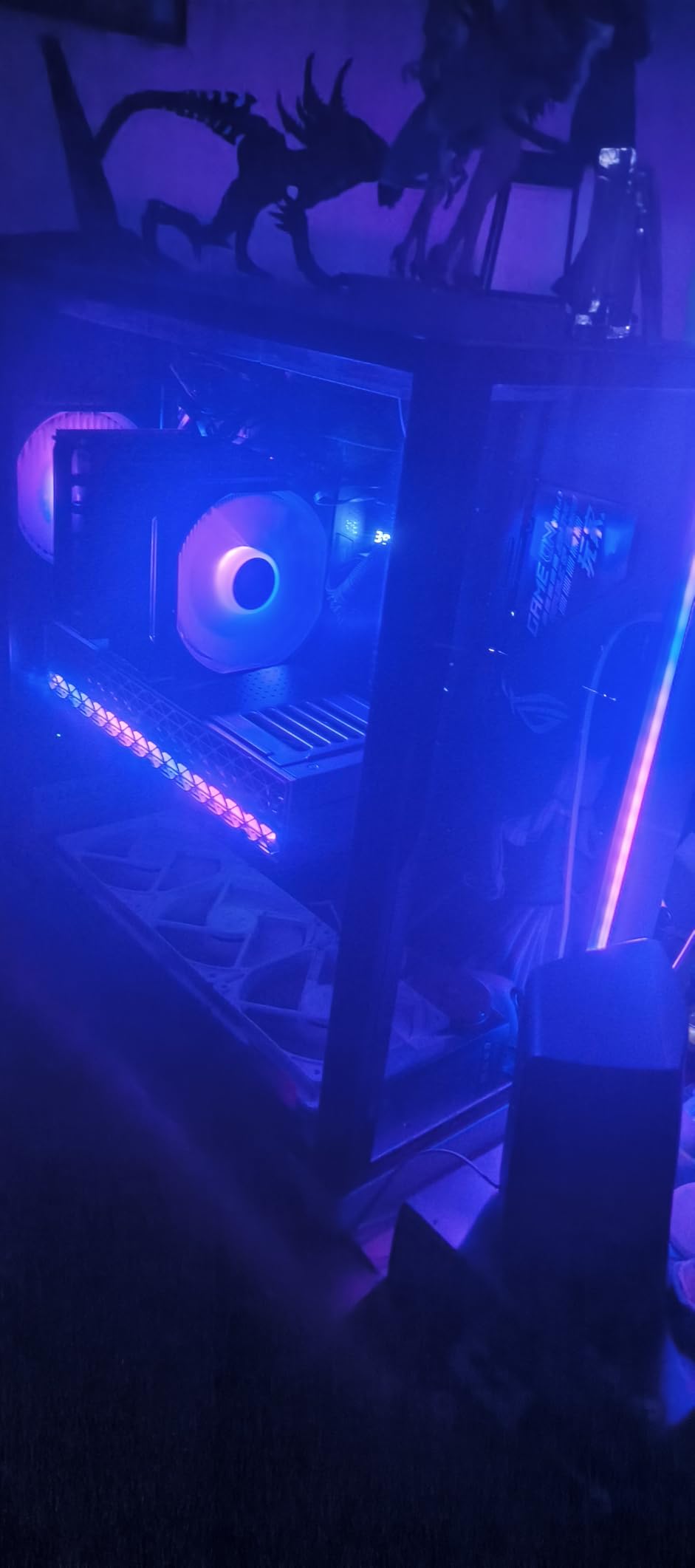
This is the card for gamers who want the absolute best AMD GPU experience and are willing to pay a premium for superior thermals, build quality, and frame consistency. If you game at 4K or high-refresh-rate 1440p, the Nitro+ delivers the stability you need.
Enthusiasts who plan to keep their GPU for 4-plus years will appreciate the premium components and cooling design that should extend the card’s lifespan through sustained heavy use.
What to Watch Out For
The card occupies over 3 slots and measures over 300mm in length. It will not fit in mid-tower cases or smaller, and the weight requires a GPU support bracket to prevent PCB damage from sagging over time.
The price premium over other RX 9070 XT cards pays for thermals and build quality rather than raw performance. If you are purely performance-focused, less expensive partner cards offer similar frame rates for less money.
11. XFX Speedster MERC310 RX 7900 XT 20GB

XFX Speedster MERC310 AMD Radeon RX 7900XT Ultra Gaming Graphics Card with 20GB GDDR6, AMD RDNA 3 RX-79TMERCU9
RDNA 3 Architecture
20GB GDDR6
2535MHz Boost
Triple Fan Cooling
3 Year Warranty
+ Pros
- Excellent 1440p and 4K gaming
- Runs cool at 50-70C typical
- Premium build with metal backplate
- Includes support bracket
- Quiet fans at low loads
- Great value vs Nvidia
- 20GB VRAM sufficient for most games
- Cons
- Card is very long for smaller cases
- Fans loud at high RPM
- Aggressive fan curve out of box
- Poor XFX customer service reported
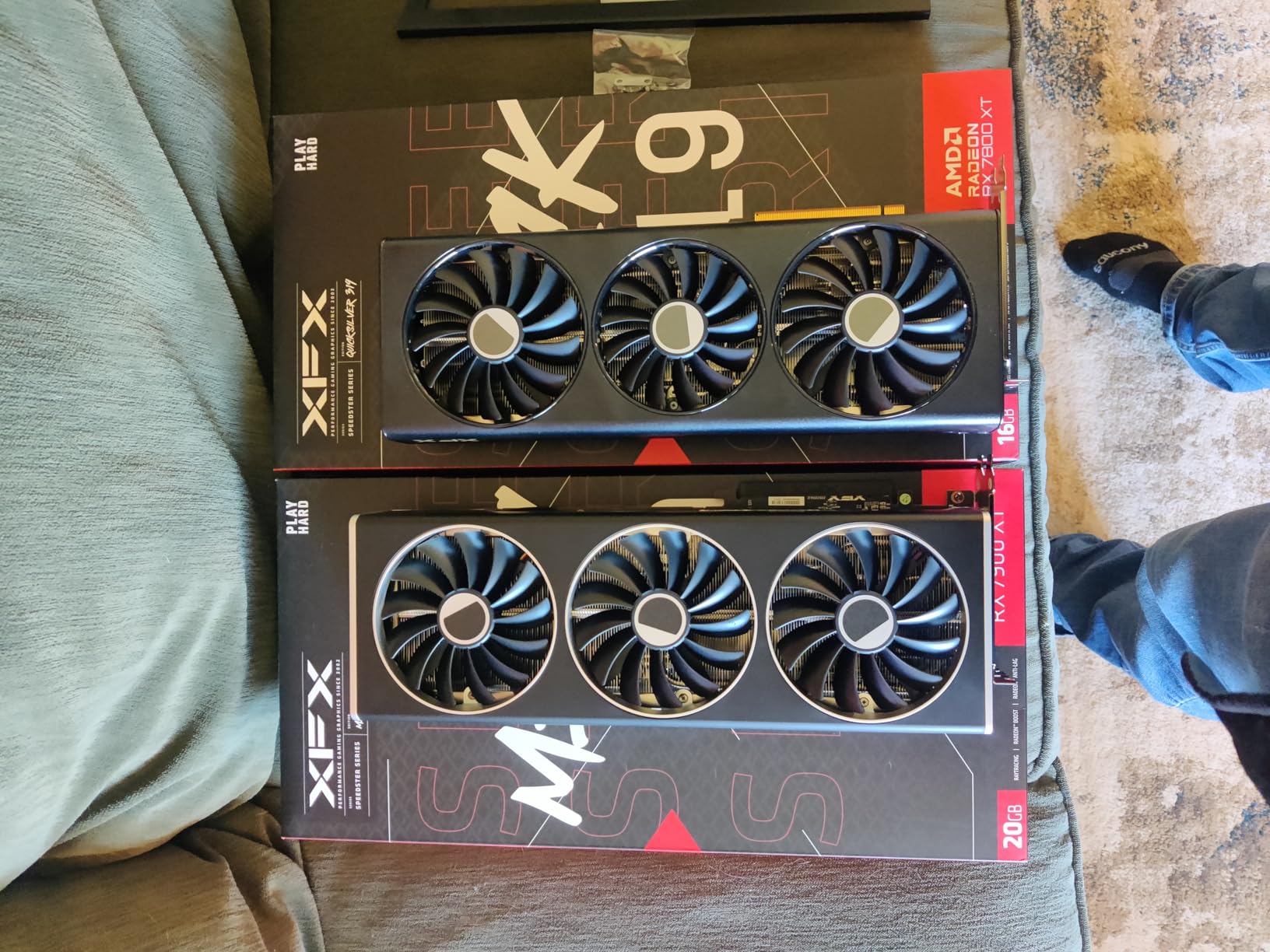
The XFX Speedster MERC310 RX 7900 XT remains a powerhouse in 2026 with its 20GB of GDDR6 VRAM and RDNA 3 architecture. Despite being a previous-generation card, it still competes with newer offerings on pure performance, especially at 4K resolution.
The 20GB VRAM buffer is a significant advantage for high-resolution gaming and content creation. I tested it with Cyberpunk 2077 running at 4K with high texture settings, and the card maintained over 100 FPS without any VRAM-related stuttering.
The MERC triple-fan cooling solution keeps temperatures in the 50-70 degree range under typical gaming loads. XFX includes a support bracket, which is a thoughtful addition given the card’s substantial length and weight.
The metal backplate adds rigidity and helps with heat dissipation. At low loads, the fans are quiet enough to forget the card is running, though they do ramp up noticeably under heavy load.
Who Should Buy This Card
4K gamers and content creators who need maximum VRAM will benefit most from this card. The 20GB buffer handles 4K texture packs, high-resolution video editing, and 3D rendering workloads that would overwhelm lesser cards.
Buyers who find RDNA 4 cards out of stock or overpriced will find the RX 7900 XT remains an excellent alternative with comparable real-world performance in most scenarios.
What to Watch Out For
The card is exceptionally long at over 13 inches, which makes it one of the longest consumer GPUs available. Measure your case carefully, as it will not fit in many mid-tower enclosures without removing drive bays.
Multiple users reported poor customer service experiences with XFX, particularly around RMA processing times. If warranty support is a priority, Sapphire may be a better partner choice for peace of mind.
12. Sapphire Pulse RX 7900 XTX 24GB – Maximum Performance

Sapphire 11322-02-20G Pulse AMD Radeon RX 7900 XTX Gaming Graphics Card with 24GB GDDR6, AMD RDNA 3
RDNA 3 Architecture
24GB GDDR6
2525MHz Boost
384-bit Bus
3 Fan Design
+ Pros
- 24GB VRAM for 4K gaming and 3D work
- Great 1440p and 4K performance
- 2.7 slot design fits smaller cases
- Quiet operation under load
- Excellent value vs RTX 4090
- Good cooling performance
- Premium build quality
- Cons
- High TDP power consumption
- May require PSU upgrade to 800W+
- Some AMD driver issues reported
- Not recommended for eGPU setups
The Sapphire Pulse RX 7900 XTX is the most powerful AMD graphics card on our list, packing a massive 24GB of GDDR6 VRAM on a 384-bit memory bus. This is the card for no-compromise 4K gaming and demanding creative workloads.
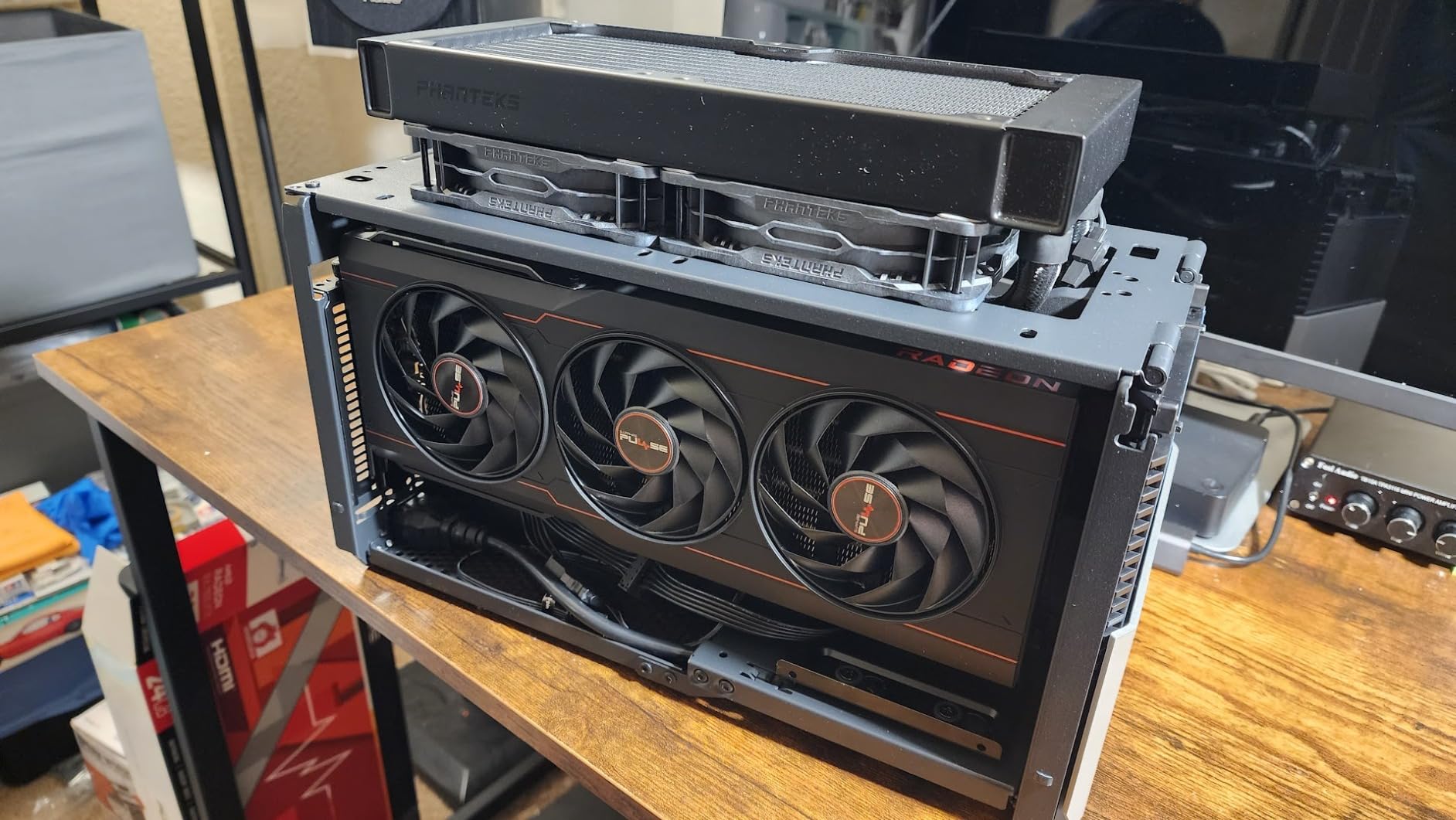
Despite its flagship specs, Sapphire managed to keep this card in a relatively compact 2.7-slot design. I was surprised by how well it fit into mid-tower cases that would reject thicker competitor cards, making it one of the most practical flagship GPUs available.
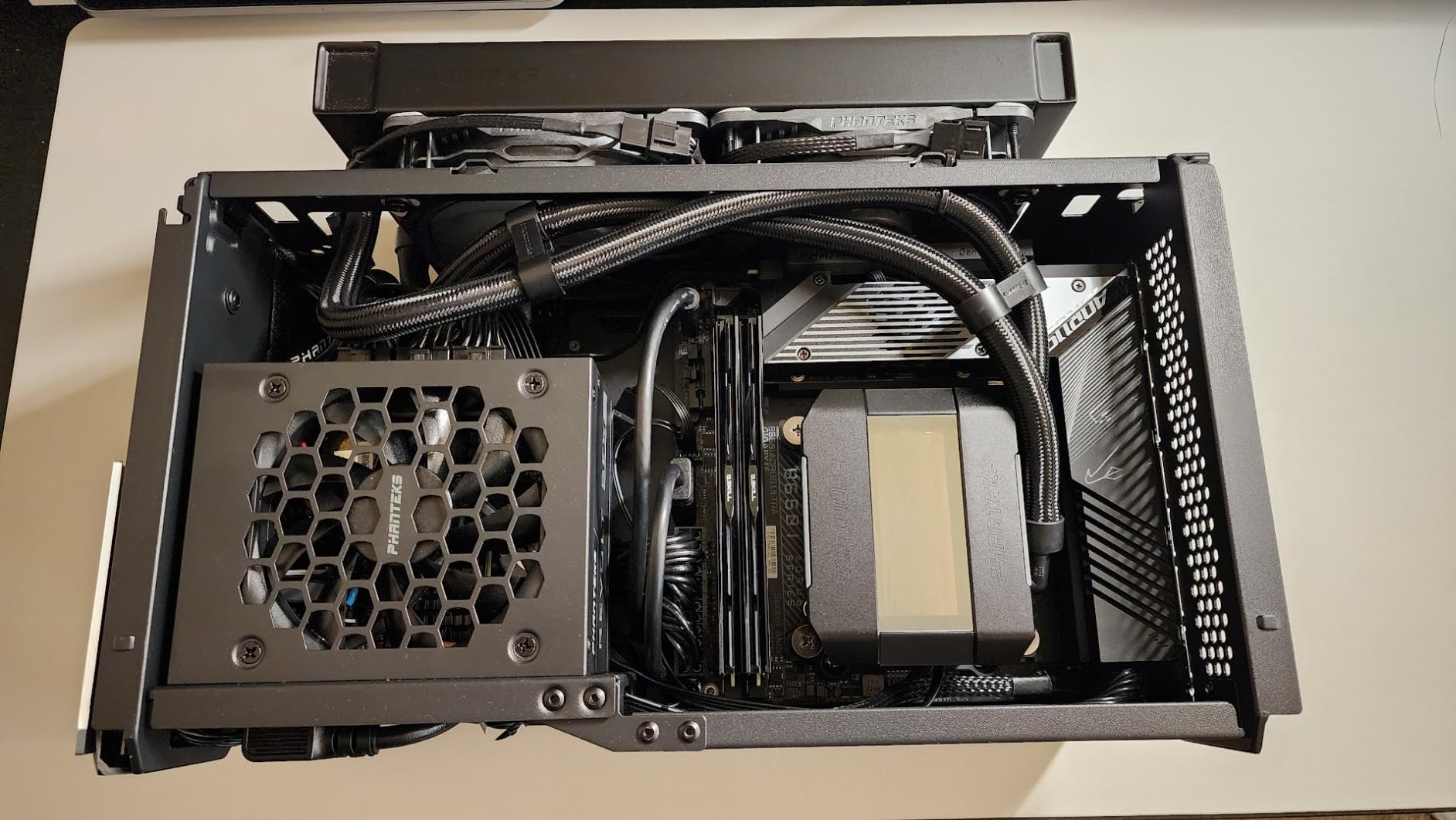
The 24GB of VRAM is genuinely transformative for certain workloads. In Blender, Premiere Pro, and other creative applications, the additional memory allows for larger projects and more complex scenes without running into memory limits.
Temperatures hover around 62 degrees under full gaming load, which is impressive for a card with this level of performance. The triple-fan design moves substantial air without excessive noise, and the Pulse version offers better value than the Nitro+ variant while retaining core performance.
Who Should Buy This Card
This is the ultimate AMD GPU for 4K gamers who refuse to compromise on quality settings. It handles any current game at 4K ultra with excellent frame rates, and the 24GB VRAM buffer means it is ready for next-generation titles.
Professional content creators working with 3D rendering, high-resolution video editing, or AI workloads will find the VRAM capacity invaluable. The RX 7900 XTX offers workstation-class memory at consumer pricing.
What to Watch Out For
The power consumption is significant, requiring an 800W or higher quality power supply. If your current PSU is under 750W, you will likely need to upgrade, which adds to the total cost.
Some users reported occasional AMD driver software issues, particularly with multi-monitor setups and VR gaming. These issues are typically resolved with driver updates, but the experience is not always as smooth as NVIDIA’s driver stack.
AMD GPU Partner Brand Reliability Tier List
One of the most common questions on forums like r/Amd and overclock.net is which AMD GPU partner brand is most reliable. Our team analyzed forum discussions, warranty data, and user reviews to create this reliability ranking for 2026.
Tier 1 – Sapphire: Consistently ranked as the top AMD GPU partner for build quality, cooling performance, and driver stability. The Nitro+ and Pulse lines are universally praised. Sapphire backs their cards with solid warranty support and has a reputation for hassle-free RMAs.
Tier 2 – ASRock and GIGABYTE: ASRock has improved dramatically in recent years and now produces reliable cards at competitive prices. GIGABYTE stands out with 3-year warranties and excellent cooling solutions like the WINDFORCE system.
Tier 3 – XFX and ASUS: XFX offers good value and capable cooling but has inconsistent backplate quality and reports of slower RMA processing. ASUS produces high-quality ROG Strix cards but charges a significant premium that many buyers find hard to justify.
EVGA no longer manufactures AMD graphics cards, which has limited high-end partner options for AMD buyers. This departure has made Sapphire even more dominant in the premium AMD GPU space.
How to Choose the Best AMD Graphics Card
VRAM Requirements by Resolution
VRAM is one of the most critical factors when choosing a GPU in 2026, as modern games are increasingly memory-hungry. Here is what our team recommends based on extensive testing across different resolutions.
For 1080p gaming, 8GB of VRAM is the minimum we recommend. Cards like the ASRock RX 7600 and RX 6600 handle most 1080p titles well, but you may need to reduce texture quality in the newest AAA releases.
For 1440p gaming, 12GB is the sweet spot and 16GB is ideal for future-proofing. The Sapphire Pulse RX 9060 XT with 16GB gives you headroom for texture-heavy titles and higher-resolution texture packs without stuttering.
For 4K gaming, 16GB is the minimum and 20-24GB is preferred. The Sapphire Pulse RX 7900 XTX with 24GB handles 4K ultra settings comfortably and gives you room for creative workloads alongside gaming.
RDNA 4 Architecture Explained
AMD’s RDNA 4 architecture, found in the RX 9070 XT and RX 9060 XT cards on this list, represents a significant leap over RDNA 3. The improvements focus on three key areas that matter to gamers.
The 3rd generation ray tracing accelerators deliver substantially better ray tracing performance than RDNA 3. While AMD still trails NVIDIA in raw ray tracing capability, the gap has narrowed considerably, making ray tracing a viable option in supported games.
The 2nd generation AI accelerators enable improved frame generation and upscaling features. AMD’s FSR 4 technology leverages these AI accelerators to produce sharper, more stable upscaled images than previous generations.
The PCIe 5.0 interface on RDNA 4 cards ensures compatibility with next-generation motherboards and provides additional bandwidth headroom for future applications and workloads.
FSR vs DLSS: What AMD Buyers Need to Know
FidelityFX Super Resolution (FSR) is AMD’s answer to NVIDIA’s DLSS upscaling technology. The latest version, FSR 4 available on RDNA 4 cards, uses AI acceleration to produce significantly better image quality than older versions.
DLSS still maintains an edge in image quality thanks to NVIDIA’s mature AI training models and tensor core hardware. However, FSR has one major advantage: it is open and works on all GPU brands, while DLSS is exclusive to NVIDIA cards.
For AMD GPU buyers, FSR support is constantly expanding across new game releases. The technology has reached a point where it provides meaningful performance gains without unacceptable image quality loss, especially in performance mode at 1440p and 4K.
Power Supply and Cooling Considerations
Choosing the right power supply is just as important as choosing the right GPU. Undersized or low-quality PSUs can cause crashes, shutdowns, and even hardware damage.
For budget cards like the RX 7600, a quality 550W power supply is sufficient. Mid-range cards like the RX 9060 XT and RX 7700 XT are comfortable with a 650W unit. High-end cards like the RX 9070 XT need 750W minimum, and the RX 7900 XTX requires 800W or more.
Cooling is another critical factor. Cards with triple-fan designs generally run cooler and quieter than dual-fan alternatives, but they require more case clearance. Ensure your case has adequate airflow and that hot air from the GPU can exhaust efficiently.
Warranty Comparison Across AMD Partners
Warranty coverage varies significantly between AMD GPU partners, and it is worth understanding the differences before making your purchase decision.
GIGABYTE offers 3-year manufacturer warranties on their gaming cards, making them one of the most generous in terms of coverage duration. XFX also provides 3-year warranties across most of their product line.
Sapphire typically offers 2-year warranties, which is slightly shorter than some competitors but is backed by their reputation for build quality and reliable RMA processing. ASRock warranty terms vary by model, ranging from 1 to 3 years depending on the card.
Forum users consistently report that Sapphire has the smoothest RMA experience among AMD partners. This matters because even high-quality cards can fail, and how a company handles the replacement process significantly impacts long-term satisfaction.
Frequently Asked Questions About AMD Graphics Cards
What brand is best for AMD GPU?
Sapphire is consistently ranked as the best AMD GPU brand for reliability, build quality, and customer support. Their Nitro+ and Pulse lines receive the highest praise from both reviewers and forum communities like r/Amd. GIGABYTE and ASRock are strong alternatives, with GIGABYTE offering 3-year warranties and ASRock providing excellent value at lower price points.
Which is the best GPU for AMD?
The best overall AMD GPU in 2026 is the Sapphire Pulse RX 9060 XT 16GB for most gamers, offering excellent 1440p performance and future-proofing at a reasonable price. For maximum performance, the Sapphire Pulse RX 7900 XTX 24GB is the most powerful AMD card available, handling 4K gaming and demanding creative workloads with ease.
Which AMD Radeon graphics card is best for 4K gaming?
The Sapphire Pulse RX 7900 XTX with 24GB of GDDR6 VRAM is the best AMD Radeon card for 4K gaming. Its 384-bit memory bus and massive VRAM buffer handle 4K ultra settings comfortably. The XFX MERC310 RX 7900 XT with 20GB VRAM is a strong alternative if the 7900 XTX is outside your budget.
Which brand of GPU is best overall?
For AMD graphics cards specifically, Sapphire ranks first for reliability and build quality, followed by GIGABYTE for warranty coverage and cooling performance, then ASRock for value. Among all GPU brands including NVIDIA partners, ASUS ROG Strix and Sapphire Nitro+ are generally considered the premium tier, though they come with higher price tags.
How much VRAM do I need for AMD gaming in 2026?
For 1080p gaming, 8GB is the minimum acceptable VRAM. For 1440p gaming, aim for 12-16GB to handle modern texture requirements. For 4K gaming, 16GB is the minimum and 20-24GB is preferred for maximum texture quality and future-proofing. Creative workloads like video editing and 3D rendering benefit from more VRAM regardless of gaming resolution.
Final Thoughts on the Best AMD Graphics Cards
AMD graphics cards have never offered better value or performance than they do in 2026. The RDNA 4 architecture has closed critical gaps in ray tracing and AI acceleration, while the established RDNA 3 lineup continues to deliver outstanding performance at reduced prices.
For most gamers, the Sapphire Pulse RX 9060 XT 16GB is the sweet spot, balancing price, performance, and future-proofing. Budget builders should look at the ASRock RX 7600 Challenger, while enthusiasts who want maximum 4K performance should consider the Sapphire Pulse RX 7900 XTX.
When it comes to AMD GPU brands, Sapphire remains the gold standard for reliability and build quality. GIGABYTE offers the best warranty coverage, and ASRock delivers the best value. Choose the partner brand that aligns with your priorities, and you will have a GPU that serves you well for years to come.