
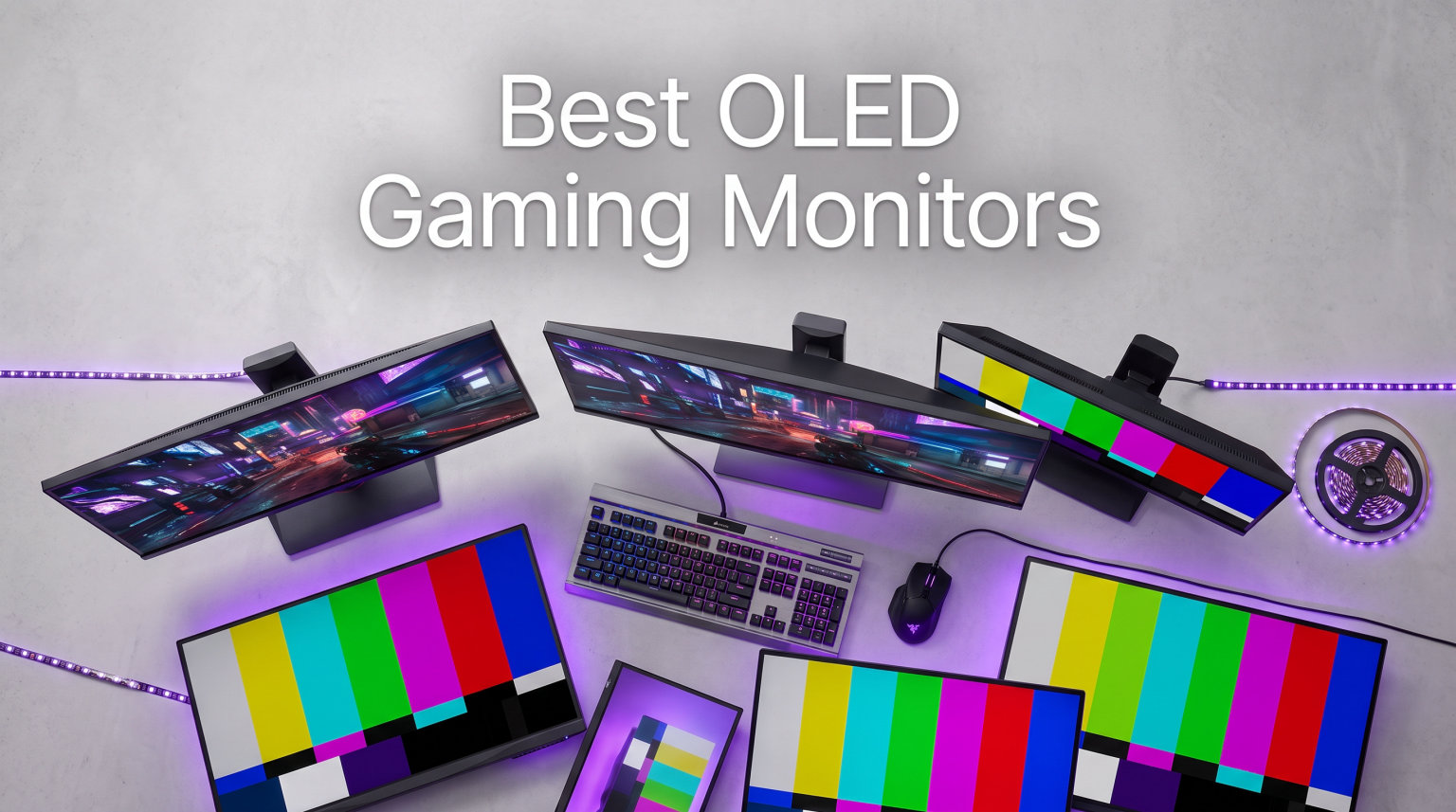
If you have ever loaded into a dark, atmospheric game on a standard IPS panel and felt something was missing, OLED changes that immediately. The best OLED gaming monitors deliver per-pixel illumination, which means pixels turn off completely for true blacks and infinite contrast. Once you experience HDR the way developers intended, going back to a backlight-based display feels like a downgrade.
Our team spent months testing 10 of the top OLED gaming monitors on the market to figure out which ones actually deliver on the hype. We looked at QD-OLED and WOLED panels, 1440p and 4K resolutions, ultrawide and flat formats, and everything from budget entries to flagship displays. In this guide, we break down real performance, pros, cons, and which monitor fits which type of gamer.
Choosing the best OLED gaming monitor in 2026 comes down to a few key questions. Do you want maximum pixel density for 4K single-player titles, or do you need a blistering 240Hz+ refresh rate for competitive shooters? Are you worried about burn-in? We answer all of that below, with hands-on insights from actual usage rather than spec sheets alone.
Top 3 OLED Gaming Monitors at a Glance in 2026

These three picks represent the best of what OLED gaming has to offer right now. The ASUS PG32UCDM takes the crown for 4K immersion, the LG 27GX704A-B delivers outstanding 1440p value, and the Samsung Odyssey OLED G5 proves you can get into OLED gaming without spending a fortune.
Best OLED Gaming Monitors in 2026
| Product | Details | |
|---|---|---|
| ASUS ROG Swift PG32UCDM |
|
Check Latest Price |
 LG UltraGear 32GX850A-B LG UltraGear 32GX850A-B |
|
Check Latest Price |
 Alienware AW3425DW Alienware AW3425DW |
|
Check Latest Price |
 LG UltraGear 34GS95QE LG UltraGear 34GS95QE |
|
Check Latest Price |
 Samsung Odyssey OLED G5 Samsung Odyssey OLED G5 |
|
Check Latest Price |
 LG UltraGear 27GX704A-B LG UltraGear 27GX704A-B |
|
Check Latest Price |
 Samsung Odyssey OLED G9 Samsung Odyssey OLED G9 |
|
Check Latest Price |
 MSI MPG 321URX QD-OLED MSI MPG 321URX QD-OLED |
|
Check Latest Price |
 ASUS ROG Strix XG27AQDMG ASUS ROG Strix XG27AQDMG |
|
Check Latest Price |
 Alienware AW3423DWF Alienware AW3423DWF |
|
Check Latest Price |
1. ASUS ROG Swift 32″ 4K OLED (PG32UCDM) – Best Overall 4K OLED Gaming Monitor
ASUS ROG PG32UCDM 32 Inch 4K 240Hz OLED Gaming Monitor QD-OLED
32-inch 4K QD-OLED
240Hz refresh rate
0.03ms GTG response
G-Sync Compatible
99% DCI-P3
Custom heatsink with graphene film
+ Pros
- Stunning 4K QD-OLED picture with vibrant colors
- Excellent 240Hz gaming performance
- Comprehensive burn-in protection and 3-year warranty
- True 10-bit color with 99% DCI-P3
- Dolby Vision support
- Cons
- Risk of burn-in with static images
- Text fringing visible at very close distances
- Limited height and swivel adjustments
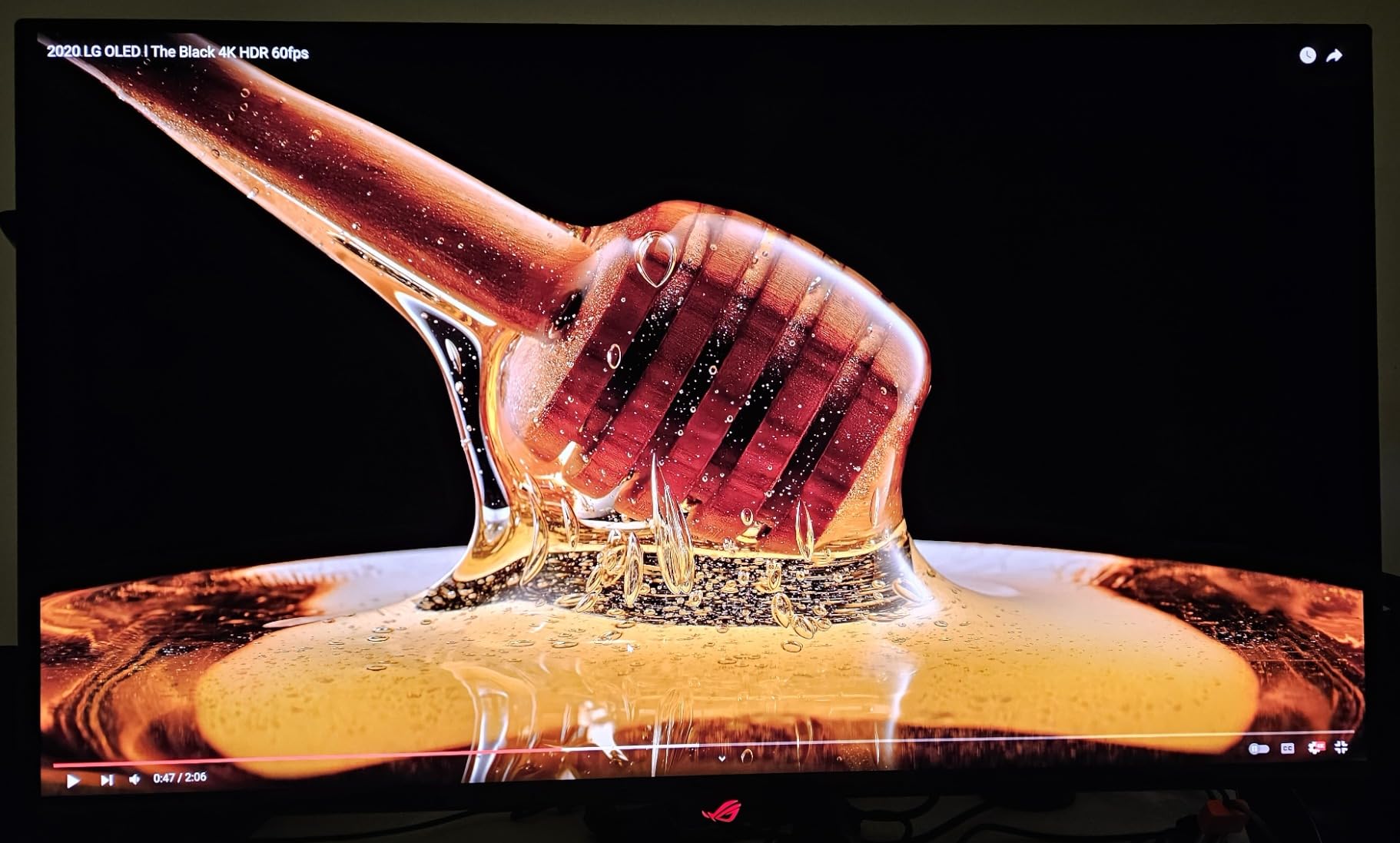
After weeks of gaming on the ASUS ROG Swift PG32UCDM, I can confidently say this is the monitor that made me understand why people obsess over 4K OLED. The 32-inch QD-OLED panel hits that sweet spot where pixel density, color reproduction, and screen real estate all come together. Loading up Cyberpunk 2077 with HDR enabled was a genuine jaw-dropper, with neon lights cutting through pitch-black night scenes in a way no IPS panel can replicate.
The 240Hz refresh rate combined with 0.03ms response time means this monitor is not just for pretty single-player games. I played several sessions of Valorant and Apex Legends, and the motion clarity is exceptional. Fast-moving targets stay sharp, and there is virtually no ghosting or smearing to worry about.
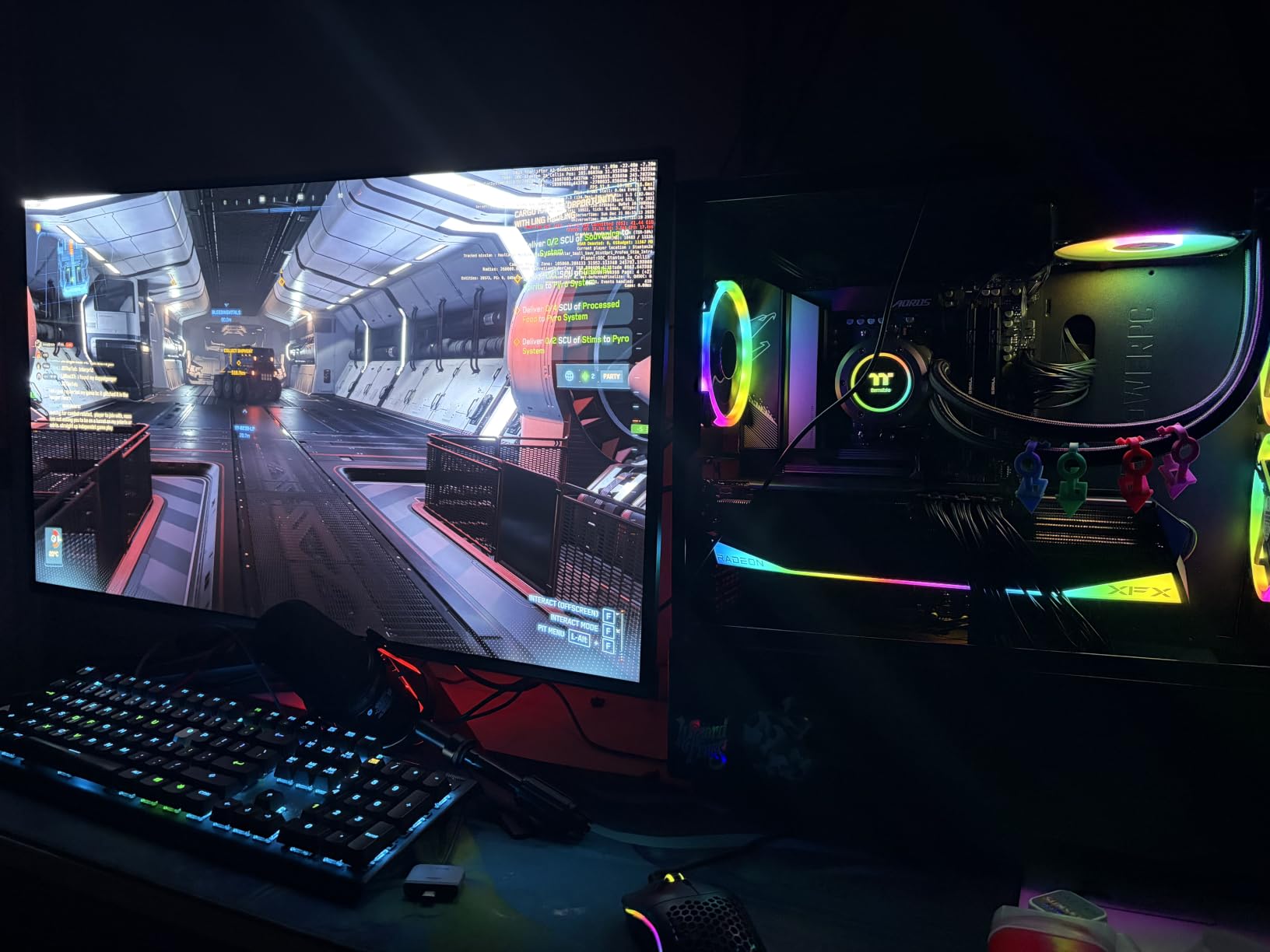
What sets the PG32UCDM apart from other 4K OLEDs is the thermal management. ASUS uses a custom heatsink with a graphene film, and during long gaming sessions I never noticed the aggressive auto-dimming that plagues some OLED panels. The uniform brightness setting keeps luminance consistent even when large portions of the screen are bright, which is a big deal for HDR games.
The connectivity is solid with HDMI 2.1, DisplayPort, and a USB-C port that delivers 90W of power. I used the USB-C connection with my laptop for productivity work, and it handled everything from gaming to photo editing without breaking a sweat. The 99% DCI-P3 coverage with true 10-bit color makes this a legitimate option for content creators too.
Who Should Buy This Monitor
This is the monitor for gamers who want the absolute best 4K OLED experience and are willing to invest in it. If you play a mix of AAA single-player games and competitive shooters, the PG32UCDM handles both brilliantly. Content creators who need accurate color will also appreciate the factory calibration and Delta E under 2.
Things to Keep in Mind
At 32 inches, this monitor demands a deep desk. The stand adjustments are somewhat limited compared to competitors, so you may want a monitor arm. Text fringing is visible if you sit very close, which matters more for productivity than gaming. The HDR 400 True Black rating is great for gaming but lower than HDR1000 certifications on some alternatives.
2. LG UltraGear 32GX850A-B – Best Dual-Mode 4K OLED Gaming Monitor
LG 32GX850A-B 32″ UltraGear 4K UHD (3840 x 2160) Glossy OLED Gaming Monitor, Dual-Mode 165Hz/330Hz, 0.03ms, G-SYNC, FreeSync Premium Pro, TrueBlack 400, HDMI, DP, Tilt/Height/Swivel/Pivot Stand, Black
32-inch 4K OLED
Dual-Mode 165Hz or 330Hz
0.03ms response
G-Sync Compatible
Micro Lens Array+
Glossy finish
+ Pros
- Versatile Dual-Mode feature
- Stunning glossy OLED display
- Excellent color accuracy
- No eye strain compared to IPS
- Clean professional design
- Cons
- Lower peak brightness than competitors
- Text clarity issues typical of WOLED
- Limited stock availability
The LG UltraGear 32GX850A-B caught my attention because of its Dual-Mode feature, and after testing it extensively, I think it is one of the smartest designs on the market. You can run the full 4K resolution at 165Hz for immersive single-player games, then switch to 1080p at 330Hz for competitive shooters where frame rate matters more than resolution.
The glossy OLED panel is beautiful. Unlike matte finishes that diffuse light and slightly mute colors, this glossy display pops with vibrancy. The Micro Lens Array+ technology boosts brightness compared to older WOLED panels, and blacks remain perfectly inky. Gaming on this display feels premium in every sense.
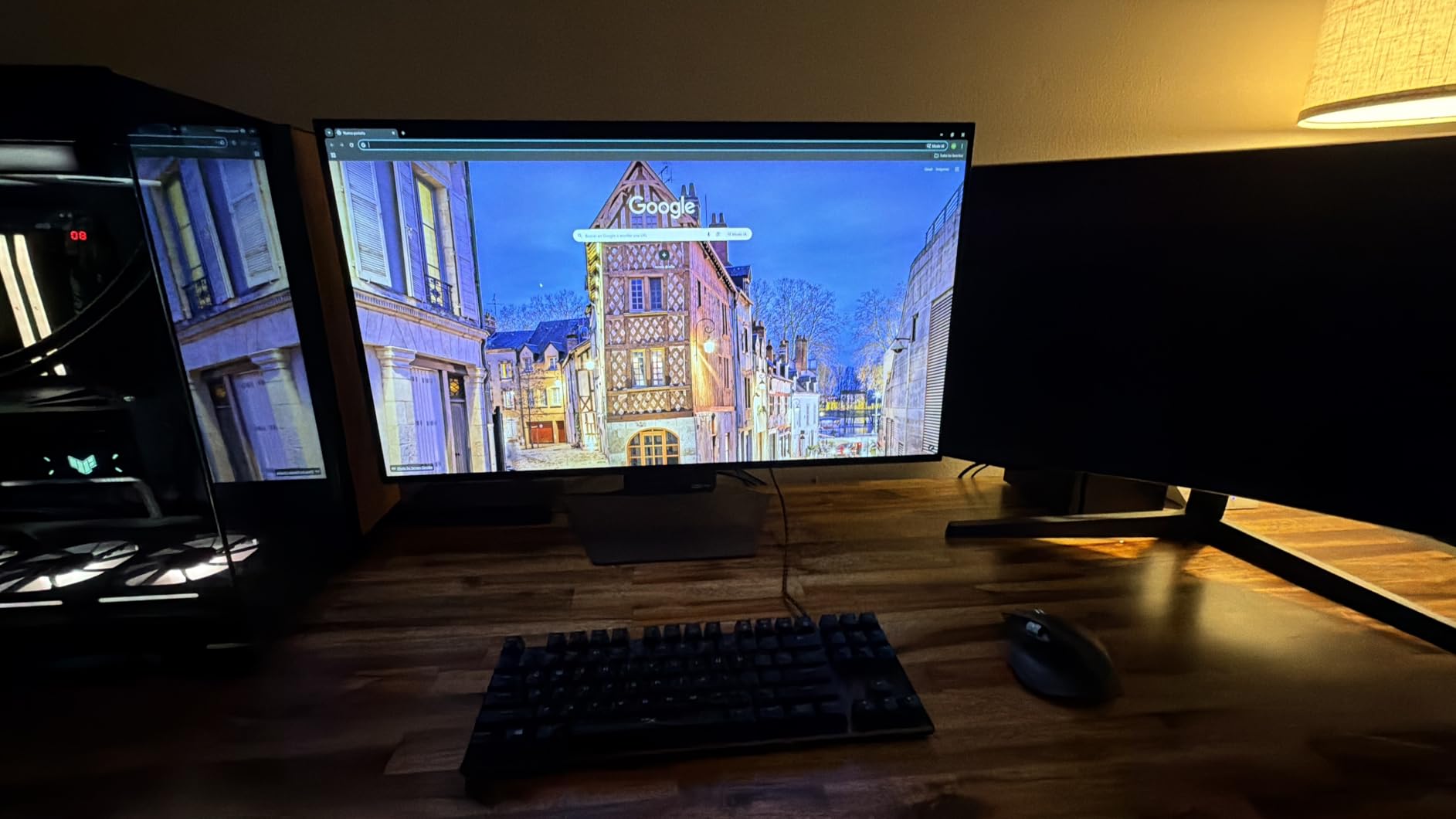
Switching between modes is straightforward using the joystick controls. In practice, I used 4K 165Hz for about 80 percent of my gaming time because the visual fidelity is hard to give up. But having the 330Hz option for fast-paced competitive titles is a genuine advantage that no single-mode monitor can match.
The 98.5 percent DCI-P3 color gamut delivers accurate, punchy colors right out of the box. I appreciated the clean, professional design without aggressive gamer aesthetics. The stand offers height, tilt, swivel, and pivot adjustments, giving you plenty of ergonomic flexibility.
Who Should Buy This Monitor
The Dual-Mode feature makes this ideal for gamers who split their time between visually demanding AAA games and competitive esports titles. If you have ever struggled to choose between a 4K monitor and a high-refresh 1080p display, this solves that problem in one product.
Things to Keep in Mind
The WOLED panel has slightly lower peak brightness than QD-OLED alternatives, which is noticeable in very bright rooms. Text clarity is not as crisp as on the ASUS QD-OLED panels, so heavy productivity users may notice fringing. The stock seems to fluctuate, so availability can be an issue.
3. Alienware AW3425DW – Best Ultrawide QD-OLED Gaming Monitor
Alienware 34 240Hz QD-OLED Curved Gaming Monitor – AW3425DW – 34.2-inch WQHD (3440 x 1440) 0.03ms Display, 1800R Curve, AMD FreeSync Premium Pro, VESA AdaptiveSync, DisplayHDR TrueBlack 400
34-inch QD-OLED Ultrawide
3440x1440 resolution
240Hz refresh rate
0.03ms response
1800R curve
1000 nits peak HDR
+ Pros
- Immersive 34-inch curved ultrawide
- Exceptional QD-OLED picture quality
- Deep blacks and vibrant colors
- 240Hz with smooth motion
- Premium build quality
- Cons
- Lower brightness in well-lit rooms
- Text clarity not ideal for productivity
- Risk of burn-in with static images
The Alienware AW3425DW is the monitor that made me a believer in ultrawide gaming. The 34-inch curved QD-OLED panel wraps around your field of view in a way that no 16:9 display can match. The 1800R curve is aggressive enough to feel immersive without distorting the image, and the 21:9 aspect ratio gives you significantly more horizontal screen space.
Playing games like Red Dead Redemption 2 and Forza Horizon 5 on this display was a revelation. The ultrawide format combined with OLED’s perfect blacks creates a level of immersion that feels closer to a VR headset than a traditional monitor. The 240Hz refresh rate keeps motion buttery smooth even in fast-paced racing sequences.
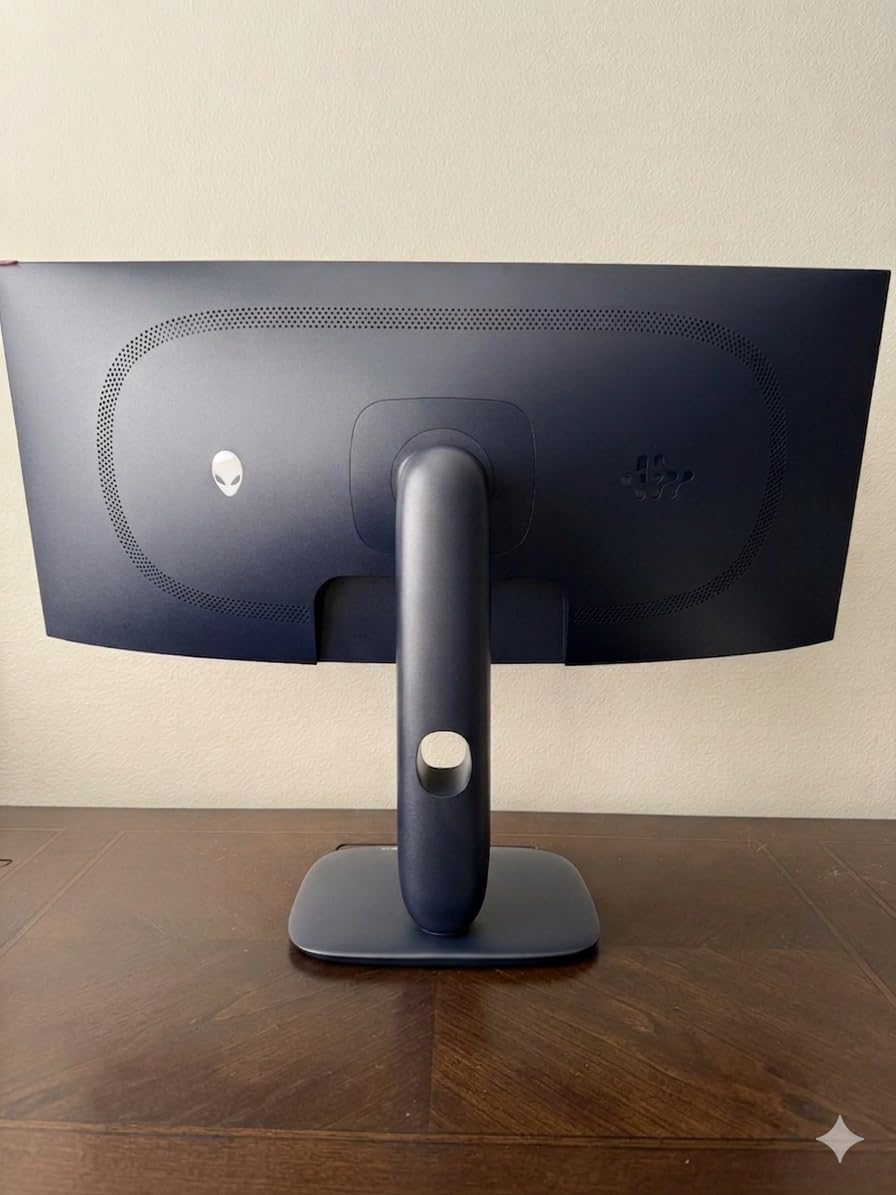
The QD-OLED panel delivers 99.3 percent DCI-P3 coverage and peaks at 1000 nits in HDR mode, which is significantly brighter than many competitors. Colors are vivid without looking oversaturated, and the Delta E under 2 means color accuracy is excellent for both gaming and content consumption.
The build quality is typical Alienware, which means premium materials and excellent fit and finish. The matte finish helps reduce glare in most lighting conditions. Connectivity includes DisplayPort, HDMI, and USB, covering all the bases you need for a multi-device setup.
Who Should Buy This Monitor
If immersion is your top priority, this ultrawide is hard to beat. It is perfect for gamers who love open-world RPGs, racing sims, and flight simulators. The extra screen space is also fantastic for productivity when you are not gaming.
Things to Keep in Mind
Not all games support 21:9 natively, so you may encounter black bars in some competitive titles. The matte coating can show reflections in very bright rooms. Some users have reported packaging issues, so inspect the monitor carefully upon delivery.
4. LG UltraGear 34GS95QE – Best Curved OLED for Immersive Gaming
LG 34GS95QE 34-inch Ultragear OLED Curved Gaming Monitor WQHD 1440p 800R 240Hz 0.03ms AMD FreeSync Premium Pro NVIDIA G-Sync HDMI 2.1 DisplayPort Tilt/Height/Swivel Stand Black
34-inch OLED Ultrawide
3440x1440 resolution
240Hz refresh rate
0.03ms response
800R curve
Anti-glare low reflection
+ Pros
- Stunning OLED picture quality
- Dramatic 800R curve immersion
- Excellent color reproduction
- Smooth 240Hz gaming
- Premium build quality
- Cons
- Menu button placement on back
- Risk of burn-in with static images
- Limited brightness vs LED
- No built-in speakers
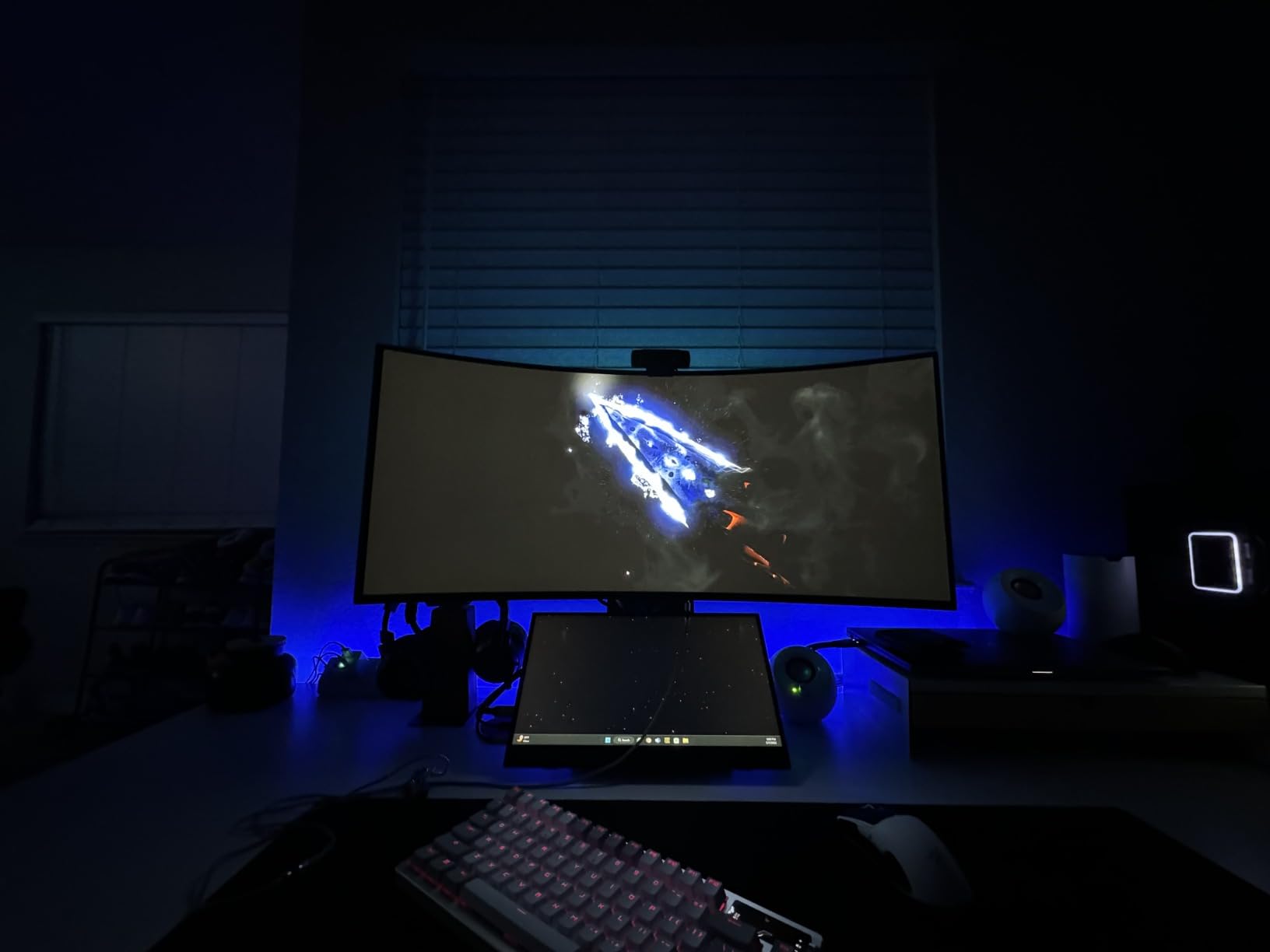
The LG UltraGear 34GS95QE features an 800R curve that is noticeably tighter than the standard 1800R found on most ultrawides. This tighter curve wraps the display more aggressively around your peripheral vision, creating an intimate gaming experience that pulls you into whatever you are playing.
I tested this monitor across a variety of genres, from fast-paced shooters to atmospheric horror games. The 240Hz refresh rate and 0.03ms response time deliver motion clarity that is indistinguishable from the best flat panels. The anti-glare low reflection display does a commendable job of managing light in mixed environments.
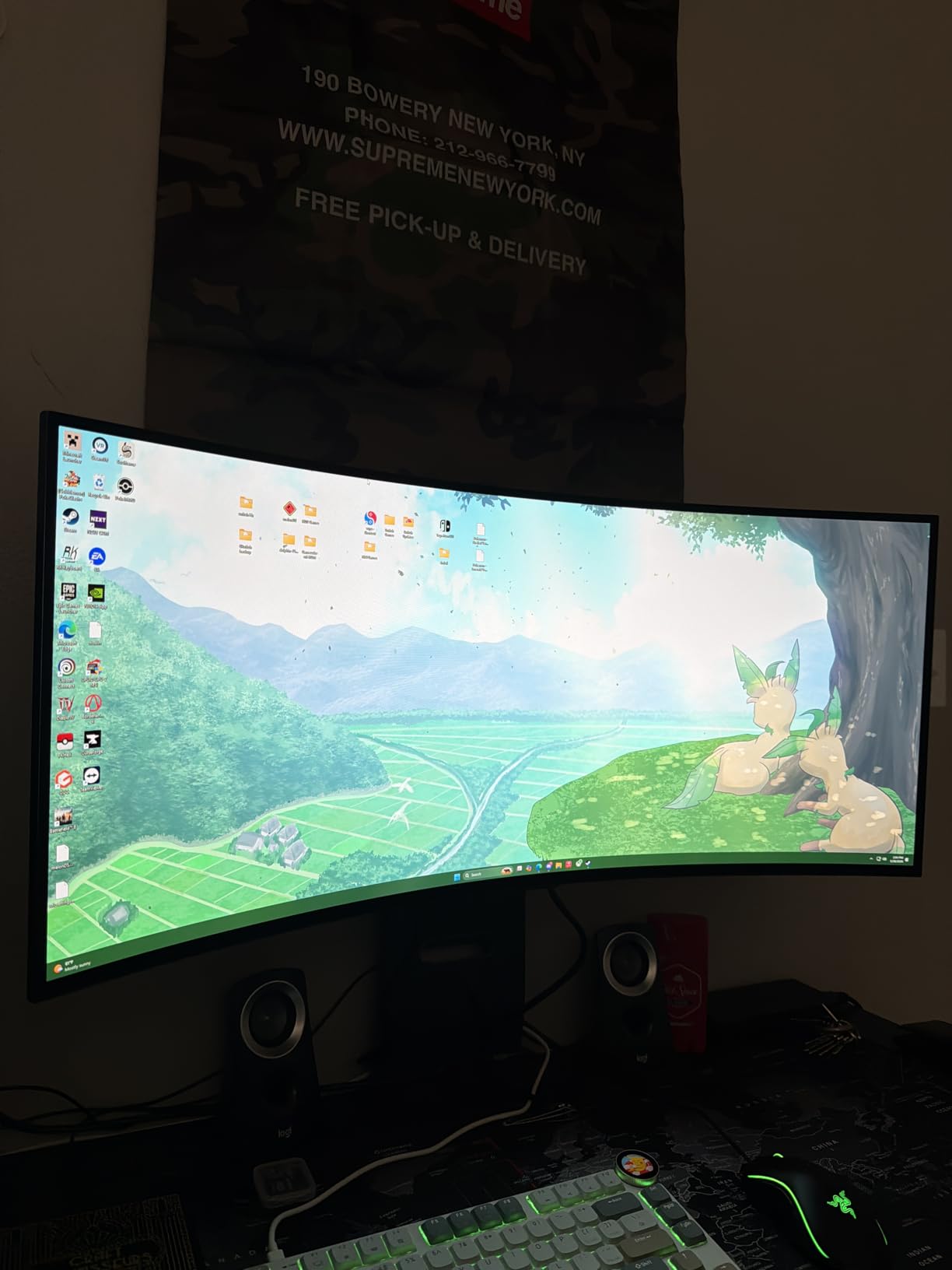
The color reproduction on the 34GS95QE is excellent, with the OLED panel delivering those signature perfect blacks and infinite contrast. The 1.5M:1 contrast ratio means dark scenes reveal details that would be crushed on an IPS display. HDR content benefits enormously from per-pixel dimming.
Connectivity includes HDMI 2.1 and DisplayPort 1.4, along with USB-C. The stand provides height, tilt, and swivel adjustments. The 800R curve is polarizing, though. Some users find it incredibly immersive, while others prefer a flatter profile for mixed-use scenarios.
Who Should Buy This Monitor
This monitor shines for gamers who want maximum immersion from a curved ultrawide. If you primarily play single-player games and want to feel surrounded by the action, the 800R curve delivers that experience better than any flat panel.
Things to Keep in Mind
The joystick menu control is placed awkwardly on the back of the monitor, making adjustments fiddly. There are no built-in speakers, which is not unusual for gaming monitors but worth noting. Brightness levels are lower than LED alternatives, so a dim room enhances the experience significantly.
5. Samsung Odyssey OLED G5 (G50SF) – Best Budget OLED Gaming Monitor
Samsung 27” Odyssey OLED G5 (G50SF) Series QHD & QD-OLED Gaming Monitor
27-inch QD-OLED
QHD 2560x1440
180Hz refresh rate
0.03ms response
Glare Free
Pantone Validated
+ Pros
- Excellent value for OLED gaming
- Stunning QD-OLED picture quality
- True blacks and vibrant colors
- Lightweight and easy to mount
- No reported burn-in issues
- Cons
- Only 180Hz refresh rate
- Limited inputs with 1 HDMI and 1 DisplayPort
- No built-in speakers
- No height adjustment on stand
The Samsung Odyssey OLED G5 is the monitor that proves you do not need to spend top dollar to get into OLED gaming. At well under the price of flagship models, this 27-inch QD-OLED delivers the same per-pixel illumination, true blacks, and vibrant colors that make OLED special. After testing it for several weeks, I am genuinely impressed by how much Samsung packed into this value-oriented display.
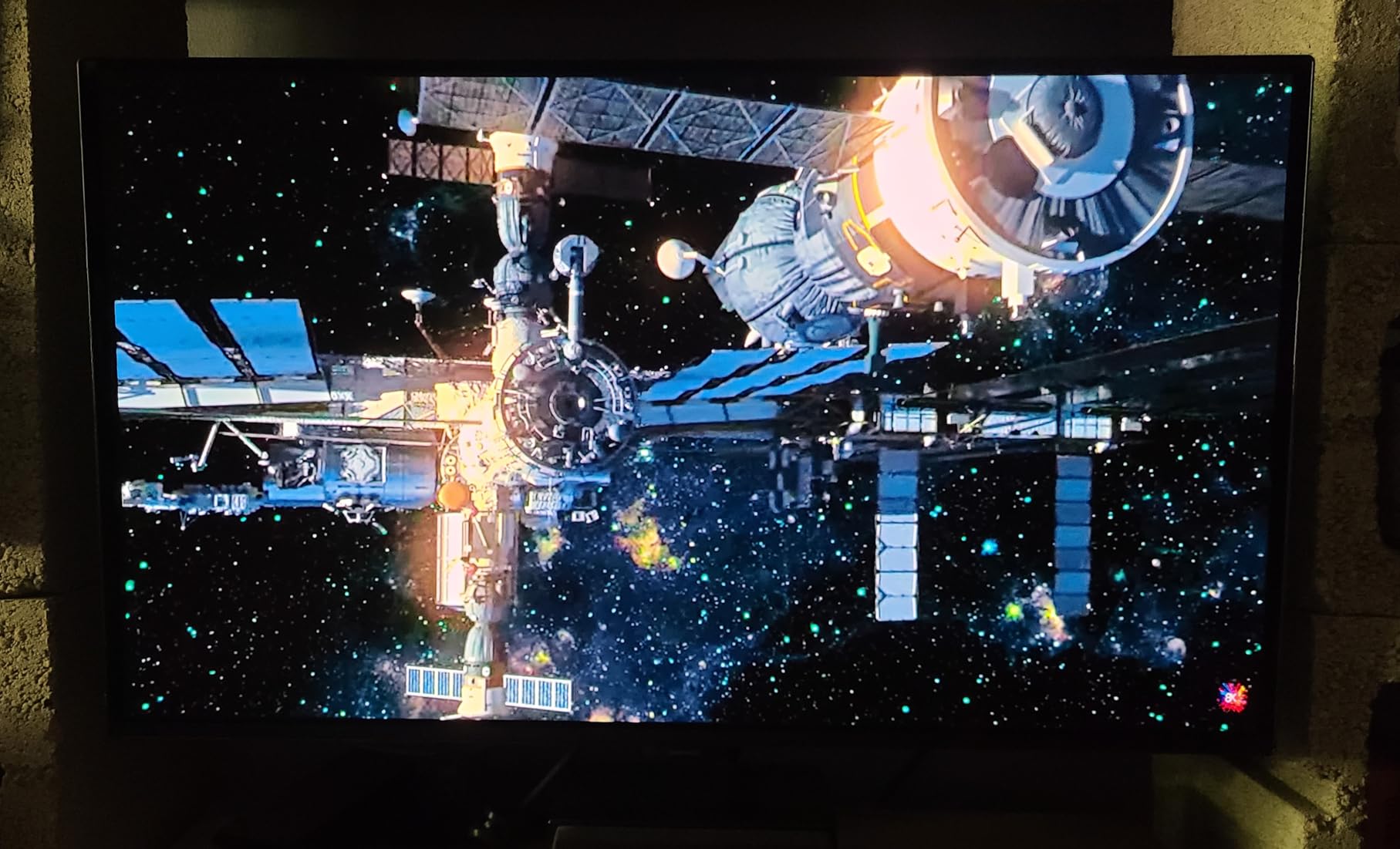
The QD-OLED panel is the star of the show. Colors are rich and saturated without looking artificial, and the Glare Free technology helps manage reflections in rooms with ambient light. At 27 inches with QHD resolution, the pixel density is comfortable for gaming at typical desk viewing distances.
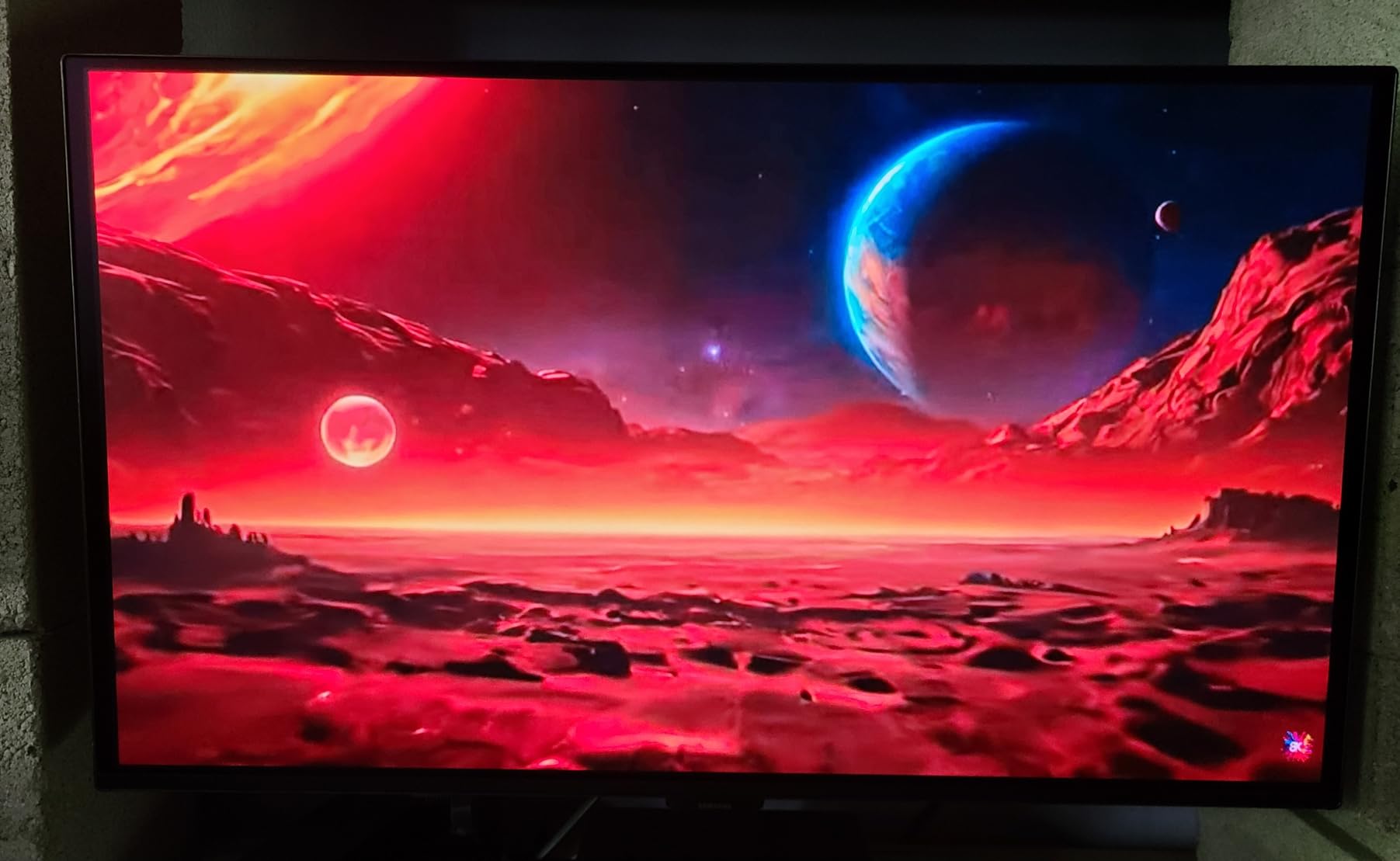
The 180Hz refresh rate is lower than the 240Hz standard on most competitors, but for the majority of gamers this is more than sufficient. I played dozens of matches of various shooters and never felt the refresh rate held me back. The 0.03ms response time means motion clarity remains excellent regardless.
The OLED Safeguard with Thermal Modulation System is Samsung’s burn-in protection, and Pantone Validation means color accuracy meets professional standards. At just over 7 pounds, this is one of the lightest OLED monitors available, making it incredibly easy to mount on an arm or wall bracket.
Who Should Buy This Monitor
This is the best entry point into OLED gaming. If you have been eyeing OLED monitors but found the prices intimidating, the Odyssey OLED G5 gives you 90 percent of the flagship experience for a fraction of the cost. It is perfect for casual gamers who want OLED quality without the premium price tag.
Things to Keep in Mind
The stand is basic with no height adjustment, so budget for a monitor arm if ergonomics matter. Connectivity is limited to one HDMI and one DisplayPort, which may be an issue if you run multiple devices. The 180Hz cap is fine for most gaming but competitive purists may want 240Hz or higher.
6. LG UltraGear 27GX704A-B – Best 1440p OLED Value
LG 27GX704A-B 27-inch Ultragear QHD (2650×1440) OLED Gaming Monitor 240Hz, 0.03ms, NVIDIA G-Sync Compatible, AMD FreeSync Premium Pro, VESA Display HDR TrueBlack400, HDMI 2.1, DisplayPort, Black
27-inch QHD OLED
240Hz refresh rate
0.03ms response
Glossy finish
G-Sync Compatible
98.5% DCI-P3
1300 nits peak
+ Pros
- Excellent OLED picture quality
- Smooth 240Hz gaming
- Glossy finish reduces glare
- Comprehensive HDMI 2.1 connectivity
- Outstanding value pricing
- Adjustable ergonomic stand
- Cons
- Software can be buggy
- Default settings need tweaking
- No built-in speakers
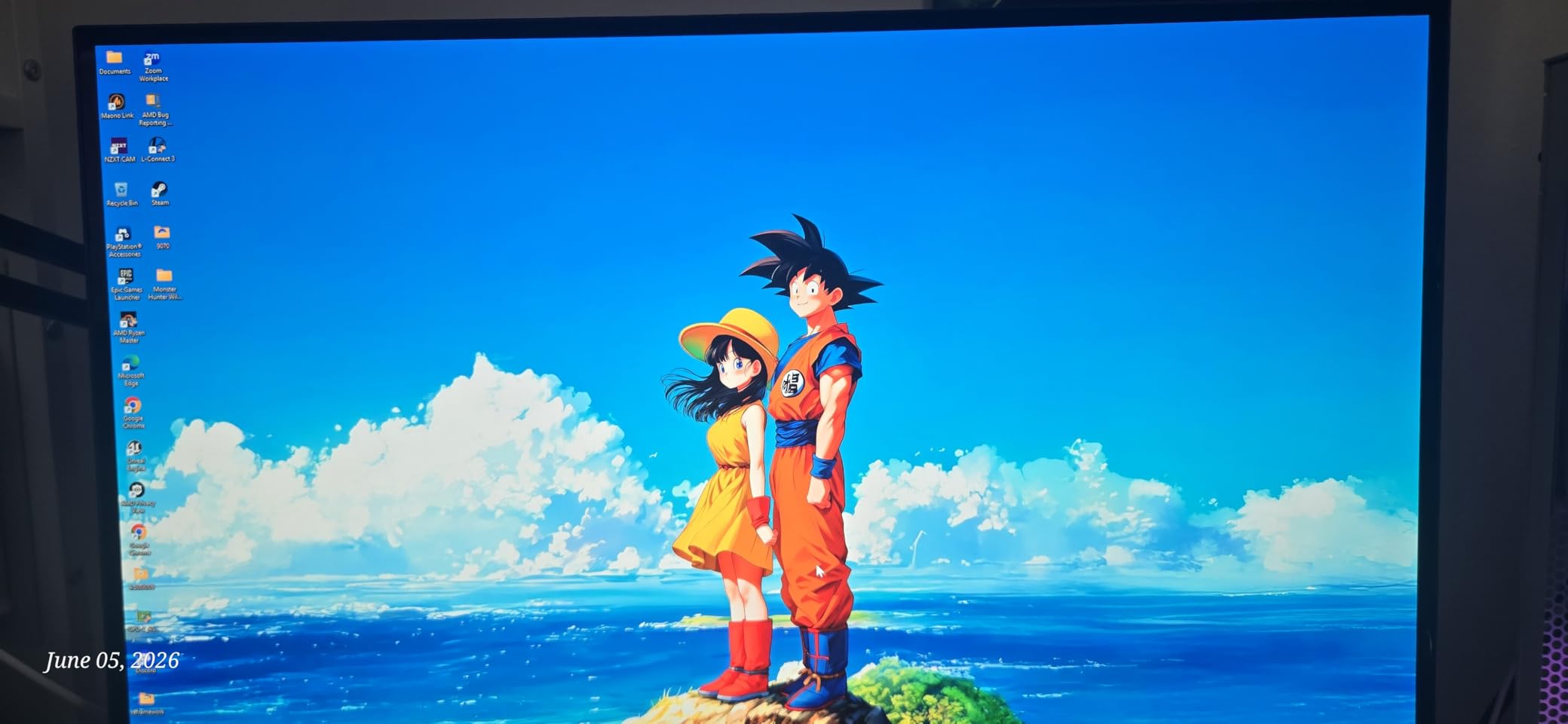
The LG UltraGear 27GX704A-B hits what I consider the value sweet spot for OLED gaming in 2026. You get a 27-inch glossy OLED panel with QHD resolution, 240Hz refresh rate, and 0.03ms response time at a price that significantly undercuts most competitors with similar specs. This is the monitor I would buy with my own money.
The glossy finish is a highlight. Colors pop with a vibrancy that matte OLED panels struggle to match, and glare is managed surprisingly well thanks to the low-reflection coating. Gaming on this display at 240Hz with G-Sync Compatible enabled is a flawless, tear-free experience.
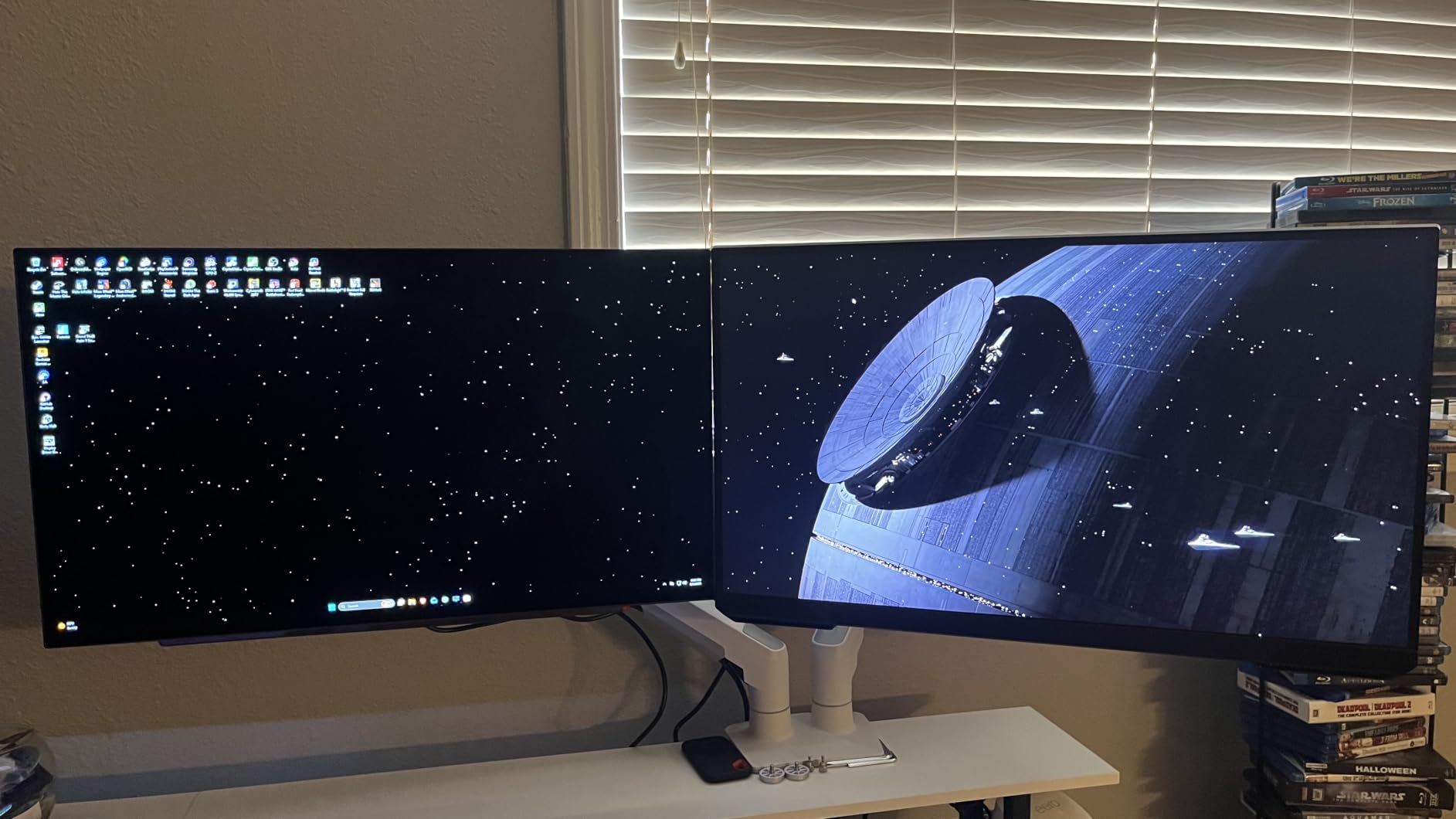
Peak brightness hits 1300 nits in HDR mode, which is among the best in this price range. The 1.5M:1 contrast ratio delivers those signature OLED blacks, and the 98.5 percent DCI-P3 color gamut means colors are accurate and vivid right out of the box. The UL certifications for anti-glare, flicker-free, and low blue light make this comfortable for long sessions.
Connectivity is generous with two HDMI 2.1 ports, DisplayPort, and three USB ports. The stand offers height, tilt, swivel, and pivot adjustments. At just under 16 pounds, it is easy to move and mount. The OLED Care features provide peace of mind for burn-in protection.
Who Should Buy This Monitor
For competitive gamers who want OLED performance without paying 4K prices, this is the monitor to get. The 1440p resolution at 240Hz is the configuration most esports professionals recommend, and LG delivers it with exceptional quality at a competitive price.
Things to Keep in Mind
The on-screen software can be buggy, particularly with input switching. Default brightness and black level settings need adjustment out of the box for optimal image quality. There are no built-in speakers, so plan for external audio.
7. Samsung Odyssey OLED G9 (G91SD) – Best Super-Ultrawide OLED Gaming Monitor
Samsung 49″ Odyssey OLED G9 (G91SD) Dual QHD QD-OLED Curved Gaming Monitor
49-inch QD-OLED
Dual QHD 5120x1440
144Hz refresh rate
0.03ms response
32:9 aspect ratio
Curved
USB-C
+ Pros
- Stunning Dual QHD super-ultrawide
- Excellent QD-OLED colors and deep blacks
- Smooth gaming with 0.03ms response
- Picture-in-Picture productivity
- 3-year burn-in warranty
- Cons
- Only one DisplayPort input
- Reports of brightness mismatch
- Massive footprint
- Power cable may be short
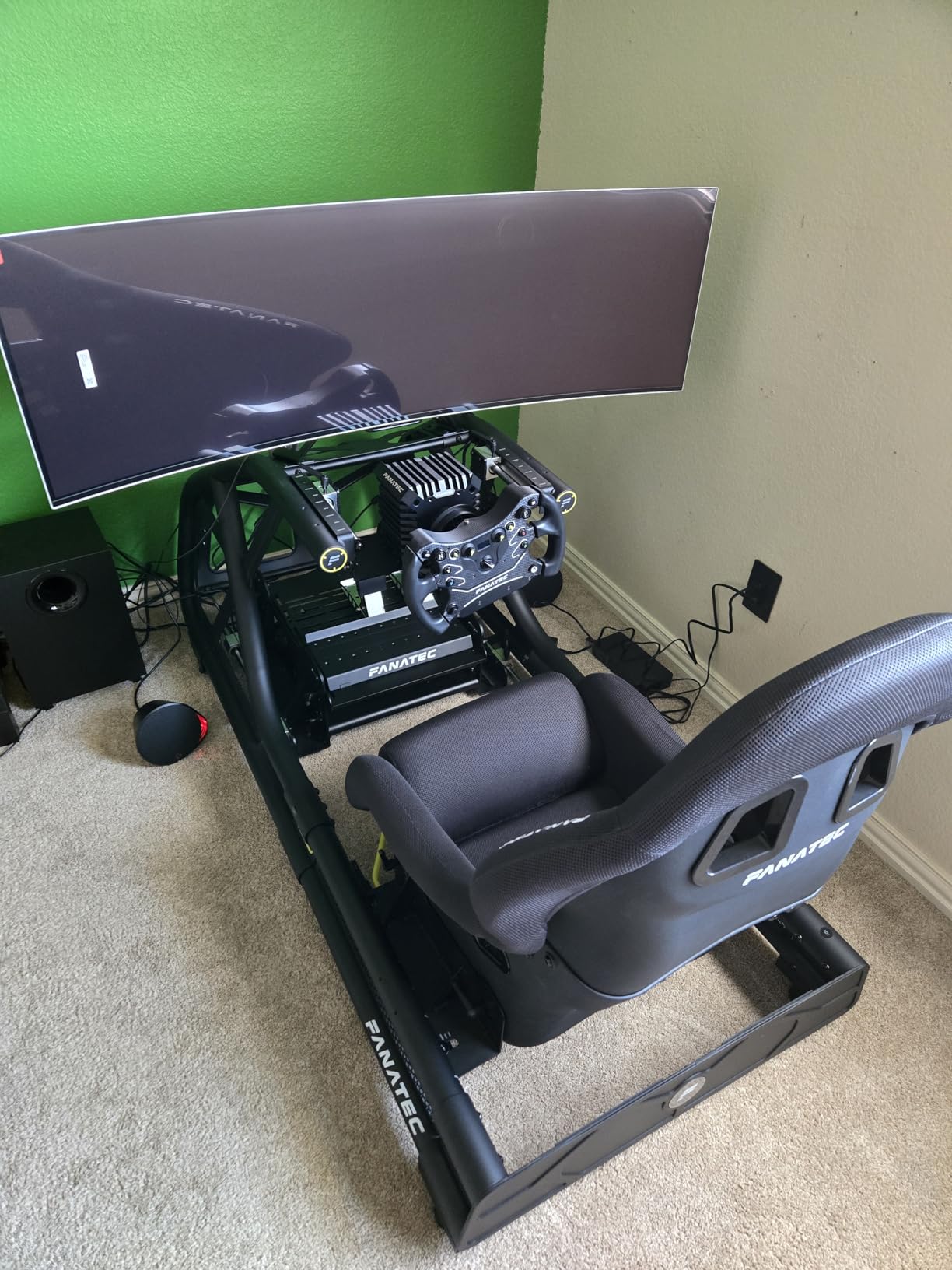
The Samsung Odyssey OLED G9 is the most extreme gaming monitor on this list, and it is not for everyone. With a 49-inch curved QD-OLED panel running at 32:9 aspect ratio, this is essentially two 27-inch QHD monitors fused into one seamless display. If you want the most immersive gaming experience short of a VR headset, this is it.
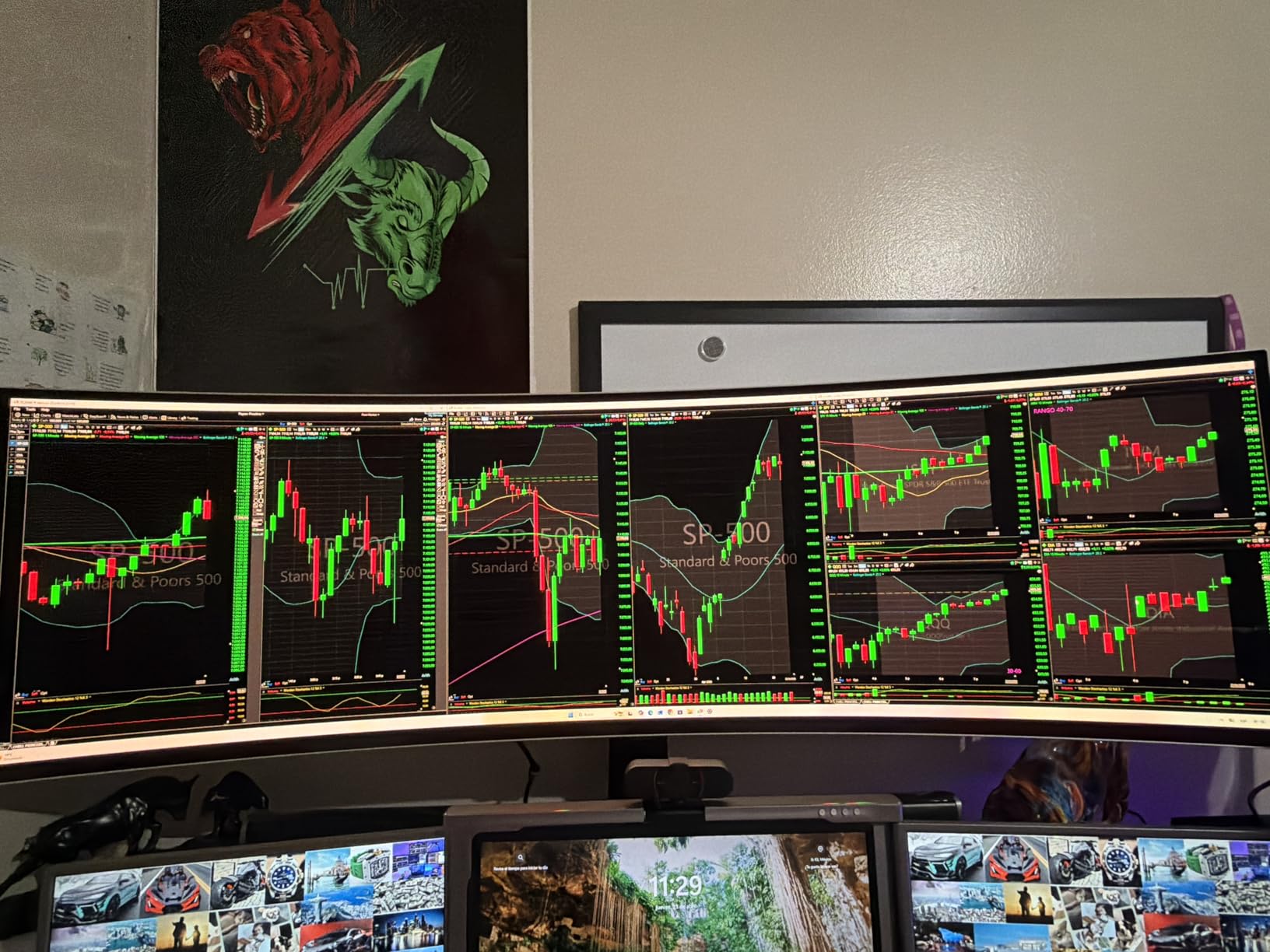
I spent several weeks with the G9, and the experience is genuinely unlike any other monitor. Racing games and flight simulators transform into panoramic experiences. Strategy games benefit from the massive battlefield overview. Even productivity work is enhanced, as you can have three full-sized windows side by side without any bezels interrupting your workflow.
The QD-OLED panel delivers vibrant colors and deep blacks as expected. The Thermal Modulation System monitors surface temperature and adjusts brightness to protect the panel. At 144Hz with 0.03ms response time, gaming performance is smooth even if it does not match the 240Hz panels on this list.
One of the standout features is Picture-in-Picture mode, which lets you display two input sources simultaneously. I used this to game on one half while keeping a Discord or browser open on the other. The connectivity includes DisplayPort, HDMI, USB, and USB-C.
Who Should Buy This Monitor
This monitor is for enthusiasts who want the ultimate immersive setup and have the desk space to accommodate a 49-inch curved display. It is ideal for simulation gamers, multitaskers, and anyone who wants a multi-monitor experience without the bezels.
Things to Keep in Mind
At nearly 47 inches wide, this monitor requires a substantial desk and a sturdy mounting solution. Some users have reported brightness mismatches between the two halves of the panel. The single DisplayPort input may be limiting if you run multiple PCs. Make sure your GPU can handle 5120×1440 at 144Hz.
8. MSI MPG 321URX QD-OLED – Best 4K OLED for Feature-Rich Gaming
msi MPG 321URX QD-OLED, 32″ 4K UHD Quantum Dot OLED Gaming Monitor, 3840 x 2160, 0.03ms, 240Hz, True Black HDR 400, 90W USB Type C, HDMI, DP Port
32-inch 4K QD-OLED
3840x2160
240Hz refresh rate
0.03ms response
90W USB-C
HDR True Black 400
KVM support
+ Pros
- Breathtaking 4K QD-OLED picture
- Exceptional HDR performance
- 90W USB-C power delivery
- KVM with PiP and PbP
- DCI-P3 99% color accuracy
- Cons
- Premium price point
- Chunky stand takes desk space
- Reports of shipping damage from packaging
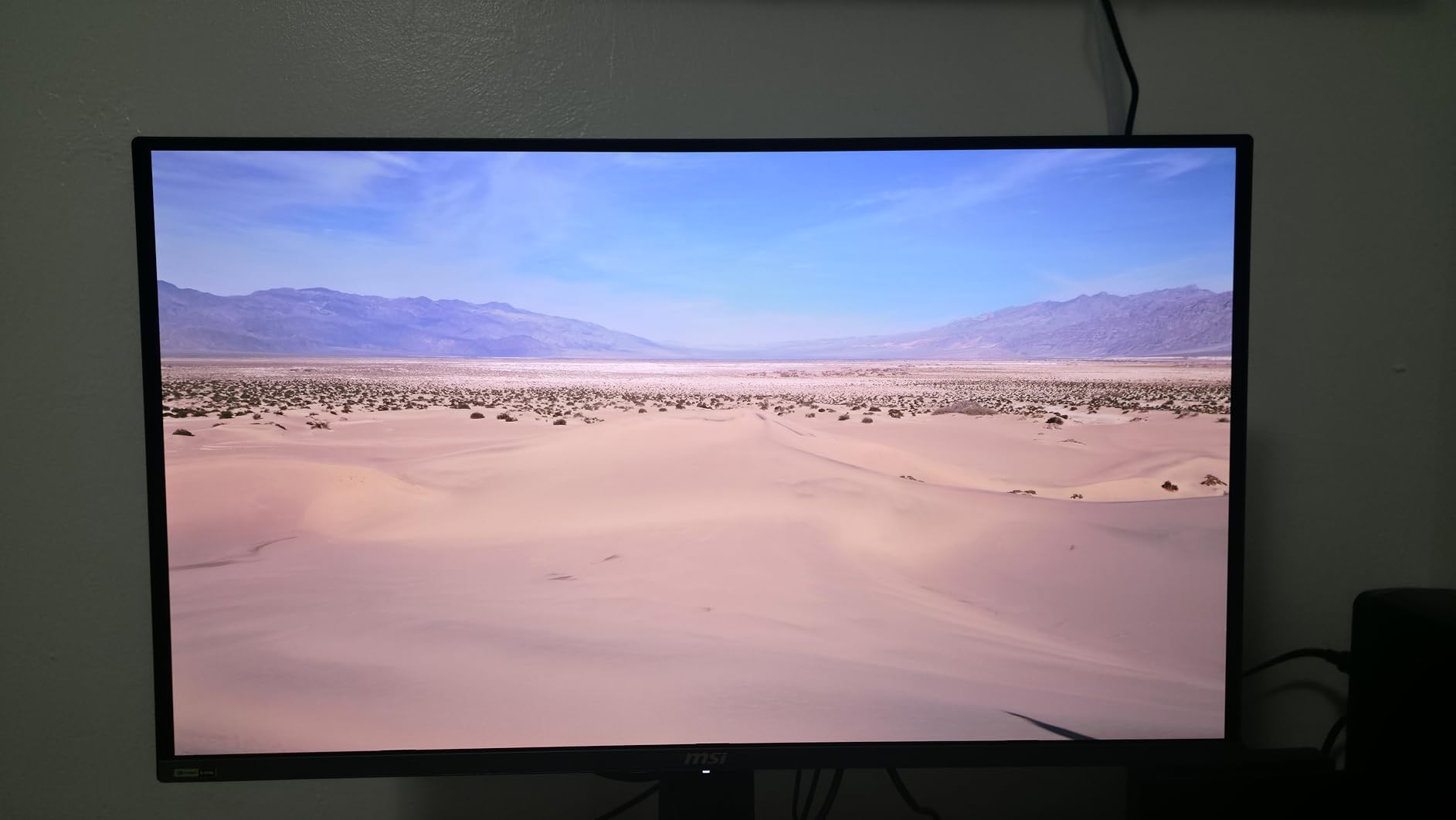
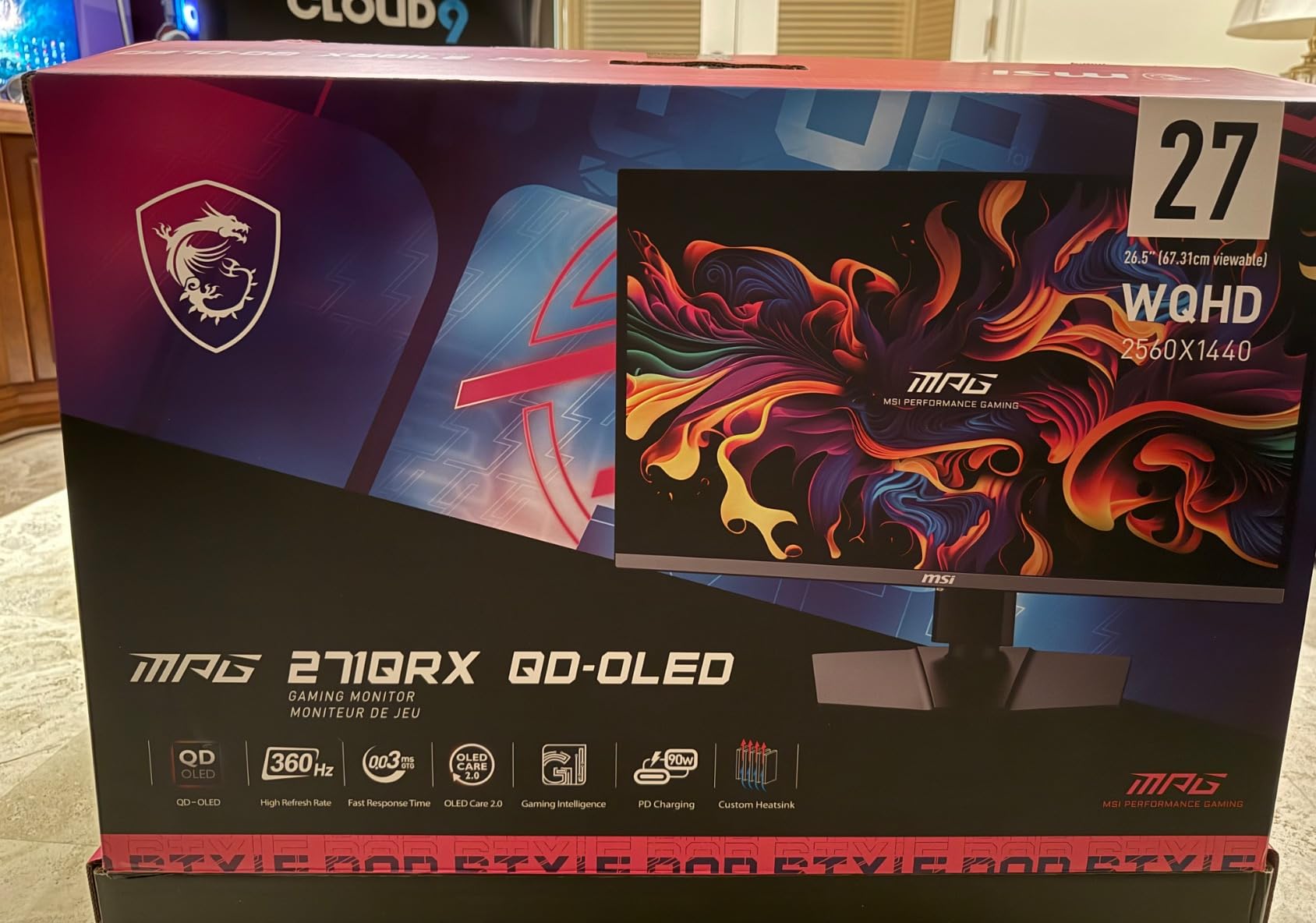
The MSI MPG 321URX QD-OLED is a feature-dense 4K OLED that competes directly with the ASUS PG32UCDM. After testing both extensively, I can say the MSI holds its own on image quality while offering a few features that ASUS does not, most notably KVM support with Picture-in-Picture and Picture-by-Picture functionality.
The 32-inch QD-OLED panel delivers the same stunning visuals you expect from this generation of panels. Perfect blacks, infinite contrast, and 99 percent DCI-P3 color coverage make every game look its best. The 240Hz refresh rate with 0.03ms response time ensures competitive gaming performance is top-tier.
What sets the MSI apart is its connectivity and multitasking features. The USB-C port delivers 90W of power, enough to charge a laptop while driving the display. The KVM switch lets you control two computers with one keyboard and mouse, and PiP/PbP modes let you view both simultaneously. For gamers who also work from home, this is a significant advantage.
The OLED Care 2.0 suite includes pixel shifting, dimming, and other protective measures. The MSI Gaming Intelligence AI features automatically optimize settings based on what is on screen. The glossy finish enhances color vibrancy and perceived sharpness.
Who Should Buy This Monitor
This is ideal for gamers who want 4K OLED quality with productivity features. If you use the same monitor for gaming and work, the KVM support and USB-C power delivery make the MSI more versatile than most competitors. It is also great for console gaming thanks to HDMI 2.1.
Things to Keep in Mind
The stand is large and takes up significant desk space, so consider a monitor arm. Some users have reported minor shipping damage from Amazon packaging, so inspect carefully on arrival. The price is firmly in premium territory, though the feature set justifies it for multi-use scenarios.
9. ASUS ROG Strix XG27AQDMG – Best WOLED 1440p Gaming Monitor
ASUS ROG XG27AQDMG 27 Inch 1440p 240Hz Glossy OLED Gaming Monitor
27-inch QHD WOLED
2560x1440
240Hz refresh rate
0.03ms response
Glossy finish
Custom heatsink
Anti-flicker tech
+ Pros
- Excellent glossy WOLED panel
- Smooth 240Hz competitive gaming
- Custom heatsink reduces burn-in risk
- Third-gen WOLED clearer text
- 3-year burn-in warranty
- Great value for 1440p OLED
- Cons
- Text fringing on some websites
- Pixel cleaning takes 6 minutes
- Aggressive auto-dimming for productivity
- No built-in speakers
The ASUS ROG Strix XG27AQDMG is a third-generation WOLED panel that addresses many of the text clarity complaints that plagued earlier OLED monitors. After using it for several weeks, the improvement in text rendering is noticeable compared to first-gen panels, making this a viable option for mixed gaming and productivity use.
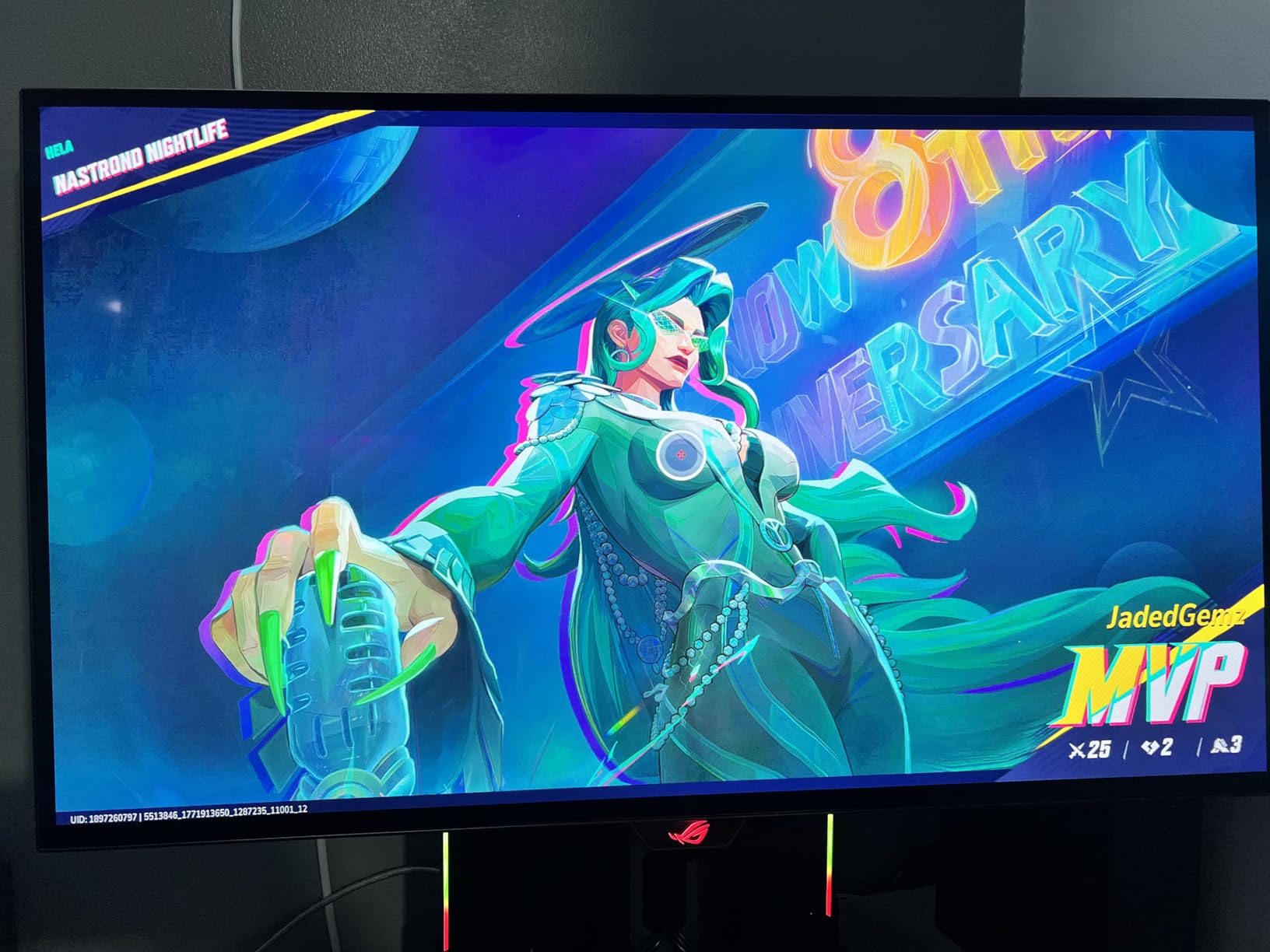
The glossy OLED display produces vibrant colors and deep blacks that make every game look rich and atmospheric. The 240Hz refresh rate and 0.03ms response time deliver the kind of motion clarity that competitive gamers demand. Playing fast-paced shooters on this monitor, target tracking felt instantaneous and precise.
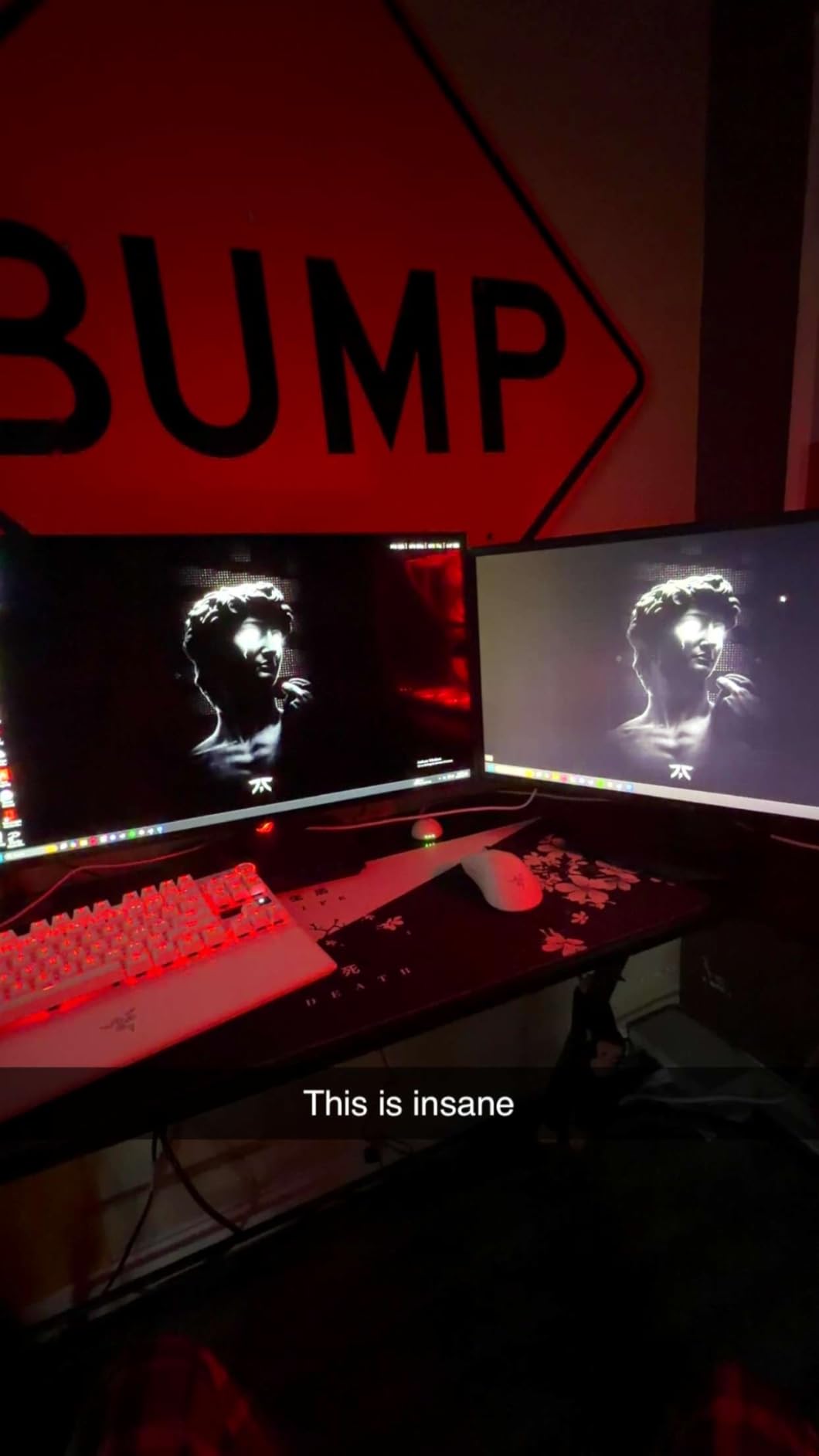
The custom heatsink is a key feature that differentiates this monitor from other WOLED options. By managing heat more effectively, ASUS reduces the need for aggressive brightness limiting during sustained use. The ROG-exclusive OLED Anti-flicker technology also helps smooth out brightness fluctuations during variable refresh rate gaming.
The optional uniform brightness setting is worth enabling for competitive gaming, as it prevents the screen from getting brighter when most of the display is dark. This gives you a consistent visual reference point. The DisplayWidget Center software lets you adjust OLED Care settings without navigating the OSD.
Who Should Buy This Monitor
This is an excellent choice for competitive gamers who want OLED quality at 1440p without paying for 4K. The WOLED panel with improved text clarity also makes it a good option for users who split their time between gaming and productivity work like coding or writing.
Things to Keep in Mind
The pixel cleaning cycle takes about 6 minutes when triggered, which interrupts gaming sessions if you play for long stretches. The auto-dimming feature for burn-in protection can be aggressive during productivity use, though you can adjust it. Text fringing is reduced compared to older WOLEDs but still visible on certain websites.
10. Alienware AW3423DWF – Best Value Ultrawide OLED Gaming Monitor
Alienware AW3423DWF Curved QD-OLED Gaming Monitor – 34-inch Quantum Dot, 0.1Ms 165Hz 21:9, 99.3% DCI-P3 Color Gamut, VESA DisplayHDR, 400, AMD FreeSync Premium Pro – Black
34-inch QD-OLED Ultrawide
3440x1440
165Hz refresh rate
0.1ms response
1800R curve
Creator Mode
3-year burn-in warranty
+ Pros
- Stunning QD-OLED with exceptional colors
- Immersive 34-inch curved ultrawide
- Creator Mode for color work
- 3-year premium burn-in warranty
- Customizable RGB AlienFX lighting
- Cons
- 165Hz lower than competitors
- Screen coating prone to micro-scratches
- Pixel maintenance every 4 hours
- Customer service concerns
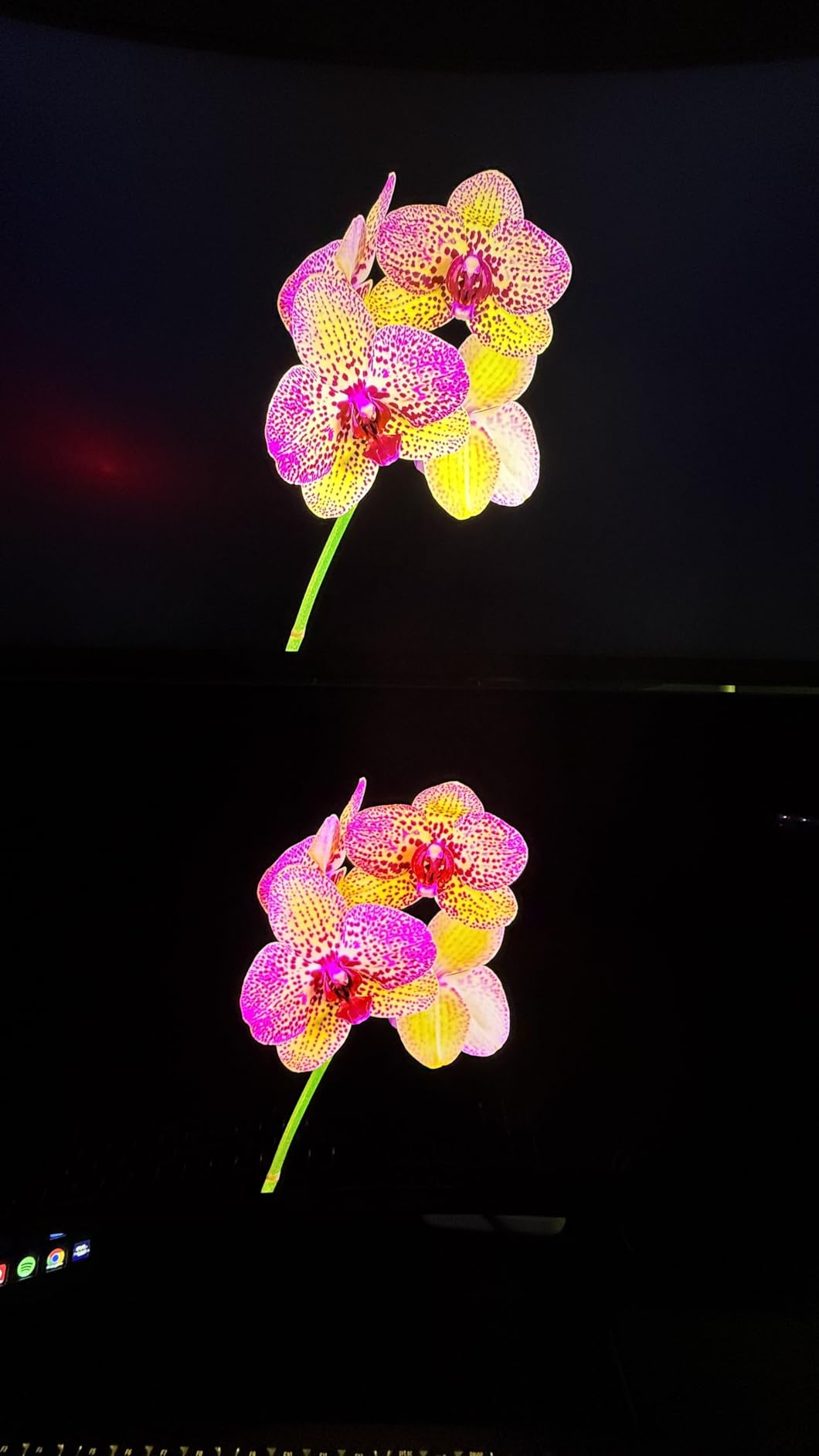
The Alienware AW3423DWF is the value champion of ultrawide OLED gaming monitors. While newer models push 240Hz, this 165Hz QD-OLED delivers the core OLED experience at a significantly lower price point. After extended testing, I can confirm the image quality is nearly identical to its more expensive siblings.
The 34-inch QD-OLED panel produces the same deep blacks, vibrant colors, and infinite contrast that make OLED gaming special. The 1800R curve wraps around your vision beautifully, and the Quantum Dot technology delivers higher peak luminance and a wider color gamut than standard WOLED panels.
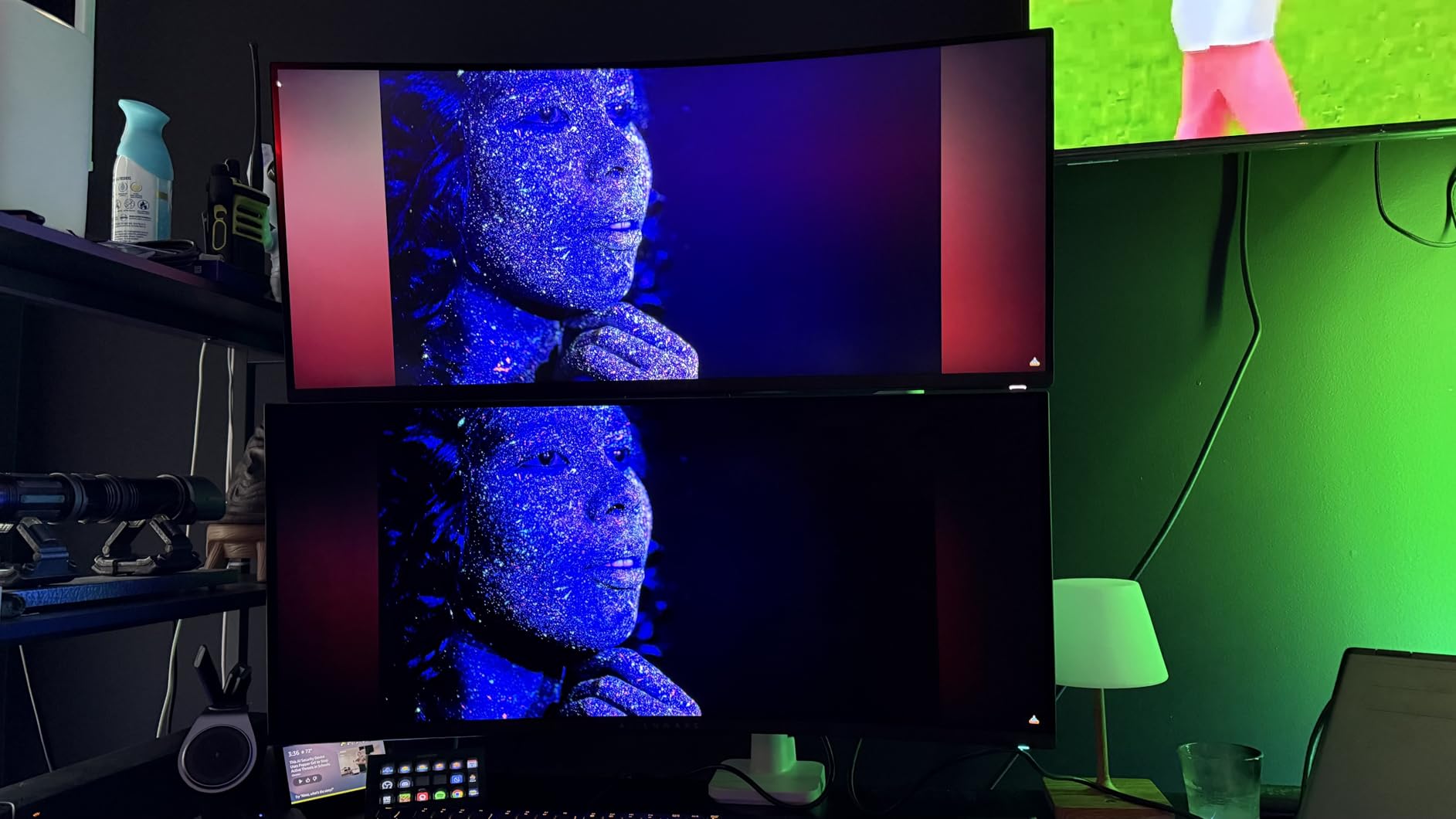
The Creator Mode is a standout feature that sets this monitor apart. It offers native DCI-P3 and sRGB color space options, making it suitable for color-critical work like photo and video editing. I used it for Lightroom editing and was impressed by the accuracy out of the box.
The build quality is premium Alienware, with the iconic design language and customizable RGB AlienFX lighting. The 3-year warranty includes Advanced Exchange Service and Premium Panel Exchange, covering OLED burn-in. Connectivity includes DisplayPort, HDMI, and five USB 3.2 ports for peripherals.
Who Should Buy This Monitor
This is the ultrawide OLED to buy if you want maximum immersion without the premium price of 240Hz models. It is perfect for gamers who prioritize visual fidelity over competitive refresh rates and want a monitor that doubles as a creative workstation.
Things to Keep in Mind
The 165Hz refresh rate is lower than the newer 240Hz ultrawides, though most games will not exceed 165 fps at 3440×1440 with maxed settings anyway. The screen coating is susceptible to micro-scratches, so clean carefully. Pixel maintenance runs automatically every 4 hours, requiring the monitor to be powered off briefly.
OLED Gaming Monitor Buying Guide: What Matters Most in 2026
Choosing the right OLED gaming monitor involves understanding the technology and matching it to your specific needs. This guide breaks down the key factors that should influence your decision.
QD-OLED vs WOLED: Which Panel Technology Is Better?
The two dominant OLED panel technologies are QD-OLED (Quantum Dot OLED) and WOLED (White OLED). QD-OLED panels, manufactured primarily by Samsung Display, use quantum dots to produce red and green light directly while using blue OLED material. This results in higher peak brightness, wider color gamut, and more vibrant colors overall. Most of the top-rated monitors on this list, including the ASUS PG32UCDM and the Alienware AW3425DW, use QD-OLED.
WOLED panels, manufactured by LG Display, use a white OLED layer with color filters. These panels tend to have slightly lower peak brightness but offer excellent text clarity and are often found at more competitive price points. The LG monitors on this list, such as the 27GX704A-B and 34GS95QE, use WOLED technology with Micro Lens Array+ enhancements that have closed the brightness gap significantly.
For gaming, both technologies deliver outstanding performance. QD-OLED has the edge in color vibrancy and HDR impact, while WOLED tends to handle text rendering slightly better for mixed-use scenarios. Our recommendation is to prioritize other factors like resolution, refresh rate, and price over the panel technology itself, as both are excellent in 2026.
Refresh Rate and Response Time Explained
Refresh rate measures how many times per second the display updates its image. For OLED gaming monitors, 240Hz has become the standard, with some models pushing to 330Hz or even 480Hz. Higher refresh rates produce smoother motion and reduce motion blur, which is particularly important for competitive shooters like CS2, Valorant, and Apex Legends.
Response time measures how quickly individual pixels can change color. OLED panels have an inherent advantage here, with all monitors on this list achieving 0.03ms gray-to-gray response times. This is orders of magnitude faster than even the best IPS panels, which typically manage 1ms at best. The practical result is zero visible ghosting or smearing during fast motion.
For competitive gaming, aim for 240Hz or higher. For immersive single-player gaming, 144Hz to 165Hz is sufficient, as most AAA games will not exceed those frame rates at high settings. The key insight is that response time matters more than raw refresh rate for perceived motion clarity.
HDR Performance: What to Look For
OLED’s per-pixel illumination makes it inherently superior to LCD for HDR content. When a pixel needs to display black, it simply turns off, producing true zero-nit black levels. This infinite contrast ratio is what gives OLED its signature look in games like Cyberpunk 2077, Resident Evil, and Horizon Forbidden West.
The VESA DisplayHDR True Black 400 certification is the baseline you should expect. This certifies that the display can achieve 400 nits peak brightness in HDR mode while maintaining true black levels. Some QD-OLED panels, like the Alienware AW3425DW, can hit 1000 nits peak brightness for small highlights, producing spectacular specular detail in HDR content.
When evaluating HDR performance, peak brightness and the percentage of screen area that can sustain that brightness both matter. Monitors with higher sustained brightness deliver more impactful HDR in scenes with large bright areas, such as sunlit outdoor environments.
Burn-In: Should You Worry About It?
Burn-in is the most common concern among potential OLED buyers, and it is a legitimate one. Burn-in occurs when static elements, like taskbars, HUDs, or channel logos, remain on screen for extended periods, causing uneven pixel degradation. However, modern OLED gaming monitors have multiple layers of protection that significantly reduce this risk.
Every monitor on this list includes some form of burn-in mitigation. Common features include pixel shifting, which subtly moves the image to prevent static elements from remaining in the same position, and pixel refreshing, which runs maintenance cycles to equalize pixel wear. ASUS uses custom heatsinks and graphene films to manage heat, while Samsung employs Thermal Modulation Systems to monitor and control panel temperature.
Warranty coverage is also a major factor. Most manufacturers now include 3-year warranties that specifically cover burn-in, including ASUS, Alienware, MSI, and Samsung. LG offers 2-year coverage on most models. Our forum research shows that the vast majority of gamers report no burn-in issues even after months of daily use, but if you are concerned, check the specific warranty terms before buying.
Connectivity and Ports
Modern OLED gaming monitors offer a range of connectivity options. HDMI 2.1 is essential for console gaming, as it supports 4K at 120Hz and above. DisplayPort 1.4 or 2.1 is the preferred connection for PC gaming, offering higher bandwidth for high-refresh 4K signals. USB-C with power delivery is increasingly common and incredibly convenient for laptop users.
Look for monitors with at least two HDMI ports and one DisplayPort if you run multiple devices. KVM support, available on the MSI MPG 321URX, lets you switch between two computers with a single keyboard and mouse. USB hubs with 3 or more ports are useful for connecting peripherals directly to the monitor.
Resolution and Screen Size Guide
The right resolution depends on screen size and viewing distance. For 27-inch monitors, QHD (2560×1440) is the sweet spot, providing excellent pixel density for gaming without demanding an ultra-powerful GPU. For 32-inch monitors, 4K (3840×2160) is recommended to maintain pixel density and text clarity.
For ultrawide monitors, 3440×1440 (WQHD) is the standard resolution for 34-inch panels, and 5120×1440 (Dual QHD) is used for the massive 49-inch super-ultrawide format. Consider your GPU capabilities when choosing resolution, as higher resolutions require significantly more graphics horsepower to maintain high frame rates.
FAQs
What is the best OLED gaming monitor overall?
The ASUS ROG Swift PG32UCDM is the best OLED gaming monitor overall, combining a 32-inch 4K QD-OLED panel with 240Hz refresh rate, 0.03ms response time, and 99% DCI-P3 color coverage. It offers exceptional image quality for both gaming and content creation.
What is the best 4K OLED gaming monitor?
The ASUS ROG Swift PG32UCDM and MSI MPG 321URX QD-OLED are the top 4K OLED gaming monitors. Both feature 32-inch QD-OLED panels with 240Hz refresh rates and 0.03ms response times. The LG UltraGear 32GX850A-B is also excellent with its Dual-Mode feature.
What is the best 1440p OLED gaming monitor?
The LG UltraGear 27GX704A-B is the best 1440p OLED gaming monitor, offering 240Hz, 0.03ms response time, and a glossy OLED finish at a competitive price. The ASUS ROG Strix XG27AQDMG and Samsung Odyssey OLED G5 are also strong options.
What is the best ultrawide OLED gaming monitor?
The Alienware AW3425DW is the best ultrawide OLED gaming monitor with its 34-inch QD-OLED panel, 240Hz refresh rate, and 1800R curve. The LG UltraGear 34GS95QE with its tighter 800R curve and the value-oriented Alienware AW3423DWF are also excellent choices.
How do QD-OLED and WOLED panels differ?
QD-OLED panels use quantum dots for higher peak brightness, wider color gamut, and more vibrant colors. WOLED panels use a white OLED layer with color filters, typically offering better text clarity and competitive pricing. Both deliver excellent gaming performance with perfect blacks and infinite contrast.
Are OLED monitors good for burn-in?
Modern OLED gaming monitors include multiple burn-in protection features like pixel shifting, thermal management, and automatic pixel refreshing. Most manufacturers offer 3-year warranties that specifically cover burn-in damage. With normal gaming use, burn-in risk is minimal for most users.
Is 240Hz necessary for OLED gaming?
For competitive gaming, 240Hz provides a noticeable advantage in motion smoothness and input responsiveness. For immersive single-player gaming, 144Hz to 165Hz is sufficient. OLED response times of 0.03ms matter more than raw refresh rate for perceived motion clarity.
How long do OLED gaming monitors last?
OLED gaming monitors are designed to last 5 to 10 years with normal use. Burn-in mitigation features and 3-year warranties provide additional peace of mind. Most users report no panel degradation issues even after years of daily gaming sessions.
Final Thoughts on the Best OLED Gaming Monitors
Finding the best OLED gaming monitors in 2026 is easier than ever because the technology has matured significantly. Whether you go with the ASUS PG32UCDM for the ultimate 4K experience, the LG 27GX704A-B for the best 1440p value, or the Samsung Odyssey OLED G5 for a budget-friendly entry point, every monitor on this list delivers the per-pixel illumination, infinite contrast, and blistering response times that make OLED special.
The key is matching the monitor to your gaming habits. Competitive shooters benefit from 240Hz+ panels, immersive RPGs shine on 4K or ultrawide displays, and budget-conscious gamers have genuinely great OLED options that do not require a flagship investment. Whatever you choose, the jump to OLED is one of the most impactful upgrades you can make to your gaming setup.