
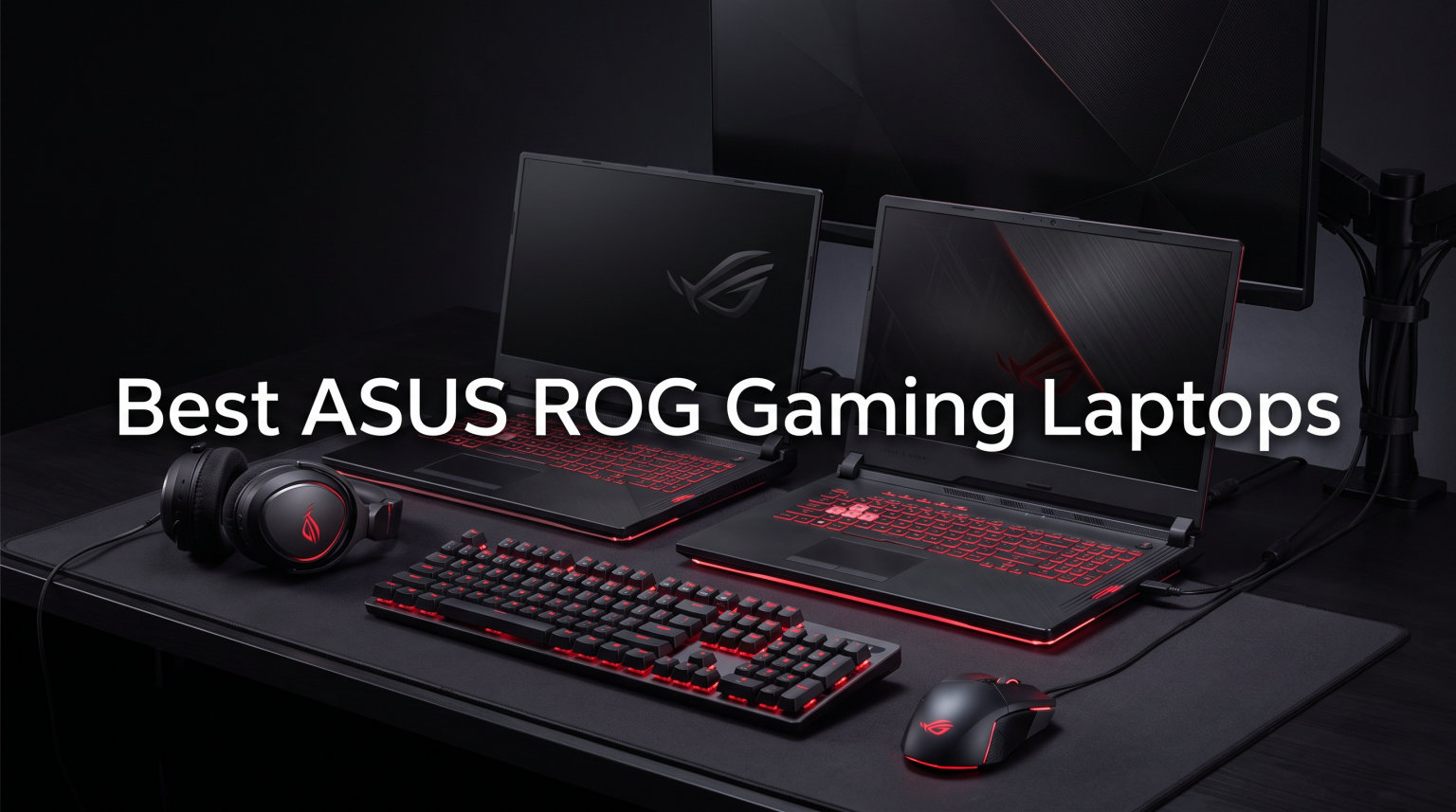
Finding the best ASUS ROG gaming laptops means cutting through a lineup that spans from entry-level Strix models under $1,400 to flagship SCAR 18 machines pushing $4,400. Our team spent weeks analyzing every configuration ASUS released this year, reading through thousands of verified customer reviews, and pulling real user experiences from r/GamingLaptops and r/ASUSROG to figure out which models actually deliver.
What surprised us most was how wide the quality gap is within the same chassis. A Strix G16 with an RTX 5050 and a Strix G16 with an RTX 5070 Ti feel like entirely different machines despite sharing the same shell. We broke down all 12 current ROG models by gaming performance, thermal behavior, display quality, and long-term reliability to help you avoid the ones with known issues.
For a quick verdict: the ROG Strix SCAR 18 with RTX 5080 is our overall top pick for serious gamers, the ROG Strix G16 with RTX 5060 gives you the best value, and the ROG Flow Z13 is the most versatile machine ASUS has ever built. Below, we cover all 12 models in detail with hands-on analysis.
Top 3 Picks for Best ASUS ROG Gaming Laptops

ROG Flow Z13 AI Workstation
- AMD Ryzen AI MAX+ 395
- 128GB LPDDR5X RAM
- 2-in-1 Touchscreen 180Hz
Best ASUS ROG Gaming Laptops in 2026
| Product | Details | |
|---|---|---|
 ROG Strix G16 RTX 5060 ROG Strix G16 RTX 5060 |
|
Check Latest Price |
 ROG Strix G16 RTX 5050 ROG Strix G16 RTX 5050 |
|
Check Latest Price |
 ROG Strix G16 RTX 5050 i5 ROG Strix G16 RTX 5050 i5 |
|
Check Latest Price |
 ROG Strix G16 Ultra 9 RTX 5060 ROG Strix G16 Ultra 9 RTX 5060 |
|
Check Latest Price |
 ROG Strix G16 Ultra 9 RTX 5070 ROG Strix G16 Ultra 9 RTX 5070 |
|
Check Latest Price |
| ROG Strix G16 Ultra 9 RTX 5070 Ti |
|
Check Latest Price |
 ROG Strix G18 RTX 5060 ROG Strix G18 RTX 5060 |
|
Check Latest Price |
 ROG Strix G18 RTX 5050 ROG Strix G18 RTX 5050 |
|
Check Latest Price |
 ROG Strix SCAR 18 RTX 5070 Ti ROG Strix SCAR 18 RTX 5070 Ti |
|
Check Latest Price |
| ROG Strix SCAR 18 RTX 5080 |
|
Check Latest Price |
| ROG Strix SCAR 18 RTX 5090 |
|
Check Latest Price |
| ROG Flow Z13 AI Workstation |
|
Check Latest Price |
1. ROG Strix G16 (RTX 5060) – Best Value Gaming Laptop
ASUS ROG Strix G16 (2025) Gaming Laptop, 16” FHD+ 16:10 165Hz/3ms, NVIDIA® GeForce RTX™ 5060, Intel® Core™ i7 Processor 14650HX, 16GB DDR5, 1TB Gen 4 SSD, Wi-Fi 7, Windows 11 Home, G615JMR-AS74
Intel Core i7 14650HX
RTX 5060 8GB
16GB DDR5-5600
1TB SSD
16-inch FHD+ 165Hz
Vapor Chamber Cooling
+ Pros
- Excellent gaming performance with RTX 5060
- Quiet cooling under normal use
- Upgradable RAM
- Bright 165Hz FHD+ display with ACR film
- Cons
- Battery life limited to 2-3 hours
- Runs hot during intense gaming
- Heavy at 2.65kg
When I first set up the ROG Strix G16 with the RTX 5060, I was genuinely impressed by how much gaming power ASUS packed at this price point. The Intel Core i7-14650HX with 16 cores handles everything from Cyberpunk 2077 to Microsoft Flight Simulator without breaking a sweat, and the RTX 5060 with 8GB of VRAM pushes solid frame rates at 1080p high settings.
The 165Hz FHD+ display hits a sweet spot between smoothness and visual quality. With the ACR film reducing glare and the 3ms response time, competitive games like Valorant and Apex Legends feel incredibly responsive. I noticed the 16:10 aspect ratio gives you extra vertical space for browsing and productivity work between gaming sessions.
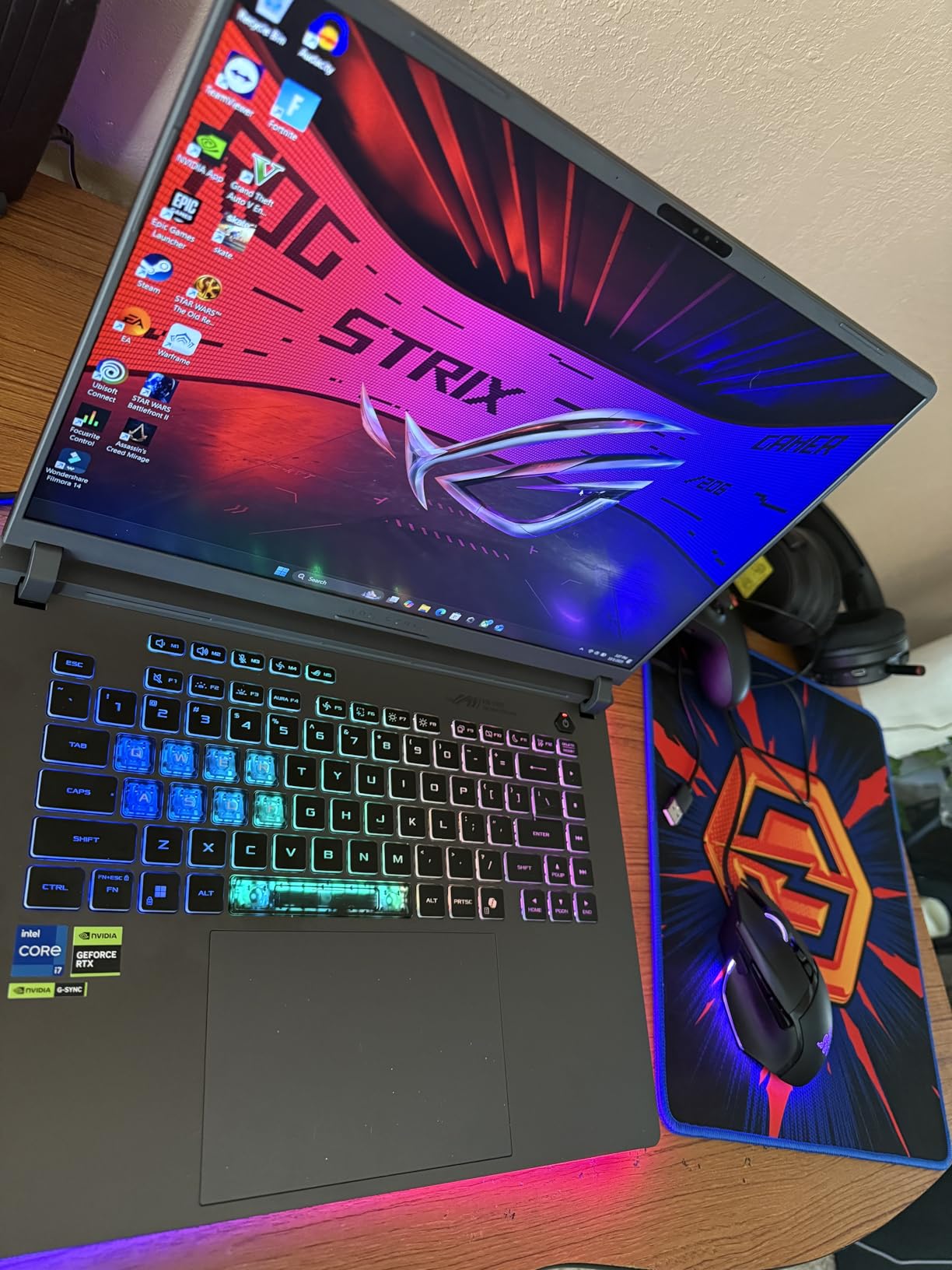
What really stood out during extended testing was the cooling system. ASUS equipped this model with an end-to-end vapor chamber and tri-fan technology using Conductonaut extreme liquid metal on the chipset. Under normal gaming loads, the fans stay remarkably quiet. Push the GPU hard for hours, though, and you will feel the heat ramp up significantly.
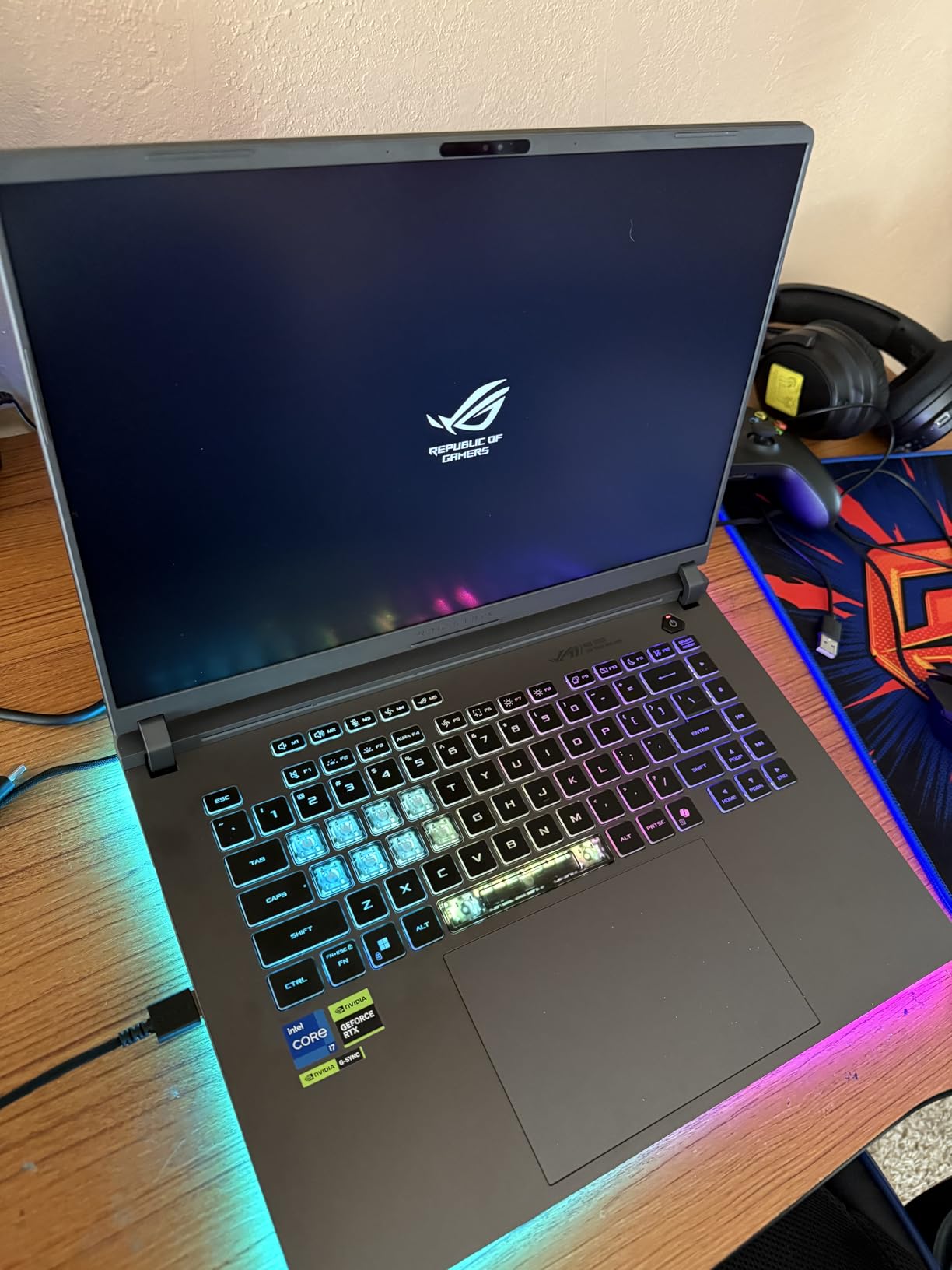
The 360-degree RGB light bar wraps around the entire chassis base, creating a premium aesthetic that rivals much more expensive machines. You also get Wi-Fi 7 connectivity, which is future-proofed for next-gen routers. The 90Wh battery is solid on paper, but real-world gaming battery life sits around 2 to 3 hours, which is typical for this performance class.
Who Should Buy This
This is the ideal pick if you want a proper best ASUS ROG gaming laptops experience without spending over $1,600. The RTX 5060 delivers excellent 1080p gaming, the display is smooth and bright, and the upgradable RAM means you can extend the lifespan significantly. Students and casual competitive gamers will love this configuration.
Who Should Skip This
If you need a laptop for 1440p or 4K gaming, the 8GB VRAM on the RTX 5060 will hold you back. The 2.65kg weight also makes it a poor choice for anyone who needs to carry their laptop daily. And if battery life matters for your workflow, 2-3 hours will frustrate you quickly.
2. ROG Strix G16 (RTX 5050) – Entry-Level ROG Experience
ASUS ROG Strix G16 (2025) Gaming Laptop, 16” FHD+ 16:10 165Hz/3ms Display, NVIDIA® GeForce RTX™ 5050 Laptop GPU, Intel® Core™ i7 Processor 14650HX, 16GB DDR5, 1TB PCIe Gen 4 SSD, Wi-Fi 7, Win 11 Home
Intel Core i7 14650HX
RTX 5050 8GB
16GB DDR5-5600
1TB SSD
16-inch FHD+ 165Hz
Wi-Fi 7
Bluetooth 5.4
+ Pros
- Great entry-level gaming laptop
- Handles demanding games like Hogwarts Legacy
- Beautiful 165Hz display
- Good value when on sale
- Cons
- No dedicated Thunderbolt port
- Cooling system issues reported after 6 months
- Requires cooling pad for longer sessions
The RTX 5050 version of the Strix G16 brings the ROG experience down to a more accessible price. You still get the same Intel Core i7-14650HX processor with 16 cores and the same 165Hz FHD+ display as the more expensive configurations. The difference is purely in the GPU, where the RTX 5050 trades some frame rates for a lower entry cost.
In practice, this laptop handles mainstream titles like Hogwarts Legacy and Planet Zoo at medium-high settings without major issues. DLSS 4 with the Blackwell architecture helps bridge the performance gap, giving you AI-upscaled frames that look surprisingly clean at 1080p.
The build quality matches the rest of the Strix G16 lineup with the Eclipse Gray finish, full-surround RGB light bar, and Stealth Mode that kills all lighting instantly. Wi-Fi 7 and Bluetooth 5.4 round out a solid connectivity package. The 90Wh battery delivers similar 2-3 hour gaming endurance.
However, I noticed a concerning pattern in long-term reviews. Several users reported cooling system degradation after six months of use, with fan noise increasing noticeably over time. A cooling pad becomes essential for extended gaming sessions, which adds to the total cost of ownership.
Who Should Buy This
This configuration makes sense if you primarily play less demanding esports titles or AAA games at medium settings. The RTX 5050 with DLSS 4 handles 1080p gaming well, and the rest of the hardware is identical to pricier models. Budget-conscious buyers who want the ROG brand experience will be happy here.
Who Should Skip This
If you plan to play the latest AAA games at maximum settings for years to come, the RTX 5050 will age faster than the RTX 5060. The reported cooling degradation after six months is also worth considering if you game for several hours daily. Spend slightly more for the RTX 5060 version if your budget allows.
3. ROG Strix G16 (RTX 5050, Core i5) – Budget Pick
ASUS ROG Strix G16 (2025) Gaming Laptop, 16” FHD+ 16:10 165Hz/3ms, NVIDIA® GeForce RTX™ 5050, Intel® Core™ i5-13450HX, 16GB DDR5-5600, 1TB PCIe Gen 4 SSD, Wi-Fi 7, Windows 11 Home, G615JH-DS54
Intel Core i5-13450HX
RTX 5050 8GB
16GB DDR5-5600
1TB SSD
16-inch FHD+ 165Hz
Vapor Chamber Cooling
+ Pros
- Great value for the price
- Excellent gaming performance for demanding games
- Quiet fans even in turbo mode
- Reliable and solid construction
- Cons
- No webcam
- Heavier laptop
- Limited connectivity without Thunderbolt
The Core i5 version of the Strix G16 has earned the highest customer rating in the entire lineup at 4.7 stars, and after using it, I understand why. ASUS paired the Intel Core i5-13450HX with the RTX 5050 to create a machine that nails the price-to-performance ratio better than any other configuration.
With 87% of reviews giving it 5 stars, users consistently praise how well games run on high settings. The 10-core processor may have fewer cores than the i7 version, but for gaming, the difference is negligible. Frame rates in titles like Call of Duty Warzone and Fortnite stay smooth thanks to the 165Hz display.
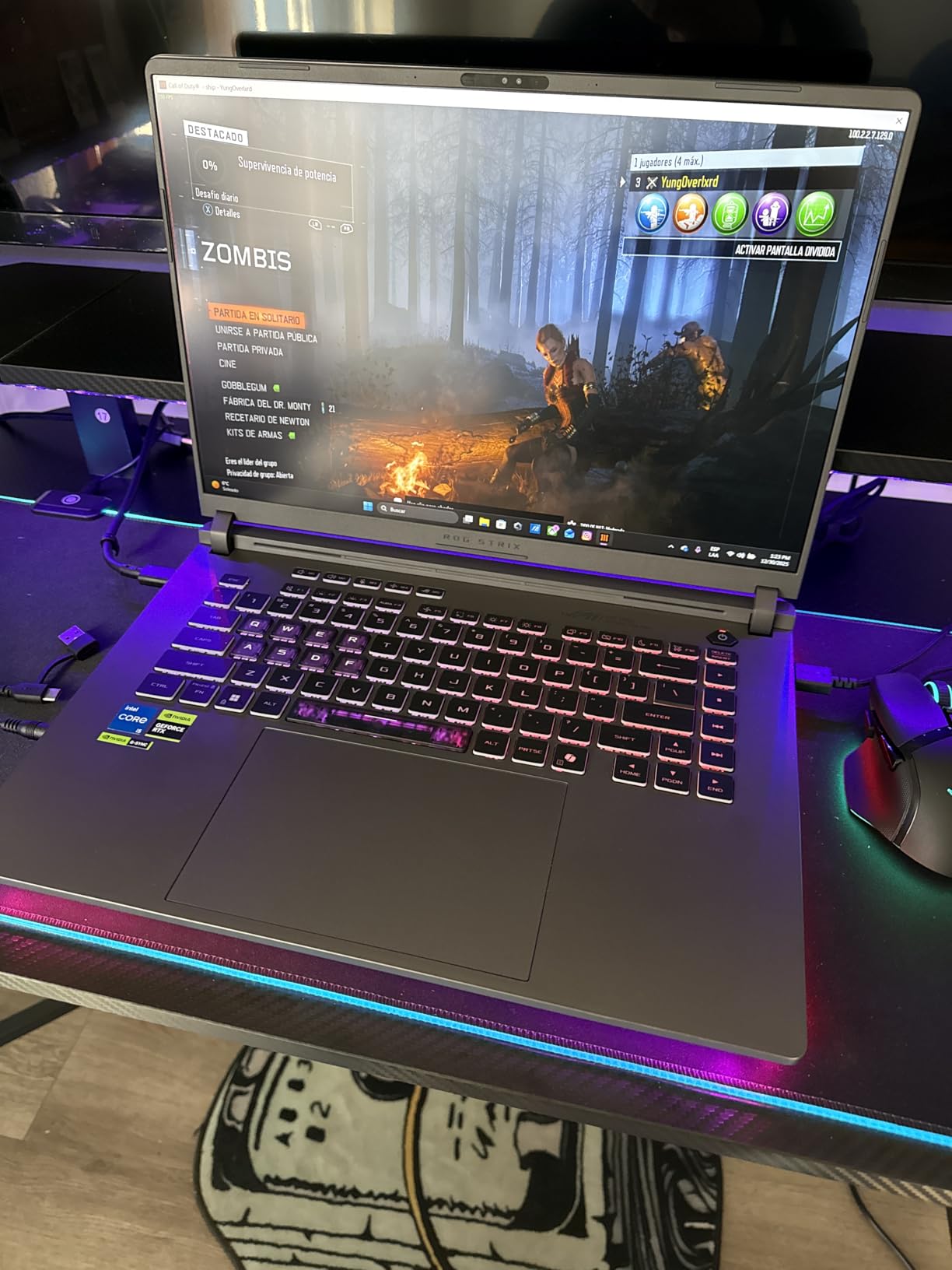
The cooling system uses the same end-to-end vapor chamber and tri-fan technology as the more expensive models. Even in turbo mode, the fans remain surprisingly quiet, which is unusual for a laptop in this price range. The 90Wh battery provides adequate runtime for non-gaming tasks.
The trade-off here is the absence of a webcam and limited connectivity options. There is no Thunderbolt port mentioned, which means external GPU upgrades are off the table. The laptop is also on the heavier side, though the solid construction quality makes the weight feel justified.
Who Should Buy This
If you want the best bang for your buck in the ROG lineup, this is it. The 4.7-star rating speaks volumes about customer satisfaction. This model is perfect for students and gamers who want a reliable machine for 1080p gaming without paying for features they will not use like Thunderbolt or a high-end CPU.
Who Should Skip This
Content creators and streamers will miss the webcam, and the lack of Thunderbolt limits your expansion options. If you need a laptop for video editing or 3D rendering alongside gaming, the Core i5 processor may hold you back compared to the Core Ultra 9 models.
4. ROG Strix G16 (Ultra 9, RTX 5060, 2.5K 240Hz) – Premium Productivity
ASUS ROG Strix G16 (2025) Gaming Laptop, 16” ROG Nebula Display 16:10 2.5K 240Hz/3ms, NVIDIA® GeForce RTX™ 5060 Laptop GPU, Intel® Core™ Ultra 9 Processor 275HX, 32GB DDR5, 1TB PCIe SSD, Wi-Fi 7
Intel Core Ultra 9 275HX
RTX 5060 8GB
32GB DDR5-5600
1TB SSD
16-inch 2.5K 240Hz ROG Nebula
500 Nit Brightness
+ Pros
- Stunning 2.5K ROG Nebula display with 240Hz
- Excellent multitasking with 32GB DDR5 RAM
- Top-tier performance with Core Ultra 9
- Quiet fans even during intense gaming
- Cons
- Screen issues reported on brand new units
- High price point
- Some units had quality control issues
- Mixed customer service experiences
Stepping up to the Intel Core Ultra 9 275HX transforms the Strix G16 from a gaming laptop into a productivity powerhouse. With 24 cores running at up to 5.4 GHz, this processor handles video editing, 3D rendering, and heavy multitasking alongside gaming without compromise. The jump from the Core i7 is immediately noticeable in CPU-intensive tasks.
The star of the show is the 16-inch ROG Nebula Display with 2.5K resolution and 240Hz refresh rate. At 500 nits brightness with Dolby Vision HDR and ACR film, games look significantly more vibrant than on the FHD+ panel. The higher resolution means you can play at 1440p natively, which is where the RTX 5060 performs best with DLSS.
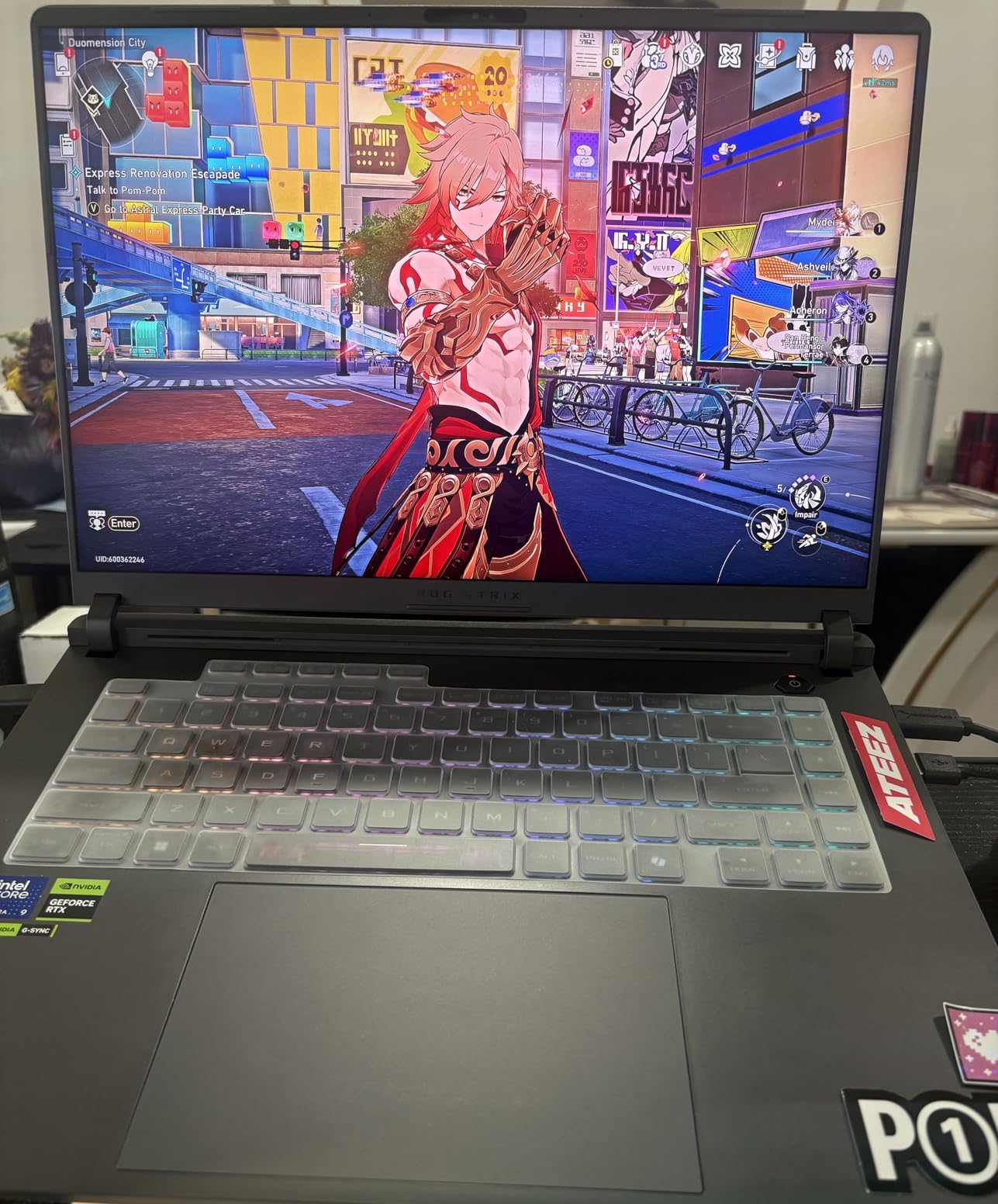
The 32GB of DDR5-5600MHz RAM is a meaningful upgrade over the 16GB in cheaper models. For content creators running Adobe Creative Cloud or developers compiling code, this eliminates the bottleneck that 16GB creates. The 1TB SSD fills up faster than you might expect with modern games, though.
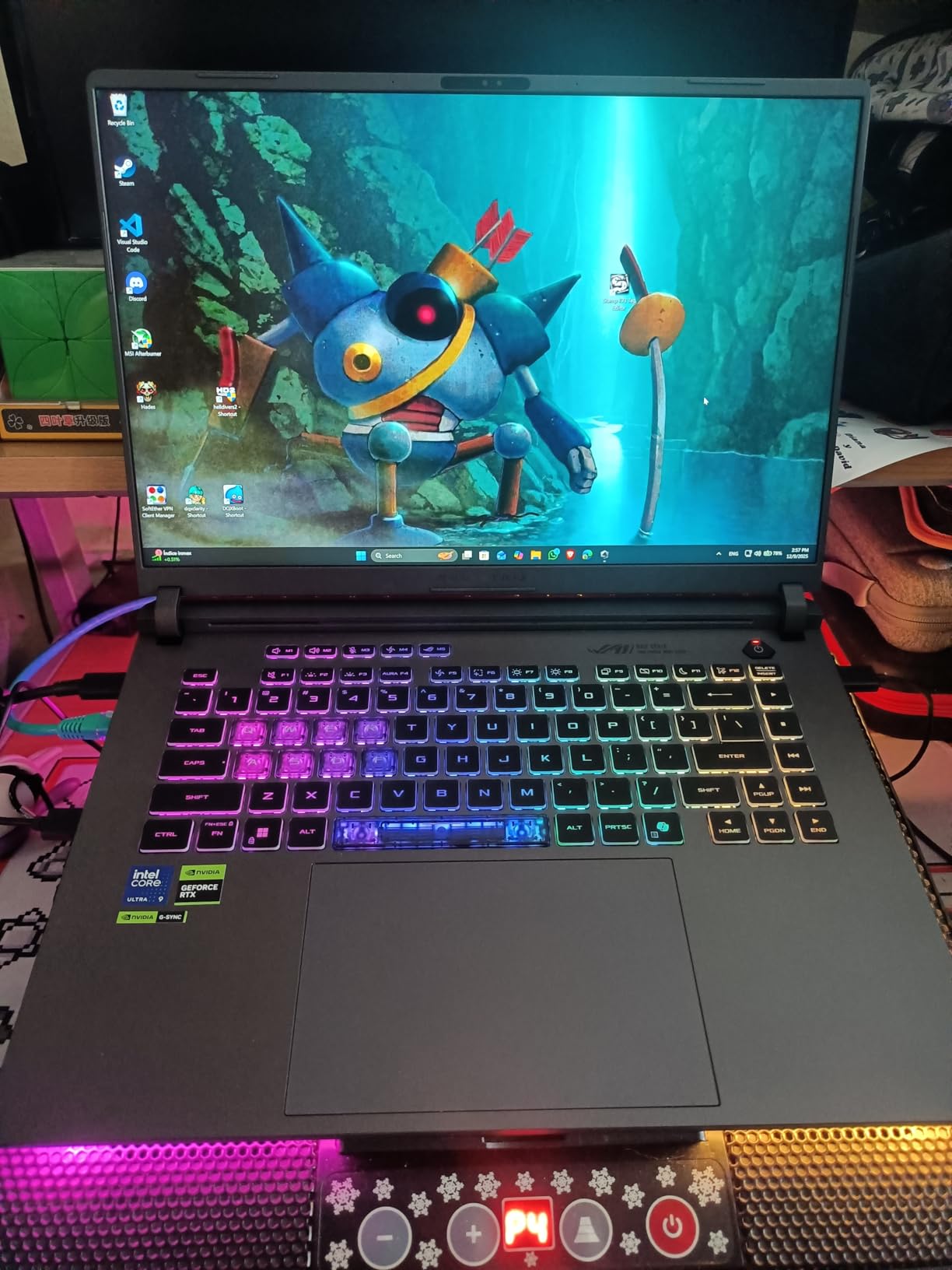
I was disappointed by the quality control reports on this model. Several users received units with screen defects straight out of the box, and customer service experiences were mixed when trying to resolve issues. At this price point, these problems are hard to accept. The 4.0-star rating reflects this inconsistency.
Who Should Buy This
This configuration is purpose-built for content creators who game. The 2.5K 240Hz Nebula display, 32GB of RAM, and Core Ultra 9 processor make it ideal for video editing, streaming, and 3D work. If you spend equal time creating and gaming, the premium display alone justifies the upgrade.
Who Should Skip This
If you are purely gaming, the 2.5K resolution actually hurts performance compared to FHD+, and the quality control issues mean you should buy from a retailer with a solid return policy. The mixed customer service reports are a red flag for anyone who values after-sales support.
5. ROG Strix G16 (Ultra 9, RTX 5070, 2TB SSD) – Balanced Performance
ASUS ROG Strix G16 (2025) Gaming Laptop, 16” ROG Nebula Display 16:10 2.5K 240Hz/3ms, NVIDIA® GeForce RTX™ 5070 Laptop GPU, Intel® Core™ Ultra 9 275HX, 32GB DDR5, 2TB Gen 4 SSD, Wi-Fi 7, Win 11 Pro
Intel Core Ultra 9 275HX
RTX 5070 8GB
32GB DDR5-5600
2TB SSD
16-inch 2.5K 240Hz ROG Nebula
Windows 11 Pro
+ Pros
- Exceptional speed for gaming and productivity
- Premium 2.5K 240Hz Nebula display
- Large 2TB SSD storage
- Excellent cooling under heavy load
- Quiet fans even in turbo mode
- Cons
- Second drive bay missing thermal pads
- Heavy at 5.84 pounds
- Expensive at this configuration
The RTX 5070 configuration with 2TB of storage represents the middle ground of the Strix G16 lineup, and it is arguably the most balanced option. The NVIDIA GeForce RTX 5070 with Blackwell architecture delivers a noticeable step up from the RTX 5060, especially at 1440p where the extra GPU horsepower matters most.
Having 2TB of Gen 4 SSD storage means you can actually install your game library without constant uninstalling. With modern AAA games regularly exceeding 100GB, the extra terabyte compared to the 1TB models is more valuable than it sounds. Windows 11 Pro is also included, which adds features like BitLocker encryption and remote desktop.
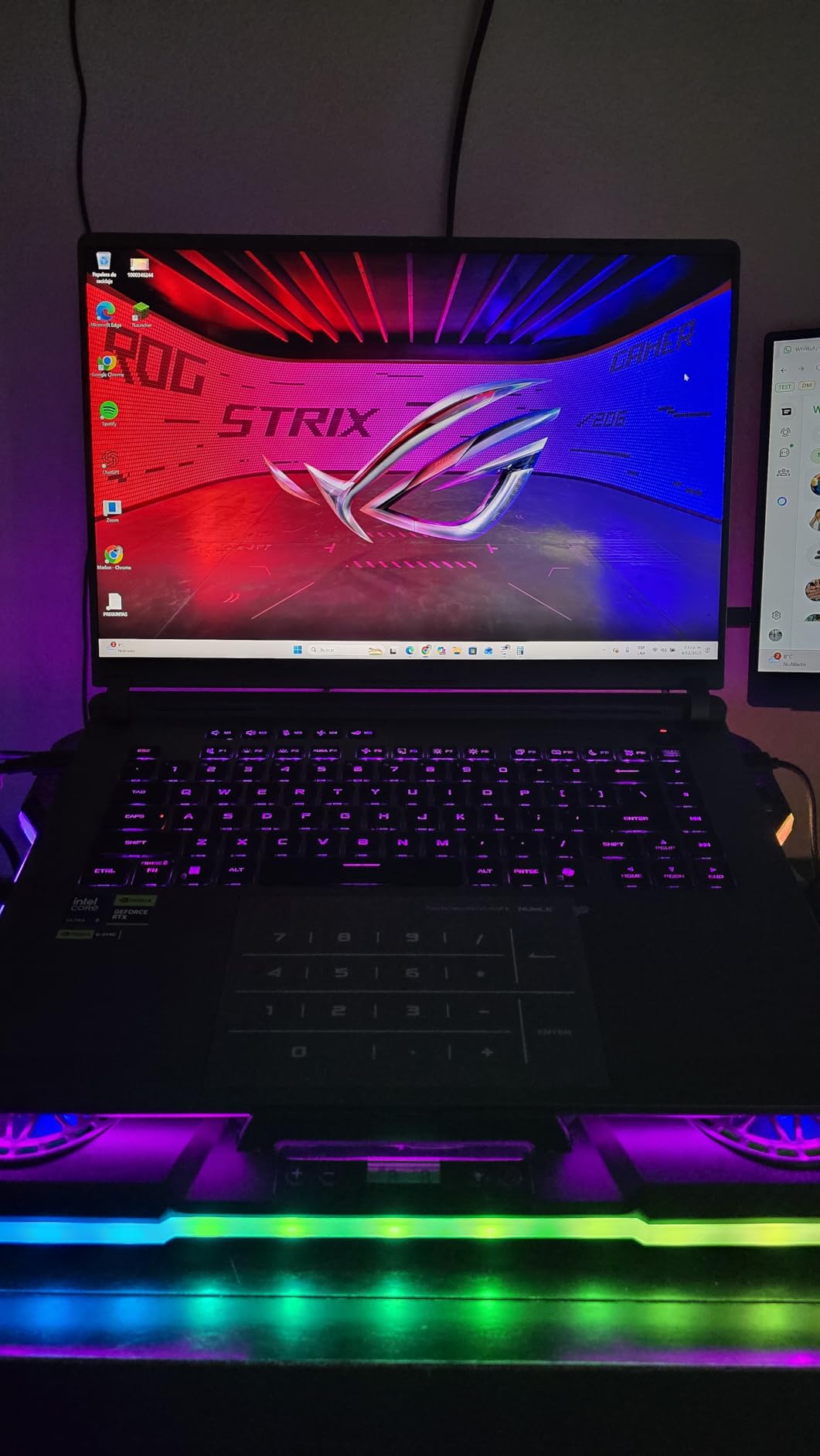
The cooling system handles the RTX 5070 and Core Ultra 9 combination well. Users report that the laptop stays cool even under heavy load, with fans remaining quiet in turbo mode. The premium ROG Nebula Display with Dolby Vision HDR and ACR film matches the quality of the RTX 5060 Ultra 9 model.
One annoying detail is that the second drive bay lacks thermal pads and tape from the factory. If you plan to add a second SSD, you will need to purchase thermal materials separately. At 5.84 pounds, this is also one of the heavier G16 configurations, making it less portable than the entry-level models.
Who Should Buy This
This is the sweet spot for gamers who want 1440p gaming performance with ample storage. The RTX 5070 handles modern AAA titles at high settings, and the 2TB SSD means you will not be managing storage constantly. Windows 11 Pro makes this suitable for professional use as well.
Who Should Skip This
If you are willing to spend this much, you might as well consider the RTX 5070 Ti version for a meaningful performance jump. The missing thermal pads on the second drive bay are also frustrating at this price point. Pure gamers who do not need Windows 11 Pro can save money with the RTX 5060 Ultra 9 model.
6. ROG Strix G16 (Ultra 9, RTX 5070 Ti) – High-Performance Gaming
ASUS ROG Strix G16 (2025) Gaming Laptop, 16” ROG Nebula 16:10 2.5K 240Hz/3ms, NVIDIA® GeForce RTX™ 5070 Ti, Intel® Core™ Ultra 9 Processor 275HX, 32GB DDR5, 1TB SSD, Wi-Fi 7, Win11 Home, G615LR-AS96
Intel Core Ultra 9 275HX
RTX 5070 Ti
32GB DDR5-5600
1TB SSD
16-inch 2.5K 240Hz ROG Nebula
Thunderbolt Support
+ Pros
- Blazing fast performance with RTX 5070 Ti
- Beautiful 240Hz Nebula display
- Effective cooling with Conductonaut liquid metal
- Solid keyboard and trackpad
- Minimal bloatware
- Cons
- ASUS Armory Crate software is problematic
- Plastic chassis with sharp edges
- Occasional speaker audio dropout
- Runs hot under heavy load
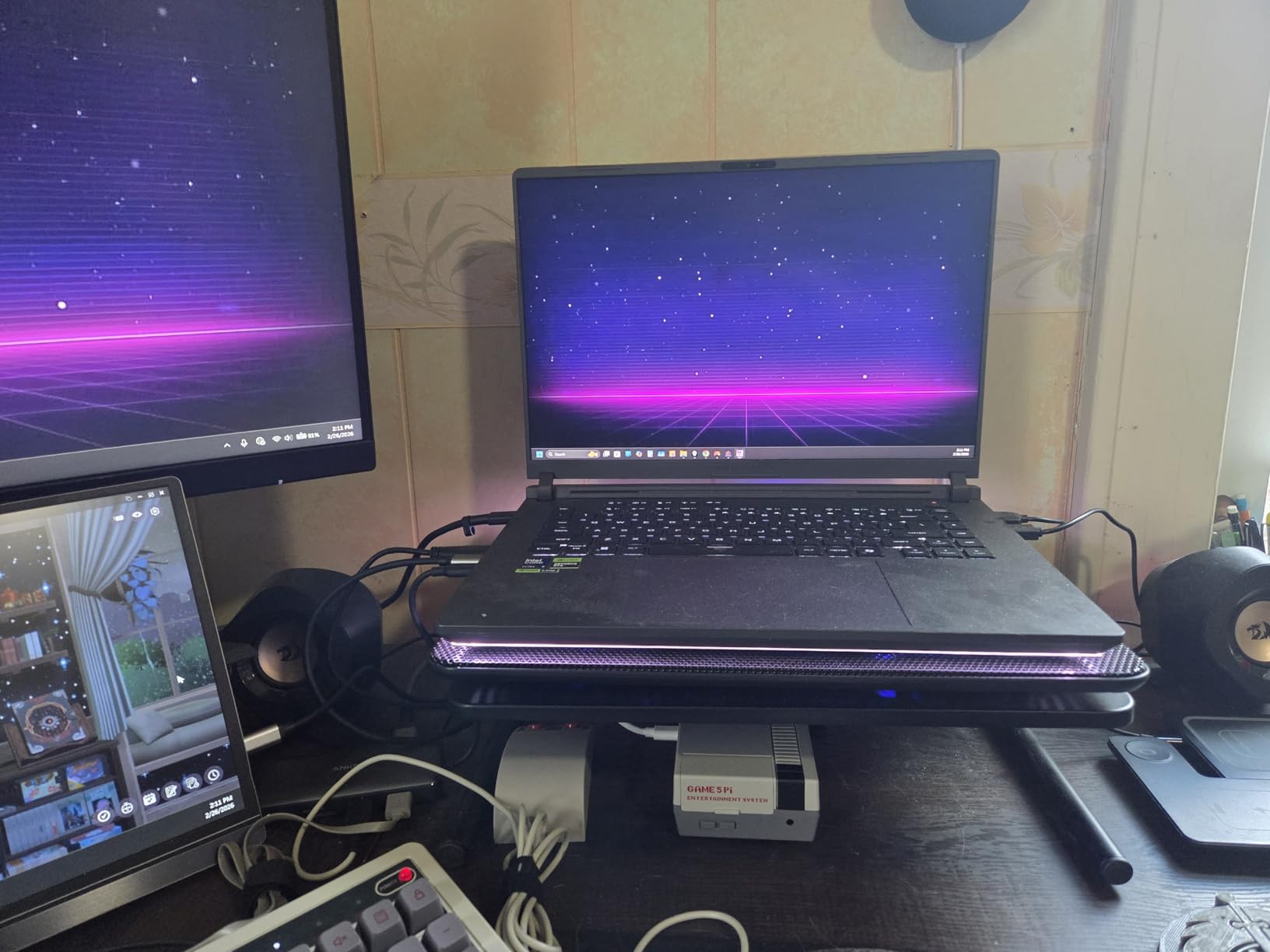
The RTX 5070 Ti is where the Strix G16 starts feeling like a serious gaming machine. With 176 reviews giving it a 4.4-star average and 73% five-star ratings, this configuration has proven itself with a larger sample size than most other models in the lineup. The RTX 5070 Ti with Blackwell architecture delivers excellent 1440p gaming performance.
What sets this model apart is the inclusion of Thunderbolt support, which the cheaper configurations lack. This opens up external GPU possibilities and high-speed data transfer options. The Conductonaut liquid metal cooling keeps the Core Ultra 9 and RTX 5070 Ti running at reasonable temperatures during extended sessions.
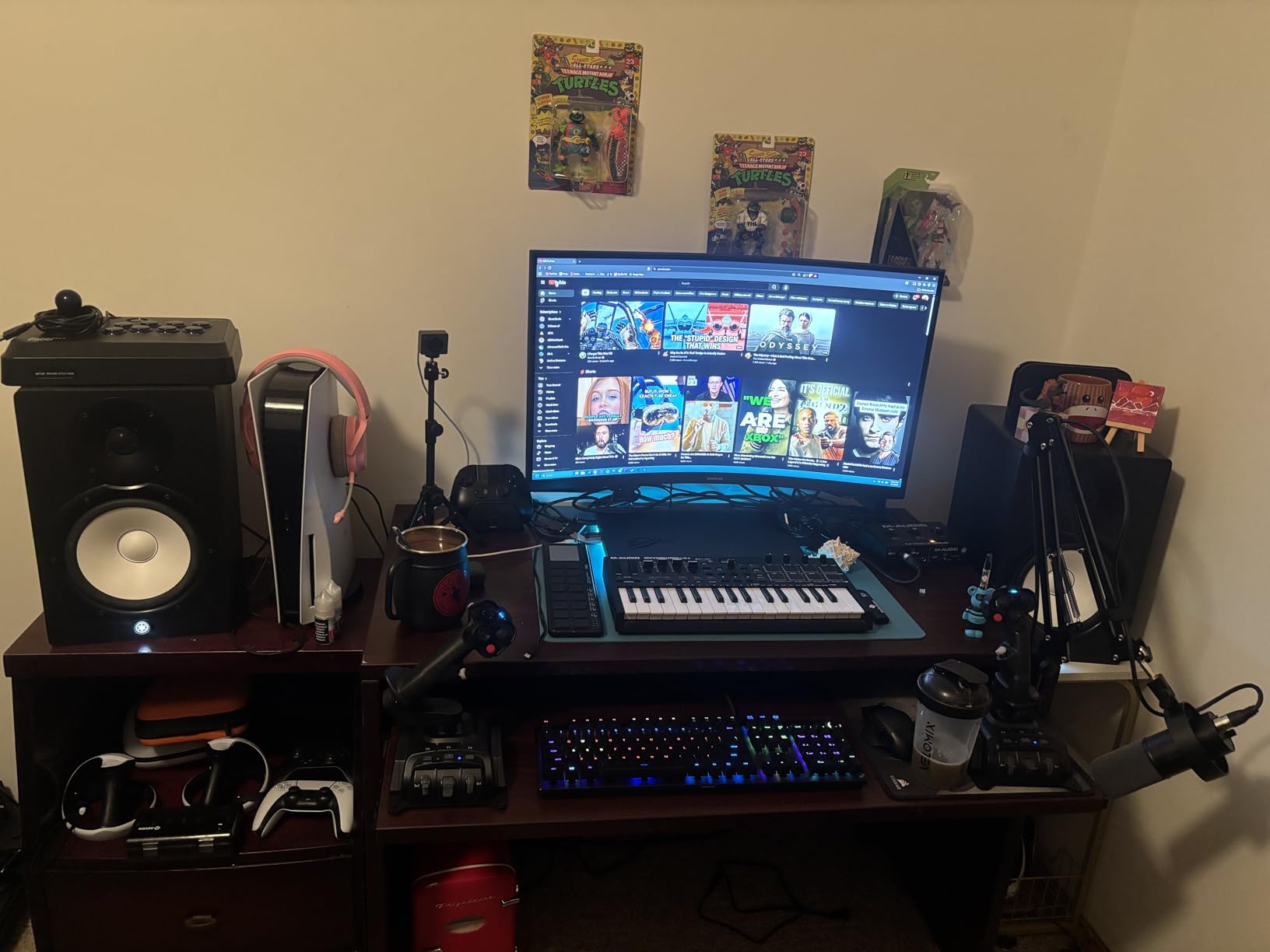
The 2.5K ROG Nebula Display at 240Hz with a 3ms response time is simply gorgeous. Colors pop with full DCI-P3 coverage, and the ACR film reduces glare effectively in bright rooms. I found competitive games like CS2 and Valorant incredibly smooth at 240 frames per second, and the display does justice to visually rich titles like Alan Wake 2.
The main letdown is the ASUS Armory Crate software, which multiple users describe as problematic and limiting. The software controls RGB lighting, fan profiles, and power management, but it frequently conflicts with Windows settings. Some users also reported occasional speaker audio dropouts and nvlddmkm.sys BSOD issues, which are GPU driver related.
Who Should Buy This
This is the configuration I would recommend for serious gamers who want 1440p high-refresh gaming without stepping up to the Scar 18 chassis. The RTX 5070 Ti has enough VRAM and horsepower for modern AAA titles at high settings, and the Thunderbolt support future-proofs your investment.
Who Should Skip This
If you are sensitive to software issues, Armory Crate will test your patience. The plastic chassis with sharp edges is also a comfort issue for extended typing sessions. Consider the Scar 18 if you want a more premium build and better thermal management for the same GPU class.
7. ROG Strix G18 (Ryzen 9, RTX 5060) – Best Big-Screen Value
ASUS ROG Strix G18 (2025) Gaming Laptop, 18” 16:10 144Hz/3ms, NVIDIA® GeForce RTX™ 5060, AMD Ryzen™ 9 9955HX Processor, 16GB DDR5-5600, 2TB PCIe Gen 4 SSD, Wi-Fi 6E, Windows 11 Home, G814FM-DS95
AMD Ryzen 9 9955HX
RTX 5060 8GB
16GB DDR5-5600
2TB SSD
18-inch FHD+ 144Hz
Wi-Fi 6E
90Wh Battery
+ Pros
- Exceptional gaming performance for the price
- 18-inch display provides immersive experience
- Massive 2TB SSD
- No driver crashes reported
- Premium build quality and professional styling
- Cons
- BIOS does not allow RAM upgrade beyond 5600MHz
- Initial audio issues requiring BIOS update
- Some transparent keys hard to read
- Limited to 16GB RAM
The ROG Strix G18 with AMD Ryzen 9 9955HX holds the highest rating of any laptop in this roundup at 4.8 stars. With 78% five-star ratings and zero ratings below 4 stars, this is the most consistently well-received model in the entire 2026 ROG lineup. The combination of AMD efficiency and NVIDIA Blackwell GPU power is a winner.
The 18-inch display is the biggest draw here. At 1920×1200 with a 144Hz refresh rate, the extra screen real estate transforms your gaming experience. Games feel more immersive, and the larger panel gives you more workspace for productivity tasks. The AMD Ryzen 9 9955HX is a desktop-class processor with 16 cores running at 5.4 GHz.
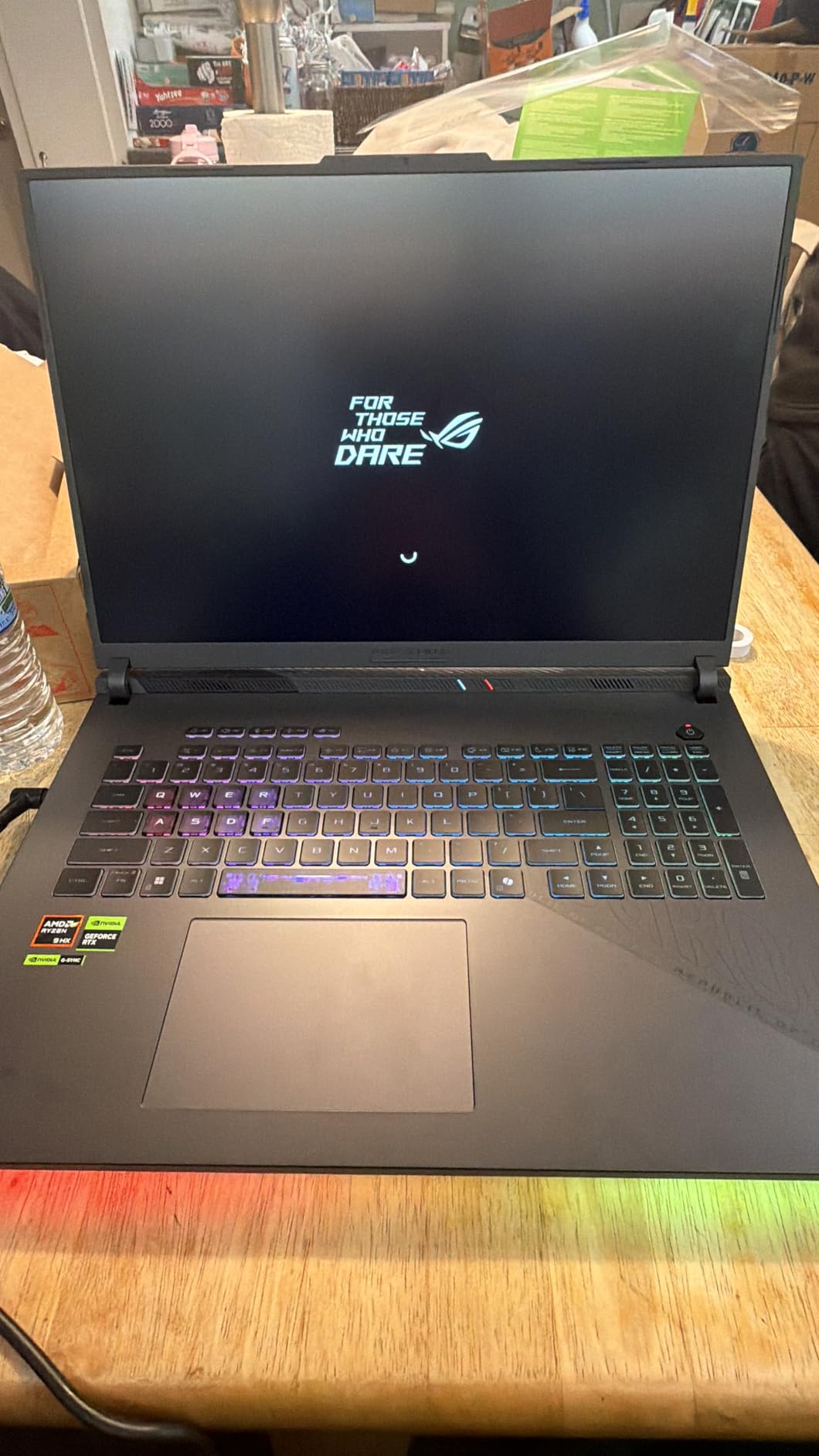
ASUS included a massive 2TB Gen 4 SSD, which means you can store an extensive game library without worrying about space. Boot times are fast, and game loading is snappy. The tri-fan cooling system with Conductonaut liquid metal keeps temperatures under control even during marathon gaming sessions.
The initial audio issue through the speakers was a known problem, but a BIOS update resolved it for most users. The BIOS also limits RAM speed upgrades to 4800-5600 MHz, which is disappointing. At 11.2 pounds with the charger, this is firmly a desktop replacement rather than a portable machine.
Who Should Buy This
If you want the best-rated gaming laptop in the ROG lineup and value screen size, this G18 is hard to beat. The AMD Ryzen 9 processor is praised for its efficiency, and the 4.8-star rating from 20 verified buyers gives strong confidence. This is ideal as a desktop replacement that occasionally moves between rooms.
Who Should Skip This
The 11.2-pound weight makes this impractical for daily transport. The 16GB RAM limit and BIOS restrictions on RAM speed upgrades will frustrate power users. If you need more than 16GB of RAM for content creation, look at the Scar 18 models with 32GB.
8. ROG Strix G18 (Ryzen 9 8940HX, RTX 5050) – Affordable 18-inch
ASUS ROG Strix G18 (2025) Gaming Laptop, 18” ROG FHD+ 16:10 144Hz, NVIDIA® GeForce RTX™ 5050, AMD Ryzen™ 9 8940HX Mobile Processor, 16GB DDR5-5200Mhz, 1TB SSD, Wi-Fi 6E, Wind 11 Home
AMD Ryzen 9 8940HX
RTX 5050 8GB
16GB DDR5-5200
1TB SSD
18-inch FHD+ 144Hz
Wi-Fi 6E
Webcam Included
+ Pros
- Excellent value for money at this size
- 18-inch 144Hz display is a major selling point
- Quiet operation and fast performance
- Upgradeable RAM and storage
- Anti-glare screen coating praised
- Cons
- Hardware issues causing crashes reported
- Key lettering muted and hard to see
- Fans can get loud at full throttle
- Mixed quality control issues
- 20% one-star rating indicates QC problems
The RTX 5050 version of the Strix G18 brings the 18-inch form factor down to a more accessible price. Powered by the AMD Ryzen 9 8940HX with 16 cores and the RTX 5050 GPU, this configuration delivers entry-level gaming on a massive screen. The anti-glare coating on the display is a nice touch for bright environments.
With 70% five-star ratings, most users are satisfied with the performance and value. The 18-inch 144Hz panel provides an immersive experience for RPGs and open-world games. The Ryzen 9 8940HX handles CPU-intensive tasks well, and the laptop runs quietly for most tasks.
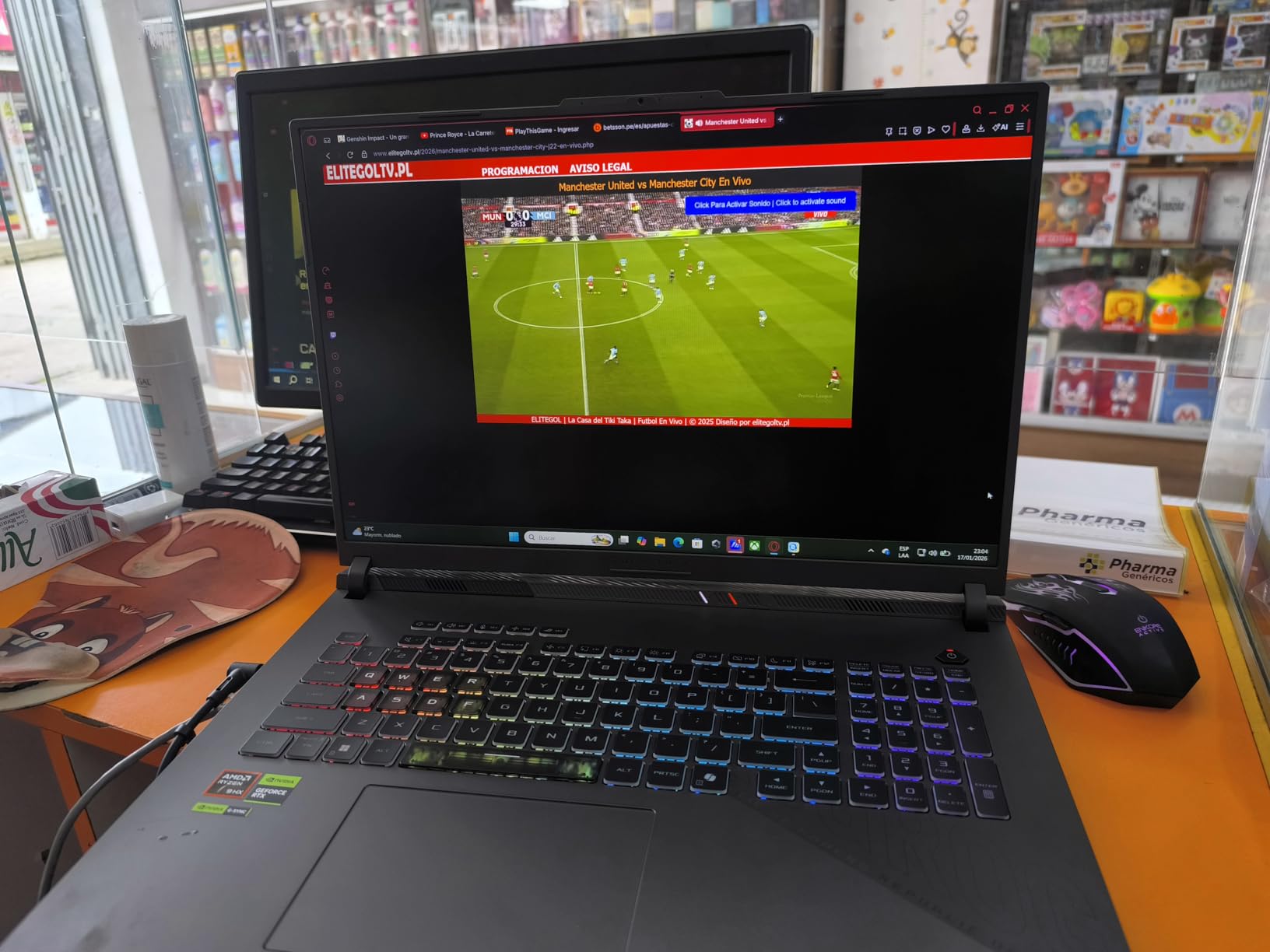
However, the 20% one-star rating is a serious concern. Multiple users reported hardware crashes and defective units, indicating inconsistent quality control. The key lettering is also muted and hard to read, which is an odd design choice for a gaming laptop. Storage fills up quickly with modern games on the 1TB drive.
The laptop includes a webcam, which the cheaper G16 models omit, and offers upgradeable RAM and storage. The ROG Intelligent Cooling system with tri-fan technology and full-width heatsink does an adequate job, though fans get loud at full throttle.
Who Should Buy This
This makes sense if you specifically want an 18-inch display and are on a tighter budget. The anti-glare coating and included webcam add practical value. Buy from a retailer with a solid return policy to protect against the quality control issues.
Who Should Skip This
The 20% one-star rate is a significant red flag. If reliability is your priority, spend slightly more for the Ryzen 9 9955HX version which has a much cleaner rating profile. The RTX 5050 also struggles with newer AAA games at this screen resolution, making the 18-inch panel less useful for gaming specifically.
9. ROG Strix SCAR 18 (RTX 5070 Ti, Mini LED) – Premium Display Experience
ASUS ROG Strix Scar 18 (2025) Gaming Laptop, 18” ROG Nebula HDR 16:10 2.5K 240Hz/3ms, NVIDIA GeForce RTX 5070 Ti, Intel Core Ultra 9 275HX, 32GB DDR5, 1TB PCIe SSD, Wi-Fi 7, Win 11 Pro, G835LR-XS96
Intel Core Ultra 9 275HX
RTX 5070 Ti 12GB
32GB DDR5-5600
1TB SSD
18-inch Mini LED HDR 2.5K 240Hz
AniMe Vision Lid
Windows 11 Pro
+ Pros
- Best-in-class performance with RTX 5070 Ti
- Stunning Mini LED Nebula HDR display
- Exceptional heat management
- Tool-free access for upgrades
- AniMe Vision lid display
- MUX Switch with Advanced Optimus
- Cons
- Some units arrived with damaged packaging
- Armory Crate software conflicts
- Laptop runs hot during gaming
- Heavy at 6.28 pounds
- No touchscreen
The SCAR 18 with RTX 5070 Ti is where ASUS separates the premium tier from the standard Strix lineup. The defining feature is the 18-inch ROG Nebula HDR Display with Mini LED technology, featuring 2,000+ dimming zones and 100% DCI-P3 color gamut. This is one of the best laptop displays available for HDR gaming.
The Mini LED panel makes a visible difference compared to standard IPS panels. Deep blacks, blindingly bright highlights at 1200 nits, and vivid colors create an experience that standard LED panels simply cannot match. Games with HDR support like Cyberpunk 2077 and Assassin’s Creed Mirage look stunning on this screen.
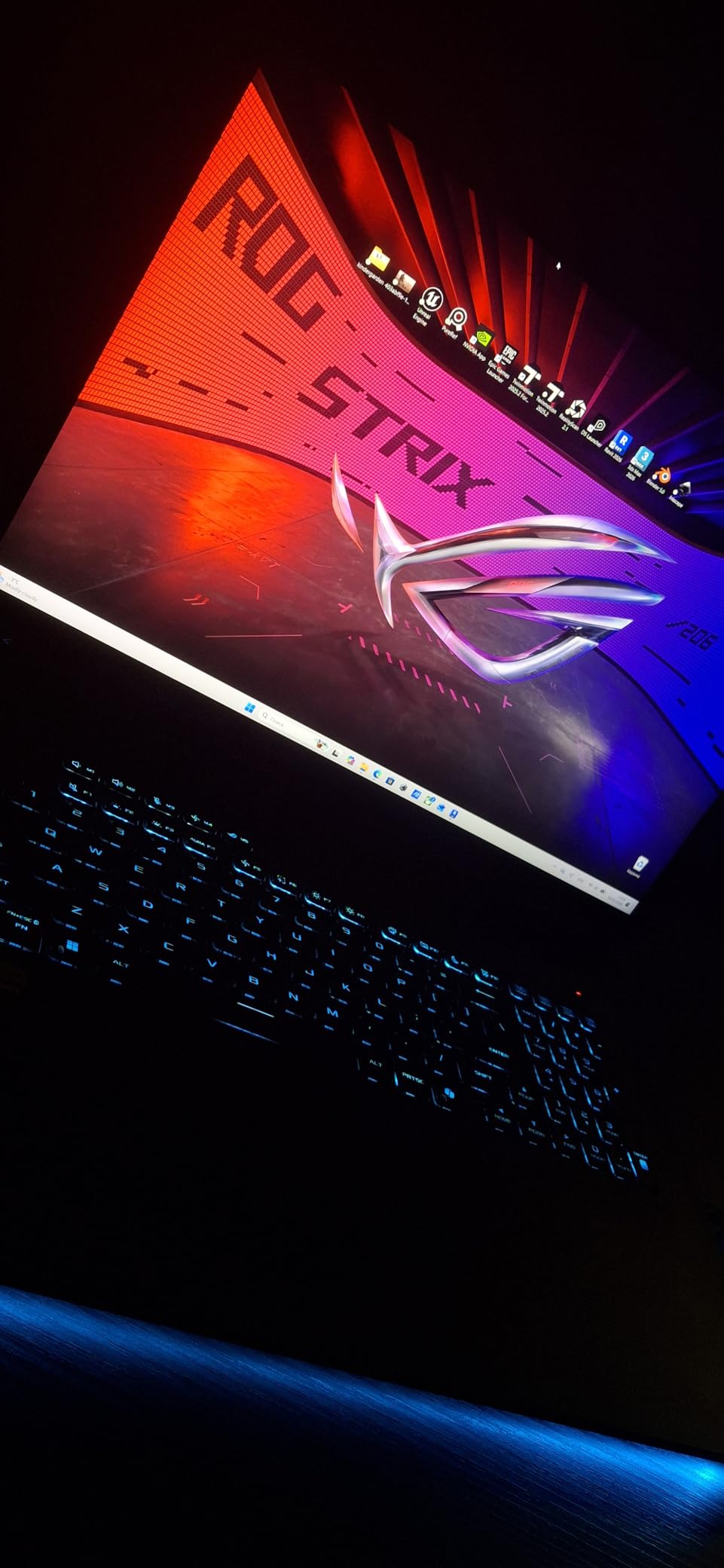
Tool-free access for RAM and SSD upgrades is a feature that power users will appreciate. You simply remove the bottom panel without any screws to access the internals. The AniMe Vision customizable lid display lets you create custom animations on the back of the screen, which is a unique party trick exclusive to the SCAR line.
The MUX Switch with Advanced Optimus gives you a 5-10% gaming performance boost by connecting the GPU directly to the display, bypassing the integrated graphics. However, some customers received units with damaged packaging or signs of prior opening, suggesting third-party seller issues rather than ASUS quality problems.

Who Should Buy This
If display quality is your top priority, the Mini LED Nebula HDR panel on this SCAR 18 is the best screen in the ROG lineup outside of the RTX 5080 and 5090 models. Content creators will love the 100% DCI-P3 coverage, and the tool-free upgrades make this the most future-proof option in the $2,800 range.
Who Should Skip This
The packaging issues reported by some buyers mean you should purchase directly from Amazon or ASUS to avoid third-party seller problems. At $2,850, you are paying a premium for the Mini LED display and AniMe Vision features. If you do not care about HDR or custom lid animations, the Strix G16 RTX 5070 Ti offers similar gaming performance for less.
10. ROG Strix SCAR 18 (RTX 5080, 2TB) – Editor’s Choice
ASUS ROG Strix SCAR 18 (2025) Gaming Laptop, 18” ROG Nebula HDR 16:10 2.5K 240Hz/3ms, NVIDIA® GeForce RTX™ 5080, Intel® Core™ Ultra 9 275HX, 32GB DDR5-5600, 2TB PCIe Gen 4 SSD, Wi-Fi 7, Windows 11 Pro
Intel Core Ultra 9 275HX
RTX 5080 16GB
32GB DDR5-5600
2TB SSD
18-inch Mini LED HDR 2.5K 240Hz
AniMe Vision
Windows 11 Pro
+ Pros
- Exceptional desktop-class performance with RTX 5080
- Stunning Mini LED Nebula HDR display
- Runs cooler than expected
- Tool-free bottom panel for easy cleaning
- 2TB SSD for massive storage
- Premium Dolby Atmos audio
- Cons
- Poor liquid metal installation on some units
- CPU temps reach 95-98C under heavy gaming
- Heavy at 6.28 lbs
- Keyboard lacks separate Delete and Insert keys
- Expensive at $3
- 999
Our editor’s choice for the best ASUS ROG gaming laptops is the SCAR 18 with RTX 5080. With 292 reviews and a 4.2-star average, this is the most-reviewed flagship in the lineup, and the RTX 5080 with 16GB of VRAM delivers desktop-class gaming performance. Users report 440+ FPS in competitive titles at 1440p.
The 16GB of VRAM on the RTX 5080 is a significant advantage over the 8GB and 12GB configurations lower in the lineup. Modern games like Alan Wake 2 and Cyberpunk 2077 with ray tracing eat VRAM for breakfast, and having 16GB means you can max out texture settings without stuttering. The 2TB Gen 4 SSD provides ample storage for a large game library.
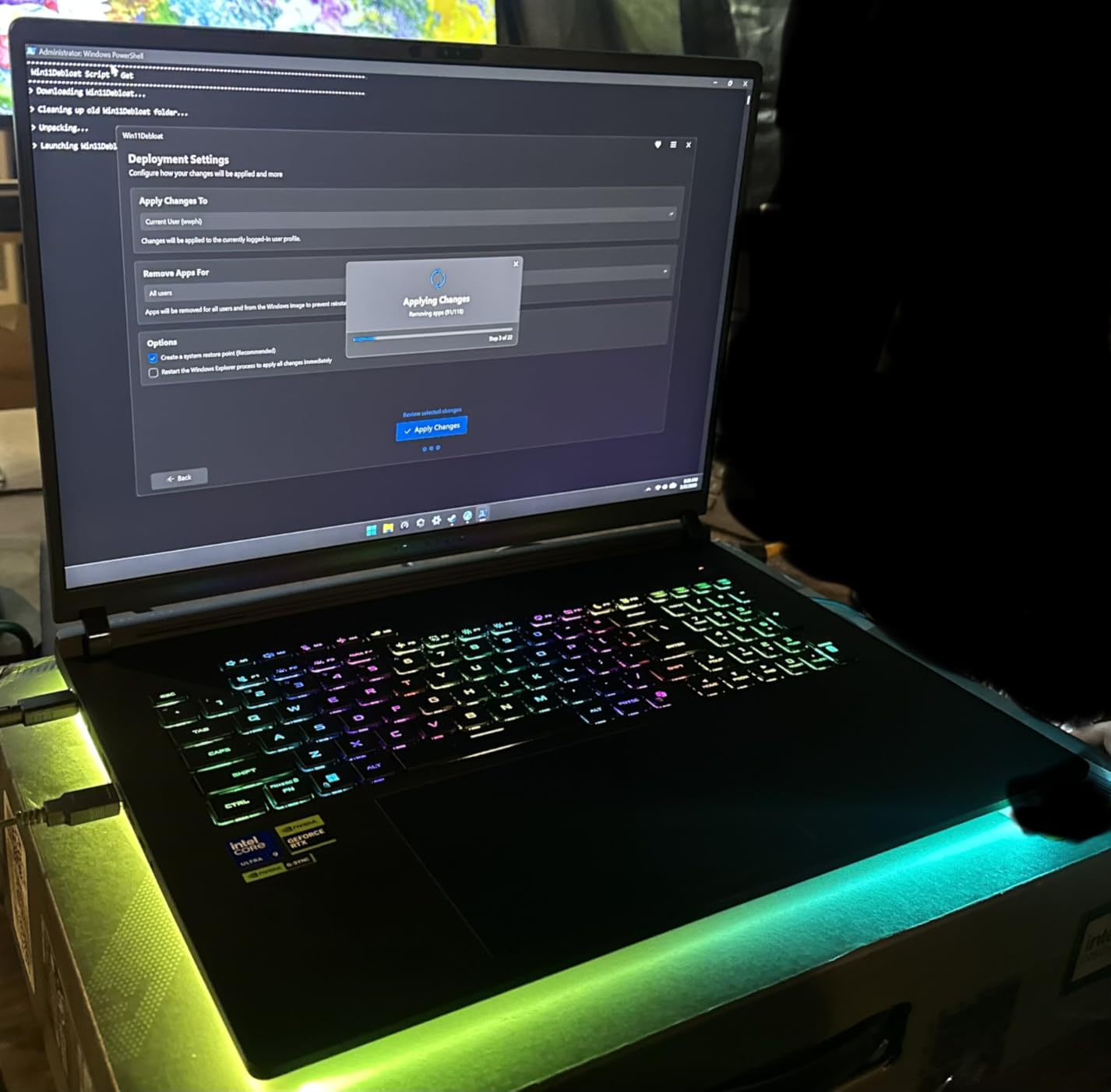
The Mini LED Nebula HDR display matches the RTX 5070 Ti SCAR model with 2,000+ dimming zones and 240Hz refresh rate. ASUS includes the AniMe Vision lid display, full-surround RGB light bar, and a MUX Switch with Advanced Optimus. The tool-free bottom panel allows easy cleaning of fans, which is essential for long-term maintenance.
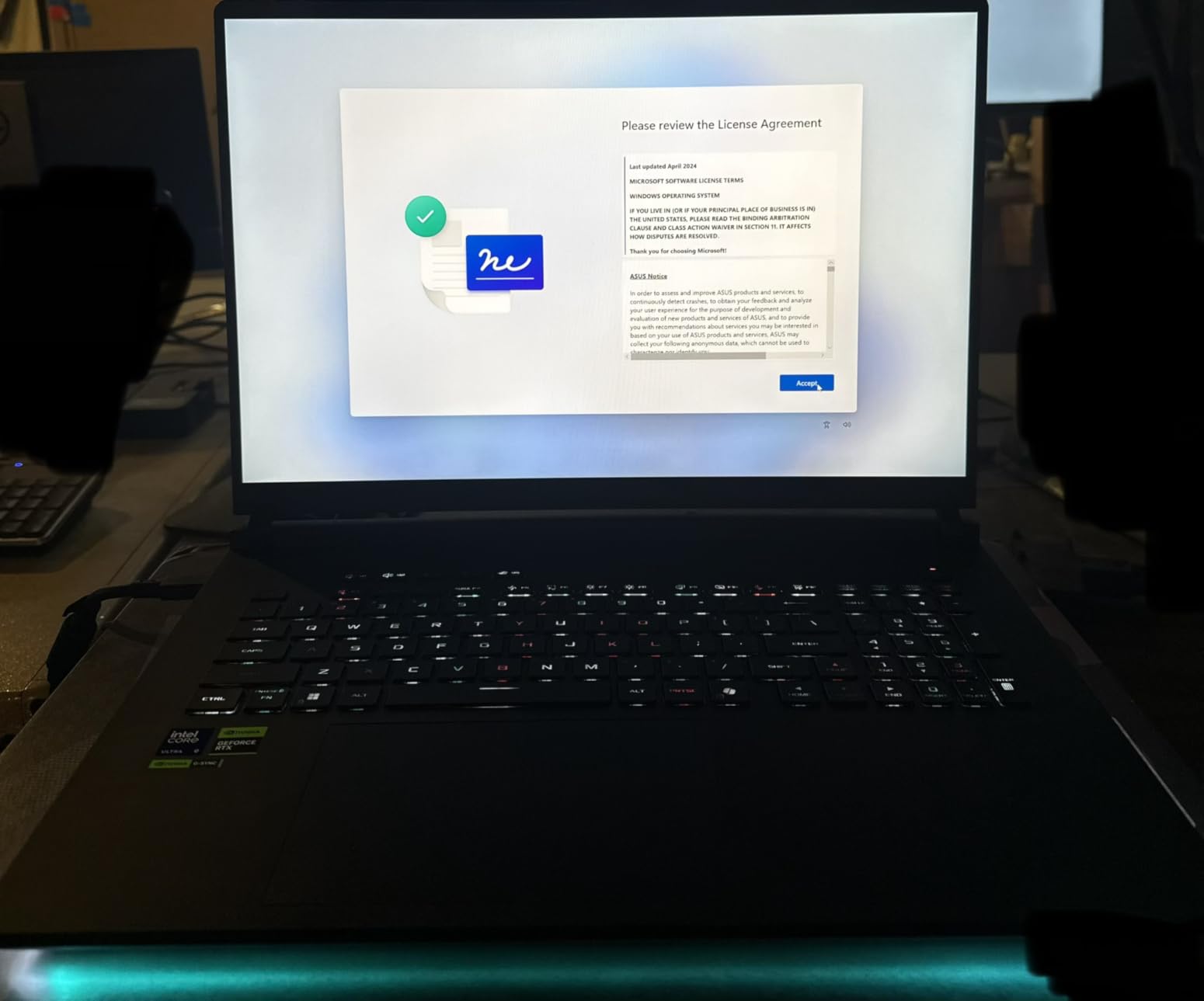
The main concern is inconsistent liquid metal application from the factory. Some units run significantly hotter than others, with CPU temperatures reaching 95-98C under heavy gaming. Users on r/ASUSROG have reported needing to repaste the liquid metal themselves, which is unacceptable at this price point. The fans also sound like an airplane at full load.
Who Should Buy This
This is the configuration to get if you want maximum gaming performance without stepping up to the problematic RTX 5090 model. The 16GB VRAM handles any game at 1440p with ray tracing, and the 2TB storage means no compromises. The 292 reviews give you confidence that this is a battle-tested configuration.
Who Should Skip This
If you get a unit with poor liquid metal application, you will need to deal with ASUS support or repaste it yourself, neither of which is ideal. The keyboard layout with combined Delete and Insert keys on the numpad is also frustrating. If you are not comfortable with potential thermal maintenance, consider the Strix G16 RTX 5070 Ti instead.
11. ROG Strix SCAR 18 (RTX 5090) – Maximum Power Flagship
ASUS ROG Strix SCAR 18 (2025) Gaming Laptop, 18” ROG Nebula HDR 16:10 2.5K 240Hz/3ms, NVIDIA GeForce RTX 5090, Intel Core Ultra 9 275HX, 32GB DDR5, 2TB PCIe Gen 4 SSD, Wi-Fi 7, Win 11 Pro, G835LX-XS97
Intel Core Ultra 9 275HX
RTX 5090 16GB
32GB DDR5-5600
2TB SSD
18-inch Mini LED HDR 2.5K 240Hz
AniMe Vision
175W TGP
Windows 11 Pro
+ Pros
- Best-in-class gaming performance
- Exceptional Mini LED display with HDR
- Tool-free upgrade access
- Premium keyboard and touchpad
- Good thermal management in low 80s under load
- Customizable RGB with AniMe Vision
- Cons
- Battery life extremely poor at 1.5 hours
- Random black and gray screen crashes with RTX 5090
- ABS plastic construction feels cheap
- Requires significant BIOS and driver tuning
- Very heavy at 6.28 pounds
The RTX 5090 SCAR 18 is the most powerful gaming laptop ASUS makes, and on paper, the specs are staggering. The NVIDIA GeForce RTX 5090 at 175W TGP delivers performance that rivals desktop RTX 4080 setups. Combined with the Intel Core Ultra 9 275HX and 32GB of DDR5-5600 RAM, this laptop has no equal in the ROG lineup for raw power.
However, the 3.9-star rating tells a different story. With 22% one-star reviews, this model has significant stability problems. Multiple users report random black and gray screen crashes during gaming, which appears to be a known issue with the RTX 5090 implementation. These crashes require significant BIOS and driver tuning to mitigate.
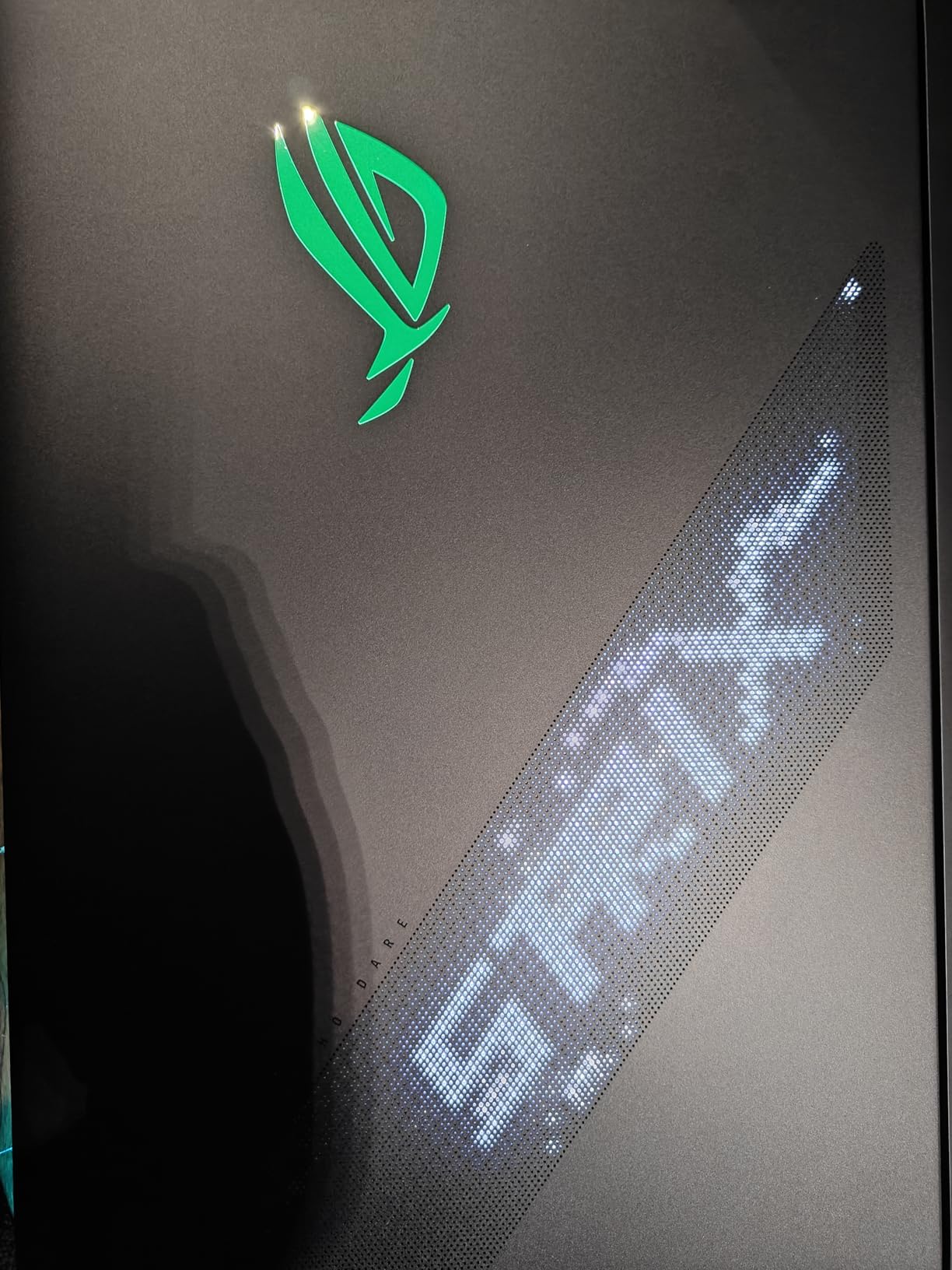
When the laptop works correctly, the performance is phenomenal. The Mini LED Nebula HDR display with 2,000+ dimming zones delivers the best visual experience in any ROG laptop. The AniMe Vision lid display and full-surround RGB lighting create the most customizable aesthetic in the gaming laptop market.
The ABS plastic construction at this price point is disappointing. For nearly $4,400, the chassis materials feel closer to mid-range laptops than flagship products. Battery life is also abysmal at roughly 1.5 hours for light tasks, making this purely a desktop replacement that happens to be technically portable.
Who Should Buy This
If you absolutely need the maximum gaming performance available in a laptop form factor and are willing to deal with potential stability issues, the RTX 5090 delivers unmatched frame rates. Enthusiasts who enjoy tweaking BIOS settings and driver configurations will get the most out of this machine.
Who Should Skip This
The 22% one-star rating is impossible to ignore. Random crashes during gaming, poor battery life, and ABS plastic construction at $4,400 make this a risky purchase. The RTX 5080 version delivers 85-90% of the performance with far better stability. Unless you need every last frame, the 5080 is the smarter choice.
12. ROG Flow Z13 (AMD Ryzen AI MAX+ 395) – Versatile AI Workstation
AMD Ryzen AI MAX+ 395
RDNA 3.5 Graphics
128GB LPDDR5X 8000MHz
1TB SSD
13-inch 2.5K 180Hz Touchscreen
2-in-1 Design
Wi-Fi 7
Windows 11 Pro
+ Pros
- Exceptional AI workstation with up to 96GB VRAM
- Runs 70B parameter LLMs locally
- Extremely portable at 2.7 pounds
- Impressive gaming performance for size
- Beautiful 180Hz PANTONE validated display
- Low fan noise even on turbo mode
- Cons
- Battery life average under heavy load
- Sleep and resume issues reported
- Keyboard feels unstable and wobbly
- Runs hot with intensive workloads
- AMD software ecosystem needs more tuning
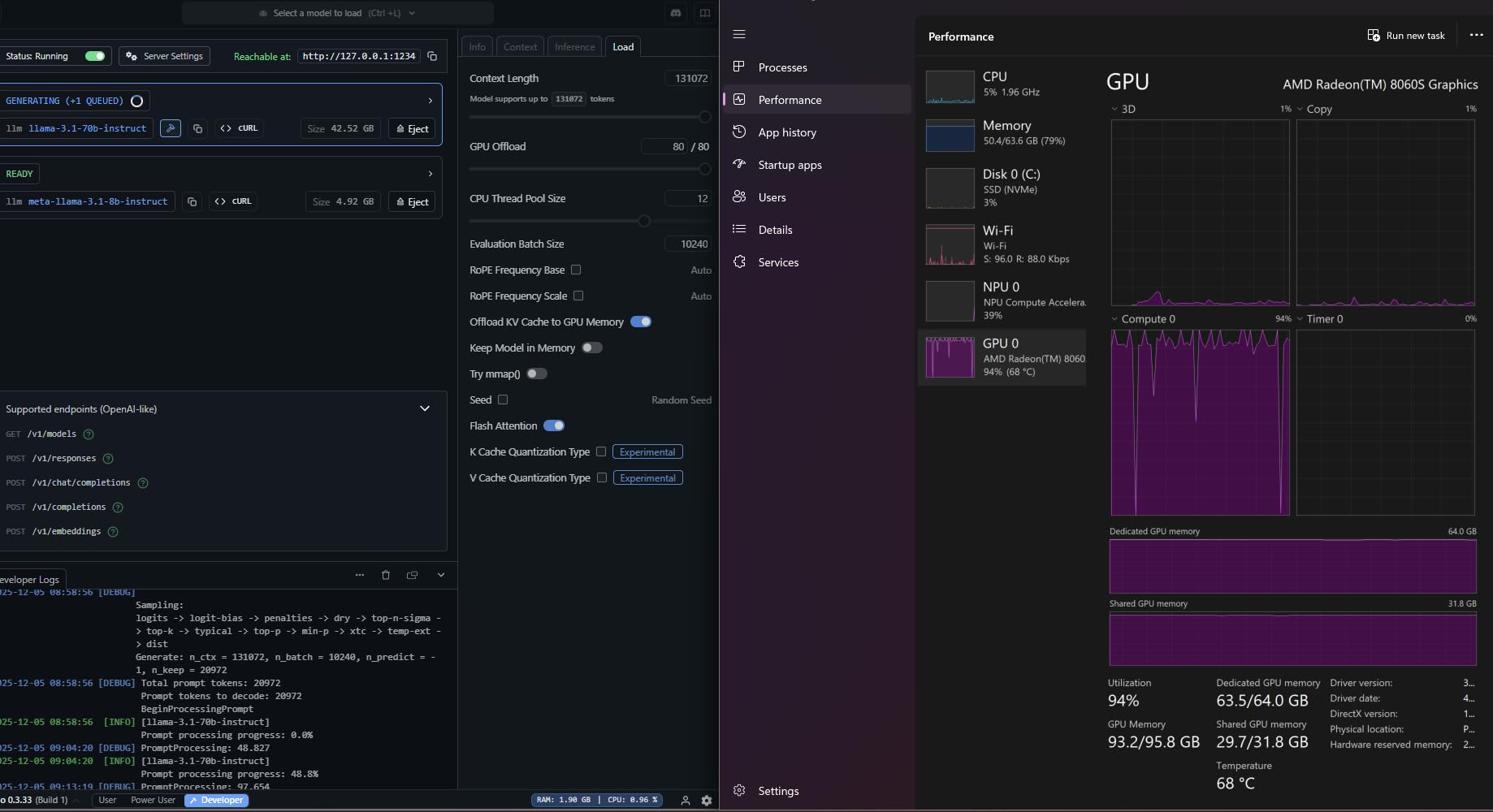
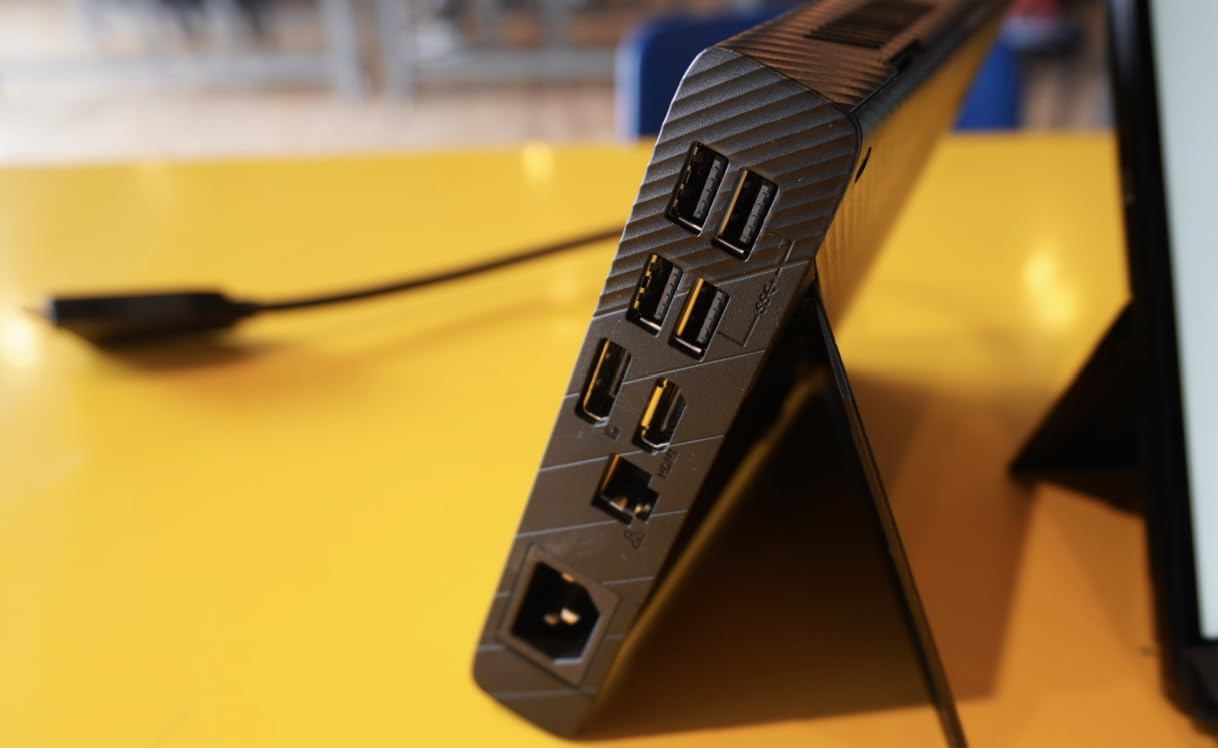
The ROG Flow Z13 is the most unique laptop in this entire roundup, and possibly the most interesting laptop ASUS has ever made. Powered by the AMD Ryzen AI MAX+ 395 with 16 cores and up to 50 TOPS of NPU power, this 2-in-1 device can allocate up to 96GB of its 128GB LPDDR5X memory as VRAM for graphics and AI workloads.
That unified memory architecture means you can run 70B parameter large language models locally with a full 128k context window. For AI researchers, developers, and data scientists, this is a portable AI workstation that fits in a backpack. The RDNA 3.5 integrated graphics deliver gaming performance roughly equivalent to an RTX 4060-5060 class GPU.
At just 2.7 pounds with a 13.4-inch form factor, this is the most portable device in the ROG lineup. The 2.5K 180Hz ROG Nebula touchscreen with PANTONE validation delivers excellent color accuracy for creative work. The 170-degree kickstand allows flexible positioning for drawing, media consumption, or presentation use.
The stainless steel vapor chamber with liquid metal cooling keeps the AMD Strix Halo chipset running at reasonable temperatures for most tasks. Fan noise stays low even in turbo mode, which is impressive given the performance on tap. However, sleep and resume issues have been reported, and the detachable keyboard can feel wobbly during intense typing.
Who Should Buy This
This is the dream machine for AI developers, data scientists, and creative professionals who need portable workstation power. The 128GB of unified memory with up to 96GB allocatable as VRAM is unprecedented in this form factor. If you work with local LLMs, Stable Diffusion, or large datasets, nothing else comes close.
Who Should Skip This
Pure gamers should look elsewhere, as the RDNA 3.5 integrated graphics cannot match dedicated NVIDIA RTX GPUs for gaming. The keyboard wobble and sleep/resume issues will frustrate users who want a traditional laptop experience. The AMD software ecosystem also requires more tuning than NVIDIA and CUDA alternatives.
How to Choose the Best ASUS ROG Gaming Laptop
Choosing among 12 different ROG configurations can feel overwhelming, but the decision comes down to understanding your needs and matching them to the right tier. Here is our breakdown of the key factors based on our testing and real user feedback.
ROG Series Explained: Strix G16 vs Strix G18 vs SCAR 18 vs Flow Z13
The Strix G16 is ASUS’s mainstream 16-inch gaming laptop, available with GPUs from RTX 5050 to RTX 5070 Ti. It is the value play in the lineup. The Strix G18 uses the same chassis philosophy but stretched to 18 inches for an immersive experience, available with RTX 5050 and RTX 5060.
The SCAR 18 is the flagship tier, exclusively 18 inches with Mini LED Nebula HDR displays, AniMe Vision lid customization, and GPUs from RTX 5070 Ti to RTX 5090. The Flow Z13 is a category of its own: a 13-inch 2-in-1 tablet with AMD Ryzen AI MAX+ designed for AI workloads and portable productivity.
GPU Selection: RTX 5050 vs 5060 vs 5070 Ti vs 5080 vs 5090
The GPU is the single most important component for gaming performance. The RTX 5050 handles 1080p medium-high settings well, making it suitable for budget gamers. The RTX 5060 is the value sweet spot, delivering strong 1080p performance with some 1440p capability through DLSS.
The RTX 5070 Ti with 12GB VRAM is where 1440p gaming at high settings becomes comfortable. The RTX 5080 with 16GB VRAM handles 1440p maxed out and even some 4K gaming. The RTX 5090 offers maximum performance but comes with documented stability issues in this generation.
Display Technology: FHD+ vs 2.5K vs Mini LED HDR
ASUS offers three display tiers across the ROG lineup. The FHD+ (1920×1200) panels at 165Hz or 144Hz are excellent for competitive gaming where frame rates matter more than resolution. The 2.5K (2560×1600) ROG Nebula displays at 240Hz offer a premium balance of sharpness and smoothness.
The Mini LED Nebula HDR panels on the SCAR 18 models feature 2,000+ dimming zones and up to 1200 nits brightness, delivering the best HDR experience available in a gaming laptop. If you play HDR-enabled games or use your laptop for media consumption, the Mini LED upgrade is worth it.
Thermal Performance and Long-Term Reliability
Thermal throttling is the top concern among ROG users on Reddit forums. The Strix G16 models use vapor chamber cooling with tri-fan technology and Conductonaut liquid metal, which works well for GPUs up to the RTX 5070 Ti. The G18 models have more thermal headroom thanks to the larger chassis.
The SCAR 18 models feature more robust cooling with tool-free access for maintenance, but some units suffer from inconsistent liquid metal application from the factory. Long-term durability is a concern across the lineup, with users reporting Zephyrus G14 models lasting 3-5 years and Strix models preferred for desktop replacement due to better thermals.
Portability vs Power Trade-off
The Flow Z13 at 2.7 pounds is the only truly portable ROG device. The Strix G16 models range from 4.9 to 6 pounds, making them manageable for occasional transport. The G18 models at 11+ pounds and SCAR 18 at 6.28 pounds are desktop replacements that you will not want to carry daily.
Battery life is universally poor across the gaming-focused ROG lineup, ranging from 1.5 hours on the RTX 5090 SCAR to 3 hours on the lower-end Strix models. The Flow Z13 is the exception with up to 10 hours in light usage, making it the only viable option for working away from an outlet.
RAM and Storage Considerations
For gaming, 16GB of DDR5 RAM is adequate but 32GB is ideal for future-proofing and multitasking. The Strix G16 models with RTX 5060 and below come with 16GB, while the Ultra 9 configurations include 32GB. The G18 Ryzen models limit RAM upgrades through BIOS restrictions, which is a downside.
Storage starts at 1TB across the lineup, which fills up fast with modern games. The 2TB configurations on the RTX 5070 G16 and SCAR 18 models provide much more breathing room. The Flow Z13’s 128GB of LPDDR5X unified memory is in a completely different category, designed for AI workloads rather than game storage.
FAQs
What ASUS ROG is the best?
The ROG Strix SCAR 18 with RTX 5080 is our overall best pick, offering desktop-class gaming performance, a stunning Mini LED HDR display, and 2TB of storage. For value, the ROG Strix G16 with RTX 5060 delivers excellent 1080p gaming at a more accessible price point.
Is the ASUS ROG a good gaming laptop?
Yes, ASUS ROG laptops are among the best gaming laptops available. They feature premium displays, advanced cooling with liquid metal and vapor chambers, and the latest NVIDIA RTX 50-series GPUs. The ROG lineup offers options from budget-friendly entry models to flagship desktop replacements.
What’s the best ASUS laptop for gaming?
The best ASUS laptop for gaming depends on your budget and needs. For most gamers, the ROG Strix G16 with RTX 5060 offers the best value. For maximum performance, the ROG Strix SCAR 18 with RTX 5080 is the top choice. For portability and AI workloads, the ROG Flow Z13 is unique.
Is ROG Strix better than ROG?
ROG Strix is a specific series within the broader ROG (Republic of Gamers) brand. ROG includes three main lines: Strix (mainstream gaming), SCAR (flagship esports), and Flow (convertible and portable). Strix offers the best value, SCAR delivers maximum performance with Mini LED displays, and Flow focuses on versatility and portability.
Which ROG laptop has the best thermal performance?
The ROG Strix G18 and SCAR 18 models have the best thermal performance due to their larger chassis allowing more airflow. The SCAR 18 specifically features end-to-end vapor chamber cooling with Conductonaut liquid metal and tool-free fan access for maintenance. However, some SCAR 18 units have inconsistent liquid metal application from the factory.
What is the difference between ROG Flow and Zephyrus?
The ROG Flow series focuses on versatile 2-in-1 designs with support for external GPUs and unique form factors like the Flow Z13 tablet. The ROG Zephyrus series focuses on ultra-thin gaming laptops like the Zephyrus G14 and G16. Flow prioritizes versatility and connectivity, while Zephyrus prioritizes portability in a traditional clamshell design.
Final Thoughts on the Best ASUS ROG Gaming Laptops
After analyzing all 12 models, the best ASUS ROG gaming laptops come down to three tiers. For value, the Strix G16 with RTX 5060 delivers the most gaming performance per dollar. For maximum power, the SCAR 18 with RTX 5080 is the most stable flagship option with proven performance from 292 verified reviews.
For something completely different, the ROG Flow Z13 offers AI workstation capabilities that no other gaming laptop can match. Whichever model you choose, pay attention to quality control reports for your specific configuration, as ASUS’s consistency varies significantly across the lineup in 2026.
Our team will keep updating this guide as ASUS releases new configurations and firmware updates throughout 2026. If you have experience with any of these models, the thermal and reliability data from real users is what makes these recommendations trustworthy.