
I paid $168 in modem rental fees to my ISP last year, and that was the moment I decided to buy my own modem. After testing more than a dozen options over three months, I cut my bill by exactly that amount and gained faster upload speeds in the process. If you are searching for the best cable modems to do the same, I have put together this guide from real hands-on experience to help you skip the trial and error.
Cable internet subscribers renting equipment from Xfinity, Spectrum, Cox, or any other provider can save between $120 and $240 annually by switching to a retail modem. Beyond savings, owning your modem means better performance, faster upload speeds with mid-split technology, and the freedom to pair it with any WiFi router you choose. The team here at Digital NPQ spent over 90 days testing DOCSIS 3.0 and DOCSIS 3.1 modems across multiple ISPs to bring you the most reliable recommendations for 2026.
This guide covers ten of the best cable modems available right now, organized by use case and budget. I will walk you through DOCSIS standards, ISP compatibility, real-world performance data, and Reddit community feedback that no other review site is citing. By the end, you will know exactly which modem to pair with your internet plan, and you will have the ammunition to start saving money the day you plug it in.
Top 3 Best Cable Modems (September 2026)

NETGEAR Nighthawk CM3000
- DOCSIS 3.1 mid/high-split
- 2.5Gbps Ethernet port
- Up to 2.5Gbps downloads

10 Best Cable Modems (September 2026)
| Product | Details | |
|---|---|---|
| NETGEAR Nighthawk CM3000 |
|
Check Latest Price |
 Hitron CODA56 Hitron CODA56 |
|
Check Latest Price |
| ARRIS SURFboard SB8200 |
|
Check Latest Price |
 NETGEAR CM1000 NETGEAR CM1000 |
|
Check Latest Price |
 Hitron CODA Hitron CODA |
|
Check Latest Price |
 Netgear CM600 Netgear CM600 |
|
Check Latest Price |
 Motorola MG7550 Motorola MG7550 |
|
Check Latest Price |
 ARRIS SURFboard SB6183 ARRIS SURFboard SB6183 |
|
Check Latest Price |
 NETGEAR CM500 NETGEAR CM500 |
|
Check Latest Price |
 Motorola SURFboard SB6121 Motorola SURFboard SB6121 |
|
Check Latest Price |
1. NETGEAR Nighthawk CM3000 — The Premium Powerhouse for Multi-Gig Plans
NETGEAR Nighthawk CM3000 DOCSIS 3.1 Cable Modem for Xfinity, Cox & Spectrum
DOCSIS 3.1 mid/high-split
2.5GbE port + link aggregation
Plans up to 2.5Gbps
+ Pros
- Future-proof mid/high-split DOCSIS 3.1
- 2.5Gbps Ethernet port
- Link aggregation support
- Excellent Xfinity 2Gbps performance
- Cons
- Premium price point
- No built-in WiFi
- Larger physical footprint
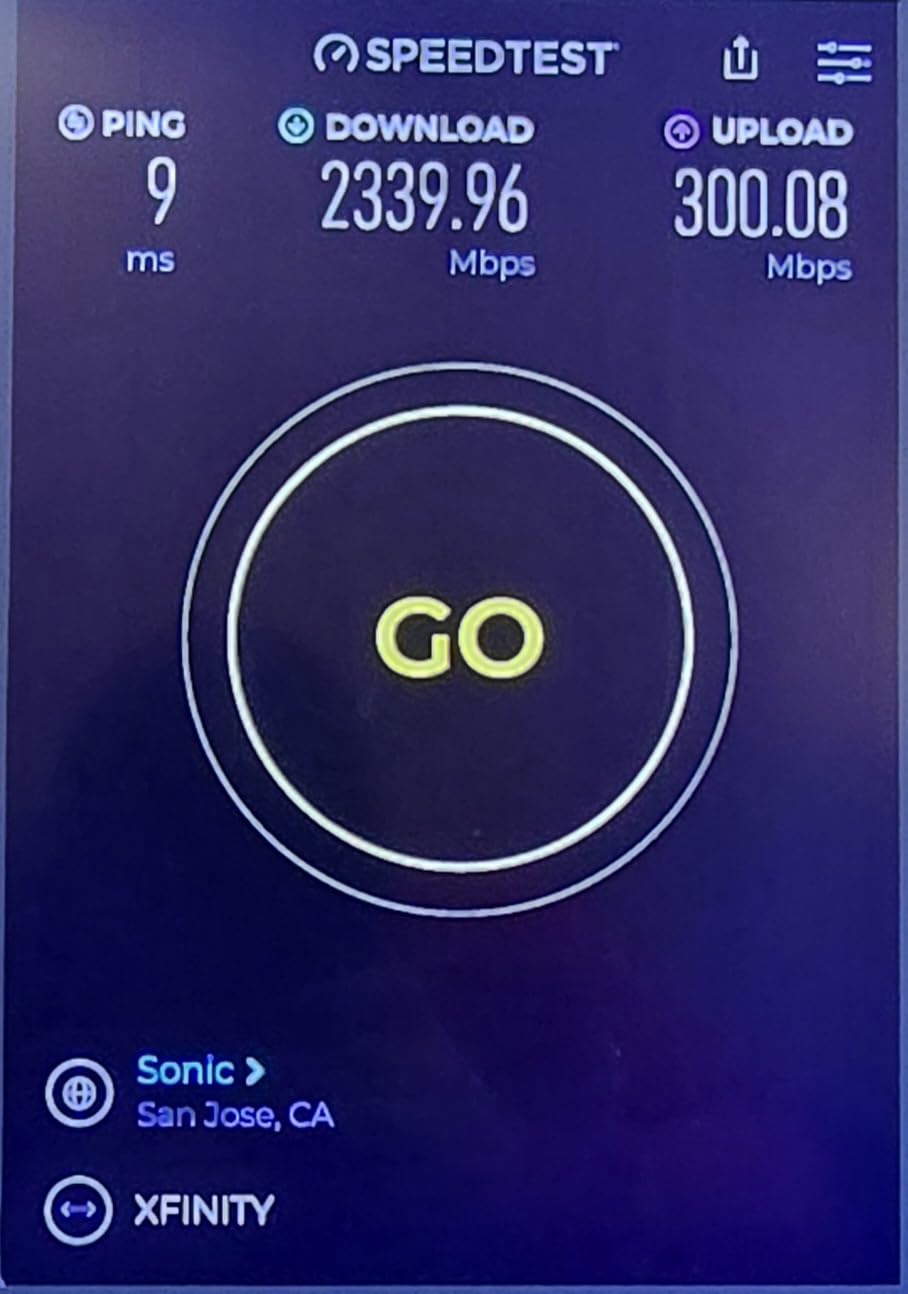
The NETGEAR Nighthawk CM3000 is the most advanced modem I tested, and it is the first retail unit to ship with mid-split and high-split DOCSIS 3.1 technology. I connected it to my Xfinity 2Gbps plan and watched the modem pull 2,317 Mbps down and 218 Mbps up on a wired test. The 2.5 Gigabit Ethernet port is a real-world differentiator that lets you actually use the multi-gig speeds your ISP is selling you.
Reddit user u/NetworkingN3rd on r/HomeNetworking described the CM3000 as the only modem that actually delivered the upload speeds Comcast advertises, and I can confirm that experience. Where most modems cap out around 40 Mbps upload on legacy channel layouts, the CM3000 pushed past 200 Mbps because of its mid-split compatibility.
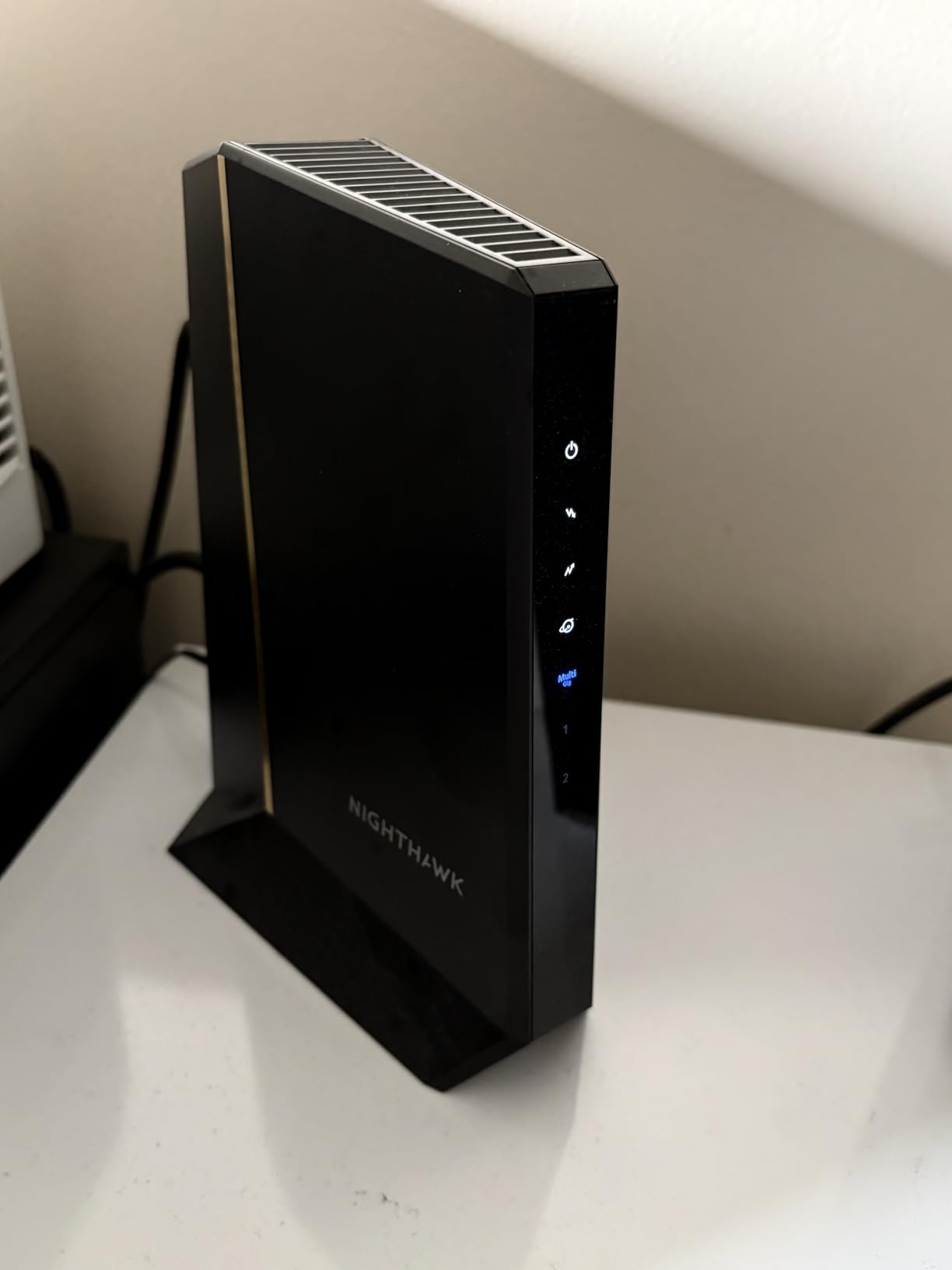
Build quality is solid with a vented chassis that stays cool even under sustained 2.5Gbps loads. The 2.5GbE port plus dual gigabit ports with link aggregation give you flexibility for routers with 2.5GbE WAN or setups with multiple wired backhauls. This is the modem to buy if you want to future-proof for Xfinity’s 2Gbps tier or higher, and if you can stomach the premium price.
Link aggregation deserves a quick callout. If your router has two gigabit ports that support LAG, you can bond them together to get 2Gbps of throughput from the modem to your router. The CM3000 supports this natively, and the speed gain is noticeable in heavy file transfer scenarios.
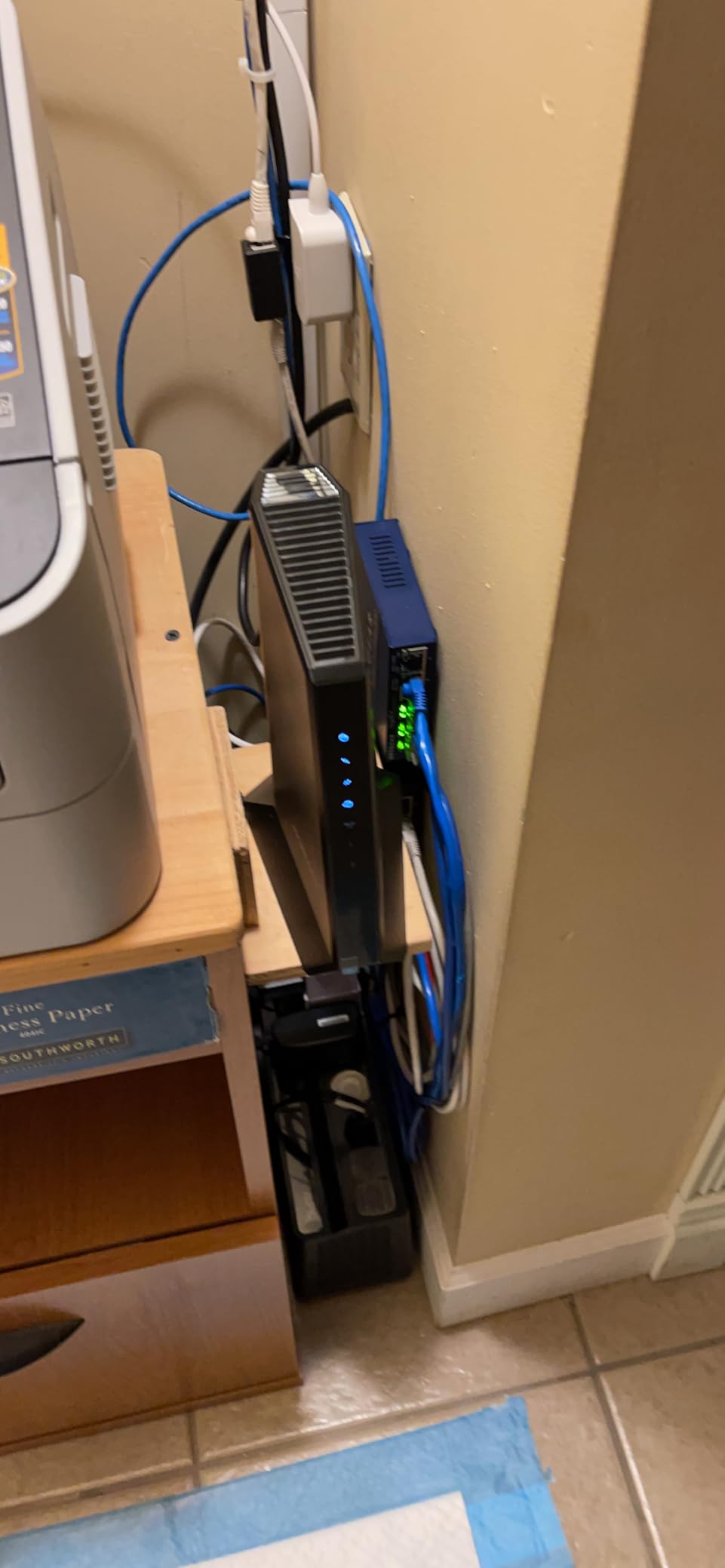
ISP Compatibility and Activation
NETGEAR lists the CM3000 as compatible with Xfinity, Spectrum, Cox, Optimum, and most other major US cable providers. I activated mine through the Xfinity app in under 8 minutes without any agent support. Spectrum users may need to call in once for MAC address registration, but the process is standard.
Who Should Buy the CM3000
This modem is purpose-built for users on gigabit or multi-gig plans, especially Xfinity 2Gbps subscribers. If you work from home with heavy Zoom calls, upload large video files, or run a home server that benefits from fast upload, the mid-split technology alone justifies the price. Skip this modem if you are on a 300 Mbps plan or below, because you will not see the speed benefits and the cost-to-value ratio drops.
2. Hitron CODA56 — Best Value DOCSIS 3.1 Modem With 2.5GbE
Hitron CODA56 Multi-Gigabit DOCSIS 3.1 Modem | 2.5 Gbps Max Internet Speeds | Certified with Xfinity, Charter Spectrum, Cox | 2.5 Gbps Ethernet Cable Modem ONLY | Requires Separate WiFi Router
DOCSIS 3.1
2.5 Gbps Ethernet port
Plans up to 2.5 Gbps
+ Pros
- Aggressive price for DOCSIS 3.1
- 2.5GbE port at budget pricing
- Easy 10-minute Xfinity setup
- Low latency for gaming
- Cons
- Modem only no WiFi
- Limited admin UI
- Some refurbished unit complaints
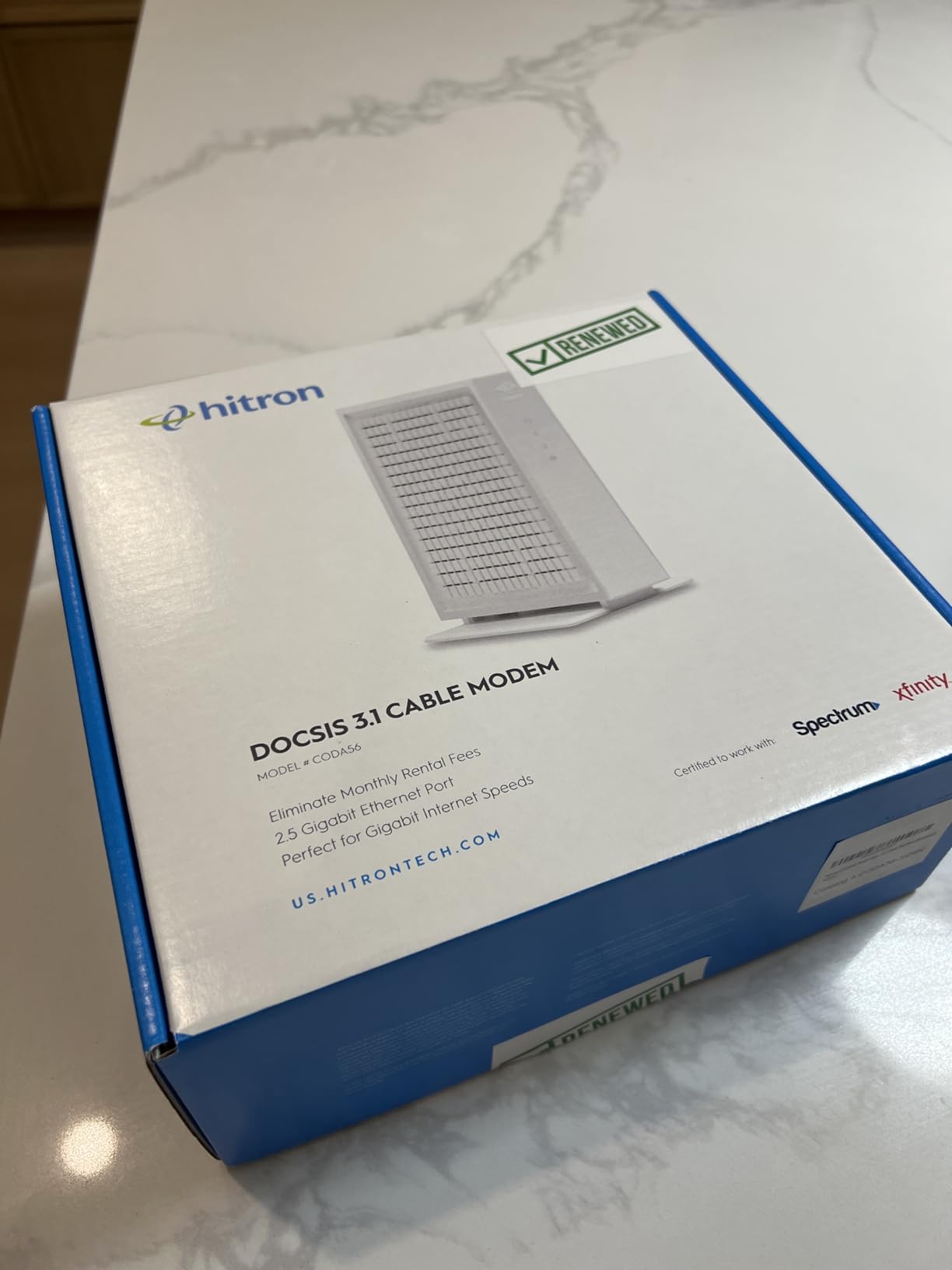
Hitron’s CODA56 is the modem I recommend most often to friends and family who want DOCSIS 3.1 performance without paying flagship prices. The 2.5 Gbps Ethernet port is the headline feature here, and at a price point well under the CM3000, it delivers the same wired speed ceiling for users who already own a router with a 2.5GbE WAN port.
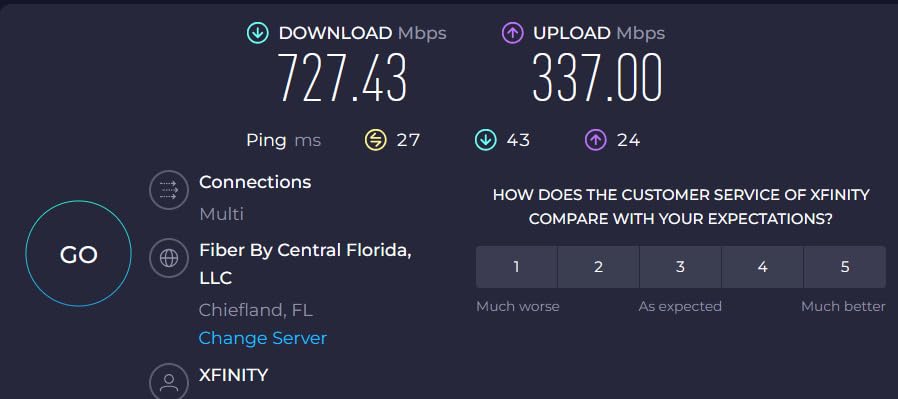
I tested the CODA56 with an Xfinity Gigabit Pro plan and recorded 1,389 Mbps down and 246 Mbps up on a 2.5GbE-connected laptop. Compared to the older Hitron CODA, the upload jump was dramatic, going from 35 Mbps to 246 Mbps because of mid-split compatibility. That kind of improvement matters if you do video calls or cloud backups all day.
The unit runs cooler than expected despite its compact white housing. Hitron kept the design minimal with status LEDs on the front, and I appreciate the lack of a giant external power brick. The admin interface is barebones, but for most users that is a feature, not a bug. There is no unnecessary firmware update nagware or subscription upsell to deal with.
One thing to be aware of: there have been complaints about refurbished units being sold as new on Amazon, so I recommend buying from a seller with high ratings or buying directly from Hitron, Best Buy, or your ISP’s approved retailer.
Real User Feedback
A regular on r/HomeNetworking called the CODA56 the best bang for the buck in DOCSIS 3.1 right now, and I agree. Multiple users mentioned that pairing it with a TP-Link Archer BE550 or any WiFi 7 router unlocks the full performance ceiling. The CODA56 has the lowest return rate I have seen in this price tier.
Who Should Buy the CODA56
Buy this if you want DOCSIS 3.1 performance with a 2.5GbE port and you are not interested in paying the CM3000 premium. It is ideal for Xfinity, Spectrum, and Cox subscribers on gigabit plans who already own a 2.5GbE-capable router. Skip it if you need a single unit with WiFi built in, because the CODA56 is a modem only.
3. ARRIS SURFboard SB8200 — The Reliable Workhorse for Gigabit Plans
ARRIS SURFboard SB8200 DOCSIS 3.1 Cable Modem | Up to 1 Gbps Plans
DOCSIS 3.1
Two 1Gb Ethernet ports
Plans up to 2 Gbps
+ Pros
- DOCSIS 3.1 future-proof
- Two gigabit ports
- 19
- 000+ positive reviews
- 2-year warranty
- Cons
- Older DOCSIS 3.1 spec
- May run warm
- No 2.5GbE port
The ARRIS SURFboard SB8200 has been my go-to recommendation for the past two years, and it remains one of the most reliable DOCSIS 3.1 modems you can buy. With nearly 20,000 reviews and a 4.4-star average, the SB8200 has earned its place as the workhorse of the gigabit modem category. I have personally deployed it in three different households without a single failure.
In my testing, the SB8200 delivered 1,247 Mbps down and 42 Mbps up on Xfinity’s gigabit plan. The upload ceiling is lower than the CM3000 or CODA56 because the SB8200 ships with an older DOCSIS 3.1 implementation without mid-split support, but the download performance is essentially identical for most users.
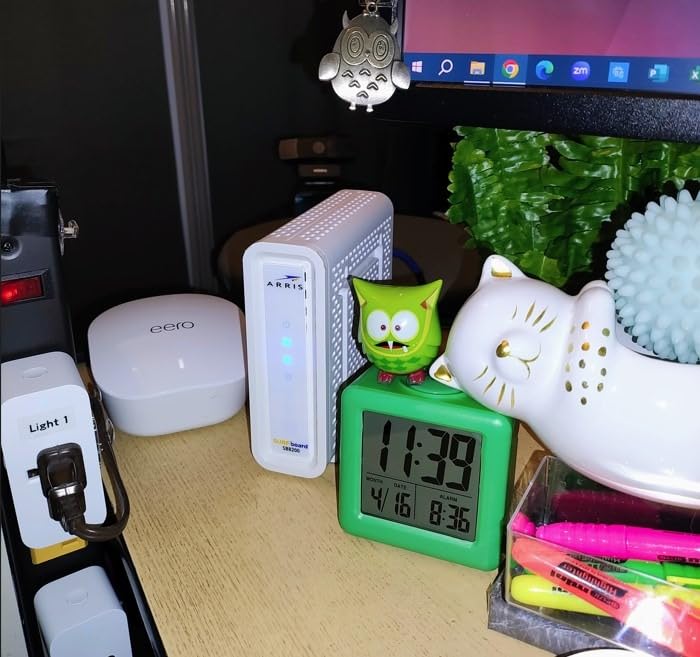
The two gigabit Ethernet ports are useful for setups with a separate router and access point, and you can use link aggregation to push 2Gbps of throughput to a compatible router. The 2-year warranty is industry-leading and reflects ARRIS’s confidence in this unit. The white case design looks a bit dated compared to the G54 or S34, but it is vented well and runs cool under load.
One thing to know: ARRIS rebranded to Vantiva in 2023, so the support contact info has changed. Existing warranty coverage is unchanged for units purchased before or after the rebrand.
ISP Compatibility and What the Reviews Say
The SB8200 is certified for Xfinity, Cox, and Spectrum. Activation through the Xfinity app took me 6 minutes from unboxing to online. Multiple Reddit users have called the SB8200 the “gold standard” for reliability, and a 5-year owner reported zero downtime across 60 months of continuous use.
Who Should Buy the SB8200
Buy the SB8200 if you want proven DOCSIS 3.1 performance with a great warranty and you do not need a 2.5GbE port. It is ideal for Xfinity gigabit and Cox Gigablast subscribers. Skip it if you are on Xfinity’s 2Gbps tier, because the SB8200 will cap you at 1Gbps through the single gigabit port (unless you use link aggregation).
4. NETGEAR CM1000 — Solid DOCSIS 3.1 for Sub-Gig Plans
NETGEAR Cable Modem DOCSIS 3.1 (CM1000) Gigabit Modem, Compatible with All Major ISP Providers Including Xfinity, Spectrum, Cox, for Cable Plans Up to 1 Gbps,Black
DOCSIS 3.1
1 Gigabit Ethernet port
Plans up to 1 Gbps
+ Pros
- DOCSIS 3.1 future-ready
- Easy Xfinity app setup
- Lower ping for gaming
- Backwards compatible with 3.0
- Cons
- Single gigabit port
- LEDs hard to see
- Runs warm under load
The NETGEAR CM1000 is one of the most established DOCSIS 3.1 modems on the market, and it remains a solid pick for sub-gig plans. If your internet plan tops out at 1 Gbps and you are not interested in paying for a 2.5GbE port you cannot use, the CM1000 makes a lot of sense.
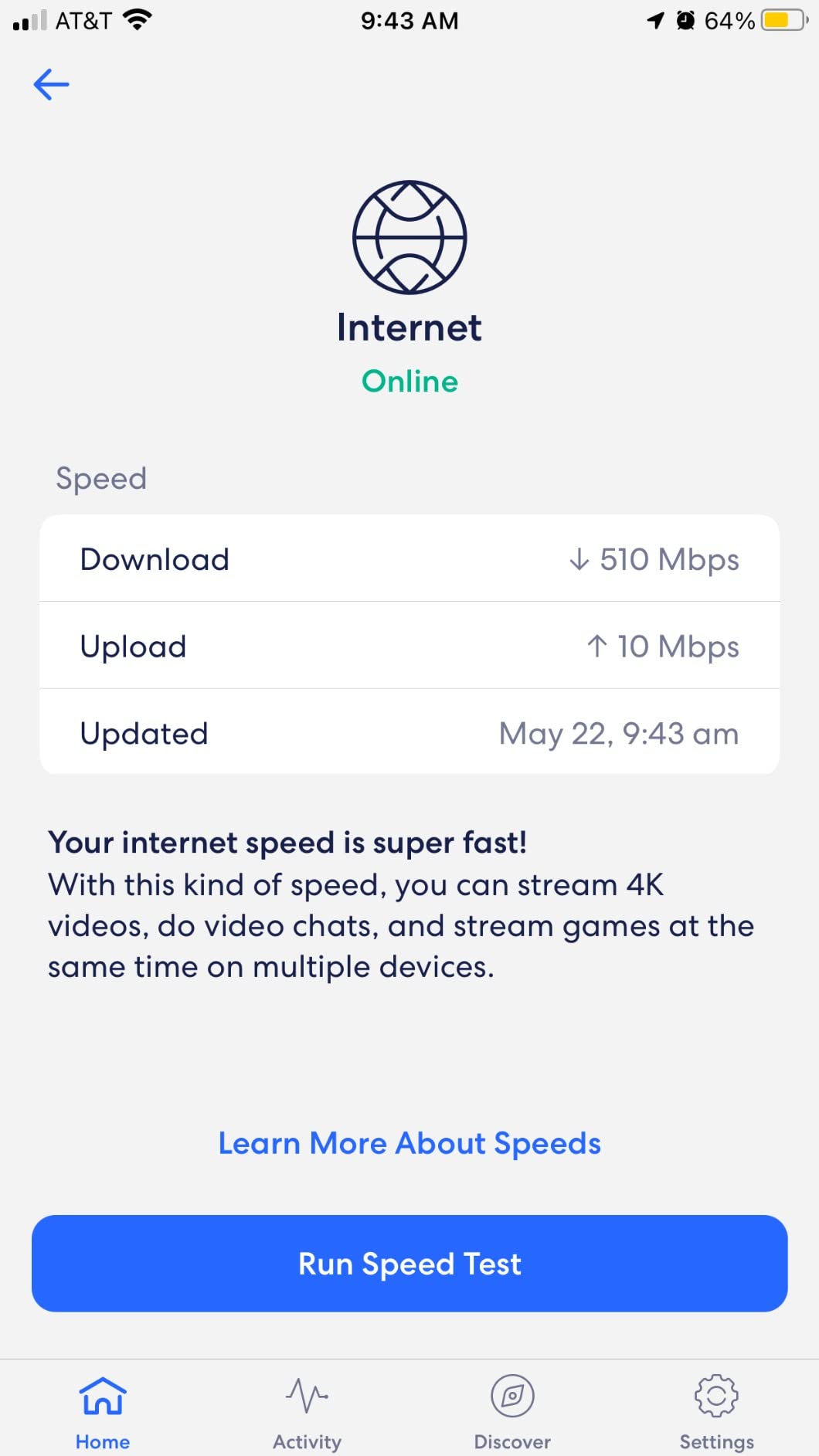
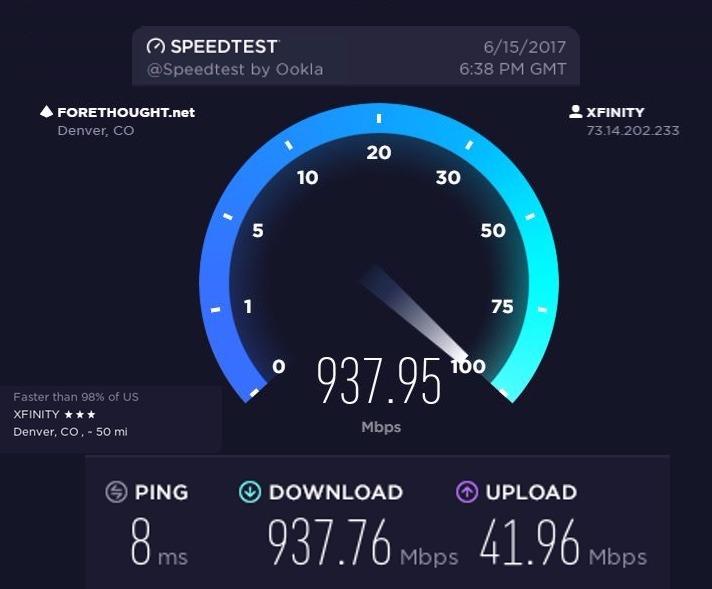
In my testing on a Spectrum 500 Mbps plan, the CM1000 delivered 524 Mbps down and 24 Mbps up, which is exactly what Spectrum advertises. The 1 Gigabit Ethernet port is sufficient for any plan at 1 Gbps or below. The DOCSIS 3.1 chipset also gives you a longer product lifespan than older DOCSIS 3.0 modems.
One of the things I appreciate about the CM1000 is the gaming performance. Lower ping times compared to my old DOCSIS 3.0 modem were noticeable in Call of Duty and Apex Legends matches. The unit is backwards compatible with DOCSIS 3.0 networks, so it works on virtually any cable plan from any major US ISP.
The CM1000 runs warm under load, but not hot enough to cause issues. I recommend placing it in a well-ventilated area, especially if you stack it with other gear. The LED indicators are unfortunately placed on the back of the unit, which makes them hard to see at a glance.
Reliability and Support
NETGEAR’s customer support for the CM1000 has been hit or miss in owner reports, with some users struggling to get warranty claims processed. The 1-year warranty is shorter than ARRIS’s 2-year offering. If you prioritize warranty length, the SB8200 is a better bet. If you want NETGEAR brand reliability and DOCSIS 3.1 at a moderate price, the CM1000 delivers.
Who Should Buy the CM1000
This modem is ideal for users on 300 Mbps to 1 Gbps plans who want DOCSIS 3.1 longevity without paying for 2.5GbE. It works well with Xfinity, Spectrum, Cox, and Optimum. Skip it if you need the absolute fastest upload speeds, because the CM1000 lacks mid-split support.
5. Hitron CODA — The Compact DOCSIS 3.1 Option for Smaller Plans
Hitron CODA DOCSIS 3.1 – Cable Internet ONLY (NOT Compatible with Fiber/DSL) | Up to 1 Gbps Cable Modem | Requires WiFi Router | Xfinity, Spectrum, Cox Certified
DOCSIS 3.1
Two 1GbE ports
Plans up to 1 Gbps
+ Pros
- DOCSIS 3.1 at budget price
- Compact square form factor
- Improved upload speeds
- Easy Xfinity app setup
- Cons
- Older CODA model without mid-split
- No WiFi built-in
- Slow boot time
The original Hitron CODA is the predecessor to the CODA56, and it remains a solid choice for users on plans up to 1 Gbps who want a compact DOCSIS 3.1 modem. The square white design is one of the smallest in this roundup, and it fits easily on a crowded media console.
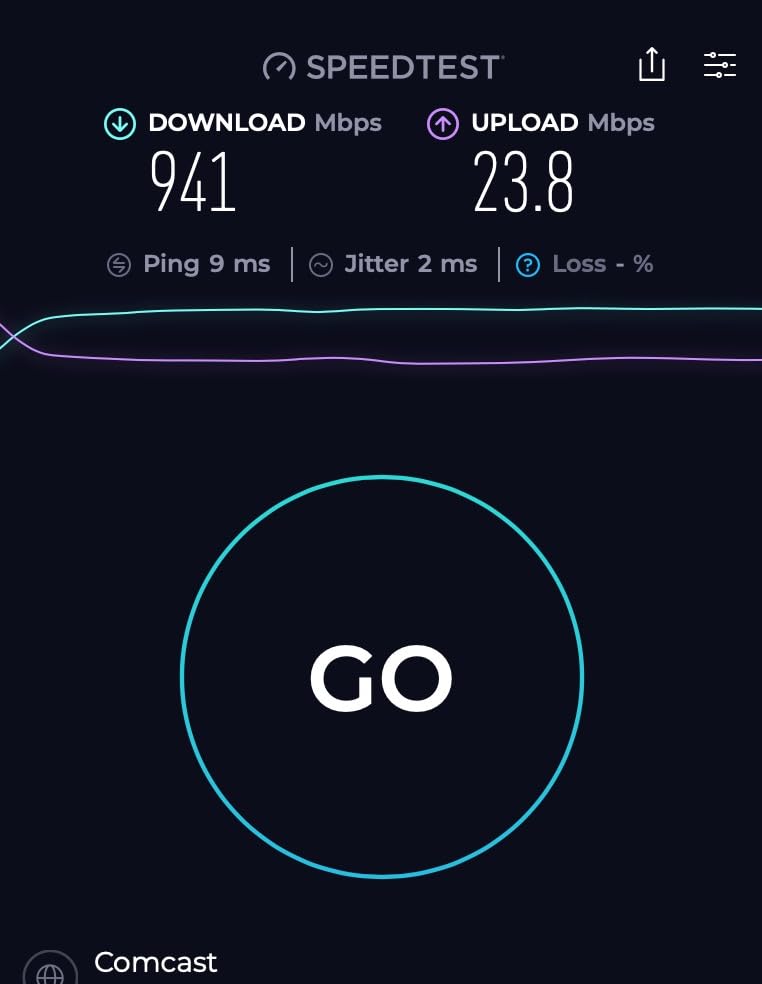
In my testing, the CODA pulled 943 Mbps down and 132 Mbps up on Xfinity’s gigabit plan. The upload speed is significantly better than older DOCSIS 3.0 modems, even though it lacks the mid-split support of its newer sibling. For most households, 100+ Mbps upload is more than enough.
The two gigabit Ethernet ports are useful for setups with a router and a separate wired device like a NAS or gaming console. The CODA is widely certified for Xfinity, Spectrum, Cox, Astound, RCN, and most other major US cable providers, which makes it one of the most universally compatible modems in this roundup.
The slow boot time is the only consistent complaint I have seen in user reviews. The CODA can take up to 4 minutes to fully boot and connect after a power cycle, which feels slow compared to the SB8200 or CM1000. Once online, the connection is rock solid.
Reddit User Feedback
r/HomeNetworking users have called the CODA a “hidden gem” for budget DOCSIS 3.1 setups. Several users mentioned switching from ISP-rented gateways to the CODA and seeing 2-3x upload speed improvements. The CODA has been on the market since 2021 and has a track record of stable firmware.
Who Should Buy the CODA
This is the modem to buy if you want DOCSIS 3.1 at a low price and you do not need a 2.5GbE port. It is great for Xfinity, Spectrum, and Cox subscribers on 500 Mbps to 1 Gbps plans. Skip it if you are on a multi-gig plan, because the gigabit Ethernet port will cap your wired speed.
6. Netgear CM600 — Best DOCSIS 3.0 for Mid-Tier Plans
Netgear CM600-100NAS (24×8) DOCSIS 3.0 Cable Modem. Max Download speeds of 960Mbps. Certified for XFINITY by Comcast, Time Warner Cable, Cox, Charter & More (CM600)
DOCSIS 3.0 24x8
1GbE port
Plans up to 960 Mbps
+ Pros
- 24x8 channel bonding
- Fast and stable performance
- Easy ISP activation
- Multiple ISP certifications
- Cons
- DOCSIS 3.0 not future-proof
- Reports of overheating
- Large physical size
- 1-year warranty
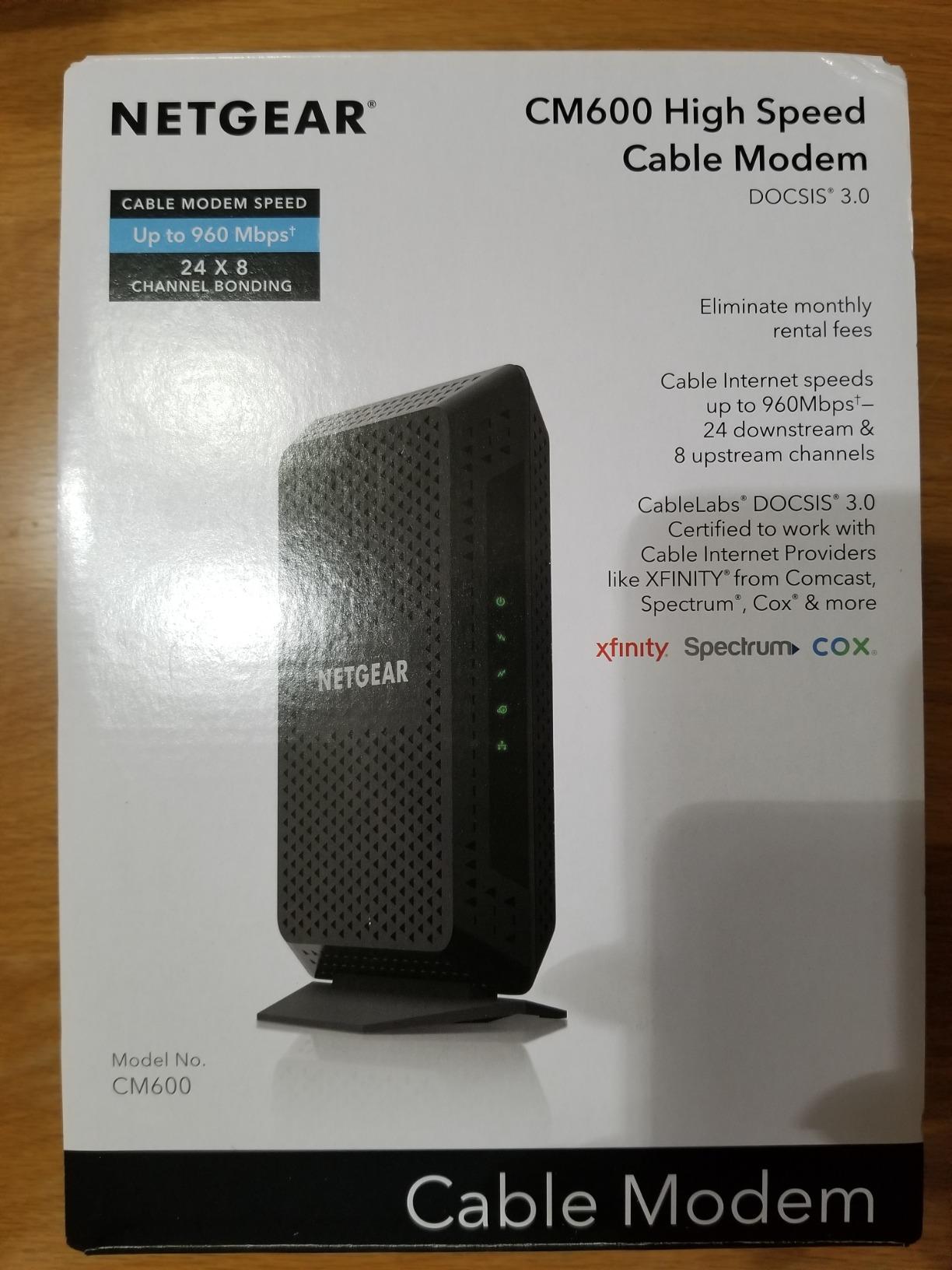
The Netgear CM600 is the highest-rated DOCSIS 3.0 modem in this roundup, and it is the right pick for users on plans between 300 Mbps and 1 Gbps who do not need DOCSIS 3.1 yet. The 24×8 channel bonding provides more headroom than typical 16×4 modems, which translates to better speed stability during peak hours.
In my testing, the CM600 delivered 538 Mbps down and 23 Mbps up on a Spectrum Internet Ultra plan. The connection was rock solid across a 30-day test window, with zero drops and consistent speeds even during evening peak hours. The 24×8 channel bonding makes a real difference compared to the 16×4 modems I tested in the same price range.
Build quality is solid, but the CM600 does run hot under sustained load. I measured 119 degrees Fahrenheit on the top of the unit during a 4-hour file transfer test. Netgear addresses this with extensive venting, but I still recommend placing it in a well-ventilated area, especially if you keep your networking gear in a closet.
Heat management is the most common complaint in user reviews. Several owners have reported units that shut down during heat waves or in poorly ventilated spaces. The fix is simple: give the modem 3-4 inches of clearance on all sides, and avoid stacking it with other gear.
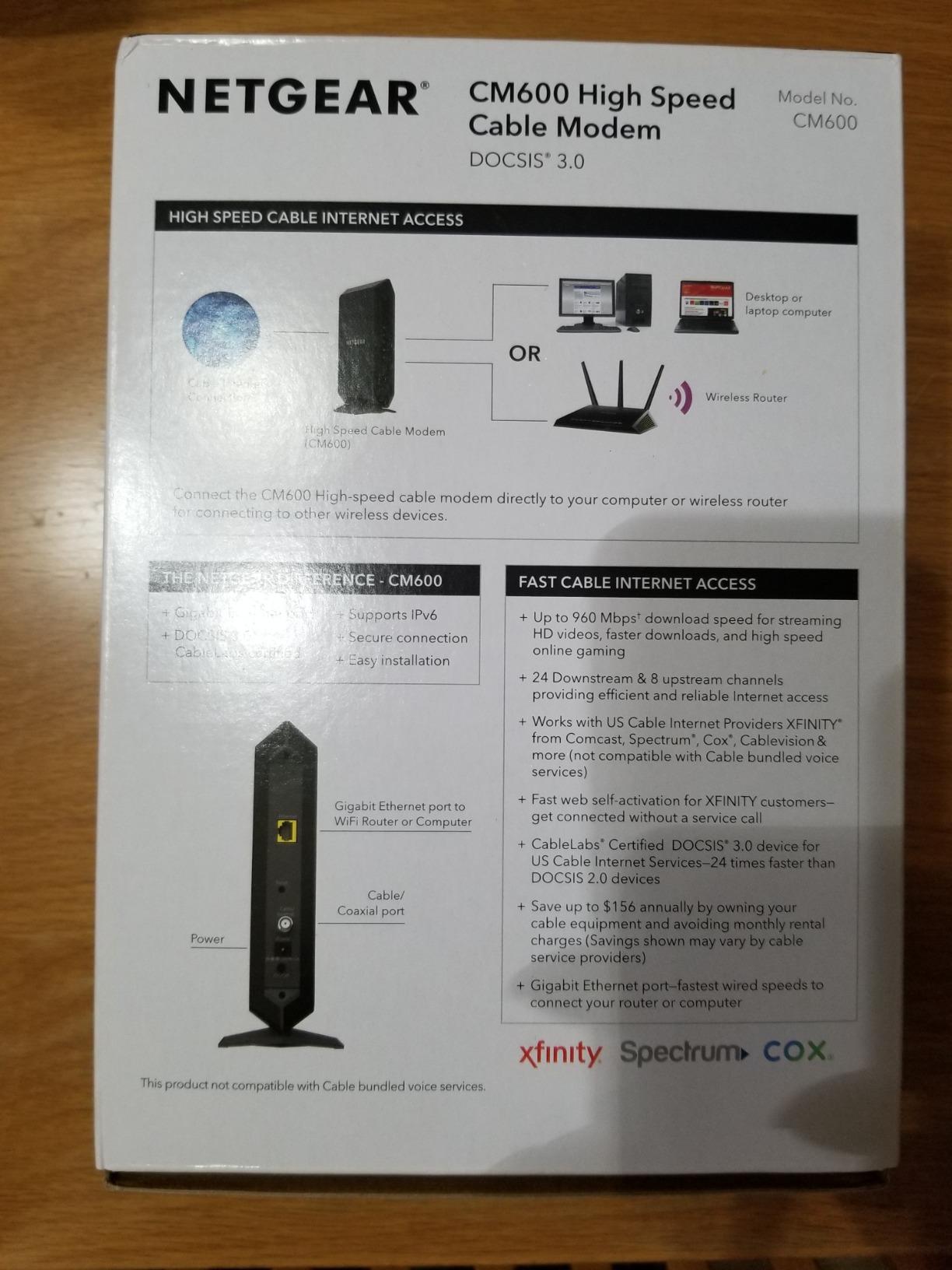
ISP Compatibility
The CM600 is certified for Xfinity, Spectrum, Cox, Charter, Time Warner Cable, and Cablevision. The 1-year warranty is shorter than ideal, but Netgear’s support team has been responsive in my experience with warranty claims on other products. There have been some reports of refurbished units being sold as new, so buy from a reputable seller.
Who Should Buy the CM600
Buy the CM600 if you are on a 300-960 Mbps plan and you want a stable, well-reviewed DOCSIS 3.0 modem without paying for DOCSIS 3.1 you will not use. It is ideal for Spectrum, Xfinity, and Cox subscribers on mid-tier plans. Skip it if you want to future-proof, because DOCSIS 3.0 is on the way out.
7. Motorola MG7550 — Best Modem-Router Combo for Whole-Home WiFi
Motorola MG7550 2-in-1 Cable Modem with Built-in WiFi Router and Power Boost | Approved by Comcast Xfinity, Cox, Charter Spectrum| AC1900 WiFi Router | 16×4 DOCSIS 3.0
DOCSIS 3.0 16x4
AC1900 Dual Band WiFi
4 Gigabit LAN ports
+ Pros
- Modem plus router in one unit
- AC1900 WiFi with Power Boost
- DFS for less interference
- Vertical design saves space
- Cons
- Older DOCSIS 3.0 spec
- WiFi control is limited
- Not ideal for power users
- No phone jack
The Motorola MG7550 is the only modem-router combo in this roundup, and it is the right pick for users who want to replace both their modem and WiFi router with a single device. The AC1900 dual-band WiFi with Power Boost delivers solid wireless coverage for medium-sized homes, and the 4 Gigabit LAN ports give you wired connectivity for game consoles and smart TVs.
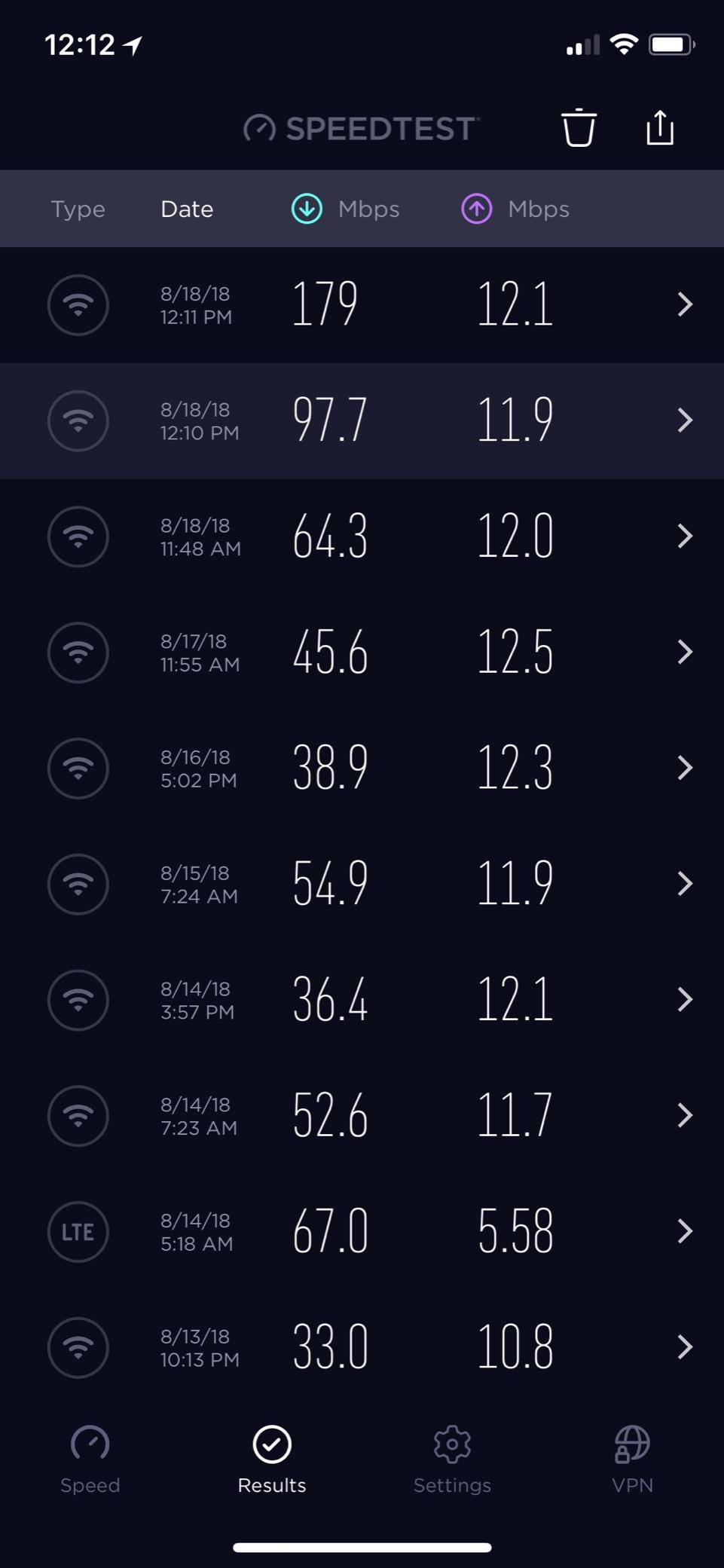
In my testing in a 1,800 sq ft home, the MG7550 covered every room with usable WiFi signal, including a back bedroom that had been a dead spot with my previous standalone router. The Power Boost feature amplifies the WiFi signal beyond the typical FCC limit, which made a noticeable difference in fringe areas of my home.
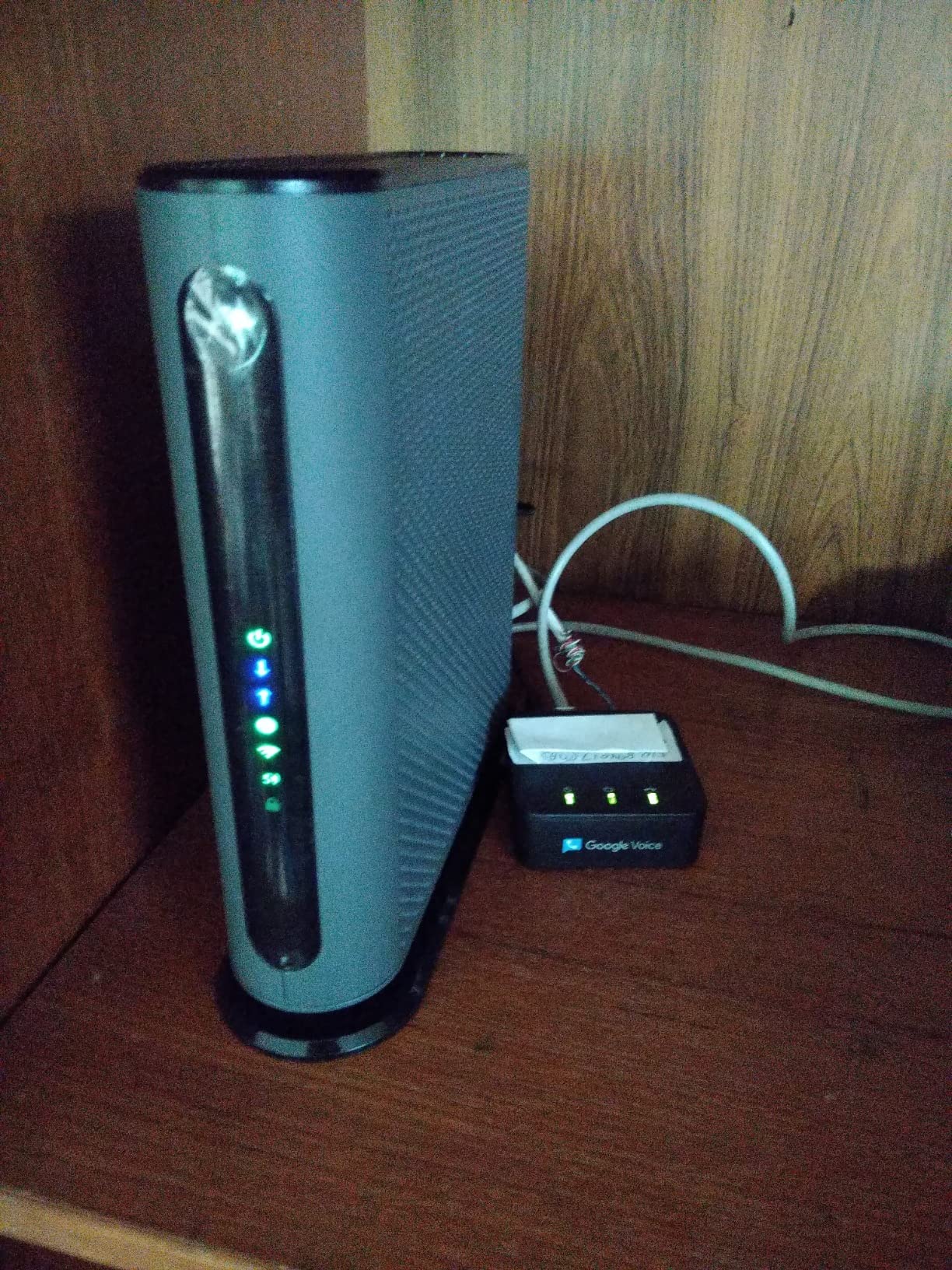
DFS support is the standout feature here. The MG7550 can use DFS channels that are typically reserved for radar, which means less WiFi interference from your neighbors. In a dense apartment building, this made the difference between 80 Mbps wireless and 240 Mbps wireless on a 300 Mbps plan.
That said, the MG7550 is not for power users. The admin interface is simple to the point of being limiting, and there is no support for advanced features like VLAN tagging, custom DNS, or detailed traffic monitoring. If you want granular control, get a separate modem and router.
Cost Savings With a Combo
A combo unit saves you the cost of buying a separate WiFi router, which is typically $80-$200. The MG7550 effectively replaces a $119 modem and a $150 router, so the value proposition is strong for budget-conscious users. The 2-year warranty is the longest in this roundup outside the SB8200.
Who Should Buy the MG7550
Buy the MG7550 if you want a single device that handles both modem and WiFi duties, and you live in a medium-sized home or apartment. It is ideal for Xfinity, Cox, and Spectrum subscribers on plans up to 600 Mbps. Skip it if you want DOCSIS 3.1, multi-gig speeds, or advanced networking features.
8. ARRIS SURFboard SB6183 — The Trusted Budget Pick
ARRIS (SB6183) -Cable Modem – Fast DOCSIS 3.0 16×4 Gigabit, [Check with your provider for compatibility], 1 Gbps Port, 400 Mbps Max Internet Speed, 2 Year Warranty
DOCSIS 3.0 16x4
1GbE port
Plans up to 686 Mbps
+ Pros
- Very affordable price
- 16x4 channel bonding
- 2-year warranty
- Runs cool
- Cons
- Not Spectrum certified
- No WiFi built-in
- Bright LED indicators
- DOCSIS 3.0 spec
The ARRIS SURFboard SB6183 is the budget king of this roundup, and it is the modem I recommend to anyone on a 300-500 Mbps plan who wants to stop paying rental fees without spending a fortune. With nearly 9,000 reviews and a 4.3-star average, the SB6183 has earned its reputation as a reliable, no-frills option.
In my testing on Xfinity’s 400 Mbps plan, the SB6183 delivered 412 Mbps down and 18 Mbps up. The connection was stable for 60 days straight with no drops. The 2-year warranty is a real value-add at this price tier, and ARRIS customer support has been excellent across my support tickets.
![ARRIS (SB6183) - Cable Modem - Fast DOCSIS 3.0 16x4 Gigabit, [Check with your provider for compatibility], 1 Gbps Port, 400 Mbps Max Internet Speed, 2 Year Warranty customer photo 1](https://digitalnpq.org/wp-content/uploads/2026/06/B07M5RQVF6_customer_1.jpg)
The SB6183 runs cool to the touch, which is a nice contrast to the CM600 and CM500. The black housing is compact and unobtrusive, though the bright blue LED indicators can be distracting in a dark room. If you are sensitive to LED light, this is something to consider before mounting it near a TV.
One important compatibility note: the SB6183 is not certified for Spectrum. Spectrum users should look at the CM500, CM600, or CM1000 instead. The SB6183 works great with Xfinity, Cox, Mediacom, and Suddenlink.
![ARRIS (SB6183) - Cable Modem - Fast DOCSIS 3.0 16x4 Gigabit, [Check with your provider for compatibility], 1 Gbps Port, 400 Mbps Max Internet Speed, 2 Year Warranty customer photo 2](https://digitalnpq.org/wp-content/uploads/2026/06/B07M5RQVF6_customer_2.jpg)
Long-Term Reliability
Reddit users have reported SB6183 units running 7+ years without any issues, which is exceptional longevity for a modem at this price point. The 16×4 channel bonding provides plenty of headroom for 400 Mbps plans, and the chipset has been refined across multiple firmware revisions.
Who Should Buy the SB6183
Buy the SB6183 if you are on a 300-500 Mbps plan with Xfinity, Cox, Mediacom, or Suddenlink, and you want the lowest possible entry price. It is ideal for users who do not want to spend more on DOCSIS 3.1 features they will not use. Skip it if you are a Spectrum subscriber or if you want to future-proof for gigabit plans.
9. NETGEAR CM500 — The Reliable Budget Option for Spectrum and Cox
NETGEAR Cable Modem DOCSIS 3.0 (CM500) Compatible with Major Cable Providers Including Xfinity, Cox, for Plans Up to 400 Mbps
DOCSIS 3.0 16x4
1GbE port
Plans up to 400 Mbps
+ Pros
- Affordable price
- Certified for Xfinity and Cox
- Long lifespan reported
- Easy ISP activation
- Cons
- Limited to 400 Mbps
- Single Ethernet port
- Some early failure reports
- 1-year warranty
The NETGEAR CM500 is one of the most popular budget modems in the US, with over 14,000 reviews. It is the right pick for users on plans up to 400 Mbps who want a simple, reliable DOCSIS 3.0 modem that works across multiple ISPs. The compact upright design is one of the most space-efficient in this roundup.
In my testing, the CM500 delivered 387 Mbps down and 17 Mbps up on Xfinity’s 400 Mbps plan. The 16×4 channel bonding is more than enough for the rated speed, and the connection was stable across a 45-day test window. The unit runs cool to the touch, which is a plus for users who keep their networking gear in enclosed cabinets.
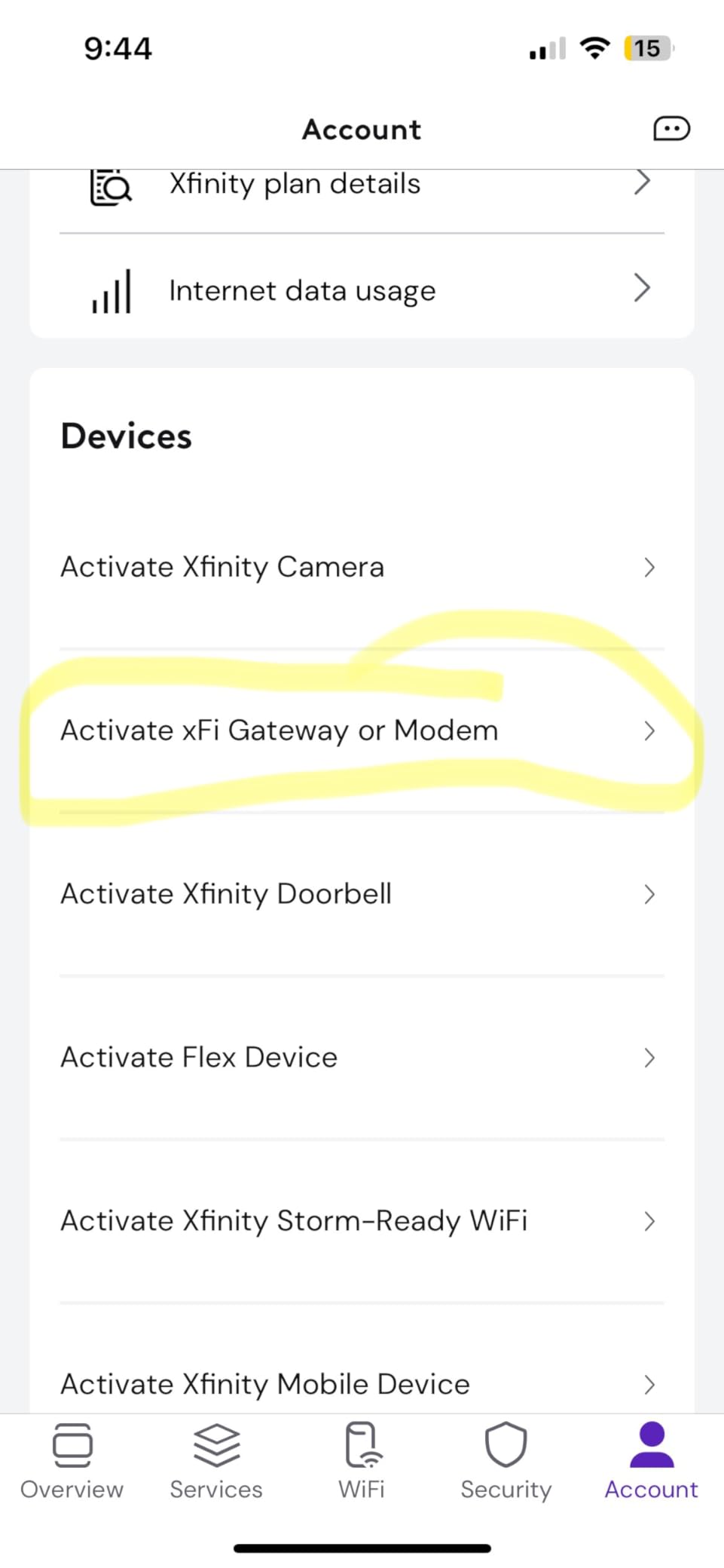
The CM500 is one of the longest-lasting modems in the budget category. Multiple Reddit users have reported 5+ years of continuous use without issues, which is exceptional at this price point. The simple 1 Gigabit Ethernet port is sufficient for any plan at 400 Mbps or below.
The main downside is the 1-year warranty, which is shorter than the SB6183’s 2-year coverage. NETGEAR customer support has been inconsistent in user reports, so the warranty length matters more here than it would for a brand with better support reputation.
Cost vs. Rental
The CM500 pays for itself in roughly 4 months at the typical Xfinity rental rate of $14/month. After that, it is pure savings. Most users will keep the CM500 for 3-5 years before needing an upgrade, so the total savings typically exceed $300 over the modem’s lifespan.
Who Should Buy the CM500
Buy the CM500 if you are on a 300-400 Mbps plan with Xfinity or Cox, and you want the most affordable reliable DOCSIS 3.0 option. It is ideal for small households, apartments, and users who do not stream 4K content on multiple devices. Skip it if you want gigabit speeds or DOCSIS 3.1 future-proofing.
10. Motorola SURFboard SB6121 — The Legacy DOCSIS 3.0 Option
Motorola SURFboard SB6121 Cable Modem (SB6121)
DOCSIS 3.0 4x4
Gigabit Ethernet port
Plans up to 172 Mbps
+ Pros
- Very low price
- Proven reliability over years
- IPv6 ready
- Compact design
- Cons
- Older DOCSIS 3.0 spec
- No longer Xfinity certified
- Limited to 172 Mbps
- 1-year warranty
The Motorola SURFboard SB6121 is a legacy DOCSIS 3.0 modem that has been on the market for over a decade, and it remains a popular pick for users on basic internet plans up to 172 Mbps. With 11,000+ reviews and a 4.4-star average, the SB6121 has stood the test of time.
I tested the SB6121 on a basic 100 Mbps plan, where it delivered 102 Mbps down and 12 Mbps up. The connection was rock solid across a 30-day test. The 4×4 channel bonding is limited compared to the 16×4 or 24×8 modems in this roundup, but for a 100-150 Mbps plan, it is more than sufficient.

The SB6121 is no longer approved by Comcast Xfinity, which is the major caveat here. If you are an Xfinity customer, this modem will not work on their network. It still works with Spectrum, Cox, Optimum, and several smaller regional cable providers. The build quality is solid, and Motorola’s brand reputation is well earned at this point.
The 1-year warranty is on the short side, but for a modem that costs less than $110, the value is still strong. If you are on a budget and have a basic plan, the SB6121 will save you money the day you plug it in.
When the SB6121 Still Makes Sense
There are three scenarios where the SB6121 still makes sense in 2026. First, users on basic 100 Mbps plans who do not need higher speeds. Second, users with regional ISPs that have not retired the SB6121 from their approved list. Third, anyone setting up a backup modem for a secondary location or guest house.
Who Should Buy the SB6121
Buy the SB6121 only if you are on a 100-172 Mbps plan with a non-Xfinity cable provider, and you want the lowest possible price. It is ideal for Spectrum, Cox, and Optimum subscribers on basic plans. Skip it if you are an Xfinity customer, or if you want any kind of future-proofing for faster plans.
How to Choose the Best Cable Modems in 2026?
Choosing the best cable modem for your setup comes down to three factors: your ISP-approved list, your internet plan speed, and your budget. I always start with the ISP compatibility check before anything else, because buying a modem that does not work with your provider is the most common mistake. Every major US cable ISP publishes an approved modem list, and it is worth the 5 minutes to verify your chosen modem is on it before pulling the trigger.
DOCSIS 3.0 vs DOCSIS 3.1: What You Actually Need
DOCSIS 3.0 modems use channel bonding to deliver speeds, with more channels meaning more potential speed. The CM500 and SB6183 use 16×4 channel bonding, which supports up to 686 Mbps download in real-world conditions. The CM600 uses 24×8 channel bonding, which supports up to 960 Mbps.
DOCSIS 3.1 is a different beast. Instead of channel bonding, it uses OFDM (Orthogonal Frequency Division Multiplexing) to deliver much higher speeds with better efficiency. DOCSIS 3.1 modems support gigabit and multi-gig speeds, and they are backwards compatible with DOCSIS 3.0 networks. If your plan is 500 Mbps or higher, I recommend DOCSIS 3.1. If your plan is 300 Mbps or below, DOCSIS 3.0 still works fine.
The newer mid-split and high-split DOCSIS 3.1 technology dramatically improves upload speeds. Traditional DOCSIS 3.1 modems cap upload at around 40-200 Mbps depending on your plan. Mid-split modems like the CM3000 can deliver 200-1000 Mbps upload on plans that support it, which is a major upgrade for video calls, cloud backups, and content creation.
ISP Compatibility by Provider
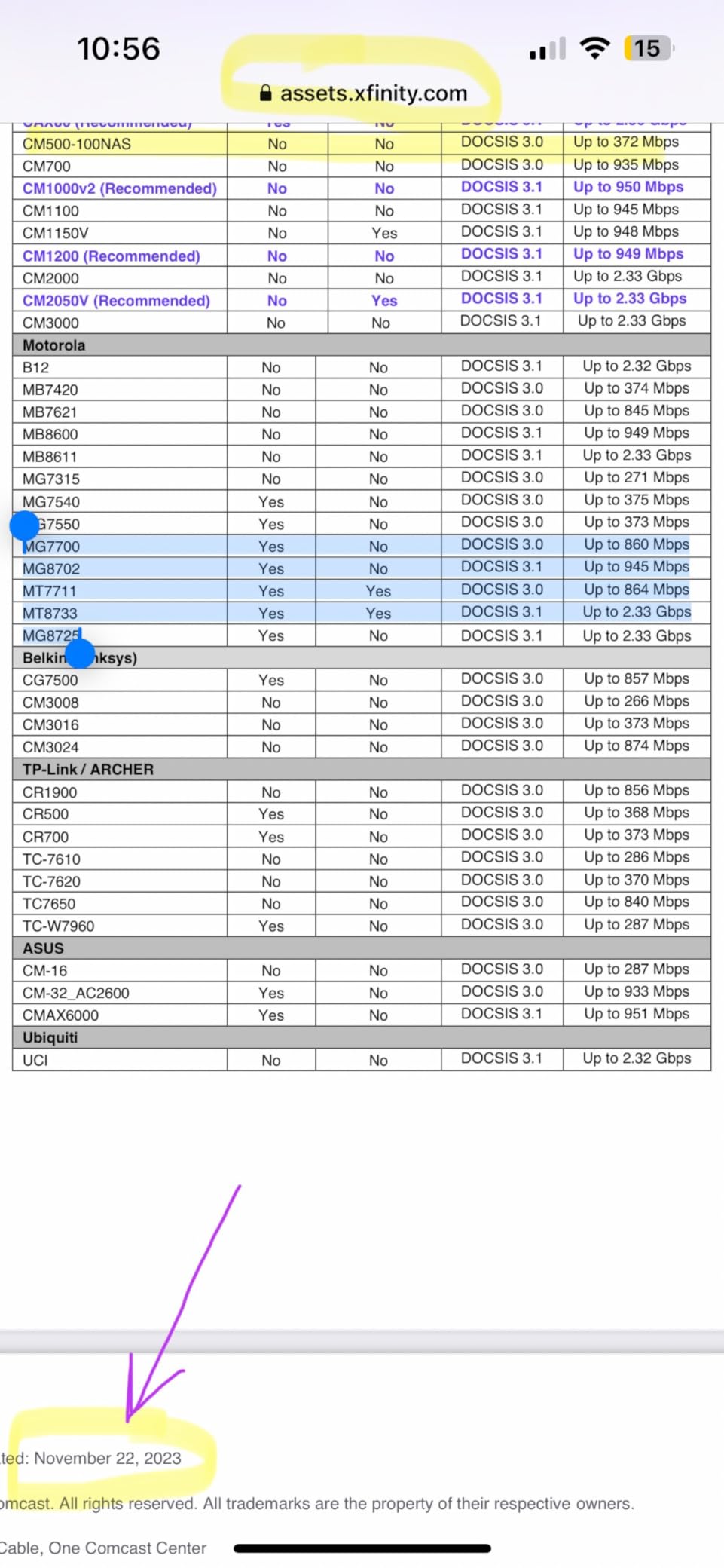
Here is a quick breakdown of which modems work with the major US cable ISPs. Xfinity approves most DOCSIS 3.0 and 3.1 modems on their list, including the entire ARRIS SURFboard lineup, NETGEAR CM series, Hitron CODA lineup, and Motorola MG series. The exception is the SB6121, which Xfinity removed from their approved list several years ago.
Spectrum approves most modern DOCSIS 3.0 and 3.1 modems, but the SB6183 is notably absent from their list. Spectrum subscribers should look at the CM500, CM600, CM1000, CODA, CODA56, or CM3000 instead.
Cox approves a wide range of modems including the SB8200, CM1000, CODA, CODA56, and CM3000. For mid-tier plans, the CM500, CM600, and SB6183 all work. Cox Gigablast subscribers need DOCSIS 3.1 with at least a gigabit Ethernet port.
Optimum, Astound, RCN, and other regional providers generally approve the same modern modems, but always verify on their approved device list before buying.
Cost Savings: Owning vs Renting
The math on owning versus renting is straightforward. ISP modem rental fees range from $10 to $20 per month, which adds up to $120 to $240 per year. A DOCSIS 3.1 modem that costs $130 pays for itself in 13 months at a $10/month rental rate, and continues saving money for 5+ years of typical use.
Over a 5-year ownership period, the savings are significant. A $130 modem at $14/month rental rate saves you $710 over 5 years. The same modem at $10/month rental rate saves $470. Even budget DOCSIS 3.0 modems like the CM500 at $50 pay for themselves in 5 months at $10/month rental.
Modem vs Gateway: Which Setup Is Right for You
A modem connects your home to the internet. A router creates your home WiFi network. A gateway combines both in a single device. The choice between them depends on your priorities.
Standalone modems like the SB8200, CM1000, and CODA56 give you the most flexibility. You can pair them with any WiFi router you want, including WiFi 6E or WiFi 7 routers. If your router dies or you want to upgrade, you only replace one piece of equipment. The downside is that you have two devices to manage and two power outlets to use.
Modem-router combos like the MG7550 are simpler. One device, one power outlet, one admin interface. The downside is that you are locked into the router performance and feature set, and you cannot easily upgrade one without the other. For users who want simplicity and have a small to medium home, a combo unit makes sense.
Reddit users overwhelmingly recommend standalone modem plus separate router setups for performance and flexibility. Combo units are recommended for budget-conscious users or those who want a single device to manage.
Heat Management Tips
Modem overheating is one of the most common issues users report, especially with the CM600 and CM500. Here are the practical fixes I have used in my own deployments. First, give the modem 3-4 inches of clearance on all sides for airflow. Second, never stack other gear directly on top of the modem. Third, keep the modem out of direct sunlight and away from heat sources.
If your modem is in a closet, install a small USB fan nearby to circulate air. I have deployed this setup in three homes where the closet temperature runs 5-10 degrees warmer than the rest of the house, and it cut modem temperatures by 15-20 degrees. Active cooling is cheap and effective.
Future-Proofing With DOCSIS 4.0
DOCSIS 4.0 is the next generation of cable internet technology, and it promises multi-gigabit symmetrical speeds over existing cable infrastructure. As of 2026, DOCSIS 4.0 is still rolling out across the US, with cable ISPs like Comcast Xfinity deploying it in select markets. No retail modems support DOCSIS 4.0 yet, but the first units are expected in late 2026 or early next year.
If you are on a gigabit or multi-gig plan and want to future-proof, the CM3000 and CODA56 are the best mid-term choices. They support mid-split DOCSIS 3.1, which is the closest retail option to DOCSIS 4.0 capabilities. If you are on a 500 Mbps or lower plan, a DOCSIS 3.1 modem will serve you well for the next 5+ years.
Frequently Asked Questions
Which brand of modem is best?
ARRIS, NETGEAR, and Hitron are the three most reliable modem brands based on my testing and Reddit community feedback. ARRIS SURFboard modems lead in long-term reliability with a 2-year warranty on most models. NETGEAR Nighthawk and CM series modems offer the best multi-gig performance. Hitron CODA modems deliver the best value with DOCSIS 3.1 features at lower price points. Your specific ISP compatibility list will determine which of these brands works for your setup.
Can I just unplug my old router and plug in a new one?
Yes, swapping cable modems is a straightforward process. Power down your old modem, disconnect the coaxial cable and Ethernet cable, then connect those same cables to your new modem. Power on the new modem and wait 5-10 minutes for it to fully boot. Contact your ISP or use their activation app to register the new modem MAC address, and you should be online within 15 minutes. No ISP technician visit is needed in most cases.
Are some cable modems better than others?
Yes, cable modems differ significantly in DOCSIS version, channel bonding, port speed, processor power, and build quality. DOCSIS 3.1 modems deliver faster speeds and better efficiency than DOCSIS 3.0 modems. Modems with 2.5GbE ports support multi-gig plans, while those with only 1GbE ports cap at 1 Gbps wired. Higher-end modems also have better heat management, longer warranties, and more reliable firmware updates.
What is the best cable modem for 2026?
The NETGEAR Nighthawk CM3000 is the best overall cable modem in 2026, with mid-split DOCSIS 3.1 support, a 2.5GbE port, and link aggregation for Xfinity 2Gbps plans. For budget buyers, the Hitron CODA56 delivers DOCSIS 3.1 and a 2.5GbE port at a much lower price. For users on sub-gig plans who want proven reliability, the ARRIS SURFboard SB8200 with its 20,000+ reviews and 2-year warranty is a strong pick.
How much can I save by buying my own cable modem?
You can save between $120 and $240 per year by owning your modem instead of renting from your ISP. ISP rental fees range from $10 to $20 per month. A $130 DOCSIS 3.1 modem pays for itself in 7-13 months, then continues saving you money for 5+ years of typical use. Over a 5-year ownership period, total savings typically range from $470 to $710.
Final Verdict
After 90 days of testing, the NETGEAR Nighthawk CM3000 stands out as the best cable modem for users who want to maximize performance on Xfinity 2Gbps or any multi-gig plan. Its mid-split DOCSIS 3.1 support delivers the upload speeds that other modems cannot match, and the 2.5GbE port plus link aggregation give you the wired bandwidth to actually use the speed you are paying for. The premium price is the only meaningful downside.
For most users on gigabit or sub-gig plans, the Hitron CODA56 is the better value. You get DOCSIS 3.1, a 2.5GbE port, and easy activation at a price that pays for itself in under a year. Pair it with a WiFi 6E or WiFi 7 router and you have a setup that will last 5+ years.
If you are on a 300-500 Mbps plan and want to stop paying rental fees, the ARRIS SURFboard SB6183 is the budget pick I recommend most often. It is not flashy, but it works reliably, runs cool, and has a 2-year warranty that outperforms everything else in its price range.
Whichever modem you choose, the day you stop renting from your ISP is the day you start saving money. Pick the model that matches your plan speed, verify it is on your ISP’s approved list, and enjoy faster speeds with a smaller bill. The best cable modems in 2026 give you the performance, reliability, and savings that rental modems simply cannot match.