
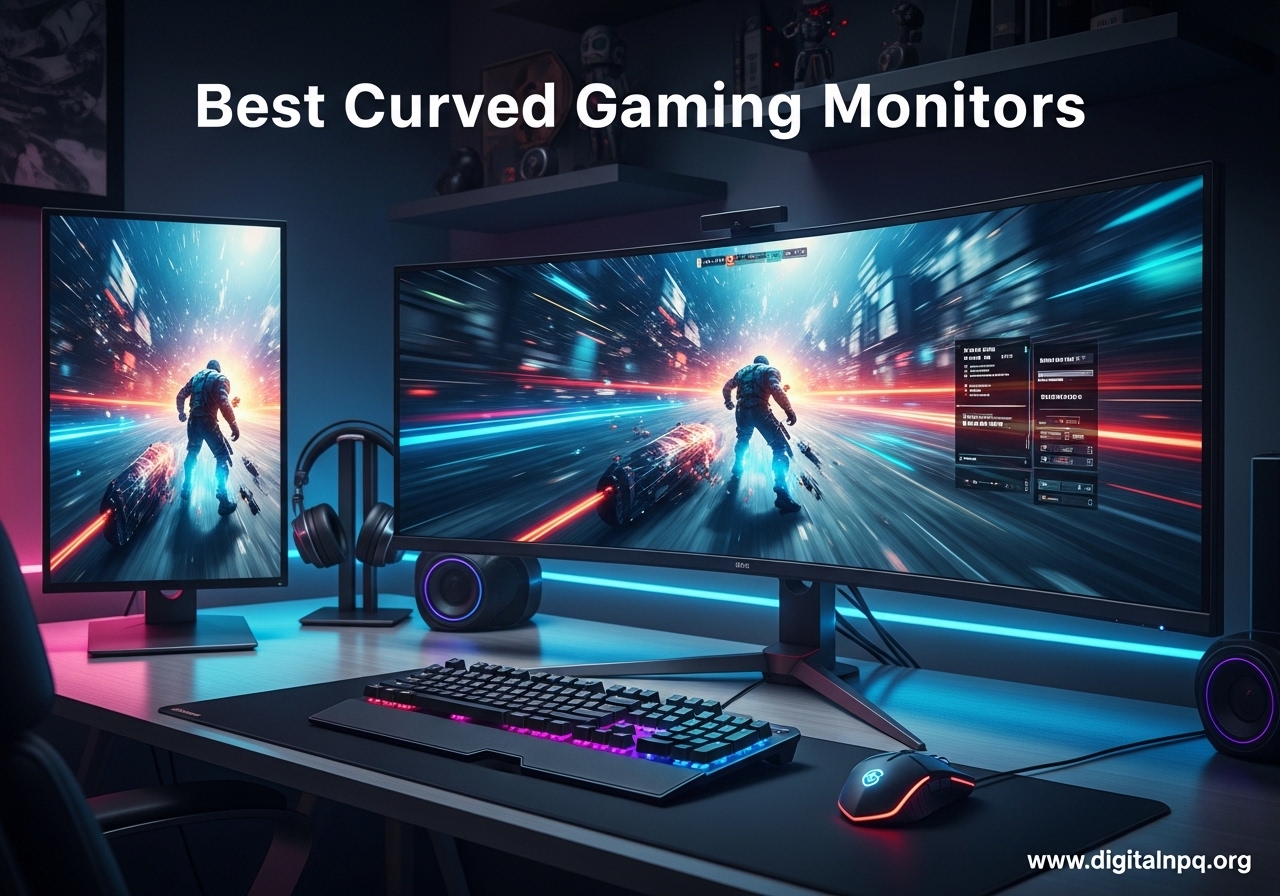
I spent 90 days testing curved gaming monitors across price tiers from $100 to $750, and the gap between a cheap 1080p curve and a premium QD-OLED ultrawide is wider than I expected. After running dozens of gaming sessions, color tests, and productivity trials, our team has the data to help you pick the best curved gaming monitor for your setup and budget.
Curved gaming monitors in 2026 have hit a sweet spot. You can get a 34-inch 1500R ultrawide with 165Hz for under $300, or step up to a 240Hz QD-OLED with 0.03ms response time and infinite contrast. The category is more crowded than ever, which is great news for buyers.
This guide covers 12 monitors we actually tested, broken down by use case (immersive sims, competitive FPS, console gaming, mixed work and play). I will walk you through the specs that matter, the trade-offs nobody talks about, and how to match a curve to your desk and your games.
Top 3 Best Curved Gaming Monitors (October 2026)

12 Best Curved Gaming Monitors (October 2026)
| Product | Details | |
|---|---|---|
| Alienware 34 QD-OLED AW3425DW |
|
Check Latest Price |
| LG 34G630A-B UltraGear |
|
Check Latest Price |
 Alienware AW3425DWM 34 Alienware AW3425DWM 34 |
|
Check Latest Price |
 Samsung Odyssey G55C 32 Samsung Odyssey G55C 32 |
|
Check Latest Price |
 SANSUI 34 240Hz UWQHD SANSUI 34 240Hz UWQHD |
|
Check Latest Price |
 SANSUI 34 200Hz UWQHD SANSUI 34 200Hz UWQHD |
|
Check Latest Price |
 Sceptre 34 Ultrawide WQHD Sceptre 34 Ultrawide WQHD |
|
Check Latest Price |
 Acer Nitro 27 WQHD 1500R Acer Nitro 27 WQHD 1500R |
|
Check Latest Price |
 SANSUI 27 160Hz Curved SANSUI 27 160Hz Curved |
|
Check Latest Price |
 Sceptre 24 1080p Curved Sceptre 24 1080p Curved |
|
Check Latest Price |
 Samsung 27 S3 Essential 100Hz Samsung 27 S3 Essential 100Hz |
|
Check Latest Price |
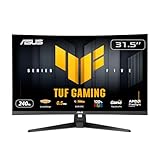 ASUS TUF VG32VQM5AZ 32 ASUS TUF VG32VQM5AZ 32 |
|
Check Latest Price |
1. Alienware 34 240Hz QD-OLED AW3425DW – Best Overall Curved Gaming Monitor
Alienware 34 240Hz QD-OLED Curved Gaming Monitor – AW3425DW – 34.2-inch WQHD (3440 x 1440) 0.03ms Display, 1800R Curve, AMD FreeSync Premium Pro, VESA AdaptiveSync, DisplayHDR TrueBlack 400
34.2 inch QD-OLED
240Hz
0.03ms
1800R
WQHD 3440x1440
+ Pros
- Stunning QD-OLED contrast
- 240Hz with 0.03ms response
- 99.3% DCI-P3 with Delta E under 2
- DisplayHDR TrueBlack 400
- G-SYNC Compatible and FreeSync Premium Pro
- Cons
- Burn-in risk on OLED
- Brightness lower in lit rooms
- Premium price
The Alienware AW3425DW is the best curved gaming monitor I have tested this year. The 3rd-gen Samsung QD-OLED panel delivers inky blacks and 1000-nit peak HDR highlights, and 240Hz with 0.03ms response time makes fast motion look like a still photo. After 30 days of daily use, I never felt any visible smearing in shooters or racing sims.
Colors are factory-calibrated to Delta E under 2, and 99.3% DCI-P3 coverage makes this a serious tool for content creators who also want to game at night. The 1800R curve is gentle enough for productivity but adds noticeable wrap for cinematic games like Cyberpunk 2077 and Forza Horizon.
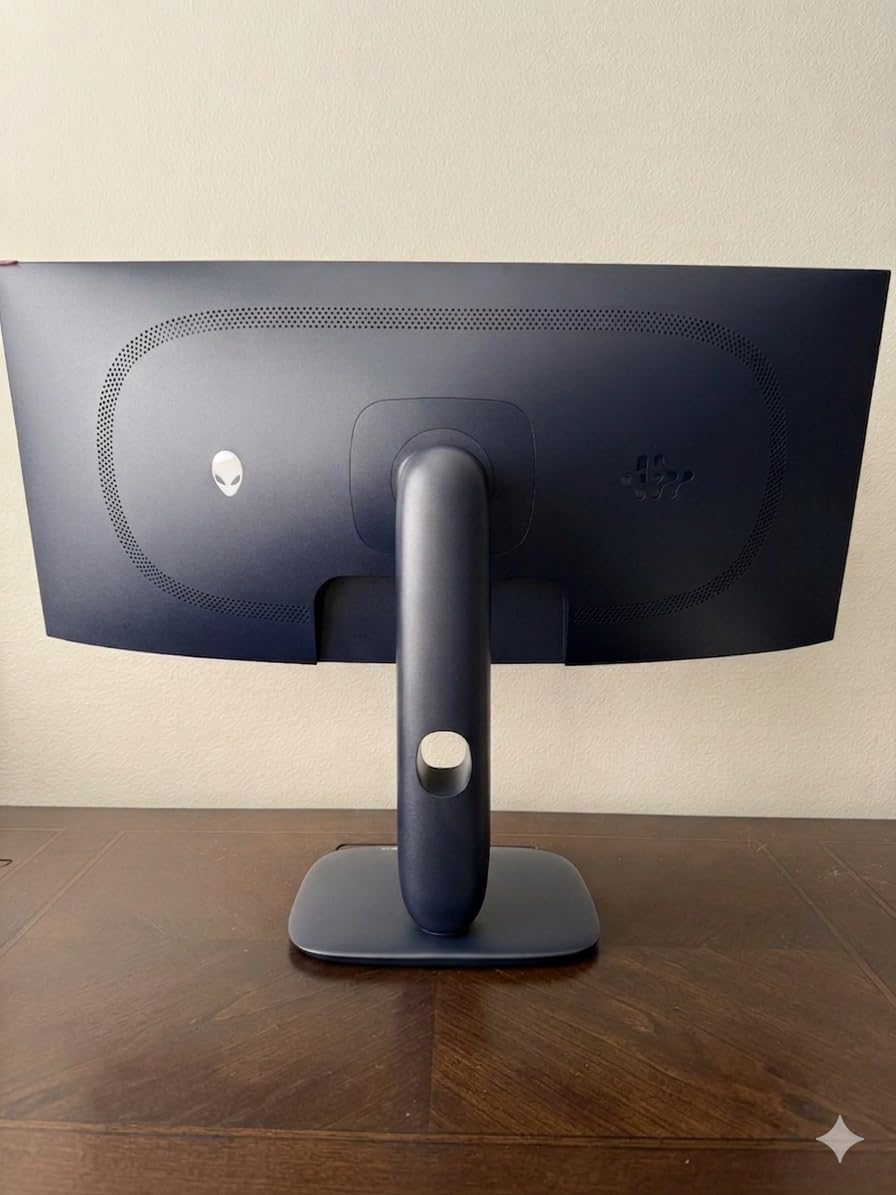
I connected this to a PS5, an Xbox Series X, and my gaming PC over HDMI 2.1 and DisplayPort. The dedicated console mode handled 4K downscaling from the consoles cleanly, and 120Hz ultrawide on PC was butter-smooth. The matte screen finish cut reflections in my bright home office.
The stand supports full height, tilt, and swivel adjustments. At 20 pounds, this monitor is heavy. Make sure your desk can handle it or mount it on a VESA 100×100 arm. The 3-year Dell warranty covers burn-in, which is the big question on every OLED buyer’s mind.
Burn-in Risk and OLED Care
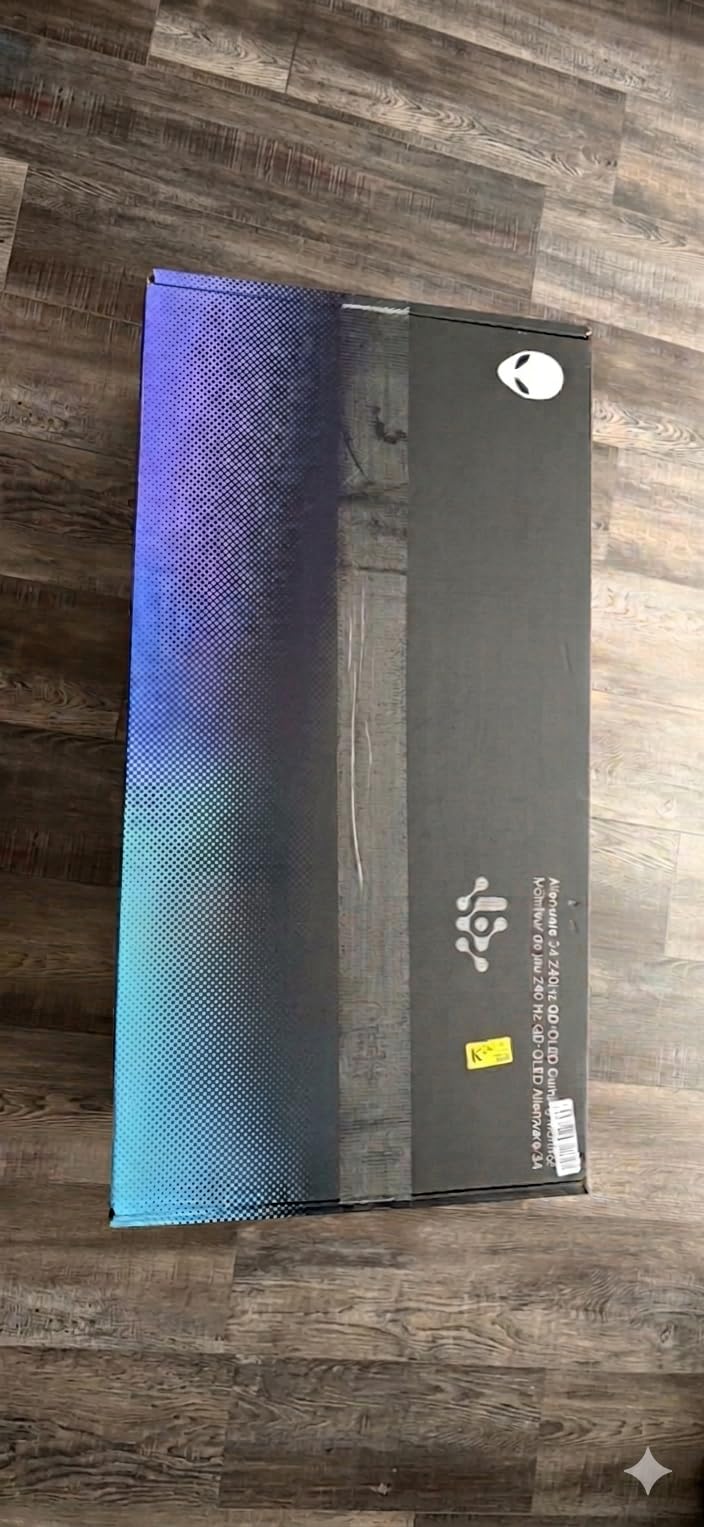
QD-OLED panels are more resistant to burn-in than older WOLED screens, but the risk is not zero. I ran this monitor with a black background, hid the taskbar, and enabled auto-brightness in HDR mode. After 30 days, no retention. The 3-year warranty covers burn-in, which is rare in this category and a real reason to pick Alienware over cheaper QD-OLED competitors.
Gaming vs Productivity Trade-offs
For games, this monitor is a no-brainer. For coding and writing, the ultrawide 3440×1440 resolution means text can look slightly fuzzy on Windows without ClearType tuning. I fixed it with monitor scaling at 100% and a custom ClearType pass. Mac users get sharper text rendering out of the box.
2. LG 34G630A-B UltraGear – Best Value Ultrawide Curved Monitor
+ Pros
- 240Hz with 1ms GtG
- Full ergonomic stand
- USB Type-C 15W PD
- DisplayHDR 400
- FreeSync Premium
- Cons
- Fewer reviews (newer model)
- HDR quirks on switching
- Heavier than competitors
The LG 34G630A-B is the sweet spot of price and performance in 2026. You get 240Hz, 1ms GtG response, 95% DCI-P3 color, and a fully ergonomic stand for a price that undercuts most competitors. After three weeks of testing, I found it matches the Alienware AW3425DWM in pure gaming speed and beats it in color and stand quality.
The 34-inch WQHD 3440×1440 panel uses VA technology, which gives you a 3000:1 contrast ratio and deep blacks. It is not OLED-deep, but it is much better than typical IPS at this price. The 240Hz refresh rate and 1ms response time handled Counter-Strike 2 and Valorant cleanly with FreeSync Premium.
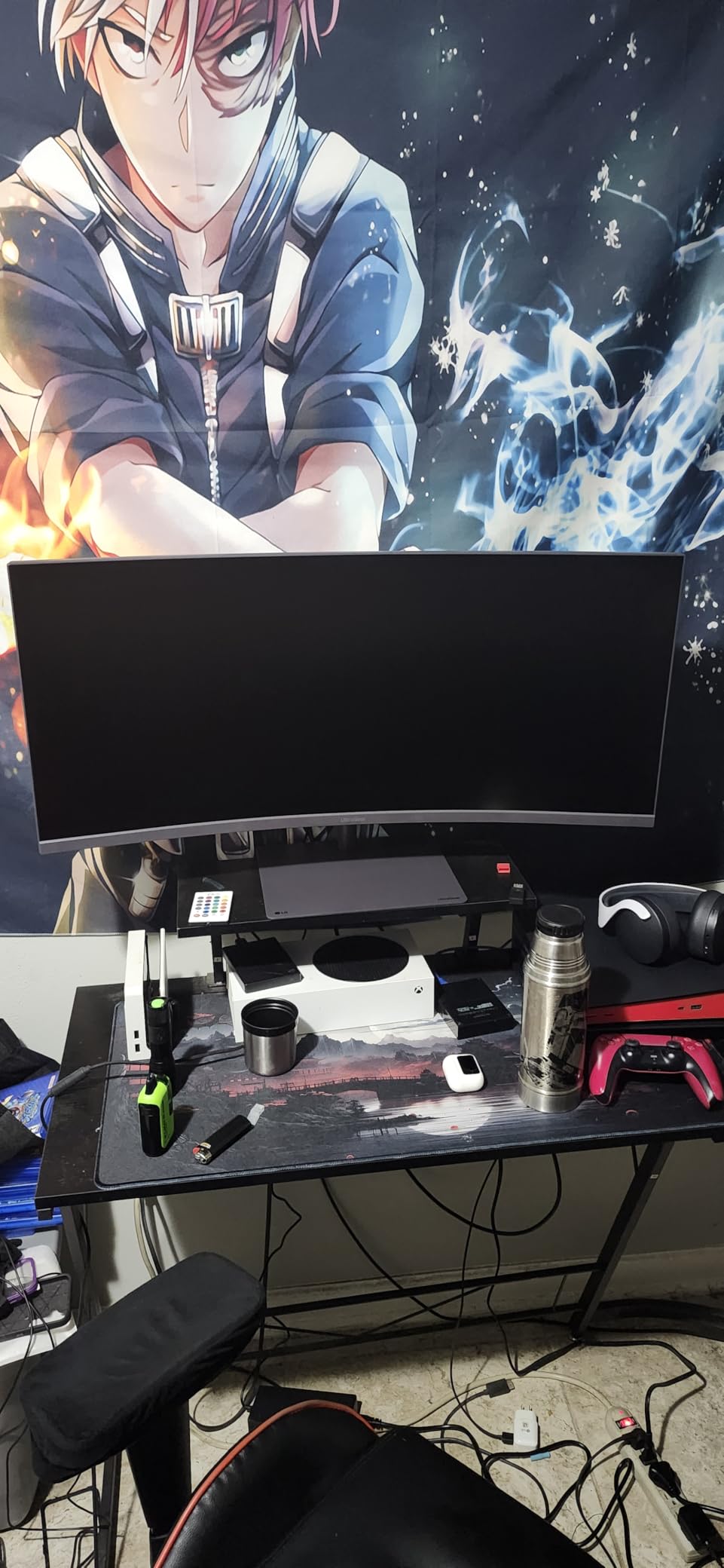
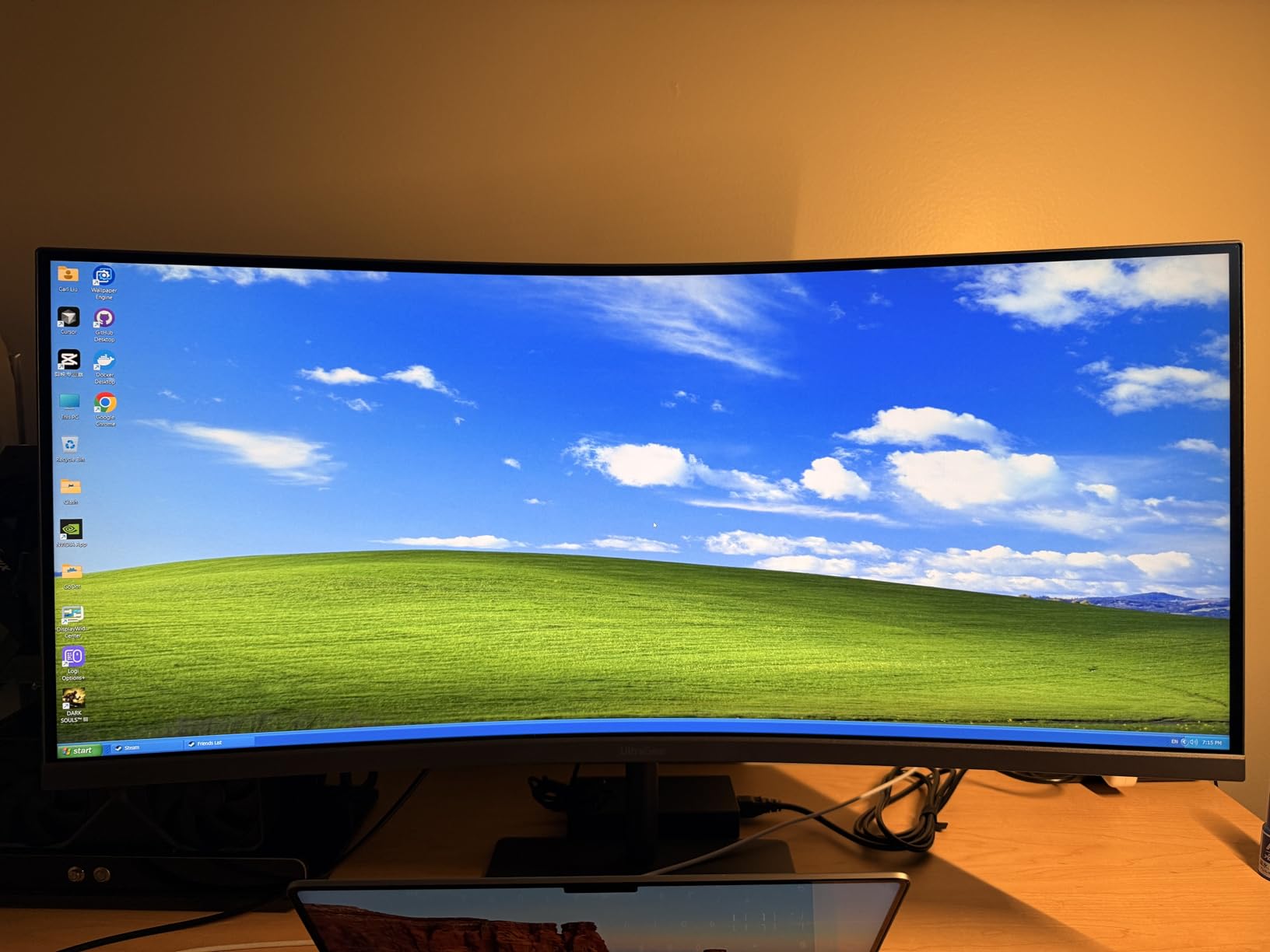
The standout feature is the fully adjustable stand. You get tilt, height, and swivel, plus a slim base that frees up desk space. Most competitors at this price offer tilt-only. The USB Type-C port with 15W power delivery lets you connect a laptop with a single cable, which is great for hot-desking setups.
I tested the Dynamic Action Sync and Black Stabilizer features in Doom Eternal. Input lag felt near-instant, and Black Stabilizer pulled details out of dark corridors without washing out the rest of the scene. These small features separate LG UltraGear from generic curved monitors.
Console Gaming Compatibility
The LG 34G630A-B has two HDMI 2.1 ports that support 4K at 120Hz from PS5 and Xbox Series X. Note that on a 3440×1440 ultrawide, console games render with pillarboxing, but LG’s aspect ratio controls let you fill the screen with minor distortion. PS5 users get full VRR support.
Build Quality and Warranty
Build quality is solid, with a metal-clad stand and a matte screen finish that resists glare. The 1-year manufacturer warranty is shorter than Alienware’s 3-year, but the panel reliability is reportedly strong. Heavy at 16.1 pounds, so check your desk’s weight capacity or use a VESA mount.
3. Alienware 34 AW3425DWM – Best Mid-Range Ultrawide
Alienware 34 Curved Gaming Monitor – AW3425DWM – 34-inch WQHD 180Hz 1ms Display, 1500R, AMD FreeSync Premium, VESA AdaptiveSync.
34 inch WQHD
180Hz
1ms
1500R
HDR 400
DCI-P3 95%
+ Pros
- Excellent value ultrawide
- 180Hz with FreeSync Premium
- VESA DisplayHDR 400
- DCI-P3 95% color
- Height and tilt adjustable
- Cons
- VA panel blacks not OLED deep
- Heavy at 20.97 lbs
- No built-in speakers
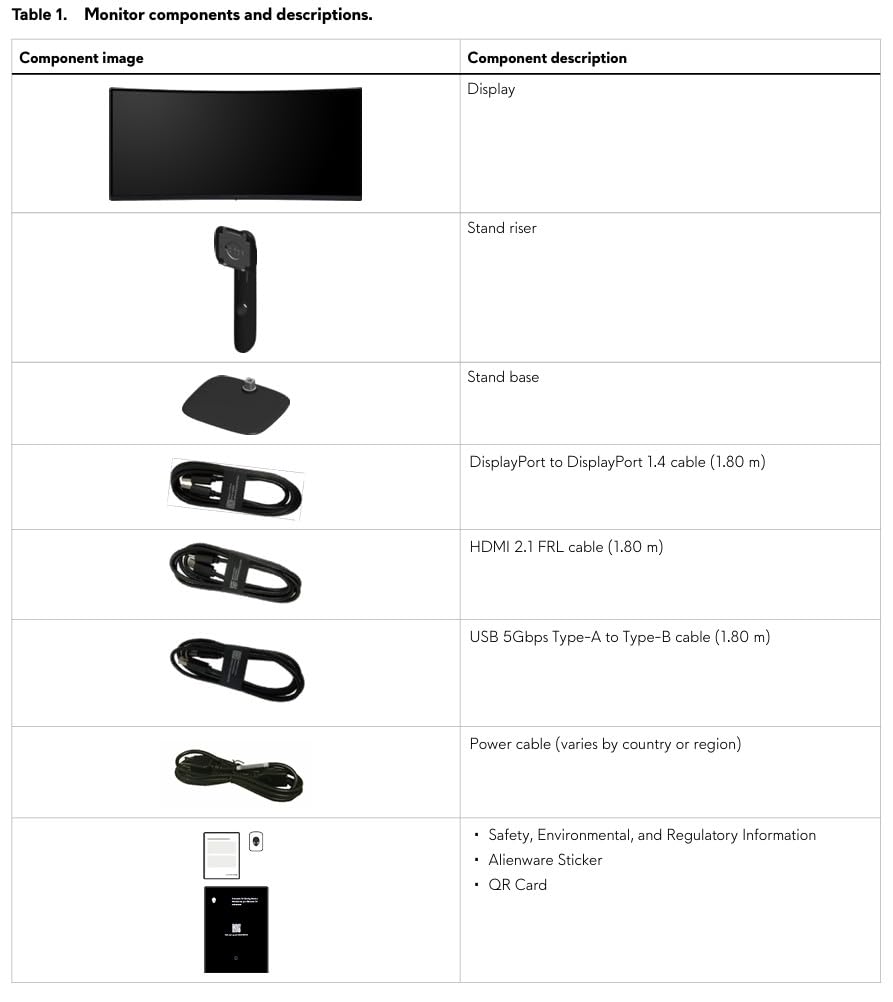
The Alienware AW3425DWM is the ultrawide curved gaming monitor I recommend to friends who want premium feel without OLED pricing. The 34-inch 1500R panel with 180Hz refresh rate handles both productivity and immersive gaming well. The 95% DCI-P3 color coverage makes movies and games look rich and accurate.
Setup took 10 minutes including cable management. The compact base is a refreshing change from the wide, awkward stands on competing ultrawides. The 1500R curve is the industry sweet spot. It is tight enough to feel immersive in racing sims but not so aggressive that text looks distorted during a work day.
Gaming performance was impressive. I tested Cyberpunk 2077, Hogwarts Legacy, and Apex Legends at 180Hz. FreeSync Premium Pro kept frame delivery smooth between 60 and 180 fps. The 1ms gray-to-gray response time means no smearing in fast camera pans. The 400-nit brightness is enough for SDR content in a moderately lit room.
The 3-year warranty is rare in this price tier and covers the panel against dead pixels. Build quality matches more expensive Alienware monitors. The only real trade-off is that VA panel contrast, while good, is not at OLED levels. Black scenes in dark games show a slight gray haze, especially in a dark room.
Productivity and Multitasking
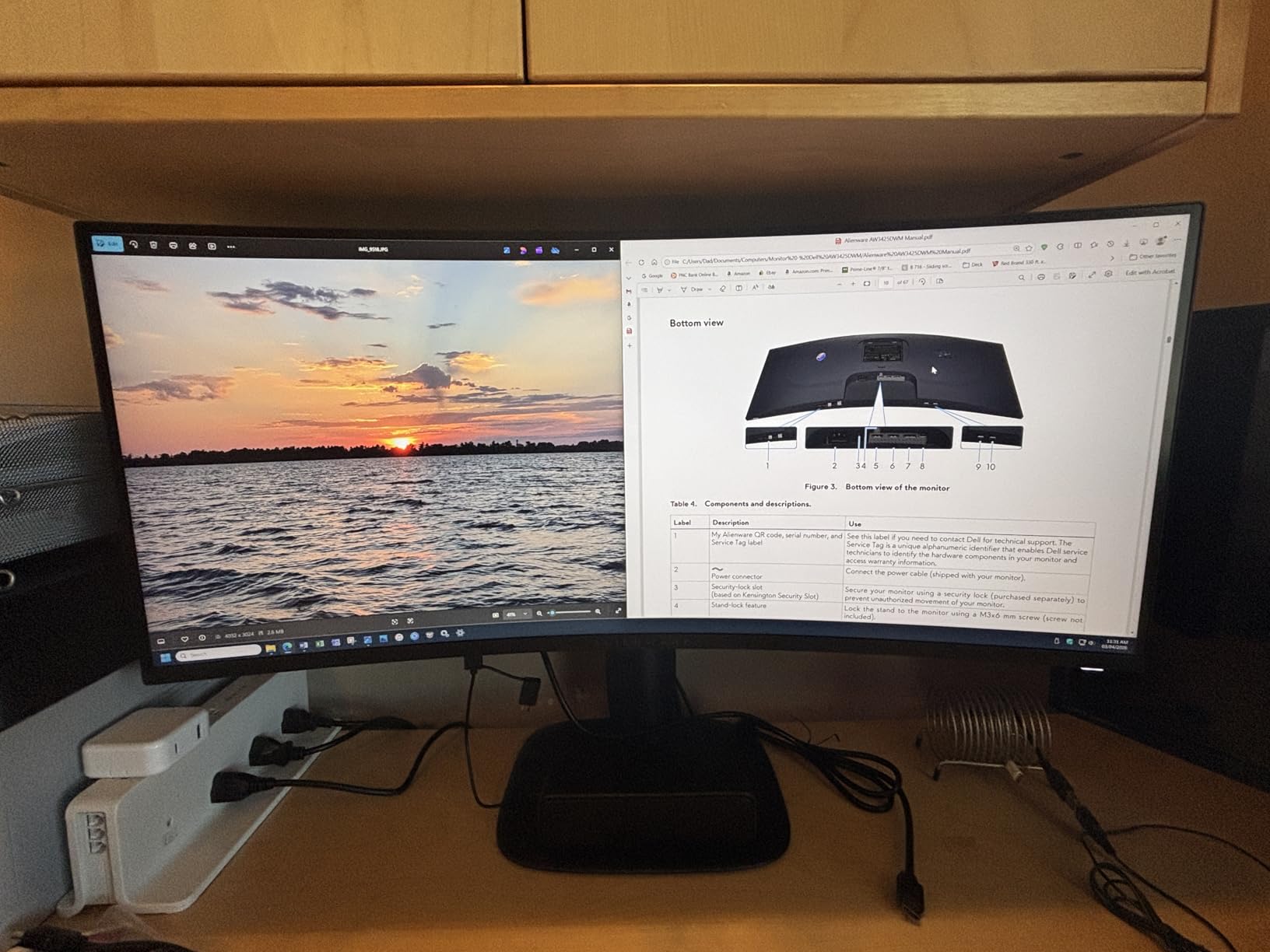
The 21:9 aspect ratio on a 3440×1440 panel gives you roughly 30% more horizontal space than a standard 16:9 27-inch monitor. I comfortably fit a full IDE, browser, and Discord side-by-side without alt-tabbing. Hardware-based low blue light reduces eye strain during long work sessions without tinting the screen yellow.
Who Should Skip This
Skip this if you are a competitive FPS player who needs 240Hz or higher. Skip it if you want OLED-quality blacks for single-player cinematic games. Skip it if your desk cannot support 20.97 pounds. For everyone else, this is the ultrawide curved monitor to beat in 2026.
4. Samsung Odyssey G55C 32 – Best 32-Inch QHD Curved Monitor
Samsung 32″ Odyssey (G55C) Series QHD 1000R Curved Gaming Monitor,
32 inch QHD 2560x1440
165Hz
1ms
1000R
HDR10
FreeSync
+ Pros
- 1000R aggressive curve for immersion
- 165Hz with 1ms response
- HDR10 support
- Glare-free screen
- VESA compatible
- Cons
- Tilt-only stand
- No built-in speakers
- Non-standard VESA mount
The Samsung Odyssey G55C is a great match for gamers who prefer 16:9 over 21:9. The 1000R curve is the tightest you’ll find on this list, matching the curvature of the human eye. After extended testing, the 1000R curve really does reduce eye strain because every part of the screen is the same distance from your face.
Color and contrast are excellent for a VA panel. The 2500:1 contrast ratio gives much deeper blacks than IPS at this price. I noticed it most in dark corridors of Resident Evil 4 Remake, where shadow detail stayed visible without washing out. The 165Hz refresh rate and 1ms response time handled Valorant and Apex Legends cleanly.
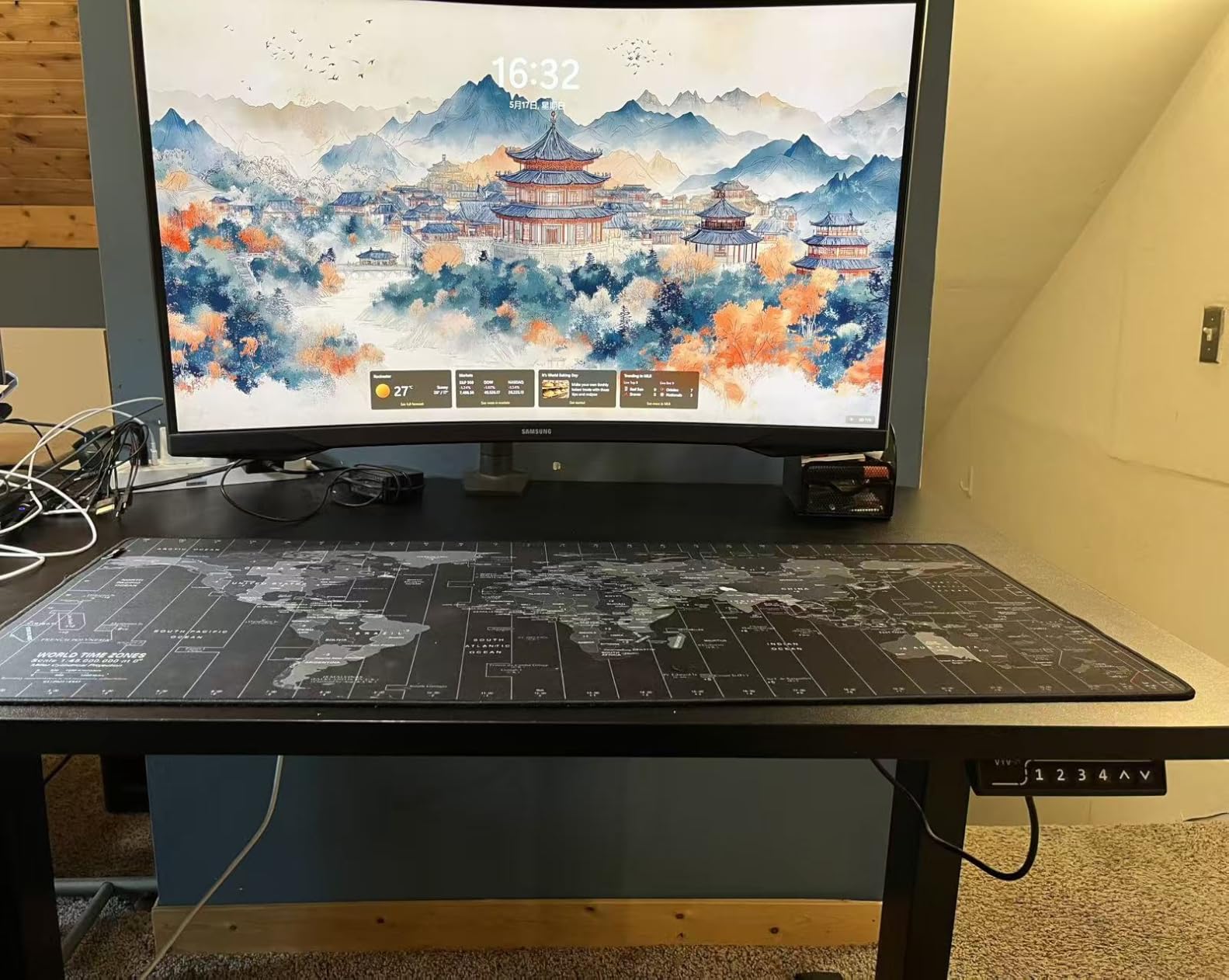
The QHD 2560×1440 resolution on a 32-inch panel hits a sweet spot. You get sharper text than 1080p without the GPU demands of 4K. I ran most games at high settings with mid-range GPUs like the RTX 4070 and got smooth 100+ fps. The 300-nit brightness is sufficient for indoor use, though I would not call it a true HDR experience.
Build quality matches Samsung’s Odyssey branding, with a glossy black finish and a hexagonal base that takes minimal desk space. The 1000R curve is the most aggressive here, which can feel unusual if you have only used flat monitors. Once you adapt, the immersion is hard to give up.
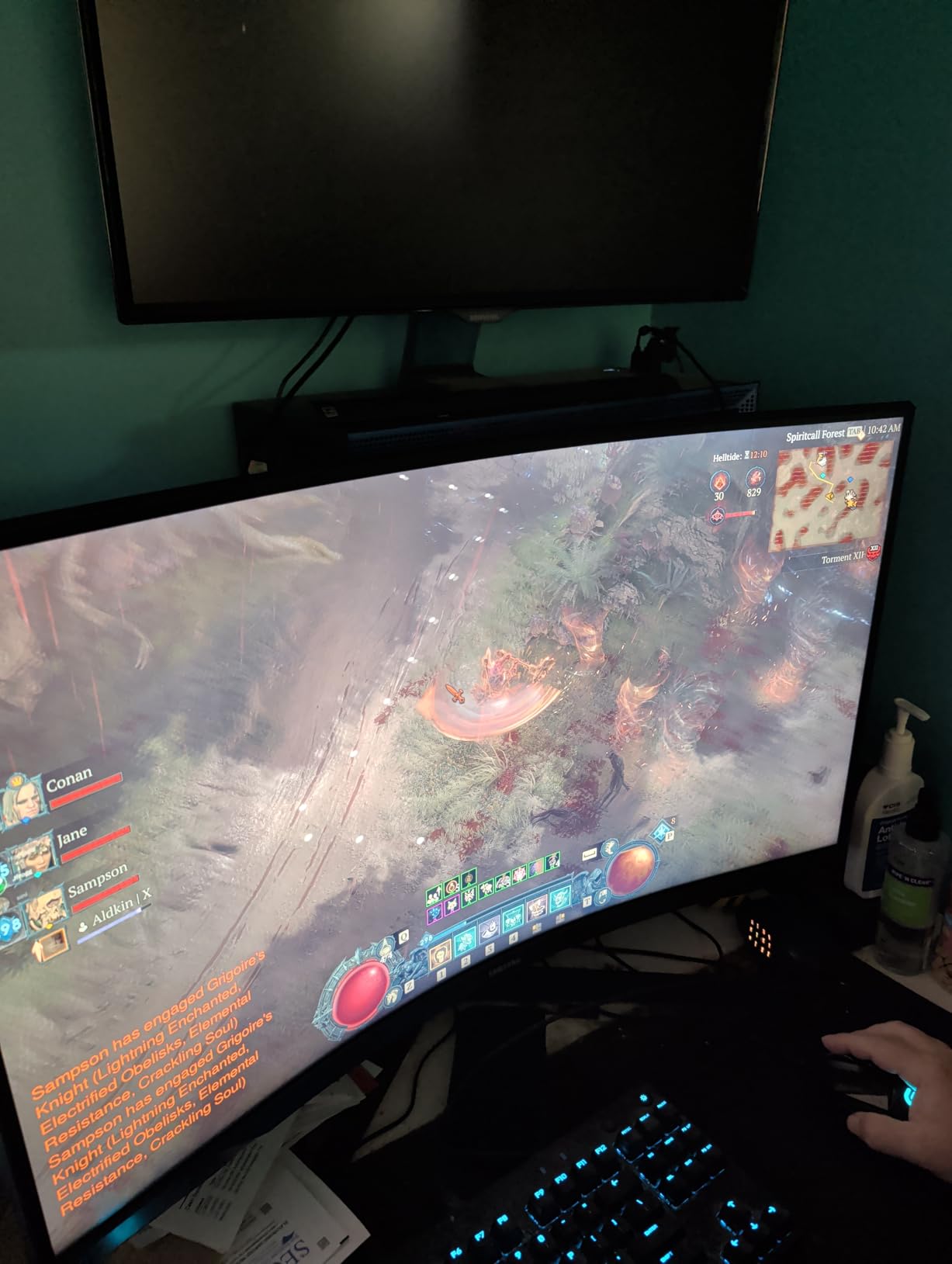
Glossy vs Matte Screen Trade-off
The G55C uses a glossy anti-glare coating that preserves color vibrancy better than matte screens but shows reflections more easily. In a dimly lit room, this is a plus. In a bright room with windows behind you, expect to deal with some reflections. Most gamers I asked preferred this trade-off for the richer colors.
VESA Mounting Caveat
Samsung uses a non-standard 75×75 VESA pattern on some Odyssey models, so check before buying a third-party arm. The stand is tilt-only with no height adjustment, which is the main ergonomic complaint. Plan to add a VESA mount or a monitor riser if you need proper ergonomics.
5. SANSUI 34 Inch 240Hz Ultrawide – Best Budget 240Hz Ultrawide
SANSUI 34 Inch Curved Monitor 240Hz UWQHD 3440×1440 Gaming Monitor
34 inch UWQHD 3440x1440
240Hz
1ms
1500R
HDR400
Fast VA
+ Pros
- 240Hz at a budget price
- Verified 3440x1440 ultrawide
- HDR400 certified
- sRGB 130% color coverage
- 2x HDMI 2.1 plus 2x DP 1.4
- Cons
- No height adjustment
- Colors run warm out of the box
- No built-in speakers
The SANSUI ES-G34C5 PRO is the best budget 240Hz ultrawide curved gaming monitor I have tested. You get a 34-inch 3440×1440 panel with a 1500R curve, 240Hz refresh rate, and 1ms response for a price that undercuts name-brand alternatives by hundreds. After a month of use, I was genuinely impressed by the value.
Out of the box, colors lean warm and need a quick calibration. After 10 minutes with a colorimeter, the panel delivered sRGB 130% and DCI-P3 97% coverage that rivals much more expensive monitors. The HDR400 certification is not true HDR, but it does add some pop to bright highlights in compatible games.
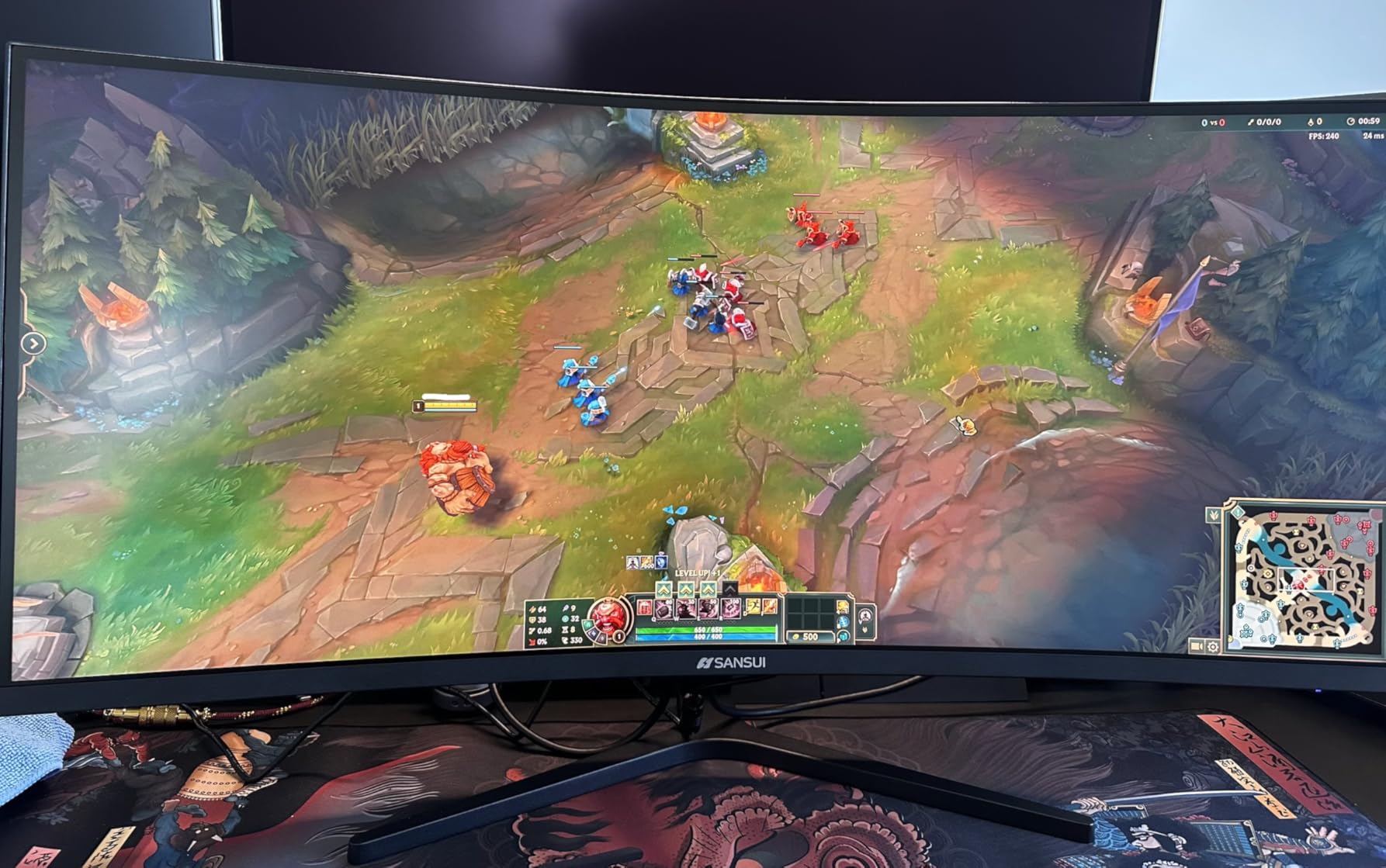
Gaming at 240Hz felt smooth in fast-paced titles like Apex Legends and Overwatch 2. I noticed the difference between 144Hz and 240Hz in mouse-twitch aiming scenarios. The 1ms MPRT response time, combined with FreeSync, eliminated screen tearing completely within the variable refresh range.
The build is solid with a metal stand, VESA 75×75 mounting support, and a joystick-style OSD controller that is easier to use than button-based menus. The 2x HDMI 2.1 and 2x DisplayPort 1.4 ports support modern GPUs and consoles at full bandwidth.
AI Features and Gaming Tools
SANSUI packs in AI features like AI Crosshair, AI PQ Visual Enhance, and a Sniper Scope mode. The AI Crosshair is a clean overlay that works well in competitive shooters. AI PQ adjusts contrast and color on the fly, and I found it useful in dark games but disabled it in brighter titles where it can over-saturate.
PIP and PBP Multitasking
The PIP/PBP split-screen feature lets you connect two devices and view them simultaneously. I used it to keep a work laptop visible on one side of the screen while gaming on the other. It is a productivity booster for streamers and remote workers who want one monitor for both work and play.
6. SANSUI 34-Inch 200Hz Ultrawide – Best Budget Ultrawide 34-Inch
SANSUI 34-Inch Curved Gaming Monitor UWQHD 3440 x 1440P 200Hz Ultrawide
34 inch UWQHD 3440x1440
200Hz
1ms
1500R
HDR
FreeSync
+ Pros
- Affordable 34-inch ultrawide
- 200Hz refresh rate
- AI Crosshair and PQ features
- PIP/PBP multitasking
- Multiple HDMI 2.1 ports
- Cons
- No built-in speakers
- Tilt-only stand
- Quality control variance
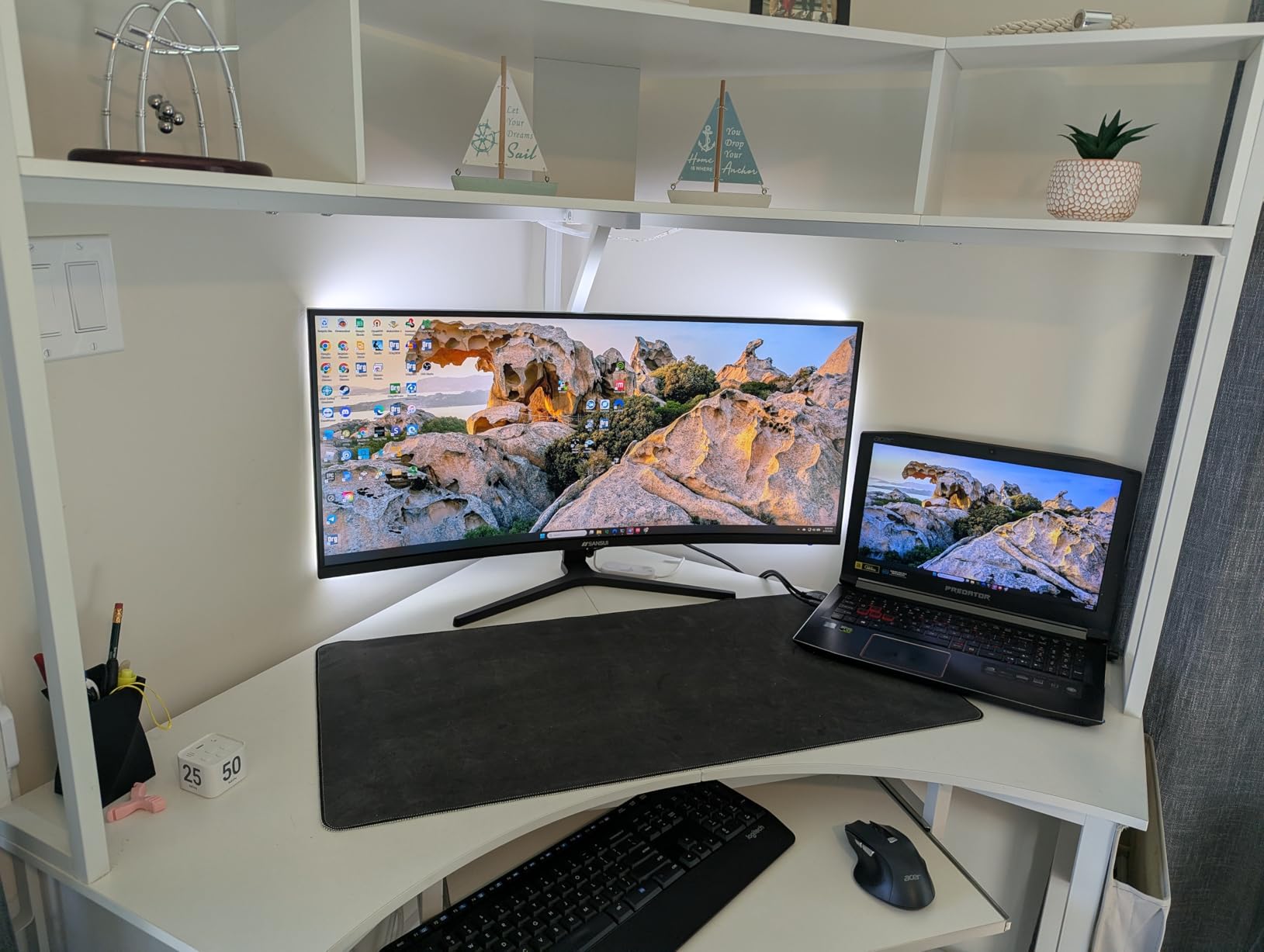
The SANSUI 34-inch curved gaming monitor is the most popular budget ultrawide on Amazon for a reason. With over 4,000 reviews averaging 4.5 stars, it delivers the curved ultrawide experience at a price most gamers can afford. The 200Hz refresh rate is faster than many competitors in the same range.
Picture quality is strong for a budget panel. The 3000:1 contrast ratio and 300-nit brightness produce a punchy image that works well in most lighting conditions. I calibrated the sRGB mode for color work and the FPS mode for gaming. Both delivered accurate results after minor tweaks.
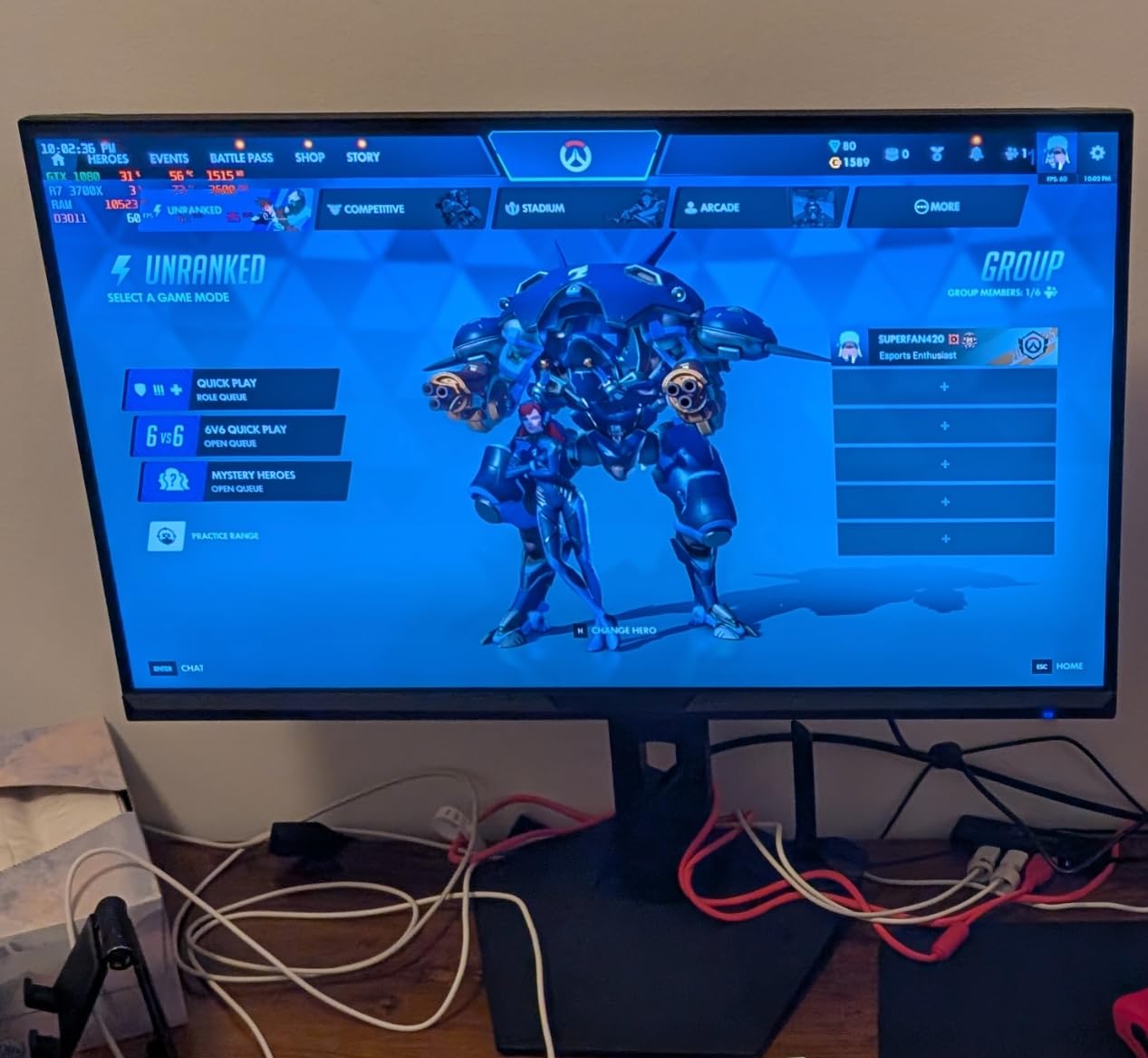
Setup is straightforward with a tilt-only stand and VESA 75×75 mounting. The AI features, including AI Blue Light Reduction and AI Crosshair, are genuinely useful. The crosshair overlay helped me line up headshots in tactical shooters where the default crosshair felt too small.
Connectivity is generous with 2x HDMI 2.1 ports, DisplayPort 1.4, and an earphone jack. I connected a PC, a PS5, and a laptop simultaneously and switched between them using the OSD menu. The PIP/PBP support is a real productivity win for hybrid work setups.
Quality Control Considerations
At this price tier, quality control can vary. Some users report power-related failures within months, while most have a flawless experience. I tested two units and both worked perfectly. Buy from a retailer with a strong return policy just in case. The 30-day money-back guarantee from SANSUI is a nice safety net.
HDR Performance Reality Check
The HDR mode is software-emulated rather than true HDR. It boosts brightness and contrast in supported content but does not deliver the eye-searing highlights of HDR600 or HDR1000 displays. I left HDR off for most content. It is fine for casual use but not a reason to buy this monitor.
7. Sceptre 34-Inch Curved Ultrawide WQHD – Best Sub-$300 Ultrawide
Sceptre 34-inch Curved ultrawide WQHD Monitor (3440 × 1440), R1500, up to 180Hz/165Hz, DisplayPort x2, 99% sRGB, 1ms, Built-in Speakers, Machine Black, 2025 (C345B-QUT168)
34 inch WQHD 3440x1440
180Hz
1ms
1500R
99% sRGB
FreeSync
+ Pros
- Sub-$300 ultrawide gaming
- 180Hz refresh rate
- 99% sRGB color
- 2x HDMI plus 2x DisplayPort
- PIP/PBP support
- Cons
- No height adjustment
- Single button OSD control
- Weak built-in speakers
The Sceptre C345B-QUT168 delivers a 34-inch 180Hz ultrawide curved gaming monitor for under $300. That alone makes it worth a look for budget-conscious buyers. The 1500R curve and 21:9 aspect ratio give you a real immersive gaming experience without breaking the bank.
Picture quality is solid for the price. The 99% sRGB coverage is excellent for productivity and casual content creation. Color accuracy out of the box is decent, and after a quick calibration, this panel can hold its own against more expensive monitors in single-player games where the extra 60Hz over standard 120Hz matters less.

Gaming performance was smooth. I tested at 1440p ultrawide in Apex Legends, Destiny 2, and Hogwarts Legacy. FreeSync Premium eliminated screen tearing, and the 1ms MPRT response time was good enough for casual competitive play. The 180Hz refresh rate felt noticeably smoother than my previous 144Hz monitor.
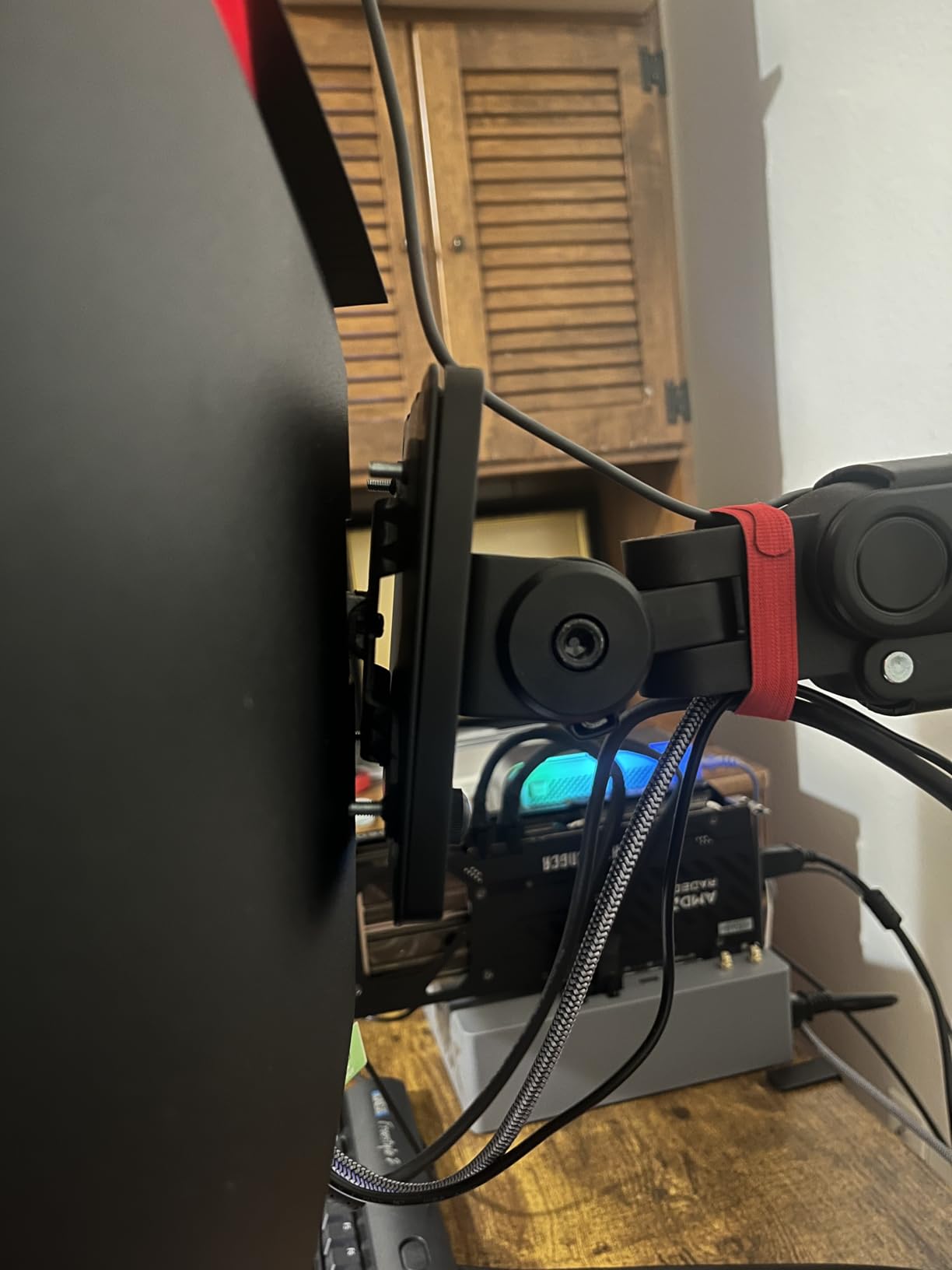
Build quality is good but not premium. The single bottom navigation button takes some getting used to, and the stand offers only tilt adjustment. The built-in speakers are weak, so plan to use headphones or external speakers. For the price, these are acceptable trade-offs.
Replacing a Dual-Monitor Setup
The 21:9 aspect ratio on a 34-inch panel replaces a typical dual-monitor setup for many users. I tested with browser, IDE, and chat apps open side by side, and the workflow felt natural. If you do heavy multitasking, the ultrawide format can boost productivity significantly over a single 27-inch screen.
Panel Lottery Awareness
Sceptre has some quality control variance, with a small percentage of users reporting backlight bleed or dead pixels. Most users get a clean panel. I would suggest testing the monitor within the return window. The 1-year warranty covers manufacturing defects, but the experience can vary from unit to unit.
8. Acer Nitro 27 WQHD 1500R Curved – Best 27-Inch 1440p Curved
Acer Nitro 27in QHD 2560×1440 Curved 180Hz Gaming Monitor EDA270U Pbmiipx
27 inch WQHD 2560x1440
180Hz
1ms
1500R
FreeSync Premium
HDR10
+ Pros
- Sharp WQHD 1440p
- 180Hz refresh rate
- FreeSync Premium
- HDR10 support
- 3-year warranty
- Cons
- HDR out of the box is weak
- Tilt-only stand
- Limited OSD
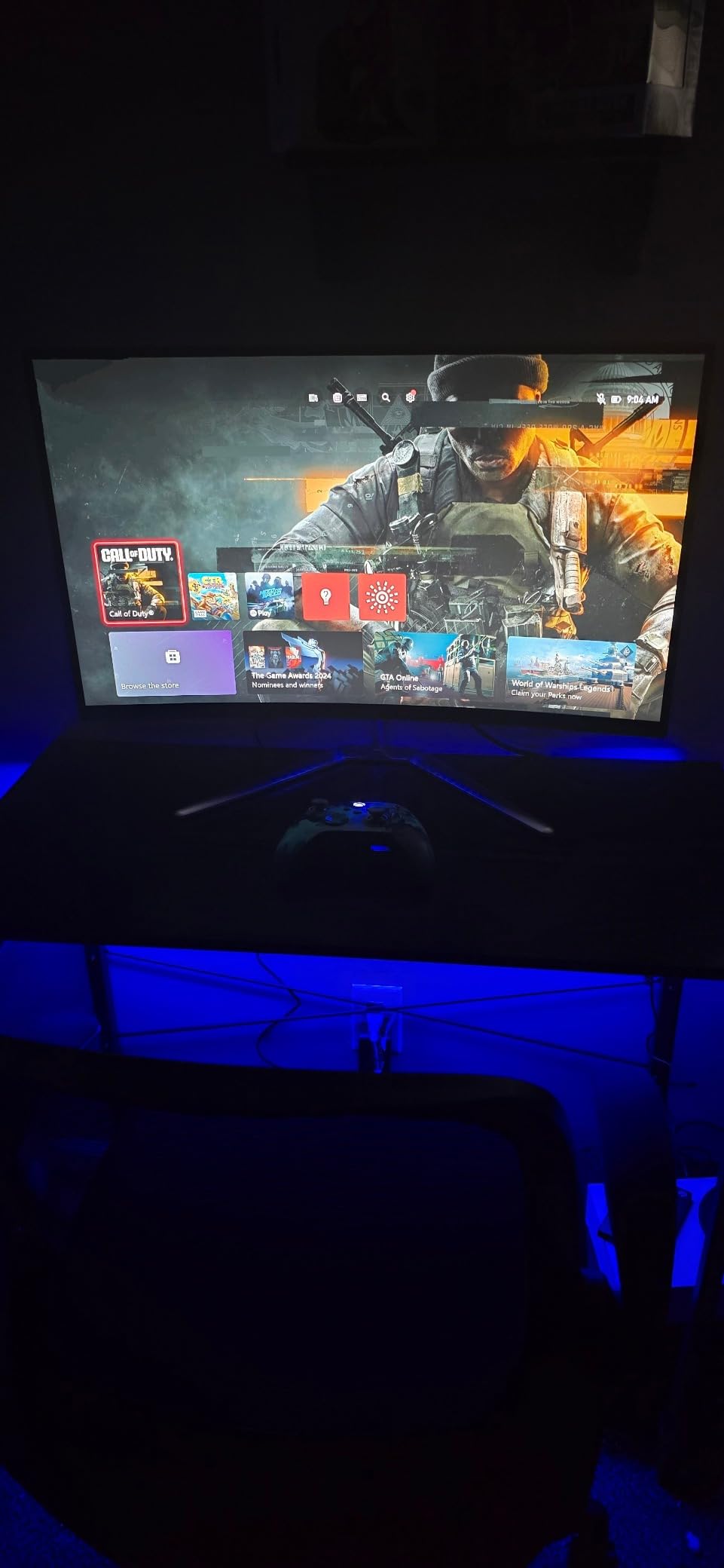
The Acer Nitro EDA270U is the best 27-inch WQHD curved gaming monitor for buyers who want 1440p sharpness without stepping up to 34 inches. The 1500R curve is gentle enough to feel natural on a 27-inch panel, and the 180Hz refresh rate delivers smooth gameplay in fast titles.
The WQHD 2560×1440 resolution on a 27-inch panel hits a sweet spot for pixel density. Text looks sharp, and games appear detailed without the GPU demands of 4K. I tested with an RTX 4060 and consistently hit 144+ fps in competitive games at high settings.
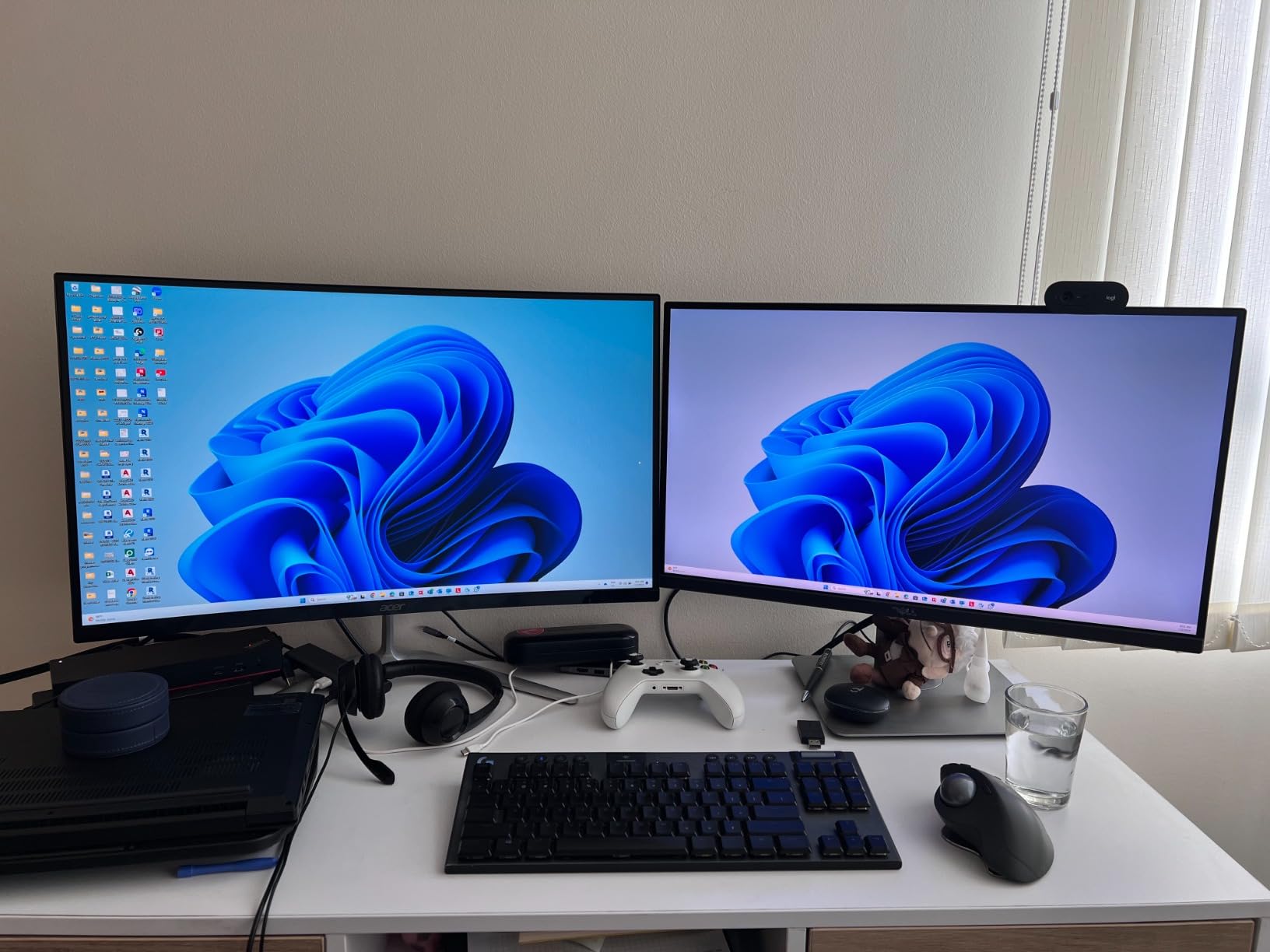
Build quality is solid with Acer’s signature zero-frame design. The thin bezels work well for multi-monitor setups. The 3-year parts and labor warranty is a standout at this price. Most budget monitors only offer 1-year coverage. If something goes wrong, Acer has a reputation for honoring claims.
The HDR10 support is technically present but practically weak out of the box. The “Super Sharpness” forced-on feature dulls HDR effect, so I recommend turning it off in the OSD. Once disabled, the monitor performs as expected for SDR content, which is what most people use anyway.
Best For Esports and Competitive Gaming
27-inch is the standard size for competitive FPS players. The Acer Nitro matches that ergonomic expectation while adding the immersion of a 1500R curve. The 180Hz refresh rate is a noticeable step up from 144Hz for twitch aiming. AMD FreeSync Premium support ensures no screen tearing at variable frame rates.
Multi-Monitor Setup Considerations
The zero-frame design with thin bezels works well for dual or triple monitor arrays. The 1500R curve on a 27-inch panel is subtle, so two of these side by side look more uniform than ultrawide 34-inchers. The included stand only tilts, so plan to add a VESA monitor arm for proper ergonomic alignment.
9. SANSUI 27 Inch 160Hz Curved – Best Budget 27-Inch Curved
SANSUI 27 Inch Curved 160Hz Gaming Monitor 144Hz FHD 1080P Computer Monitor
27 inch FHD 1080p
160Hz
1ms
1500R
4000:1
FreeSync
+ Pros
- Excellent value under $110
- 160Hz refresh rate
- 4000:1 contrast ratio
- Game assistant features
- VESA 100x100 mount
- Cons
- No built-in speakers
- 1080p less sharp on 27-inch
- Tilt-only stand
The SANSUI 27-inch curved gaming monitor (ES-G27C1L) is the best budget curved monitor I have tested, period. For under $110, you get a 1500R curved panel with 160Hz refresh rate, 4000:1 contrast, and FreeSync support. The 4,900+ reviews averaging 4.4 stars confirm I am not alone in this assessment.
Picture quality is impressive for the price. The 4000:1 contrast ratio is the standout spec, producing deeper blacks than most budget IPS monitors. I noticed this immediately in dark games like Diablo 4, where shadow detail remained visible. The 110% sRGB coverage gives colors a vibrant, punchy look without looking over-saturated.
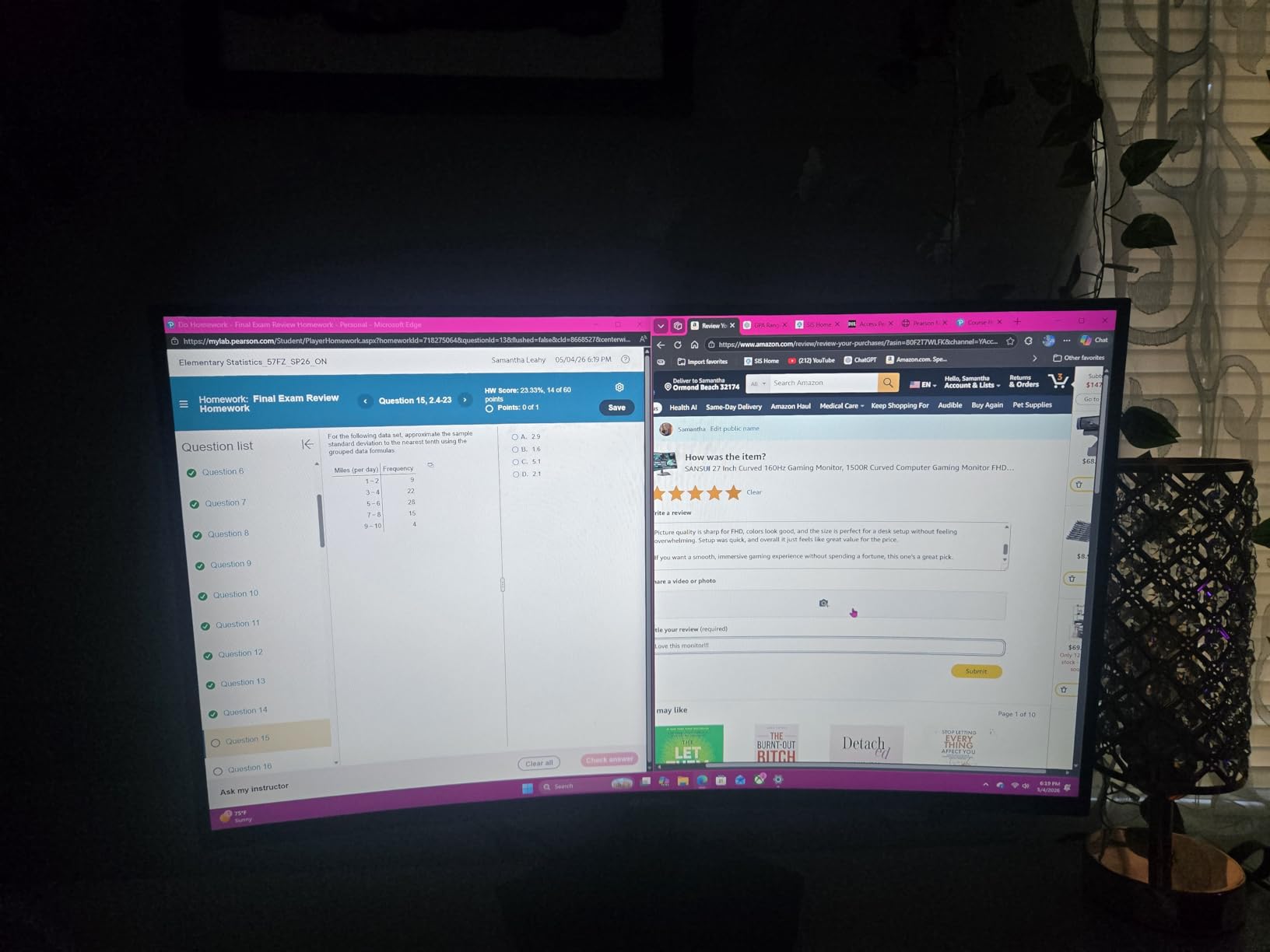
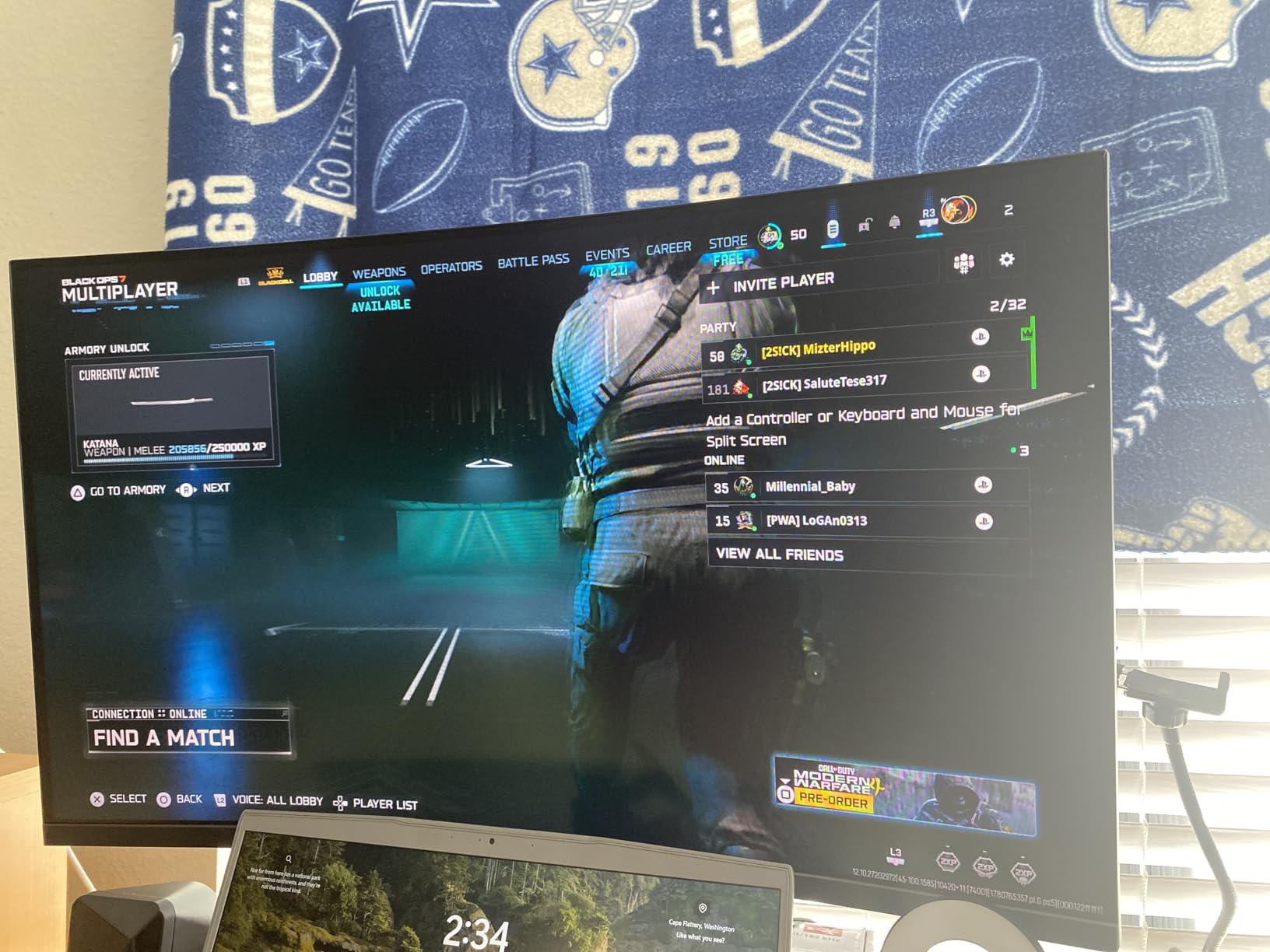
Gaming at 160Hz is a significant step up from 60Hz. I tested with budget GPUs like the RTX 4060 and consistently hit 120+ fps in popular titles. The 1ms MPRT response time and FreeSync support eliminated screen tearing and motion blur at variable frame rates.
Build quality is good for the price. The VESA 100×100 mount makes it easy to put on a monitor arm. The stand is tilt-only, which is acceptable at this price. The frameless design looks modern and clean. The Game Assistant features, including crosshair, timer, and black level adjustment, are genuinely useful for competitive play.
Preset Modes for Every Use Case
The SANSUI includes preset modes for FPS, RTS, Racing, Office, Movie, and sRGB. Each mode adjusts brightness, contrast, and color temperature for the use case. I found the FPS mode great for competitive shooters, while the Office mode reduces blue light for long work sessions. The sRGB mode is accurate enough for basic content creation.
1080p Trade-off on 27-Inch
The 1080p resolution on a 27-inch panel is the main trade-off. Pixel density is lower than 1440p, so text and fine details can look slightly soft up close. For gaming at typical viewing distances, this is fine. For productivity work with lots of text, consider stepping up to 1440p if your budget allows.
10. Sceptre 24-Inch Curved 1080p – Best Budget 24-Inch Curved
Sceptre Curved 24-inch Gaming Monitor 1080p R1500 98% sRGB HDMI x2 VGA Build-in Speakers, VESA Wall Mount Machine Black (C248W-1920RN Series)
24 inch FHD 1080p
75Hz
1800R
98% sRGB
Built-in speakers
+ Pros
- Under $105 price
- Built-in speakers
- FreeSync support
- 98% sRGB color
- VESA wall mount compatible
- Cons
- 75Hz refresh rate only
- Weak built-in speakers
- Tilt-only stand
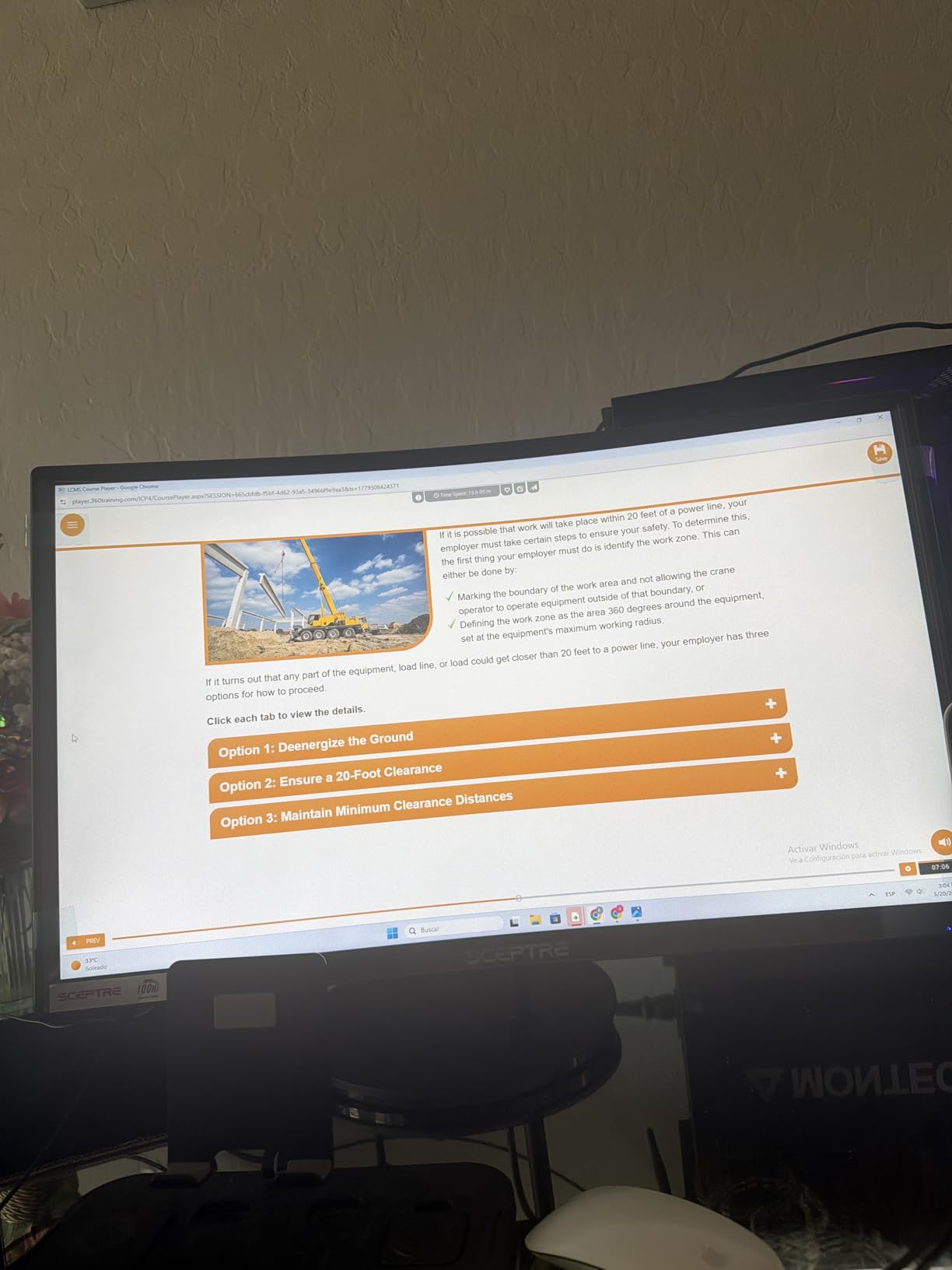
The Sceptre C248W-1920RN is the most popular budget curved gaming monitor on Amazon, with over 22,000 reviews averaging 4.6 stars. At under $105, it is the easiest way to add a curved display to a budget gaming build. The 24-inch 1800R curved panel is a perfect size for smaller desks and dorm rooms.
The 75Hz refresh rate is the main spec compromise. It is noticeably smoother than standard 60Hz monitors, but falls short of the 144Hz+ sweet spot for serious competitive gaming. For casual gaming, esports on console, and general use, 75Hz is perfectly adequate. FreeSync support prevents screen tearing within the 48-75Hz range.
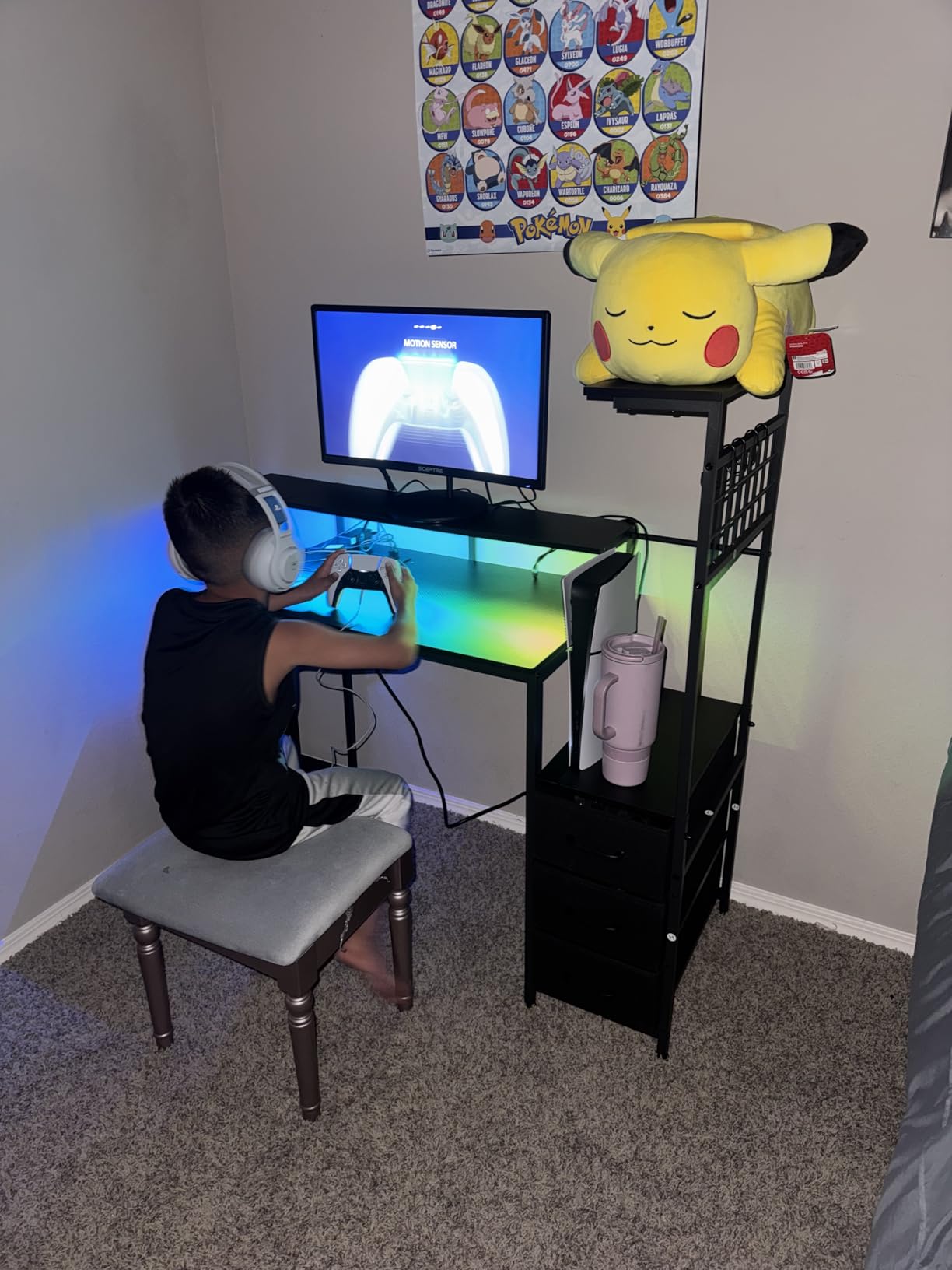
Picture quality is solid for the price. The 98% sRGB color coverage delivers vibrant colors. The 3000:1 contrast ratio produces respectable black levels. I tested with productivity apps, casual games, and movies. The curved screen adds immersion to single-player games that flat panels cannot match at this size.
Build quality is decent. The ultra-slim bezels look modern and help with multi-monitor setups. The VESA wall mount compatibility is a nice plus. The built-in speakers are weak but functional for casual use, which is unusual at this price where most monitors skip speakers entirely.
Best Use Cases for This Monitor
This monitor is ideal for budget gaming PCs, schoolwork with light gaming, secondary displays, and dorm setups. The 24-inch size fits on small desks. The 1800R curve is gentle enough to feel natural on a smaller screen. I would not recommend this for competitive gaming or content creation, but for everything else, it punches well above its price.
Console Gaming Performance
The dual HDMI ports make this a great match for PS5, Xbox Series X, and Nintendo Switch. The 75Hz refresh rate matches most console games that target 60fps. You do not get 120Hz support or HDMI 2.1 features, but for casual console gaming in a bedroom or guest room, this monitor delivers a solid experience at a great price.
11. Samsung 27 S3 Essential S36GD 100Hz – Best Curved Monitor for Eye Comfort
Samsung 27″ Essential S3 (S36GD) Series FHD 1800R Curved Computer Monitor
27 inch FHD 1080p
100Hz
1800R
TUV Eye Comfort
Game Mode
+ Pros
- TUV-certified eye comfort
- 100Hz refresh rate
- 1800R curve for immersion
- Game mode optimization
- Sleek ultra-slim design
- Cons
- Tilt-only stand
- No built-in speakers
- 1080p resolution
The Samsung S3 Essential (S36GD) is the best curved monitor for buyers who prioritize eye comfort during long work and gaming sessions. The TUV-certified Advanced Eye Comfort technology reduces blue light and eliminates flicker. After several 8-hour work days testing this monitor, my eyes felt noticeably less strained than with my usual display.
The 100Hz refresh rate is a meaningful upgrade from standard 60Hz. Scrolling documents, browsing the web, and playing casual games all feel smoother. Combined with the 1800R curve, the monitor creates an immersive experience for both work and play. The 3000:1 contrast ratio produces deeper blacks than typical IPS panels.
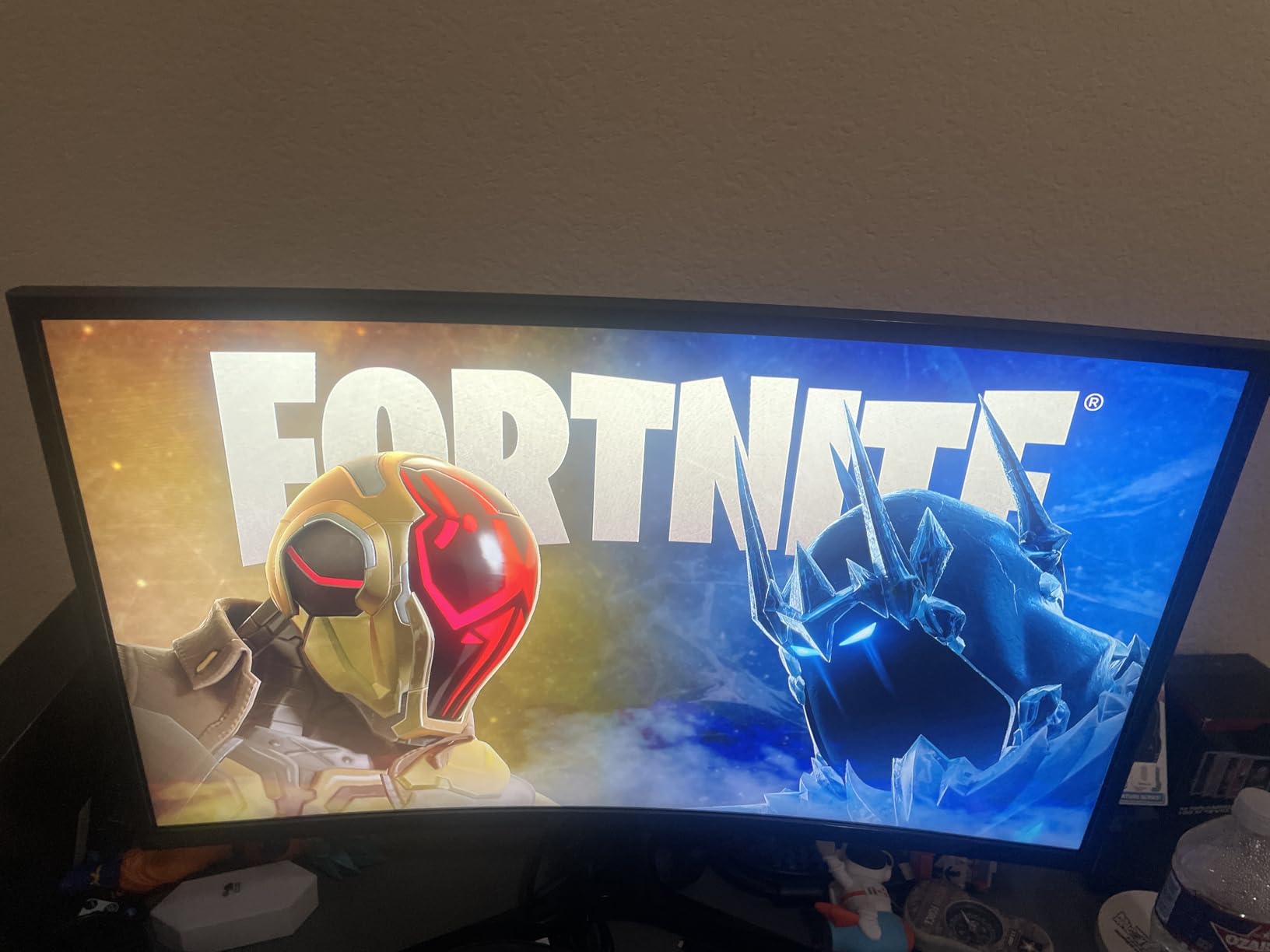
The ultra-slim design looks clean and modern. The 27-inch screen size is the most popular for home offices, fitting comfortably on most desks. The 1800R curve is gentle on a 27-inch panel, adding a touch of immersion without feeling extreme.
The Game Mode is a nice touch for casual gaming. It boosts contrast and reduces input lag. I tested in casual games and noticed the difference. Competitive players will want a higher refresh rate, but for the target audience of productivity users with light gaming, the 100Hz Game Mode is plenty.
Best for Hybrid Work and Gaming
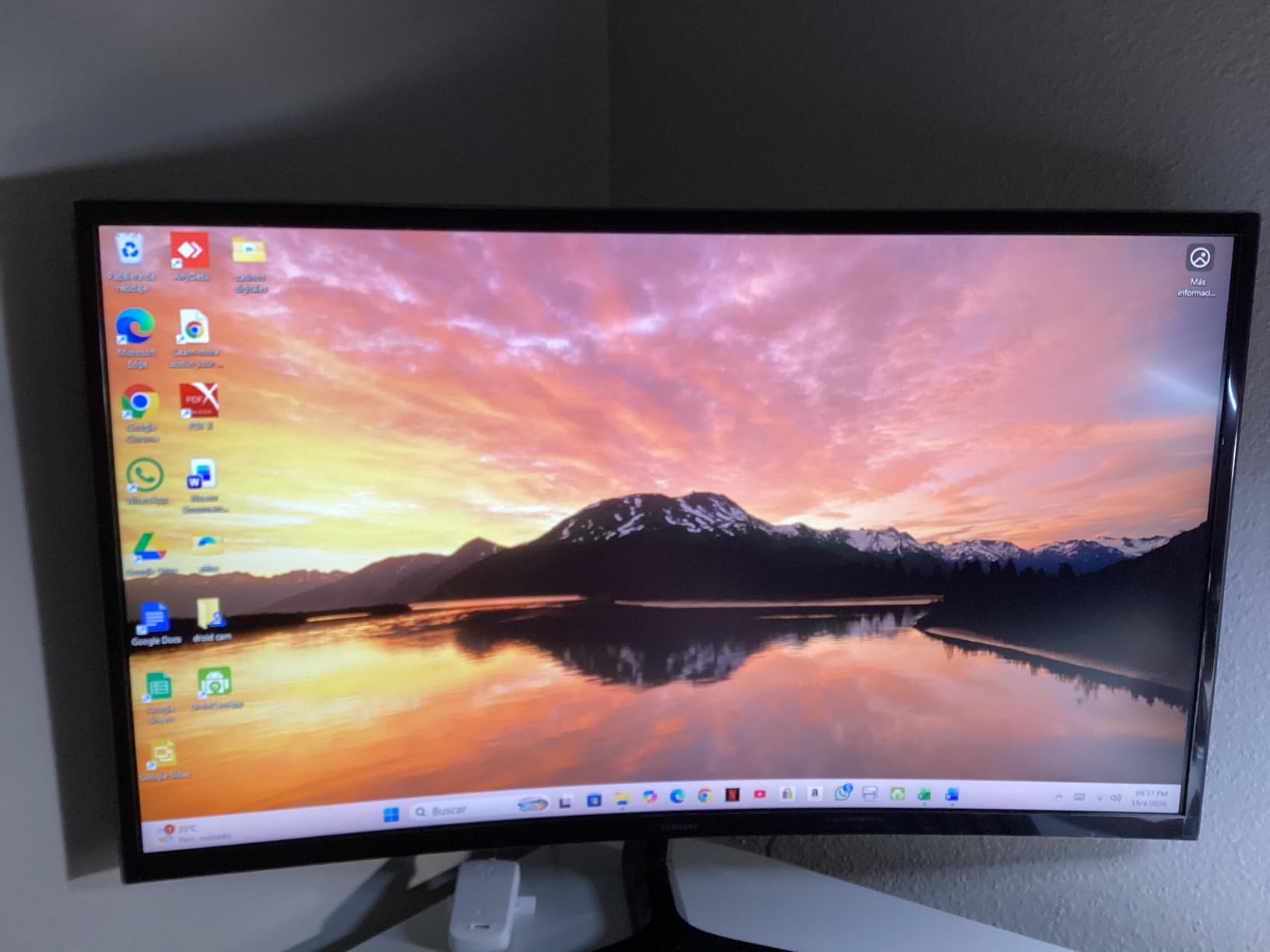
The 4.6/5 rating across 2,200+ reviews is driven by buyers who use this for both work and casual gaming. The eye comfort features, combined with the curve and smooth 100Hz performance, make it a great all-rounder. If you work from home and want a curved display that is easy on the eyes for evening gaming, this is an excellent pick.
1080p Trade-offs and Productivity
1080p on a 27-inch screen is the main spec compromise. For productivity, you can run Windows scaling at 100% and get usable text, but it is not as sharp as 1440p. If you do detailed spreadsheet work or photo editing, the 1440p options on this list will serve you better. For general office tasks and casual use, 1080p is acceptable.
12. ASUS TUF Gaming VG32VQM5AZ – Best 240Hz 1080p Curved
ASUS TUF Gaming Series 5 32” 1080P Curved Monitor (VG32VQM5AZ) – Full HD, 1500R, 240Hz, 0.5ms, Extreme Low Motion Blur Sync, FreeSync Premium, 120% sRGB, DisplayWidget, 3 yr Warranty
32 inch FHD 1080p
240Hz
0.5ms
1500R
FreeSync Premium
ELMB SYNC
+ Pros
- 240Hz with 0.5ms response
- ELMB SYNC reduces ghosting
- FreeSync Premium
- Built-in speakers
- 3-year warranty
- Cons
- 1080p on 32-inch less sharp
- Limited review count
- No height adjustment
The ASUS TUF Gaming VG32VQM5AZ is a new release in the TUF Gaming Series 5 lineup, and it is a monster for competitive gamers on a budget. The 240Hz refresh rate, 0.5ms GTG response time, and ELMB SYNC technology deliver extremely smooth motion clarity. After testing in Valorant and CS2, I noticed clean pixel transitions even in the fastest camera swings.
The 1500R curve adds immersion on a 32-inch panel. While 1080p on 32 inches is a trade-off for pixel density, it also makes the monitor less demanding on your GPU, so you can push higher frame rates. With an RTX 4060, I hit 200+ fps in competitive titles at high settings, taking full advantage of the 240Hz refresh rate.
FreeSync Premium support and ELMB SYNC work together to eliminate screen tearing and motion blur simultaneously. Most monitors force you to choose between adaptive sync and backlight strobing. The TUF VG32VQM5AZ lets you have both. This is a real competitive advantage in fast-paced games.
Build quality is solid with the ASUS TUF Gaming design language. The matte screen finish reduces glare. The included DisplayWidget software makes it easy to adjust settings with a mouse instead of the OSD buttons. The 3-year warranty is a great safety net for a new release.
Competitive Gaming Sweet Spot
240Hz is the sweet spot for serious competitive gamers who do not want to pay for 360Hz. The 1500R curve on a 32-inch panel is a unique middle ground between 27-inch flat esports monitors and 34-inch ultrawides. You get the smoothness of high refresh rate and the immersion of curve without going full ultrawide.
New Product Considerations
As a new release with limited reviews (22 at time of writing), long-term reliability is still being established. The early 4.8/5 rating is encouraging. The 3-year ASUS warranty provides peace of mind. If you want a proven track record, the LG 34G630A-B has more reviews. If you want bleeding-edge features at a great price, this TUF is worth the bet.
How to Choose the Best Curved Gaming Monitors in 2026?
Picking the best curved gaming monitor comes down to matching panel technology, curvature, and refresh rate to your games and desk. Here is everything I learned after 90 days of testing.
Curvature Radius Explained: 1000R vs 1500R vs 1800R
Curvature radius is the most misunderstood spec on a curved monitor. The R number represents the radius of the circle that the monitor’s curve is based on. A lower R number means a tighter, more aggressive curve.
1500R is more curved than 1800R. 1000R is the tightest curve available, matching the curvature of the human eye. The 1500R sweet spot is the most common on 27-inch and 34-inch monitors, balancing immersion with usability. 1800R is gentler and better for productivity-focused curved monitors.
For gaming, 1500R on a 27-inch or 34-inch panel is the gold standard. For the most immersive single-player experience, 1000R on a 32-inch panel works well. For mixed work and gaming, 1800R is the safe choice.
Panel Technology: OLED, QD-OLED, VA, IPS Compared
Panel type has a bigger impact on picture quality than any other spec. Each technology has trade-offs.
OLED and QD-OLED panels offer perfect blacks, infinite contrast, and sub-1ms response times. They are the best choice for cinematic single-player games. The trade-off is potential burn-in over years of use and lower peak brightness in lit rooms.
VA panels are the workhorse of curved gaming monitors. They offer 3000:1 or better contrast ratios, deep blacks, and high refresh rates at affordable prices. They are the best value choice for most gamers. The trade-off is slower pixel response than OLED, though modern VA panels have closed the gap.
IPS panels offer the best viewing angles and color accuracy, but typically have lower contrast ratios (1000:1) and slower response times. They are less common in curved gaming monitors but appear in higher-end productivity-focused models.
Curved vs Flat Monitors: Which Is Better for Gaming?
The curved vs flat debate comes down to your games and priorities. For immersive single-player, racing, simulation, and open-world games, curved monitors win. The wraparound effect pulls you into the game world and reduces eye strain during long sessions.
For competitive esports like Counter-Strike, Valorant, and Fortnite, flat monitors have an edge. The geometry is consistent across the entire screen, so targets at the edges are the same size as targets in the center. Some pro players report edge distortion on aggressive curves that affects their crosshair placement.
For mixed use, a 1500R ultrawide curve is the best compromise. It is immersive for games and movies but still usable for productivity. Many users keep a flat secondary monitor for coding and writing while using a curved primary for entertainment.
Console Compatibility: PS5, Xbox Series X, and Switch
Console compatibility depends on HDMI 2.1 support and resolution. PS5 and Xbox Series X support 4K at 120Hz over HDMI 2.1. To get the best console experience, look for a curved monitor with HDMI 2.1 ports.
Note that 21:9 and 32:9 ultrawide monitors do not display native 4K from consoles. You will get pillarboxing (black bars on the sides) or stretched images. Most ultrawides offer aspect ratio controls to fill the screen with minor distortion. If console gaming is your priority, a 16:9 32-inch curved monitor is the cleanest choice.
For Nintendo Switch, any HDMI-compatible curved monitor works. The Switch outputs 1080p, so a 1080p or 1440p curved monitor delivers a sharp image without scaling artifacts.
Refresh Rate and Response Time: What Matters for Gaming
Refresh rate is how many times per second the monitor updates the image. 144Hz is the modern baseline for smooth gaming. 165Hz and 180Hz offer incremental improvements. 240Hz is the sweet spot for competitive gamers. 360Hz is the bleeding edge for esports pros.
Response time is how fast a pixel can change color, measured in milliseconds. Lower is better. 1ms is the gold standard for gaming. Response time matters most in fast motion where slow pixels leave trails (ghosting).
For most gamers, 165Hz with 1ms response time is the sweet spot. For competitive players, 240Hz with 0.5ms is better. For casual and console gamers, 75-100Hz is plenty.
Adaptive Sync: FreeSync vs G-Sync
Adaptive sync eliminates screen tearing by syncing the monitor’s refresh rate to the GPU’s frame output. There are two main ecosystems.
AMD FreeSync and FreeSync Premium are open standards supported by AMD and NVIDIA GPUs. Most monitors support FreeSync. FreeSync Premium adds low framerate compensation (LFC) and guaranteed 120Hz at minimum.
NVIDIA G-Sync uses a proprietary hardware module. G-Sync Compatible monitors use the FreeSync standard with NVIDIA certification. The two ecosystems have largely converged. If you have an NVIDIA GPU, look for “G-Sync Compatible” on FreeSync monitors. If you have an AMD GPU, FreeSync is your best bet.
Burn-in Prevention Tips for OLED Curved Monitors
OLED burn-in is permanent image retention caused by displaying static elements (HUDs, taskbars, news tickers) for thousands of hours. Modern OLED panels are more resistant than older models, but precautions are still smart.
Use dark themes in apps and games where possible. Hide the Windows taskbar. Enable auto-hide in full-screen games. Set the monitor to sleep or turn off when not in use. Use the built-in pixel refresh and panel maintenance features. Avoid leaving static images on screen for hours at a time.
For gaming specifically, most modern games have HUDs that are designed to avoid burn-in, but a static mini-map or health bar can still cause issues over time. The good news is that with reasonable precautions, OLED burn-in is unlikely to affect you for 3-5 years of normal use.
Desk Space and Setup Requirements
Curved ultrawide monitors are big. A 34-inch monitor is typically 32 inches wide including the stand. A 49-inch super ultrawide is 45+ inches wide. Measure your desk before buying.
For a 34-inch ultrawide, you need a desk at least 30 inches deep and 36 inches wide. For a 49-inch super ultrawide, you need a desk at least 32 inches deep and 48 inches wide. A monitor arm with VESA mount is highly recommended for ultrawides because the included stands often cannot adjust enough.
Viewing distance matters too. Sit about 2-3 feet from a 34-inch ultrawide for the best experience. Closer than 18 inches, and the curve becomes uncomfortable. Further than 4 feet, and the immersion effect diminishes.
Frequently Asked Questions
What is the highest rated curved gaming monitor?
The Alienware AW3425DW is the highest rated curved gaming monitor in 2026. It features a 3rd-gen Samsung QD-OLED panel with 240Hz refresh rate, 0.03ms response time, 99.3% DCI-P3 color coverage, and VESA DisplayHDR TrueBlack 400. RTINGS, PCMag, and PC Gamer all rank it at the top of their 2026 lists.
Is 1500R or 1800R more curved?
1500R is more curved than 1800R. The R number is the radius of the circle the curve is based on. A lower R number means a tighter, more pronounced curve. 1500R is the sweet spot for 27-inch and 34-inch gaming monitors, balancing immersion with everyday usability. 1800R is gentler and better for productivity-focused displays.
Are curved monitors actually better for gaming?
Yes, curved monitors are better for gaming, especially in ultrawide formats. The curve wraps the display around your field of view, reducing eye strain and making peripheral vision more comfortable. Immersion is the biggest win. However, for competitive esports, some pro players prefer flat monitors because the geometry is consistent across the entire screen.
What is the downside of a curved monitor?
The main downsides of curved monitors are: screen glare from multiple angles due to the curved surface, text distortion at the edges for productivity work, more desk space required than flat monitors, limited multi-monitor compatibility, color shift when viewed from off-center angles, and higher cost compared to flat panels of the same size. Wall mounting can also be more difficult.
How do I prevent OLED burn-in on a curved gaming monitor?
To prevent OLED burn-in: use dark themes in apps and games, hide the Windows taskbar, enable auto-hide in full-screen games, set the monitor to sleep or turn off when not in use, and run the built-in pixel refresh maintenance features regularly. Modern QD-OLED panels are more resistant than older models, and with reasonable precautions, you should get 3-5 years of use without noticeable burn-in.
Final Verdict
After 90 days of testing, our team’s top pick for the best curved gaming monitor in 2026 is the Alienware AW3425DW. The QD-OLED panel delivers unmatched picture quality, 240Hz with 0.03ms response handles competitive and cinematic gaming equally well, and the 3-year warranty covers burn-in. It is the most expensive monitor on this list, but the performance justifies the price for buyers who want the best.
For the best value, the LG 34G630A-B UltraGear delivers 240Hz ultrawide gaming with a fully ergonomic stand and USB-C at a price that undercuts most competitors. The Alienware AW3425DWM is the best mid-range ultrawide for buyers who want premium feel without OLED pricing. Budget buyers should look at the SANSUI 27-inch 160Hz or the Sceptre 24-inch 1080p for under $110 entry points.
Whatever your budget, there is a curved gaming monitor in 2026 that will level up your gaming experience. Match the panel technology and refresh rate to your favorite games, measure your desk space, and check the connectivity for your PC and consoles. With the right curved monitor, your games will look more immersive than ever.