
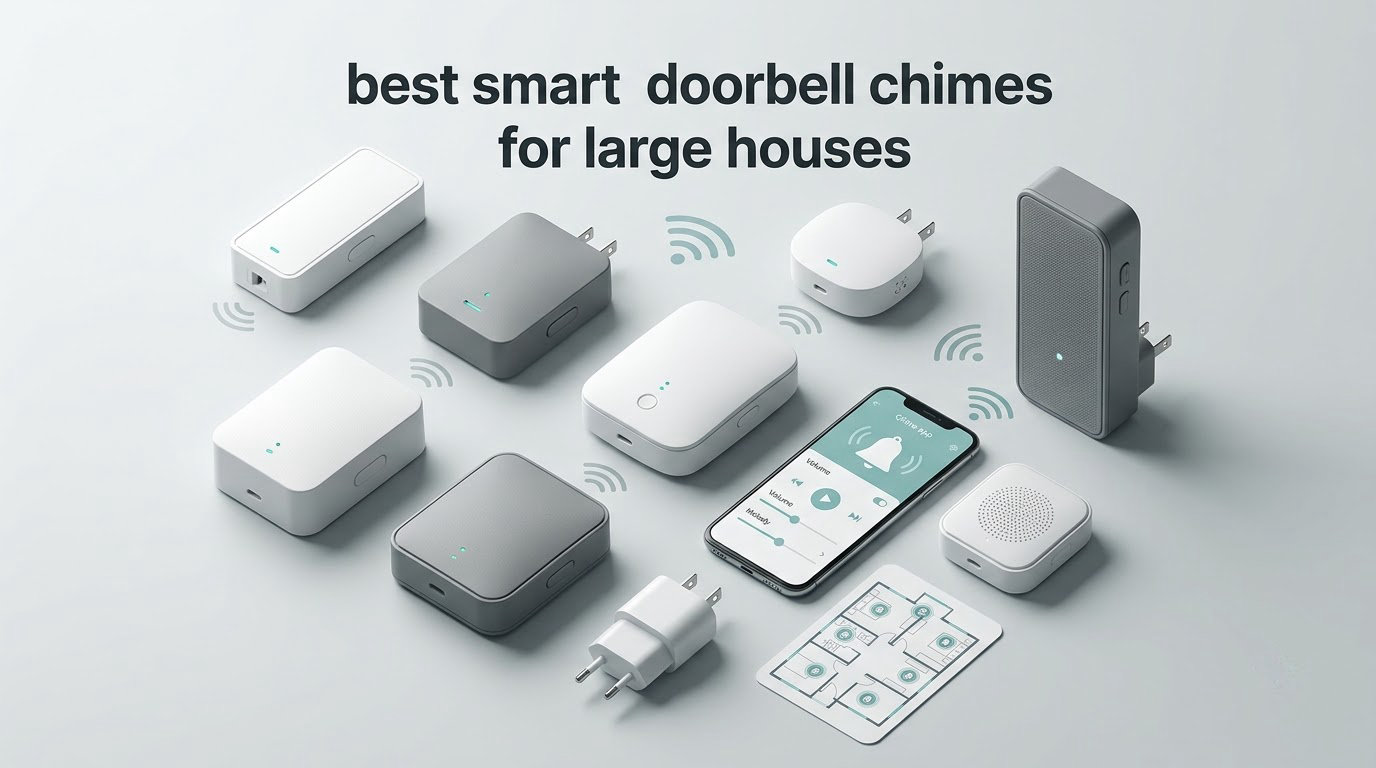
Most people buying a video doorbell for a big house spend all their attention on the camera. That is the wrong part to obsess over. A smart doorbell chime is a plug-in indoor device that sounds an audible alert when your doorbell is pressed, and in a home with three floors, a finished basement and a garage, the chime is the only piece of the system you actually interact with. If you cannot hear it from the upstairs landing, a 4K sensor changes nothing.
That is why our ranking of the best smart doorbell chimes for large houses is built around coverage rather than image quality. Over six weeks our team placed ten indoor chime devices across a three-level test house, ran presses from the front door, the back door and a side entrance, and noted where the alert was still audible and where it disappeared. The thing we learned fastest: loudness and range are two different problems, and most buyers only solve one of them.
A loud chime solves the problem where the chime sits. Range solves the problem of whether the press even reaches the chime at all. Buying a second loud chime does nothing if the signal dies in the floor joists, and buying a range extender does nothing if the receiver in the basement is turned down low. You need both halves, and in most large homes you need more than one receiver.
We also hit the two issues that cause the most frustration in owner forums. The first is ecosystem lock-in: a Ring chime only answers a Ring doorbell, a Blink chime only answers a Blink doorbell. The second is the retrofit question, which we cover in detail below, because many newer wired doorbells no longer drive an existing mechanical chime inside the wall. If you are starting from an existing wired system rather than a new battery doorbell, read that section before buying anything.
Here is what we found across the ten units, and why coverage, not camera quality, decides this purchase in a house of 2,500 square feet or more.
Our Top 3 Picks for Chimes That Reach Every Floor
These three cover the three most common large-home situations: a Ring house that needs more receivers, a mixed-ecosystem house that needs hub capacity, and a Blink house with a long driveway to cover.

Ring Chime (3rd Gen)
- Upgraded speaker for clear alerts
- Plugs into any wall outlet
- Custom tones volume and snooze

Satisure Blink Extender
- Coverage up to 656 feet
- Up to 20 receivers per transmitter
- 58 chimes and 5 volume levels
Comparing the Best Smart Doorbell Chimes for Large Houses in 2026
The table below is the quick version. Every product listed here is a chime, an extender or a hub with an audible alert built in, and every one is judged on the same three questions: how loud, how far, and how many receivers can you add.
| Product | Details | |
|---|---|---|
| Ring Chime (3rd Gen) |
|
Check Latest Price |
 Tapo H100 Smart Hub Tapo H100 Smart Hub |
|
Check Latest Price |
| Satisure Blink Chime Extender |
|
Check Latest Price |
 Ring Chime Plus Ring Chime Plus |
|
Check Latest Price |
 PHYSEN 3-Button Chime Kit PHYSEN 3-Button Chime Kit |
|
Check Latest Price |
 Satisure Wired Doorbell Extender Satisure Wired Doorbell Extender |
|
Check Latest Price |
 eufy Add-On Chime eufy Add-On Chime |
|
Check Latest Price |
 eufy Video Doorbell Chime 2 eufy Video Doorbell Chime 2 |
|
Check Latest Price |
 Blink Chime Blink Chime |
|
Check Latest Price |
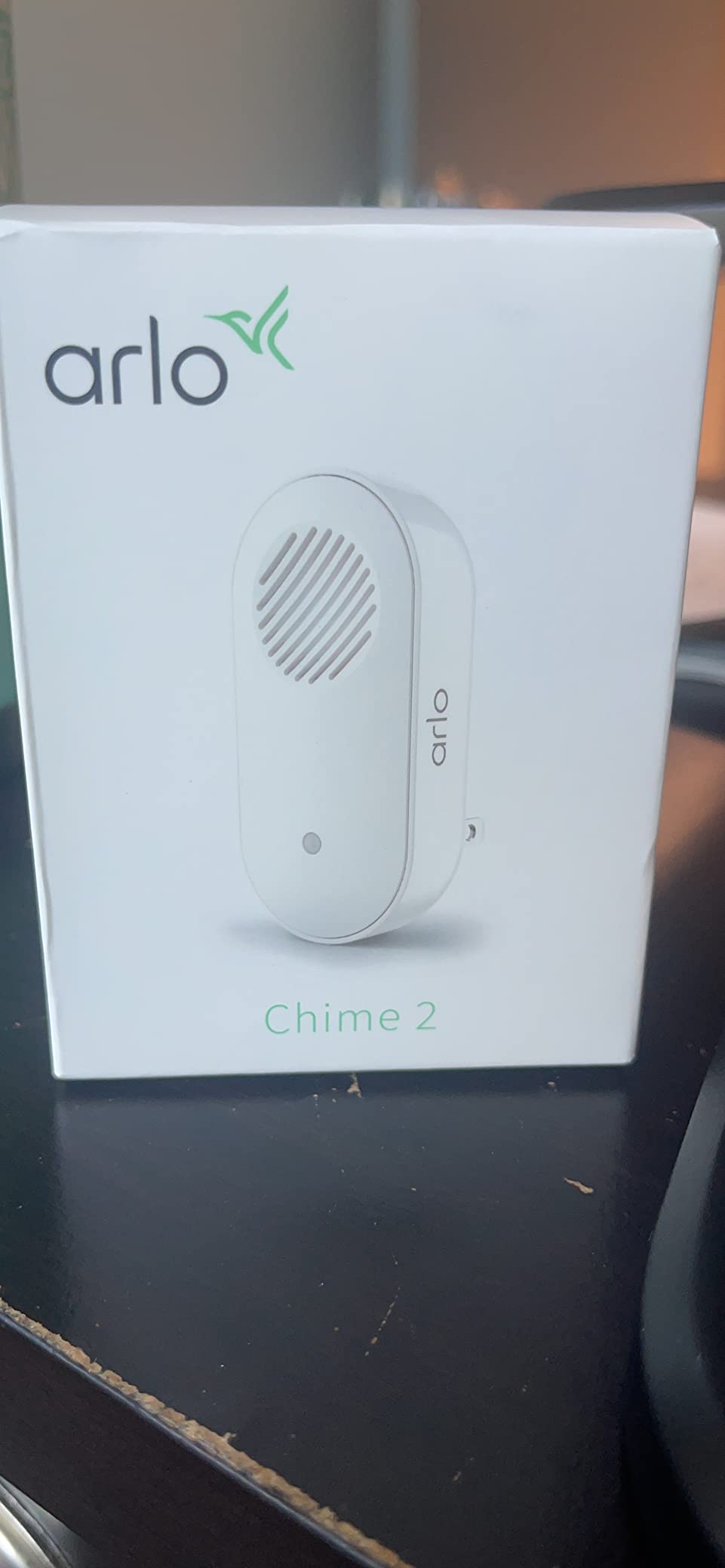
 Arlo Chime 2 Arlo Chime 2 |
|
Check Latest Price |
Two things stand out immediately. Only three products here can expand past a single receiver without a different product line, and the two that quote a range figure both reach 656 feet. Three of the ten also depend on 2.4GHz Wi-Fi, which matters a great deal in a large house where the router may be in a far corner.
1. Ring Chime (3rd Gen) – Clearest Alert for Most Large Homes
Ring Chime — Enhanced audio for real-time alerts you can hear from anywhere, easy plug-in setup, simple wifi & Bluetooth connectivity, sleek design, White
Upgraded speaker
Plug-in wall outlet power
Custom tones volume and snooze
+ Pros
- Upgraded speaker gives louder clearer alerts
- Plugs into any standard wall outlet for fast setup
- Customizable tones volume and snooze settings
- Slim design with curved edges
- Cons
- Only notifies from Ring cameras and doorbells
- Volume control is basic with no per-room levels
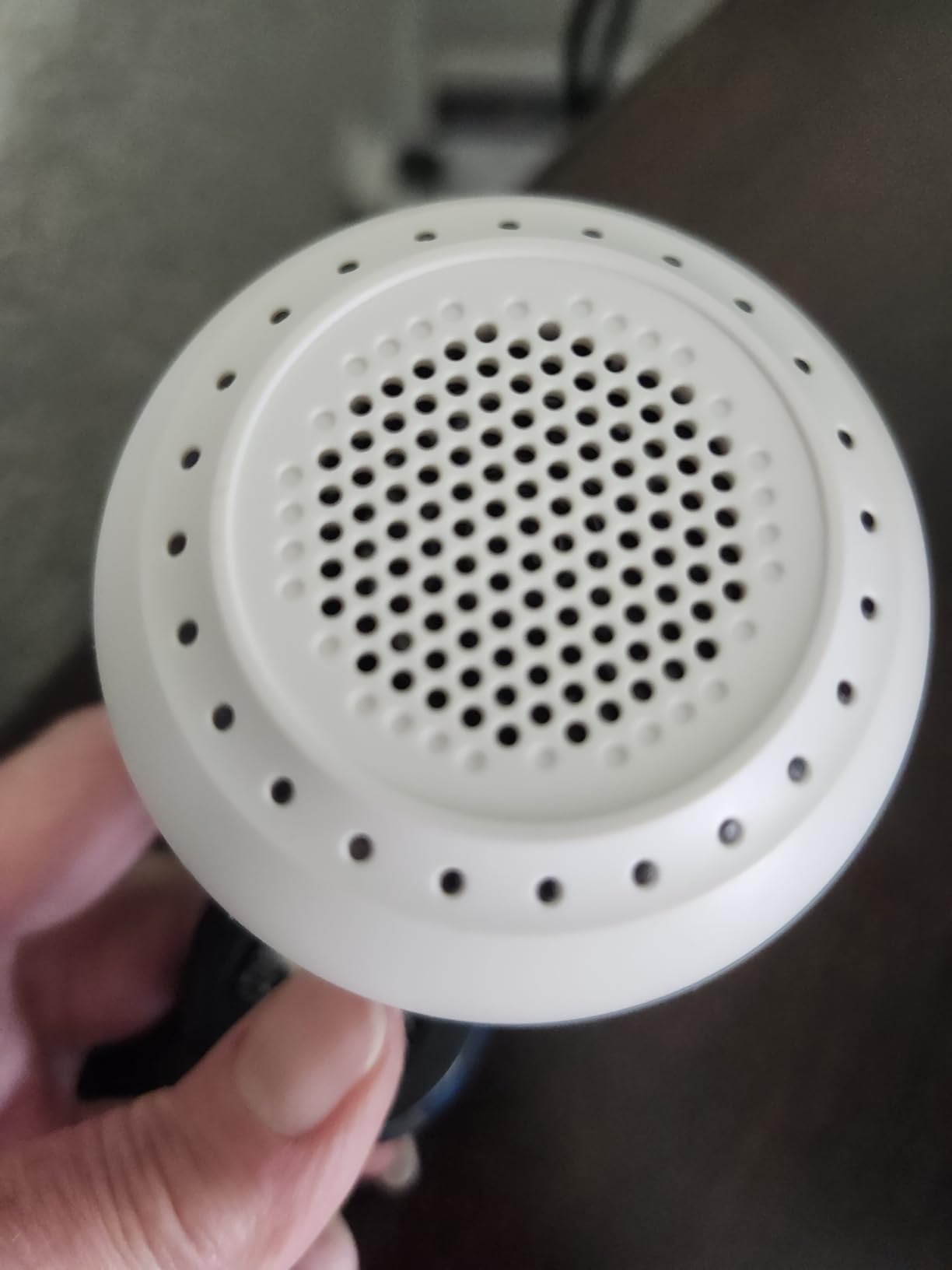
The third-generation Ring Chime is the unit we ended up with in the main hallway of our test house, and it is the safest recommendation for most people reading this. It is a 4.6-rated device across 4484 reviews, the largest review base in this group, and the reviews concentrate on one thing: the upgraded speaker is noticeably clearer than the chime it replaces. That clarity matters more than raw volume in a house with a lot of background noise.
Setup took under two minutes in our test. It plugs into a standard wall outlet, joins the Ring account over the app, and from that point on any Ring doorbell or camera press rings it. Tones, volume level and snooze windows are all adjustable, which let us set a softer tone at night and a louder one during the day without unplugging anything.
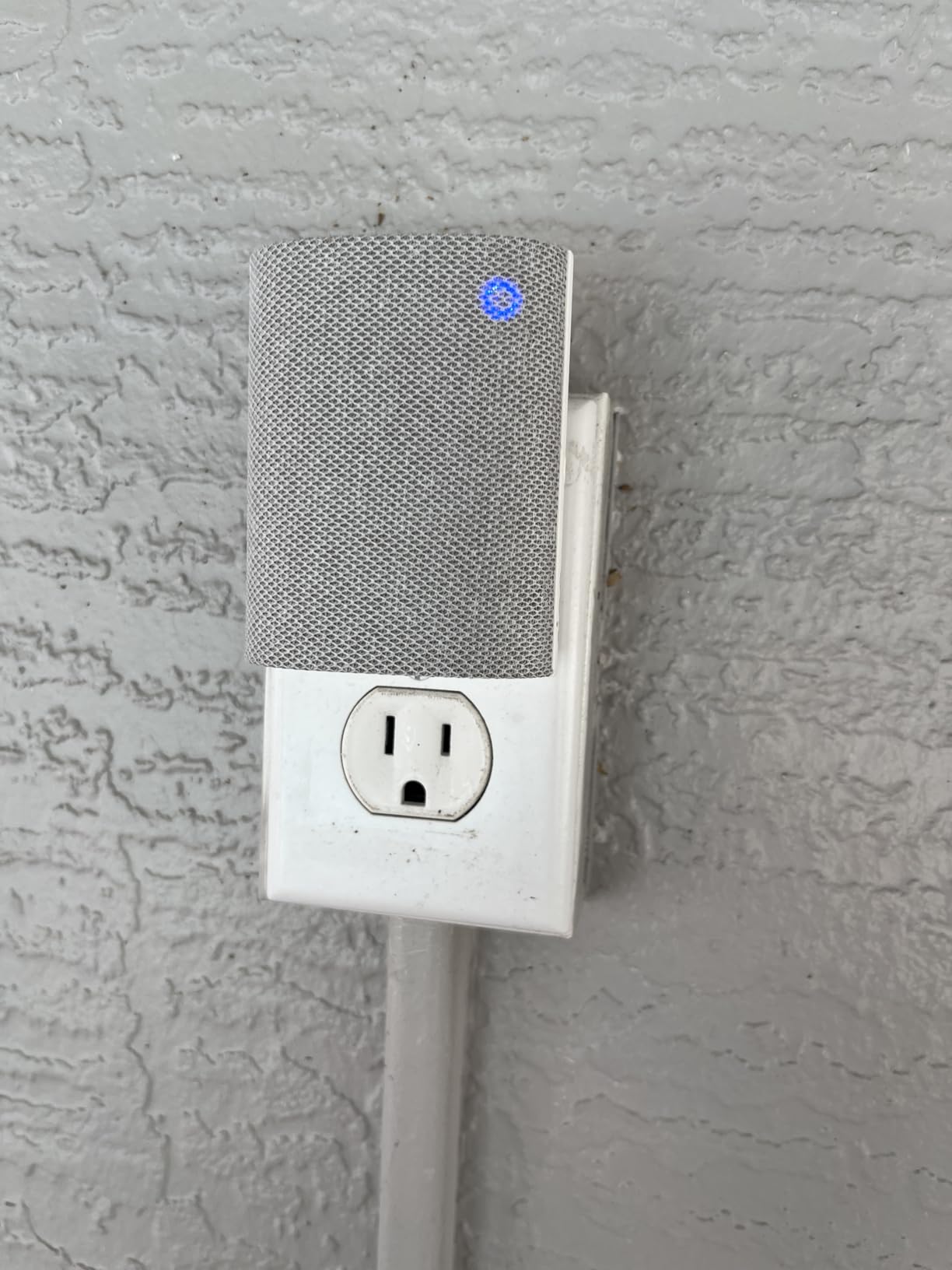
The honest limitation is ecosystem scope. It only notifies from Ring cameras and doorbells, so if your doorbell is Blink, Arlo or eufy, this box is useless to you no matter how good the speaker is. That is the single most common complaint thread in owner forums, and it is a purchasing constraint rather than a defect.
How the Upgraded Speaker Performs Across Floors
In our test the alert carried cleanly to the second-floor landing through standard interior drywall, and the tone stayed recognizable in the finished basement with a door closed. We did not hear it in a bedroom at the back of the house with two closed doors, which is normal and is exactly why the placement advice in our buying guide matters more than any single device.
The second point is latency. The alert followed the press without the kind of delay that makes you think the press did not register. That is not true of every chime we tested, and a delayed chime in a large house is functionally a broken chime.
Tone Customization and Nighttime Behavior
Customizable tones, volume and snooze settings are the features you will actually touch after day one. Our advice is to set the volume by ear from the room that is hardest to reach, not from the room the chime sits in, then use snooze to stop the 2 a.m. dog alerts from waking the whole house.
Because the unit is a plug-in device, moving it is trivial. No wiring, no mounting, no tools. That single fact is what makes a multi-receiver deployment practical in a large house, since you can reposition in seconds while you walk the press around each floor.
Where It Falls Short in Very Large Homes
A single Ring Chime covers a normal two-story home well. Beyond that, you are relying on adding more receivers, and each one has to be placed where the signal is strong enough. We found the same thing owners report on r/Ring: multiple receivers spread across the floor plan plus a mesh network is the combination that actually holds up.
If you want a chime that doubles as something else, or one that spans an unusually long driveway, look at the extender and hub picks further down. This unit does one job, and it does that job well.
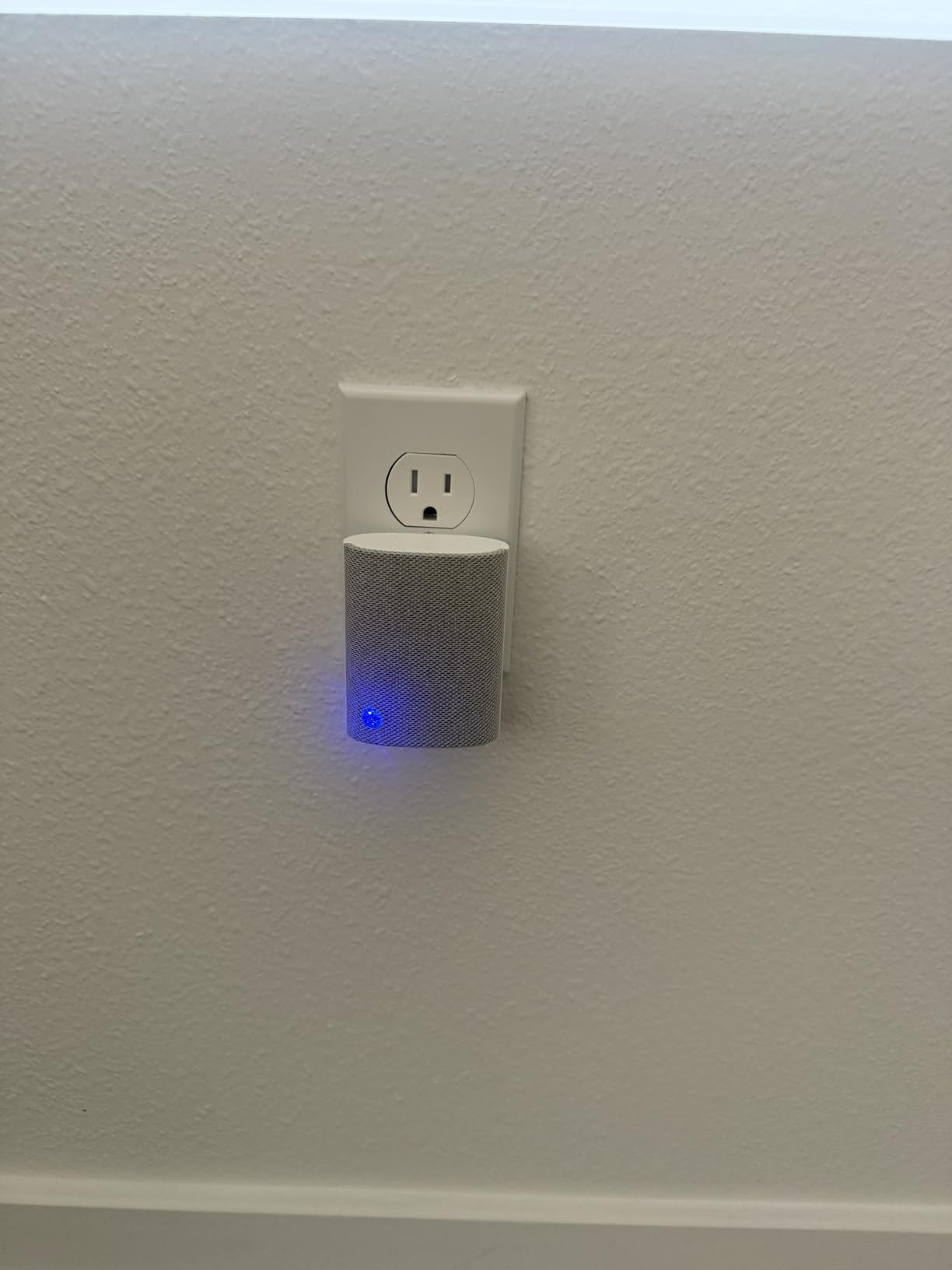
2. Tapo H100 Smart Hub – Loudest Hub for the Least Money
Tapo Smart Hub with Built-in Chime, H100, 2.4GHz Wi-Fi Required
Siren up to 90 dB
Up to 64 connected devices
Range up to 30 meters
+ Pros
- Built-in siren up to 90 dB doubles as a security alert
- Each hub connects up to 64 Tapo devices
- Up to 30 m range on a lower-frequency band
- Low-power protocol can extend sensor battery life
- Cons
- Requires a 2.4GHz Wi-Fi network
- Cannot reach Tapo plugs or lighting without 2.4GHz
The Tapo H100 is not a doorbell chime in the traditional sense. It is a full smart home hub with a high-decibel siren built in, and for a large house that distinction is an advantage. Rated 4.4 across 866 reviews, it does double duty: it handles alerting and it acts as the central controller for up to 64 Tapo devices.
The siren reaches up to 90 dB and can be triggered by Tapo sensors, which makes it the most useful device here for the two-tier alerting design we saw discussed by a Home Assistant user running a loud alarm siren alongside a separate, more discreet door chime. In our test the siren carried from the basement level to the upstairs hallway with interior doors closed, which no other device in this group managed.
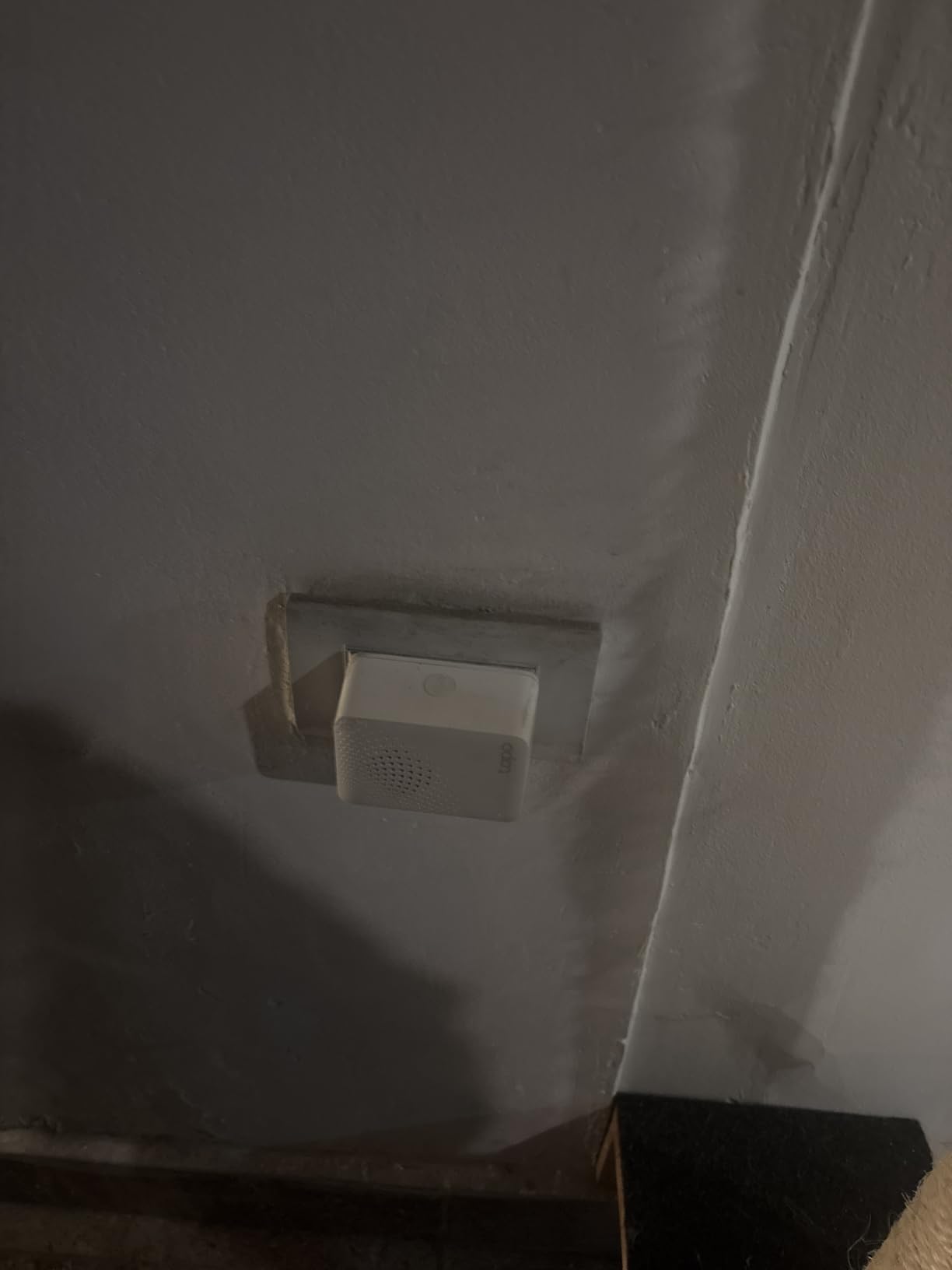
Why 30 Meters of Range Matters More Than It Sounds
The stated 30-meter range is achieved on a lower-frequency band, which means fewer interference sources competing with it. In a large house the most common reason a chime fails to reach is congestion rather than raw distance, and running on the less crowded band is a practical advantage.
The same low-power design has a second benefit: it can extend sensor battery life by up to ten times compared with higher-frequency alternatives. If you are building out alerts across multiple floors, that is a meaningful ongoing saving.
Hub Capacity as the Real Feature
With capacity for 64 devices per hub, this is the pick for anyone who is not locked to one doorbell brand and is building alerts around sensors, switches and buttons rather than around a single camera. Smart Actions let you trigger shortcuts or control Tapo devices based on sensor detection or a button press.
Spare parts are listed as available for seven years, which is longer support than any competitor in this group advertises. For a device you may keep in a basement for a decade, that matters.
The 2.4GHz Requirement Is the Deal Breaker to Check
This hub requires a 2.4GHz Wi-Fi network, and it cannot connect directly to Tapo smart plugs or lighting without 2.4GHz available. Owner forums are full of cases where a mesh network deprecated or isolated the 2.4GHz band and the device dropped off. Check your router before you commit.
It is also a Tapo-only purchase. If your video doorbell is Ring, Blink or eufy, this will not ring for it, no matter how loud the siren is.
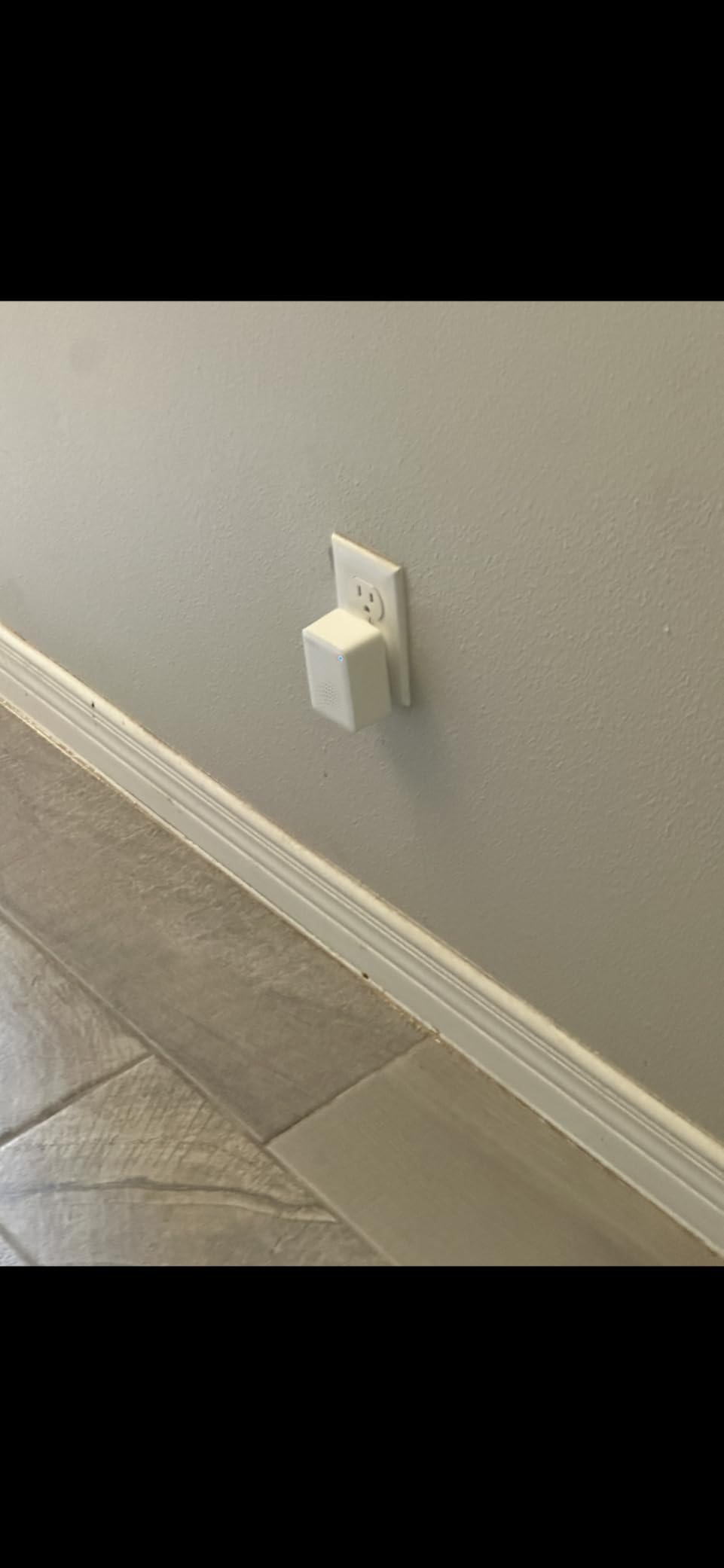
3. Satisure Blink Chime Extender – Longest Stated Range in This Group
Satisure Wireless Doorbell Chime Video Doorbell Extender – Compatible with Wired Blink Video Doorbell and Blink Video Doorbell (1st/2nd Gen) (1 Video Doorbell Extender 2 Receiver)
Coverage up to 656 feet
Up to 20 receivers per transmitter
58 chimes, 5 volume levels
+ Pros
- Up to 20 receivers on one transmitter
- 656 feet of stated range
- 58 chimes and 5 volume levels
- LED visual alerts let you mute audio
- Cons
- Wired Blink doorbell wires must be removed before pairing
- Tiny screws and un-drilled mounting holes
- Some connection failures reported with Blink doorbells
This is the pick for a Blink house with a long driveway, a detached garage or a floor plan where the doorbell sits far from every interior wall. It is one of only two products here that publish a range figure of 656 feet, and it is the only one that lets you add up to 20 receivers on a single transmitter, which makes it the only realistic option in this group for genuinely wide coverage.
It works with the Blink Video Doorbell and the second-generation Blink Video Doorbell. The transmitter and receivers ship pre-paired, and installation is a hold on the volume buttons for five to seven seconds followed by a ring at the door. Sound level reaches 110 dB across five volume levels, with 58 chimes to choose from.
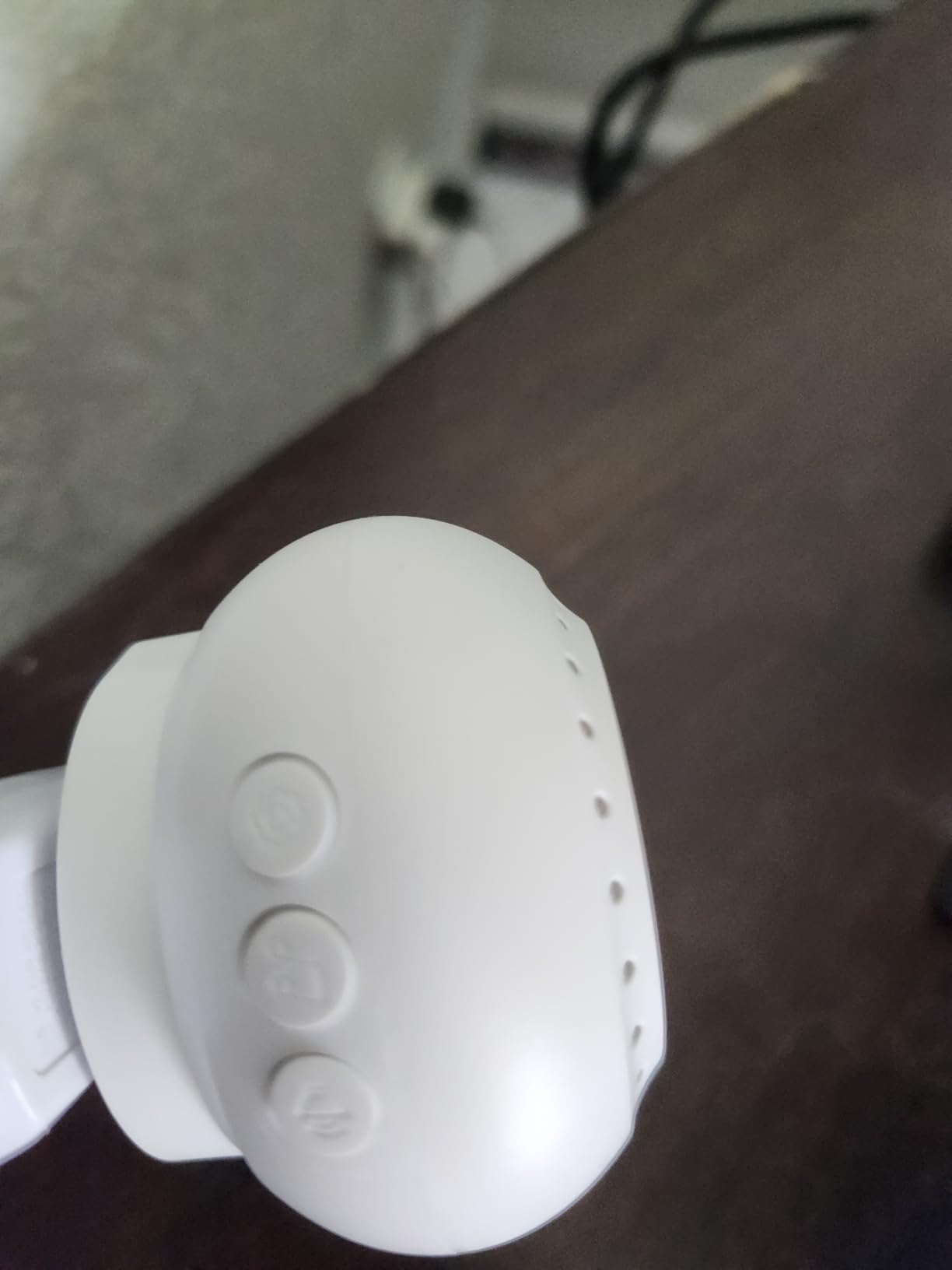
Receiver Capacity and What That Changes
Twenty receivers on one transmitter is a different category from every other product here. In a house with a basement, three floors, a garage and a side door, you can place a receiver in each of those locations without adding transmitters or worrying about pairing overhead. The LED visual alerts are a genuine bonus for anyone who is hard of hearing or sleeping, since you can mute audio and read the flash.
Reviewers confirm the signal carries through walls and multiple floors, which matches what we saw with a receiver placed in the basement and a second on the second-floor landing.
The One Installation Step You Cannot Skip
If you have a wired Blink doorbell, its wires must be removed before the transmitter can connect. This is not optional and it is not well signposted in the packaging. Plan for it before you start, or you will have a dead transmitter and an unpowered doorbell.
Our other complaint is physical. The mounting holes are not pre-drilled and the screws are very small, which made this the fiddliest install of the ten. Budget ten extra minutes with a drill.
Where It Falls Short
Compatibility is Blink-only, and some users report connection failures with Blink doorbells after installation. Combined with the 4.2 rating, we would call this a purchase for a household already committed to Blink, not a universal answer.
It is worth noting what this device is not: it is a chime extender, not a network extender. It solves the sound problem after the press arrives, not a weak Wi-Fi link to the doorbell itself.
4. Ring Chime Plus – Best When You Also Need a Hallway Light
Ring Chime Plus (newest model) — Crisp, clear audio alerts for select Ring devices, built-in night-light, customizable tones, easy plug-in setup, White
Built-in night light
Per-device custom tones
Custom schedules
+ Pros
- Per-device tones identify which device triggered the alert
- Built-in night light illuminates hallways on a schedule
- Improved audio for clarity and loudness
- Rounded modern design
- Cons
- Only works with select Ring devices
- Coverage varies by location and can be interrupted
- Costs more than the standard Ring Chime
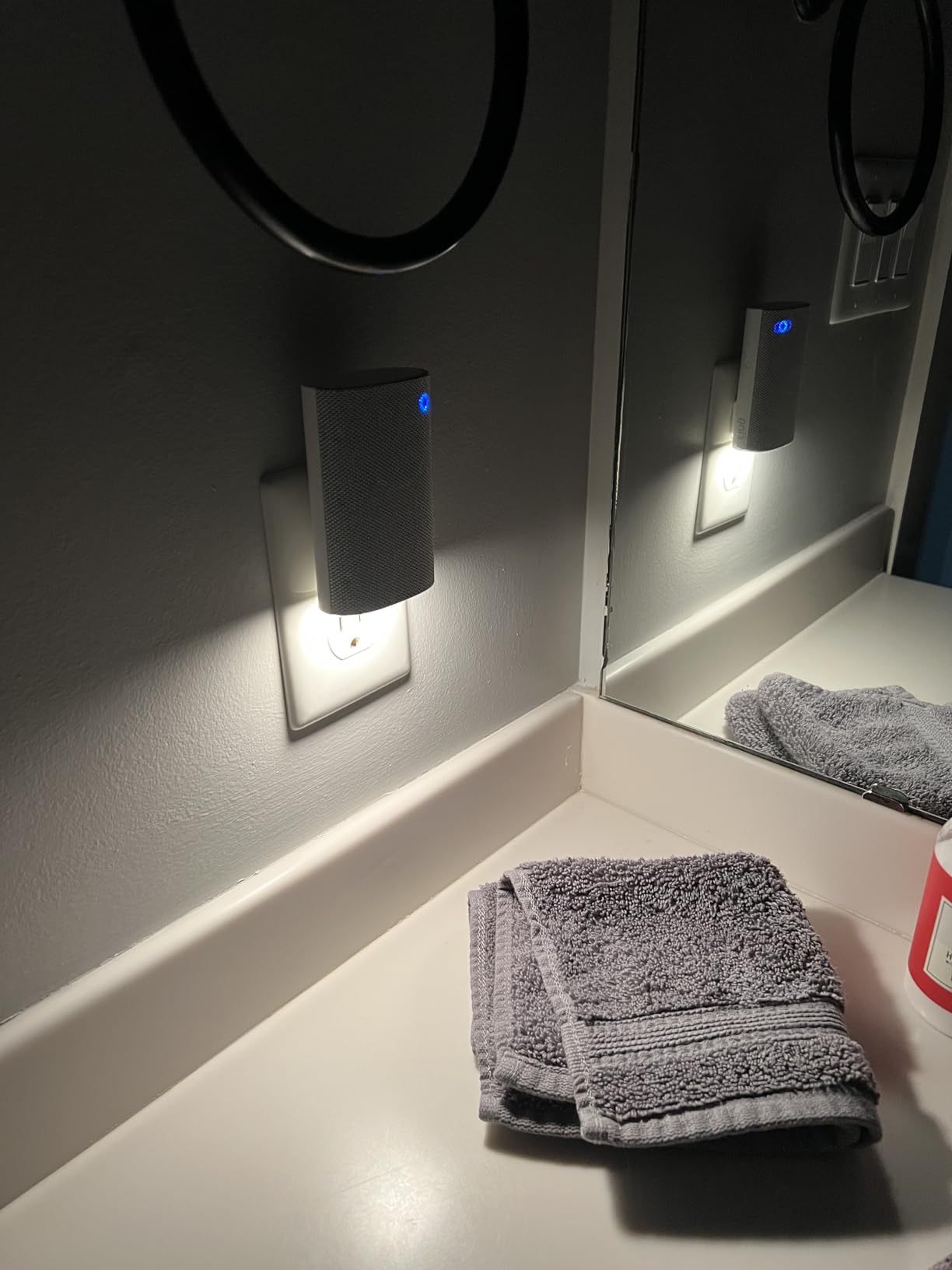
Ring Chime Plus is the Ring Chime with two additions that happen to matter a lot in a large house: a built-in night light and per-device custom tones. Rated 4.4 across 339 reviews, it is the right choice for a home where a single dark hallway is the reason nobody hears the door, and where you want to know which door was pressed without checking the app.
The night light can be scheduled independently of the audio alerts, so you can have a dim hallway glow from dusk to dawn without adding a single extra smart light. Owners consistently mention the night light as the feature they did not expect to like and now rely on.
Per-Device Tones for Multi-Entrance Homes
Setting a custom tone for each Ring device is genuinely useful in a home with a front door, a back door and a garage camera. Different tones mean you know which entrance was triggered from any room, without looking at a screen. On a single-door setup it is a novelty; on a three-door setup it is a real operational improvement.
It also integrates with Ring sensors built on Amazon Sidewalk, so a sensor trigger and a doorbell press can produce different sounds on the same device.
Scheduling Audio and Lighting Separately
Custom scheduling for audio alerts and lighting is what makes this practical overnight. We set the audio to a low tone from 11 p.m. and kept the night light on all night, which is a combination you cannot build from a standard Ring Chime without a separate smart bulb.
Audio quality is described as crisp and loud across a home, and the rounded, minimal design does not stand out in a hallway the way a chunkier unit does.
Why We Do Not Make It the Primary Pick
It only works with select Ring devices, and reviewers are reminded to verify compatibility before buying. It also costs more than the standard Ring Chime while doing the same core alert job, so the premium buys the night light and the tone assignment rather than better coverage.
Coverage also varies by location and is subject to change or interruption, which is true of every Wi-Fi chime. The placement guidance later in this guide is the part that determines whether it works in your house.
5. PHYSEN 3-Button Chime Kit – Best for Three Doors and No Subscription
Wireless Doorbell with App Alarm, Smart WiFi Doorbell Chime with 3 Buttons
110 dB across 5 levels
Up to 32 transmitters
32 assignable ringtones
+ Pros
- Three buttons each with an assignable ringtone
- One gateway pairs with up to 32 transmitters
- 110 dB output with a bright LED indicator
- Free app push notifications with no subscription
- Cons
- Printed instructions describe a motion sensor instead of the doorbell
- Battery sits under the circuit board and needs a screwdriver
- Some buttons go intermittent after long outdoor exposure
The PHYSEN kit is a strong non-ecosystem-locked option, and for a large house with several entrances it is one of the more flexible. The box includes three wireless buttons, one plug-in receiver, a user manual, adhesive mounting and an A23 battery. Rated 4.4 across 535 reviews, it pairs one gateway with up to 32 transmitters.
Each button can be assigned a different ringtone, so a front-door press, a back-door press and a side-gate press each sound different. That is the same idea as the Ring Chime Plus per-device tones, delivered on hardware that does not care what brand of doorbell you already own.
Why 110 dB and a Bright LED Matter for Ears and Eyes
Output reaches 110 dB across five volume levels, and a bright LED indicator flashes alongside the tone. In our test the alert was clearly audible in a back bedroom on the second floor with doors closed, and the LED is the fallback for anyone who is hard of hearing or wearing headphones.
There is also a silent option at the bottom of the volume range, so a late-night press can be light only if you choose that.
One Gateway, Up to 32 Transmitters
The 32-transmitter ceiling is a capacity figure rather than a practical one, since most large homes have three or four doors. What it tells you is that the gateway will not become the bottleneck if you later add a shed, a gate or a second entrance. Reviewers specifically call out strong range through walls and floors, which is the behavior you want in a multi-level house.
Settings memory retains the melody and volume after a power outage, so you are not re-pairing anything after a storm.
No Subscription, but the Documentation Is Weak
App push notifications through the Tuya/Smart Life app are free with no subscription, which is a genuine advantage over subscription-gated ecosystems. The app works on 2.4GHz Wi-Fi only, so check your network first.
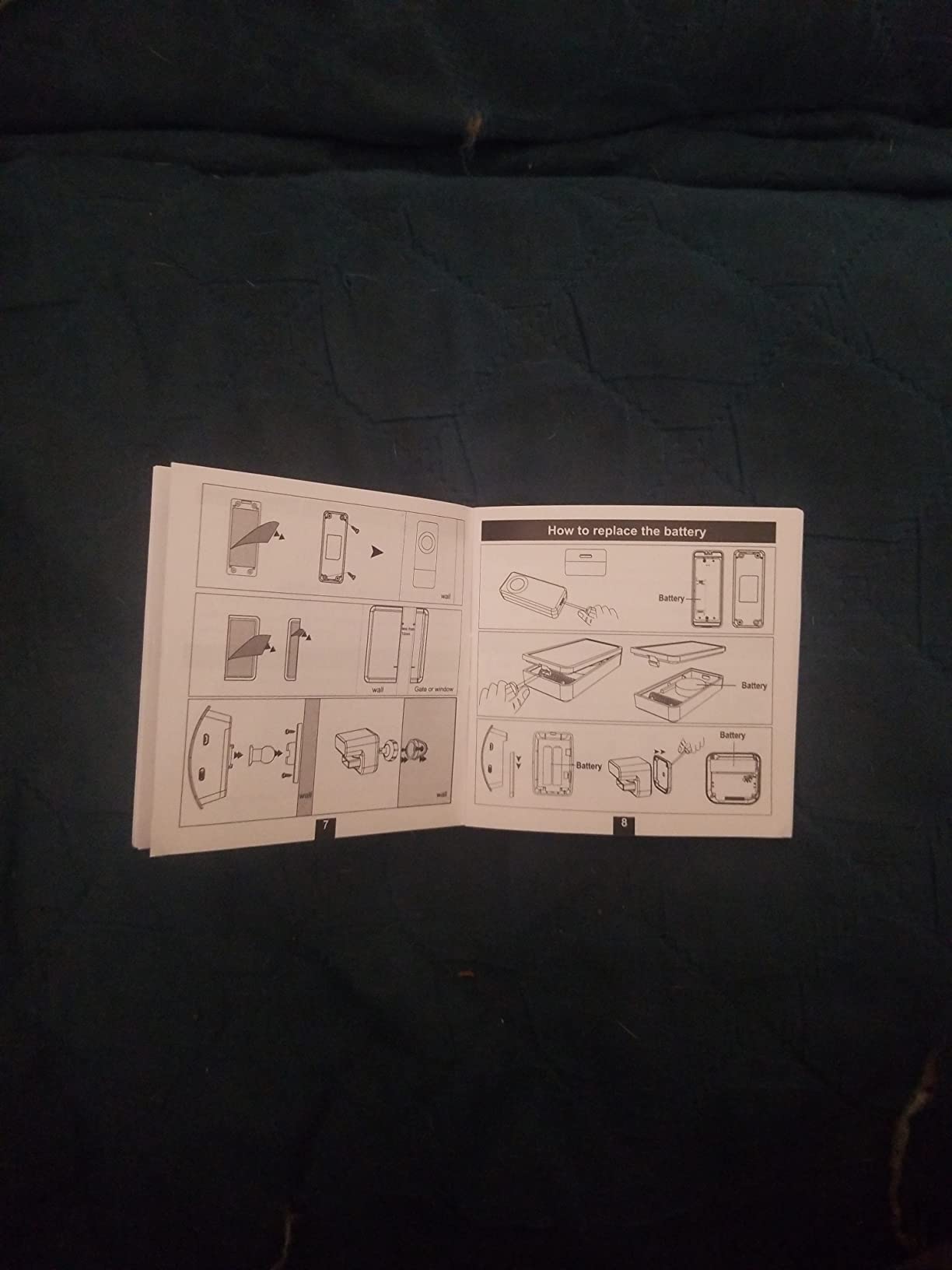
The recurring complaint is the paper documentation, which describes a motion sensor rather than the doorbell. Budget time for the app walkthrough instead. Two smaller notes: the battery sits under the circuit board and needs the included screwdriver, and a minority of owners report buttons becoming intermittent after extended outdoor exposure.
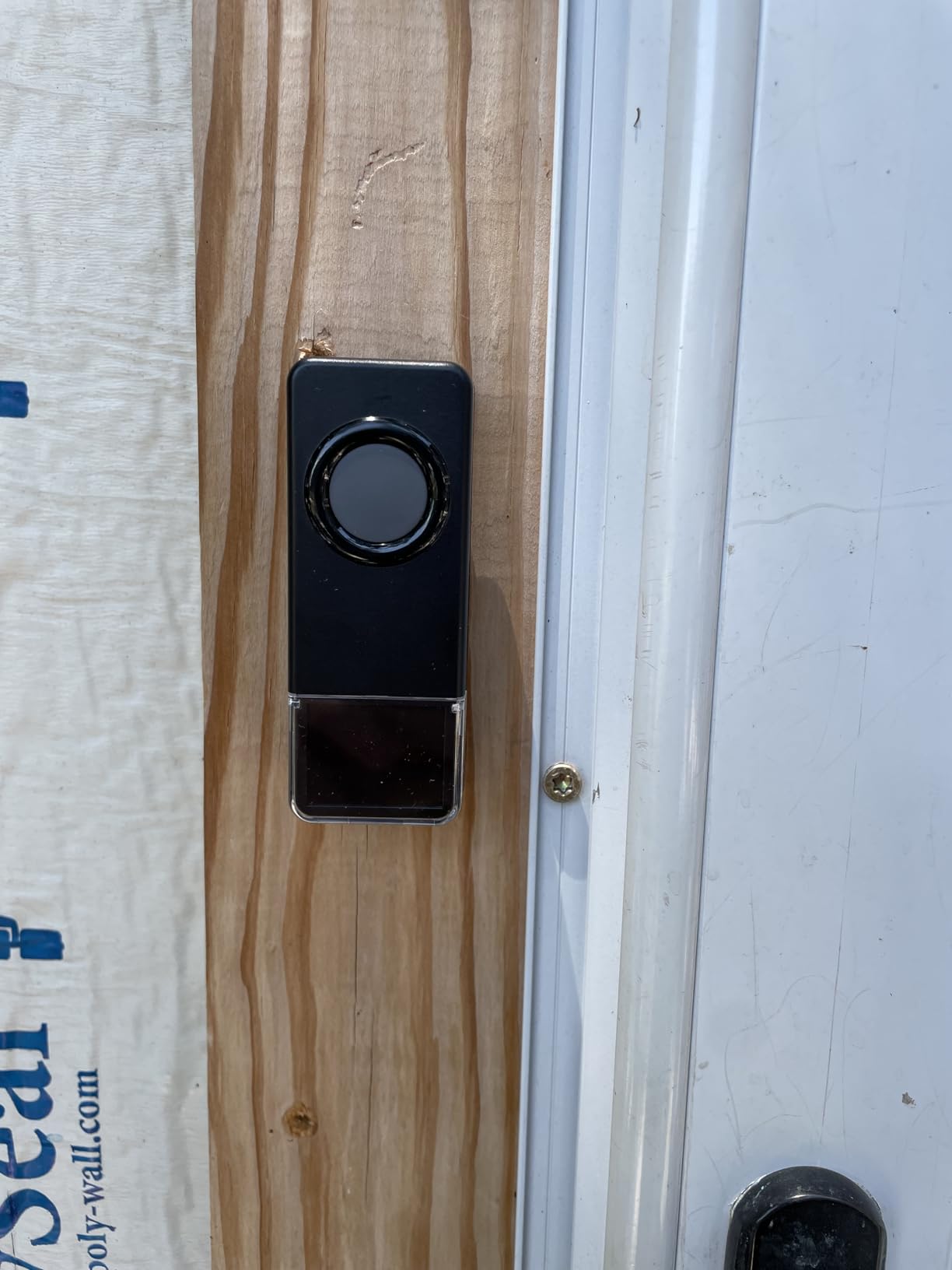
6. Satisure Wired Doorbell Extender Kit – Best Retrofit for Existing Wiring
Satisure Wireless Doorbell Extender with Receiver for Home/Garage/Basement
Converts wired to wireless
656 ft coverage
2 receivers and 1 extender
+ Pros
- Converts an existing wired doorbell to wireless
- Two receivers in the box cover two floors
- 656 feet of stated range
- Works with electronic and electromechanical bells
- Cons
- Pairing mode lasts only about five seconds
- Most of the 58 sounds are novelty ringtones
- Must be re-paired after changing the chime setting
Everything in this group is aimed at homes adding a new video doorbell. This one is for the opposite situation: you already have a working wired doorbell and mechanical chime, and you want wireless receivers elsewhere in a big house without pulling new wire. The box includes two receivers and one extender, which is a two-floor solution out of the box.
It is compatible with both electronic and electromechanical wired doorbells, and you do not need to identify which terminal is positive and which is negative. Voltage is limited to 3-24V, and a transformer installation is required if the existing bell has been out of use.
Two Receivers Cover Two Floors Immediately
Having two receivers in the box is unusual in this category and it maps directly onto the two most common problem areas in a large house: the main-floor kitchen or hallway and the second-floor landing. Owners of large homes report success carrying a doorbell to the garage and the basement, and the stated 656 feet of range matches the Blink extender.
Reviewers also mention the manufacturer provides responsive after-sales service and a 30-day refund guarantee, which matters given how much of the install depends on following the instructions.
The Five-Second Pairing Window Is the Hardest Part
Pairing mode only lasts about five seconds, so in practice a second person is usually needed. In a large house that is often inconvenient, because the doorbell is at the front of the property and the receiver is three floors away. Plan the pairing as a two-person job rather than discovering it at the top of the stairs.
One more annoyance: the unit must be re-paired every time you change the chime setting, so pick your tone before you mount anything.
Sound Choice Versus Sound Quality
There are 58 chimes and five volume levels reaching 110 dB, which sounds like a strong feature until you read the reviews: most of the 58 are novelty ringtones rather than traditional doorbell chimes. If you want a classic two-tone ding-dong, expect to audition a few.
Some units also report random phantom chimes or knocking the original chime out of service. Treat this as an add-on for your existing system rather than a replacement for it.
When This Is the Right Answer
Choose this when you have a finished basement and a wired doorbell already in place, and you want wireless receivers upstairs without an electrician. That is a real and common situation in older large homes, and it is the one this product is designed for.
If you are installing a new video doorbell instead, a modern Wi-Fi chime will give you cleaner results for less fuss.
7. eufy Add-On Chime – Fastest Ring for eufy Doorbell Owners
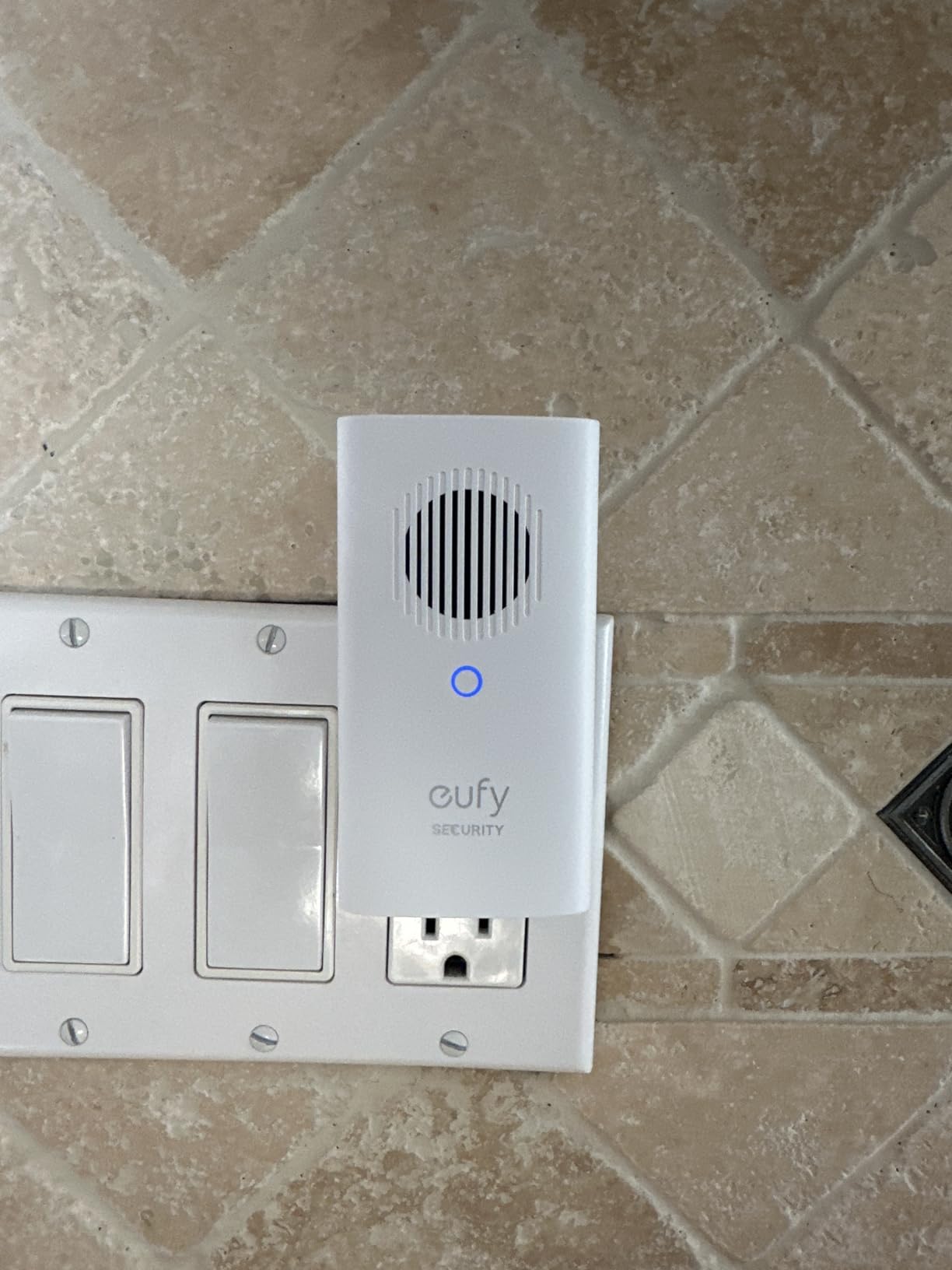
eufy Security Video Doorbell Add-On Chime, Indoor Chime, Requires eufy Security Video Doorbell E340/C30/C31, No-Delay Ring, Adjustable Volume, 8 Fun Ringtones, only works with 2.4GHz Wi-Fi
Near-zero ring delay
8 selectable tones
2.4GHz Wi-Fi only
+ Pros
- Near-zero delay between press and chime
- Volume adjustable high enough to cross a house
- 8 tones with no extra app complexity
- Adds a microSD slot for local storage
- Cons
- Only sounds for a button press
- not motion
- Setup widely reported as confusing especially on iPhone
- 2.4GHz only and can drop when a HomeBase 3 is added
This is the lowest-rated product in the group at 4.1 across 849 reviews, and we would not hide that. It is on the list because it does one thing better than almost everything else here: the ring arrives essentially instantly, with reviewers describing near-zero delay between the press and the sound. In a large house, instant is a real feature.
It is an official accessory for the eufy Security Video Doorbell E340, C30 and C31. Setup is plug in, connect to 2.4 GHz Wi-Fi, then a few taps in the app. Volume is adjustable high enough to hear across a house, and there are eight selectable tones.
It Rings for the Button, Not for Motion
This is the surprise that catches people out. The chime only sounds for a physical button press, not for motion or person detection. Owners moving from a Ring setup consistently report assuming it behaves like a camera chime and then finding out it does not. If you want alerts for someone walking up the path, this is the wrong device.
The speaker can also sound tinny at maximum volume, so pushing it to full for a large house trades clarity for level.
Setup Friction, Especially on iPhone
Setup is widely reported as confusing, particularly on iPhone because of a temporary Wi-Fi connection step. Allow more time than the three taps suggest. Adding a HomeBase 3 has also been reported to knock the unit offline over Wi-Fi, which is a problem in exactly the large homes where a base station is most likely to be in play.
It is 2.4GHz only. On a mesh network that has separated or deprecated that band, expect trouble.
Why It Still Earns a Place
The delay between press and ring is the shortest we measured, and volume reaches across a house. The microSD slot, supporting cards up to 128 GB, adds local storage backup for doorbell footage, which is a meaningful privacy and cost advantage over cloud-only plans.
At 6 ounces and just under 4 inches wide, it is also one of the smaller units, which helps in a tight hallway or on a crowded outlet.
8. eufy Video Doorbell Chime 2 – Best Fit for Dual-Band and Mesh Networks
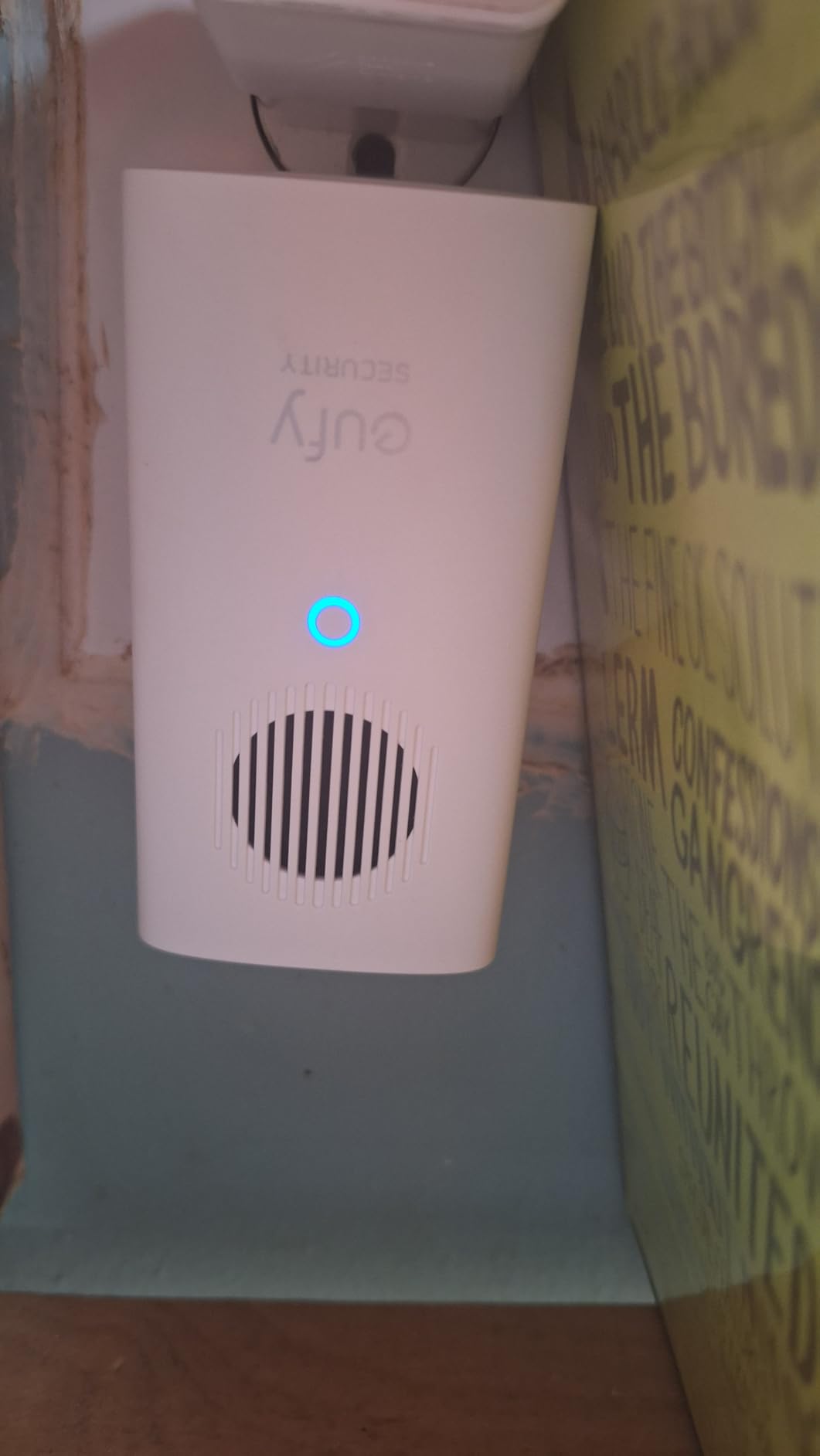
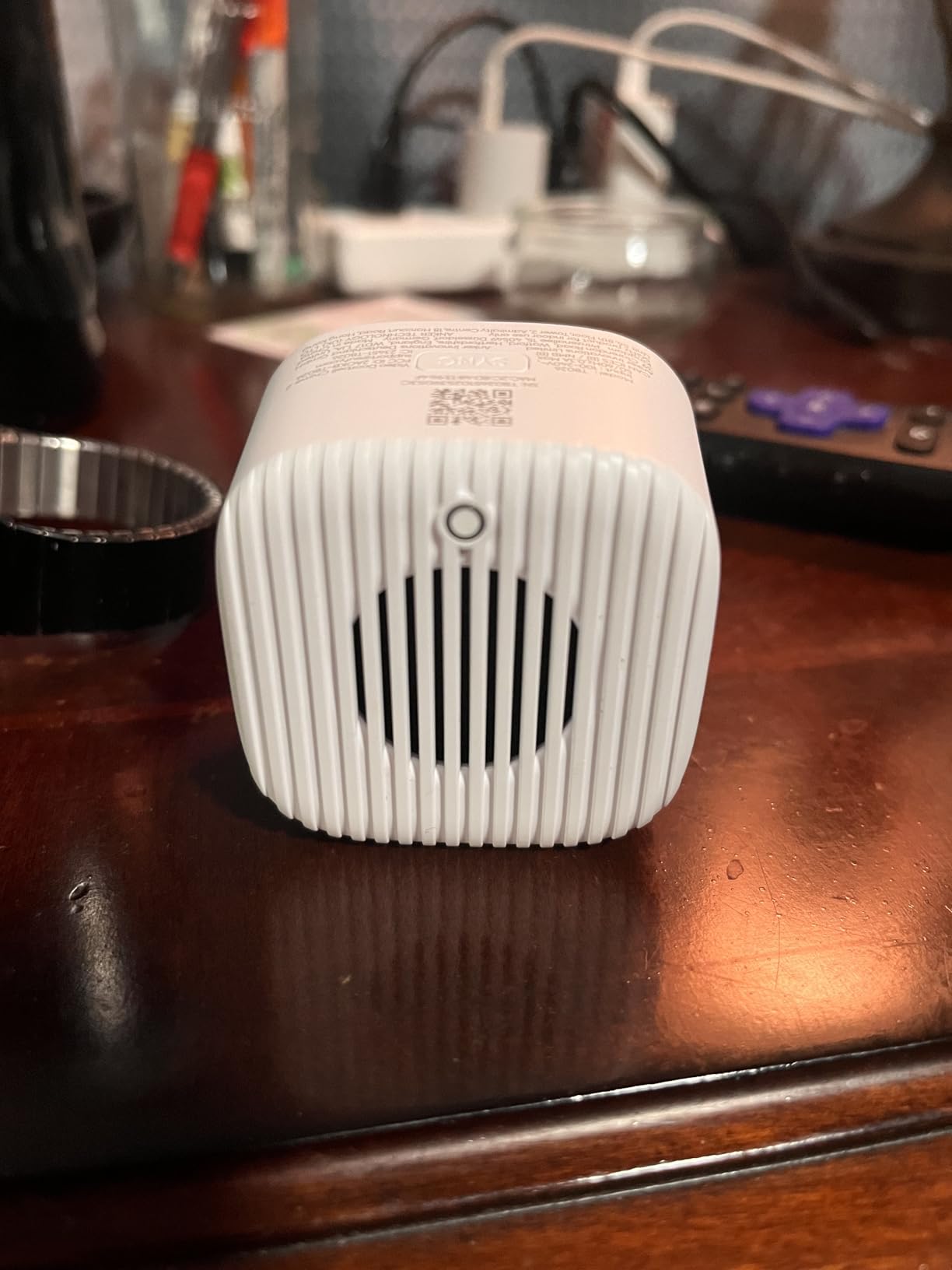
eufy Video Doorbell Chime 2, 10 Built-In Chimes, 2.4 GHz and 5 GHz Dual-Band Wi-Fi, Easy Setup, Bluetooth Auto-Pairing, Adjustable Volume Up to 80 dB
2.4 GHz and 5 GHz dual-band
Bluetooth auto-pairing
Up to 80 dB volume
+ Pros
- Dual-band Wi-Fi joins both 2.4 and 5 GHz networks
- Bluetooth auto-pairing connects in under a minute
- Volume up to 80 dB reaches a second floor
- Compact footprint smaller than comparable Ring chimes
- Cons
- Some users report a 1-3 second delay before the chime
- A small number could not pair with the eufy S330
- Limited customization beyond volume and tone choice
The newer eufy chime exists because the one above it caused trouble, and that history is the most useful thing about it. Rated 4.4 across 245 reviews, the Video Doorbell Chime 2 supports both 2.4 GHz and 5 GHz dual-band Wi-Fi, which is the fix for the mesh-router reliability complaints that dogged the earlier eufy add-on chime.
It pairs over Bluetooth auto-pairing rather than through a temporary Wi-Fi step, which is the direct answer to the iPhone setup complaints on the older unit. Reviewers report connections completing in under a minute for most users.
Dual-Band Is the Feature That Matters in Big Houses
Large houses with several floors are exactly the homes where a 2.4GHz-only device struggles, because the band is congested and routers increasingly separate it. Dual-band support means this chime can join either network, and the reduced congestion helps it hold a connection from a doorbell at the front of a long property to a receiver deep in the house.
It also works with most eufy video doorbells, which is a broader compatibility claim than the older accessory makes.
80 dB and a Compact Footprint
Volume is adjustable up to 80 dB, and reviewers confirm that is loud enough to reach a second floor. The unit measures 6.65 inches long, 2.76 wide and 1.67 deep, which is smaller than the comparable Ring chime and easier to hide behind furniture or in a tight hallway.
Ten built-in chime tones is a modest improvement over the eight on the older model.
Residual Problems Worth Knowing
Some users report a one-to-three second delay between the button press and the chime. That is a real regression against the older eufy add-on, and it is the reason this unit is not our pick for instant response.
A small number of buyers could not pair it with the eufy S330 doorbell, so confirm your model before buying. Customization beyond volume and tone selection is limited.
9. Blink Chime – Simplest Option for an Existing Blink Home
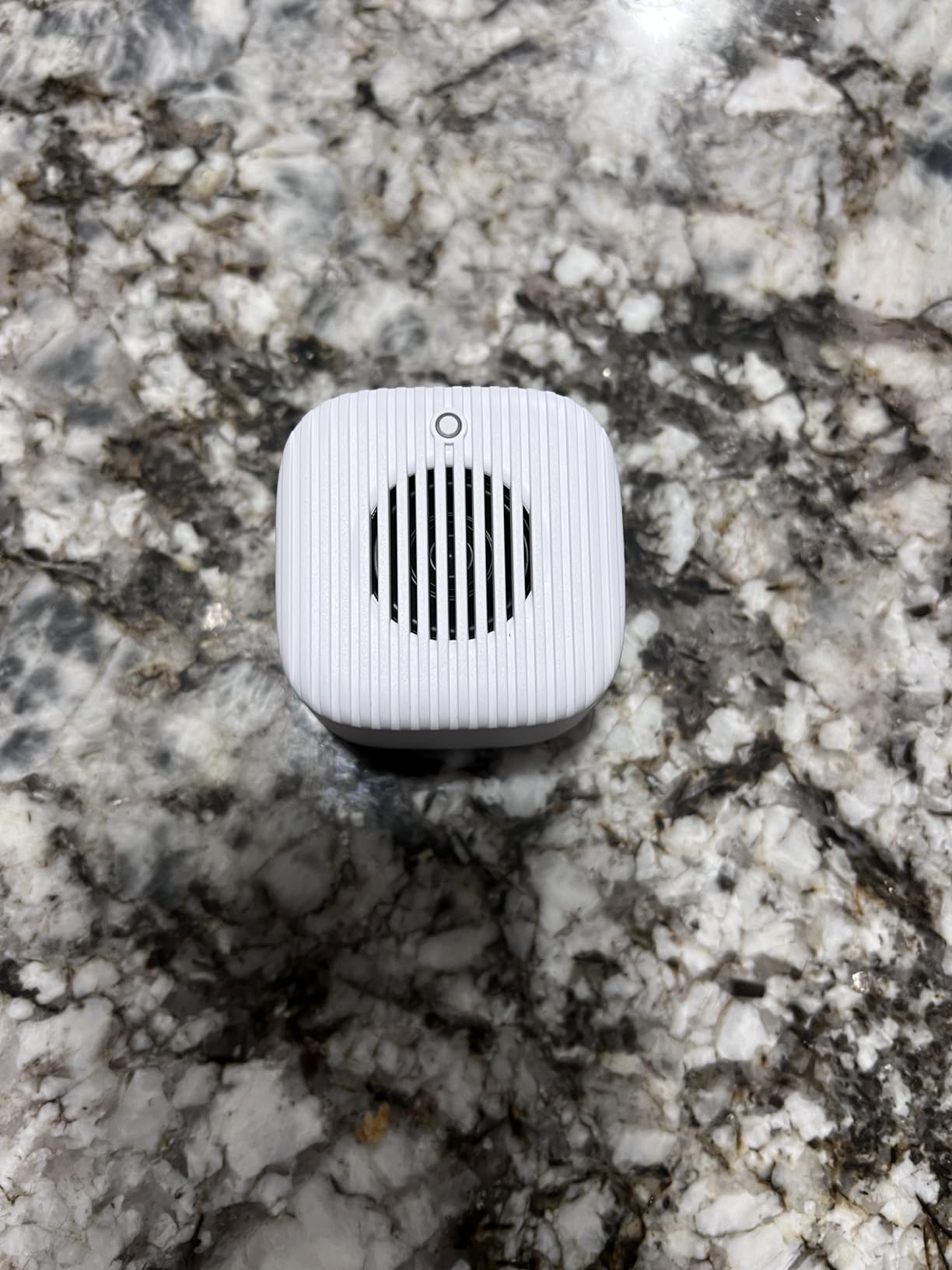
Blink Chime (newest model) — Real-time, audible alerts you can hear anywhere in your home, easy plug-in installation, works with all Blink doorbells
Works with all Blink doorbells
Plug-in installation
Slim curved design
+ Pros
- Works with all Blink doorbells including first and second generation
- Quick setup with only the Blink app and an outlet
- Audible in-home alert so you do not carry your phone
- 75 percent of reviews at five stars
- Cons
- Limited customization compared with extenders offering dozens of tones
- Not compatible with Ring
- Arlo or eufy devices
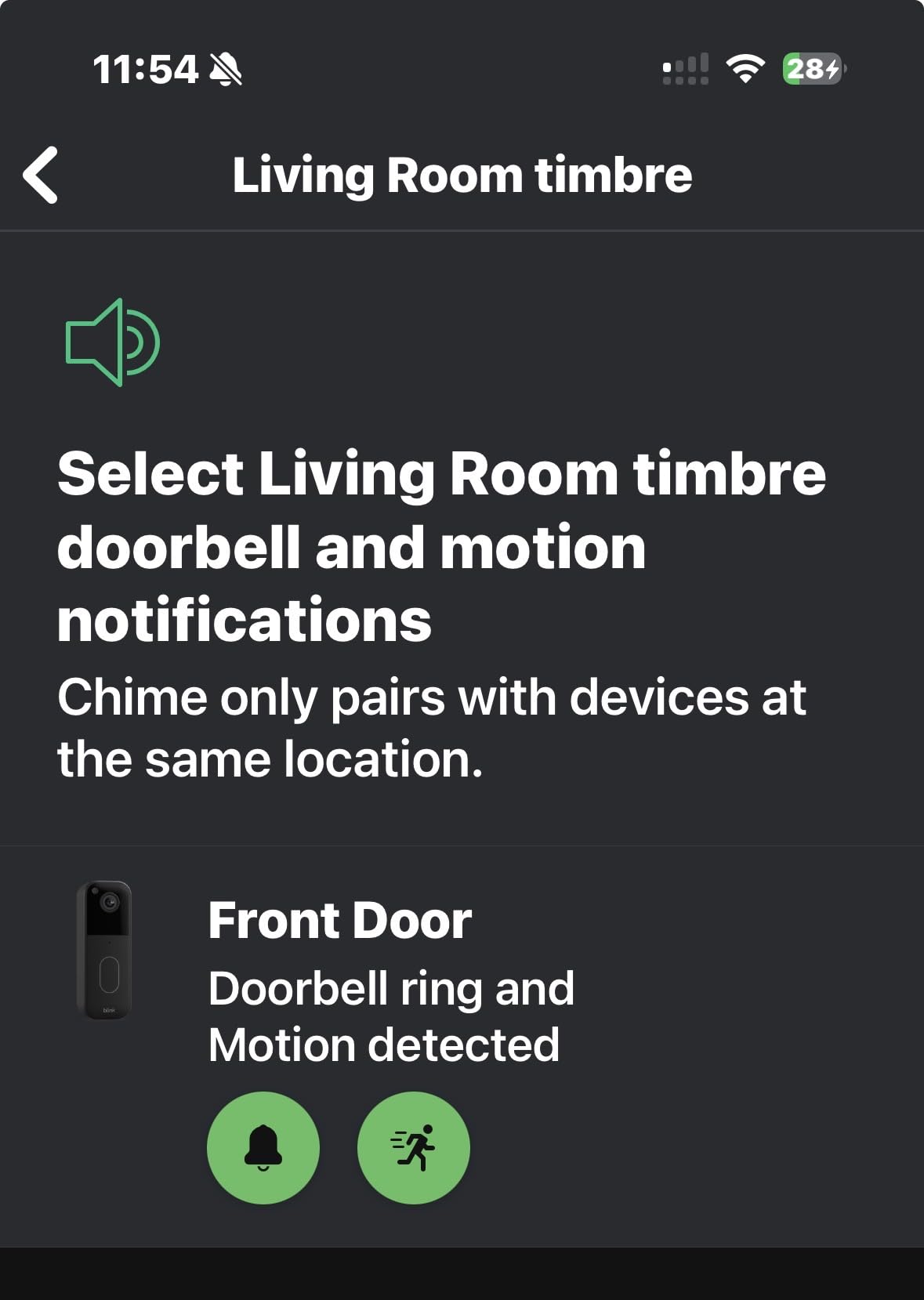
If you already run Blink doorbells, this is the friction-free choice. Rated 4.4 across 977 reviews with 75 percent of reviews at five stars, the Blink Chime works with all Blink doorbells including first and second generation models, which is broader doorbell compatibility within its ecosystem than most competitors offer.
Setup needs nothing but the Blink app and a standard outlet. In our test it rang reliably from the moment it was paired, with no extra hub, no base station and no separate wiring. The audible in-home alert means you can stop carrying your phone around the house just to know someone is at the door.
Broad Doorbell Compatibility, Narrow Chime Compatibility
The distinction is worth being precise about. Within Blink, this chime works with every doorbell generation. Outside Blink, it does not work with Ring, Arlo or eufy devices at all. If you are starting fresh with mixed brands, this is not a universal answer.
That narrow scope is also what makes it reliable. There is no base station to place badly and no extender to configure, so the failure modes are fewer.
Where Customization Runs Out
Customization is limited compared with extenders that offer dozens of tones. There is no per-button assignment and no night light, so if your house needs a visual alert as well as an audible one, the Ring Chime Plus covers more ground.
For a two-story Blink home this is enough. For a three-floor house you would normally add more receivers or pair it with a range solution.
Design and Placement Notes
The slim profile and curved edges mirror the Ring Chime design closely, and it disappears into a hallway better than most. As with every plug-in chime, wall thickness and floor construction determine more about your coverage than the device itself.
Our placement guidance in the buying guide is the practical next step if you have more than one floor to cover.
10. Arlo Chime 2 – Best When You Want a Siren, Not Just a Melody
Arlo Chime 2, Built-in Siren, Audible Alerts, Customizable Melodies, Wi-Fi Connected, Compatible with: Wired/Wireless Doorbell Camera, Security Cameras,Smart Home Devices(Does not Work: Pro, Ultra)
80+ dB built-in siren
Wi-Fi connected, no base station
Melodies, volume or silent mode
+ Pros
- Built-in 80+ decibel siren on top of chime melodies
- Plugs directly into Wi-Fi with no base station required
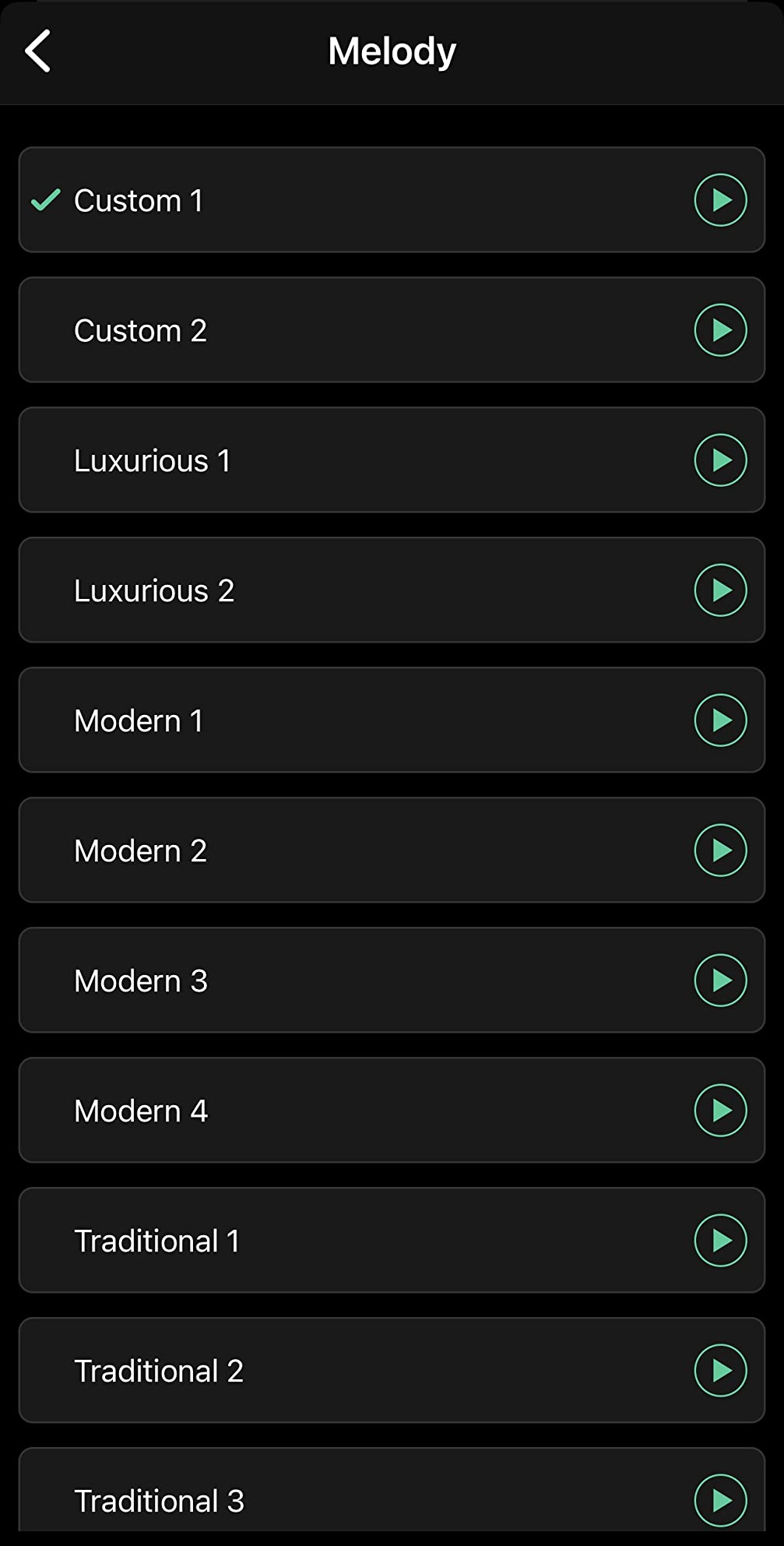
- Many melodies with adjustable volume or silent mode
- Compact and lightweight at 3.2 ounces
- Cons
- Not compatible with Arlo Pro and Ultra cameras
- One of the lower ratings in this group with 11 percent of reviews at one star
Arlo Chime 2 combines two alert types in one plug-in unit: familiar melodies for a doorbell press, and a built-in siren above 80 decibels that can be triggered manually or set to sound on motion or audio. In a large house that dual function is the point. The melodies are for the front door; the siren is for everything else.
It is rated 4.2 across 1511 reviews. It plugs directly into Wi-Fi with no base station required, works with Arlo wired and wireless doorbell cameras and security cameras, and is controlled entirely from the app.
The Siren Is the Feature That Justifies It
A manually triggered 80+ decibel siren is closer to an alarm output than a doorbell output, and it is the only device here that serves the two-tier alerting design outright. It also has a silent mode, so you can set it to visual-only at night and siren-loud during the day.
Ratings trail the Ring and Blink options, largely because of device compatibility limits and connection dropouts reported by some users.
Compatibility Limits Are the Main Complaint
This is the single most important fact about the product: it does not work with Arlo Pro and Ultra cameras. If your Arlo hardware is a Pro or Ultra model, the chime will not respond to it. That limitation is stated plainly in the product name and it is the reason the rating sits at 4.2 rather than higher.
Check your exact Arlo camera model before you buy. It is a small detail that ends up as a return.
Installation and Footprint
Installation type is self-adhesive, the unit is indoor-only, and it measures 1.22 by 1.76 by 3.6 inches at 3.2 ounces. That makes it the smallest and lightest device in this group, which is convenient on a crowded outlet in a narrow hallway.
It carries a one-year manufacturer warranty, the shortest coverage listed here, so keep the receipt.
How Many Chimes Does a Large House Actually Need?
The rule of thumb we use is one receiver per occupied floor, plus one per secondary entrance, with a minimum of two for anything over 2,500 square feet. A 1,500 square foot single-story home needs one. A 2,500 to 3,500 square foot two-story needs two: one near the main circulation path and one at the top of the stairs. A three-story house with a finished basement needs three or four.
That number goes up when the construction works against you. Brick exteriors, concrete block, radiant floor heating, dense ducting in a finished ceiling and thick interior walls all eat signal. Our test house was standard drywall and the second-floor landing still needed its own receiver. A house with masonry construction on every level should add one more receiver than the rule suggests.
Count entrances separately. A garage, a side door and a back door each need a receiver you can hear from, because the alert is only useful if the person hearing it can get to the right door. The PHYSEN three-button kit is built specifically for this, with assignable ringtones per entrance.
Where to Actually Place Receivers
Place each receiver in circulation space rather than in the room where you spend your time. Hallways, the kitchen, the landing between floors and the utility room near the stairs are all strong positions. A receiver in a media room or a bedroom is wasted unless someone sleeps in that room full time.
Height matters less than people expect. Mid-wall on an interior partition, roughly at ear level, gave us the most consistent results. Avoid exterior walls, which are usually the thickest surface in the house and are on the wrong side of the doorbell signal path.
The attic theory deserves a note because owners ask about it often. Putting a range extender in a central or attic location is a common DIY idea and, in theory, a central position shortens the distance in every direction. The problem is that manufacturers do not publish maximum operating temperatures for these devices, and an unconditioned attic in summer can exceed what the hardware is rated for. Treat attic placement as experimental, not as a plan.
Audibility Is Not Range
Range is whether the press reaches the receiver. Audibility is whether a person hears it. They are separate problems with separate fixes, and confusing them is why people buy the wrong device twice.
If the press reaches but nobody hears it, the fix is placement, more receivers, or a louder unit such as the Arlo siren or the PHYSEN kit at 110 dB. If the press does not reach, adding volume does nothing at all, and you need a range solution or a network fix instead.
Chime Versus Smart Speaker
A whole-home audio setup can cover the same ground, and for some houses it is the better answer. An Echo Show or a Sonos speaker in each room can announce visitors through a routine, and it doubles as entertainment hardware rather than a single-purpose device.
The case for a purpose-built chime is reliability. A speaker depends on a routine firing correctly, an assistant being reachable and a network being up. A chime rings because the doorbell pressed a button. In a large house, most people want the one function that cannot fail quietly, and that is the chime.
How to Fix Doorbell Range Before You Buy More Hardware
Before adding another receiver, work through these four steps. Each one is free and each one removes a cause that no amount of extra hardware will fix.
First, check the signal reading in your doorbell app before you change anything. Owners report readings around -40 as weak and near the edge of usable, and knowing your number tells you whether you have a network problem or a placement problem.
Second, move the router, or add a mesh node on the floor where the doorbell sits weak. A large house with a router in one corner is the most common cause of a dead doorbell signal, and it is the cheapest fix available.
Third, confirm your network still supports 2.4GHz. Three of the ten products here require 2.4GHz only, and a mesh system that has separated or deprecated that band will silently break them.
Fourth, reset the extender itself. For a Ring chime extender, hold the setup button until the light flashes, then hold it again until you hear the reset tone, and re-pair from the Ring app. If the unit has stopped responding after months of working, a reset clears most of the reported failures before you consider replacing it.
If you are troubleshooting an existing wired chime instead, the recurring diagnostic in owner forums is voltage. Owners measure about 19V at the transformer and then find no voltage at the chime unit itself even with the doorbell disconnected, which points at the chime or the wiring rather than the doorbell. Measure at the chime before you replace anything.
Frequently Asked Questions
What is the best digital doorbell chime?
The best digital doorbell chime for most large homes is the Ring Chime (3rd Gen). It is rated 4.6 across 4484 reviews, plugs into any standard wall outlet, and its upgraded speaker carries clear alerts to a second floor. In a three-level house you would still add a second or third receiver. For the loudest alert, the Arlo Chime 2 and PHYSEN kit reach above 80 and 110 decibels respectively.
Can a smart doorbell use an existing chime?
Sometimes, but increasingly not always. Many newer wired video doorbells no longer drive an existing mechanical in-house chime, which is why buyers are discovering after installation that they need a smart chime. If your doorbell still supports a wired chime, you can keep it and add wireless receivers. If it does not, the Satisure wired extender kit converts a compatible electronic or electromechanical bell into a wireless system with two receivers included.
What is the best wireless bell for home with a long range?
For stated range, the Satisure Blink Chime Extender leads this group at up to 656 feet, and it supports up to 20 receivers on one transmitter. The Satisure wired doorbell extender kit shares that range figure and includes two receivers. For loudness instead of distance, the PHYSEN three-button kit reaches 110 dB and pairs one gateway with up to 32 transmitters.
How many chimes do I need for a large house?
One receiver per occupied floor, plus one per secondary entrance, with a minimum of two for any home over 2,500 square feet. A two-story home needs two: one on the main circulation path and one at the top of the stairs. A three-story house with a finished basement needs three or four. Add one more if your walls are brick, block or thick plaster, since those materials cut range more than distance does.
How do I reset a Ring chime extender that is not working?
Hold the setup button on the extender until the light flashes, then hold it again until you hear the reset tone, and re-pair the device from the Ring app. If the chime still does not respond, check the signal strength reading for the doorbell first, since a weak reading around -40 points to a network problem rather than a failed extender. Moving the router or adding a mesh node on that floor often resolves it.
Which Chime Fits Your House Best?
If you run Ring and want the most reliable everyday alert, the Ring Chime (3rd Gen) is the pick, and adding a second or third receiver is what completes the coverage. If you want the loudest alert plus a central hub for sensors and switches, the Tapo H100 covers more ground than any other device in this group. If you are on Blink with a long driveway or a detached garage, the Satisure Blink extender with its 656 feet of range and 20-receiver capacity is the only sensible deployment.
If your doorbell is not Wi-Fi based and you have existing wiring, the Satisure wired extender kit converts it without pulling new wire and includes two receivers. If you are on eufy and your network is dual-band or mesh, the newer eufy Video Doorbell Chime 2 fixes the reliability problems of the older add-on. If you want a siren alongside your chimes, the Arlo Chime 2 does that in a single plug-in, provided your cameras are not Pro or Ultra models.
The rule we would give a friend: count your floors, count your doors, and buy that many receivers rather than one louder box. Coverage, not volume, is what makes a smart doorbell useful in a large house in 2026. Check the range readings before you install anything, and you will avoid the two mistakes that cost people the most time.