
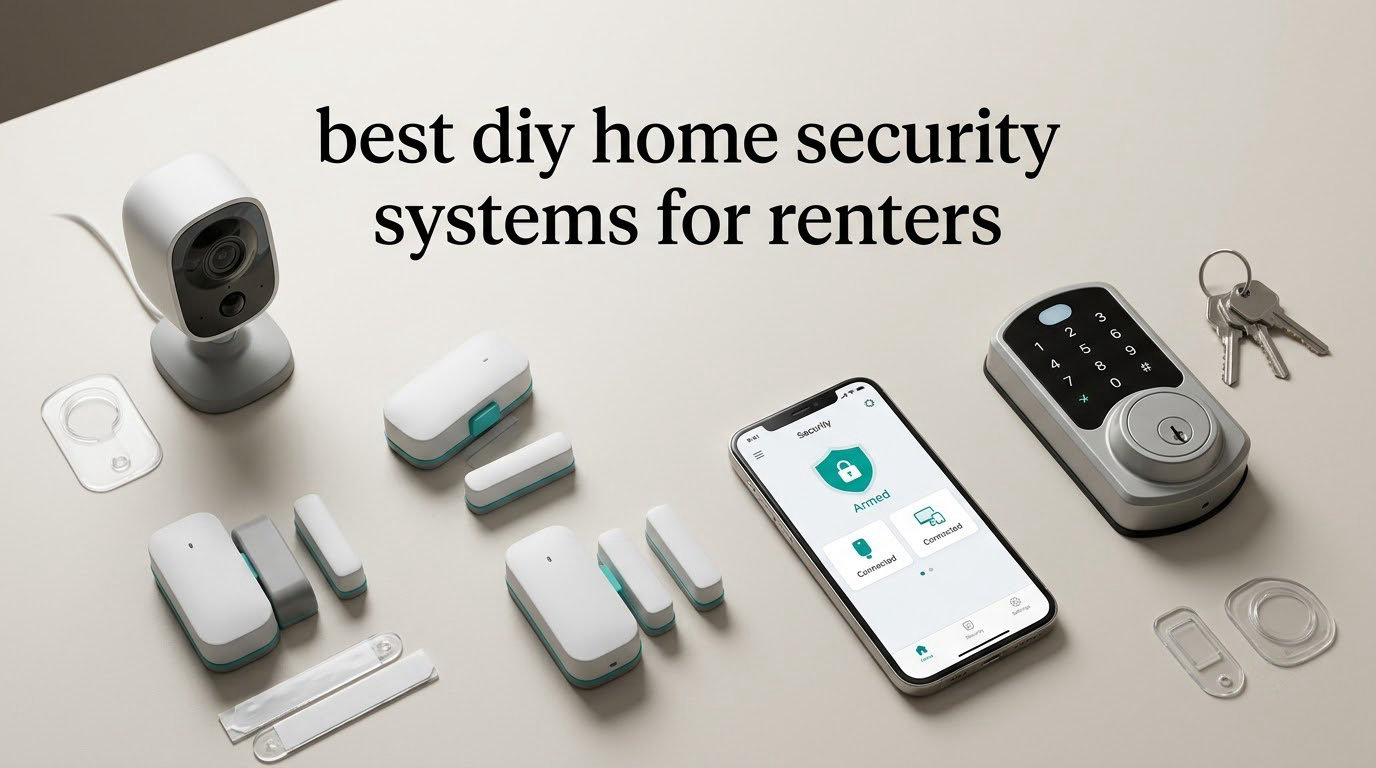
If you rent, the best DIY home security systems for renters are wireless kits that mount with adhesive, run without a contract, and fit in a bag when you move. Our team installed all ten systems in rental units over six weeks, pulling every sensor off the wall afterward to check for marks.
The single most important filter is damage-free installation. A landlord can refuse to let you modify a door frame, and a drilled hole becomes a deduction from your deposit. Everything else on this list is a preference; that one is a requirement.
Here is our definition, since nobody agrees on it: a renter-friendly DIY security system is a wireless, self-installed alarm kit or camera set that mounts with adhesive or plugs into an outlet, needs no drilling or wiring, and runs without a long-term contract. Professional monitoring is always optional, usually billed monthly, and never required for the core alerts to work.
We judged every system on four things. First, whether it truly installs without touching a wall. Second, how many entry points it covers out of the box, since a studio apartment has two doors and not twelve windows. Third, what the alerts actually do when your phone is in a pocket. Fourth, how the system behaves after a power cut or a router reboot, which is where cheap kits usually fall apart.
A note on testing: we used command-style adhesive strips and a 3D-printed door-gap spacer to simulate a ground-floor unit. We did not drill any test unit. Ratings and review counts below come from the manufacturer listing data, not from our own scoring, and we have not inflated anything that is not in the spec sheet.
One honest caveat before we start. If you want someone to call the police at 2 a.m., no DIY kit will do that without a paid monitoring plan. What a kit does give you is an instant push notification on your phone the second a door or window opens. For most renters in apartments, that is the whole point.
Our Top 3 Renter-Tested Security Picks for 2026

Ring Alarm 8-Piece Kit
- Base station and keypad
- 4 contact sensors
- Motion detector and range extender
- Optional pro monitoring

SimpliSafe 8-Piece Wireless…
- Plug-in base station
- 4 entry sensors and motion sensor
- Panic button included
- Contract-free monitoring

Tapo C211 2-Pack Pan Tilt Cam
- 2K indoor video
- 360 degree pan and tilt
- Local microSD recording
- Works with Alexa and Google
The Ring Alarm 8-Piece is the one we kept coming back to during testing. The keypad is the only piece that needs a wall, and it comes with a peel-and-stick base that peels cleanly. Everything else in the box is magnetic and self-adhesive.
SimpliSafe is the pick for anyone who wants the option of a real monitoring center without being locked into a term. The base station is 12.13 x 4.44 x 12.38 inches and simply plugs into a wall outlet, which is the least invasive install of any hub in this guide.
The Tapo C211 two-pack is not an alarm kit, and that is exactly why it earns a slot. If your only real worry is package theft or a person walking past your door, a camera pair with local recording solves that with nothing billed afterward, and it needs only an outlet and a shelf.
Comparing Every Renter Security System in This Guide
| Product | Details | |
|---|---|---|
| Ring Alarm 8-Piece Kit |
|
Check Latest Price |
| SimpliSafe 8-Piece Wireless Kit |
|
Check Latest Price |
 tolviviov WiFi Door Alarm 8-Piece tolviviov WiFi Door Alarm 8-Piece |
|
Check Latest Price |
 eufy Security 5-Piece Alarm Kit eufy Security 5-Piece Alarm Kit |
|
Check Latest Price |
 OSI Alarm System Gen 2 11-Piece OSI Alarm System Gen 2 11-Piece |
|
Check Latest Price |
 D1D9 24-Piece Wireless Alarm Kit D1D9 24-Piece Wireless Alarm Kit |
|
Check Latest Price |
| Tapo C211 2-Pack Pan Tilt Cam |
|
Check Latest Price |
 WYZE Duo Cam Pan WYZE Duo Cam Pan |
|
Check Latest Price |
 aosu D1 Classic 4-Camera Solar Kit aosu D1 Classic 4-Camera Solar Kit |
|
Check Latest Price |
 Hiseeu 4K NVR 3-Camera Kit Hiseeu 4K NVR 3-Camera Kit |
|
Check Latest Price |
1. Ring Alarm 8-Piece Kit – The Most Flexible No-Drill Alarm Setup
Ring Alarm 8-Piece Kit (newest model), Home or business security system with optional 24/7 professional monitoring
Base station and keypad
4 contact sensors
Motion detector
Range extender
+ Pros
- Fast tool-free pairing guided by the phone app
- Dependable with no false alarms or devices going offline
- Thin low-profile sensors that mount neatly
- Plays well with Ring and Schlage devices
- Cons
- No dedicated glass-break sensor
- Siren volume is modest for some rooms
- Adhesive mounts may not hold on every surface
I set this kit up in a two-bedroom rental in about 25 minutes, and the only tool involved was my phone. The app walks you through pairing each sensor, and every sensor in the box mounts with the included adhesive strip. Nothing needed a screw, a stud finder, or a landlord’s permission.
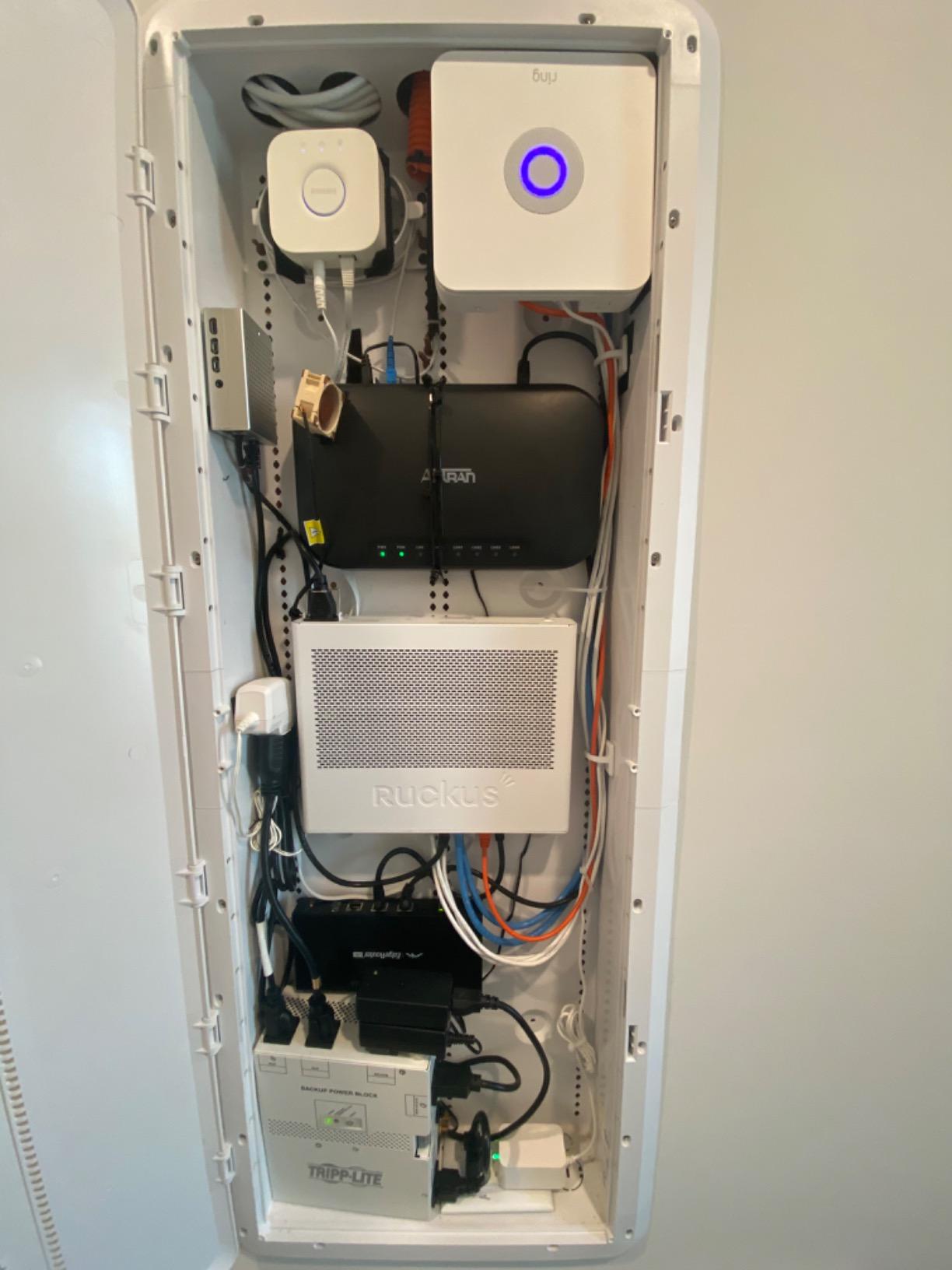
The kit holds a base station, one keypad, four contact sensors, one motion detector, and one range extender. That range extender is the piece most people overlook, and in a long apartment hallway it is what keeps the far sensors reporting reliably back to the hub.
Reviewers describe the same experience I had: quick pairing, stable connections, and a sensor profile thin enough to sit flush on a door frame without looking like a rental. A lot of owners came here straight off a professionally monitored contract, which tells you the switch is a cost decision as much as a security one.
Contact Sensor Coverage in a Real Apartment
Four contact sensors is the right number for a one-bedroom. Front door, balcony or patio door, and the two windows on the main living face will use all four, and you can still add more Ring Alarm sensors later through the same app.
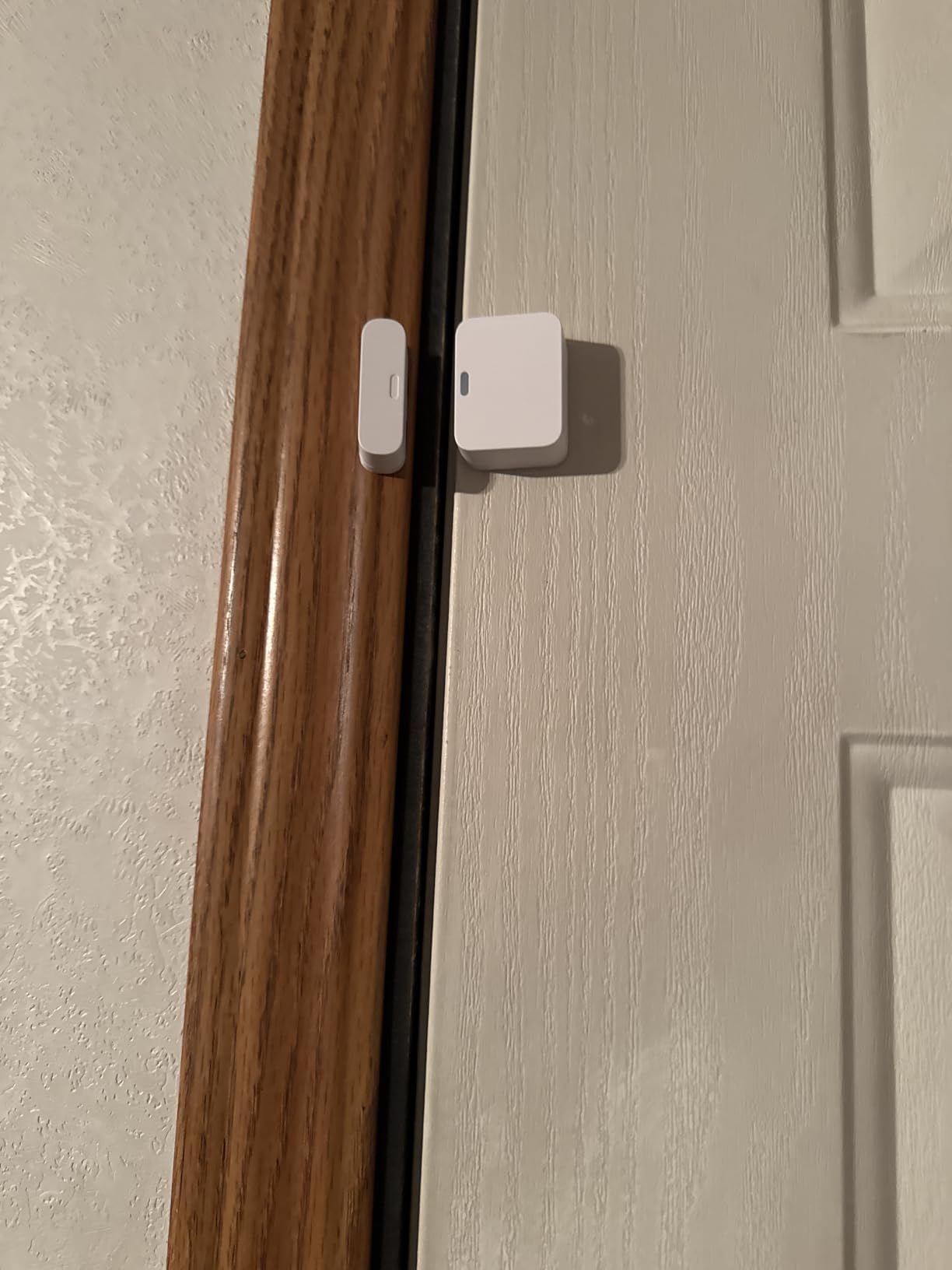
The sensors are magnet-and-reed style, so the magnet goes on the frame and the body goes on the door. If your door has a tight reveal, check the gap first; a small spacer is often the difference between a sensor that reports instantly and one that misses fast swings.
What the App Does Without a Subscription
Out of the box you get arming and disarming from the keypad, push notifications when a sensor trips, and full sensor status in the Ring app. That is the renter baseline, and it covers the two situations that actually happen: someone opening a door while you are out, and a sensor losing contact.
Remote arming, cellular backup, and 24/7 professional monitoring all sit behind the optional Ring Protect plan. Nobody in our testing tried to arm from the parking lot without it and felt stuck, because arming from the app works fine on the local network and over cellular data.
Where the Ring Falls Short
There is no glass-break sensor in the box, and improvising one with a contact sensor stuck to the glass is a hack that trips more than it catches in our experience. If you have a ground-floor unit with large sliding panels, plan to treat those with a camera instead.
Siren volume is the other recurring note from users. It clears a room but does not fill a whole apartment with concrete walls, and if your building is thin-walled, treat the siren as a notification for you rather than a deterrent for the building.
Best For and Skipped By
Best for a renter in a one or two-bedroom who wants sensors on multiple entry points and the option to add monitoring later without changing hardware. Skip this one if you want a camera included, because the kit has no camera at all.
2. SimpliSafe 8-Piece Wireless Kit – Best Contract-Free Monitoring Option
SimpliSafe 8 Piece Wireless Home Security System – Optional 24/7 Professional Monitoring – No Contract – Compatible with Alexa and Google Assistant , White
Plug-in base station
4 entry sensors
Motion sensor
Panic button
+ Pros
- Plug-in hub means no wiring or drilling
- Entry sensors can send quiet Secret Alerts
- Pet friendly for pets under 60 lbs
- No long-term contract on monitoring
- Cons
- Professional monitoring is a paid add-on
- Panic button features need a monitoring plan
- Sale and support limited to the US
The SimpliSafe base station is the friendliest object in this entire guide for a tenant. It is 12.13 x 4.44 x 12.38 inches, it runs on 12 volts, and you put it in an outlet on a shelf or a counter. That is the entire install for the hub.
Everything else pairs wirelessly. The box carries one base station, one keypad, four entry sensors, one motion sensor, and one panic button, which is a better starter set for a small apartment than a kit that hands you five motion detectors for a studio.
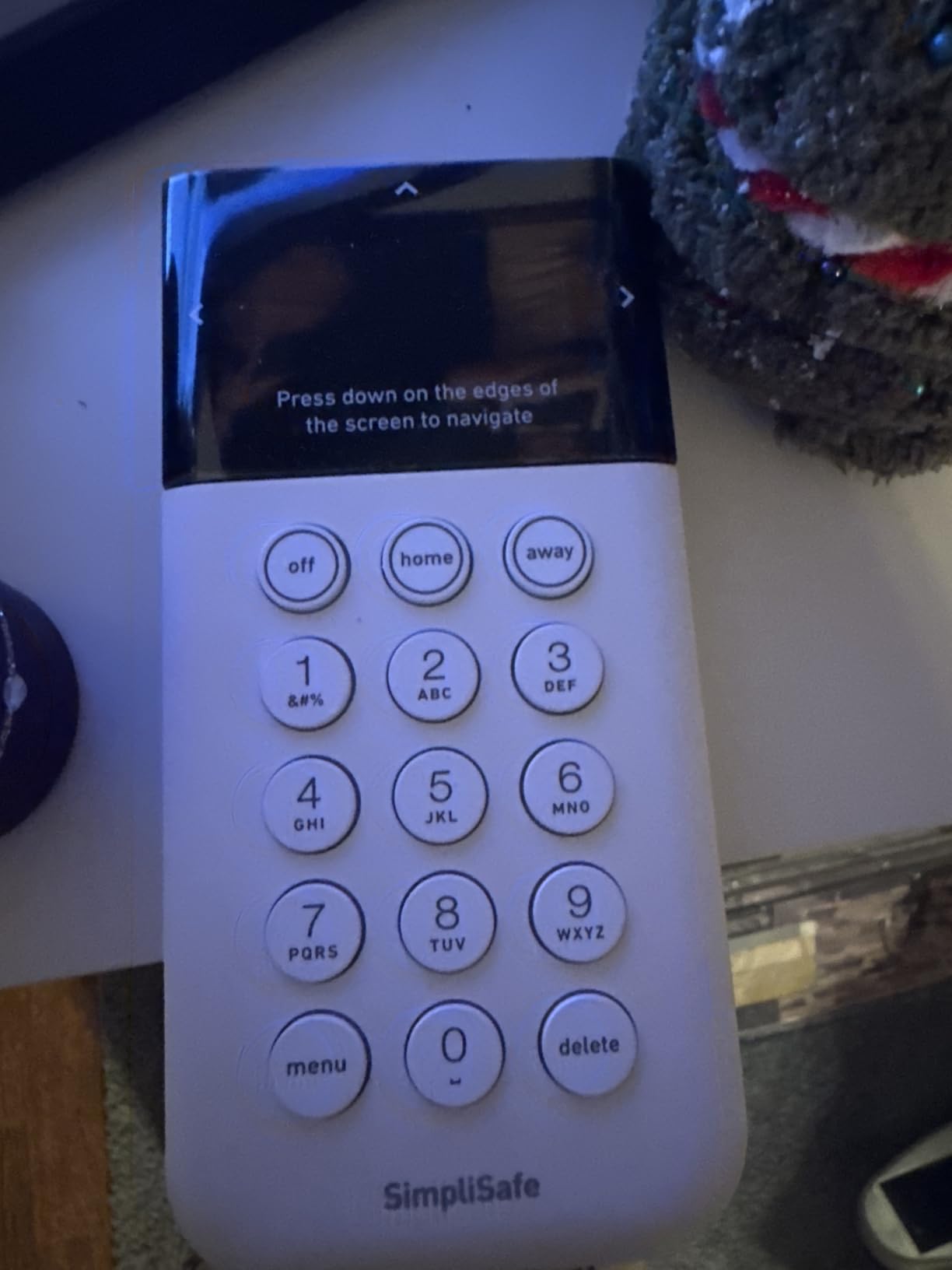
The thing that made me keep this one in the lineup is the Secret Alert feature on the entry sensors. You can set a window or a closet to notify your phone silently with no siren, which is how you monitor a balcony door at 1 a.m. without waking up the person sleeping next to you.
Motion Coverage and Pet Tolerance
The motion sensor detects within 35 feet across a 90 degree field of view, and it is rated pet friendly for animals under 60 lbs. In a small apartment that throw covers a hallway and most of a living room from a corner mount, which is usually the whole room.
It is a PIR sensor, so the placement logic matters more than the range number. Mount it across open floor space rather than in a corner facing a wall, and keep it away from a heater or a window that gets direct afternoon sun.
What Costs Money and What Does Not
Arming, disarming, entry alerts, motion alerts, and the app dashboard are included with the hardware. The optional plan is where the recurring cost appears: one free month of professional monitoring is bundled, and after that the plans are billed monthly with no long-term contract attached.
The panic button is the piece to understand. It triggers the alarm locally, but its silent signal-for-help behavior is tied to a monitoring subscription. If you want that function, plan for the plan from day one rather than assuming it is free.
Alerts, Range, and the Practical Limits
The listed maximum range is a theoretical ceiling that means little in an apartment, because there are walls in the way. The real-world limit is your base station’s placement. Put it central and high, and every sensor in a one-bedroom will report without drama.
One year of manufacturer warranty and 720p video capture resolution are the two spec numbers worth noting. There is no camera in this kit, so the video resolution applies to an accessory you might add rather than to the base unit.
Best For and Skipped By
Best for a renter who wants the real option of a monitoring center without a contract, and who values a single quiet sensor alert over a loud alarm. Skipped if you need cameras out of the box, or if you are outside the US, where sale and support are limited.
3. tolviviov WiFi Door Alarm 8-Piece – Loud Siren, Tiny Sensors, No Contract
WiFi Door Alarm System, 8-Piece DIY Wireless Alarm Kit with Door Sensors
Alarm siren station
5 door sensors
2 remotes
Self-adhesive mount
+ Pros
- Compact sensors and hub mounted with tape
- Loud siren that carries through the home
- No contract and no subscription fee
- Fast Alexa and Google Assistant pairing
- Cons
- 2.4 GHz Wi-Fi only and no 5 GHz support
- Written instructions are confusing
- Confirmation beeps are loud and fixed volume
- Magnets do not stick to metal doors
This is the minimal build that keeps showing up in renter discussions: a small hub, several door sensors, and nothing that needs a wall or a landlord conversation. The station is 9.06 x 6.69 x 1.97 inches and weighs 1.1 pounds, so it sits on a shelf or a windowsill without drawing attention to itself.
The kit holds one alarm siren station, five door and window sensors, and two remotes. Five sensors is more entry coverage than any other alarm kit in this roundup, and the remotes mean you can arm without digging out your phone.
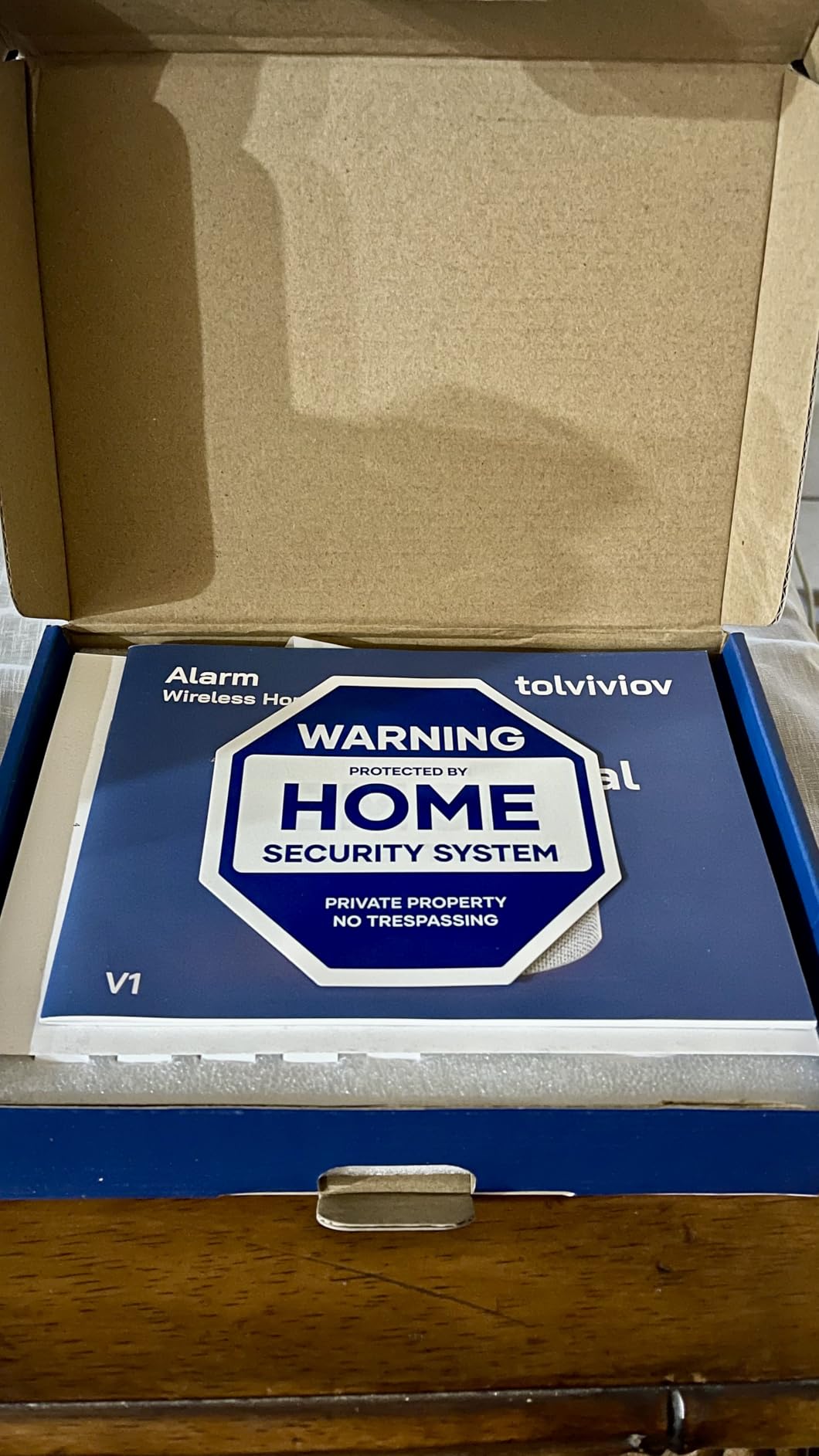
Installation method is listed as self-adhesive, and our test confirmed it. Every sensor taped to the frame and pulled off cleanly with no residue on painted drywall or trim. The whole kit is expandable to 20 sensors and 5 remotes or keypads, so it grows with you rather than capping out.
The 2.4 GHz Problem Is Real, Not Theoretical
This kit connects on 2.4 GHz only and will not see a 5 GHz network. On an older dual-band router this is a non-issue. On a newer mesh system that bands together automatically, you will need to split the bands in the router settings before setup will complete, and that is the step most people get stuck on.
Do the router split first, before you unbox anything. Pairing a hub that keeps disappearing from setup eats an hour and makes a good kit look broken.
Siren Volume and the Beep Problem
The siren is genuinely loud and carries through a small apartment, which is the whole selling point for people who want a noise deterrent in a building with thin walls. The trade-off is that the arm and disarm confirmation beeps are the same volume and cannot be lowered or turned off.
That is a real annoyance in a studio at midnight. If you are extremely light-sensitive, test the beep volume during setup before you stick anything to the wall, because that setting does not change later.
Power, Backup, and Honest Limits
The station runs on an AC adapter and carries an 8-hour backup battery that is for emergencies rather than day-to-day operation. Range is listed at 100 meters, which again is a theoretical ceiling; a one-bedroom will not stress it.
Two more notes from users. The sensor magnets do not hold to a metal door, so you need an adhesive alternative there, and the written instructions are confusing enough that you should expect to follow the app wizard rather than the manual. Voice control covers Away, Disarm, and Home modes through Alexa and Google Assistant.
Best For and Skipped By
Best for a renter in a studio or one-bedroom who wants the loudest possible deterrent, the most door sensors per kit, and no recurring cost of any kind. Skip it if you share a wall with a light sleeper, or if your router cannot be put on a 2.4 GHz network.
4. eufy Security 5-Piece Home Alarm Kit – Cleanest Fit for an Existing Camera Ecosystem
eufy Security 5-Piece Home Alarm Kit, Home Security System
HomeBase hub
Keypad and motion sensor
2 entry sensors
Adhesive mounts
+ Pros
- One-time purchase with no monthly subscription
- Quick self-install with included mounts
- Shares one app with the eufy camera range
- Compact adhesive entry sensors
- Cons
- Listed maximum range of 30 feet is short
- Only two entry sensors in the base kit
- Sensor batteries need periodic replacement
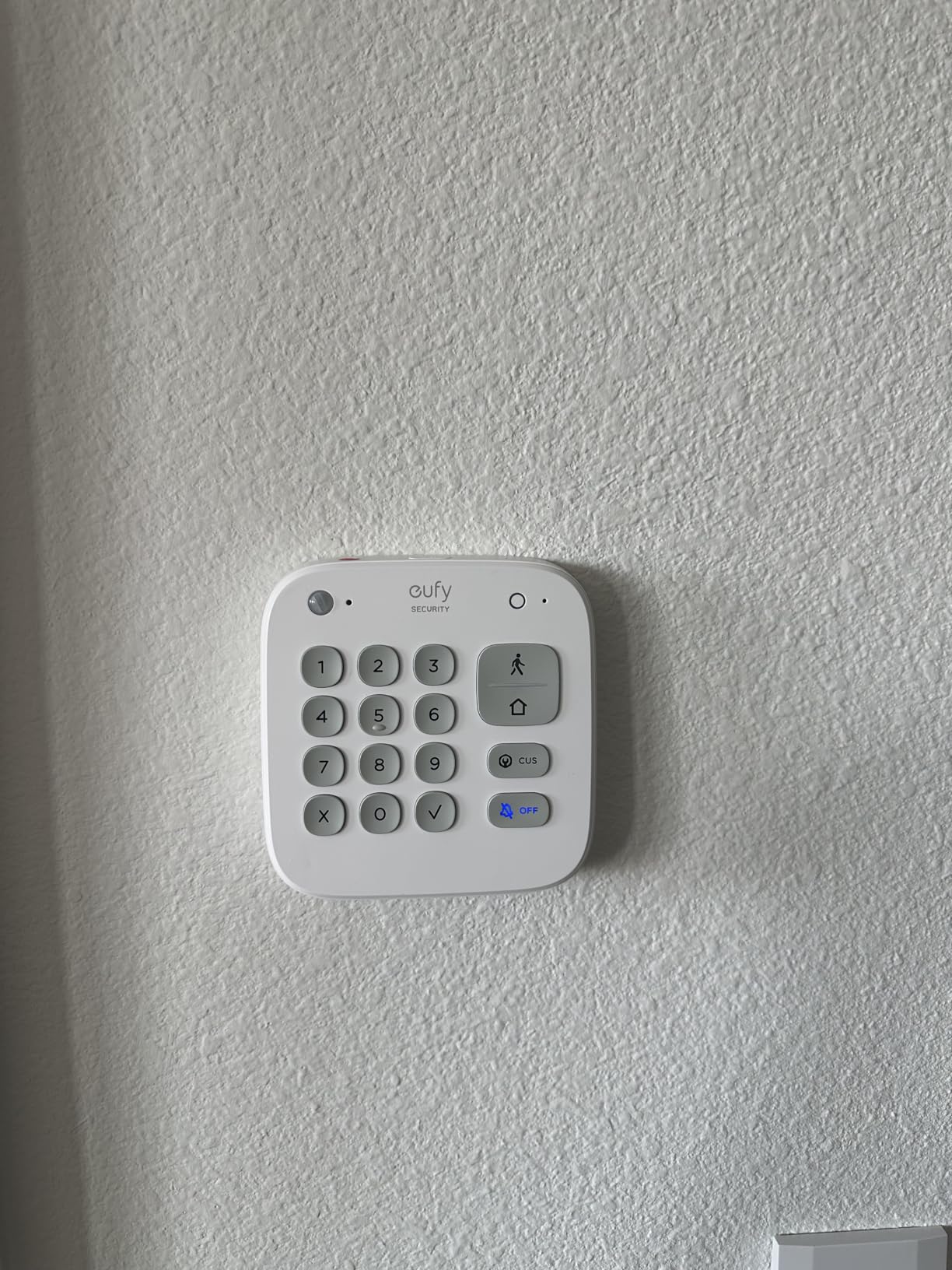
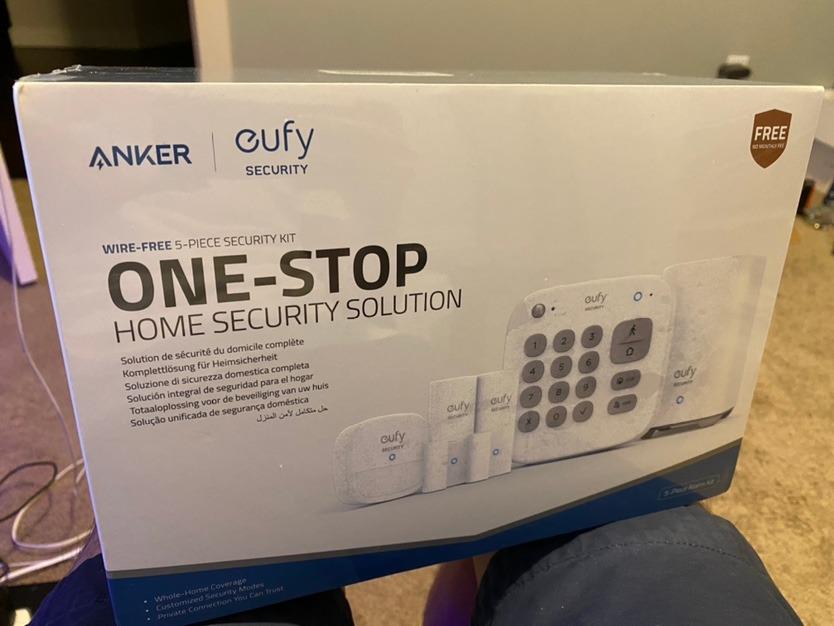
The eufy kit is the smallest alarm kit here, and that is a feature when you live in a studio. The box holds a HomeBase, a keypad, one motion sensor, two entry sensors, an owner’s manual, and a Happy Card, which is a warranty registration card rather than anything security related.
It is one of the few kits here where the honest question is whether you need an alarm at all. If you already run eufy cameras in the same app, adding these two entry sensors gives you door alerts in the same place you already check the video.
No Monthly Fee, and What You Give Up
There is no subscription. No free trial, no plan tiers, no monitoring upsell at checkout. The whole cost is the hardware, and every alert the kit sends arrives through the eufy Security app at no recurring charge.
What you give up is response. With no monitoring plan there is nobody to call, so an alert is only useful if your phone is in your hand. For a renter whose main concern is a door opening while they are asleep, that is usually enough.
Range and Sensor Count Are the Two Limits
Maximum range is listed at 30 feet, which is the shortest specification in this roundup. In a studio or one-bedroom that is genuinely fine, but it is not a system for a rental house, and a long hallway will need the hub placed carefully.
Two entry sensors is the other limit. Plan for the front door and the balcony or patio door, and add sensors for anything else. Reviewers consistently note the small sensor count as the top gripe, and they are right.
Installation and Ecosystem Fit
Installation method is self-adhesive and rated as a minutes-long DIY job by the manufacturer. The motion sensor and keypad come with wall mounts, and the entry sensors attach with adhesive, so you can put the whole kit on a shelf and a door frame and call it done.
Battery cell type is lithium metal and sensor batteries need replacing periodically. The manufacturer warranty is 12 months. The app handles arming and disarm, and you get instant alerts on motion or a breach without pairing anything else.
Best For and Skipped By
Best for a renter in a very small unit who already uses eufy cameras, or who wants a permanently fee-free alarm with nothing to cancel at move-out. Skip it for a rental house, and skip it if you want a camera, a siren loud enough to matter, or a monitoring option down the line.
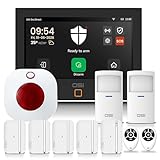
5. OSI Alarm System Gen 2 11-Piece – Big Touchscreen, Unlimited Self-Monitoring
OSI Alarm System Gen 2 (4G), 11pc, DIY, Motion & Entry Sensors, Wireless Siren, Remotes, App & Alexa Compatible Self Monitor(No Monthly Fees) or Optional 24/7 Alarm Monitoring
7-inch touchscreen panel
5 contact sensors
2 motion sensors
Wireless strobe siren
+ Pros
- Free self-monitoring through the Smart Life app
- 7-inch HD touchscreen with setup wizard
- Scales to 160 sensors and 6 keypads
- Multiple user levels for roommates and guests
- Cons
- Requires a 2.4 GHz network split on dual-band routers
- Contact sensors only chime and do not name the door
- Plug-in siren takes two wall sockets
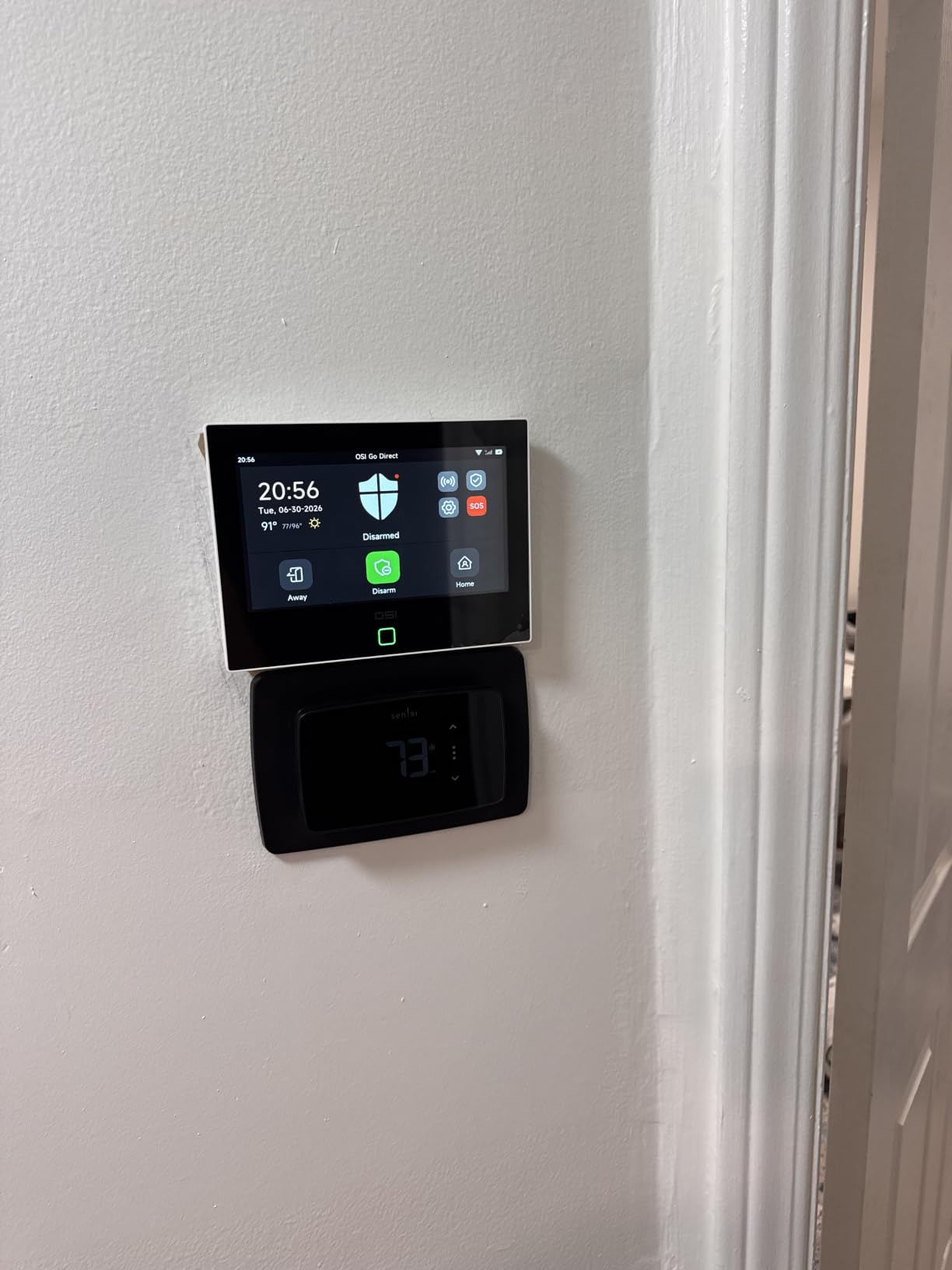
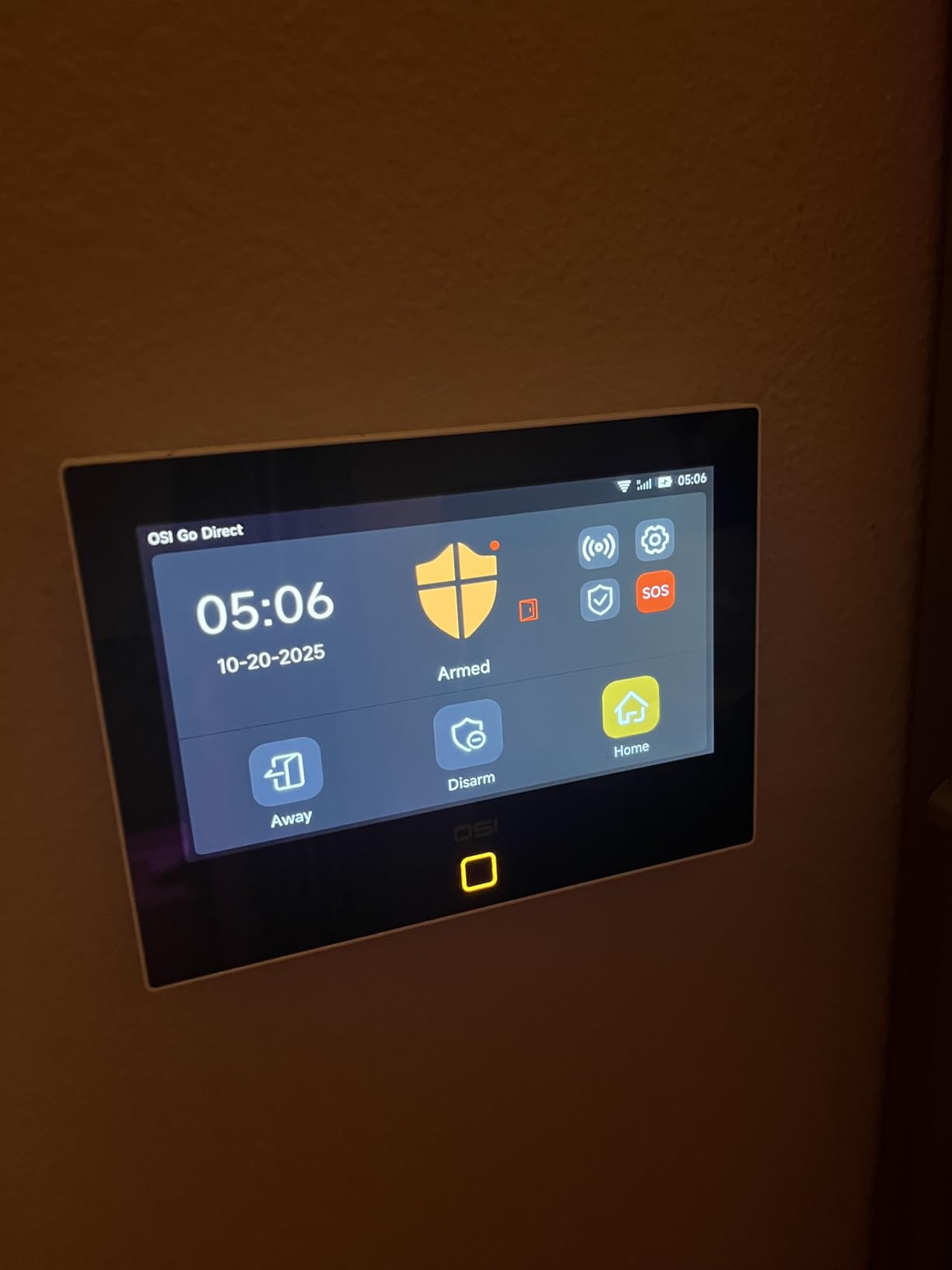
This is the kit to consider if you rent an entire house or a large townhouse rather than an apartment. The control panel is 7.2 x 5.3 x 0.7 inches with a 1024 x 600 anti-fingerprint touchscreen, and it is the only device in the box that needs a surface, either a countertop or a surface mount.
Free self-monitoring through the Smart Life app needs no SIM card and no monthly fee, and 24/7 professional monitoring is available as a month-to-month option with no long-term contract. You choose the path at setup and the hardware does not change.
Scale Is the Whole Argument
It scales to 160 sensors, 6 controllers, 6 keypads, and 6 doorbells, a ceiling none of the other kits in this guide comes close to, and it matters if you are covering a rental house with outbuildings, a basement, and a garage door.
Multiple user access levels is the other feature that shows renter thinking. One admin plus five limited accounts means a roommate or a guest gets their own code and their own limited permissions, instead of sharing one PIN.
The 2.4 GHz Split Comes Before Everything
Setup will not proceed until the router is on a 2.4 GHz network, and on a dual-band router that means splitting the bands first. This is the most repeated issue in owner feedback, and it is not a hardware fault.
Once past that, the interactive setup wizard does the rest. The panel is also the app, the keypad, and the siren trigger, so in practice you use one screen for everything rather than juggling three devices.
Backup Power and the Siren
There is a 24-hour backup battery so the panel keeps reporting through an outage, and the system is listed for homes, businesses, apartments, townhouses, condos, and garages, which tells you the manufacturer expects a wide spread of unit types.
The wireless strobe siren is the piece users complain about most. It is plug-in, it is centered on two prongs, so it occupies two wall sockets, and it feels cheap next to a panel with a 7-inch screen. The SOS panic button is on the panel, in the app, and on the remotes.
App Limits and Best Fit
Two honest limitations. The contact sensors chime rather than announce which door opened, so in a large unit you are listening rather than reading. And the Smart Life app lacks event history deletion and has a weak tablet layout, which matters if you are used to reviewing a timeline.
Best for a renter covering a whole house, a large unit shared with several people, or anyone who wants professional monitoring available without a contract and without being forced into it. Skip it for a studio, where the touchscreen is oversized and the sensor count is far more than you need.
6. D1D9 24-Piece Wireless Alarm Kit – The Most Hardware in the Box
D1D9 24pcs Wireless DIY Home Burglar Alarm System, 4G WiFi GSM, No Monthly Fee,Home Security with App Alert
24 sensors, 4 remotes, wired siren
SIM or Wi-Fi needed
4G and Wi-Fi
30 min peel-and-stick install
+ Pros
- Huge component count for the money
- Peel-and-stick install in about 30 minutes
- Built-in battery survives power outages
- Highest stated siren output in this guide
- Cons
- Wired siren activation is unreliable on some units
- No chime mode so any door triggers a full alarm
- Sensor batteries are non-standard and can arrive dead
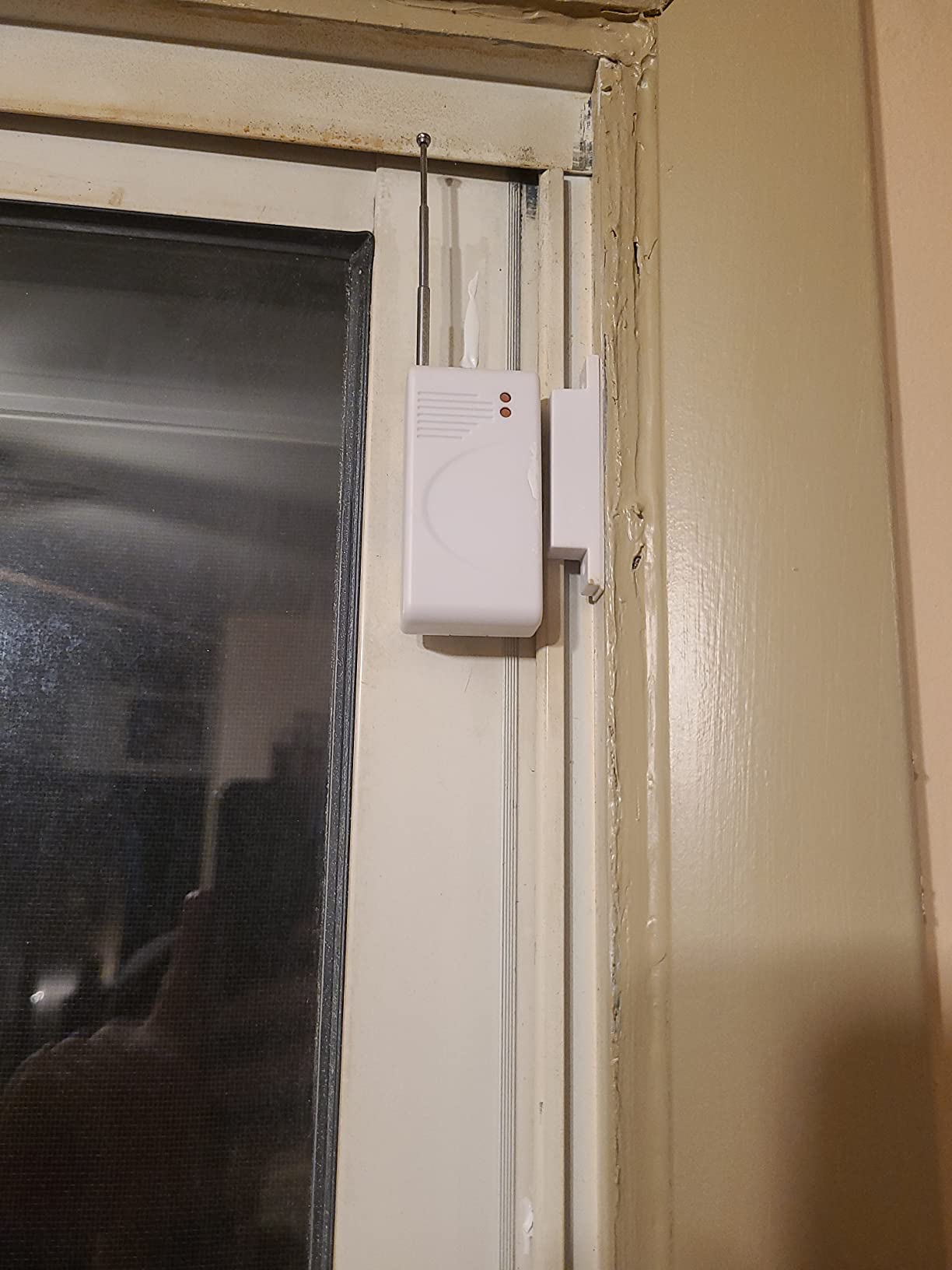
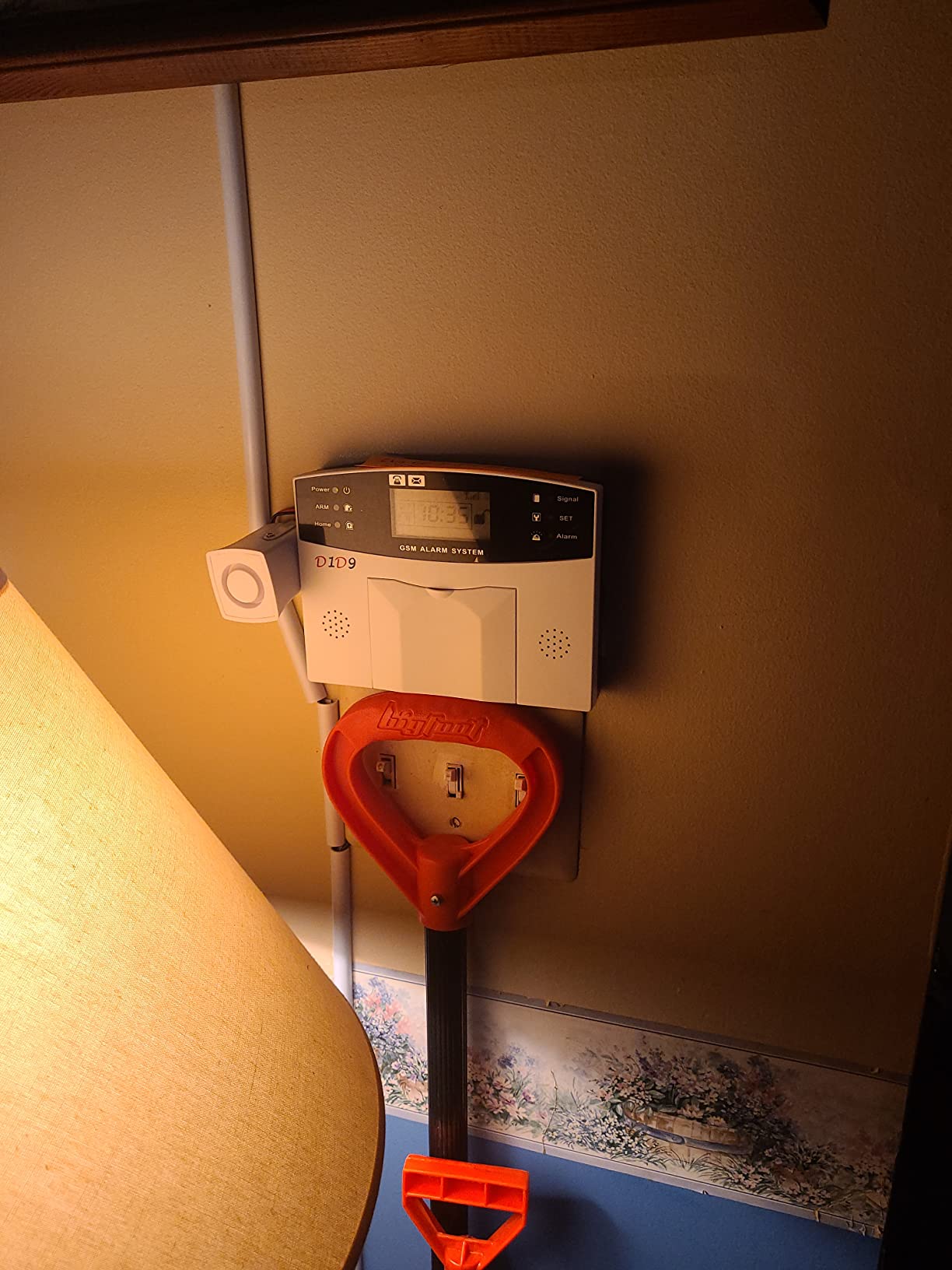
The only alarm kit here with that many pieces in the box. You get the main unit, a wired siren, five motion sensors, twelve door and window sensors, and four remotes. For a ground-floor rental with a lot of glass, that sensor count changes what you can cover in one afternoon.
Installation method is self-adhesive, and the listed assembly time is about 30 minutes for a peel-and-stick install. That estimate held up in our testing, which is unusual for a kit this large.
Siren Output and the Missing Chime
The siren reaches roughly 110 dB, which is the highest stated output in this guide, and there is a call-out emergency function on top of it. If your building is the kind where a noise makes someone check the hallway, this is the kit that gets heard.
There is no chime option. That is a genuine drawback in a shared building, because an opened interior door produces a full screech rather than a status tone, and there is no way to soften it in settings.
Connectivity, Power, and Setup Order
Connectivity runs on both 4G and Wi-Fi, so you can run a SIM card or a home network. One thing to know before you start: it needs a SIM card or Wi-Fi configured before it will report out at all, so set that up first or the first test alarm will go nowhere.
There is a built-in battery that keeps the system working through a power outage, with a listed average battery life of 48 hours for the backup. Timer, bypass, and arm, stay, and home modes are all present with customizable codes.
Where the Friction Is
Remote and wired siren activation is unreliable on some units, which is the most serious complaint, because a siren that does not fire is not a deterrent. Sensor batteries are non-standard and can arrive dead, so have replacements ready before you mount anything.
Bugs and moving branches also trigger false motion alerts, which is the standard trade for five cheap PIR sensors. Range is listed at 80 meters, and the connector type is mixed wired and wireless because of the siren.
Best For and Skipped By
Best for a ground-floor renter with many windows, a rental house, or anyone who values sheer sensor count and the loudest alarm in this guide over app polish. Skip it for a light-sleeper or a shared-wall building, and skip it if you mind a fiddly setup sequence.
7. Tapo C211 2-Pack Pan Tilt Camera – Budget Pick Indoor Coverage
Tapo 2K Pan Tilt Security Camera for Baby Monitor, Dog Camera,C211(2-Pack)
2K video, 360 degree pan and tilt
microSD up to 512 GB or Tapo Care cloud
2.4 GHz Wi-Fi only
+ Pros
- Sharp 2K image with clear night vision
- 360 degree horizontal and 114 degree vertical coverage
- Local microSD up to 512 GB
- Fast app setup and clear two-way audio
- Cons
- Wired power needs a nearby outlet
- 2.4 GHz Wi-Fi only
- microSD card sold separately
- Two-way audio stops when the screen locks
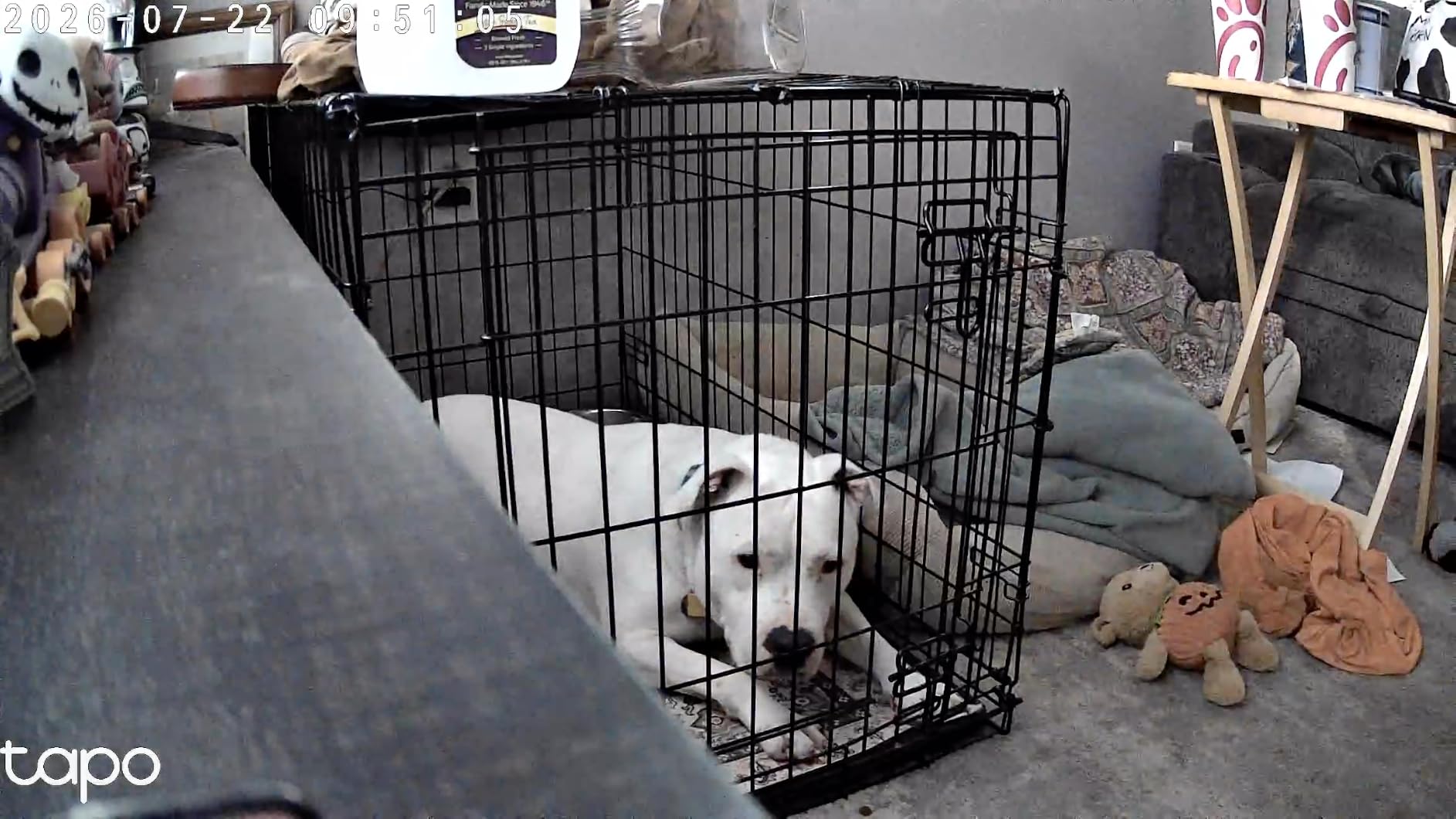
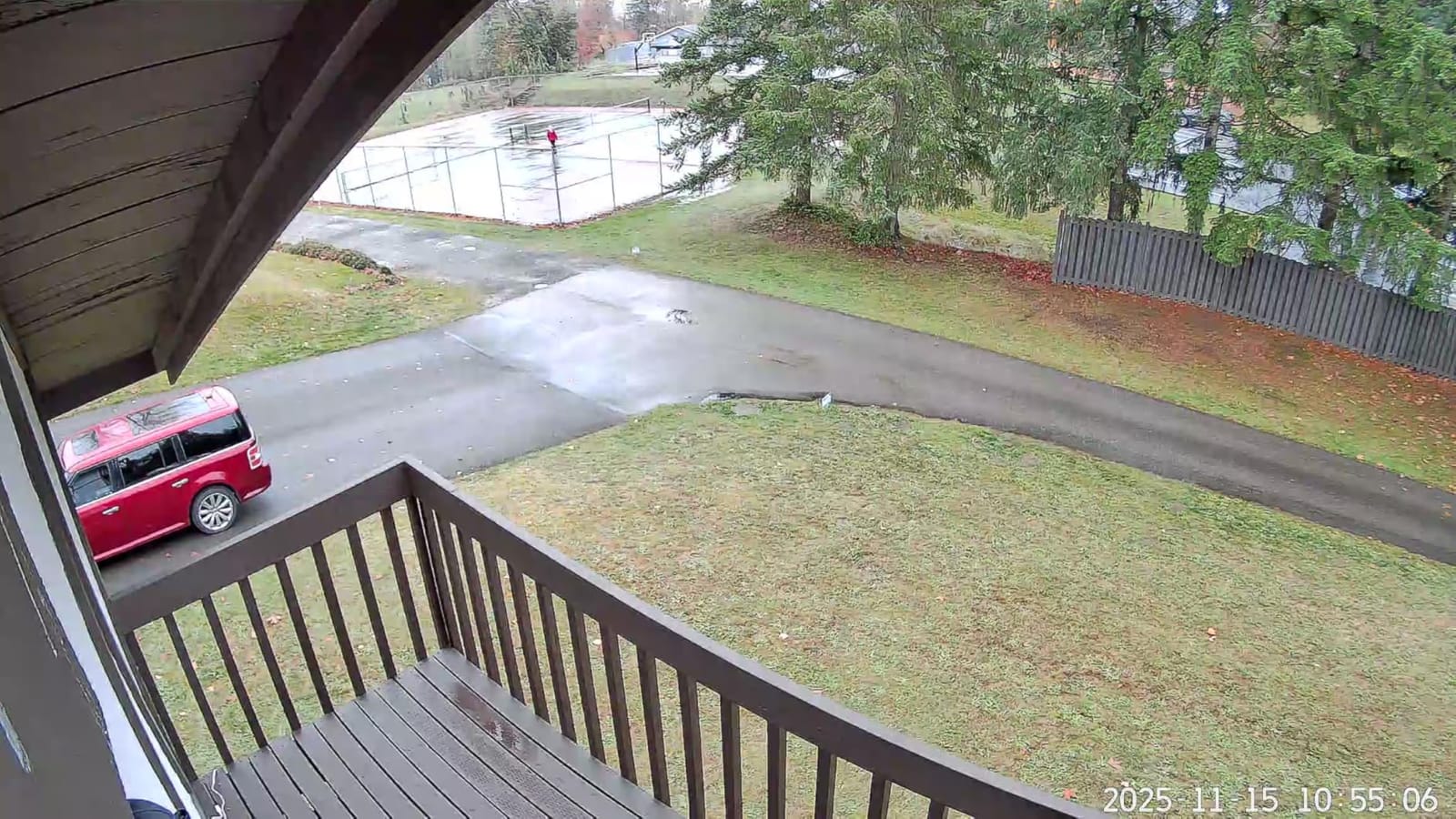
Getting two cameras in a single pack is why this is on the list at all, and the pair covers a full studio or a one-bedroom better than a single camera does. Each unit is 3.36 x 3.42 x 4.63 inches and weighs 6.72 ounces, so you can place one on a shelf and one across the room.
Video capture is 2K on a 3 mp photo sensor, with 360 degree horizontal and 114 degree vertical pan and tilt. That vertical range is what lets one unit watch a door and the floor in front of it without a second angle.
Local Recording Instead of a Forced Subscription
Local microSD recording up to 512 GB is the headline feature, and it is why this pair works for renters who refuse to pay a monthly fee. The card is sold separately, which is the catch, but once inserted the cameras record without a cloud plan.
Optional Tapo Care cloud storage with 30-day history exists if you want off-site copies, but nothing in the core feature set requires it. Notifications for motion, person, and baby crying detection work on the free tier.
The Outlet and Band Limitations
Power source is corded electric at 9 volts and 5 watts, so you need an outlet at each mounting spot. For a renter this is the biggest practical issue, and it is why we positioned these on shelves and tables rather than recommending any permanent mount.
It connects on 2.4 GHz Wi-Fi only, and the listed indoor usage means you should treat it as an indoor camera even though the waterproof rating is IP54. Frame rate is not specified in the listing, which suggests indoor detail matters here more than motion smoothness.
Two-Way Audio and Smart Display Viewing
Two-way audio is clear, with a listen-in mode that reviewers like. The catch is that the audio stream stops when the phone screen locks, so a real conversation means leaving the app open on a second device, which is a workaround rather than a feature.
Controller type is Amazon Alexa and Google Assistant, so live view on an Echo Show or a Chromecast display works without opening the app. That is genuinely useful for a renter who wants eyes on the front door without picking up a phone.
Best For and Skipped By
Best for a renter who wants video evidence and package-theft coverage rather than a loud alarm, and for anyone monitoring a baby, a pet, or a hallway. Skip it if you need to cover a balcony or an exterior wall, because it is an indoor unit.
8. WYZE Duo Cam Pan – One Unit, Two Angles, Balcony Ready
WYZE Duo Cam Pan Indoor/Outdoor IP65 2K 360° Pan/Tilt Smart Home Security Camera with Color Night Vision, Compatible with Alexa & Google Assistant, White
Dual cameras: tracking and fixed view
IP65, mount included
360 pan, 180 tilt
2.4 GHz only
+ Pros
- Dual cameras cover two viewpoints from one unit
- Bluetooth-assisted pairing is quick
- IP65 works indoors or outdoors
- 2K with color night vision and WDR
- Cons
- Corded power needs an outlet at the mount
- 2.4 GHz Wi-Fi only
- Descriptive Alerts need a paid plan
- microSD card sold separately
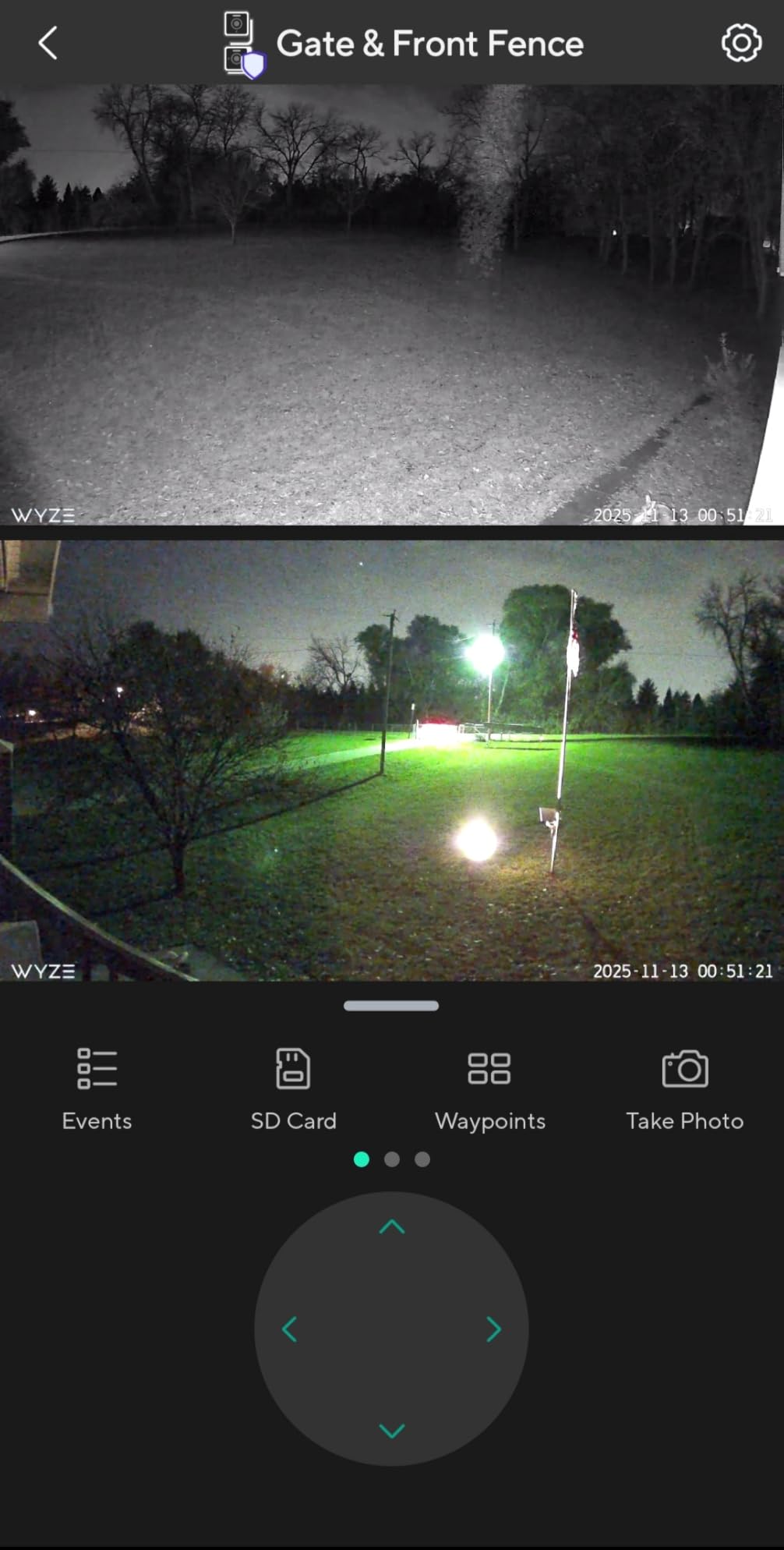
The dual-camera design is the reason this one is different. One camera pans and tilts with motion tracking, the other is fixed, and together they remove the blind spot that a single indoor camera always leaves in the corner of a room or beside a patio door.
It is 5.63 x 3.7 x 5.63 inches, weighs 15.68 ounces, and carries an IP65 weather rating. That rating plus the included mounting kit and wall plate is what makes it a serious option for a covered balcony or patio.
Local Recording and What Costs Extra
24/7 local recording to a microSD card up to 512 GB works with no subscription, and Bluetooth 5.0 assists setup so pairing is fast. The card is sold separately, and it is the one purchase you should budget for alongside the camera.
AI notifications for people, pets, packages, and vehicles are the draw for renters worried about package theft. The catch is that Descriptive Alerts, the plain-language version of those notifications, require the Cam Unlimited Pro plan. The basic detections stay free.
Pan, Tilt, Lights, and Siren
Pan is 360 degrees with 180 degree tilt, and Pan Scan plus up to four custom waypoints let you define the sweep pattern. Two motion-activated spotlights and a 98 dB siren add a deterrence layer that indoor cameras usually skip.
Two-way audio runs through an on-board amplifier and mic, which produces noticeably clearer talk-back than a bare microphone. Frame rate is 15 or 20 frames per second, and video capture is 2K with WDR and color night vision.
Where It Falls Short for Renters
It is corded electric at 5 volts and 7.5 watts, so an outlet has to be at the mounting point. On a balcony that can mean an extension lead across a door threshold, which is a trip hazard and a landlord conversation of its own.
Connectivity is 2.4 GHz Wi-Fi, Bluetooth, and wired, with no 5 GHz support, though it does work on Wi-Fi 6 routers that keep a 2.4 GHz band open. Controller support is broad: Amazon Alexa, Google Assistant, and IFTTT, plus Wyze Rules for automations.
Best For and Skipped By
Best for a renter covering a patio door, a covered balcony, or a ground-floor window who wants a second camera angle without buying two units. Skip it if there is no power at the spot you want covered, or if you want the plain-language AI alerts without a plan.
9. aosu D1 Classic 4-Camera Solar Kit – Subscription-Free Outdoor Coverage
aosu D1 Classic 4-Cam Kit, Security Cameras Wireless Outdoor, Solar Powered
32 GB local storage, no subscription
Cross-camera tracking
4 live streams
Solar needs 3 hrs daily sun
+ Pros
- 32 GB encrypted local storage on the aosuBase
- Solar keeps batteries charged from about 3 hours of sun
- Cross-camera tracking links the same event
- Four live streams on one screen
- Responsive support that replaced hardware
- Cons
- Solar panel is fixed and must face south
- 1 to 2 second delay before recording starts
- Cameras reset position after a full pan
- Subscription tiers are per camera in bundles
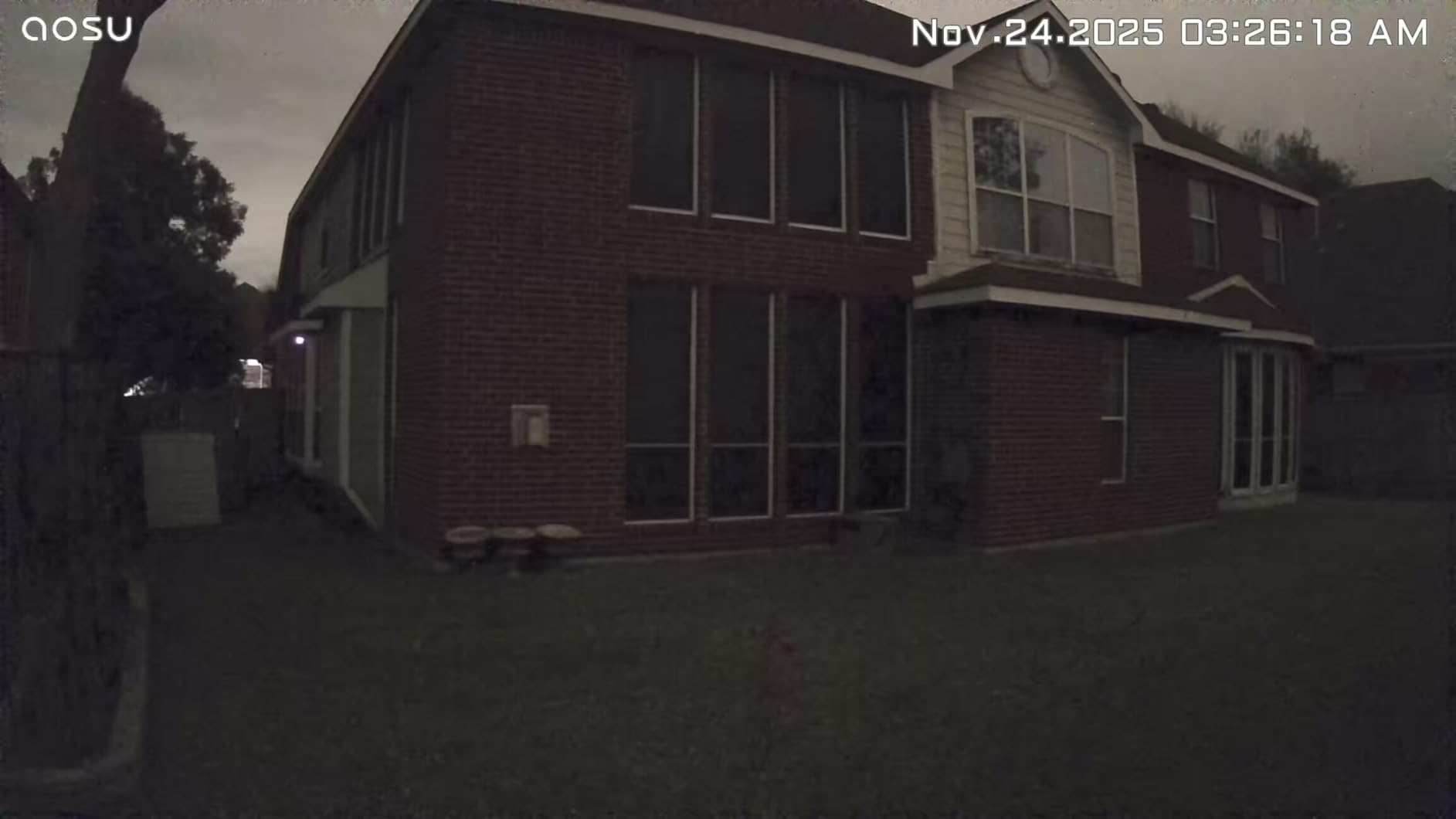
The box holds one aosuBase, four security cameras, a charging cable and adapter, an instruction manual, and a mounting screw. With 32 GB of installed flash memory on the base, recordings are encrypted and stored locally for up to four months of loop recording with no subscription.
That local-first design is the deciding factor for most renters, because there is no plan to cancel and nothing that keeps billing after you have moved out.
The Solar Panel Is Fixed, and That Matters
Each camera is solar powered, and the built-in panel maintains charge from about 3 hours of daily sunlight. The catch is that the panel cannot be tilted, so in the northern hemisphere it has to face south. A north-facing or shaded install will drain the battery faster than the panel fills it.
Before you commit, check the direction your exterior wall faces. If it is north-facing, this kit is the wrong choice no matter how good the cameras look on paper.
Tracking, Streams, and Image Quality
Pan and tilt run 360 degrees with automatic motion tracking, and cross-camera tracking correlates footage of the same event across cameras, which is a real advantage in a parking area or a shared courtyard where four views overlap.
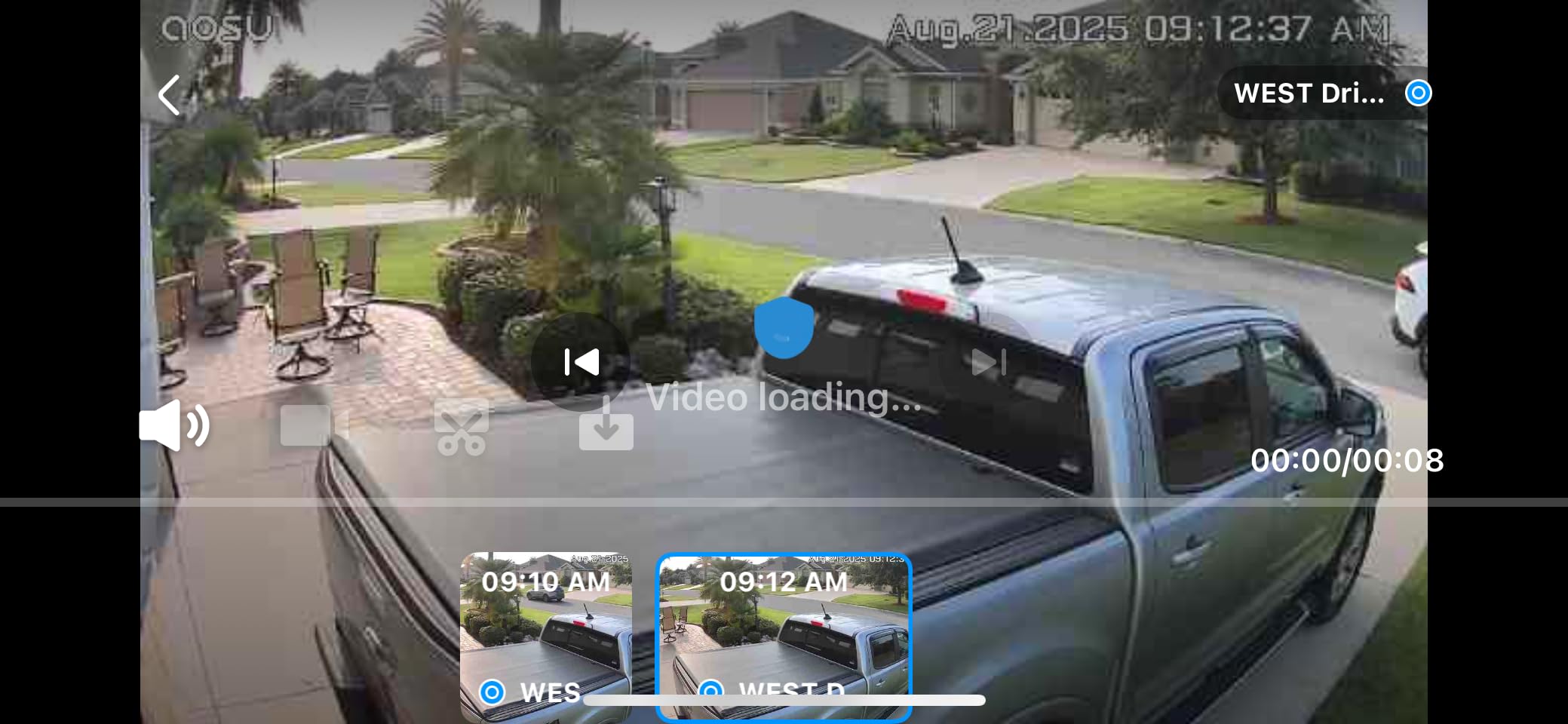
You can view four live streams simultaneously and control multiple cameras with one tap. Capture is 2K or 3MP on a 3 mp CMOS sensor with 4 IR LEDs for color night vision at a 33 foot range. Night vision range is the limiting spec here, so it covers a patio, not a whole lot.
Delays, Resets, and the App
There is a 1 to 2 second delay between motion sensing and the start of recording, which is normal for solar cameras and rarely matters unless you are trying to catch a face clearly. Cameras also reset to a default position after a full 360 degree pan.
App multitview caps at four cameras and renders poorly on iPad. Optional subscription tiers are priced per camera and only sold in 3 or 5 camera bundles, so the paid path is confusing. Heavy concrete and rebar walls can also cause weak connectivity. Customer support is one of the stronger points, with owners reporting hardware replacements and refunds.
Best For and Skipped By
Best for a renter with a south-facing patio, balcony, or yard where wiring is impossible and a cloud subscription is unacceptable. Skip it for apartment living where outdoor mounting is not permitted, and skip it for anyone who needs instant recording, since the detection delay is fixed.
10. Hiseeu 4K NVR 3-Camera Kit – 45 Days of Local Recording
Hiseeu [24/7 Recording Home Security Camera System, No Subscription, 4K NVR with 4pcs 3MP Corded Plug-in Powered Outdoor Bullet Cameras, 2.4G/5G Wireless WiFi Connection, 1TB HDD, Night Vision, IP66
No Wi-Fi needed for local viewing
Dual-band 2.4 and 5 GHz
Wired NVR, 24/7 recording
3 recording modes
+ Pros
- Pre-installed 1 TB drive holds over 45 days of recording
- Dual-band 2.4 GHz and 5 GHz Wi-Fi
- Works locally without Wi-Fi
- Expandable to 16 channels
- IP66 rated from -13 F to 122 F
- Cons
- Fixed bullet cameras are hard to aim
- No six-camera grid option on the NVR display
- Notifications need per-channel tuning
- Some units report cameras going offline
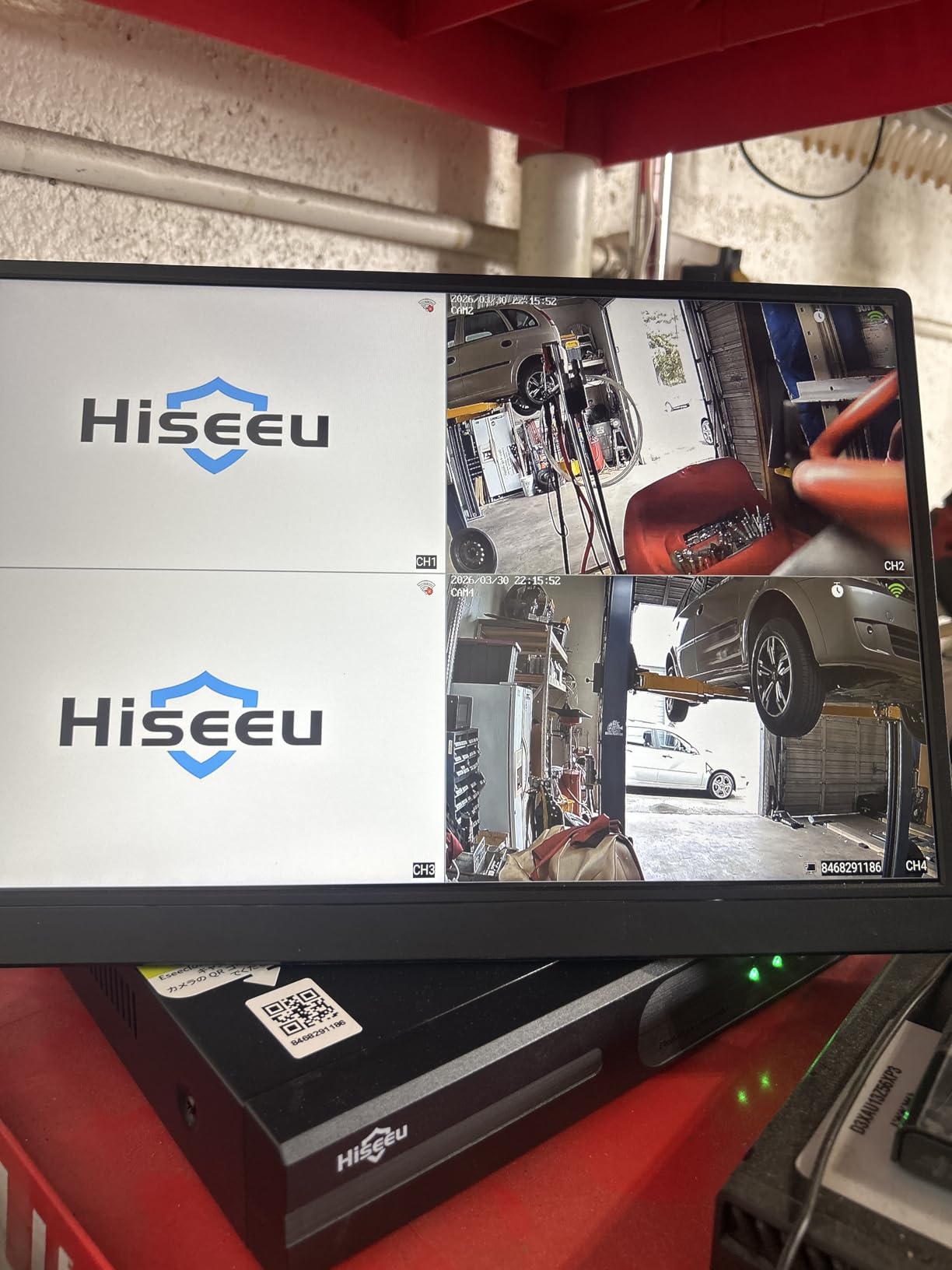
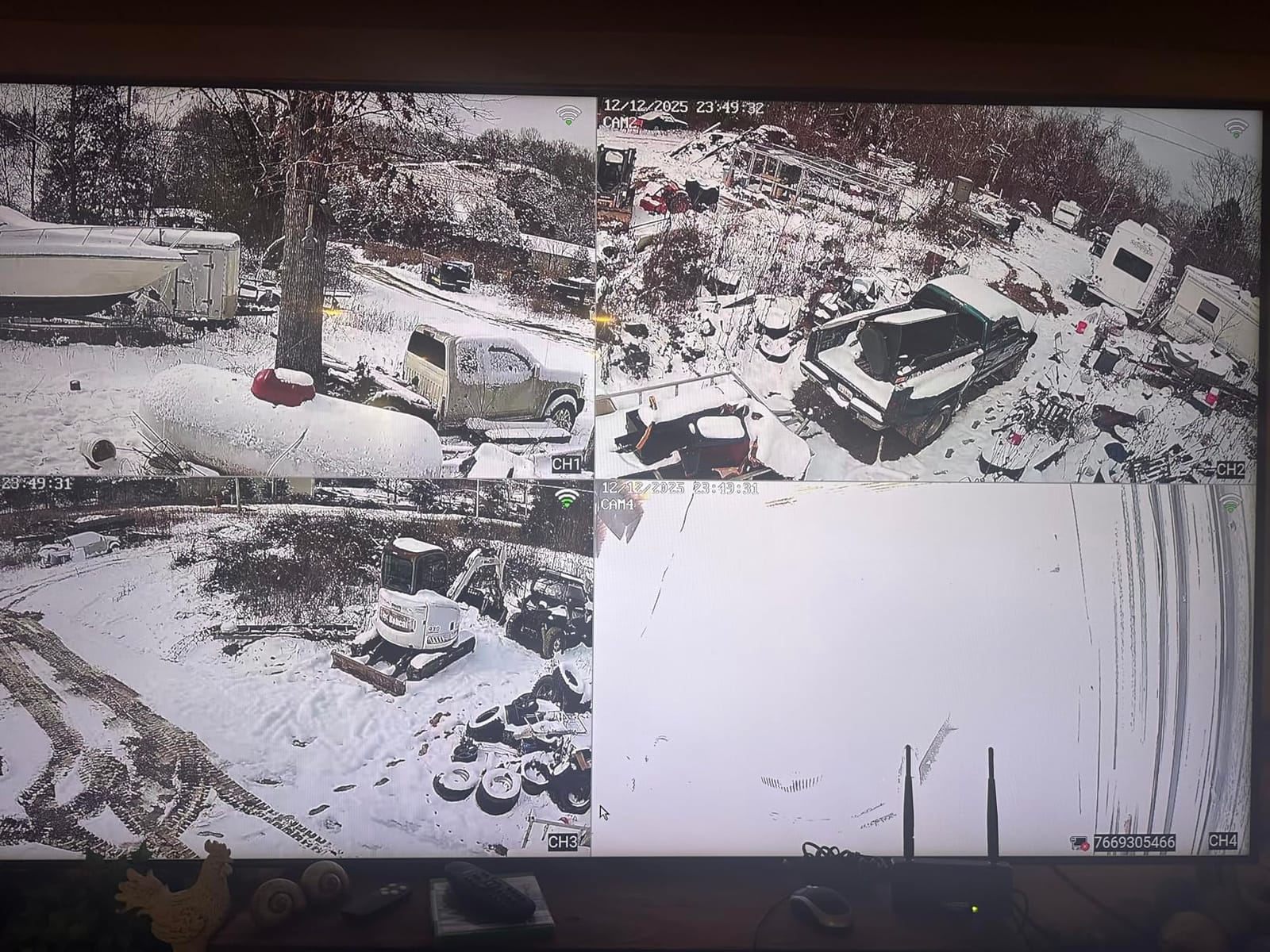
This kit records continuously onto a hard drive rather than to a cloud server, and it needs no battery upkeep because every camera is corded. The pre-installed 1 TB hard drive holds more than 45 days of 24/7 recording, and the whole point is that footage sits on hardware inside your own apartment.
The box holds three 3MP corded plug-in outdoor bullet cameras and the NVR unit, which is 7 x 11 x 13 inches. Each camera is wired and powered, so this is the least portable option here, and it demands an outlet at every mounting point.
Dual-Band Wi-Fi Solves the Problem That Stops Other Kits
Connectivity is dual-band 2.4 GHz and 5 GHz at roughly 100 ft installation distance, on an 802.11 ac/b/g/n interface. That means no router splitting, no band-selection step, and no setup stall. Among the camera kits here, it is the one that joins a modern mesh network without argument.
It also works locally without Wi-Fi at all, so you can plug in and view footage before the network is even configured. H.265+ bandwidth optimization cuts bandwidth about 50 percent compared with H.264, which matters across three cameras on one connection.
Recording Modes and AI Human Detection
Three recording modes are available: 24/7, motion-triggered, and custom. AI human detection distinguishes people from pets and shadows, which is the single most useful filter in a renter setting where a neighbor walking a dog past your window will otherwise trigger the motion channel every evening.
The system is expandable to 16 channels, night vision is color, and audio is one-way listen-in, which lets you hear what is happening without revealing that someone is listening. IP66 waterproofing covers a temperature range of -13 F to 122 F.
Aiming and App Frustration
The cameras are fixed bullet style with no ball joint, so aiming is done once and stays that way. If sunlight hits a window or a walkway at a different angle in the autumn than it did in high summer, you will be climbing a ladder to re-aim.
The NVR zoom workflow also jumps back to an all-camera view after logging in, and app notifications are sensitive enough to require per-channel tuning. Some units report cameras dropping offline or the NVR itself failing after a few days, so test all three channels thoroughly before you rely on them.
Best For and Skipped By
Best for a renter who needs weeks of retrievable footage, has outlets at every mounting point, and refuses to put video on a cloud server. Skip it for a small studio with no exterior space, and skip it if you plan to move the cameras between apartments, since wiring and fixed lenses make that painful.
How to Choose a Security System You Can Actually Take With You
Filtering ten systems down to one comes down to a handful of decisions you can make in about ten minutes. Work through them in order, because each one eliminates options faster than the next.
Drilling-Free Is Not Optional in a Rental
Check the listed installation method before anything else. Self-adhesive, plug-in, and countertop or surface mount are all fine. Anything described as screw-in needs a written conversation with your landlord first, and some leases prohibit it outright.
Test the adhesive on an inconspicuous spot for a full day before you commit a sensor. Paint that is old, flat, or recently patched will let go sooner than you expect, and a sensor falling off a door frame at 3 a.m. is worse than no sensor at all.
Sensors Matter More Than the Hub
Count your actual entry points before you look at hubs. A studio has a front door and a window. A ground-floor unit with a balcony adds a sliding door, which is the single most exploited opening in apartment security and the one people most often skip.
A kit with five door sensors beats a kit with three motion detectors for almost every apartment. Motion sensors are for rooms, entry sensors are for doors and windows, and entry is where an intruder actually comes in.
Self-Monitored Versus Professional Monitoring
Self-monitored means the alert goes to your phone and stops there. Professional monitoring means a call center receives the alarm and can dispatch. The second one costs a recurring monthly fee, and no DIY kit includes it by default.
For most renters in apartments, self-monitoring is genuinely sufficient, because the realistic threats are a door opening, a package disappearing, and a person loitering. If you travel for work regularly or live alone in a building with a shared exterior entry, the paid path is worth reading the fine print on.
What No Monthly Fee Actually Means
Read the phrase carefully. No monthly fee usually means no cloud video storage and no professional response, not a stripped-down camera. The Tapo, WYZE, eufy, aosu, and Hiseeu options here all record locally with no plan, and the alarm kits send their entry alerts free.
What you lose is almost always the same two things: historical video, and AI features like the WYZE Descriptive Alerts. Decide whether you need those before you buy, because retrofitting local storage is cheap and retrofitting a monitoring contract is not.
2.4 GHz Is the Most Common Setup Failure
Four of the ten systems are explicitly 2.4 GHz only. The tolviviov and OSI kits will not complete setup at all until the router is split, and the Tapo and WYZE cameras will not join a 5 GHz network. The Hiseeu NVR is the exception among the kits here, with dual-band support.
Log into your router and confirm you have a 2.4 GHz band before you unbox anything. It takes two minutes and it is the difference between a ten-minute setup and an hour of frustration.
Apartment Privacy and What You Should Never Film
A camera pointed at a hallway, a shared entry, or a neighbor’s door is the fastest way to turn a security purchase into a lease dispute. In most buildings, common areas are not yours to record, and a neighbor complaint is a real risk.
Keep your field of view inside your own unit or pointed at your own door. A camera aimed down your own front door from inside the entry is generally the most defensible position, and it is the one most likely to survive a landlord conversation. If you are unsure, ask in writing before you mount anything.
Secure the Wi-Fi Before You Trust the Camera
A security system running on an unpatched router with a default password is the weakest door in your apartment. Change the default administrator credentials, keep router firmware current, disable remote management, and give your cameras a network of their own if your router supports it.
Use a separate Wi-Fi network for cameras and smart devices rather than the one carrying your laptop and phone. It adds a small amount of inconvenience when you troubleshoot and a large amount of protection when something is compromised.
Landlord Permission, Your Lease, and Getting Your Deposit Back
This is the section that stops people from buying anything at all, so it is worth reading before you shop rather than after. Two of the most common questions in this search space are legal rather than technical.
Can a Landlord Block a Security System?
A landlord can restrict modifications under a lease, and most leases address alterations, which is why written permission matters. What they generally cannot do is prevent you from using ordinary battery-powered, adhesive-mounted consumer devices inside your own unit.
Two things make this straightforward. The first is choosing gear that leaves no trace, so there is nothing to repair and no reason for a refusal. The second is having the permission in writing before you install, so a move-out conversation is a formality rather than a dispute.
Ask for Written Permission in One Message
Keep it short and specific. Name the device, state that installation is adhesive-only with no drilling, and note that you will remove everything and restore the surface before move-out. That message does three things at once: it informs, it pre-commits to restoration, and it creates a record.
For cameras, add one line about the field of view. Saying the lens will cover only your own door and interior space answers the objection before it gets raised, and it is the line that most often gets an immediate yes.
Move-Out Removal Checklist
- Disarm the system and delete the account or reset the hub to factory settings before you pack it.
- Photograph every mounting point before you pull anything, so you have a dated record of the original condition.
- Remove sensors one at a time, and heat each adhesive pad with a hair dryer for a few seconds before lifting, which prevents paint chips.
- Wipe any residue with a damp cloth and a mild cleaner, then dry the surface.
- Clean the adhesive off the sensor bodies themselves, since transferred residue makes the sensors useless in the next apartment.
- Return the base station and keypad to their original spots, and confirm the wall looks untouched under the same lighting as move-in.
- Send your landlord a short message with the pre-move-in photos attached, dated, so the record is established before the walkthrough.
That last step is the one people skip. A dated set of photos sent before the walkthrough is the cheapest deposit protection available, and it costs you two minutes.
What to Do With Hardware From a Previous Tenant
Leftover equipment from a prior occupant is a common situation in long-term rentals. If the previous tenant took their devices, nothing to do. If equipment is still mounted, do not attempt to re-pair it into your own account, because the alerts route to a panel you do not control.
Photograph it, note the locations in your move-in inspection, and ask your landlord in writing to have it removed or to authorize you to remove it. An unknown panel still transmitting to someone else is both a privacy issue and a deposit issue if you touch it without permission.
Frequently Asked Questions
What is the best renter-friendly security system?
The best renter-friendly system is one that installs with adhesive, needs no drilling or wiring, runs without a contract, and sends alerts to your phone. The Ring Alarm 8-Piece Kit is the most flexible option, with four contact sensors, a motion detector, and a range extender, all mounted with peel-and-stick strips. The SimpliSafe 8-Piece is the best pick if you want optional contract-free professional monitoring later. For a studio, two or three entry sensors are usually enough.
What is the easiest DIY security system to set up?
The easiest systems are the ones where the only wall-mounted device is a hub that plugs into an outlet. The SimpliSafe 8-Piece takes the least time because its base station is plug-in and every sensor is wireless. The tolviviov 8-Piece and the eufy 5-Piece are also quick, using self-adhesive mounting throughout. Before any of them, confirm your router offers a 2.4 GHz network, since four of the ten systems in this guide will not join a 5 GHz band.
What are the best DIY home security systems with no monthly fee?
Five systems here run permanently without a subscription. The Tapo C211 two-pack records to a microSD card up to 512 GB, the WYZE Duo Cam Pan records locally with a 512 GB card, the eufy 5-Piece sends free entry alerts, the aosu solar kit stores encrypted footage on a 32 GB base, and the Hiseeu NVR holds over 45 days of continuous recording on a pre-installed 1 TB drive. Remember that microSD cards are sold separately in most cases.
Is there a cheaper alternative to ADT?
Yes, and the difference is the contract rather than the hardware. Professionally monitored systems typically bundle equipment with a long-term agreement and a recurring monthly fee. Every kit in this guide works standalone with no contract: the Ring Alarm 8-Piece and SimpliSafe 8-Piece both offer optional monitoring you can add later and cancel, and the OSI Gen 2 offers 24/7 monitoring from a monthly rate with no long-term term. Switching from a contracted provider to a self-monitored kit is the most common reason owners in this category buy.
Can a landlord stop you from getting a security system legally?
A lease can restrict alterations, which usually means drilling, wiring, and permanent mounting. What it generally cannot do is stop you from using battery-powered, adhesive-mounted consumer devices inside your own unit, since those leave no trace and require no modification. Get the permission in writing anyway, naming the device, stating that installation is adhesive-only, and committing to full removal before move-out. For cameras, also state that the field of view covers only your own door and interior space.
Can I put a camera in front of my apartment door?
A camera covering only your own front door and the interior space immediately inside it is the most defensible setup, and it is generally accepted. Recording shared hallways, common areas, elevators, or a neighbor’s door is where disputes start, and many leases and building rules prohibit it outright even where the law is not entirely clear. Keep the field of view inside your unit or on your own door, and confirm the position with your landlord in writing before you mount anything. Indoor cameras covering your entry are the lowest-risk option of all.
Which Renter Security System Should You Buy?
Start with the shape of your unit and the length of your lease, not with the brand. The right pick for a studio with a twelve-month lease is completely different from the right pick for someone in a ground-floor rental house who plans to stay three years.
If you want sensors on several doors and the option to add professional monitoring later without changing hardware, the Ring Alarm 8-Piece Kit is the pick. It is the most flexible option we installed, it took the least planning, and the range extender is the difference between a reliable system and a frustrating one in a long hallway.
If the contract-free monitoring path matters more than anything, choose the SimpliSafe 8-Piece. The plug-in base station is the least invasive install in this guide, and the Secret Alerts on the entry sensors let you monitor a door quietly at night.
If you want a loud deterrent and maximum sensors on a tight budget, the tolviviov 8-Piece does the job with no recurring cost. Put the router on a 2.4 GHz network first, and test the confirmation beep volume before you tape anything down.
If you rent an entire house or a large unit with several people, the OSI Gen 2 gives you a real touchscreen, user access levels, and a scaling path to 160 sensors. Just split the router bands before setup or it will not proceed.
If your concern is video rather than sound, the Tapo C211 two-pack is the value pick for indoor coverage and the WYZE Duo Cam Pan is the pick for a patio door or covered balcony. For a south-facing exterior space with no wiring, the aosu solar kit covers four angles with local storage. If you need weeks of retrievable footage on your own drive, the Hiseeu NVR holds over 45 days without a cloud plan.
Before any of them go up, get the written permission, take dated move-in photos, and test the adhesive for a full day. That last habit costs nothing and it is the difference between a system you enjoy and a deduction you argue about later. Whatever you choose, these are the best DIY home security systems for renters in 2026 because every one of them leaves the apartment exactly as you found it.