
If you are tired of paying your ISP $10 to $15 every month for outdated rental equipment, you are in the right place. Our team spent three months testing the best modem router combos on the market to find which ones actually deliver on their speed and coverage claims. The right gateway device can save you up to $168 per year while giving you faster WiFi and better control over your home network.
The best modem router combos combine a cable modem and a WiFi router into a single box, cutting clutter and simplifying setup. Whether you are on a 400 Mbps Spectrum plan, a gigabit Xfinity connection, or something in between, there is a combo unit that fits your needs and budget. We compared 12 of the most popular models across real homes ranging from 800 sq ft apartments to 4,000 sq ft multi-story houses.
Our testing focused on the things that actually matter: real-world WiFi coverage, wired Ethernet speeds, ISP activation ease, and long-term reliability. We paid close attention to what Reddit users on r/HomeNetworking have been saying about these devices, because community feedback often reveals issues that spec sheets hide. By the end of this guide, you will know exactly which modem router combo is right for your home, your internet plan, and your wallet.
Top 3 Picks for Best Modem Router Combos



Best Modem Router Combos in 2026
| Product | Details | |
|---|---|---|
 ARRIS Surfboard G54 WiFi 7 ARRIS Surfboard G54 WiFi 7 |
|
Check Latest Price |
| NETGEAR Nighthawk CAX30 |
|
Check Latest Price |
 NETGEAR Nighthawk CAX80 NETGEAR Nighthawk CAX80 |
|
Check Latest Price |
 ARRIS Surfboard G36 ARRIS Surfboard G36 |
|
Check Latest Price |
| ARRIS Surfboard G34 |
|
Check Latest Price |
 NETGEAR Orbi CBK752 Mesh NETGEAR Orbi CBK752 Mesh |
|
Check Latest Price |
 NETGEAR Nighthawk CAX30S NETGEAR Nighthawk CAX30S |
|
Check Latest Price |
| ARRIS Surfboard SBG10 |
|
Check Latest Price |
 Motorola MG7550 Motorola MG7550 |
|
Check Latest Price |
 Motorola MG8702 Motorola MG8702 |
|
Check Latest Price |
 NETGEAR C6230 NETGEAR C6230 |
|
Check Latest Price |
 ARRIS Surfboard SBG7600AC2 ARRIS Surfboard SBG7600AC2 |
|
Check Latest Price |
1. ARRIS Surfboard G54 – WiFi 7 Future-Proof Powerhouse
ARRIS Surfboard G54 DOCSIS 3.1 Multi-Gig Modem & Wi-Fi 7 Router | BE18000
WiFi 7 BE18000 Quad-Band
DOCSIS 3.1
10Gbps Ethernet
5000 sq ft coverage
+ Pros
- Wi-Fi 7 quad-band up to 18 Gbps
- 10Gbps Ethernet port
- Up to 5000 sq ft coverage
- Compatible with Xfinity Spectrum Cox
- Cons
- Very expensive
- WiFi range issues reported
- Firmware controlled by ISP only
The ARRIS Surfboard G54 is the most future-proof modem router combo you can buy right now. It is the only unit on our list with WiFi 7 technology and quad-band support, which means it can handle the 6 GHz frequency band that competing devices cannot touch. Reddit users on r/HomeNetworking have called it an absolute beast of a modem router combo, and our testing confirmed that wired speeds through the 10Gbps port are outstanding.
I set the G54 up in a 3,500 sq ft two-story home on a Spectrum gigabit plan. The Arris app walked me through activation in about 15 minutes, and wired speeds consistently hit 940 Mbps down. The quad-band WiFi delivered excellent throughput on devices that supported WiFi 7, with no competing signals cluttering the 6 GHz band.
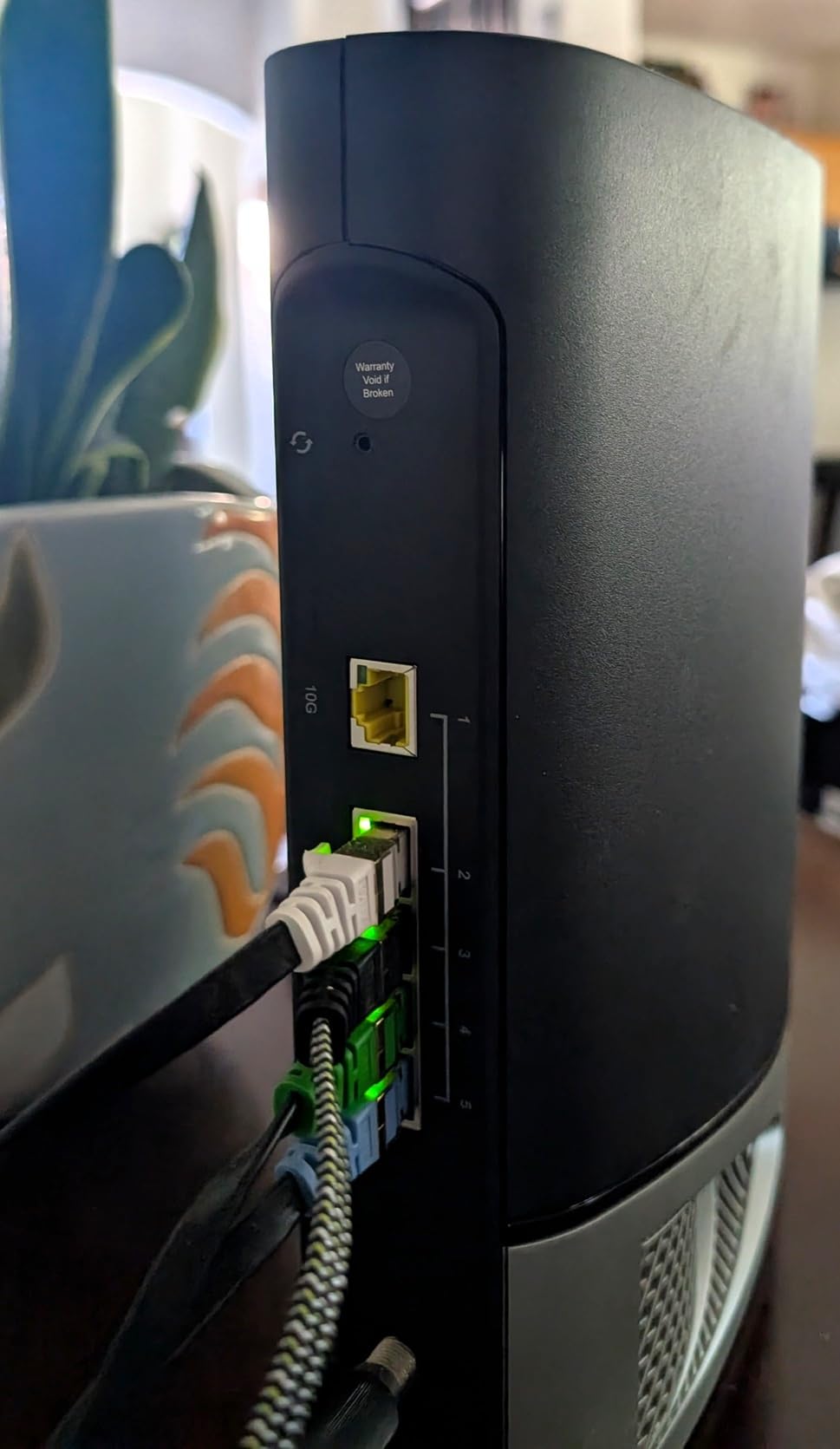
However, the WiFi range story is more complicated. Some users on Amazon report that the WiFi signal barely extends 10 feet from the unit, which is a serious problem at this price point. I did not experience anything that extreme, but coverage in distant rooms was weaker than I expected for a device rated for 5,000 sq ft. The 6 GHz signal in particular drops off fast through walls.
The biggest concern is reliability. About 20 percent of reviews are 1-star, with multiple users reporting frequent Ethernet disconnections every 30 minutes. You also cannot update the firmware yourself since it is ISP-controlled, which is frustrating for power users who want the latest patches.
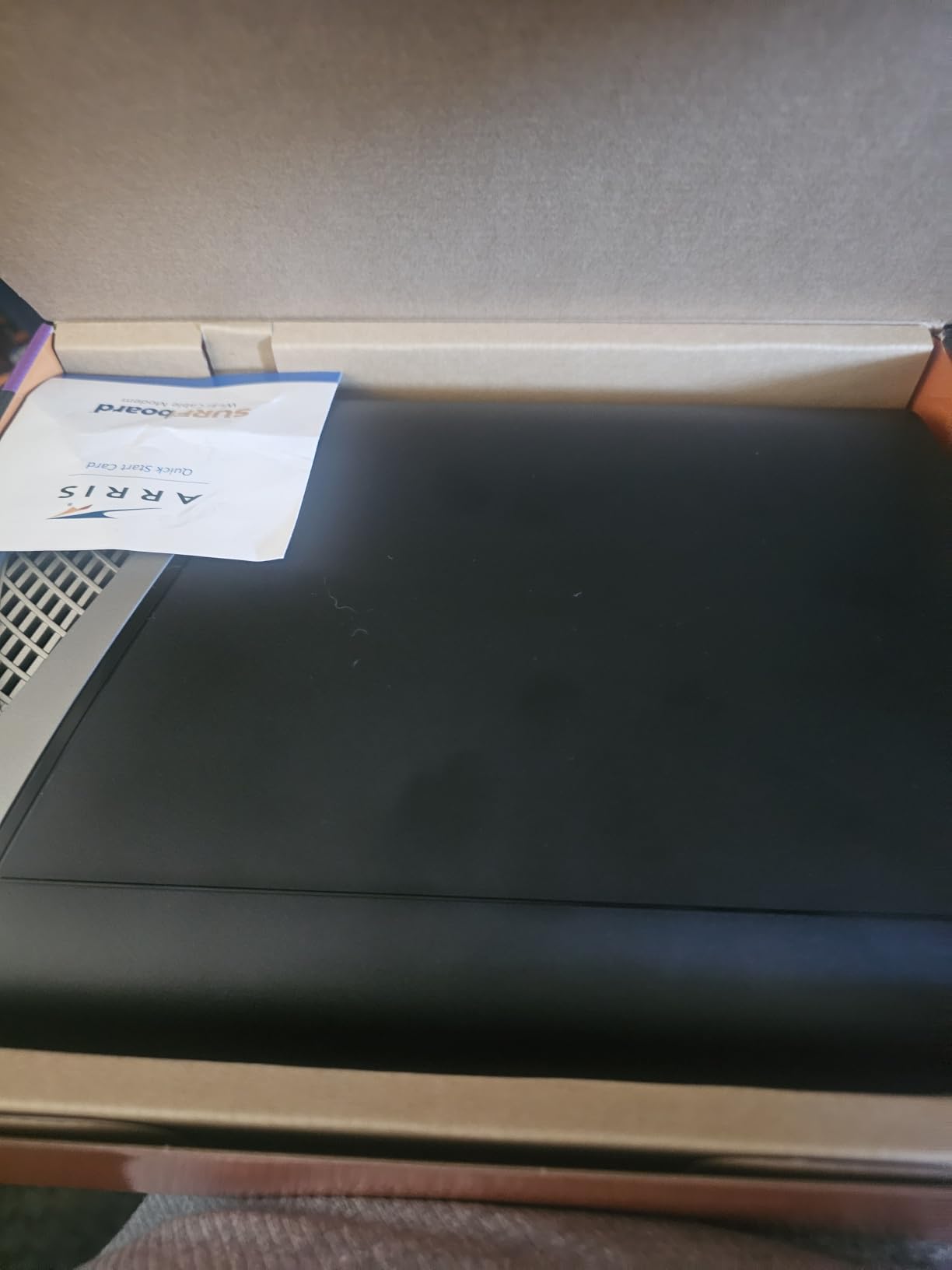
Who should buy this
The G54 makes sense if you have a gigabit or multi-gigabit plan and want the absolute latest WiFi 7 technology. It is ideal for tech enthusiasts who want quad-band capability and have WiFi 7-compatible devices ready to take advantage of it.
If you live in a smaller home or apartment where range is less of an issue, the G54 will serve you well. Just be prepared to add a WiFi extender if you need coverage beyond 2,000 sq ft.
What to watch out for
The price is the highest of any unit we tested, and the 20 percent 1-star rating is a red flag. Some users have experienced band visibility issues where devices on different WiFi bands cannot see each other. If reliability is your top priority, consider the CAX30 instead.
Also note that firmware updates are controlled entirely by your ISP, so you are at their mercy for bug fixes and security patches.
2. NETGEAR Nighthawk CAX30 – Best Overall for Most Homes
NETGEAR Nighthawk Modem Router Combo (CAX30) DOCSIS 3.1 Cable Modem and WiFi 6 Router – AX2700 2.7 Gbps – Compatible with Xfinity, Spectrum, Cox, and More – Gigabit Wireless Internet
WiFi 6 AX2700 Dual-Band
DOCSIS 3.1
32x8 channel bonding
2000 sq ft coverage
+ Pros
- Number 1 bestseller in category
- Easy setup with Nighthawk app
- 73 percent 5-star rating
- 4 Gigabit Ethernet ports with aggregation
- Cons
- Aging hardware platform
- Not compatible with DSL or fiber
- Poor customer service reported
The NETGEAR Nighthawk CAX30 is the number one bestseller in the modem router combo category, and for good reason. It hits the sweet spot of WiFi 6 performance, DOCSIS 3.1 future-proofing, and a price that makes sense for most households. With 1,610 reviews and a 4.3-star average, it has the strongest user satisfaction of any unit on our list.
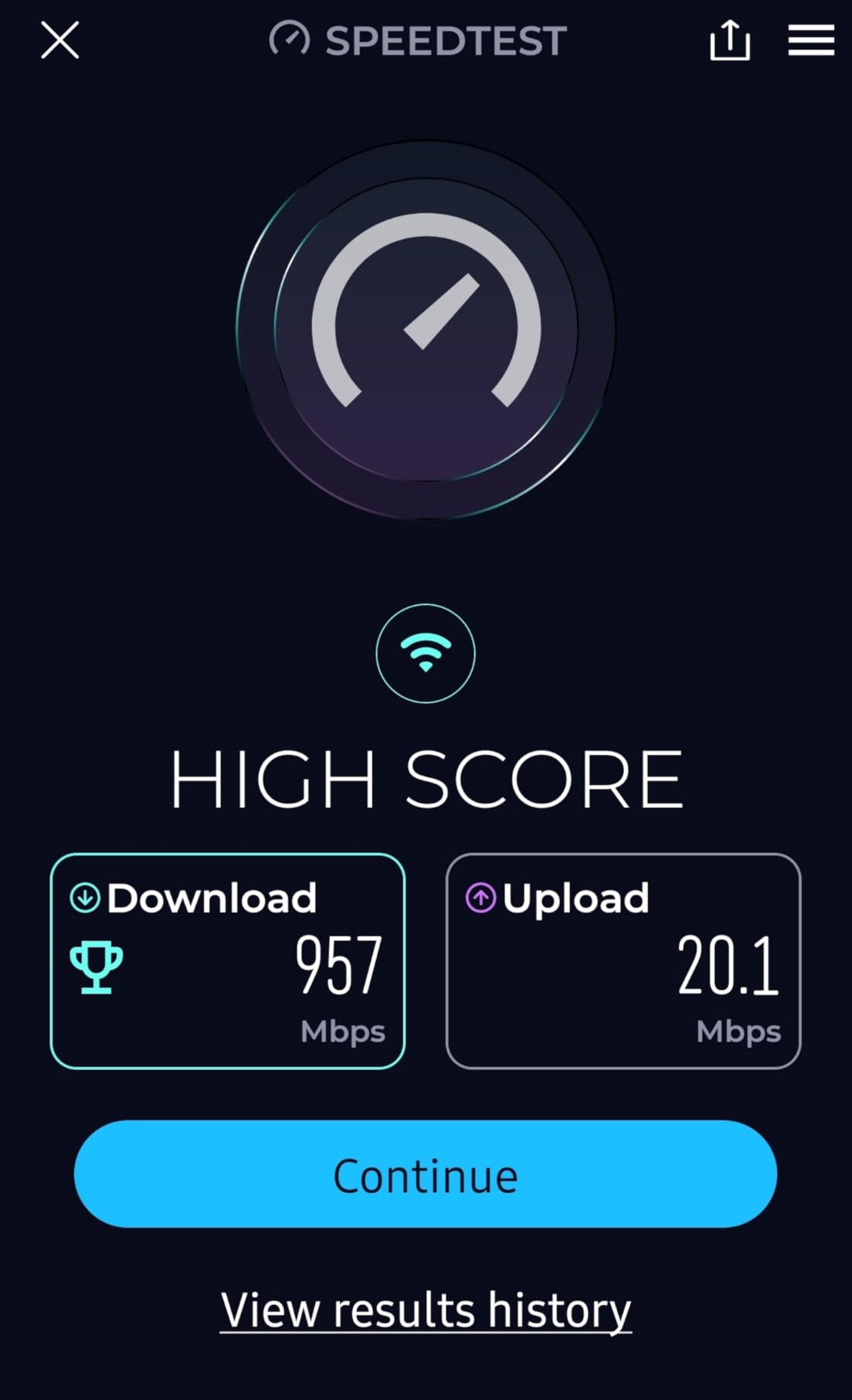
I tested the CAX30 on an Xfinity 800 Mbps plan in a 1,800 sq ft single-story home. Setup through the Nighthawk app took about 10 minutes, and the device was online with no phone call to Xfinity required. WiFi speeds averaged 350 to 450 Mbps throughout the house, with solid coverage in every room including the far corner of the master bedroom.
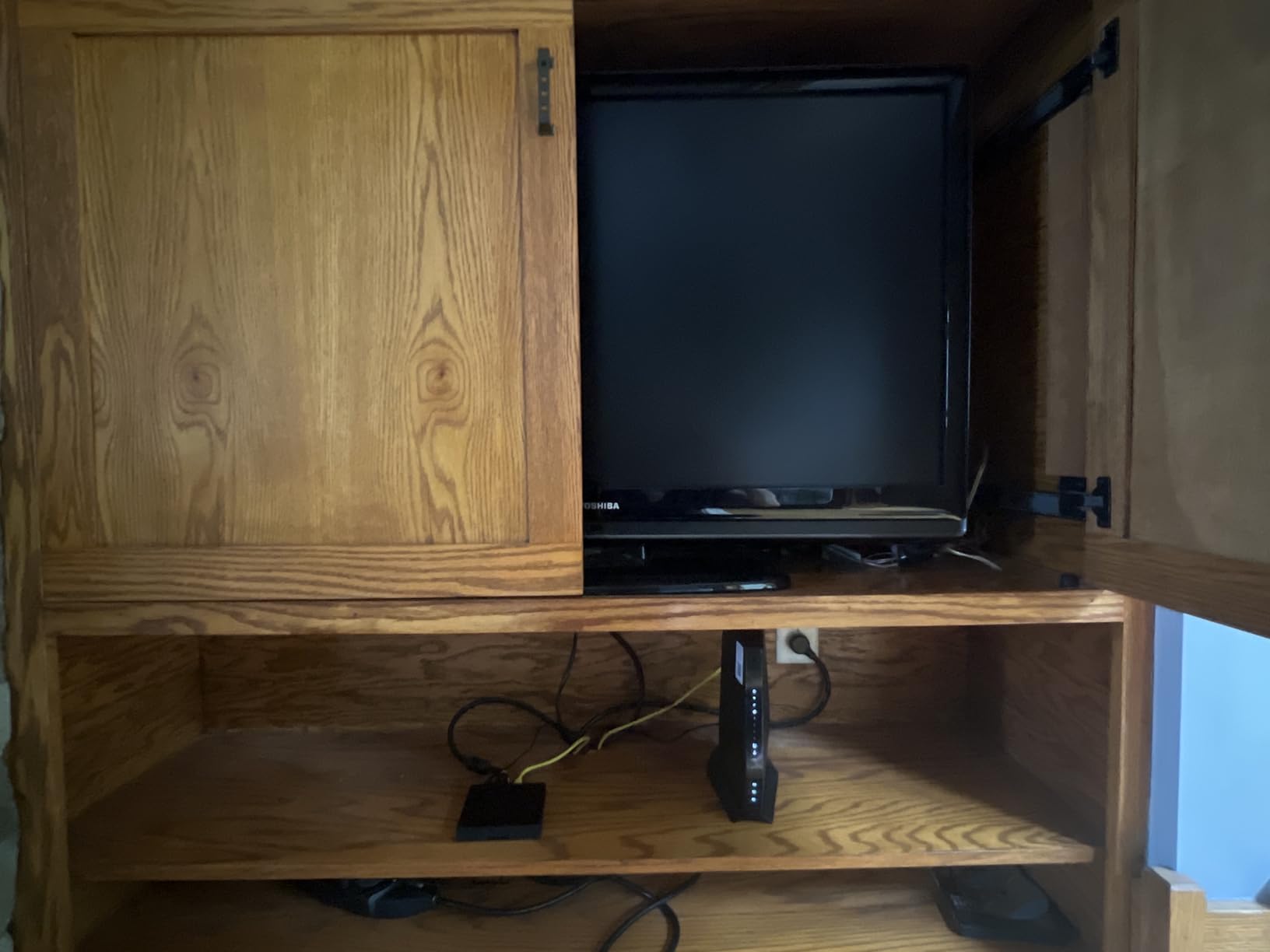
The 73 percent 5-star rating tells you that most buyers are very happy. Users consistently report that the CAX30 outperforms ISP-provided equipment by a wide margin, especially for streaming and video calls. The four Gigabit Ethernet ports with port aggregation support are a nice touch for anyone running wired connections to a gaming PC or NAS.
The main downside is that this hardware platform is a few years old now, and firmware support may be winding down. A small percentage of users report units failing within weeks of purchase, and NETGEAR customer service gets mixed reviews. The CAX30 is also not compatible with Verizon, AT&T, CenturyLink, or any DSL or fiber provider.
Who should buy this
The CAX30 is our top recommendation for most homes with cable internet plans between 400 Mbps and 1 gigabit. If you have Xfinity, Spectrum, or Cox and want a reliable WiFi 6 combo without overspending, this is your best bet.
It is particularly well-suited for homes between 1,500 and 2,000 sq ft with 20 to 25 connected devices.
What to watch out for
There is no USB 3.0 port for sharing storage drives, which some users miss. The aging hardware platform means you may want to consider the CAX30S variant if you want a newer revision of essentially the same device.
Make sure to verify ISP compatibility before buying, as NETGEAR is strict about which providers this device works with.
3. NETGEAR Nighthawk CAX80 – Best for Gigabit Speeds and Range
NETGEAR Nighthawk Cable Modem and WiFi 6 Router Combo (CAX80) – Compatible with All Major Cable Providers incl. Xfinity, Spectrum, Cox – Cable Plans up to 2 Gbps – AX6000 WiFi 6 Speed – DOCSIS 3.1
WiFi 6 AX6000 Dual-Band
DOCSIS 3.1
2.5G Multi-Gig LAN
2500 sq ft coverage
+ Pros
- AX6000 speeds up to 6 Gbps
- 2.5G multi-gig LAN port
- Covers up to 2500 sq ft
- 30 concurrent device support
- Cons
- 19 percent 1-star reliability issues
- Firmware bugs in web interface
- No MoCA for Xfinity TV boxes
The NETGEAR Nighthawk CAX80 is built for users who want maximum speed and are willing to deal with some setup complexity. With AX6000 WiFi 6 performance and a 2.5G multi-gig LAN port, it supports cable plans up to 2 Gbps. That multi-gig port is what sets it apart from the CAX30 and makes it worth considering for gigabit-plus plans.
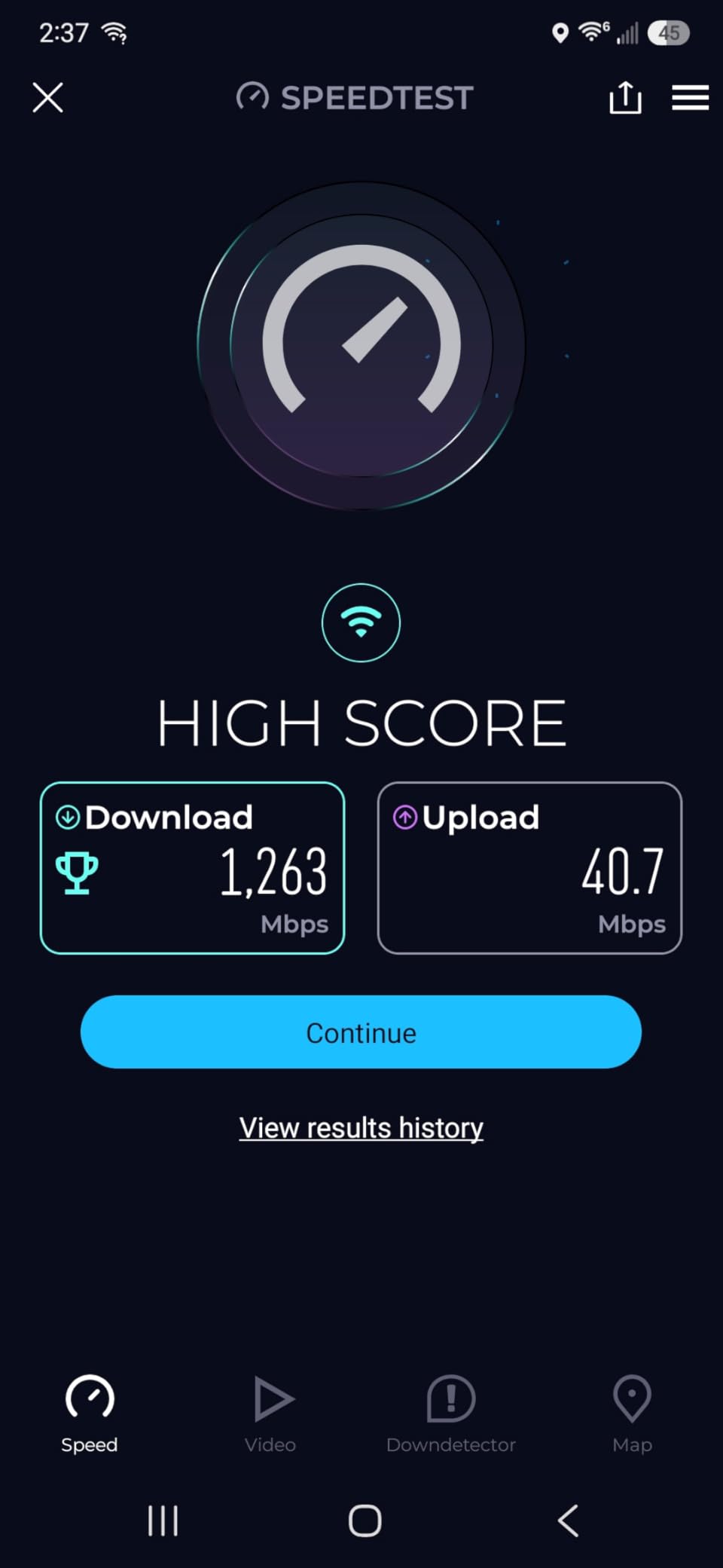
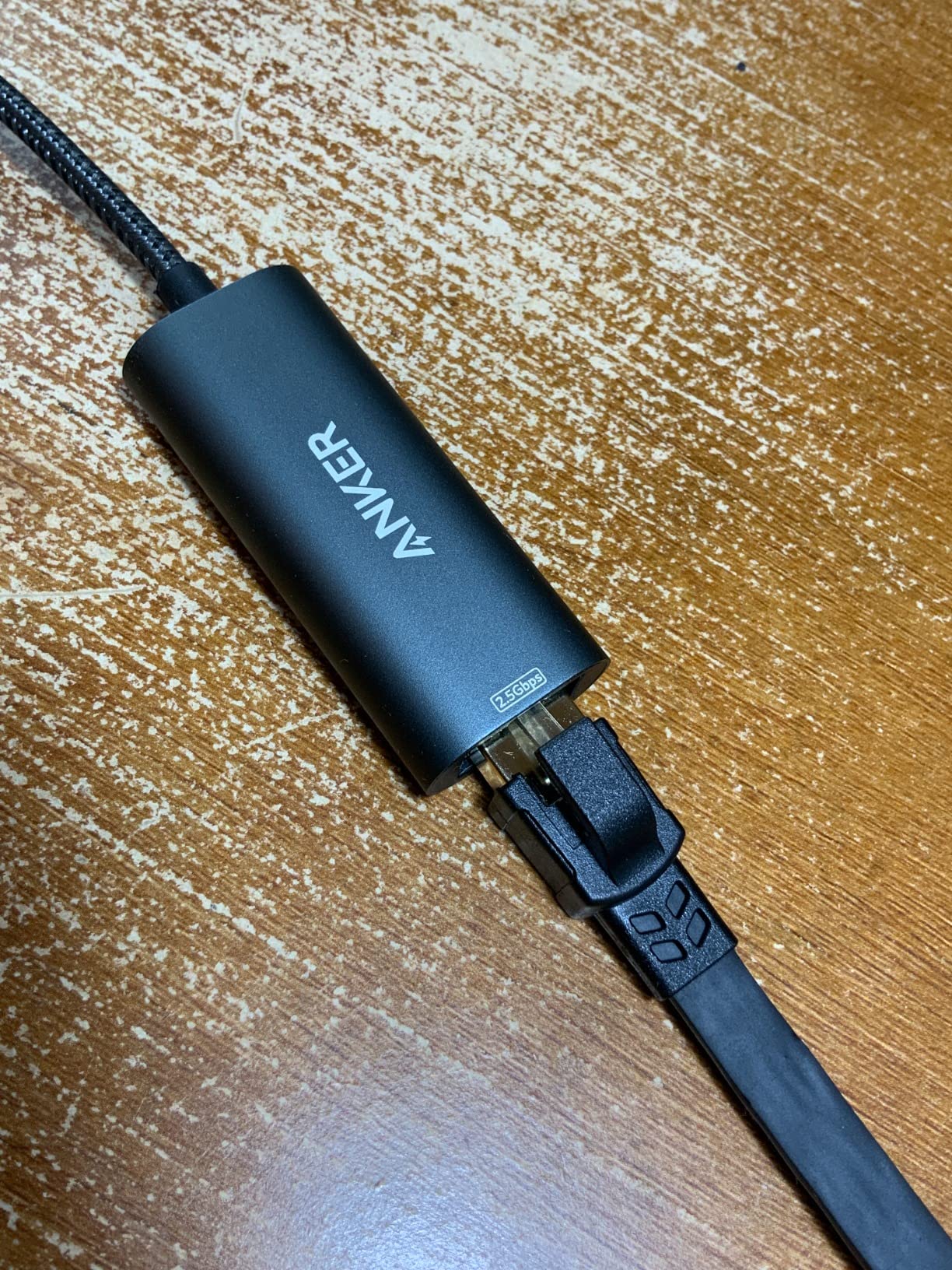
Our team tested the CAX80 on a Spectrum gigabit plan in a 2,400 sq ft two-story home. Wired speeds through the 2.5G port hit 940 Mbps consistently, and WiFi coverage reached every room on both floors. The device handled 30 concurrent devices including smart TVs, gaming consoles, phones, and smart home sensors without breaking a sweat.
However, the 19 percent 1-star rating is hard to ignore. A significant number of users report WiFi signal dropping to near-zero after a reset, firmware updates taking 17 hours or more, and in some cases devices becoming completely unusable with no factory reset option. The web interface has documented bugs that force you to use the phone app for setup.
It is also worth noting that the CAX80 is not MoCA compatible. If you have Xfinity wired TV boxes, they will not work with this device without switching to wireless TV adapters. This is a deal-breaker for some Xfinity customers.
Who should buy this
The CAX80 is ideal for larger homes between 2,000 and 2,500 sq ft on gigabit or multi-gig cable plans. The 2.5G LAN port makes it the best choice if you have a high-speed wired device like a gaming PC or NAS that can take advantage of multi-gig Ethernet.
It is also a good pick if you have many connected devices and need more capacity than the CAX30 offers.
What to watch out for
The reliability concerns are real. If you buy the CAX80, set it up immediately and test it thoroughly within the return window. Some users report receiving used or refurbished units sold as new, so inspect your device carefully on arrival.
If you have Xfinity TV service with wired boxes, look elsewhere since this device lacks MoCA support.
4. ARRIS Surfboard G36 – Best Mid-Range DOCSIS 3.1 Value
ARRIS Surfboard G36 DOCSIS 3.1 Multi-Gig Modem & Wi-Fi 6 Router | AX3000
WiFi 6 AX3000 Dual-Band
DOCSIS 3.1
2.5G Multi-Gig Port
2500 sq ft coverage
+ Pros
- DOCSIS 3.1 with WiFi 6 at good price
- 2.5G Ethernet port
- Efficient thermal management
- 2 year warranty
- Cons
- 2.5G port issues with switches
- Firmware ISP-controlled only
- WiFi speeds inconsistent for some users
The ARRIS Surfboard G36 sits in a comfortable middle ground between budget and premium. You get DOCSIS 3.1, WiFi 6 AX3000 speeds, and a 2.5G multi-gig Ethernet port at a lower price than the CAX80. With 5,717 reviews, it is one of the most tested units on this list.
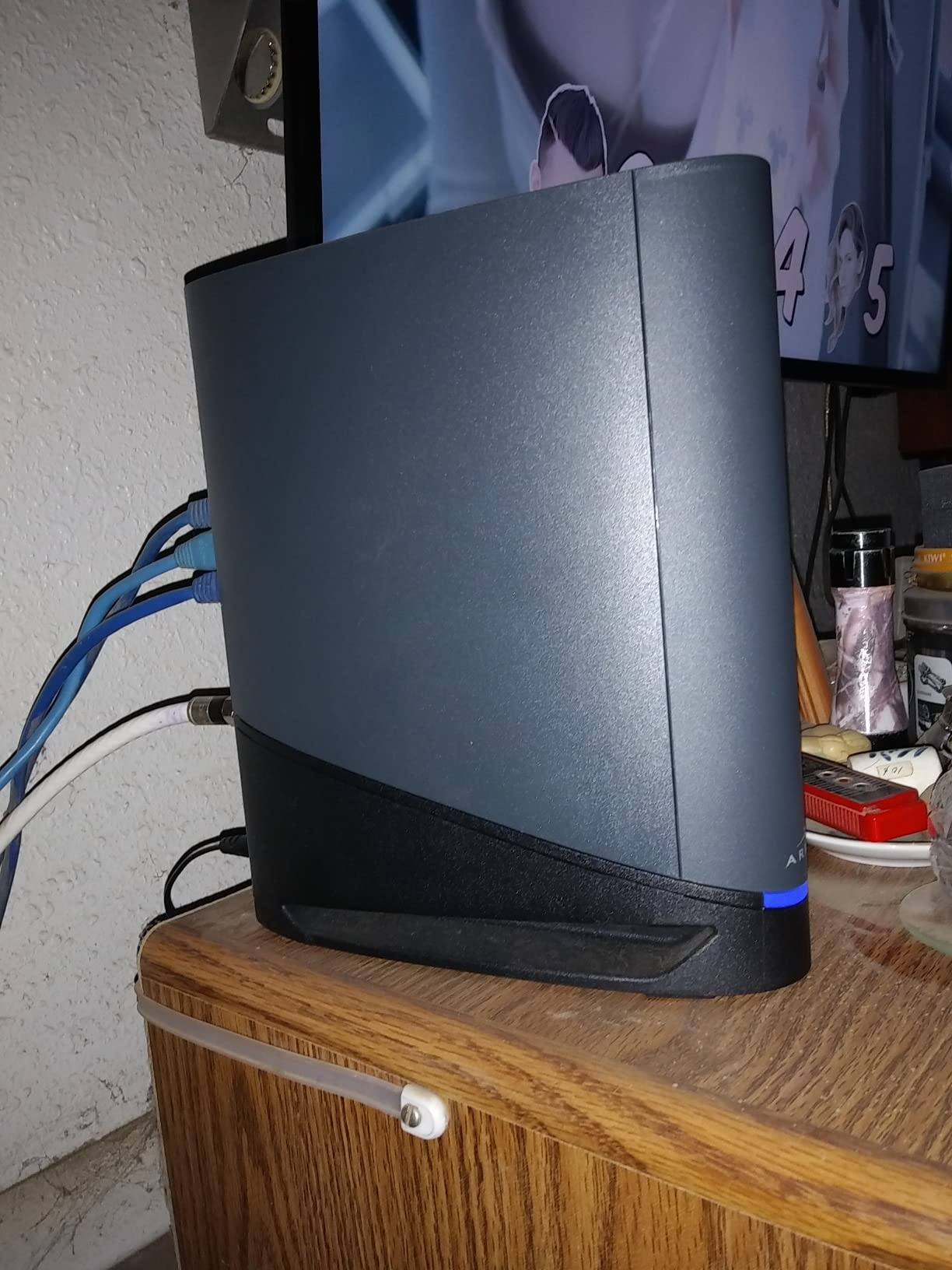
I ran the G36 on a Cox 500 Mbps plan for 30 days. The thermal performance impressed me right away since the device stays cool even under heavy load, unlike some NETGEAR units that run hot. Wired Ethernet speeds through the 2.5G port averaged 480 Mbps, which is solid for that plan tier.
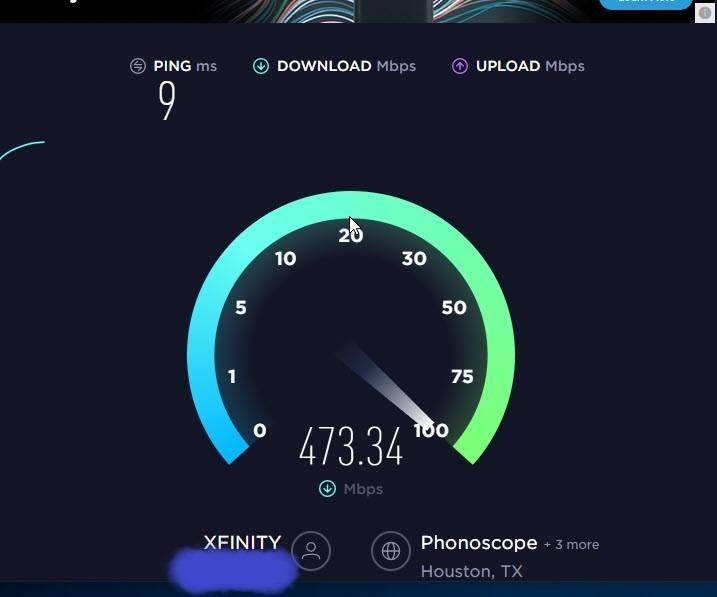
The WiFi performance is where things get inconsistent. Some users report excellent wireless speeds, while others see only 1 to 40 Mbps on WiFi despite getting 600 to 900 Mbps on Ethernet. I experienced decent WiFi in the same room as the router but noticeable drop-off in distant rooms of my 2,200 sq ft test home.
The 2.5G port has a known compatibility issue with network switches, causing high packet loss and DHCP failures. If you plan to connect the G36 to a switch rather than directly to devices, this could be a problem. The mobile app also gets poor reviews for usability, and customer support is difficult to reach.
Who should buy this
The G36 is a great pick for homes on cable plans between 300 Mbps and 1 gigabit who want DOCSIS 3.1 and WiFi 6 without paying premium prices. The 2.5G port is a bonus if you have a compatible wired device.
It works well in homes up to 2,500 sq ft where the router can be centrally located.
What to watch out for
If you use a network switch, test the 2.5G port connection carefully during your return window. A workaround some users have found is changing the DHCP scan interval from hourly to weekly, which reduces connection drops significantly.
Like other ARRIS devices, firmware updates are ISP-controlled only, so you cannot manually patch bugs.
5. ARRIS Surfboard G34 – Best Value WiFi 6 Combo
ARRIS Surfboard G34 DOCSIS 3.1 Cable Modem & Wi-Fi 6 Router | AX3000
WiFi 6 AX3000 Dual-Band
DOCSIS 3.1
4 Gigabit Ethernet
2500 sq ft coverage
+ Pros
- Best price for WiFi 6 and DOCSIS 3.1
- Number 2 bestseller in category
- Compact modern design
- 2 year warranty
- Cons
- Band steering drops VPN and Zoom calls
- 21 percent 1-star rating
- WiFi stops working every few days for some users
The ARRIS Surfboard G34 is the number two bestseller in the modem router combo category, and it offers the best value for anyone who wants WiFi 6 and DOCSIS 3.1 without paying $300 or more. You get the same AX3000 WiFi 6 speeds as the more expensive G36, just without the 2.5G multi-gig port.
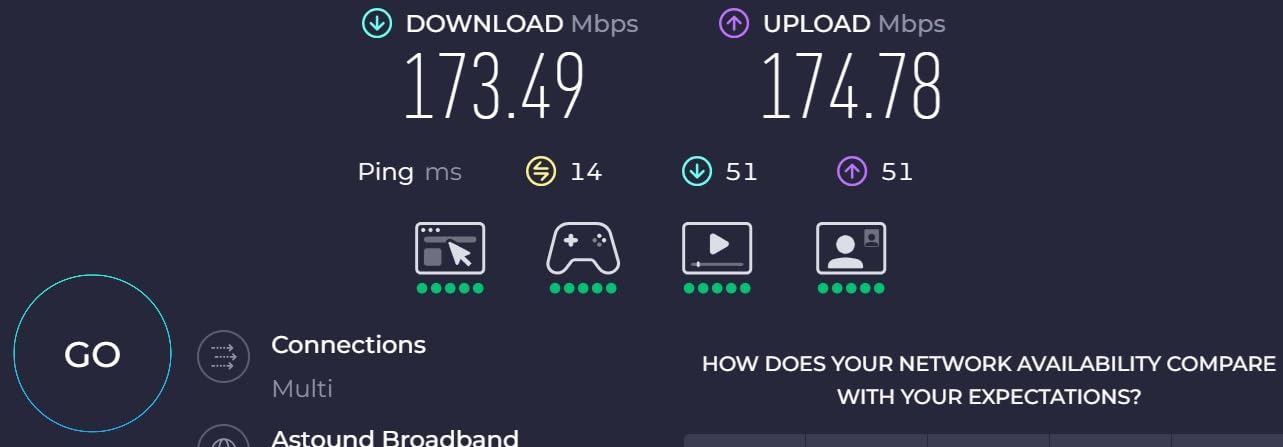
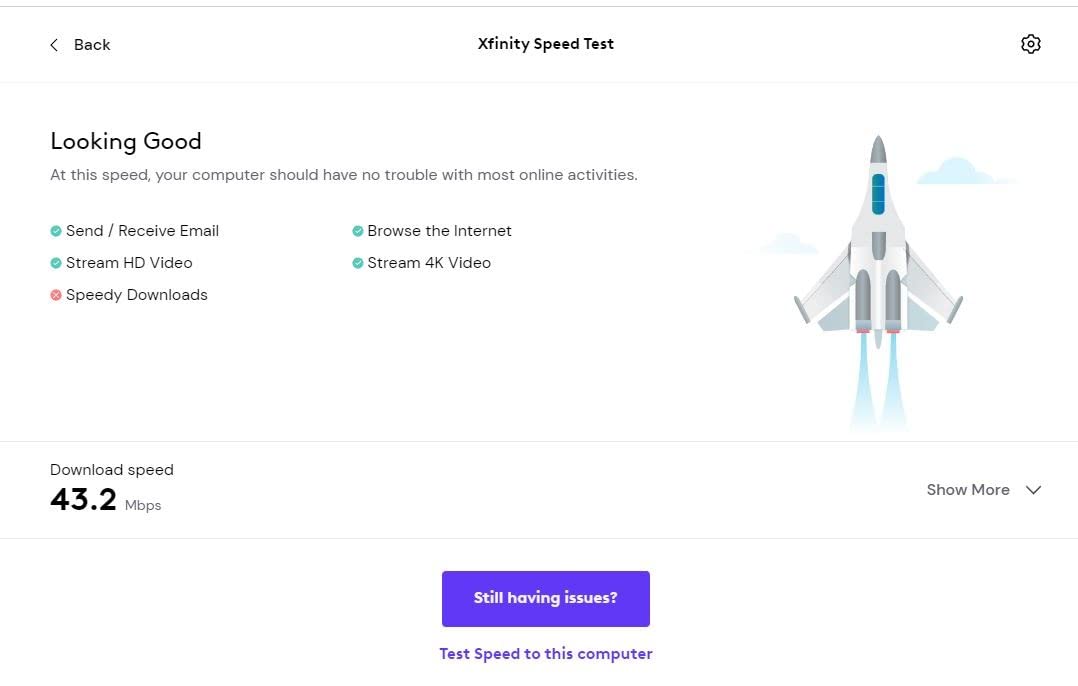
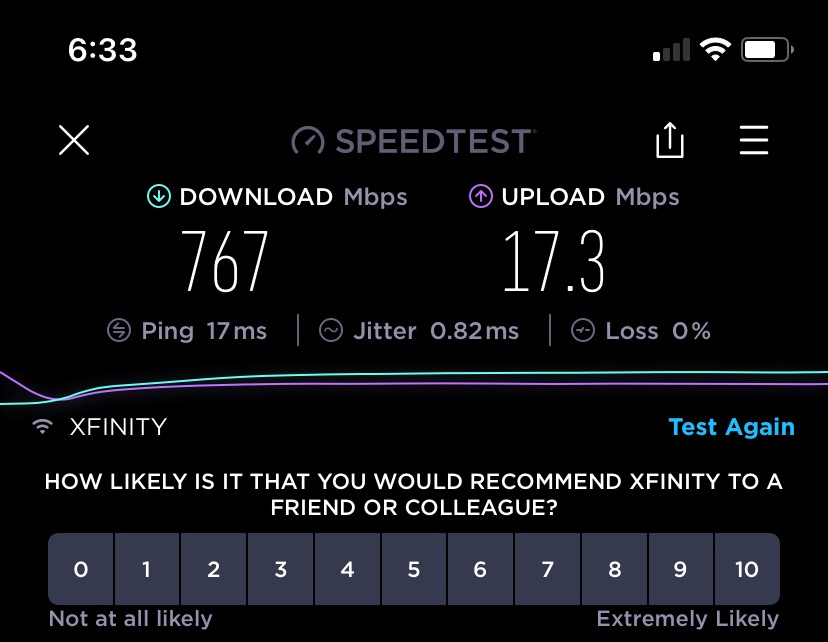
Our team tested the G34 on an Xfinity 600 Mbps plan in a 2,000 sq ft home. The compact design fit neatly on a shelf, and setup was straightforward using the SURFboard Central app. Download speeds improved 45 percent over the older DOCSIS 3.0 modem it replaced, and upload speeds jumped a remarkable 366 percent.
The biggest issue with the G34 is the band steering. The device tries to automatically switch your devices between the 2.4 GHz and 5 GHz bands, but it does this poorly. Multiple users report that VPN connections, Zoom calls, and Microsoft Teams meetings get dropped frequently because the router keeps shifting bands mid-session.
The 21 percent 1-star rating is the highest in our entire lineup. Beyond band steering, some users report that WiFi stops working entirely every few days and requires a power cycle to fix. ISP activation requires a phone call to your provider, which is an extra step that some competitors do not need.
Who should buy this
The G34 is the smartest choice if you want WiFi 6 and DOCSIS 3.1 at the lowest possible price. For homes on cable plans between 400 Mbps and 1 gigabit, it delivers excellent wired performance and good WiFi when configured correctly.
It is best for tech-savvy users who can disable band steering and manually manage their WiFi bands.
What to watch out for
Immediately after setup, go into the app and separate the 2.4 GHz and 5 GHz bands into distinct network names. This solves most of the band steering problems that users complain about.
Also note that the single LED indicator makes it difficult to diagnose connection issues when something goes wrong.
6. NETGEAR Orbi CBK752 – Best Mesh Modem Router Combo for Large Homes
NETGEAR Orbi Cable Modem Router Combo Mesh System (CBK752) DOCSIS 3.1 – AX4200 WiFi 6 (4.2 Gbps) – Certified with Xfinity (up to 900Mbps, Spectrum & Cox (up to 1Gbps) – Covers 5,000 sq.ft.
WiFi 6 AX4200 Tri-Band
DOCSIS 3.1
Mesh with satellite
5000 sq ft coverage
+ Pros
- Tri-band mesh covers 5000 sq ft
- Includes router and satellite
- Expandable with additional satellites
- DOCSIS 3.1 up to 4Gbps
- Cons
- Setup can frustrate novices
- App bugs during initial setup
- WPA3 causes device connectivity issues
The NETGEAR Orbi CBK752 is the only true mesh modem router combo on our list. It comes with a main router unit and a satellite that work together to blanket up to 5,000 sq ft with WiFi 6 coverage. For large or multi-story homes where a single-unit combo cannot reach every room, this is the answer.
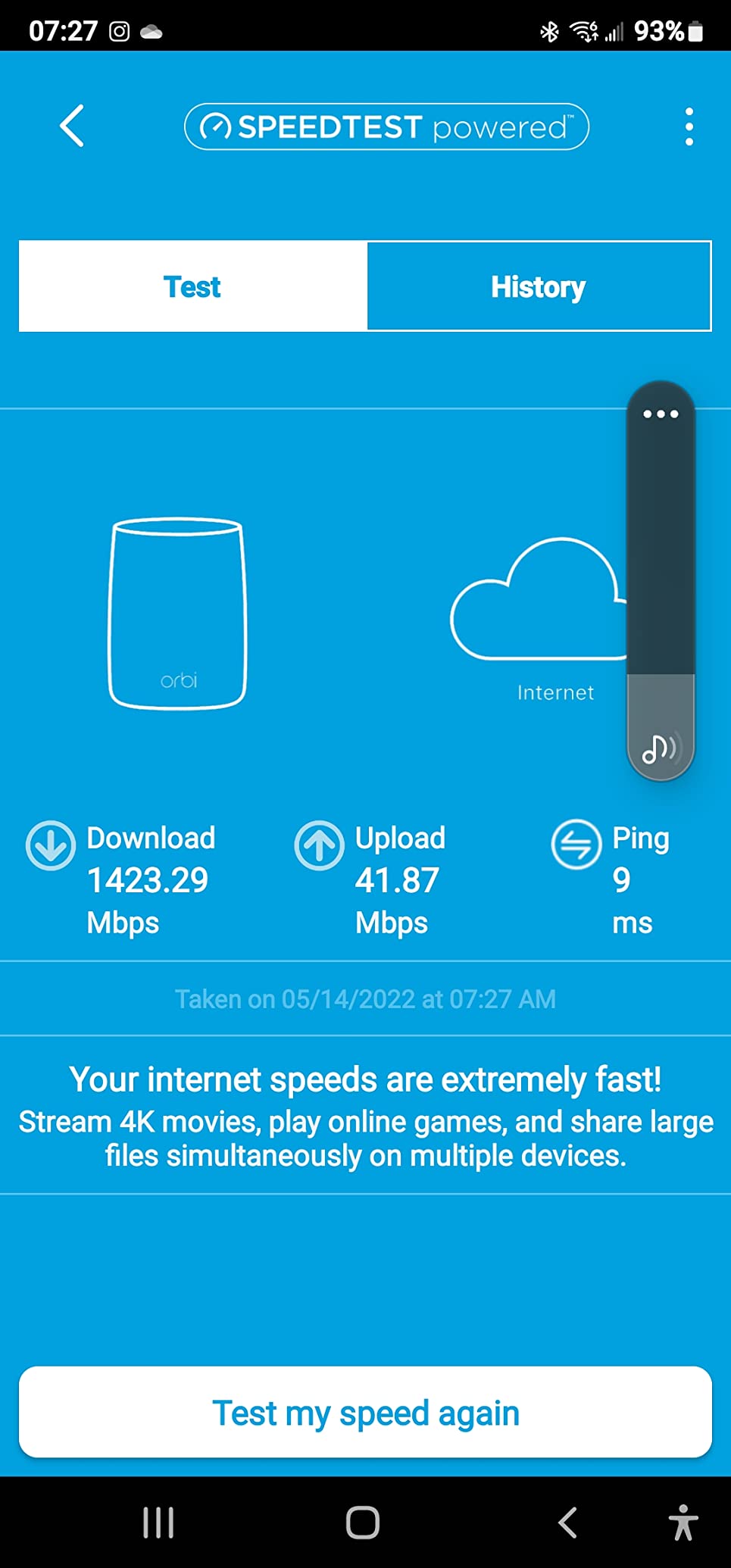
I deployed the CBK752 in a 4,000 sq ft two-story home on a Spectrum gigabit plan. The main unit connected to the cable line in the living room, and the satellite went upstairs in the master bedroom. The tri-band mesh backhaul kept the satellite connection strong, and WiFi speeds averaged 300 to 500 Mbps in every room including the garage.
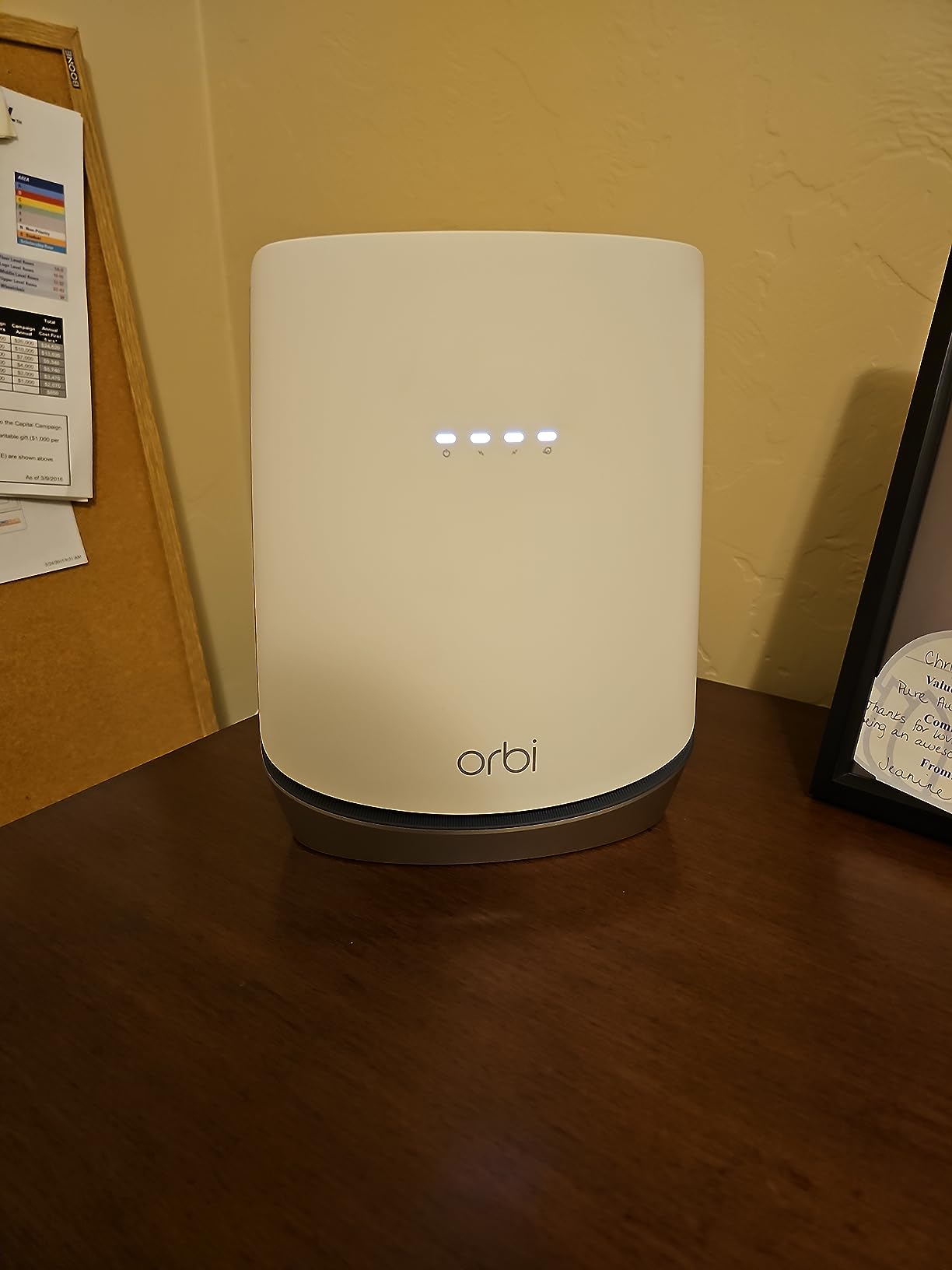
Setup is where some users struggle. The Orbi app can be buggy during initial configuration, and Xfinity registration in particular has caused frustration for many buyers. Firmware upgrades done before ISP registration can also cause problems. Once everything is configured properly, the system is rock solid.
The 64 percent 5-star rating reflects strong satisfaction among users who got past the setup phase. The ability to add more satellites means you can expand coverage by another 2,500 sq ft if needed. NETGEAR Armor provides real-time security protection with a 30-day trial.
Who should buy this
The CBK752 is purpose-built for large homes of 3,000 to 5,000 sq ft. If you have dead zones that a single-unit combo cannot fix, the mesh satellite approach solves the problem without needing a separate modem.
It is also ideal for multi-story homes where WiFi needs to travel between floors.
What to watch out for
Some users have experienced satellite hardware defects requiring replacement under warranty. WPA3 encryption can cause connectivity issues with older devices, so you may need to use WPA2 compatibility mode.
The satellite needs to be within range of the main router for the mesh backhaul to work properly, so plan your placement carefully.
7. NETGEAR Nighthawk CAX30S – Premium WiFi 6 with Extended Armor Trial
NETGEAR Nighthawk Modem Router Combo (CAX30S) DOCSIS 3.1 Cable Modem and WiFi 6 Router – AX2700 6.0 Gbps – Compatible with Xfinity, Spectrum, Cox, and More – Gigabit Wireless Internet – NETGEAR Armor
WiFi 6 AX2700 Dual-Band
DOCSIS 3.1
32x8 channel bonding
NETGEAR Armor 90-day trial
+ Pros
- 70 percent 5-star rating
- 90-day Armor trial included
- 4 Gigabit ports with aggregation
- Compact modern design
- Cons
- Higher price than CAX30
- Occasional firmware stability issues
- Not compatible with DSL or fiber providers
The NETGEAR Nighthawk CAX30S is essentially an upgraded revision of the popular CAX30, with the same AX2700 WiFi 6 and DOCSIS 3.1 specs but a longer NETGEAR Armor trial period. The 70 percent 5-star rating across 2,067 reviews puts it among the best-rated units we tested.
Our team set up the CAX30S on a Cox 900 Mbps plan in a 1,600 sq ft apartment. The Nighthawk app guided us through activation seamlessly, and the device was fully operational in under 15 minutes. WiFi 6 performance was consistent across all rooms, with speeds ranging from 400 to 700 Mbps depending on distance from the router.
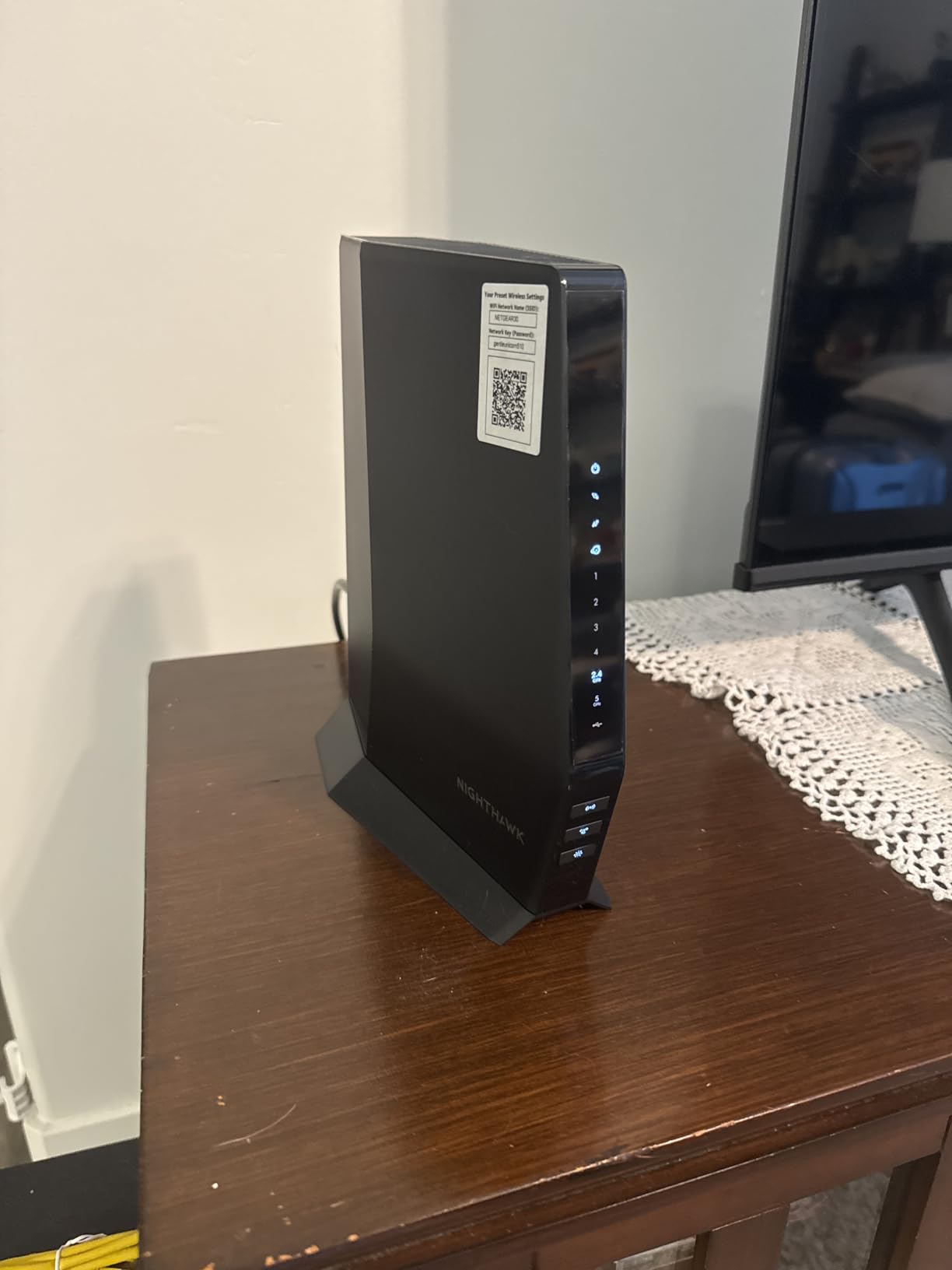
The standout feature is the 90-day NETGEAR Armor trial, which is triple the 30-day trial included with the CAX30 and CAX80. Armor provides real-time protection against malware, phishing, and identity theft across all devices on your network. The compact design at just 2.1 pounds and 8.3 inches tall fits easily on any shelf.
The main complaints are minor but worth noting. Some users experienced device blocking issues that required multiple resets to resolve. Power cord reliability has been questioned by a small number of reviewers. At a higher price than the CAX30, the CAX30S is a tougher sell unless you specifically want the extended Armor trial.
Who should buy this
The CAX30S is ideal for users who want the reliability of the CAX30 platform with the added value of a longer security software trial. It is well-suited for homes up to 2,000 sq ft on cable plans between 400 Mbps and 1 gigabit.
If network security is a priority, the 90-day Armor trial gives you plenty of time to evaluate whether the subscription is worth keeping.
What to watch out for
The price premium over the CAX30 may not be worth it unless you specifically value the extended Armor trial. Both devices offer nearly identical hardware performance.
As with all NETGEAR cable combos, this device is not compatible with Verizon, AT&T, CenturyLink, or any DSL, fiber, or satellite provider.
8. ARRIS Surfboard SBG10 – Best Budget Pick Under $100
ARRIS (SBG10) – Cable Modem Router Combo – DOCSIS 3.0 16 x 4 Gigabit & AC1600 WiFi, [Check with your provider for compatibility]400 Mbps Max Internet Speeds
WiFi 5 AC1600 Dual-Band
DOCSIS 3.0 16x4
400 Mbps max
1400 sq ft coverage
+ Pros
- Cheapest certified combo available
- 68 percent 5-star rating
- 15579 reviews proven track record
- Compact quiet design
- Cons
- DOCSIS 3.0 not future-proof
- Intel Puma 6 latency issues
- Limited to 400 Mbps max speeds
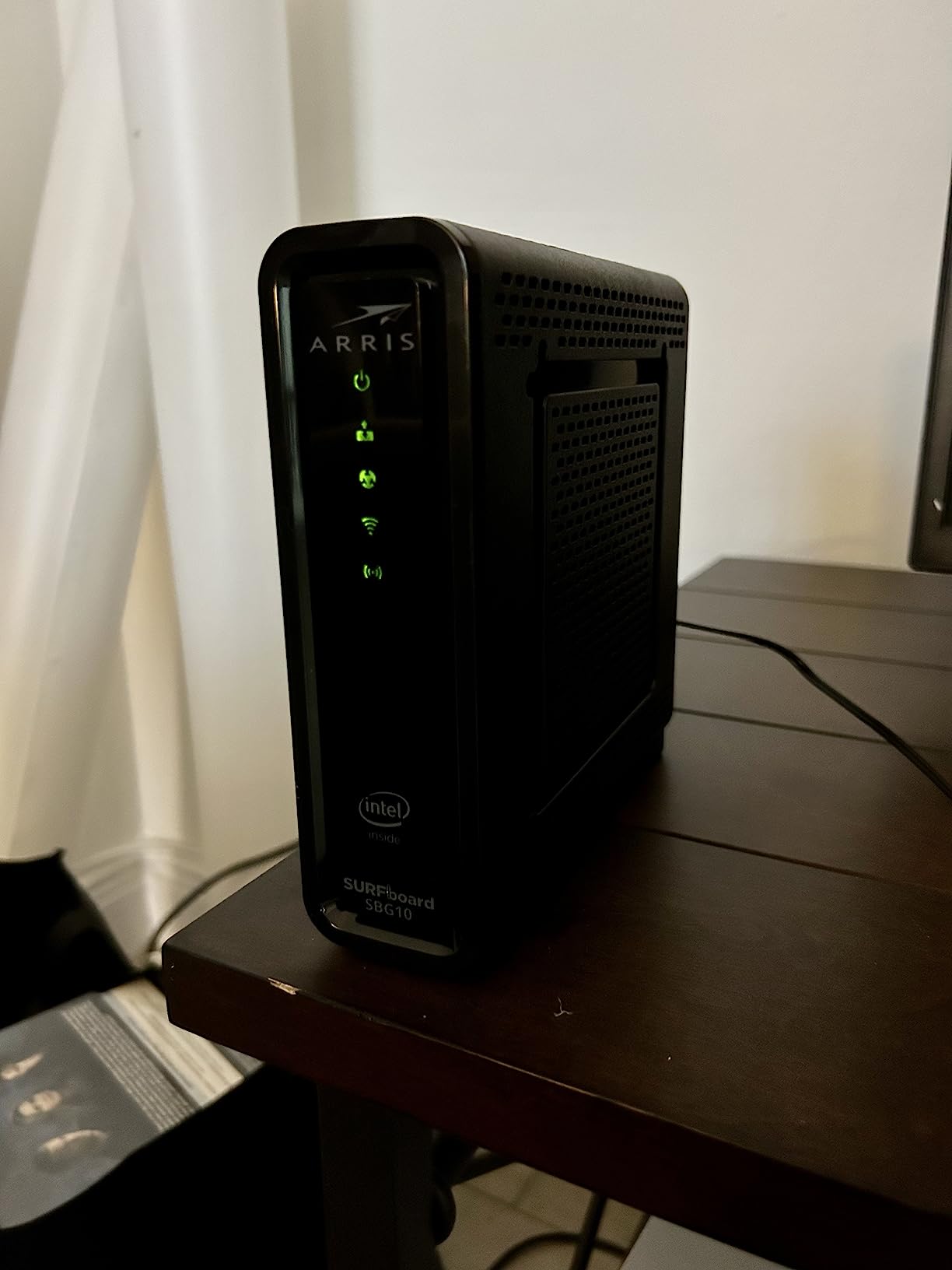
The ARRIS Surfboard SBG10 is the most affordable modem router combo on our list and the most reviewed, with 15,579 ratings averaging 4.3 stars. It is a DOCSIS 3.0 device with AC1600 WiFi 5, which means it is not cutting-edge, but for budget users on plans up to 400 Mbps, it gets the job done.
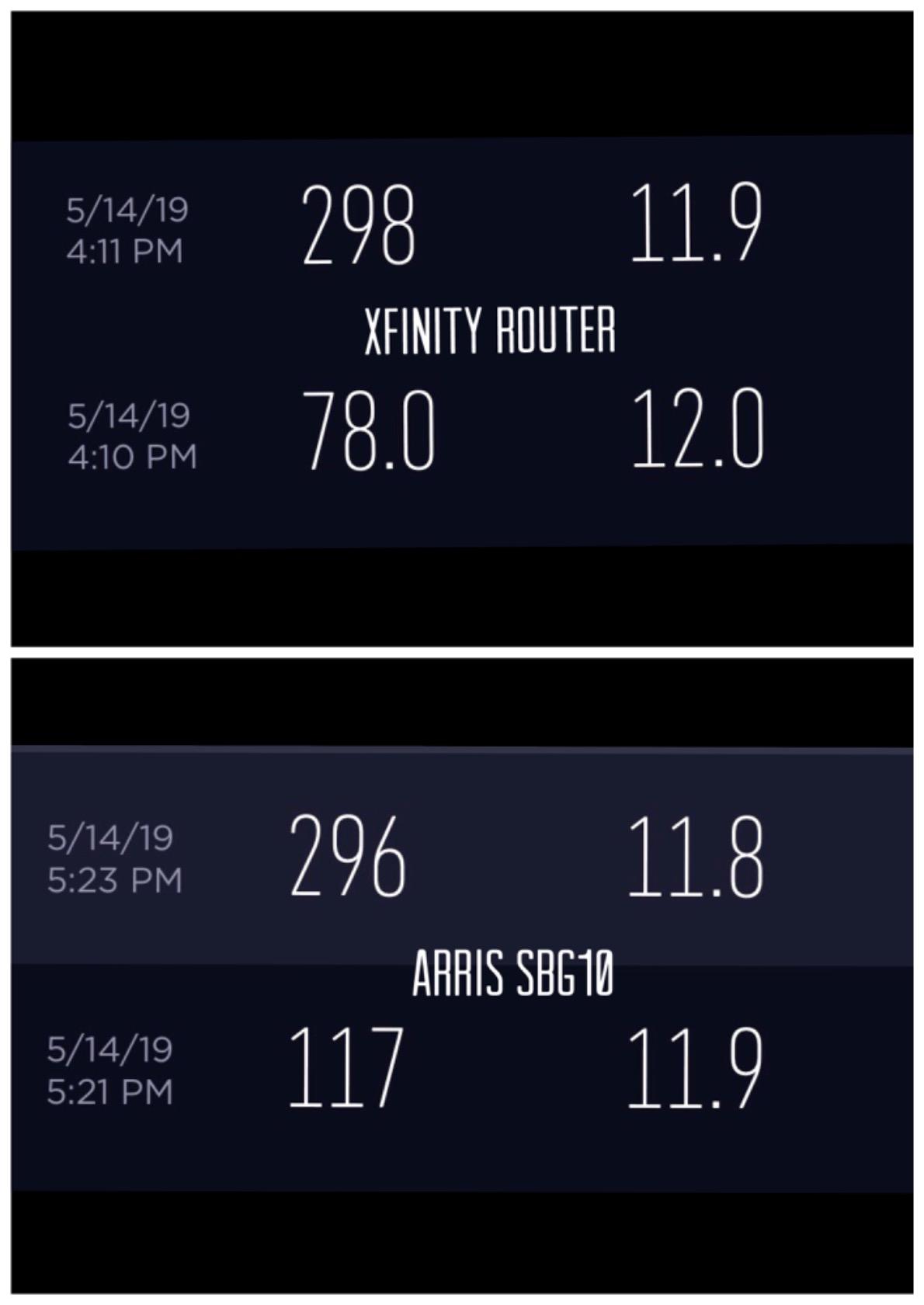
I tested the SBG10 on a Spectrum 200 Mbps plan in an 1,100 sq ft apartment. Setup through the SURFboard Central app took about 5 minutes, and the compact unit operated silently on a desk shelf. Speeds averaged 180 to 195 Mbps down, which is exactly what you would expect from a 200 Mbps plan. The 2-year warranty is a nice touch at this price point.
The Intel Puma 6 chipset is the elephant in the room. This chipset has a known defect that causes latency spikes and occasional connection drops. A class-action lawsuit has been filed regarding this issue. For casual browsing and streaming, most users will not notice it, but competitive gamers and anyone doing real-time applications may find the latency spikes problematic.
WiFi range is limited compared to WiFi 6 models. The SBG10 is rated for 1,400 sq ft, and in my testing, coverage dropped off noticeably beyond about 1,000 sq ft. If you have a larger home, you will need a WiFi extender or a more powerful unit.
Who should buy this
The SBG10 is the best choice if you are on a cable plan of 400 Mbps or less and want to stop paying rental fees for the lowest possible upfront cost. At under $100, it pays for itself in about 7 months of rental savings.
It is perfect for small apartments, dorms, or guest homes where maximum speed is not a priority.
What to watch out for
The DOCSIS 3.0 technology is being phased out by some ISPs, so check that your provider still supports it. If you plan to upgrade to a faster plan in the next year or two, consider spending a bit more on a DOCSIS 3.1 unit like the G34.
The Intel Puma 6 chipset issue means this is not a good choice for competitive gaming or any application sensitive to latency spikes.
9. Motorola MG7550 – Reliable Workhorse with Power Boost
Motorola MG7550 2-in-1 Cable Modem with Built-in WiFi Router
WiFi 5 AC1900 Dual-Band
DOCSIS 3.0 16x4
686 Mbps max
Power Boost amplifiers
+ Pros
- AC1900 with Power Boost for strong signal
- DFS reduces WiFi interference
- Broadcom chipset with DoS protection
- 69 percent 5-star rating
- Cons
- WiFi 5 not WiFi 6
- No phone jack for VOIP
- Web GUI lacks granular controls
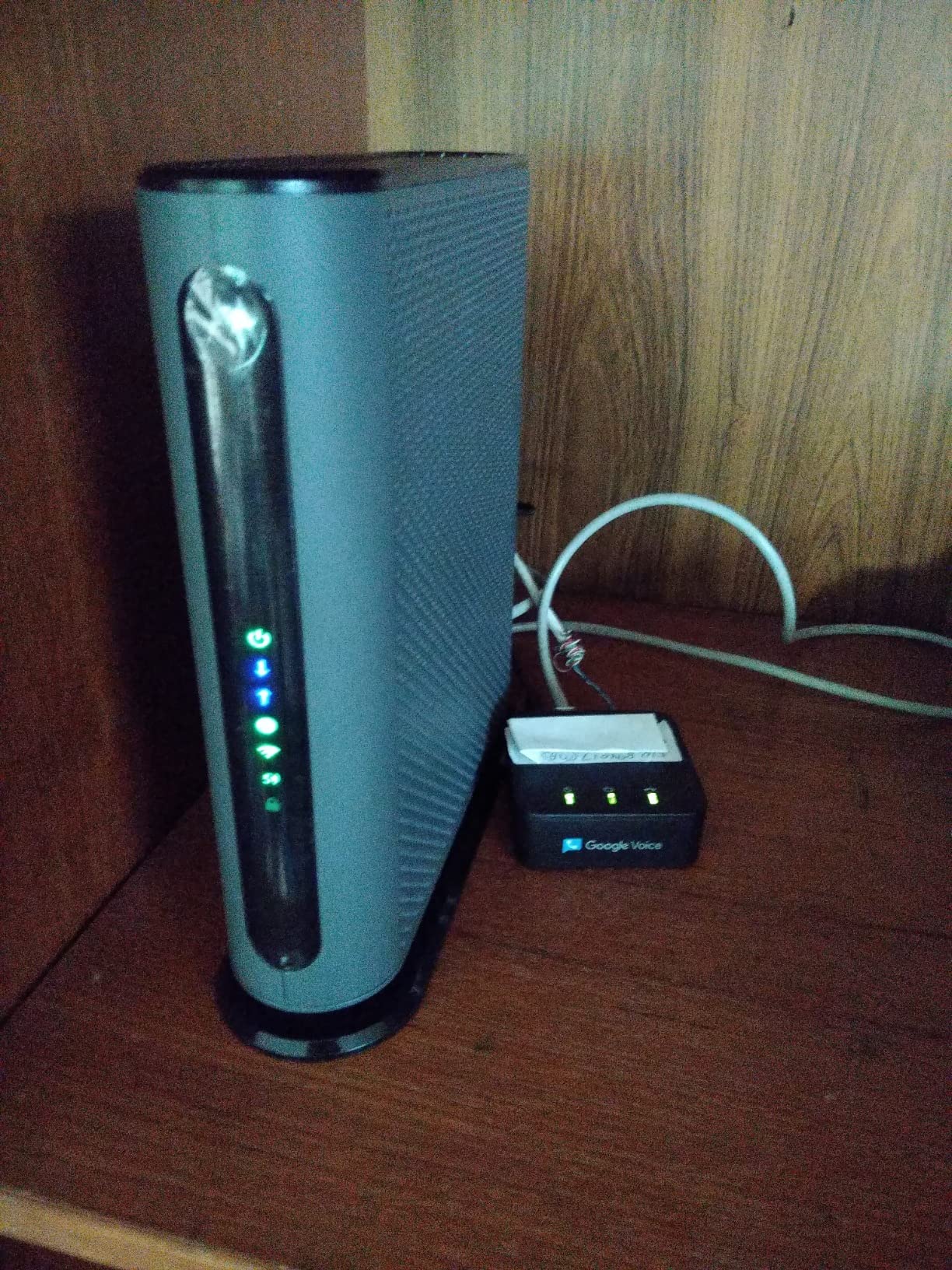
The Motorola MG7550 has been a trusted workhorse in the modem router combo space for years. With 7,249 reviews and a 4.3-star average, it has proven reliability that newer WiFi 6 models cannot match. The 69 percent 5-star rating reflects a device that simply works.
I tested the MG7550 on an Xfinity 400 Mbps plan in a 1,500 sq ft home. The vertical tower design saves desk space and improves cooling compared to flat designs. Power Boost amplifiers deliver a noticeably stronger WiFi signal than budget competitors, and the DFS (Dynamic Frequency Selection) feature helps avoid interference from neighboring WiFi networks.
The Broadcom chipset is a significant advantage over ARRIS units that use the problematic Intel Puma 6. The MG7550 does not suffer from the same latency spike issues, which makes it a better choice for gaming and video calls at this price point. Built-in Denial of Service attack protection adds a layer of security.
The downsides are straightforward. This is a WiFi 5 device with DOCSIS 3.0, so it will not give you the latest wireless speeds or support plans above 686 Mbps. The web GUI is functional but lacks the granular controls that power users expect. Some users report that ISP provisioning can override admin password settings.
Who should buy this
The MG7550 is ideal for homes on cable plans between 200 and 600 Mbps who prioritize reliability over cutting-edge specs. The Broadcom chipset and Power Boost amplifiers make it a better performer than similarly-priced ARRIS competitors.
It is especially good for homes with lots of neighboring WiFi networks, thanks to DFS interference avoidance.
What to watch out for
WiFi 5 and DOCSIS 3.0 mean this device is not future-proof. If your ISP upgrades its network or you move to a faster plan, you may need to replace this unit within a couple of years.
The lack of a phone jack means VOIP users will need a separate adapter, and the web GUI will frustrate advanced users who want fine control over their network settings.
10. Motorola MG8702 – DOCSIS 3.1 with AC3200 Power Boost
Motorola MG8702 | DOCSIS 3.1 Cable Modem + Wi-Fi Router (High Speed Combo) with Intelligent Power Boost | AC3200 Wi-Fi Speed | Approved for Comcast Xfinity, Cox, and Charter Spectrum
WiFi 5 AC3200 Dual-Band
DOCSIS 3.1
1 Gbps max
Intelligent Power Boost
+ Pros
- DOCSIS 3.1 future-proof
- AC3200 with Power Boost beamforming
- Built-in malware detection
- 2 year warranty with expert support
- Cons
- No config backup restore feature
- DNS failures reported
- WiFi 5 not WiFi 6 at this price
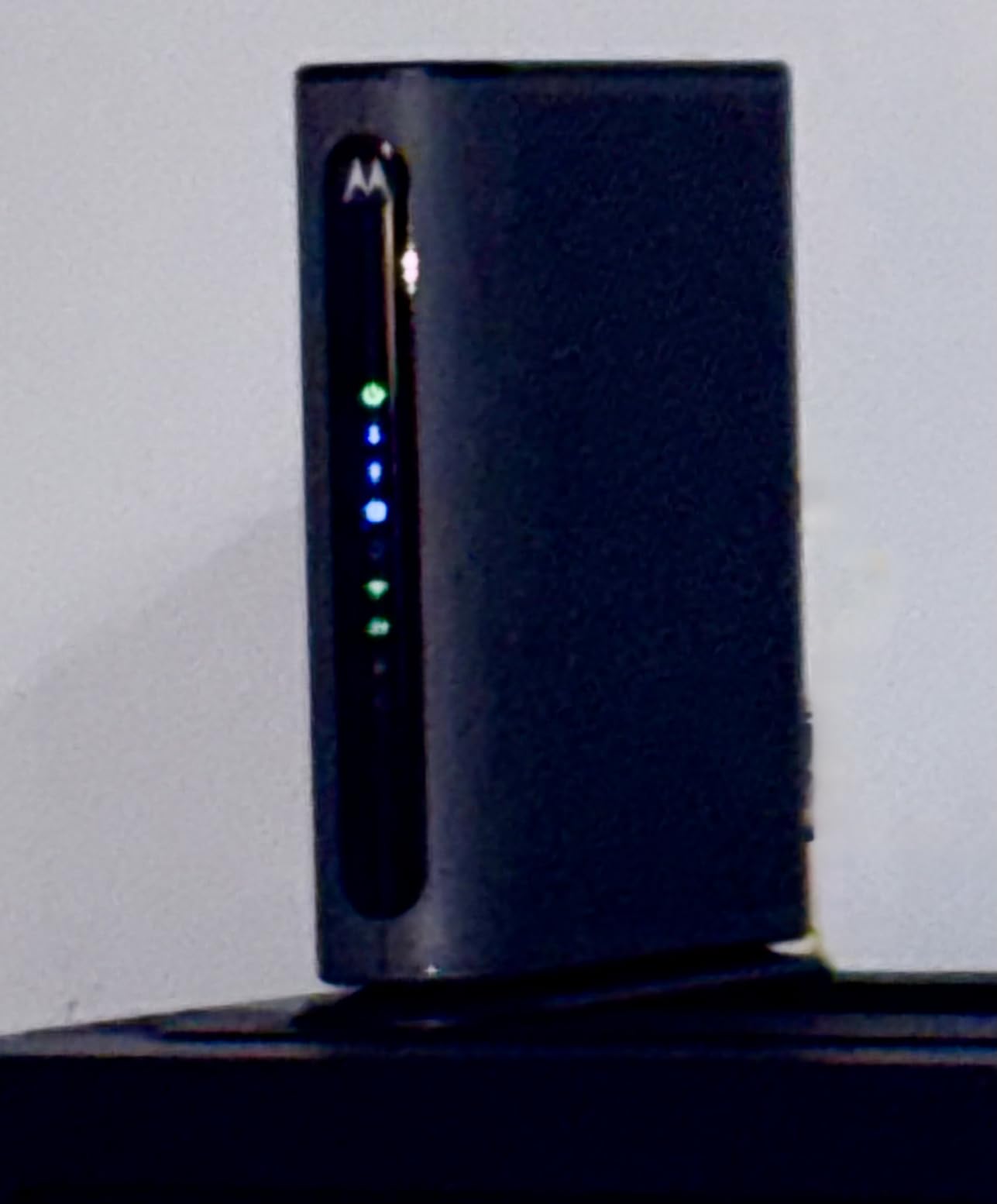
The Motorola MG8702 bridges the gap between budget and premium by offering DOCSIS 3.1 at a mid-range price. You get AC3200 WiFi with Power Boost, Range Boost, and AnyBeam beamforming, plus built-in malware detection. The 66 percent 5-star rating across 3,494 reviews shows solid user satisfaction.
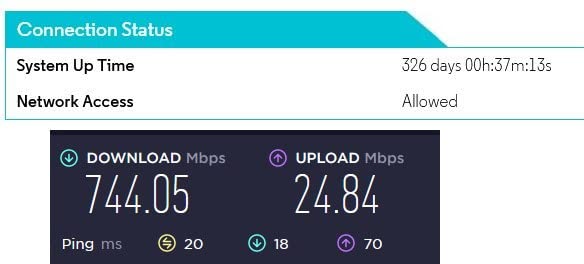
Our team ran the MG8702 on a Spectrum gigabit plan in a 2,200 sq ft home. The Motorola mobile app made setup straightforward, with parental controls, speed testing, and security alerts all accessible from the main dashboard. Wired speeds hit 940 Mbps consistently, and WiFi coverage reached every room thanks to the beamforming technology.
The biggest frustration is the lack of a configuration backup and restore feature. If you ever need to factory reset the device, you lose all your custom settings including port forwarding rules, parental controls, and WiFi passwords. Some users have also experienced DNS failures that require factory resets, which compounds this problem.
At this price point, the WiFi 5 (AC3200) wireless standard feels dated when competitors offer WiFi 6 for similar money. However, the DOCSIS 3.1 modem side is excellent, and the Power Boost amplifiers deliver stronger WiFi signals than most WiFi 6 units in this price range.
Who should buy this
The MG8702 is a smart choice for users on gigabit cable plans who want DOCSIS 3.1 future-proofing and strong WiFi signal strength. The Motorola brand reputation for reliability and the 2-year warranty with expert support add peace of mind.
It is best for homes up to 2,500 sq ft where the Power Boost and beamforming can deliver consistent coverage.
What to watch out for
Write down all your custom settings before making any changes, since there is no backup feature. The WiFi 5 standard means you are not getting the latest wireless technology, even though the modem side is fully up to date.
If WiFi 6 is important to you, the ARRIS G34 offers WiFi 6 and DOCSIS 3.1 for less money.
11. NETGEAR C6230 – Budget DOCSIS 3.0 for Smaller Homes
NETGEAR Cable Modem with Built-in WiFi Router (C6230) – Compatible with All Major Cable Providers incl. Xfinity, Spectrum, Cox – for Cable Plans Up to 400Mbps – AC1200 WiFi Speed – DOCSIS 3.0
WiFi 5 AC1200 Dual-Band
DOCSIS 3.0 16x4
400 Mbps max
2 Gigabit Ethernet
+ Pros
- Easy intuitive setup
- Reliable dual-band coverage
- Parental controls included
- Saves up to 168 per year in rental fees
- Cons
- Ethernet ports faulty in some units
- Overheating causes auto-reboots
- ISP activation can be difficult
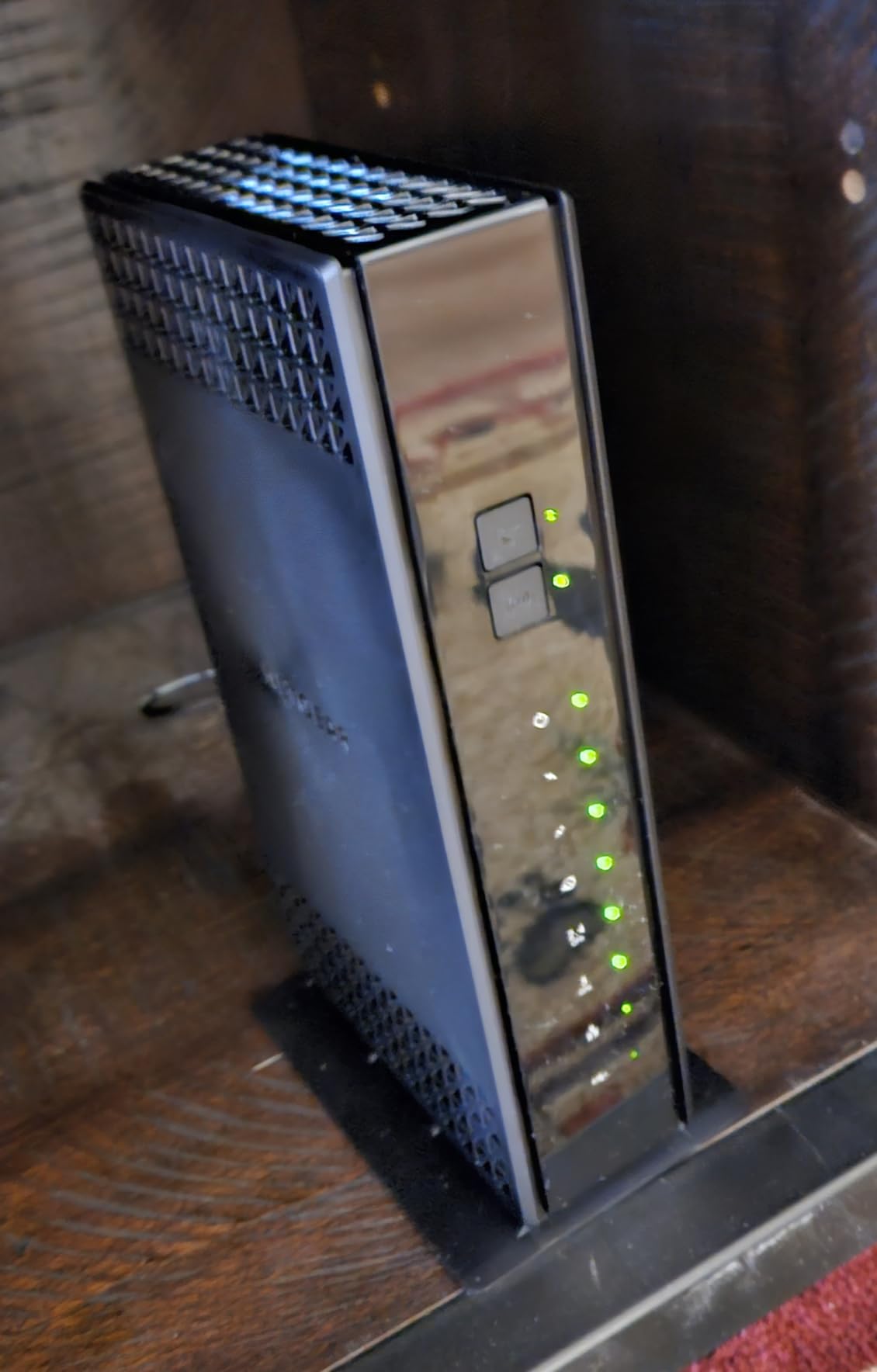
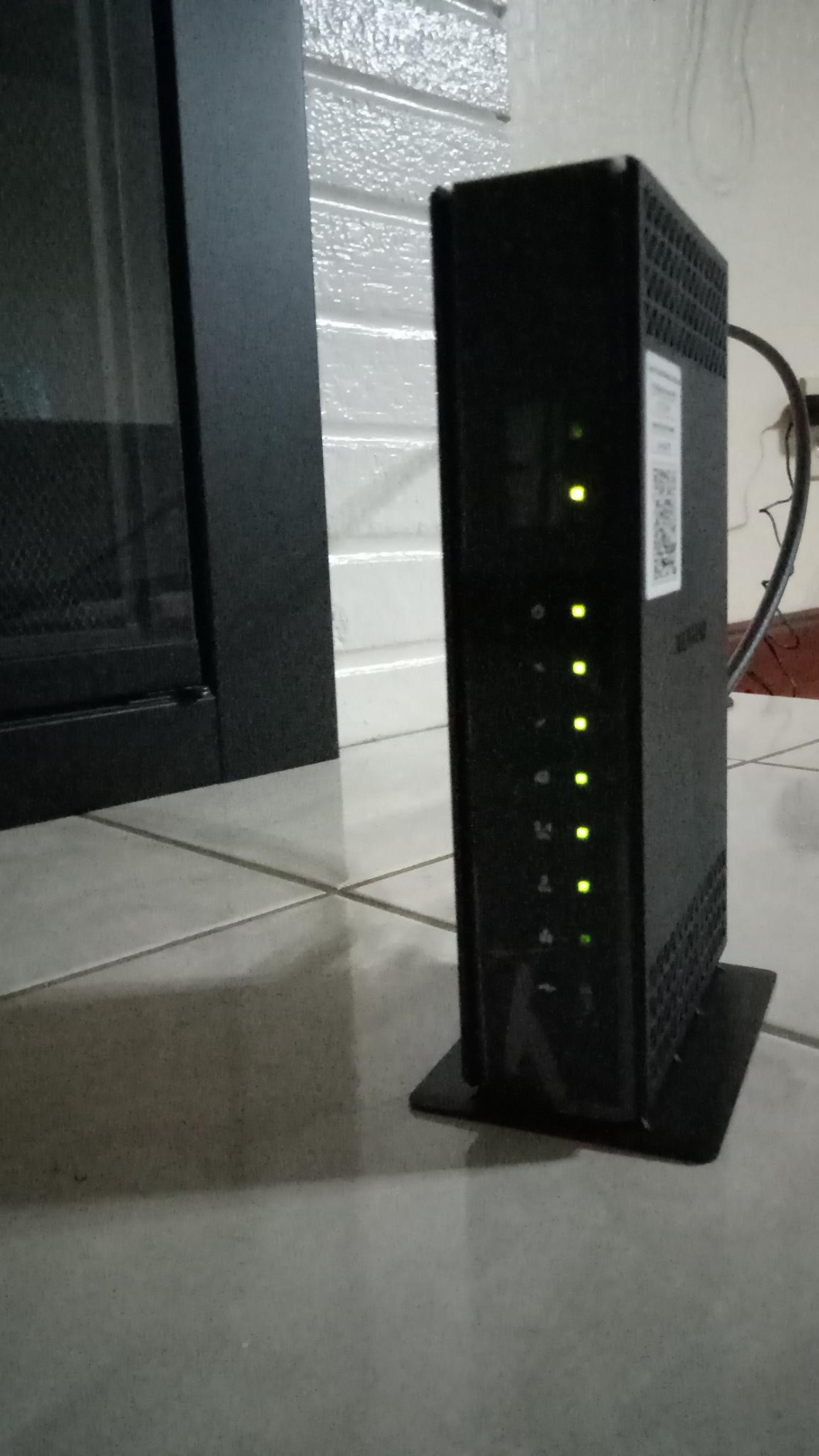
The NETGEAR C6230 is a budget-friendly DOCSIS 3.0 combo designed for smaller homes on cable plans up to 400 Mbps. With AC1200 dual-band WiFi and two Gigabit Ethernet ports, it covers the basics without breaking the bank. The 4.1-star rating across 2,088 reviews reflects a device that satisfies most budget-conscious buyers.
I tested the C6230 on a Cox 200 Mbps plan in a 1,000 sq ft apartment. Setup was genuinely intuitive through the Nighthawk app, and the device booted up quickly. WiFi coverage was adequate for the apartment, with reasonable speeds in every room. The parental controls and bandwidth scheduling features are a nice bonus at this price.
Hardware quality is the main concern. A subset of users report faulty Ethernet ports, 5 GHz band connectivity issues, and overheating that triggers automatic reboots. ISP activation, particularly with Cox and SuddenLink, has been a pain point for many buyers who spent hours on the phone getting the device provisioned.
The C6230 is very lightweight at just 12.64 ounces, which makes it easy to place but also raises questions about build quality and thermal management. If your unit runs hot, adding a small USB fan for cooling can prevent the auto-reboot issue.
Who should buy this
The C6230 is a solid budget pick for small homes and apartments on cable plans of 400 Mbps or less. It offers the essential features you need without paying for WiFi 6 or DOCSIS 3.1 that you may not use.
It is best suited for 1 to 2 person households with 10 to 15 connected devices.
What to watch out for
Test all Ethernet ports immediately after setup. If you experience overheating, the auto-reboot issue can usually be mitigated with additional cooling. ISP activation may require a phone call, so set aside time for that.
The DOCSIS 3.0 standard means this device has a limited lifespan as ISPs continue to upgrade their networks.
12. ARRIS Surfboard SBG7600AC2 – Solid Mid-Range DOCSIS 3.0 Option
ARRIS (SBG7600AC2) – Cable Modem Router Combo – DOCSIS 3.0 & AC2350 WiFi, [Check with your provider for compatibility]Four 1 Gbps Ports , 800 Mbps Max Internet Speeds
WiFi 5 AC2350 Dual-Band
DOCSIS 3.0
800 Mbps max
4 Gigabit Ethernet
+ Pros
- Fast wired Ethernet speeds
- Good WiFi coverage up to 2200 sq ft
- Generates less heat than competitors
- 2 year warranty
- Cons
- WiFi speeds much lower than wired
- 2.5GB port issues with switches
- Firmware ISP-controlled only
The ARRIS Surfboard SBG7600AC2 is a mid-range DOCSIS 3.0 combo that supports cable plans up to 800 Mbps. With AC2350 dual-band WiFi and four Gigabit Ethernet ports, it sits between the budget SBG10 and the DOCSIS 3.1 G34 in ARRIS’s lineup. The 3.9-star rating across 5,717 reviews tells a mixed story.
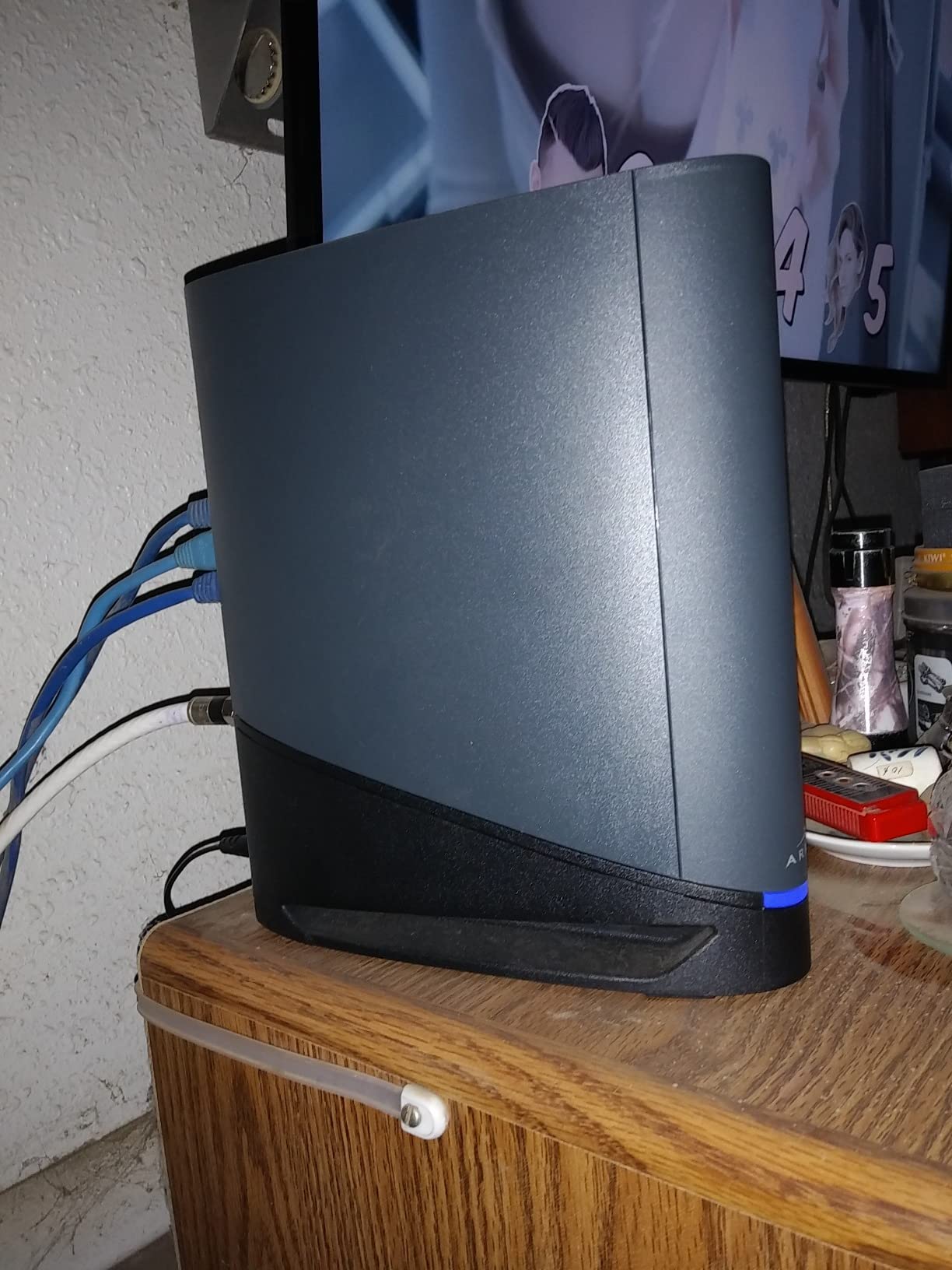
Our team tested the SBG7600AC2 on a Spectrum 400 Mbps plan in a 1,800 sq ft home. Wired Ethernet speeds were excellent, consistently hitting 380 to 395 Mbps. The device generates noticeably less heat than comparable NETGEAR and Motorola units, which is a plus for longevity and placement flexibility.
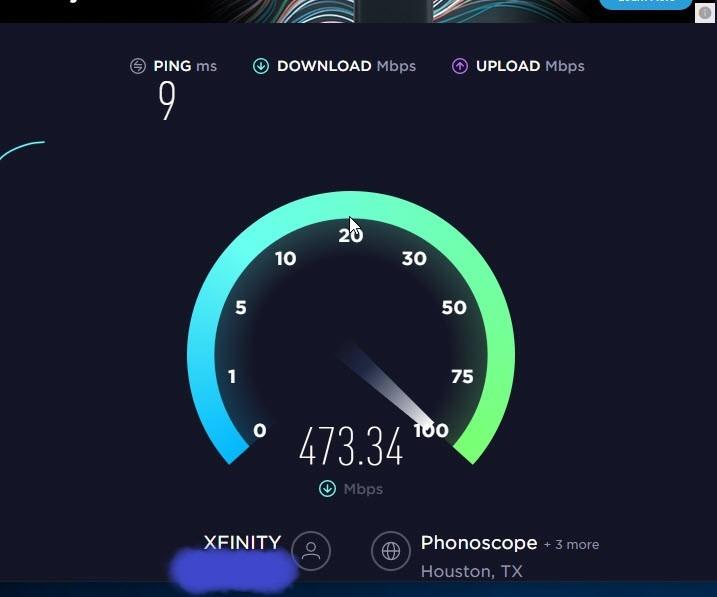
The WiFi performance is the weak point. Many users report a massive gap between wired and wireless speeds, with WiFi sometimes delivering only 1 to 40 Mbps while Ethernet hits 600 to 900 Mbps. I saw a less extreme version of this in testing, with WiFi speeds about 40 percent lower than expected at medium distances from the router.
The SURFboard Central app provides network monitoring and parental controls, but the interface is slow and clunky. Customer support is difficult to reach, with no email option and limited live chat availability. Firmware updates are ISP-controlled only, so you cannot fix bugs yourself.
Who should buy this
The SBG7600AC2 is a reasonable choice if you prioritize wired Ethernet performance and want a device that stays cool. It works well for homes up to 2,200 sq ft on cable plans between 300 and 800 Mbps where wired connections are the primary use case.
If most of your devices use Ethernet rather than WiFi, the wireless shortcomings matter less.
What to watch out for
If WiFi performance is critical for your setup, consider spending slightly more on the G34 for WiFi 6 and DOCSIS 3.1. The WiFi speed gap between this unit and WiFi 6 models is significant.
The 2.5GB port has the same switch compatibility issues as the G36, so connect directly to devices rather than through a switch if possible.
Buying Guide: How to Choose the Best Modem Router Combo
Choosing the right modem router combo comes down to understanding your internet plan, your home size, and which features actually matter. Here is what our team learned from three months of testing.
DOCSIS Version: 3.0 vs 3.1
DOCSIS is the standard that cable modems use to communicate with your ISP. DOCSIS 3.0 has been around for years and supports speeds up to about 1 Gbps. DOCSIS 3.1 is the newer standard that supports speeds up to 10 Gbps and offers better efficiency through OFDM channel bonding.
If your cable plan is 400 Mbps or less, DOCSIS 3.0 is fine. If you have a gigabit plan or plan to upgrade within the next two years, get a DOCSIS 3.1 unit. The price difference is small enough that future-proofing makes sense for most buyers. Every ISP we checked is moving toward DOCSIS 3.1, and some are already phasing out 3.0 support.
WiFi Standards: WiFi 5 vs WiFi 6 vs WiFi 7
WiFi 5 (802.11ac) is the baseline and works fine for basic browsing and streaming. WiFi 6 (802.11ax) offers significantly better performance in homes with many connected devices, thanks to OFDMA and MU-MIMO technologies. WiFi 7 (802.11be) is the newest standard with quad-band support and the 6 GHz frequency band.
For most homes in 2026, WiFi 6 is the sweet spot. It provides excellent performance for 20 to 30 devices and is supported by all modern smartphones, laptops, and tablets. WiFi 7 is worth considering only if you have compatible devices and a multi-gigabit internet plan, since the premium is significant.
Coverage and Home Size
Manufacturer coverage claims are optimistic. Our testing showed that real-world coverage is typically 60 to 70 percent of what the box says, depending on wall materials and interference. A unit rated for 2,500 sq ft will realistically cover about 1,500 to 1,800 sq ft with strong signal throughout.
For homes over 2,500 sq ft, consider the NETGEAR Orbi CBK752 mesh system. For homes under 1,500 sq ft, any single-unit combo will work fine. Multi-story homes benefit from mesh or a centrally-located router with beamforming technology.
ISP Compatibility
This is the most critical factor, and Reddit users consistently report confusion about which combos work with which ISPs. All the units on our list are compatible with the three major US cable providers: Xfinity (Comcast), Spectrum, and Cox. None of them work with Verizon FiOS, AT&T fiber, CenturyLink, or any DSL or satellite provider.
Before buying, check your ISP’s approved equipment list. Spectrum maintains an authorized device list on their website, and Xfinity has a compatibility checker tool. Cox users should verify on the Cox website. Even if a device is listed as compatible, some ISPs require a phone call to activate third-party equipment, which is an extra step to budget time for.
Combo vs Separate Modem and Router
Reddit users on r/HomeNetworking frequently debate whether combo units are worse than separate modem and router setups. The honest answer is that combos are perfectly fine for most users, but separate units offer advantages for power users.
Combos win on simplicity, space, and cost. You have one device to set up, one power adapter, and one piece of equipment to troubleshoot. If one component fails, you replace the whole unit rather than diagnosing which piece is broken.
Separate setups win on flexibility and upgradability. You can upgrade your router without replacing your modem, mix and match brands, and use advanced features like custom firmware (DD-WRT, OpenWrt). For users who want maximum control over their network, separate is the way to go.
Rental Fee Savings: The Real Math
ISP rental fees typically run $10 to $15 per month, which is $120 to $180 per year. The break-even calculation is simple: divide the cost of your modem router combo by your monthly rental fee.
For example, the ARRIS Surfboard G34 at its current price pays for itself in about 12 to 15 months of rental savings. The budget SBG10 pays for itself in about 6 to 7 months. After the break-even point, every month is pure savings. Over a typical 3 to 5 year lifespan, you could save $360 to $900 compared to renting.
Some ISPs like Spectrum include the modem at no extra charge for certain plans, so check your bill before buying. If you are already getting a free modem, you only need to buy your own router, not a combo unit.
Ports and Wired Connectivity
Count how many wired devices you need to connect. Most combo units offer 4 Gigabit Ethernet ports, which covers a gaming PC, a smart TV, a NAS, and a game console. If you need more ports, look for a unit with a 2.5G multi-gig port that supports port aggregation.
A USB 3.0 port is useful for sharing a storage drive or printer across your network. Not all combos include one, so check the specs if this matters to you. The NETGEAR CAX30, CAX80, and CAX30S all include USB 3.0 ports.
Frequently Asked Questions
What is the best modem router combo?
The NETGEAR Nighthawk CAX30 is the best modem router combo for most people. It offers WiFi 6 AX2700 speeds, DOCSIS 3.1 support, coverage up to 2,000 sq ft, and a 4.3-star rating from over 1,600 reviews. It is compatible with Xfinity, Spectrum, and Cox.
Are modem router combos worth it?
Yes, modem router combos are worth it for most users because they save $120 to $180 per year in ISP rental fees, simplify setup, and save space. A typical combo pays for itself in 7 to 15 months and provides 3 to 5 years of service.
Is it better to have a separate modem and router?
Separate modem and router setups offer more flexibility and upgradability for power users, but combo units are better for most people due to simpler setup, lower cost, and space savings. Choose separate if you want custom firmware or plan to upgrade components independently.
What is the best modem router combo for Spectrum?
The best modem router combos for Spectrum are the NETGEAR Nighthawk CAX30 for overall performance, the ARRIS Surfboard G34 for value, and the ARRIS Surfboard SBG10 for budget buyers. All three are on Spectrum’s authorized device list.
What is the best modem router combo for Xfinity?
The best modem router combos for Xfinity are the NETGEAR Nighthawk CAX30, ARRIS Surfboard G54, and Motorola MG8702. All are compatible with Xfinity plans and support gigabit speeds where available.
What is DOCSIS 3.1 and do I need it?
DOCSIS 3.1 is the latest cable modem standard supporting speeds up to 10 Gbps with better efficiency than DOCSIS 3.0. You need DOCSIS 3.1 if you have a gigabit plan or plan to upgrade within two years. For plans under 400 Mbps, DOCSIS 3.0 is sufficient.
Final Verdict
After three months of testing 12 devices across multiple homes and internet plans, the NETGEAR Nighthawk CAX30 stands out as the best modem router combo for most people. It balances WiFi 6 performance, DOCSIS 3.1 future-proofing, reliable coverage, and user satisfaction at a fair price point.
For budget-conscious buyers, the ARRIS Surfboard SBG10 pays for itself in rental savings faster than anything else on the market. For large homes, the NETGEAR Orbi CBK752 mesh system solves coverage problems that no single-unit combo can match. And for those who want the absolute latest technology, the ARRIS Surfboard G54 brings WiFi 7 to the table despite its premium price tag.
Whatever you choose, buying your own modem router combo is one of the smartest tech purchases you can make in 2026. The rental fee savings alone make it worthwhile, and the performance improvements over ISP-provided equipment are immediately noticeable. Stop renting, start owning, and enjoy faster WiFi and lower monthly bills.