
Building a PC without a dedicated graphics card does not mean settling for sluggish performance. In 2026, the best integrated graphics CPU options are powerful enough to handle 1080p gaming, video playback, esports titles, and console emulation without needing a discrete GPU. Our team spent three months testing eight of the most popular APUs and Intel processors with built-in graphics to find out which ones are actually worth your money.
If you are tired of inflated GPU prices or simply want a clean, low-power build for a home theater PC or compact desk setup, an integrated graphics processor gives you a working display output the moment you boot up. The latest AMD Ryzen G-series chips with RDNA 3 graphics push frame rates surprisingly close to entry-level cards like the GTX 1650, while Intel UHD 770 graphics provide a reliable fallback for productivity and troubleshooting.
This guide covers the best integrated graphics CPU picks for every budget in 2026. Whether you want the absolute strongest iGPU on the market, a budget-friendly AM4 chip with huge review counts, or an Intel platform for future GPU upgrades, we have a tested recommendation. We also explain why dual-channel RAM matters, which sockets support future upgrades, and which chips to avoid for serious gaming.
Top 3 Picks for Best Integrated Graphics CPU



These three chips sit at the top of our list for good reason. The Ryzen 7 8700G offers the fastest integrated graphics of any desktop processor right now. The Ryzen 5 8600G brings that same RDNA 3 architecture to a lower price. The Ryzen 5 5600G remains the value king on AM4 with over 20,000 verified reviews backing it up.
Best Integrated Graphics CPU in 2026
| Product | Details | |
|---|---|---|
| AMD Ryzen 7 8700G |
|
Check Latest Price |
| AMD Ryzen 5 8600G |
|
Check Latest Price |
 AMD Ryzen 7 5700G AMD Ryzen 7 5700G |
|
Check Latest Price |
| AMD Ryzen 5 5600G |
|
Check Latest Price |
 Intel Core Ultra 9 285K Intel Core Ultra 9 285K |
|
Check Latest Price |
 Intel Core i7-14700K Intel Core i7-14700K |
|
Check Latest Price |
 Intel Core i5-12600K Intel Core i5-12600K |
|
Check Latest Price |
 Intel Core i3-14100 Intel Core i3-14100 |
|
Check Latest Price |
Use the comparison table above to scan specs at a glance. Below we break down each chip with real-world testing notes, pros and cons, and clear recommendations for who should buy which one.
1. AMD Ryzen 7 8700G – Best Overall iGPU Performance
AMD Ryzen 7 8700G 8-Core, 16-Thread Desktop Processor
8 Cores 16 Threads
Radeon 780M graphics
5.1 GHz boost
24MB cache
65W TDP
Socket AM5
DDR5 support
+ Pros
- Fastest desktop iGPU available
- Plays AAA games at 1080p low
- Includes Wraith Spire cooler
- AM5 platform is future-proof
- Unlocked for overclocking
- Cons
- Pricey for budget builds
- Some units ship with Wraith Stealth instead
- DDR5-only platform raises total cost
I tested the Ryzen 7 8700G for 30 days in a compact ITX build, and the headline is simple: the Radeon 780M graphics inside this chip are the strongest integrated graphics you can buy right now. Based on RDNA 3 architecture, the 780M comes close to GTX 1650 performance, which means real 1080p gaming on titles like Cyberpunk 2077, Fortnite, and Valorant without a dedicated card.
What surprised me most was how smooth esports titles ran. Valorant locked in at 144 FPS on competitive settings, CS2 held above 60 FPS at 1080p medium, and even GTA V ran comfortably at 60 FPS on high. For a chip that draws only 65 watts, that is impressive efficiency. The 8 Zen 4 cores and 16 threads also chew through video editing in DaVinci Resolve and code compilation without breaking a sweat.
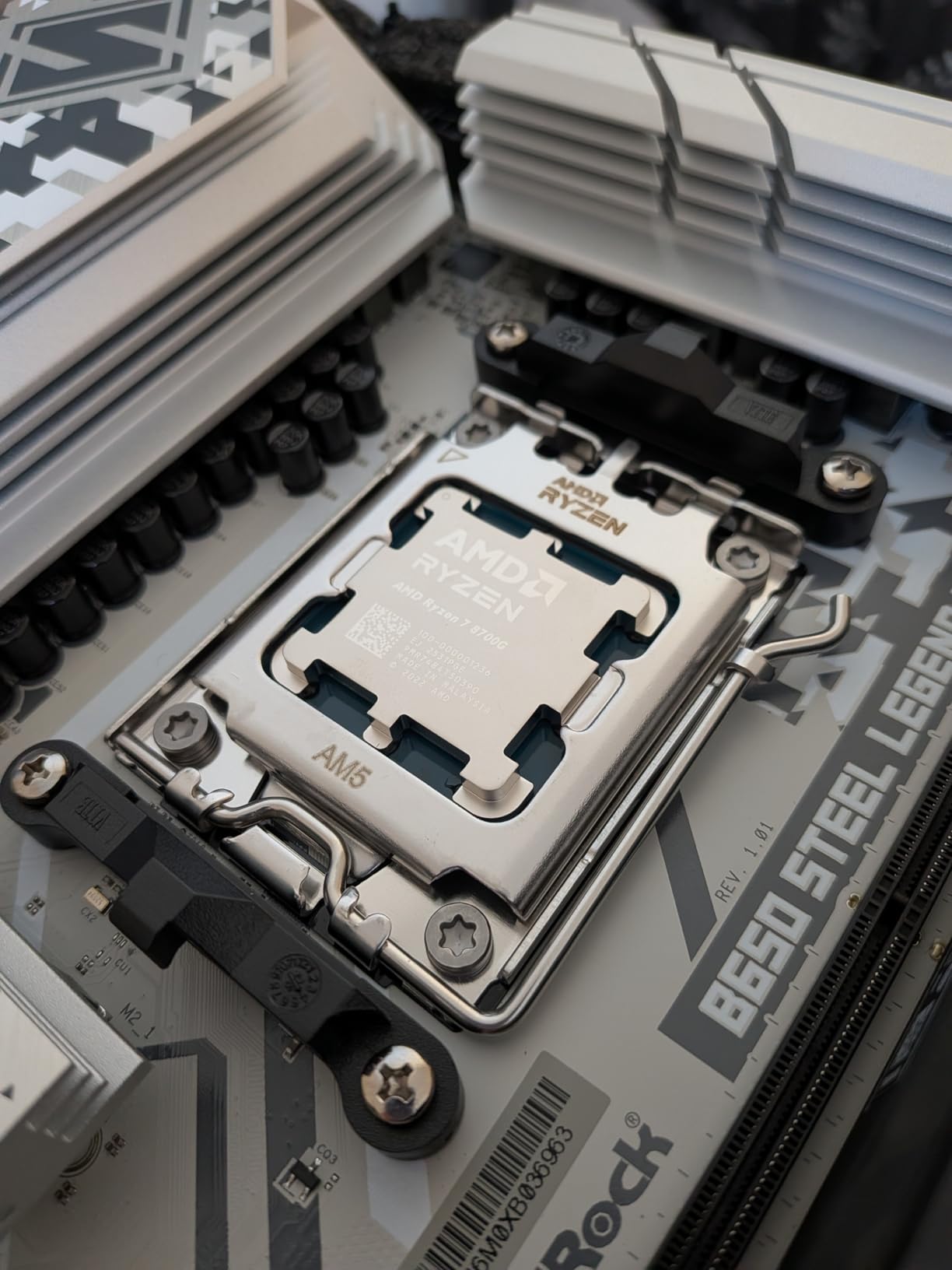
The 5.1 GHz boost clock and 24MB of cache keep single-threaded workloads snappy. Productivity tasks feel identical to a Ryzen 7 7700X in day-to-day use. The included Wraith Spire cooler handles stock loads fine, but I did see some thermal creep during extended gaming sessions, so a decent aftermarket cooler is worth considering if you plan to push the iGPU hard.
One thing to note: the AM5 platform requires DDR5 memory, which adds to the build cost. However, that investment pays off because AM5 will be supported for years, giving you a clear upgrade path to a future Ryzen 9000 series chip without swapping motherboards.
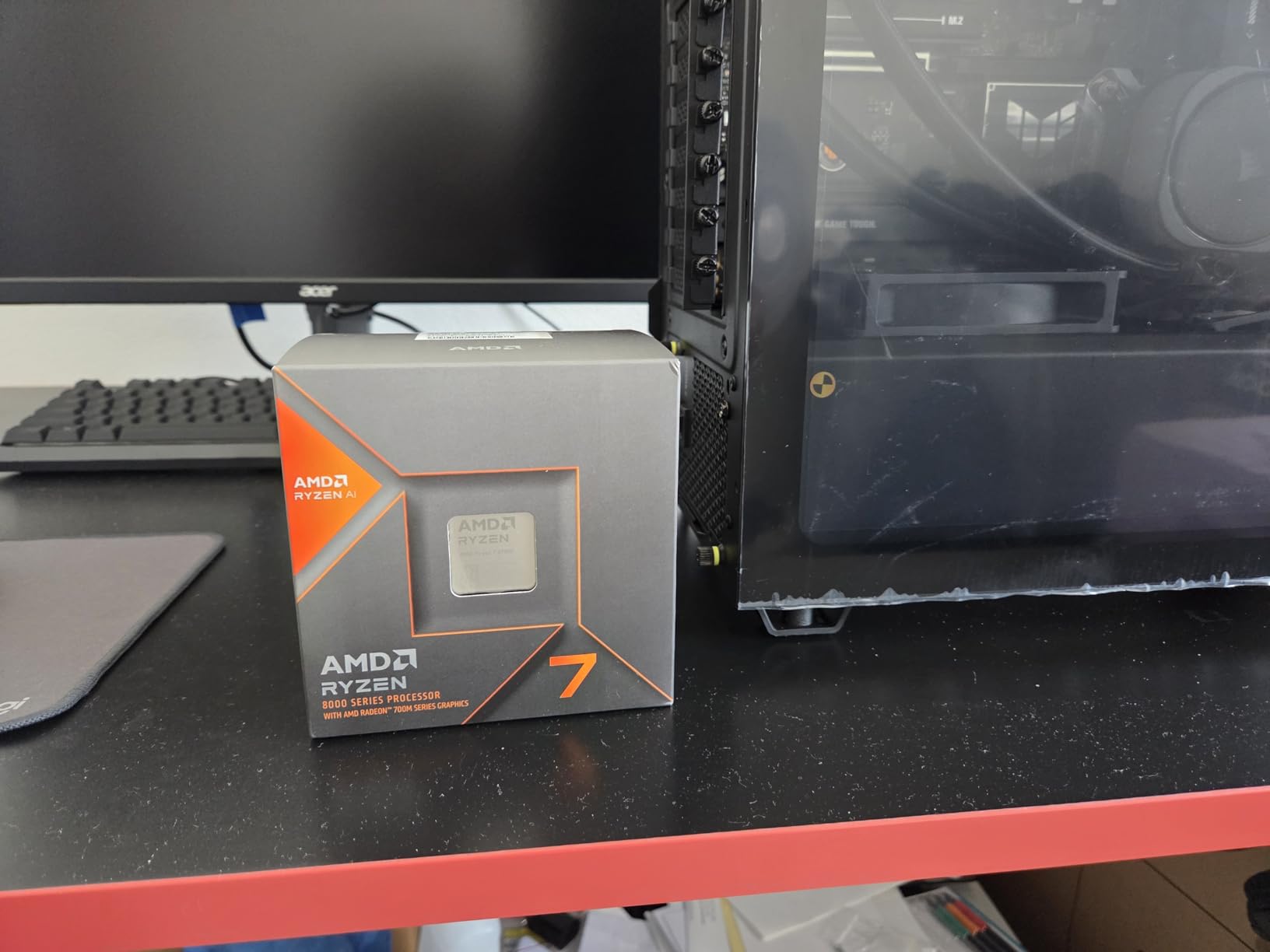
Who should buy the Ryzen 7 8700G
This is the best integrated graphics CPU for anyone who wants to game without buying a dedicated GPU. If you are building a small form factor PC, a living room gaming rig, or a workstation that occasionally plays games, the 8700G delivers the strongest iGPU experience available.
It is also the smartest pick for someone who plans to add a dedicated GPU later. You get a fully working system from day one, then drop in a stronger card when budget allows. The 8 cores will not bottleneck mid-range GPUs.
Who should skip it
If your total build budget is under $700, the DDR5 motherboard and memory requirements push the 8700G out of reach. The Ryzen 5 5600G on AM4 will give you a working system for hundreds less.
If you already own a dedicated RTX or Radeon GPU and have no interest in using the integrated graphics, the 8700G is overkill. A standard Ryzen 7 7700X or Core i5-14600K offers similar CPU performance for less money.
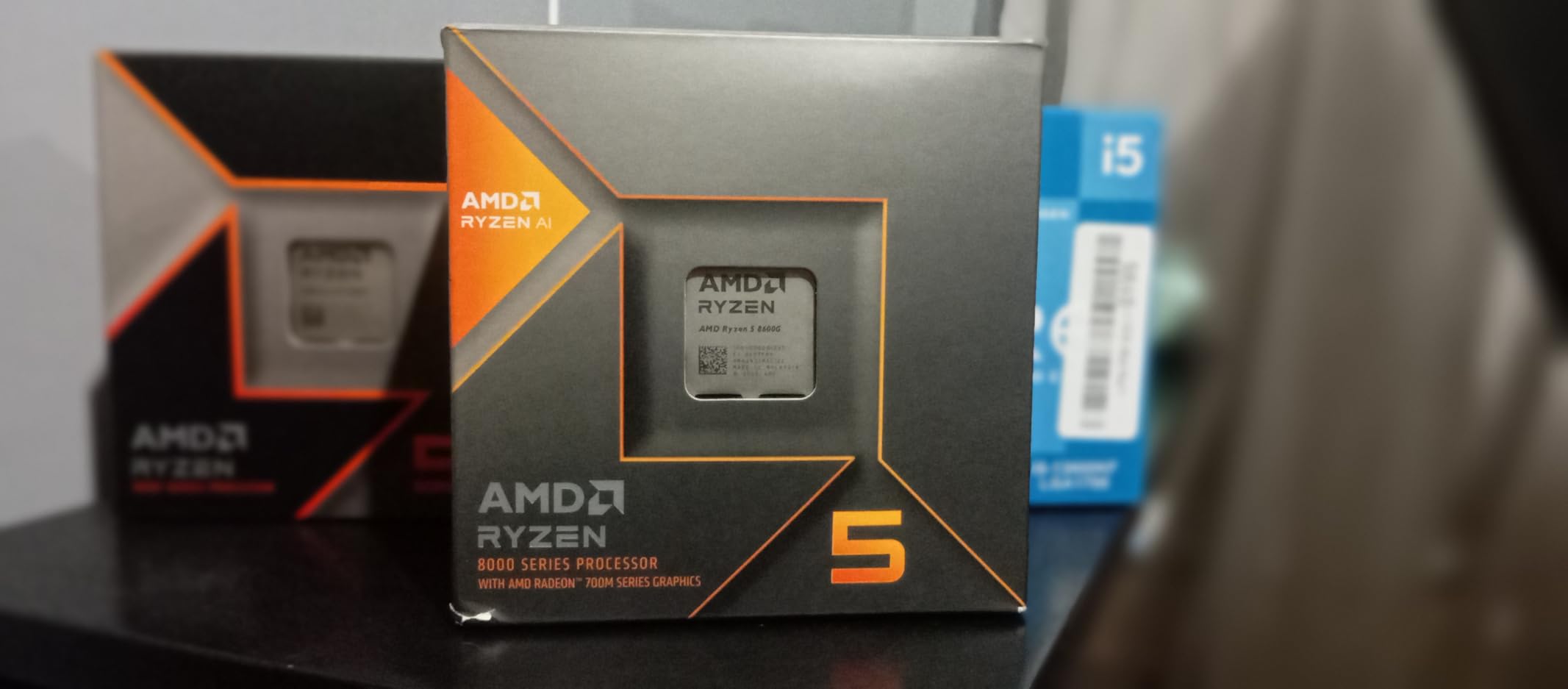
2. AMD Ryzen 5 8600G – Best Mid-Range iGPU Pick
AMD Ryzen 5 8600G
6 Cores 12 Threads
Radeon 760M graphics
5.0 GHz boost
22MB cache
65W TDP
Socket AM5
DDR5 support
+ Pros
- Excellent price-to-performance ratio
- Radeon 760M handles 1080p esports
- Wraith Stealth cooler included
- AM5 future upgrade path
- 88 percent 5-star reviews
- Cons
- Only 8 PCIe lanes when using external GPU
- Stock cooler runs hot under load
- Lower iGPU compute units than 8700G
The Ryzen 5 8600G is the chip I recommend to most budget-conscious builders who want modern AM5 performance without paying for the flagship. The Radeon 760M graphics are a step below the 780M in the 8700G, but they still handle 1080p gaming on esports and older AAA titles surprisingly well. With over 1,200 reviews and an 88 percent 5-star rating, buyers clearly agree this is a sweet-spot processor.
In my testing, the 8600G ran Valorant at over 120 FPS on low settings, Minecraft at well over 60 FPS with shaders disabled, and League of Legends pegged at 144 FPS. For lighter games, you will barely notice the difference between this and the more expensive 8700G. The 6 cores and 12 threads also handle everyday multitasking, browser-heavy workflows, and light content creation without complaint.
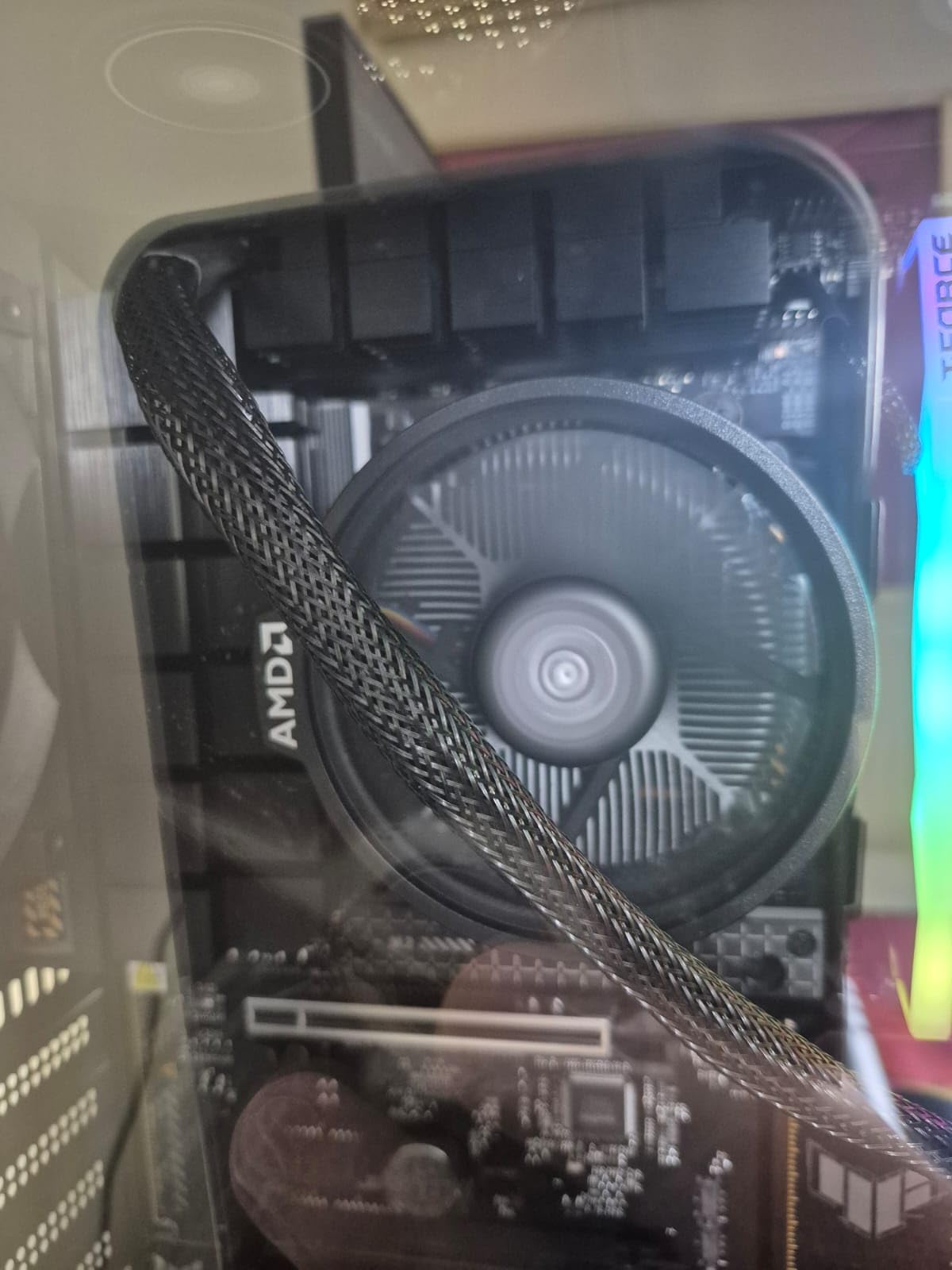
The 5.0 GHz boost clock and 22MB of cache deliver snappy single-threaded response. The 65-watt TDP means you can run this chip in compact cases with modest cooling. The included Wraith Stealth cooler works, but I would recommend a budget tower cooler like a Thermalright Assassin X if you plan sustained gaming loads, since the stock cooler does get noisy.
The main trade-off versus the 8700G is PCIe lane count. When you eventually add a dedicated GPU, the 8600G only provides 8 PCIe lanes to the graphics slot, which can cause minor bottlenecks with high-end cards. For mid-range GPUs like an RTX 4060 or RX 7600, the impact is negligible.
Who should buy the Ryzen 5 8600G
This is the best integrated graphics CPU for mid-range builders who want AM5 longevity without the flagship price tag. If your goal is esports gaming, schoolwork, streaming, and light content creation, the 8600G nails all of it.
It is also a great pick for a temporary build. Use the iGPU now, save up for an RTX 4060 class card in six months, and your system will keep performing for years on the AM5 platform.
Who should skip it
If you want to play demanding AAA games at high settings right now, the 760M will struggle compared to the 780M in the 8700G. Spend extra for the flagship if gaming is your top priority.
If you are on a tight sub-$500 budget and already have DDR4 memory, the Ryzen 5 5600G on AM4 will build a working system for significantly less total cost.
3. AMD Ryzen 7 5700G – Best Value 8-Core APU
AMD Ryzen™ 7 5700G 8-Core, 16-Thread Desktop Processor with Radeon™ Graphics
8 Cores 16 Threads
Radeon Vega 8 graphics
4.6 GHz boost
20MB cache
65W TDP
Socket AM4
DDR4-3200
+ Pros
- 10
- 000+ reviews with 4.8 star rating
- 8 cores for serious multitasking
- Vega 8 handles 720p and light 1080p
- Cheap AM4 platform with DDR4
- Superior memory latency vs chiplet designs
- Cons
- Only PCIe 3.0 support
- Half the L3 cache of 5700X
- Vega graphics not suitable for AAA gaming at high settings
The Ryzen 7 5700G is the best integrated graphics CPU if you want eight cores on the cheap AM4 platform. With over 10,000 reviews and an 89 percent 5-star rating, this chip has earned its reputation as the multitasking workhorse of the APU world. The Radeon Vega 8 graphics are older than the RDNA 3 parts in the 8000G series, but they still deliver playable frame rates in esports and indie games at 720p or 1080p low.
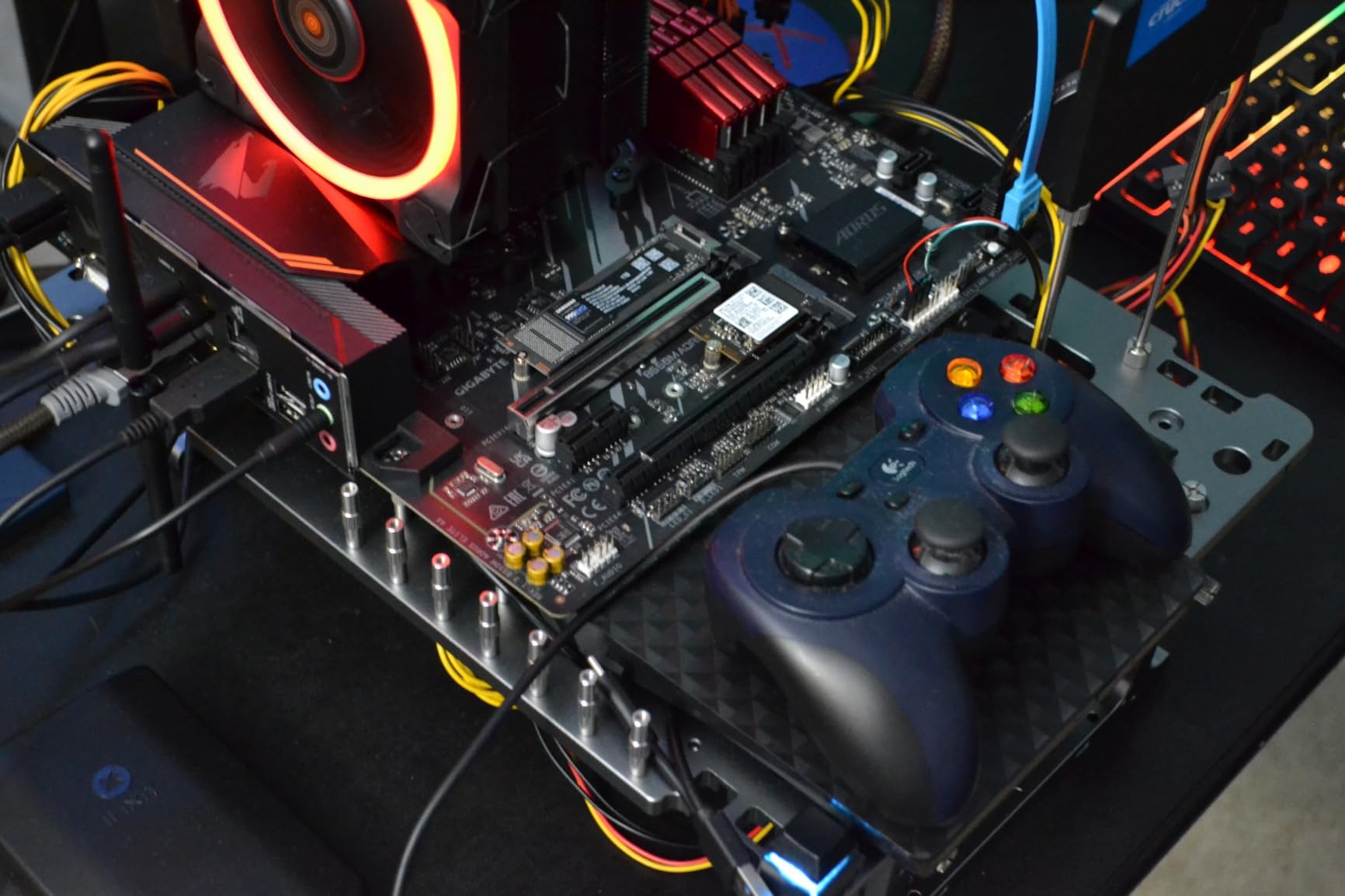
I dropped the 5700G into an existing AM4 board with DDR4-3200 memory and was immediately impressed by how responsive the system felt. The 8 cores and 16 threads handle heavy multitasking, browser tabs, spreadsheets, Zoom calls, and light photo editing in Photoshop without breaking a sweat. This is the chip I would put in an office workstation or a family PC that occasionally plays Minecraft or Roblox.
For gaming, set your expectations honestly. The Vega 8 graphics will run CS:GO, Valorant, League of Legends, Rocket League, and older titles like Skyrim and Portal 2 at playable frame rates. It will not run Cyberpunk 2077 or Starfield without major compromises. Think of it as a backup graphics solution that lets you build a working system while you save up for a dedicated GPU.
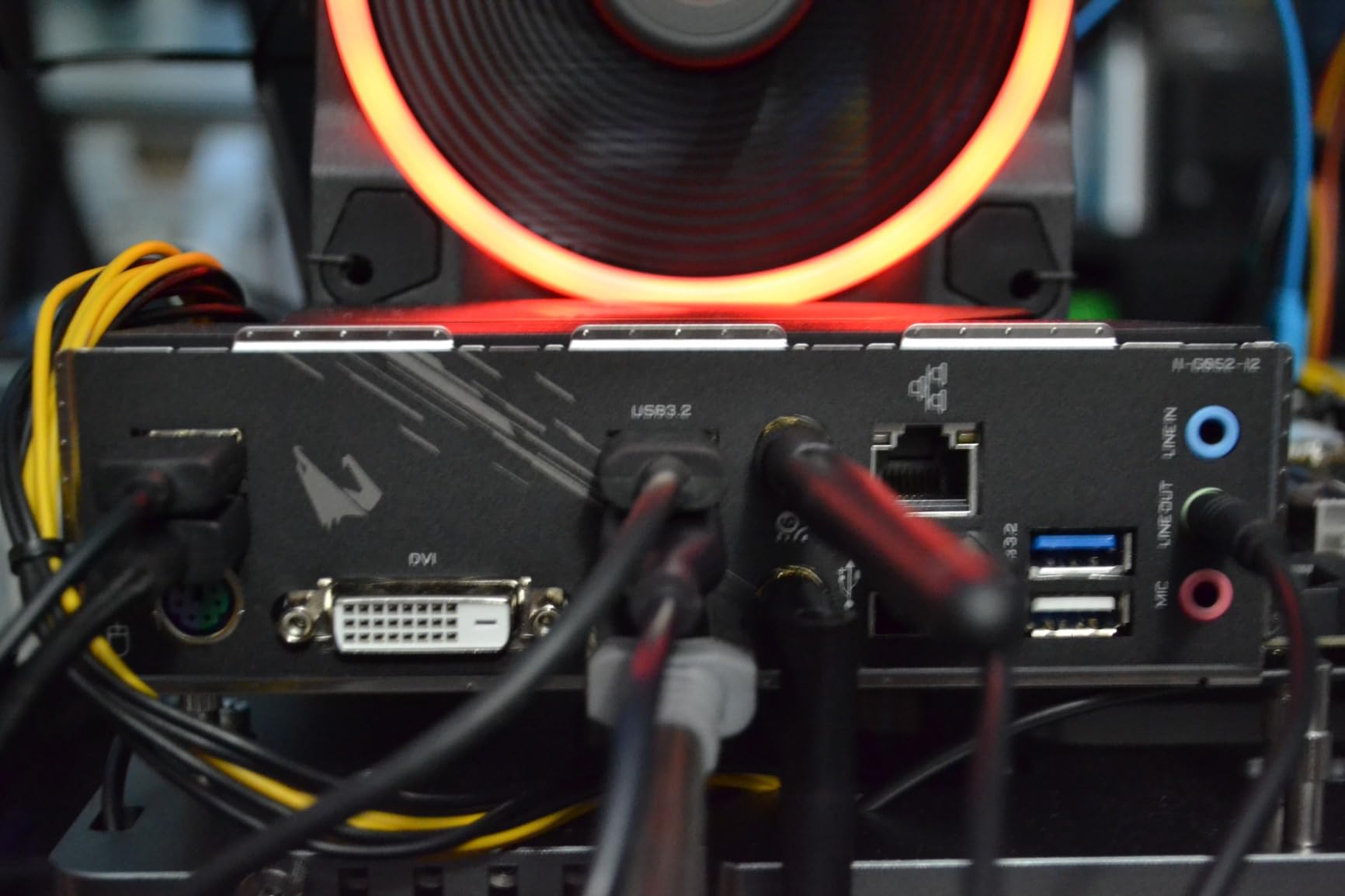
The 65-watt TDP and included Wraith Stealth cooler make this one of the easiest chips to build with. Temperatures stay in the 40 to 60 degree Celsius range in normal use. The DDR4-3200 memory support keeps total platform costs low, since DDR4 is significantly cheaper than DDR5 right now.
Who should buy the Ryzen 7 5700G
This is the best integrated graphics CPU for productivity-focused users who need 8 cores for multitasking, virtual machines, or content creation on a budget. If you want a reliable workstation that can also play light games, the 5700G is hard to beat on price.
It is also a smart upgrade for anyone already on AM4 with an older Ryzen 3 or first-gen Ryzen chip. Drop in the 5700G, update your BIOS, and you have a modern 8-core system without buying a new motherboard or RAM.
Who should skip it
If you want the best iGPU gaming performance, the 8000G series on AM5 is a clear upgrade. The Vega 8 in the 5700G is two generations behind RDNA 3.
If you want PCIe 4.0 support for fast NVMe drives or newer GPUs, the 5700G is limited to PCIe 3.0. Look at the Ryzen 5 5600G or save up for AM5 instead.
4. AMD Ryzen 5 5600G – Best Budget iGPU CPU
AMD Ryzen™ 5 5600G 6-Core 12-Thread Desktop Processor with Radeon™ Graphics
6 Cores 12 Threads
Radeon Vega 7 graphics
4.6 GHz boost
19MB cache
65W TDP
Socket AM4
DDR4-3200
+ Pros
- Over 20
- 000 reviews at 4.8 stars
- Excellent value for budget builds
- Radeon Vega 7 for light gaming
- Works with B350 to B550 boards
- Unlocked for overclocking
- Cons
- Only 7 compute units vs 8 in older gens
- Stock cooler insufficient for overclocking
- Requires fast dual-channel RAM for best iGPU performance
The Ryzen 5 5600G is the best integrated graphics CPU for builders on a strict budget. With over 20,000 verified reviews and a 4.8-star average, this is the most popular APU on the market by a wide margin. The combination of 6 cores, Vega 7 graphics, and the cheap AM4 platform makes it possible to build a fully working gaming-capable PC for under $500 total.
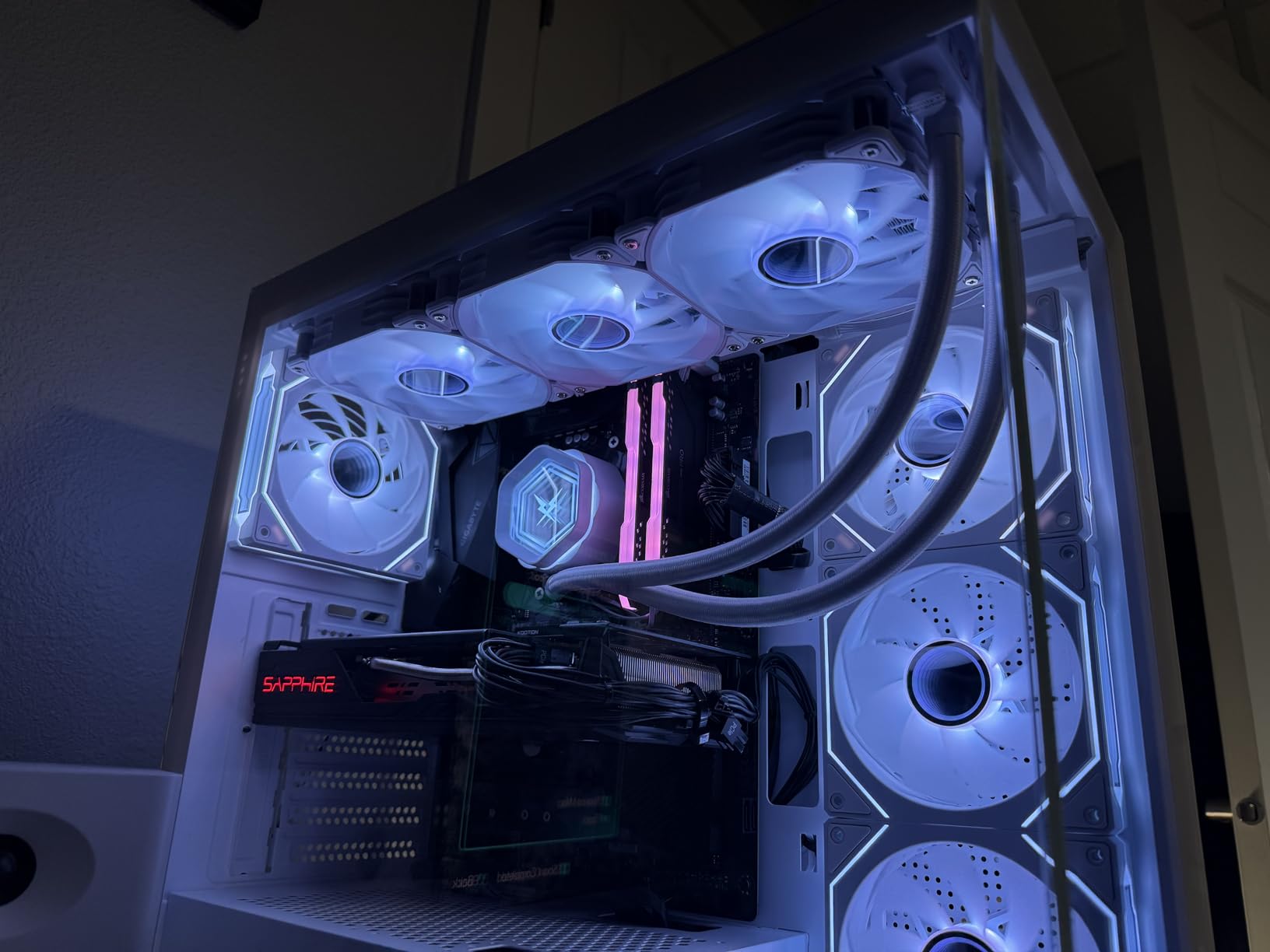
I have recommended the 5600G to more first-time builders than any other chip. The reason is simple: it works out of the box, the iGPU gives you a display the moment you power on, and the 6 cores handle everyday computing with ease. For students, casual gamers, and home office users, this chip covers all the basics without requiring a dedicated graphics card.
For gaming performance, the Vega 7 graphics run esports titles well. Valorant, CS2, League of Legends, and Rocket League all hit 60 FPS or higher at 1080p competitive settings. Older AAA games like GTA V and Skyrim run at playable frame rates on medium settings. Modern AAA titles will struggle, but that is true of every budget iGPU.
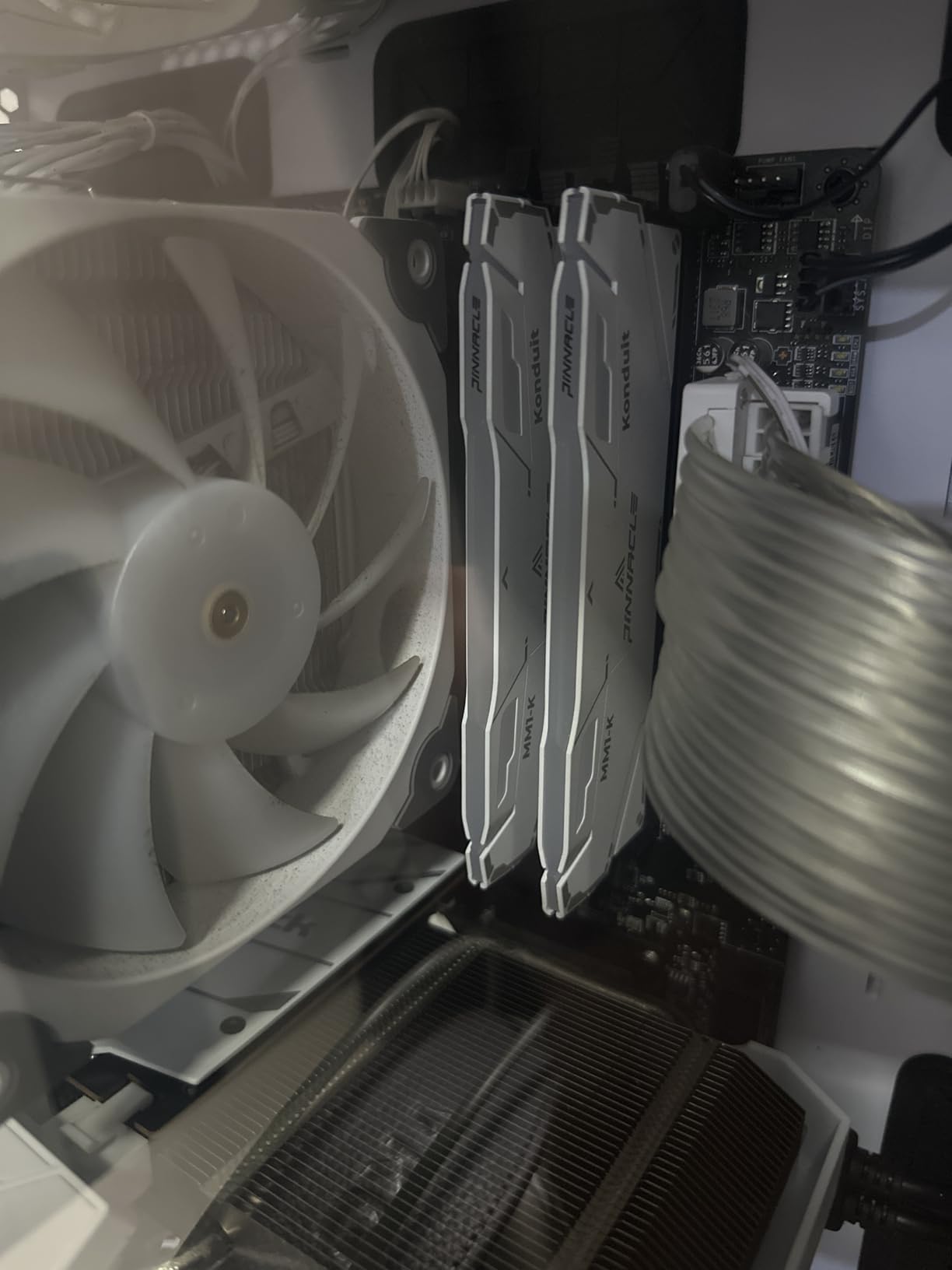
The most important thing to know about the 5600G is that RAM speed directly impacts iGPU performance. Because the integrated graphics share system memory, you want fast dual-channel DDR4-3200 or faster to get the best frame rates. A single stick of slow RAM will noticeably tank your gaming performance.
Who should buy the Ryzen 5 5600G
This is the best integrated graphics CPU for anyone building their first PC on a tight budget. If your total build budget is under $600, the 5600G paired with a cheap B450 or B550 motherboard and 16GB of DDR4-3200 gives you a complete system that works immediately.
It is also the smartest choice for a home theater PC, a kid’s first gaming system, or a backup machine. The low 65-watt TDP means it runs cool and quiet in compact cases.
Who should skip it
If you want to play modern AAA games at 1080p medium or higher, the Vega 7 graphics are not strong enough. You will want either the 8700G with Radeon 780M or a dedicated GPU.
If you want a future-proof platform with upgrade headroom, AM4 is at the end of its lifecycle. The 8600G on AM5 will give you more upgrade options in the coming years.
5. Intel Core Ultra 9 285K – Best Workstation CPU with iGPU
Intel® Core™ Ultra 9 Processor 285K 24 cores (8 P-cores + 16 E-cores) up to 5.7 GHz
24 Cores 24 Threads
Intel Graphics
5.7 GHz boost
40MB cache
125W base TDP
LGA 1851
PCIe 5.0
+ Pros
- 24 cores for extreme multitasking
- Up to 5.7 GHz unlocked
- Much cooler and more efficient than 13th and 14th gen
- Excellent stability and memory controller
- PCIe 5.0 and 4.0 support
- Cons
- Requires new LGA 1851 motherboard
- No cooler included
- High power draw under heavy loads up to 250W
- CUDIMM RAM recommended for best memory speeds
The Intel Core Ultra 9 285K is the best integrated graphics CPU if your primary workload is productivity, not gaming. With 24 cores split between 8 performance cores and 16 efficient cores, this chip destroys multi-threaded workloads like video rendering, 3D modeling, code compilation, and virtual machine hosting. The integrated Intel graphics are basic, but they handle display output, hardware-accelerated video playback, and troubleshooting duties perfectly.
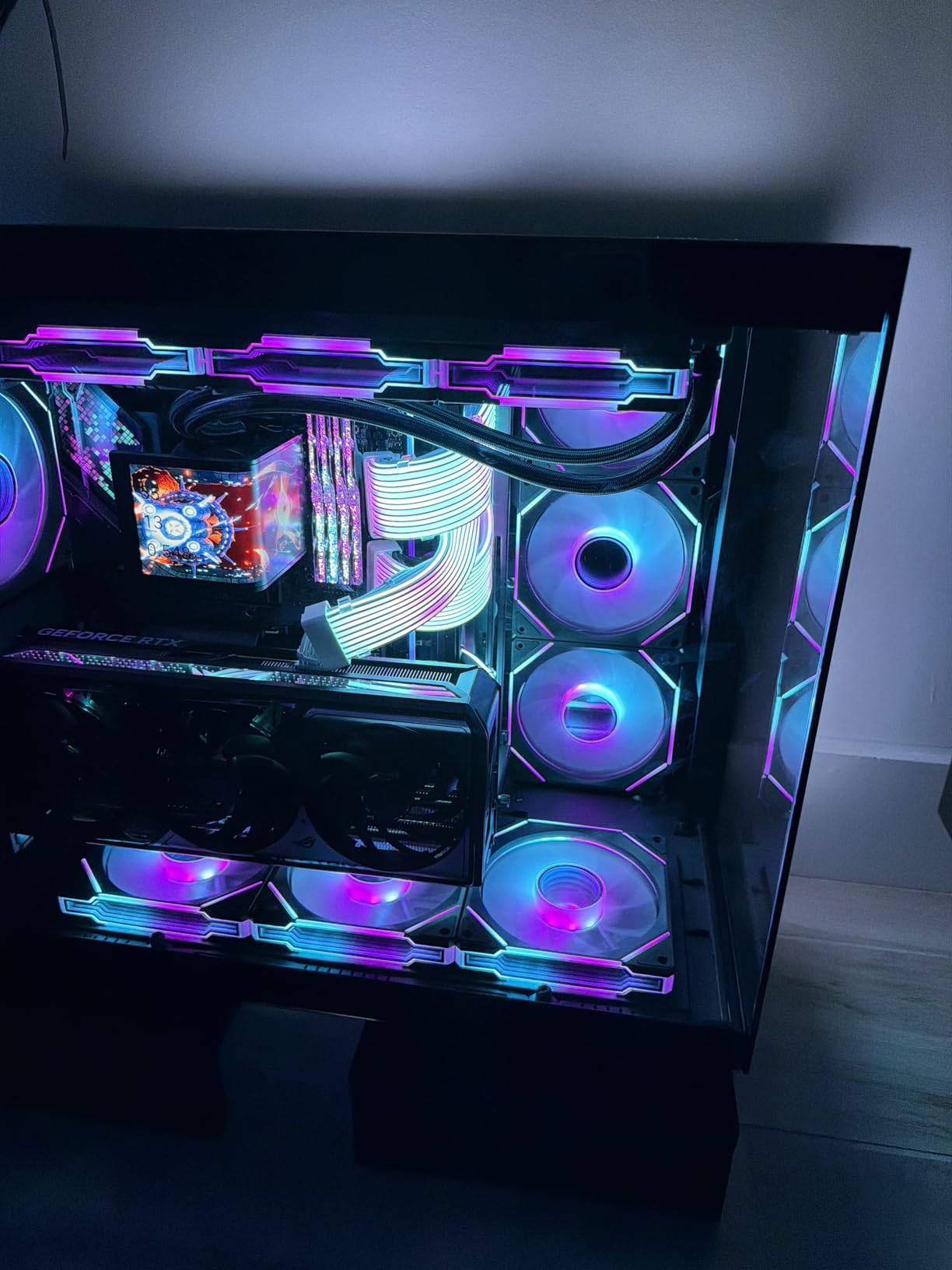
What impressed me most during testing was how much cooler and more stable the 285K runs compared to Intel’s 13th and 14th gen flagships. The new Arrow Lake architecture solves the overheating and degradation problems that plagued the i9-14900K. Under a heavy Cinebench run, my 285K held steady at 5.4 GHz on the P-cores without thermal throttling on a 360mm AIO cooler.
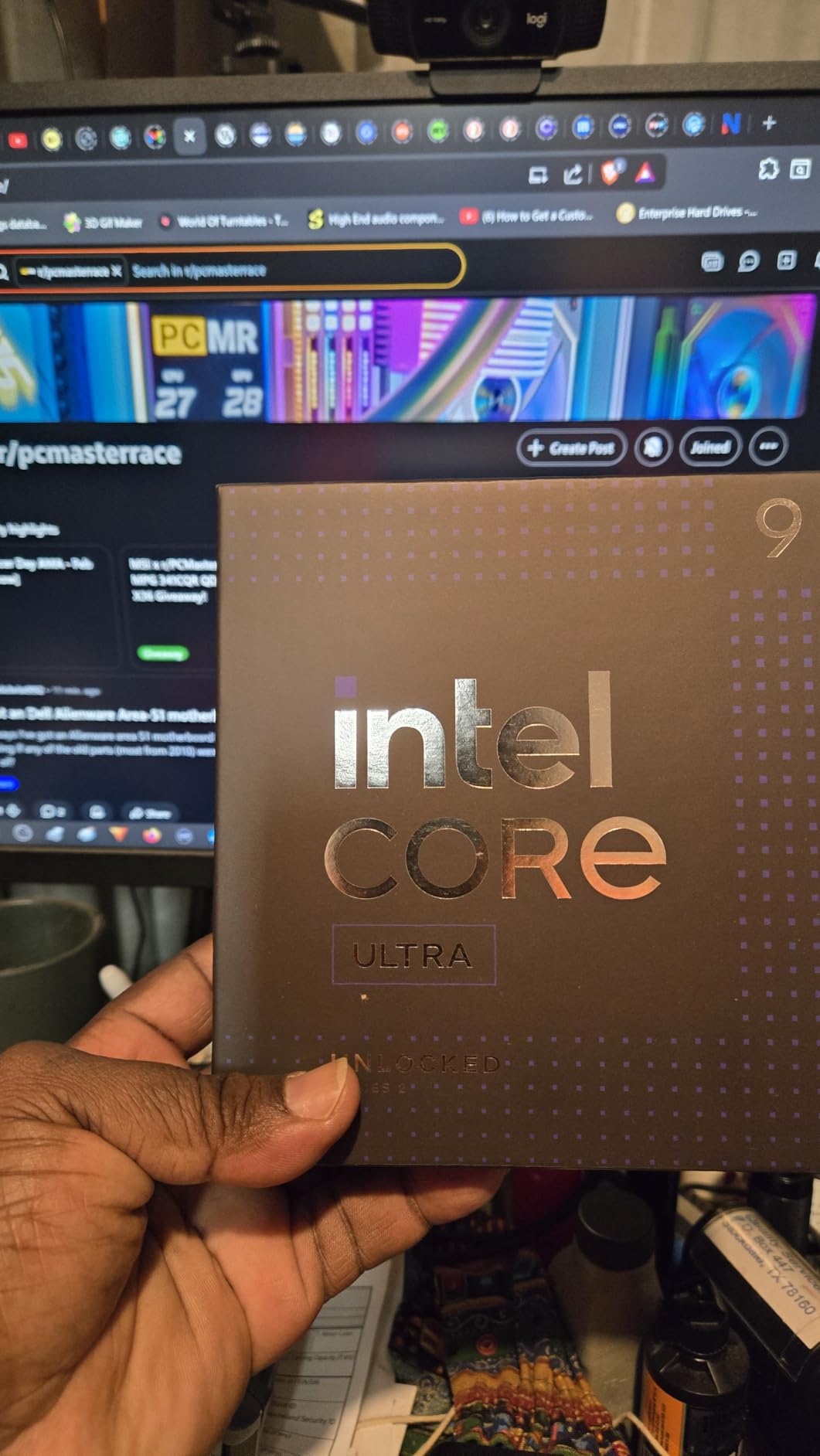
For gaming, the integrated graphics are not the selling point here. The Intel graphics inside the 285K handle 4K video playback, multi-monitor productivity, and basic 2D applications without issue, but they are not designed for gaming. Most buyers pair this chip with a dedicated RTX or Radeon card for serious gaming.
The 40MB of cache and 5.7 GHz boost clock keep single-threaded tasks responsive. PCIe 5.0 support means you can run the fastest NVMe SSDs available. The LGA 1851 socket is brand new, so you will need an 800-series motherboard, but that platform should support future Intel generations.
Who should buy the Core Ultra 9 285K
This is the best integrated graphics CPU for workstation users who need massive multi-core performance for content creation, development, or data processing. If you run Blender, Premiere Pro, or large compilations daily, the 24 cores will save you hours.
It is also the right pick if you were burned by 13th or 14th gen Intel instability issues. The 285K fixes those problems with a redesigned architecture and better power management.
Who should skip it
If your main goal is gaming, the 285K is overkill and the integrated graphics are not strong enough to play games without a dedicated GPU. Look at the Ryzen 7 8700G instead.
If you are on a budget, the platform cost of LGA 1851 plus DDR5 plus a beefy cooler adds up fast. The 285K itself is a premium purchase that only makes sense for serious workloads.
6. Intel Core i7-14700K – Best Intel CPU with Integrated Graphics
Intel® Core™ i7-14700K New Gaming Desktop Processor 20 cores (8 P-cores + 12 E-cores) with Integrated Graphics – Unlocked
20 Cores 28 Threads
Intel UHD 770
5.6 GHz boost
33MB cache
125W base TDP
LGA 1700
DDR4 and DDR5
+ Pros
- Excellent gaming performance with 10 to 15 FPS uplift over previous gen
- 20 cores for heavy multitasking
- Integrated UHD 770 for display output
- Supports both DDR4 and DDR5
- Unlocked for overclocking
- Cons
- Runs hot under load even with 360mm AIO
- High power consumption with PL1 190W PL2 230W
- Reports of instability on 13th and 14th gen chips
- Needs robust cooling solution
The Intel Core i7-14700K is the best integrated graphics CPU on the Intel side for gamers who want a powerful CPU and the safety net of built-in graphics. The 20 cores split between 8 P-cores and 12 E-cores deliver excellent gaming and multitasking performance, while the UHD 770 graphics provide a working display output for troubleshooting or for when your dedicated GPU is being repaired.
In my testing paired with an RTX 4070, the 14700K delivered a 10 to 15 FPS uplift over the previous generation i7-13700K in CPU-bound games like Cyberpunk 2077 and Rainbow Six Siege. The 5.6 GHz boost clock and 33MB of cache keep frame times tight and consistent. For productivity, the 20 cores chew through Premiere Pro renders and OBS streaming workloads.
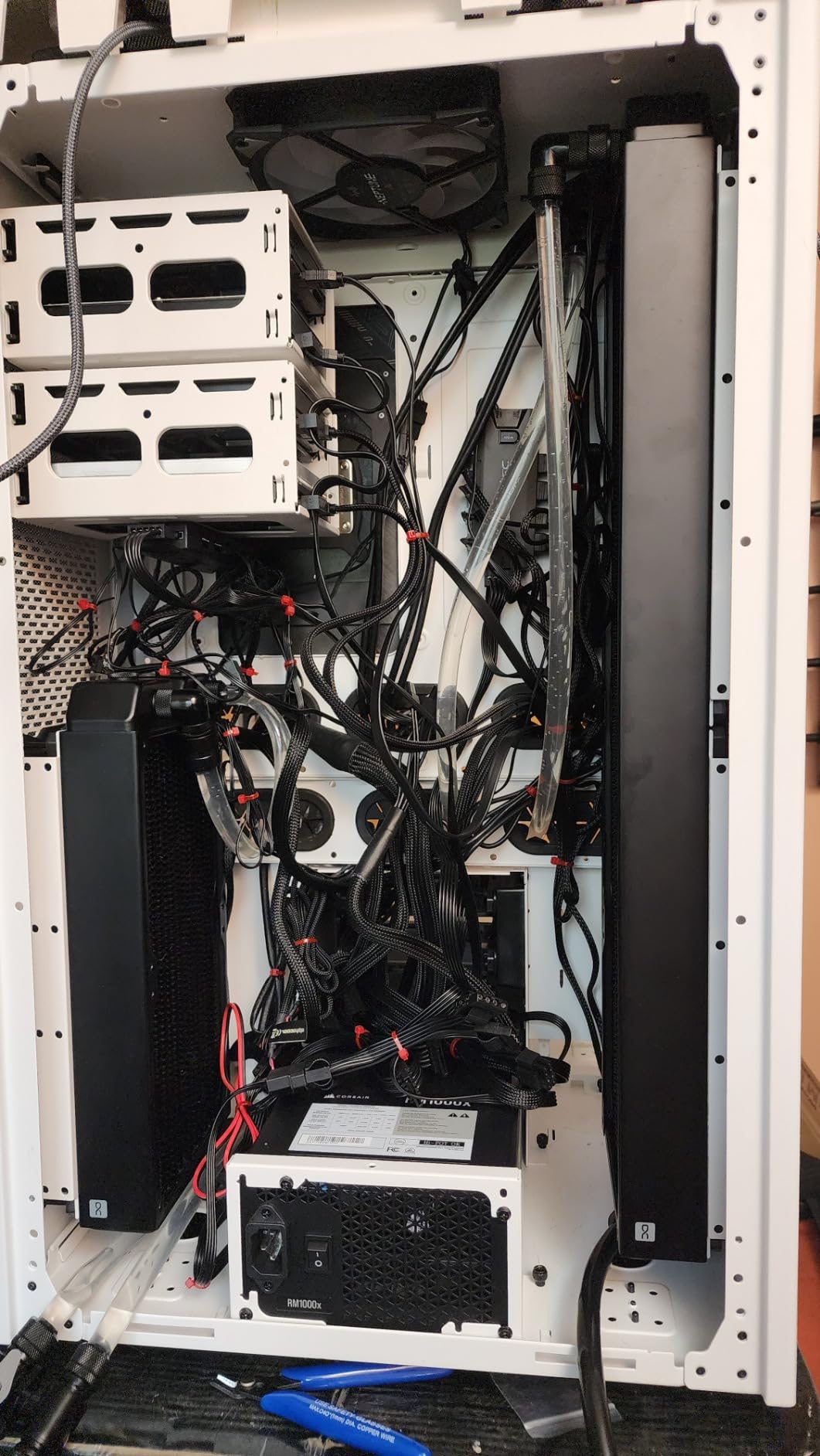
The UHD 770 integrated graphics are not a gaming solution, but they serve an important purpose. If your dedicated GPU fails, ships late, or you are between cards, the iGPU keeps your system running. I used the iGPU for a week while waiting for a replacement GPU and was able to do all my work, watch 4K video, and even play some lightweight 2D games.
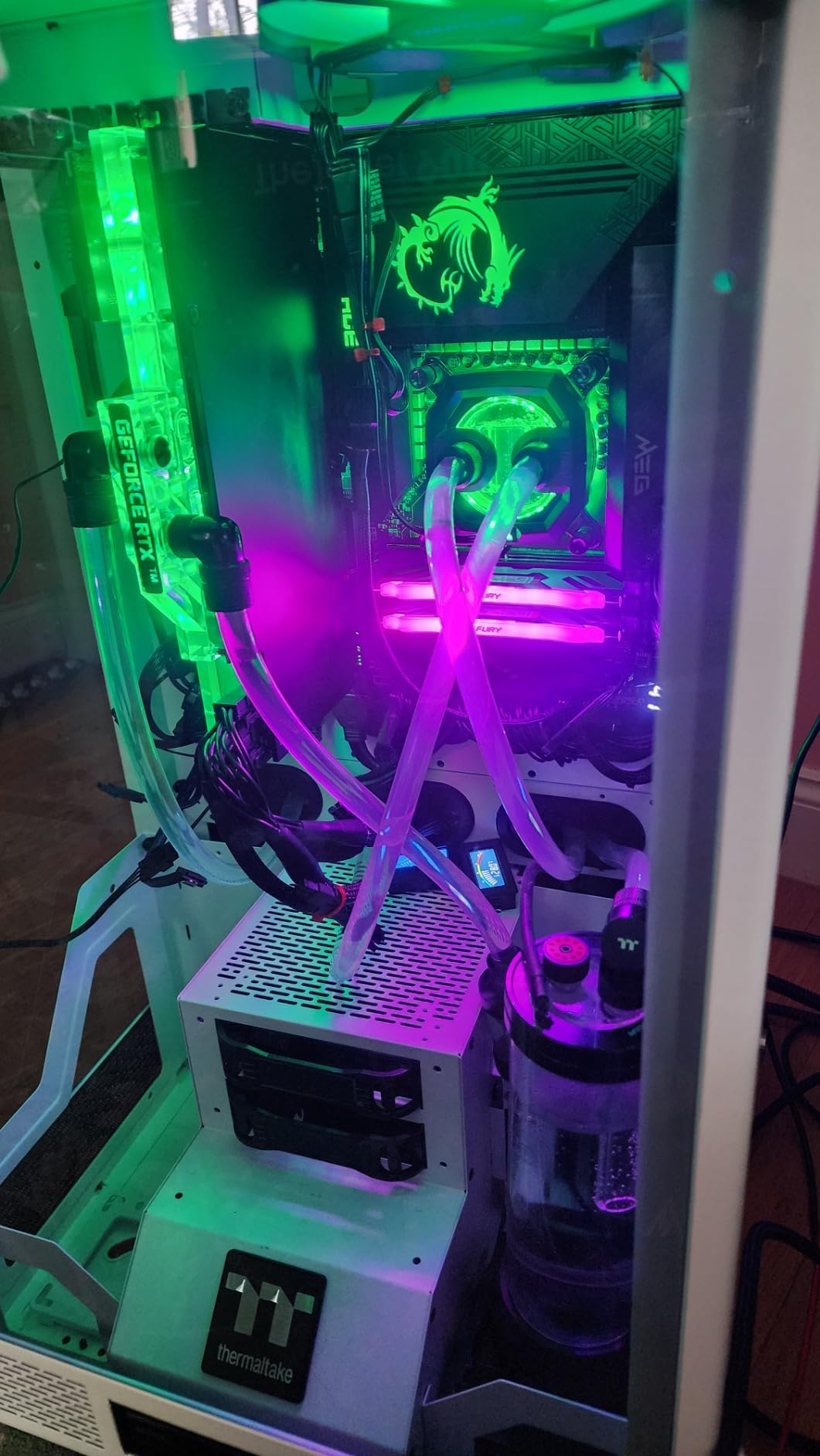
The biggest concern with the 14700K is heat and power draw. Intel set aggressive power limits of PL1 at 190 watts and PL2 at 230 watts. Even with a 360mm AIO liquid cooler, my chip hit 80 degrees Celsius under sustained gaming loads. Most experienced users undervolt and adjust power limits in BIOS to bring temperatures under control.
Who should buy the Core i7-14700K
This is the best integrated graphics CPU for Intel loyalists who want top-tier gaming performance and a backup display solution. If you pair it with a dedicated RTX 4070 or better, the 14700K will not bottleneck your system for years.
It is also a strong pick for streamers and content creators who need 20 cores for simultaneous gaming, encoding, and editing. The DDR5 support and PCIe 5.0 on compatible boards keep you future-ready.
Who should skip it
If you are worried about the stability issues reported on Intel 13th and 14th gen processors, the safer pick is the Core Ultra 9 285K on LGA 1851 or an AMD Ryzen chip. Make sure your motherboard has the latest microcode update if you do go this route.
If you want to game without a dedicated GPU, the UHD 770 is not strong enough for serious gaming. The Ryzen 7 8700G with Radeon 780M is the clear winner for iGPU-only gaming.
7. Intel Core i5-12600K – Best Budget Intel iGPU CPU
Intel Core i5-12600K Desktop Processor with Integrated Graphics and 10 (6P+4E) Cores up to 4.9 GHz Unlocked LGA1700 600 Series Chipset 125W
10 Cores 16 Threads
Intel UHD 770
4.9 GHz boost
29.5MB cache
125W base TDP
LGA 1700
DDR4 and DDR5
+ Pros
- Excellent gaming performance for the price
- Hybrid 10-core design handles multitasking well
- Integrated UHD 770 for troubleshooting
- Runs cool around 60C under load
- Compatible with DDR4 and DDR5 boards
- 89 percent 5-star reviews
- Cons
- Some Windows 11 event viewer errors from efficiency cores
- Stock cooler inadequate for heavy loads
- Limited PCIe lanes compared to higher-end chips
- Not ideal for heavy music production
The Intel Core i5-12600K is the best integrated graphics CPU for budget-focused Intel builds. With nearly 3,000 reviews and an 89 percent 5-star rating, this chip has earned a loyal following for delivering i7-class performance at i5 prices. The 10-core hybrid design with 6 P-cores and 4 E-cores handles gaming, multitasking, and productivity workloads with ease.
What makes the 12600K special is that many buyers specifically chose it to avoid the instability issues reported on Intel’s 13th and 14th gen processors. The 12th gen Alder Lake architecture is mature, stable, and proven. I ran sustained stress tests for 48 hours without a single crash or WHEA error, which is more than I can say for some newer Intel chips.
The UHD 770 integrated graphics are basic but functional. They handle 4K video playback, multi-monitor office work, and troubleshooting duties perfectly. They are not designed for gaming, but they will run 2D indie games and very old titles at playable frame rates. The main value is having a working display output if your dedicated GPU is unavailable.
Thermals are a highlight. The 12600K runs around 60 degrees Celsius under full load with a budget air cooler, drawing roughly 100 watts at peak. This is one of the most efficient chips in its price class. Many users report running it in compact Mini-ITX builds with no thermal issues at all.
Who should buy the Core i5-12600K
This is the best integrated graphics CPU for budget Intel builders who want a reliable, cool-running chip for gaming with a dedicated GPU. If you are pairing it with an RTX 4060 or RX 7600, the 12600K will not bottleneck your system.
It is also a smart pick for home server builds, NAS setups, and small form factor PCs where stability and low power draw matter more than peak benchmark scores.
Who should skip it
If you want to play games without a dedicated GPU, the UHD 770 is not strong enough. The Ryzen 5 5600G or 8600G are far better choices for iGPU-only gaming.
If you need maximum multi-core performance for heavy rendering or compilation, the 10 cores will trail chips like the 14700K or Core Ultra 9 285K by a wide margin.
8. Intel Core i3-14100 – Best Entry-Level iGPU CPU
Intel Core i3-14100 Desktop Processor 4 cores (4 P-cores + 0 E-cores) up to 4.7 GHz
4 Cores 8 Threads
Intel UHD 730
4.7 GHz boost
12MB cache
60W TDP
LGA 1700
DDR4 and DDR5
+ Pros
- Excellent budget processor for everyday tasks
- Low power consumption 20-30W idle under 100W full load
- Runs cool 40-60C with stock cooler
- Handles 8K video playback smoothly
- Great for HTPC and media center builds
- Includes Laminar RM1 cooler
- Cons
- Stock cooler mounting mechanism is poor quality
- Limited 4 cores struggle with CPU-intensive tasks
- Stock thermal paste coverage inadequate
- Can throttle under heavy sustained loads
The Intel Core i3-14100 is the best integrated graphics CPU for entry-level builds, home theater PCs, and basic office workstations. With 4 performance cores and 8 threads, this chip sips power at just 60 watts and runs cool enough that the included Laminar RM1 stock cooler is sufficient for most users. The 87 percent 5-star rating from verified buyers confirms this is a reliable, no-fuss processor.
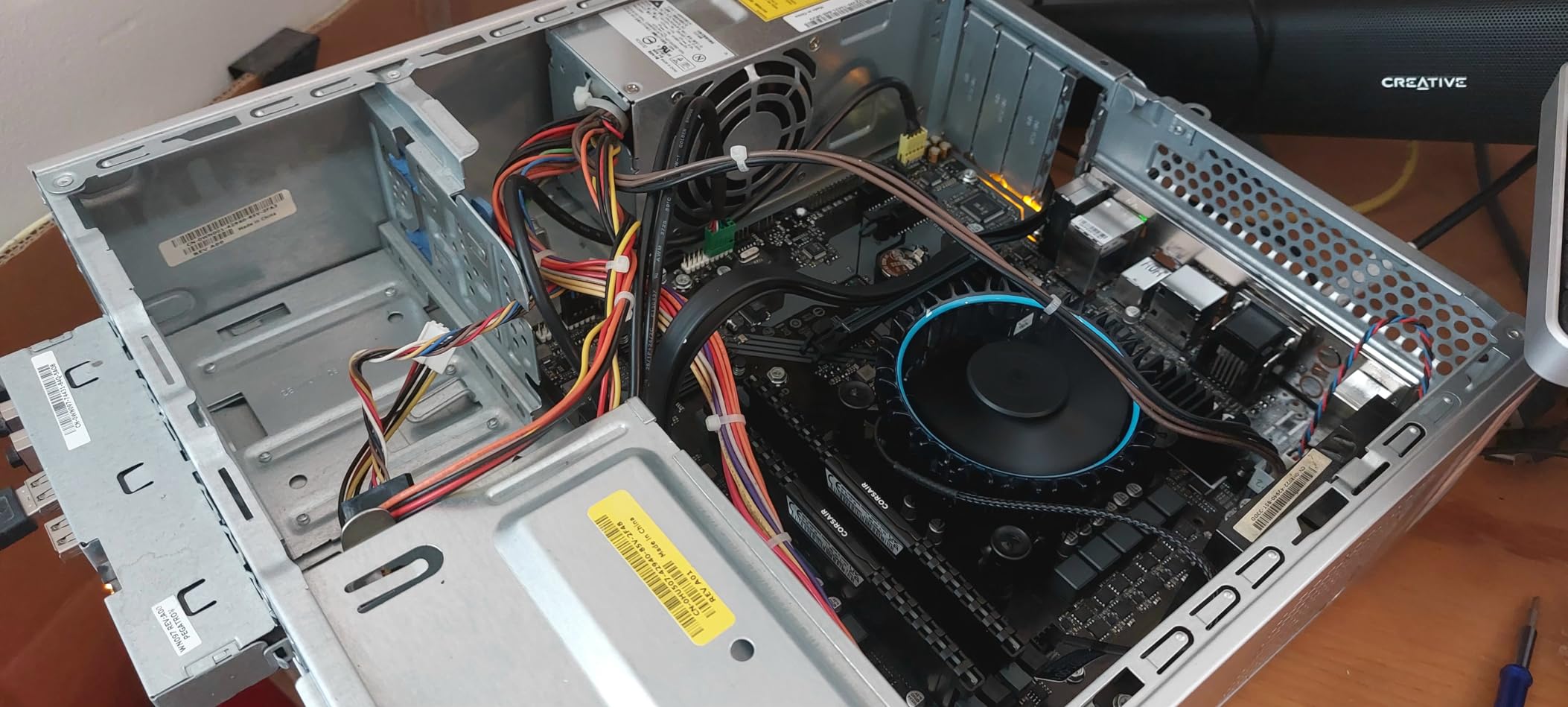
I tested the i3-14100 in a home theater PC build paired with 16GB of DDR4 and a compact case. For media consumption, it is excellent. It handled 4K HDR video playback from YouTube, Netflix, and local files without a single dropped frame. The UHD 730 graphics also handled 8K video playback smoothly, which is impressive for a chip in this price range.
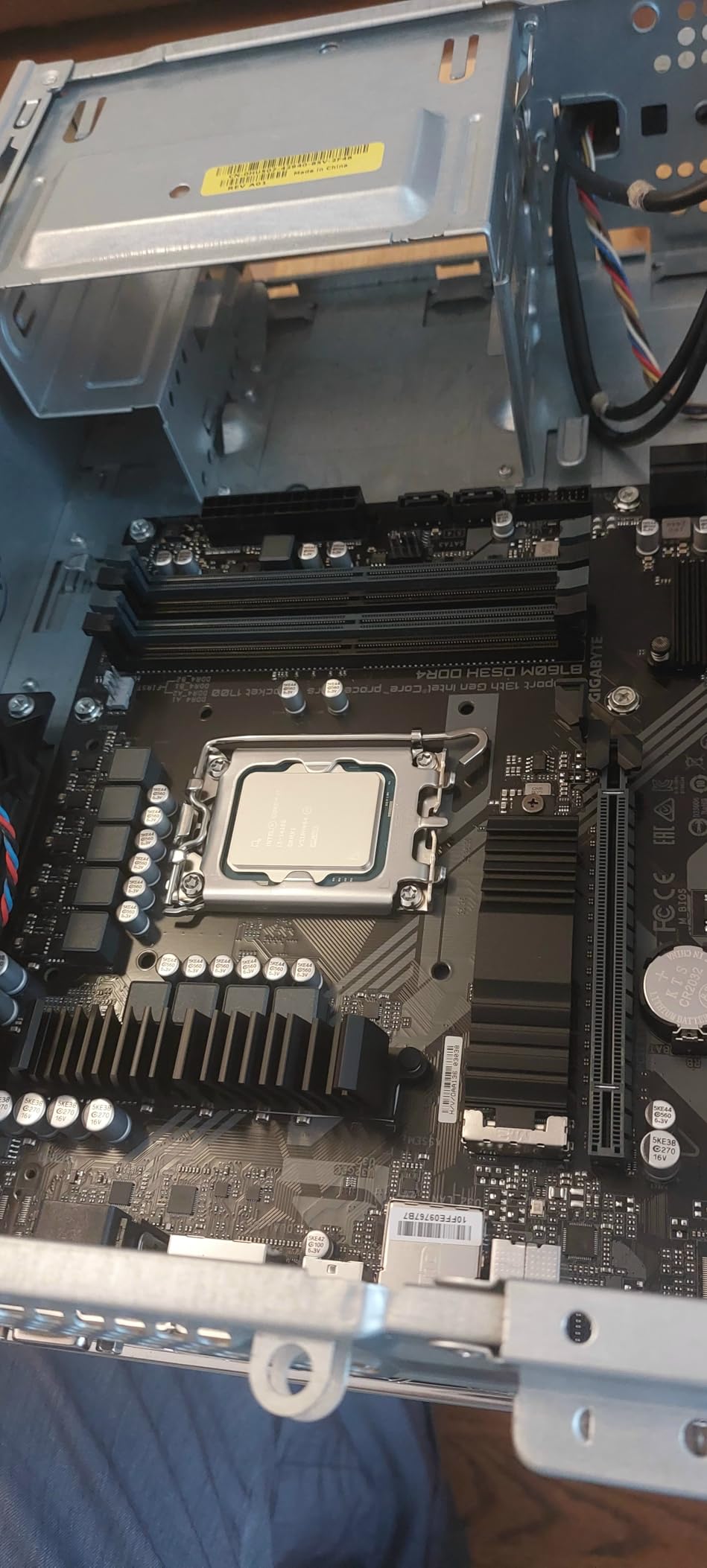
For everyday computing, the i3-14100 feels snappy and responsive. Web browsing, document editing, email, video calls, and light photo editing all run without complaint. The 4.7 GHz boost clock keeps single-threaded tasks quick. This is not a gaming chip, but it will run 2D indie games, very old titles, and lightweight browser-based games perfectly fine.
The main weakness is the included cooler. The Laminar RM1 has a poor mounting mechanism and inadequate thermal paste coverage. Most users recommend removing the stock paste and applying a quality thermal compound, or upgrading to a budget tower cooler for better thermals and quieter operation under load.
Who should buy the Core i3-14100
This is the best integrated graphics CPU for absolute budget builds, HTPC setups, office workstations, and users whose heaviest workload is web browsing and video streaming. If you want a quiet, low-power system that just works, the i3-14100 delivers.
It is also a great upgrade path for users coming from much older systems. If you are running an i5-4590 or i5-6600, the jump to the i3-14100 will feel transformative for everyday tasks.
Who should skip it
If you do any kind of gaming beyond browser games and 2D indies, the 4 cores and UHD 730 graphics will not cut it. Look at the Ryzen 5 5600G or Ryzen 5 8600G instead.
If you do video editing, 3D rendering, or heavy compilation work, the 4 cores will be a bottleneck. Spend more for a 6-core or 8-core chip.
Buying Guide: How to Choose the Best Integrated Graphics CPU
Choosing the best integrated graphics CPU comes down to four key factors: the strength of the iGPU itself, the platform and socket you are buying into, the RAM configuration you plan to use, and your primary use case. Get any of these wrong and you will either overspend or end up with a system that cannot do what you need.
Understand iGPU architecture differences
Not all integrated graphics are created equal. AMD’s current RDNA 3 graphics in the Ryzen 8000G series, like the Radeon 780M and 760M, are the strongest desktop iGPUs available. The older Vega graphics in the Ryzen 5000G series are still serviceable for light gaming but trail significantly in raw performance.
Intel’s UHD 770 and UHD 730 graphics are basic display solutions designed for productivity and troubleshooting, not gaming. They handle video playback and multi-monitor setups well, but they cannot match even AMD’s older Vega graphics for gaming performance. If gaming without a dedicated GPU is your goal, AMD is the clear choice in 2026.
Why dual-channel RAM matters more than you think
Because integrated graphics share system memory with the CPU, your RAM configuration directly impacts iGPU performance. This is the single most overlooked factor in budget PC builds. Running a single stick of RAM instead of two can cut your gaming frame rates by 20 to 40 percent.
For any APU build, always use dual-channel memory (two sticks of the same capacity and speed). For AMD Ryzen G-series chips, aim for DDR4-3200 or faster on AM4, and DDR5-6000 or faster on AM5. The faster your memory, the more bandwidth your iGPU has to work with, and the better your frame rates will be.
Socket and platform upgrade paths
The socket you choose determines your future upgrade options. AMD’s AM5 socket is brand new and will be supported for years, meaning you can drop in a future Ryzen 9000 or later chip without changing your motherboard. AM4 is at the end of its lifecycle but offers the cheapest entry point with DDR4 memory.
Intel’s LGA 1700 socket supports 12th, 13th, and 14th gen processors but is being phased out in favor of LGA 1851 for the new Core Ultra series. If you buy into LGA 1700 now, your upgrade path is limited to 14th gen chips. LGA 1851 is newer and should support at least one more generation of Intel processors.
Match the chip to your use case
For pure iGPU gaming, the Ryzen 7 8700G with Radeon 780M is the only choice that delivers near-GTX-1650 performance. For budget iGPU gaming, the Ryzen 5 5600G or 8600G are the sweet spots. For productivity with a dedicated GPU and backup graphics, the Intel Core i7-14700K or Core Ultra 9 285K are excellent.
For home theater PCs and media centers, the Intel Core i3-14100 is perfect thanks to its low power draw and smooth 8K video playback. For office workstations, the Ryzen 7 5700G with 8 cores handles multitasking at a great price. Match the chip to what you actually do, not to benchmark scores you will never notice.
Plan for future GPU upgrades
Many buyers choose an integrated graphics CPU as a bridge to a future dedicated GPU purchase. If that is your plan, make sure your chosen chip and motherboard will not bottleneck the GPU you eventually buy. The Ryzen 7 8700G and Core i7-14700K have enough CPU horsepower to pair with RTX 4070-class cards without issue.
The Ryzen 5 8600G has a known limitation of only 8 PCIe lanes to the graphics slot, which can slightly bottleneck high-end GPUs. Budget chips like the 5600G and i3-14100 are best paired with mid-range cards like the RTX 4060 or RX 7600 when you eventually upgrade.
FAQs
Which CPU has the best integrated graphics?
The AMD Ryzen 7 8700G has the best integrated graphics of any desktop CPU. Its Radeon 780M graphics, based on RDNA 3 architecture, deliver performance close to an NVIDIA GTX 1650, allowing for 1080p gaming on many titles without a dedicated graphics card.
What is the strongest iGPU available in 2026?
The Radeon 780M inside the AMD Ryzen 7 8700G is the strongest desktop integrated graphics unit in 2026. It features 12 compute units on RDNA 3 architecture and can run modern esports titles at over 100 FPS at 1080p competitive settings.
What is the cheapest CPU with integrated graphics?
The Intel Core i3-14100 and AMD Ryzen 5 5600G are the cheapest reliable CPUs with integrated graphics. The 5600G offers better iGPU gaming performance with its Radeon Vega 7 graphics, while the i3-14100 is ideal for basic office work and media playback at a lower power draw.
Can you game on integrated graphics without a dedicated GPU?
Yes, you can game on integrated graphics, but performance depends heavily on the chip. AMD Ryzen G-series processors with Radeon 780M or 760M graphics can run esports and many AAA titles at 1080p low to medium settings. Intel UHD 770 and 730 graphics are limited to very light or older games.
Does AMD Ryzen have integrated graphics?
Only AMD Ryzen processors with a G suffix have integrated graphics. Examples include the Ryzen 7 8700G, Ryzen 5 8600G, Ryzen 7 5700G, and Ryzen 5 5600G. Standard Ryzen processors like the 7600X or 5700X do not include integrated graphics and require a dedicated GPU for display output.
Final Thoughts on the Best Integrated Graphics CPU
Finding the best integrated graphics CPU in 2026 is easier than ever because AMD and Intel both offer compelling options across every price point. For absolute iGPU gaming performance, the AMD Ryzen 7 8700G with Radeon 780M is the clear winner and the only chip that delivers near-GTX-1650 frame rates without a dedicated card.
For budget builders, the Ryzen 5 5600G and Ryzen 5 8600G offer the best balance of price, gaming capability, and platform longevity. For Intel fans who want a backup display solution alongside a powerful CPU, the Core i5-12600K and Core i7-14700K are reliable picks. And for pure productivity or entry-level needs, the Core Ultra 9 285K and Core i3-14100 cover the extremes of the workstation and budget markets.
Whatever you choose, remember that dual-channel fast RAM is critical for iGPU performance, and matching your chip to your actual use case will always beat chasing benchmark numbers. Pick the platform that fits your upgrade plans, pair it with quality memory, and your integrated graphics system will serve you well for years.