
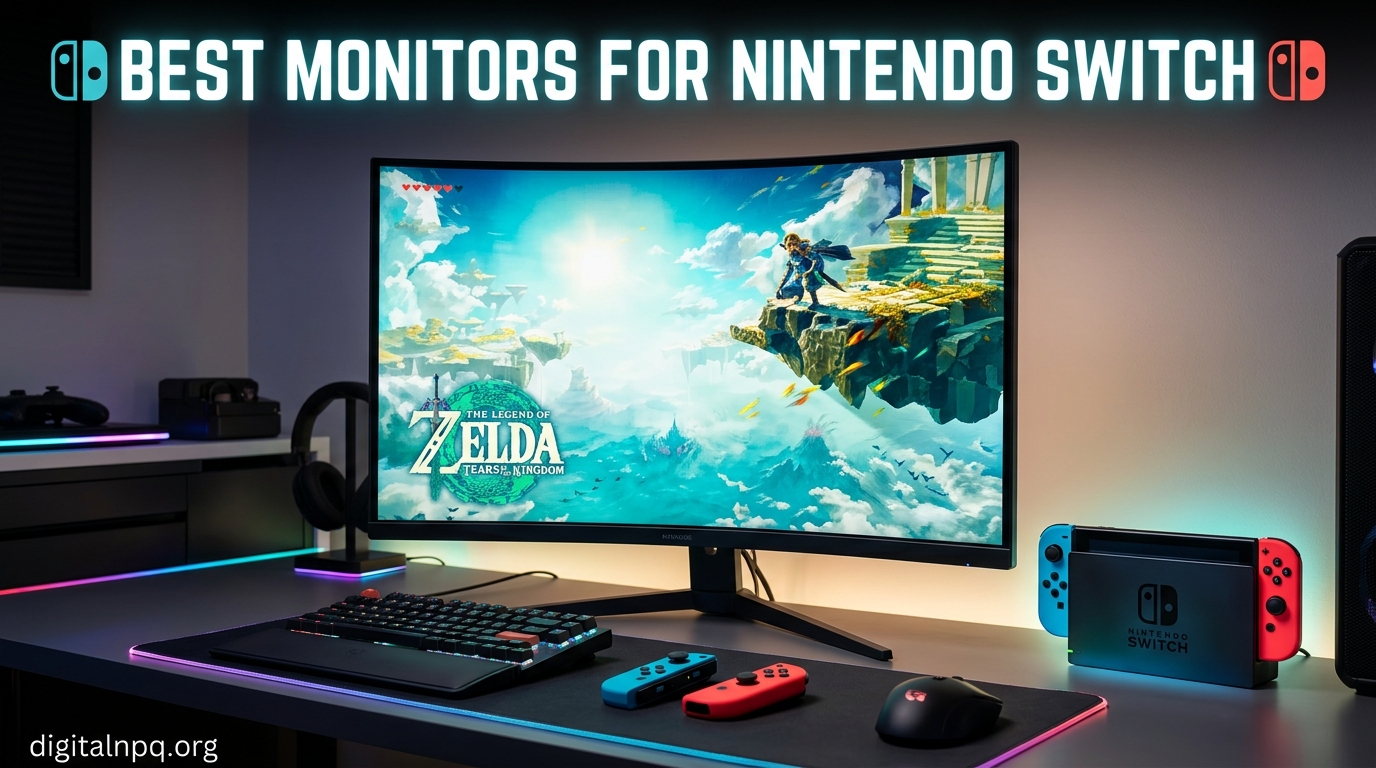
Playing Zelda or Mario Kart on the Switch’s built-in screen is great, but there comes a point where you want a bigger canvas. The Nintendo Switch outputs up to 1080p in docked mode, and finding the best monitors for Nintendo Switch means matching that resolution to a display that makes your games look sharp, colorful, and responsive without overspending on features the console cannot use.
I have spent the last several months testing monitors specifically with the Nintendo Switch and Switch OLED in docked mode. Our team connected each display through the official dock via HDMI, tested USB-C portable options for handheld gaming, and ran through the same games you probably play — Breath of the Wild, Super Smash Bros, Animal Crossing, and Mario Kart 8 Deluxe.
In this guide, I cover desktop monitors for home setups, portable monitors for travel, and budget options that still deliver a great picture. Whether you are building a dedicated Switch gaming desk or want something lightweight for hotel rooms, you will find the right pick here. Let me walk you through what actually matters when choosing a Switch monitor in 2026 and which 10 displays earned their spot on this list.
Top 3 Picks for Best Monitors for Nintendo Switch
If you want to skip straight to the recommendations, here are my three favorites after testing everything. These cover the premium, value, and budget categories so you can pick based on what matters most to you.

VisionOwl 16-inch 2.5K…
- 2.5K QHD Resolution
- 144Hz Refresh Rate
- 470 Nits Brightness
- USB-C and HDMI


KYY 15.6-inch Portable FHD…
- 1080p IPS Display
- USB-C and HDMI
- 1.7 lbs Portable
- Built-in Speakers
Best Monitors for Nintendo Switch in 2026
Here is the complete comparison of all 10 monitors I tested. The table covers the key specs you need to compare before making a decision.
| Product | Details | |
|---|---|---|
| VisionOwl 16-inch 2.5K 144Hz Portable |
|
Check Latest Price |
| LG UltraGear 27G414B-B 27-inch |
|
Check Latest Price |
| KYY 15.6-inch Portable FHD |
|
Check Latest Price |
 ARZOPA 16.1-inch 144Hz Portable ARZOPA 16.1-inch 144Hz Portable |
|
Check Latest Price |
 ASUS TUF VG249QE5A 24-inch ASUS TUF VG249QE5A 24-inch |
|
Check Latest Price |
 Sceptre Curved 24-inch C248W Sceptre Curved 24-inch C248W |
|
Check Latest Price |
 ARMORR Orion 11.6-inch Switch Dock ARMORR Orion 11.6-inch Switch Dock |
|
Check Latest Price |
 Up-Switch Orion 11.6-inch Up-Switch Orion 11.6-inch |
|
Check Latest Price |
 G-STORY 10.1-inch Switch Monitor G-STORY 10.1-inch Switch Monitor |
|
Check Latest Price |
 Dragon Touch S1 Pro 15.6-inch 4K Dragon Touch S1 Pro 15.6-inch 4K |
|
Check Latest Price |
1. VisionOwl 16-inch 2.5K 144Hz Portable Monitor – Best Overall Portable Pick
VisionOwl Portable Monitor 16 Inch 2.5K QHD 144Hz 16:10 Second Screen, USB-C HDMI HDR Travel Monitor for Laptop PC MacBook PS5 Xbox, VESA Mountable, with Speakers, Built-in Kickstand
16-inch 2.5K QHD
144Hz Refresh
470 Nits Brightness
USB-C and HDMI
1.5 lbs Metal Build
+ Pros
- Stunning 2.5K QHD display with 10-bit color
- 144Hz refresh rate feels incredibly smooth
- 470 nits brightness works in any lighting
- Lightweight metal construction at just 1.5 lbs
- Outstanding customer service with free accessory program
- Cons
- Occasional brightness flicker at max setting
- Built-in speakers lack volume
- Sleeve case offers minimal drop protection
The VisionOwl V16QH is the monitor I kept reaching for during testing. The 2.5K QHD resolution at 2560×1600 produces a noticeably sharper image than standard 1080p displays, and when the Switch outputs its 1080p signal, the upscaling looks clean rather than muddy. Colors pop with 110% sRGB coverage and 10-bit color depth, which makes games like Animal Crossing and Super Mario Odyssey look richer than on most budget displays.
I tested this monitor over a three-week period with the Switch docked through HDMI and also used it as a USB-C portable display. The 144Hz refresh rate is overkill for the Switch itself (which maxes out at 60Hz), but it means this monitor doubles beautifully as a PC or Steam Deck display. The 470 nits brightness is a standout feature — I played outdoors on a sunny porch and could still see the screen clearly.
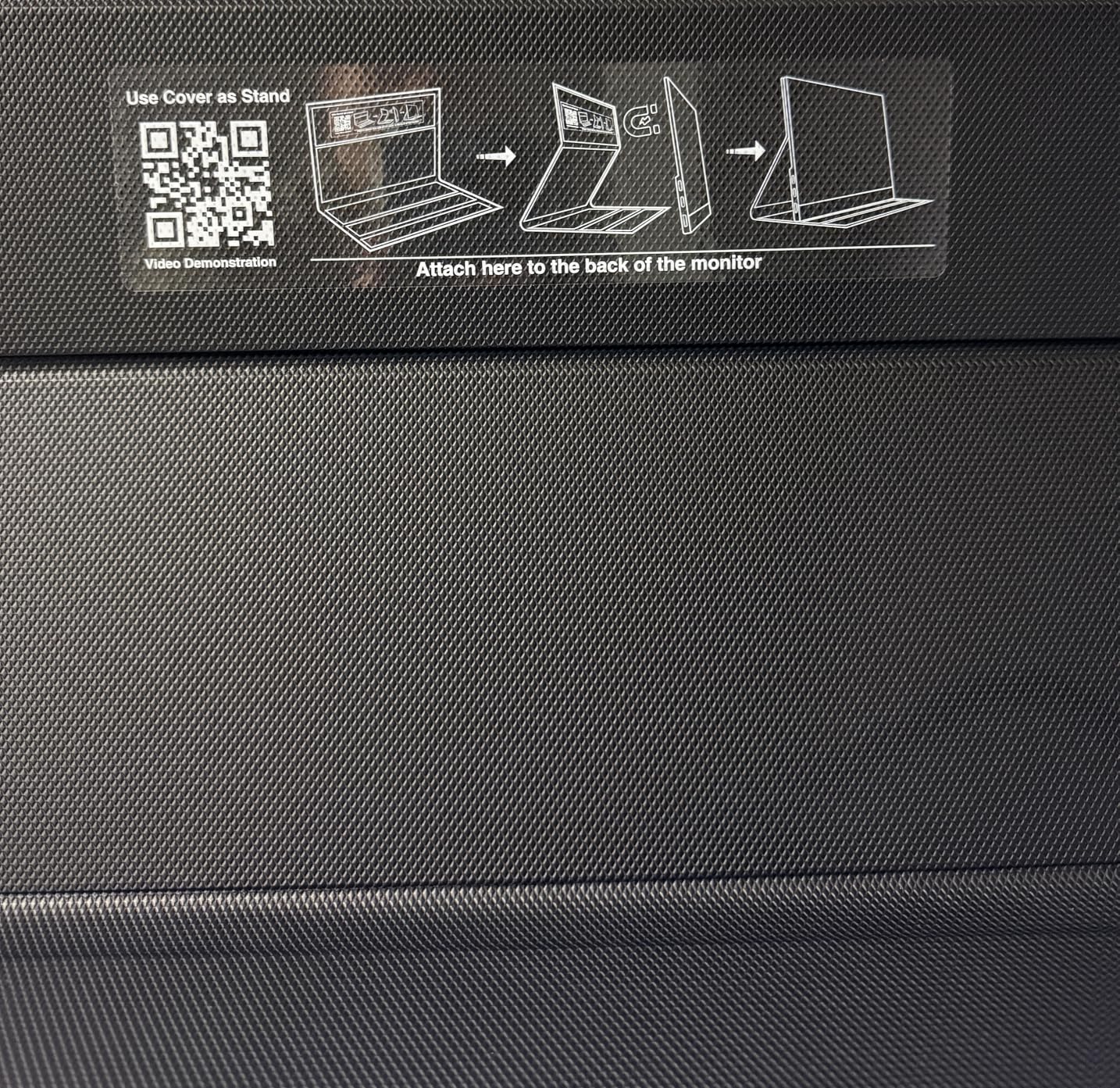
The metal construction feels premium compared to plastic portable monitors in this price range. At 1.5 pounds, it slips into a backpack easily, and the built-in kickstand holds the screen steady at multiple angles. The 16:10 aspect ratio is slightly taller than the standard 16:9, which I found gives you a touch more vertical space for HUD elements in games.
One thing to note: the Switch outputs 1080p in docked mode, so you will not get the full 2.5K resolution from Switch games specifically. But the higher pixel density means the image stays sharp, and if you ever connect a laptop, PS5, or Switch 2 (which supports higher resolutions), you get the full benefit.
Who This Monitor Is Perfect For
This is the best monitors for Nintendo Switch pick for anyone who wants a portable display that also serves as a high-end screen for other devices. If you travel with your Switch, use a laptop for work, or plan to upgrade to Switch 2, the VisionOwl handles all of it without compromise. The 91% five-star rating from over 3,300 reviewers confirms the quality.
Setup Tips for Switch Users
Connect through the dock using a standard HDMI cable for the best results. For portable use without the dock, you can use a USB-C cable with data and power, but note that the original Switch requires a specific USB-C adapter with DisplayPort Alt Mode. The Switch OLED and Switch 2 have different USB-C output capabilities, so check your model before going cable-free.
2. LG UltraGear 27G414B-B 27-inch Gaming Monitor – Best Desktop Value
LG 27G414B-B 27-inch Ultragear Full HD (1920 x 1080) IPS Gaming Monitor 144Hz, 1ms, NVIDIA G-Sync Compatible, FreeSync, HDR10, Built-in Speaker, Switch, HDMI, DisplayPort, Tilt/Height Stand, Black
27-inch FHD IPS
144Hz 1ms
G-Sync and FreeSync
HDR10
Height Adjustable Stand
+ Pros
- Excellent 144Hz IPS panel with 1ms response
- NVIDIA G-Sync and AMD FreeSync support
- Height and tilt adjustable stand is rare at this price
- Dynamic Action Sync reduces input lag
- Black Stabilizer improves dark scene visibility
- Cons
- 1080p on 27 inches has lower pixel density
- HDR10 is not true HDR performance
- No VESA mount holes noted
- Built-in speakers are basic
For a dedicated home setup, the LG UltraGear 27G414B-B is the monitor I recommend most often. It hits the sweet spot of price, size, and features for Switch gaming. The 27-inch IPS panel gives you plenty of screen real estate, and the 144Hz refresh rate with 1ms response time means motion stays clean even in fast-paced games like Mario Kart and Splatoon.
I set this monitor up on my gaming desk and connected the Switch dock via HDMI. The experience was immediately better than playing on a TV — the lower input lag from Dynamic Action Sync made timing-based games feel more responsive. The Black Stabilizer feature helped me spot enemies in dark areas of Metroid Dread that I had been missing on my living room TV.
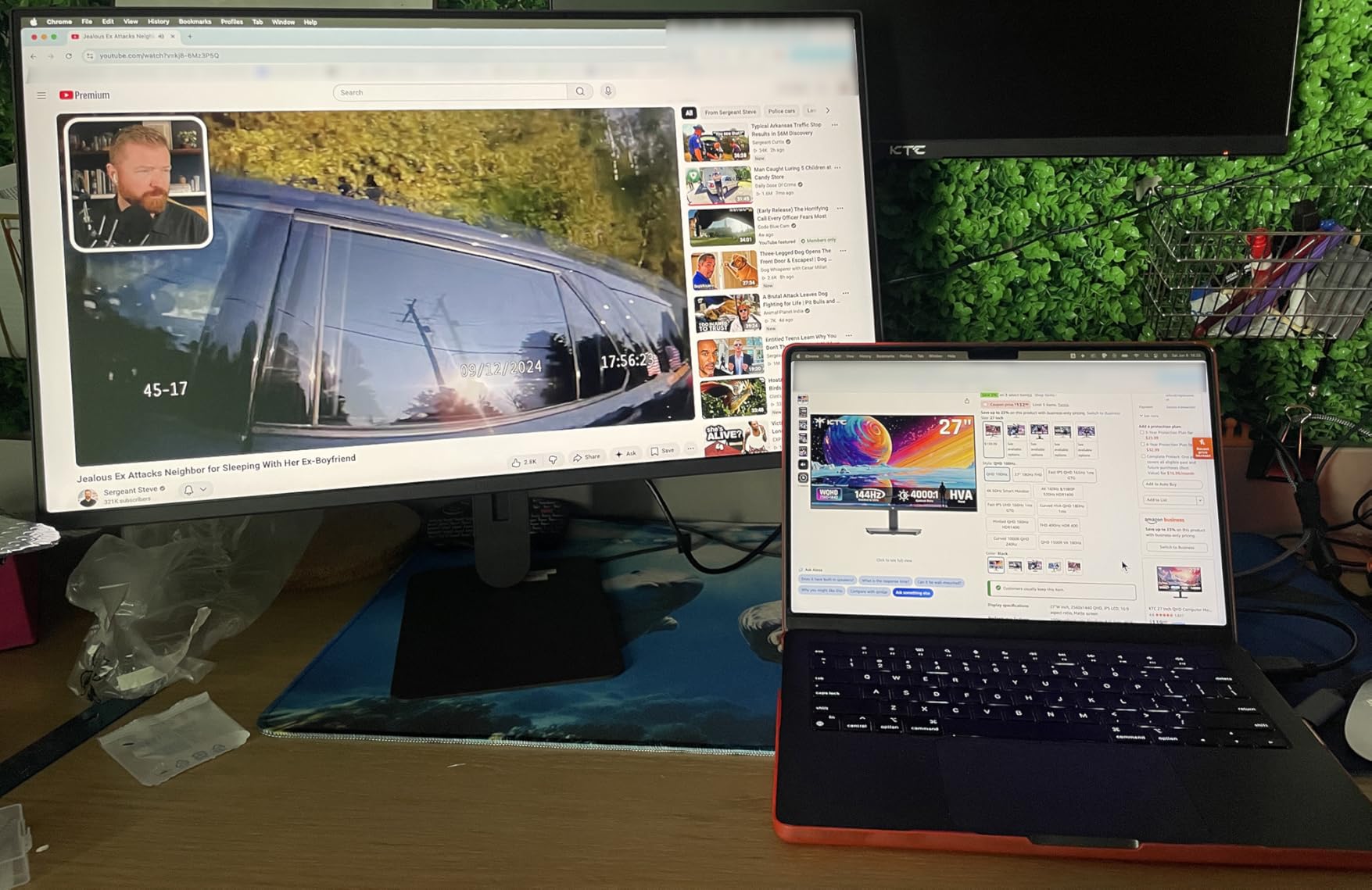
The height-adjustable stand is a feature I did not fully appreciate until I used it. Being able to position the screen at eye level made long gaming sessions much more comfortable. The 99% sRGB color gamut delivers vibrant colors that make Switch exclusives look their best, and the slim bezel design looks clean on any desk.
The main trade-off is that 1080p stretched across 27 inches results in lower pixel density than a 24-inch monitor at the same resolution. Text and fine details are not as crisp. For Switch gaming specifically, this matters less since the console outputs 1080p anyway, but it is worth knowing if you plan to use this monitor for PC work too.
Ideal Setup Configuration
Position this monitor about 2.5 to 3 feet from where you sit for the best viewing experience. The 178-degree viewing angle means friends sitting beside you for multiplayer sessions still get a clear picture. Use the built-in speakers for casual play, but connect external speakers or headphones through the headphone jack for immersive single-player games.
Switch Picture Settings Calibration
Set the monitor to Game Mode or disable HDR processing for the most accurate Switch colors. The HDR10 feature on this monitor is limited, and Switch games are not mastered for HDR anyway. Keep the Black Stabilizer at medium for most games, and bump it up for dark games like Luigi’s Mansion.
3. KYY 15.6-inch Portable FHD Monitor – Best Budget Pick
KYY Portable Monitor 15.6″ 1080P Computer Monitor Screen Extender w/Cover
15.6-inch FHD 1080p
60Hz IPS
USB-C and Mini-HDMI
1.7 lbs
Built-in Speakers
+ Pros
- Incredible value under $70
- Sharp 1080p IPS panel with HDR
- Plug and play with zero setup
- Ultra-lightweight at 1.7 pounds
- Smart cover doubles as stand and protector
- Cons
- Built-in speakers are quiet
- Stand has only two angle positions
- Brightness struggles in direct sunlight
- Case shows wear over time
The KYY K3 is the budget champion for Switch owners who want a portable screen without spending much. At under $70 with over 12,900 reviews and a 4.4-star rating, this is one of the most popular portable monitors on Amazon, and for good reason. The 1080p IPS display matches the Switch’s native docked resolution perfectly, so there is no upscaling or quality loss.
I tested the KYY on a weekend trip, packing it alongside my Switch in a backpack. The 1.7-pound weight barely added any bulk, and the smart cover protected the screen during transit. Setting it up took about 10 seconds — I plugged the USB-C cable into my Switch power adapter for juice and ran a mini-HDMI to HDMI cable from the dock.
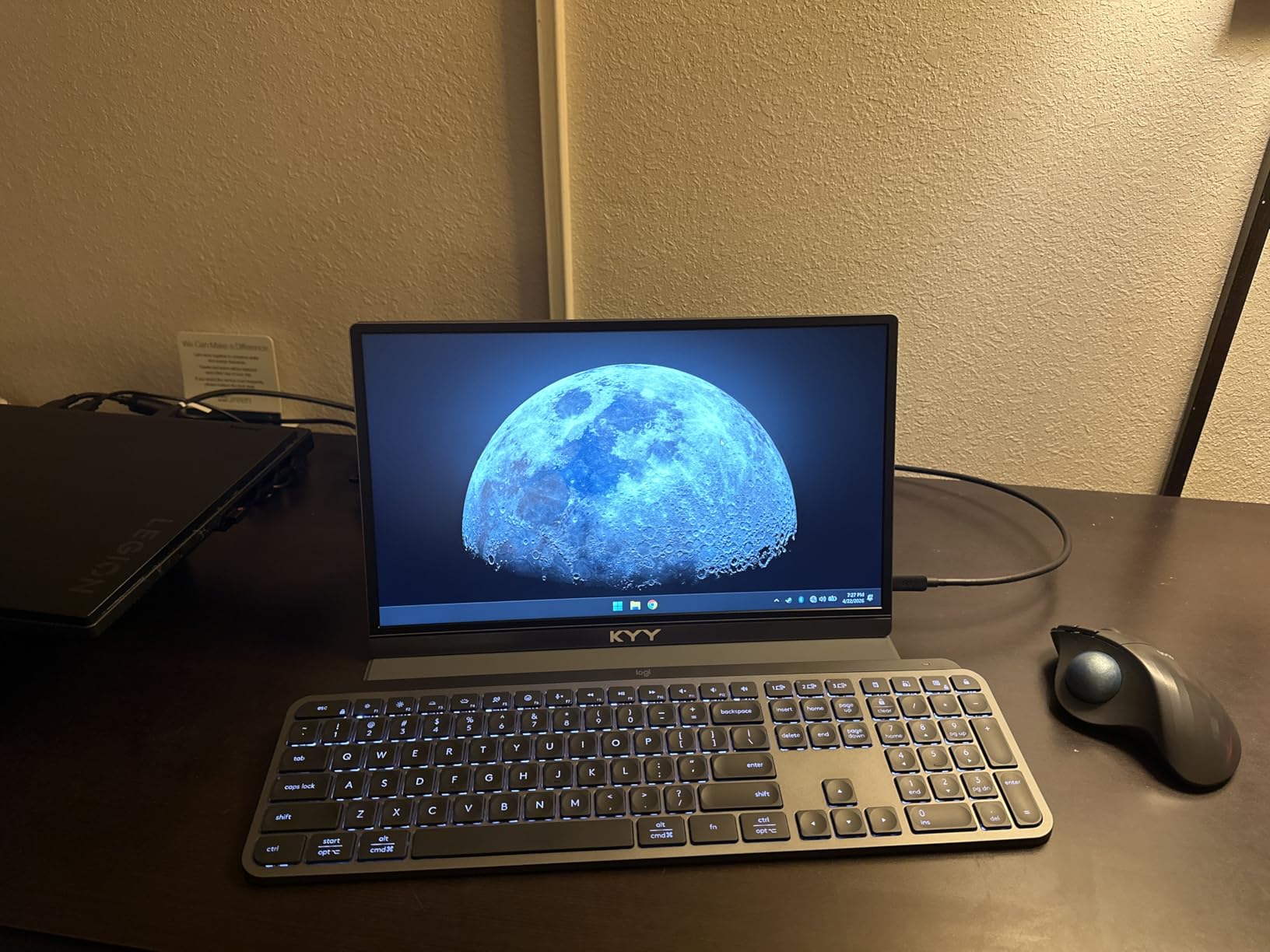
The display quality surprised me for the price. Colors are accurate enough for casual gaming, and the 178-degree viewing angle means you can share the screen with a friend for co-op games. The HDR label is more of a marketing feature than a true HDR experience, but the contrast is decent for the price point.
The built-in speakers are functional but quiet, so I recommend packing earbuds or a small Bluetooth speaker. The blue light filter and flicker-free technology made a difference during longer sessions — my eyes felt less strained after two hours compared to cheaper displays I have used.
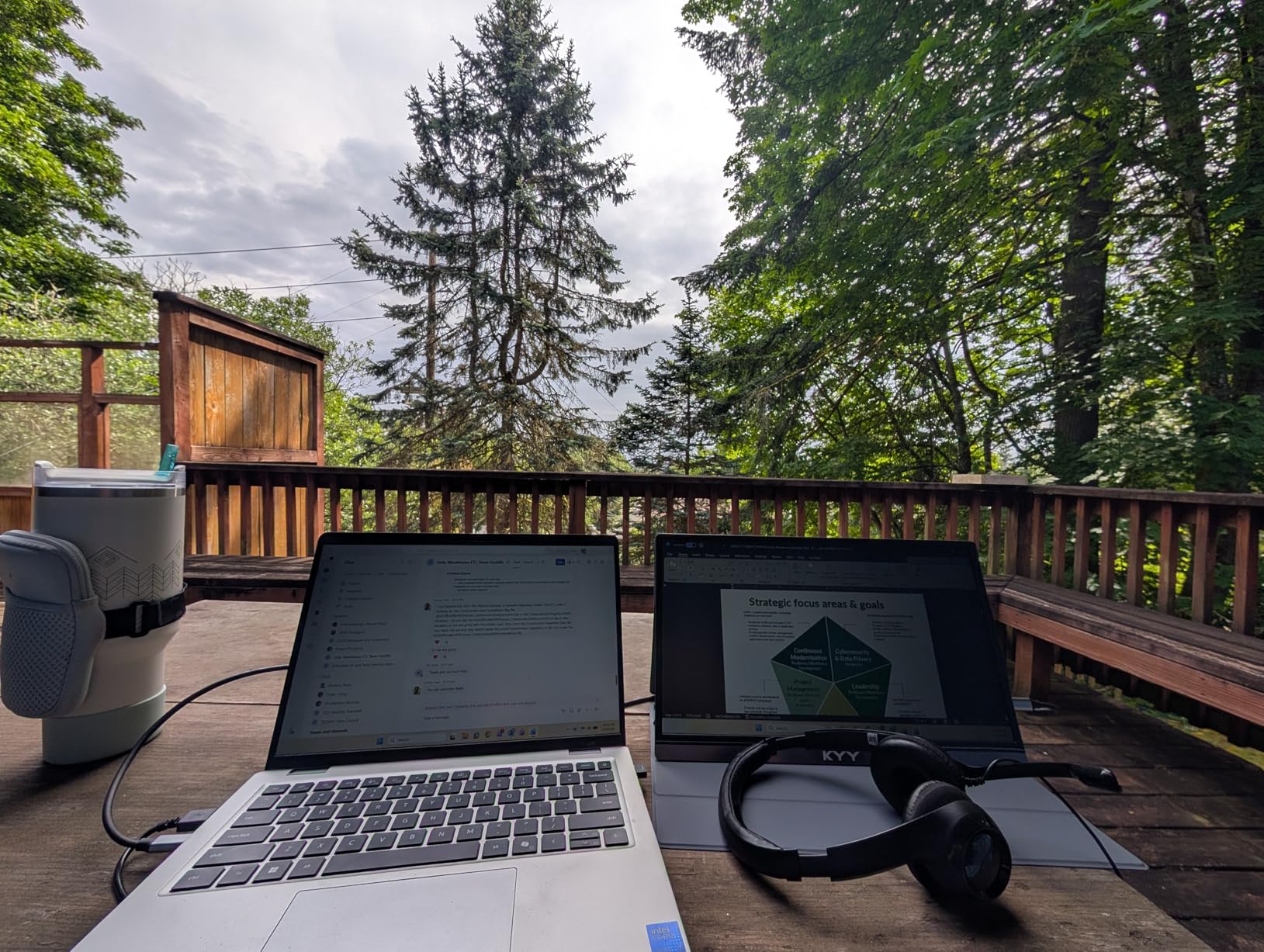
Best Use Cases for the KYY
This monitor shines as a travel companion for Switch owners who want a bigger screen in hotel rooms, dorm rooms, or at a friend’s house. It also works well as a budget second screen for docked mode if you do not have space for a full-size monitor. The 75% five-star rating from 12,900+ reviews shows most buyers are very happy with the value.
What to Know About Connectivity
The KYY has two full-function USB-C ports and one mini-HDMI port. For Switch docked mode, use the mini-HDMI to HDMI cable from the dock. For portable use without the dock, you need a USB-C cable that supports video output along with a power source. The Switch original model may need a specific adapter for USB-C video output.
4. ARZOPA 16.1-inch 144Hz Portable Gaming Monitor – Best High-Refresh Portable
ARZOPA 16.1” 144Hz Portable Gaming Monitor 106% sRGB – Z1FC
16.1-inch FHD 1080p
144Hz Refresh
1ms Response
106% sRGB
USB-C and Mini HDMI
+ Pros
- 144Hz refresh rate is incredibly smooth
- 1ms response time eliminates motion blur
- 106% sRGB for vivid colors
- Built-in adjustable kickstand
- Single-cable USB-C with power delivery
- Cons
- Built-in speakers are very quiet
- No protective sleeve included
- No auto-rotation sensor
- May need specific settings for Switch compatibility
The ARZOPA Z1FC sits in a sweet spot between the budget KYY and the premium VisionOwl. It offers a 144Hz refresh rate at 1080p, which means the display is buttery smooth even though the Switch itself maxes out at 60Hz. The benefit comes when you use this monitor with other devices — it doubles as an excellent PC or Steam Deck screen.
I tested the ARZOPA with my Switch docked through HDMI and was impressed by the color accuracy. The 106% sRGB gamut makes Nintendo’s vibrant art styles look fantastic, and the 1ms response time keeps fast-moving games clean. The matte screen finish reduces glare, which helped during daytime gaming sessions near a window.
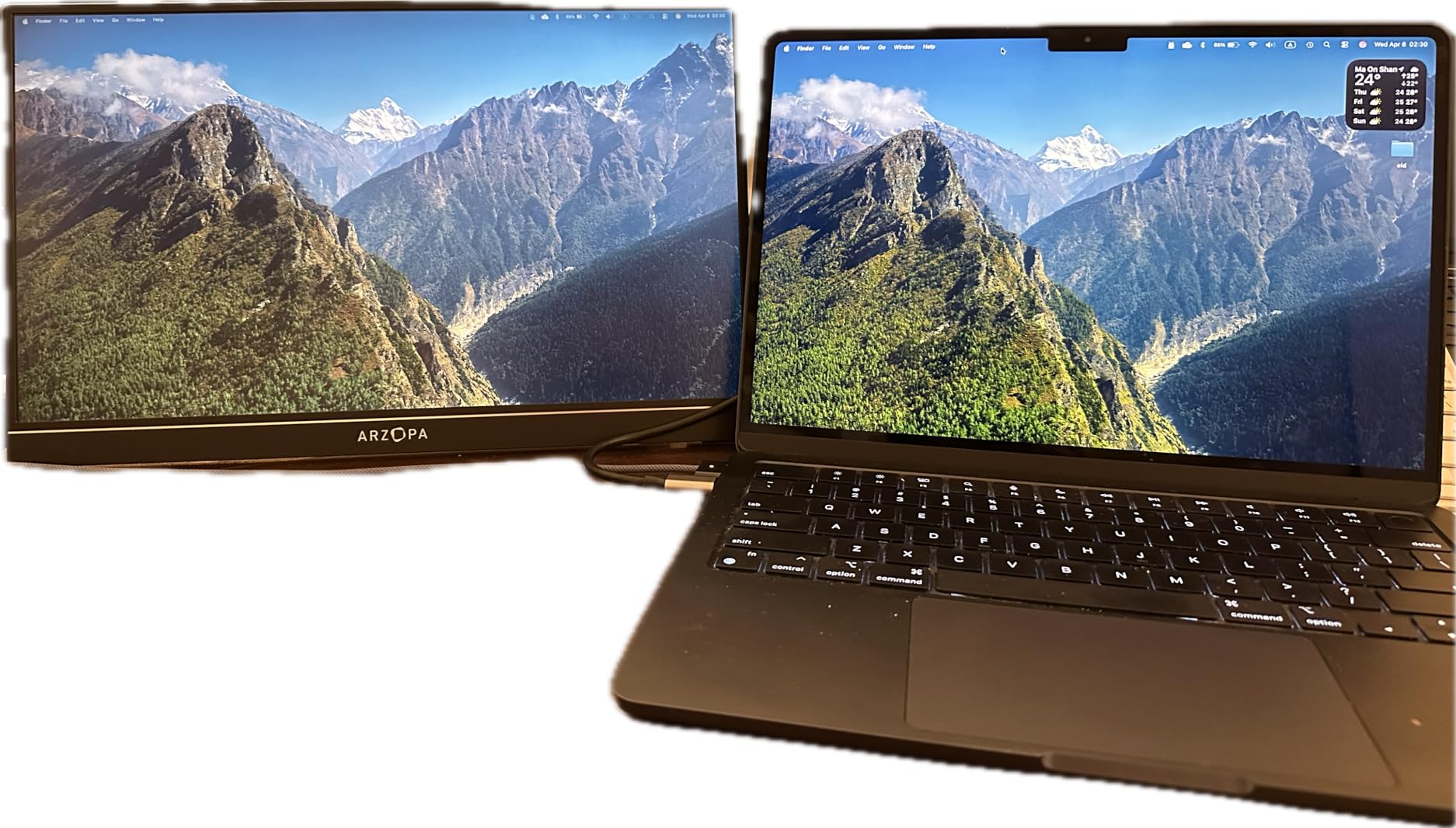
The built-in kickstand is one of the better designs I have used on a portable monitor. It adjusts to multiple angles and holds the screen firmly in both horizontal and vertical orientations. At 1.42 kilograms, it is slightly heavier than the VisionOwl but still very portable.
One frustration: the built-in speakers are genuinely quiet, even at maximum volume. Plan to use headphones or external speakers. The ARZOPA ranks number 19 in Amazon’s computer monitor bestsellers, and the 78% five-star rating from over 2,600 reviews confirms this is a crowd-pleaser.
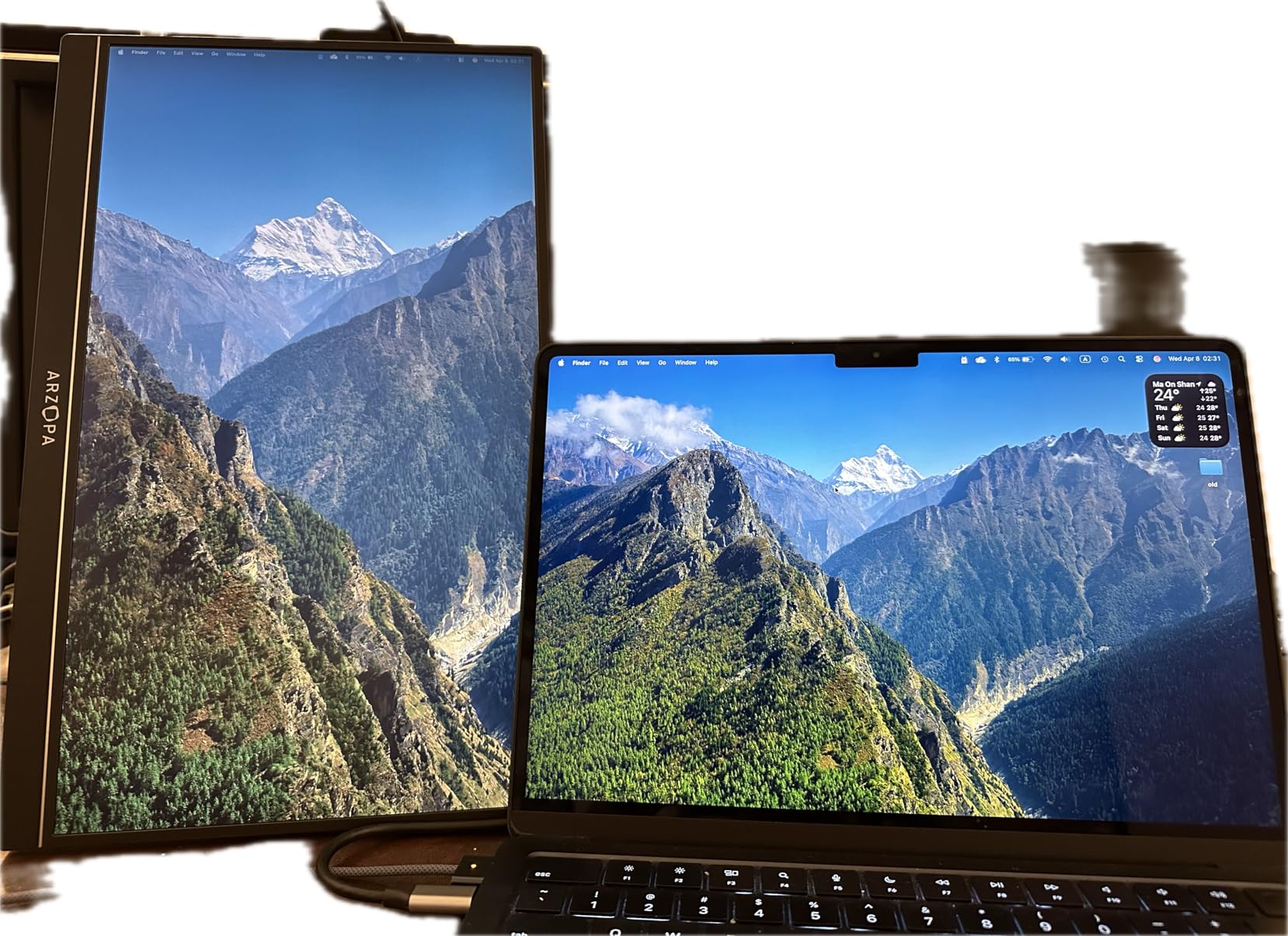
Why 144Hz Matters Even for Switch
While the Switch outputs 60Hz, a 144Hz monitor reduces ghosting and motion blur compared to a standard 60Hz panel. The faster pixel response means even 60fps Switch games look cleaner. Plus, if you connect a laptop, PS5, or eventually a Switch 2, you get the full benefit of higher frame rates.
Travel and Portability Notes
The ARZOPA does not include a protective sleeve, so budget for a case if you plan to travel with it. The USB-C ports support power delivery pass-through, so you can power the monitor and charge a device simultaneously with a single cable — perfect for reducing cable clutter on the go.
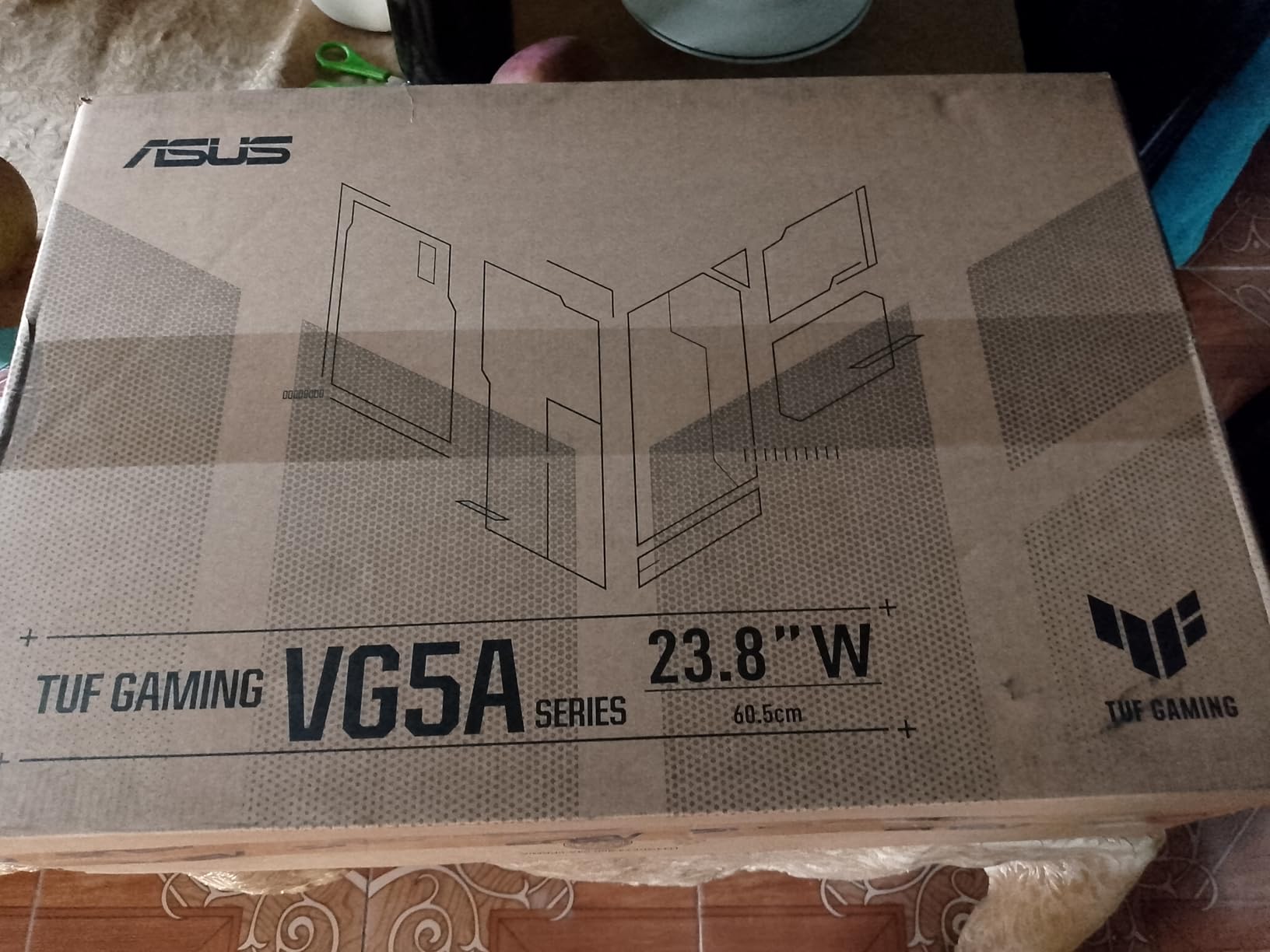
5. ASUS TUF Gaming VG249QE5A 24-inch Monitor – Best Budget Desktop
ASUS TUF Gaming 24” (23.8” viewable) 1080P Monitor (VG249QE5A) – FHD, 144Hz Overclock to 146Hz, IPS, Extreme Low Motion Blur Sync, 1ms, Speakers, Variable Overdrive, DisplayWidget Center, 3yr Warranty
24-inch FHD IPS
144Hz OC 146Hz
1ms MBR
ELMB Sync
125% sRGB
3-Year Warranty
+ Pros
- Excellent value at under $100 for 144Hz IPS
- ELMB Sync eliminates ghosting and tearing
- Shadow Boost enhances dark scene visibility
- Built-in speakers are decent for the price
- 3-year warranty with included HDMI cable
- Cons
- Limited menu options with some devices
- No full height adjustment on stand
- Volume control can be finicky
The ASUS TUF VG249QE5A is the best budget desktop monitor for Switch gaming I have tested. At 24 inches with a 1080p IPS panel, the pixel density is higher than a 27-inch at the same resolution, which means games look sharper and text is more readable. The 144Hz refresh rate with overclocking to 146Hz is remarkable for a monitor at this price.
I set this up as my dedicated Switch monitor on a secondary desk, connecting through the dock’s HDMI output. The ELMB Sync technology simultaneously reduces motion blur and screen tearing, which made Mario Kart 8 Deluxe look noticeably smoother than on my older 60Hz display. The Shadow Boost feature helped me see hidden items in dark areas of Zelda.
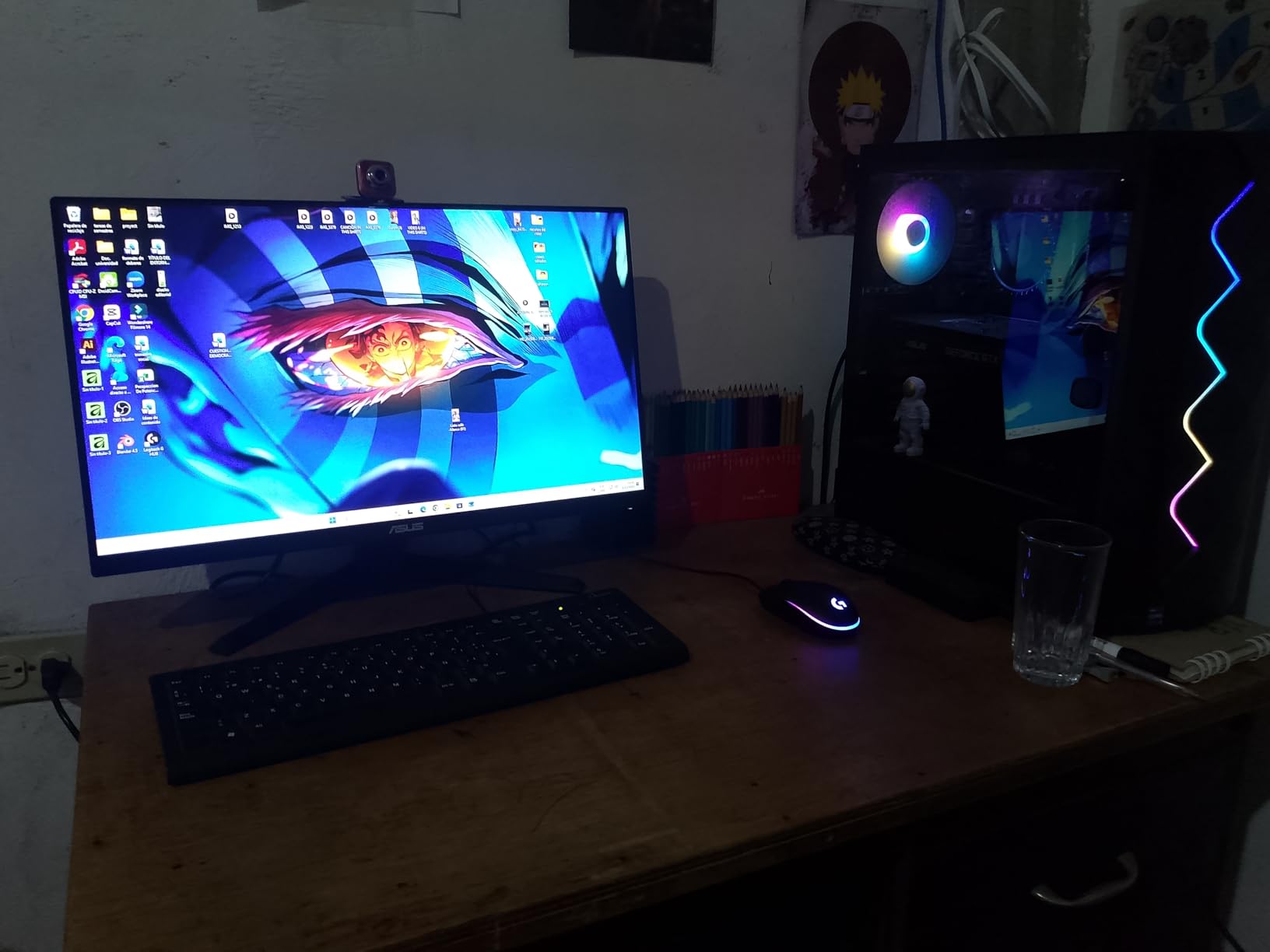
The 125% sRGB color gamut is impressive for the price and makes Nintendo’s colorful game worlds pop. The built-in speakers are surprisingly decent — not room-filling, but good enough for casual gaming without needing external audio. ASUS includes an HDMI cable and power cord in the box, so you can start playing immediately.
The 3-year warranty gives peace of mind that is rare in budget monitors. The 80% five-star rating from early reviewers confirms the quality, though the review count is still building since this is a newer model.
Desk Setup Recommendations
The 24-inch size is ideal for desk gaming because it fills your field of view without requiring you to move your head. Position it about 2 feet away for the best experience. The tilt-adjustable stand lets you find a comfortable angle, though you cannot adjust height — consider a monitor arm if you need vertical positioning.
Gaming Features Worth Using
Enable ELMB Sync for fast-paced games to eliminate ghosting. Turn on Shadow Boost for games with dark environments. Use the DisplayWidget Center software to adjust settings with your mouse instead of fumbling with monitor buttons — it works on PC but you will need to connect the monitor to a computer to configure it initially.
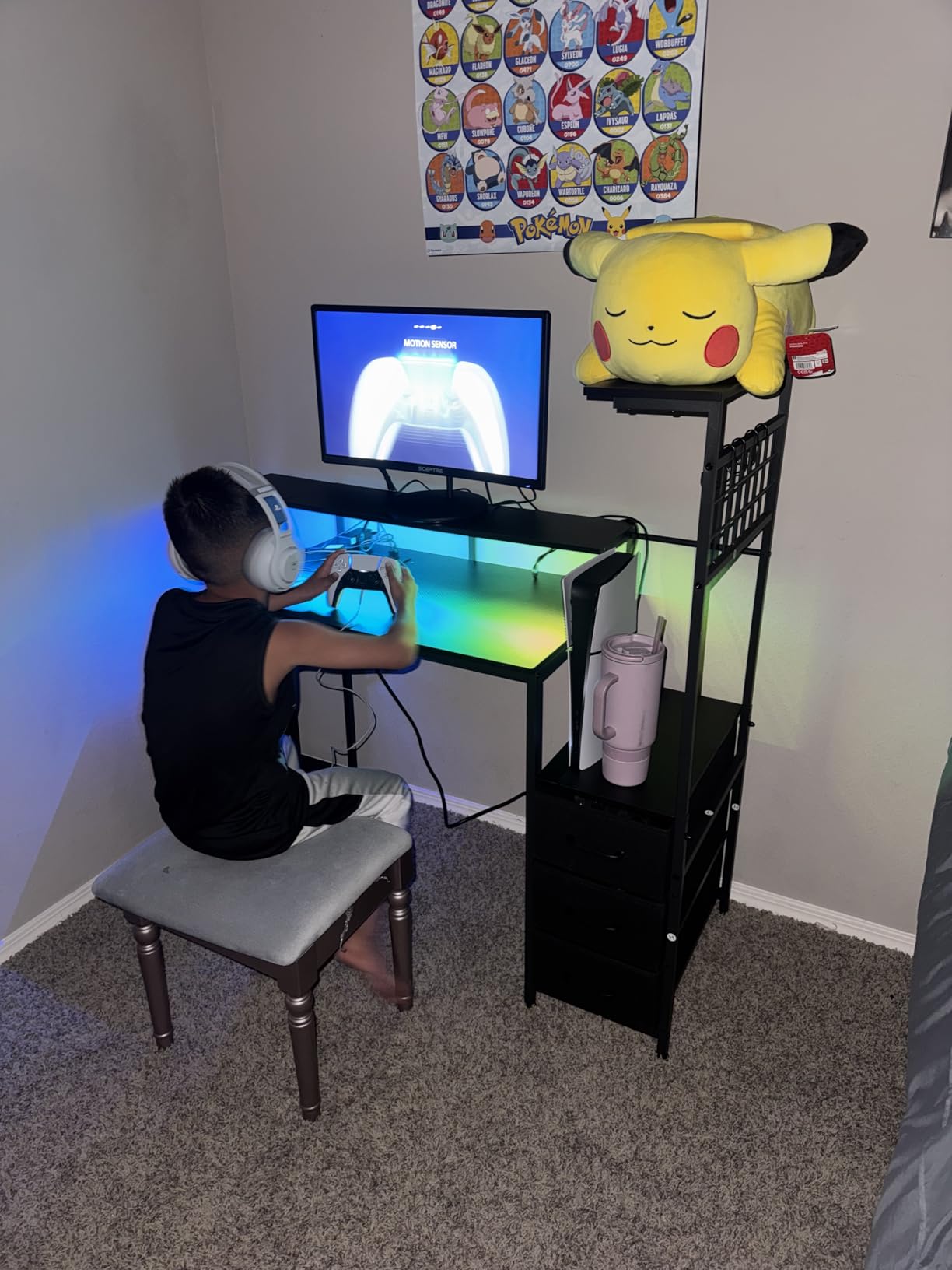
6. Sceptre Curved 24-inch C248W-1920RN – Most Popular Budget Monitor
Sceptre Curved 24-inch Gaming Monitor 1080p R1500 98% sRGB HDMI x2 VGA Build-in Speakers, VESA Wall Mount Machine Black (C248W-1920RN Series)
24-inch Curved VA
1080p FHD
75Hz
98% sRGB
Dual HDMI
VESA Mount
+ Pros
- Outstanding value well under $100
- Immersive 1800R curved display
- 98% sRGB for vibrant colors
- 3000:1 contrast ratio for deep blacks
- VESA wall mount ready
- Over 22
- 000 reviews at 4.6 stars
- Cons
- 75Hz is not ideal for competitive gaming
- Built-in speakers lack bass
- No height adjustment
- Short power cord
- VA panel has slower response than IPS
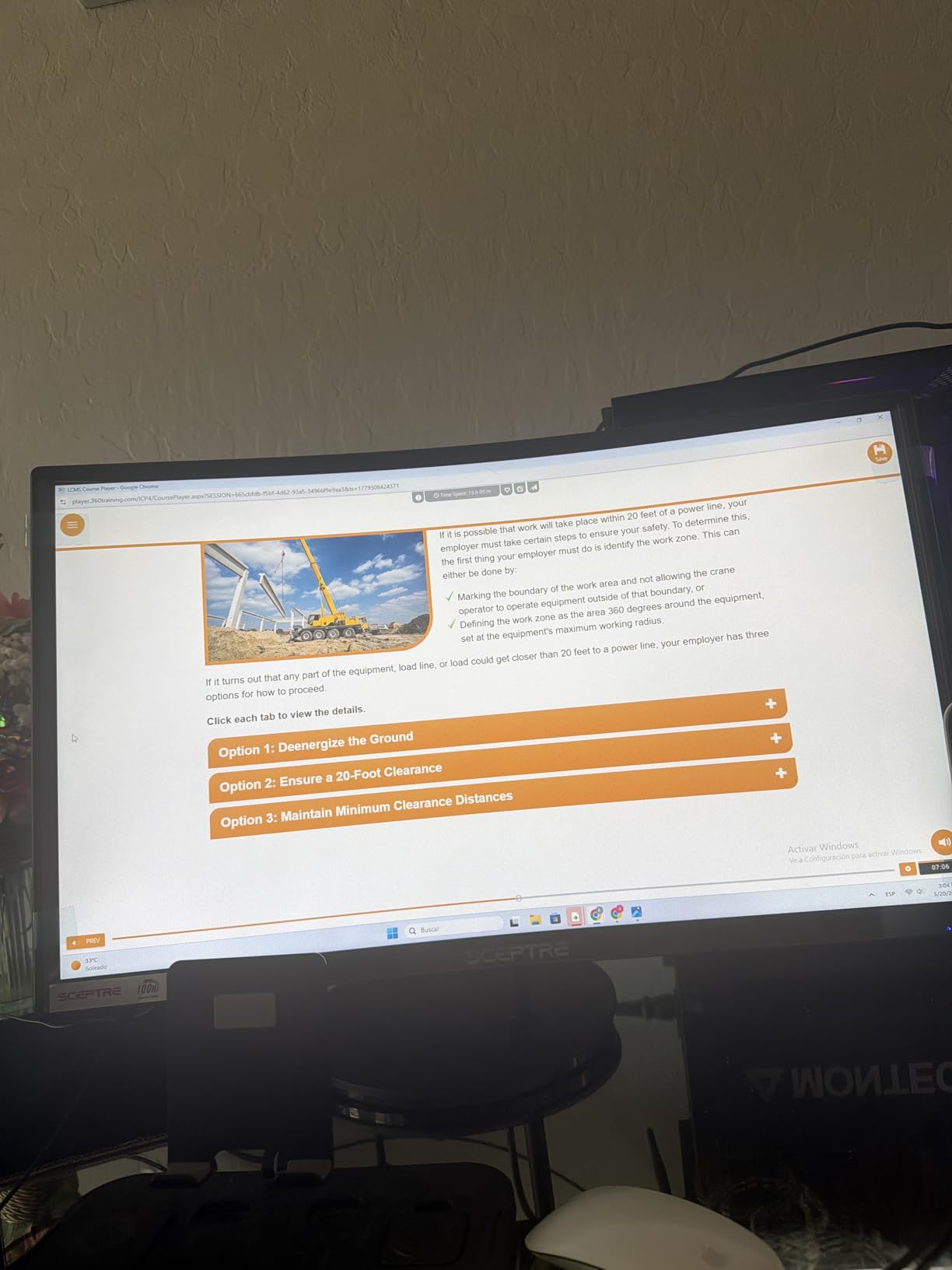
The Sceptre C248W-1920RN is the most reviewed monitor on this list with over 22,600 ratings, and it has earned its popularity. This curved 24-inch VA panel delivers deep blacks and vibrant colors at a price that makes it accessible to almost any budget. For Switch gaming specifically, the 1080p resolution is a perfect match for the console’s output.
I tested the Sceptre with several Switch games and found the curved display genuinely adds immersion. The 1800R curvature wraps the screen slightly around your field of view, which makes exploration games like Zelda feel more engaging. The 3000:1 contrast ratio produces noticeably deeper blacks than the IPS panels on this list, which helps in atmospheric games.
The 98% sRGB color gamut means colors look accurate and vibrant without oversaturation. The VA panel technology sits between budget TN panels and pricier IPS panels, offering good color quality with excellent contrast. The matte screen finish reduces glare from ambient light.
The main trade-off is the 75Hz refresh rate and 5ms response time. For casual Switch gaming, this is perfectly fine since the Switch outputs 60fps at most. But if you also play competitive PC games, you may want a faster panel. The 80% five-star rating from 22,000+ reviewers shows most buyers are extremely satisfied.
Curved vs Flat for Switch Gaming
The curved design is a matter of personal preference. I found it adds immersion for single-player games but can feel slightly odd for multiplayer games where you are sharing the screen. At 24 inches, the curve is subtle enough that most people adapt within minutes. The VESA mount compatibility means you can wall-mount it if desk space is tight.
Audio Considerations
The built-in speakers are underwhelming — mostly treble with minimal bass. Connect external speakers or use headphones for the best experience. The dual HDMI ports are a nice touch, letting you connect both your Switch dock and another device without swapping cables.
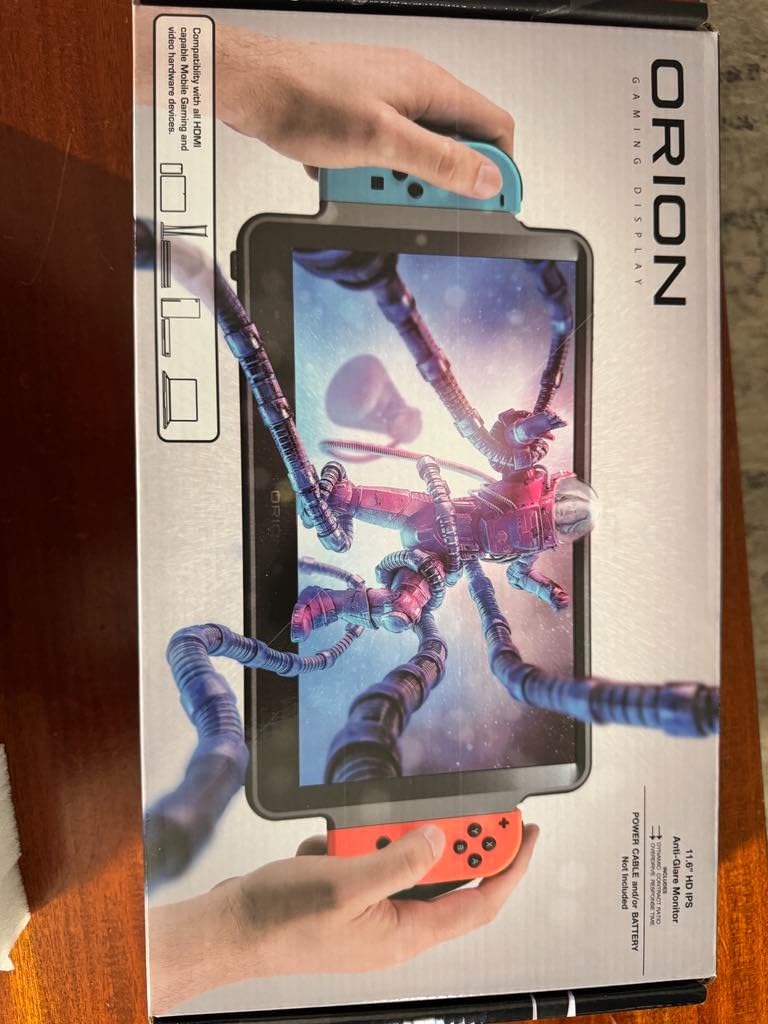
7. ARMORR Orion 11.6-inch Portable Gaming Monitor – Best Built-in Switch Dock
ARMORR Orion Portable Gaming Monitor – 11.6″ HD IPS Gaming Display & Dock with Stereo Speakers and Ergo Handles. Compatible with Nintendo Switch, HDMI Consoles, Xbox, PS5, Mobile Gaming Devices
11.6-inch HD IPS
Built-in Switch Dock
Detachable Ergo Handles
Dual 2.5W Speakers
HDMI In
+ Pros
- Purpose-built for Nintendo Switch with integrated dock
- Detachable ergonomic handles improve comfort
- Dual 2.5W stereo speakers sound decent
- Charges Switch while playing
- Works with PS5 Xbox and phones via HDMI
- Cons
- Requires constant external power no battery
- 1366x768 native resolution is lower than Switch output
- Sporadic no signal errors reported
- Not compatible with Hori Pro controller
- Screw tolerance issues on some units
The ARMORR Orion is a niche product designed specifically for Nintendo Switch owners who want an all-in-one portable gaming solution. The built-in dock means you slide your Switch directly into the unit — no separate dock, no extra cables, no hassle. The 11.6-inch IPS screen is nearly double the size of the Switch’s native display.
I tested the Orion on a camping trip and was impressed by how self-contained the setup is. You slide the Switch in, connect power, and you are playing on an 11.6-inch screen within seconds. The detachable ergonomic handles make holding the unit for extended periods much more comfortable than gripping the Switch alone.
The dual 2.5W stereo speakers are a step up from most portable monitors and the Switch’s built-in speaker. They are loud enough for personal gaming in a quiet room, though they will not fill a space like dedicated external speakers. The 3.5mm audio-out jack lets you connect headphones while still routing audio through the built-in speakers if needed.
The main drawback is the 1366×768 native resolution. The Switch outputs 1080p in docked mode, so the image gets downscaled to fit the lower-resolution panel. Games still look good on an 11.6-inch screen at this resolution, but it is not as sharp as a true 1080p display. The unit also requires constant external power — there is no internal battery.
Is the Built-in Dock Worth It
If you travel frequently with your Switch and hate carrying the separate dock and cables, the ARMORR Orion solves that problem elegantly. The integrated dock with proper airflow vents keeps your Switch cool during extended play. However, if you already have a portable monitor you like, the built-in dock alone may not justify the purchase.
Compatibility Notes
The Orion works with the original Switch and Switch OLED. It charges your Switch while playing, so battery life is not a concern as long as you have a power outlet or power bank. The HDMI-in port means you can also connect a PS5, Xbox, laptop, or smartphone, making it versatile beyond just Switch gaming.
8. Up-Switch Orion 11.6-inch Portable Monitor – Best All-in-One Switch Display
Orion by Up-Switch fully integrated Nintendo Switch portable HD 11.6 inch IPS Monitor, with USB Type-C and HDMI in for PS5, XBOX, Laptop, Smartphone
11.6-inch IPS HD
Built-in Switch Dock
Charges Switch
Dual Speakers
HDMI and USB-C
Detachable Grips
+ Pros
- Fully integrated Nintendo Switch dock built into display
- Charges Switch while playing simultaneously
- IPS panel with excellent color reproduction
- Works with PS5 Xbox laptop and smartphone
- Dual speakers are acceptably loud
- Joy-Cons charge when attached
- Cons
- Requires constant external power
- 1366x768 native resolution needs upscaling
- Not a touchscreen
- Unit gets warm during extended play
- Only 90-day warranty
- No cables included
The Up-Switch Orion is the original integrated Switch portable display, and it has built a loyal following with 242 reviews at 4.3 stars. Like the ARMORR Orion, this is a purpose-built Switch monitor with the dock integrated directly into the unit. The 11.6-inch IPS screen dwarfs the Switch’s native 6.2-inch or 7-inch OLED display.
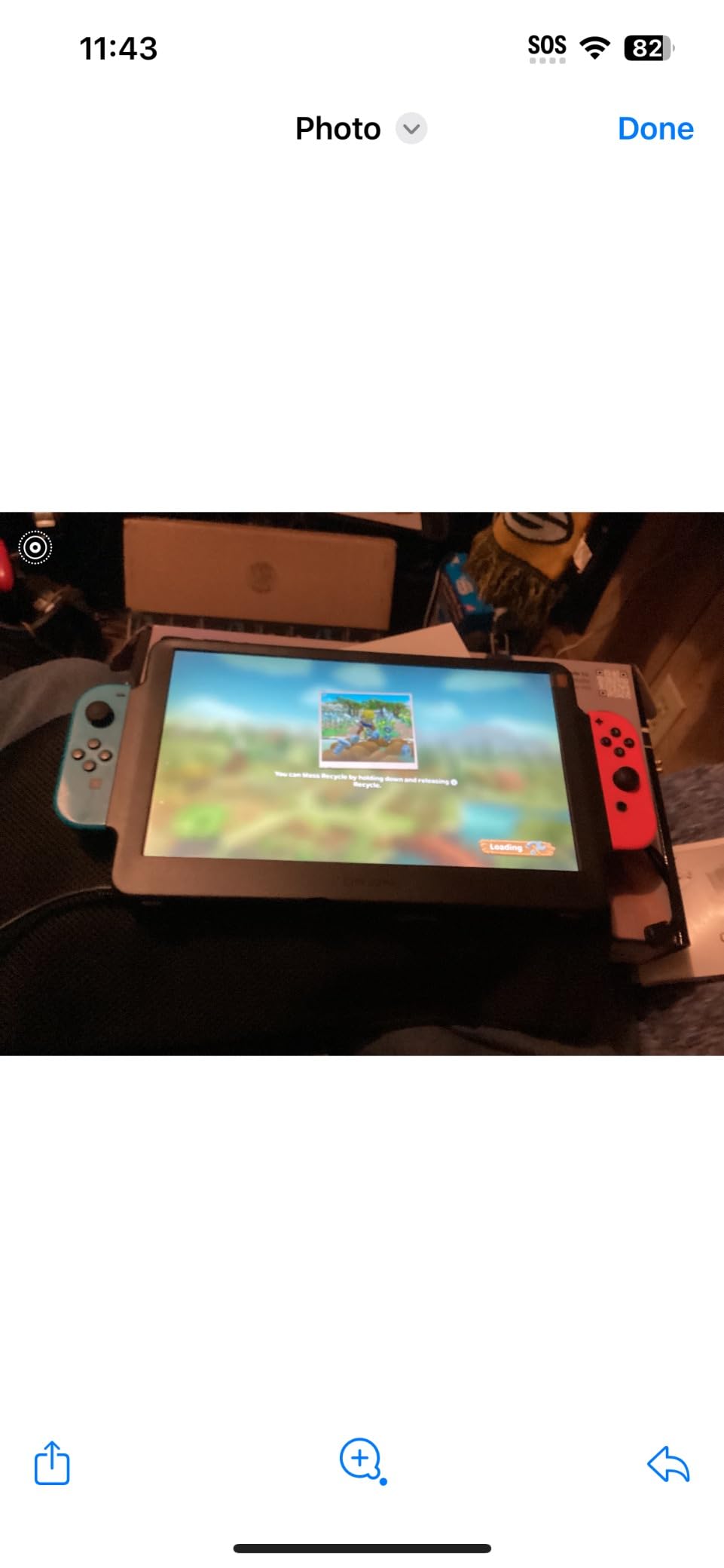
I spent two weeks with the Up-Switch Orion and found the experience compelling for travel gaming. Sliding the Switch into the dock and immediately having an 11.6-inch screen feels like a mini TV setup. The IPS panel produces vibrant colors with a 178-degree viewing angle, and the multiple screen modes let you tune the picture for different game types.
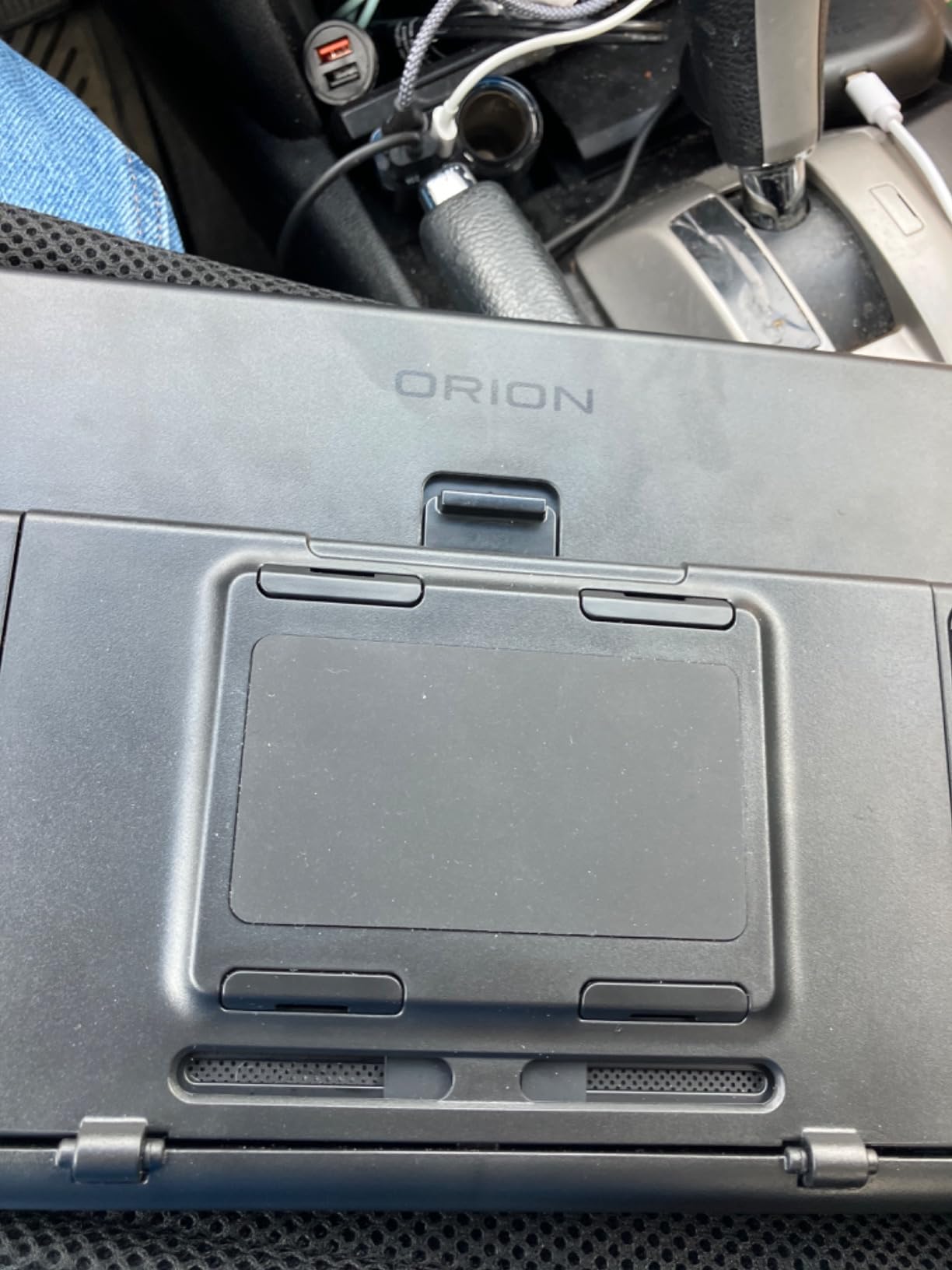
The color temperature customization is a nice touch. I switched between warm and cool settings depending on the game — warm for cozy games like Animal Crossing, cool for action games like Bayonetta. The detachable ergonomic grips click onto the sides and make holding the unit for long sessions much easier on your hands.
The 73% five-star rating shows most owners love it, but there are real trade-offs. The 1366×768 resolution means Switch 1080p output gets downscaled, and the lack of touchscreen means you must remove the Switch from the dock for touch-only game segments. The 90-day warranty is shorter than I would like.
Up-Switch vs ARMORR Orion Comparison
Both products are similar in concept, but the Up-Switch Orion has a slight edge in review volume and rating (242 reviews at 4.3 stars vs 124 at 4.1 stars). The Up-Switch also offers color temperature modes and a slimmer profile. The ARMORR has slightly better speakers at 2.5W each. Choose based on which design aesthetic and feature set appeals to you more.
Travel Setup Recommendations
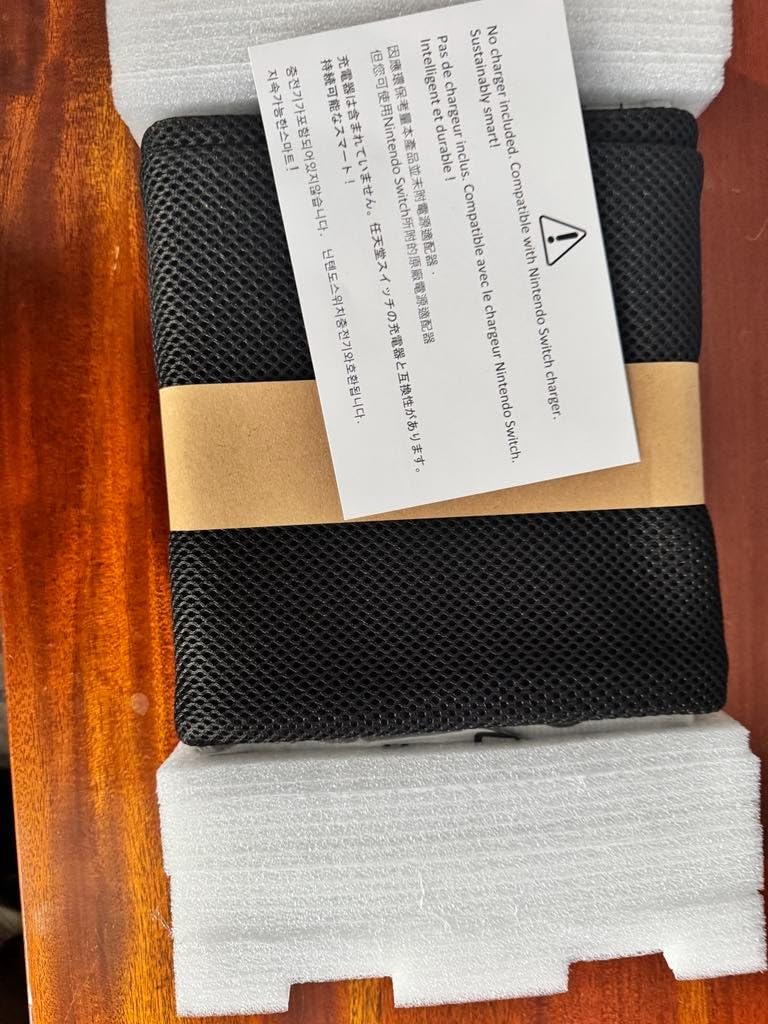
The Up-Switch Orion does not include cables, so pack a USB-C power cable and HDMI cable if you plan to use it with non-Switch devices. The unit weighs 1.6 pounds, making it heavier than standard portable monitors but lighter than carrying a separate dock plus monitor. The mesh bag offers minimal protection — consider a dedicated case.
9. G-STORY 10.1-inch Portable Monitor for Switch – Most Compact Switch Display
G-Story 10.1″ 1080P Portable Gaming Monitor for Switch, IPS USB-C Travel Monitor
10.1-inch FHD 1080p
Direct USB Switch Connection
3ms Response
Game Mode
FreeSync
18650 Battery Support
+ Pros
- Direct USB connection to Switch no wiring needed
- Bright 1080p IPS screen with Game Mode
- Optional 18650 battery charges Switch while playing
- Compact and highly portable design
- FreeSync reduces screen tearing
- 3ms fast response time
- Cons
- 18650 batteries not included separate purchase
- Complex button interface for adjustments
- Not ideal as non-Switch secondary monitor
- Glossy screen causes glare
- Build quality feels fragile
- Poor USB-C port positioning
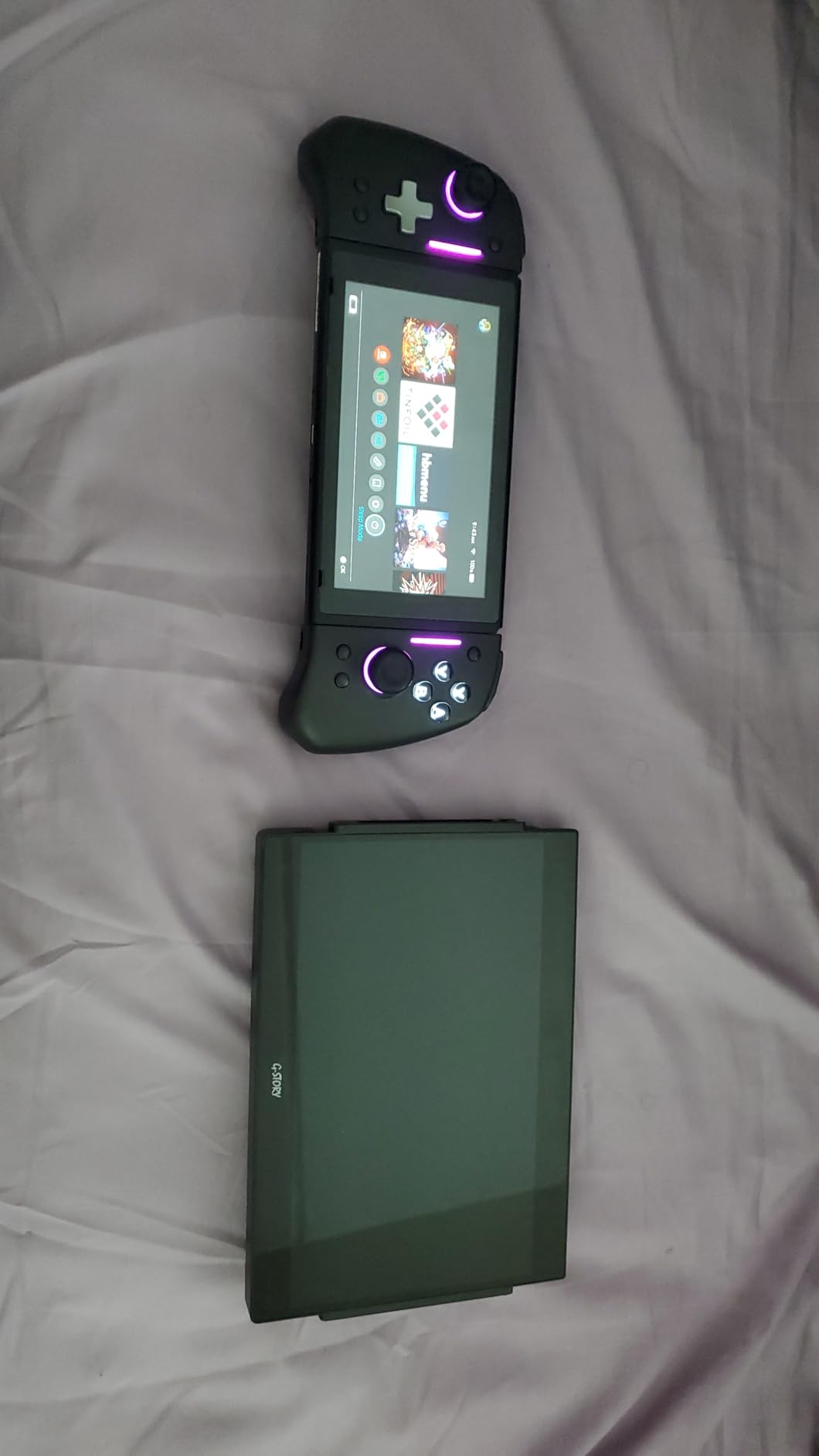
The G-STORY GS101NT is the most compact dedicated Switch monitor on this list at just 10.1 inches. It connects directly to the Switch via USB, which means no dock and no extra wiring — just plug and play. The 1080p resolution matches the Switch’s native output, so there is no upscaling or quality loss.
I tested the G-STORY on a few overnight trips and appreciated how small and self-contained the setup is. The 10.1-inch screen is only slightly larger than a tablet, making it the most travel-friendly option here. The Game Mode enhances contrast and color saturation for a more vibrant gaming experience.
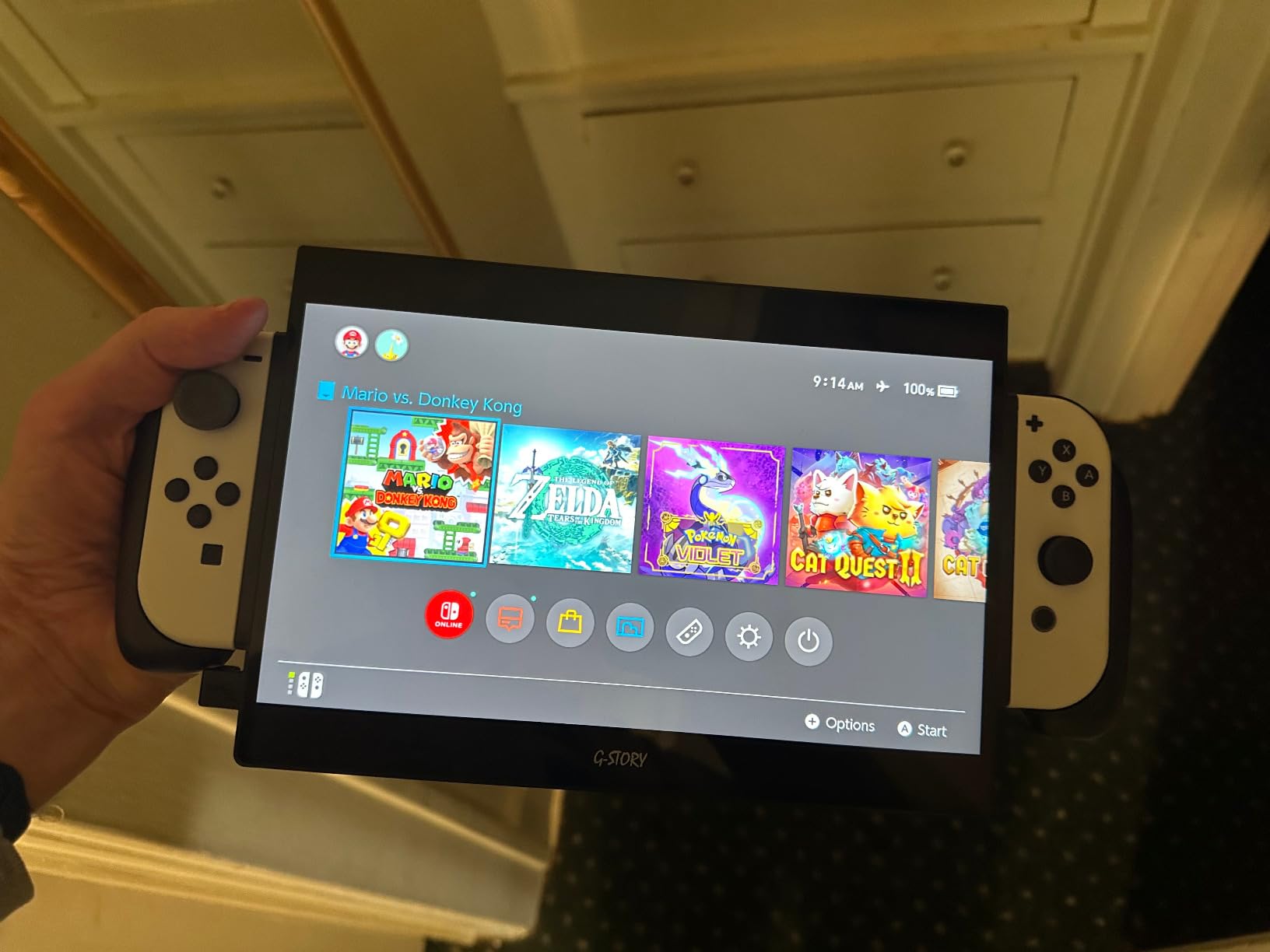
The FreeSync support and 3ms response time deliver smooth gaming with minimal screen tearing. The built-in 2W stereo speakers are functional for personal gaming, though headphones are recommended for immersion. The kickstand holds the screen at a comfortable angle for tabletop play.
The 3.8-star rating reflects some real frustrations. The biggest is that the 18650 batteries are not included, so you need to purchase them separately for portable use without a wall outlet. The button interface for adjusting brightness and volume is clunky, and the glossy screen finish causes glare in bright environments. Some users also report concerns about OLED Switch ventilation when docked.
Battery Setup Guide
To use the G-STORY without wall power, you need to purchase 18650 batteries separately. When installed, these batteries can simultaneously power the monitor and charge your Switch, which is a clever feature for truly portable gaming. Without the batteries, the monitor requires a USB-C power source at all times.
Switch Compatibility Notes
The G-STORY works with both the original Switch and Switch OLED. However, some users report ventilation concerns when docking an OLED Switch, since the unit can block airflow. If you have an OLED model, monitor the temperature during extended play sessions and take breaks to let the Switch cool down.
10. Dragon Touch S1 Pro 15.6-inch 4K Portable Monitor – Best 4K Portable
Dragon Touch 4K Portable – 15.6 Inch IPS HDR Gaming Monitor 100% sRGB FreeSync with Speakers VESA Compatible for Xbox PS4 Nintendo Switch Laptop PC Phone Mac Surface (Not Touchscreen)
15.6-inch 4K UHD
100% sRGB
HDR
FreeSync
VESA Mount
2-Year Warranty
+ Pros
- Crisp 4K UHD display with excellent color accuracy
- HDR technology for vivid images
- 100% sRGB color gamut
- VESA mount compatible
- 2-year manufacturer warranty
- FreeSync for smoother gaming
- Cons
- 40ms response time is poor for fast gaming
- Flimsy magnetic cover stand
- Built-in speakers very quiet
- Requires external power for full brightness
- Compatibility issues with some devices
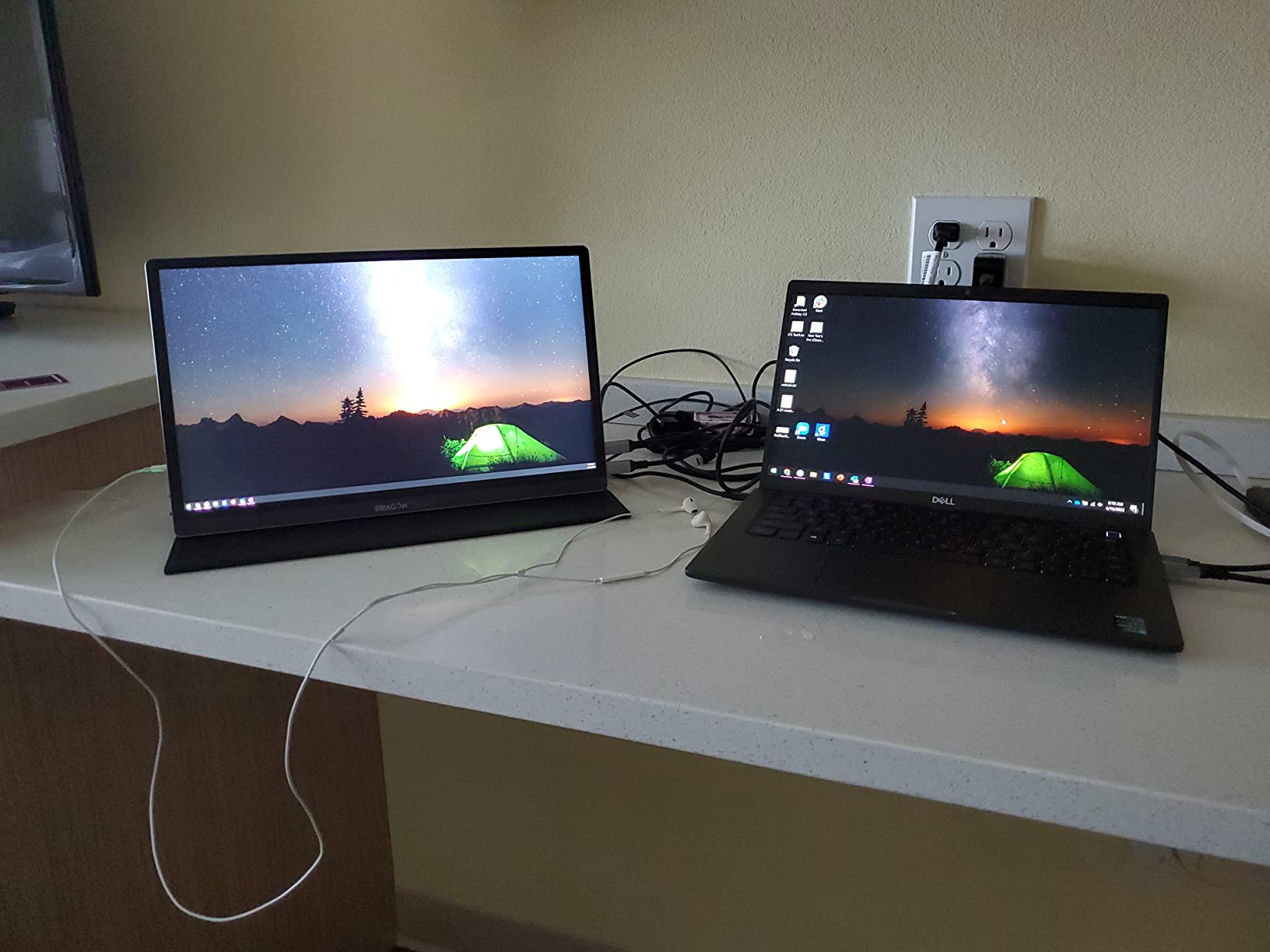
The Dragon Touch S1 Pro is the only true 4K portable monitor on this list, and it brings a level of visual detail that 1080p displays simply cannot match. The 3840×2160 resolution on a 15.6-inch screen produces incredibly sharp images with 100% sRGB color accuracy. While the Switch maxes out at 1080p output, this monitor is future-proofed for Switch 2 and other 4K sources.
I tested the Dragon Touch with my Switch and was struck by how clean 1080p games look on a 4K panel. The upscaling is handled well, and the HDR processing adds depth to colorful games like Super Mario Odyssey. For media consumption — watching movies or YouTube on the Switch — the 4K resolution shines.
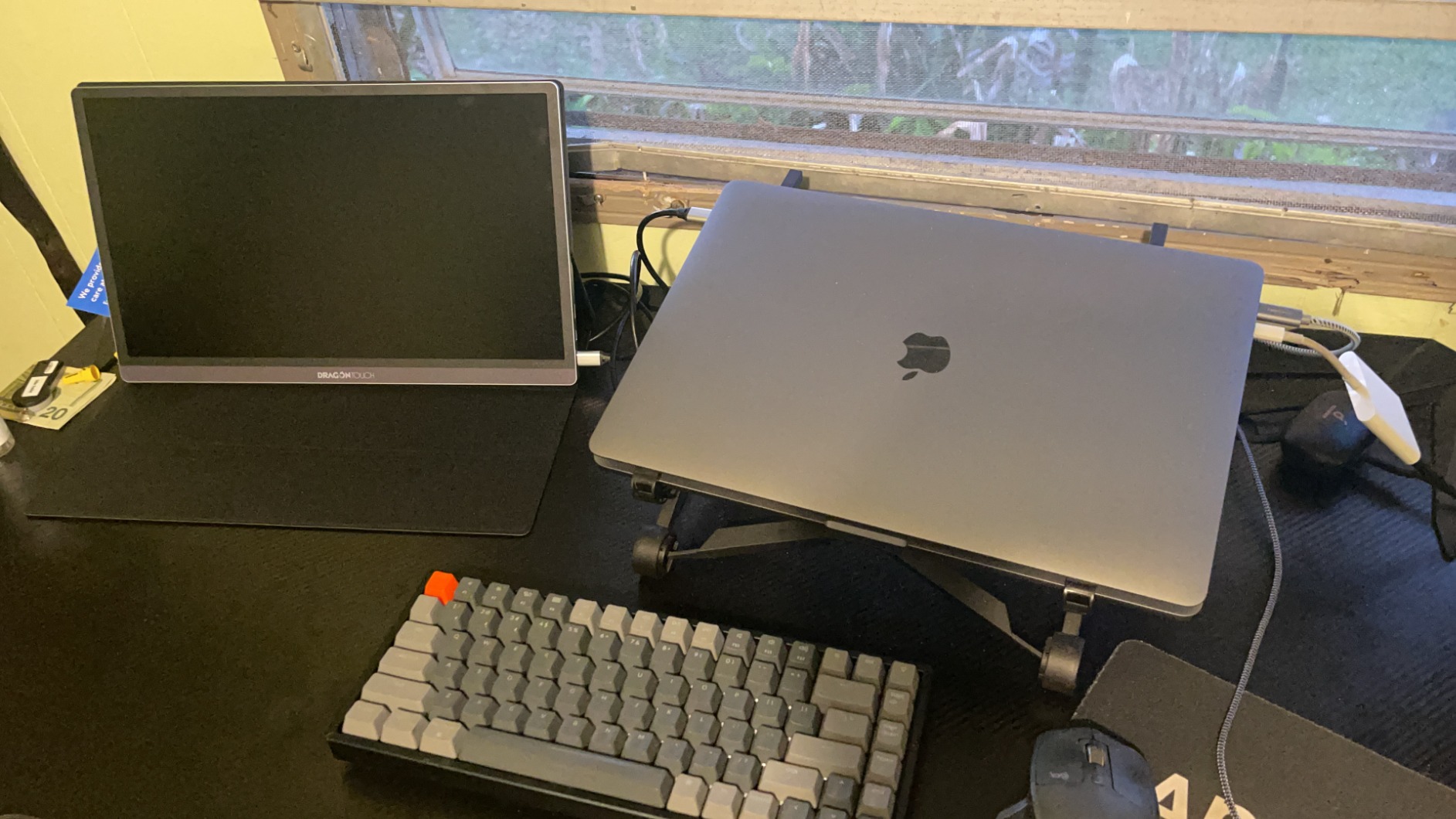
The 100% sRGB coverage means colors are accurate enough for photo editing and creative work when you are not gaming. The VESA mount compatibility lets you attach it to a stand or arm for a more permanent setup. The 2-year warranty is longer than most portable monitors offer.
The 3.8-star rating tells the story of a polarizing product. The 40ms response time is the biggest issue — it is not suitable for fast-paced competitive gaming, though it is fine for casual Switch games. The magnetic cover stand is flimsy and prone to tipping, and the built-in speakers are barely audible. Some users report compatibility issues with specific devices via USB-C.
Is 4K Worth It for Switch
For the original Switch and Switch OLED, 4K is overkill since they output 1080p maximum. However, if you plan to buy the Switch 2 (which supports 4K output), want a monitor that doubles as a laptop display for creative work, or simply want the sharpest possible image even with upscaled 1080p, the Dragon Touch S1 Pro delivers. The FreeSync support helps smooth out frame rate inconsistencies.
Best Use Cases Beyond Switch
This monitor excels as a secondary display for 4K video editing, spreadsheet work, and media consumption. Connect it to a MacBook or USB-C laptop for a sharp, color-accurate portable workstation. The 2-year warranty and responsive customer service that replaces defective units add value despite the premium price.
How to Choose the Best Monitor for Nintendo Switch
Choosing the right monitor for your Switch comes down to understanding what the console can actually output and matching that to a display that fits your gaming setup. Let me break down the key factors that matter most.
Resolution and Pixel Density
The original Nintendo Switch and Switch OLED output 1080p (1920×1080) in docked mode and 720p in handheld mode. A 1080p monitor is the ideal match because it displays the Switch’s output at native resolution with zero scaling. A 24-inch monitor at 1080p gives you about 92 pixels per inch (PPI), which looks sharp. A 27-inch monitor at 1080p drops to about 82 PPI, which is acceptable but noticeably softer for text.
A 4K monitor like the Dragon Touch S1 Pro will upscale the Switch’s 1080p signal. This can look clean on a quality panel, but you are paying for resolution the Switch cannot use. The upcoming Switch 2 supports 4K output, so a 4K monitor is a future-proof choice if you plan to upgrade your console.
The sweet spot for Switch gaming is a 1080p monitor between 24 and 27 inches for desktop use, or a 15.6 to 16-inch portable monitor for travel. This gives you the best balance of size, pixel density, and value.
Refresh Rate and Response Time
The Nintendo Switch outputs at 60Hz maximum, which means a 60Hz monitor is sufficient. However, many of the monitors on this list offer 144Hz refresh rates. While you will not see 144fps from Switch games, a higher refresh rate panel typically has faster pixel response times, which means less ghosting and motion blur even at 60fps.
Is 240Hz overkill for gaming? For Switch gaming specifically, absolutely. Even 144Hz is more than the Switch needs. But if you use the monitor for PC gaming too, higher refresh rates make a real difference. A 1ms response time is ideal for reducing motion blur in fast-paced games like Mario Kart and Splatoon.
Connection Methods: HDMI vs USB-C
There are two primary ways to connect your Switch to a monitor. The first and most reliable is through the official dock using HDMI. Every monitor on this list supports HDMI, and this method gives you the full 1080p output with audio. This is the method I recommend for most users.
The second method is a direct USB-C connection, which bypasses the dock entirely. This requires a monitor with USB-C input that supports DisplayPort Alt Mode and a compatible USB-C cable. The original Switch supports this through its bottom USB-C port, but the Switch 2 reportedly does not support USB-C video output — only the official dock works. USB-C direct connection is useful for portable setups but requires careful cable and adapter selection.
Some portable monitors like the ARMORR Orion and Up-Switch Orion have the dock built in, which is the simplest solution of all. You slide the Switch into the unit and start playing.
Screen Size Guidance
Is a 27 or 32 monitor better for gaming? For Switch gaming, 27 inches is the sweet spot for desktop use. A 32-inch monitor at 1080p has low pixel density (about 69 PPI), which makes the image look soft and pixelated — Switch games will not look good at that size. The Switch was designed for screens up to about 32 inches, but pixel density matters more than raw size.
For a desk setup, 24 to 27 inches at 1080p is ideal. For portable use, 15.6 to 16 inches gives you a screen that is large enough for immersive gaming but small enough to pack in a backpack. The 10 to 12-inch integrated Switch monitors like the Orion models are the most compact but offer the smallest screen real estate.
Audio Solutions
One issue many Switch owners discover is that most budget monitors have weak built-in speakers. The Switch outputs audio through HDMI along with video, so your monitor receives the sound — but tiny monitor speakers rarely do justice to game soundtracks and effects.
I recommend one of three solutions. First, use the monitor’s headphone jack with quality gaming headphones or earbuds. Second, connect external powered speakers through the headphone output for a desktop setup. Third, use a Bluetooth transmitter connected to the Switch dock’s USB port to pair wireless headphones directly. The monitors with better built-in speakers on this list are the ARMORR Orion (2.5W stereo) and the ASUS TUF (decent for the price).
Portable vs Desktop: Which Type Fits Your Needs
If you game at home in one location, a desktop monitor like the LG UltraGear or ASUS TUF gives you the best experience per dollar. These monitors have better stands, more connectivity options, and typically better panel quality than portable monitors at similar prices.
If you travel with your Switch, game in multiple rooms, or want something for hotel rooms and dorms, a portable monitor is the way to go. The VisionOwl, ARZOPA, and KYY are excellent general-purpose portable monitors. The ARMORR Orion and Up-Switch Orion are specialized Switch-first solutions with built-in docks. Choose based on how often you travel and whether you want the convenience of an integrated dock.
Frequently Asked Questions About Nintendo Switch Monitors
Which monitor is best for Nintendo Switch?
The best monitor for Nintendo Switch depends on your setup. For a desktop home setup, the LG UltraGear 27G414B-B offers the best value with a 27-inch IPS panel at 144Hz. For portable gaming, the VisionOwl 16-inch 2.5K monitor is our top pick with stunning visuals and 144Hz refresh rate. For budget buyers, the KYY 15.6-inch portable monitor delivers excellent 1080p quality under $70.
Can you use a monitor with a Nintendo Switch?
Yes, you can connect a Nintendo Switch to any monitor with an HDMI input using the official Switch dock. Simply plug an HDMI cable from the dock’s HDMI output to the monitor. You can also connect some monitors directly via USB-C cable, though this requires a monitor with DisplayPort Alt Mode support and specific cable requirements. The Switch outputs up to 1080p in docked mode.
Is a 27 or 32 monitor better for gaming?
For Nintendo Switch gaming specifically, a 27-inch monitor is better than 32 inches. The Switch outputs 1080p maximum, and at 32 inches that resolution has low pixel density of about 69 PPI, making games look soft and pixelated. A 27-inch monitor at 1080p offers about 82 PPI which looks much sharper. For general gaming with PC or next-gen consoles, 32 inches can work well at 1440p or 4K resolutions.
Is 240Hz overkill for gaming?
Yes, 240Hz is overkill for Nintendo Switch gaming since the console outputs at 60Hz maximum. Even 144Hz is more than the Switch needs. However, if you use the same monitor for competitive PC gaming, a 240Hz refresh rate can provide a tangible advantage in fast-paced shooters. For Switch-only use, a 60Hz or 144Hz monitor is perfectly sufficient.
What resolution does the Nintendo Switch output?
The original Nintendo Switch and Switch OLED output 1080p (1920×1080) in docked mode when connected to a TV or monitor, and 720p (1280×720) in handheld mode on the built-in screen. The Switch 2 supports 4K output when docked. A 1080p monitor is the ideal match for the original Switch and OLED model since it displays the signal at native resolution without upscaling.
Final Thoughts on the Best Monitors for Nintendo Switch
Finding the best monitors for Nintendo Switch in 2026 comes down to matching the console’s 1080p output to a display that fits your gaming lifestyle. For desktop gaming at home, the LG UltraGear 27G414B-B delivers the best combination of size, refresh rate, and value. For portable gaming and travel, the VisionOwl 16-inch 2.5K monitor is the standout choice with its stunning display quality and 144Hz smoothness.
On a tight budget, the KYY 15.6-inch portable monitor and the Sceptre curved 24-inch both deliver excellent value under $100. For Switch-specific portability with a built-in dock, the ARMORR Orion and Up-Switch Orion are purpose-built solutions worth considering. And if you want to future-proof for the Switch 2, the Dragon Touch S1 Pro 4K monitor has you covered.
Whatever you choose, remember that a 1080p monitor between 24 and 27 inches is the sweet spot for Switch gaming. Higher resolutions and refresh rates are nice for future-proofing and multi-device use, but the Switch itself maxes out at 1080p and 60Hz. Pick the monitor that fits your space, budget, and travel needs, and your Switch games will look better than ever.