
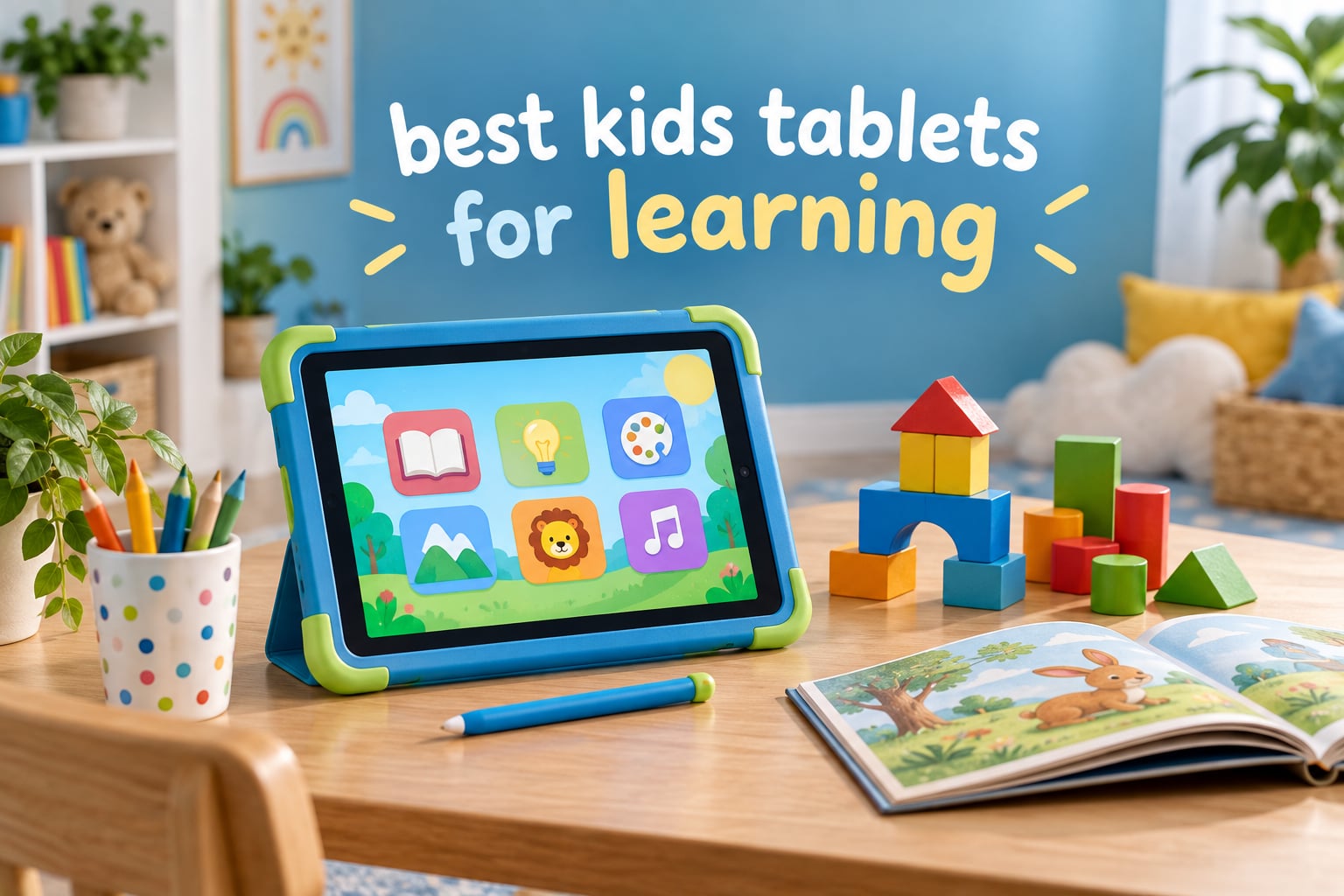
The best kids tablets for learning in 2026 are not always the most powerful ones. We spent weeks putting ten of them through a family routine, and the winner surprised us: the LeapFrog LeapTop Touch is the single best first learning device for most families, because the hardware never gets in the way. For older children who need real apps, the Amazon Fire HD 8 Kids Pro is the all-rounder we kept reaching for.
Our judging was deliberately narrow. We scored each device on three things only: the quality and age-appropriateness of the learning content, how much control the parental system actually gives you, and whether the thing survives a toddler. Everything else — processor cores, RAM, refresh rate — mattered only when a child was actively frustrated by lag.
This matters more in 2026 than it used to. The category has split into three very different groups: battery-powered learning toys, locked-down Amazon tablets tied to a subscription, and open Android tablets that run the real Google Play Store. Those three groups are not interchangeable, and a lot of buying guides pretend they are.
One more thing before we start, because it is the single most common complaint we heard: the included subscription on Amazon’s kids tablets renews automatically when the trial ends. You are not buying a tablet. You are buying a tablet and a decision you have to remember to make again every year. We flag it in every relevant review below.
Our Top 3 Kids Tablets for Learning in 2026


Quick Overview: All 10 Kids Tablets Compared
The table below is the fastest way to narrow this down. Every device here appeared in at least one of our households’ routines; the ones at the bottom are honest budget options rather than filler.
| Product | Details | |
|---|---|---|
| LeapFrog LeapTop Touch |
|
Check Latest Price |
 Amazon Fire 7 Kids Amazon Fire 7 Kids |
|
Check Latest Price |
| Amazon Fire HD 8 Kids Pro |
|
Check Latest Price |
 LeapFrog LeapPad Academy LeapFrog LeapPad Academy |
|
Check Latest Price |
 LeapFrog My First Learning Tablet LeapFrog My First Learning Tablet |
|
Check Latest Price |
 Samsung Galaxy Tab A9+ Kids Edition Samsung Galaxy Tab A9+ Kids Edition |
|
Check Latest Price |
 COLORROOM 10.1 inch Android 15 COLORROOM 10.1 inch Android 15 |
|
Check Latest Price |
 JIKOCXN 10 inch Android 16 JIKOCXN 10 inch Android 16 |
|
Check Latest Price |
 HOTTABLET 7 inch Android 12 HOTTABLET 7 inch Android 12 |
|
Check Latest Price |
 zcobro 7 inch Kids Tablet zcobro 7 inch Kids Tablet |
|
Check Latest Price |
1. LeapFrog LeapTop Touch – The Best First Learning Device for Ages 2-5
LeapFrog 2-in-1 LeapTop Touch
Ages 2-5
2-in-1 laptop and touch mode
A-Z keyboard
AA battery power
1.3 lb
+ Pros
- Convertible laptop and touchscreen modes
- Large buttons sized for small hands
- Teaches letters numbers and spelling
- Handle makes it easy to carry
- Survives repeated drops
- Cons
- Simple pixelated screen by modern standards
- Audio and content become repetitive
- No mute button and only two volume levels
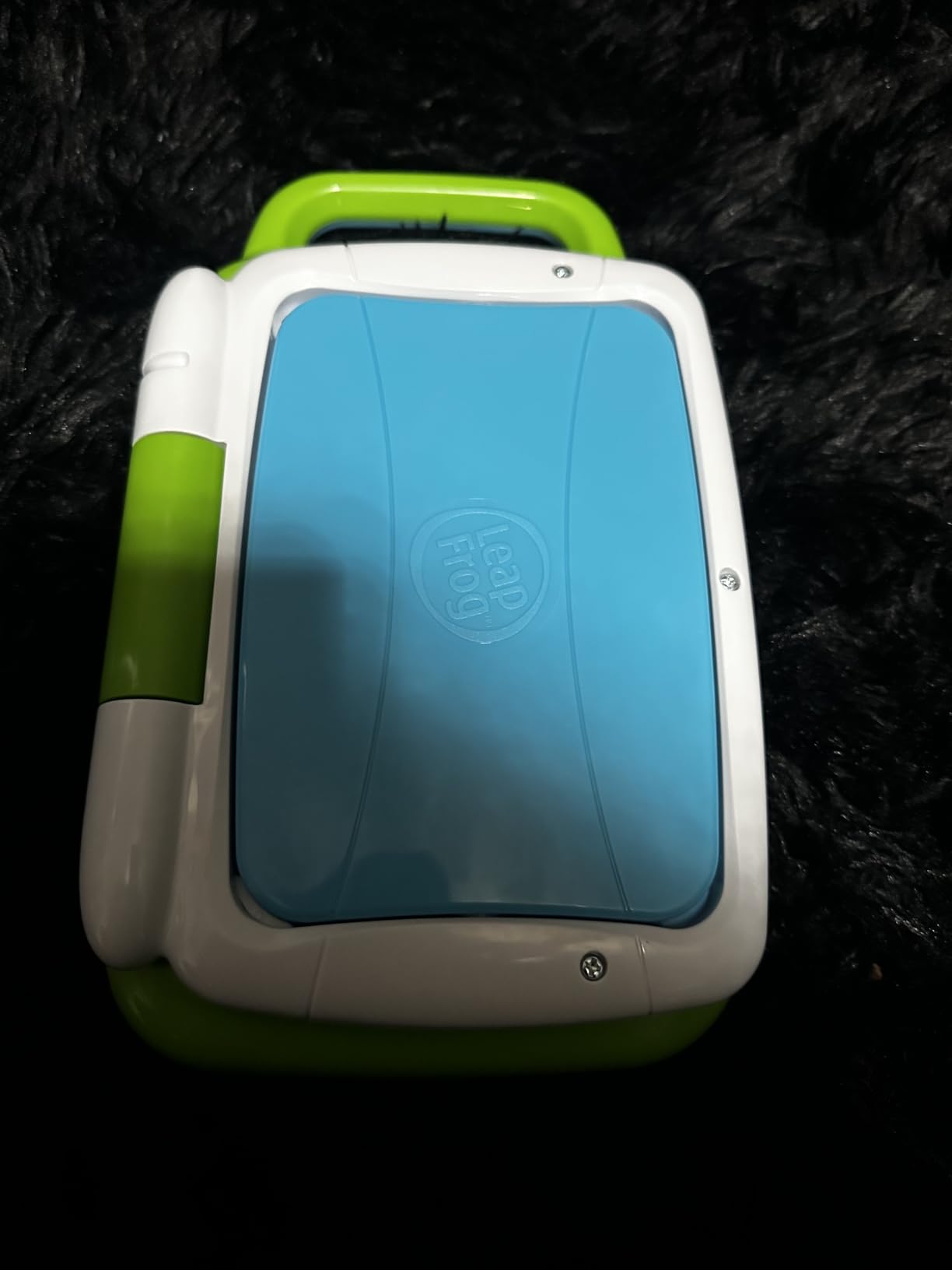
This is not a tablet and we should say so up front. It is a green plastic laptop toy from VTech with a screen that flips, and after living with one for a month we think it is the most sensible first device most parents can buy.
Why? Because nothing can go wrong. There is no account to create, no content to buy, no update to break, and nothing on it reaches the internet. A two-year-old can hand it to a younger sibling with no consequences. That single property removes the entire category of stress that comes with a connected device.
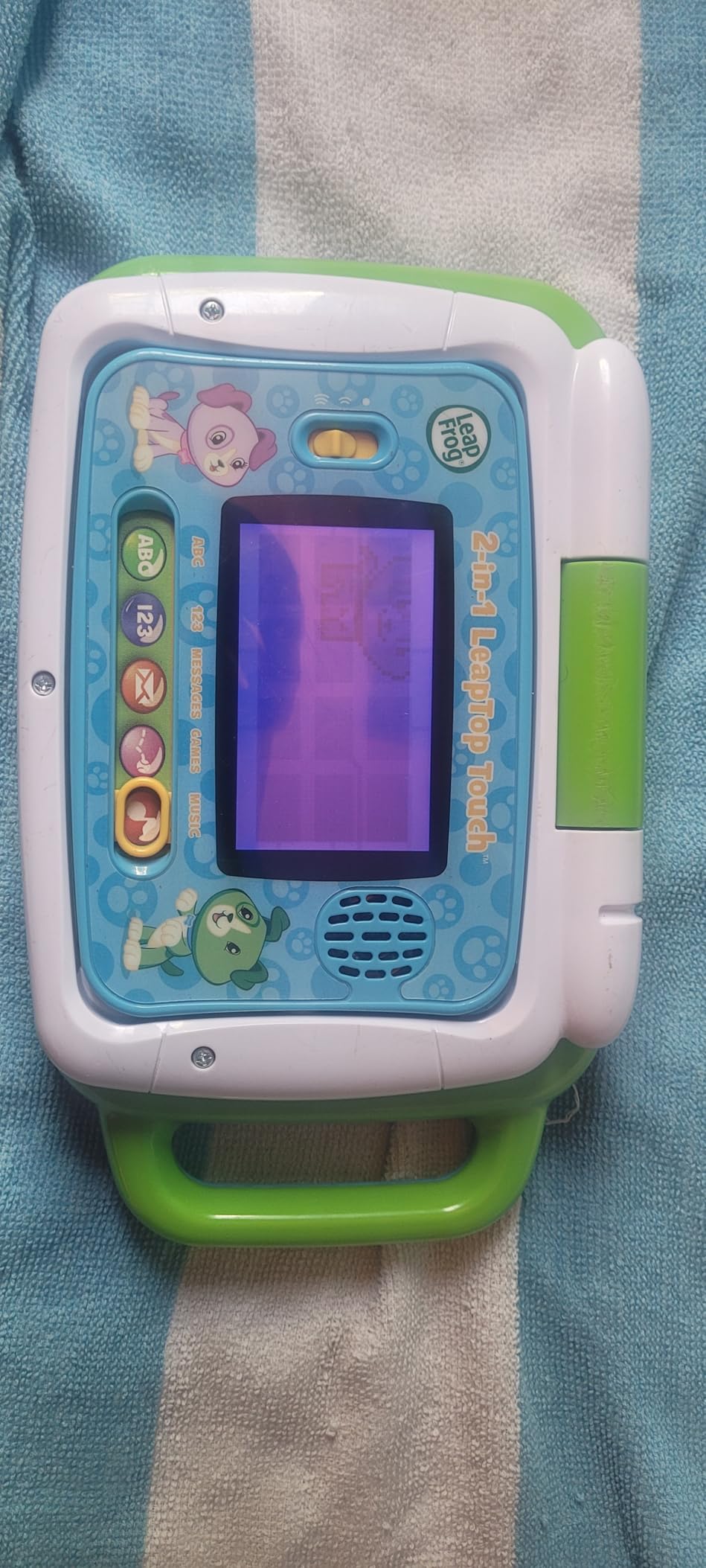
Convertible laptop and touch modes are the whole point
The screen hinges and rotates so the device switches between a chunky keyboard laptop and a flat touch tablet. Children discover this on their own, usually within a week, and the transition from typing to tapping maps neatly onto how they move from songs to drawing.
The keyboard carries the full A-Z alphabet plus the numbers 1 to 10 in oversized keys. Role-play activities let you customise messages, including spelling your child’s name, which is far more effective practice than drilling a generic word list.
Built for two-year-old hands and near-zero tolerance for breakage
At 1.3 pounds it is heavy enough to feel substantial and light enough that a small child carries it one-handed with the built-in handle. Parents repeatedly credit the shell for surviving drops, and the screen is a simple non-touch LCD when closed, so there is no glass to worry about in that mode.
It runs on three AA batteries, which is the single biggest practical advantage nobody mentions: there is no charger to lose and no battery to age out.
For whom it’s good
Any child between 24 months and about five. It covers letters, numbers, spelling, animal recognition and basic problem solving across five modes, and the parent-customisable spelling is genuinely better than most app-based phonics at this stage.
It is also the right first purchase for a family who is not ready to hand over anything connected. Buy this at two, then move up when the child asks for something more.
For whom it’s bad
Do not buy it for a child over six. Reviewers are consistent that the audio and activities become repetitive quickly, and the pixelated screen will feel insulting to a six-year-old. There is also no mute control and only two volume levels, which parents mention often.
It is also not a tablet for learning to read independently, because it cannot show real books. If reading is the goal, look further down this list.
2. Amazon Fire 7 Kids – Best Value Tablet for Ages 3-7
Amazon Fire 7 Kids tablet, ages 3-7. Top-selling 7″ kids tablet on Amazon. Includes ad-free and exclusive content, easy parental controls, 10-hr battery, 16 GB, Blue
Ages 3-7
7-inch screen
16 GB with microSD
10-hour battery
Kid-proof case
+ Pros
- Sturdy kid-proof case included
- Simple Parent Dashboard with age filters
- Ten-hour battery for travel
- A year of ad-free Amazon Kids+ content
- Expandable to 1TB via microSD
- Cons
- Kids+ auto-renews monthly after the included year
- Only 16 GB base storage on this configuration
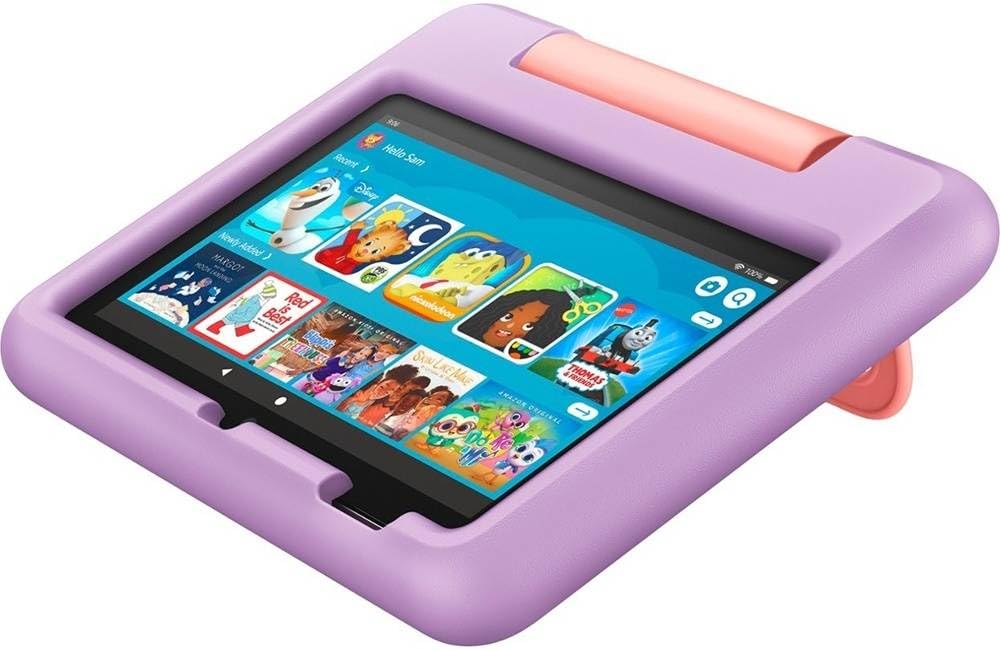
This is the highest-volume kids tablet on the market, with well over 20,000 reviews, and the reason is simple: it does the fundamentals without drama. For a child aged three to seven who just needs letters, numbers and safe video, it remains the cheapest credible answer.
The 7-inch size is the quiet hero. It is genuinely portable for car rides and flights, which is where most families actually use a first tablet, and the included kid-proof case absorbs the drops that a bare 7-inch screen would not.
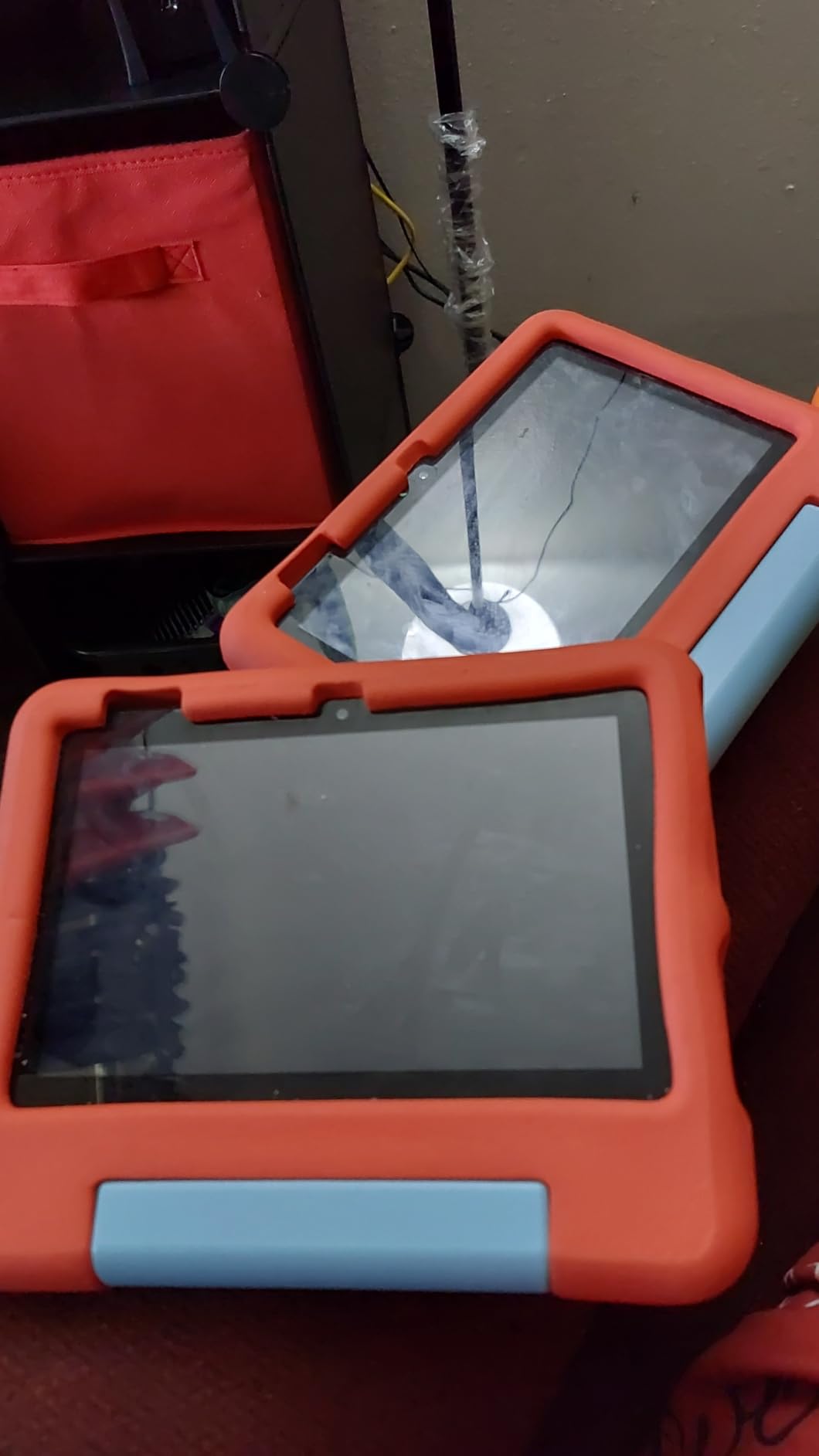
Age filtering that actually holds
Amazon’s Parent Dashboard is arguably the most usable control panel in the category. You set an age band, a daily time limit and content filters from a phone, and the child sees only what you approved. The dashboard also shows time-limit extensions the child requested, which turns screen time into a negotiation rather than a fight.
Parents in the r/papa_knows_stuff thread weighing this exact tablet raised the usual worry — whether a cheap tablet is worth it — and the recurring answer was that the case and the content bundle justify the money far more than the hardware does.
Battery and storage on a budget
Rated at up to ten hours, it comfortably outlasts a long car journey and most flights. Storage is the weak point: 16 GB internally, though a 32 GB version exists, and a microSD card expands it to 1TB. Sixteen gigabytes fills up fast once video apps are installed.
The bundle includes a full year of ad-free Amazon Kids+ content from Disney, Nickelodeon and PBS Kids, which covers STEM and language learning. That year is the value argument, and it is also the trap.
For whom it’s good
Families with a child aged three to seven who want a portable, drop-proof first tablet and who are happy inside the Amazon ecosystem. The one-year content bundle and the simple time limits make it the lowest-effort option on this list.
It also works as a shared travel device for a long-haul flight, where battery and weight matter more than screen quality.
For whom it’s bad
Two real limitations. The Kids+ subscription auto-renews monthly once the included year runs out, which is the most common complaint across reviews and the most common surprise on a family bill. And 16 GB is genuinely tight once a few video apps are downloaded.
If your child will need Google Classroom or third-party school apps, this is the wrong device — Fire OS does not run the Google Play Store.
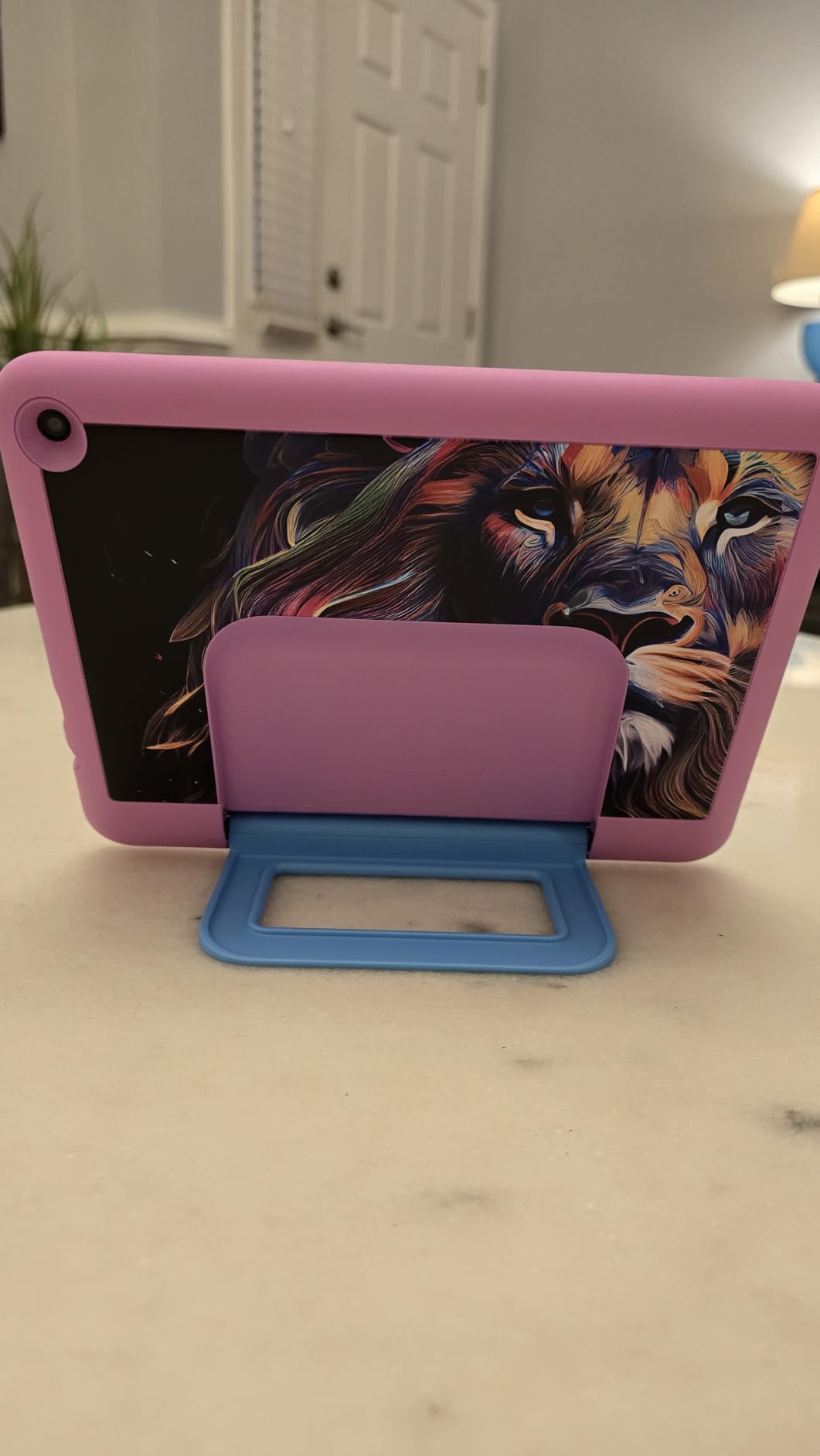
3. Amazon Fire HD 8 Kids Pro – The Best All-Rounder for Ages 6-12
Amazon Fire HD 8 Kids Pro tablet, ages 6-12. Bright 8″ HD screen, includes ad-free content, parental controls, 13-hr battery, slim case for older kids, 64GB, Hello Teal, (2024 release)
Ages 6-12
8-inch HD screen
64 GB expandable to 1TB
13-hour battery
Hexa-core
+ Pros
- Case survives drops and throws
- Parental controls with screen time and content management
- Long reliable battery for travel and car rides
- Bright crisp 8-inch HD screen
- Two-year worry-free guarantee
- Cons
- Kids+ subscription auto-renews after the trial
- No access to YouTube Kids as a downloadable app
If your child is school-age and you want one device that covers learning, reading and safe video without a subscription conversation every year, this is the one we would buy. It sits in the sweet spot between the 7-inch Fire and the much larger premium tablets, and at 4.6 stars from 5,763 reviews it is the most consistently praised modern tablet here.
The bump from the previous generation is real rather than marketing: up to 4 GB of RAM, double the earlier figure, and a hexa-core processor. In practice that means a child running a lesson video and a maths app at the same time does not hit a wall.
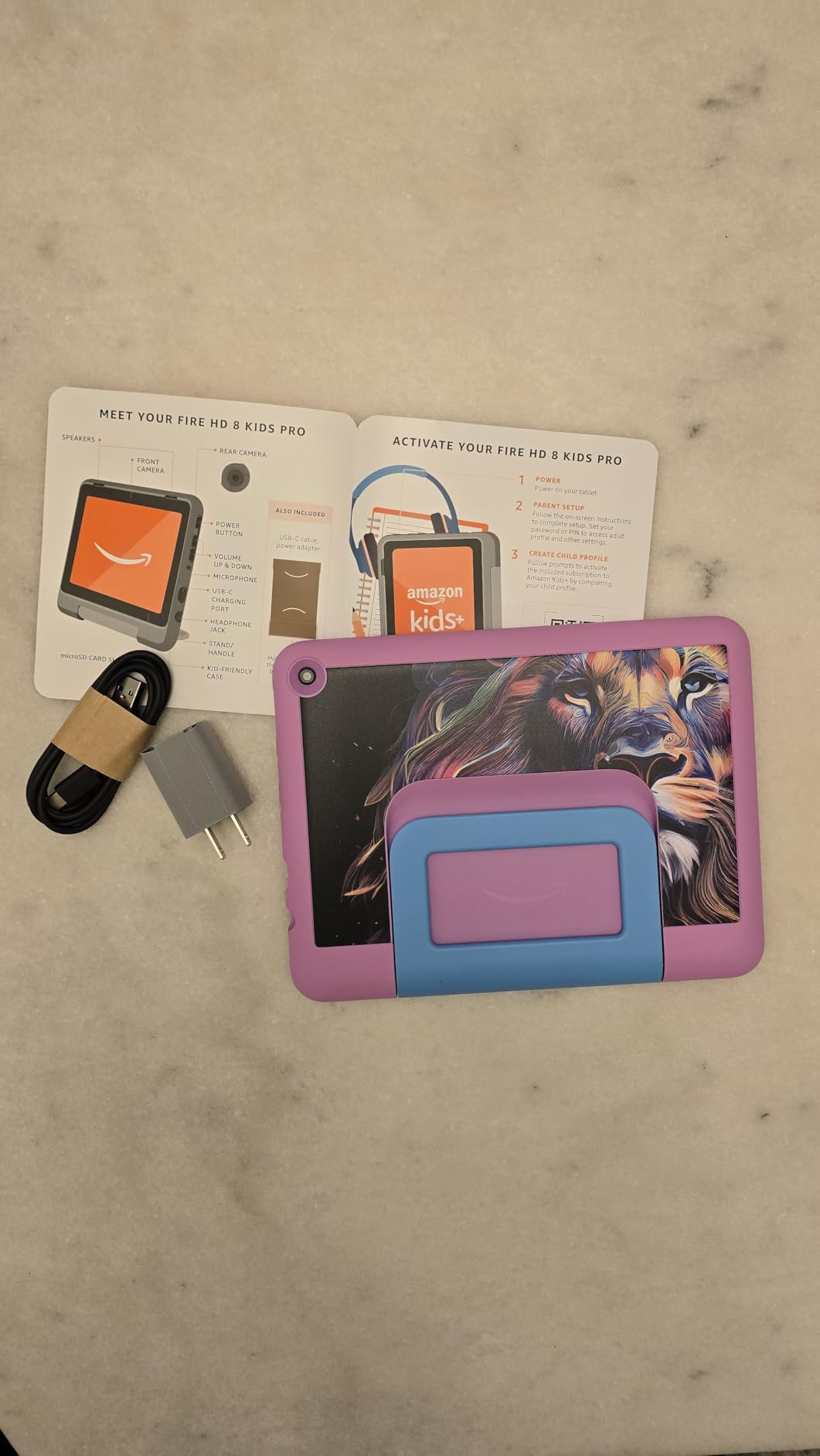
13-hour battery and 64GB of storage
Thirteen hours is the difference between a tablet that survives a long journey and one that does not. Parents single this out constantly, and it pairs with 64 GB of internal storage that expands to 1TB, which is enough that you stop rationing app installs.
The 8-inch HD screen is bright and crisp for reading, and it is still small enough for a child’s hands without a grip strap.
The walled-garden trade-off, stated plainly
Fire OS gives you the tightest content filtering of any tablet here, and it also means Amazon’s App Store only. There is no Google Play Store, so school platforms and third-party apps are simply unavailable.
That is a genuine limitation, and it is why the Samsung and Android picks below matter. The counterweight is the two-year worry-free guarantee, which replaces accidental breakage rather than repairing it, and a parental dashboard that lets a parent approve specific requests rather than negotiating around a browser.
For whom it’s good
A child aged six to twelve who reads, watches and uses Amazon Kids+ content, and a family that wants a hard content boundary rather than a soft one. It is also the easiest model to hand between siblings of different ages, since Amazon’s filters are per-profile.
If a two-year-old and a ten-year-old share a device, this is the pick that makes the most sense.
For whom it’s bad
YouTube Kids is not available as a downloadable app here, which surprises people who have used other Fire models. The Kids+ trial also auto-renews once it ends.
And if the moment your child starts school is approaching, look at the Samsung Galaxy Tab A9+ Kids Edition further down — it runs real Android and ships with styluses.
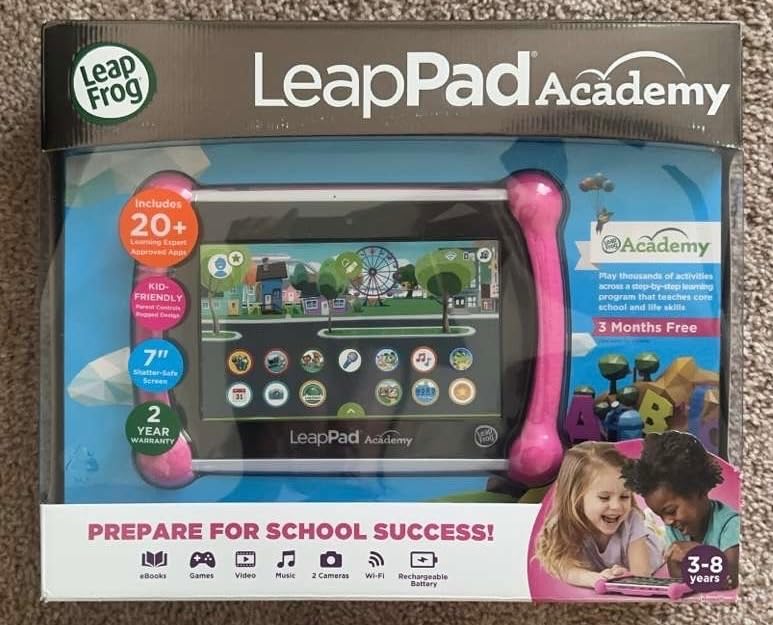
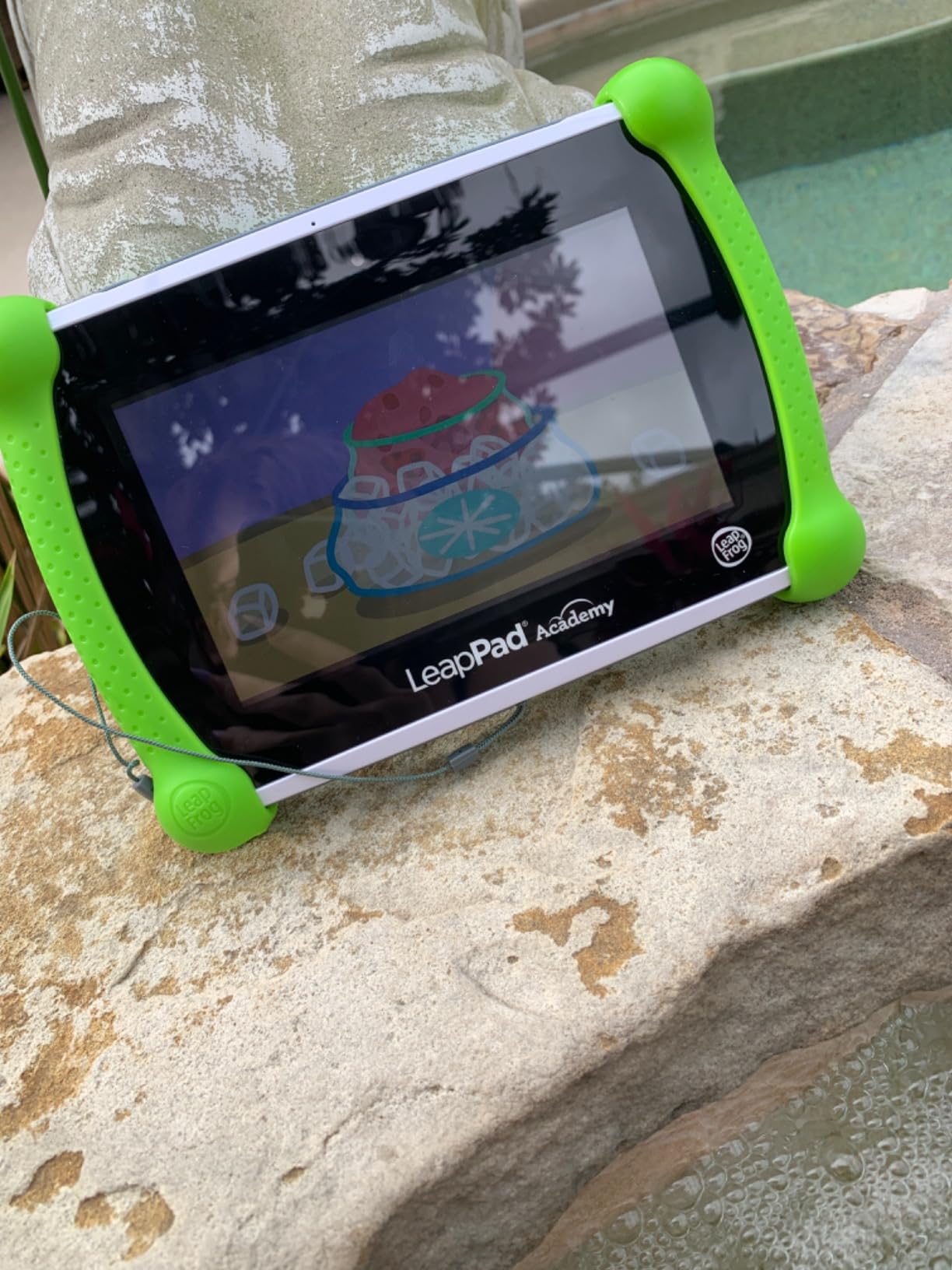
4. LeapFrog LeapPad Academy – Best Education-First Tablet for Preschool
LeapFrog LeapPad Academy Kids’ Learning Tablet, Green
Ages 3-8
7-inch shatter-safe screen
Stylus included
16 GB
2500 mAh battery
+ Pros
- Finer-grained parental controls with pre-approved websites
- Stylus included for tracing and writing
- Great for letters numbers and counting
- Bumper with built-in kickstand
- 20+ educator-approved learning apps
- Cons
- Battery often lasts about an hour per charge
- Cannot install regular Android apps
- Most games and the Academy subscription cost extra
This is the only tablet on the list that ships with a stylus in the box and treats handwriting as a first-class activity. For a preschooler learning letter formation, being able to trace a shape with a pen on glass is not a gimmick — it is closer to how the skill is taught on paper.
It is also the strictest device we tested. Parents consistently report finer-grained controls than the Amazon tablets, including a list of pre-approved websites rather than a general filter switch, and the removable silicone bumper with kickstand is genuinely useful for video calls with grandparents.
One honest note from a parent in r/Preschoolers who already owns a LeapFrog device: satisfaction is not guaranteed. The same people who praise the pedagogy report reaching the end of the included content and stalling.
Stylus support and the shatter-safe screen
The 7-inch 1024×600 LCD is described as shatter-safe, which matters more than it sounds in a house with a toddler who will grab the device mid-video. The included stylus drives the LeapFrog Academy tracing games, and more than 20 educator-approved apps cover maths, reading, writing, coding and problem solving.
At 1.6 pounds it is heavier than the other LeapFrog devices here, but the bumper redistributes that weight and the kickstand means a child can watch hands-free.
The one-hour battery problem
This is the biggest flaw and it is not subtle. The 2500 mAh cell is frequently reported as lasting about an hour per charge, which makes it useless for a long car ride and forces a mid-session plug-in.
Content is also paywalled more aggressively than competitors. A three-month LeapFrog Academy trial is included, but most games and the subscription itself cost extra, and content must come from the LeapFrog App Center because regular Android apps cannot be installed.
For whom it’s good
A preschool-aged child whose goal is handwriting, letter formation and numeracy, in a household that wants the strictest content boundary available. Parents who value a specific, curriculum-shaped pedagogy over a large app library are the ideal buyer.
It is also the pick for a child who needs handwriting practice, because no other tablet here includes a pen.
For whom it’s bad
Travel. A one-hour battery rules out flights, long drives and anywhere without a charger. Some buyers also report freezing units, charging-port faults and sudden shutdowns, which is a reliability pattern we would not ignore on a device a toddler handles.
It is also a poor choice for a child who wants Roblox or any mainstream game, since the App Center does not carry them.
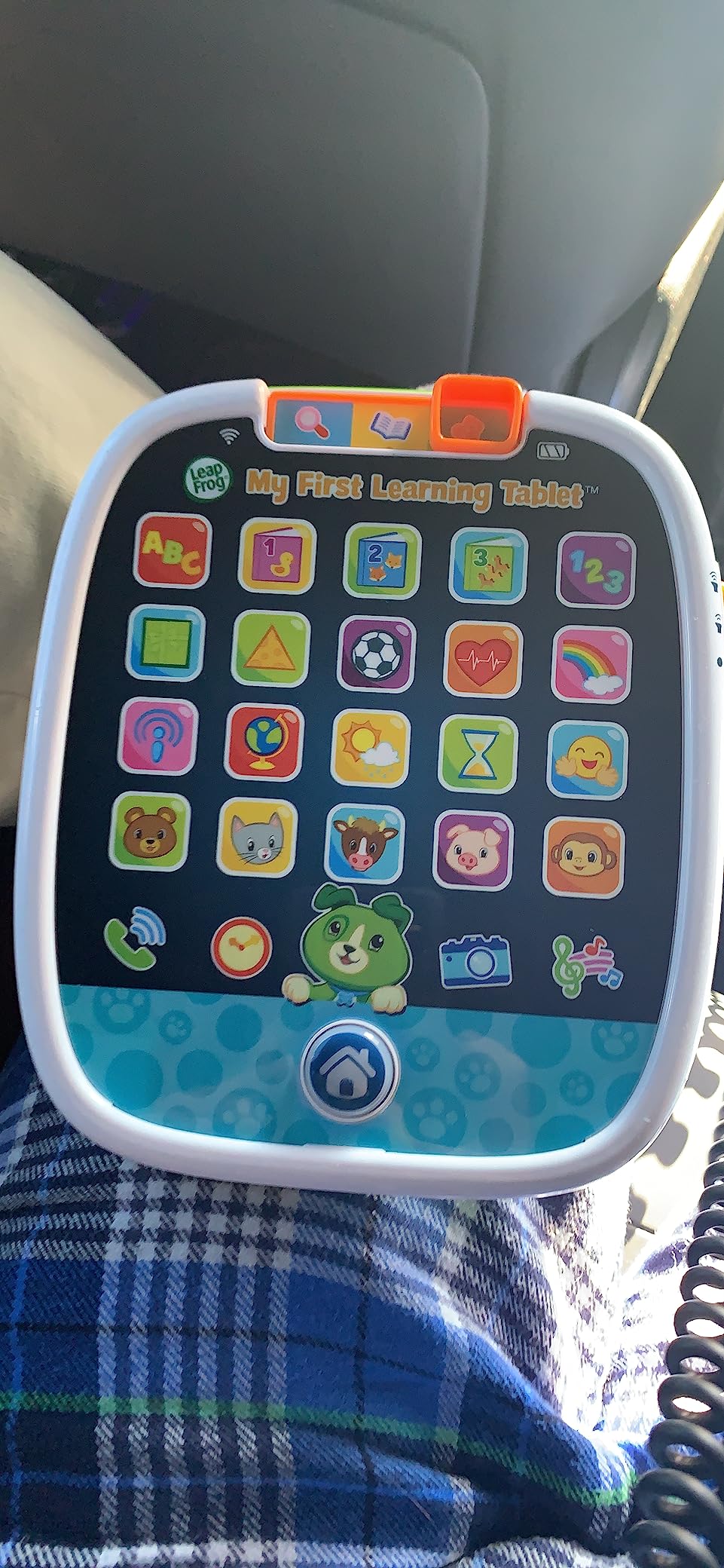
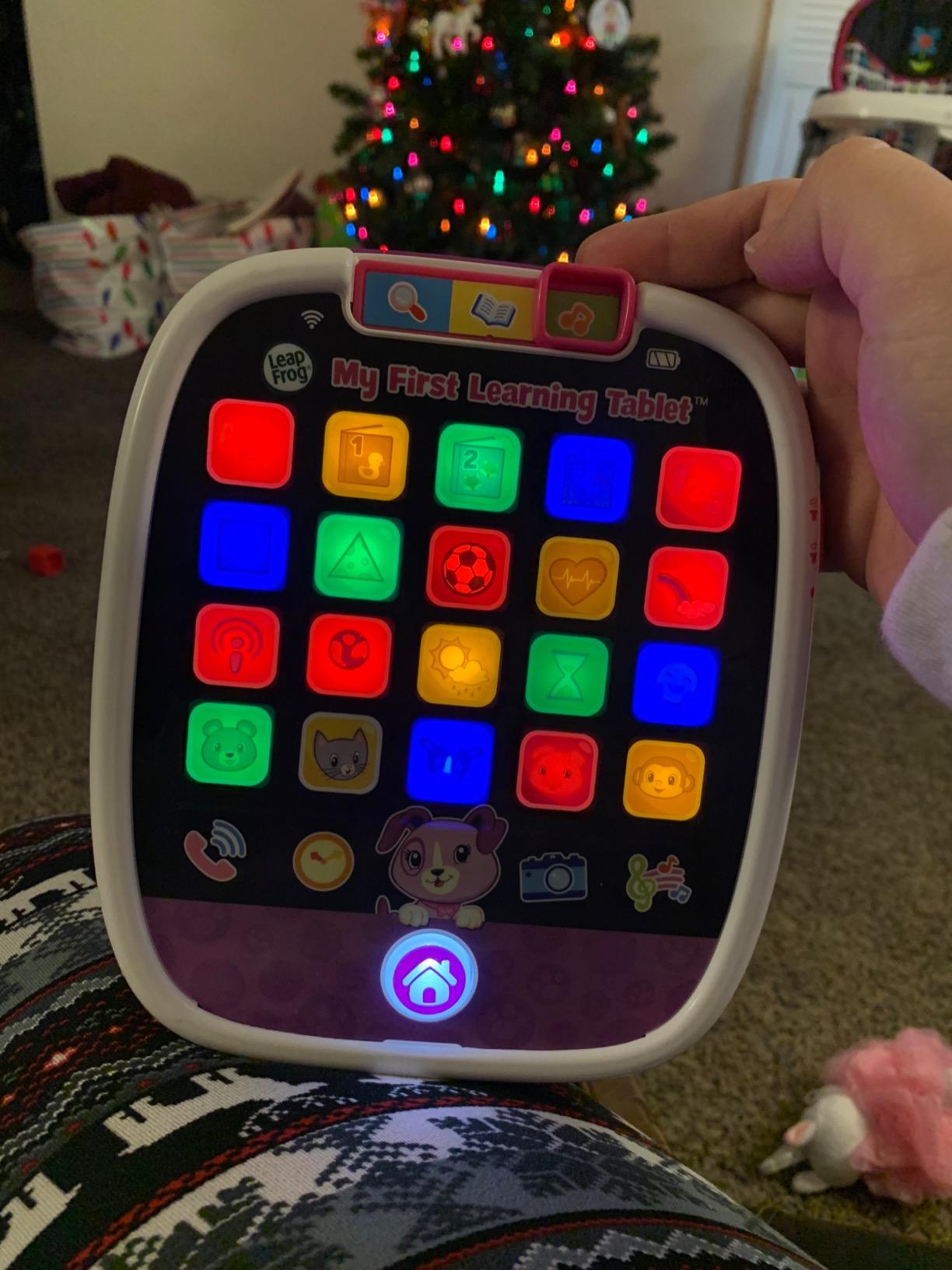
5. LeapFrog My First Learning Tablet – Best for Toddlers From 12 Months
LeapFrog My First Learning Tablet, Violet
Ages 12 months to 3
20 app icons
Multicolor light show
12 oz
AAA battery power
+ Pros
- Introduces letters numbers shapes and colors
- Light show responds to every touch
- Light enough for a 12-month-old to hold
- Explore Learn and Music modes
- Greetings in French Portuguese and Japanese
- Cons
- Battery powered so play stops when cells run out
- Limited content depth past the toddler stage
At 12 ounces, this is the lightest device we tested and the only one a one-year-old can genuinely operate without an adult removing it from their hands. That is the entire argument for it, and for that age band it is a strong one.
The 20 app icons sit behind a single home button, which is a much better interface for a toddler than a scrolling home screen. Every press triggers a multicolour light show, and that immediate feedback is what keeps very young children coming back.
Light, simple and hard to break
It is plastic, battery-driven and has no screen worth protecting. The device ships with three AAA batteries for demonstration only, and you replace them with your own. In a family that loses chargers constantly, that is an underrated advantage.
The content covers letters, numbers, shapes, animals, colours and counting, split across Explore, Learn and Music modes, plus greetings in French, Portuguese and Japanese for multi-language households.
A toy, not a connected device
Be clear about what this is not. There are no parental controls because there is nothing to control — no browser, no store, no account, no data leaving the device. For a one-year-old that is the correct security model.
It also means it cannot grow. There is no path from this device to reading independently, which is why we treat it as a two-year purchase rather than a tablet you keep for five years.
For whom it’s good
A child between 12 months and three who is still in the tactile, cause-and-effect stage and who should not have any kind of internet exposure. It is also an excellent second or third child gift, or a device for a child who shares a tablet with an older sibling.
At 4.7 stars across more than 18,000 reviews, the satisfaction among buyers of this age band is the highest of anything we tested.
For whom it’s bad
Any child past about three who can already hold a tablet properly. The content depth runs out quickly and there is no way to extend it without buying something else entirely.
It is also the wrong answer if you want reading practice, because it displays no books.
6. Samsung Galaxy Tab A9+ Kids Edition – Best for Stylus Work and School Apps
Samsung Galaxy Tab A9+ Kids Edition 11” 64GB WiFi Android Tablet, Long Battery Life, Expandable Storage, Slim & Lightweight, Kid-Friendly Durable Puffy Cover, US Version, Red
11-inch 1920x1200 90Hz
64 GB with microSD
7040 mAh up to 14 hours
Three Crayo-Pens
1.1 lb
+ Pros
- Large bright 11-inch screen that is easy to read
- Puffy cover survives repeated drops and throws
- Samsung Kids sets strict play-time limits
- Three Crayo-Pen styluses in the box
- Up to 128GB with microSD expansion
- Cons
- Full-screen ads appear throughout the system
- Child account can be hard for a parent to change
- Battery drains faster than expected on some models
This is the only tablet here that prepares a child for actual schoolwork rather than steering them away from it. It runs standard Android with Google Play access, ships with three Crayo-Pen styluses, and has an 11-inch 1920×1200 display at 90Hz — the largest and smoothest screen in this roundup.
Think of it as the device you buy at eight so you do not have to replace it at twelve. Three styluses, tethers and a sticker pack are in the box, which is a stylus package that would otherwise cost more than the accessories do.
11-inch 90Hz display and a 14-hour battery
The 7040 mAh battery is rated for up to 14 hours, the longest claim on this list, and the 90Hz refresh rate makes handwriting with a pen feel considerably smoother than a 60Hz panel. For a child doing note-taking or handwriting practice, that difference is visible.
Storage is 64 GB with microSD expansion up to 128 GB, and at 1.1 pounds the body stays light for an 11-inch screen.
Samsung Kids and the Crayo-Pen bundle
Samsung Kids is a walled-garden layer over Android that parents control entirely, with strict play-time limits. The tradeoff versus Fire is that Android underneath stays intact, so school apps work when the child needs them.
Reviewers are split on one thing: full-screen advertising appears throughout the system, including in settings and the Play Store, which is at odds with the ad-free promise most kids tablets make.
For whom it’s good
A child aged roughly eight to twelve who needs handwriting, drawing, note-taking or school platform access. The Crayo-Pen bundle makes it the strongest stylus package here, and the puffy cover is one of the more convincing protective cases in the category.
It is also the best choice on this list for a child who will outgrow a locked ecosystem in a year or two.
For whom it’s bad
It is not a first tablet. An 11-inch slab is a lot of glass and weight for a four-year-old, and the child account itself is reported to be difficult for a parent to change once set up.
Some owners also report faster than expected battery drain, and it carries the shortest warranty of the Fire devices on this list at one year.
7. COLORROOM 2026 Android 15 Tablet – Best Big Screen on a Mid-Range Budget
COLORROOM 2026 Upgraded Android 15 Tablet, 10inch Kids Tablet, Octa-core CPU, 10GB+64GB+1TB Expand Tablets for Kids with Kids Space, Parental Control, 6000mAh Big Battery,Touchscreen Tableta,Blue
10.1-inch 1280x800 IPS
64 GB expandable
6000 mAh 8-12 hours
Android 15
Google Kids Space
+ Pros
- Large 10.1-inch screen for the money
- Google Kids Space pre-installed
- Detailed parental controls with app blocking
- Sturdy EVA case with a handle
- Anti-blue-light design with auto brightness
- Cons
- Battery drain reported within two hours on some models
- Occasional lag and low-battery lockout errors
- No dedicated night mode beyond the brightness toggle
Most families in this category end up choosing a big screen they cannot afford or a small screen they have to accept. This is the middle path: a 10.1-inch 1280×800 display running Android 15 with Google Kids Space already installed, in a case with a handle that survives being thrown.
Google Kids Space is the important part. It is a curated, educator-endorsed launcher for ages three and up, and having it pre-installed means a parent can hand the tablet over without an afternoon of setup.
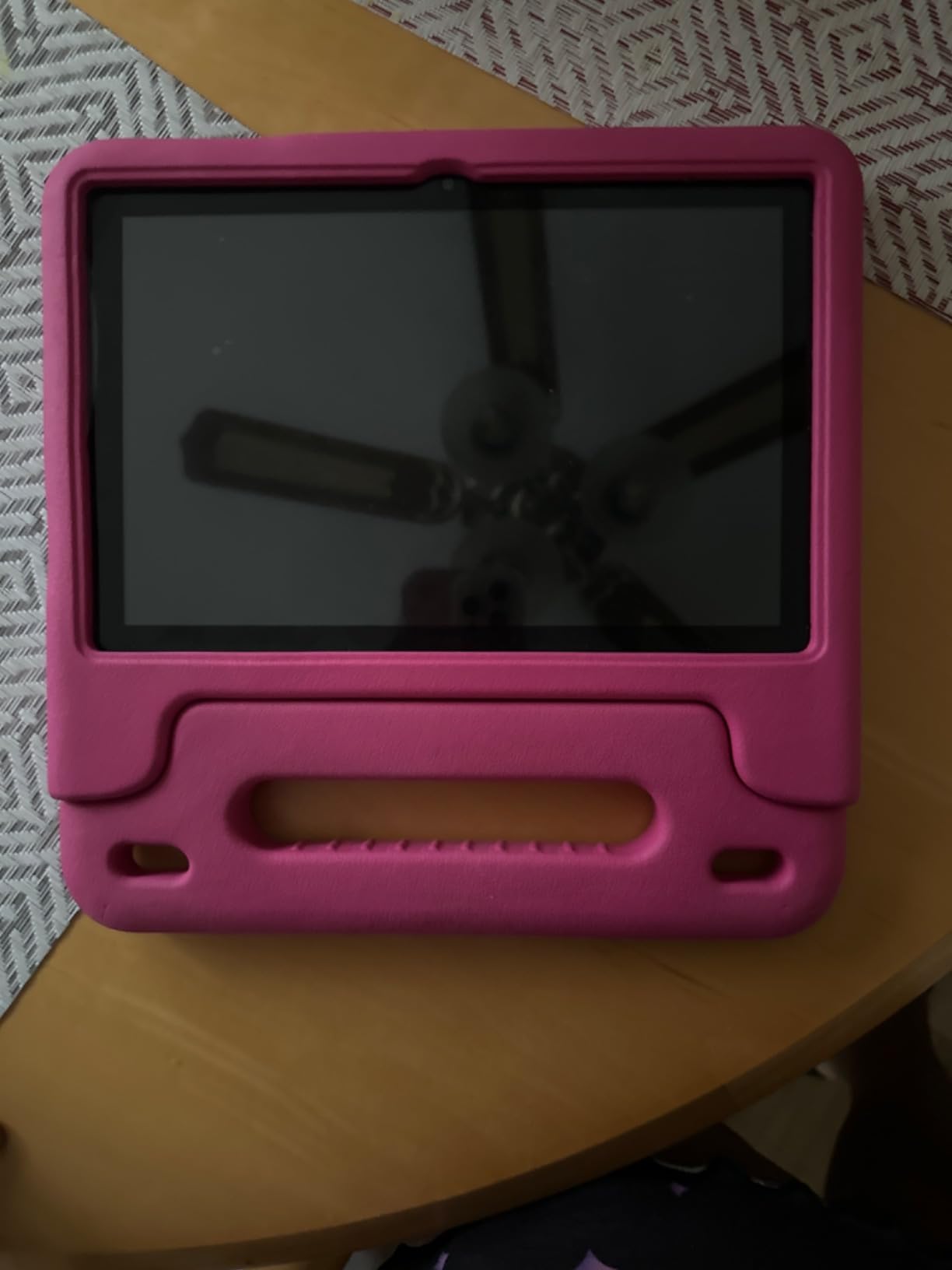
Google Kids Space out of the box
Parental controls here cover content filtering, educational goals and time restrictions, which is a deeper set of levers than most budget tablets offer. The system also blocks ads at the system level and adjusts brightness automatically, and the anti-blue-light design is a sensible default for long reading sessions.
Underneath, an octa-core Unisoc T606 with 10 GB of RAM and 64 GB of storage expandable to 1TB is more than the specification of most devices at this level deserves.
Battery life is the weak spot
The 6000 mAh cell is rated for 8 to 12 hours, and that is the claim that fails most often. Reviewers report units draining within about two hours, and a minority report lag and low-battery lockout errors on units they had owned for months.
There is no dedicated night mode either, only a brightness toggle, which matters more for a device used at bedtime than the spec sheet suggests.
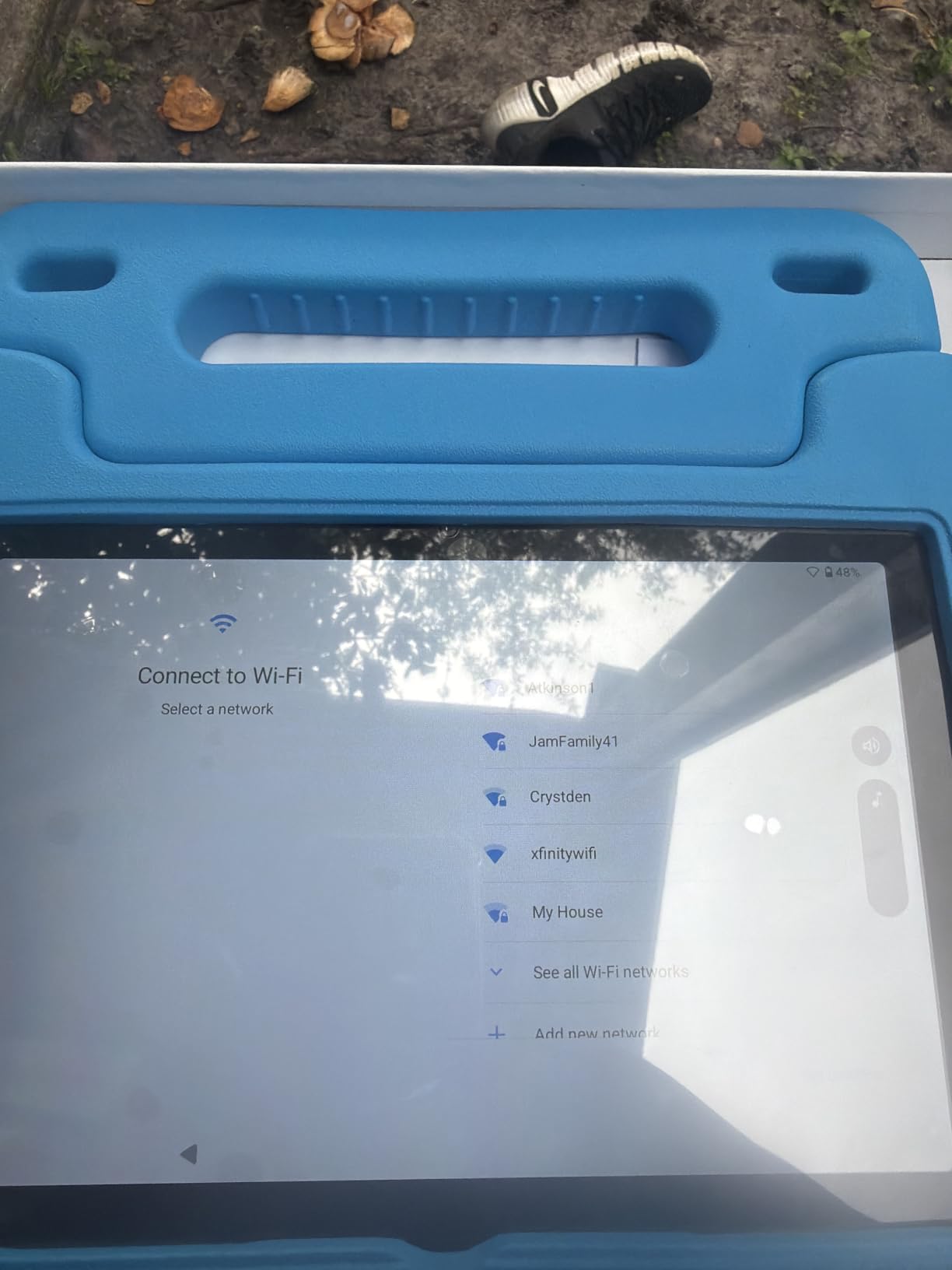
For whom it’s good
A family that wants a large, current-Android screen with real app access and genuinely detailed parental controls, without paying for a premium brand. The handle in the EVA case is a real advantage for small children.
It suits a child who has outgrown a 7-inch screen but does not need a stylus.
For whom it’s bad
Do not plan long trips around the battery claim. If a two-hour flight or a full day out matters to you, the Fire HD 8 Kids Pro’s 13-hour rating is a much safer bet.
The low-battery lockout reports are a quality-control signal, and this device carries a shorter protection window than the Fire models.
8. JIKOCXN 10-Inch Android 16 Kids Tablet – Best for Ad-Blocked Browsing
JIKOCXN Kids Tablet, Android 16 Tablet for Kids 10 inch Octa-Core with Case, 24GB RAM 64GB ROM 1TB TF Card Expandable for Toddler Children, Parental Control, Dual Camera, BT5.0, WiFi, Gift (Blue)
10.1-inch 1280x800 IPS
24 GB RAM and 64 GB
6000 mAh
USB-C fast charging
Android 16
+ Pros
- Case survives being thrown by a 10 year old
- Newest Android with system-level ad blocking
- Full Google Play access for school apps
- 24GB RAM and 1TB microSD expansion
- Screen protector and stand case in the box
- Cons
- Battery drain reported as too quick by some owners
- Newer Android versions take some getting used to
This is the newest operating system in the roundup and the most interesting specification on paper: 24 GB of RAM on a 10-inch kids tablet. In practice that headroom is what stops a child juggling a video lesson, a browser and a drawing app from hitting a wall.
It is also the one device here that blocks unwanted ads at the system level rather than relying on an ad-supported kids launcher, which quietly solves the complaint that dogs the Samsung Kids model.
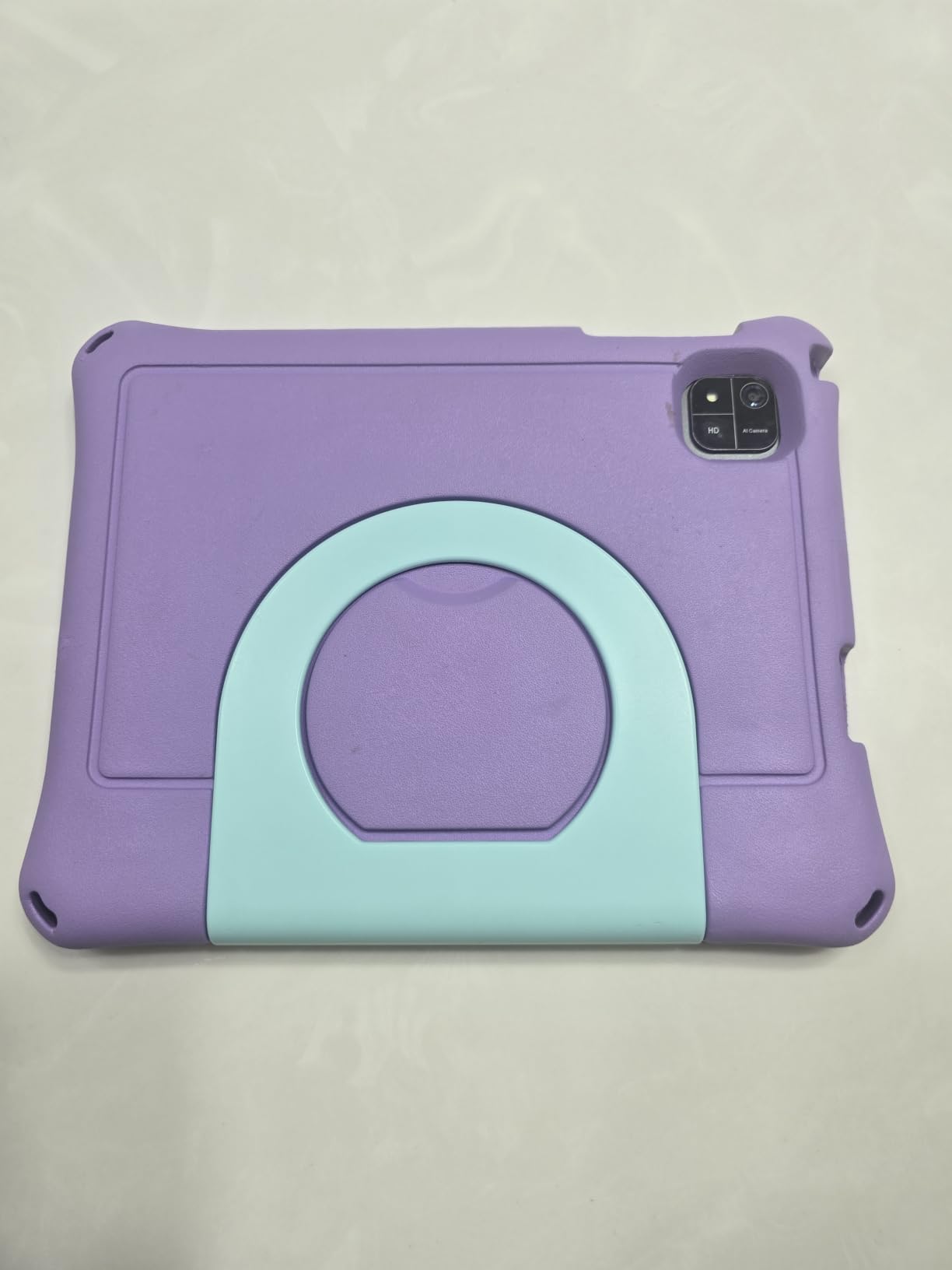
Newest Android and system-level ad blocking
Android 16 on a 2.0 GHz octa-core Unisoc T606 with full Google Play access, Bluetooth 5.0 and Wi-Fi 802.11ac. Pre-installed parental controls cover child profiles, screen time limits and app approval, and a one-touch reading mode sits on a 1280×800 IPS panel with low blue light.
The 323 PPI density is sharper than most 7-inch competitors, which makes it a better reading surface.
Memory, expandability and what is in the box
Storage is 64 GB expandable to 1 TB via microSD, and the box includes a screen protector, a USB-C cable and an adjustable-stand case. Fast USB-C charging takes roughly two hours from empty, which is better than most of the budget tier.
One practical note: the listed weight is 1 kg, which is heavy for a child. The stand case is doing more work here than it looks.
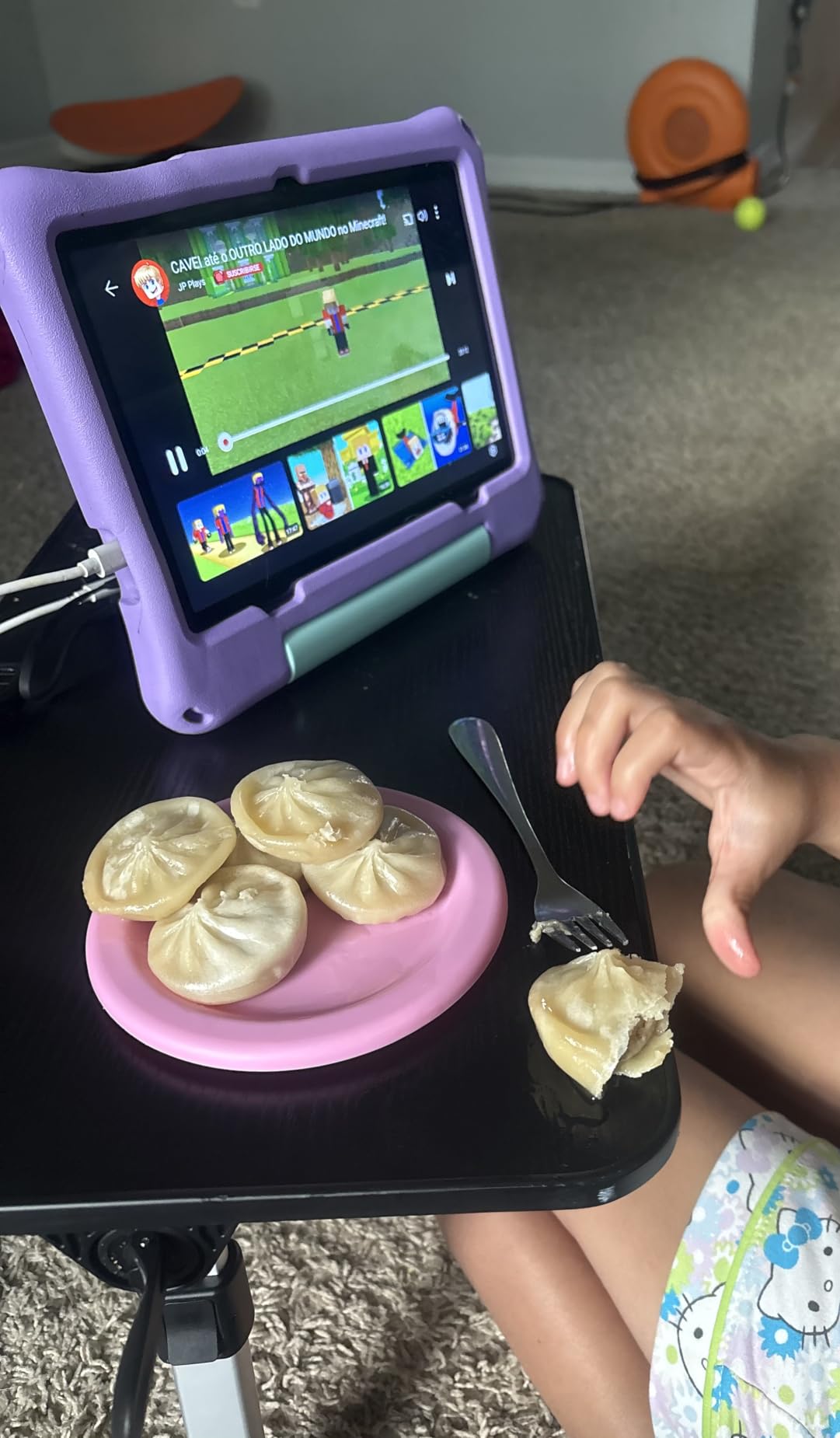
For whom it’s good
A child who needs the full app ecosystem without advertising, and a parent comfortable adding their own Google account and school apps. Parents report that simple Google account setup makes adding a second tablet painless, which matters in multi-device homes.
It is also the most future-proof Android on this list given the software version.
For whom it’s bad
Battery drain is the one recurring negative, reported as too quick by some owners despite the 6000 mAh rating. Review volume is also the thinnest of the modern Android picks here, so we would treat the long-term reliability picture as less proven.
And Android 16 does mean a steeper first-hour setup for parents used to a curated launcher.
9. HOTTABLET 7-Inch Android 12 Kids Tablet – Best Built-in Stand Design
HOTTABLET Kids Tablet 7 inch Android, 4GB RAM 32GB ROM, 1TB Expandsion, with Parental Control, WiFi, Bluetooth, Dual Camera with Silicone Case, 1PCS (Blue)
7-inch 1024x600 IPS
4 GB RAM and 32 GB
3000 mAh about 8 hours
Android 12
GMS certified
+ Pros
- Full Google Play Store access
- Silicone case doubles as a stand
- Customizable kid profiles with time limits
- Eye-protection mode on a small screen
- 3.5mm headphone jack included
- Cons
- Kids-mode password defaults to 0000
- Ratings suggest occasional hardware or support problems
- 300 nit brightness is dim outdoors
The reason this device is worth a place on the list is one physical detail: the silicone case folds into a stand. For a child aged three to six doing a tracing exercise or watching a lesson, that removes the constant complaint that they are holding the tablet wrong or dropping it.
It is also one of very few budget tablets here that is GMS certified, meaning the real Google Play Store and its educational apps are available. That is a real difference from locked-down alternatives.
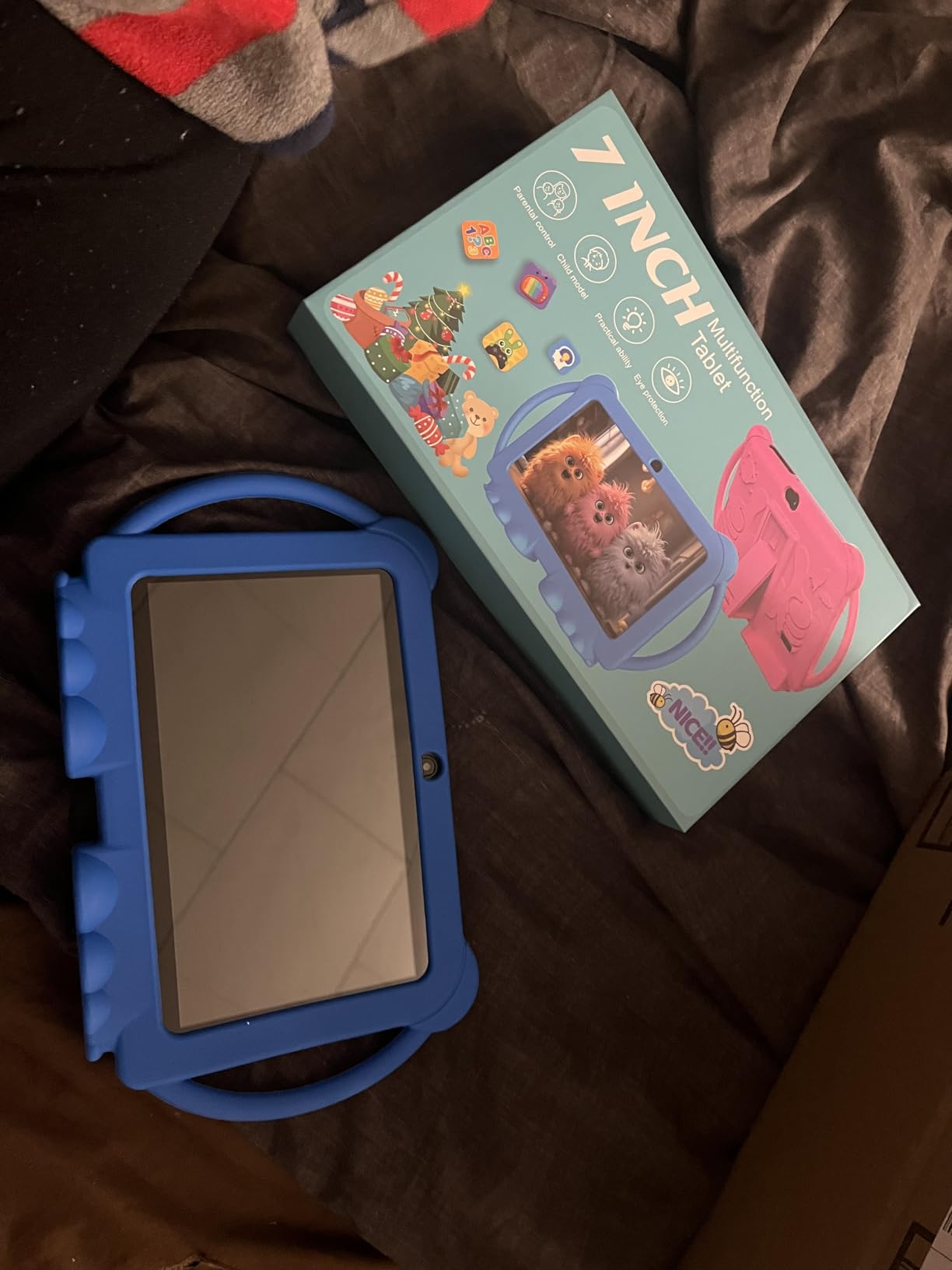
Full Google Play on a small budget
Android 12 with Netflix support and Widevine L1, a quad-core CPU up to 2 GHz, 4 GB of RAM and 32 GB of storage expandable to 1 TB. Customizable kid profiles support screen time limits and filtered websites, apps and video channels, and pre-installed creative content covers drawing and brain training.
The 3.5 mm headphone jack is worth calling out because plenty of modern tablets have dropped it, and it is genuinely useful for car rides.
Silicone case that stands on its own
At 16 ounces the device is light for a seven-inch tablet, and the case provides both grip and a stable viewing angle. The 1024×600 IPS panel runs at 60Hz with 300 nits of brightness, which is fine indoors and marginal on a sunny patio.
The eye-protection mode is a low blue light filter toggled from settings, which is a reasonable default for a young child.
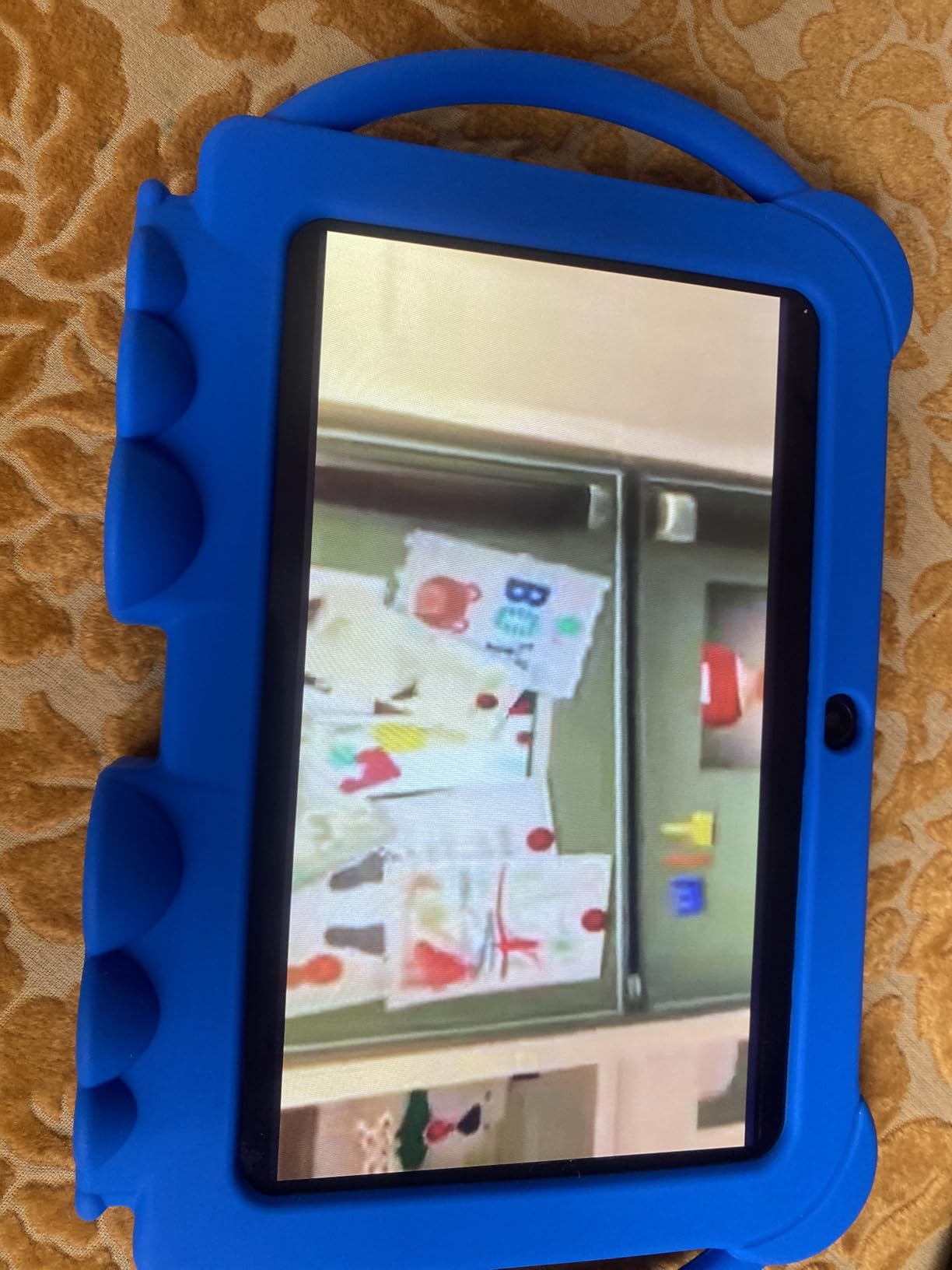
For whom it’s good
A family that wants real Google Play apps on a genuinely small budget, and a child who will use the tablet on a table rather than in a moving car. The 3000 mAh battery is rated for about eight hours of mixed use, which covers a school evening.
The stand case makes it unusually good for anything hands-free, including video calls.
For whom it’s bad
Change the kids-mode password. It ships as 0000, and that is the first thing a sibling will find.
Quality control is the other issue: the ratings distribution suggests occasional hardware or support problems across the range, and the 365-day warranty is the shortest here. Buy it for the stand and the Play Store, not for longevity.
10. zcobro 7-Inch Kids Tablet – Best for Multi-Child Households
Kids Tablet 7 inch Tablets for Kids 3-7 32GB Toddler Tablet with Protective Case Android Kid Learning Tablets with WiFi YouTube Parental Control Netflix GMS Child Computer for Baby Boys Girls (Blue)
7-inch 1024x600 IPS
2 GB RAM and 32 GB
3500 mAh
Android with GMS
2-year warranty
+ Pros
- Right-sized 7-inch form factor for small hands
- Silicone case with adjustable stand included
- Multiple child profiles and app approval
- Simple enough for a young child to operate
- Bright responsive screen and good sound
- Cons
- Only 2 GB RAM so heavier apps feel slow
- Some models stopped working after a few months
- Charge holds shorter than the advertised day
Most parents with two children under ten have the same unsolved problem: one tablet, two ages, and no clean way to separate them. This device addresses that more directly than anything else in the budget tier, with multiple child profiles, per-profile time limits and an app approval workflow that means the youngest child cannot install anything at all.
It is also small enough that a preschooler can genuinely hold it, which matters more than most spec comparisons suggest.
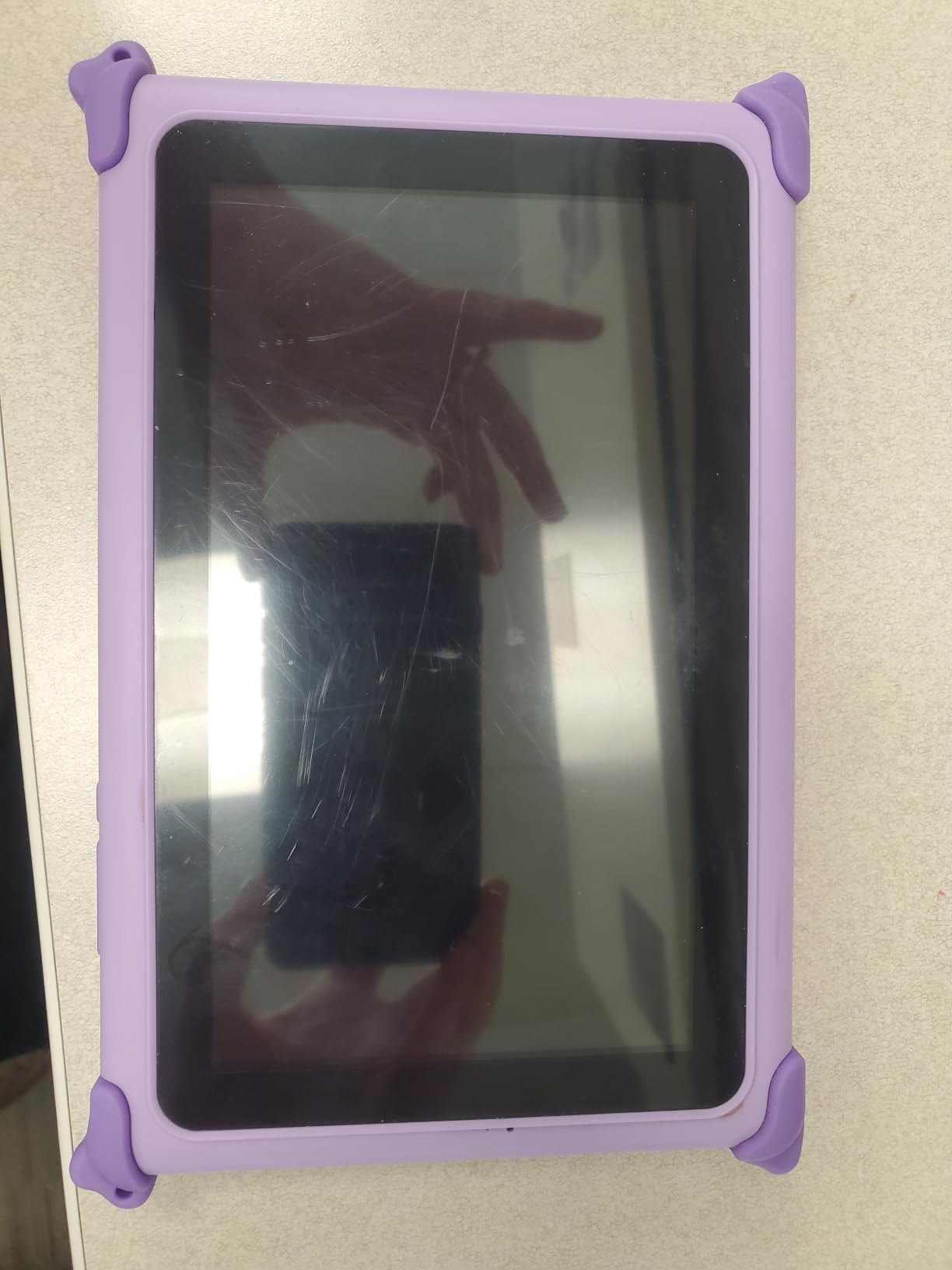
Multiple child profiles and app approval
The parental layer includes age filters, multiple child accounts, time limits and app purchase approval, and you can block or grant YouTube, Netflix and Disney+ per child rather than device-wide. That granularity is the reason this tablet made the list despite the hardware underneath.
A Yubabe educator-endorsed preloaded app provides offline content for ages three and up, which is useful when there is no Wi-Fi. A protective silicone bumper with an adjustable rear stand is included at no extra cost.
Hardware limits and after-sales support
With 2 GB of RAM, heavier apps feel slow, and that is the specification ceiling you are paying for. The 3500 mAh battery is claimed at up to ten hours, but some households report the charge holding less than a full day of use.
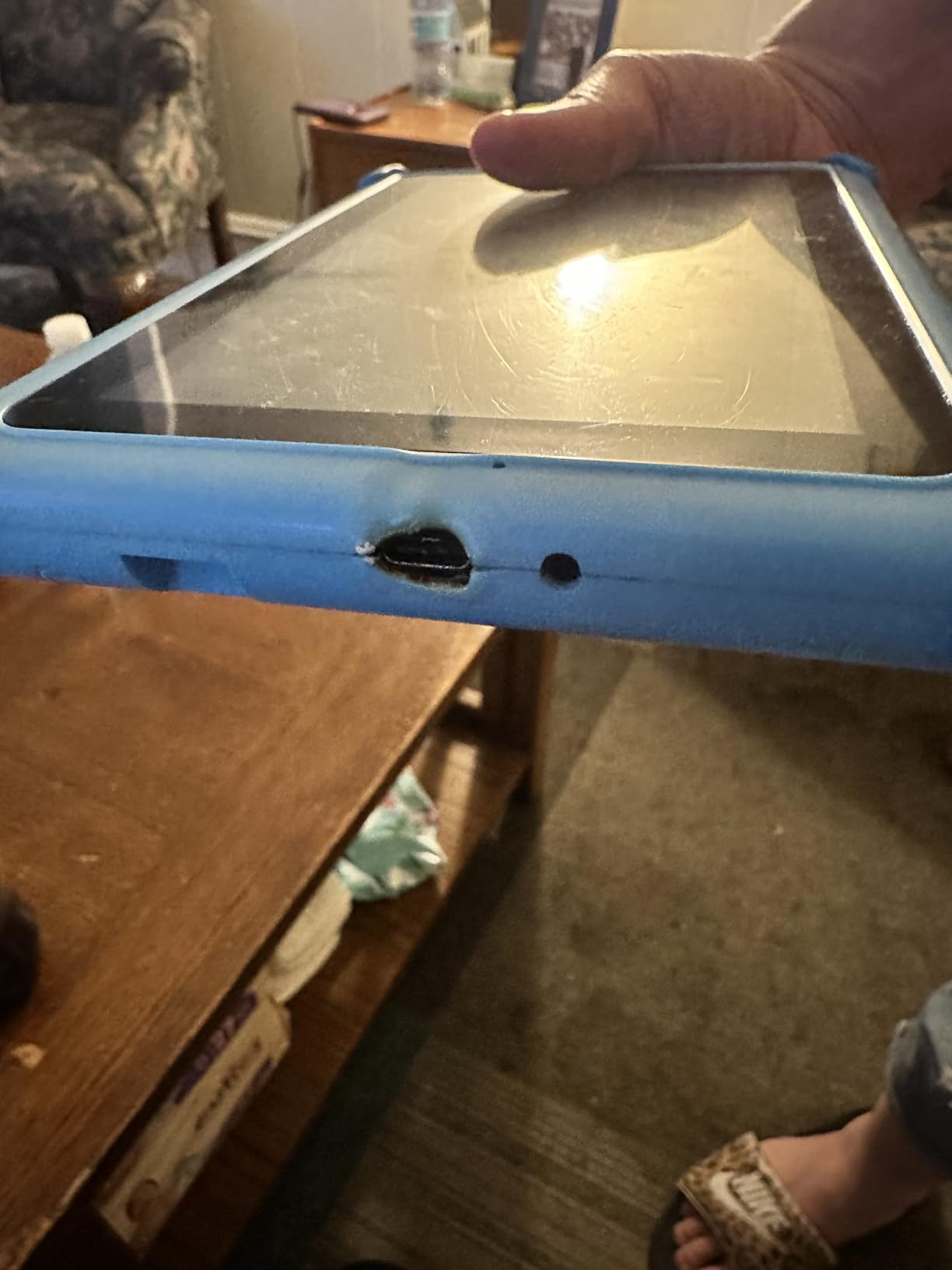
More seriously, some buyers report devices stopping working after a few months, with warranty support hard to reach. A 2-year warranty is listed, which is better than most of this tier, but the claim experience is what determines whether it is usable.
For whom it’s good
Households with two or more children aged three to seven sharing a single device, where profile separation matters more than processing power. The 7-inch size and included stand case suit small hands particularly well.
It is a reasonable travel device for that same reason, since there is no heavy tablet to hold on a plane.
For whom it’s bad
A child who will use drawing or video apps for an hour at a stretch. Two gigabytes of RAM is the limit here, and it shows.
If reliability over three years is the priority, buy the Fire 7 Kids instead — it costs more and has a two-year worry-free guarantee, but the review volume behind it is an order of magnitude larger.
How to Choose a Kids Tablet for Learning
Here is how we would decide if we were starting from scratch, in the order the decisions actually need to be made. Specs come last, and they matter least.
Pick the age band before the spec sheet
Under three, buy a learning toy, not a tablet. The LeapFrog My First Learning Tablet and the LeapTop Touch handle ages 12 months to five with no account, no content risk and no charging anxiety. Trying to run a connected tablet for a two-year-old solves a problem that does not exist yet.
Three to seven is where the Fire 7 Kids and the zcobro 7-inch model live. Eight to twelve is where the Fire HD 8 Kids Pro, the Samsung Galaxy Tab A9+ Kids Edition and the JIKOCXN tablet become the right size. Buying above the band is the most common mistake we see, and it usually means paying for a screen a child cannot hold.
Decide walled garden versus open Android
This is the real decision, and it is a values decision more than a technical one. A walled garden — Amazon Fire OS, Samsung Kids, the LeapFrog App Center — gives you a hard content boundary and a curated library with almost no configuration. An open Android tablet with Google Play gives you every app including the ones you did not want, managed by parental controls you set yourself.
If your child will start school within two years, lean open. Google Classroom, Docs and district apps do not exist on Fire OS, and the Fire is genuinely poor at productivity, which is a trade-off parents accept without fully understanding it.
Budget for the subscription, not just the device
The included Amazon Kids+ content on the Fire tablets is a trial, and it renews monthly when it ends. On the LeapFrog side, a three-month Academy trial is included but most games and the subscription itself cost extra. That is a recurring line item, not a one-off.
So do the maths over two years, not over one. A tablet that is cheaper up front and carries a mandatory renewal can cost more across a school cycle, and the free-to-run Android options on this list are worth considering for exactly that reason.
Parental controls depth matters more than horsepower
Every tablet here runs a learning video smoothly. What separates them is how precisely you can control who sees what. Per-child profiles, per-child time limits, app approval workflows and pre-approved website lists are worth more than an extra four gigabytes of RAM.
Two practical warnings. The kids-mode password on two of the budget Android tablets here ships as 0000, so change it before anyone else finds it. And no matter which device you choose, a child can usually reach content through the browser unless you block it explicitly.
Durability, cases and the two-year guarantee
Children drop devices. The relevant questions are whether a case is included, whether it has a handle or stand, and whether the manufacturer replaces rather than repairs. The Fire kids tablets carry a two-year worry-free guarantee, which is the strongest protection in this category, and the included cases on the LeapFrog devices are genuinely robust.
Pay attention to weight and grip next. A 1 kg slab is not a tablet for a five-year-old, whatever its screen size says.
Shared devices and multiple children
If two children of different ages will use one tablet, test profile separation before you buy. The zcobro 7-inch model and the Fire tablets both support per-child profiles with separate limits, and the Samsung Kids mode handles age gating well but is harder to reconfigure from a parent account once set up.
Also check the two-parent problem, because it catches people: on Amazon devices, adding books and apps to a child’s profile has to be done from a parent account, and a second caregiver managing it is the step most households find frustrating.
Finally, on screen time itself. The American Academy of Pediatrics recommends keeping media balanced with sleep, activity and hands-on play, and the pushback we saw in parent forums is the same one: books and unstructured play teach more than a screen. Whatever you buy, agree on the daily limit in advance and set it in the app, rather than negotiating it every evening.
Frequently Asked Questions
What are the best educational tablets for kids?
The best educational tablets for kids depend on age. For a first device under five, the LeapFrog LeapTop Touch is the strongest pick because nothing can go wrong. For ages three to seven, the Amazon Fire 7 Kids combines a kid-proof case, age filtering and a ten-hour battery. For ages six to twelve, the Amazon Fire HD 8 Kids Pro adds 64GB of storage, a 13-hour battery and a two-year worry-free guarantee.
What is the best tablet for kids to study on?
The Amazon Fire HD 8 Kids Pro is the best tablet for kids to study on because it balances a bright 8-inch HD screen, 13-hour battery life, 64GB of expandable storage and parental controls that hold. If your child needs Google Classroom or school apps, the Samsung Galaxy Tab A9+ Kids Edition is the better choice since it runs standard Android and includes three styluses in the box.
What is the best tablet for helping kids learn to read?
For learning to read, the LeapFrog LeapPad Academy is the most purposeful device because it ships with a stylus for letter tracing and offers more than 20 educator-approved apps covering reading and phonics. Its one-hour battery is a real drawback, so keep a charger nearby. For independent reading in a calm format, pair any of the picks with a library app rather than expecting the tablet itself to replace books.
Should my 7 year old have a tablet?
A 7 year old can absolutely have a tablet, and it is a reasonable age once a child can read the on-screen controls and follow a simple rule set. The American Academy of Pediatrics recommends balancing screen use with sleep, physical activity and hands-on play rather than avoiding screens. We would set an agreed daily limit in the parental dashboard before handing the device over, and choose a model with a case and a handle for this age.
Do Fire tablets work with Google Classroom?
Fire tablets run Amazon Fire OS, which does not include the Google Play Store, so Google Classroom and most school-district apps are not available. If a school requires Google Classroom, choose a tablet running standard Android, such as the Samsung Galaxy Tab A9+ Kids Edition, the JIKOCXN 10-inch model or the HOTTABLET 7-inch tablet, all of which have full Google Play access.
Which Kids Tablet Should You Buy in 2026?
Start with the age. Under five, buy the LeapFrog LeapTop Touch, and treat it as a birthday gift that costs less than you expect and cannot break your routine. From three to seven, the Amazon Fire 7 Kids is the value pick, with a case, a ten-hour battery and the simplest parental dashboard in the category — just set a reminder before the included year of content expires.
From six to twelve, our overall recommendation as an all-rounder is the Amazon Fire HD 8 Kids Pro, which carries the strongest combination of rating and review volume on this list. If school platforms are already on the horizon, the Samsung Galaxy Tab A9+ Kids Edition is the one to buy instead, because it runs real Android and includes three styluses in the box.
For families wanting an open Android tablet at a lower running cost, the COLORROOM 10.1-inch and JIKOCXN 10-inch models both pre-install content filters and avoid a mandatory subscription, while the HOTTABLET and zcobro 7-inch devices suit small hands and shared use. Whichever you choose, set the daily limit in the app before the first handover — and remember that a tablet supplements reading and play rather than replacing them.