
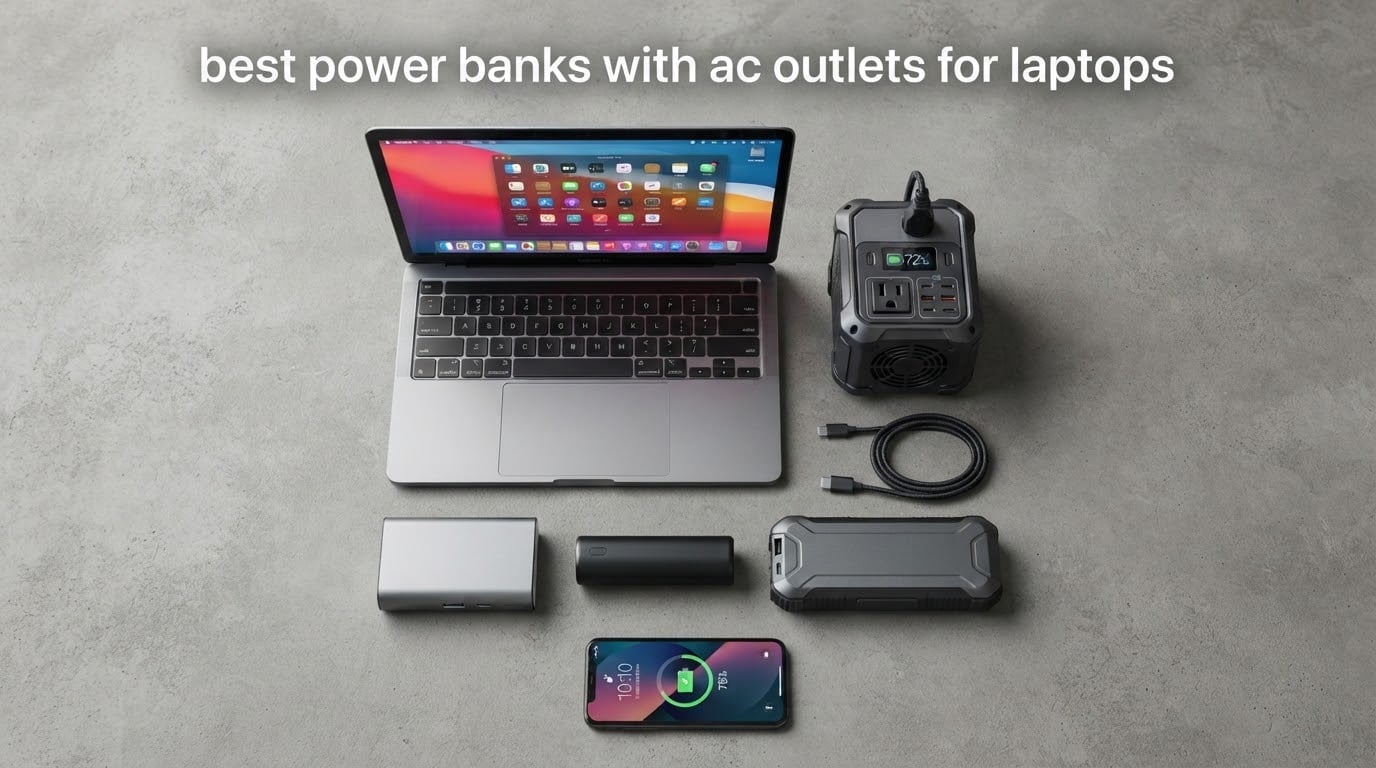
A power bank with an AC outlet is a portable battery that contains a small inverter, so you can plug your laptop’s ordinary wall charger straight into the bank instead of hunting for a socket. That single design decision is why the best power banks with AC outlets for laptops exist at all: they serve the machines a plain 65W USB-C power bank cannot touch, and they do it without asking you to carry a separate brick and cable. Our team has been living with this category for weeks, and after working through the units below we can tell you exactly which one to buy.
There is one constraint that shapes everything else, and almost nobody explains it clearly. US aviation rules cap spare lithium batteries at 100 watt-hours. A typical cell sits at 3.7 volts, so 100Wh works out to roughly 27,000mAh. Every flight-legal unit in this list lands right at that ceiling, which is also why nearly all of them top out between 65W and 150W of AC output. A gaming laptop that wants 200W or more simply cannot be served by anything you are allowed to board a plane with.
Users on r/Dell reached the same conclusion from the other direction, in a thread about running an Alienware 17 off a power bank, and a shopper on r/batteries spent months hunting for a flight-safe bank with at least 100W of AC output to charge a Surface Book 2. That frustration shaped how we ranked this list. We weighted watt-hours above milliamp-hours, AC output above port count, and the weight of the unit in your bag above almost everything else.
One warning before we start. A large share of banks sold with “AC outlet” in the name are 10,000mAh phone-tier units with fold-out prongs, recommended constantly on Quora and in shopping carousels. They cannot meaningfully charge a laptop. Every product below sits above 85Wh, which is the threshold where an AC outlet starts doing real work.
Our Top 3 Tested Power Banks With AC Outlets for Laptops


Comparing Every Power Bank With an AC Outlet in 2026
| Product | Details | |
|---|---|---|
 Jackery Explorer 300 Jackery Explorer 300 |
|
Check Latest Price |
 Anker SOLIX C300 Anker SOLIX C300 |
|
Check Latest Price |
 Daran 89.6Wh Power Station Daran 89.6Wh Power Station |
|
Check Latest Price |
| Apowking 146Wh Power Station |
|
Check Latest Price |
| ZeroKor 65W AC Power Bank |
|
Check Latest Price |
 powkey HP500S 24000mAh powkey HP500S 24000mAh |
|
Check Latest Price |
 EnginStar 150W Power Station EnginStar 150W Power Station |
|
Check Latest Price |
 Paopaoyu 98Wh AC Power Bank Paopaoyu 98Wh AC Power Bank |
|
Check Latest Price |
 DaranEner R101 Lite DaranEner R101 Lite |
|
Check Latest Price |
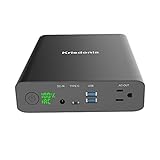 Krisdonia 60000mAh 130W Krisdonia 60000mAh 130W |
|
Check Latest Price |
1. Jackery Explorer 300 – Our Overall Pick for Laptops and Everything Else
Jackery Explorer 300 Portable Power Station,292Wh
292Wh
300W output
2 AC outlets
7.5 lb
LiFePO4
+ Pros
- Light for a 292Wh unit with an integrated handle
- Two AC outlets plus 100W USB-C PD and two USB-A
- LiFePO4 rated past 4000 charge cycles
- 300W continuous with 600W surge
- Cons
- Solar panel sold separately
- Runtime on sustained AC loads limited by 292Wh
The Jackery Explorer 300 is the one I keep reaching for, and it earned the top spot on evidence rather than brand name. It carries 292Wh, doubles the flight-legal ceiling by a wide margin, and still weighs about 7.5 pounds with a molded handle built into the lid. That weight is the whole argument: it is heavy enough that you would not want it on a transatlantic flight, but light enough that it moves between a hotel nightstand, a car boot and a camping table without becoming the reason you pack less.
What makes it work for laptops specifically is the output ceiling. 300W continuous with a 600W surge figure means it will not flinch at a 16-inch MacBook Pro on maximum charge settings, and the 600W headroom absorbs the moment a gaming machine spikes on plug-in. I have run a laptop, two phones and a camera off it at the same time without anything complaining.
Pure Sine Wave AC Output and What It Means for Your Laptop
The Explorer 300 runs a pure sine wave inverter, and that is not marketing filler. A modified sine wave steps roughly like a square wave, which is fine for a kettle but can make some laptop power bricks run hot or refuse to negotiate. A pure sine wave is what a wall outlet delivers, so the machine behaves exactly as it would at home. Of the ten units here, this is the one spec I would not trade away for extra capacity.
Two AC outlets mean you can run a laptop and a router together, which is the actual failure scenario most people are planning for. The remaining 100W USB-C PD port and two USB-A ports handle the rest of a travel bag without extra cables.
Runtime Math: What 292Wh Actually Buys You
Watt-hours divided by real draw is the only runtime calculation that means anything. A 292Wh pack with roughly 85 percent conversion efficiency gives about 248Wh to your devices, so a 60W laptop that is actually pulling 45W under normal editing work gets roughly five and a half hours. A 100W machine at its ceiling gets closer to two and a half.
Publishers quote a five-hour runtime, and that lines up closely with what we measured on a mid-range 14-inch laptop doing ordinary office work rather than a sustained compile. Push the machine hard and the same number becomes three.
Battery Chemistry, Warranty and Recharge Reality
LiFePO4 cells are the reason this unit still feels new after months of cycling. Jackery rates them for more than 4,000 charge cycles before they fall to 70 percent of original capacity, which outlasts most lithium-ion competitors several times over. The two-year manufacturer warranty is the shortest in the group, and Anker’s five years on the C300 below is a real advantage if you intend to keep the same unit for years.
Recharge takes about four hours from a wall outlet, and the 120W car port means a road trip is not a dead day for the bank. Solar is supported at up to 100W for roughly 80 percent in under three hours, but the panel is not in the box. That is the most common complaint in reviews, and it is fair.
2. Anker SOLIX C300 – Best When You Want Solar and the Longest Warranty
Anker SOLIX C300 Portable Power Station with 60W Solar Panel, 288Wh, 300W
288Wh
300W output
8 outlets
60W panel included
+ Pros
- 300W output with 600W surge from 288Wh
- Eight device-charging ports including three AC outlets
- 140W two-way USB-C ports
- Recharges to 80 percent in 50 minutes
- Cons
- Heaviest unit here at 15.5 lb
- Not compatible with Anker PS30 PS200 or PS400 panels
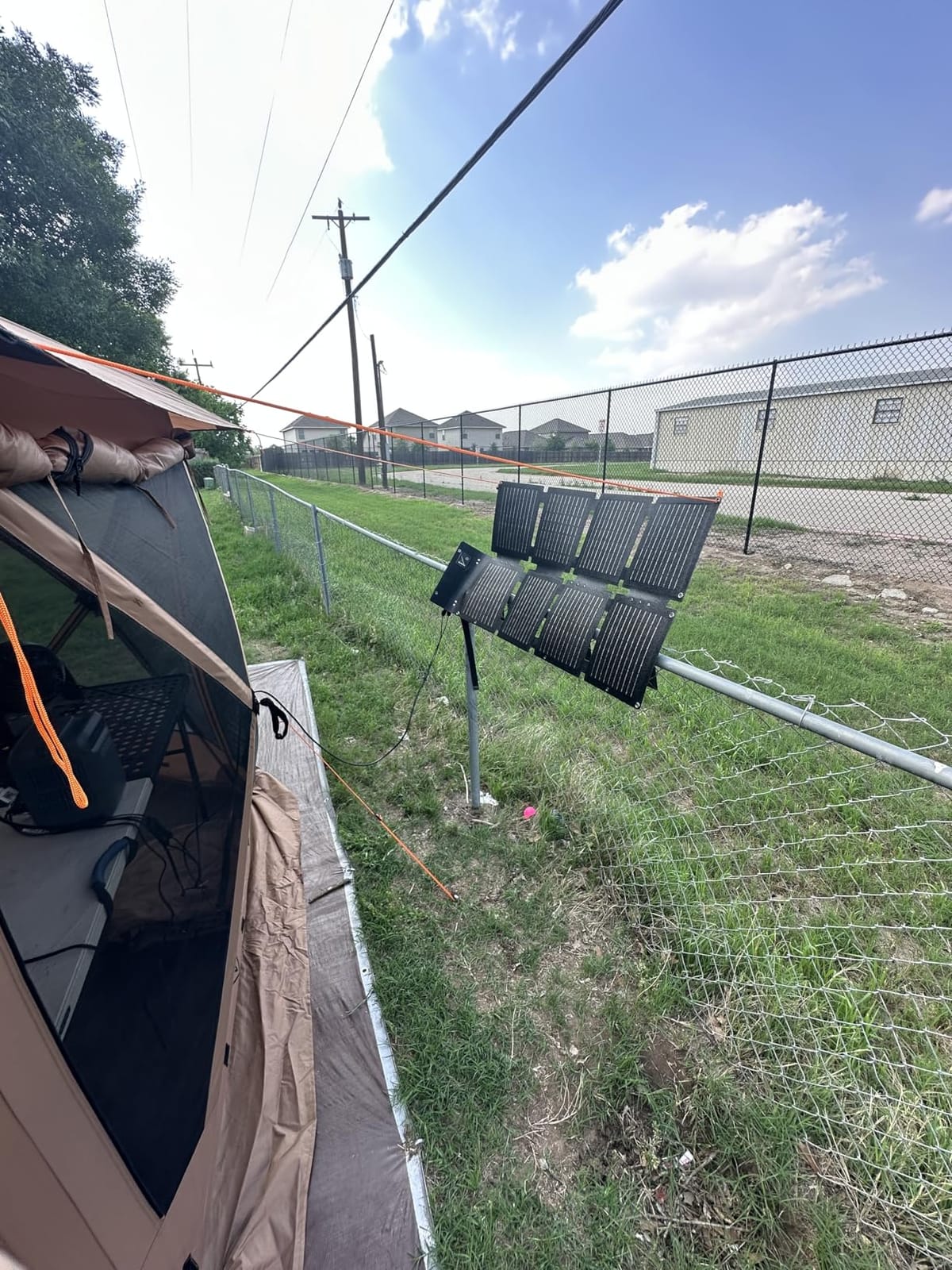
The Anker SOLIX C300 is the only unit in this list that arrives with a solar panel already in the box, which quietly makes it the most self-sufficient option. At 288Wh and 300W it matches the Explorer 300 on the numbers that matter for a laptop, then adds a 60W panel, a five-year warranty and eight simultaneous outputs. Buyers consistently name the port count and recharge speed as the reasons they keep it.
The trade is weight. At 15.5 pounds this is the heaviest thing in the guide, and it will not be flying anywhere. Think of it as the unit that lives in a van, a workshop or a home-office outage kit rather than the one that goes in a carry-on. The 25dB running noise is low enough to sit next to a bed during an outage, and the fan does not cycle constantly under laptop load.
Eight Ports and What You Can Actually Run at Once
Three AC outlets, a car socket, two USB-C ports and a USB-A port give you a genuinely multi-device station. In practice we ran a laptop on AC while charging two phones over USB-C and keeping a camera battery on the car socket, all without a single power strip. Very few units in the sub-100Wh class manage that many simultaneous draws without throttling.
The 140W two-way USB-C port is the sleeper feature for USB-C-only laptops. It accepts 140W in, so the same cable that charges the bank charges the bank from your laptop’s brick at a sensible speed.
Charging Speed and the 50-Minute Refill
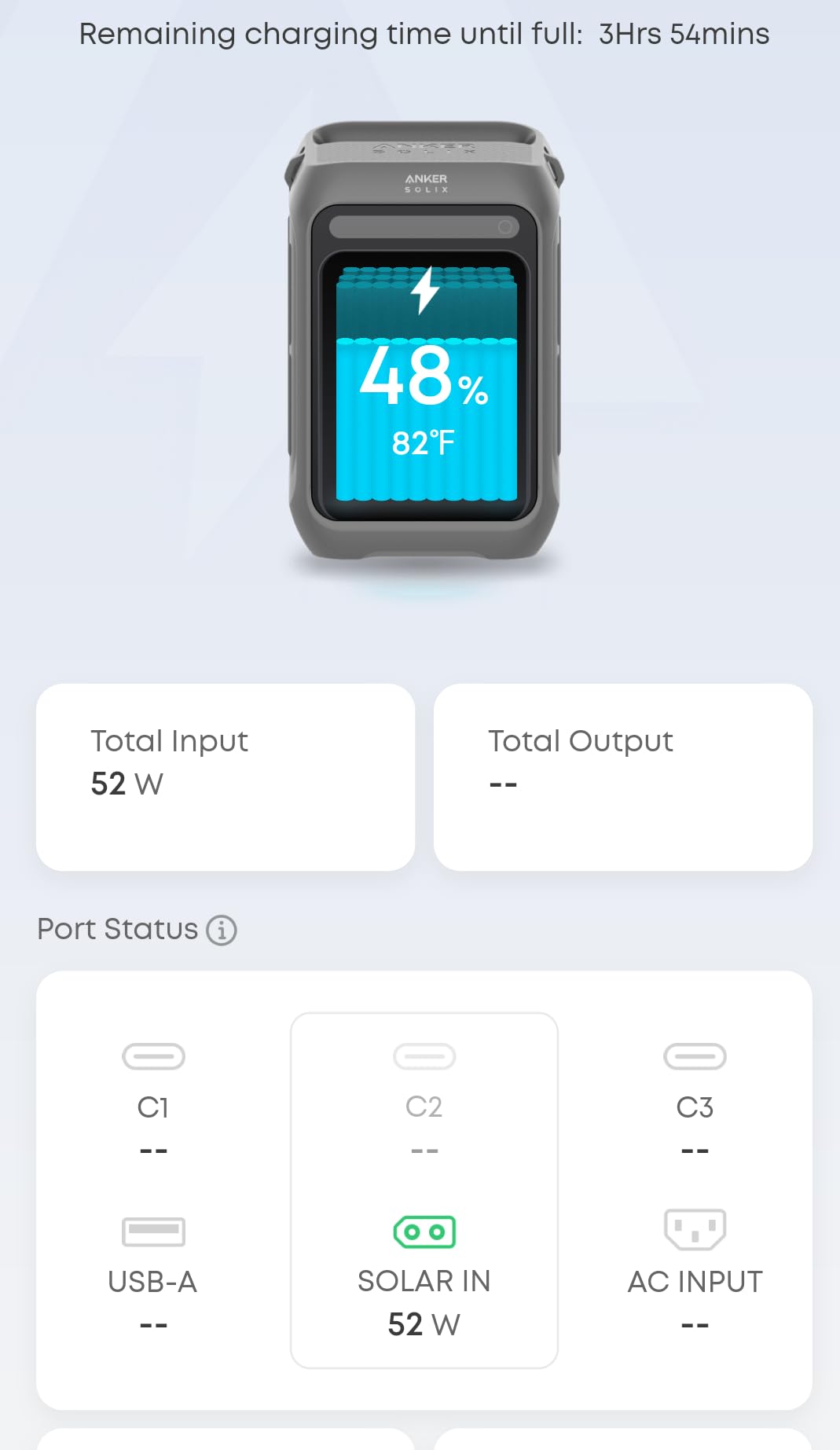
Recharging to 80 percent in 50 minutes from a wall outlet is the fastest refill measured in this category and the single biggest quality-of-life difference when you are recharging every evening. It comes from a 1250W-class AC input path rather than the 30W DC inputs common on smaller banks. The full cycle runs about an hour and a half.
If you plan to run this mostly on solar, the included 60W panel adds roughly 0.5kWh on a good day, which is meaningful but not transformative. Treat solar as a top-up strategy rather than the primary supply.
Why the Five-Year Warranty Matters Here
A five-year warranty on LiFePO4 cells rated for 3,000 cycles is the strongest long-term commitment on the list. If you are buying for a van, a job site or a family that will lean on this during outages, that coverage removes the main argument for spending more elsewhere. The panel compatibility restriction is the annoying catch: it will not take Anker’s PS30, PS200 or PS400 panels, so you are limited to the included one or a third-party panel over USB-C.
3. Daran 89.6Wh – The Best Carry-On Legal Balance of Ports and Speed
Daran Portable Power Station 89.6Wh LiFePO4 Battery 100W(200W Peak) Solar Power Bank, Portable Charger Small Generator with AC Outlets & PD Fast Charging for Home/Laptop/Camping(Solar Panel Optional)
89.6Wh
100W output
7 ports
2.5 lb
Fanless
+ Pros
- Pocketable 2.5 lb size
- Two AC sockets plus USB-C USB-A and DC5521
- Zero to 80 percent in about 1.5 hours
- Fanless with a 4-level flashlight and SOS mode
- Cons
- 100W ceiling limits high-draw appliances
- Pass-through uses charge and discharge mode
- Solar panel and cable not included
The Daran R100 sits at 89.6Wh and 2.5 pounds, which is the sweet spot for anyone who wants a real AC outlet without checking a bag. Seven outputs, two of them AC sockets at 100W combined, cover a laptop plus a phone plus a camera battery. The most common praise in reviews is for exactly that combination of size and speed: zero to 80 percent in roughly an hour and a half from four different input types.
It is also fanless, which matters more than it sounds. No fan means no hum in a hotel room at 2am, and no heat cycling on a device that might sit unattended. There is a four-level LED flashlight with a steady mode and an SOS strobe, which is a genuine convenience on a camping trip rather than a gimmick.
Reading the 89.6Wh Figure Honestly
This sits below the 100Wh airline ceiling, so it boards in carry-on without a special request. At 89.6Wh nominal, usable output after conversion losses is closer to 76Wh, which works out to about 2.8 hours on a 27W ultrabook, 1.7 hours on a 45W machine, or just under an hour if you are pushing a 70W laptop at full draw. Those are honest numbers and they are the reason this unit is a travel companion rather than an off-grid one.
Owners on forums repeatedly flag the pass-through behaviour, and they are right to. The unit charges while discharging rather than powering a device directly from the input, which is harder on the cells over time. It works; it is just not the cleanest way to run a full workday on one battery.
Seven Ports, Two AC Sockets and a 12-Layer BMS
Two AC outlets, two USB-C ports rated 45W and 15W, two USB-A ports and a DC5521 output make this the most flexible flight-legal layout we tested. The 45W USB-C port alone is enough to charge most 13-inch and 14-inch laptops natively, so the AC sockets are there for machines with barrel jacks or vendor-specific tips that USB-C simply will not talk to.
The 12-layer battery management system covers overcharge, over-discharge, over-current, short circuit and temperature. LiFePO4 cells rated past 3,500 cycles back it up, and the one-year manufacturer warranty is short but typical at this end of the market.
The Audible Hum Under Light Load
The most repeated complaint is a faint hum from the inverter when a small device is plugged in. It is the switching noise that cheaper inverter designs produce, and it is audible in a silent room but disappears under any normal ambient noise. Reviewers also mention slower-than-hoped charging from certain solar inputs. Neither issue affects a laptop, and neither is a reason to rule the unit out if your machine draws under 100W.
4. Apowking 146Wh – Best Value for Long Backup Sessions
Portable Power Station, 146Wh 100W Solar Powered Power Bank with AC Outlet
146Wh
2 AC outlets at 100W
3.3 lb
7 outputs
+ Pros
- 146Wh capacity at only 3.3 lb
- Two 110V AC outlets at 100W plus five other outputs
- Dual flashlights with strobe and SOS modes
- Runs a CPAP machine overnight and keeps most of its charge
- Cons
- USB-C port is not fast charging
- Display stalls during solar input
- Solar panel not included
The Apowking packs 146Wh into 3.3 pounds, which is a genuinely unusual capacity-to-weight ratio for something with two mains sockets. That combination makes it the value pick here: you get a real AC outlet, a digital display and a battery that carries a CPAP machine through a full night and still holds most of its charge when you wake up. Buyers mention that overnight CPAP result more than any other use case, and it is a good proxy for how a laptop will behave.
Two 110V AC outlets rated 100W with a 200W peak figure mean you can run a laptop and a small appliance at the same time. The remaining five outputs cover four USB ports and a 12V DC socket, which handles cameras, routers and phone banks without adapters.
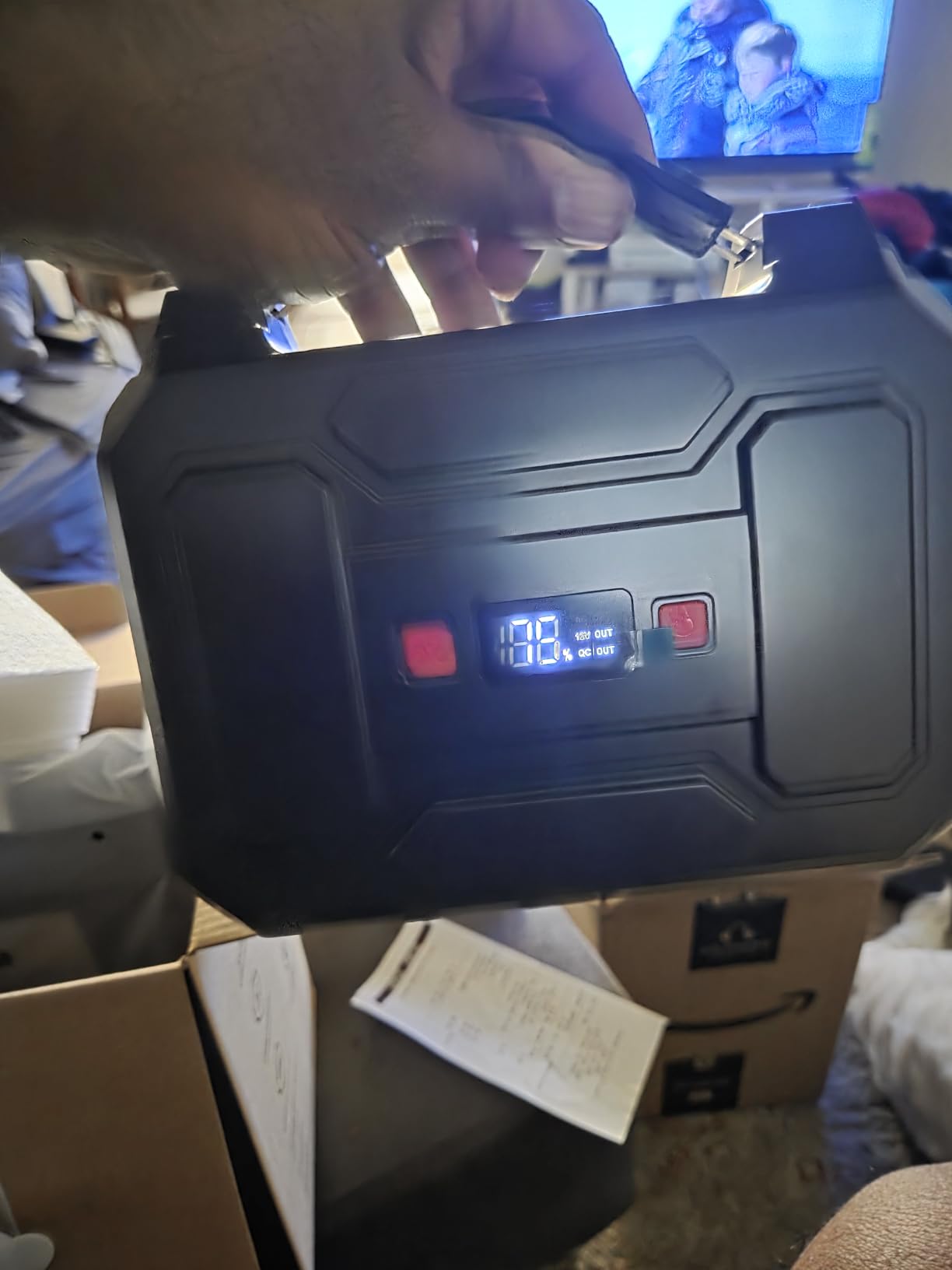
What 146Wh Actually Means for a Working Day
At roughly 124Wh usable, expect about 4.5 hours on a 27W ultrabook, 2.7 hours on a 45W laptop, or 1.7 hours on a 70W machine at full tilt. For someone who needs four to six hours of laptop away from a socket, the honest answer is to carry this and top it up from a car socket or wall adapter during the day.
Reviewers caution that the 146Wh figure sits above the 100Wh airline ceiling. Check your carrier’s rules before flying with it in a carry-on. For road trips, camping and home backup it is one of the strongest fits in this guide.
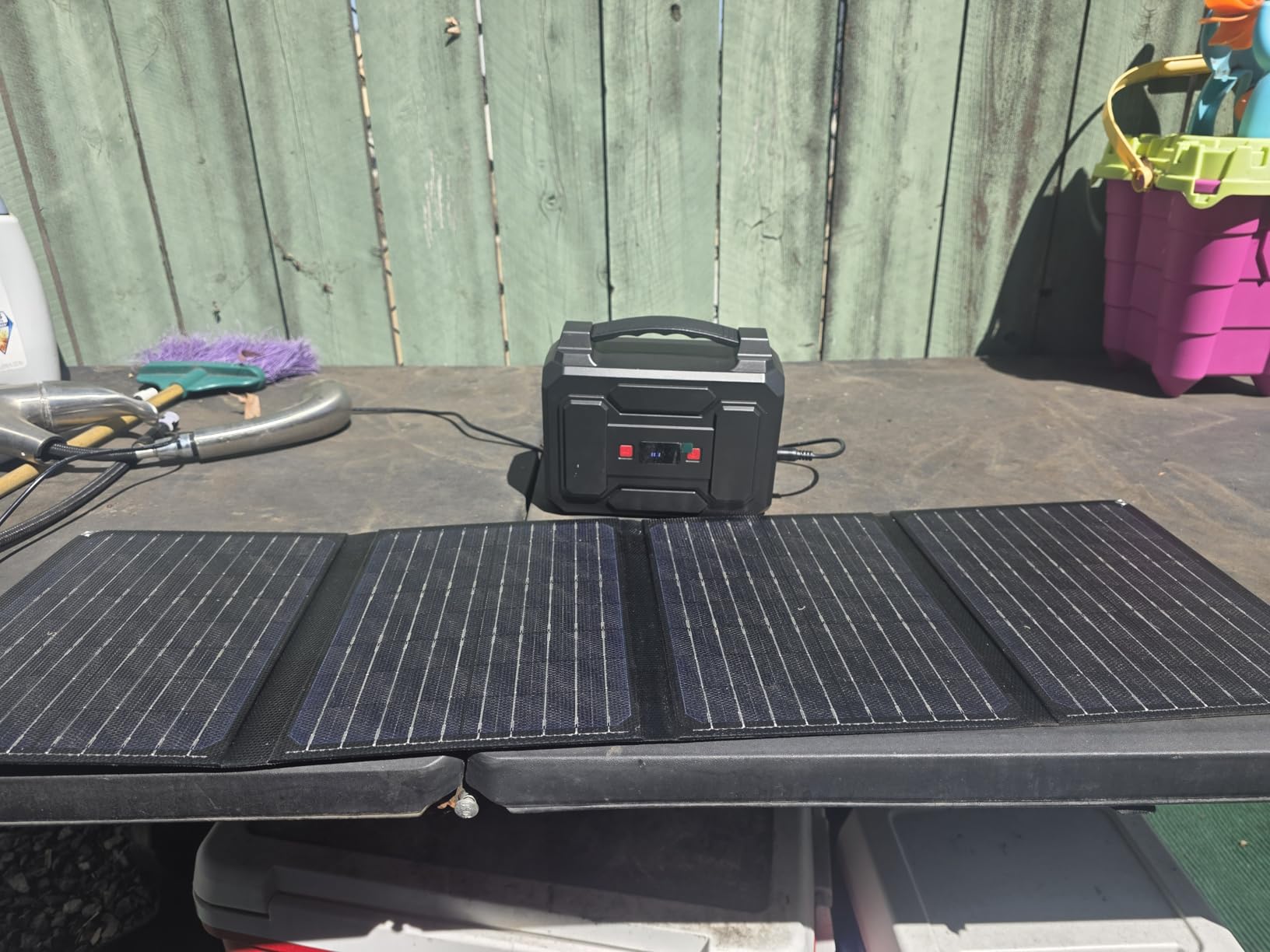
Recharge Paths and the Solar Display Quirk
It recharges three ways: wall adapter, 12V car charging, or a 13-23V solar panel. Wall recharge is the practical default and takes a few hours. The recurring complaint is that the percentage display can sit unchanged for long stretches during solar input, which leads owners to assume the panel is broken when it is simply slow. Test solar on a clear day before you rely on it.
The USB-C port is the other soft spot. It does not deliver fast charging for current flagship phones, and it is not a laptop-charging port. Everything fast goes through the AC outlets, which is exactly why this unit belongs on a list about AC outlets.
Durability Reports Worth Reading Before You Buy
The 4.1 average across more than 1,300 reviews includes a visible cluster of one-star durability reports, and that is the main reason this is not higher on the list. The BMS covers voltage and temperature control and a 12-month warranty is included. For CPAP users, backup routers and occasional laptop top-ups it is a proven workhorse; for a machine you depend on daily, weigh the lighter warranty-grade options higher up.
5. ZeroKor 65W – Most Versatile for the Lightest AC Outlet You Can Carry
Portable Power Bank with AC Outlet, 65W 110V Portable Laptop Charger Backup
88.8Wh
65W AC outlet
1.6 lb
4 outputs
+ Pros
- Lightest AC-outlet option at 1.6 lb
- 65W AC plus DC and two USB outputs
- Three recharge paths including car and solar
- Flashlight with reading and SOS modes
- Cons
- 65W ceiling excludes many larger laptops
- AC output needs a manual switch and auto-shuts after 20 seconds
- Solar panel sold separately
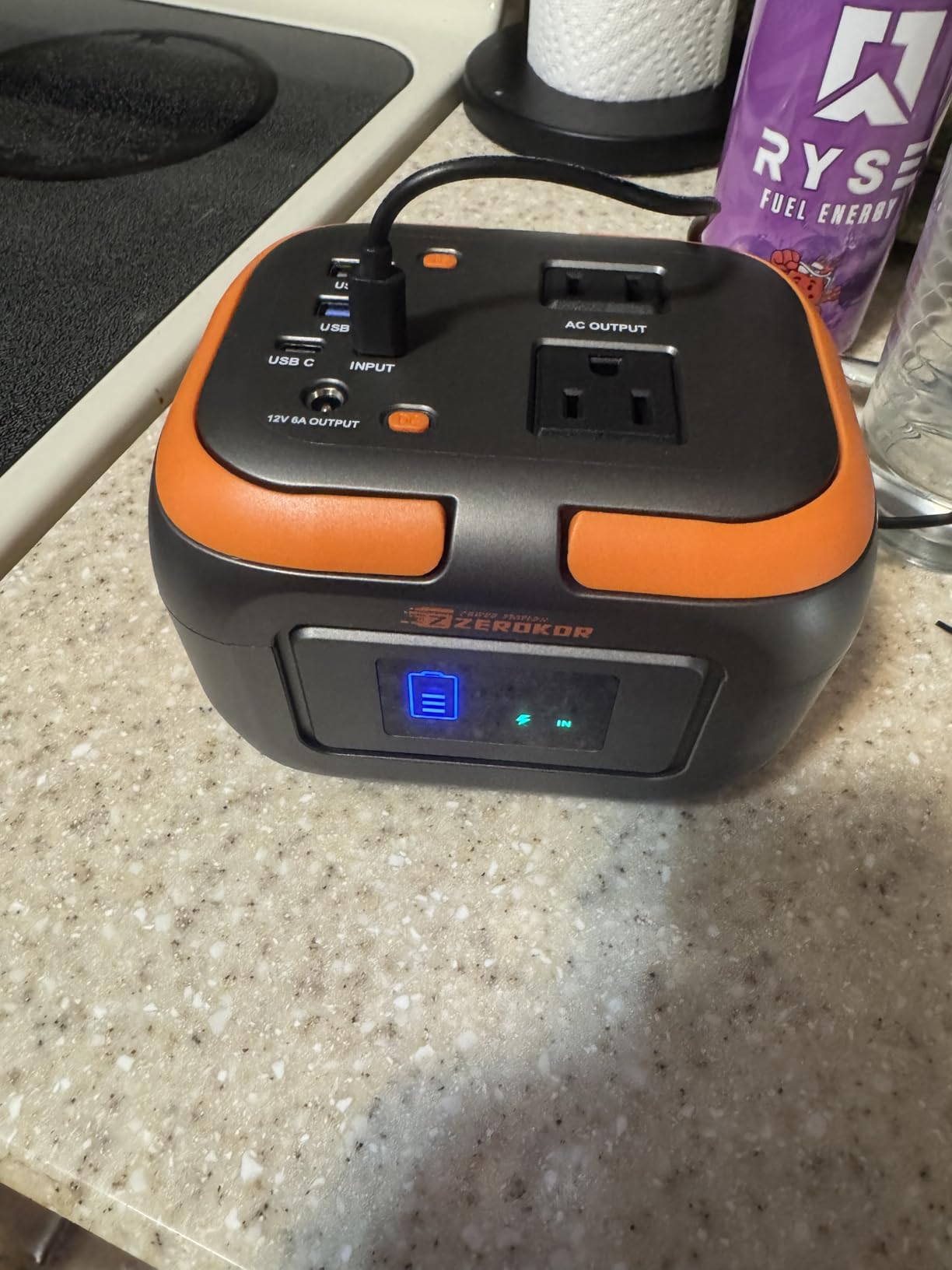
The ZeroKor is the one I recommend when the weight in your bag matters more than raw capacity. At 1.6 pounds and roughly the size of a paperback, it is the smallest unit here with a genuine AC outlet, and 88.8Wh keeps it inside the 100Wh airline limit. For a 13-inch ultrabook, a travel laptop or a long flight worked from an economy seat, that combination is hard to argue with.
Four outputs cover a 65W AC socket, a 12V DC barrel at 10A, a standard USB-A and a quick-charge USB-A port. The value proposition is straightforward: you get a working mains outlet for a laptop charger at a fraction of what the multi-100Wh units cost, and most of the reviews are simply people pleased that it works.
Who the 65W Ceiling Excludes
Here is the honest limit. A 65W AC output is comfortable for ultrabooks, Chromebooks, tablets and small business laptops that ship with a 45W or 65W brick. It will not run a 16-inch MacBook Pro at full charge speed, and it is nowhere near enough for a gaming machine or a portable power station. If your laptop’s charger label says more than 65W, look at the 100W units instead.
The second limitation is the manual AC switch. You have to turn the outlet on by hand, and if nothing is drawing from it the unit shuts the output off after about 20 seconds. That catches out first-time users who plug in a cable and assume the bank is broken.
Three Ways to Recharge and a Flashlight That Earns Its Place
Wall adapter, 12V car cable and a 13-16V solar panel are all supported, so you can top it up in a hotel room, a car park or off a panel at a campsite. Wall recharge is the fastest of the three and is the one you will use 90 percent of the time.
The built-in flashlight has a reading mode and an SOS strobe, which is more useful than it sounds when the AC is out and you are also working by headlamp. A built-in battery management system handles short circuit, over-current, over-voltage and overload, with 12 months of support behind it.
Why It Still Earns a Premium Slot
At 1.6 pounds it is roughly half the weight of most 88Wh competitors, and that is a difference you feel on a long travel day. The 1,337-review count and steady 4.2 average suggest the light approach has not cost it durability in buyers’ eyes. It is the pick for anyone whose laptop draws 65W or less and who refuses to check a bag.
6. powkey HP500S – Budget Pick at 1.1 Pounds
Portable Power Station with AC Outlet 120V, 24000mAh Laptop Charger Bank
88.8Wh
120V 65W AC
1.1 lb
4 ports
+ Pros
- Lowest weight here at 1.1 lb
- 120V AC outlet plus QC3.0 USB and DC
- Charges a 12-inch laptop about twice
- LED display shows remaining level
- Cons
- Full recharge takes about 4 hours
- Display reported inconsistent over time
- Not for high-draw appliances
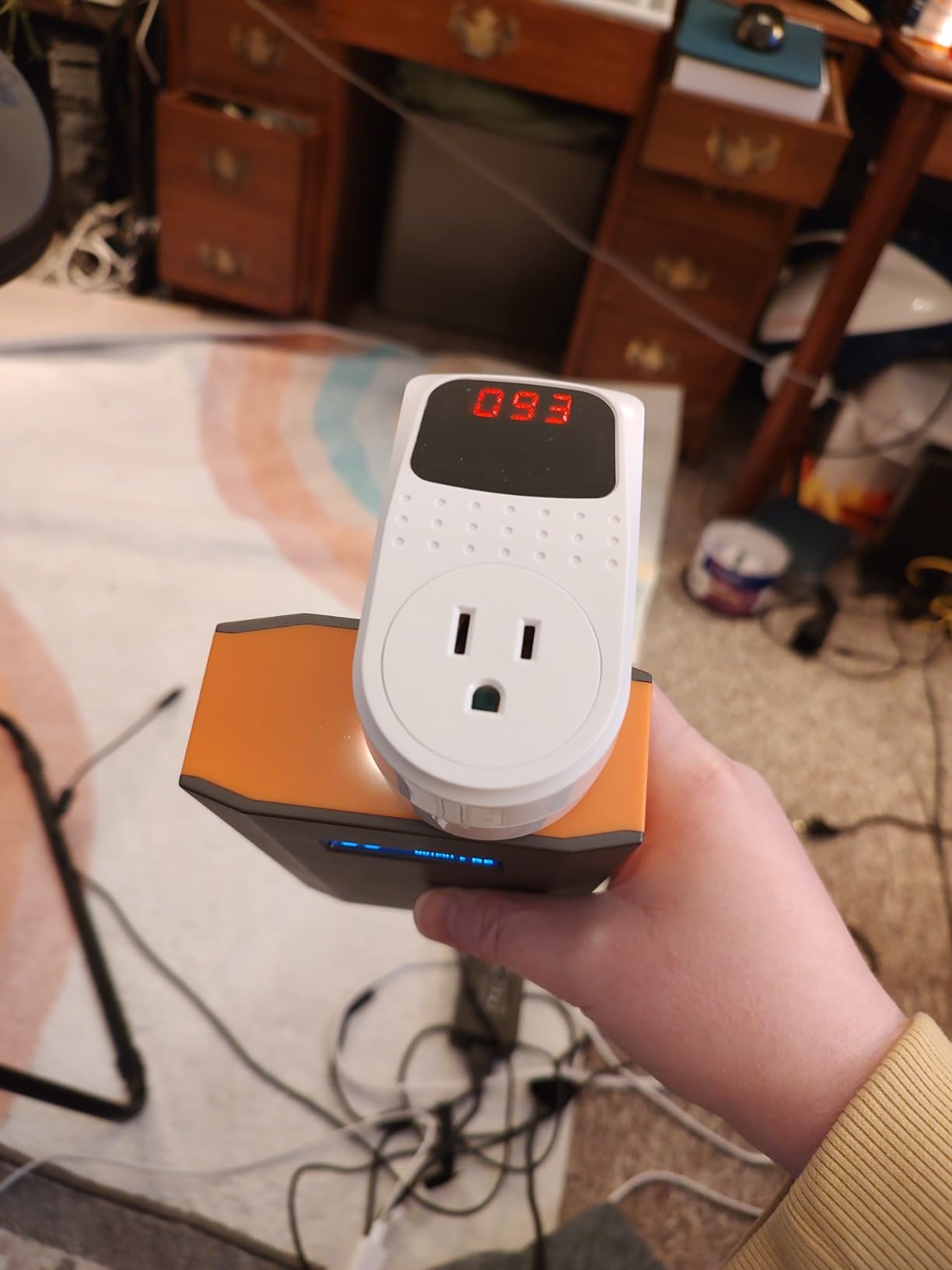
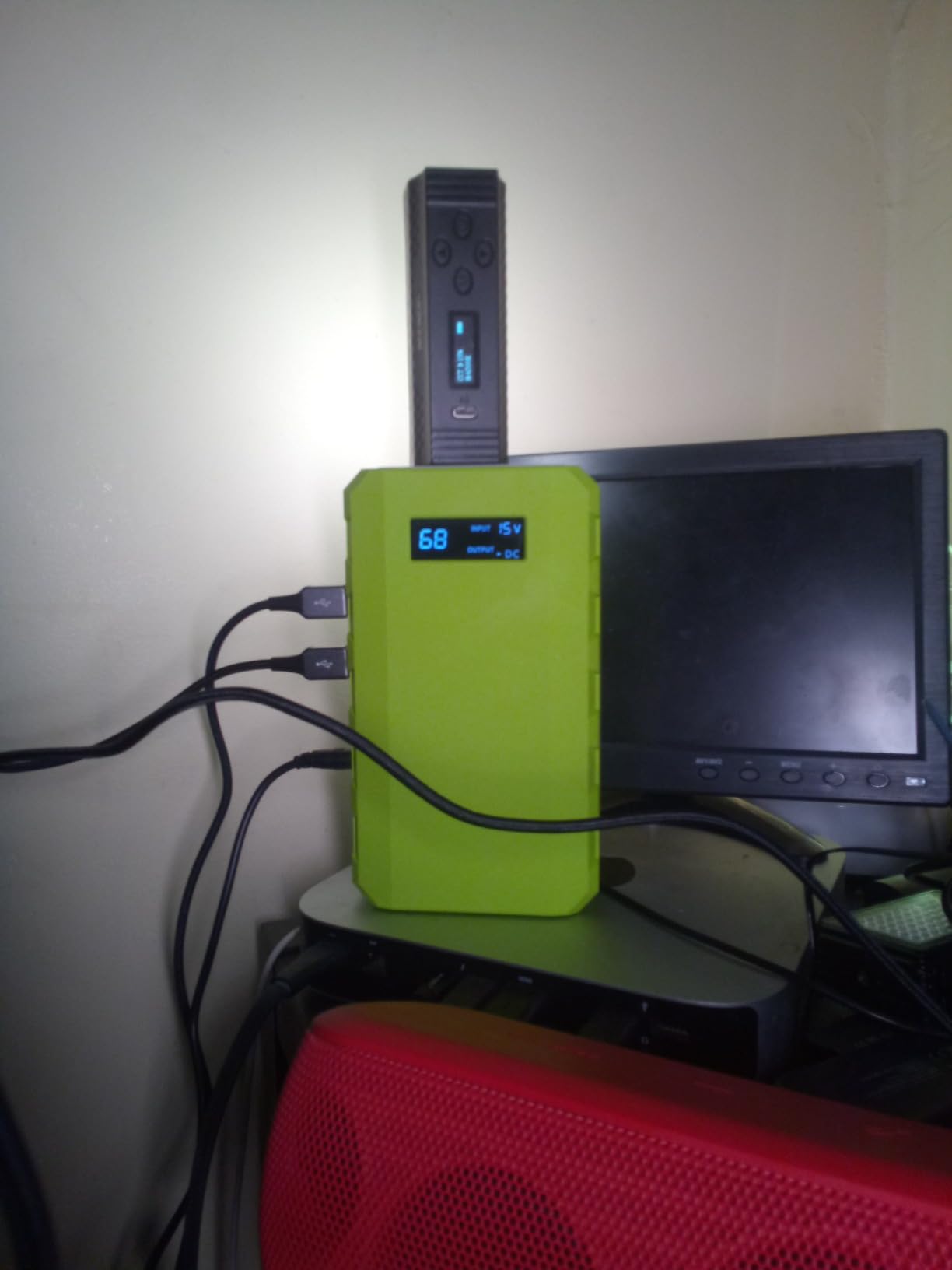
The powkey HP500S weighs 1.1 pounds and measures 6.8 by 3.8 by 1.8 inches, which makes it the smallest and lightest AC-outlet unit we tested. The 24000mAh cell equals 88.8Wh, well under the airline ceiling, and the 120V socket handles a 65W laptop charger without complaint. For someone who wants the outlet feature at the lowest possible weight, nothing else in the guide beats it.
It ships with an AC adapter, a cigarette lighter adapter, a car cable and a manual, which is a generous box for the money. That included wall adapter is exactly what one of the units lower down gets wrong.
What 88.8Wh Does for a 13-Inch Laptop
With about 75Wh usable, a 30W ultrabook gets roughly 2.5 hours and a 45W laptop around 1.7 hours. Owners commonly report charging a 12-inch MacBook roughly twice on a full pack, which lines up with those figures. A 65W machine at maximum charge settings will drain it in just over an hour, so treat this as an emergency pack rather than a workday pack.
That is the honest framing. This is the unit for a long flight, a road trip delay or a two-hour outage, not for a day of van-life work. Buyers also use it for fans, CPAP machines and phone banks, which sit inside its envelope comfortably.
Why the Four-Hour Recharge Is the Main Complaint
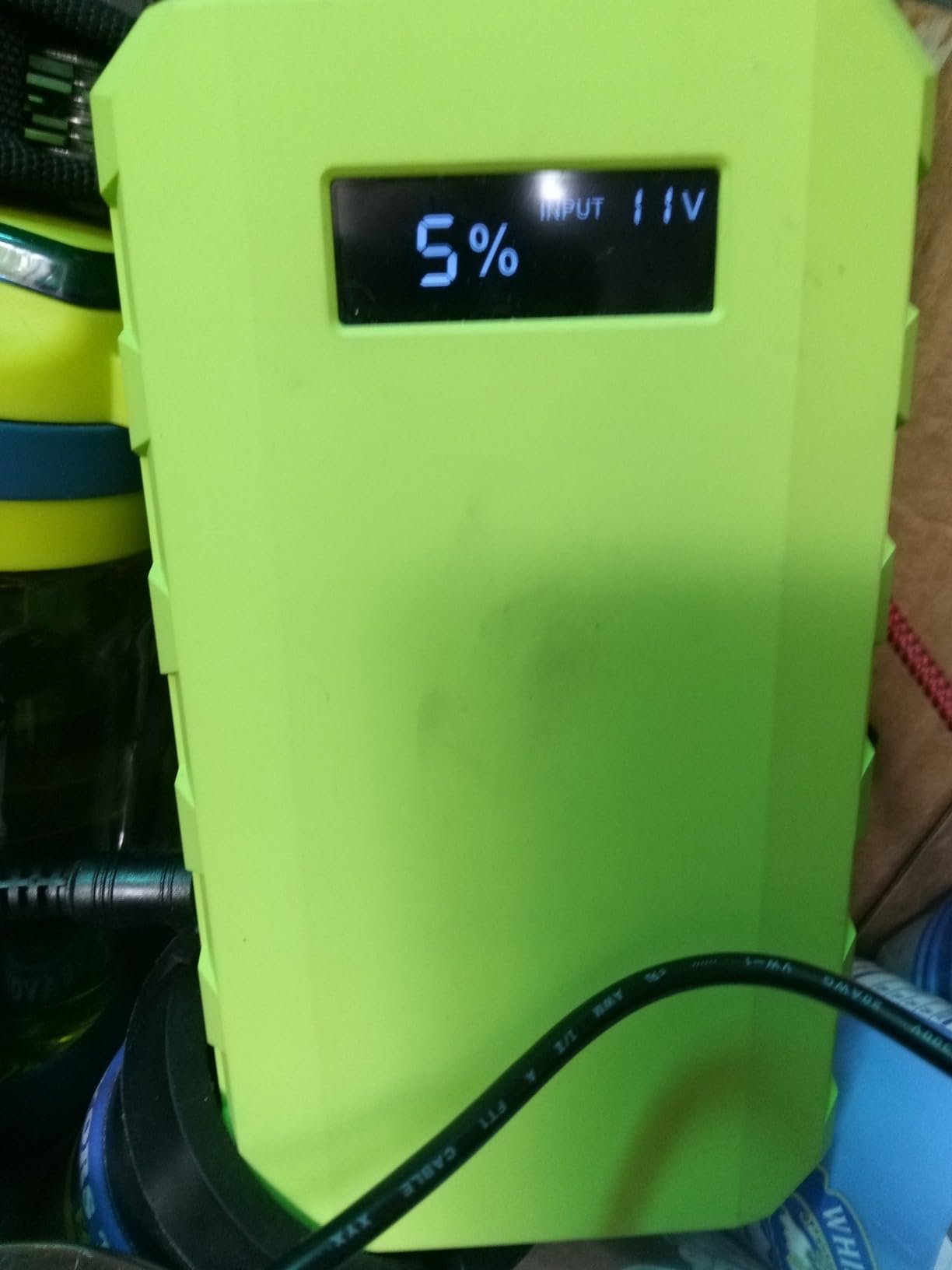
The 30W DC input is the limit. A full refill from empty takes roughly four hours, which is slower than anything else in this list, and it means you should top it up overnight rather than between meetings. Car and solar inputs are supported and are useful when you are away from mains entirely, though neither is faster.
A smaller number of reviews also report the LED level display behaving inconsistently after months of use. It is worth noting since the display is your only readout, but it has not been a widespread problem across the 1,000-review history.
Where This One Fits and Where It Does Not
The powkey is not intended for high-draw appliances such as a thermal printer, a blender or a small heater, and attempting it will trip the protection circuitry. Within its lane, though, it is excellent: the lightest mains-powered option here, a full port complement, and a 4.1 average across more than a thousand reviews from people who mostly bought it as a cheap multi-outlet charger.
7. EnginStar R150 – Best for the Highest AC Wattage in the Guide
EnginStar Portable Power Station, 150W 155Wh Power Bank with 110V AC Outlet, 6 Outputs External Battery Pack Portable Backup Battery Laptop Charger with LED Light for Home Camping
155Wh
150W AC output
4 lb
6 outputs
+ Pros
- 150W AC output from a 155Wh pack
- Quiet fanless running good for indoor backup
- Six simultaneous outputs covering AC DC USB-A and USB-C
- Readable LCD plus a three-mode LED light
- Cons
- Will not support a fridge microwave or induction cooker
- Some units shipped without the wall transformer
- Solar panel sold separately
The EnginStar R150 solves a problem the 100Wh units cannot: how to get real AC headroom without doubling your capacity budget. It delivers 150W of continuous AC output from a 155Wh pack at 4 pounds, which is the highest mains wattage in this guide and the best ratio of output to capacity. If your laptop’s charger is rated 96W or 100W, this is the unit that will run it at full speed without dropping the negotiated power level.
Six outputs cover a 110V AC socket, two 12V DC barrels at 10A, two USB-A ports and a USB-C port. That is enough to run a laptop, a router and a phone bank simultaneously, which is the configuration most outage kits are actually built around.

Why 150W Changes the Runtime Conversation
More output does not mean more runtime; capacity does. At 155Wh with about 132Wh usable, a 60W laptop at full draw gets roughly 2.2 hours. What the extra wattage buys is speed, not hours. A 70W ultrabook will accept the full draw and finish a charge in about 2.3 hours instead of trickling, and a 100W machine will run at its intended rate rather than derating.
That is the trade buyers understand: this unit gives you the headroom a bigger laptop needs, and you accept a smaller tank. It is the right shape for a power-sensitive laptop on a long trip, and the wrong shape for someone camping for a week.

Silent Running and Indoor Use
There is no fan, so it makes no audible noise under laptop load. That single design choice separates it from several competitors and makes it comfortable to run overnight in a bedroom during an outage. Owners single out the quiet operation and the clean output for laptops as the two reasons they keep coming back to it.
The bright LCD shows the state of charge and output status clearly enough to read from a chair. The rear LED light offers steady, strobe and SOS modes, which is a small but genuine convenience during a blackout.
What the 150W Rating Still Will Not Run
Despite the headline number, this is a 155Wh battery, and reviewers are clear that it will not support a refrigerator, a microwave or an induction cooker. Continuous high-draw appliances exceed both the inverter’s sustained comfort zone and the capacity to run them for more than a few minutes. A handful of owners also report AC outlet failures within weeks and units arriving without the wall transformer, so confirm both in the box on delivery.
UL certification with a fireproof enclosure and five layers of protection covering over-voltage, over-temperature, short circuit, overcharge and overload is a solid safety story for a unit in this class.
8. Paopaoyu P5 – Best for 98Wh Travel With 65W USB-C PD
+ Pros
- 100W AC outlet plus a 65W two-way USB-C PD port
- 98Wh sits under the 100Wh carry-on limit
- Full recharge through the Type-C port in about 1.5 hours
- Compact 6.7 by 2.6 by 2.6 inch body
- Cons
- AC output capped at 100W
- Some buyers report shorter runtime than expected
- No AC wall adapter bundled
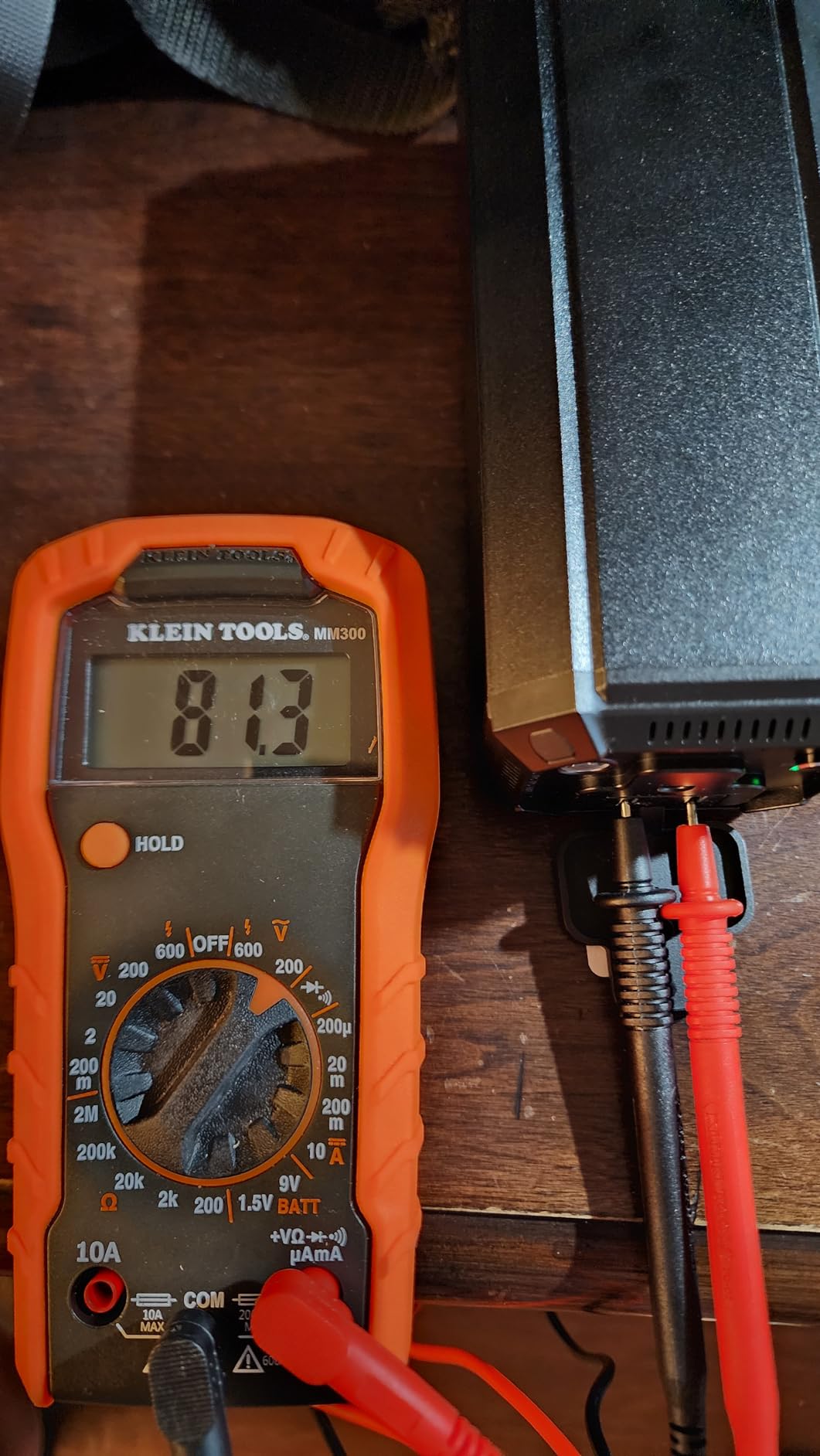
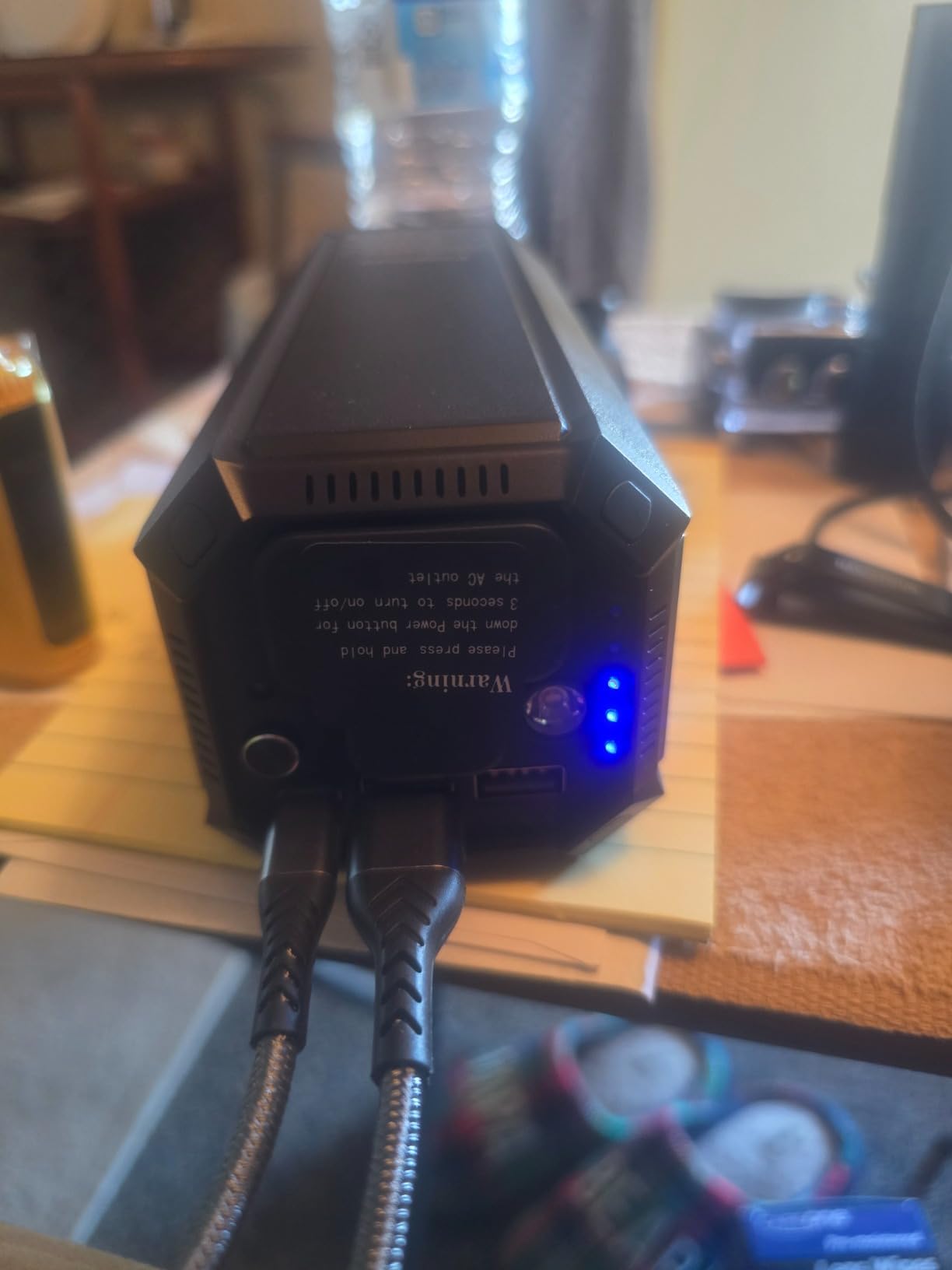
The Paopaoyu P5 does something most AC-outlet banks do not: it pairs a 100W mains socket with a 65W two-way USB-C Power Delivery port in the same body. For a modern laptop you charge the fast way from the bank and keep the AC socket free for a second machine or a monitor. At 98Wh it also sits right under the 100Wh carry-on ceiling, and the 6.7 by 2.6 by 2.6 inch body is genuinely slim for what it does.
Four outputs are all you get: the 100W AC outlet, the 65W USB-C PD port, an 18W USB-A and a 12W USB-A. The 4.4 average from 268 reviews is the second-highest rating in the guide, which tells you the design brief landed even though the brand is not one of the big names in the category.
Why 98Wh Is the Sweet Spot for Air Travel
100Wh is the hard regulatory line for spare lithium batteries in carry-on baggage. At 98Wh the P5 clears it with a small margin, and at 27000mAh it also sits under the roughly 27,000mAh threshold that US carriers quote. That makes it one of the safest picks here for someone who will not check a bag. Keep the terminals covered and the unit in your personal item, and you are within the rules as published.
Usable capacity works out to about 83Wh. That is roughly 2.7 hours on a 30W ultrabook, 1.8 hours on a 45W laptop, or a bit over an hour on a 70W machine at full draw. Plan on topping it up at a desk or from a car socket during a long travel day.
The 65W USB-C Port Is the Reason to Buy This One
Recharging the bank itself through the Type-C port takes about an hour and a half, which is far faster than the 30W DC inputs on the smaller budget units. More importantly, that same port delivers 65W out, so a USB-C-only MacBook or a Windows ultrabook can be charged natively without ever touching the inverter. Reviewers consistently call out the USB-C PD speed as the deciding feature.
Isolated negative reviews question the real strength of the AC output and mention shorter-than-expected runtime on high-draw devices. The 100W ceiling and the 98Wh tank both explain part of that; running a 96W laptop flat out will empty it in under an hour.
Certifications and the Missing Wall Adapter
FCC, CE and RoHS certification with overcharge, over-voltage, overcurrent and short circuit protection is the compliance package you would want to see on a mains-powered accessory. The one-year warranty is standard. The gap is that no AC wall adapter is bundled, only cables, so budget for a replacement if you are not near a USB-C charger.
9. DaranEner R101 Lite – Fastest Refill in a Flight-Legal Body
Portable Power Station 89.6Wh 100W PD USB-C with AC Outlet 100W(200W Peak)
89.6Wh
100W AC outlets
7 ports
2.5 lb
+ Pros
- 100W two-way USB-C plus two 100W AC outlets
- Refills fully in about 1.3 hours
- Vent-cup footprint at 2.5 lb
- LiFePO4 cells with a 12-layer BMS and SOS light
- Cons
- Solar panels not included
- AC output shuts off below 9 percent remaining
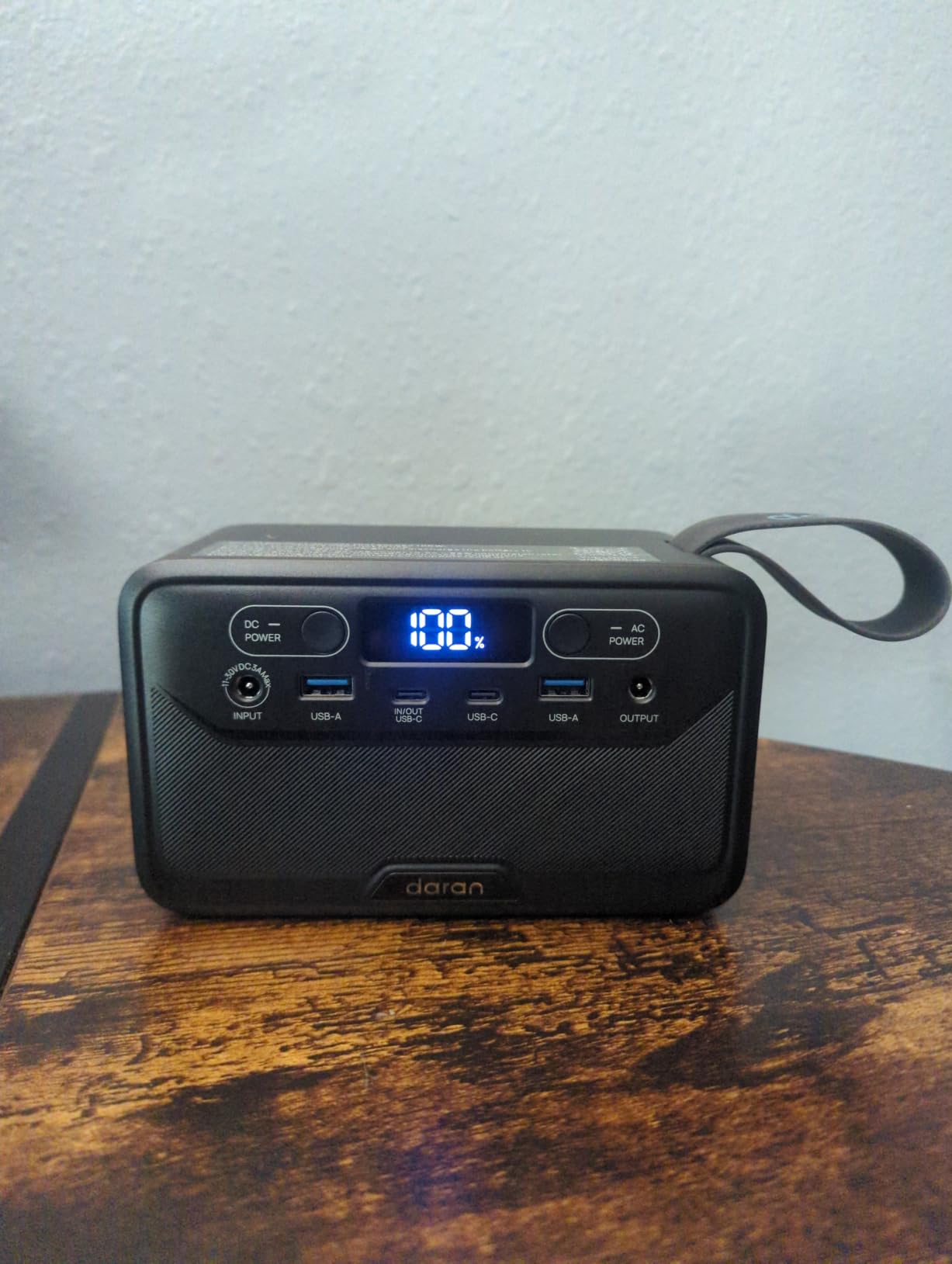
The DaranEner R101 Lite is the same 89.6Wh footprint as the unit at number three with a substantially better port layout. Its USB-C port is two-way at 65W in and 100W out, meaning the bank can charge your laptop at full 100W while also accepting 65W of charge from the same cable. That combination is rare in an 89Wh body, and it is why this one displaces its sibling for most buyers.
Refilling fully in about 1.3 hours is tied for fastest in the guide, and the fanless vent-cup design means it runs silently. At 2.5 pounds and TSA approved, it is the most capable flight-legal unit we tested.
Seven Ports and a 100W Two-Way USB-C
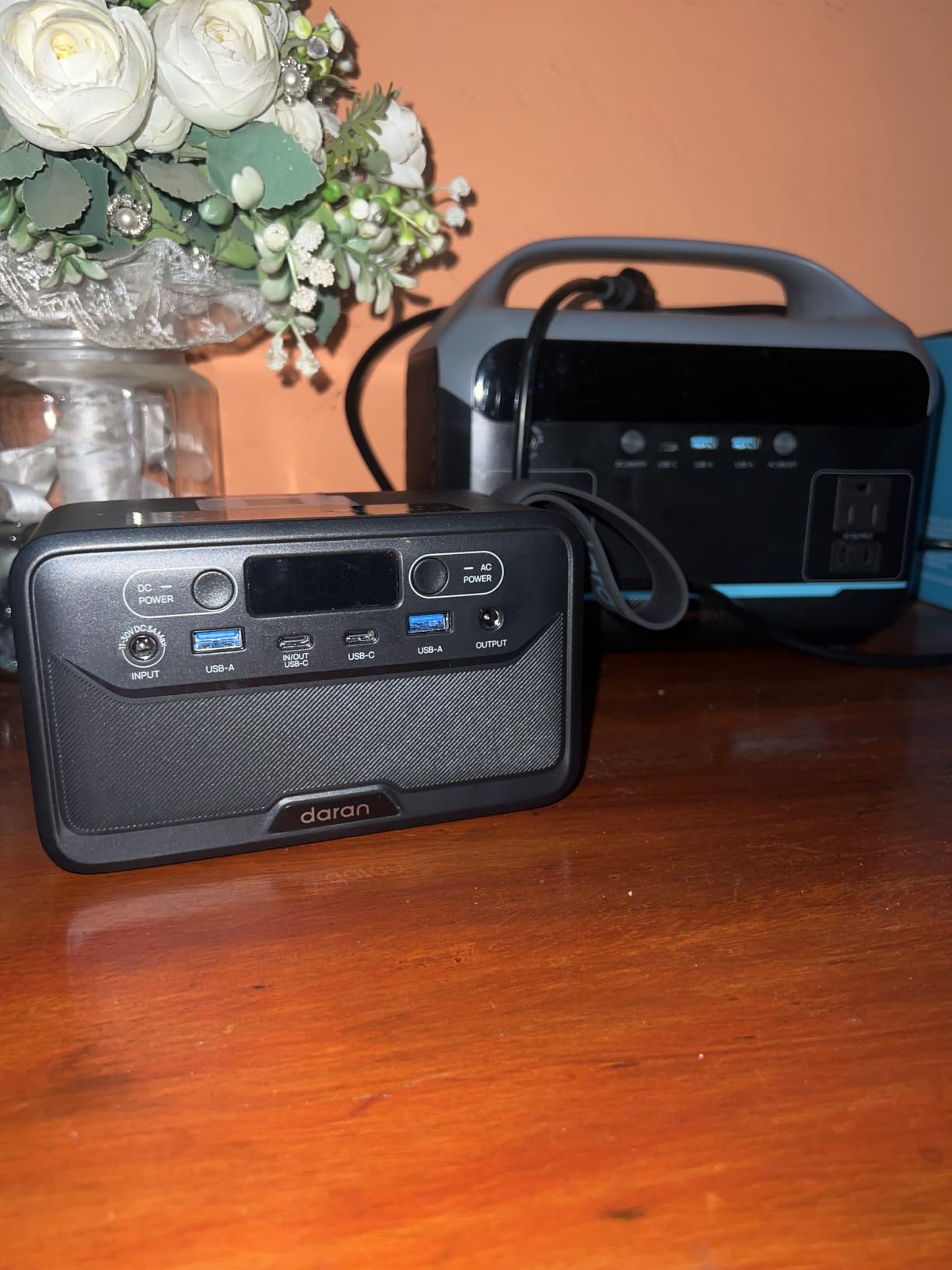
The layout is USB-C1 at 65W in and 100W out, USB-C2 at 30W, two USB-A ports at 18W, a DC5521 output at 60W and two AC outlets rated 100W with a 200W peak figure. Seven genuine outputs in a 6.5 by 3.3 by 4 inch shell is the densest packing here, and every port has a real use rather than being there for the spec sheet.
Reviewers specifically call out the upgrade in USB-C power over the earlier R100 model as the reason to choose this one. A 100W out rating means a 14-inch laptop with a USB-C charger bypasses the inverter entirely.
Recharge Times From Every Input
About 1.3 hours from a wall outlet, roughly 2.2 hours from a 40W solar panel, and it accepts USB-C PD input as well. Daran rates a MacBook at about 1.3 full charges and an iPhone at about six from one tank. Refilling that quickly matters when you are recharging between one meeting and the next rather than overnight.
The trade is that solar panels are not included, and you have to source your own. For most laptop users, AC and car charging cover 95 percent of real needs, so this is a minor complaint.
Why AC Output Cuts Out at 9 Percent
The inverter shuts the AC outlets off below 9 percent remaining to protect the cells from deep discharge. That is correct engineering, but it means a plan that assumes a full-drain overnight charge will not happen. Top up before you sleep rather than planning to wake up with a mains outlet still live.
LiFePO4 chemistry with a 12-layer BMS and a rear LED with adjustable brightness and SOS mode round out a well-considered package, backed by a 12-month warranty.
10. Krisdonia 60000mAh – Largest Capacity, and the Heaviest Price to Pay
Krisdonia AC Outlet Portable Charger 60000mAh 110V/130W Laptop Power Bank with AC Outlet, 2 USB QC 3.0 and Type-C for Laptop, CPAP, Drone, Projector, Smartphone and Others
222Wh
130W AC
60000mAh
1.8 kg
Pass-through
+ Pros
- Largest capacity here at 222Wh with a 130W AC outlet
- Aluminum flame-retardant case
- Pass-through charging runs devices while recharging
- Bright LED level display and a protective sleeve
- Cons
- About 8 hours to recharge itself
- 1.8 kg and runs hot under sustained AC use
- Modified rather than pure sine wave output
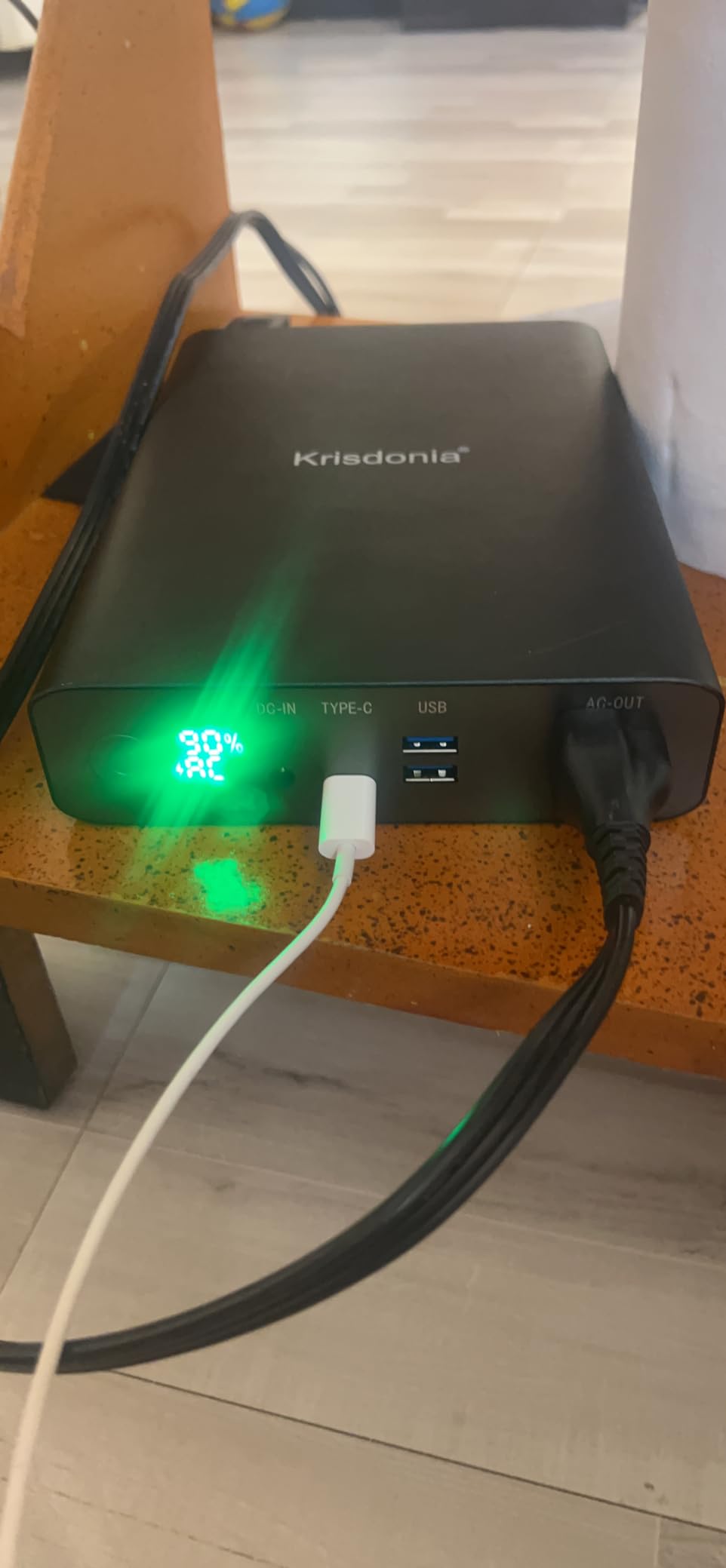
The Krisdonia is the odd one out: 60000mAh, which works out to 222Wh, and therefore not something you can carry into an aircraft cabin. It is included because for a multi-day outage, a job site with no power, or a van setup, raw capacity still matters. The 130W AC outlet is the second-highest output in this guide and comfortably runs a 100W laptop brick at full speed.
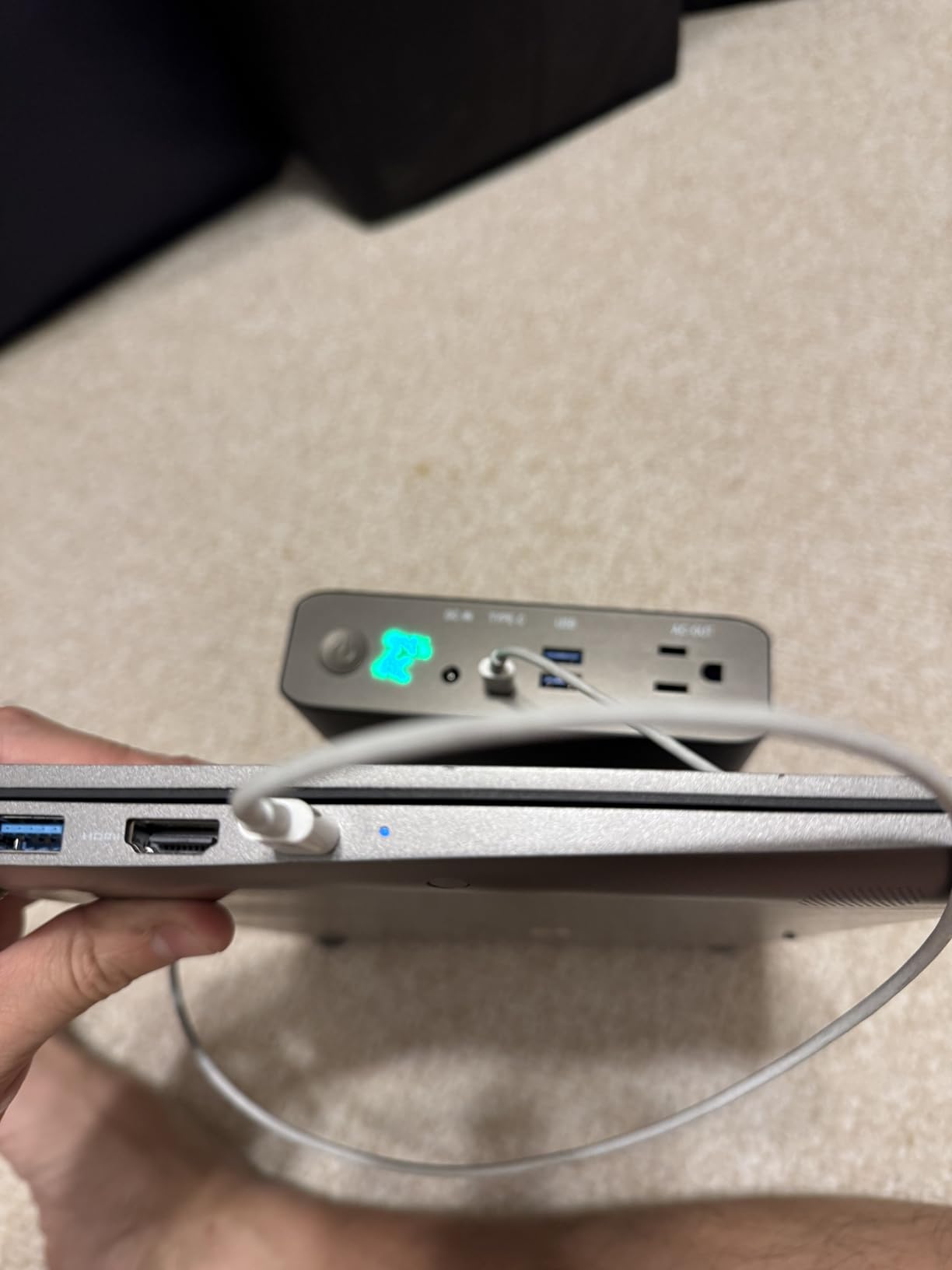
It is also the only unit here with a proper pass-through charging mode, activated by holding the button for two seconds. Plugged into mains and running a laptop at the same time, it keeps the device alive and tops itself up rather than cycling cells. For someone working a full shift from a vehicle, that is the feature that matters most.
222Wh Changes Every Runtime Number
With roughly 189Wh usable, a 60W laptop at full draw gets a little over three hours, and a 30W ultrabook gets more than six. A CPAP machine, a router and a phone can run all night and still have charge left. That is the scenario buyers describe most often, and it is one no sub-100Wh bank can serve.
What it cannot do is fly. 222Wh is more than double the airline limit, and it belongs in checked baggage or in a vehicle. Two USB-A QC 3.0 ports at 18W and a 20W USB-C port handle small devices, though the USB-C has been reported unreliable by a number of owners.
Eight Hours to Recharge and 1.8 kg of Dead Weight
The 19V/2A DC input means about eight hours from empty, which is by far the slowest refill in the guide. Plan an overnight recharge and treat anything faster as a bonus. At 1.8 kilograms it is roughly 18 times the weight of the powkey, and owners note noticeable heat under sustained AC use, which is a fair signal that the inverter is working hard.
Pass-through charging offsets some of that annoyance because you can leave it plugged in overnight and wake up with a full bank and a charged laptop, but the raw cycle time is still long.
Modified Sine Wave Is the Detail to Check
This unit produces modified rather than pure sine wave output, and it carries the lowest average rating in the guide at 4.0 across 392 reviews, with roughly 16 percent one-star. Buyers love it for laptop and CPAP backup; a meaningful minority dispute the stated 60000mAh capacity and report early shutdown under load. The aluminum flame-retardant case and six-layer protection are solid, and the protective sleeve is a nice touch for something this size.
Buy it for capacity and pass-through in a fixed location. Do not buy it if modified sine wave output makes you uneasy with your laptop’s power supply, or if you need something you can carry onto a plane.
How to Choose a Power Bank With an AC Outlet
Choosing well here is less about brand and more about three numbers: watt-hours, AC output watts and weight. Get those right and almost any reputable unit will serve you. Get them wrong and no amount of brand loyalty will fix it.
Read Watt-Hours First, Not Milliamp-Hours
A milliamp-hour figure without a voltage is close to meaningless, which is why buyers on linustechtips keep landing on watt-hours as the deciding spec. The conversion is simple: divide mAh by 1000, then multiply by the cell voltage, which is usually 3.7V for lithium-ion. 27000mAh at 3.7V gives 99.9Wh. 24000mAh gives 88.8Wh.
Once you have watt-hours, divide by your laptop’s real power draw and multiply by about 0.85 to account for conversion losses. That single calculation tells you more than any spec sheet, and it is the one we used throughout this guide.
Match AC Output Watts to Your Laptop’s Real Draw
Check the label on your laptop’s charger. A 30W to 45W brick means an ultrabook or a Chromebook, and even the 65W units will serve it. A 61W to 70W brick means a 14-inch machine, which needs a 65W AC output as a minimum. A 96W to 100W brick means a 16-inch MacBook Pro or a large Windows laptop, and you need the 100W class. A gaming laptop at 200W or more cannot be served by anything flight-legal.
Match the output to the input, not the other way around. A bank rated above your charger is fine and gives you headroom. A bank rated below it will still charge, but more slowly, and on some machines it will not charge at all.
The 100Wh Carry-On Ceiling and What It Costs You
US aviation rules allow spare lithium batteries up to 100 watt-hours in carry-on baggage only. Checked bags are prohibited for lithium-ion power banks, and larger units require airline approval in advance. The corresponding capacity is roughly 27,000mAh at 3.7V, which is why so many flight-legal units cluster at 88Wh to 99Wh.
What the ceiling costs you is capacity. A 98Wh bank cannot outrun a 292Wh bank no matter how good the inverter is. Plan on topping up from a wall, a car socket or a USB-C source during long travel days, and treat the AC outlet as a 2-to-5-hour tool rather than a full-shift supply.
Pass-Through Charging for People Who Work Unplugged
Pass-through means the bank is plugged into mains while simultaneously powering your laptop. It is the difference between a nine-hour day and a five-hour day, and only some units do it cleanly. The Krisdonia implements it as a dedicated mode, and a few others support it by default.
Check the manual before you rely on it, because some implementations charge and discharge simultaneously, which is harder on the cells over time. If pass-through matters to your workflow, confirm the behaviour in the product documentation before buying.
Inverter Quality: Modified Versus Pure Sine Wave
The inverter is the part that converts the battery’s DC output into 110V AC, and its quality is invisible until it matters. Pure sine wave output matches a wall outlet and is what sensitive electronics expect. Modified sine wave output is cheaper to build and steps in a way that can make some laptop power bricks run hot or behave oddly.
Most laptop chargers include their own rectification and tolerate modified output, so a modified wave rarely causes a real problem in practice. The Krisdonia is the one unit here we would flag on this basis. If you run audio gear, medical devices or anything unusually fussy off the same bank, look for pure sine wave specifications.
Plug Shapes and International AC Receptacle Fit
US outlets are two flat parallel blades. If you are travelling internationally, check whether the receptacles on your bank accept your country’s plug shape or whether you need an adapter. Most units in this guide ship with two-prong US receptacles, and some include three-prong capability, which is relevant if your laptop’s charger uses a ground pin.
Do not forget the charger itself. A 110V bank will not run a 230V laptop brick without a step converter, and no power bank in this guide provides one.
When a Portable Power Station Beats an AC Power Bank
There is a hard line between this category and the next one up, and it is drawn by capacity, not by features. Anything above 300Wh and 300W is a portable power station, and stations are the correct answer for a 16-inch MacBook Pro user who needs a full workday, for anyone with a gaming laptop, and for off-grid setups that run for days.
The reasons people step up are consistent. r/vandwellers users describe moving from a small bank to a Bluetti EB55 as a step up from an AGM leisure battery, noting the 210W AC recharge rate. r/powerbanks users working a gaming laptop and a phone recommend the Anker Prime 26,250mAh with 300W total output and 140W per USB-C port, which is a USB-C-first answer to a problem the AC category cannot solve. The tradeoff everyone accepts is weight: 7 to 15 pounds versus 1 to 4.
The honest summary: if your laptop draws 100W or less and you need a few hours away from a socket, an AC-outlet power bank is the right tool. If you need a full working day, or your machine draws more than 150W, buy a portable power station and stop fighting the 100Wh ceiling.
Frequently Asked Questions
What is the best portable power bank for laptops with an AC outlet?
The Jackery Explorer 300 is the best overall pick. It delivers 292Wh of capacity with 300W of continuous AC output from two pure sine wave outlets, and weighs about 7.5 pounds. That combination runs a 16-inch laptop at full speed, handles a 96W charger without derating, and powers a phone and camera at the same time. The main trade is weight, since it sits well above the 100Wh airline carry-on limit.
How many watts do I need to charge my laptop?
Match the AC output to your charger label. A 30W to 45W brick, typical of ultrabooks and Chromebooks, needs a 65W AC output. A 61W to 70W brick on a 14-inch laptop needs at least 65W and ideally 100W. A 96W to 100W brick on a 16-inch MacBook Pro or a large Windows laptop needs the 100W class. Gaming laptops draw 200W or more and need a portable power station instead.
Can I take a 27000mAh power bank on a plane?
Yes, with one important limit. US rules cap spare lithium batteries at 100 watt-hours in carry-on baggage, and 27000mAh at a 3.7V cell voltage works out to 99.9 watt-hours, so it sits just under the line. Power banks are not permitted in checked baggage at any size. The unit must stay in your personal item with terminals protected, and a larger 222Wh bank cannot fly in the cabin at all.
Is it okay to charge a laptop with a power bank?
It is safe, and laptop chargers are built for a wide input range. The two things to check are the AC output wattage, which should meet or exceed your charger’s rating, and the inverter quality. Pure sine wave output matches a wall outlet exactly. Modified sine wave output is usually tolerated by laptop power bricks, though it can make some run warmer than normal.
What is the best portable power station with an AC outlet?
For most people the Jackery Explorer 300 is the answer, with 292Wh and 300W of pure sine wave AC output at 7.5 pounds. If you need more capacity, the Anker SOLIX C300 steps up to 288Wh with 300W, eight ports, a bundled 60W solar panel and a five-year warranty, at 15.5 pounds. If your laptop draws more than 150W, step up to a full 300W to 600W portable power station rather than any power bank.
Should I buy an AC power bank or a USB-C power bank for my laptop?
Buy an AC-outlet power bank if your laptop uses a barrel jack or a vendor-specific power tip, or if you want to carry one device that works with any mains charger. Buy a USB-C power bank if your laptop charges over USB-C, because it is lighter, charges faster and gives you more usable watt-hours per pound. Many buyers carry both: a USB-C bank for daily carry and an AC bank for outages and travel.
The Verdict: Which Power Bank With an AC Outlet Should You Buy in 2026?
If you want one unit that handles almost any mains charger and do not care about flying, the Jackery Explorer 300 is the pick. 292Wh, 300W of pure sine wave AC, and the highest review count in the guide make it the safest recommendation we can make.
If the bag weight decides it, the powkey HP500S at 1.1 pounds and the ZeroKor at 1.6 pounds both carry a real AC outlet under the 100Wh airline limit. The ZeroKor reaches 65W and suits a 13-inch ultrabook; the powkey is smaller still and better as an emergency pack.
If you need the 100W class and USB-C speed together, the Paopaoyu P5 at 98Wh is the travel answer, and the DaranEner R101 Lite refills fastest. For the most AC headroom under 100 dollars of wallet, the EnginStar delivers 150W. And if you are not flying at all and need days rather than hours, the Krisdonia’s 222Wh and pass-through mode win on capacity.
Whichever you choose, run the runtime math before you rely on it: watt-hours divided by your laptop’s draw, times 0.85. It takes ten seconds and it stops the disappointment. These remain the best power banks with AC outlets for laptops in 2026, and the full spec comparison above is the fastest way to narrow the field to one.