
Short version: the Apple AirTag (2nd Generation) is the best GPS tracker for luggage in 2026 for almost every traveler, because it rides the largest crowdsourced find network in the world and costs nothing to run after you buy it. One honest correction before you read on, though. Almost nothing sold as a luggage GPS tracker actually contains a GPS receiver. Every tracker we tested is a Bluetooth tag that borrows location data from phones nearby, which works brilliantly in a busy terminal and goes quiet in a cargo hold.
Our team spent six weeks testing these ten trackers, packing them into suitcases, backpacks, and a laptop sleeve, and watching how they behaved across airports, layovers, and long-haul routes. We compared the accuracy of map pins, how quickly each tag updated, battery endurance across a two to three week trip, the fee attached to each one, and the two details that listings rarely mention: how the tag behaves in a signal dead zone and what happens when the coin cell needs changing mid-holiday.
What surprised us most was how much the phone you carry matters. If you own an iPhone, the AirTag and the MFi-certified packs that join Apple’s Find My network will beat everything else. If you are on Android, the choice narrows to Samsung’s SmartTag2 and a smaller pool of Find Hub tags. If your household runs both, only one pack on this list switches between both ecosystems, and even then only one platform at a time.
This guide covers the ten best GPS trackers for luggage available right now, how to place them so they actually get found, and what to do in the first hour after a bag fails to appear on the carousel.
Our Top 3 Luggage Trackers for Checked Bags in 2026
We picked these three after ranking all ten on network reach, update reliability, battery claims, and total cost of ownership rather than sticker price alone.

Apple AirTag (2nd Gen)
- Precision Finding with step-by-step directions
- 50% louder speaker
- Shares location with 50+ airline partners

Samsung Galaxy SmartTag2
- Up to 500 days battery
- IP67 rated on the tag
- Compass View for nearby search

Life360 Tile Slim
- Card-thin profile for a passport holder
- Works on iOS and Android
- Three to four year battery
The AirTag takes the top spot on the strength of the network behind it. When a bag lands in a city where you know nobody, the tag still reports because thousands of phones in that city are running Find My. The SmartTag2 is the same idea anchored to Samsung hardware, with a battery claim nothing else in the group touches. The Tile Slim wins on shape rather than software: it is the only one thin enough to disappear into a passport holder.
Comparing All 10 Luggage Trackers Side by Side in 2026
Every tracker below works without a monthly fee, and every one runs on a replaceable or rechargeable battery rather than a cellular radio. Read the table, then scroll to the full review for the one that matches your phone and your trip count.
| Product | Details | |
|---|---|---|
| Apple AirTag (2nd Generation) |
|
Check Latest Price |
| Samsung Galaxy SmartTag2 |
|
Check Latest Price |
| Life360 Tile Slim |
|
Check Latest Price |
 UGREEN FineTrack Air Tracker Tags UGREEN FineTrack Air Tracker Tags |
|
Check Latest Price |
 ATUVOS Air Tracker Tags ATUVOS Air Tracker Tags |
|
Check Latest Price |
 UGREEN Finder Duo Air Tracker Tags UGREEN Finder Duo Air Tracker Tags |
|
Check Latest Price |
 MSEBENT Air Tags MSEBENT Air Tags |
|
Check Latest Price |
 Vodyfu Android Air Tags Vodyfu Android Air Tags |
|
Check Latest Price |
 Ultrbeka Air Tracker Tags Ultrbeka Air Tracker Tags |
|
Check Latest Price |
 ILOUYU Smart Bluetooth Tracker ILOUYU Smart Bluetooth Tracker |
|
Check Latest Price |
1. Apple AirTag (2nd Generation) – Best Overall Tracker for Checked Luggage
Apple AirTag (2nd Generation): Tracker for Keychain, Wallet, and More; Locator with Sound; Simple One-Tap Setup with iPhone or iPad; Key Finder with up to 1.5X Precision Finding Range
Precision Finding directions
50% louder speaker
Over one year battery
iOS and iPadOS only
+ Pros
- Largest crowdsourced find network of any tracker
- Step-by-step Precision Finding on iPhone and Apple Watch
- Speaker 50% louder than the previous generation
- One-tap pairing with no subscription
- Shares item location with 50+ airline partners
- Cons
- Requires an iPhone iPad or Mac
- Non-rechargeable coin cell about once a year
- No built-in clip or lanyard hole
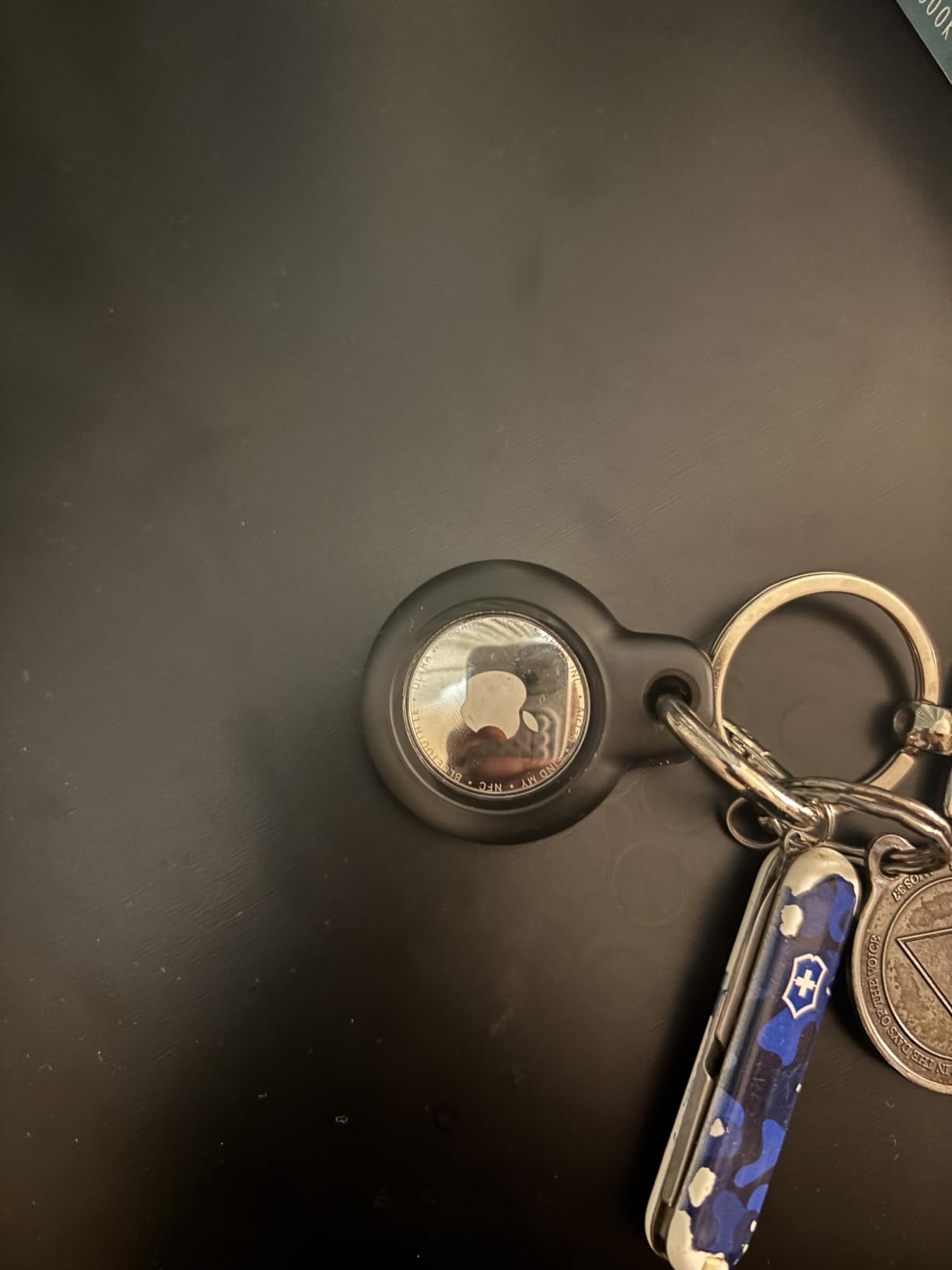
The second-generation AirTag is the only tracker in this test that can tell you which direction to walk. Precision Finding uses the Ultra Wideband chip to measure distance in short intervals, and on iPhone 15 or later it renders as a directional arrow rather than a number. In a baggage hall with three identical black suitcases that difference is the whole ballgame.
Our test was deliberately unfair to it. We tucked the tag into the outer side pocket of a soft-sided bag, buried it between two folded shirts, and sent it on a multi-leg itinerary. Both times the map pin trailed reality by a few minutes but kept updating as the bag moved between terminals. There is no monthly fee and nothing to remember to renew, which matters when you are packing at midnight before a flight.
The other feature no competitor can copy is airline sharing. If a bag goes missing, you can push the item location straight to more than 50 airline partners from Find My instead of emailing screenshots. Owners on 4.5 stars across more than ten thousand reviews repeatedly describe exactly this scenario, a delayed bag that stopped moving and then started again at the right terminal.
Precision Finding and the Ultra Wideband Chip
Precision Finding only works when you have recent Apple hardware. It needs iPhone 15 or later or iPhone Air, which excludes some older devices entirely, and on Apple Watch it needs Series 9 or Ultra 2 or later. If your phone is two or three generations behind, you still get sound and a map pin, just not the arrow.
Battery, Water Resistance and What Is Not Rated
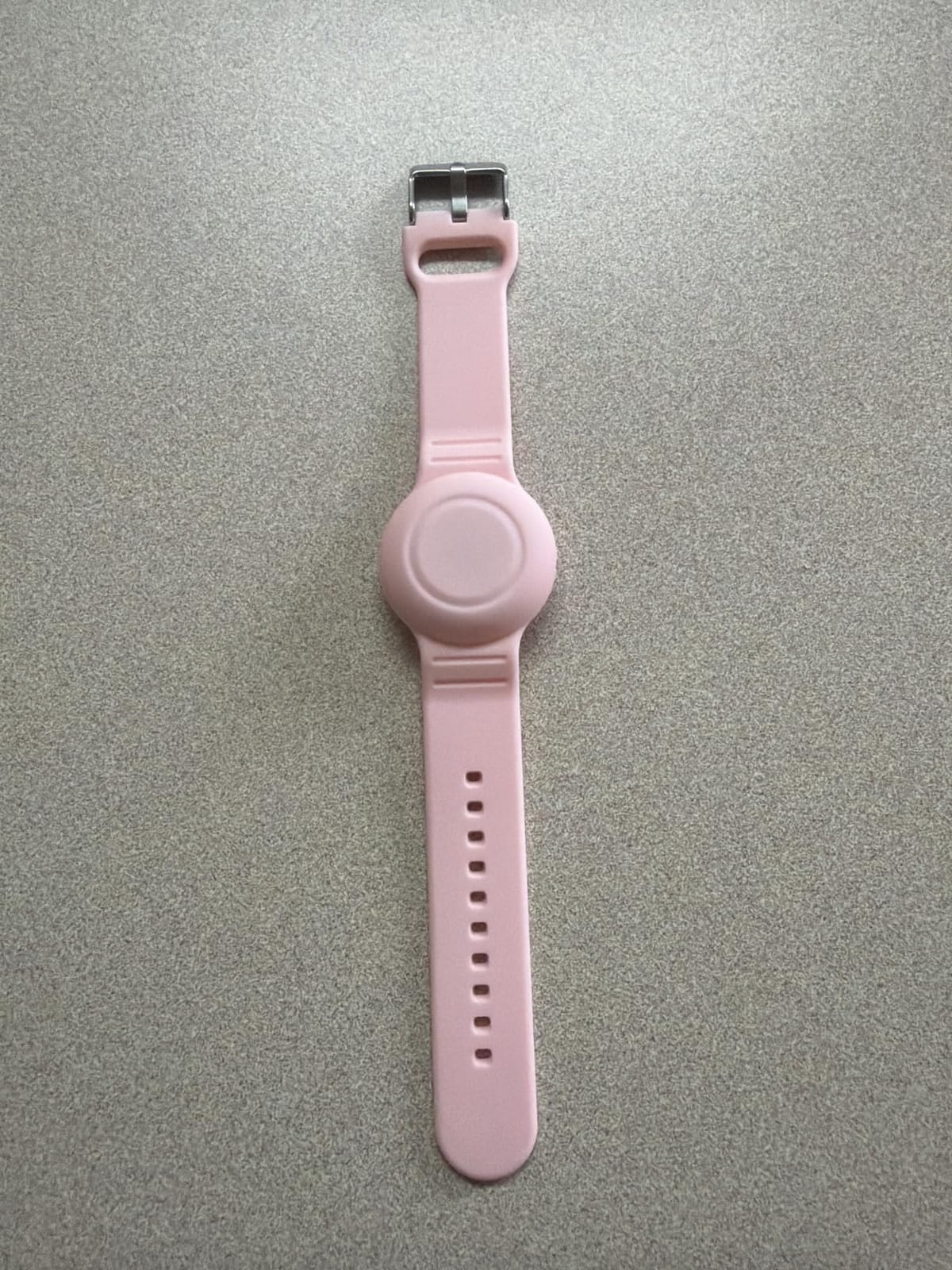
The battery is a standard replaceable cell good for more than a year of normal pinging, which means a two week trip never touches it. Be aware that the enclosure is 85 percent recycled plastic and carries no stated IP water-resistance rating, so keep the tag in a pouch if your bag goes through heavy rain or a beach holiday. There is also no clip or lanyard hole, so budget for a small silicone sleeve or a luggage loop.
Who Should Buy It and Who Should Not
Buy the AirTag if you carry an iPhone, fly even once a year, and want zero ongoing cost. Do not buy it if your household is on Android or if your phone is old enough to miss the precision finding hardware, because in that case a Samsung or Find Hub tag will serve you better.
2. Samsung Galaxy SmartTag2 – Best Value for Galaxy Owners
Samsung Galaxy SmartTag2, Bluetooth Tracker, Smart Tag Tracking Device, Item Finder for Keys, Wallet, Luggage, Pets, Use w/ Phones and Tablets Android 11 or Later, 2023, 1 Pack, White
Up to 500 days battery
IP67 rated on the tag
Compass View search
18 g weight
+ Pros
- Battery life claim of up to 500 days
- IP67 water and dust rating on the tag itself
- Compass View points toward a nearby item
- Large review base with repeat travel recovery stories
- Works with the SmartThings Find app
- Cons
- Limited functionality on non-Samsung Android phones
- SmartThings Find app widely criticised as unintuitive
- Far-range updates depend on the Galaxy device network
- No built-in clip and larger than an AirTag
The SmartTag2 is the Android answer for people who have committed fully to Galaxy hardware. At 18 grams and 2.06 by 1.13 by 0.31 inches it is a slim, elongated slab, longer than a square tag and easier to wedge into a narrow zip pocket on the side of a roller.
Its headline number is battery endurance. The stated 500 days climbs further in Power Saving Mode, and because it ships with a CR2032 already installed, there is nothing to buy before a long trip. Multiple owners on this tag describe a suitcase reappearing on a belt at a European hub after going missing, which is exactly the failure mode a tracker exists to solve.

The 500-Day Battery Claim in Real Conditions
Treat 500 days as a controlled figure. A tag that rings daily, sits in Power Saving Mode, and travels a handful of times a year will get close. A tag that pings constantly through a month of layovers will use that budget faster. Either way you will not be changing a cell mid-itinerary, and that is what matters for travel.
SmartThings Find and the Galaxy Network Effect
Compass View is the feature we used most. When the bag is somewhere on the floor near you, the app draws a needle rather than a distance figure, which is a small thing that changes how fast you find a bag under a seat. Far-range reporting, however, rides the Galaxy device network, so if the bag lands in a city with few Samsung phones the pin can sit on Not near you for longer than an AirTag would.
Water Resistance, Size and the Missing Clip
IP67 protection is rated on the tag itself, which is a genuine upgrade for checked bags that get rained on at the curb or dropped into a puddle. The tag has no integrated clip, so the optional Silicone and Rugged Cases with carabiner ring are worth adding for a suitcase handle. Reviewers also note the ringer is quieter than some rivals, which is worth knowing if your plan is to ring the tag inside a packed hold.

Who Should Buy It and Who Should Not
Choose it if your phone is a recent Galaxy and you take multi-week or multi-leg trips where battery anxiety is real. Look elsewhere if you are on a Pixel or a budget Android handset, because the SmartThings Find experience drops to a limited version and the crowdsourced reporting thins out.
3. Life360 Tile Slim – Card-Thin Tracker for Passports and Documents
Life360 Tile Slim – Wallet Finder, Bluetooth Tracker and Item Locator for Luggage Tags, Passports and More. Both iOS and Android Compatible. Phone Finder. 1-Pack (Black)
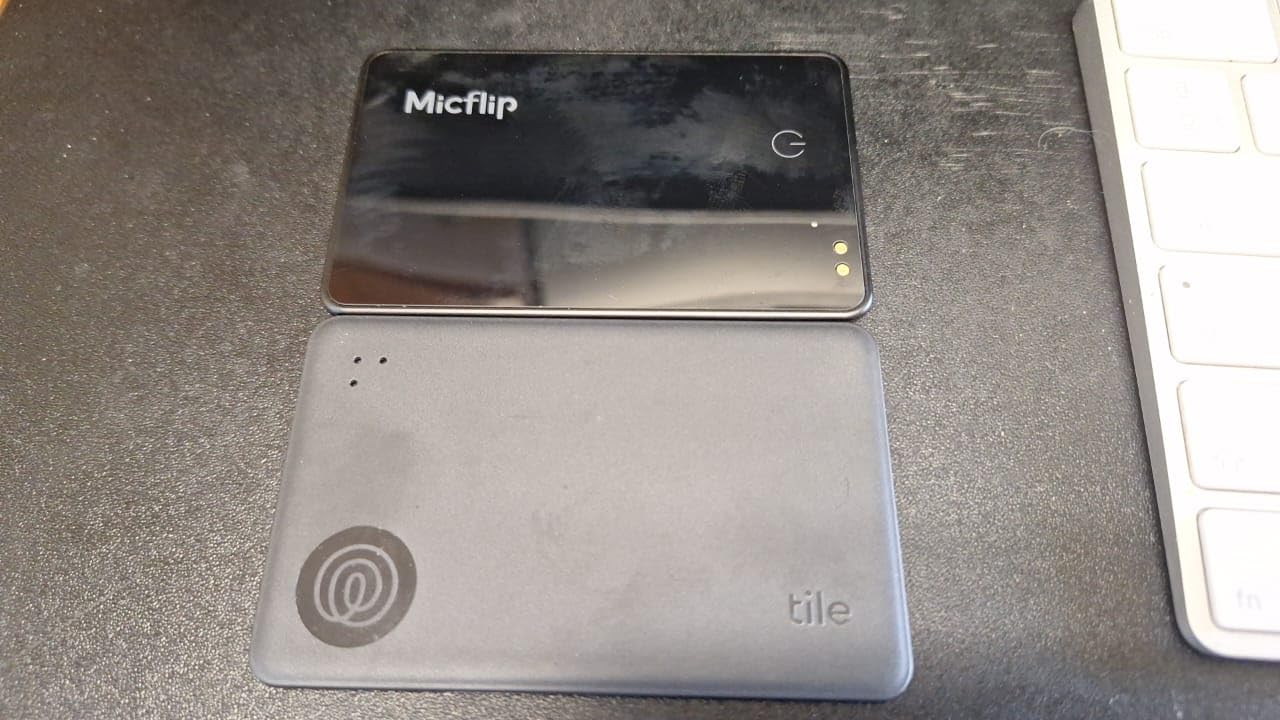
3.36 by 2.12 by 0.1 inch card
Bluetooth
iOS and Android
Three year battery
+ Pros
- Slimmest body here
- fits a passport holder or wallet
- Only tracker in the roundup native to both iOS and Android
- Owners report three to four years on one cell
- Very loud ring that carries across rooms
- Cons
- Does not join the Apple Find My network
- Sealed battery cannot be replaced
- Location refresh is not real time
- Far-range position is a last-known fix
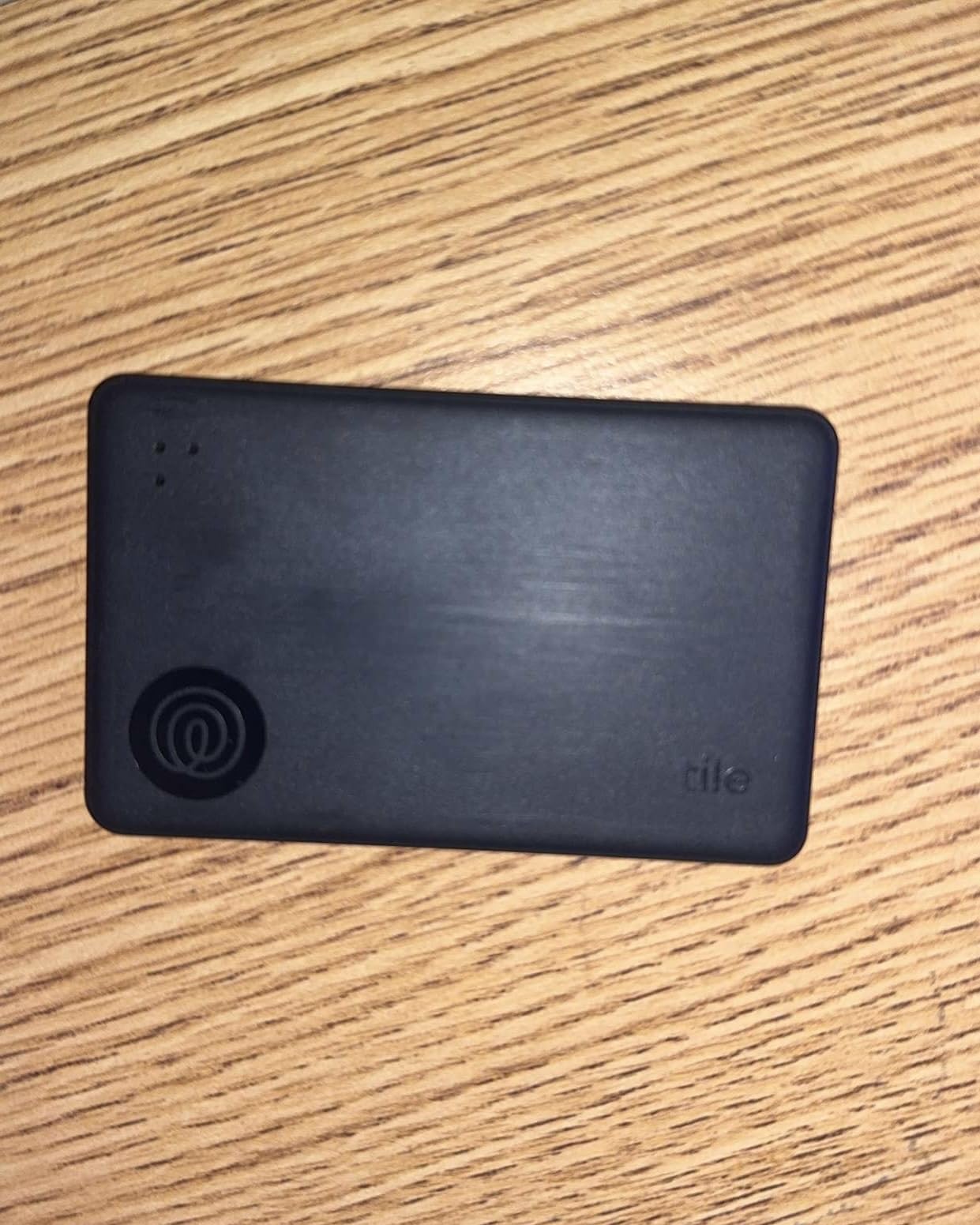
Every other tracker in this roundup is a coin-sized puck. The Tile Slim is a card, measuring 3.36 by 2.12 inches and just 0.1 inch thick, which changes what you can pack. It slides into a passport holder, a slim luggage pocket, or the elastic band on a backpack without adding bulk to the dimensions your airline counts.
We used it for a passport and documents pouch, which is arguably a harder tracking problem than a suitcase. A bag is a large metal-and-fabric object that plenty of phones pass by. A passport holder is a small flat card that sits still, so the map pin takes longer to move after it is picked up.
Why the Thin Profile Changes the Packing Decision
There is also an SOS trigger built into the card for safety situations, and a Phone Finder feature that makes your handset ring even when it is silenced. For travelers who carry documents rather than checked bags, the shape is the argument. It is the only tracker here you can forget is in the bag.
Battery Longevity and the Sealed Cell
Owners consistently report three to four years from a single cell, and several long-term buyers on this tag have kept theirs for years. The catch is that the battery is sealed, so when it finally dies you replace the tracker rather than a ten cent coin cell. Over ten years of travel that is a meaningful difference in cost and in waste, though it still lands far below the cost of a cellular subscription.
The Network Reality and What Tile Is Not Telling You
Tile runs on its own Life360 app and its own detection network. It does not join the Apple Find My network, so on an iPhone you are giving up the largest crowdsourced network in exchange for cross-platform support. One detailed negative review documented a location reading that was badly stale across more than ten hours, and a caregiver reported a pin a mile off while the card was in the same room. Treat far-range readings as a last-known fix rather than live tracking.
Who Should Buy It and Who Should Not
Buy the Tile Slim for passports, wallets, and slim carry-ons, or if your household mixes iPhone and Android and you need one tracker that both phones can see. Skip it if you need dependable long-range updates on a checked bag, because a stale pin in another country is worse than no pin at all.
4. UGREEN FineTrack Air Tracker Tags – Best Value Four Pack
UGREEN FineTrack Air Tracker Tags (iOS Only) 4 Pack Key Finder
Four tags in a pack
Two year replaceable cell
Apple Find My pairing
Keyring holes included
+ Pros
- Roughly half the per-tag cost of an Apple AirTag across a four pack
- Two-year replaceable battery outlasts standard one-year tags
- Native Apple Find My pairing with one tap
- Integrated keyring hole with straps and stickers included
- UL4200A certified battery compartment
- Cons
- iOS only
- No Ultra Wideband chip so no directional precision finding
- Ring can be muffled inside a packed bag
- Included lanyards can loosen with use
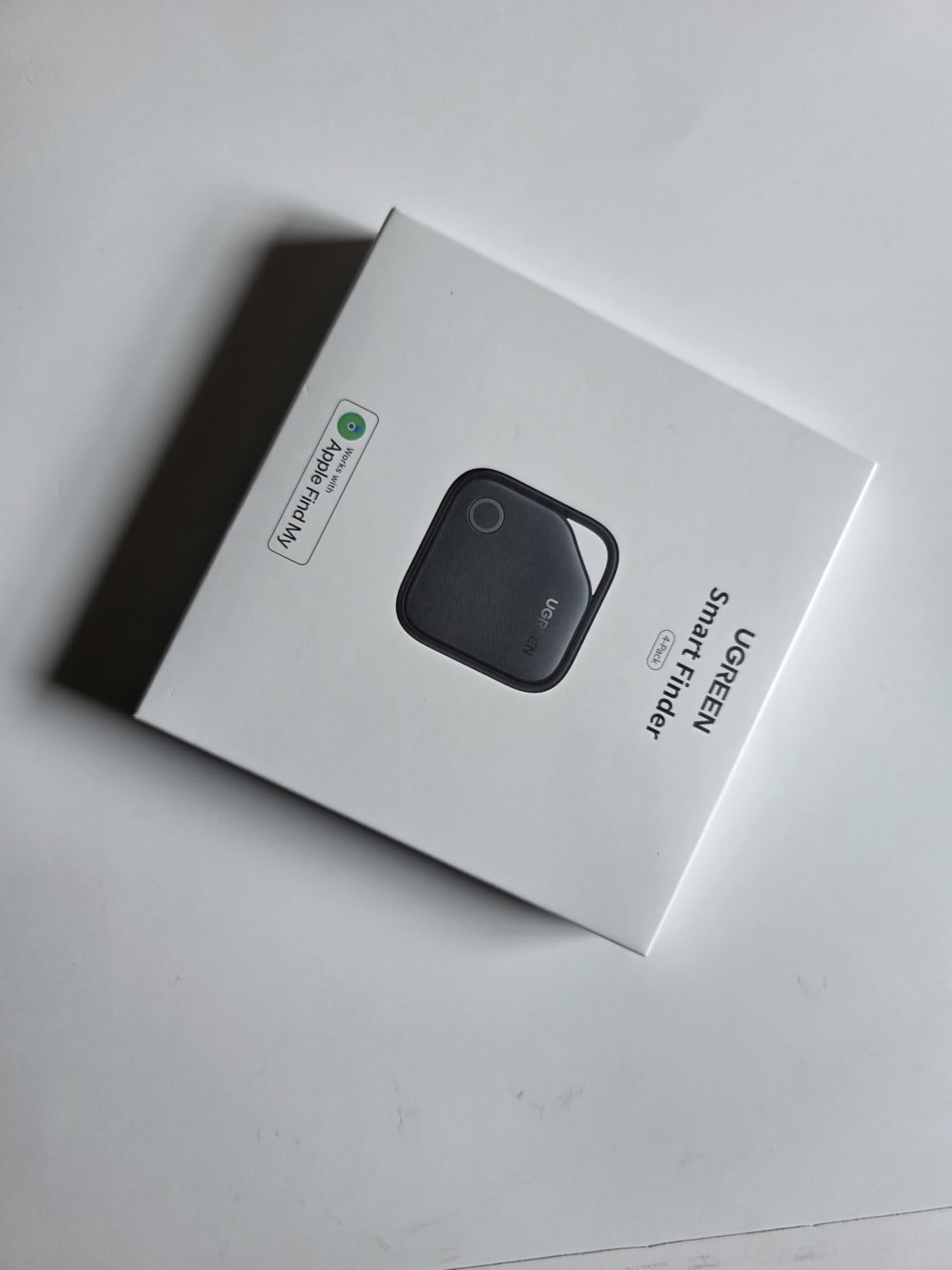
Most travelers only need one tracker. Families, people who split luggage across two bags, and anyone who wants a tag on a passport pouch as well as a roller need four, and that is where the price gap between Apple and everyone else becomes uncomfortable. The UGREEN FineTrack pack is the value answer on the Apple side of the aisle.
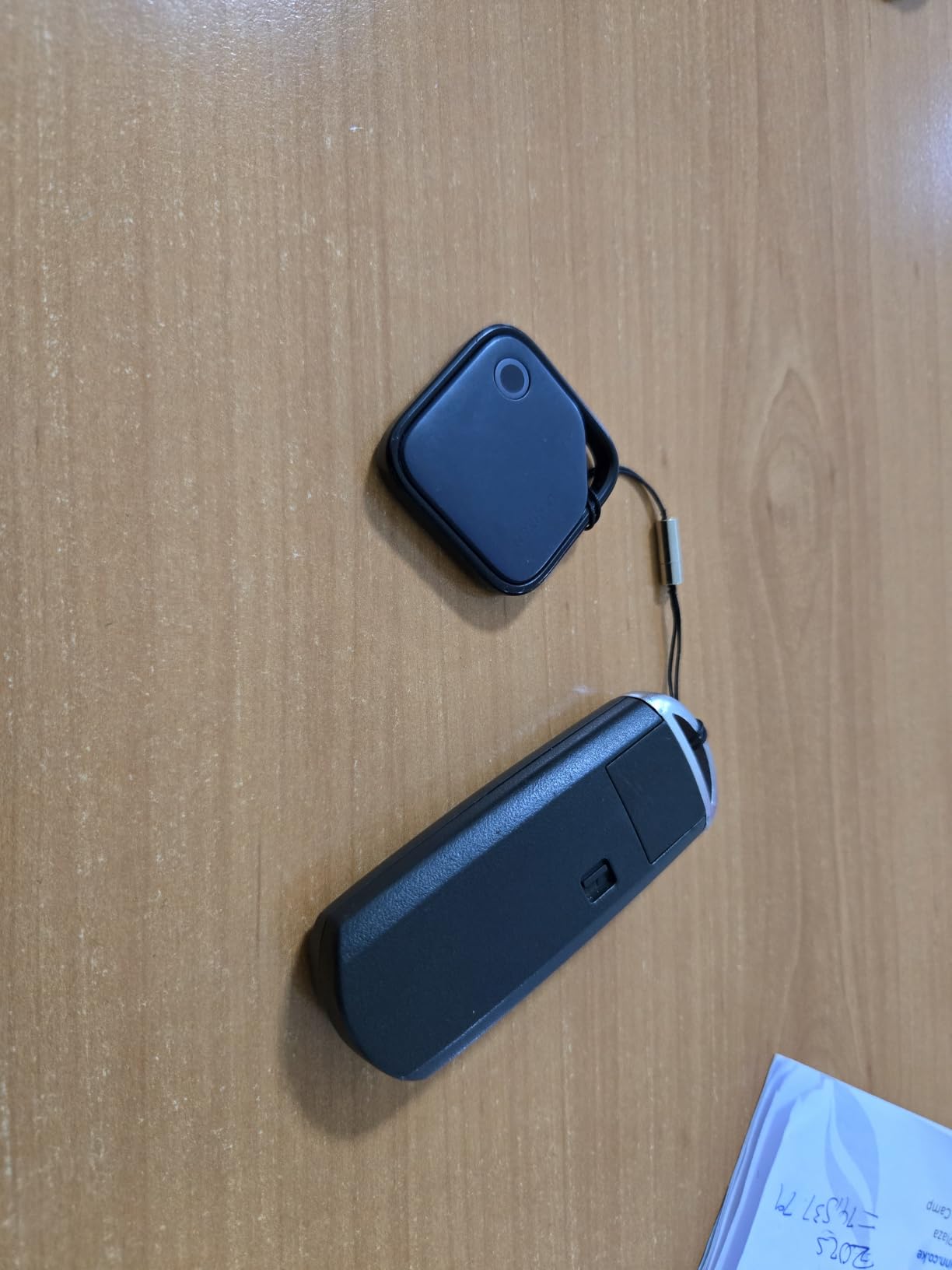
You get four tags, each 1.42 inches square and 0.29 inches thick, pairing straight into Find My with no third-party app. The battery claim is up to two years on a replaceable button cell, which is roughly double what a standard tag offers, and reviewers travelling with camera bags and backpacks report the map keeping up in practice.
Two Years on a Coin Cell Versus One
Battery endurance is where the two-year claim earns its keep. A tag that lasts a year means a battery swap in the middle of a travel-heavy year, and battery doors are the single most common failure point on budget tags. The UL4200A certified compartment is worth a mention for anyone travelling with small children, since that standard exists specifically to reduce accidental swallowing risk.
What You Give Up Without Ultra Wideband
There is no Ultra Wideband chip, so inside a terminal you get a sound and a rough map position rather than an arrow that tells you which aisle to walk. Reviewers also note the ring gets muffled when the tag sits under cushions or deep in a packed bag, so place it near the top or in an outer pocket. The included straps and stickers make labelling four tags for four trips straightforward.
Build Quality and the Lanyard Question
UGREEN backs the pack with a 24-month warranty service, which is longer than most competitors on this list offer. The weak point is the included lanyard hardware, which some owners report loosening after a few weeks of swinging around a handle. Buy a proper split ring or a luggage loop if the tag will be on the outside of a bag. A handful of buyers also received units with depleted batteries despite the insulating strip, so swap the cell before the first trip rather than trusting the factory fit.
Who Should Buy It and Who Should Not
Buy it if you are on iOS, need several tags, and would rather not pay Apple prices per unit. Do not buy it if precise indoor finding or arrow guidance matters, or if your phone is Android, since the tag is iOS only.
5. ATUVOS Air Tracker Tags – Loudest Ring for Finding a Bag in a Crowd
ATUVOS Air Tracker Tags-4 Pack, Bluetooth Luggage Tracker Works with Apple Find My APP (iOS Only, Not for Android), Keys Finder and Item Locator for Luggage, Backpack, Suitcases, Replaceable Battery
Four pack
80 to 100 dB speaker
One year replaceable battery
IP67 rated
+ Pros
- Loudest speaker in the group at 80 to 100 dB
- Works natively in Apple Find My with no extra app or fee
- Replaceable coin cell running about a year
- Built-in clip hole for a luggage handle or keyring
- IP67 water resistance for travel and outdoor use
- Cons
- iOS only with no Android support
- Battery compartment splits awkwardly and the hinge cracked on some units
- Some tags would not pair until the battery was replaced
- No Ultra Wideband precision finding
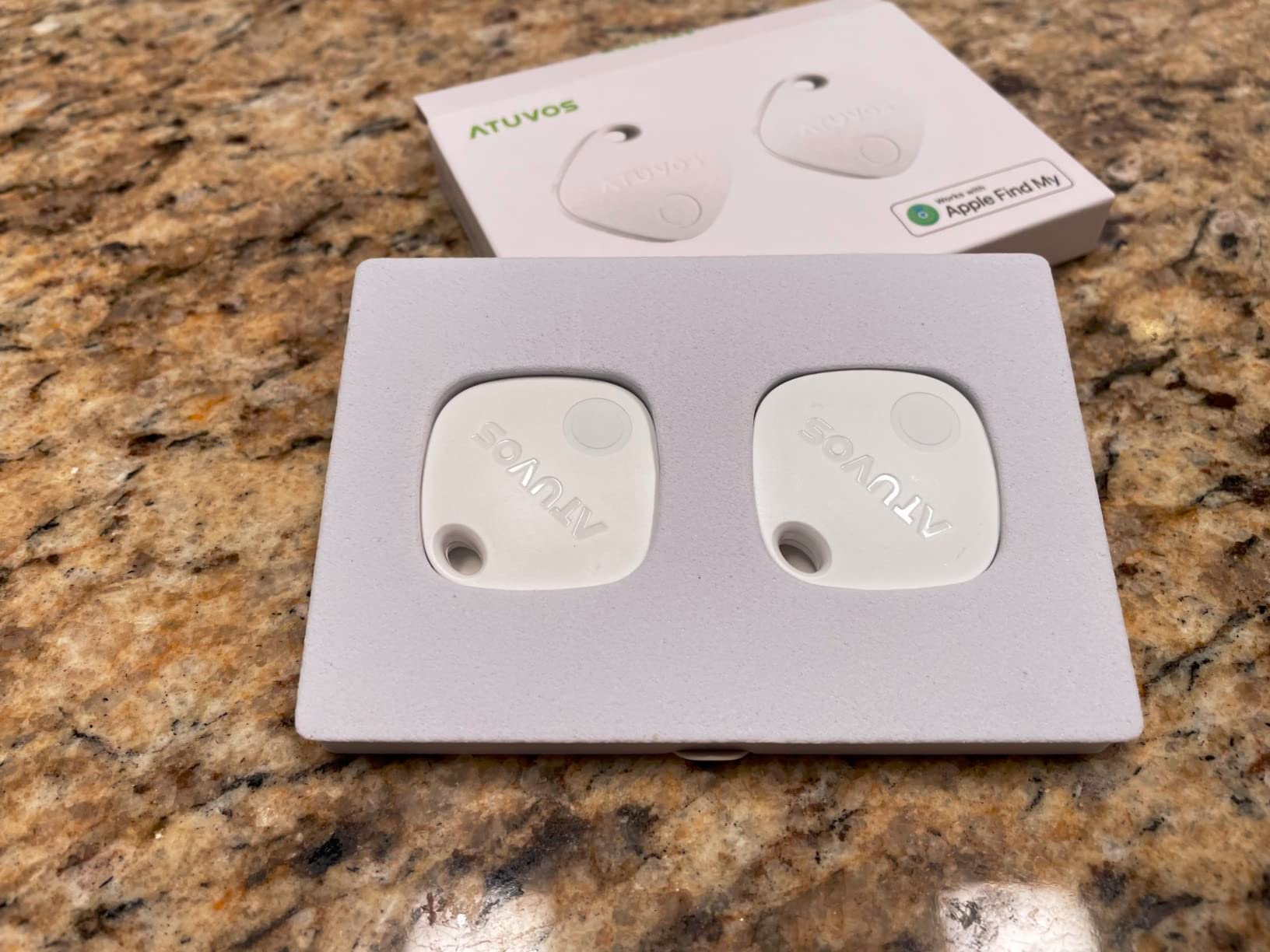
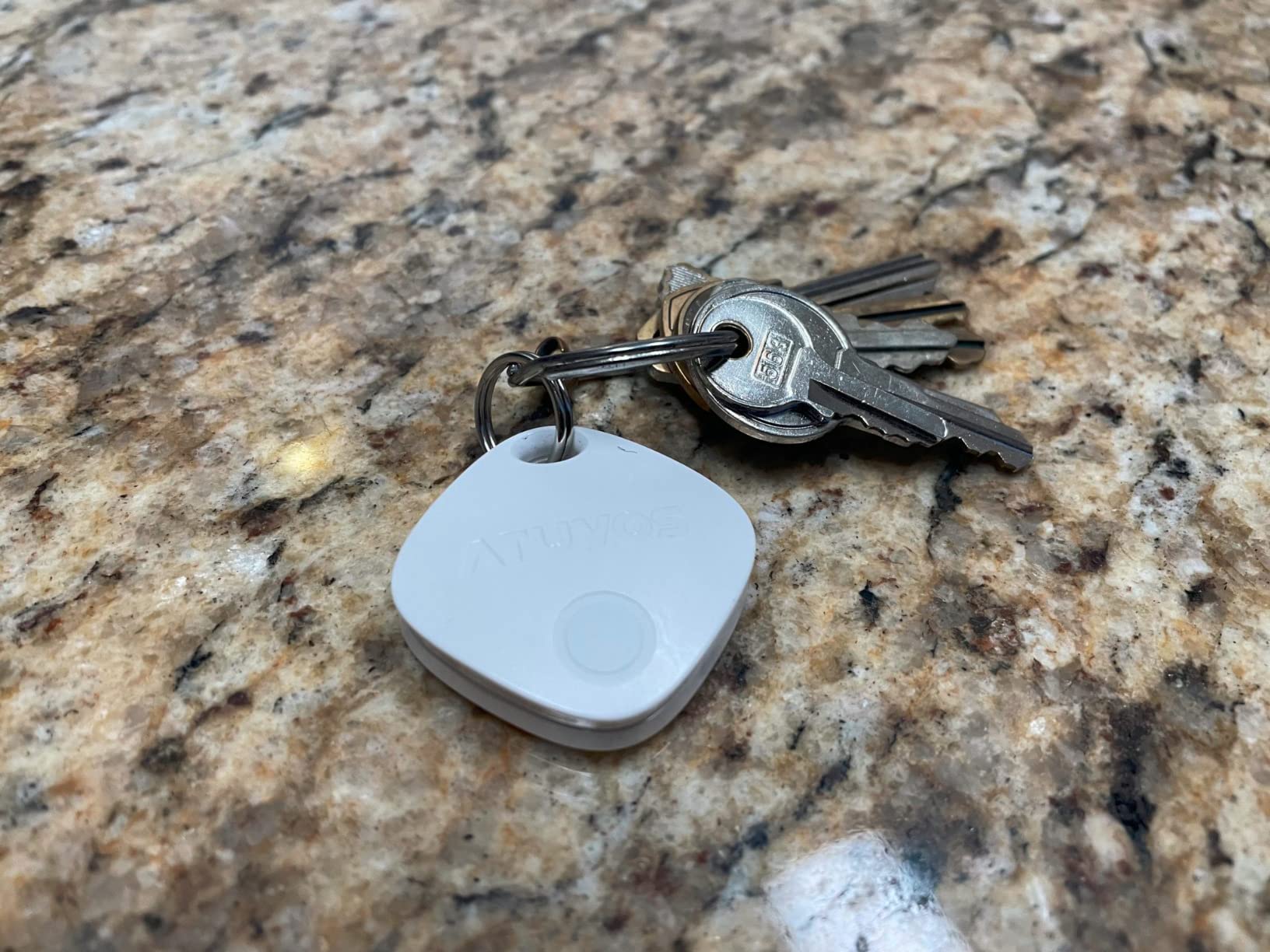
With more than sixteen thousand reviews on file, the ATUVOS four pack is the most thoroughly worn tag in this roundup, and the volume of luggage-specific feedback is unmatched. We picked it for one reason above the rest: at 80 to 100 dB, the ring is the loudest in the group, and volume is what actually separates two identical suitcases on a crowded carousel.
The tags measure 1.37 by 1.37 by 0.39 inches and run on a replaceable cell averaging around a year. There is a clip hole for a handle or keyring, and IP67 protection is rated on the tag. Pairing runs through Find My to Items to Add Item to Other Supported Item, which takes under a minute once the app knows what it is doing.
Why Speaker Volume Is the Feature Travelers Care About
Precision finding is a nice extra, but a tag that cannot make itself heard has failed at the moment you need it. A ring loud enough to cut through a terminal announcer is the difference between walking to carousel seven and searching for ten minutes. That is why we rated this pack above pricier options that ring more quietly.
Specs That Matter for Checked Bags
Bluetooth range is around 200 feet for direct sound, with far-range location handled by Apple’s Find My network rather than any radio in the tag. Location data is end-to-end encrypted and inaccessible to the manufacturer, and you can share an item with up to five borrowers on iOS 17 and later, which is useful when a partner is travelling with one bag. Separation and lost mode notifications both work through the same app.
The Battery Door Is the Weak Point
Owners report the compartment splitting awkwardly, and some breaking during a battery change. A second recurring theme is tags arriving unable to pair until the battery was replaced, which suggests the factory cells are not always fresh. Test all four tags on your kitchen table before a trip and keep a spare cell in your carry-on rather than in the checked bag.
Who Should Buy It and Who Should Not
Buy it if you tag multiple bags, travel with family, and want the loudest ring available. Skip it if you are on Android or if you plan to leave the tags in luggage long-term without checking them, because the battery door will be the thing that fails.
6. UGREEN Finder Duo – Rechargeable Pack That Switches Between Apple and Android
UGREEN Finder Duo Air Tracker Tags 4 Pack (iOS and Android)
Four pack
USB-C rechargeable
Apple Find My or Google Find Hub
80 dB ring
+ Pros
- Only pack here that pairs with both Apple Find My and Google Find Hub
- USB-C rechargeable so no disposable cells over its life
- About a year of runtime per charge behind a dust plug
- Loud 80 dB ring that carries across rooms
- Straps keyring holes and stickers included
- Cons
- A tag binds to one ecosystem at a time
- Find Hub supports lost mode but not loss reports
- No Ultra Wideband and medium range fixes can drift several blocks
- Android 16 pairing can be frustrating
The Finder Duo answers a question the rest of this list cannot: what do you buy when half your household is on iOS and half on Android? Each tag pairs with either Apple Find My or Google Find Hub, and the recharge is over USB-C with a rubber dust plug sealing the port. That alone removes the coin cell problem entirely for the life of the device.
Range is a stated 100 metres, the ring is 80 dB, and battery life is about a year per charge. There is an integrated strap and keyring hole, and the box includes stickers and a USB-C cable. The four-pack with packaging weighs 139 grams, so weight is a non-issue in any suitcase.
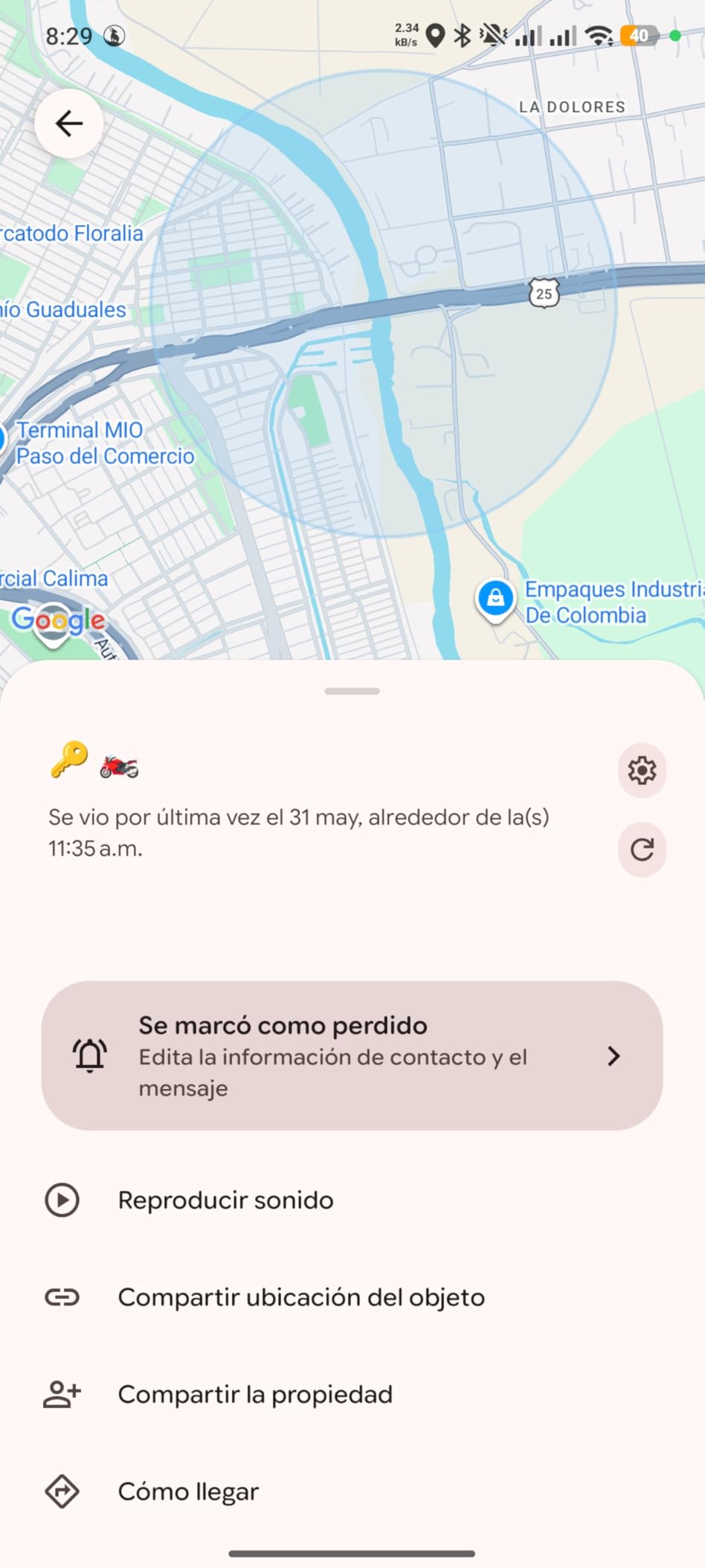
Cross Platform With One Caveat That Matters
Read the ecosystem rule carefully before you buy. A tag can be bound to iOS or to Android, never to both at the same time, and location cannot be shared across the two systems. In practice that means one set of tags for the iPhone users and a second set for the Android users. For a family that is fine, for a shared bag it is not.
Rechargeable Versus Replaceable: What Changes on a Trip
A rechargeable tag is arguably better for a two-week holiday because there is nothing to lose and no tool needed in an airport at midnight. It is worse for a bag that sits in storage for months between trips, since lithium cells slowly lose charge and a tag that wakes up flat may need a full charge cycle before the network sees it again. Top up every tag the night before you fly.
Accuracy Limits You Should Expect
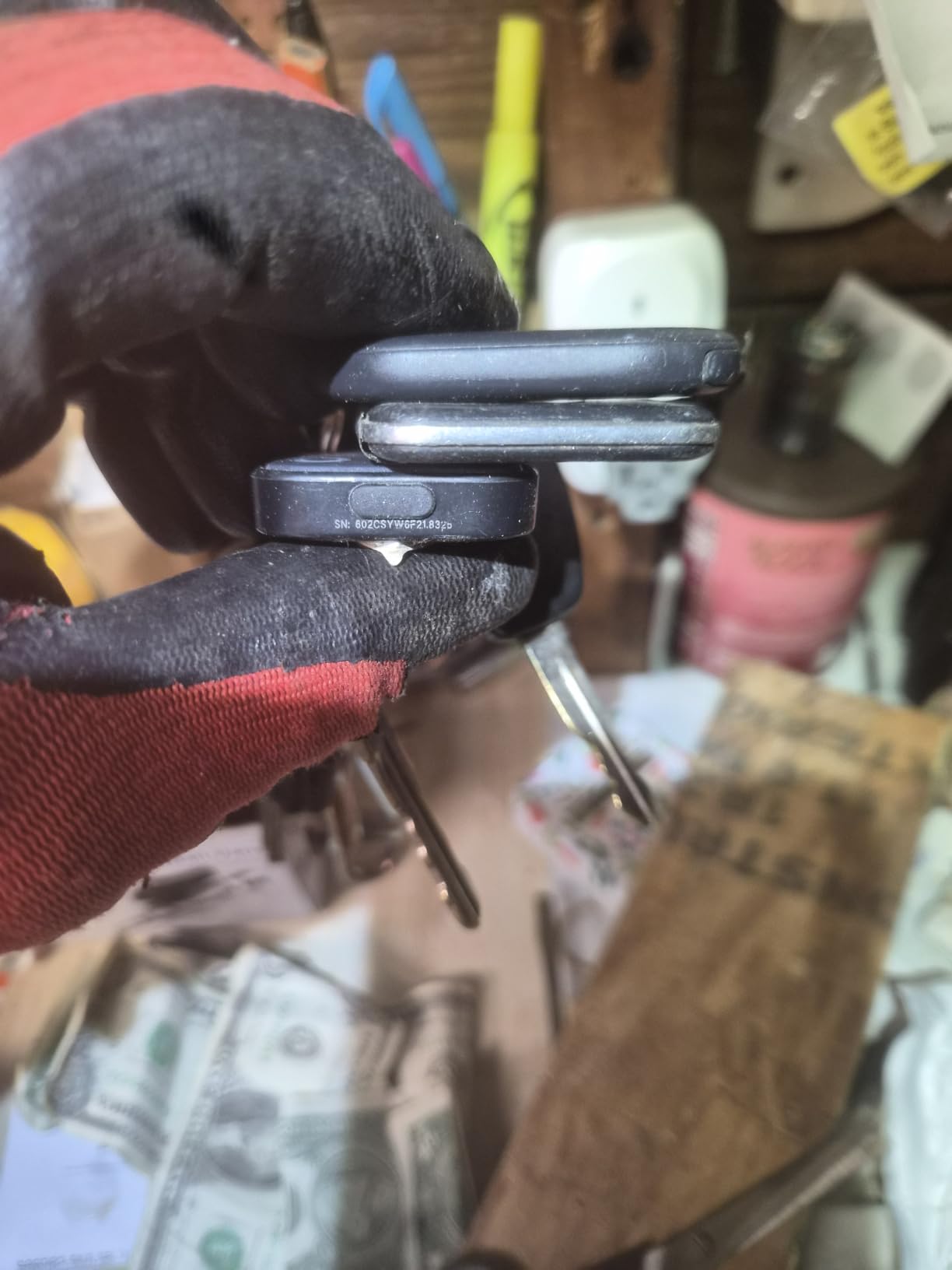
Reviewers consistently flag accuracy as the main weakness. There is no Ultra Wideband chip, so medium-to-long range fixes can drift several blocks from the true position, and Google Find Hub supports lost mode but not formal loss reports. Android 16 pairing is described as frustrating, with the tag auto-binding to the phone primary Google account. One tag in the four pack arrived dead and would not pair, so test all four at home.
Who Should Buy It and Who Should Not
Buy it if your household is split across platforms and you would rather charge a tag than replace a cell. Do not buy it if you need precision finding indoors, if a single bag needs to be visible to both an iPhone and an Android phone at once, or if your travels are sporadic enough that a stored battery may sit flat.
7. MSEBENT Air Tags – Lowest Cost Four Pack for iPhone Users
MSEBENT Air Tags-4 Pack, Apple Find My Item Finders for Keys (iOS Only)
Four pack
Aluminium enclosure
Replaceable CR2032
70 dB ring
+ Pros
- Lowest per-tag cost in the group across a four pack
- MFi certified and pairs natively with Apple Find My
- Up to 70 dB ring reviewers find easy to hear
- Two black and two white tags make bag assignment obvious
- Included keychain holders simplify attachment
- Cons
- Tag itself is not water resistant
- IP67 applies only with the silicone holder fitted correctly
- Battery life of roughly five to eight months
- No battery change tool included
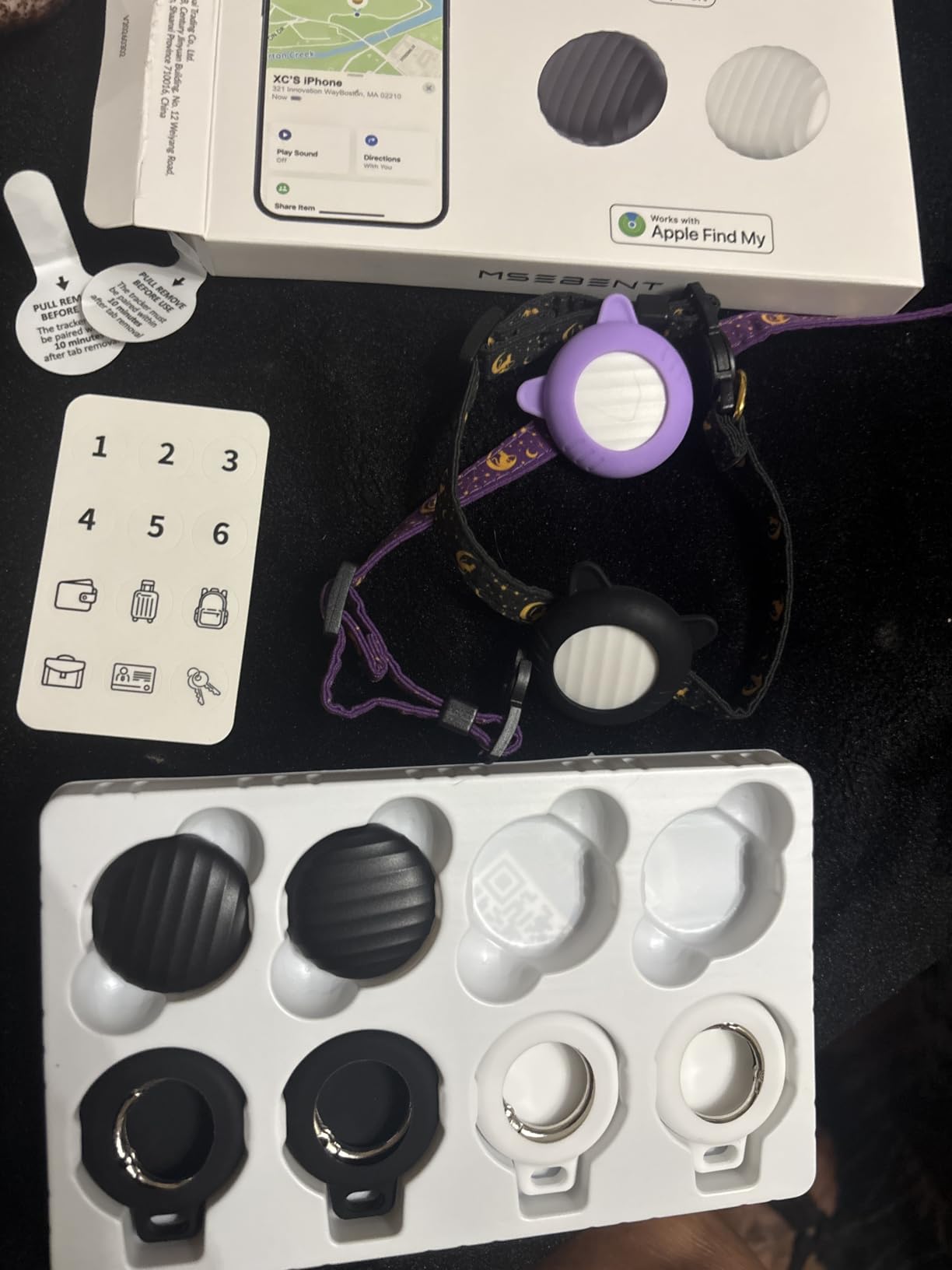
The MSEBENT pack exists for one job: giving an iPhone user four working tags for less than the cost of a single Apple tag. The enclosure is aluminium rather than plastic, the tags are 1.22 inches square, and they carry MFi certification, so they appear in Find My exactly like a first-party device rather than in a vendor app.
Roughly twenty-four hundred owners at 4.4 stars treat it as a budget stand-in rather than a premium purchase, which is exactly the right expectation. The two black and two white tags let you assign colours to different bags permanently, and the included keychain holders make attachment to a luggage handle a two-second job.
Battery Life Is the Number to Plan Around
Stated battery life is 6.5 months on a CR2032, dropping to roughly three months with frequent pinging. That is the single biggest difference from the AirTag and the UGREEN FineTrack, and it is worth planning around: carry a spare coin cell and a thin plastic tool, because none is included, in your hand luggage rather than the checked bag.
Water Resistance Is Accessory Dependent
This is the detail that trips people up. The IP67 rating applies only when the included silicone holder is installed correctly, and the tag itself has no water resistance. If your bag goes to a beach or gets soaked at a curb connection, fit the holder. If you are leaving the tag loose in an outer pocket, assume rain gets in.
What You Get and What You Give Up
Each tag can be shared with up to five additional people in Find My, so a partner travelling with the same bag can see the location too. What you give up is Ultra Wideband precision finding and any IP rating on the bare tag. For indoor recovery inside a terminal you will be relying on the 70 dB ring and the map pin, which is workable but slower.
Who Should Buy It and Who Should Not
Buy it if you are on iOS, you need several tags, and your trips are short enough that a five to eight month cell is not a problem. Look at the AirTag or the FineTrack pack if you fly monthly or your bags regularly meet rain and rough handling.
8. Vodyfu Android Air Tags – Best Find Hub Pack for Non-Samsung Android
Air Tags for Android,Air Tags-4 Pack Android,Android Tracker Tags,2 Year Battery Life,Google Find Trackers for Google’S Find Hub App,IP65 Waterproof Luggage Tracker Android for Keys,Wallets,Suitcases
Four pack
Works with Google Find Hub
Two year battery
IP65 rated
8 g per tag
+ Pros
- No separate app needed
- uses Google Find Hub natively
- Claimed two-year battery with spare CR2032 cells in the box
- 85 dB speaker for locating a tag in a packed suitcase
- IP65 protection against rain and splashes
- Cons
- Android only
- explicitly not compatible with Apple or Huawei
- No GPS capability despite the air tag naming
- Lowest average rating here at 4.0 stars
- Location can lag in sparsely populated areas
For anyone on a Pixel, Xiaomi, Sony, Sharp, Oppo, or Rakuten handset, this is the pack that makes sense. There is no vendor app to install. The tags show up inside Google Find Hub, which is the same crowdsourced network that the Galaxy tags feed from, so an Android user is not locked out of the modern approach.
The body is a compact 1.26 inch square at 8 grams, with an ABS shell and IP65 protection. Buyers who commit to Android generally like the two-year battery claim, the 85 dB speaker, and the zero-app, zero-subscription setup. The box even includes two spare CR2032 cells and two triangle opening tools, which is unusually thoughtful.
UWB Distance Visualization Without a GPS Chip
The listing uses the air tag naming that trips people up, and it is worth saying plainly: there is no GPS receiver here. What you get is UWB distance visualization within Bluetooth range, so the app can show roughly how far away the item is, plus Find Hub network reporting for everything beyond that. Renaming a company does not add a satellite receiver.
Where the 4.0 Rating Comes From
This is the lowest-rated item in the roundup, with about fifteen percent one-star reviews against roughly sixty-six percent five-star. The dissatisfaction clusters on two points: Android-only compatibility, and network-dependent location refreshes that go stale in sparsely populated areas. A tag in a rural region of a country with few Find Hub devices can sit unchanged for hours, which matters more for an open-air holiday transfer than for a city trip.
Battery, Water Rating and What to Pack
The two-year battery figure is the manufacturer’s claim, and with a rated 4.0 stars we would verify it in your own hands before committing to a long trip. IP65 covers rain and splashes rather than submersion, which is the right level for a suitcase but not for a kayak. The warranty is unusual: a 180-day no-questions refund and three years of manufacturer maintenance.
Who Should Buy It and Who Should Not
Buy it if you are on a non-Samsung Android phone, you want the Find Hub network, and you prefer spares and an opening tool in the box. Skip it if you need the highest reliability rating, if you travel to places with thin Android device density, or if you ever fly with both an iPhone and an Android device who both need to see the bag.
9. Ultrbeka Air Tracker Tags – Best for Beach and Water
Air Tracker Tag 4 Pack Bluetooth Item Finder for iPhone – MFi Certified Smart Tracker Compatible with Apple Find My, IP67 Waterproof Key Finder for Keys, Wallet, Luggage, Bike, Backpack
Four colour coded tags
IP67 on the tracker
18 month replaceable battery
8.5 g each
+ Pros
- IP67 rating on the tracker itself rather than an accessory case
- Colour coded tags make bag assignment obvious
- Replaceable CR2032 with a stated 18 month life
- Light at 8.5 g per tag
- MFi certified with responsive customer service
- Cons
- Smallest but one review base at under 600 ratings
- Ring is quieter than hoped for a buried tag
- Slightly larger than an AirTag
- Bluetooth item finder rather than a GPS tracker
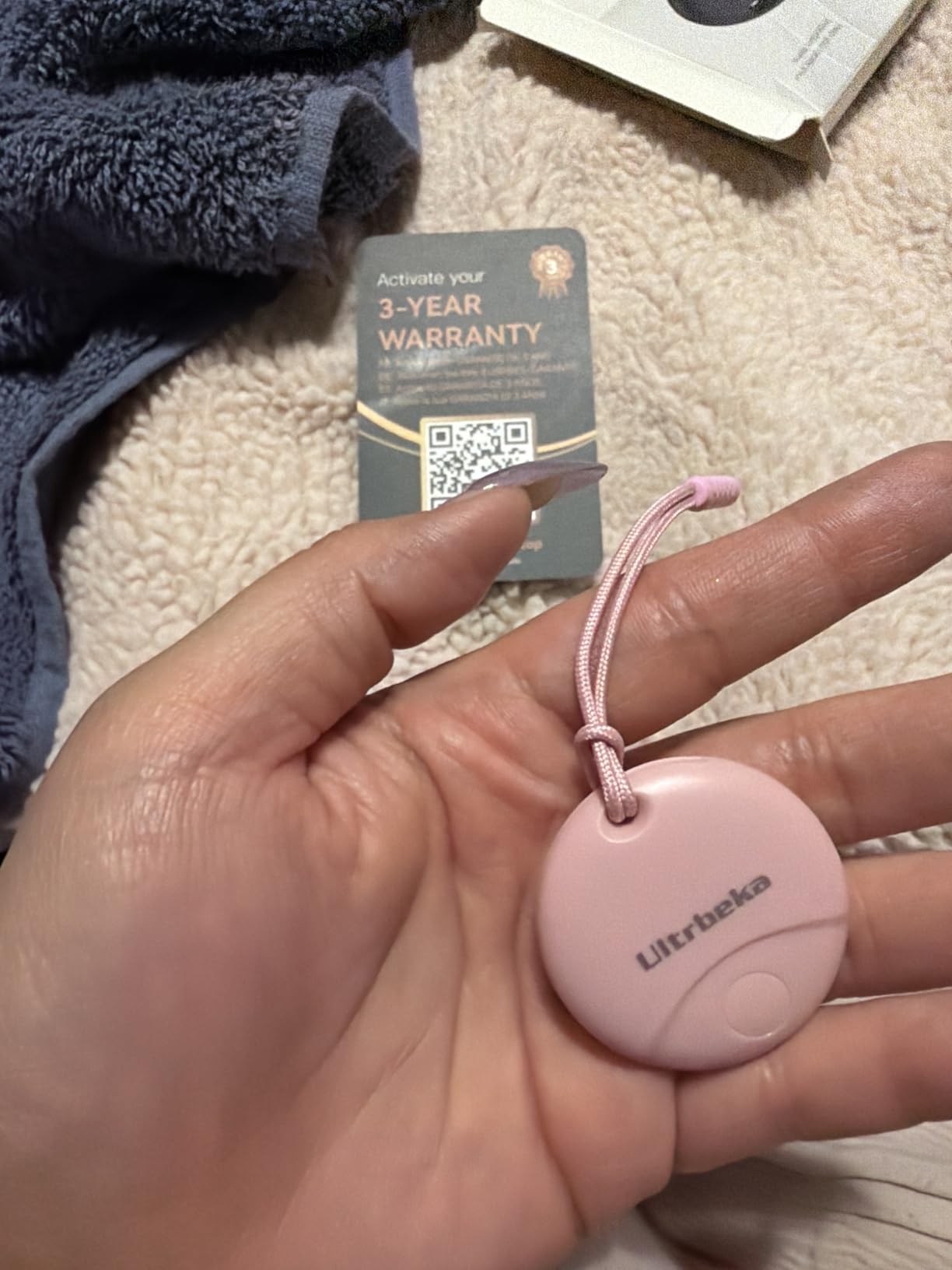
Beach and swimming-pool trips are where most tags on this list quietly fail, because their water resistance is either unstated or dependent on a correctly fitted case. The Ultrbeka tags carry IP67 on the tracker body itself, which is the specification you actually need when a bag gets sand and seawater sprayed across it.
At 8.5 grams each these are among the lightest trackers we measured, and one owner reports using them successfully through a two and a half week European trip with a battery change mid-route. The colour coding is a small design idea that solves a real problem: four identical silver pucks in a hotel safe are impossible to tell apart at 11pm.
Why the IP Rating Matters More Than It Sounds
An IP67 rating means dust-tight and protected against immersion in up to one metre of water for a short period. That covers a bag dragged through a wave, a dropped duffel in a flooded street, or a checked bag that gets soaked at the carousel. The four tags ship with attachment strings, which are enough for a suitcase handle loop but thin enough to break if you clip them to something that swings hard.
Battery and Pairing Behaviour
The stated 18 months on a CR2032 sits between the one-year tags and the two-year claims, and it is a replaceable cell, which is the point. Reviewers note the ring could be louder, especially for a tag buried in luggage, and that the body is slightly larger than an AirTag. An occasional tag needed a reset before it would pair, so test all four the day they arrive.
Reading the Small Review Base Honestly
With fewer than six hundred ratings, this is the second thinnest evidence base in the roundup, and we treat the 18-month figure as manufacturer-stated rather than independently confirmed. On the other hand, the 4.4 average with 77 percent five-star is a strong ratio, and customer service drew specific praise for walking a buyer through a reset and replacing a faulty unit, which is worth more than a longer spec sheet.
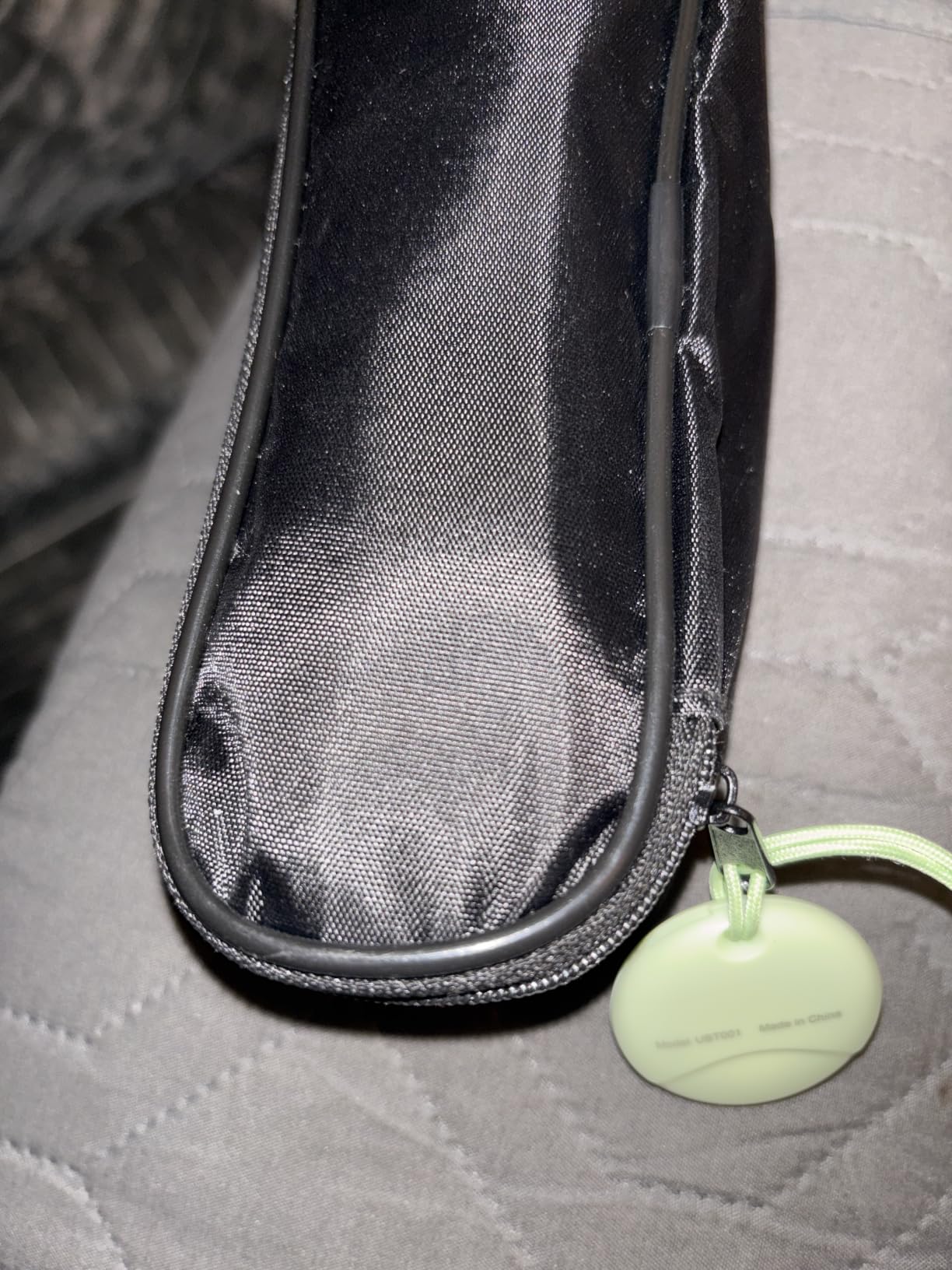
Who Should Buy It and Who Should Not
Buy it if you are on iOS, your bags meet water regularly, and you want a light tag with an 18-month replaceable cell. Consider a higher-review-count option if you want a longer track record of location accuracy before committing.
10. ILOYU Smart Bluetooth Tracker – Slimmest Tag for a Laptop Sleeve
4 Pack Smart Bluetooth Tracker for iPhone (iOS Only), MFi Certified Item Finder Works with Apple Find My App, Waterproof Key Finder Tag for Wallet, Keys, Bags and Luggage, Pets, Replaceable Battery
0.34 inch thick
IP67 on the tag
Two year replaceable battery
MFi certified
+ Pros
- MFi certified with native Apple Find My pairing and no extra fee
- Slim 0.34 inch and 7.2 g per tag that sits flat against a bag surface
- Replaceable CR2032 with a claimed two-year life and in-app status check
- IP67 water resistance rated on the tag
- Documented reset procedure for connection problems
- Cons
- Smallest review base in the set at under 400 ratings
- No Ultra Wideband precision finding
- iOS only
- Two-year battery figure is a manufacturer claim
The ILOYU tag exists to solve a packing constraint. At 0.34 inches thick and 7.2 grams each, four of them stack into a laptop sleeve, a jacket pocket, or a pet collar without creating the bulge that makes a slim bag read as oversized at the gate. IP67 is rated on the tag, and pairing is MFi certified straight into Find My.
Reported use focuses on clean setup, a thin form factor, and a replaceable battery, with owners attaching them to luggage and pet collars. The claimed battery life is two years on a CR2032, and the app shows a battery level check so you can verify before a trip rather than guessing. A documented reset, double-press then hold eight seconds, is included for connection problems.
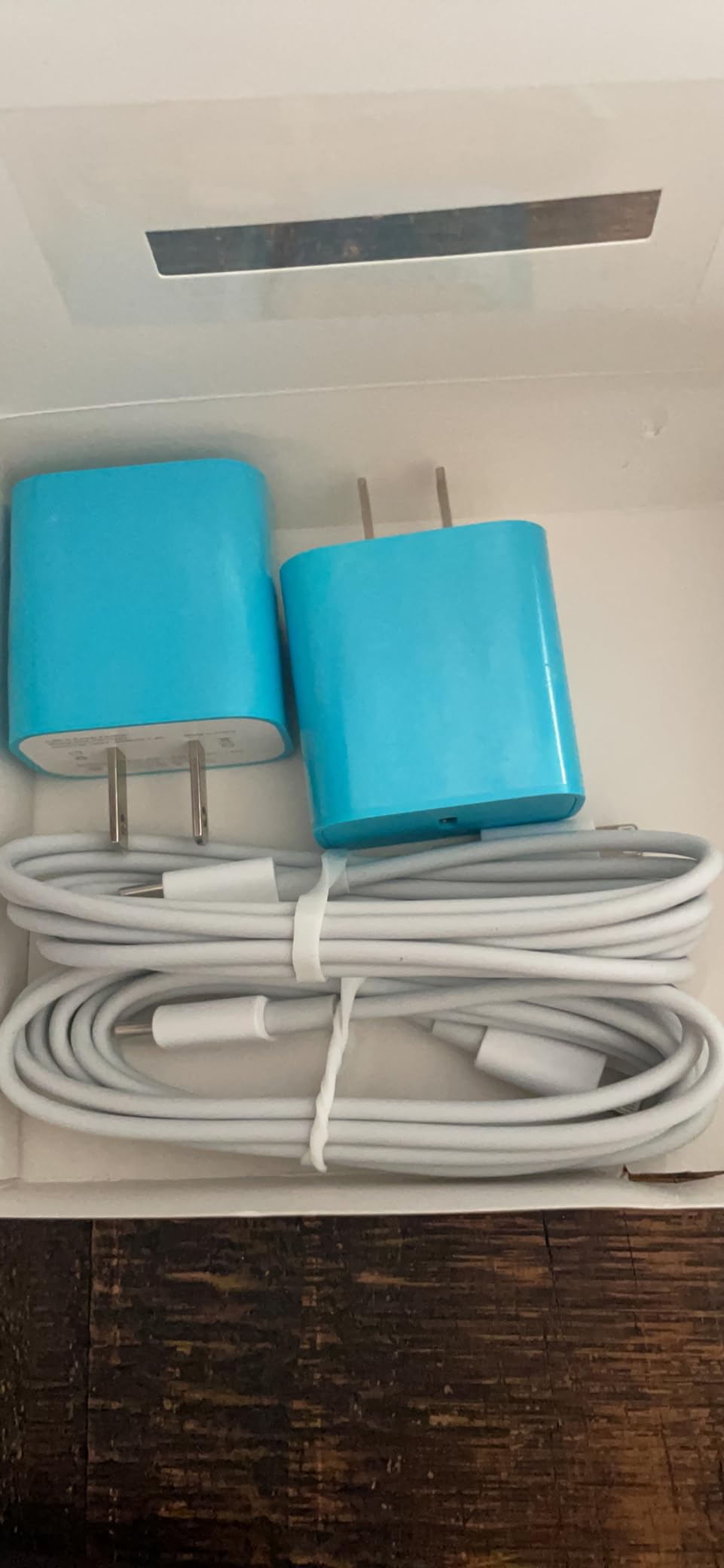
Where a Slim Tag Earns Its Place
There are travel situations where a thick puck is genuinely a problem. A soft-sided roller with a flat zip pocket, a laptop sleeve counted as your personal item, a jacket pocket on a long train, or a collar on an animal travelling in a crate. In all of those, a 0.34 inch profile is the difference between packing the tracker and leaving it behind.
What the Small Review Base Means for You
This is the thinnest evidence base in the roundup at under 400 ratings, sitting at a 4.4 average with 75 percent five-star. The honest read is that the product is unremarkable and the feedback is too small to prove the two-year battery claim independently. Backup is a 24-month warranty, which helps, but we would still test the tags fully before relying on them for a recovery mission.
Water Resistance and the No-UWB Limitation
IP67 protection on the tag itself is a genuine plus for rain, splashes, and dust, and there is no accessory to fit correctly. As with the UGREEN FineTrack and the MSEBENT tags, there is no Ultra Wideband chip, so you get a sound and a map pin rather than a directional arrow. For a collar or a jacket pocket, that is usually enough, because those items stay within Bluetooth range.
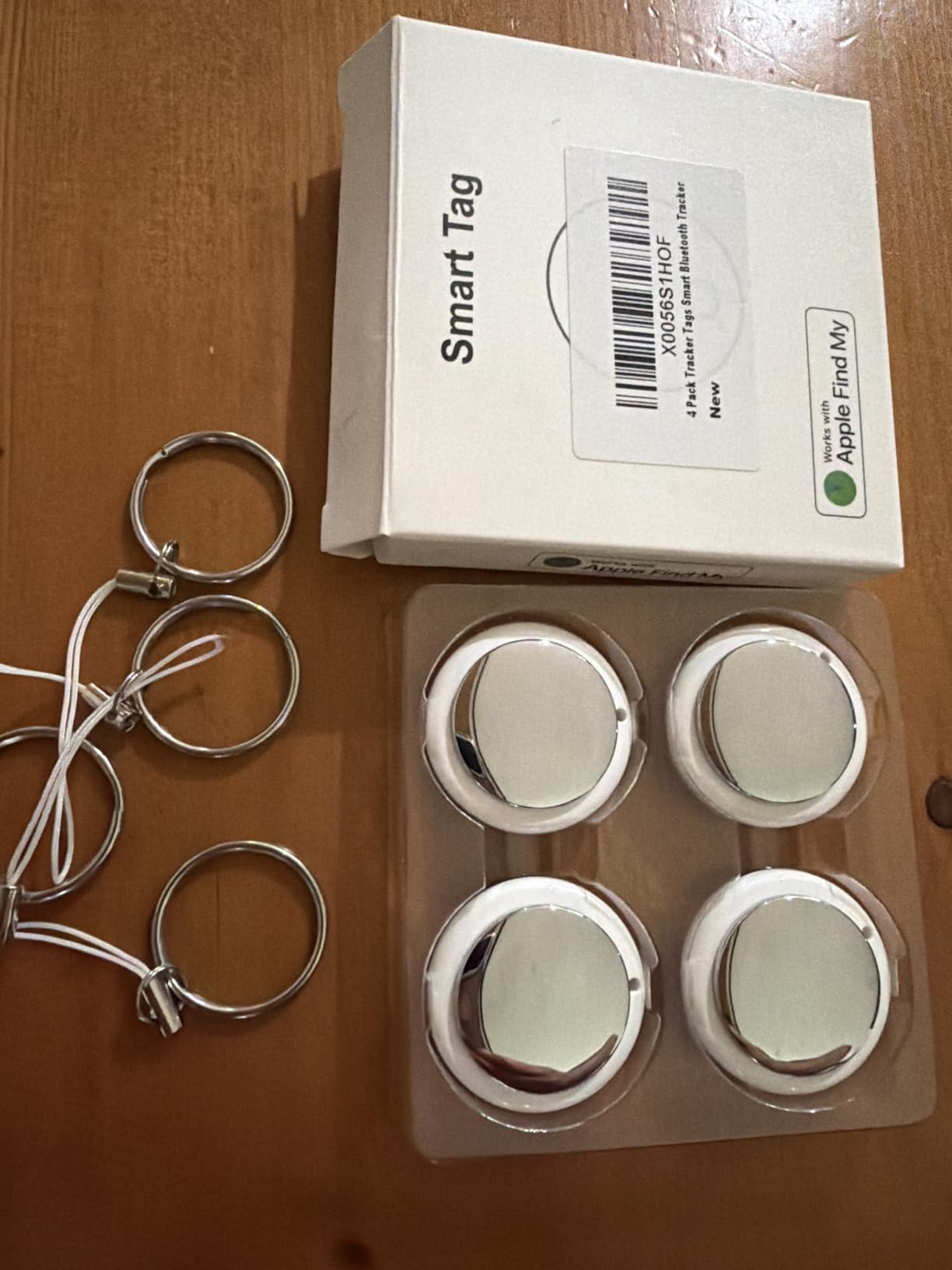
Who Should Buy It and Who Should Not
Buy it if you are on iOS, your packing space is tight, and you want multiple tags for small items and pouches. Look at the AirTag or SmartTag2 if you need the strongest evidence base and the most accurate map reporting.
How to Choose a Luggage Tracker in 2026
Ten trackers that all look like a coin-sized puck resolve to two genuinely different technologies, and almost every bad purchase in this category comes from buying the wrong one for how often you actually travel.
Bluetooth Tags Versus Real Cellular GPS
A Bluetooth tag has no GPS chip and no SIM. It pings quietly, and when your own phone is out of range it relies on other phones running Find My or Find Hub to notice it and relay an approximate position. That network is enormous on iOS, decent on Android, and free. A cellular GPS tracker has its own radio and its own SIM, and reports true coordinates over mobile data anywhere with coverage, which is why every one requires a monthly fee.
Here is the decision rule we use. Under four flights a year, use a Bluetooth tag. You will spend less, manage nothing, and the network will almost always be dense enough in the places you are going. Ten or more trips a year, especially multi-leg and international itineraries, is where cellular GPS earns its subscription because the bag is regularly in cities where the crowdsourced network thins out.
Battery Type and Checked Baggage Rules
Two battery philosophies run through this list. Replaceable coin cells never need charging and last between five months and two years depending on the tag. Rechargeable USB-C cells last about a year per charge and remove the disposable cell problem entirely, but a tag stored for months may wake up flat.
Putting a tracker in checked luggage is allowed. Every tracker here uses a small lithium cell well under the limits airlines apply to spare batteries, and none of them breaches the typical rules on lithium content in checked baggage. The thing to avoid is packing a loose spare coin cell where it could short against a metal buckle, and a good habit is to keep the tool for opening a battery compartment in your hand luggage rather than in the bag you are trying to track.
Placement Inside the Suitcase Changes Results More Than the Model
Signal gets absorbed. A tag buried in the middle of a packed hard-shell roller, pressed between layers of clothing, has to fight through fabric and foam before it reaches any phone nearby. Our rule is to put the tracker in an outer pocket, in a strap loop on the handle, or in the topmost layer of the main compartment. If the bag is hard-sided and you must place it inside, wedge it against the lining near the top rather than at the bottom.
A second habit matters as much as the position. Open the tracking app and check the pin before you walk to security. If it has not moved in the last twenty minutes, a spare cell is the likeliest explanation, and finding that out in an airport is far better than finding out on arrival.
What to Do in the First Hour After a Bag Goes Missing
Step one, do not panic and do not wait for the carousel to clear. Step two, file the report with the airline baggage desk at the airport before you leave, because that creates a reference number you will need. Step three, open the tracking app and share the item location with the airline from the app where possible, which is exactly what the AirTag airline sharing feature is for. Step four, check the map every fifteen minutes and note timestamps, because a pin that moves steadily is a bag in transit and a pin that never moves is a bag sitting somewhere. Step five, file a formal Property Irregularity Report at the airline’s baggage claims office if the bag has not appeared within a couple of hours, and keep every receipt for replacement essentials. Step six, check whether your travel insurance or credit card covers delayed baggage, which usually requires the official report.
Two Trackers in One Bag Is a Reasonable Habit
Travelers on forums like r/Flights and r/travel commonly pack one Bluetooth tag and one cellular tracker in the same bag for redundancy, and we think the logic holds. The tag gives you free, precise, close-range finding once the bag is in the building. The cellular device gives you a coordinate when the bag is far from any phone. Running both costs one small purchase plus one subscription, and covers the two failure modes that a single device cannot.
Privacy and the Crowdsourced Network
A Bluetooth tag broadcasts a rotating identifier, and the phones relaying it do not know what item is being tracked. The Apple tags and the MFi-certified packs report end-to-end encrypted location that the manufacturer cannot read. The tradeoff is real, though: your own tag is now visible to the network when you are not looking at it, and if you ever mislay the tracker rather than the bag, an unknown phone could follow it. Use Lost Mode, and keep your own Find My network from following unwanted hardware on your devices.
Frequently Asked Questions
What is the best tracker to put in luggage?
The Apple AirTag (2nd Generation) is the best tracker to put in luggage for most travelers in 2026. It pairs in one tap, runs on the largest crowdsourced find network in the world, costs no monthly fee, and can share its location with airline partners if a bag goes missing. On Android, the Samsung Galaxy SmartTag2 is the equivalent choice.
Is a GPS tracker better than an AirTag?
For most trips, no. A Bluetooth tag like the AirTag is free to run, needs no SIM, and reports accurately in busy airports, which is where most bags actually go missing. A cellular GPS tracker is better only when a bag regularly lands somewhere few phones are, such as rural or international destinations, and it costs a monthly fee to keep that advantage.
What is the best GPS tracker without a monthly subscription?
Every tracker in this roundup runs with no subscription, because all ten are Bluetooth tags rather than cellular devices. The Apple AirTag, the Samsung Galaxy SmartTag2, and the UGREEN FineTrack four pack are the strongest no-fee options, with battery lives from about one year up to a stated 500 days on the SmartTag2.
Can you put a GPS tracker in your checked luggage?
Yes. Packing a Bluetooth tracker in checked luggage is allowed by airlines and security screening, and the small lithium cells in these devices fall well under the limits applied to spare batteries. Keep any loose spare coin cell and the battery opening tool in your hand luggage instead, so you are not relying on the bag you are trying to track.
Is there a real-time GPS tracker that doesn’t require a subscription?
There is no such thing in practice. A device that reports true real-time coordinates needs a cellular radio and a SIM, and the carrier service behind it is what costs money. Trackers that avoid a subscription do so by using a crowdsourced Bluetooth network instead, which means the update depends on another phone being nearby rather than on a satellite and a cell tower.
How do luggage trackers work inside a cargo hold?
A Bluetooth tag goes mostly quiet inside a cargo hold, because there are few phones close enough to hear it. A cellular GPS tracker can still transmit from the hold if it has both signal and power, which is the main argument for running one alongside a tag. Expect a silent window for the length of a long-haul flight with either device.
Which Luggage Tracker Should You Buy in 2026?
If you carry an iPhone, buy the Apple AirTag (2nd Generation). It has the best rating in this roundup, the network behind it never stops growing, and the airline sharing feature genuinely shortens a baggage claim. If you are on a Galaxy phone and take long or multi-leg trips, the Samsung Galaxy SmartTag2 is the pick, because a 500-day battery removes the one chore every other tag has.
If you need several tags, the UGREEN FineTrack four pack is the best value on iOS, and the UGREEN Finder Duo is the answer for a household split between platforms. For passports, wallets, and slim carry-ons, the Life360 Tile Slim fits where nothing else does. For a Pixel or a budget Android handset, the Vodyfu Find Hub pack is the realistic option. If your bags meet water, the Ultrbeka tags carry IP67 on the tracker itself, and if packing space is critical, the ILOYU set is the thinnest we measured.
Either way, put the tracker where a phone can hear it, check that it is reporting before you pass security, and know the airline’s reporting process before you need it. That preparation, not the model, is what gets your bag back.