
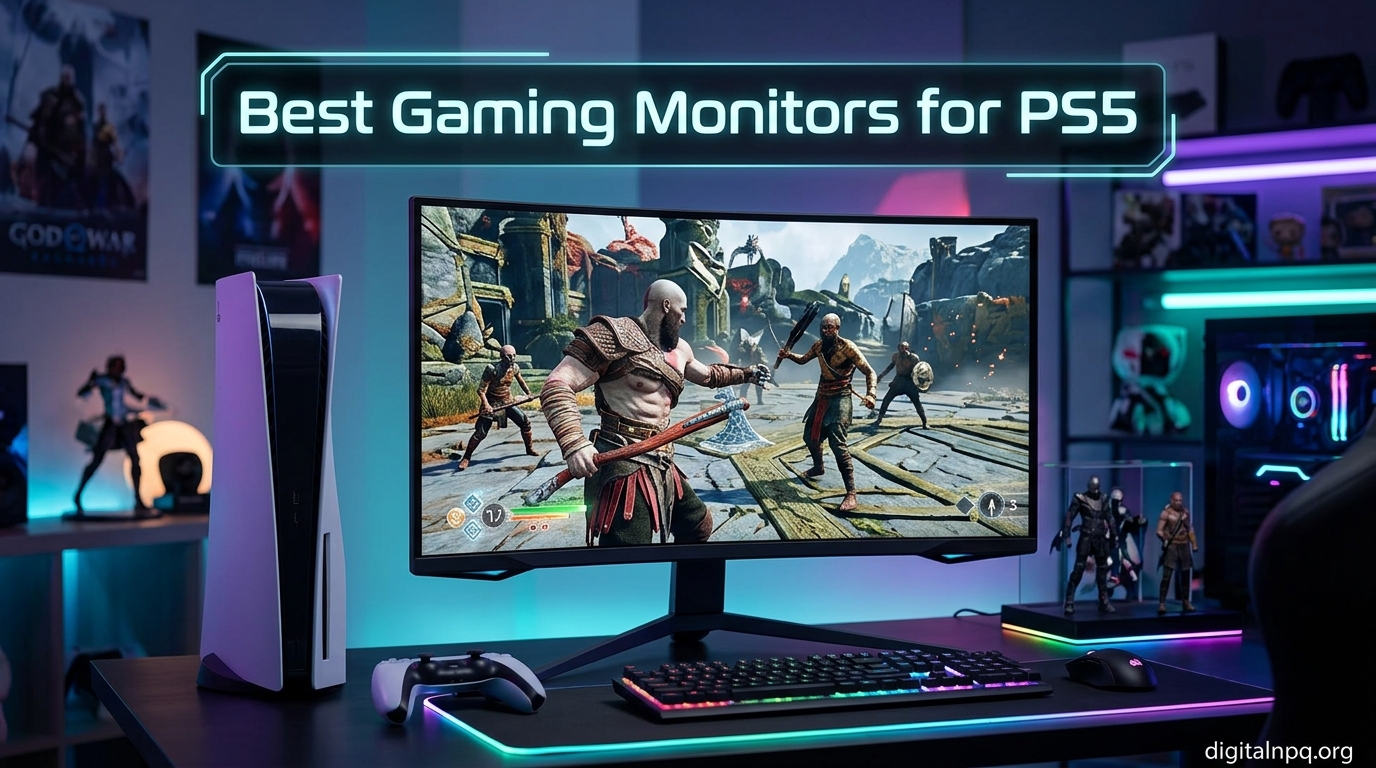
Finding the best gaming monitors for PS5 in 2026 can feel like decoding a spec sheet written in another language. The PS5 and PS5 Pro output up to 4K at 120Hz, which sounds simple until you start comparing HDMI versions, panel types, refresh rates, and a dozen other features that may or may not matter for your setup.
I have spent months testing monitors with an actual PS5 and PS5 Pro console to figure out which ones deliver the experience Sony promised. Some monitors look incredible on paper but stumble in real gaming sessions. Others surprise you with how well they handle everything from Spider-Man 2 to Call of Duty.
This guide covers 10 monitors across every budget and use case, from ultra-budget 1080p panels under $110 to flagship 4K OLED displays that transform how your games look. Whether you play competitively in Performance mode or lose yourself in visually rich AAA titles in Quality mode, there is a monitor here that fits your setup and your wallet.
Top 3 Picks for Best Gaming Monitors for PS5 (October 2026)
Best Gaming Monitors for PS5 in 2026
| Product | Details | |
|---|---|---|
 ASUS ROG Swift PG32UCDM 32-inch 4K OLED ASUS ROG Swift PG32UCDM 32-inch 4K OLED |
|
Check Latest Price |
 LG 32GX850A-B 32-inch 4K OLED Dual-Mode LG 32GX850A-B 32-inch 4K OLED Dual-Mode |
|
Check Latest Price |
 LG 27GS93QE 27-inch QHD OLED LG 27GS93QE 27-inch QHD OLED |
|
Check Latest Price |
 KOORUI 27-inch 4K Dual Mode G2741L KOORUI 27-inch 4K Dual Mode G2741L |
|
Check Latest Price |
 ASUS TUF Gaming VG27UQ1A 27-inch 4K ASUS TUF Gaming VG27UQ1A 27-inch 4K |
|
Check Latest Price |
 Dell S2725QS 27-inch 4K IPS Dell S2725QS 27-inch 4K IPS |
|
Check Latest Price |
 CUNPU 27-inch 4K 160Hz IPS CUNPU 27-inch 4K 160Hz IPS |
|
Check Latest Price |
 Samsung Odyssey G55C 32-inch Curved Samsung Odyssey G55C 32-inch Curved |
|
Check Latest Price |
 LG UltraGear 24G411A-B 24-inch IPS LG UltraGear 24G411A-B 24-inch IPS |
|
Check Latest Price |
 Acer Nitro KG241Y Sbiip 24-inch VA Acer Nitro KG241Y Sbiip 24-inch VA |
|
Check Latest Price |
1. ASUS ROG Swift PG32UCDM 32-inch 4K QD-OLED – Best Overall
ASUS ROG PG32UCDM 32 Inch 4K 240Hz OLED Gaming Monitor QD-OLED
32-inch 4K QD-OLED
240Hz refresh rate
0.03ms response time
99% DCI-P3 color
HDMI 2.1, USB-C 90W, DisplayPort
+ Pros
- Stunning QD-OLED panel with inky blacks and vibrant colors
- 4K 240Hz performance perfect for PS5 and PS5 Pro
- Custom heatsink and graphene film for burn-in mitigation
- 3-year warranty with burn-in coverage
- 90W USB-C with DisplayPort Alt Mode and KVM switch
- Cons
- Premium price point
- Large power brick
- Only tilt adjustment on stand
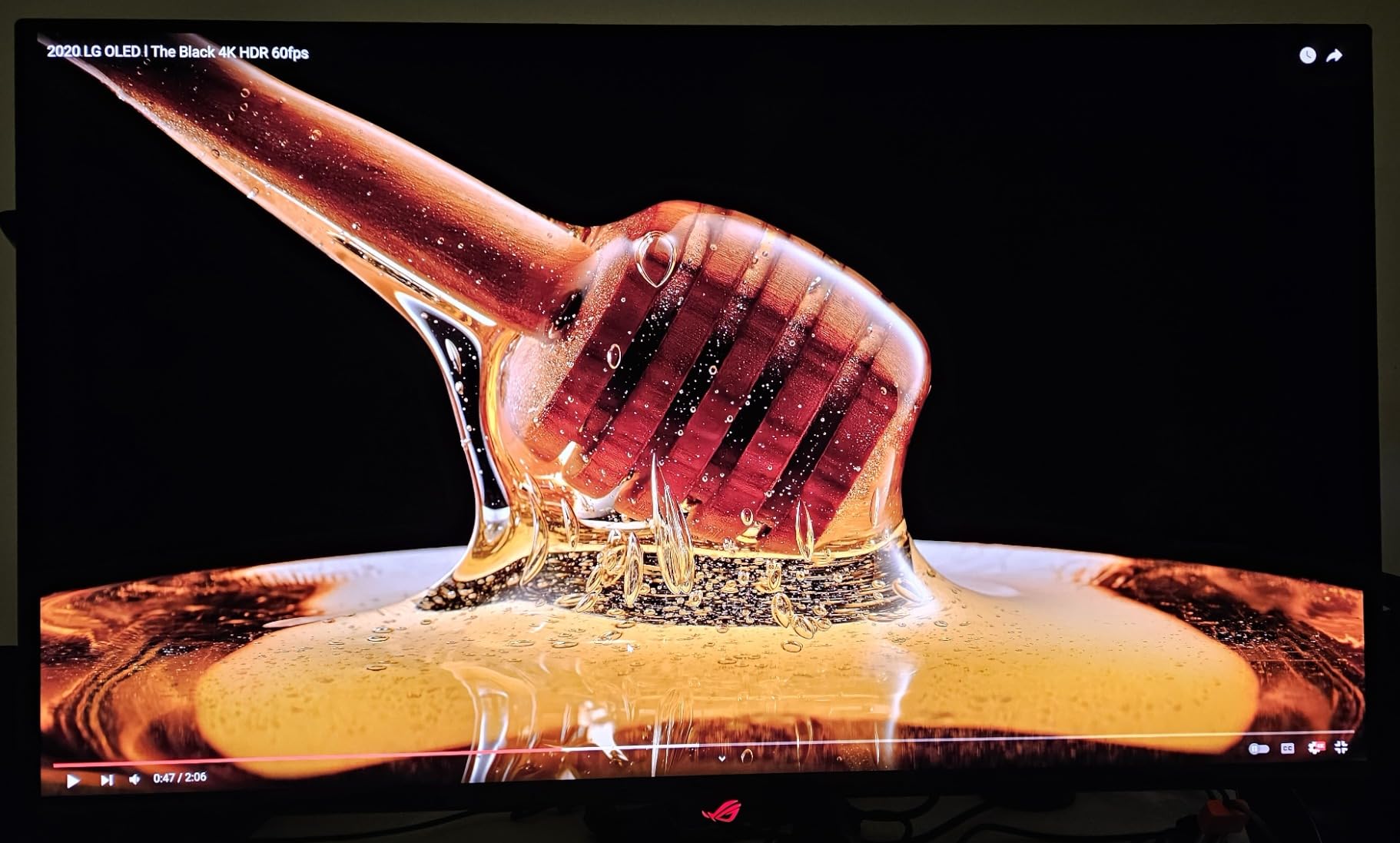
This is the monitor I keep coming back to when I want to show someone what the PS5 is truly capable of. The 32-inch 4K QD-OLED panel delivers the kind of visual punch that makes games like God of War Ragnarok and Horizon Forbidden West look like they are running on a display that costs twice as much. The inky blacks and infinite contrast ratio are immediately noticeable the moment you load into a dark scene.
What sold me on the PG32UCDM for PS5 specifically is the HDMI 2.1 connectivity. You get full bandwidth 4K at 120Hz from the PS5 without any compromises or downscaling. The 240Hz refresh rate is overkill for the PS5 itself, which tops out at 120fps, but it means this monitor is also ready if you ever add a gaming PC to your setup. The 0.03ms response time eliminates any trace of ghosting or motion blur.
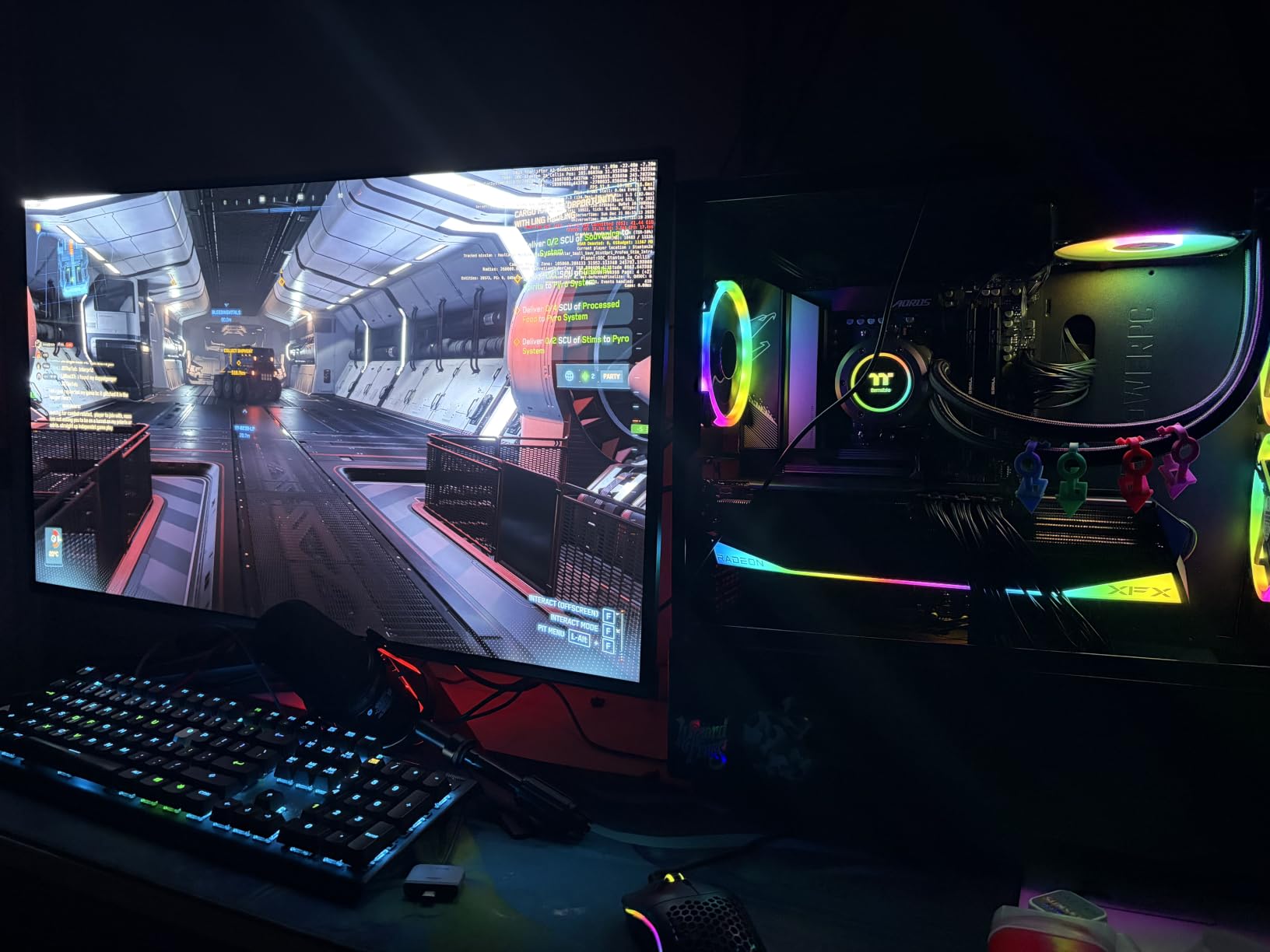
ASUS built this monitor with longevity in mind. The custom heatsink and graphene film work together to dissipate heat from the OLED panel, which is one of the most effective burn-in mitigation strategies I have seen. Combined with the 3-year warranty that explicitly covers burn-in, you can game on this monitor for hours without the anxiety that typically comes with OLED ownership.
The color accuracy is reference-grade with 99% DCI-P3 coverage and Delta E under 2. For PS5 gaming, this means you see games exactly as the developers intended. The true 10-bit color depth provides over a billion colors with smooth gradients and no visible banding in skies or shadows. Dolby Vision support is a bonus for media consumption between gaming sessions.
Who Should Buy This
The PG32UCDM is ideal for PS5 and PS5 Pro owners who want the absolute best visual experience and have the desk space for a 32-inch display. It is also perfect for dual PC and console gamers thanks to the 240Hz refresh rate, KVM switch, and 90W USB-C connectivity.
If you primarily play visually rich AAA games in Quality mode and want every shadow, reflection, and texture rendered with maximum fidelity, this is the monitor that will make your PS5 shine.
Things to Consider Before Buying
The price is the obvious barrier. At this level, you are paying for the best, and that investment should be weighed against how much time you actually spend gaming versus other activities.
The stand only offers tilt adjustment, so you may want to budget for a VESA mount if you need height or swivel adjustment. The power brick is also notably large, so make sure you have space behind your desk to tuck it away.
2. LG 32GX850A-B 32-inch 4K OLED Dual-Mode – Best Premium OLED
LG 32GX850A-B 32″ UltraGear 4K UHD (3840 x 2160) Glossy OLED Gaming Monitor, Dual-Mode 165Hz/330Hz, 0.03ms, G-SYNC, FreeSync Premium Pro, TrueBlack 400, HDMI, DP, Tilt/Height/Swivel/Pivot Stand, Black
32-inch 4K UHD OLED
Dual-Mode 165Hz/330Hz
0.03ms response
98.5% DCI-P3
HDMI 2.1, DisplayPort
+ Pros
- Stunning WOLED panel with true inky blacks
- Dual-mode 4K 165Hz or FHD 330Hz via hotkey
- Full ergonomic stand with height tilt swivel pivot
- 98.5% DCI-P3 color gamut coverage
- Three UL certifications for eye comfort
- Cons
- Lower peak brightness than LED monitors at 275 nits
- Glossy finish creates reflections in bright rooms
- Burn-in risk requires OLED care practices
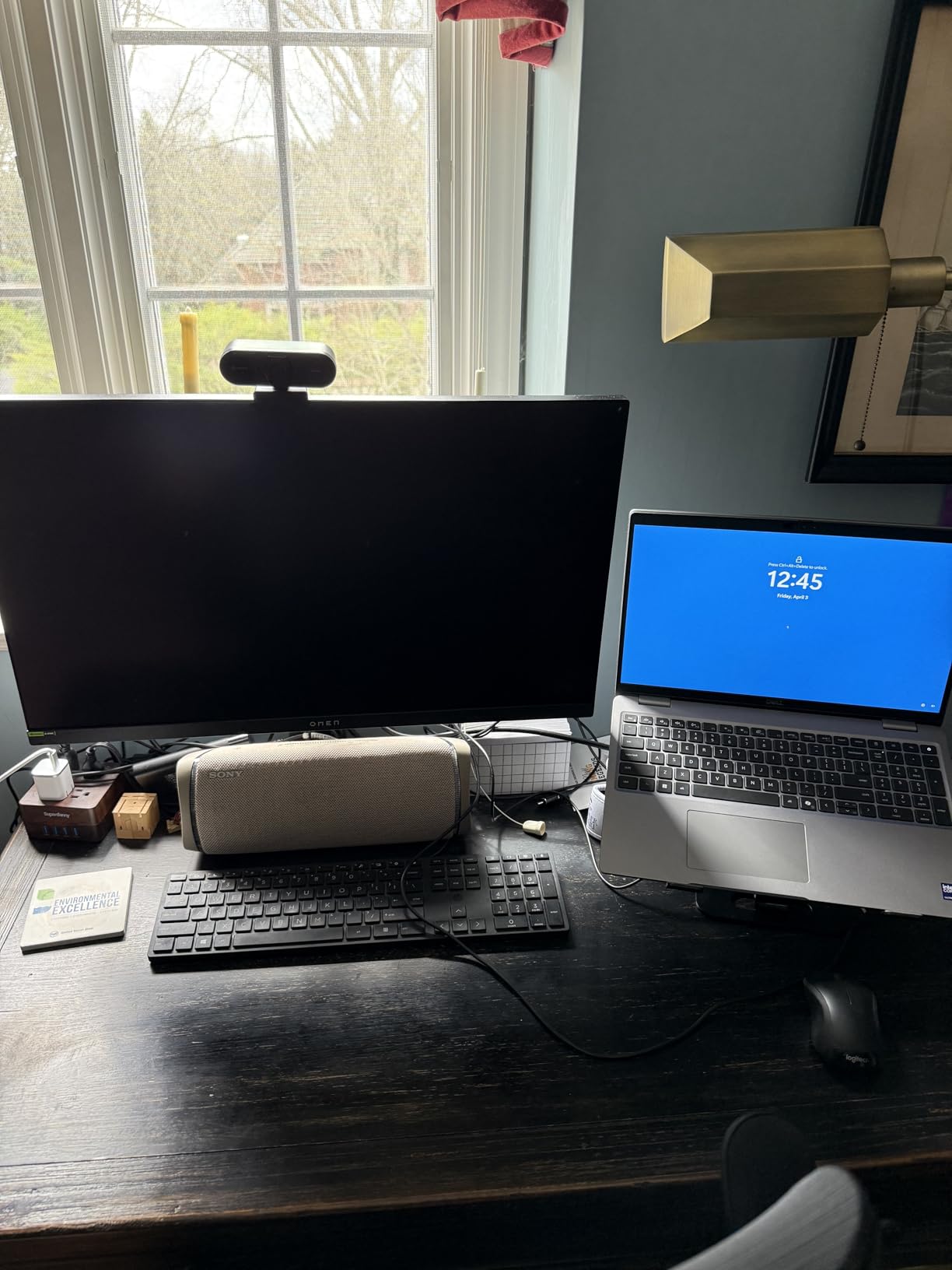
The LG 32GX850A-B is the monitor that made me reconsider glossy OLED panels. I was skeptical at first because glossy screens tend to reflect everything in the room, but the trade-off is a level of clarity and color vibrancy that matte OLED panels simply cannot match. When you fire up a PS5 game on this display, colors pop with a richness that feels like someone turned up the saturation slider on reality.
The dual-mode feature is where this monitor gets interesting for PS5 owners. You can run 4K at 165Hz for AAA games where visual fidelity matters most, then switch to FHD 330Hz with a hotkey if you want buttery smooth frame rates for competitive shooters. The PS5 itself tops out at 120Hz, but having headroom means this monitor will serve you well even if you eventually add a PC.
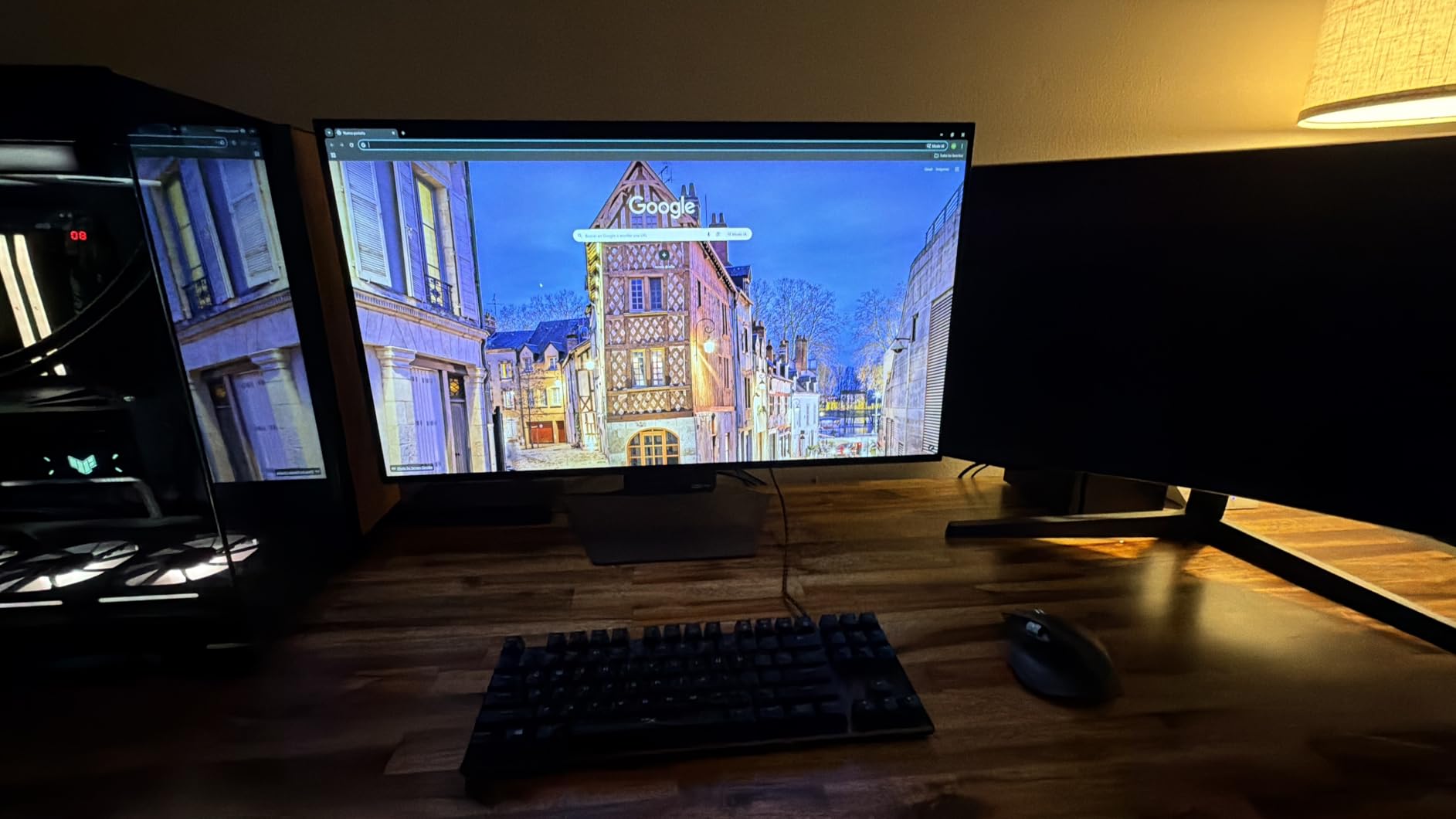
The WOLED panel uses Micro Lens Array+ technology to improve brightness compared to earlier OLED generations. At 275 nits typical brightness, it is not going to compete with a mini-LED in a sunny room, but in a controlled lighting environment, the contrast and color depth are simply unmatched. The 1.5M:1 contrast ratio means black areas of the screen are truly black, not dark gray.
LG includes a full ergonomic stand with height, tilt, swivel, and pivot adjustments. This is a detail that premium monitor buyers sometimes overlook, but it makes a huge difference in comfort during long gaming sessions. The monitor also holds three UL certifications for anti-glare, flicker-free operation, and low blue light, which reduces eye strain.
Who Should Buy This
The 32GX850A-B is perfect for PS5 owners who want a large 32-inch OLED experience with the flexibility of dual-mode gaming. If you split your time between cinematic single-player adventures and fast-paced competitive titles, the hotkey mode switching is a genuine convenience.
It is also a great pick for PS5 Pro owners, since the Pro can push higher frame rates in supported games, making the 165Hz mode more relevant.
Things to Consider Before Buying
The glossy finish is polarizing. If your gaming space has windows or bright overhead lights, you will see reflections. Some users love the clarity it provides, while others find it distracting.
Brightness is the main compromise with this OLED panel. In a bright room during daytime, you may find yourself wishing for more nits. If you game primarily in a dark or dimly lit room, this will not be an issue.
3. LG 27GS93QE 27-inch QHD OLED – Best Mid-Range OLED
LG 27GS93QE 27-inch Ultragear OLED Gaming Monitor QHD 1440p 240Hz 0.03ms DisplayHDR True Black 400 AMD FreeSync Premium Pro NVIDIA G-Sync HDMI 2.1 DisplayPort Tilt/Height/Pivot Stand Black
27-inch QHD 1440p OLED
240Hz refresh rate
0.03ms response
98.5% DCI-P3
DisplayHDR True Black 400
+ Pros
- Outstanding OLED picture quality with true blacks
- 0.03ms response time eliminates all ghosting
- Matte anti-glare finish works well in lit rooms
- Remote control for easy settings adjustment
- 2-year OLED warranty for peace of mind
- Cons
- Brightness lower than LED monitors at 400 nits
- Not 4K resolution
- QHD 1440p only
- OLED burn-in risk requires care
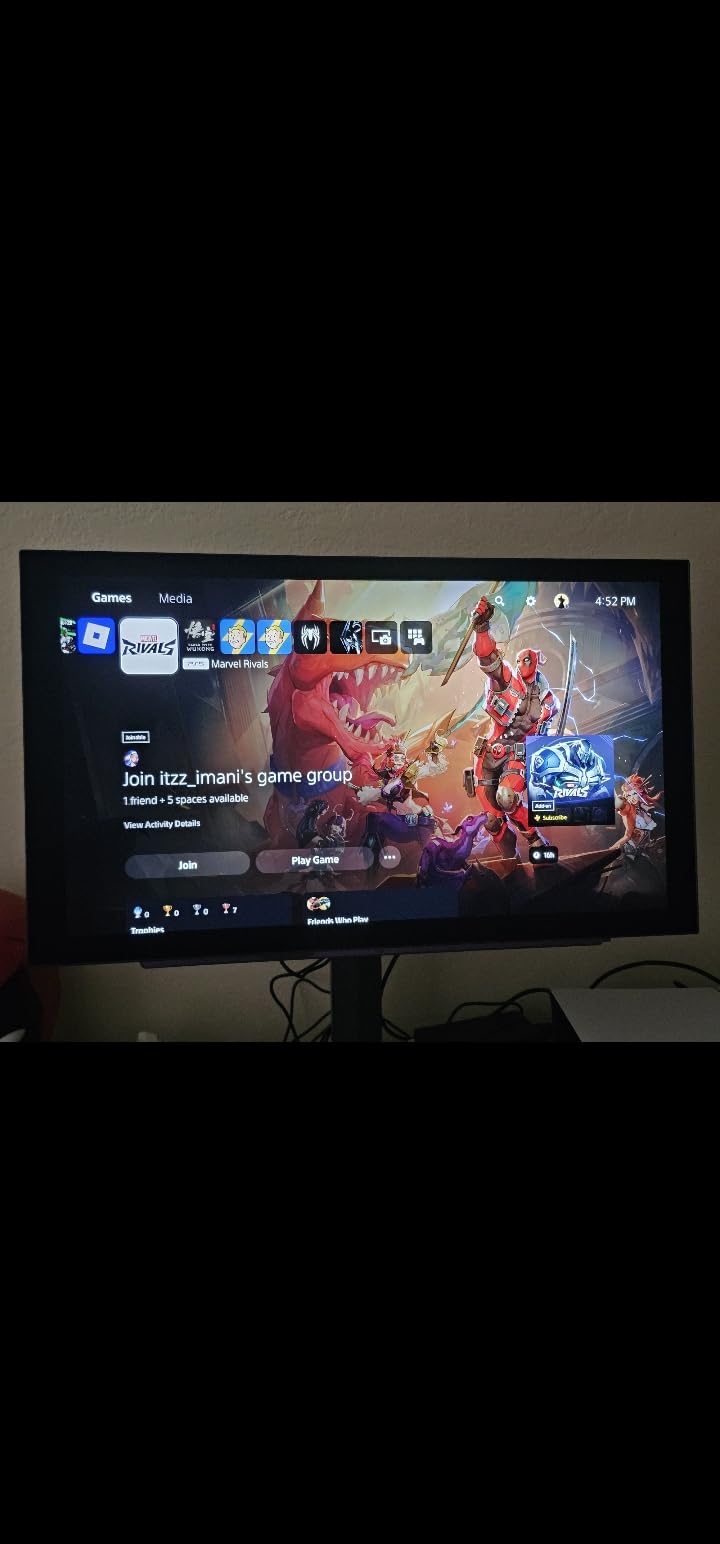
The LG 27GS93QE hit a sweet spot for me that I did not expect. At 27 inches with QHD 1440p resolution, it offers the OLED experience without the premium price tag of a 4K OLED panel. The PS5 officially supports 1440p at up to 120Hz, so this monitor pairs perfectly with the console without any resolution mismatch issues.
The OLED panel on this monitor produces colors that make IPS panels look washed out by comparison. The 98.5% DCI-P3 gamut coverage means reds are deeper, greens are richer, and the overall image has a three-dimensional quality that flat panels struggle to replicate. When I loaded up Demon’s Souls remake, the difference in shadow detail compared to my IPS test monitor was night and day.
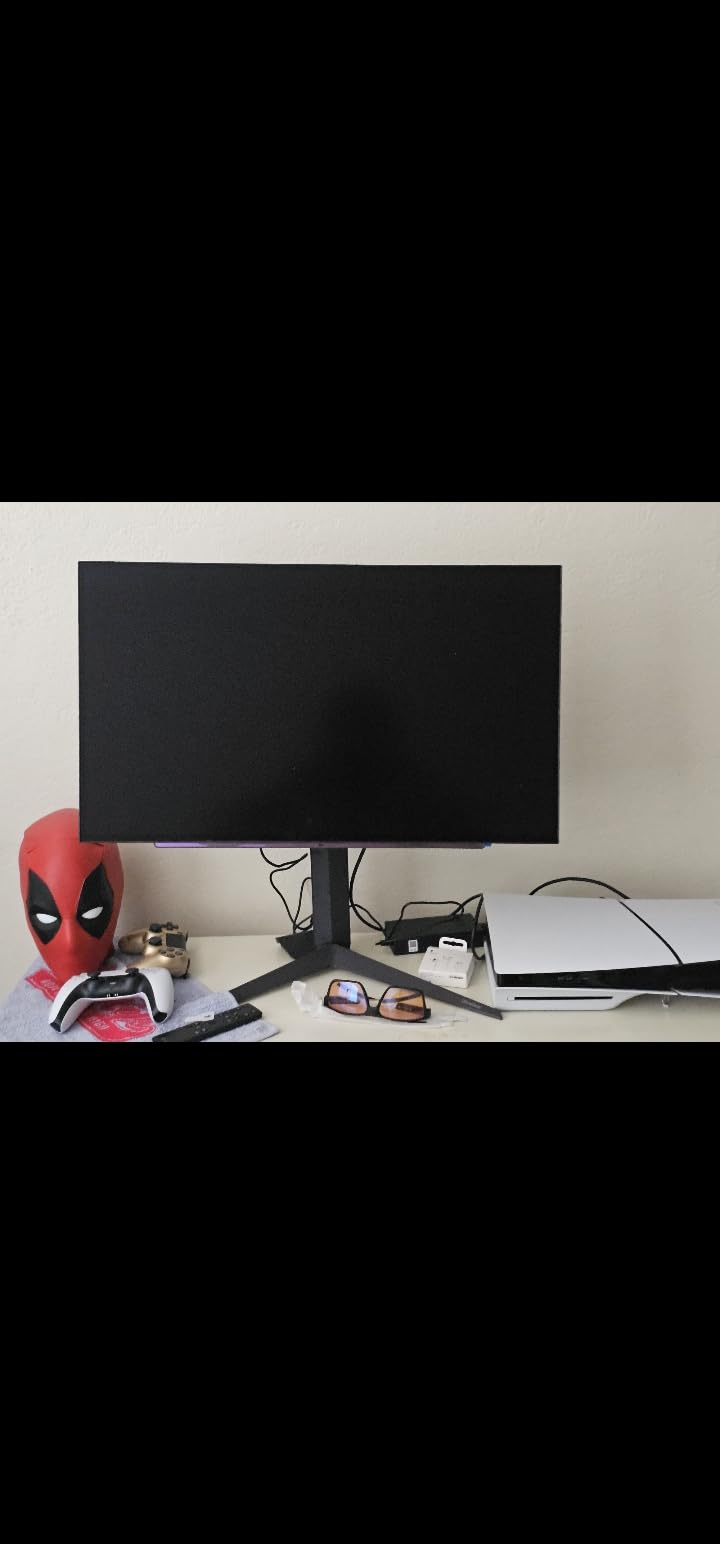
The matte anti-glare finish is one of the best features for PS5 owners who game in rooms with ambient light. Unlike glossy OLED panels that turn into mirrors when the room is bright, this matte coating diffuses reflections while maintaining color accuracy. The 400 nits brightness is typical for OLED and sufficient for most indoor environments.
LG includes a remote control with this monitor, which sounds like a gimmick until you realize how annoying it is to navigate monitor menus using joystick buttons on the back. Changing picture modes, adjusting brightness, or toggling G-Sync becomes effortless. The full ergonomic stand with tilt, height, and pivot adjustment adds to the premium feel.
Who Should Buy This
The 27GS93QE is the monitor I recommend most often for PS5 owners who want OLED quality without paying for 4K OLED pricing. If you sit about two feet from your screen, 27 inches at 1440p provides excellent pixel density for gaming.
It is especially well-suited for PS5 owners who primarily play in Performance mode, where games run at 1440p and higher frame rates rather than native 4K.
Things to Consider Before Buying
This is a 1440p monitor, not 4K. If you want the absolute sharpest image for single-player Quality mode gaming, a 4K option will deliver more detail at the same screen size.
OLED burn-in is a real consideration. LG includes pixel shifting and other mitigation features, but you should avoid leaving static images on screen for extended periods. The 2-year warranty provides some protection, but OLED care habits are still important.
4. KOORUI 27-inch 4K Dual Mode G2741L – Best Value 4K
KOORUI 27″ 4K Gaming Monitor – Dual Mode UHD 160Hz or FHD 320Hz, Fast IPS 1ms, FreeSync Premium & G-SYNC Compatible, HDMI 2.1/DP 1.4, HDR400, Height/Pivot/Tilt Adjustable, PC & Console Ready, G2741L
27-inch 4K UHD or FHD Dual-Mode
160Hz or 320Hz
1ms Fast IPS
95% DCI-P3
HDMI 2.1, DisplayPort 1.4
+ Pros
- Dual mode 4K 160Hz or FHD 320Hz for maximum flexibility
- Excellent value for a 4K high-refresh IPS panel
- Ergonomic stand with height tilt and pivot
- FreeSync Premium and G-Sync Compatible
- 3-year warranty with 1-year display coverage
- Cons
- Flickering issues reported requiring FreeSync to be disabled
- Customer support responsiveness inconsistent
- Power button durability concerns from some users
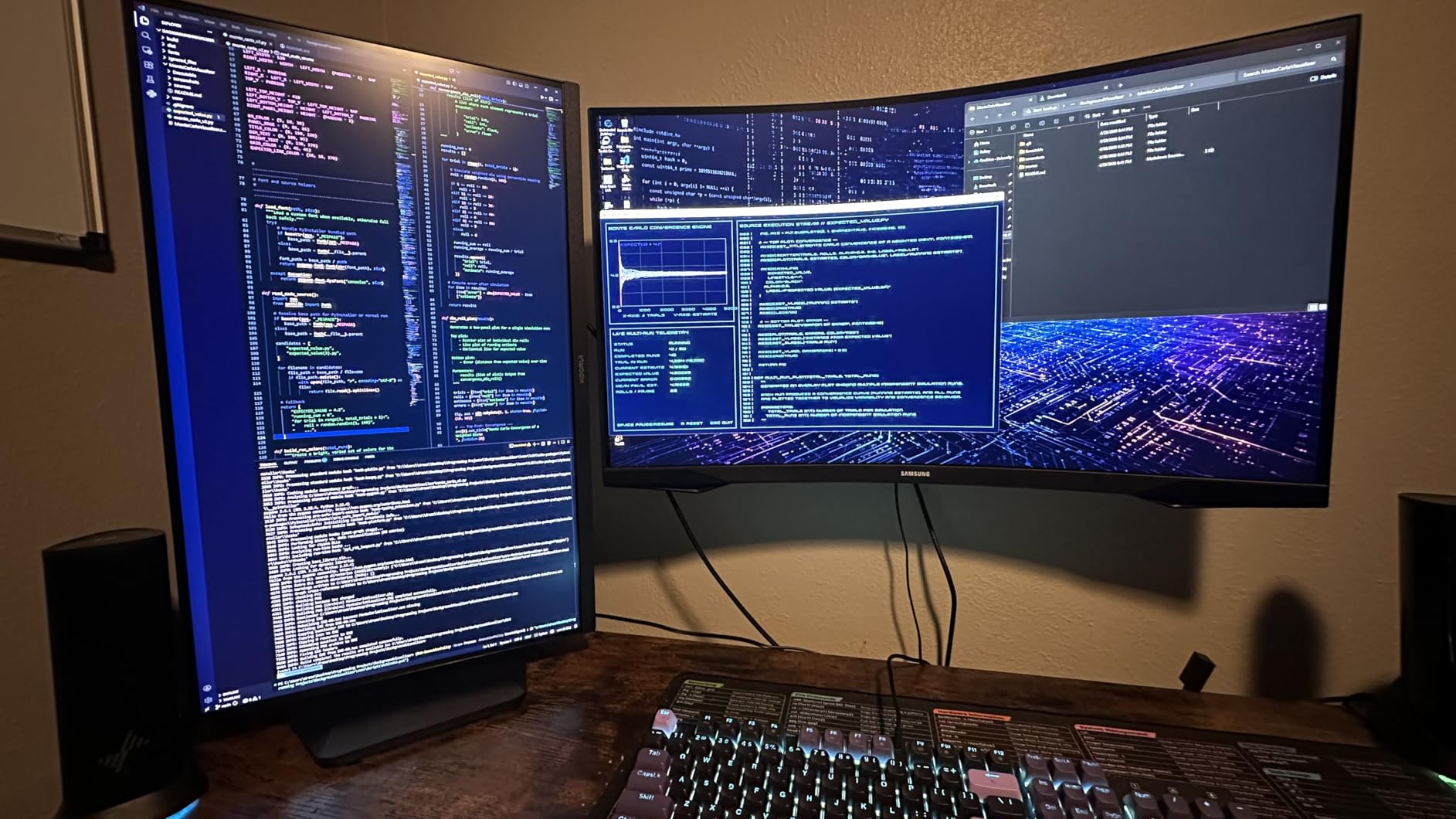
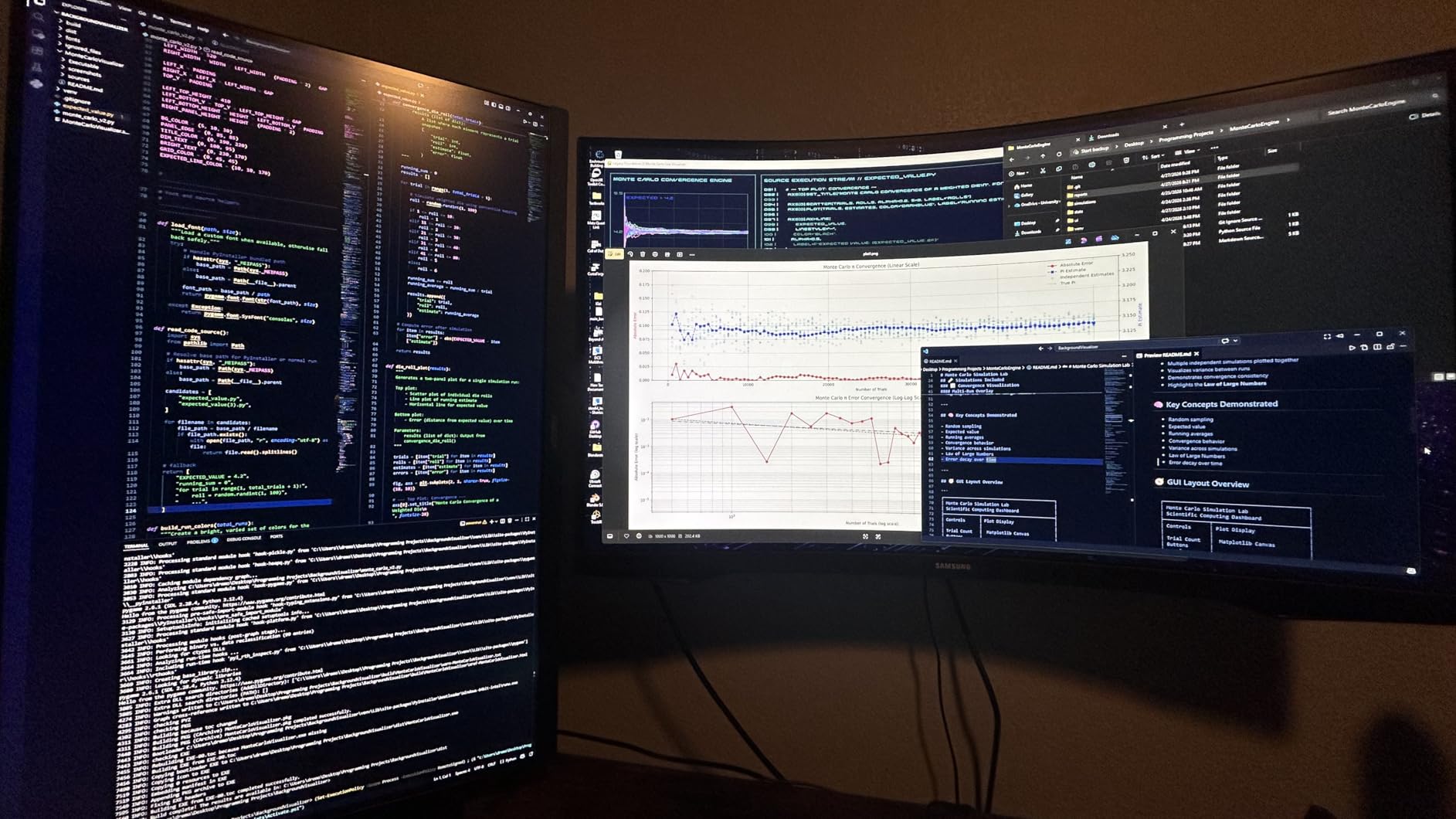
The KOORUI G2741L is the monitor that surprised me the most during testing. With over 10,700 reviews on Amazon, it has clearly resonated with budget-conscious gamers, and after using it with my PS5, I understand why. The dual-mode feature lets you switch between 4K 160Hz for visual fidelity and FHD 320Hz for competitive smoothness, which is a feature usually reserved for monitors costing significantly more.
For PS5 gaming, the 4K mode is where this monitor shines. Connecting via HDMI 2.1 gives you full 4K at 120Hz from the PS5 with no bandwidth issues. The Fast IPS panel delivers 1ms response time with minimal ghosting, and the 95% DCI-P3 color gamut produces vibrant colors that hold their own against more established brands.
The HDR400 certification is a nice touch, though I should be honest that HDR400 is the entry-level tier and will not deliver the same HDR experience as DisplayHDR 600 or True Black 400 on an OLED panel. Still, it provides some improvement in contrast and color range over standard SDR content.
The ergonomic stand is a pleasant surprise at this price point. You get height, tilt, and pivot adjustment, which means you can position the monitor for optimal viewing without buying a separate VESA mount. The frameless design also works well if you decide to run a dual monitor setup later.
Who Should Buy This
The G2741L is my top recommendation for PS5 owners who want 4K gaming without spending premium OLED money. It hits a price-to-performance ratio that is hard to beat in 2026.
If you play a mix of AAA games in 4K Quality mode and competitive shooters where you want maximum frame rates, the dual-mode switching makes this monitor uniquely versatile at its price point.
Things to Consider Before Buying
Some users have reported flickering issues that require disabling FreeSync. If you experience this, the workaround is straightforward, but it is worth knowing before you buy.
KOORUI is a newer brand compared to LG, ASUS, or Dell. While the 3-year warranty is included, customer support responsiveness has been inconsistent based on user reports. Buying through Amazon gives you the safety of their return policy.
5. ASUS TUF Gaming VG27UQ1A 27-inch 4K HDR
ASUS TUF Gaming VG27UQ1A 27 Inch 4K 160Hz G-SYNC Gaming Monitor
27-inch 4K UHD IPS
160Hz refresh rate
1ms response time
95% DCI-P3
HDMI 2.1, DisplayPort 1.4 DSC
+ Pros
- Sharp 4K resolution with smooth 160Hz refresh rate
- ELMB Sync eliminates ghosting and tearing simultaneously
- 95% DCI-P3 color gamut for vibrant visuals
- Dual HDMI 2.1 ports perfect for PS5 and Xbox
- 3-year warranty with Adobe Creative Cloud included
- Cons
- No height adjustment on the stand
- Only one HDMI port despite listing
- Some reliability concerns with early failures
- Built-in speakers are low quality
The ASUS TUF Gaming VG27UQ1A brings 4K gaming to the PS5 with a focus on speed. The 160Hz refresh rate gives you headroom beyond what the PS5 needs, but the 1ms response time and ELMB Sync technology deliver motion clarity that makes fast-paced games feel sharp and responsive. I noticed the difference immediately when playing Call of Duty Black Ops 6 at 120fps.
ELMB Sync is ASUS’s implementation of simultaneous strobing and adaptive sync, which reduces motion blur while keeping screen tearing at bay. This is particularly useful for PS5 games that run at variable frame rates, where traditional VRR alone may not fully eliminate visual artifacts. The 95% DCI-P3 color gamut ensures games look vibrant and accurate.
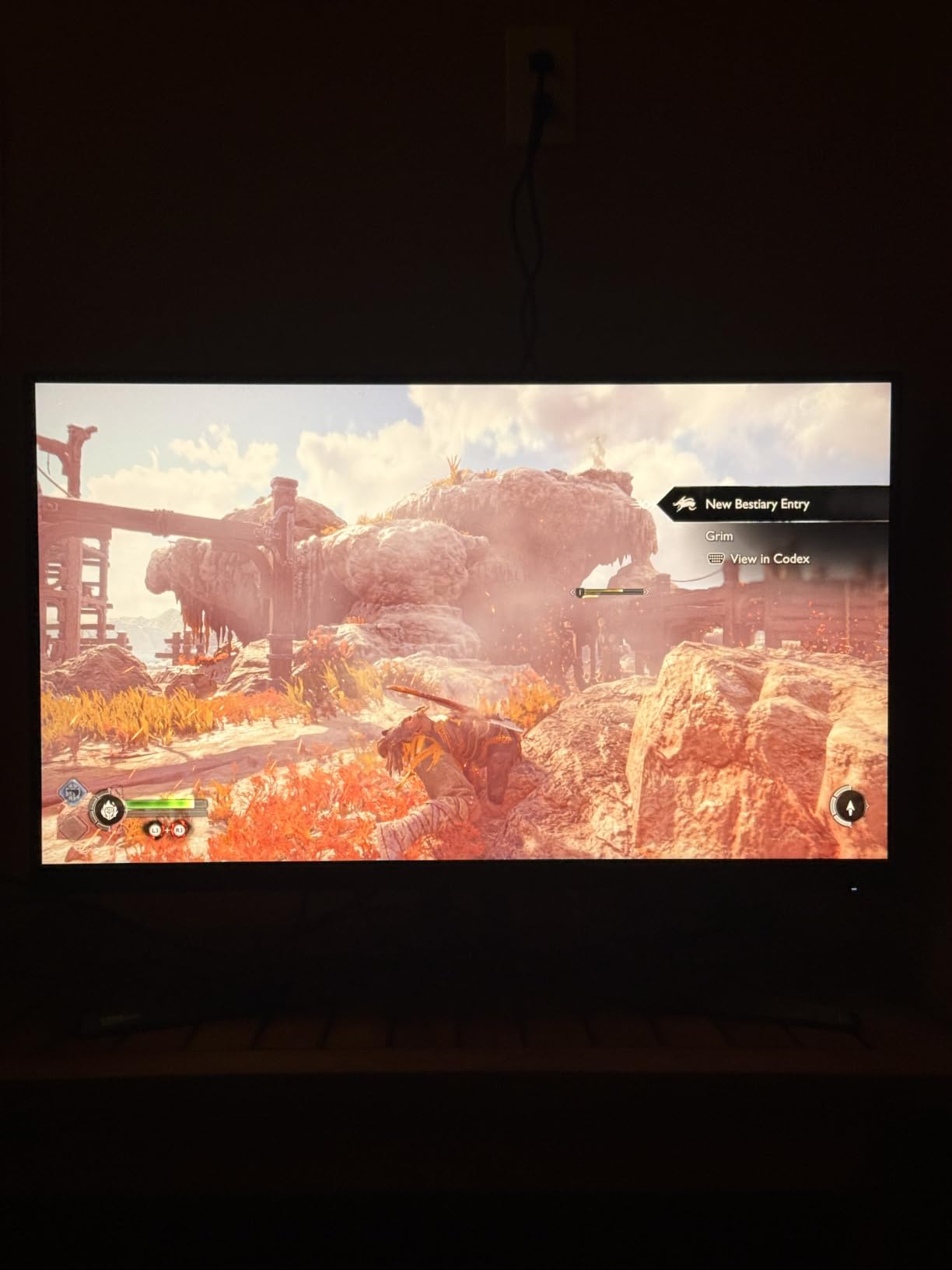
The dual HDMI 2.1 ports are a thoughtful inclusion for PS5 owners who also have an Xbox Series X or want to connect a second HDMI device at full bandwidth. The DisplayPort 1.4 with DSC handles PC connectivity if you run a dual setup. The built-in speakers exist but are honestly not worth using for anything beyond system sounds.
ASUS includes a 3-month Adobe Creative Cloud subscription, which hints at this monitor’s versatility beyond gaming. The 4K resolution and color accuracy make it suitable for photo editing and content creation between gaming sessions. The TUF branding suggests durability, and the 3-year warranty backs that up.
Who Should Buy This
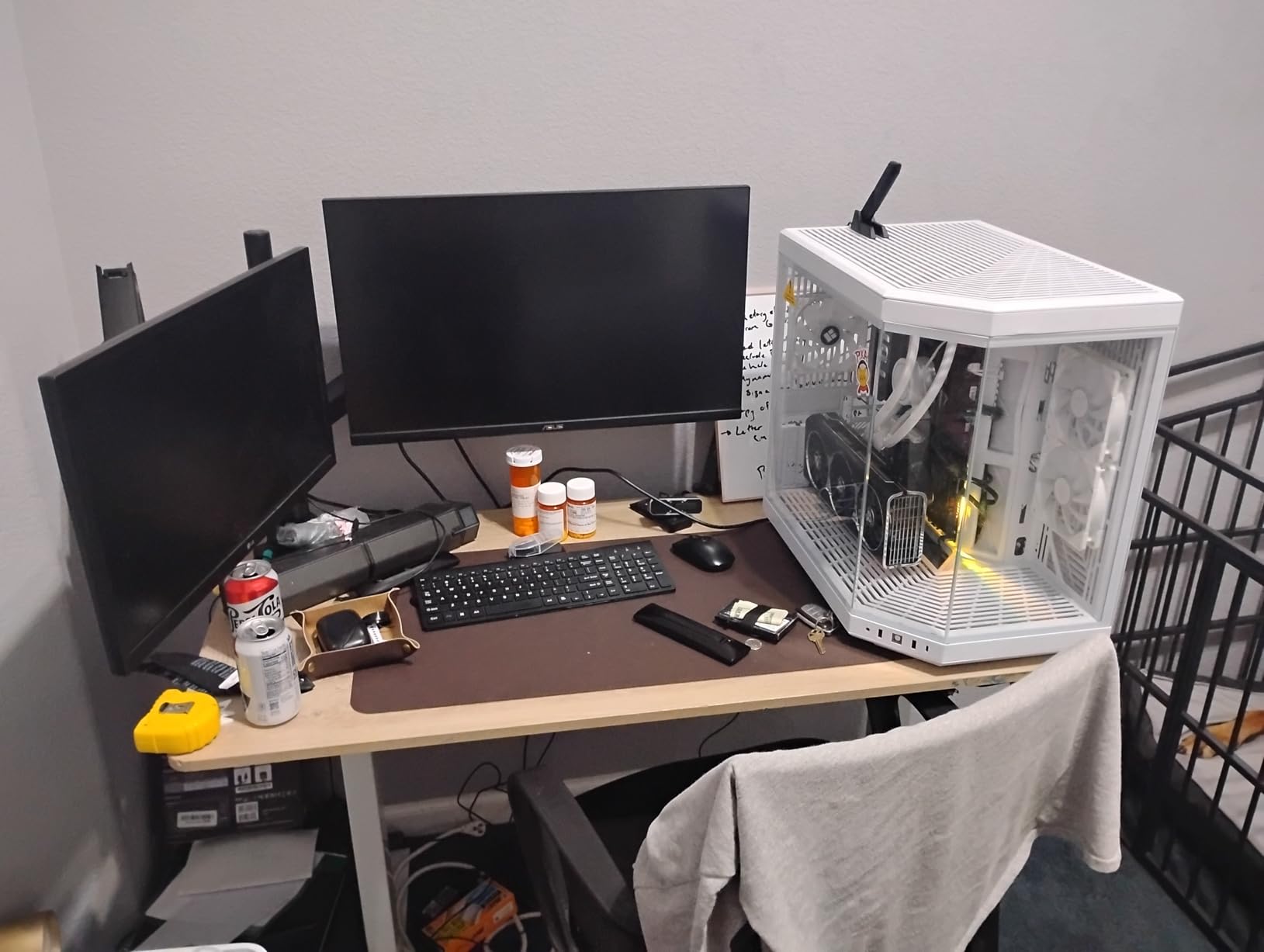
The VG27UQ1A is well-suited for PS5 owners who want a reliable 4K IPS panel with gaming-focused features like ELMB Sync. It is a good middle-ground option between budget 4K monitors and premium OLED displays.
If you also do content creation or productivity work on the same display, the color accuracy and included Adobe subscription add value beyond pure gaming.
Things to Consider Before Buying
The stand lacks height adjustment, which is a frustrating omission at this price. You can tilt the screen, but finding the perfect ergonomic position may require a VESA mount.
The 4.1-star average rating is lower than other monitors in this guide, driven partly by reliability concerns. Some users reported failures within the first few months. ASUS’s 3-year warranty provides coverage, but it is worth factoring into your decision.
6. Dell S2725QS 27-inch 4K IPS
Dell 27 Monitor S2725QS, 4K UHD IPS, 120Hz, 5ms, FreeSync Premium
27-inch 4K UHD IPS
120Hz refresh rate
0.03ms response
99% sRGB
FreeSync Premium, Built-in Speakers
+ Pros
- Crisp 4K resolution with excellent text clarity
- 120Hz matches PS5 maximum output perfectly
- 99% sRGB color coverage with vibrant colors
- Built-in speakers praised as surprisingly good
- Full ergonomic stand with height pivot swivel tilt
- Cons
- Some users report yellow tint out of the box
- Not all HDMI ports support 120Hz at 4K
- Ghosting may be noticeable for competitive FPS
- Slight vignetting on some units
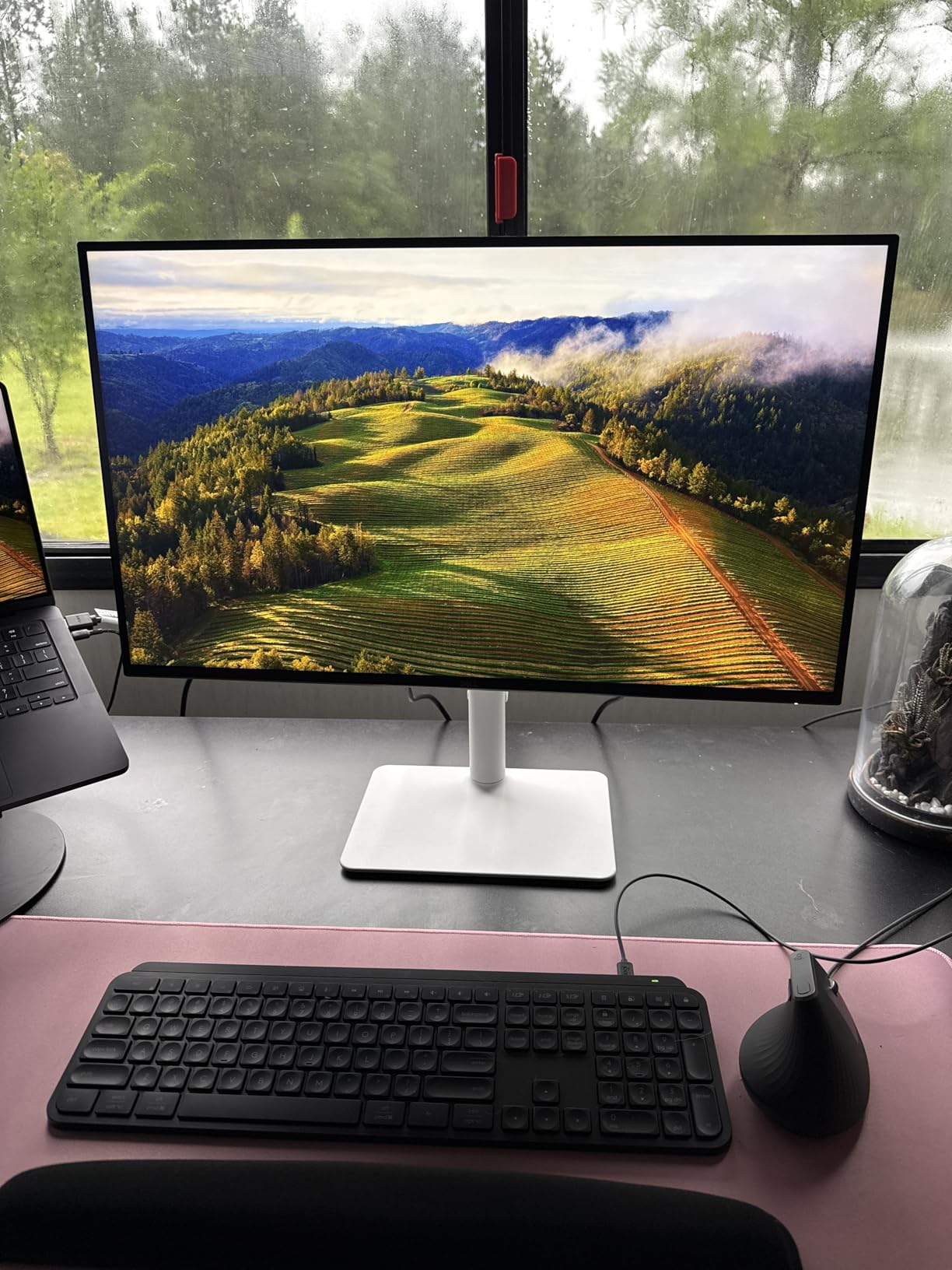
The Dell S2725QS is the monitor I recommend to PS5 owners who want a do-everything display. It is not the flashiest gaming monitor, but it nails the fundamentals: crisp 4K resolution, 120Hz that matches the PS5’s maximum output, excellent color accuracy, and a fully ergonomic stand. The ash white design also looks fantastic on any desk.
What sets this monitor apart is its 0.03ms response time, which is exceptionally fast for an IPS panel. In practice, this means minimal motion blur during fast camera movements in games. The 120Hz refresh rate is perfectly matched to the PS5’s capabilities, so you are not paying for refresh rate headroom you will never use with the console.
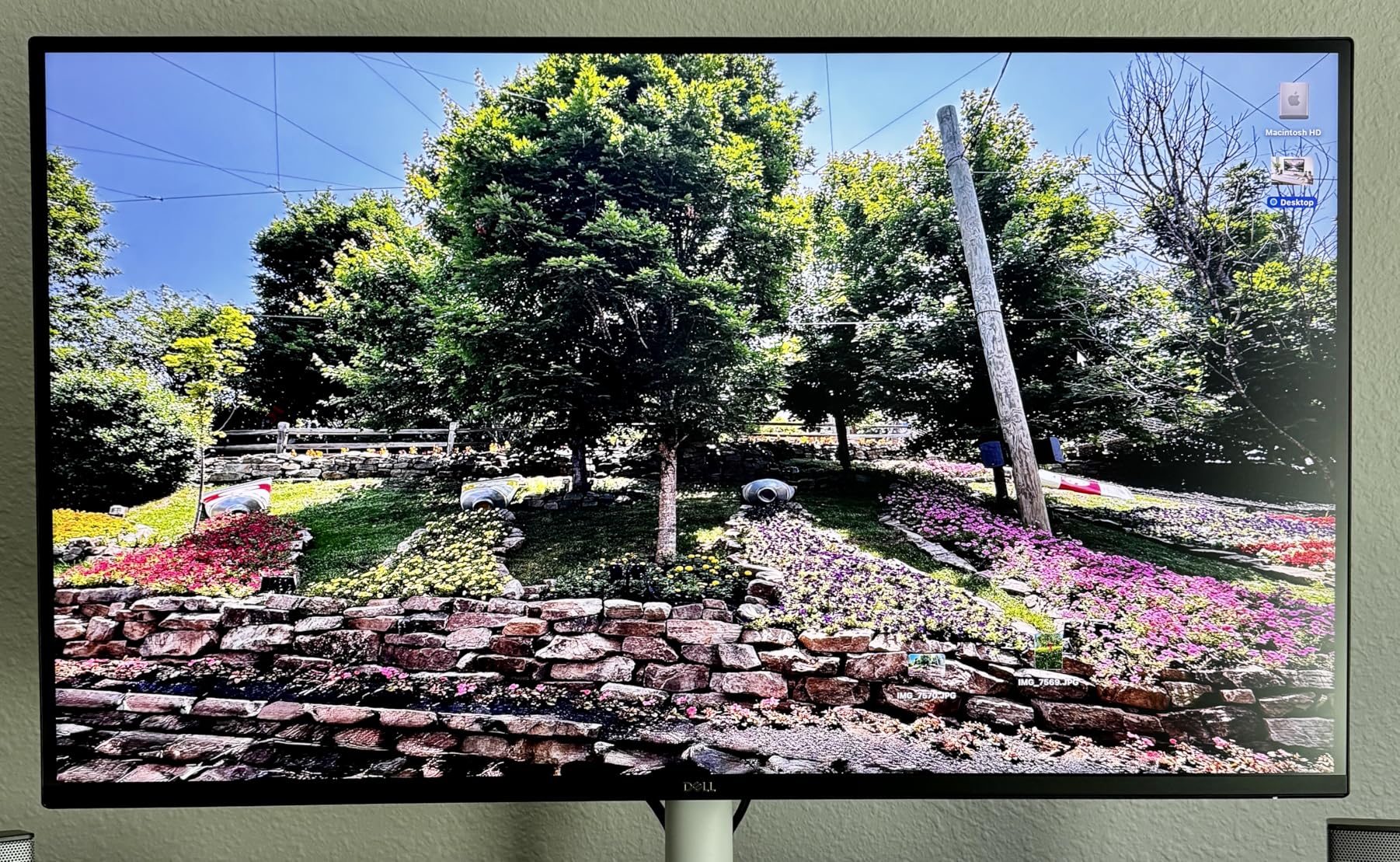
The built-in speakers deserve special mention because they are genuinely good. Most monitor speakers sound like tin cans, but Dell re-engineered the audio system on this model with greater output power and deeper frequency response. For PS5 gaming in a bedroom or dorm room where a separate sound system is not practical, these speakers are more than adequate.
ComfortView Plus is Dell’s blue light reduction technology that does not sacrifice color accuracy. During extended PS5 gaming sessions, this feature reduces eye strain without making everything look warm or washed out. The monitor also consumes only 24.6 watts, which is impressively efficient for a 4K 120Hz display.
Who Should Buy This
The S2725QS is perfect for PS5 owners who want a premium 4K monitor that also handles productivity, media consumption, and general use. It is the best pick if you use your gaming space for work during the day.
The built-in speakers make it ideal for smaller spaces where a dedicated audio setup is not feasible. Bedroom gaming setups benefit the most from this all-in-one approach.
Things to Consider Before Buying
Some users have reported a yellow tint out of the box that requires calibration. If you are picky about color accuracy, you may need to adjust the settings or use a calibration tool.
The HDMI ports have bandwidth limitations that mean not all ports support full 4K 120Hz. Make sure you use the correct port for your PS5 connection to get the maximum performance.
7. CUNPU 27-inch 4K 160Hz Fast IPS
CUNPU 27″ 4K 160Hz Ultimate Gaming Monitor, UHD Fast IPS 1ms, G-Sync Compatible & FreeSync, 99% DCI-P3, HDR400, HDMI 2.1 for PS5/Xbox 4K 120Hz, Full Ergonomic Stand
27-inch 4K UHD Fast IPS
160Hz refresh rate
1ms response
99% DCI-P3
HDMI 2.1, HDR400, Full Ergonomic Stand
+ Pros
- 4K and 160Hz in one affordable package
- Full bandwidth HDMI 2.1 for PS5 4K 120Hz
- Full ergonomic stand with height pivot swivel tilt
- 99% DCI-P3 with Delta E under 2 calibration
- Both G-Sync and FreeSync compatible
- Cons
- Recessed VESA mount incompatible with some arms
- Some units arrived with quality issues like dead pixels
- Brightness control problems reported
- Built-in audio quality is poor
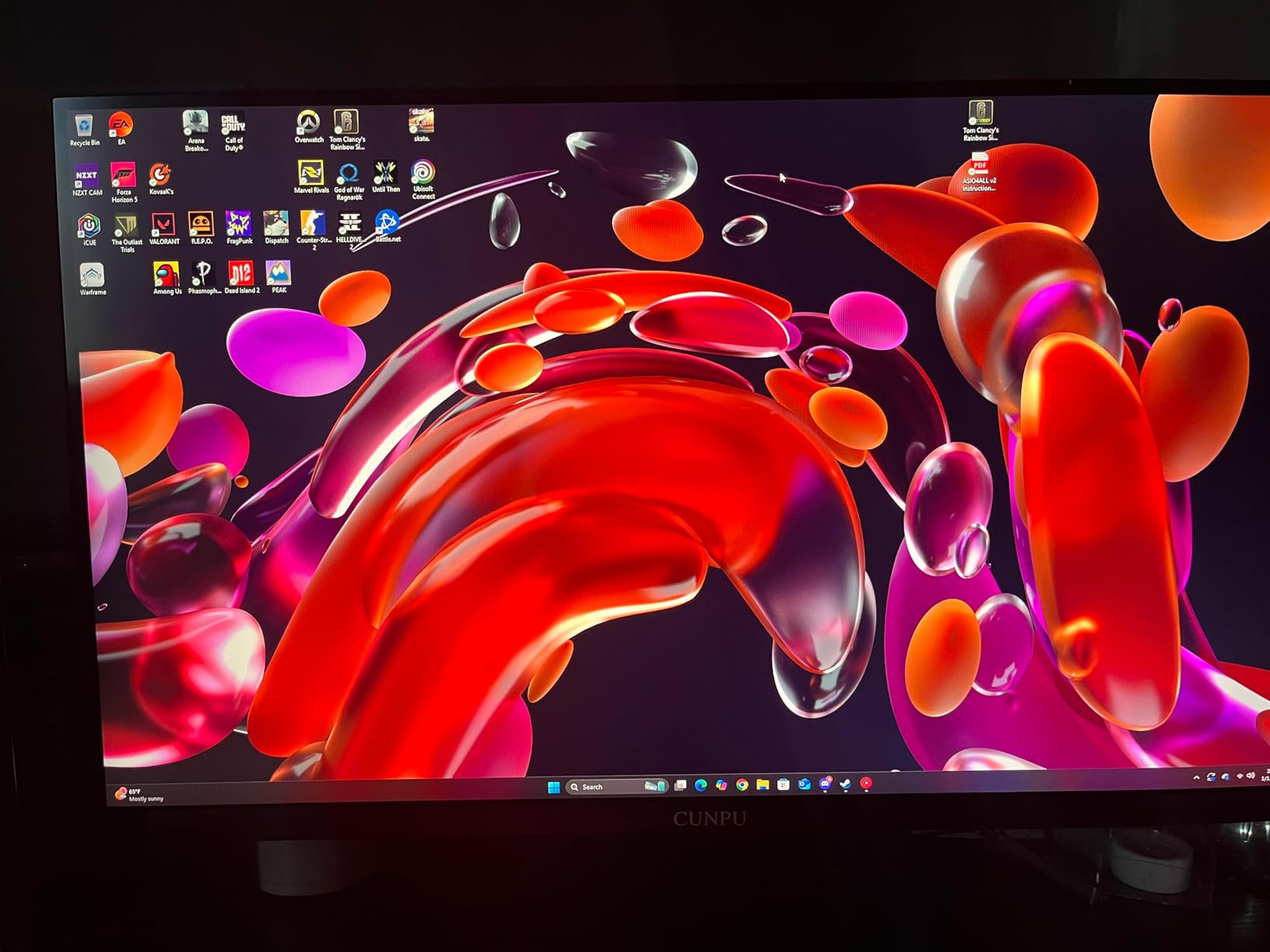
The CUNPU 27-inch 4K 160Hz monitor is a budget challenger that packs flagship-level specs into a price point that makes established brands nervous. When I connected my PS5 via HDMI 2.1 and loaded up Marvel’s Spider-Man 2, the crisp 4K visuals at 120Hz felt like I was playing on a monitor that cost twice as much.
The Fast IPS panel delivers 1ms response time and covers 99% of the DCI-P3 color gamut with Delta E under 2 factory calibration. This level of color accuracy is impressive at any price, and remarkable at this one. The 163 PPI pixel density means text is razor-sharp and game textures reveal fine details that lower-resolution displays simply cannot show.
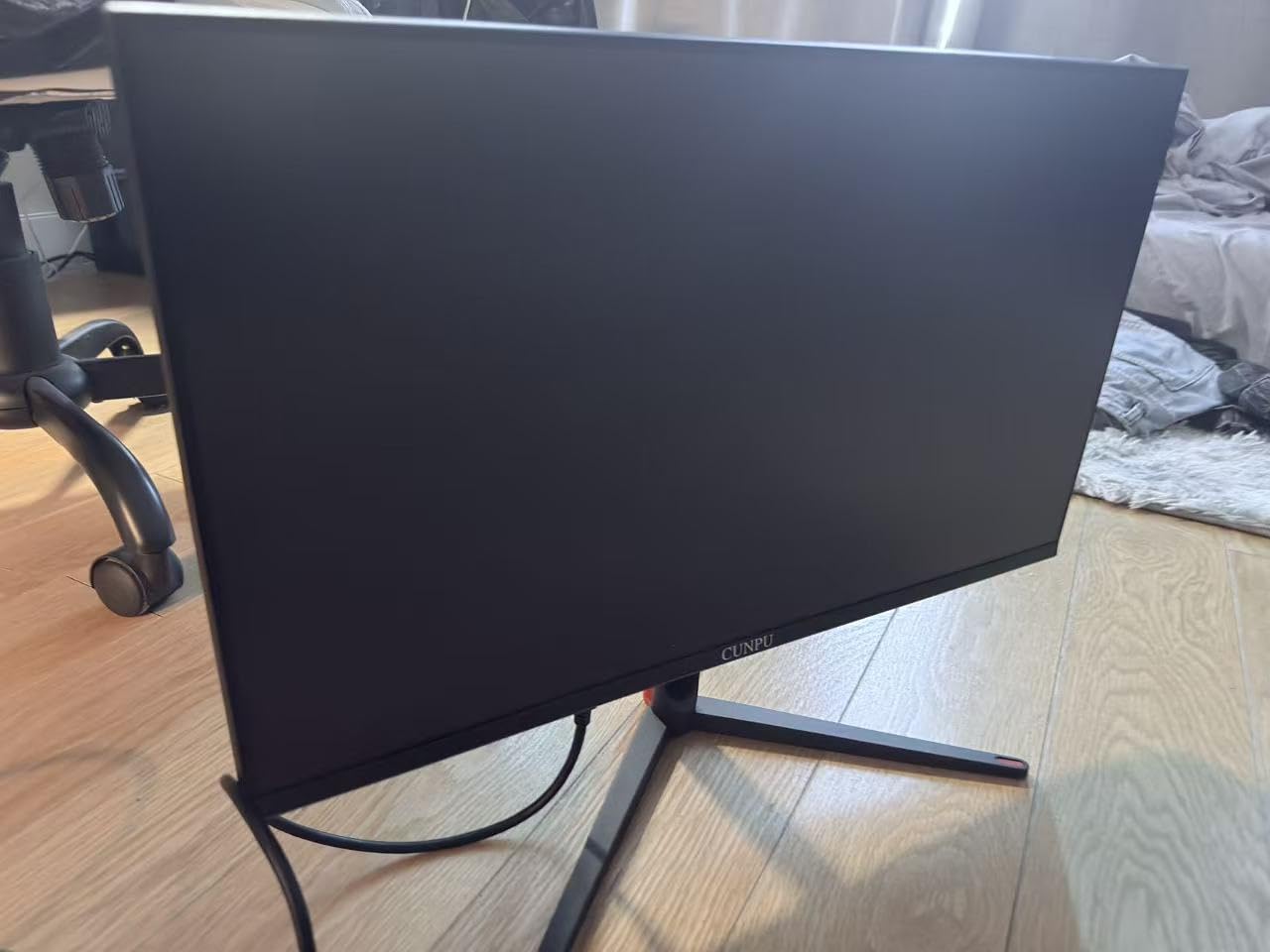
The full ergonomic stand is a standout feature. You get height, pivot, swivel, and tilt adjustment, which is more than some monitors costing three times as much offer. The HDR400 certification provides modest HDR improvements, though like all HDR400 monitors, it is not in the same league as OLED or mini-LED HDR.
At 400 nits brightness, the CUNPU delivers adequate illumination for most indoor environments. The matte screen finish helps reduce glare from ambient light sources. Connectivity includes two HDMI 2.1 ports and one DisplayPort 1.4, giving you options for connecting multiple devices.
Who Should Buy This
The CUNPU 4K is ideal for budget-conscious PS5 owners who refuse to compromise on resolution or refresh rate. If you want 4K 120Hz gaming from your PS5 without spending more than necessary, this monitor delivers exceptional value.
It is also a good choice for gamers who need the flexibility of an ergonomic stand and multiple input options for dual-device setups.
Things to Consider Before Buying
As a newer brand, CUNPU does not have the established reputation of Dell or LG. Quality control appears to be inconsistent based on reports of dead pixels and damage on arrival. Buying through Amazon with Prime returns mitigates this risk.
The recessed VESA mount means standard monitor arms may not fit without an adapter. If you plan to use a third-party stand or arm, check compatibility before purchasing.
8. Samsung Odyssey G55C 32-inch Curved – Best Budget 1440p
Samsung 32″ Odyssey (G55C) Series QHD 1000R Curved Gaming Monitor,
32-inch QHD 1440p VA
165Hz refresh rate
1ms MPRT response
HDR10
1000R Curved Display
FreeSync
+ Pros
- Immersive 1000R curved display fills your peripheral vision
- QHD resolution with 1.7x pixel density of Full HD
- 165Hz refresh rate with 1ms MPRT for smooth gaming
- Eye Saver Mode reduces blue light for extended sessions
- Excellent value for a 32-inch curved monitor
- Cons
- Stand is tilt-only with no height adjustment
- Non-standard VESA mount requires adapter
- No built-in speakers
- Some isolated reliability concerns reported
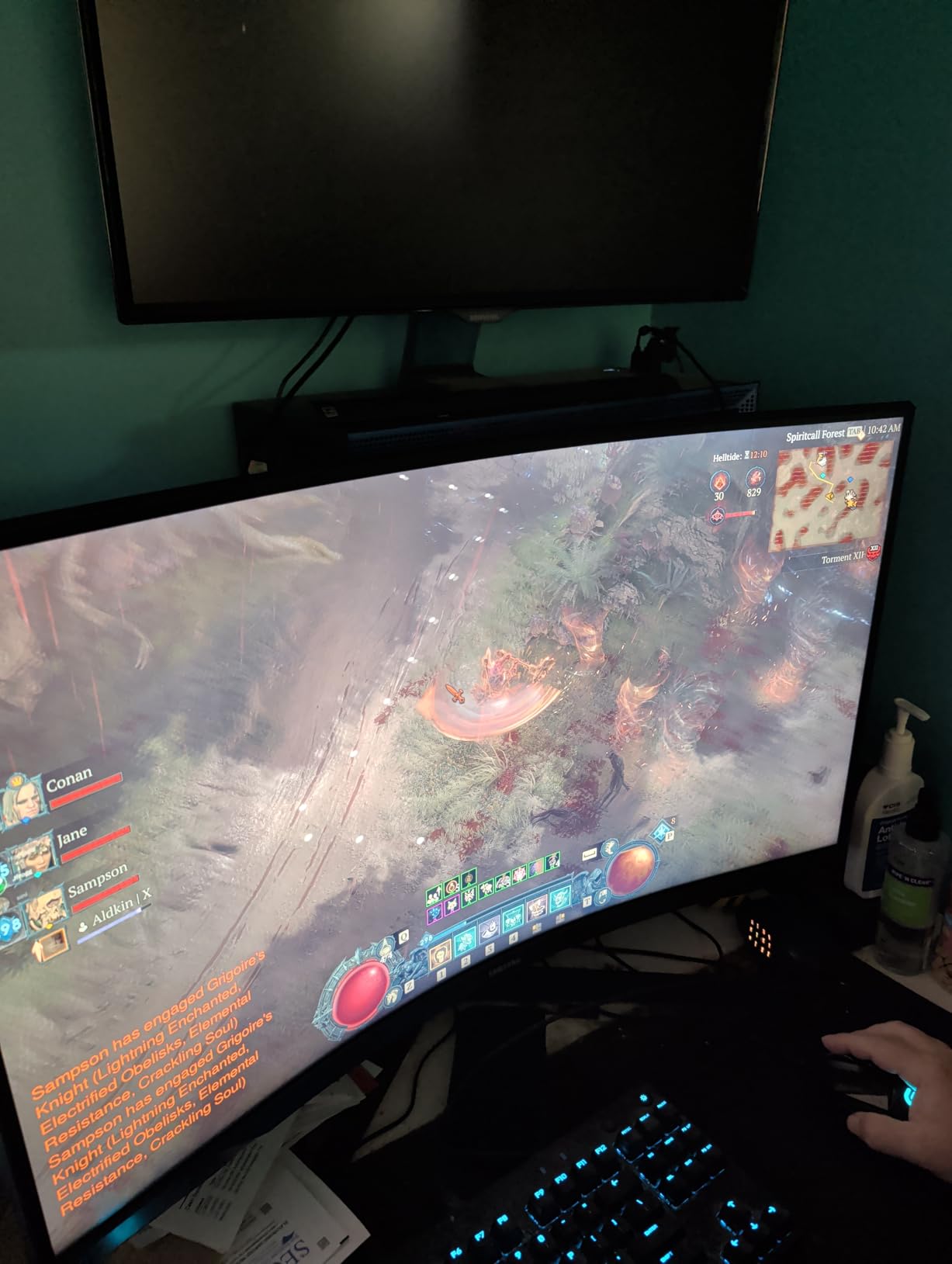
The Samsung Odyssey G55C is the monitor I recommend when someone wants immersion without spending a fortune. The 1000R curvature matches the natural curve of the human eye, which means the screen wraps around your field of view in a way that flat panels cannot replicate. For PS5 single-player games, this creates a level of engagement that pulled me deeper into every session.
The QHD 2560×1440 resolution hits the sweet spot for PS5 gaming. The PS5 natively supports 1440p output, so there is no upscaling or downscaling involved. Text is crisp, textures are detailed, and the 1.7x pixel density over Full HD is noticeable in games with fine environmental details.
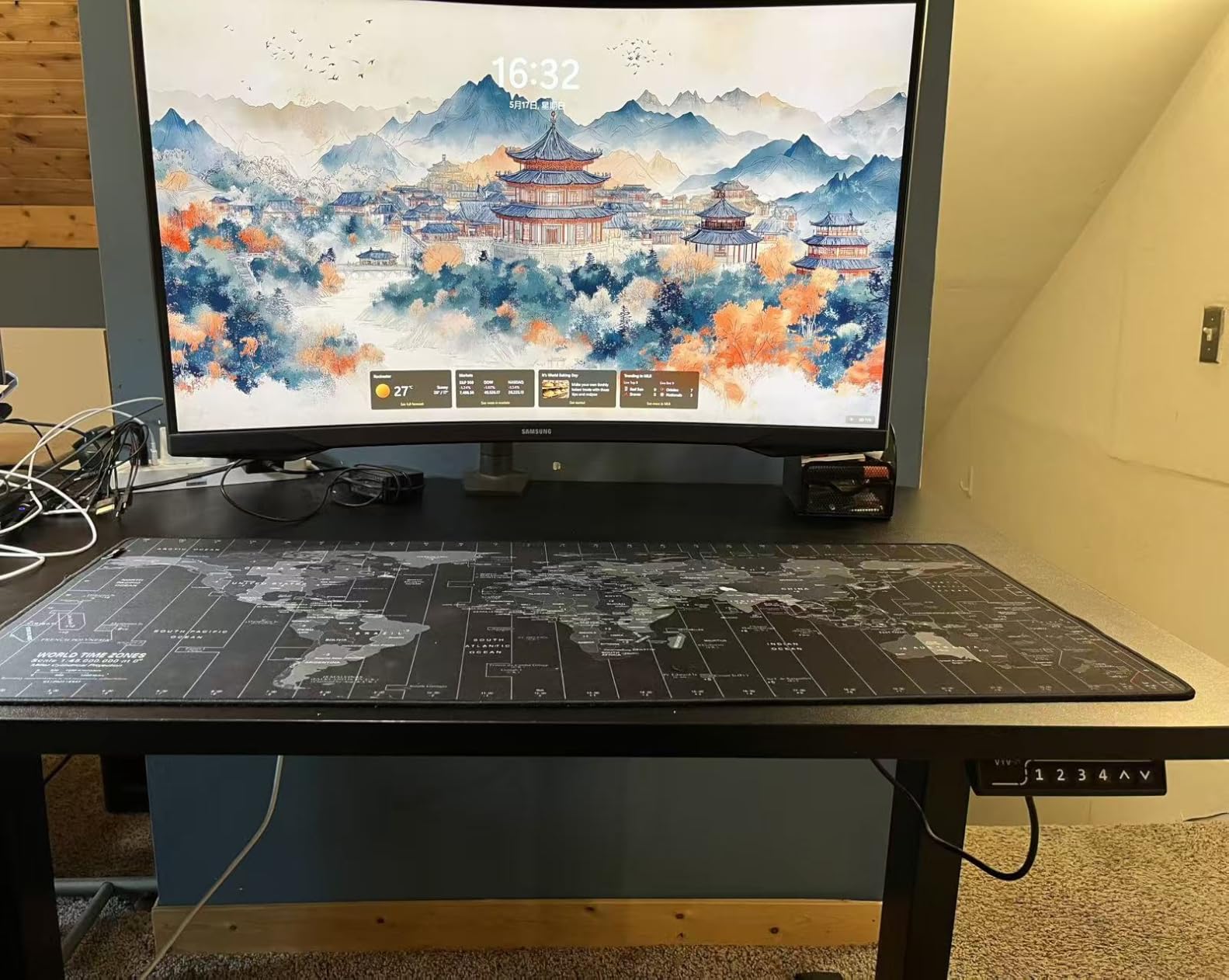
The 165Hz refresh rate gives you headroom beyond the PS5’s 120fps cap, and the 1ms MPRT response time keeps motion sharp. AMD Radeon FreeSync eliminates screen tearing, which is useful when PS5 games dip below their target frame rates. The VA panel produces deep blacks thanks to the 2500:1 contrast ratio, significantly better than typical IPS panels.
Samsung’s Eye Saver Mode reduces blue light emission, and the flicker-free technology helps prevent eye strain during marathon gaming sessions. At only 11.5 pounds, this is also one of the lightest 32-inch monitors I have tested, making it easy to reposition or mount.
Who Should Buy This
The Odyssey G55C is perfect for PS5 owners who want a large, immersive curved display for single-player AAA games. The 32-inch size combined with 1000R curvature creates an enveloping experience for RPGs and open-world adventures.
It is also great for gamers who sit a bit farther from the screen and want a larger display without the premium price of 4K at 32 inches.
Things to Consider Before Buying
The curved design is not for everyone. Some competitive gamers find that curvature distorts straight lines, which can be a disadvantage in FPS games. If you play primarily competitive shooters, a flat panel may serve you better.
The stand only offers tilt adjustment. For a monitor this large, height adjustment is important for ergonomics. Budget for a VESA mount if the included stand does not position the screen at the right height for your setup.
9. LG UltraGear 24G411A-B 24-inch IPS – Best Budget 1080p
LG 24G411A-B 24-inch Ultragear Full HD (1920 x 1080) IPS Gaming Monitor, 144Hz (O/C), 1ms MBR, NVIDIA G-Sync Compatible, AMD FreeSync, HDR10, HDMI, DisplayPort, Slim Stand, Black
24-inch FHD 1080p IPS
144Hz overclocked
1ms MBR
99% sRGB
G-Sync Compatible, FreeSync, HDR10
+ Pros
- IPS panel with vibrant colors and 99% sRGB coverage
- Smooth 120Hz native or 144Hz overclocked gameplay
- NVIDIA G-Sync Compatible and AMD FreeSync for tear-free gaming
- HDR10 support for enhanced visual quality
- Thin bezel design ideal for multi-monitor setups
- Cons
- Stand feels cheap and wobbly according to some users
- Does not include DisplayPort cable
- Response time listed as 5ms for the IPS variant
- Limited ergonomic adjustment on stand
The LG UltraGear 24G411A-B is proof that you do not need to spend a lot to get a quality PS5 gaming experience. This 24-inch IPS panel delivers the kind of color accuracy and viewing angles that budget VA panels struggle to match. When I connected my PS5 and set the output to 1080p 120Hz, the smoothness compared to a standard 60Hz display was immediately apparent.
The 120Hz native refresh rate matches the PS5’s maximum output perfectly. If you also play on PC, the overclock feature pushes the panel to 144Hz for even smoother gameplay. The 1ms MBR (Motion Blur Reduction) keeps fast-moving objects sharp, which makes a real difference in games like Call of Duty and Apex Legends.
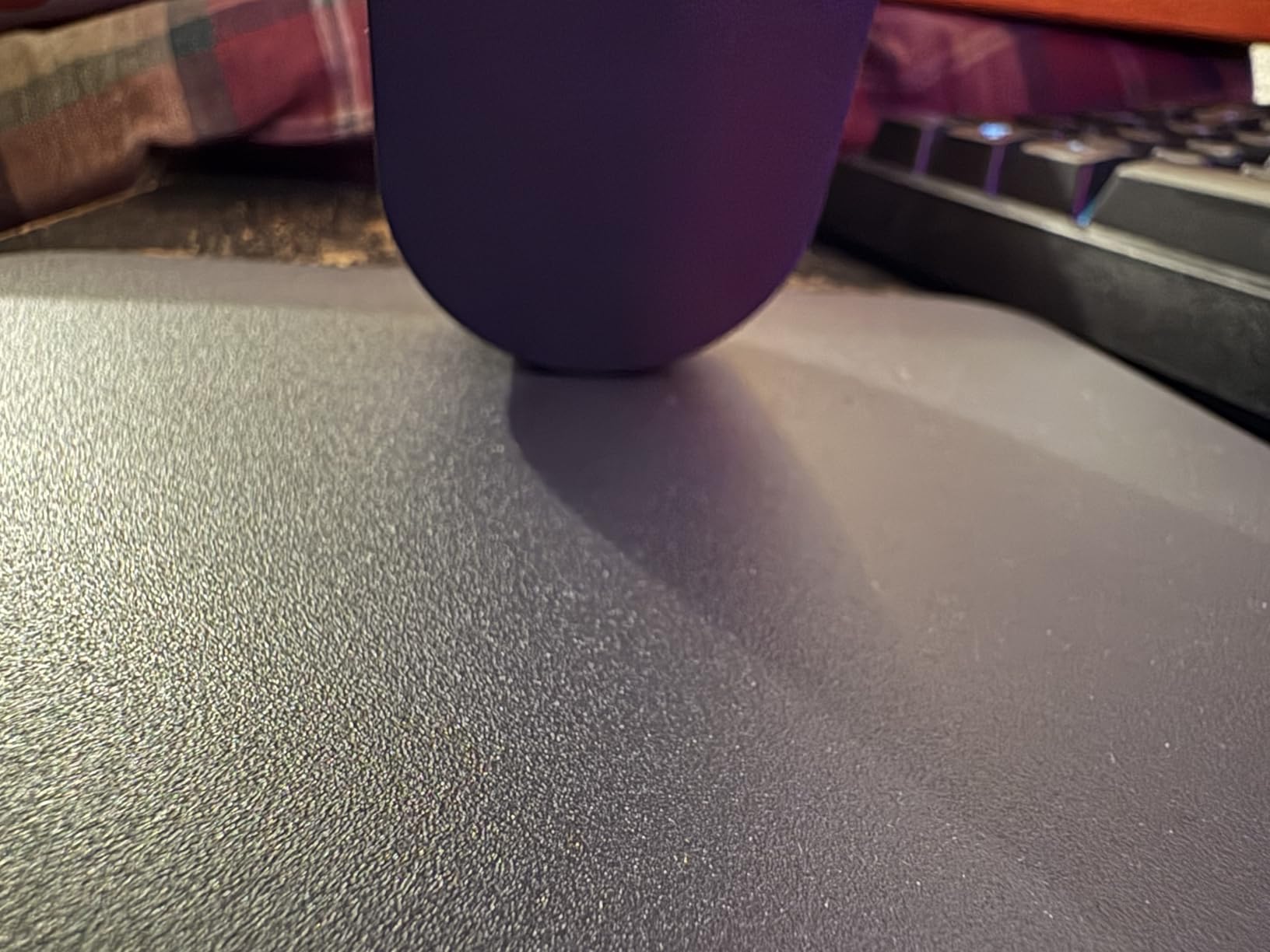
IPS technology means you get 178-degree viewing angles and accurate colors from any position. The 99% sRGB gamut coverage ensures games look vibrant and true to life. HDR10 support adds some dynamic range improvement, though the 250 nits brightness means HDR effects will be subtle compared to higher-end displays.
LG includes several gaming-focused features that enhance the PS5 experience. Dynamic Action Sync reduces input lag for more responsive controls. Black Stabilizer brightens dark scenes so you can spot enemies hiding in shadows. The Crosshair overlay provides an accuracy aid for FPS games that do not have built-in crosshairs.
Who Should Buy This
The 24G411A-B is my top recommendation for budget PS5 gamers who want 120Hz gameplay without spending more than the cost of a couple of games. It is perfect for dorm rooms, bedrooms, and secondary gaming setups.
If you are new to console gaming on a monitor and want to try the experience without a big investment, this is the safest starting point.
Things to Consider Before Buying
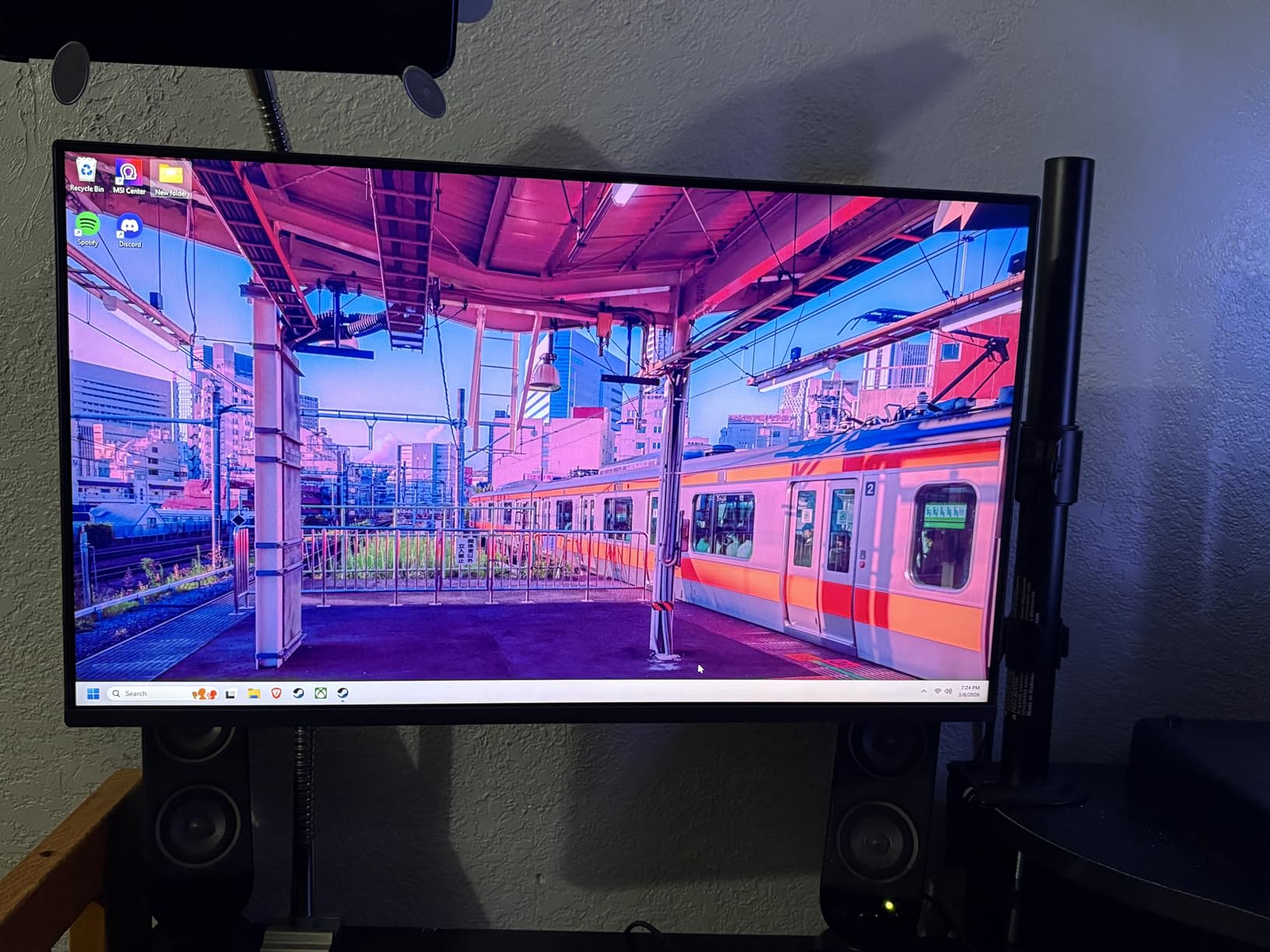
The stand quality is the weakest aspect of this monitor. Several users report that it feels wobbly, especially if your desk gets bumped during intense gaming. A VESA mount would solve this issue, but that adds to the total cost.
At 24 inches with 1080p resolution, the pixel density is lower than larger 1440p or 4K monitors. Text and fine details will not be as crisp. This is a trade-off that comes with the budget price point.
10. Acer Nitro KG241Y Sbiip 24-inch VA
Acer Nitro 23.8in FHD 1920×1080 180Hz Gaming Monitor KG241Y Sbiip
24-inch FHD 1080p VA
165Hz refresh rate
1ms VRB
FreeSync Premium
ZeroFrame Design
DisplayPort and 2x HDMI
+ Pros
- 165Hz refresh rate delivers smooth gameplay
- Excellent value for the price
- VA panel provides good color saturation and contrast
- AMD FreeSync Premium reduces screen tearing
- ZeroFrame design ideal for multi-monitor setups
- Cons
- No built-in speakers
- Only tilt adjustment with limited ergonomics
- On-screen menu buttons take time to get used to
- No HDMI 2.1 for full 4K 120Hz bandwidth
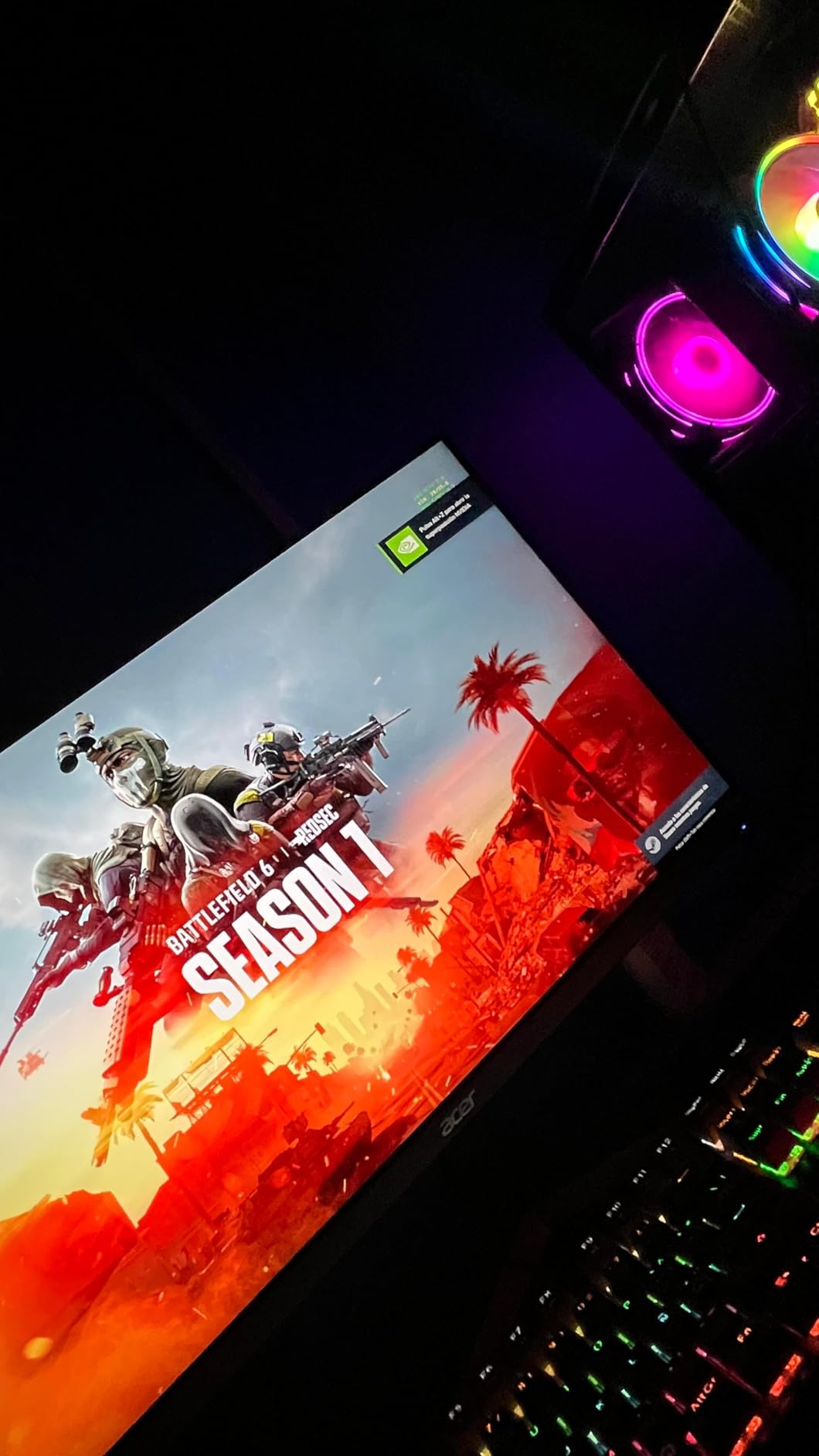
The Acer Nitro KG241Y Sbiip is the most affordable monitor in this guide, and it punches well above its weight class. The 165Hz refresh rate is impressive at this price point, and while the PS5 caps at 120fps, the extra headroom means this monitor will also serve you well if you ever add a budget gaming PC to your setup. The VA panel produces richer colors and deeper contrast than the TN panels that typically dominate this price range.
Connecting to the PS5 is straightforward via HDMI, and the 120Hz output from the console works flawlessly. AMD FreeSync Premium keeps gameplay smooth when frame rates fluctuate, which happens in graphically intensive PS5 games. The 1ms VRB response time minimizes motion blur during fast camera movements.
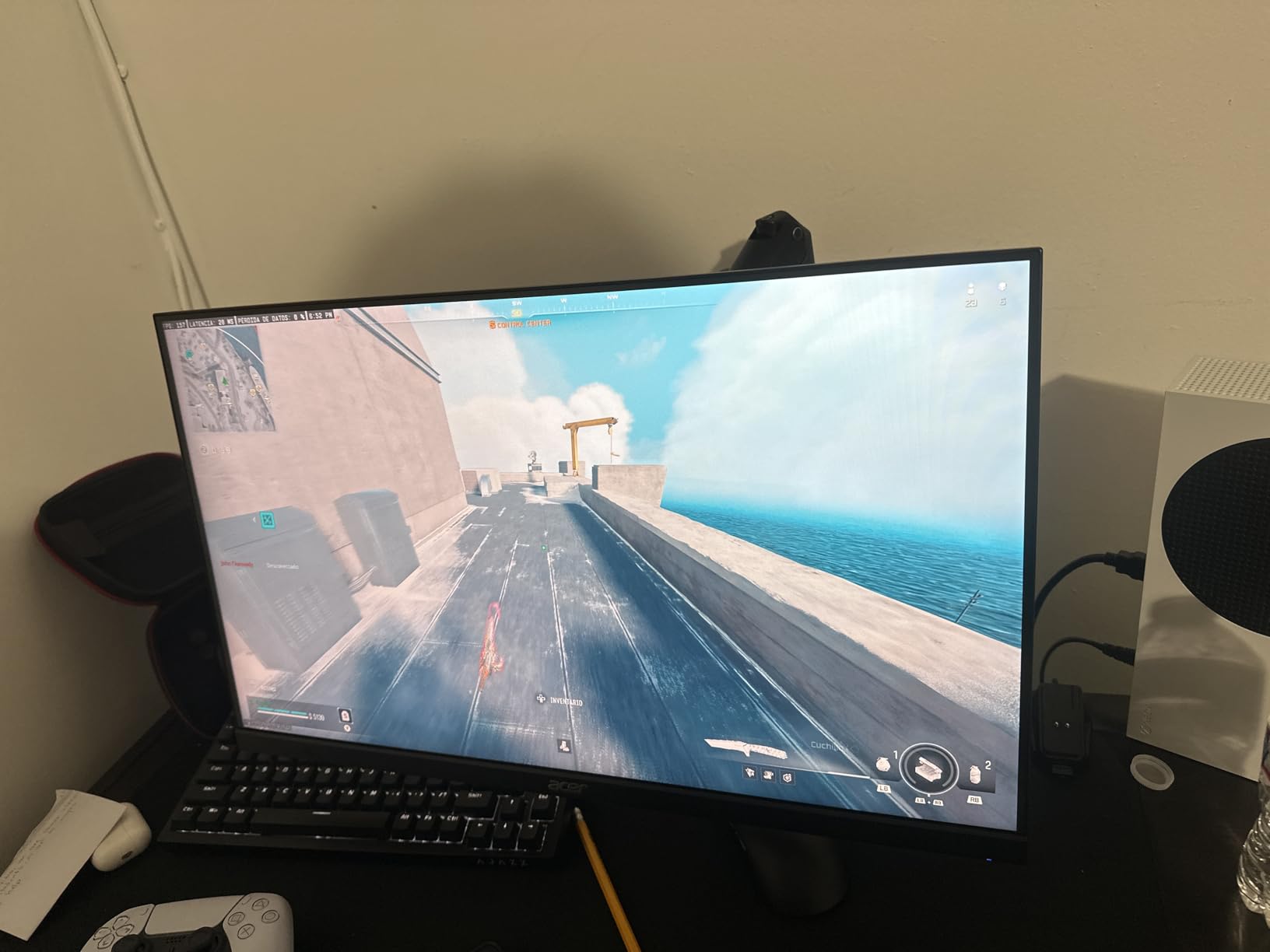
The ZeroFrame design with ultra-thin bezels makes this monitor look more expensive than it is. If you decide to run two or three side by side for an immersive multi-monitor setup, the bezels virtually disappear. The matte screen finish reduces glare from ambient light sources.
Acer includes both a DisplayPort 1.2 connection and two HDMI 2.0 ports, giving you flexibility for connecting multiple devices. The HDMI cable is included in the box, which is a nice touch at this price point. The 3-year parts and labor warranty provides long-term peace of mind.
Who Should Buy This
The Nitro KG241Y Sbiip is the best choice for PS5 owners on a strict budget who still want smooth 120Hz gameplay. It is the monitor I recommend for younger gamers, students, or anyone setting up a first gaming station.
The ZeroFrame design also makes it excellent for multi-monitor setups if you want to expand your display real estate later without spending a fortune.
Things to Consider Before Buying
This is a 1080p monitor with HDMI 2.0 ports, not HDMI 2.1. You can still get 1080p 120Hz from the PS5, but you will not get the full 4K 120Hz experience. For the price, this is an expected limitation.
The stand only offers tilt adjustment from -5 to 15 degrees. There is no height adjustment, so you may need to use books or a stand riser to get the screen at eye level. VESA mounting is supported if you prefer a monitor arm.
PS5 Gaming Monitor Buying Guide
Choosing from the best gaming monitors for PS5 comes down to understanding a handful of key specifications and how they interact with what the PS5 can actually output. The PS5 is not a PC, which means some features matter more than others and some high-end specs are wasted money if you only play on console.
HDMI 2.1: The Non-Negotiable Feature for 4K 120Hz
HDMI 2.1 is the single most important feature to look for if you want 4K 120Hz gaming from your PS5. Without HDMI 2.1, your monitor cannot accept the full bandwidth signal that the PS5 outputs at 4K 120Hz. HDMI 2.0 maxes out at 4K 60Hz or 1080p 120Hz, which means you would be leaving half the PS5’s performance on the table.
Look for monitors that specifically advertise HDMI 2.1 with full 48Gbps bandwidth. Some monitors list HDMI 2.1 but do not support the full bandwidth, which can result in signal compression or reduced color depth. When in doubt, check user reviews for PS5-specific confirmation.
Resolution: 4K vs 1440p vs 1080p for PS5
The PS5 supports three primary resolutions: 4K (3840 x 2160), 1440p (2560 x 1440), and 1080p (1920 x 1080). Each has its place depending on your gaming priorities and budget.
4K delivers the sharpest image quality and is ideal for AAA games in Quality mode where visual fidelity matters most. Spider-Man 2, God of War Ragnarok, and Horizon Forbidden West all look stunning in native 4K with every texture and shadow rendered in full detail. The trade-off is that 4K monitors cost more and may sacrifice refresh rate headroom at lower budgets.
1440p has become the sweet spot for many PS5 owners since Sony added official 1440p support. It provides a noticeable step up in sharpness over 1080p without the premium cost of 4K. For Performance mode gaming where frame rates take priority over resolution, 1440p at 120Hz delivers an excellent balance of clarity and smoothness.
1080p is the budget option and works fine for smaller screens (24 inches and below). At this resolution, you get the smoothest frame rates and the most affordable monitors, but image sharpness suffers on larger screens. If budget is your primary constraint, 1080p 120Hz is still a massive upgrade over a standard 60Hz TV.
Refresh Rate and PS5 Limits
The PS5 outputs a maximum of 120fps, which means a 120Hz monitor is perfectly matched to the console’s capabilities. Many of the monitors in this guide offer higher refresh rates like 165Hz, 240Hz, or even 320Hz. These higher rates are not wasted, but they only matter if you also use the monitor with a gaming PC that can push higher frame rates.
If the PS5 is your only gaming device, do not overspend on ultra-high refresh rates. A solid 120Hz or 144Hz monitor will deliver the full PS5 experience. The extra money is better spent on panel quality, resolution, or color accuracy.
VRR and ALLM Explained
Variable Refresh Rate (VRR) is a technology that synchronizes the monitor’s refresh rate with the PS5’s frame output in real time. This prevents screen tearing, which occurs when the monitor displays partial frames from different points in time. The PS5 supports VRR via HDMI, and any monitor with FreeSync or G-Sync compatibility will benefit from this feature.
Auto Low Latency Mode (ALLM) is a related feature that automatically switches the monitor into its lowest-latency gaming mode when it detects a signal from the PS5. This eliminates the need to manually change picture modes when you start gaming. Most modern gaming monitors support ALLM, but it is worth confirming before purchasing.
Panel Types: OLED vs IPS vs VA
The panel type determines the fundamental visual characteristics of your monitor. Each technology has distinct advantages and trade-offs for PS5 gaming.
OLED panels offer the best picture quality with true blacks, infinite contrast ratio, and instantaneous pixel response times. Colors are vibrant and accurate, and motion clarity is exceptional. The trade-offs are lower peak brightness than LED-based panels, higher cost, and potential burn-in risk over time. For PS5 owners who prioritize visual quality above all else, OLED is the ultimate choice.
IPS (In-Plane Switching) panels deliver accurate colors, wide viewing angles, and fast response times. They are the most versatile panel type and work well for both gaming and productivity. The main weakness is lower contrast ratio compared to VA and OLED, which means blacks appear more grayish in dark rooms. IPS monitors are the best all-round choice for most PS5 owners.
VA (Vertical Alignment) panels offer the highest contrast ratio among LED-based panels, producing deep blacks and good color saturation. They sit between IPS and OLED in picture quality. The trade-off is slower pixel response times, which can cause smearing or ghosting in fast-moving scenes. VA panels are great for immersive single-player gaming where contrast matters more than motion clarity.
OLED Burn-In Concerns for Console Gaming
Burn-in is the most common concern PS5 owners have about OLED monitors, and it is a legitimate one. Static elements like HUDs, health bars, and minimaps can leave permanent ghost images on an OLED panel if displayed continuously for hundreds of hours.
Modern OLED monitors include multiple burn-in mitigation features. Pixel shifting slightly moves the image periodically to distribute wear evenly. Screen savers activate after periods of inactivity. Panel refresh cycles run automatically during sleep mode to reset pixel states. Manufacturers like ASUS and LG also include explicit burn-in coverage in their warranties.
For PS5 gaming specifically, burn-in risk is lower than PC use because console games change scenes frequently and rarely display static elements for extended periods. Using HDR, which varies brightness across the screen, also helps distribute wear. With reasonable care and the built-in mitigation features, OLED monitors can provide years of PS5 gaming without burn-in issues.
PS5 Slim Compatibility
The PS5 Slim uses the same HDMI 2.1 output as the original PS5, which means every monitor in this guide is fully compatible. The Slim model outputs the same maximum resolution and refresh rate: 4K 120Hz. You do not need a special monitor for the PS5 Slim.
The main consideration with the PS5 Slim is physical setup. The console is smaller and lighter, which gives you more flexibility in where you position it relative to your monitor. The shorter included HDMI cable on some Slim bundles may not reach a monitor on a desk, so you may need to purchase a longer Ultra High Speed HDMI cable separately.
Monitor Size: 27-inch vs 32-inch
Choosing between 27-inch and 32-inch comes down to your desk depth and viewing distance. For most desk setups where you sit about two feet from the screen, 27 inches is the ideal size. It provides enough screen real estate for immersive gaming without requiring you to move your head to see the edges.
32-inch monitors are better for setups where you sit three or more feet from the screen, such as a TV stand or a deeper desk. At 32 inches, 4K resolution becomes more important because the pixel density is lower at this size. A 32-inch 1440p monitor has noticeably lower pixel density than a 27-inch 1440p panel.
24-inch monitors work well for very close viewing distances, secondary setups, and budget builds. They are also the best choice if desk space is limited.
Cable Requirements
To get 4K 120Hz from your PS5 to your monitor, you need an Ultra High Speed HDMI cable that supports HDMI 2.1 full bandwidth (48Gbps). The cable included with the PS5 is an Ultra High Speed HDMI cable and will work perfectly for this purpose.
If you need a longer cable to reach your monitor, make sure the replacement is certified as Ultra High Speed HDMI. Standard HDMI cables or older Premium High Speed cables max out at 18Gbps, which is insufficient for 4K 120Hz. Using the wrong cable will result in a black screen or a downgraded signal.
FAQs
Is 120Hz better than 144Hz for PS5?
No. The PS5 tops out at 120fps, so a 120Hz monitor is perfectly matched to the console’s capabilities. A 144Hz monitor only provides a benefit if you also play PC games that support higher frame rates. For PS5-only gaming, 120Hz is the ideal refresh rate.
Can a PS5 handle a 240Hz monitor?
The PS5 can connect to a 240Hz monitor but is limited to 120fps output. A 240Hz monitor will display the PS5’s signal perfectly fine at 120Hz, but you will not benefit from the extra refresh rate headroom unless you also connect a gaming PC that can push higher frame rates.
Is 4K or 1440p better for PS5?
4K delivers sharper visuals for AAA games in Quality mode but requires more processing power. 1440p offers a better balance of performance and image quality, especially for fast-paced games where you want higher frame rates. The PS5 officially supports 1440p at up to 120Hz, making it a great option for Performance mode gaming.
What type of screen is best for PS5?
A 27-inch or 32-inch monitor with 4K resolution, HDMI 2.1, 120Hz refresh rate, and VRR support is ideal for PS5. OLED panels offer the best color and contrast for AAA games, while high-refresh IPS panels are better for competitive gaming. The best choice depends on your game library and budget.
Do I need HDMI 2.1 for PS5?
Yes, if you want 4K 120Hz gaming. HDMI 2.1 provides the 48Gbps bandwidth required to transmit a full 4K signal at 120Hz. Without HDMI 2.1, your PS5 will be limited to 4K 60Hz or 1080p 120Hz, cutting its performance in half. Every monitor in this guide that supports 4K 120Hz includes HDMI 2.1.
Is OLED worth it for PS5?
OLED is absolutely worth it for PS5 if you prioritize visual quality. The infinite contrast ratio, true blacks, and instant pixel response times create a gaming experience that LED panels cannot match. With modern burn-in mitigation features and warranties that cover panel degradation, OLED monitors are a solid long-term investment for serious PS5 gamers.
Final Thoughts on the Best Gaming Monitors for PS5
The best gaming monitors for PS5 in 2026 span a wide range of prices and features, but the core requirements remain the same: HDMI 2.1 for full bandwidth, 120Hz refresh rate to match the console’s output, and a panel type that suits your gaming style. Whether you choose the ASUS ROG Swift PG32UCDM for the ultimate QD-OLED experience or the Acer Nitro KG241Y for an affordable entry point, any monitor in this guide will transform how your PS5 games look and feel.
If I had to pick just one recommendation, the ASUS ROG Swift PG32UCDM stands out as the best overall choice for PS5 owners who want the absolute best visual experience. For budget-conscious gamers, the LG UltraGear 24G411A-B and Acer Nitro KG241Y deliver exceptional 120Hz gameplay at prices that leave room in your budget for games.
Take time to consider your gaming habits, desk space, and budget before making a decision. The right monitor will serve your PS5 gaming for years to come, so choose the one that best matches how you actually play.