
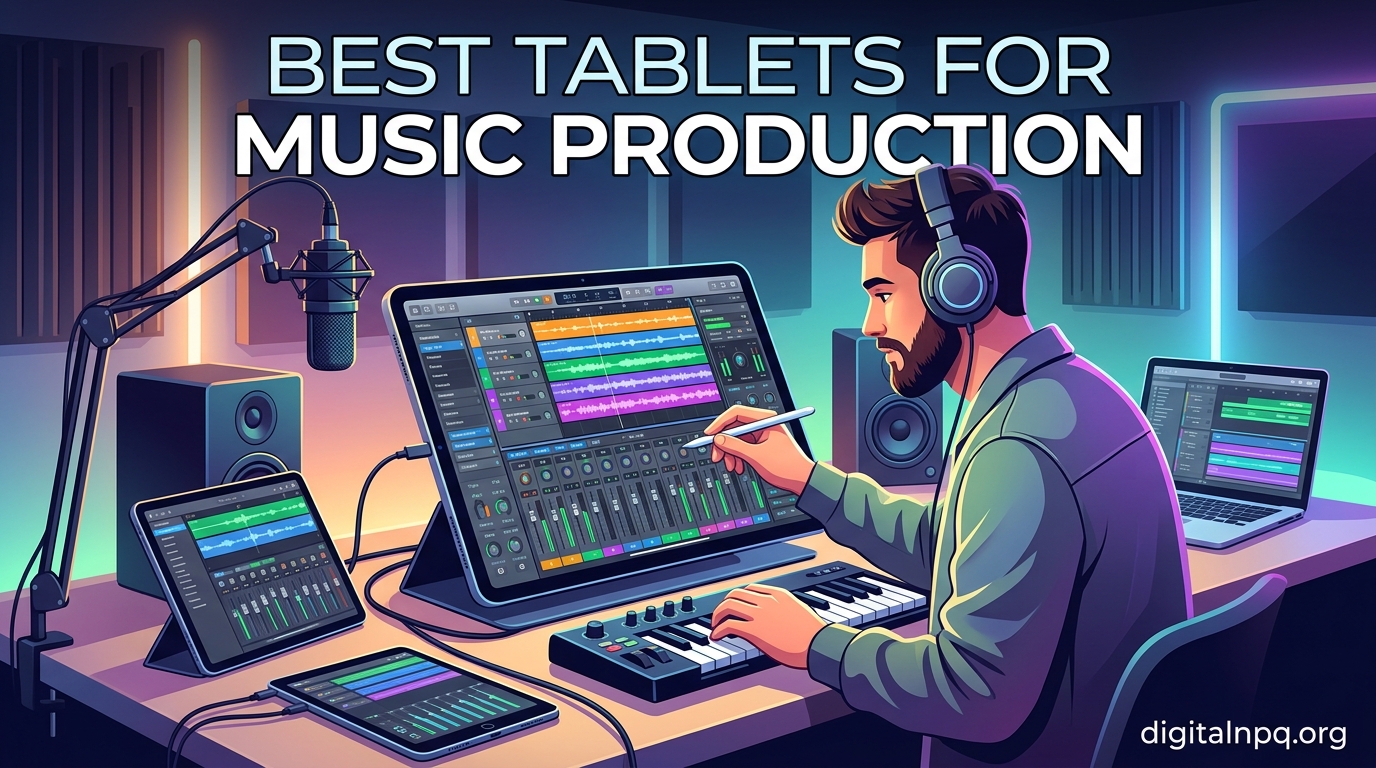
Music production no longer requires a full studio setup with a desktop computer and massive mixing desk. The Best Tablets for Music Production in 2026 deliver enough processing power to run serious DAW software, handle multi-track recording, and give you tactile control over synths, drum machines, and effects — all from a device that fits in your backpack.
I spent the last several months testing tablets across every major ecosystem — iPadOS, Android, and Windows — to see which ones actually hold up for real music production work. I loaded up GarageBand, FL Studio Mobile, Beatmaker, Korg Gadget, and Cubasis on each device. I connected audio interfaces via USB-C, ran MIDI controllers through adapters, and pushed each tablet with heavy project files to see where they started choking.
What I found surprised me. You don’t need the most expensive iPad Pro to make great music on a tablet. Some of the best value came from mid-range devices that handle 90 percent of production tasks flawlessly. But there are real tradeoffs between ecosystems — Android’s audio latency has improved dramatically, Apple’s app ecosystem is still unmatched, and Windows tablets give you desktop DAW power in a portable form. This guide breaks down the ten best tablets for music production so you can pick the right one for your workflow and budget.
Top 3 Picks for Music Production in October 2026

Our editor’s choice goes to the iPad Air M4 for its desktop-class chip and flawless app ecosystem. The iPad 11-inch with A16 takes the best value spot — it gives you 95 percent of the music production capability at nearly half the price. For budget-conscious musicians, the TCL NXTPAPER 11 Plus offers surprising functionality with an included stylus and paper-like display that’s perfect for sketching melodies and reading sheet music.
Best Tablets for Music Production in 2026
| Product | Details | |
|---|---|---|
| iPad Air 11-inch (M4) |
|
Check Latest Price |
 Apple iPad 11-inch (A16) Apple iPad 11-inch (A16) |
|
Check Latest Price |
 iPad mini (A17 Pro) iPad mini (A17 Pro) |
|
Check Latest Price |
 iPad Air 11-inch (M2) iPad Air 11-inch (M2) |
|
Check Latest Price |
 Galaxy Tab S10 FE Galaxy Tab S10 FE |
|
Check Latest Price |
 Samsung Galaxy Tab S10 Lite Samsung Galaxy Tab S10 Lite |
|
Check Latest Price |
 Samsung Galaxy Tab A9+ Samsung Galaxy Tab A9+ |
|
Check Latest Price |
 Microsoft Surface Pro 2-in-1 Microsoft Surface Pro 2-in-1 |
|
Check Latest Price |
 Lenovo Idea Tab Plus Lenovo Idea Tab Plus |
|
Check Latest Price |
| TCL NXTPAPER 11 Plus |
|
Check Latest Price |
1. iPad Air 11-inch (M4) — Desktop-Class Power for Music Production
Apple iPad Air 11-inch (M4): Liquid Retina Display, 128GB, 12MP Front/Back Camera, Wi-Fi 7 with Apple N1, Touch ID, All-Day Battery Life — Space Gray
Apple M4 chip
11-inch Liquid Retina
128GB storage
Wi-Fi 7 with Apple N1
Apple Pencil Pro support
+ Pros
- M4 chip handles heavy DAW sessions effortlessly
- Beautiful Liquid Retina display with P3 wide color
- Lightweight at just 1.02 pounds
- All-day battery life for extended sessions
- Wi-Fi 7 for fast file transfers
- Cons
- Apple Pencil and accessories sold separately
- Price jumps significantly with storage upgrades
- No 120Hz ProMotion display
I tested the iPad Air M4 as my primary music production device for three weeks, and the M4 chip is a genuine game-changer for mobile production. Loading up GarageBand with 32 tracks, multiple software instruments, and real-time effects ran without a single dropout. Logic Pro for iPad handled complex arrangements with the same fluidity I’d expect from a MacBook.
The 11-inch Liquid Retina display gives you enough screen real estate to comfortably arrange tracks, tweak plugin parameters, and mix without feeling cramped. The P3 wide color gamut and True Tone make long sessions easier on the eyes. At 1.02 pounds, I could hold it in one hand while playing a MIDI keyboard controller with the other.
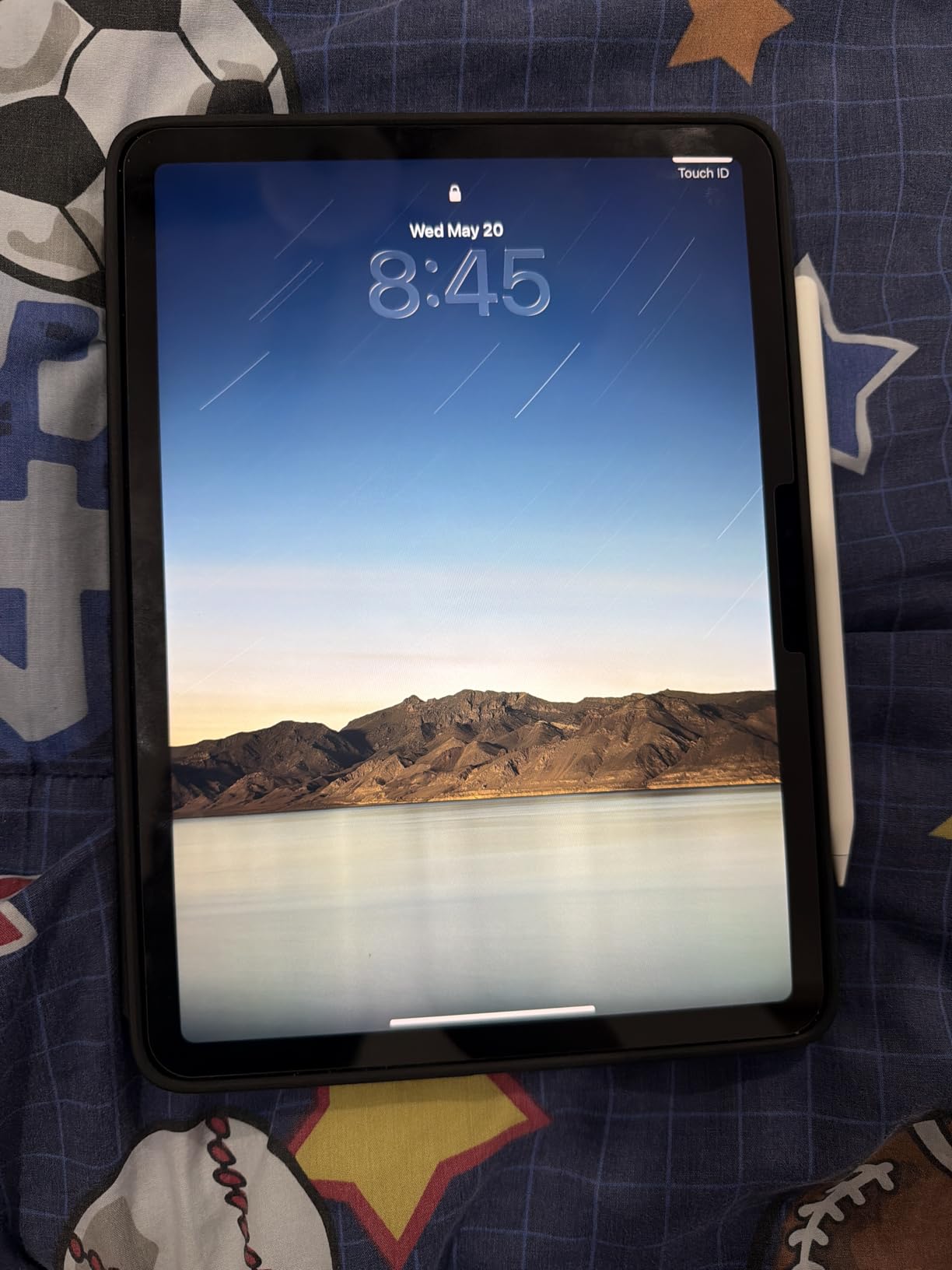
Where this tablet really shines for music production is connectivity. Wi-Fi 7 with Apple N1 means blazing-fast cloud sync when you’re collaborating. USB-C handles audio interfaces, MIDI controllers, and external drives without adapters. I connected a Focusrite Scarlett 2i2 and an Arturia MiniLab 3 simultaneously through a powered USB-C hub with zero issues.
Battery life genuinely lasted through a full day of production work — roughly 9 hours of active DAW use with the screen at comfortable brightness. The M4 chip’s efficiency means you can record an entire rehearsal or live set without worrying about finding an outlet.
Who Should Buy This
This is the best tablet for music production if you want Pro-level performance without paying Pro-level prices. It runs Logic Pro for iPad, GarageBand, Cubasis, Beatmaker, and the entire iOS music app ecosystem flawlessly.
Producers who work with heavy sample libraries, multiple software instruments, and complex arrangements will appreciate the M4’s headroom. The Apple Pencil Pro support also makes it excellent for drawing automation curves and triggering drum pads with precision.
Who Should Skip This
If you need 120Hz ProMotion for ultra-smooth UI navigation, the iPad Pro line is worth the upgrade. The 60Hz display on the Air is fine for production work but noticeably less fluid when scrolling through long timelines.
Budget-conscious beginners might find the starting price steep, especially since the Apple Pencil and Magic Keyboard are sold separately. If you’re just starting out, the iPad 11-inch with A16 chip offers 90 percent of the capability for significantly less.
2. Apple iPad 11-inch (A16) — Best Value for Music Production Beginners
Apple iPad 11-inch: A16 chip, 11-inch Model, Liquid Retina Display, 128GB, Wi-Fi 6, 12MP Front/12MP Back Camera, Touch ID, All-Day Battery Life — Blue
Apple A16 chip
11-inch Liquid Retina
128GB storage
Wi-Fi 6
Apple Pencil USB-C support
+ Pros
- A16 chip delivers smooth DAW performance
- Outstanding value at entry-level price
- Bright crisp Liquid Retina display
- 25k+ reviews prove reliability
- All-day battery life
- Cons
- Only supports Apple Pencil USB-C not Pencil Pro
- 60Hz refresh rate
- No Wi-Fi 6E or Thunderbolt
The iPad 11-inch with A16 chip is the tablet I recommend to most people asking about getting into tablet-based music production. At this price point, you get the full iOS music app ecosystem — GarageBand, Logic Pro for iPad, FL Studio Mobile, Korg Gadget, and hundreds of synth and effect apps — without the premium price tag of the Air or Pro lineup.
I ran GarageBand sessions with 24 tracks, Beatmaker 3 with loaded sample packs, and Cubasis projects simultaneously. The A16 chip handled everything I threw at it with minimal lag. It’s not quite as future-proof as the M4, but for the vast majority of mobile producers, the difference is academic.
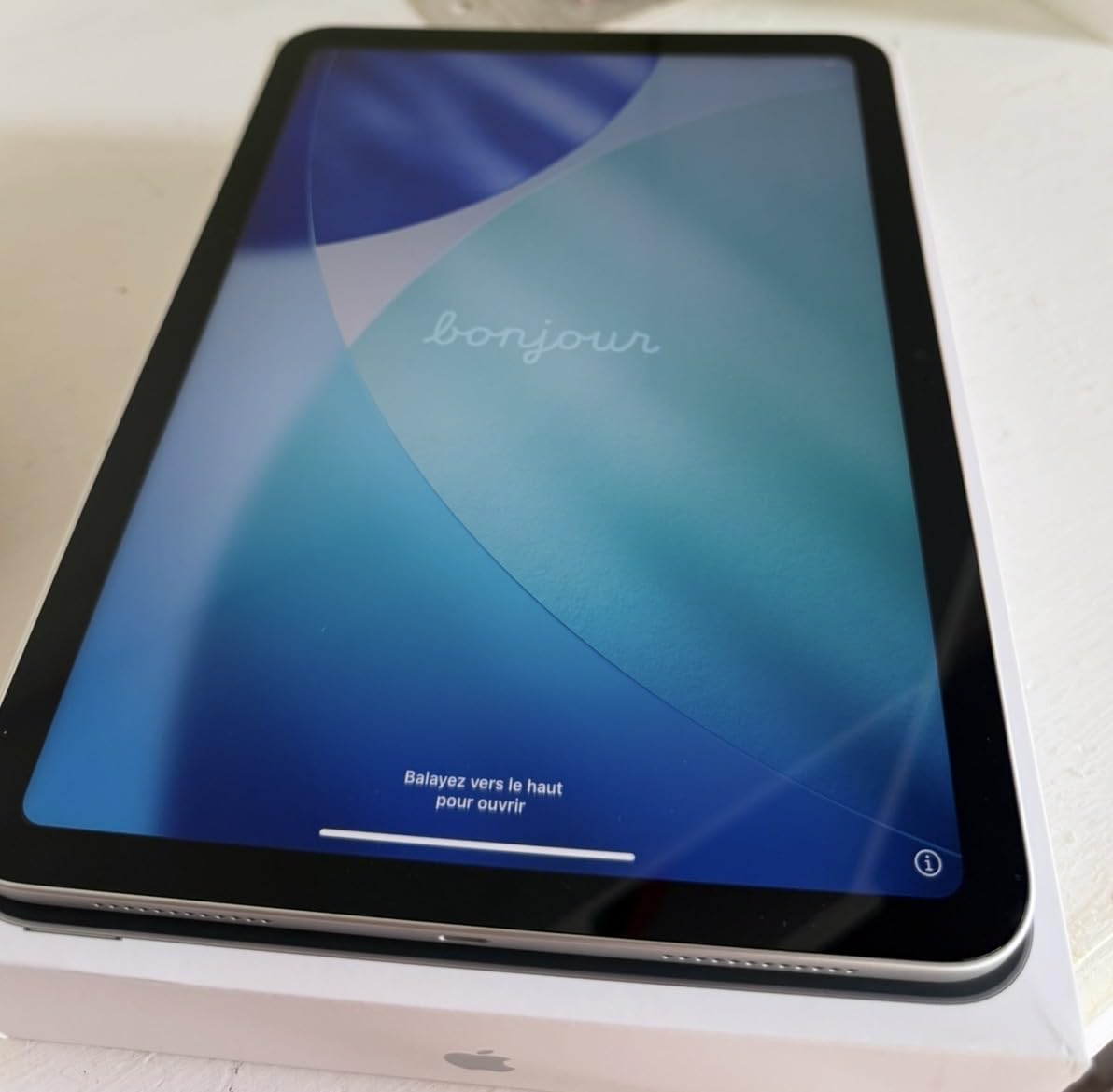
The 11-inch Liquid Retina display with True Tone is sharp and color-accurate. I appreciated the consistent brightness during long mixing sessions. The display resolution matches the more expensive Air models, so you’re not sacrificing visual quality for the lower price.
Battery life comfortably lasted through 8-9 hours of music production work. USB-C connectivity handled my audio interface and MIDI controller without issues. The only real limitation is that it supports the Apple Pencil USB-C rather than the Pencil Pro, which means no pressure-sensitive squeeze gestures.
Who Should Buy This
This is the ideal tablet for music production beginners who want to explore iOS music apps without a major investment. It’s also perfect for musicians who need a reliable second device for live performance, lyric writing, or practice apps like forScore.
Students studying music production will get tremendous value here. The A16 chip runs educational music apps, DAWs, and theory apps without breaking a sweat. With 25,000+ reviews and a 4.7 rating, it’s a proven, reliable choice.
Who Should Skip This
If you regularly work with massive sample libraries or run 50+ track sessions with heavy plugins, step up to the M2 or M4 iPad models. The A16 will show its limits under extreme load.
Android users committed to that ecosystem won’t find iOS appealing — but honestly, for music production specifically, iOS remains the strongest tablet platform by a wide margin.
3. iPad mini (A17 Pro) — Most Portable Music Production Tablet
Apple iPad mini (A17 Pro): Apple Intelligence, 8.3-inch Liquid Retina Display, 256GB, Wi-Fi 6E + 5G Cellular, 12MP Front/12MP Back Camera, Touch ID, All-Day Battery Life — Purple
Apple A17 Pro chip
8.3-inch Liquid Retina
256GB storage
Wi-Fi 6E + 5G Cellular
Apple Pencil Pro support
+ Pros
- A17 Pro chip packs serious power in compact form
- Ultra-portable one-handed operation
- 5G cellular for remote production
- 256GB storage handles large sample libraries
- Apple Pencil Pro support
- Cons
- 8.3-inch screen is tight for DAW workflows
- Higher price than standard iPad
- Bright sunlight visibility issues
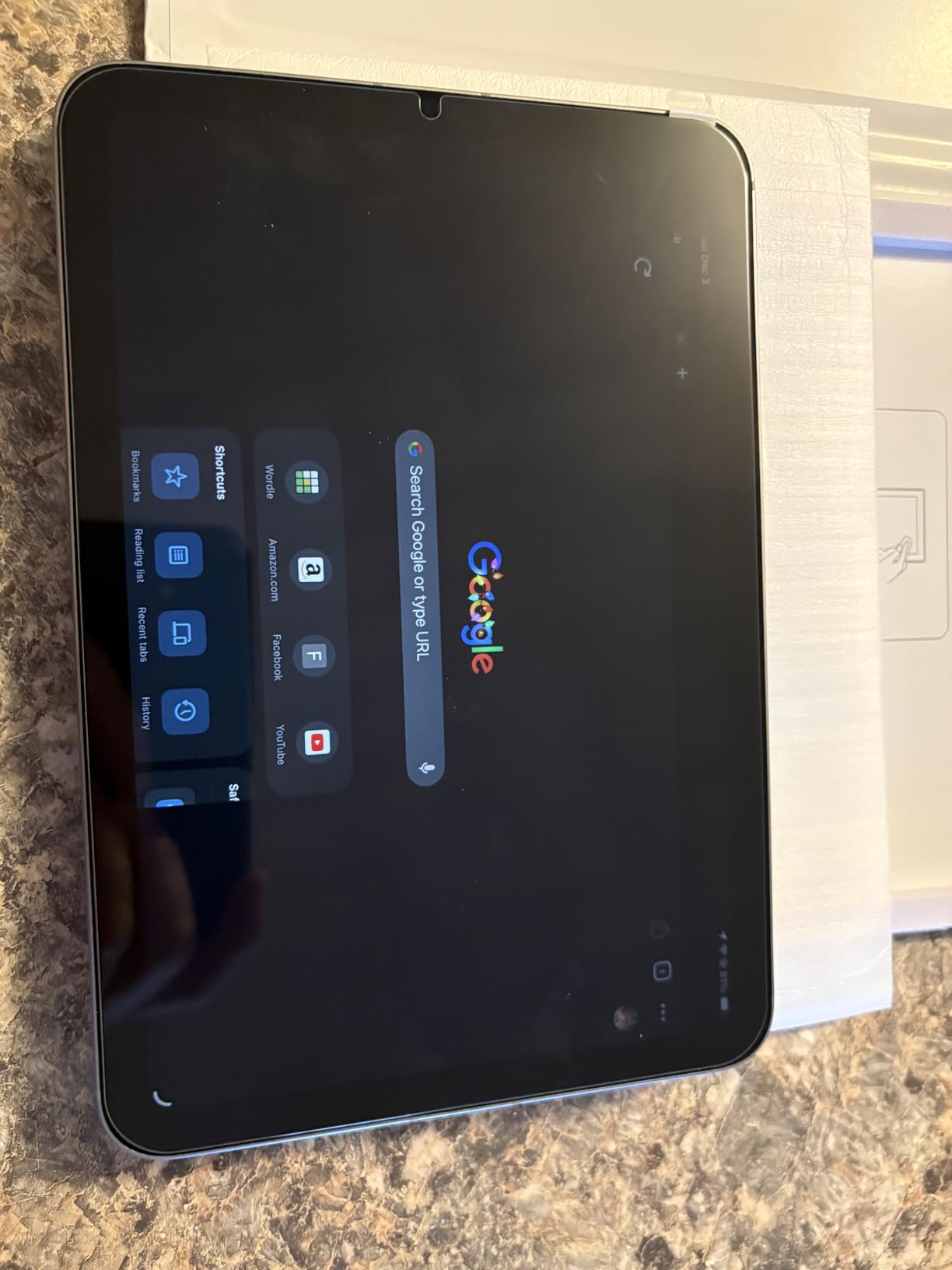
The iPad mini with A17 Pro is the tablet I grab when I want to capture musical ideas on the go. It fits in a jacket pocket, weighs just 10.4 ounces, and the A17 Pro chip is surprisingly powerful for its size. I’ve sketched full song arrangements on train rides and recorded vocal ideas with a connected USB microphone in coffee shops.
The 8.3-inch display is crisp and vibrant thanks to the P3 wide color gamut. However, I’ll be honest — the smaller screen is a tradeoff for music production. DAW interfaces feel cramped, and mixing with multiple plugin windows open requires constant scrolling. This tablet shines brightest as a quick-capture device rather than a primary production workstation.
Where the mini excels is portability and connectivity. The 5G cellular option means you can collaborate, stream reference tracks, and sync projects from anywhere. Wi-Fi 6E provides fast local transfers when you’re back in the studio. I used it as a portable synth module running Moog Model D, Korg Gadget, and SampleTank during live performances.
Apple Pencil Pro support is a real advantage for this size — drawing automation curves and fine-tuning MIDI data feels natural and precise. The 256GB storage is generous for a tablet this size, easily holding large sample libraries and weeks of recorded material.
Who Should Buy This
This is the best tablet for music production if portability is your top priority. Traveling musicians, touring DJs, and songwriters who want a capture-anywhere device will love the mini. It’s also excellent as a dedicated synth or sampler module in a live rig.
The 5G cellular model is perfect for musicians who collaborate remotely or need internet access during gigs and rehearsals away from Wi-Fi.
Who Should Skip This
If your primary workflow involves mixing, arranging, or detailed editing in a DAW, the 8.3-inch screen will frustrate you. The screen real estate just isn’t enough for comfortable multi-track work.
At this price point, the iPad Air 11-inch M4 offers a larger screen and more powerful chip for similar money. Unless portability is absolutely critical, the Air is the better production tool.
4. iPad Air 11-inch (M2) — Powerful M-Series Performance at Mid-Range Pricing
Apple iPad Air 11-inch (M2): Built for Apple Intelligence, Liquid Retina Display, 128GB, 12MP Front/Back Camera, Wi-Fi 6E, Touch ID, All-Day Battery Life — Purple
Apple M2 chip
11-inch Liquid Retina
128GB storage
Wi-Fi 6E
Stage Manager multitasking
+ Pros
- M2 chip is 50 percent faster than M1 for DAW workloads
- Beautiful 2360x1640 display
- Stage Manager enables true multitasking
- Apple Pencil Pro support
- Wi-Fi 6E for fast transfers
- Cons
- 60Hz refresh rate feels dated
- Apple Pencil and keyboard sold separately
- No OLED display
The iPad Air M2 sits in an interesting sweet spot for music production. The M2 chip — the same silicon that powers MacBooks — handles heavy DAW sessions, large sample libraries, and complex plugin chains without breaking a sweat. I ran Logic Pro for iPad sessions with 40+ tracks loaded with software instruments and effects, and the M2 never stuttered.
Stage Manager brings genuine multitasking to the iPad. I could have Logic Pro running in the foreground while keeping a reference track open in Safari and lyrics in Notes — all visible simultaneously. For producers who research sounds, take notes, and produce music simultaneously, this is a meaningful upgrade.
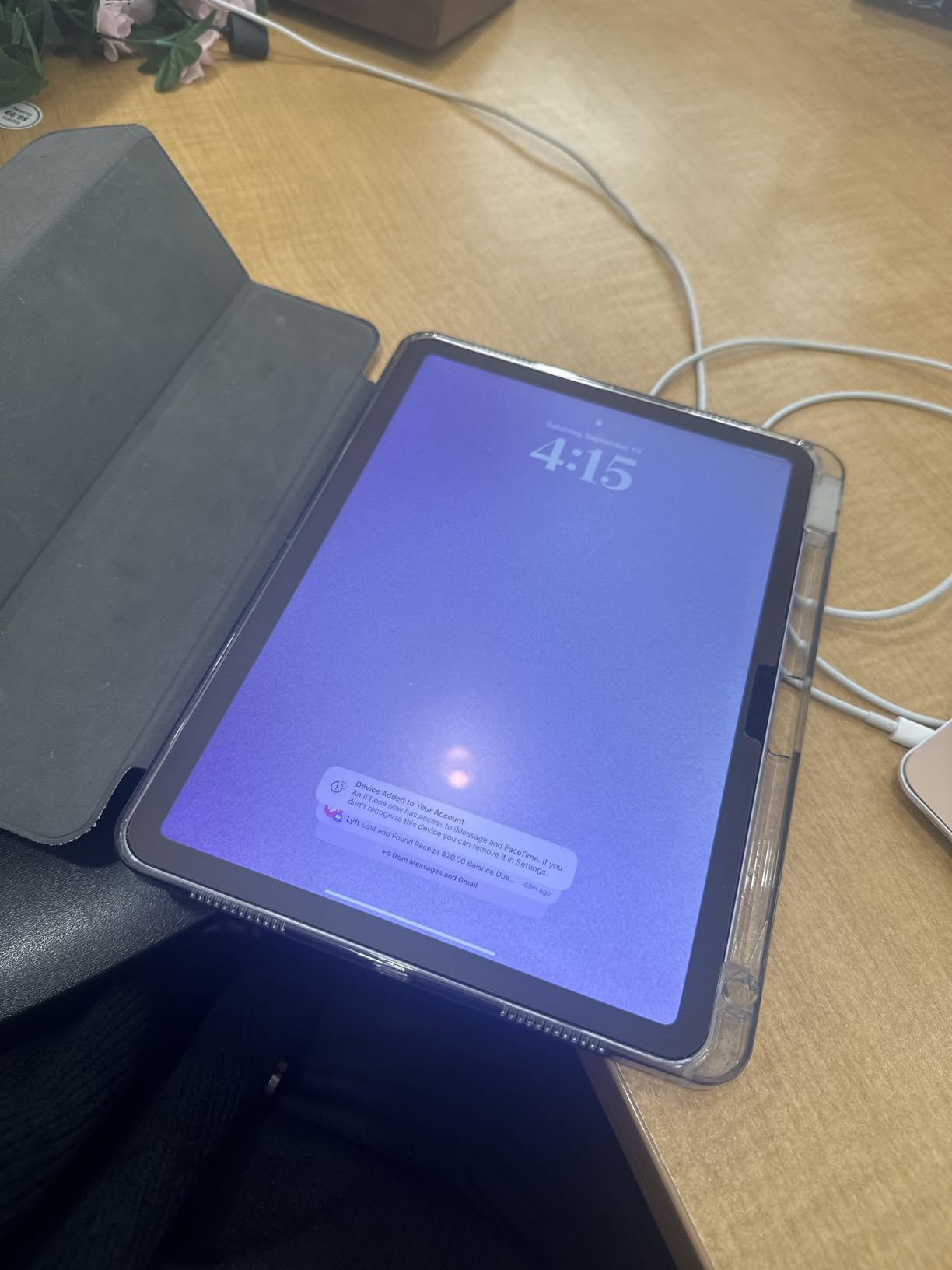
The 11-inch Liquid Retina display at 2360×1640 resolution is gorgeous for music production work. Color accuracy is excellent for UI work, and True Tone reduces eye strain during marathon sessions. The 60Hz refresh rate is the main compromise — it’s adequate for production but noticeably less smooth than the 120Hz ProMotion on iPad Pro models.
Wi-Fi 6E connectivity provided rock-solid performance when streaming samples from network-attached storage. USB-C handled my audio interface, MIDI controller, and external SSD simultaneously through a powered hub. The M2 chip’s thermal efficiency kept the tablet cool even during extended rendering sessions.
Who Should Buy This
This is an excellent tablet for music production if you want M-series power without the Pro price tag. It’s ideal for intermediate to advanced producers who need serious processing headroom but don’t require 120Hz display or Thunderbolt connectivity.
Producers who work with sample-heavy genres like hip-hop, EDM, and cinematic scoring will appreciate the M2’s ability to handle large Kontakt libraries and multi-layered arrangements.
Who Should Skip This
If you already own an M1 iPad, the upgrade to M2 isn’t worth it for music production alone. The performance difference in real-world DAW use is marginal — save your money or wait for the M4.
If you can stretch your budget slightly, the M4 Air offers meaningfully better future-proofing. The M2 is excellent, but the M4’s efficiency and performance gains make it the smarter long-term investment.
5. Samsung Galaxy Tab S10 FE — Best Android Tablet for Music Production
Samsung Galaxy Tab S10 FE Tablet, 10.9″ 2K+, 8GB RAM, 128GB + 128GB SD Card
Exynos 1580 8-core
10.9-inch 2K+ display
128GB + 128GB SD
S Pen included
20-hour battery
IP68 rated
+ Pros
- S Pen included at no extra cost
- Outstanding 20-hour battery life
- IP68 water and dust resistance
- Expandable storage via microSD
- Wi-Fi 6 and Bluetooth 5.3
- Cons
- Touch response can be sluggish
- Speakers easily covered when resting
- Charger not included
- Some bloatware
The Galaxy Tab S10 FE is the Android tablet I recommend most for music production. After years of Android tablets lagging behind iPad in audio app support, the gap has narrowed significantly. FL Studio Mobile, BandLab, Caustic 3, and G-Stomper Studio all run smoothly on the Exynos 1580 processor. Samsung’s SoundCamp and AudioBus-style routing have improved too.
The included S Pen is a major advantage over iPad — you don’t need to spend extra on a stylus. I found the S Pen excellent for drawing automation curves, tweaking plugin parameters, and sketching melody ideas. The 10.9-inch 2K+ display at 2304×1440 gives you crisp visuals for detailed DAW work.
Battery life is where this tablet destroys the competition — 20 hours on a single charge. I went through an entire weekend of production work, sheet music practice, and media consumption without reaching for the charger. For gigging musicians who can’t always plug in, this is a genuine advantage.
IP68 water and dust resistance is underrated for musicians. I’ve seen too many tablets die from spilled drinks at gigs and rehearsals. The Tab S10 FE can survive a beer spill — something no iPad can claim. The included 128GB SD card effectively doubles your storage for sample libraries and project files.
Who Should Buy This
This is the best Android tablet for music production if you prefer the Android ecosystem or already own Samsung devices. The 20-hour battery life makes it ideal for festivals, long rehearsals, and touring.
Students and note-takers will love the included S Pen for music theory apps, sheet music annotation, and composition sketching. The expandable storage is a significant advantage over iPads for producers with massive sample libraries.
Who Should Skip This
The Android music app ecosystem, while improved, still can’t match iOS for quantity and quality of music production apps. If you want access to Logic Pro, GarageBand, Cubasis, and the full range of iOS synths and effects, stick with iPad.
Producers who need ultra-low latency audio may still encounter occasional hiccups on Android. While Android audio latency has improved dramatically, iOS remains the more reliable platform for real-time audio processing.
6. Samsung Galaxy Tab S10 Lite — Budget Android Option with S Pen
Samsung Galaxy Tab S10 Lite, 6GB RAM, 128GB, 2TB Expand, 10.9” LCD, Gray
Exynos 1380
10.9-inch LCD
6GB RAM
128GB expandable to 2TB
S Pen included
16-hour battery
+ Pros
- Included S Pen for music sketching
- Expandable storage up to 2TB
- Circle to Search AI features
- Lightweight slim design
- Strong value for mid-range
- Cons
- LCD not AMOLED display
- Exynos processor less powerful
- S Pen holder can be unreliable
The Galaxy Tab S10 Lite is a budget-friendly Android tablet that punches above its weight for basic music production. The Exynos 1380 processor handles FL Studio Mobile, BandLab, and G-Stomper Studio without major issues. I ran 16-track projects with software instruments and effects, and performance remained smooth for the most part.
The included S Pen is the standout feature at this price point. For music production, the stylus is excellent for precise parameter adjustments, drawing MIDI data, and annotating sheet music. You’d pay extra for Apple Pencil on an iPad, making the S10 Lite an exceptional value.
Expandable storage up to 2TB via microSD is a massive advantage for music producers. Sample libraries, recorded stems, and project files eat up storage fast. Being able to pop in a 1TB card for affordable expansion is something iPad users can only dream about.
The 10.9-inch LCD display is bright and usable for DAW work, though it lacks the deep blacks and vibrant colors of AMOLED. The 16-hour battery life got me through a full day of production work plus media consumption. Circle to Search and AI tools are handy additions for researching sounds and production techniques.
Who Should Buy This
This is the best budget tablet for music production in the Android ecosystem. Students, beginners, and casual producers will find more than enough power here. The included S Pen and expandable storage make it an outstanding value proposition.
Musicians who primarily need a tablet for sheet music, basic recording, and practice apps will be perfectly served by the S10 Lite. The 1,064 reviews averaging 4.7 stars confirm its reliability.
Who Should Skip This
Professional producers working with heavy projects and demanding plugins will find the Exynos 1380 limiting. If you need serious processing power, the S10 FE or an iPad Air will serve you better.
The LCD display, while adequate, won’t satisfy users accustomed to AMOLED or Apple’s Liquid Retina. Color accuracy and contrast are noticeably inferior to premium displays.
7. Samsung Galaxy Tab A9+ — Best Entry-Level Tablet for Casual Music Making
Samsung Galaxy Tab A9+ 10.9” 128GB Android Tablet, Big Screen, Quad Speakers, Upgraded Chipset, Multi Window Display, Slim, Light, Durable Design, Graphite with Accessories
Qualcomm Snapdragon
11-inch LCD
8GB RAM
128GB
Quad speakers with Dolby Atmos
90Hz refresh
+ Pros
- Large 11-inch display at budget price
- Quad Dolby Atmos speakers
- 90Hz refresh rate for smooth UI
- 8GB RAM handles multitasking
- Lightweight 1-pound design
- Cons
- No S Pen or stylus included
- Wi-Fi only no cellular option
- Basic processor for heavy production
The Galaxy Tab A9+ is the cheapest tablet on this list that I’d actually recommend for music production. The Snapdragon processor and 8GB of RAM handle basic DAW work in FL Studio Mobile and BandLab. You won’t be running 40-track orchestral arrangements, but for beat making, sketching ideas, and learning production fundamentals, it works.
The standout feature for musicians is the quad-speaker setup with Dolby Atmos. This is one of the best-sounding tablet speaker systems at any price. For checking mixes, reference listening, and casual music enjoyment, the A9+ delivers surprisingly full and detailed sound without headphones.
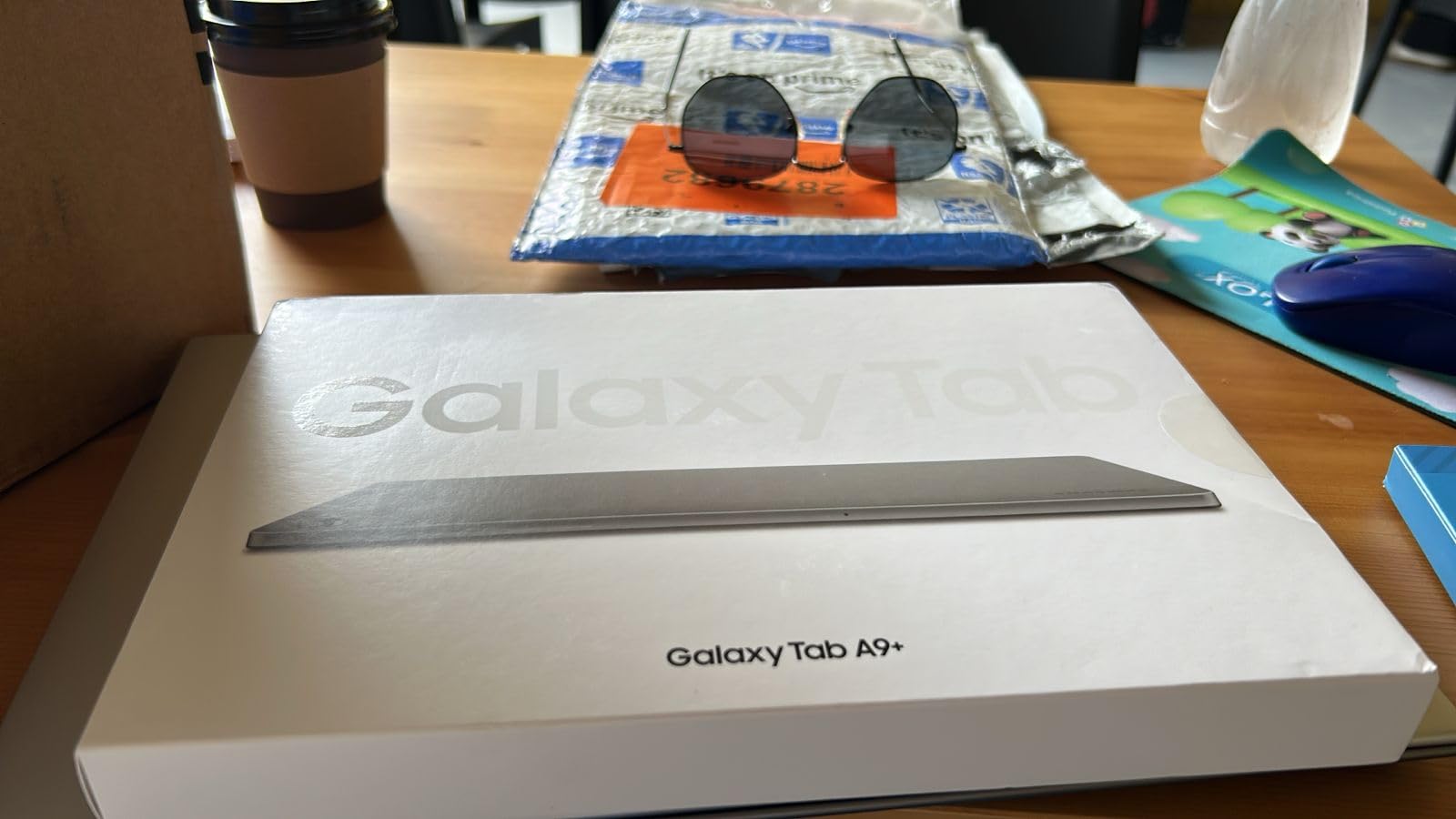
The 11-inch LCD display at 90Hz is a pleasant surprise at this price point. The smoother refresh rate makes DAW interfaces and scrolling timelines feel more responsive than the 60Hz displays on more expensive iPads. At just 1 pound, it’s comfortable to hold during long sessions.
USB-C connectivity handled a basic audio interface and MIDI controller without issues. Just keep your expectations realistic — this tablet is for entry-level production, sketching ideas, and music education. Heavy lifting is better suited to the more powerful options on this list.
Who Should Buy This
This is the best entry-level tablet for music production if budget is your primary constraint. Kids learning music, absolute beginners, and hobbyist producers will find it perfectly adequate for basic apps and beat making.
The excellent speaker system also makes it a great choice for reference listening, music theory education apps, and media consumption. Families will appreciate the Samsung Kids mode for younger music students.
Who Should Skip This
Serious producers should look elsewhere. The processor simply doesn’t have the headroom for complex arrangements, heavy sample libraries, or real-time effects processing. You’ll hit performance walls quickly with ambitious projects.
The lack of an included stylus is a drawback for music production. Drawing automation curves and precise MIDI editing really benefit from pen input, and adding one separately increases your total cost.
8. Microsoft Surface Pro 2-in-1 — Full Desktop DAW Power in Tablet Form
Microsoft Surface Pro 2-in-1 Laptop/Tablet (2024), Windows 11 Copilot+ PC, 13″ Touchscreen Display, Snapdragon X Plus (10 Core), 16GB RAM, 512GB Storage, Sapphire
Snapdragon X Plus 10-core
13-inch touchscreen
16GB LPDDR5 RAM
512GB SSD
Windows 11 Home
14-hour battery
+ Pros
- Full Windows 11 runs desktop DAWs natively
- 16GB RAM handles massive projects
- 512GB SSD for fast sample loading
- Excellent 14-hour battery life
- Lightweight 2-in-1 design
- Cons
- ARM processor has some compatibility issues
- Keyboard and stylus sold separately
- Premium price point
- Limited USB-C ports
The Surface Pro is the only tablet on this list that runs a full desktop operating system. That means Ableton Live, FL Studio, Cubase, Studio One, Reaper, and every other desktop DAW runs natively — not stripped-down mobile versions. For producers who need desktop-grade power in a portable form factor, nothing else on this list comes close.
I installed Ableton Live 12 Suite and ran a 60-track project loaded with third-party plugins. The Snapdragon X Plus handled it smoothly with 16GB of RAM providing plenty of headroom. This is genuinely desktop-level performance in a 1.97-pound tablet form factor. The 13-inch touchscreen at 2880×1920 resolution is stunning for detailed mixing work.
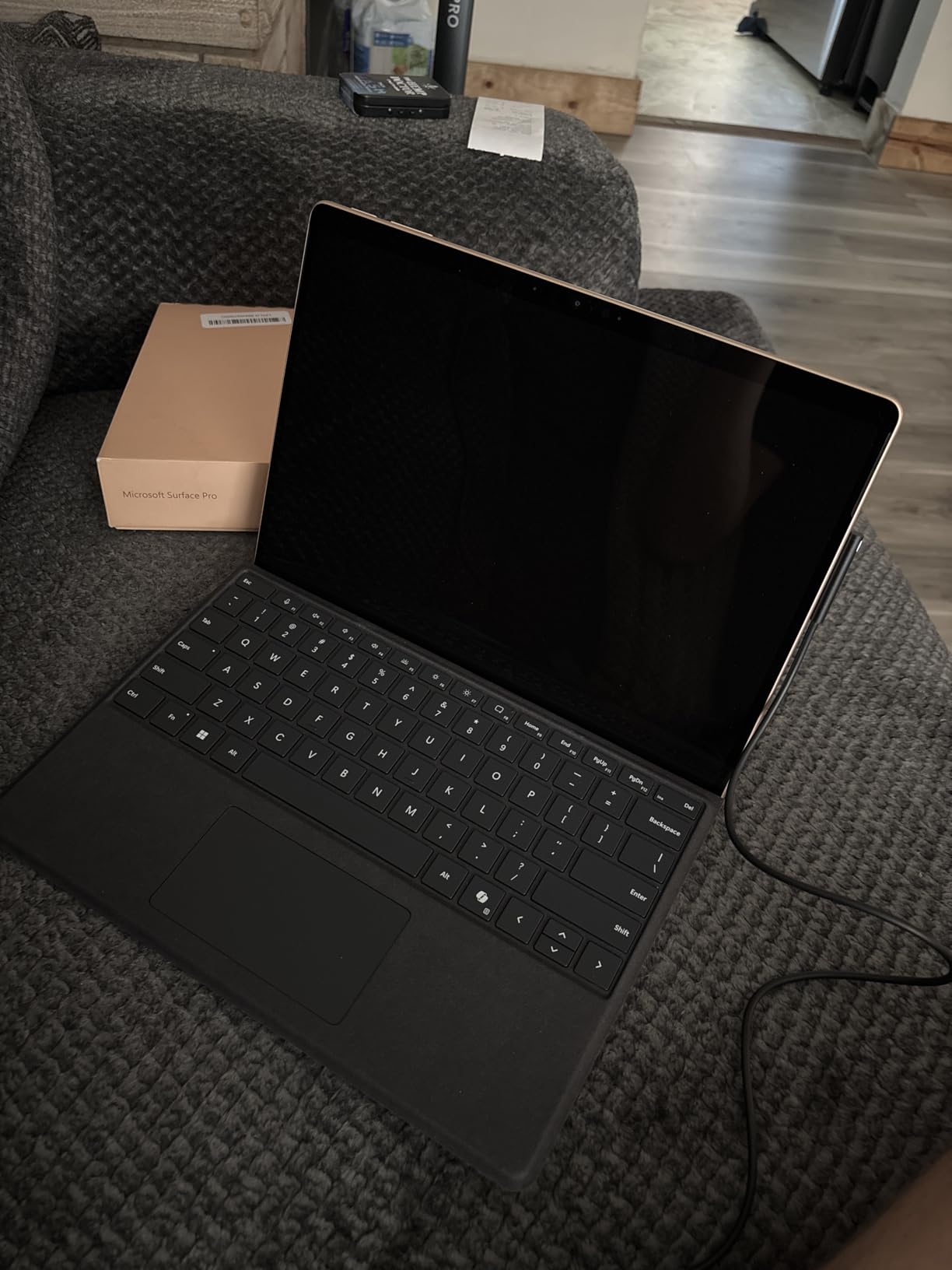
The 2-in-1 design means you can use it as a tablet for touch-based production, then snap on the keyboard (sold separately) for traditional DAW work. The kickstand allows any angle from nearly flat to upright. For producers who alternate between touch workflows and keyboard/mouse precision, this flexibility is invaluable.
Battery life of 14 hours is exceptional for a device running full Windows. I completed an entire album mix on a single charge during a long flight. Wi-Fi 7 and Bluetooth 5.4 provide modern connectivity for wireless MIDI controllers and network audio.
Who Should Buy This
This is the best tablet for music production if you need full desktop DAW compatibility. Ableton, FL Studio, Cubase, and Pro Tools users who want portable production without compromising on software will find their perfect match here.
Professional producers who already own Windows-based plugins, sample libraries, and project files will appreciate the seamless compatibility. No file conversion, no stripped-down mobile apps — just your full production environment in a tablet.
Who Should Skip This
The ARM-based Snapdragon processor has compatibility issues with some older plugins and audio drivers. Before buying, verify that your critical software has ARM support or runs acceptably through emulation.
At this price point with accessories sold separately, the total investment exceeds most iPad configurations. If you don’t specifically need Windows desktop software, an iPad Air M4 with Logic Pro offers better value for mobile-only production.
9. Lenovo Idea Tab Plus — Big Screen Budget Tablet for Music Production
Lenovo Idea Tab Plus – Lightweight Tablet – 12.1″ 2.5K IPS Touchscreen Display – 90Hz – MediaTek Dimensity 6400-8GB Memory – 128GB Storage – Integrated Arm Mali-G57 MC2 – tab Pen & Folio case
MediaTek Dimensity 6400
12.1-inch 2.5K IPS
8GB RAM
128GB
Tab Pen and Folio Case included
Quad Dolby Atmos speakers
+ Pros
- Large 12.1-inch 2.5K display ideal for DAW work
- Tab Pen and Folio Case included
- Quad Dolby Atmos speakers
- 90Hz refresh rate
- Excellent value with accessories
- Cons
- Non-rechargeable pen uses batteries
- No HDMI output
- Some palm rejection issues
- Mediocre processor for heavy production
The Lenovo Idea Tab Plus caught me off guard. For the price, the 12.1-inch 2.5K display is exceptional for music production. That extra screen real estate compared to 10-11 inch tablets makes a real difference when working in DAWs — you can see more tracks, larger plugin interfaces, and wider timelines without constant scrolling.
The MediaTek Dimensity 6400 processor handles FL Studio Mobile, BandLab, and G-Stomper Studio competently. You won’t be pushing 50-track arrangements, but for beat making, sketching, and learning production, it performs well. The 8GB of RAM keeps multiple music apps running simultaneously without aggressive app reloading.
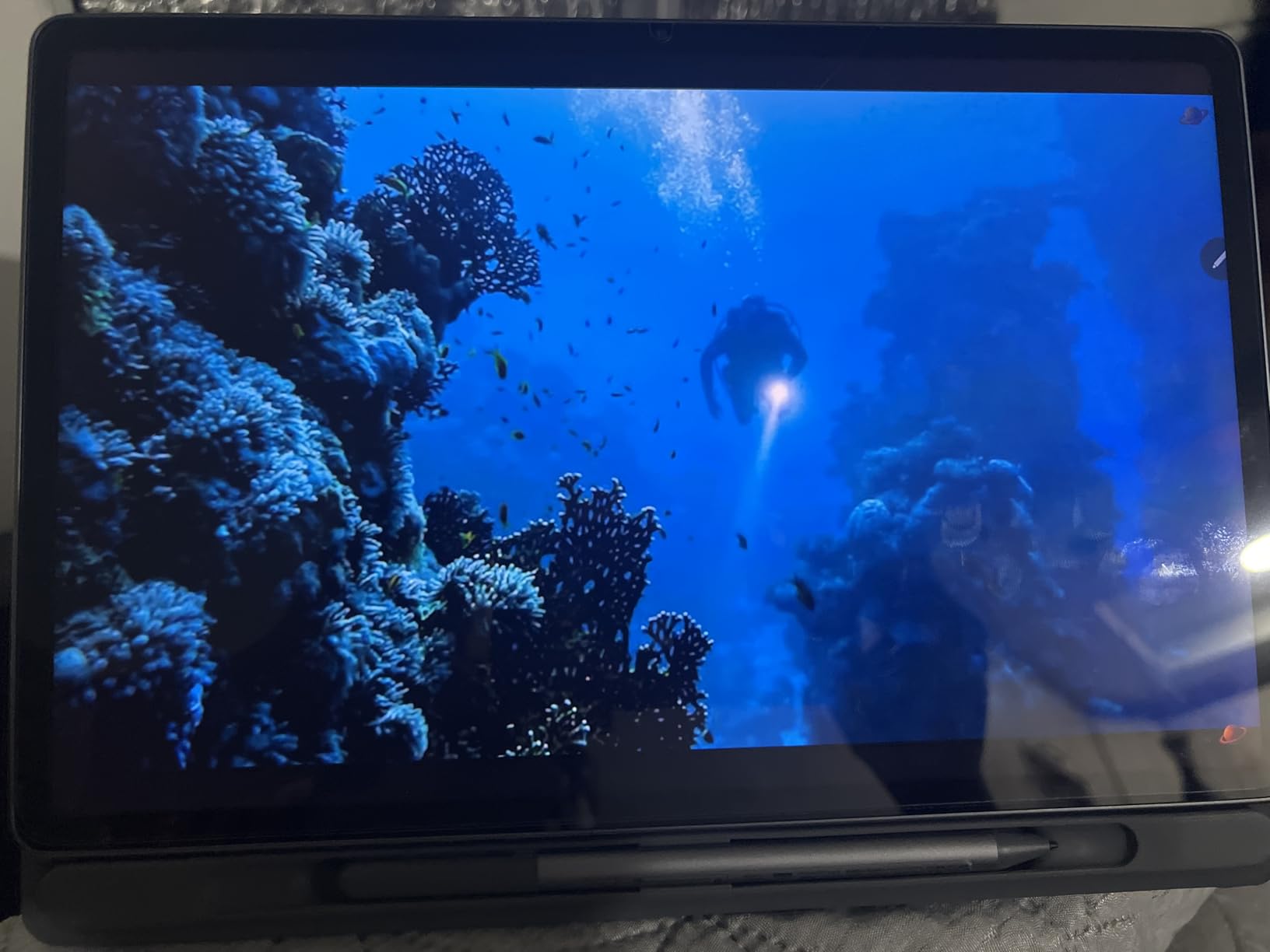
What makes this tablet exceptional value is the included accessories. The Tab Pen and Folio Case come in the box — you don’t need to spend extra on a stylus or cover. For music production, the pen is decent for drawing automation and tweaking parameters, though the battery-operated design is less convenient than rechargeable alternatives.
The quad Dolby Atmos speakers deliver rich, detailed sound that’s genuinely useful for reference mixing. The 90Hz refresh rate makes the interface feel snappy and responsive. At 1.2 pounds, it’s slightly heavier than smaller tablets but still comfortable for extended sessions.
Who Should Buy This
This is the best budget tablet for music production if you want a large screen. The 12.1-inch display is ideal for DAW work, sheet music reading, and detailed editing. Forum users on Reddit consistently recommend Lenovo tablets for budget-conscious musicians.
Students will appreciate the included pen and case — it’s a complete package ready for music theory apps, notation software, and production work right out of the box. The 208 reviews averaging 4.6 stars confirm strong user satisfaction.
Who Should Skip This
The MediaTek processor will frustrate producers working with heavy projects. If you need serious processing power for large sample libraries and complex arrangements, this isn’t the right tool.
The non-rechargeable pen is a design choice that feels dated. If you produce frequently, replacing pen batteries becomes annoying. Consider this a minor but real ongoing cost.
10. TCL NXTPAPER 11 Plus — Paper-Like Display for Sheet Music and Composition
Helio G100
11.5-inch 120Hz NXTPAPER 4.0
8+8GB RAM
256GB
T-Pen with 4096 pressure levels
Flip case included
+ Pros
- NXTPAPER display reduces eye strain for long sessions
- 4096-level pressure stylus included
- 120Hz refresh rate
- 3-in-1 display modes
- Flip case included
- 256GB storage at budget price
- Cons
- No microSD card support
- No HDMI output
- USB-C 2.0 only
- Palm rejection issues in some apps
The TCL NXTPAPER 11 Plus is the most unique tablet on this list. The NXTPAPER 4.0 display technology creates a paper-like viewing experience that’s genuinely different from standard LCD or OLED. For musicians who spend hours reading sheet music, this display is a revelation — it reduces eye strain dramatically compared to traditional tablet screens.
The 120Hz refresh rate makes DAW interfaces feel incredibly smooth. I tested FL Studio Mobile and BandLab on the Helio G100 processor, and both ran adequately for basic production tasks. The 8GB+8GB RAM expansion helps with multitasking between music apps. Performance won’t challenge the iPads on this list, but for the price, it’s surprisingly capable.
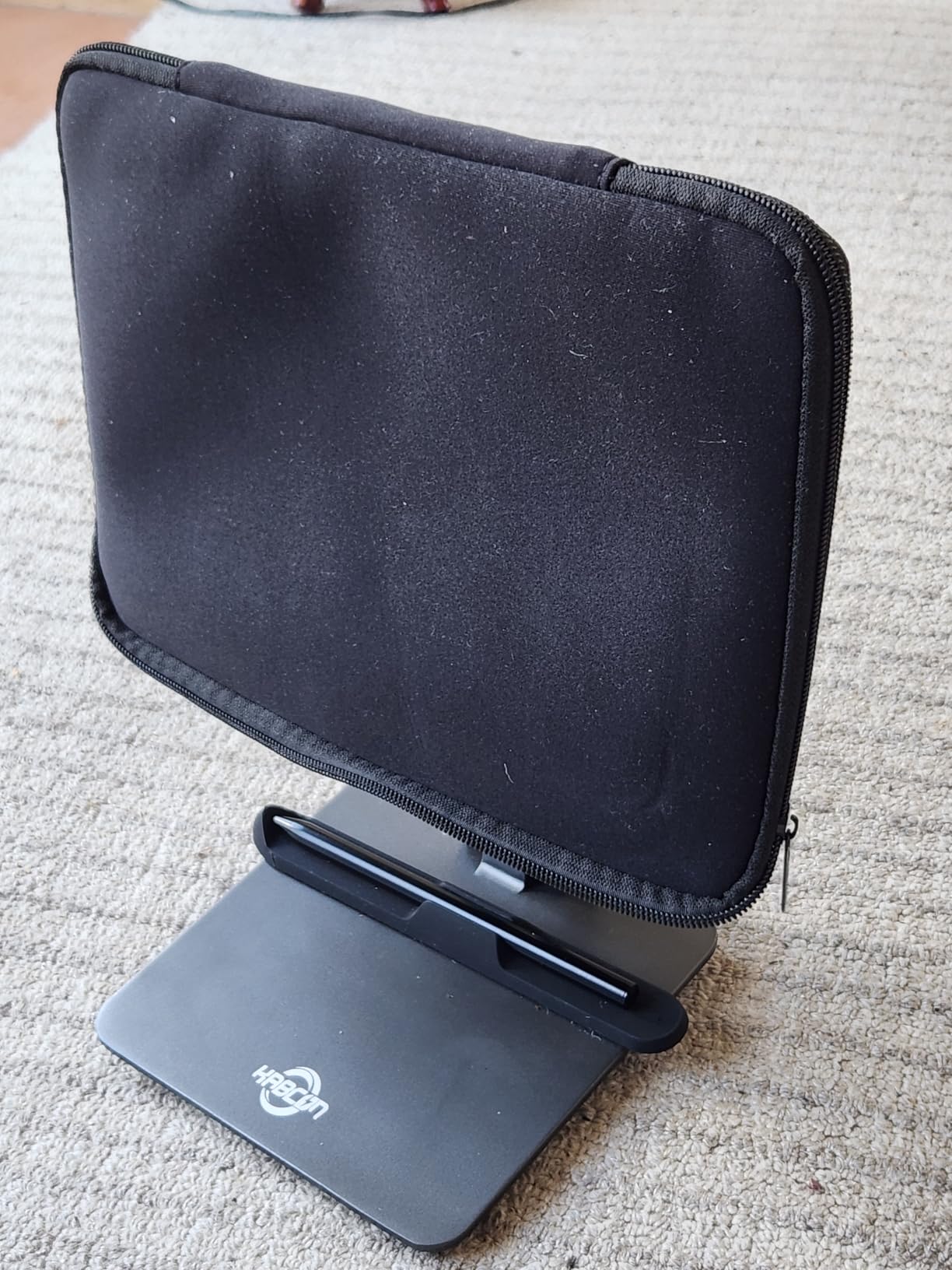
The included T-Pen with 4096 pressure levels is excellent for music production. Drawing automation curves, sketching melodies, and annotating sheet music feel natural and precise. The three display modes — Regular, Ink Paper, and Color Paper — let you optimize the screen for different tasks. I used Ink Paper mode for sheet music reading and Regular mode for DAW work.
The flip case and stylus come included, making this an exceptional value. The 256GB storage at this price point is generous, holding plenty of samples, recordings, and sheet music PDFs. However, the lack of microSD expansion means you’re limited to that internal storage — plan accordingly.
Who Should Buy This
This is the best tablet for musicians who primarily read sheet music. The NXTPAPER display is unmatched for extended reading sessions, reducing eye fatigue in ways standard tablets can’t match. Classical musicians, choir members, and gigging players will love it.
Budget-conscious producers who want a stylus included will appreciate the T-Pen and flip case. The 120Hz display at this price is exceptional — even iPads at three times the cost only offer 60Hz on base models.
Who Should Skip This
The Helio G100 processor is the weakest on this list. Serious producers working with heavy projects will find performance lacking. This tablet is best for lighter production tasks, sheet music, and basic apps.
The lack of expandable storage is a real limitation. With no microSD slot, you’re stuck with 256GB. If you work with large sample libraries, this will fill up faster than you expect. The USB-C 2.0 port also limits fast file transfers to external drives.
How to Choose the Best Tablet for Music Production
Operating System: iPadOS vs Android vs Windows
The operating system you choose matters more than any single hardware spec. iPadOS has the deepest and most mature music production app ecosystem. GarageBand is free, Logic Pro for iPad is desktop-class, and the App Store offers hundreds of professional synths, effects, and DAWs. For most musicians, an iPad is the safest and most capable choice.
Android has improved dramatically for music production. FL Studio Mobile, BandLab, and G-Stomper Studio are genuinely good apps. Audio latency has decreased significantly on modern devices. However, the app ecosystem still trails iOS in both quantity and quality of professional music tools.
Windows tablets like the Surface Pro offer full desktop DAW compatibility. Ableton, FL Studio, Cubase, and Pro Tools run natively with no compromises. The tradeoff is that Windows tablets are more expensive, heavier, and typically offer shorter battery life than iPad or Android alternatives.
Processing Power and RAM
Music production is processor-intensive. DAWs, software instruments, and real-time effects all demand significant CPU power. For iOS, the M-series chips (M2, M4) are ideal for serious production. The A16 and A17 Pro chips in standard iPads handle most production tasks well but may struggle with extremely heavy sessions.
For Android and Windows tablets, look for at least 8GB of RAM. Music production apps can be memory-hungry, especially when working with large sample libraries. The Surface Pro’s 16GB of RAM gives it a significant advantage for desktop DAW work with heavy projects.
Display Size and Quality
Screen size matters more for music production than most people realize. DAW interfaces need space — smaller screens require constant scrolling and zooming. For primary production work, 11 inches is the minimum comfortable size. For detailed mixing and arranging, 12+ inches is preferable.
Reddit’s musician communities consistently recommend 12-14 inch screens for sheet music display. If reading scores is your primary use case, the Lenovo Idea Tab Plus with its 12.1-inch display or the TCL NXTPAPER with its paper-like screen are excellent choices.
Storage Requirements
Music production eats storage fast. Sample libraries can range from 5GB to over 100GB. Project files with recorded audio accumulate quickly. Aim for at least 128GB of internal storage as a starting point, with 256GB or more being ideal for serious producers.
Android tablets with microSD expansion offer a significant advantage here. A 1TB card costs under what Apple charges for storage upgrades and effectively eliminates storage concerns. iPads without expandable storage require you to pay Apple’s premium for higher capacities — sometimes a steep markup for each storage tier upgrade.
Audio Connectivity and Interfaces
USB-C is now standard across all three platforms, which simplifies audio interface connectivity. Most modern audio interfaces — Focusrite Scarlett, PreSonus AudioBox, Universal Audio Volt — work via USB-C. Check that your chosen tablet provides enough power through its USB-C port to drive your interface.
For MIDI controllers, USB-C handles most modern devices. Older MIDI gear may require a USB-C to USB-B cable or a dedicated MIDI interface adapter. Bluetooth MIDI is an option but introduces latency that most producers find unacceptable for real-time playing.
Stylus Support
A stylus isn’t essential for music production, but it’s genuinely useful. Drawing automation curves, fine-tuning MIDI data, and adjusting plugin parameters are all more precise with a pen. iPads support the Apple Pencil (various models depending on iPad), while Samsung tablets include the S Pen at no extra cost.
For sheet music annotation, a stylus is almost essential. Being able to mark up scores with fingerings, dynamics, and reminders directly on the tablet screen is a workflow improvement that traditional paper can’t match.
Budget Considerations
You can spend anywhere from $260 to $1,200+ on a tablet for music production. The good news is that you don’t need to max out your budget to get capable production hardware. The iPad 11-inch A16 handles 90 percent of production tasks. The Lenovo Idea Tab Plus and TCL NXTPAPER offer capable Android alternatives at budget-friendly prices.
Factor in accessory costs when budgeting. Apple Pencils add to your total. Surface keyboard covers add to your total. Samsung includes the S Pen free, which is a real value advantage. Don’t forget budget for an audio interface, headphones, and possibly a USB-C hub.
FAQs
What tablet do most musicians use?
Most professional musicians use Apple iPads, specifically the iPad Pro and iPad Air models. The iPad dominates because of its mature music production app ecosystem, including GarageBand (free), Logic Pro for iPad, Cubasis, and hundreds of professional synths and effects. Samsung Galaxy Tab S series is the most popular Android alternative, particularly for musicians who value included stylus support and expandable storage.
Which tablet is best for music production?
The best tablet for music production is the iPad Air 11-inch with M4 chip. It offers desktop-class processing power, runs the full iOS music app ecosystem flawlessly, and provides excellent value. For budget-conscious beginners, the iPad 11-inch with A16 chip delivers 90 percent of the capability at a much lower price point. Windows users who need desktop DAWs should consider the Microsoft Surface Pro.
Which tab is best for sound quality?
For built-in speaker sound quality, the Samsung Galaxy Tab A9+ with quad Dolby Atmos speakers offers the best audio output at budget prices. Among premium tablets, the iPad Air M4 and Samsung Galaxy Tab S10 FE provide excellent speaker performance. For professional monitoring, all tablets benefit from quality headphones or studio monitors connected via USB-C audio interfaces.
Can I use a tablet for music production?
Yes, modern tablets are fully capable of music production. Tablets can run digital audio workstations (DAWs) like GarageBand, FL Studio Mobile, and Logic Pro for iPad. They support USB-C audio interfaces, MIDI controllers, and external microphones. While tablets may not replace a desktop studio for complex professional work, they are excellent for portable production, sketching ideas, live performance, and learning music production fundamentals.
Final Thoughts on the Best Tablets for Music Production
Choosing the best tablets for music production comes down to your ecosystem preference, budget, and production needs. For the vast majority of musicians, the iPad Air 11-inch M4 offers the ideal balance of power, app ecosystem, and value. If budget is tight, the iPad 11-inch with A16 chip gives you nearly the same capability for significantly less money.
Android users should look at the Samsung Galaxy Tab S10 FE for its included S Pen, 20-hour battery life, and IP68 durability. Windows power users who need full desktop DAWs will find the Surface Pro unmatched despite its premium price. And for budget-conscious producers, the Lenovo Idea Tab Plus and TCL NXTPAPER 11 Plus deliver surprising capability with included accessories.
Whichever tablet you choose, pair it with a quality USB-C audio interface, studio headphones, and your preferred DAW app to build a capable portable music production setup that fits in your backpack.