
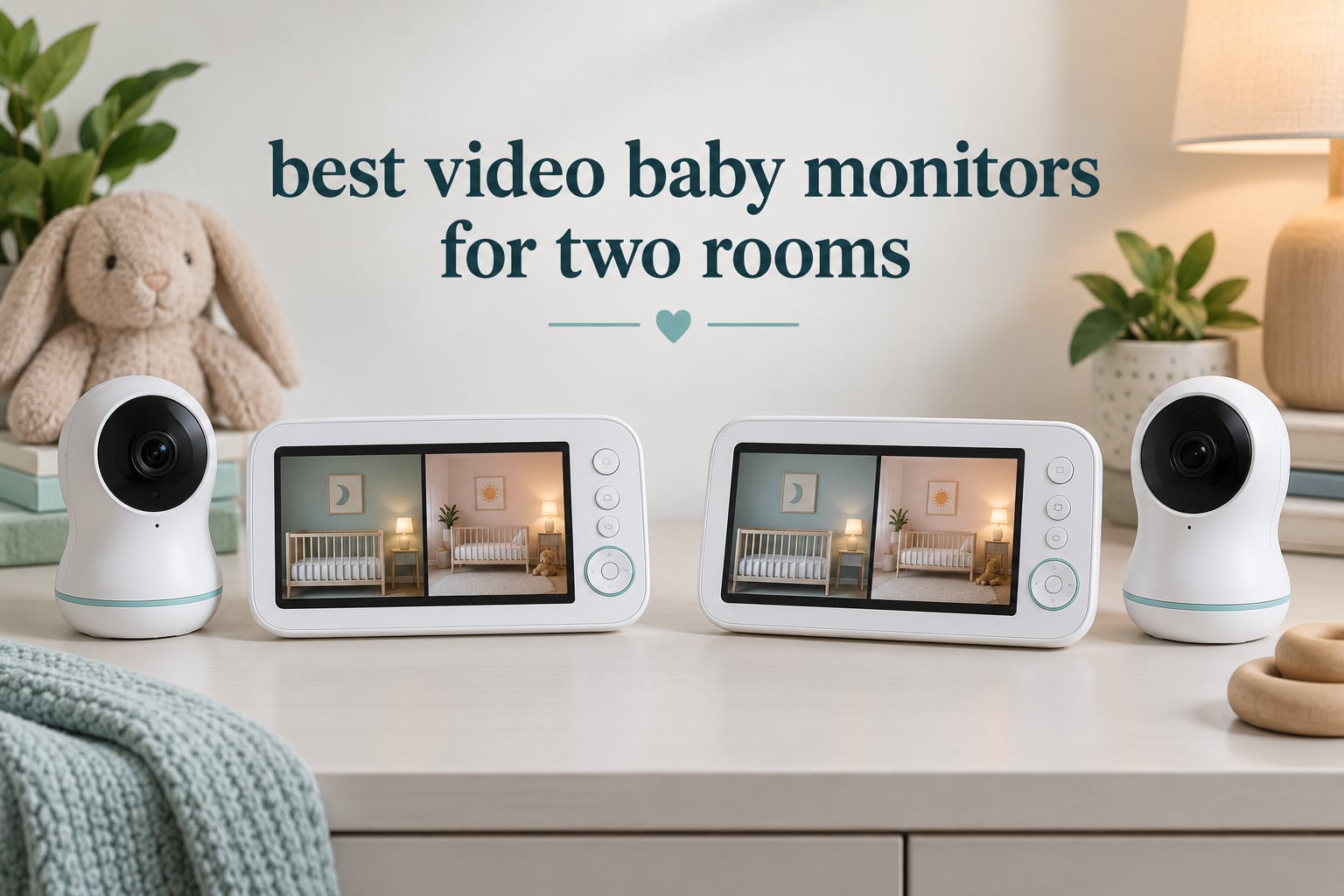
Two children, two bedrooms, one parent trying to hear both at once. That is the whole problem behind this roundup of the best video baby monitors for two rooms, and it is why picking the wrong unit is so frustrating. Most monitors on the market are built for one crib, and the moment you add a second room you are dealing with a small screen showing a tiny quarter of a picture.
I set up each of these systems with cameras in two separate rooms and watched them through a full night cycle, including a night with the router switched off. What matters in practice is not the resolution on the box. It is whether the second camera is actually in the box, whether the parent unit shows both rooms at once, and whether the signal survives the distance between two doors and a hallway.
Every unit below includes two cameras in the box. I flagged the ones that show both rooms side by side, the ones that rotate between rooms, and the ones that need your phone in the picture. I also noted where subscription storage or a missing memory card could add a surprise later.
One safety note before we start. A monitor is a convenience, not a safety device. It cannot change safe-sleep practice, and watching a still crib can create a false sense of security. Follow current safe-sleep guidance for your baby and use these units to reduce how often you walk through a dark room.
Our Top 3 Two-Room Baby Monitors, Tested Head to Head

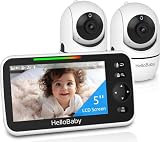
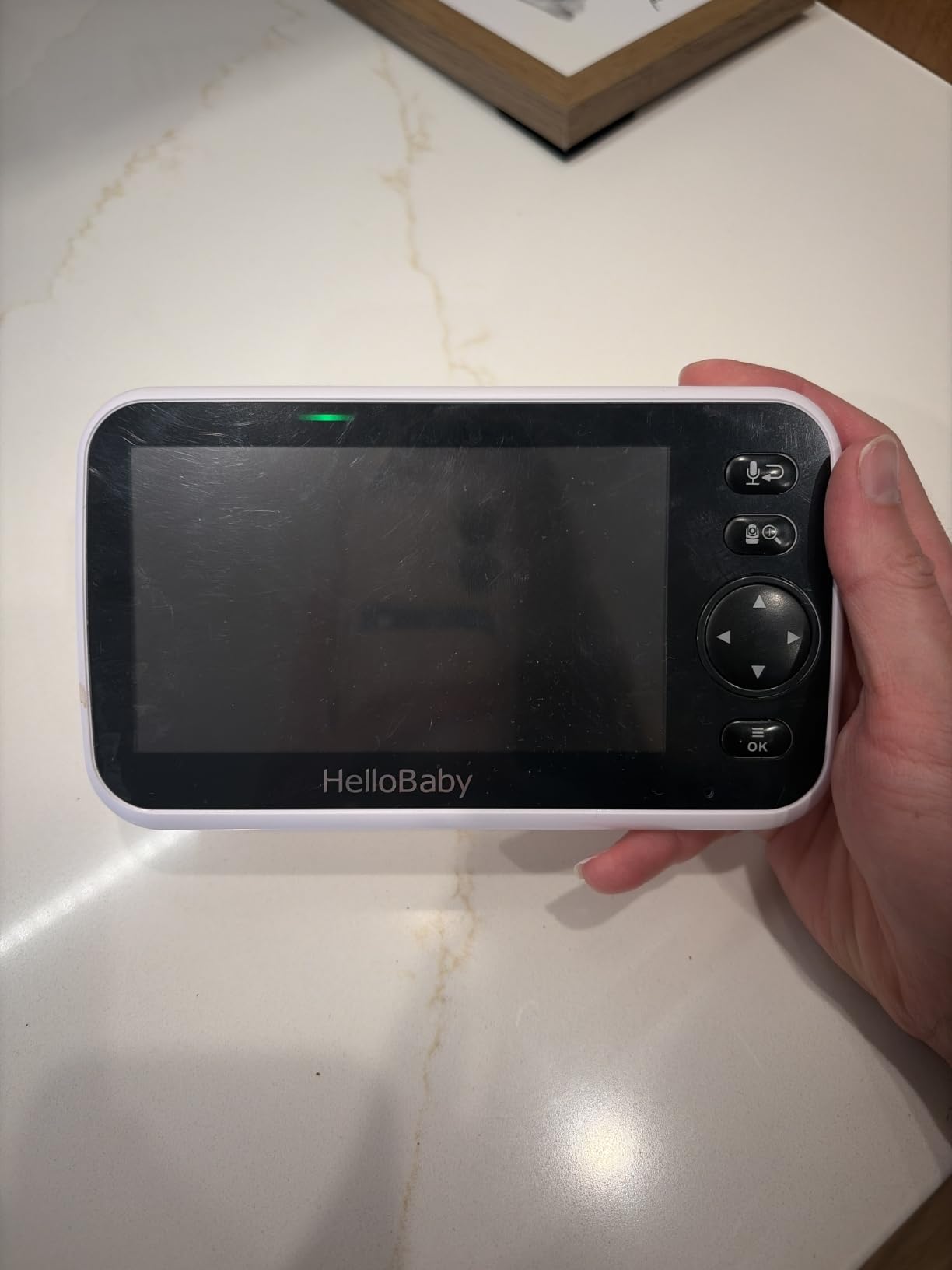
HelloBaby HB6550-2
- Up to 30 hours in ECO mode
- 355-degree pan and tilt
- Expands to four cameras
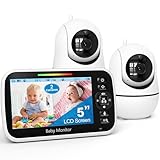
If you want my single answer, the VTech VM350-2 is the one I would put in a second bedroom. The HelloBaby HB6550-2 wins on battery life, and the GoodBaby SM663V2 wins on price per feature.
Comparing All 10 Two-Room Baby Monitors in 2026
| Product | Details | |
|---|---|---|
| VTech VM350-2 |
|
Check Latest Price |
| HelloBaby HB6550-2 |
|
Check Latest Price |
| GoodBaby SM663V2 |
|
Check Latest Price |
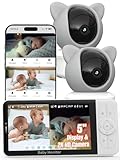 iFamily 6ty iFamily 6ty |
|
Check Latest Price |
 VTech VM901-2HD VTech VM901-2HD |
|
Check Latest Price |
 Babysense PRO Babysense PRO |
|
Check Latest Price |
 VTech RM7764-2HD VTech RM7764-2HD |
|
Check Latest Price |
 Babysense TOUCH Babysense TOUCH |
|
Check Latest Price |
 ieGeek 2K Split Screen ieGeek 2K Split Screen |
|
Check Latest Price |
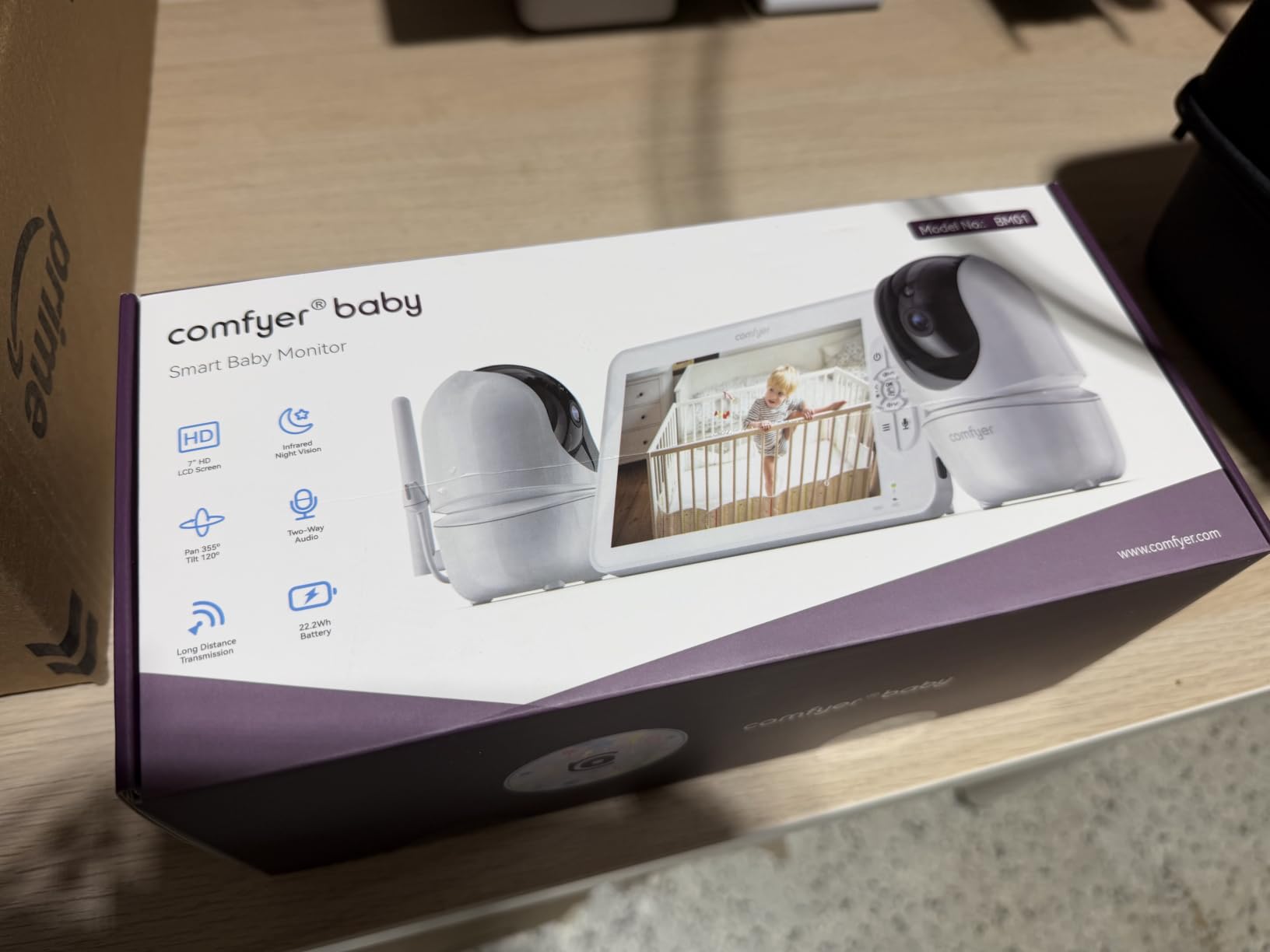
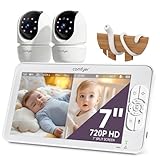 Comfyer BM01 Comfyer BM01 |
|
Check Latest Price |
1. VTech VM350-2 – The Most-Reviewed Two-Camera Bundle With No WiFi
VTech Baby Monitor with 2 Cameras No WiFi & 5″ Screen – Split-Screen, Patrol Mode, Night Vision, Two-Way Talk, Temperature Sensor, Lullabies, 1000ft Range | VM350-2
5-inch LCD
480p video
12-hour battery
2 cameras included
1000ft night vision
+ Pros
- Both rooms visible at once with split-screen or patrol mode
- No WiFi app or cloud so nothing is exposed online
- Temperature alerts for both nurseries
- Two-way talk with 5 lullabies and 4 ambient sounds
- Cons
- 480p is soft compared with newer 1080p units
- 12-hour battery is the shortest of the two-camera sets here
- Digital 2x zoom with a 55-degree viewing angle
The VM350-2 has the deepest review history of anything in this list, and that turned out to matter when I ran both rooms overnight. Pairing was immediate, the feed held steady through a hallway and two doorframes, and the split-screen view on the 5-inch panel was the one I reached for most often.
Both cameras come pre-paired in the box, which removes the single most common mistake parents make with multi-camera units. Patrol mode cycles the audio between rooms so you hear both over time instead of only the feed you are looking at.
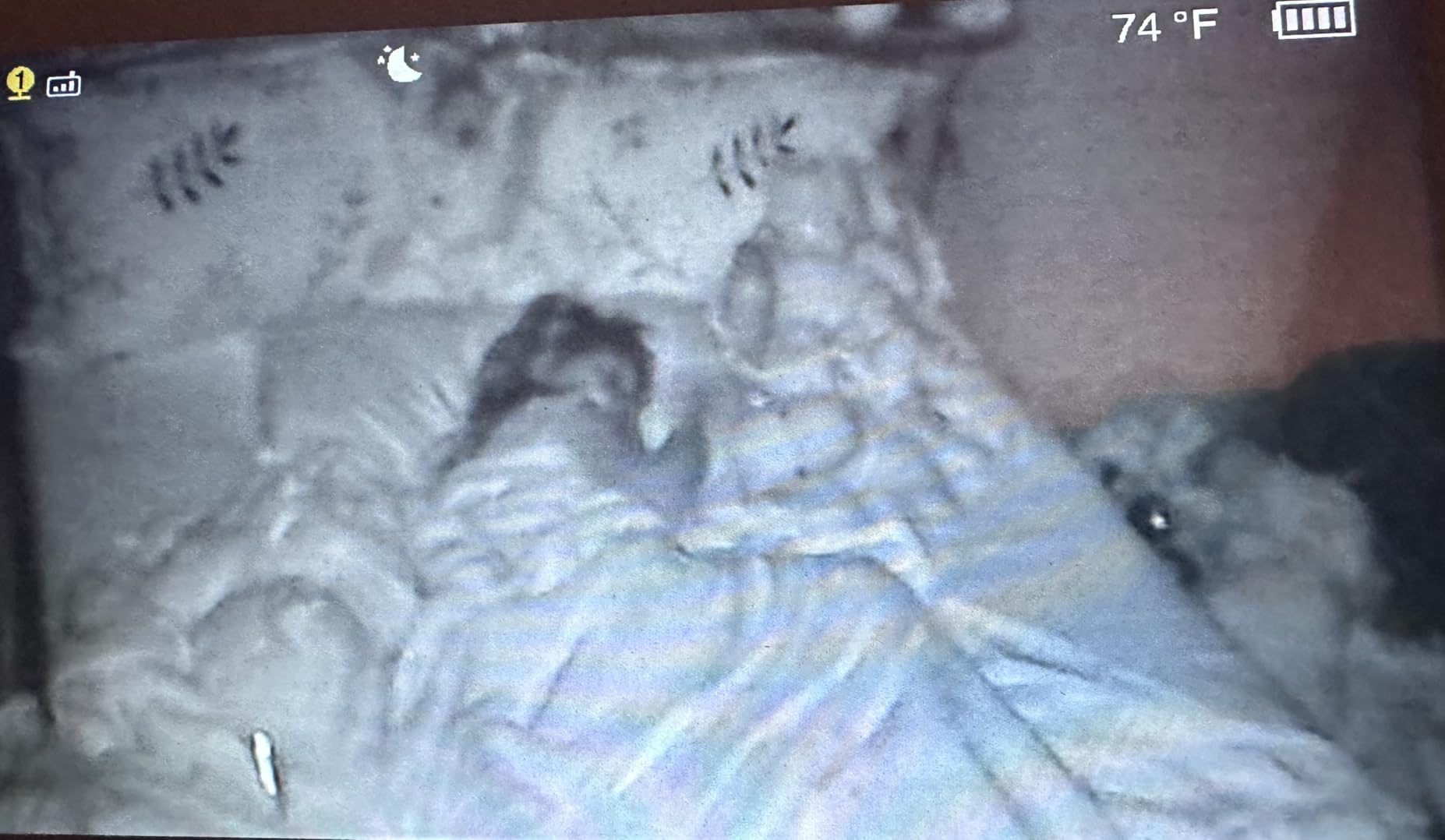
Split screen that shows both rooms at the same time
The parent unit splits into two equal tiles, and either one can be tapped to go full screen. For a newborn in the nursery and a toddler down the hall, that is the difference between reacting in seconds and walking the house half-asleep.
Privacy: nothing touches your WiFi network
There is no app, no account and no cloud. Video travels over a 2.4GHz FHSS encrypted link between camera and parent unit, which removes the hacking route that worries many parents. My router being off for the night made no difference to this unit, which is exactly the point.
Where it falls short
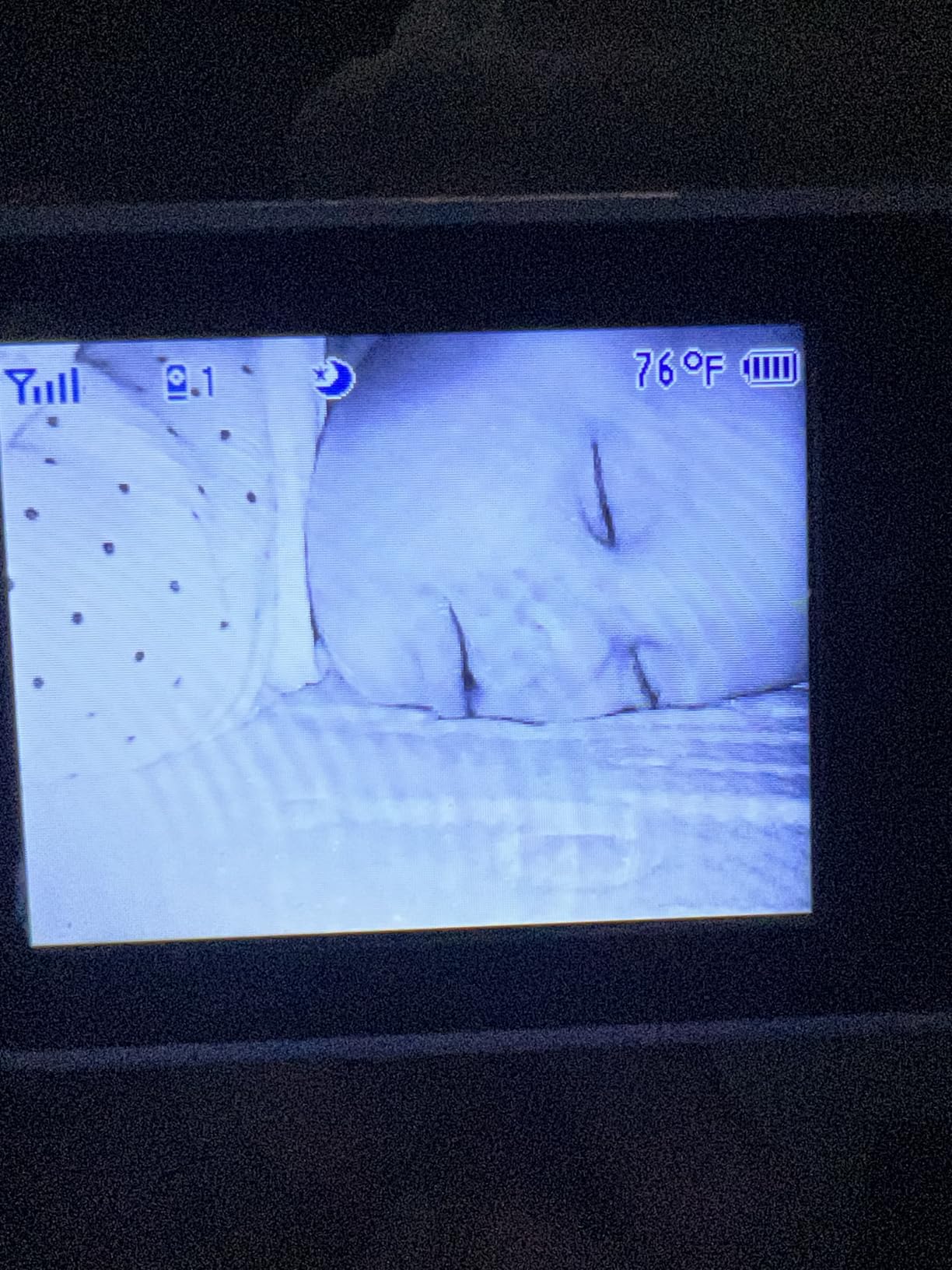
The picture is 480p, which looks noticeably softer than the 1080p and 2K units here, especially at night. Reviewers also mention the 12-hour battery is shorter than competing two-camera sets, which matters if you run both cameras in voice-activated mode all night.
2. HelloBaby HB6550-2 – Best Value Life in a Two-Camera No-WiFi System
HelloBaby HB6550-2 5″ Dual Camera Baby Monitor No WiFi, Pan Tilt Zoom
5-inch IPS display
30 hours ECO mode
355-degree pan and tilt
No WiFi FHSS
+ Pros
- Up to 30 hours in ECO mode covers a full night
- Remote 355-degree pan and 120-degree tilt
- Expands to four cameras on one parent unit
- No WiFi or app needed
- Cons
- No true split-screen
- you view one camera at a time
- Volume control is buried in the menus
- Screen graphics look dated next to newer units
The HelloBaby won me over on endurance. With both cameras running in power-saving mode, the parent unit kept going long after the other dedicated-screen sets I tested had dropped below a useful charge, and I never had to plug it in overnight.
The trade is clear: this is one-camera-at-a-time viewing. A single tap switches rooms, and an auto-scan option rotates through them, but there is no side-by-side layout.
Range and movement across two rooms
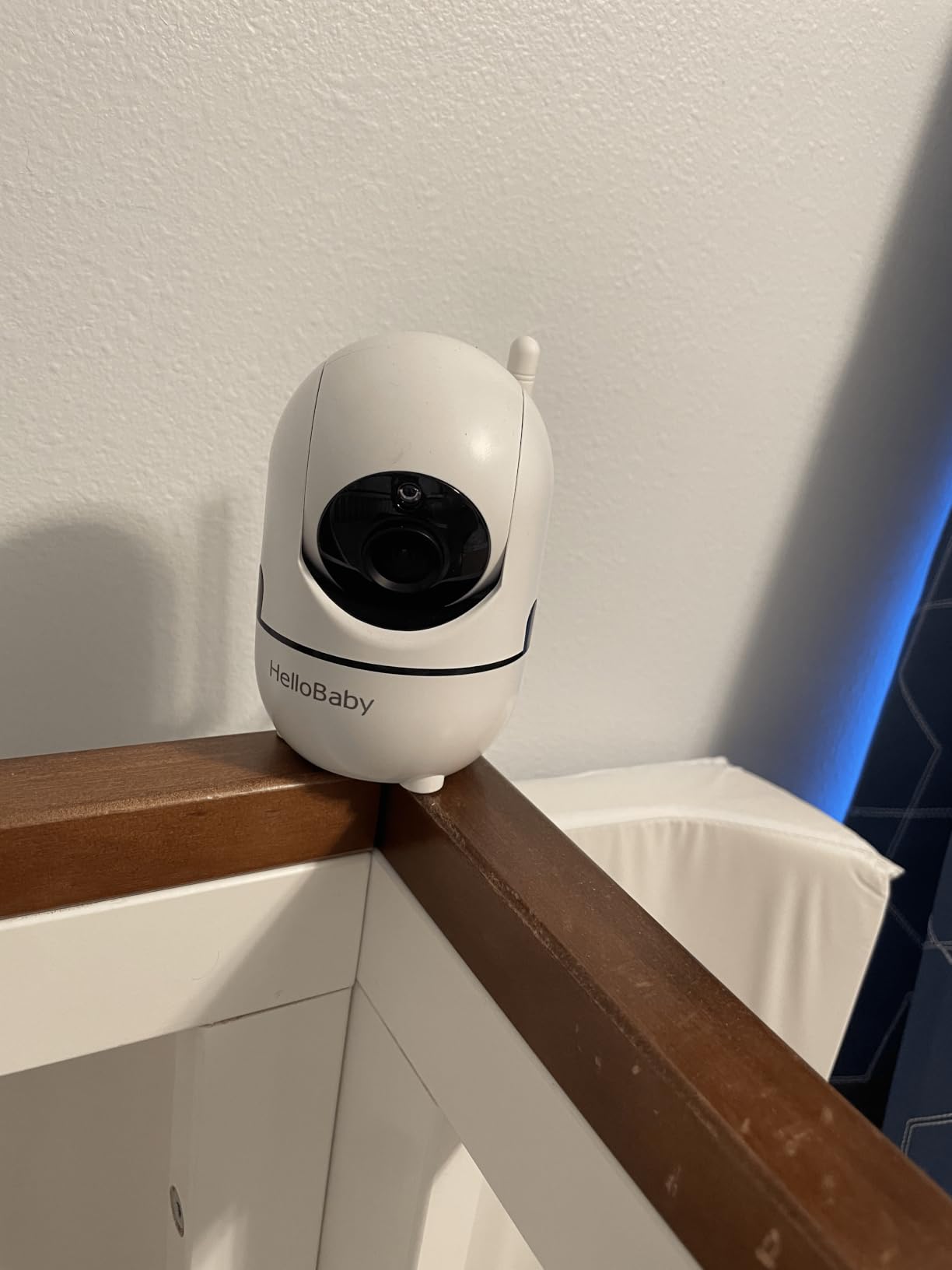
The listed outdoor range is up to 1000ft with the antenna extended, and in practice the link stayed clean between a nursery and a downstairs sitting room. The remote pan, tilt and 2x zoom let me follow a toddler who does not stay in one corner.
Mounting options for two different rooms
The cameras support ceiling, wall, crib, desk and freestanding mounts, which is useful when the two rooms have different layouts. Reviewers also point out the unit travels easily, a bonus for split time between home and a grandparents’ house.
Where it falls short
If you need to see both children at the same instant, the single-view layout is a real limitation. Owners most often complain about volume adjustment requiring several menu steps, and about the display graphics looking lower-resolution than modern screens.
3. GoodBaby SM663V2 – Budget Pick True Split Screen
GoodBaby 5″ Split Screen Baby Monitor with 2 Cameras and Audio
5-inch LCD
1080p and 720p options
3500mAh battery
SCAN audio every 15 seconds
+ Pros
- True split-screen showing both rooms at once
- SCAN mode rotates audio every 15 seconds
- Up to 30 hours in VOX mode or 10 hours screen-on
- Expandable to four cameras with no app fee
- Cons
- Some owners report freezing and dropped connections after a few months
- Pan and tilt can lag by a second or two
- Night vision struggles behind crib mesh
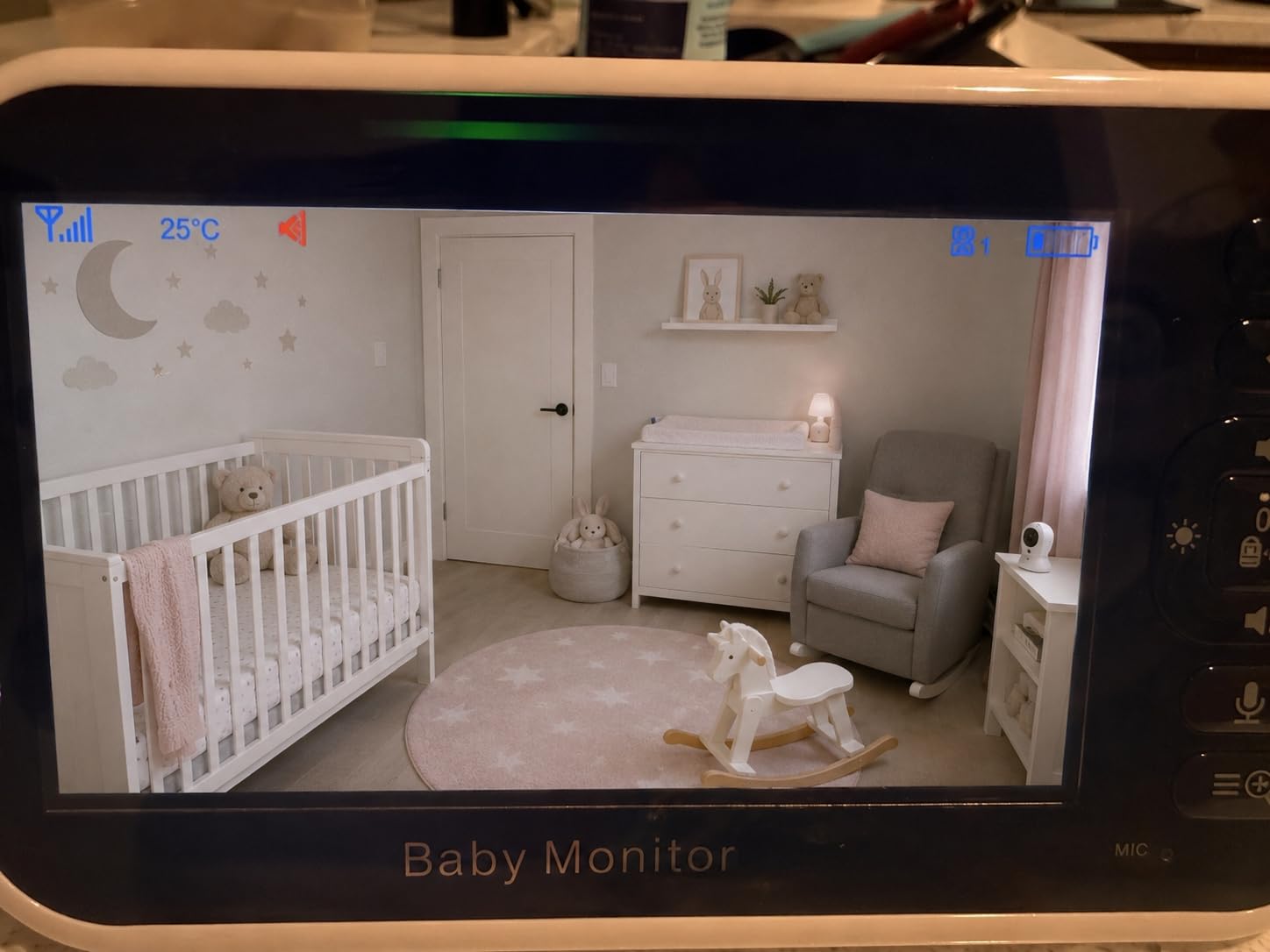
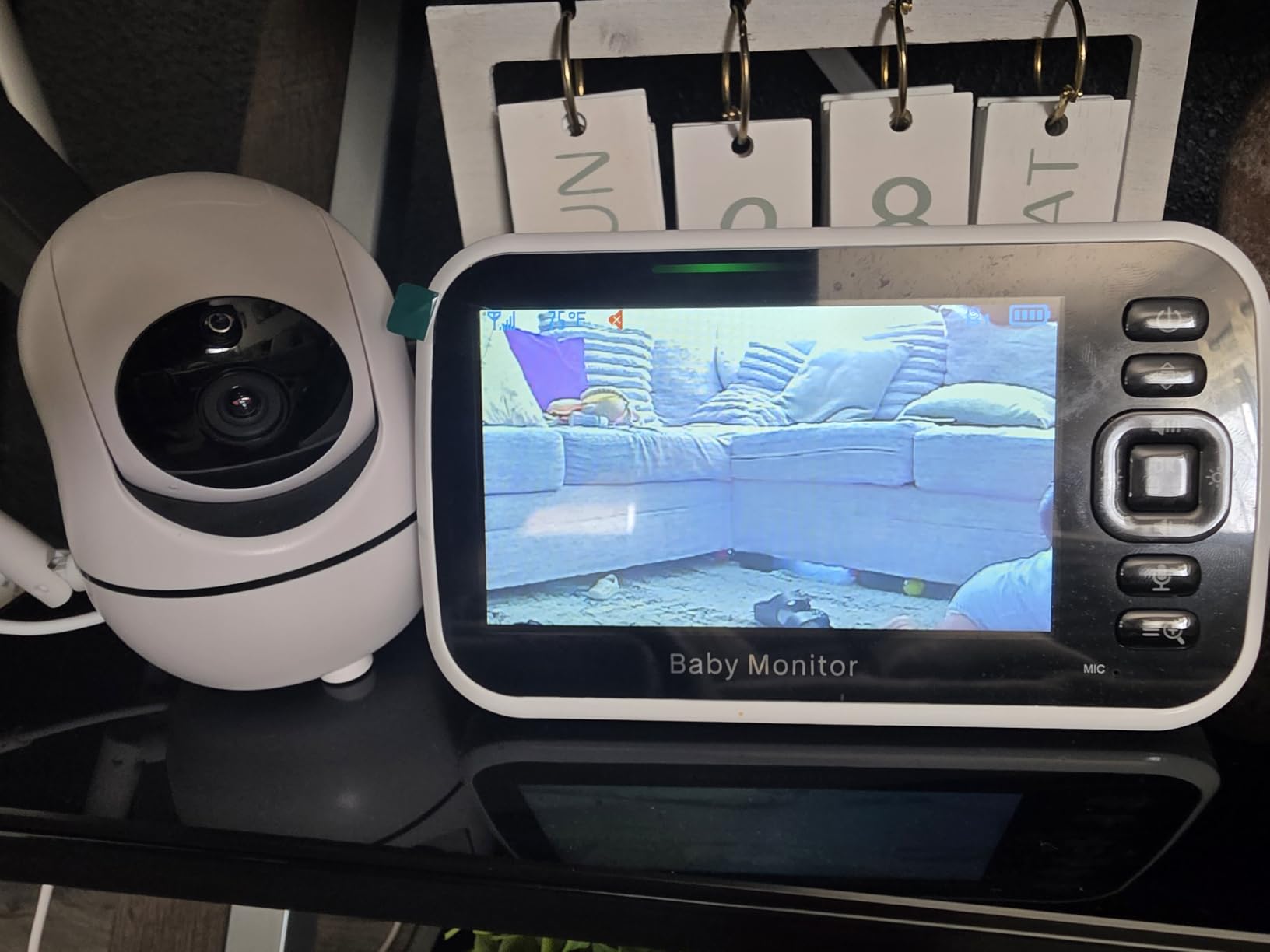
This is the pick I recommend when two rooms matters more than resolution class. The split-screen is genuine, both tiles stay live, and SCAN mode hands the audio from one room to the other every 15 seconds so you are not silently listening to a sleeping child while the other one is awake.
Two cameras, power adapters and mounting hardware are all in the box, and the parent unit expands to four cameras later without any subscription.
Battery numbers you can plan around
The 3500mAh cell gives roughly 30 hours in voice-activated mode or about 10 hours with the screen held on. That second figure is the realistic one for overnight use with both rooms visible, so plan on charging after a night of continuous viewing.
Picture quality and night vision
The camera supports 1080p and 720p modes, so this unit can be sharper than the VTech above despite being cheaper. Night color night vision is rated at 15 feet, and a number of owners mention quality drops when the camera view is blocked by mesh or in a very dim room.
Where it falls short
A minority of reviewers report connection drops or picture freezing after several months of use, plus a short delay before pan and tilt responds. Several buyers also switched here from a VTech, which tells you the value story is real even with those rough edges.
4. iFamily 6ty – 2K Clarity With Two Cameras Streaming to Your Phone
iFamily Smartphone Baby Monitor with APP& 5″ Split HD Monitor &2K Camera x2
2K resolution
WiFi and 2.4GHz
Five-inch split monitor
App viewing
+ Pros
- Sharpest sensor in this roundup at 2K per camera
- Remote pan
- tilt and zoom through the app
- Motion tracking with instant alerts
- Wireless connection can be switched off completely
- Cons
- Requires a smartphone and a WiFi network
- Cloud storage costs extra and no microSD card is included
- Setup depends on app configuration
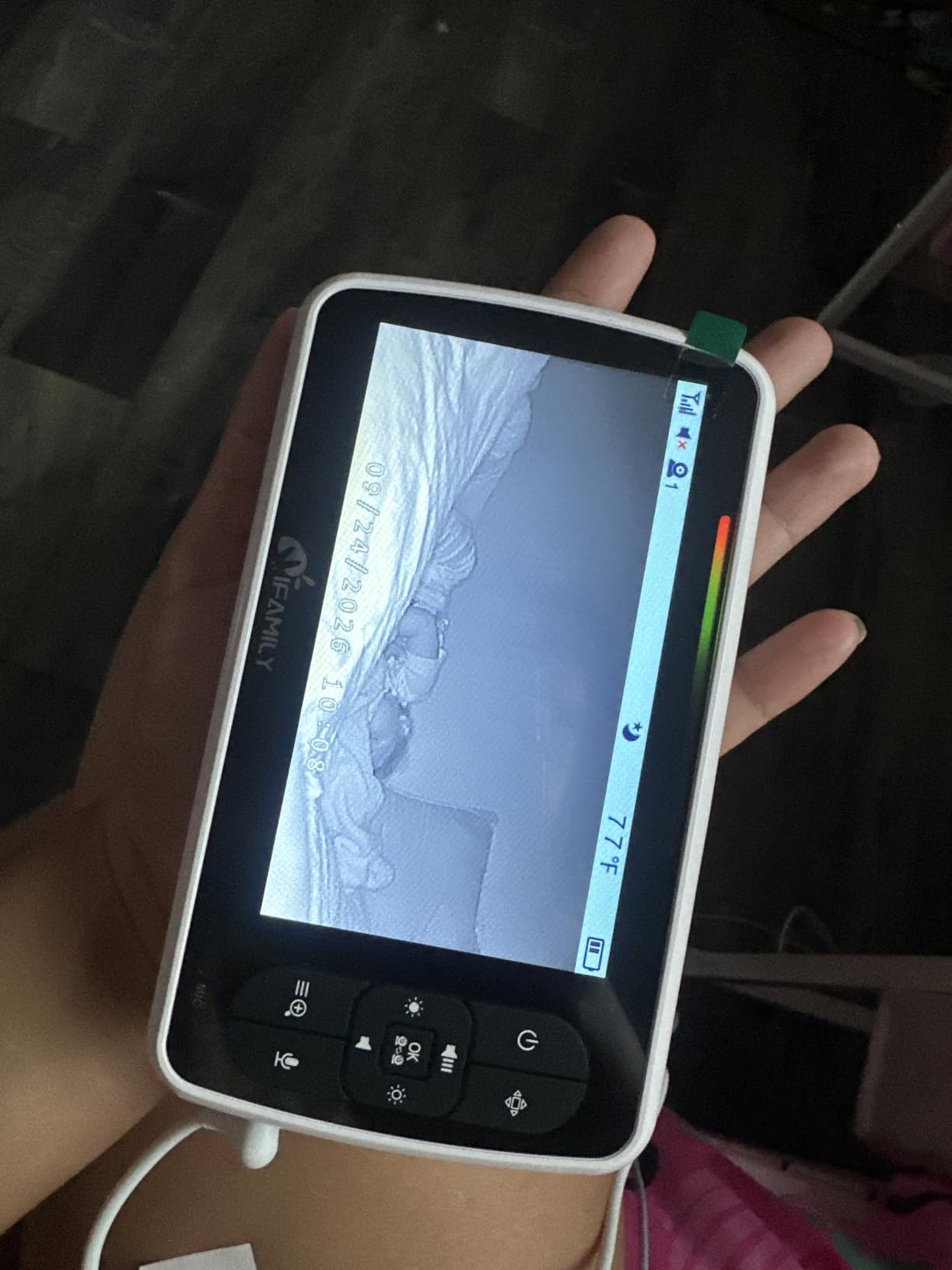
The iFamily is for households that would rather carry a phone than a bulky parent unit. Two 2K cameras stream to an app, and a five-inch split monitor is included in the box so you are not forced to give up a dedicated screen.
Picture detail is the standout. Faces and the shape of the crib read clearly at night in a way the 480p and 720p units cannot match, and motion tracking follows a child across the frame.
Two ways to watch, one privacy switch
Remote viewing works over your home network, and the built-in secure WiFi lock can be turned off entirely for a no-wireless mode. Multi-user sharing is supported, so a partner or sitter can be given access without handing over your account.
Storage costs to plan for
Local recording needs a microSD card, which is not included, and cloud storage is a paid subscription. If you only want live viewing, the fee never applies.
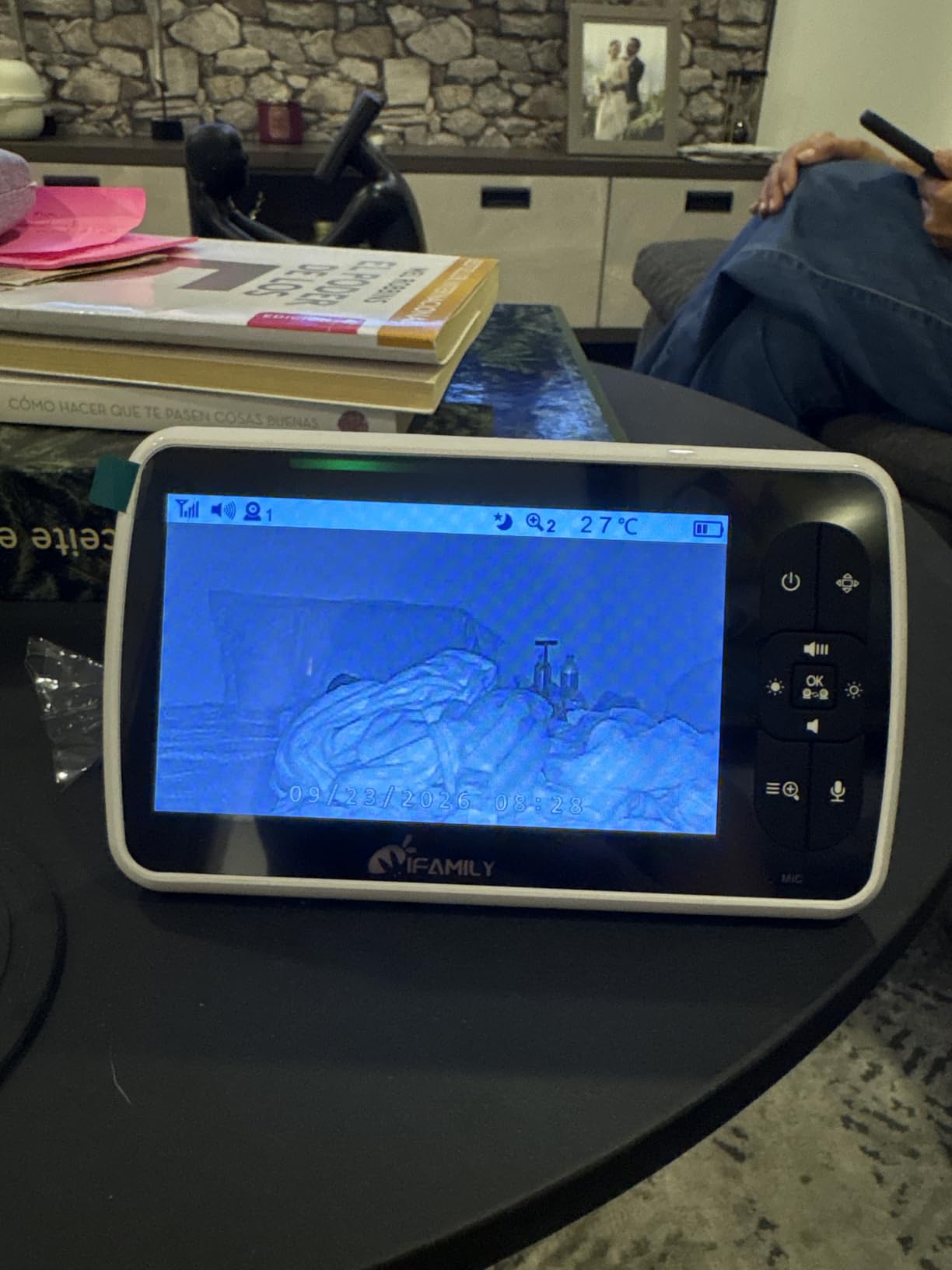
Where it falls short
This is an app-dependent system rather than a closed one, so setup takes more steps than a plug-and-play parent unit. Parents who told us they dislike watching a baby on a phone all night will find the included monitor a compromise rather than a solution.
5. VTech VM901-2HD – Best for Sharing Both Rooms With a Partner or Sitter
VTech Smart WiFi Baby Monitor, 2 Cameras – See Both Rooms at Home or from Anywhere, Free App, 1080p Split Screen, 5″ HD Screen, Pan-Tilt-Zoom, Night Vision | VM901-2HD
5-inch parent unit
1080p video
Free MyVTech Baby app
About 5-hour battery
+ Pros
- Split-screen on the unit plus app viewing from anywhere
- Share live view with a partner
- sitter or grandparent at no extra cost
- Independent pan
- tilt and zoom per camera
- Cons
- Parent unit battery lasts about 5 hours
- Cameras are corded with no battery backup
- Pairing a second camera is a confusing menu process
Sharing is what sets this one apart. The MyVTech Baby app is free, and you can give a partner, sitter or grandparent live access to both rooms on their own phone without extra devices or accounts, which is a question parents raise constantly in forums.
The parent unit itself also does split-screen, so you are not dependent on the app when you are at home. Independent pan, tilt and zoom on each camera means you can keep one room in a wide shot and push in on the other.
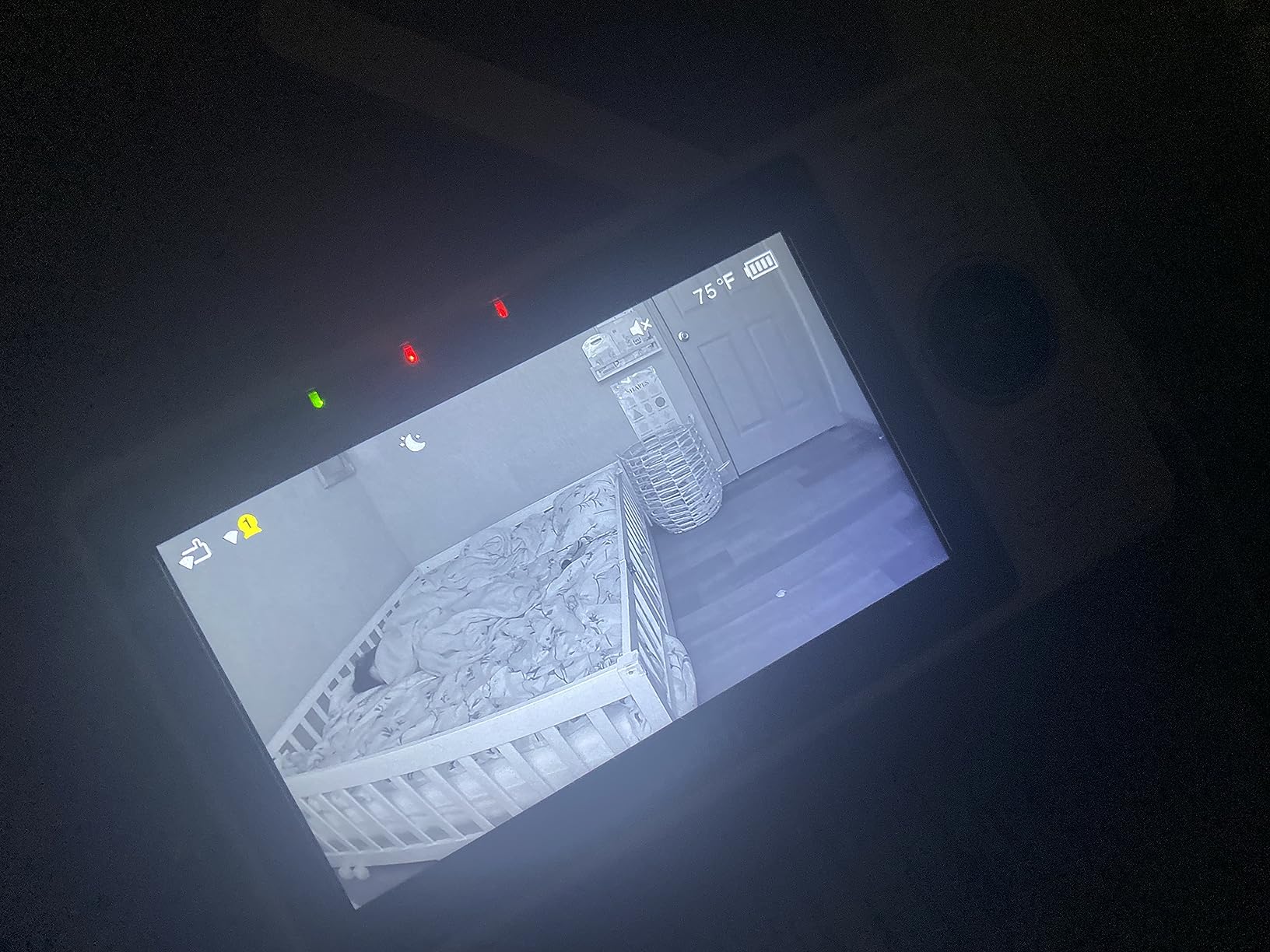
One alert for both rooms
Motion and temperature alerts from either camera trigger a single notification, which is less noisy than two separate systems fighting for your attention. Both cameras switch to night vision automatically when a room darkens.
The battery is the weak point
At roughly 5 hours, the parent unit battery is the shortest here. The cameras stay corded with no battery backup, so an outage on one floor removes that room entirely until power returns.
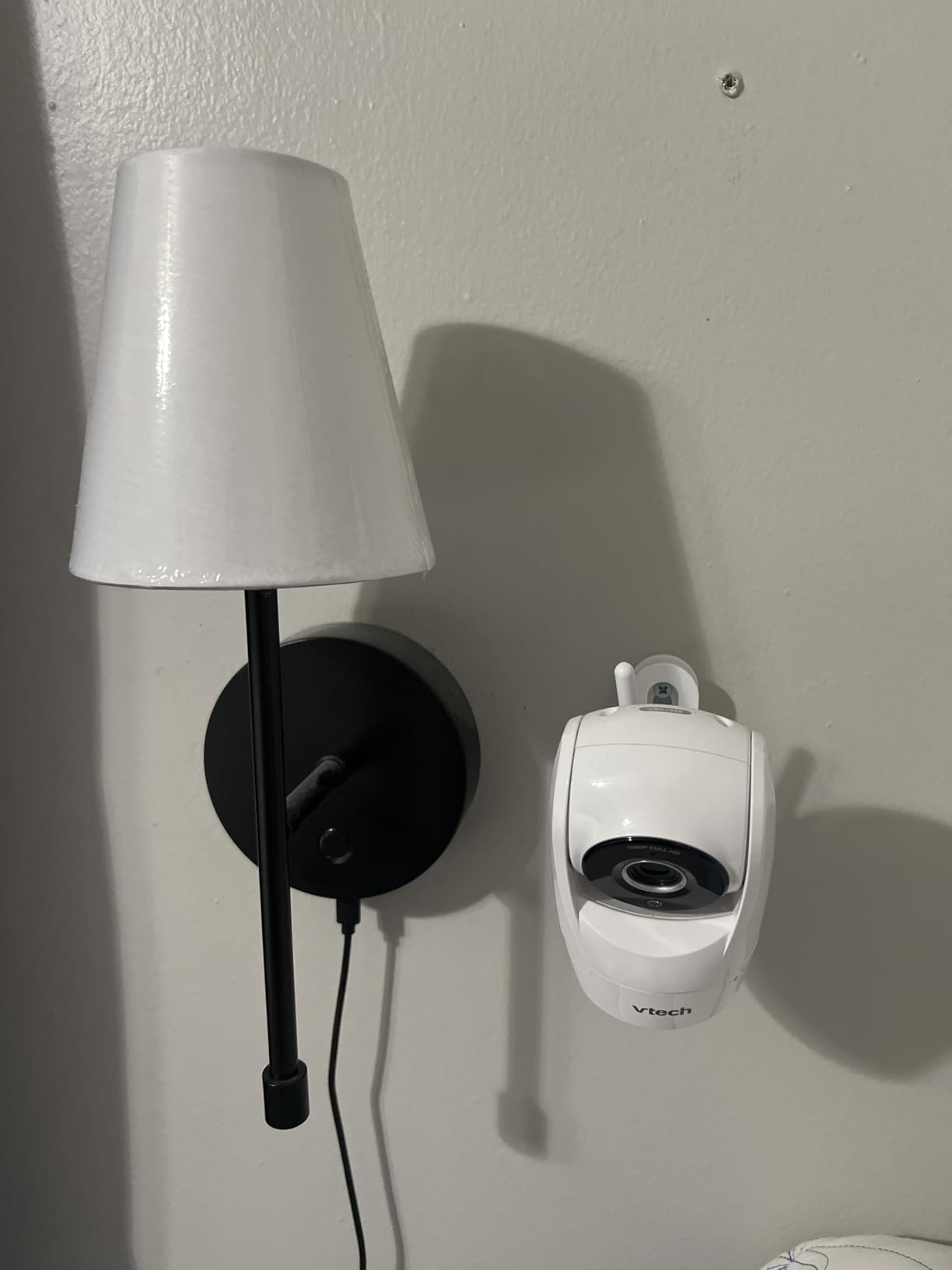
Where it falls short
This is the lowest-rated product in the roundup. Owners report freezing screens and dropped app connections after software updates, and the short WiFi password field limits how strong a network password you can set, which matters for a device in a child’s room.
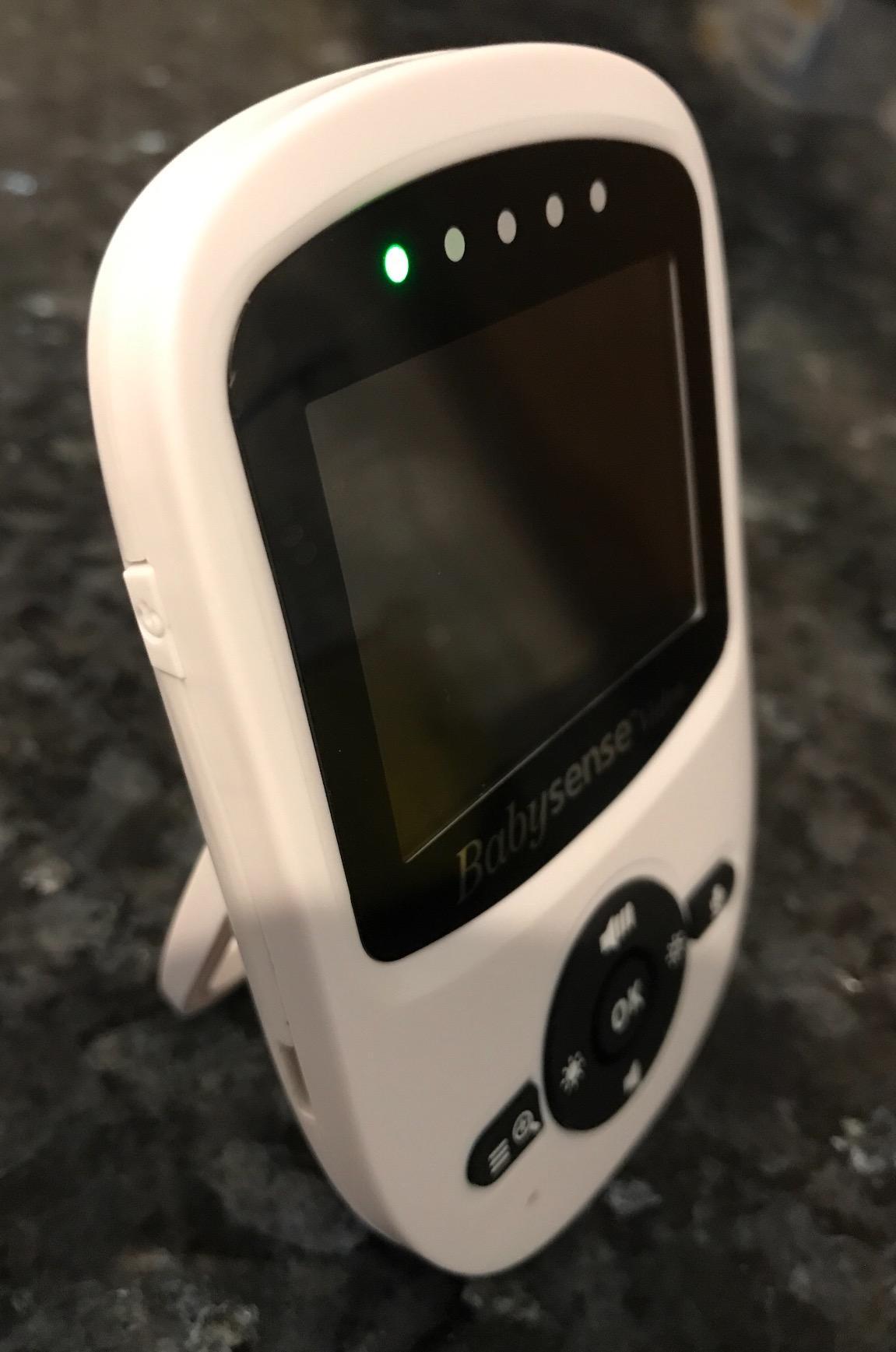
6. Babysense PRO – Split Screen With a Built-In Night Light and Sound Machine
Babysense PRO Full HD 5.5″ Split Screen Baby Monitor with 2 Cameras, 6-Color Night Light, White Noise, Sound & Light Machine, 20-Hour Battery, Hack-Proof Non-WiFi Secure Connection
5.5-inch Full HD screen
1080p per camera
20 hours Eco Mode
Non-WiFi FHSS
+ Pros
- Largest split screen among the non-app sets
- Two adjustable PTZ cameras included
- 6-color night light and integrated sound machine
- Private FHSS link with no app
- Cons
- No app and no remote viewing off-site
- Cameras are corded
- Heaviest unit here at 2.5 pounds
Two children in two rooms means two sets of noises. The Babysense PRO puts a 6-color night light and an integrated sound and light machine with gentle white noise on both cameras, so each room can be soothed without walking in.
The 5.5-inch Full HD split screen is bigger than most non-app units here, and both tiles stay live. Two adjustable PTZ cameras come in the box and the system expands to four.
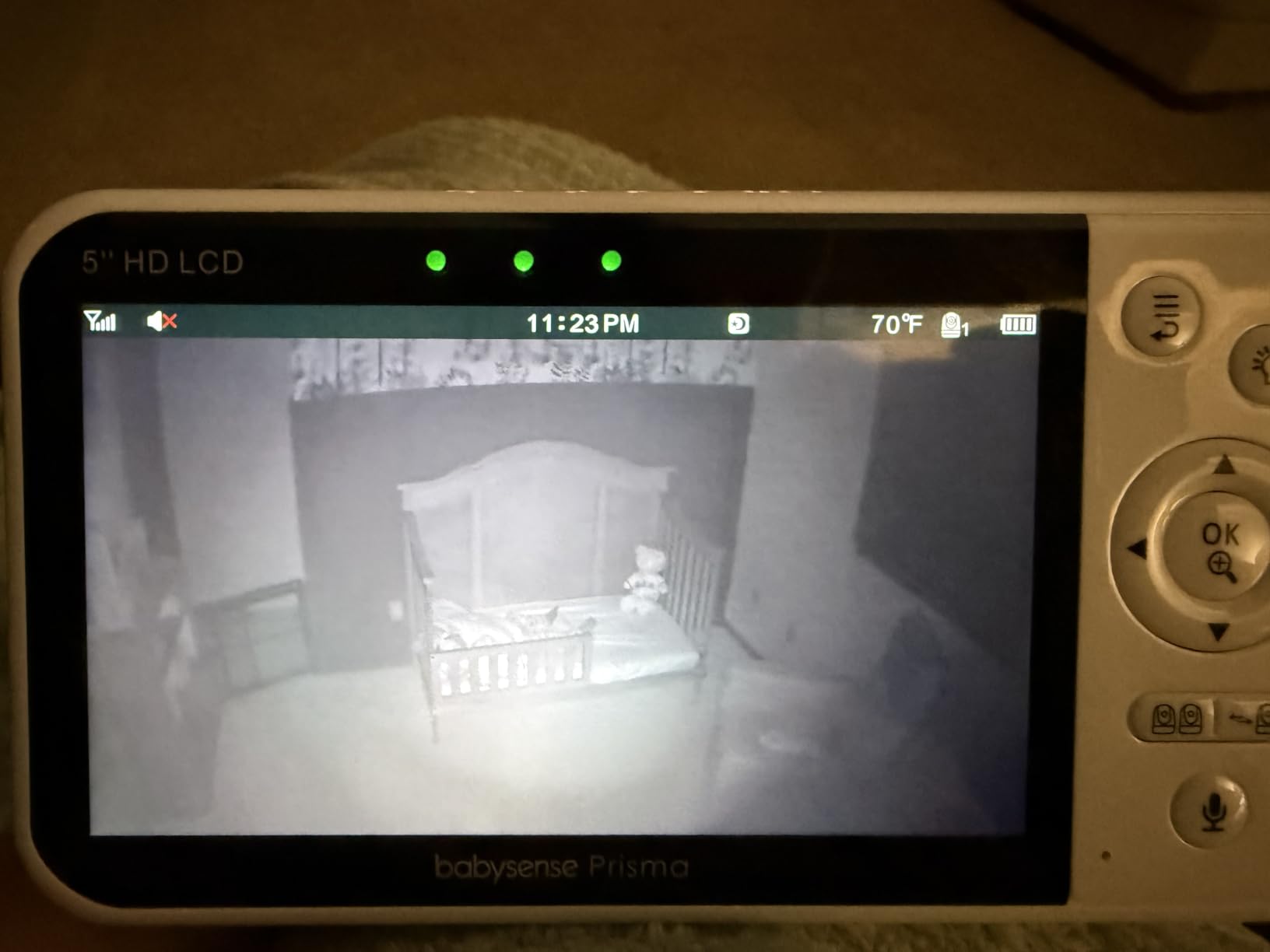
Picture quality and viewing range
Each camera records at 1080p, which puts this ahead of the VTech VM350-2 and the GoodBaby on night detail. Because the cameras are corded, picture quality stays constant rather than degrading as a battery drains.
Closed system, private signal
Everything runs over a 2.4GHz FHSS link with no app and no cloud. That makes this a good fit for parents who want local-only viewing and no account to manage.
Where it falls short
There is no remote viewing at all on this model, so it works only inside the home. At 2.5 pounds the parent unit is the heaviest in the roundup, which is noticeable on a lap at 3am.
7. VTech RM7764-2HD – 7-Inch Screen That Runs With or Without WiFi
VTech RM7764-2HD Smart WiFi Baby Monitor with 2 Cameras, 1080p HD Video, 360° Pan & Tilt, 10x Zoom, 7″ HD Parent Unit, Night Vision, Soothing Sounds, 2-Way Talk, Temperature & Motion Detection
7-inch HD parent unit
1080p cameras
10x zoom
Plug and Play direct mode
+ Pros
- 7-inch screen makes split-screen far easier to read
- Works locally with no WiFi or through the app
- Screen-off timer wakes only on sound
- 360-degree pan with a 110-degree wide-angle lens
- Cons
- Corded cameras need cable runs to both rooms
- App clips are short and load slowly
- Night video is grainy with limited coverage
Screen size is the quiet advantage here. At 7 inches, split-screen tiles are large enough to read at a glance without leaning in, which matters more over months of nightly use than any resolution upgrade.
This unit also gives you the choice other products do not. Plug and Play direct mode runs the cameras and the parent unit over their own signal with no WiFi at all, and the free app adds remote viewing when you are away.
Two-way talk and soothing sounds
The intercom uses half-duplex audio, so it behaves like a walkie-talkie rather than a full simultaneous conversation. Soothing sounds, cry detection and temperature alerts are handled from the parent unit.
Camera reach and mounting
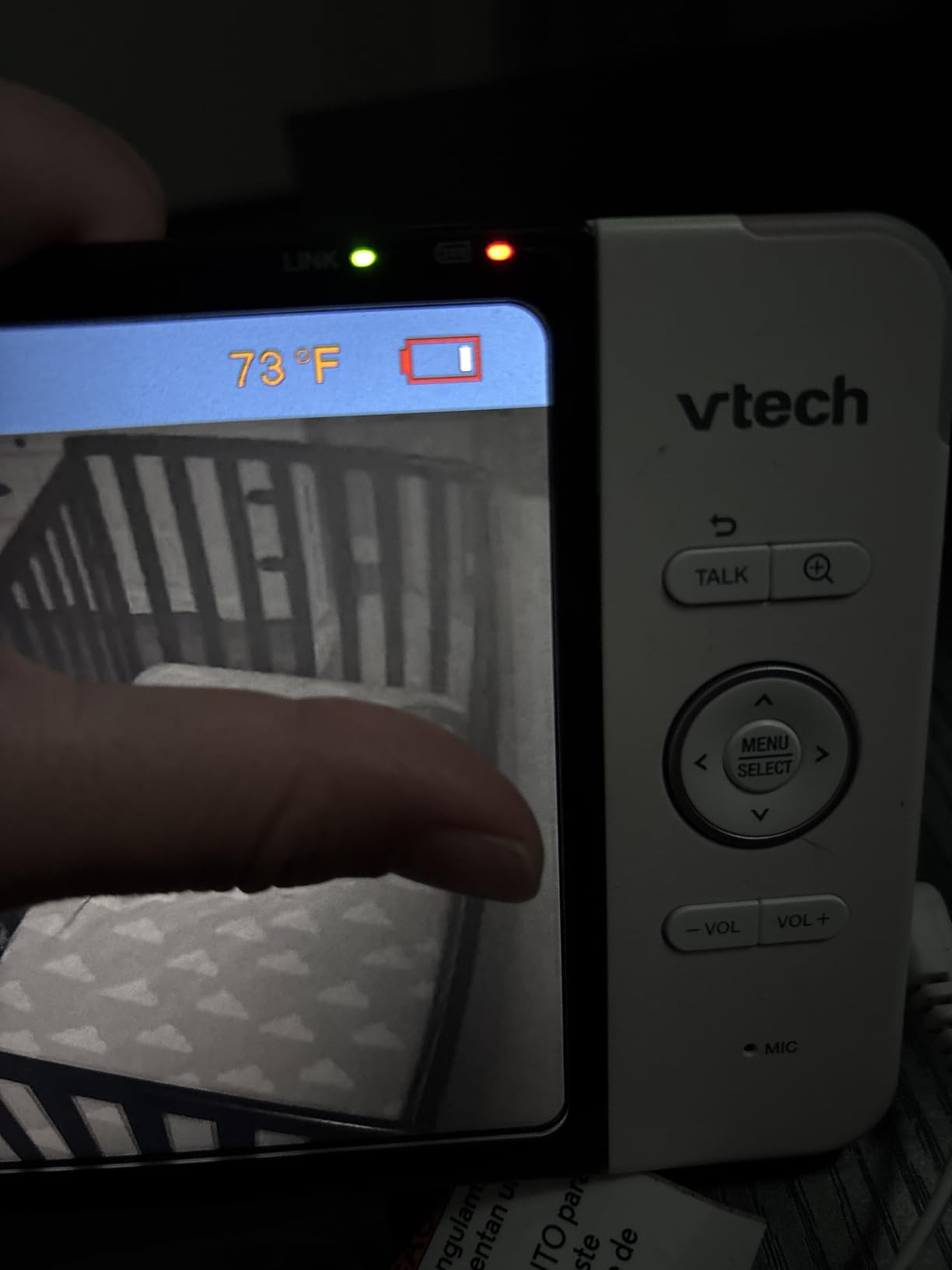
Each camera pans 360 degrees with 100 degrees of vertical travel, a 110-degree wide-angle lens and 10x zoom. Both cameras are corded, so plan cable routes to each room before drilling, and note the small rear kickstand only works on a flat surface.
Where it falls short
Night footage is grainier than the 2K units in this list. App-recorded clips are short and slow to load on a phone, and some owners report the charging port and connection weakening after about a year.
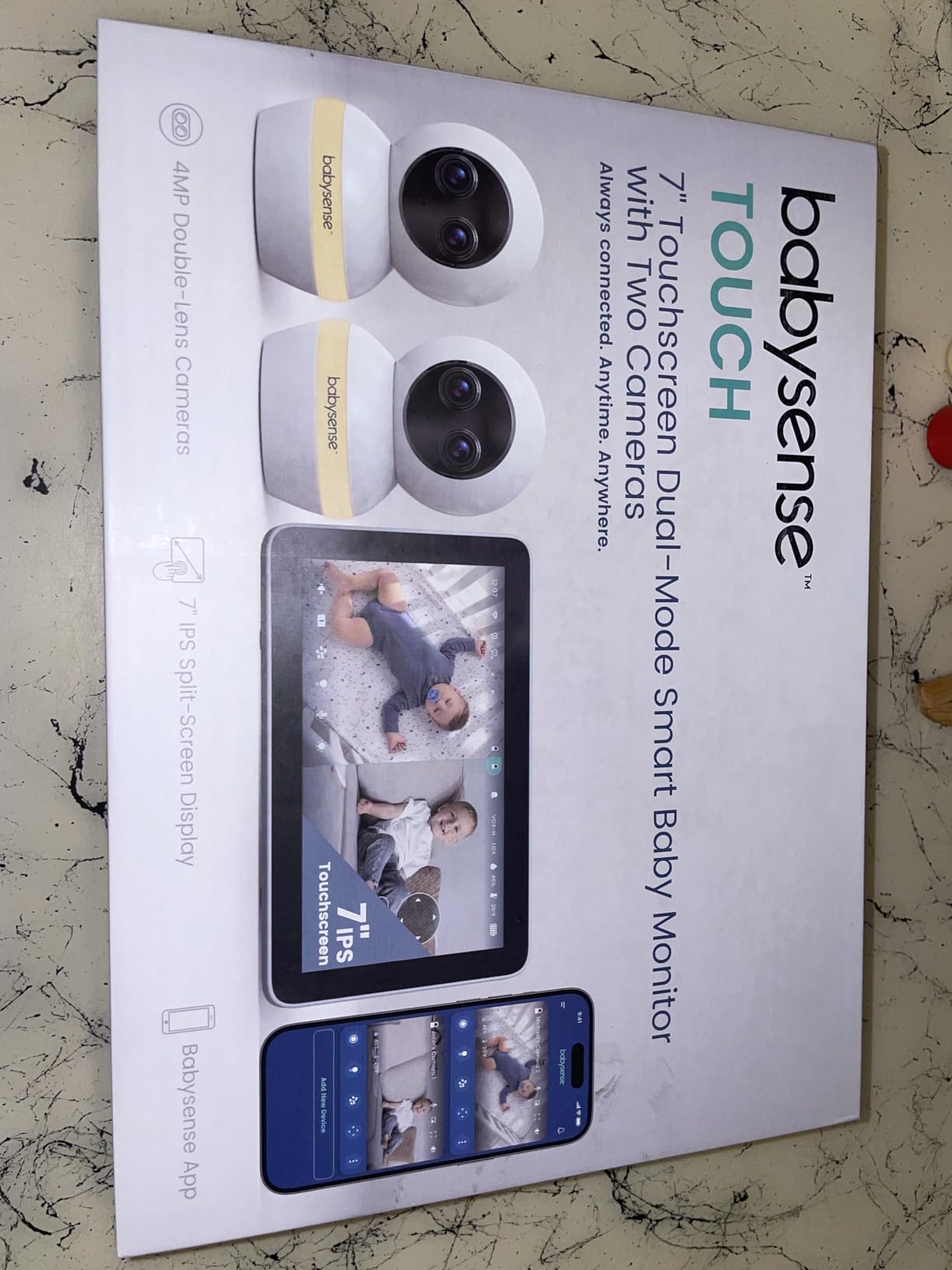
8. Babysense TOUCH – Touchscreen Split Screen With Dual-Lens 4MP Cameras
Babysense TOUCH 7″ Touchscreen Smart WiFi Baby Monitor with App, Camera and Audio, 2 Cameras with Night Light, 4MP Dual-Lenses with 6X Zoom, AI Auto Tracking, Focus Area, Split-Screen, No Subscription
7-inch IPS touchscreen
4MP dual-lens cameras
6x hybrid zoom
No subscription
+ Pros
- Dual-lens cameras pair a wide angle with a telephoto sensor
- 6x hybrid zoom with AI auto tracking
- Works locally without the app or with it
- No recurring subscription fees
- Cons
- App is only available in the US
- 2.4GHz WiFi only with no 5GHz support
- MicroSD card for local recording is not included
This is the most capable picture in the roundup. Each of the two cameras pairs a wide-angle and a telephoto sensor, so you get room context in one room and a tight shot of the crib in the other without switching lenses.
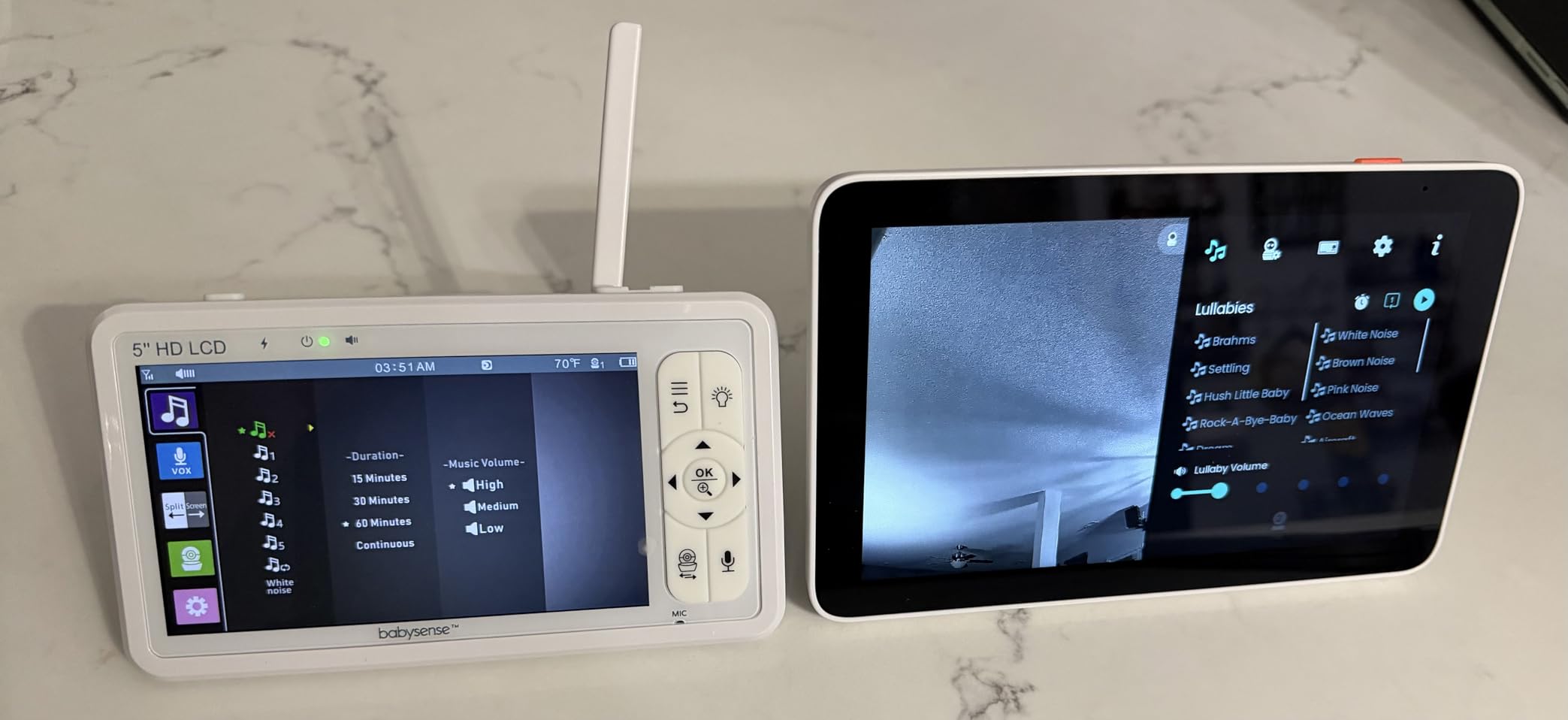
The 7-inch IPS touchscreen is the best control surface I used. Tapping a room rather than hunting through buttons made split-screen and picture-in-picture quick to set up, and the Focus Area narrows alerts to part of the frame.
Two modes, no forced subscription
Run it in local mode on the touchscreen with no app at all, or add the free app for phone viewing from outside the home. There is no recurring fee, and picture-in-picture lets you keep one room full screen with the other inset.
Network and storage limits to know
The system runs on 2.4GHz WiFi only, so a mesh network that merges bands can cause trouble. The app is US-only, and local microSD recording needs a card you supply separately.
Where it falls short
With under 2400 ratings it has the shallowest review history here, so long-term reliability is less well documented. The band restriction and regional app limit are real drawbacks for anyone outside the US or on a 5GHz-only setup.
9. ieGeek 2K Split Screen – Direct Camera Link Plus App Remote Access
ieGeek 2K Split-Screen Baby Monitor, 5″ WiFi 2 Cameras, Night Vision
5-inch LCD
2K resolution
2.4GHz WiFi or direct link
4x zoom
+ Pros
- Cameras connect straight to the display with no WiFi
- App adds remote viewing over 2.4GHz when needed
- 2K clarity with 4x digital zoom and auto human tracking
- Temperature and humidity sensors plus feeding reminders
- Cons
- Monitor battery lasts about 8 hours with the screen on
- App stops background audio when you switch apps
- Sound sensitivity settings have no usable middle ground
The ieGeek covers both camps in one box. The two cameras link directly to the 5-inch display over a dedicated connection with no WiFi involved, and the app adds remote viewing over 2.4GHz when you leave the house.
Both tiles sit side by side in 2K, which is a step up from most dedicated units. Auto human tracking pans the camera when movement appears, and the danger-area setting limits alerts to part of the frame.
Sensing that helps in two rooms
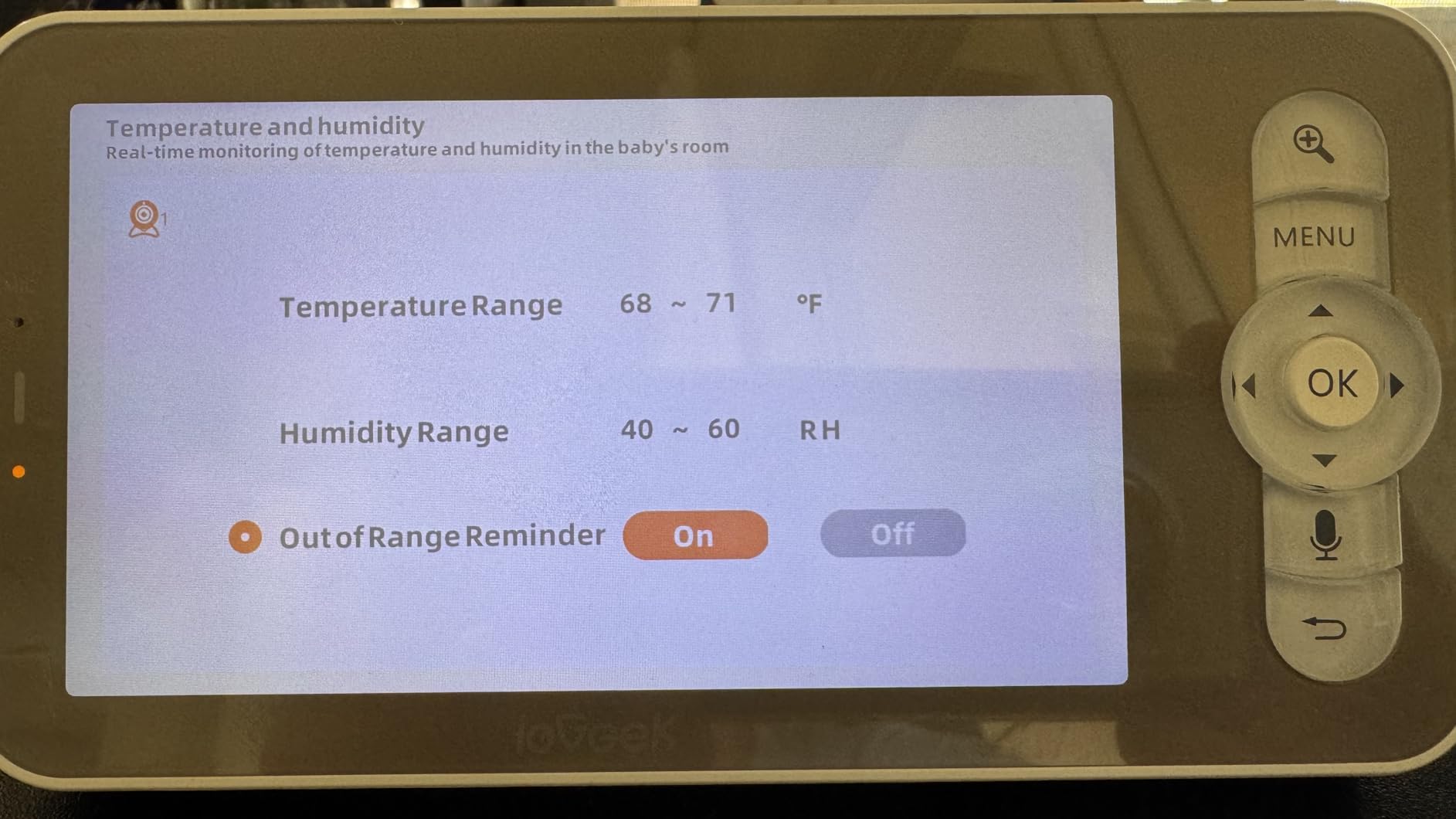
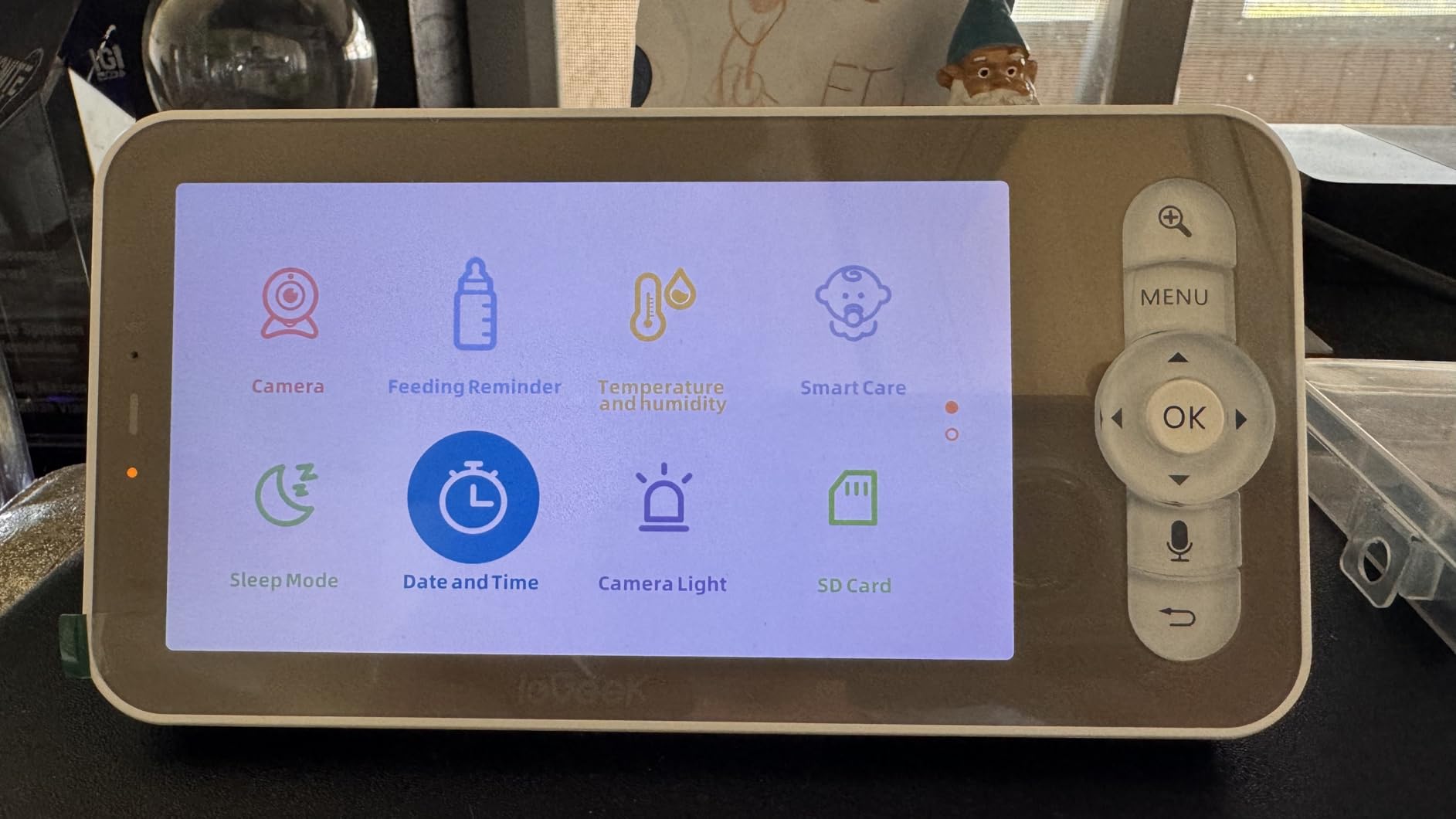
Temperature and humidity readings are reported per room, and feeding reminders sit alongside the lullaby player. Motion, noise and cry detection all trigger alerts, with multi-user sharing so a partner or sitter can have their own access.
Storage and warranty
Recording supports a memory card in the camera up to 128GB and in the display up to 32GB, with cloud storage as an option. The two-year warranty is the longest in this roundup, and reviewers report the support team replacing hardware and extending coverage.
Where it falls short
The display battery runs about 8 hours with the screen on, which is the second-shortest here. Owners also report the app cutting background audio when you switch apps, and the connectivity alarm being tied to the cry alarm rather than separately switchable.
10. Comfyer BM01 – 7-Inch Split Screen With a Tool-Free Crib Mount
Comfyer BM01 7″ Split-Screen Baby Monitor with 2 Cameras and Audio No WiFi
7-inch 720p HD screen
2x 1080p cameras
6000mAh battery
Non-WiFi FHSS
+ Pros
- 7-inch screen with 2 or 4 way split-screen
- SCAN mode toggles audio between rooms every 10 seconds
- 6000mAh battery for 13 hours of video or 2 days of audio-only
- USB-C charging with separate volume and brightness buttons
- Cons
- Only one flexible wrap mount is included for two cameras
- No low-battery beep so the unit just powers down
- Camera microphone picks up soft speech inconsistently
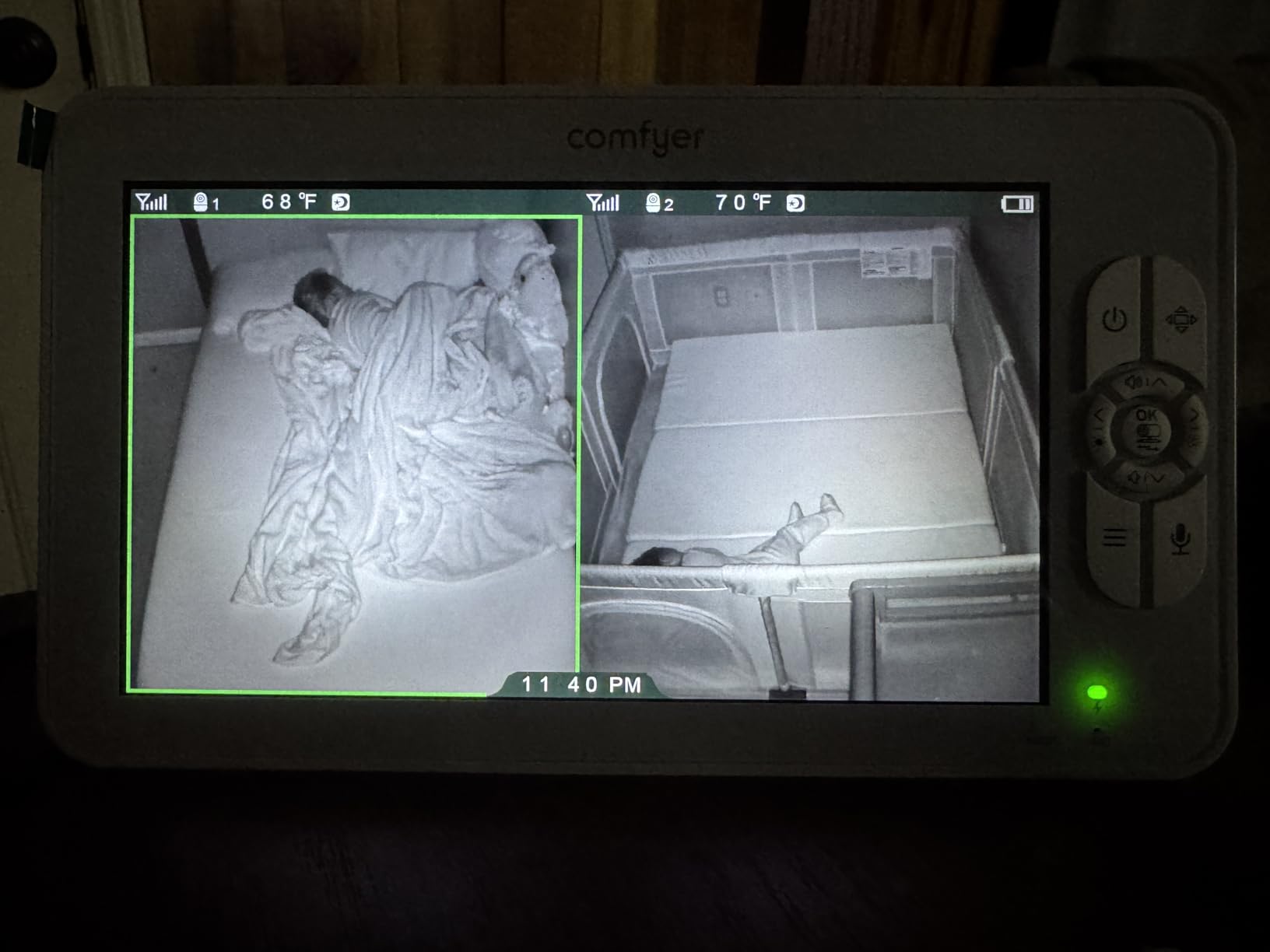
The BM01 pairs a 7-inch screen with 1080p cameras, which is a combination that costs more than most of this list. Split-screen shows two or four rooms, and it expands to four cameras if a third child arrives.
SCAN mode is the feature I ended up using most. It moves the audio between rooms every 10 seconds while alert audio stays locked to the feed that triggered it, so a cry in one room does not get buried under the sound of the other.
Battery life you can plan around
The 6000mAh cell gives roughly 13 hours of continuous video or about 2 days in voice-activated audio-only mode. USB-C charging is a small upgrade over older units, and the on-screen clock cuts a useful mental step.
Mounting without drilling
The included flexible goose-neck mount wraps around a crib rail, bed frame or shelf with no screws. Only one mount is in the box for two cameras, so a second one is worth budgeting for if you plan on crib mounting.
Where it falls short
There is no low-battery beep, so a flat battery ends monitoring without warning. Reviewers also report the camera microphone catching soft speech inconsistently, which matters if your child wakes quietly rather than crying.
How to Choose a Two-Room Baby Monitor: 7 Features That Actually Matter
The single most clarifying question when buying a two-room monitor is simple: does the second camera come in the box? Every unit on this list does, which is why I excluded single-camera bundles marketed to families with two children. If a listing is vague about camera count, assume you are buying one.
1. Split-screen or one-at-a-time
True split-screen shows both rooms simultaneously and is worth paying for if a toddler wakes while a newborn is down. Patrol and scan modes rotate the view or the audio on a timer, which uses less screen space and less power. Two of the picks here switch one camera at a time with no split view, so check that before you commit.
2. Screen size
Two tiles on a 5-inch screen are small. Two tiles on a 7-inch screen are readable at arm’s length, which is the single biggest quality-of-life upgrade between the picks here. A 2.8-inch class screen is not a realistic two-room experience.
3. WiFi or no WiFi
A dedicated 2.4GHz FHSS link never touches your router, cannot be hacked from the internet and keeps working when the internet is down. WiFi systems add check-from-anywhere viewing and easy partner sharing, at the cost of a password to manage and a network to secure.
4. Battery life in the mode you will actually use
Manufacturers quote impressive numbers for voice-activated mode, where the screen is off and the unit only wakes on sound. Screen-on figures are much shorter. Compare the number that matches your intended use, not the marketing one.
5. Range across the house, not across a hallway
In a single-level home, most units perform fine. Across floors, construction materials matter more than the stated figure. Place cameras before buying, or pick a unit you can return, because a signal that drops in the hallway defeats the purpose.
6. Subscription and extra camera costs
Core monitoring is free on every pick here. Optional cloud storage, and a microSD card you have to supply yourself, are the two places a low upfront cost grows later. Check the card limits before you buy, since cameras and screens often have different maximum sizes.
7. Review count
Read the reviews, but weight them by how many there are. Listings with a handful of ratings tell you very little about a device that gets used every night for years, so I ranked the products here by depth of feedback as much as star rating.
WiFi vs Non-WiFi Baby Monitors for Two Rooms
Non-WiFi systems are the safer default when both children are home with you. There is no account, no cloud, no app and no port for anyone to reach, and the video never leaves the house. They also keep working when the internet is out, which during a storm is not a small thing.
WiFi systems earn their place when your life extends past the house. Checking both rooms from work, sharing a live view with a sitter, or reviewing a recorded clip of a nap are not possible on a closed system. The iFamily, the VTech VM901-2HD and the Babysense TOUCH all do this, and the first two include the app at no recurring cost.
Two products here sit in between. The VTech RM7764-2HD and the ieGeek run locally over their own signal and add app access only when you want it, which is a sensible compromise if you like the idea of remote viewing but dislike permanent network exposure.
If you do go WiFi, harden the setup. Update your router firmware, use a long unique password on the monitor rather than the default, keep the network on 2.4GHz if the device requires it, and give your sitter a separate user login instead of sharing your account.
Setting Up Two Cameras So You Never Miss a Sound
Name each camera after the room it watches, not after a child. In a panic at 3am, a name is faster to reason about, and it stops you panning the nursery camera into an empty corner because you forgot which feed was which.
Mount high and angled down rather than at crib height. Looking down reduces the chance of a blanket or rail blocking the view, and both rooms will read better on a split screen when the camera sees the whole crib rather than a corner of it.
Set alerts per room instead of globally, then test them from the other side of the house. Voice-activated mode with a medium sensitivity is the better default; the very sensitive settings on some picks pick up a house creak every few minutes and train you to ignore the alerts.
Finally, decide your charging routine before you need it. Units with a screen-on battery in the 5 to 13 hour range work fine if you plug in between rooms, but not if you expect an all-night screen.
Frequently Asked Questions
Can one baby monitor show two rooms?
Yes. A two-room monitor uses one parent unit or app to display feeds from a camera in each bedroom. True split-screen units show both rooms side by side, while patrol, scan and auto-switch modes rotate between them on a timer. Every pick in this roundup ships with two cameras in the box.
What is the best baby monitor for two babies?
For most families the VTech VM350-2 is the answer: two cameras, true split-screen, patrol mode and no WiFi exposure, backed by the deepest review history in the category. Choose the GoodBaby SM663V2 instead if you want 1080p video at a lower price, or the Comfyer BM01 if a 7-inch screen matters more than anything else.
What is the best split-screen baby monitor with two cameras?
Three stands out for simultaneous two-room viewing: the VTech VM350-2 for its no-WiFi privacy and track record, the GoodBaby SM663V2 for 1080p clarity plus SCAN audio rotation, and the Comfyer BM01 for a 7-inch screen with 2 or 4 way split. The HelloBaby HB6550-2 switches one camera at a time rather than showing both.
Which baby monitors offer two cameras and an app?
Four picks here add app viewing on top of two cameras: the iFamily 6ty, the VTech VM901-2HD, the VTech RM7764-2HD and the ieGeek. The first three need no subscription for remote viewing. The Babysense TOUCH also has an app, but it is only released in the US.
Do I need WiFi for a baby monitor?
No. Non-WiFi monitors send video over a dedicated 2.4GHz FHSS link between the camera and the parent unit, so nothing touches your router and the system keeps working during an internet outage. WiFi is only needed if you want to check both rooms from outside the home or share access with a sitter.
How many cameras can a baby monitor have?
It depends on the model. Several units in this roundup start with two cameras and expand to four on the same parent unit, including the HelloBaby HB6550-2, the GoodBaby SM663V2, the Babysense PRO and the Comfyer BM01. The VTech VM901-2HD supports up to 11 channels. Extra cameras are sold separately.
Why are baby monitors discouraged?
The concern is not the picture, it is false reassurance. A monitor cannot change safe-sleep practice, and a clear feed of a sleeping baby can tempt a parent to skip a physical check. Use it to reduce how often you walk into a dark room, not to replace safe-sleep guidance or in-person checks.
Which Two-Room Baby Monitor Should You Buy
If both children are home with you and you want the least to think about, the VTech VM350-2 is my choice: two cameras, true split-screen, and nothing exposed to the internet. If your rooms are far apart or you want to know how long a battery really lasts, the HelloBaby HB6550-2 runs the longest and pans furthest.
If picture quality is the deciding factor, the Babysense TOUCH and the iFamily lead on clarity, and the Babysense TOUCH adds a touchscreen and no subscription. Parents who need to watch from work or hand a view to a sitter should look at the VTech VM901-2HD for free shared app access, or the VTech RM7764-2HD for a 7-inch screen that works with or without WiFi. For the largest screen and the best sound machine, the Comfyer BM01 covers both.
Whichever you pick, set it up room by room before the first night, and use it to sleep better rather than to sleep less. That is what the best video baby monitors for two rooms are for.