
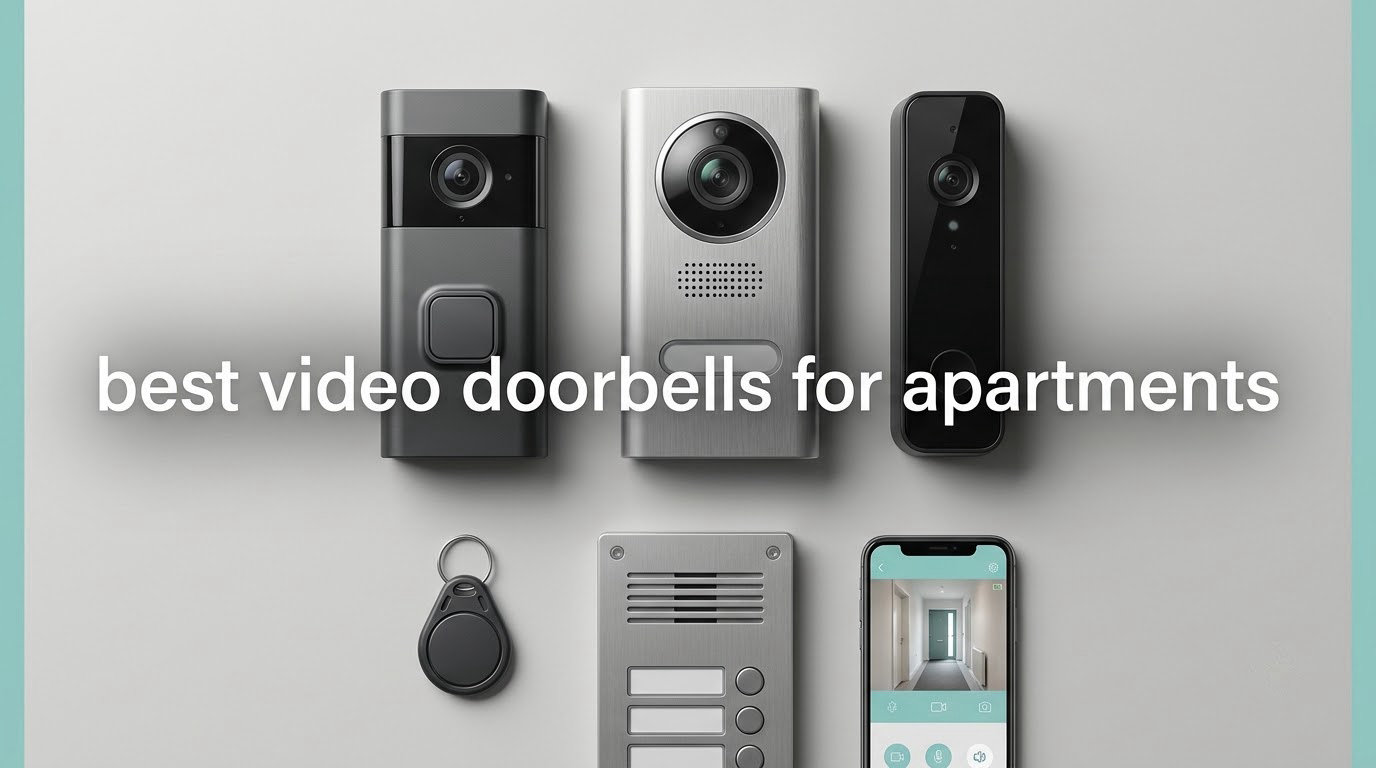
Yes, you can use a video doorbell in an apartment, and the best video doorbells for apartments are the ones that mount without drilling, run on a battery, and keep your video off a paid cloud plan. If your door has a peephole, a peephole camera is the cleanest option. If it does not, an adhesive or wedge-mounted battery unit on the inside face of your door is the next safest path.
That answer matters because an apartment door is the one thing in your home you do not own. You cannot rewire it, drill into it, or add a camera to the wall outside your unit, and a single objection from a landlord can cost you part of your deposit. I have spent the last several weeks reading owner reviews, spec sheets, and renter discussions to separate the doorbells that survive a lease from the ones that quietly create a dispute.
Here is how I chose. This is not a lab test, and I do not publish numeric scores, because I have not bench-tested these models side by side. Every pick below is evaluated against four renter constraints first: how it mounts, whether it needs holes, whether your landlord has a plausible reason to object, and where your video actually lives. Only after those four do I look at resolution, field of view, night vision, and battery life.
Three things to check before you buy anything
First, read your lease for a clause about the number of security devices or cameras on the unit door. Some leases cap the count at one, and some buildings ban anything mounted outside the unit entirely.
Second, get written permission from your landlord or property manager before installing. A text message or email thread where the camera is described and the mount type is named is enough to protect you later. Verbal agreement is what causes the problems people complain about online.
Third, walk to your front door with your phone on your building Wi-Fi and check the signal indicator in the app you plan to use. Concrete, steel doors, and thick walls in multi-unit buildings routinely cut a doorbell down to a single bar, and that is the most common reason a returned doorbell looks like a bad purchase.
Our Top 3 Picks for Apartment Entryways in 2026
These three cover the three situations almost every apartment falls into. One is the most established option overall, one is the strongest all-round value for a typical renter, and one is the lowest-cost way to start.

Ring Battery Doorbell
- Head-to-toe video with 66% more vertical coverage
- USB-C rechargeable battery
- Live View and Two-Way Talk
- Motion alerts and Alexa support

Tapo D210 Video Doorbell
- 2K with 160-degree head-to-toe view
- Local microSD up to 512GB with no required plan
- Indoor chime and 15-degree wedge included
- Color night vision with spotlight

Blink Video Doorbell
- Sync Module Core included in the box
- Head-to-toe HD view with IR night vision
- Wire-free or existing-wiring install
- Free 30-day plan trial
Comparing All 10 Video Doorbells for Apartments in 2026
Every unit below runs on battery power and installs without low-voltage wiring changes. What separates them is storage cost, field of view, and how forgiving the battery is over a full lease.
| Product | Details | |
|---|---|---|
| Ring Battery Doorbell |
|
Check Latest Price |
| Tapo D210 Video Doorbell |
|
Check Latest Price |
| Blink Video Doorbell |
|
Check Latest Price |
 aosu 2K Wireless Doorbell aosu 2K Wireless Doorbell |
|
Check Latest Price |
 Google Nest Doorbell Battery Google Nest Doorbell Battery |
|
Check Latest Price |
 eufy Video Doorbell E340 eufy Video Doorbell E340 |
|
Check Latest Price |
 BOIFUN Video Doorbell 2K BOIFUN Video Doorbell 2K |
|
Check Latest Price |
 ieGeek 2K Doorbell Camera ieGeek 2K Doorbell Camera |
|
Check Latest Price |
 WYZE Duo Cam Doorbell WYZE Duo Cam Doorbell |
|
Check Latest Price |
 XTU 2K Wireless Doorbell XTU 2K Wireless Doorbell |
|
Check Latest Price |
1. Ring Battery Doorbell – The Most Proven Choice for Apartment Doors
Ring Battery Doorbell, Home or business security with Head-to-Toe video, Live View with Two-Way Talk, and Motion Detection & Alerts, Satin Nickel
Head-to-toe video with 66% more vertical coverage
USB-C rechargeable battery
Live View and Two-Way Talk
+ Pros
- Clear day and night video
- Head-to-toe view captures visitors and packages
- Battery lasts weeks to months between charges
- Very easy no-wiring install
- App handles live view and alerts cleanly
- Cons
- Video history needs a paid Ring Protect plan
- Motion sensitivity needs careful tuning
- Alerts arrive 2 to 3 seconds late
- Battery must come indoors to charge
The Ring Battery Doorbell is the one I recommend to a renter who wants the least uncertainty. It is not the highest-spec model on paper, but it has the deepest owner base by a wide margin, and that shows up in the way problems get described. People write about it as a tool that works, not as a compromise they tolerate.
The head-to-toe framing is the part that matters most at an apartment door. Ring states the vertical coverage is 66 percent greater than on the previous generation, which in practice means you see a face at standing height and a box on the floor without tilting or craning. For a unit where a delivery is often left directly at the threshold, that vertical reach is the whole game.
Battery life and the indoor charging ritual
The built-in battery charges over USB-C, and owners commonly report weeks to months between charges depending on how many visitors a building generates. The catch is that the battery has to be removed and brought inside to charge, which matters in two ways for an apartment dweller. You cannot check it from the hallway, and cold weather can stop the charge from completing.
That is a small, workable inconvenience rather than a dealbreaker, and it is the reason I would not hardwire this unit even in a building that allows it. A wired Ring doorbell is a different product with a different install, and a renter should not be tempted into an electrician visit.
The subscription question you have to answer honestly
Live View, two-way talk, and real-time motion alerts all work without a plan. What a paid Ring Protect plan adds is video history and the smarter person and package classifications. Reviewers complain about this most often, and they are right to: the hardware feels complete and then quietly asks for a subscription before it becomes useful.
For a typical lease, that is a real cost. My take is that if you only want to screen visitors live and catch the moment something happens, the free tier is enough. If you want to look back at yesterday, plan for the monthly line item as part of the cost of the doorbell rather than a surprise.
Who this suits and who it does not
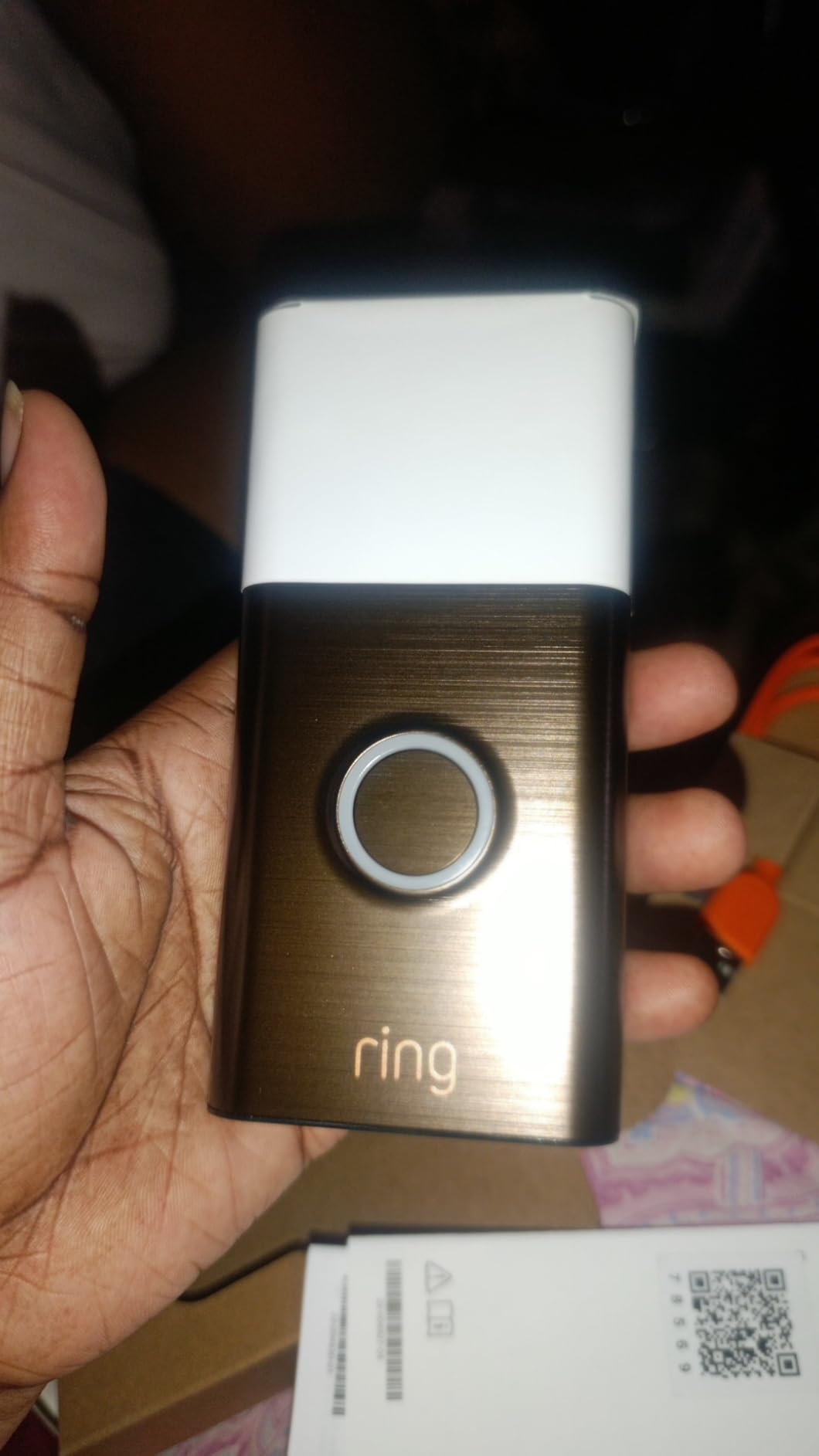
This is the pick for a renter in a building where interior mounting is clearly fine, who already uses Alexa or is willing to, and who values a mature app and a large support community over having zero recurring cost. It installs on the inside face of the door or on the interior wall with a couple of screws, so it is removable, but those two small holes still need to come out at move-out.
Skip it if a paid plan is unacceptable to you, or if your building requires a fully adhesive no-hole install. For those cases, look at the Tapo D210 or the eufy E340 later in this guide, both of which record locally with no plan at all.
2. Tapo D210 Video Doorbell – Best Value for a Typical Renter
Tapo 2K Wireless Smart Video Doorbell w/Chime, 160° Ultra-Wide View, D210
2K at 160-degree head-to-toe view
Local microSD up to 512GB
6400mAh battery, IP65
+ Pros
- 2K clarity with a very wide vertical view
- Color night vision with motion spotlight
- No subscription needed with a microSD card
- Indoor chime plus wedge and adhesive included
- Ring Call makes visitors hard to miss
- Cons
- Battery only with no hardwire option
- Video can wash out in direct sun
- Partial blind spot at the package drop point
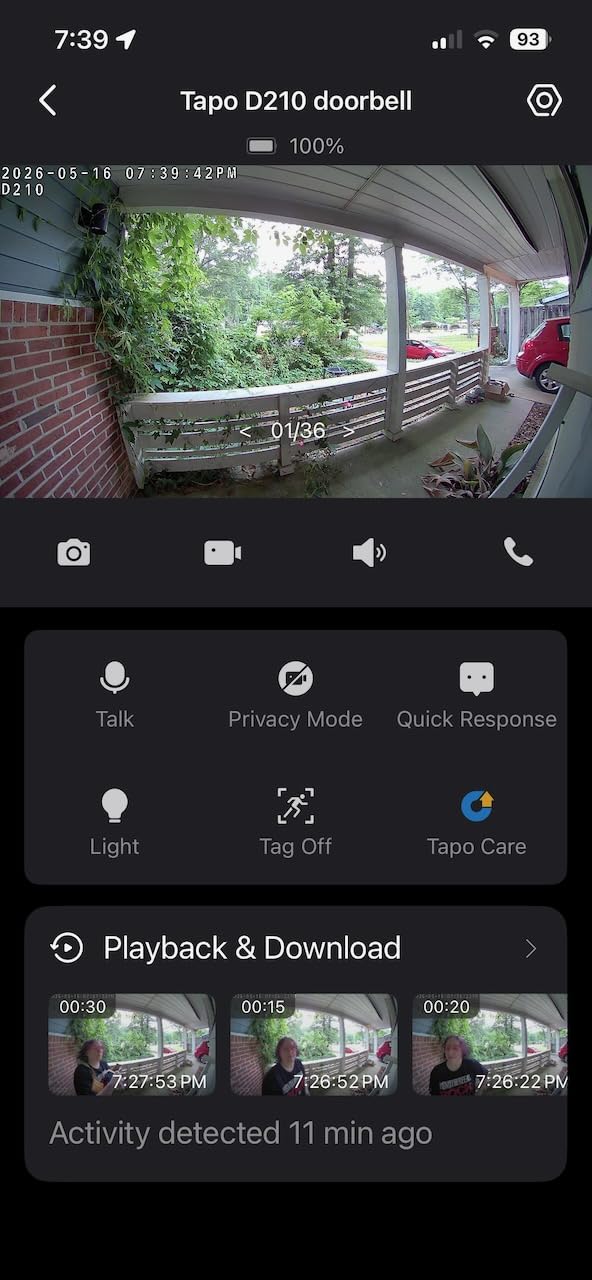
The Tapo D210 handles almost every renter concern at once, which is why I keep coming back to it. It records to a microSD card so there is no mandatory monthly plan, it includes an indoor chime so the bell still functions like a bell, and the box includes both a 15-degree wedge and 3M adhesive so you can choose your mount.
TP-Link built this one for people who have been disappointed by the subscription model. Person detection and activity zones work without a paid plan, and recording continues to a card up to 512GB. The optional Tapo Care cloud plan exists if you want off-site backup, but nothing in the core experience depends on it.
The 160-degree vertical view and the spotlight
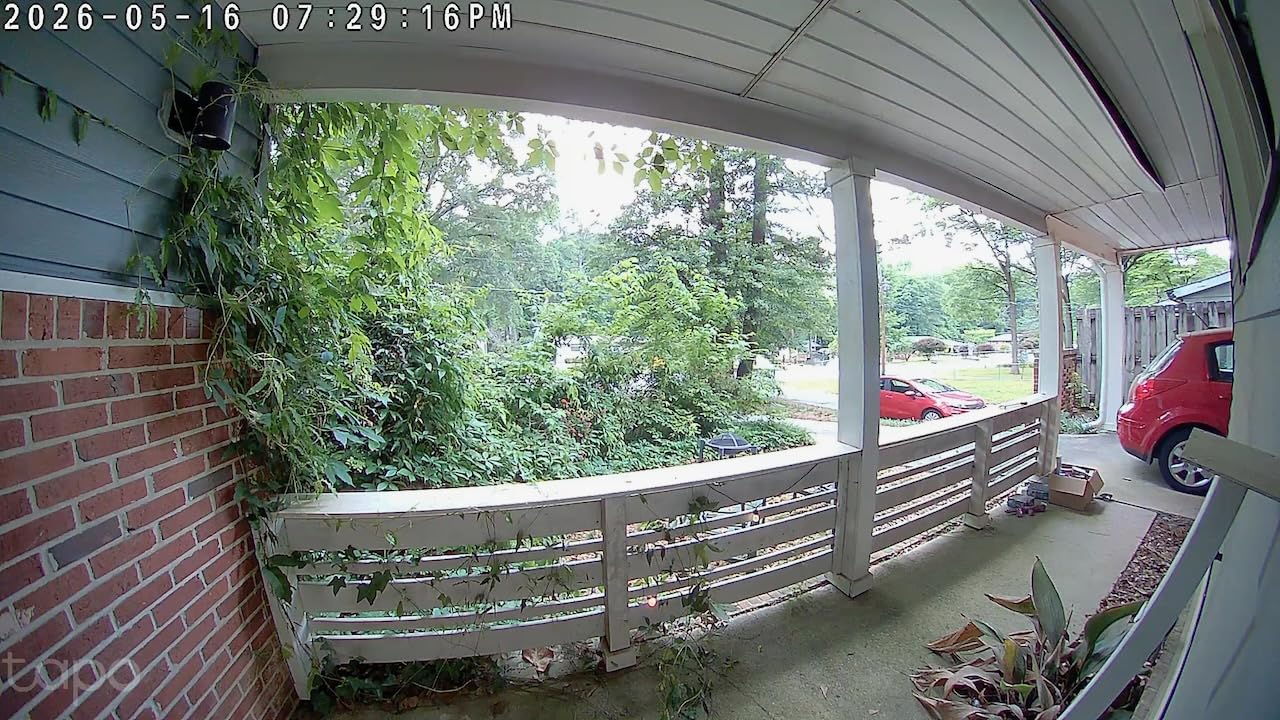
At 2K resolution and a 160-degree diagonal field of view, this is a wide head-to-toe framing, which matters if your door opens inward against a wall that leaves you very little side clearance. The full-color night vision with an adjustable motion-activated spotlight goes beyond the monochrome infrared most competing models ship, and it is genuinely useful for identifying a face at night rather than just a silhouette.
Owners do report some washout in direct sunlight, and there is a partial blind spot right at the package drop point. If your deliveries land at an angle to the door, the wedge mount and the app’s activity zones let you bias what gets recorded, which is the practical fix.
Ring Call and why it matters in a building
Instead of only sending a push notification, Ring Call places an actual phone call into your app when someone presses the button. In an apartment, a person at your door is often a neighbor delivering something or a contractor two floors up, and a ringing call is far harder to ignore than a silent banner.
There is a caveat owners mention: Ring Call can collide with other devices using the same voice skill, which occasionally means duplicate or missed calls. That is a configuration annoyance rather than a defect, and the standard push notification still arrives.
Who this suits and who it does not
This is the doorbell I would hand a renter who wants zero recurring cost, a real chime, and the freedom to mount with adhesive instead of screws. The 6400mAh battery is a large one, and owners report multi-month runs in winter conditions.
It is battery only, with no hardwire option, so if you want a doorbell that is always recording while you are charging the battery, this is not it. Also skip it if your building has a rule that forbids anything on the door frame at all, since adhesive still leaves a mark on some finishes.
3. Blink Video Doorbell – The Complete System With Hub in the Box
Blink Video Doorbell – Head-to-toe HD view, two-year battery life, and simple setup. Sync Module Core included – System (White)
Sync Module Core included
Up to two-year claimed battery
Head-to-toe HD with IR night vision
+ Pros
- Complete system with the hub in the box
- Wide head-to-toe view with usable night video
- Wire-free install takes minutes
- Sync module can sit closer to the door for signal
- Cons
- Wi-Fi drop-offs reported by some owners
- Battery rarely reaches the claimed two years
- Event-only short clips with no continuous recording
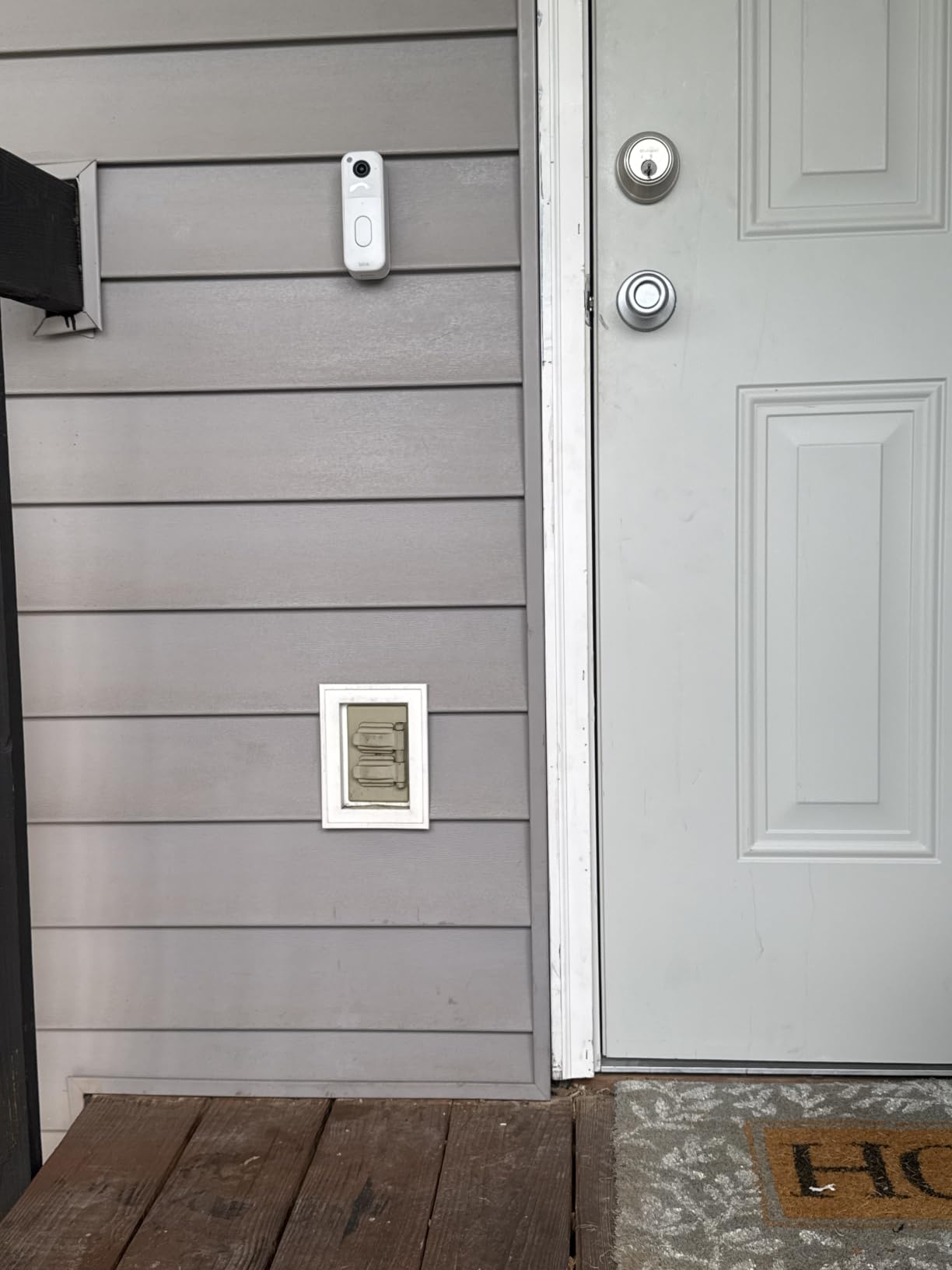
The Blink Video Doorbell is the most straightforward way to get a fully self-contained system, and unusually for a budget product it includes the Sync Module Core in the box. That hub is the piece that makes Blink different from the other no-subscription doorbells here, because it stores your clips locally on a USB drive instead of on a card inside the camera.
For an apartment, that hub has one more benefit that matters more than price. If the Wi-Fi at your front door is weak, you can place the Sync Module closer to the doorbell than the router, which owners report as the fix when signal is marginal. It is a real advantage in a building where you cannot reposition the router.
Battery claims versus battery reality
Blink advertises up to two years of battery life, and the box includes three AA Energizer lithium batteries. Owners are more measured, reporting that real-world life depends heavily on how often the door gets triggered and how strong the Wi-Fi is. The gap between the claim and the experience is the complaint that comes up most.
Reliability is the other split point. A recurring theme in reviews is the doorbell dropping offline and missing recordings, and some owners note that the system has to be armed manually rather than assuming it is always watching. Treat it as a good first doorbell rather than a set-and-forget device.
What the Sync Module changes about storage
Because the hub holds a USB drive, you get local storage without a subscription and without needing to open the doorbell and insert a memory card. The trade is that recording happens in short motion moments rather than continuously, and there is no lock-screen clip preview, so every notification means opening the app.
For a tenant whose main goal is screening who is at the door and catching a package being taken, that is enough. For someone who wants to scrub back through a full day of activity, it is not.
Who this suits and who it does not
Pick this if you are renting furnished, moving often, or simply want the fastest path to seeing who is at your door, with nothing else to buy. The wire-free install is genuinely quick.
Pass on it if you need dependable 24-hour reliability, or if you live somewhere with spotty Wi-Fi and cannot place the hub near the door. The 4.1 average rating reflects that reliability gap more than anything else.
4. aosu 2K Wireless Doorbell Camera – Best for Weak Wi-Fi at the Door
aosu 2K Wireless Doorbell Camera with aosuBase, Battery Powered, 2.4G WiFi
166-degree 2K view
5200mAh battery, IP65
aosuBase repeater and indoor chime
+ Pros
- No monthly cost with local microSD storage
- Very wide 166-degree 2K field of view
- Human-only detection cuts pet false alarms
- aosuBase unit extends Wi-Fi and rings a chime
- Cons
- Playback starts around the 5-second mark
- Battery life falls short of the 180-day claim
- A few seconds of delay before recording starts
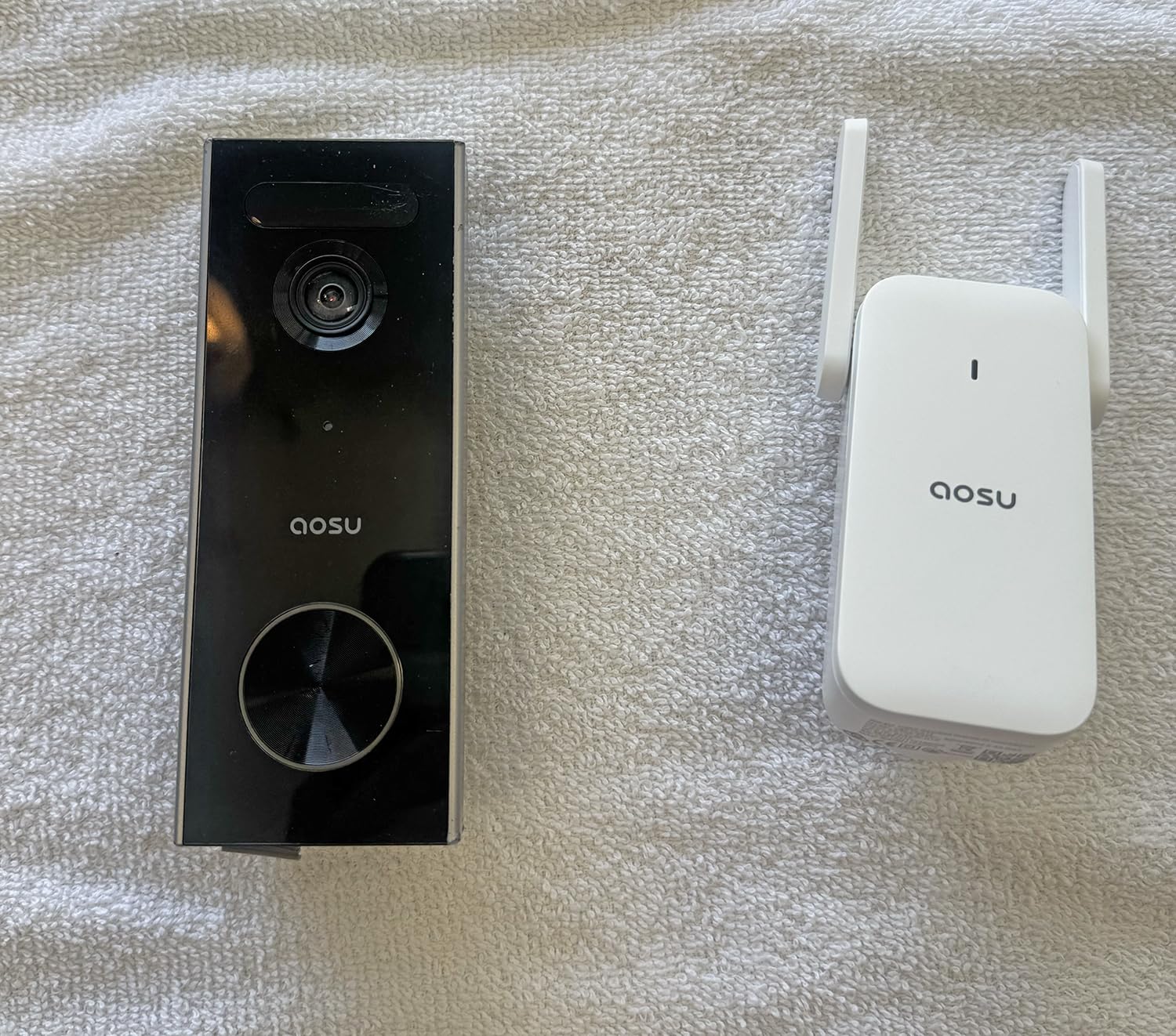
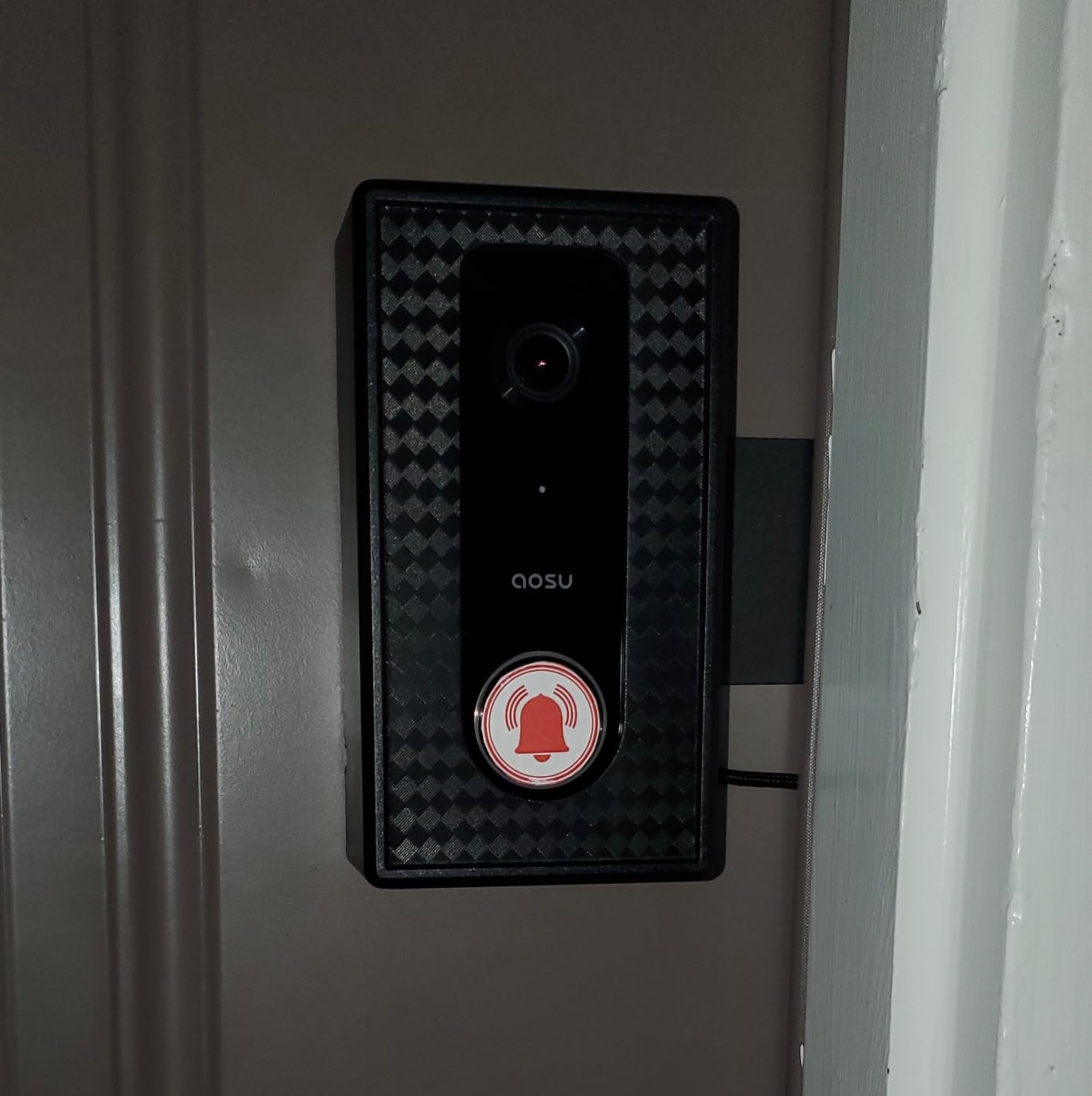
The aosu 2K is built around a problem most budget doorbells ignore: the Wi-Fi is weak exactly where you want the camera. The included aosuBase Mini sits inside your apartment as a signal repeater on the 2.4GHz band and doubles as an indoor chime, so you get both a stronger link to the doorbell and a working doorbell sound.
It also records to a microSD card up to 256GB or to cloud, your choice, with no subscription required for the local path. At 930 g and measuring 3.54 by 2.76 by 2.56 inches, it is a substantial model, which is worth noting if you are mounting on thin interior trim with adhesive.
AI human detection and the false-alarm problem
The human-detection filter is the feature that earns its keep in an apartment building. Doorways generate constant motion from neighbors, pets, and passing cars, and a doorbell that alerts on all of it gets muted within a week. Reviewers consistently single out the human-only filter as the reason their notification volume stayed manageable.
At 166 degrees with a 4:3 aspect ratio, the framing is wide enough to catch someone approaching from the side of the hallway while still keeping a head-and-shoulders shot usable for identification.
The playback delay nobody mentions in the spec sheet
The most consistent complaint is timing. Owners report that app playback begins around the five-second mark, and that there is a delay between the motion event and the start of recording. On a long visit that costs you nothing, but on a quick package grab it can mean you never see the moment itself.
That is a real limitation for anyone installing this purely as anti-theft evidence, and it is the reason I rank this below the Tapo and eufy models for package watching. For screening visitors, the delay is invisible.
Who this suits and who it does not
This is the pick for a concrete building where the router sits far from the front door, and for anyone who refuses to pay a subscription. The bundled repeater addresses weak-signal problems head on.
Skip it if the clip timing matters to you, or if you need a very light unit for adhesive mounting on delicate trim. Battery life is also typically well under the advertised figure, so plan on more frequent charging than the box claims.
5. Google Nest Doorbell (Battery) – Best for Google Home Households
Google Nest Doorbell (Battery) – Snow
On-device person, package and vehicle detection
3 hours free event history
1 hour local storage during outages
+ Pros
- Detection intelligence works with no paid plan
- Very easy wire-free setup and a simple app
- Good night vision and two-way audio
- Keeps an hour of events locally during an outage
- Cons
- Battery model needs frequent recharging
- Clips are short and sensitivity needs tuning
- Narrower field of view than most rivals
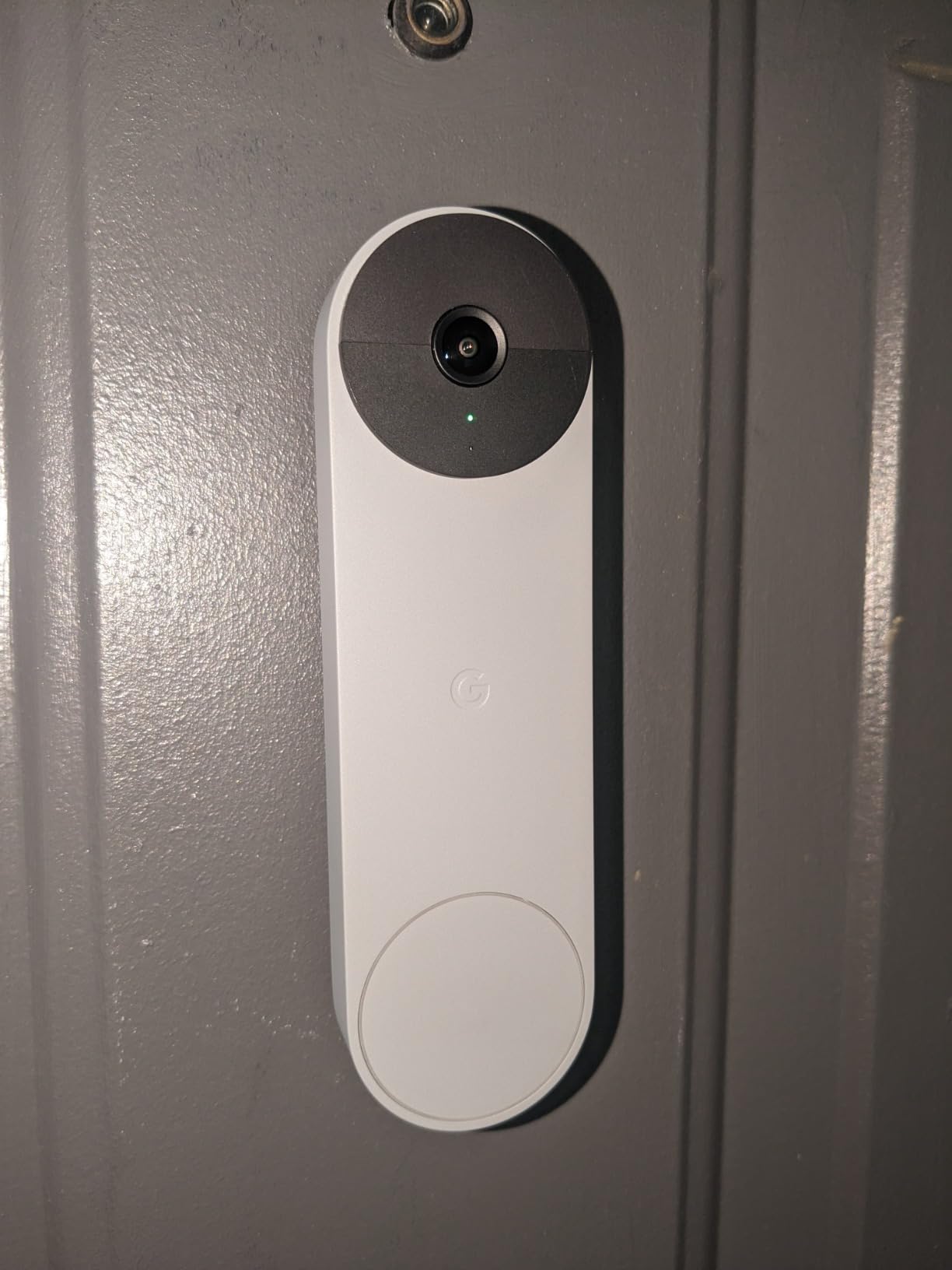
The Google Nest Doorbell is unusual in this group because the smart detection runs entirely on the device with no subscription at all. It distinguishes people, packages, animals, and vehicles locally, which means the classification still works even if your internet drops.
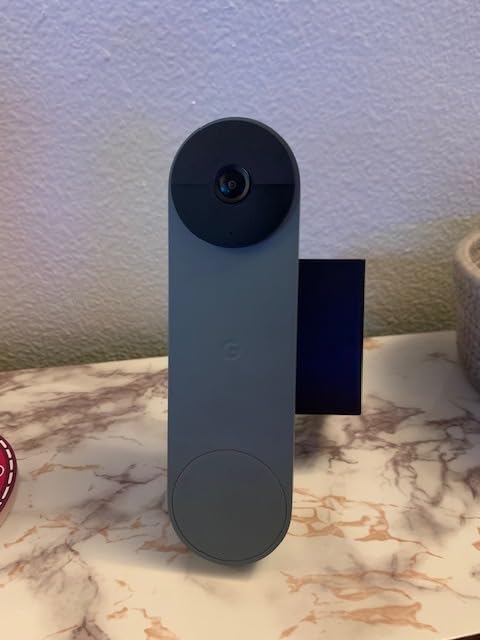
It is also compact at 0.95 by 1.8 by 6.3 inches and 7.36 ounces, which makes it a discreet option on the door. That is a genuine advantage in a building where a large black box on your door invites comments from neighbors.
Free event history versus extended history
Out of the box you get three hours of event history without paying anything, and a paid Google Home Premium tier extends that window. Three hours is enough to catch a delivery or a visitor, but it is not enough to review yesterday.
The underrated feature is the one hour of locally stored events it keeps during a Wi-Fi or power outage. In a building where the network reliability is uncertain, that buffer is what preserves the footage of the moment something actually happened. Tapo and Blink also record locally, but neither describes an on-device outage buffer.
The 145-degree field of view tradeoff
At 145 degrees, this is narrower than the 160-degree and 166-degree models below it, and owners of tight entryways report people slipping partly out of frame. If your door opens directly onto a wall or you have a very small landing, that narrowness will cost you more than the sharper detection is worth.
Video is 960 by 1280 at 30 frames per second with HDR and 6x digital zoom. That is not 2K, and you can see it when you compare stills side by side, though for identifying a person at a door rather than reading a license plate, the difference rarely matters.
Who this suits and who it does not
Choose this if your household runs Google Home and you want accurate package and person alerts with no plan attached, and if a small, understated unit on the door matters to you. The IP54 rating and one-year warranty are worth noting, and the battery or wired install is a renter-friendly choice.
Skip it if you need a wide field of view, long clips, or a battery you can genuinely forget about. One more thing worth knowing: the battery version of this doorbell can never gain continuous recording even if you later have it wired, so if 24-hour history is a goal, do not plan on adding it later.
6. eufy Video Doorbell E340 – Best for Watching Packages at Your Own Door
eufy Security Video Doorbell E340, Dual Cameras, 2K FHD
Dual front and downward package cameras
2K at 160 degrees
8GB onboard storage, no plan
+ Pros
- Dual cameras show visitors and packages with no blind spot
- 8GB onboard storage means no monthly fee
- Very clear 2K with strong color night vision
- Good at filtering cars and pets from people
- Cons
- Will not activate an existing wired chime
- App is cluttered with ads and slow to report rings
- Battery runs about half the advertised figure
The eufy E340 addresses the apartment package problem in a way most single-lens models here cannot, because it has two cameras instead of one. A head-to-toe camera covers the person at the door, and a separate downward camera covers the floor where deliveries are left. You see the whole event in one continuous shot rather than trying to catch a box at the edge of a wide frame.
The 8GB of eMMC storage is built into the unit, so there is no card to buy and no plan to pay for. It works wired on 16 to 24V or wireless with a quick-release battery, which makes it a reasonable choice if your building does happen to have usable low-voltage wiring and your landlord allows it.

Color night vision and the dual-light system
eufy’s dual-light system produces color night video with a clear range of about 16 feet. For an apartment door where someone stands under a hallway light, color is the difference between identifying a person and describing a silhouette, and that is the entire purpose of the device.
The 2K sensor at 160 degrees holds up against the rest of the field, and the model is rated IP65 for weather. At 1.1 pounds it is a substantial doorbell, and it can run hot in direct sun and shut down near 120F, which is one reason a shaded interior-side mount is the smarter renter position.
Two real drawbacks to know before buying
First, this doorbell will not activate an existing wired mechanical chime. If your apartment has a working buzzer you currently rely on, you need a separate eufy chime module or the MiniBase Chime, which is an extra purchase nobody mentions in the listing photos.
Second, the eufy app draws complaints about advertising and about being slow to report a ring. If your priority is a fast, reliable chime notification, that is a real drawback. Battery life also lands at roughly two months in practice against an advertised four, so plan charging accordingly.

Who this suits and who it does not
This is the pick for a household that has packages taken regularly, or that wants footage of the doorstep without paying anyone a monthly fee. The dual-camera layout is the reason it exists, and it delivers on that.
Pass on it if you rely on an existing wired buzzer, if you are sensitive to ads in the app, or if you want the cleanest small profile on the door. The Google Nest Doorbell is the opposite trade: smaller, sharper detection, weaker coverage.
7. BOIFUN Video Doorbell 2K – Best No-Drill Starter Option
BOIFUN Video Doorbell Camera Wireless – No Subscription Required, 2K HD
2K 166-degree view
No subscription required
Indoor chime and adhesive included
+ Pros
- Every core feature works without a monthly plan
- Clear 2K day and night at 166 degrees
- Portable indoor chime can move around the home
- Screw or adhesive mounting both included
- Two-year warranty
- Cons
- Battery is not removable so the whole unit comes off to charge
- Misses people walking toward the camera at speed
- Free cloud clips are only a few seconds
The BOIFUN weighs 8 ounces, which makes it a light unit to hold while you work with the adhesive or the screws. The box includes an ejector pin, screws, tools, adhesive tape, an indoor chime, and a USB cable, so you can decide at install time whether you are drilling or not.
It records to a microSD card up to 128GB, with the card not included, and also offers a small amount of free basic cloud. Owners repeatedly note that the free cloud clips are only a few seconds long, so treat the card as the real storage and the cloud as a preview convenience.

The non-removable battery, and why it matters at move-out
The 5200mAh battery is built in and cannot be detached, which means charging requires taking the entire doorbell off the wall. In a house that is mildly annoying. In an apartment it is an advantage, because the model comes off cleanly as a single piece and no separate battery pack stays behind on the door frame.
The same feature means you have no downtime swap option, so a dead battery means a dark doorway until it recharges. The stated figure is up to 60 days under lab conditions, and owners report that as achievable rather than generous.
Night vision and the anti-theft pin
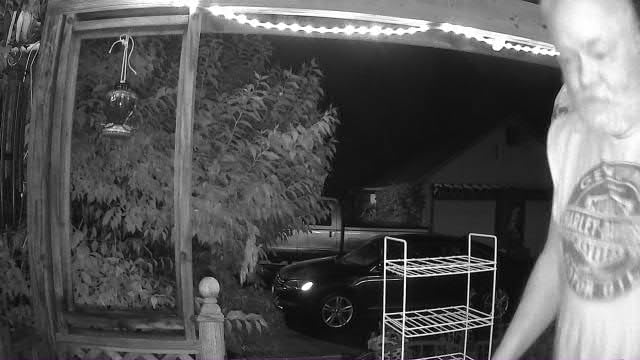
Night coverage uses invisible 940nm infrared out to 33 feet, which keeps the doorbell from glowing a visible red light in a dark hallway. That matters more than it sounds in an apartment, where a bright status light is a small nightly announcement that you have a camera on your door.
There is a built-in tamper alarm, and the physical ejector pin is the weak point reviewers flag, since someone who wants to defeat it only needs a thin tool. For a door inside your own unit, that is a low risk. For a door that opens onto a shared corridor, the deterrent value is limited.
Who this suits and who it does not
Choose this if you have never installed anything on a door, you want adhesive mounting, and you want no subscription conversation at all. The two-year warranty is among the longest coverage terms stated in this group.
Skip it if you need a quick battery swap without tools, or if your concern is catching a fast-moving person, which is the specific miss reviewers report most often. The two-year warranty is worth weighing against the battery complaints.
8. ieGeek 2K Doorbell Camera – Best Built-In Security Features
ieGeek Doorbell Camera Wireless No Subscription, 2K 3MP HD View PIR Motion Detection, Wireless Video Doorbell with Chime 2-Way Talk, Only Supports 2.4GHz WiFi, Local & Cloud Storage, White
2K 166-degree view
PIR detection up to 16 ft
Anti-theft bracket, IP66 rating
+ Pros
- Good 2K image in daylight and at night
- No subscription with free basic cloud and SD option
- Screw or adhesive install with no wiring
- Anti-theft bracket and indoor chime included
- Multi-account sharing for housemates
- Cons
- Battery degrades in cold weather and after about a year
- Motion misses events and triggers on bugs and birds
- Included chime is weak and uses AAA batteries
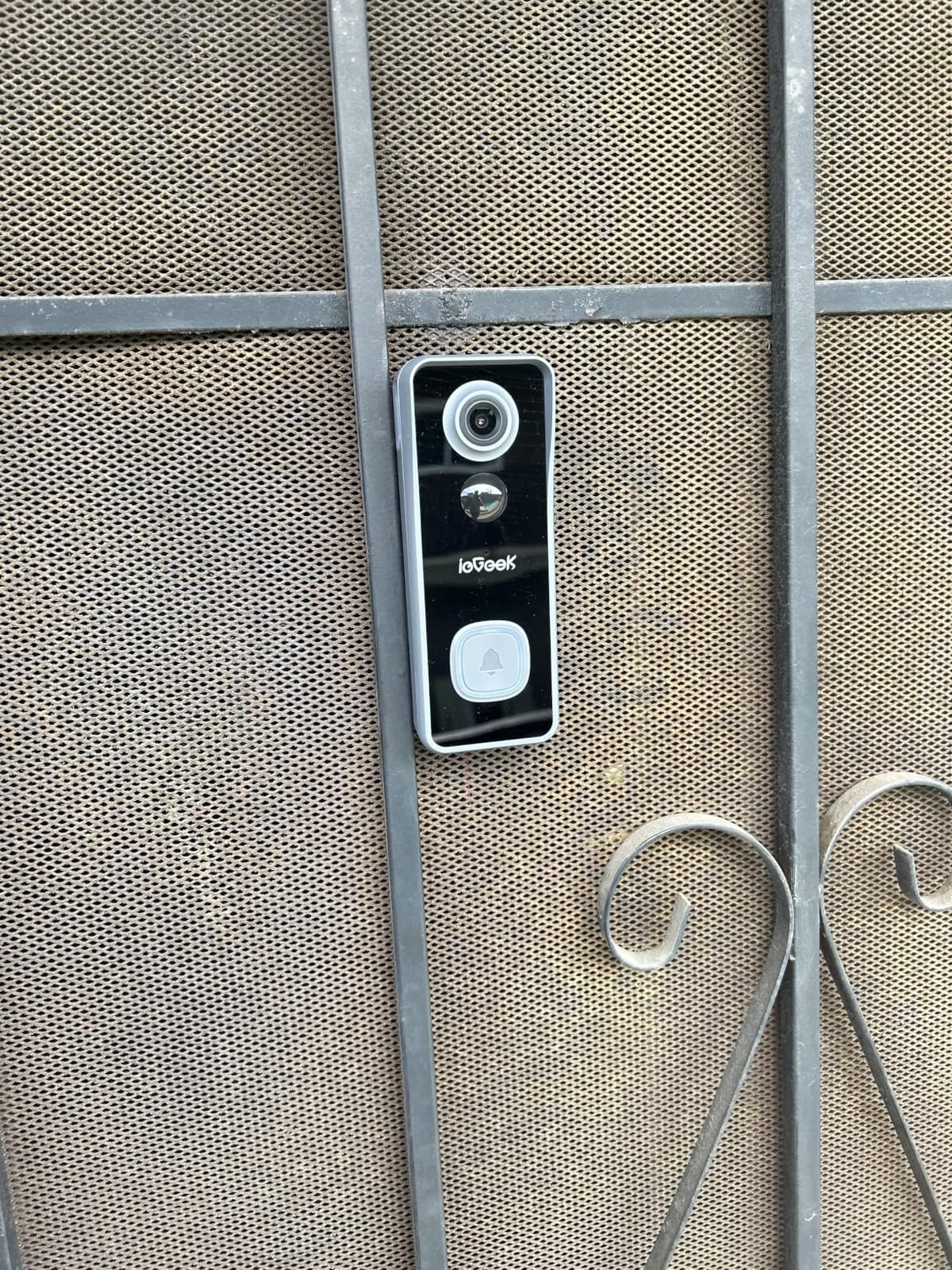
The ieGeek is the unit in this lineup rated IP66, and it includes an anti-theft bracket, which is a meaningful combination if your door faces an exterior corridor rather than an interior hallway. The 166-degree 2K sensor sits in a 5.8 by 2.2 by 1.5 inch body, and night coverage uses starlight sensors out to 32 feet.
Like most models here it runs on 2.4GHz only, and the listed practical range is about 50 feet from the router with obstacles in between. That is the number to test before you buy in a concrete building.
PIR motion detection and the bugs problem
ieGeek uses passive infrared rather than the AI object detection most competitors rely on, with a range of 16 feet and alerts in roughly three seconds. PIR reacts to heat and movement, which means insects and small animals near the door can trigger it. Owners report both missed real events and false triggers from bugs and birds, even after lowering sensitivity.
The trade is that you get a hardware motion sensor rather than a software guess, so it keeps working on a local schedule without a cloud round trip. In a building where the internet is unreliable, that predictability is worth something.
Battery longevity is the honest weakness
The stated figure is up to 40 days at 20 triggers per day, and reviews describe a sharper decline in cold weather and gradual degradation after about a year of use. For a tenant who plans to stay three years, that is a real consideration, and it is the main reason this sits below the Tapo and eufy picks.
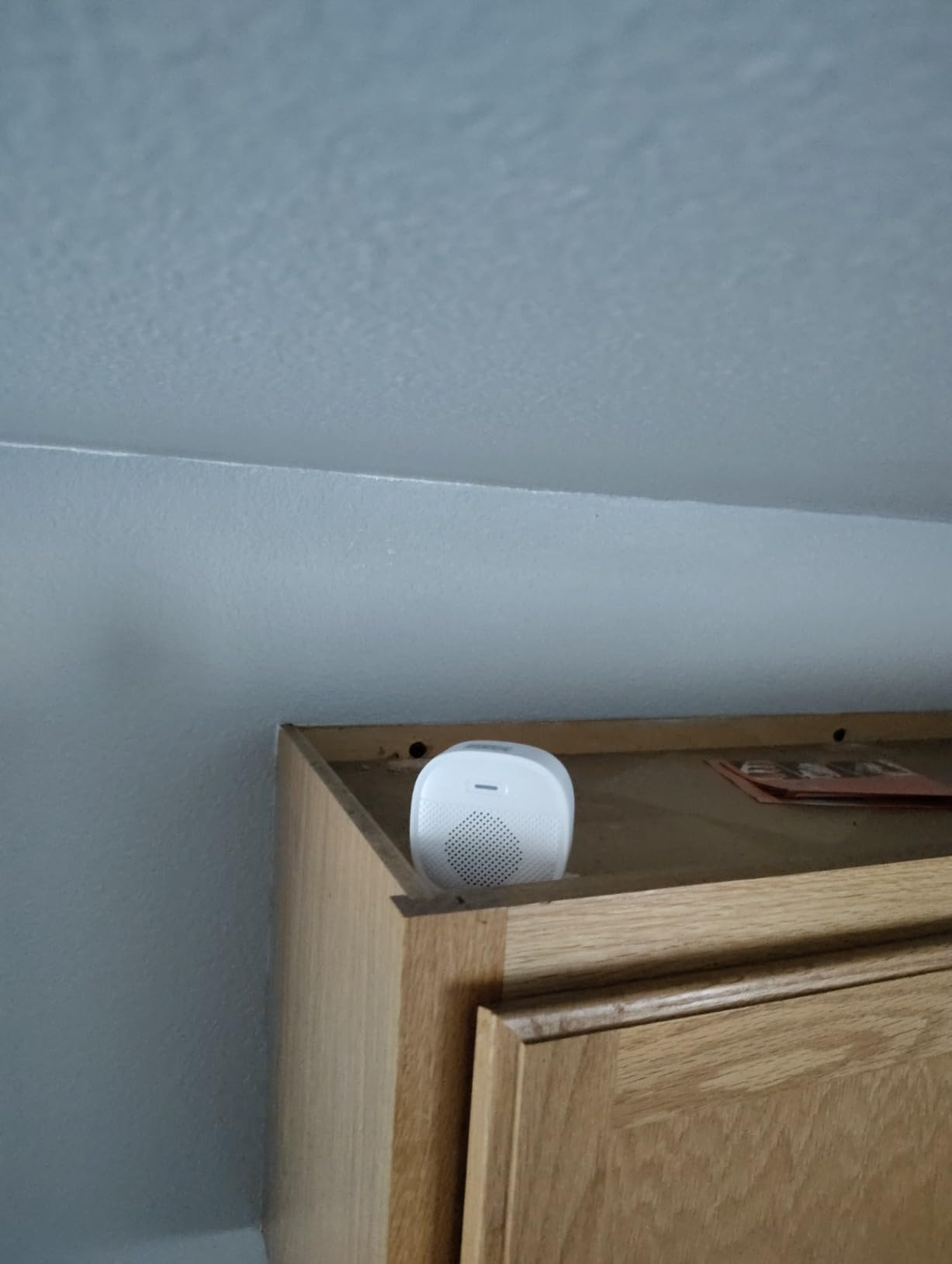
Two smaller things to know: the included chime is weak and runs on replaceable AAA batteries, so do not rely on it as your only doorbell sound. And there is no angled wedge in the box, which limits how tightly you can aim the camera away from a hallway.
Who this suits and who it does not
This fits a renter on an exterior-facing corridor who wants the weather rating and the theft-deterrence hardware, and who shares their unit with a partner or roommate since multi-account sharing is supported.
Pass if you are in a building where you need to point the camera at a precise angle to avoid a shared hallway, since there is no wedge. The two-year warranty is a real plus, but the battery reports are the deciding factor.
9. WYZE Duo Cam Doorbell – Best for Buildings on 5GHz Wi-Fi
WYZE Wireless Duo Cam Doorbell Camera Video Doorbell w Wi-Fi Chime, 2K HD
Dual person and package cameras
2K with color night vision
Dual-band 2.4GHz and 5GHz Wi-Fi
+ Pros
- Dual cameras cover people and packages without distortion
- Dual-band Wi-Fi improves apartment reliability
- Removable battery swaps in seconds
- Wi-Fi chime included and adhesive mount provided
- Cons
- microSD card sold separately and must be FAT32 or exFAT
- Cloud history needs a paid plan
- Continuous recording only works when hardwired
The WYZE Duo Cam Doorbell is the one battery model in this list that lists support for both 2.4GHz and 5GHz Wi-Fi. In a modern apartment building where the access point band may be either one, that flexibility removes a genuine source of setup failure and pairs well with the included Wi-Fi chime.
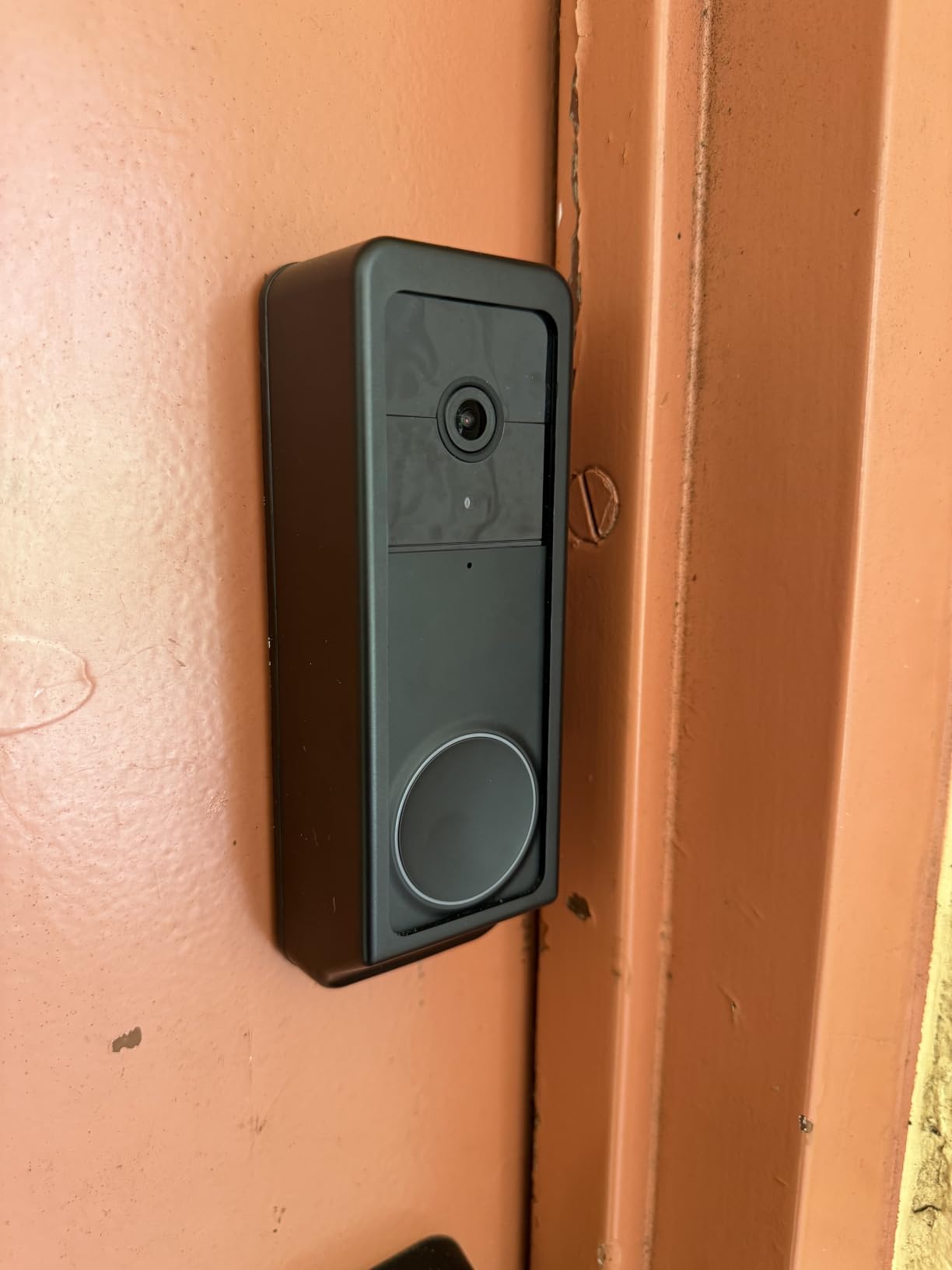
It shares the dual-camera approach with the eufy E340, with one camera facing the person and a second angled down at the package area, and WYZE states it avoids the barrel distortion that wide dual-camera designs often produce. At 2K with starlight color night vision to 30 feet, the night performance compares well with the rest of the group.
The removable battery is the apartment feature
The battery pack detaches and goes inside to charge, and owners report up to six months per charge. Swapping takes seconds with the detaching pin included in the box, which means a dead battery does not leave a dark doorway. That matters in an apartment, where the models with a built-in battery have to come off the wall entirely to charge.
The box also includes 3M tape, bracket screws, extension wires, a back plate, a corner kit, and a detaching pin. If your building permits it, the extension wires mean you can mount the bell on the door and the chime on an interior wall without a new cable run.
Where the asterisk lives
Local storage requires a microSD card up to 512GB, and the card is not included. It must be formatted FAT32 or exFAT, and getting that wrong is the most common reason people think the doorbell is broken. Cloud history without a card requires the paid Cam Plus plan.
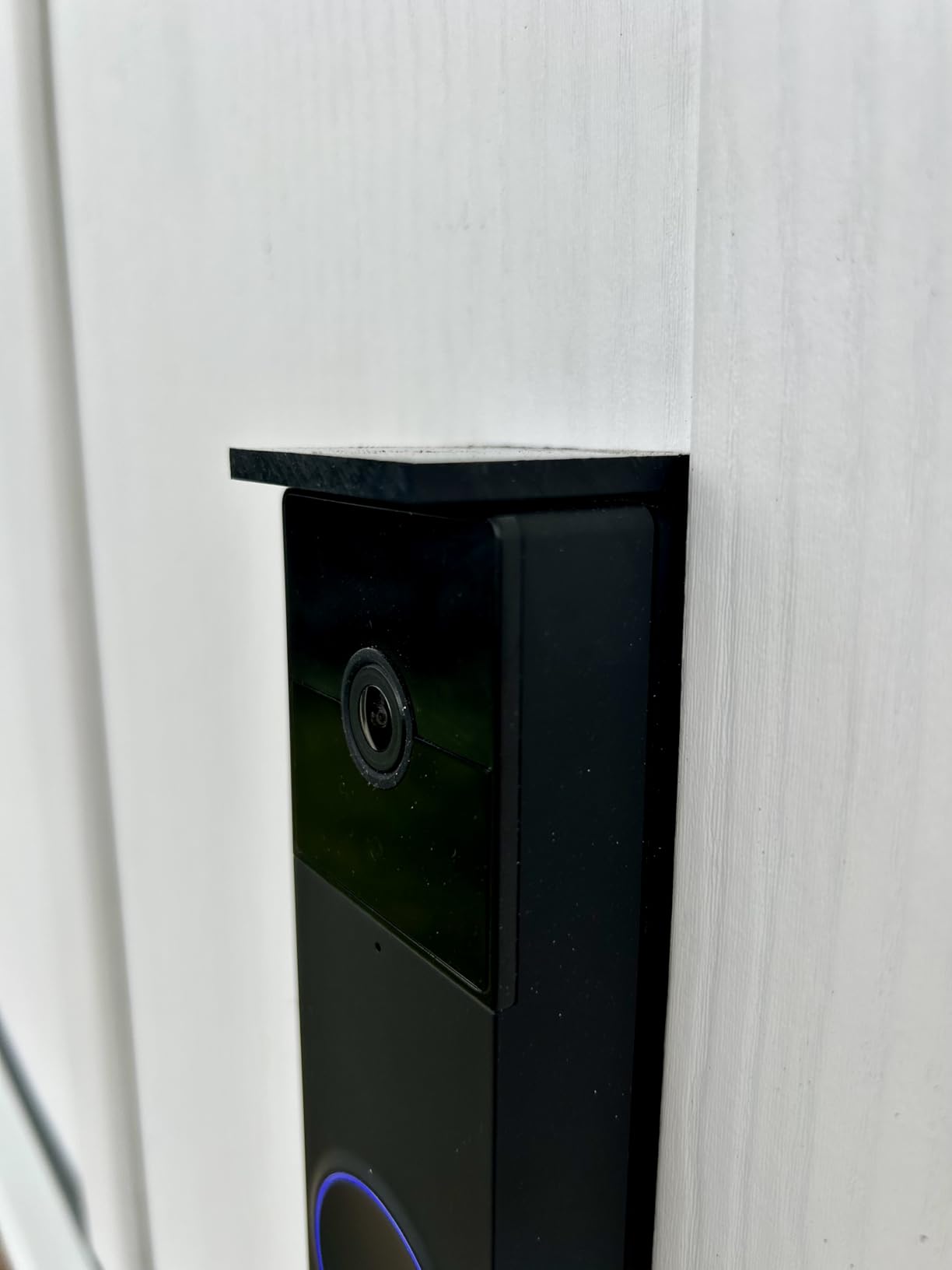
There is also a conditional feature worth understanding before you buy: 24/7 continuous local recording works only when the doorbell is hardwired with a card installed. A renter relying on battery power gets event clips only, which is the right trade for someone who cannot touch wiring.
Who this suits and who it does not
This is the pick for a building whose Wi-Fi is 5GHz, or for a household that wants package coverage and a swappable battery. The removable pack and the included chime make the physical setup among the most renter-friendly in this list.
Skip it if you want zero extra purchases, since the memory card is a mandatory additional cost for local recording, or if you need continuous recording and cannot hardwire. Note that its warranty runs one year, the same length as the Google Nest Doorbell’s.
10. XTU 2K Wireless Doorbell – Best Adjustable Mount Angle
XTU 2K Wireless Doorbell Camera with Chime, No Subscription, Alexa
2K with 120-degree lens
Multi-angle mounting bracket
microSD up to 128GB, no plan
+ Pros
- No subscription with microSD recording
- Adjustable multi-angle bracket makes aiming easy
- Clear 2K photo and video including at night
- Custom voice messages and siren
- two-way intercom works well remotely
- Cons
- Battery drains far faster than advertised for several owners
- Condensation and lens fogging in cold or humid air
- Adhesive strips reported failing and requiring drilling
The XTU is included here for one specific reason: its multi-angle mounting bracket. In an apartment where the door is set at an odd angle to the corridor, or where you need to point the camera down slightly so you are not recording straight down a shared hallway, having a bracket that tilts through several positions is more useful than a few extra degrees of field of view.
Otherwise it is a competent no-subscription model. It records to a microSD card up to 128GB, supports detection zones with adjustable sensitivity for humans, pets, and vehicles, and offers two-way audio with a siren and 10-second custom voice messages, which is useful for someone who does not want to talk to visitors.
A narrower view, deliberately
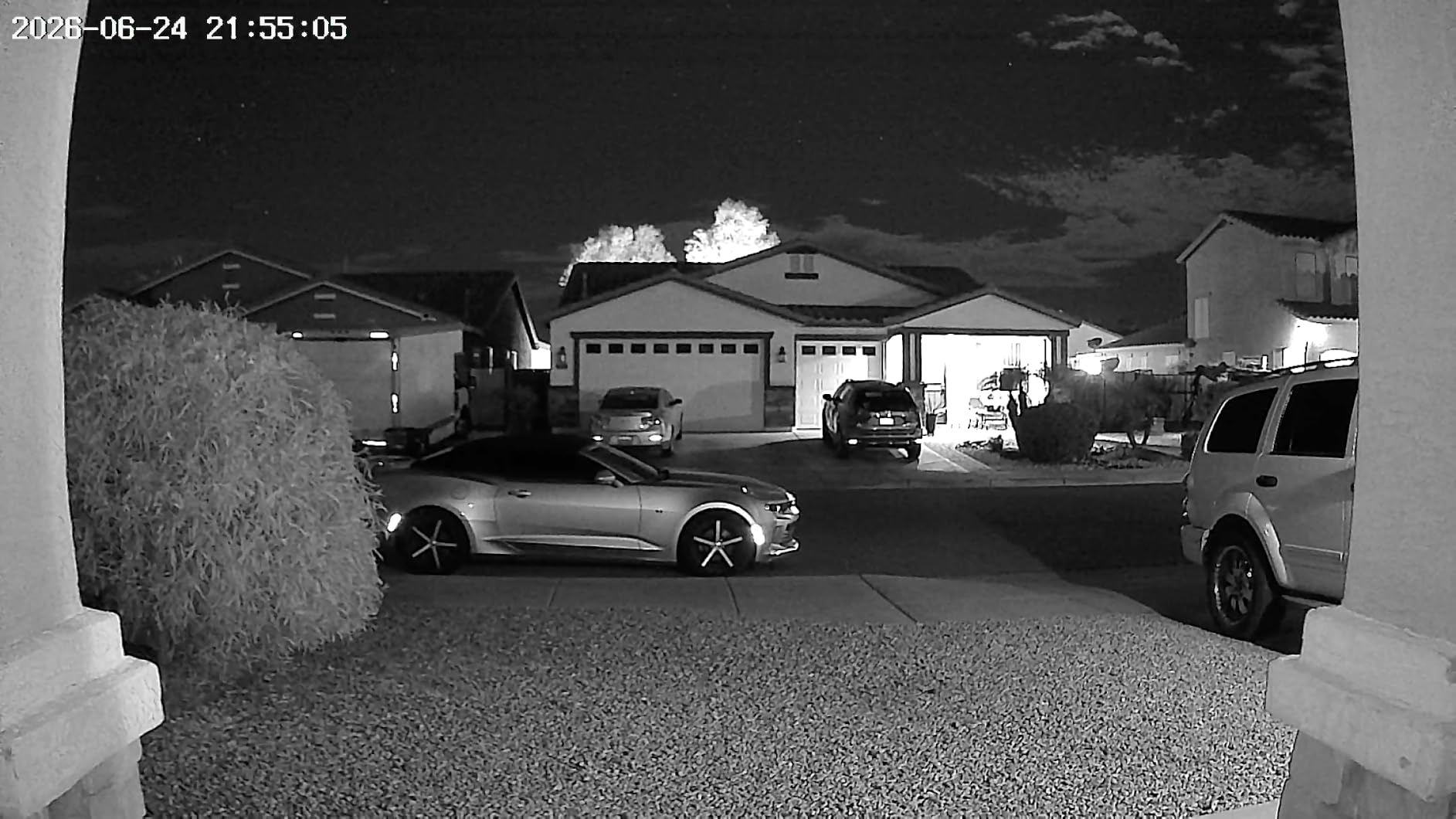
At 120 degrees, this is the narrowest lens in the group. In isolation that is a weakness, but paired with the adjustable bracket it becomes a feature, because a narrow lens on a tilted mount covers your doorstep without reaching the sides of the corridor. Owners who want the tightest, most neighbor-friendly aiming report it as the easiest model to position.
Video is 2K on a 3MP CMOS sensor, with night vision to 33 feet. The unit measures 2.1 by 2.1 by 5.7 inches and is IP65 rated, and it works with both Alexa and Google Assistant.
Battery, condensation, and the adhesive question
The stated figure is about two months at 20 daily triggers under lab conditions, and the most common review theme is that real battery life is much shorter for several owners. Motion detection also reportedly slows or becomes unreliable after about a year of use, which is the pattern to watch if you intend to keep this for a full multi-year lease.
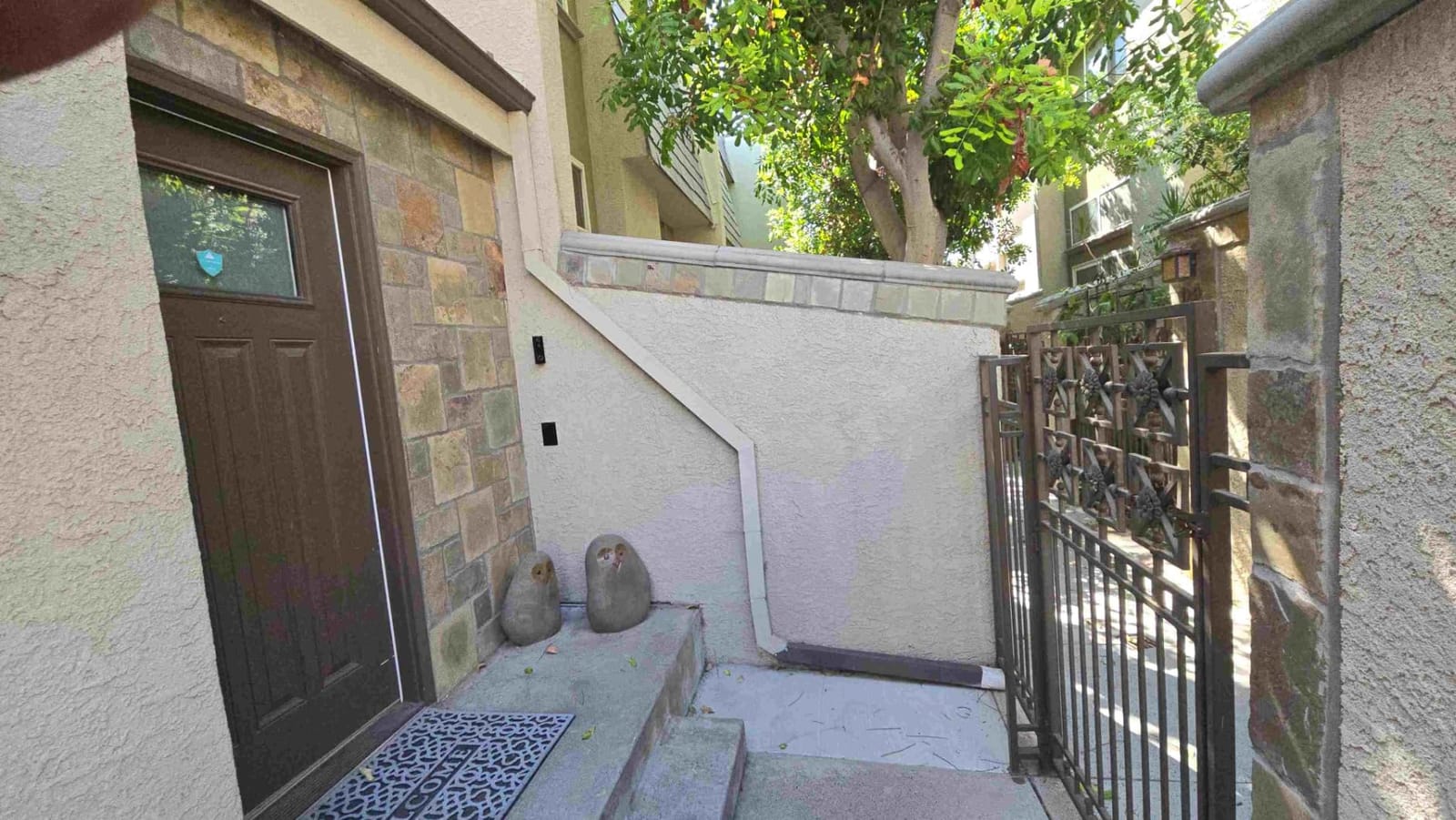
Condensation and lens fogging in cold or humid conditions are reported often enough to plan for. If you can mount on the interior face of the door rather than an exterior wall, the temperature swing is smaller and the fogging largely goes away. Note also that the adhesive strips are reported by some owners to fail, which means a renter may end up drilling anyway.
Who this suits and who it does not
If your door angle is awkward, you want to aim the camera precisely, and you would rather push a button to speak than answer, this is the pick. The custom voice messages are a good fit for a building where you do not want to talk to strangers at your door.
Pass on it for a long-term installation given the battery and motion-detection reports, and do not rely on the adhesive mount in a place with a wide temperature swing. The Tapo D210, which also includes a wedge, is the stronger pick if you want both no-subscription storage and adjustable aiming.
Can You Legally Install a Video Doorbell in an Apartment?
Legality here is a lease and property question, not a product question. A video doorbell is legal to own and to use on your own door in essentially any apartment, but whether you may install one, and where on the door, is controlled by your lease and your building’s rules. Treat the lease as the governing document and written permission as the thing that protects you at move-out.
There is one important distinction most people miss. A doorbell mounted on the inside face of your own apartment door, or on interior wall trim within your unit, is almost universally fine. Anything mounted outside your unit, whether on the hallway wall, the door frame, or the door itself where it faces a corridor, falls under building rules and frequently requires written approval or is banned outright. Ask about the second category specifically.
Lease clauses to search for word by word
Look for language on the number of security devices permitted, any prohibition on cameras or exterior-mounted equipment, rules about modifications to the door or door frame, and separate clauses about common areas and hallways. A lease that caps devices at one means your choice of doorbell has to be final, and a clause about common-area coverage may rule out any camera that can see past your own doorstep.
Then check whether your building has rules posted separately from the lease, which is common in managed complexes. Building-wide camera systems sometimes exist in these developments, and if so, adding a personal camera on top of one is usually the specific thing a manager objects to.
A short permission checklist
Send a short written message that names the model, describes the mount as interior-side adhesive or the existing peephole, states that you will remove it at move-out and fill any holes, and asks for confirmation. Managers who refuse outright are telling you something useful, and getting a refusal in writing before you spend anything is far better than removing a device after a dispute.
There is a real pattern in renter discussions about managers who approve a camera and object months later, sometimes citing a clause the tenant never saw. That is why the written record matters more than the conversation, and why describing the exact mount type up front is the detail that gets approvals instead of questions.
Recording a shared hallway is the part people worry about
A camera on your door that captures your own doorstep is a normal home-security use. A camera pointed down a common corridor captures other people’s apartments and daily routines, and that is where neighbor friction and building complaints come from. Configure motion or activity zones to cover only the area directly in front of your door, mount with a slight downward angle, and disable any audio pickup of the corridor if the app offers it.
In practice the tightest privacy configuration is the most useful: a narrow zone covering the mat and the immediate approach, with the unit tilted so the frame ends at the edge of your own door swing. If you find yourself unable to avoid capturing the corridor, a peephole camera is the better answer because its view is physically limited to what you could see through the original peephole.
How to Choose a Video Doorbell for an Apartment in 2026
Resolution is what most guides lead with, and for an apartment it is the least important of the criteria that follow. A 2K sensor in a unit angled into a shared corridor does not make your lease problem any easier. Decide the mount and the storage first, then pick the camera quality within that constraint.
Mount type decides whether you can install it at all
There are five practical mounting approaches, and two of them require holes. A peephole camera replaces the existing peephole and needs no drilling and no wiring, and it comes out cleanly at move-out. An interior adhesive mount uses tape or included adhesive on the inside face of the door, which leaves no hole but can damage some finishes, and adhesive failure is a reported problem. A wedge or angle mount changes the aiming direction and usually comes with the model, which is how you keep a wide lens off the corridor. A screw mount is the most secure and the best-looking, and it leaves two small holes you must fill. A hardwired install generally needs work a tenant cannot do and should be treated as off the table.
If your building bans anything exterior, your realistic choices narrow to a peephole camera, an interior adhesive mount, or an interior screw mount. If your building allows interior screws with a removal clause, the whole list opens up, and that is where the Ring Battery Doorbell and the eufy E340 become viable.
Where the video lives, and what that costs over a lease
Six of the ten models here record locally with no plan required: the Tapo D210, eufy E340, BOIFUN, ieGeek, XTU, and aosu all use a microSD card or built-in memory. The WYZE Duo Cam Doorbell records to a card but requires you to buy the card. Blink records to a USB drive in the included Sync Module Core. Only the Ring and Google models put meaningful video history behind a paid plan.
For a renter this matters more than for a homeowner, because your cost horizon is a lease, not a decade. Over a three-year tenancy a monthly plan can exceed the hardware several times over, and you will not get that money back when you move. The subscription naming has also changed in recent years, with Ring Protect and Google Home Premium replacing the older Ring Home and Nest Aware names, so check the current plan page rather than trusting a guide that quotes the old labels.
One nuance worth knowing: the battery version of the Google Nest Doorbell can never gain continuous recording even if you later have it wired. If 24-hour history is a goal, factor that in before you invest time in wiring.
Head-to-toe framing beats raw resolution in tight entryways
The single most useful spec for an apartment door is the vertical field of view, not the pixel count. A head-to-toe framing with a tall aspect ratio captures a visitor’s face and a package on the floor in the same shot, which is the two events you actually care about. Units in this group run from 120 degrees on the XTU up to 166 degrees on the aosu, BOIFUN, and ieGeek.
Wide is not automatically better. In a narrow entryway, a very wide lens distorts faces at the edges, and in a corridor it captures more of your neighbors than you want. The sweet spot for most apartment doors sits between 145 and 166 degrees, and the dual-camera designs from eufy and WYZE solve the same problem differently by using a second downward lens instead of one very wide one.
Test your Wi-Fi before you buy
Walk to your front door, connect to your building network, and check the signal strength the app reports. Most of these models are 2.4GHz only, with the WYZE Duo Cam Doorbell as the dual-band exception, and a reinforced or steel apartment door can cut a marginal signal to nothing. If the reading is weak, look for a unit with a bundled indoor repeater or hub, such as the aosu with its aosuBase Mini or the Blink with its Sync Module Core, both of which can be positioned near the door rather than near the router.
Do not skip this step. More doorbells get returned for connection failure than for any other reason, and the test takes two minutes before you have committed to a mount.
Removing it at move-out without losing your deposit
Take photos of the empty door and the empty wall before you mount anything, and keep them for the whole tenancy. Photograph any hole you drill immediately after filling it. For an adhesive mount, warm the area with a hair dryer and peel slowly so the finish does not lift. For a peephole camera, unscrew it and put the original peephole back in, which is the reason that option is so clean for a move-out.
Return the unit to original packaging, and send a short message to your manager confirming removal with a photo. A written record that the door is back to its original condition is what prevents a deduction conversation six weeks after you have moved to another city.
Frequently Asked Questions
Can you use a video doorbell in an apartment?
Yes, as long as you respect your lease and your building’s rules. A unit mounted on the inside face of your own door or on interior trim is almost always acceptable. Anything mounted outside your unit, or pointing down a shared hallway, usually needs written landlord permission and is sometimes banned outright. Battery-powered, no-drill models and peephole cameras are the safest choices.
Is it legal to have a Ring doorbell in an apartment?
There is no general law against owning or using a video doorbell in an apartment. What governs you is your lease and your building’s policies, which can restrict the number of devices, ban exterior mounting, or limit what the camera may cover. Get written permission naming the model and the mount type before you install, and keep a record of it for move-out.
Can I put a doorbell camera on my apartment door?
Usually yes, on the interior side of your own door, with no holes and no wiring. The restriction most tenants hit is the outside of the unit door, where the camera would face a shared corridor and could capture neighbors. That exterior surface is controlled by building rules, so ask for approval in writing before mounting anything there.
What is the best renter-friendly video doorbell for apartments?
For most renters, a peephole camera is the best option because it replaces the existing peephole with no drilling and no wiring and removes cleanly when you move. If your door has no peephole, a battery doorbell with adhesive mounting and local storage is the next safest path. Among the models we cover, the Tapo D210 and eufy E340 both record locally with no subscription required.
Why are people ditching Ring doorbells?
The most common reason is the subscription model, since live view and alerts work without a plan but video history and smart classifications do not, and over a multi-year lease that recurring cost adds up. Other reasons include privacy concerns around cloud storage of shared-home footage and a general shift toward brands that record locally to a memory card or built-in storage, such as eufy, Tapo, and Reolink.
How much does a video doorbell subscription cost per month?
It depends entirely on the brand and the tier you choose, and the plan names have changed recently, with Ring Protect and Google Home Premium replacing the older Ring Home and Nest Aware names. The most important number for a renter is the free tier: several brands record to a local memory card or a bundled hub with no monthly cost at all, while others keep meaningful video history behind a paid plan. Check the current plan page on the manufacturer’s site before you buy.
Which Video Doorbell Should You Buy for Your Apartment?
If you want the most established option and already live in an Alexa household, the Ring Battery Doorbell is the pick, with the widest support base and proven head-to-toe coverage. Accept that video history sits behind a plan and that you will bring the battery indoors to charge.
If you refuse a monthly fee, the Tapo D210 is the best video doorbell for apartments in this group, with local microSD recording, an included chime, and both a wedge and adhesive in the box. If packages are the real problem, the eufy E340’s dual cameras and 8GB of built-in storage are built for exactly that.
If your door is angled awkwardly or you must avoid recording a corridor, an adjustable mount such as the XTU, or a peephole camera, solves what no app setting can. If your Wi-Fi is marginal at the front door, the aosu repeater or the Blink Sync Module is the fix. And if you are working to a tight budget, the Blink system gets a working doorbell on the wall fastest.
Whatever you choose, photograph the door before you mount, tighten the motion zones to your own doorstep, and get written permission naming the mount type. Those three steps do more for your experience of the best video doorbells for apartments than any resolution figure, and they are what keeps your deposit intact when you move out in 2026.