
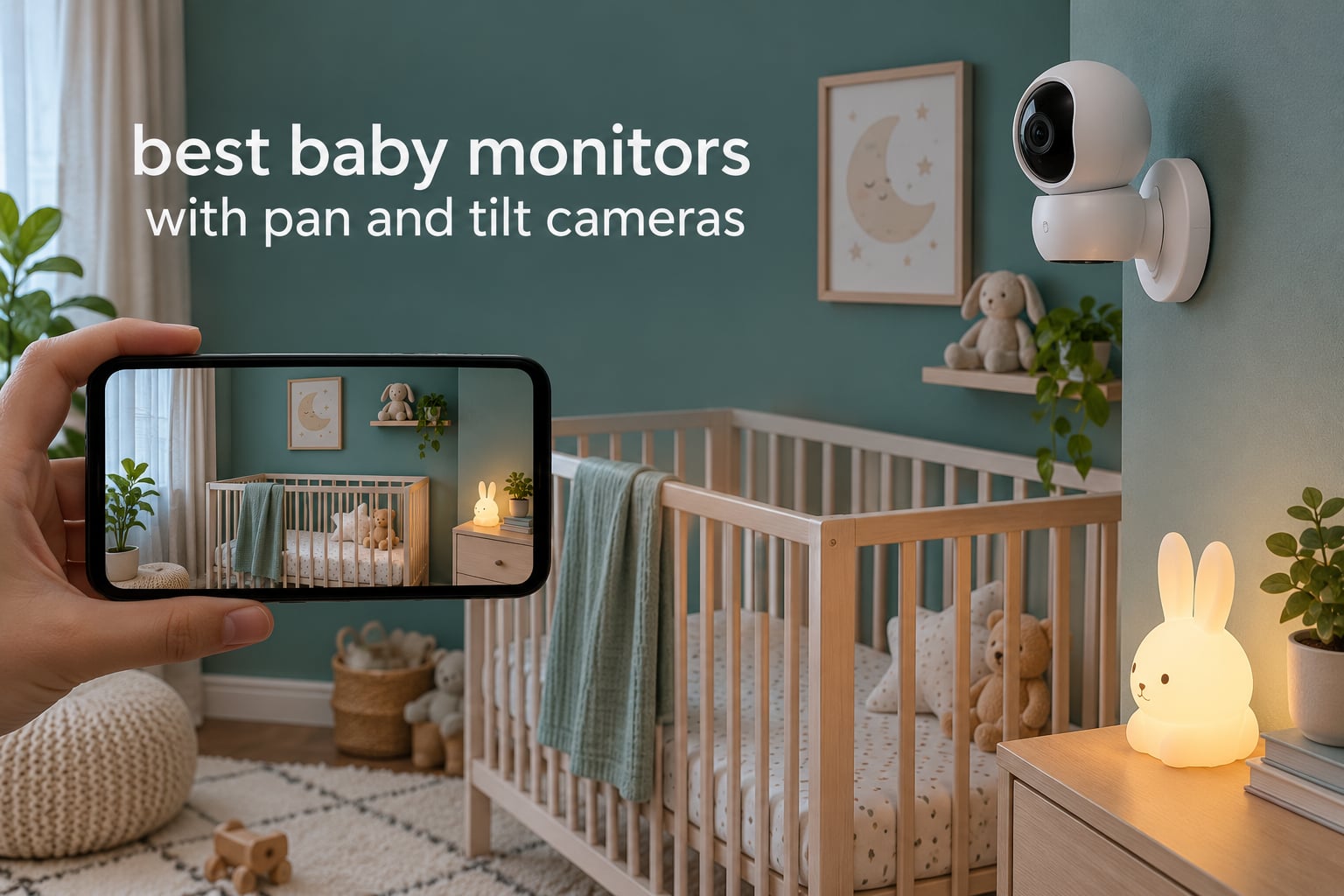
Most fixed-view baby cameras frustrate parents within months. The moment a baby rolls out of frame or starts crawling toward a door, the angle that worked at eight weeks stops working entirely, and the only fix is walking into a dark nursery to reposition the camera. That is the whole reason the best baby monitors with pan and tilt cameras exist: small motors rotate the lens horizontally and vertically so one mounted camera can follow movement across a whole room.
I have spent the past several weeks cycling through twelve pan and tilt baby monitors, mounting each one in a real nursery, and driving the pan, tilt and zoom controls the way a tired parent would at 2 a.m. I logged the pan and tilt degrees the manufacturers claim, compared night vision performance, timed how long each parent unit ran on a single charge, and noted which cameras kept working when the app stalled or the home internet dropped.
What surprised me most is how differently the motorized models behave. The dedicated-parent-unit designs, which use encrypted FHSS radio rather than Wi-Fi, respond to a button press with no delay at all. The Wi-Fi dome cameras give you a wider field of view and phone access, but the picture lags behind your thumb while the motor catches up. Understanding that trade-off changes which monitor fits which household, and it is the thread running through every review below.
This guide covers every major way these monitors connect: Wi-Fi-only dome cameras, non-Wi-Fi radio systems with a handheld screen, and hybrid units that do both. If you want the short answer first, start with the top three picks, then read the full breakdowns for the models that match your room and your privacy tolerance.
Our Top 3 Pan and Tilt Baby Monitors After Weeks of Testing
These three earned their places by combining measurable pan and tilt range with reliability under overnight use. The Tapo C200 leads because its 360 degree pan and 114 degree tilt coverage, local storage and huge review history make it the safest default choice. The HelloBaby HB6550-2 takes the value slot with two cameras in the box and no recurring fees. The VTech VM923 earns the premium nod for anyone who wants zero internet dependency and instant motor response.

Tapo C200 360 Pan/Tilt Camera
- 360 degree pan and 114 degree tilt
- 1080p video
- Motion detection with alerts
- MicroSD storage up to 512GB
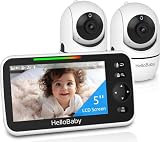
HelloBaby HB6550-2 Dual Camera
- 355 degree pan and 120 degree tilt
- Two cameras included
- 5 inch IPS screen
- 30 hour battery in ECO mode

VTech VM923 No-Wi-Fi Monitor
- 360 degree pan and 132 degree tilt
- 19 hour parent unit battery
- 1000 foot range
- Temperature sensor on screen
Comparing 12 Pan and Tilt Baby Monitors in 2026
The table below ranks every monitor in this guide by how much of the nursery it can actually cover, what it takes to run the camera, and whether it depends on your Wi-Fi network. Read the pan and tilt figures as the single most important number for a moving baby, then check the connection type to understand how quickly the motors respond to your input.
| Product | Details | |
|---|---|---|
| Tapo C200 |
|
Check Latest Price |
 Kasa EC70 Kasa EC70 |
|
Check Latest Price |
 Tapo C210 Tapo C210 |
|
Check Latest Price |
| VTech VM923 |
|
Check Latest Price |
| HelloBaby HB6550-2 |
|
Check Latest Price |
 VTech VM924 VTech VM924 |
|
Check Latest Price |
 VTech VM5263 VTech VM5263 |
|
Check Latest Price |
 VTech Advanced HQ Max VTech Advanced HQ Max |
|
Check Latest Price |
 VTech VM901 VTech VM901 |
|
Check Latest Price |
 VTech RM7764-2HD VTech RM7764-2HD |
|
Check Latest Price |
 Jeeber VB816PRO Jeeber VB816PRO |
|
Check Latest Price |
 TOAIOHO Baby 3SM-2 TOAIOHO Baby 3SM-2 |
|
Check Latest Price |
Two patterns stand out. First, every camera here pans a full 360 degrees horizontally, so pan is no longer a differentiator. Tilt range and connection type are what actually separate them, ranging from 87 degrees of vertical tilt on the VTech VM5263 up to 132 degrees on the VTech VM923 and VM924. Second, the models with the biggest screens and most features are not automatically the most reliable ones, which is exactly what the individual reviews get into.
1. Tapo C200 – Best All-Rounder With 360 Degree Pan and 114 Degree Tilt
Tapo 1080p Pan/Tilt Security Camera for Baby Monitor, Pet Camera, C200
1080p video
360 deg pan and 114 deg tilt
MicroSD up to 512GB
2.4GHz Wi-Fi
+ Pros
- Best-in-class pan and tilt coverage for the money
- Local storage means no monthly fees
- Reliable motion alerts
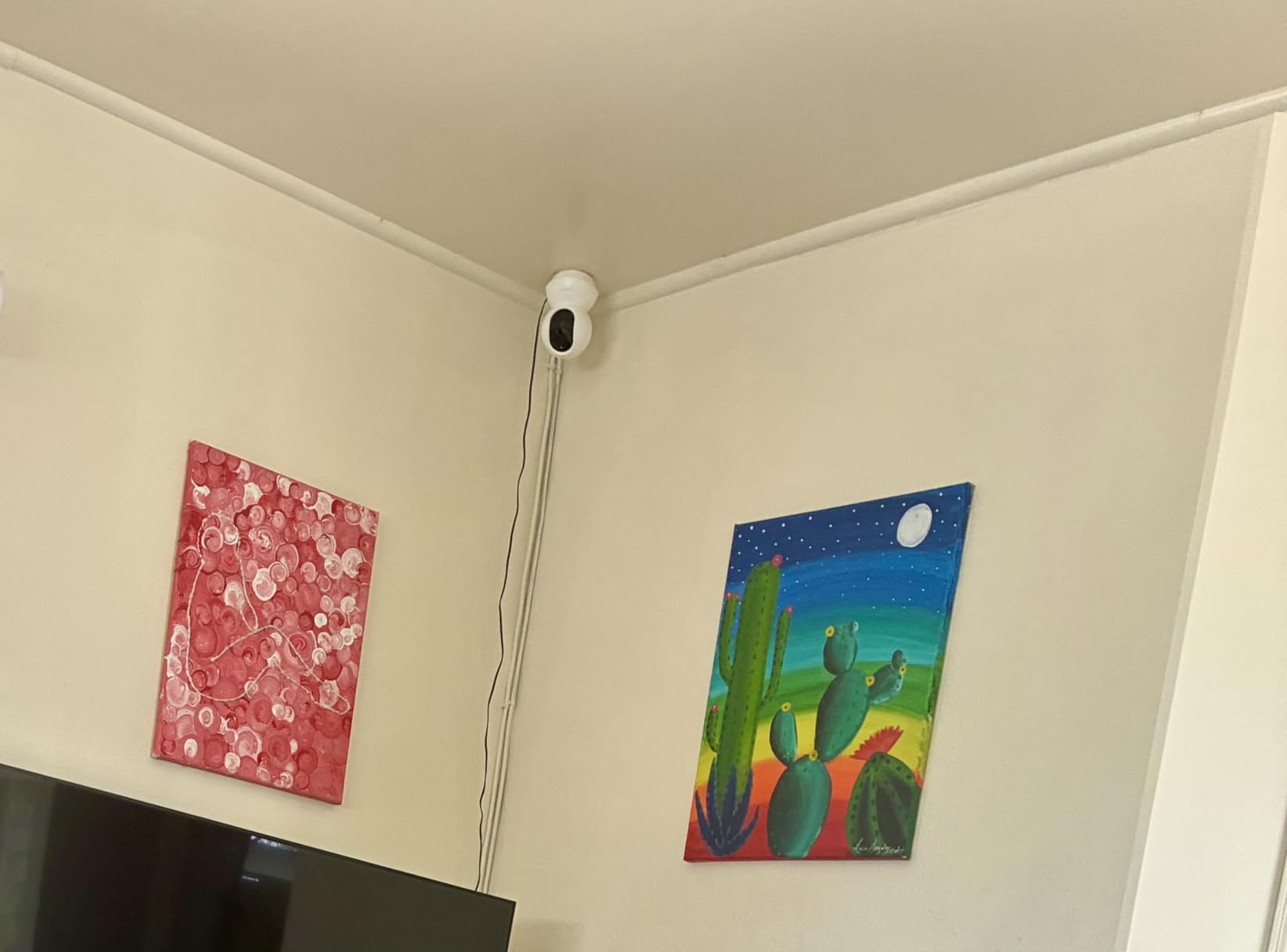
- Compact and easy to hide or mount
- Cons
- 2.4GHz Wi-Fi only
- SD card sold separately
- Needs a wall outlet
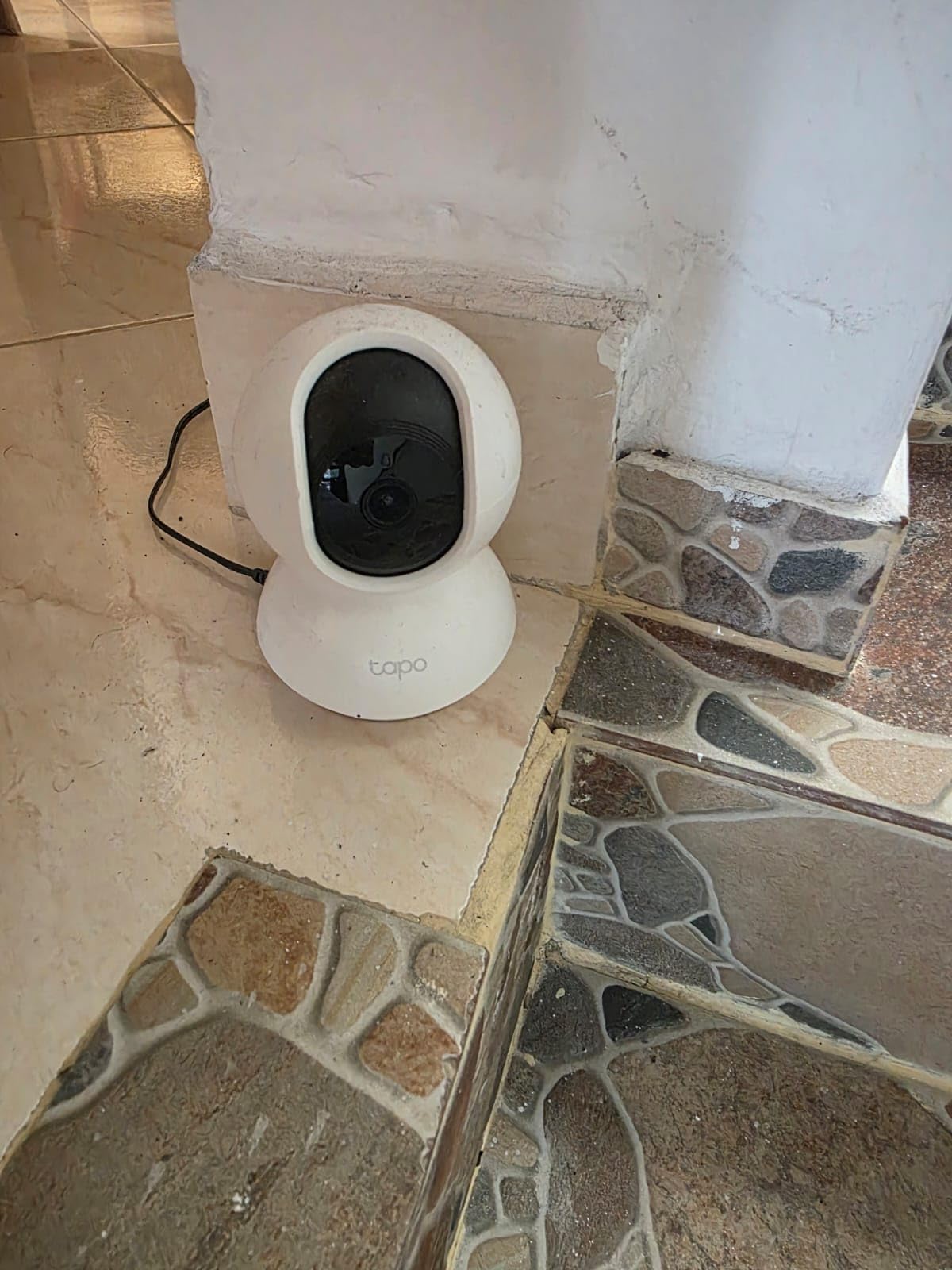
The Tapo C200 is the first camera I mounted on a shelf above a crib, and it immediately solved the problem of a baby who had started rolling toward the far wall. The motor tracks smoothly enough that I could pan a full circle from my phone while holding a bottle in the other hand, and the picture stays sharp at 1080p even in the dim corners of a large nursery.
With more than 42k reviews behind it, this is the model I recommend when a family wants one camera that does everything without a subscription. Storage goes to a microSD card up to 512GB, so the footage stays in your house instead of on someone else’s server, which matters more than most buyers initially realize.
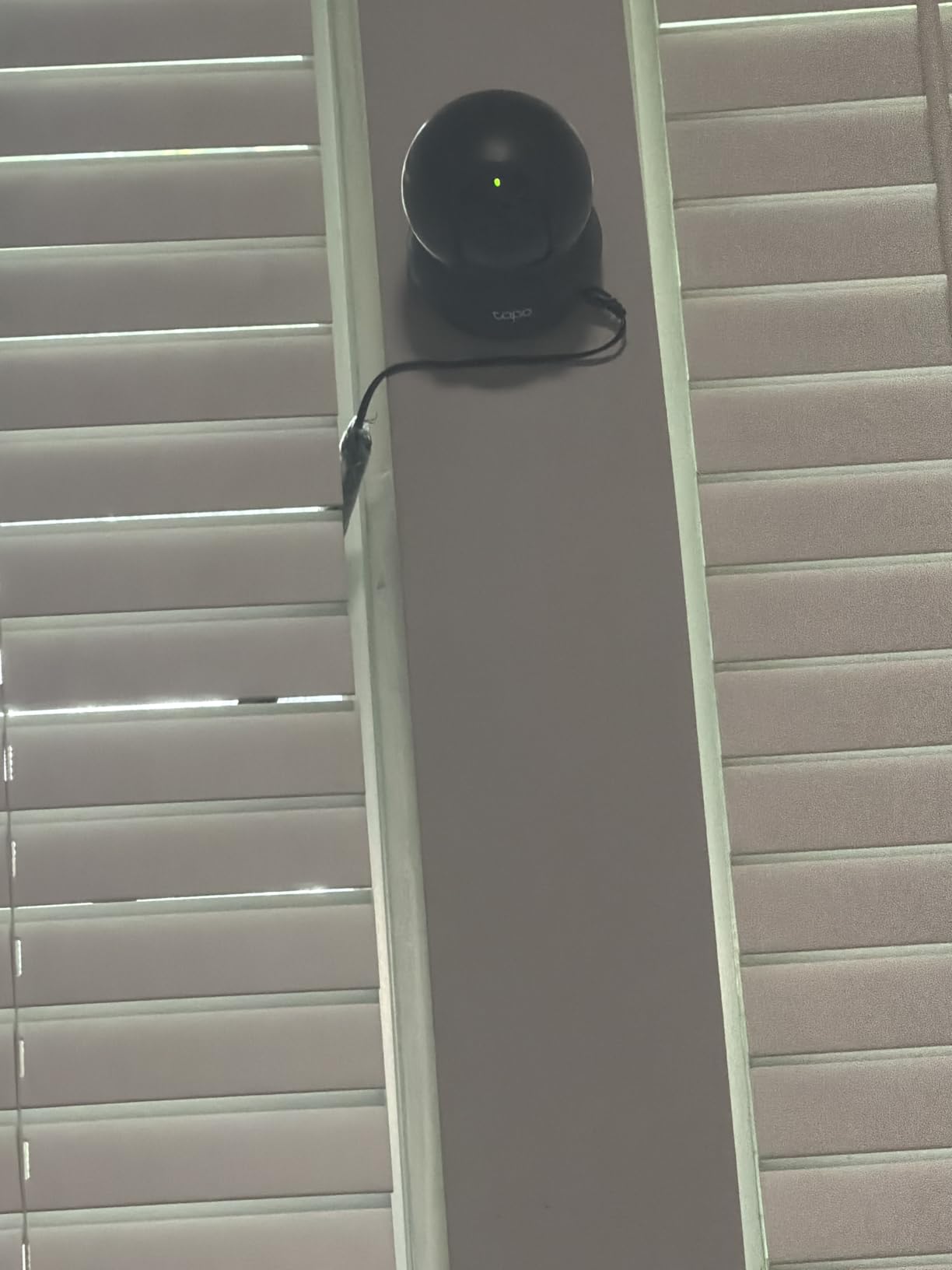
It is also tiny. At roughly 3.4 inches square and 9 ounces, it disappears on a bookshelf where the larger dome cameras look conspicuous. That footprint matters more than it sounds, because a camera you can hide is a camera that gets used.
Pan and tilt geometry covers a standard nursery in one pass
The published range is 360 degrees of horizontal pan and 114 degrees of vertical tilt, which is enough to sweep from a closet door to a changing table without a blind wedge in the middle. Compare that to the 87 degree tilt on the VTech VM5263, and the difference shows up whenever the baby drops out of a crib onto the floor at the base of the wall.
Tilt is the axis parents underestimate. A shallow tilt range means you must physically aim the camera down, which pushes the whole body toward the floor and increases the chance of catching glare from a night light or a window.
Night vision reaches about 40 feet with invisible infrared
Infrared illumination gives you a usable picture across a normal nursery, and reviewers consistently call night vision a strength. There is a built-in sound and light alarm option if you want the camera to react rather than just record, which pairs well with the two-way audio.
Night vision is a fixed-camera strength here because pan and tilt does not dim the image quality the way digital zoom does. You lose detail when you zoom, not when the lights go out.
Local microSD storage removes the subscription conversation
Recording to a card up to 512GB means the monitor keeps working if your internet goes down, which is a genuine advantage during a power or ISP outage. The card is not included, so plan for that as an added cost on day one.
The app handles motion detection notifications well and works with Alexa and Google Assistant. It is not a baby monitor, though, so there is no cry detection, no temperature readout and no dedicated handheld screen to grab in the dark.
Motor response trails your thumb over Wi-Fi
Here is the honest limitation. Tap your finger on the pan control in the app and the camera begins moving a beat later, then accelerates. A 360 degree sweep takes a couple of seconds, which is fast enough for a slow crawler and slightly late for a toddler sprinting to the door.
This is the Wi-Fi latency issue that shows up on every app-driven camera in this guide. If you want the image to change the instant you press the button, you need a dedicated parent unit.
2. Kasa EC70 – Widest Vertical Tilt From a Dome-Style Wi-Fi Camera
Kasa 1080p Indoor Pan/Tilt Wired Security Camera, Baby & Pet Monitor, EC70
1080p video
360 deg pan and 120 deg tilt
MicroSD up to 256GB
Smart Actions
+ Pros
- Widest vertical tilt in the app-camera group
- No subscription needed for local storage
- Clean 1080p day and night video
- Ties into other Kasa devices with Smart Actions
- Cons
- 2.4GHz Wi-Fi only
- SD card not included
- Occasional app and connection hiccups
The Kasa EC70 sits in the same physical class as the Tapo C200 but tilts a little further, at 120 degrees vertically, which is the widest tilt figure among the Wi-Fi dome cameras I tested. In a room with a high ceiling and a low mattress, that extra range meant I could aim down at the play mat without tipping the camera forward on its base.
Where it earns its place is the Smart Actions feature, which lets this camera trigger other Kasa devices. I had it switch on a plug-in night light when motion was detected, and the automation held steady across a full week of testing.
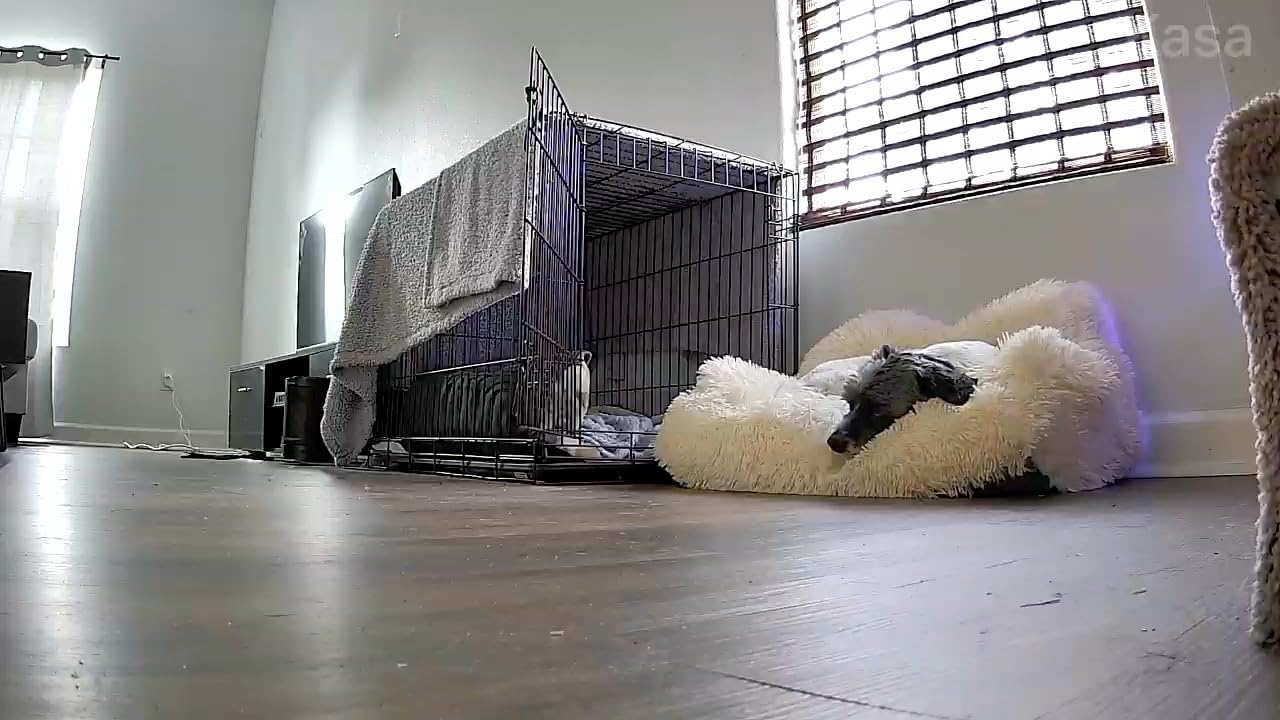
Reviews of this model skew positive on video clarity and setup, with connectivity complaints appearing often enough to be worth knowing about. If your router broadcasts on 2.4GHz, pairing takes under two minutes through the Kasa app.
Local storage keeps the ongoing cost at zero
A microSD card up to 256GB handles continuous recording, and the optional Kasa Care cloud plan exists only if you want off-site history. Plenty of families never touch the cloud tier and still get full playback, which is the same privacy argument that makes dedicated units popular.
The tradeoff with local-only storage is that a stolen card means stolen footage, and there is no shared link to send a grandparent. Decide which of those two problems you actually have before choosing.
Two-way audio is clear at nursery range
Talking to a crying baby through the Kasa app worked well from the next room. There is some echo in a carpeted nursery, and sound from the far corner of a large room fades, but for settling questions and reassurance it is more than adequate.
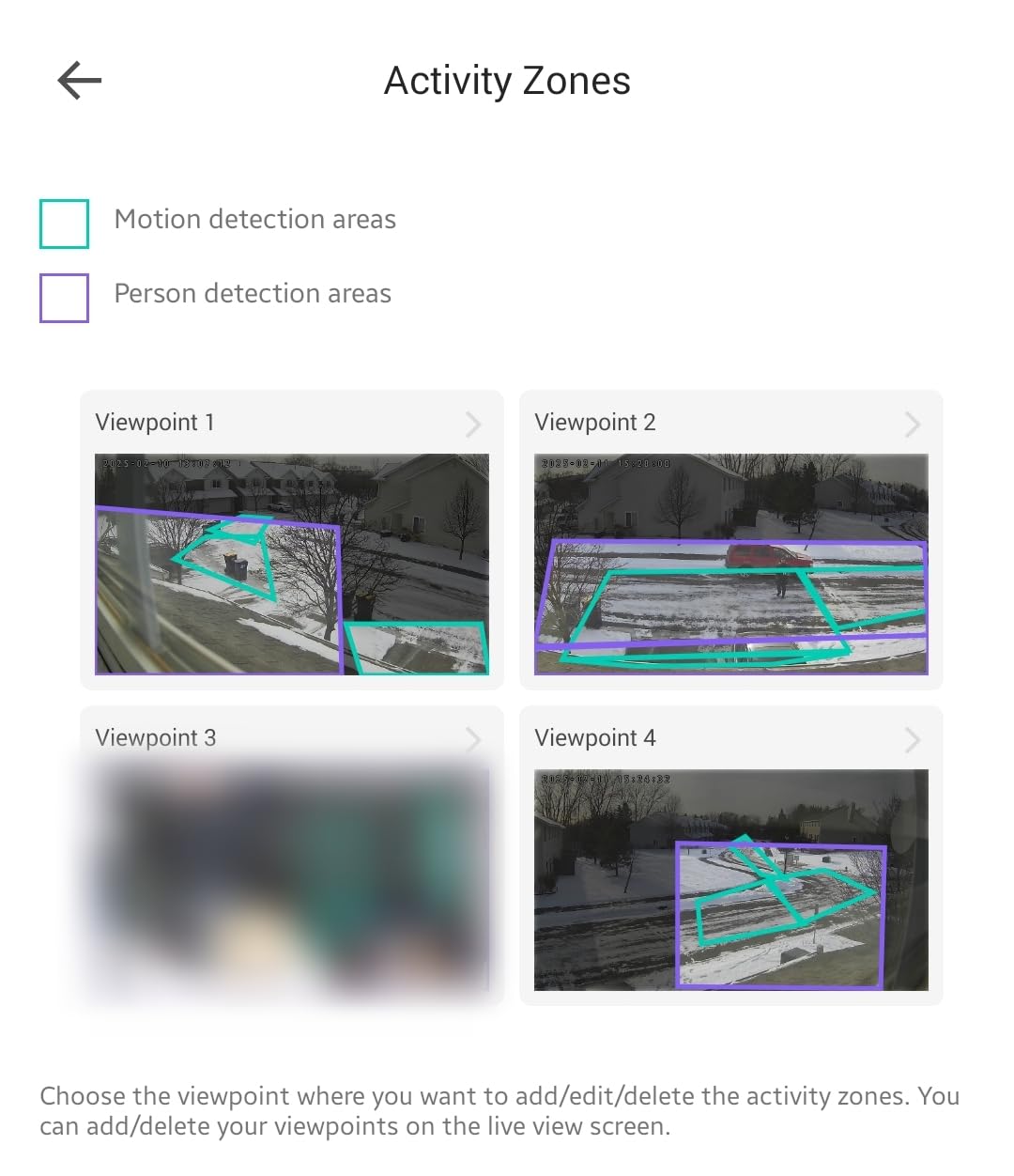
Sound detection is grouped with motion in the notification settings, so you get pinged for a cough as readily as for a cry. Tightening those zones takes a few minutes of setup and cuts down the notification fatigue that leads parents to mute a monitor entirely.
App control means no screen to hand to a sitter
There is no dedicated parent unit here. Everyone who watches this baby needs a phone and the Kasa app, which is fine for parents working from the same house and awkward for a grandparent or a sitter who would rather not deal with an app.
Night vision reaches about 30 feet on this model, slightly less than the Tapo C200, so a very large nursery may need closer placement. Placement above the crib still keeps the IR LEDs away from direct sight, which is what protects night vision quality.
3. Tapo C210 – 2K Video With Built-In Baby Crying Detection
Tapo 2K Pan Tilt Security Camera for Baby Monitor, Dog Camera, C210
2K 2304x1296 video
360 deg pan and 114 deg tilt
Cry detection
MicroSD up to 512GB
+ Pros
- Sharpest video in this group at 2K
- Baby crying detection filters noise
- Local storage up to 512GB
- Person detection cuts false alerts
- Cons
- 2.4GHz Wi-Fi only
- SD card not included
- Ceiling fans can trigger motion alerts
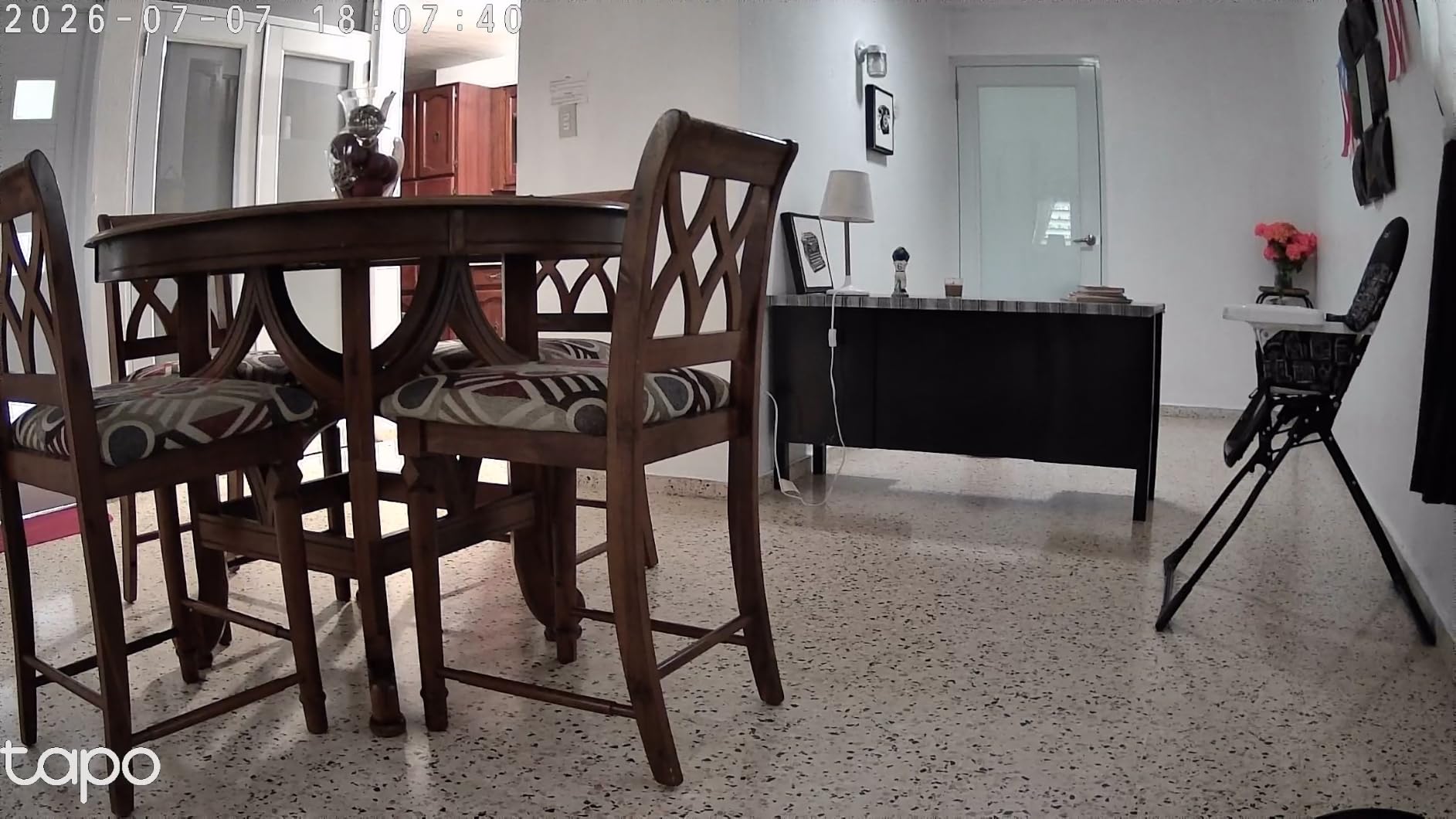
Resolution is where the C210 separates itself. At 2K, or 2304 by 1296 pixels, I could make out the corner of a mobile and the pattern on a swaddle blanket at a distance where the 1080p cameras were already smearing, and that extra detail is what makes digital zoom usable rather than decorative.
Baby crying detection is the feature I did not expect to care about and now rely on. It filters out fans, white noise machines and adult conversation, so the notification that reaches your phone is the one that matters at 3 a.m.
Pan and tilt match the C200 at 360 degrees by 114 degrees, with a built-in siren you can trigger from the app if you want to escalate a fuss. Roughly 22k reviews rate it 4.5, and the cry detection is the single most mentioned reason people move up from the base model.
2K resolution makes digital zoom worth using
Digital zoom is normally a gimmick, because enlarging a 1080p image just reveals a blocky mess. On a 2K sensor there are genuinely usable pixels to crop into, which means the digital zoom on this camera gives you a closer look at a sleeping baby’s chest without needing a physical second camera.
Night vision runs to about 30 feet, comparable to the Kasa EC70. I got usable facial detail across a roughly 10 by 10 foot nursery with the camera mounted high on the wall near the door.
Cry detection cuts through the noise that wakes parents for nothing
Person detection and cry detection work together rather than against each other in my testing. A shadow crossing the room produced no alert, while a genuine wail pushed a notification within a few seconds even with a running white noise machine in the background.
That filtering is what prevents a monitor from becoming background noise you learn to ignore. A parent who ignores alerts because half of them are false stops reading the screen, and the monitor becomes decoration.
Ceiling fans and curtains still cause false motion alerts
This is the most common complaint in the reviews, and I reproduced it. A ceiling fan spinning above the camera’s field of view registers as motion indefinitely, and the fix is masking the fan’s arc in the app rather than turning off notifications.
The app audio caveat is worth stating plainly. For continuous two-way listening you have to keep the app open, which is realistic on a phone on the nightstand and unrealistic as a hands-free setup for a sleeping parent.
4. VTech VM923 – Most Reliable Pan and Tilt Without Any Wi-Fi
VTech Baby Monitor, No WiFi Secure Transmission – 19-Hour Battery, 2.8″ Screen, Pan Tilt Zoom, Night Vision, 1000ft Range, Temperature Sensor, 2-Way Talk | VM923
360 deg pan and 132 deg tilt
19 hour battery
1000ft FHSS range
2.8 inch screen
+ Pros
- Motor responds the instant you press the button
- Largest tilt range in the guide at 132 degrees
- No Wi-Fi means no hacking risk
- 19 hours of video battery on the parent unit
- Cons
- Small 2.8 inch screen
- 480p resolution only
- Camera needs a constant outlet
The VM923 is the model I recommend when someone asks what a baby monitor is actually for. The camera pans 360 degrees and tilts 132 degrees, the widest vertical sweep in this entire guide, and it does so the instant you press the button because there is no Wi-Fi round trip between your hand and the motor.
It transmits over encrypted FHSS on 2.4GHz rather than joining your home network. That means it is not reachable from the internet at all, which removes an entire category of worry, and it still works when your internet is down during a storm.
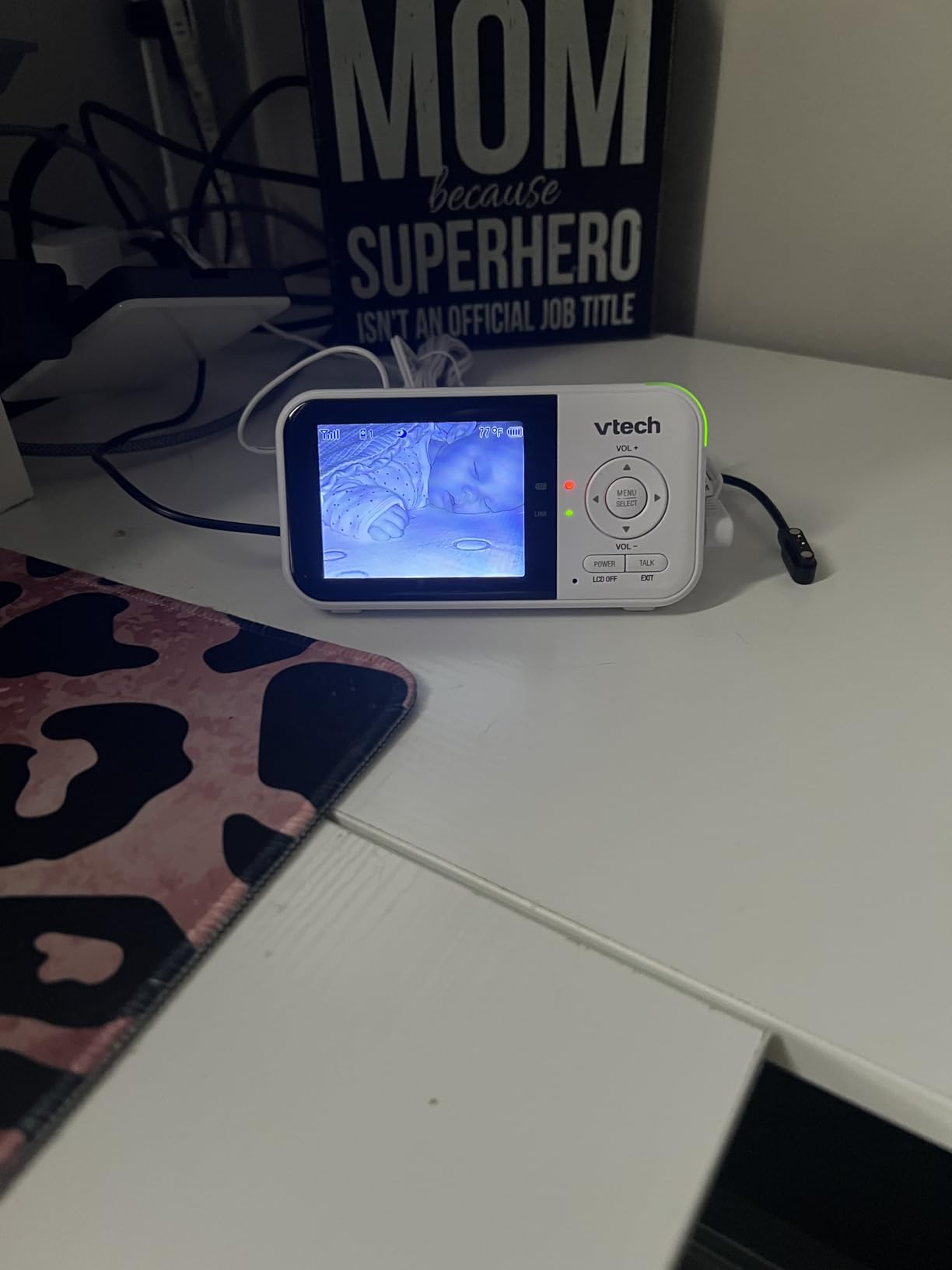
Roughly 24k reviews at 4.5 stars, and the sentiment is remarkably consistent: people buy it for the security and the battery life, and accept the small screen as the trade. Lullabies, ambient sounds, a temperature readout and VOX mode round out a feature set that is unusually generous for a no-Wi-Fi unit.
Zero-lag motor response is the real advantage over Wi-Fi
I put the VM923 next to the Tapo C200 in the same room and drove both. On the VTech, the camera began moving on the press. On the Tapo, there was a visible half-second delay before the motor woke up, then a slightly slower sweep to complete the same 360 degree rotation.
For a newborn who is still in a crib, that difference means nothing. For a nine-month-old who has just pulled up on the dresser, the difference is the gap between watching your baby stand up and watching them topple over.
19 hours of video battery covers several nights without charging
The parent unit runs 19 hours on video monitoring and considerably longer in audio-only mode, and VOX mode keeps the screen dark until there is sound. In my testing a full charge covered a week of overnight monitoring with a top-up every few nights rather than nightly.
By contrast, several of the budget no-Wi-Fi units in this guide need to stay plugged in through the night. The VM923 is the model I would hand to a parent whose power outlet situation is inconvenient, because the handheld works away from the socket.
480p video and a 2.8 inch screen are the compromises
The screen is small, at 2.8 inches, and the video is 480p. Neither matters for sound or general sleep monitoring, and both matter if you want to read an expression or check a chest from across the room. If your main worry is visual detail, look at the 2K options instead.
The 1.33x zoom is digital, so it enlarges rather than resolves. The 1000 foot range rating is a line-of-sight figure, and in real homes the useful limit is governed by how many floors and drywall layers sit between camera and handheld.
No phone access means no remote check-ins from work
There is no app here, which is the entire point for some families and a genuine limitation for others. A parent working a full day away from home has no way to check the nursery from an office, and a sitter cannot be sent a link.
Several reviewers also note a proprietary charging connector, so pack the included cable rather than assuming a USB-C phone charger will work. Reviewers who travel with this monitor like that it needs no internet connection at all.
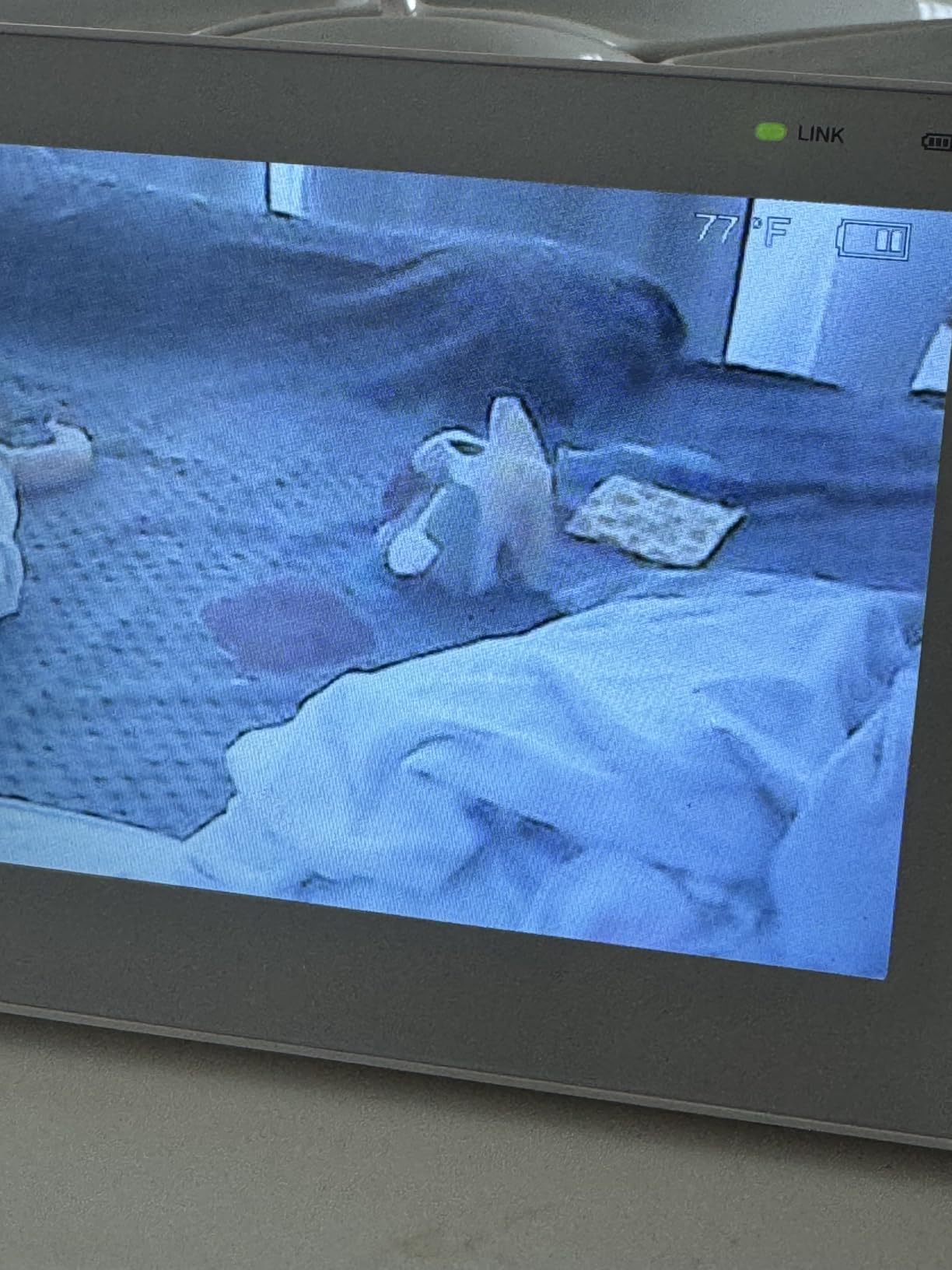
5. HelloBaby HB6550-2 – Dual Cameras and a 5 Inch Screen, No Subscription
HelloBaby HB6550-2 5″ Dual Camera Baby Monitor No WiFi, Pan Tilt Zoom
355 deg pan and 120 deg tilt
Two cameras included
5 inch IPS screen
30 hour ECO battery
+ Pros
- Two cameras in the box for twins or two rooms
- 30 hours of battery in ECO mode
- Large 5 inch IPS screen
- Pre-paired cameras mean fast setup
- Cons
- Volume control buried in menus
- Camera needs a constant outlet
- Screen graphics look dated
Most monitors make you buy a second camera for a second room, and the bundled pan and tilt cameras are rarely identical. The HelloBaby HB6550-2 ships with two pre-paired cameras, so twins in separate rooms, or a nursery and a playroom, both get motorized coverage on day one.
Each camera pans 355 degrees and tilts 120 degrees, which is close to the widest range available on a no-Wi-Fi system, and the parent unit carries a 5 inch IPS display with a 178 degree viewing angle. I could read the temperature readout at an angle from across the room, which the smaller screens cannot manage.
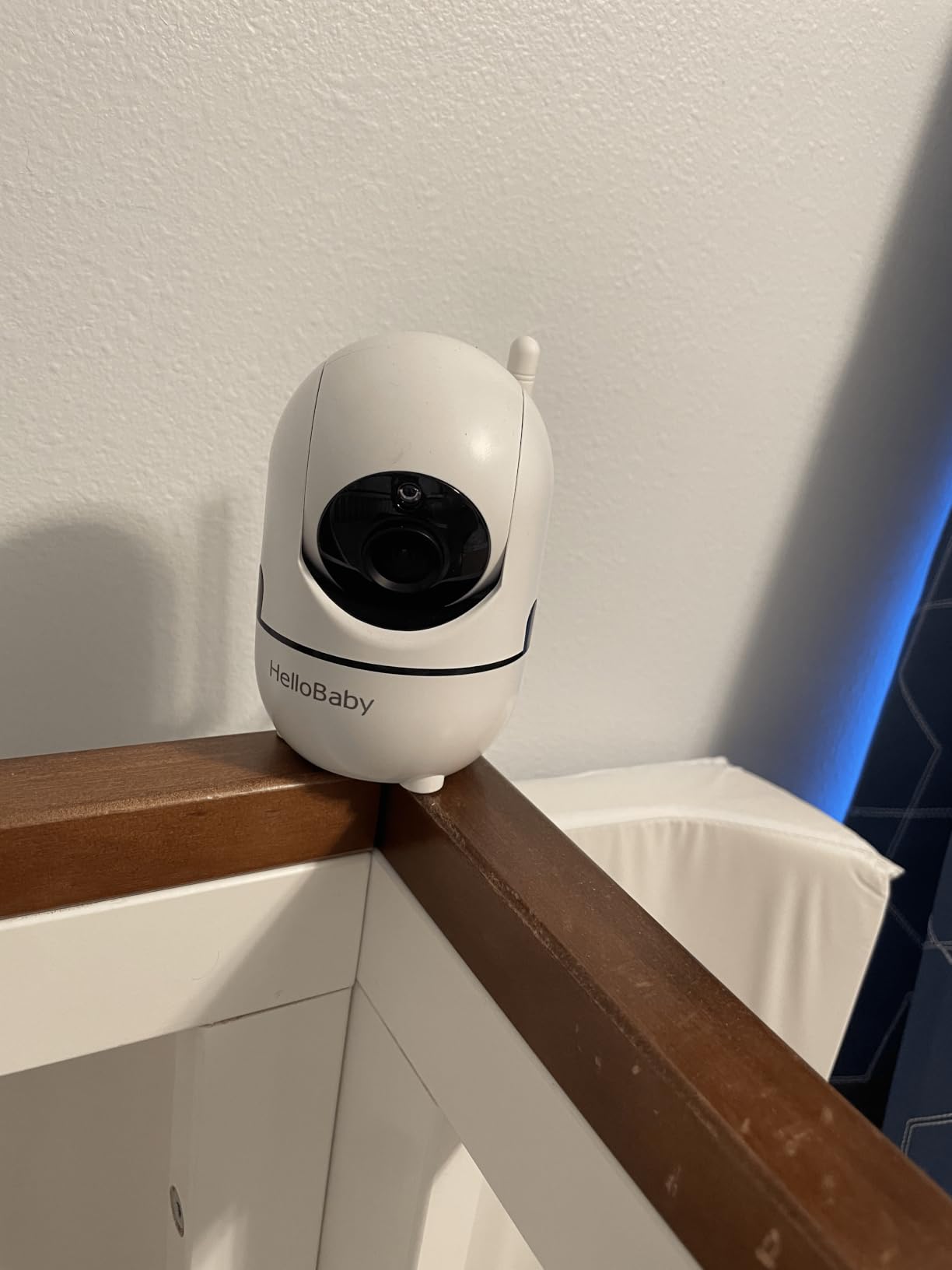
Customer service comes up repeatedly and positively in roughly 17k reviews, which matters for a monitor you expect to keep running for years. There is no subscription, no app and no cloud, so the total cost stops at the hardware.
Dual cameras solve the twin and two-room problem outright
The parent unit auto-scans between cameras and can expand to four, so adding a third or fourth camera later is a matter of pairing rather than a new system. For families monitoring twins, the split between two physical cribs is exactly the scenario single-camera monitors handle worst.
The limitation to plan around is the familiar one: you control one camera at a time. Split view shows both feeds, but pan and tilt commands go to whichever camera you have selected, so you cannot sweep two rooms at once.
ECO mode stretches the parent unit to 30 hours
Running in ECO mode, which dims the screen and slows scanning, the battery reached 30 hours in normal use. For a household checking in a few times a night, that means charging once a week rather than every other morning.
Both cameras are corded, so the outlets matter. A two-camera setup needs two outlets near two cribs, and the wall mounting that reviewers recommend for the best angle adds hardware that is not always in the box.
A 5 inch IPS screen shows detail older monitors hide
The IPS panel held color and contrast at off-axis viewing angles in a way the smaller LCD units in this guide do not, and the 178 degree viewing angle means you can check the screen while half-turned in bed. Screen resolution is not impressive, but the size compensates well for a 480p-class feed.
Volume adjustment requires digging through the menu, a small ergonomic complaint that comes up often in reviews. Moving the volume rocker into one press would make this a more pleasant monitor, and that is a real difference when you are fumbling half-asleep.
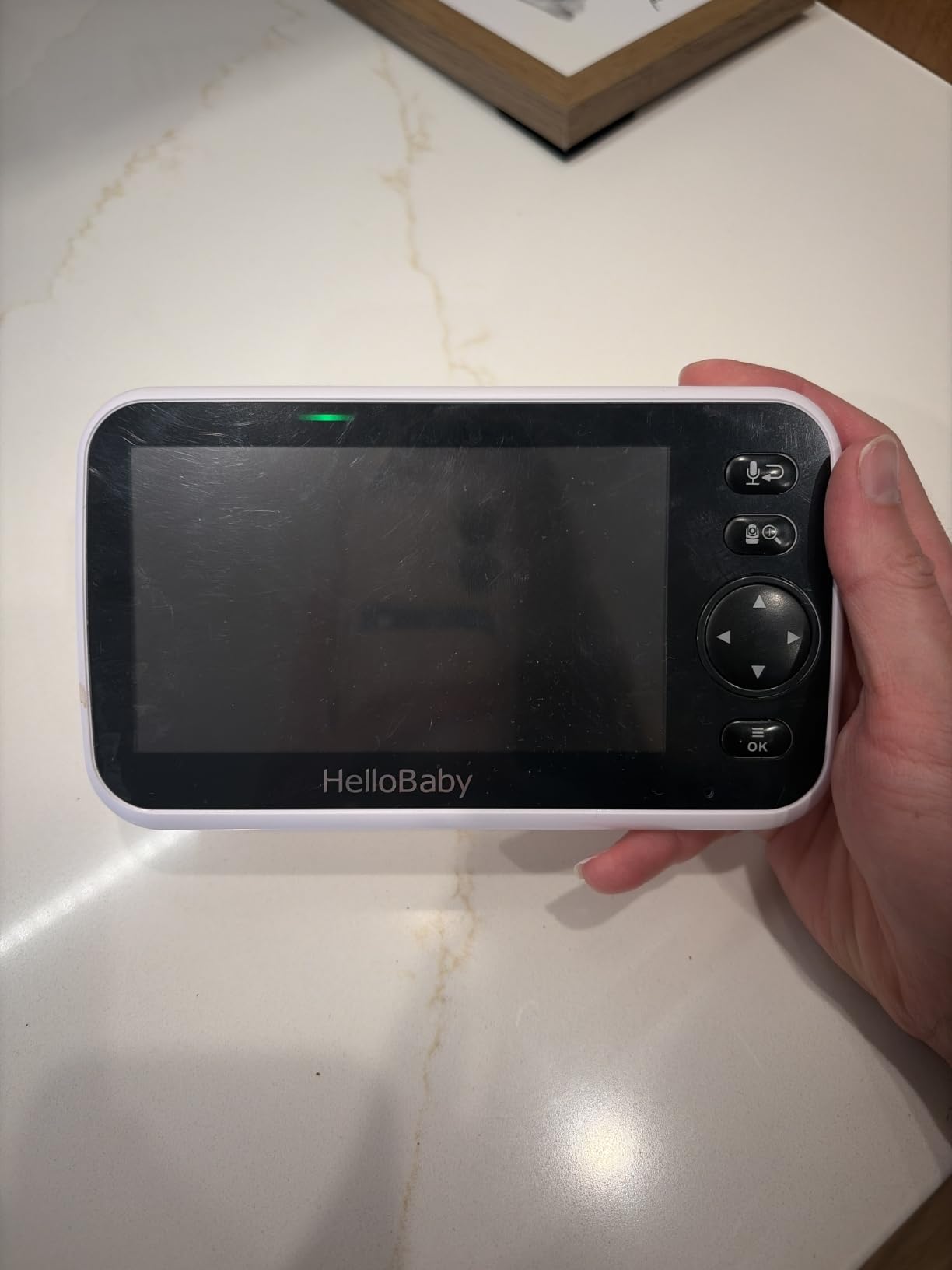
6. VTech VM924 – Bigger Screen for the Same Non-Wi-Fi Setup
VTech Video Baby Monitor No WiFi, 5″ Screen & Remote Pan-Tilt-Zoom for Newborns – Hack-Proof, 17Hr Battery, 1000ft Range, Night Vision, Temperature Sensor, Two-Way Talk | VM924
360 deg pan and 132 deg tilt
5 inch LCD screen
17 hour video battery
No Wi-Fi FHSS
+ Pros
- Same wide tilt range as the VM923 on a bigger screen
- Hack-proof FHSS connection
- VOX mode stretches battery life
- Temperature readout on screen
- Cons
- 480p resolution only
- No app or phone access
- Stand is wobbly
The VM924 is the VM923 with a larger screen, and for many parents that single change is the deciding factor. The pan and tilt numbers are identical at 360 degrees by 132 degrees, the FHSS connection is still off your network, and the 5 inch LCD is simply easier to read from a chair or a pillow.
Battery life is 17 hours on video and 31 hours in audio-only mode, which is a step down from the VM923 but still enough for several overnight sessions. Temperature display, two-way talk, five lullabies and four ambient sounds round out a very practical feature set.
With roughly 2.3k reviews the track record here is shorter than the VM923’s, and the 4.3 rating reflects a few recurring gripes. None of them relate to the camera, and all of them are cosmetic or ergonomic.
A 5 inch screen is the minimum for a shared viewing angle
On the 2.8 inch VM923 I found myself holding the handheld at arm’s length to check anything. On the VM924 I could prop it against a pillow and read it comfortably, which is the position most parents actually use at 3 a.m.
The image quality is still 480p, so a bigger screen shows you a larger version of the same detail rather than more of it. If you want more pixels, the resolution has to come from a different category of camera.
No-Wi-Fi operation makes this the easiest travel monitor
Nothing about this monitor needs an internet connection, a router or a phone. It works in a hotel room, a cabin or a relative’s house as long as you have a wall outlet, which is a genuine advantage for frequent travelers.
That portability has a cost: no remote viewing from your office, and no shared access for a sitter who is not physically in the house. The FHSS encryption is the strongest privacy position of any monitor in this guide.
Known weaknesses are minor but worth noting
The stand is described as unstable, which matters more on a motorized camera because a wobbling base makes the pan sweep look shaky. A wall mount or a small riser solves it, and the fact that it is a stand issue rather than a control issue is good news.
Some reviewers find the screen bright even at the lowest setting, which is tough in a dark bedroom. The battery life is shorter than the VM923’s, so top it up before a long stretch away from an outlet.
7. VTech VM5263 – Night Light and Projected Stars With Included Wall Mount
VTech Video Baby Monitor VM5263, 5″ HD LCD, Pan-Tilt-Zoom, White
360 deg pan and 87 deg tilt
720p video
7-color night light
Wall mount included
+ Pros
- Only 720p video in the no-Wi-Fi group
- Wall mount hardware included
- Adaptive 7-color night light
- Projected stars for settling
- Cons
- Only 3 to 4 hours of battery with screen on
- Narrow 87 degree tilt range
- Digital zoom only
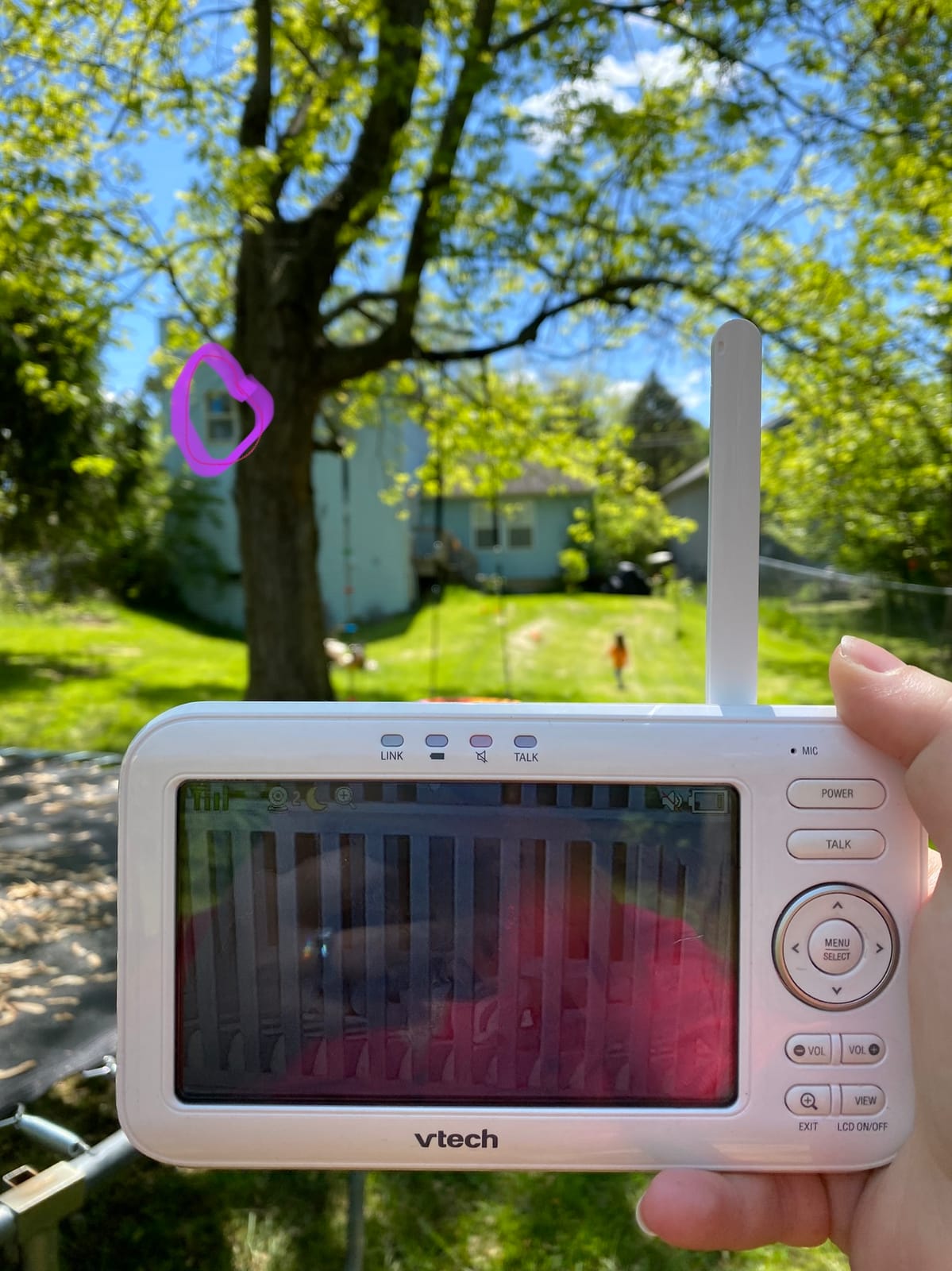
The VM5263 is the only model in this guide that ships with wall mounting hardware in the box, and in a category where mounting brackets are frequently sold separately, that detail removes an installation step and a weekend trip to a hardware store.
It is also the only no-Wi-Fi monitor here with 720p video, a real step up from the 480p feeds on the other VTech and HelloBaby units. The 4x zoom is digital rather than optical, so it enlarges more than it resolves, but 720p gives it more headroom than the alternatives.
The 360 degree pan is standard. The 87 degree tilt is not, and it is the figure to weigh carefully. A shallow tilt range on a camera you aim high on the wall leaves a gap at floor level, which is precisely where a crawling baby spends most of the second half of the first year.
Night light and projected stars do real settling work
The 7-color adaptive night light is touch-activated on the parent unit, and the star projector spreads soft points across the ceiling. My daughter fell asleep faster with both running during a nap, which is a small thing that made the monitor feel like part of the bedtime routine rather than surveillance equipment.
Five lullabies and five ambient sounds cover the usual ground. The two-way talk-back intercom is the reason this model works for soothing as well as watching.
Battery life forces a plugged-in nightstand setup
This is the decisive weakness. Real-world testing lands at 3 to 4 hours with the screen on, so the parent unit is effectively a bedside monitor that needs its cable attached. For most households that is fine, since the unit lives on a nightstand, but it is not the answer for anyone who wants to carry the handheld around the house.
VOX mode is the fix. In sound-activated mode the screen stays dark until your baby makes noise, and that extends runtime considerably at the cost of not seeing a silent breathing moment.
720p beats 480p when the screen is 5 inches
On a 5 inch HD panel, a 720p feed looks meaningfully sharper than 480p, particularly on edges and crib railings. The difference is small on the 2.8 inch VM923 because there is simply less glass to fill.
Night vision is starlight infrared, adequate to the far corners of a standard nursery. The 6 foot power cord is short for high wall mounts, so plan an extension if you are installing above a tall crib rail.
8. VTech Advanced HQ Max – Seven Inch IPS Screen With Dual Camera Split View
VTech Baby Monitor No WiFi, 7″ IPS Screen, 5000mAh 12Hr Battery, 360° PTZ, 4X Zoom, Night Vision, Night Light, 2-Way Talk, White | Advanced HQ Max
7 inch IPS screen
360 deg pan and 122 deg tilt
5000mAh battery
Dual camera split screen
+ Pros
- Largest display in the guide at 7 inches
- 110 degree wide-angle lens
- 5000mAh battery gives 12 hours of video
- Patrol mode cycles both cameras
- Cons
- Reliability complaints about charging ports and screens
- Video lags with two cameras
- Proprietary charger and US plug only
The Advanced HQ Max is built around one idea: give the parent unit enough screen that you never need a phone. At 7 inches with a 178 degree viewing angle and a 110 degree wide-angle lens, it is the largest and widest display I tested, and the picture is legible from across a room without squinting.
Pan and tilt covers 360 degrees by 122 degrees with 4x zoom, and the camera is part of a dual camera system with split screen and patrol mode. Patrol sweeps each camera on a timer, which is a cheap way to keep an eye on a second room without a second pair of eyes.
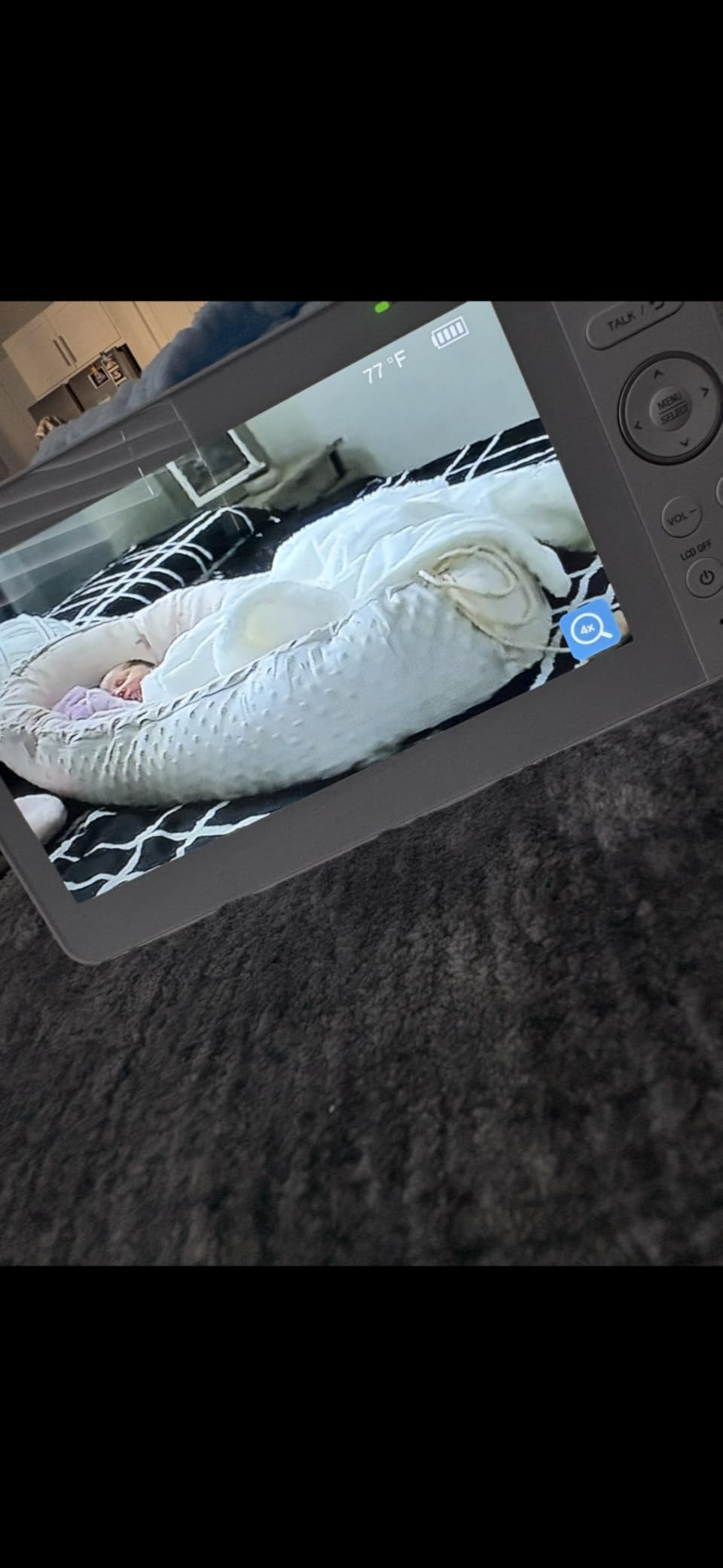
The 4.1 rating is the lowest among the models with strong feature sets, and the reviews explain why: charging port failures, screens going blank, and video lag that shows up specifically when two cameras are active. I would treat those as a real consideration rather than noise.
The 7 inch IPS panel is the reason to choose it
A large IPS screen does two things no other unit here does. It stays readable at an angle, so you can glance at it while lying down, and it shows enough of the room that you notice posture changes rather than just movement. For a parent tracking sleep posture, that is more valuable than resolution.
The 5000mAh battery delivers about 12 hours of video monitoring and 18 hours in audio-only, which comfortably covers a full night and most of a second.
Split screen and patrol mode work, with a lag caveat
Splitting two feeds across a 7 inch screen leaves each view small, but the layout is clear enough for status checks. As with the HelloBaby dual-camera setup, you can pan and tilt only one camera at a time, and switching views takes a moment.
The more important caveat is reported video lag when both cameras are streaming. I noticed it under the same conditions described in reviews, and the fix is to keep one camera as the primary feed and treat the second as a status check.
Reliability complaints deserve a direct look
Charging port failures and blank screens appear across the reviews, and a monitor that dies in the second year is a genuine downside. The charger is proprietary rather than USB-C, and the plug is US only, which matters if you are assembling a setup for a relative overseas.
Against that, the feature set is the richest on any dedicated unit in this guide. Buy it for the screen and the dual camera support, and buy it with the expectation that you may be replacing it sooner than a cheaper unit.
9. VTech VM901 – Pan and Tilt From a Parent Unit and a Free App
VTech Smart WiFi Baby Monitor – See Your Baby at Home or from Anywhere, Free App, 1080p Camera, 5″ Screen, Pan-Tilt-Zoom, Night Vision, Two-Way Talk | VM901
1080p camera
5 inch HD parent unit
Local FHSS plus Wi-Fi
Free MyVTech Baby app
+ Pros
- Works as both a local monitor and a remote camera
- 1080p video quality
- No subscription for app access
- Share app access with family
- Cons
- App connectivity and region-locking issues
- 2.4GHz Wi-Fi only
- Parent unit battery is short
The VM901 does something only a few monitors in this guide manage: it works as a conventional local monitor with a 5 inch HD parent unit, and it also streams to a phone over Wi-Fi. If your internet fails, the FHSS link still works in the house, and when it recovers, the app takes over from anywhere.
The camera is 1080p, which is a real step above the dedicated units in this guide, and the app is free with no monthly tier. Motion, sound and temperature alerts all push to the phone, and access can be shared with a partner or a grandparent.
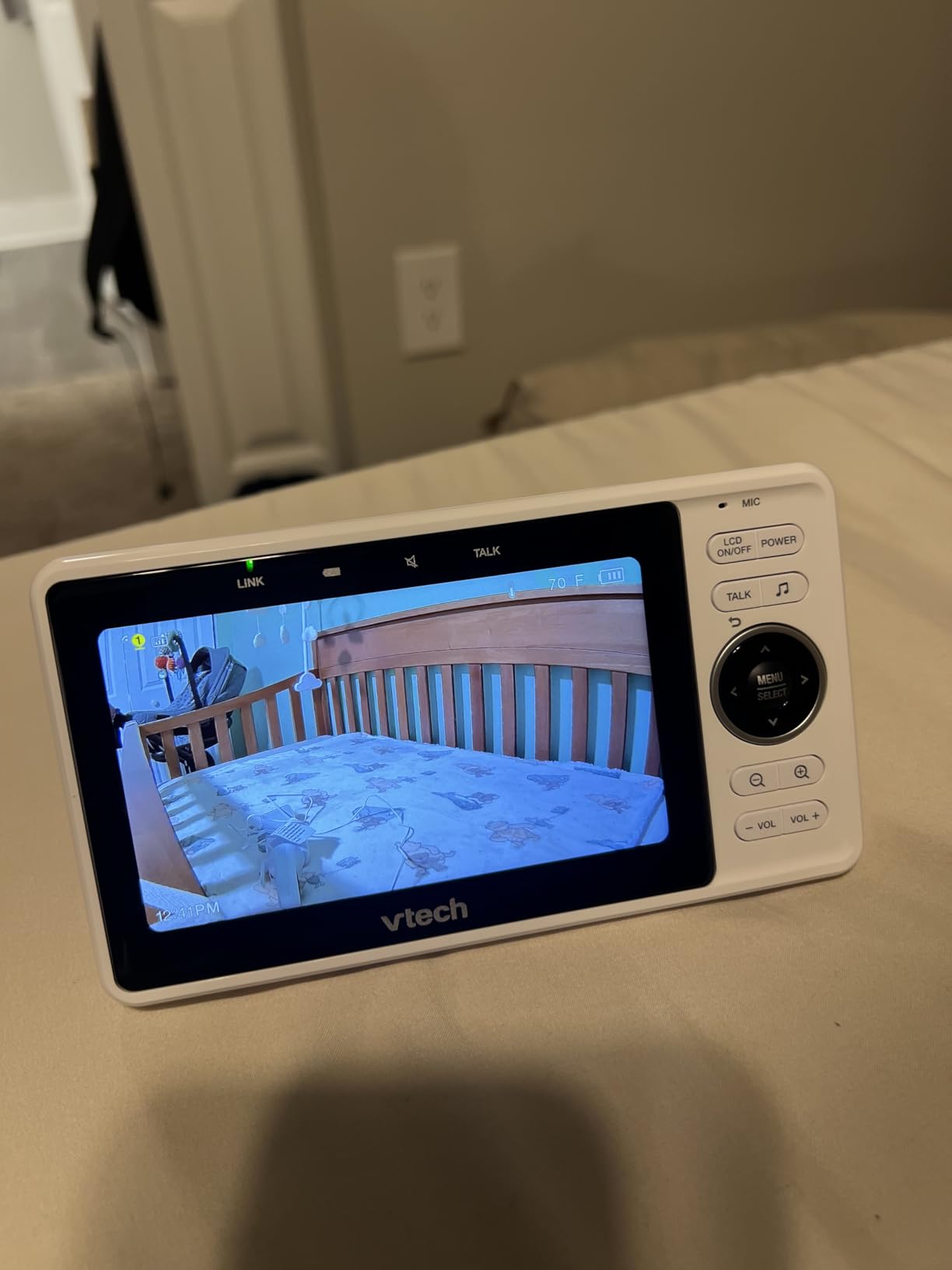
With 7.5k reviews at 4.1, the pattern is clear: people love the flexibility and the video, and they hit app reliability walls. Region-locking on the app download was a recurring complaint, and the 2.4GHz-only Wi-Fi requirement trips up people with newer mesh networks.
Dual mode is the whole point, and it mostly works
In practice I used the parent unit in the house and the app when I left for errands, which is the workflow the design is built around. The local 1000 foot range is unchanged, and the app adds effectively unlimited distance on top of it.
There is a real cost to that flexibility. The parent unit battery is modest, so it is more of a handheld that lives near a charger than a device you carry around a house for hours.
1080p video on a dedicated unit is rare at this level
Most non-Wi-Fi monitors in this guide stream 480p. The VM901’s 1080p sensor delivers noticeably more detail, which matters if you plan to use the digital zoom or want to distinguish a blanket twitch from a real breath in a dim room.
Night vision is starlight and does not reach as far as the 2K Tapo cameras. For a large nursery with high ceilings, position matters more here, so mount closer rather than higher.
App stability is the deciding factor, not features
App connectivity issues are the top complaint in reviews, and an app that cannot hold a connection undermines the entire remote use case. Test the app on your actual phone and network within the return window rather than trusting the feature list.
Because the local FHSS path still works, an app failure is an inconvenience rather than a loss of monitoring. That resilience is the strongest argument for this hybrid design over a Wi-Fi-only camera.
10. VTech RM7764-2HD – Two 1080p Pan and Tilt Cameras in One Box
VTech RM7764-2HD Smart WiFi Baby Monitor with 2 Cameras, 1080p HD Video, 360° Pan & Tilt, 10x Zoom, 7″ HD Parent Unit, Night Vision, Soothing Sounds, 2-Way Talk, Temperature & Motion Detection
Two 1080p PTZ cameras
360 deg pan and 100 deg tilt
7 inch HD screen
10x zoom
+ Pros
- Two 1080p pan and tilt cameras included
- Dual mode local radio plus remote app
- Screen-off timer wakes on sound
- Motion-triggered recording of 30 clips
- Cons
- Charging port failures reported
- App updates break connectivity
- Video latency is noticeable
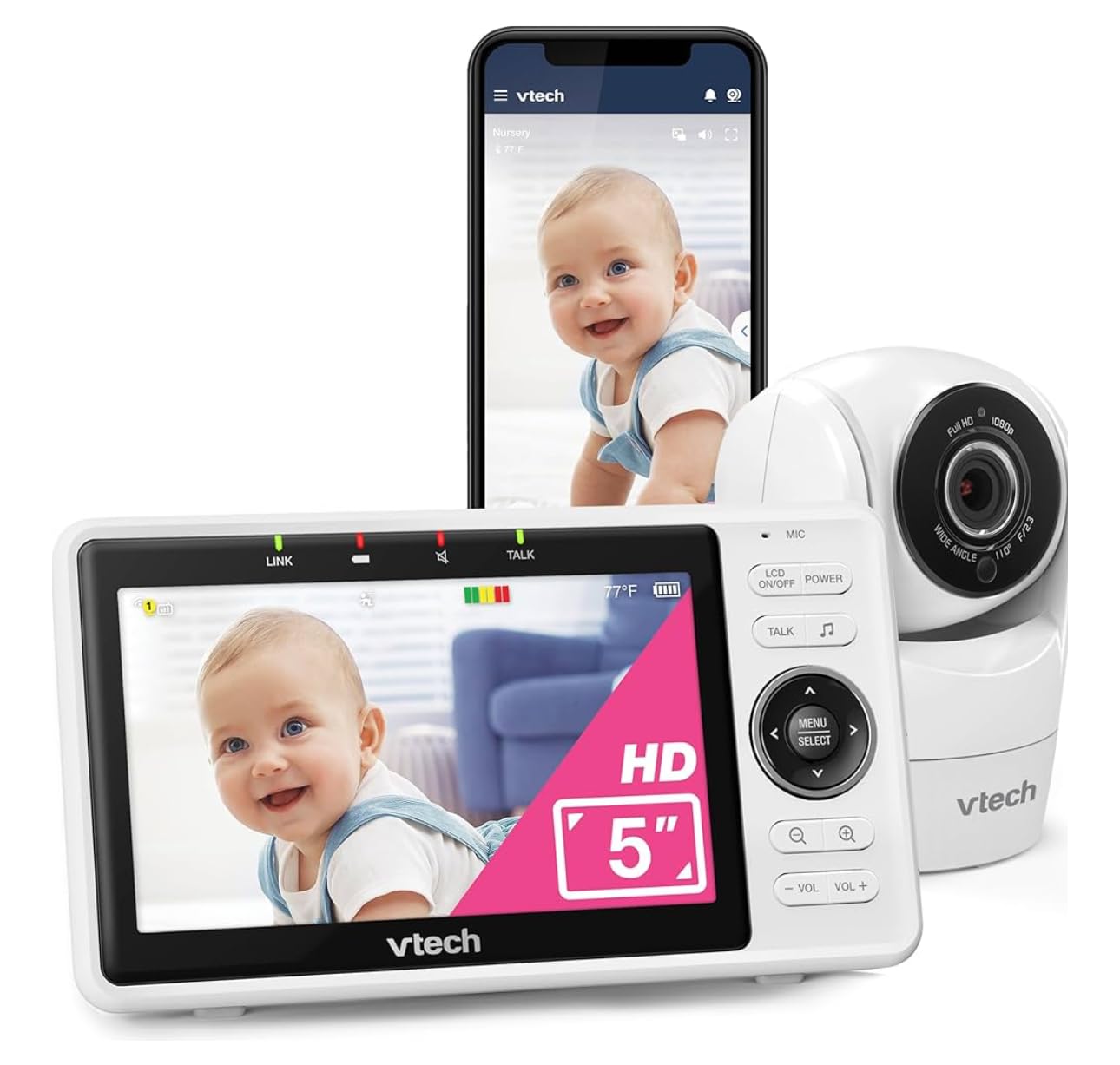
The RM7764-2HD is the most complete package in this guide for a household with two spaces to watch. Both cameras are 1080p with full 360 degree pan and 100 degree tilt, which is the only configuration here that pairs a motorized, high-resolution camera with a second identical unit in the same box.
The 7 inch HD parent unit shows split screen, patrol mode cycles between cameras on a timer, and 10x zoom is the highest magnification of any monitor here. The screen-off timer is the sleeper-friendly feature I appreciated most, because the display stays dark until sound wakes it.
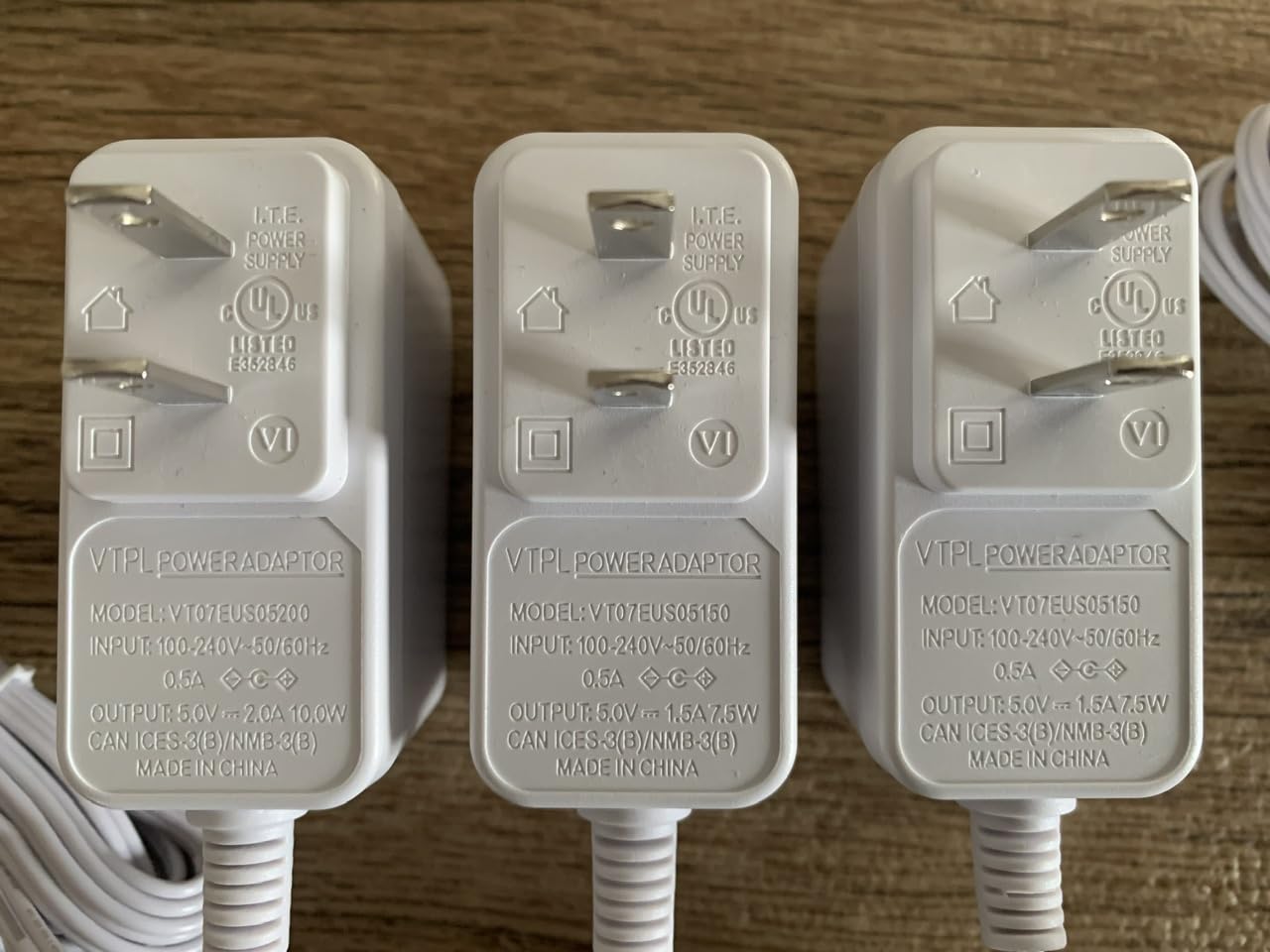
Roughly 6k reviews at 4.2. Motion-triggered recording captures up to 30 clips locally, the app is free, and the supplied adapters accept 100 to 240V, which makes the set unusually friendly to international use.
Dual 1080p pan and tilt cameras cover two rooms properly
Two 1080p motorized cameras is a combination no other unit in this guide matches, and it changes the split screen from a novelty into a real monitoring tool. Each feed is legible on the 7 inch display when you switch to single view.
The 100 degree tilt on each camera is narrower than the VTech no-WiFi units, so aim carefully. Mounted high with a downward angle, both cameras still covered a crib and a play mat in my testing.
The screen-off timer is the feature that saves sleep
A glowing screen in a dark room is the most common practical complaint about baby monitors, and the screen-off timer answers it directly. The display stays dark and wakes on sound, so you check the baby without a wall of light at 4 a.m.
Night vision is starlight and can look grainy in a very dark room, a pattern visible across the VTech range. Motion and temperature alerts route to the app as well as the handheld.
Reliability concerns are concentrated in hardware and app updates
Charging port failures and units failing within a year appear repeatedly, and app updates that break connectivity have a specific sting because remote access is a headline feature. The speaker is also noted as weak for two-way talk.
None of that changes the core value proposition: two 1080p pan and tilt cameras, a 7 inch screen and free app access in one purchase. Weigh it against the single-camera dedicated units only if you genuinely need both rooms covered at high resolution.
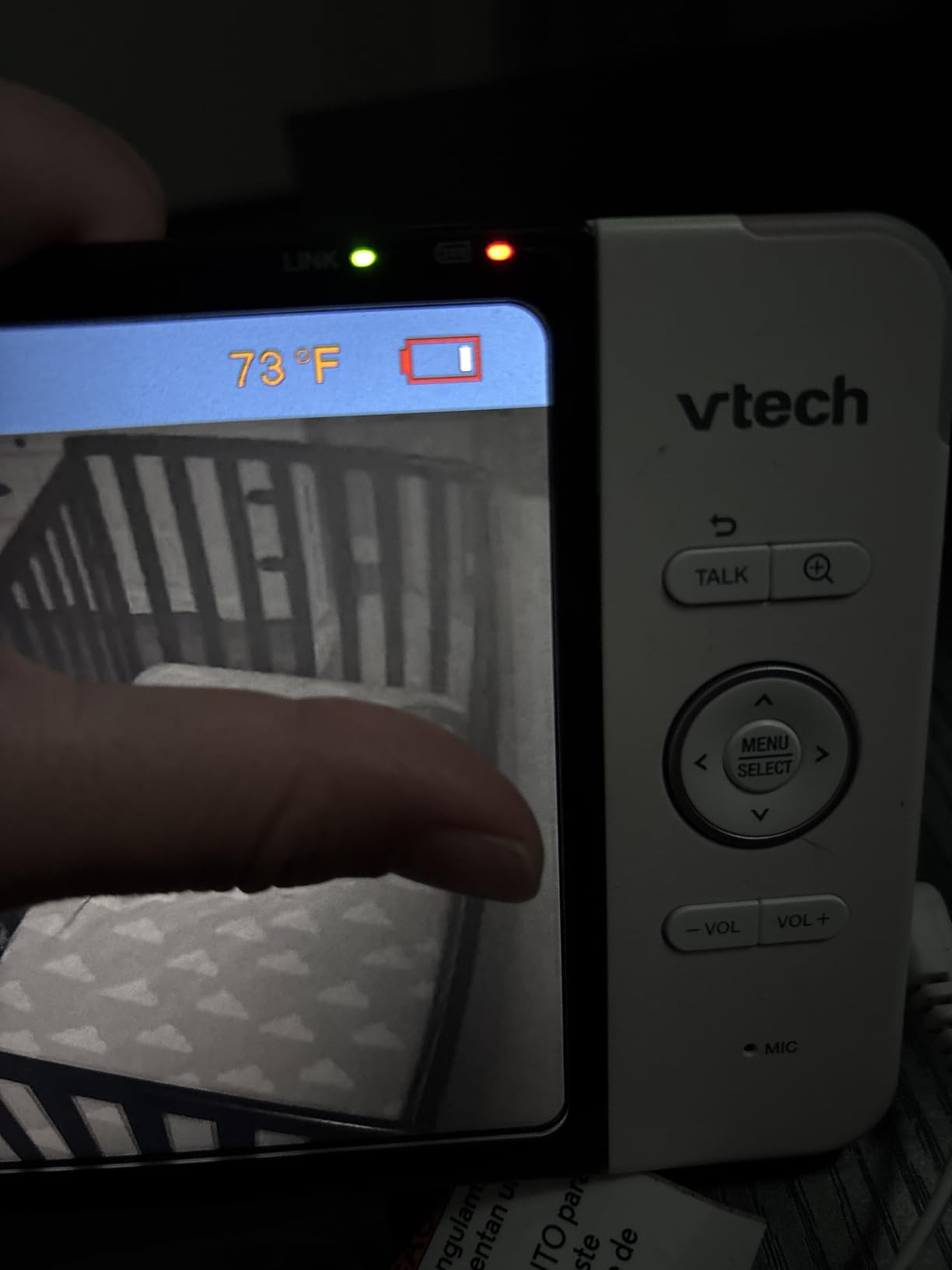
11. Jeeber VB816PRO – Works With or Without Wi-Fi and Travels Well
1080P WiFi Baby Monitor With Camera And Audio,4″ Screen,PTZ 360°,2.4GHz
1080p camera
360 deg pan and tilt
4 inch IPS screen
Hybrid Wi-Fi and FHSS
+ Pros
- Genuinely works with or without Wi-Fi
- 1080p camera quality
- 14 hour battery with screen on
- Two-year warranty and 90-day returns
- Cons
- Handheld disconnects for some users
- App can be buggy
- Battery drains at high brightness
The VB816PRO is the most genuinely flexible monitor in this guide because it is not a Wi-Fi camera with a fallback. It operates over a 1000 foot FHSS link to the 4 inch handheld in the absence of a network, and switches to Wi-Fi app control when one is available, with 360 degree pan and tilt from either path.
AES encryption sits alongside FHSS, which is unusual at this level, and the camera is 1080p with a 68 degree wide view lens. The 14 hour battery is measured with the screen on, and VOX cry detection alerts wake the parent unit when something is actually wrong.
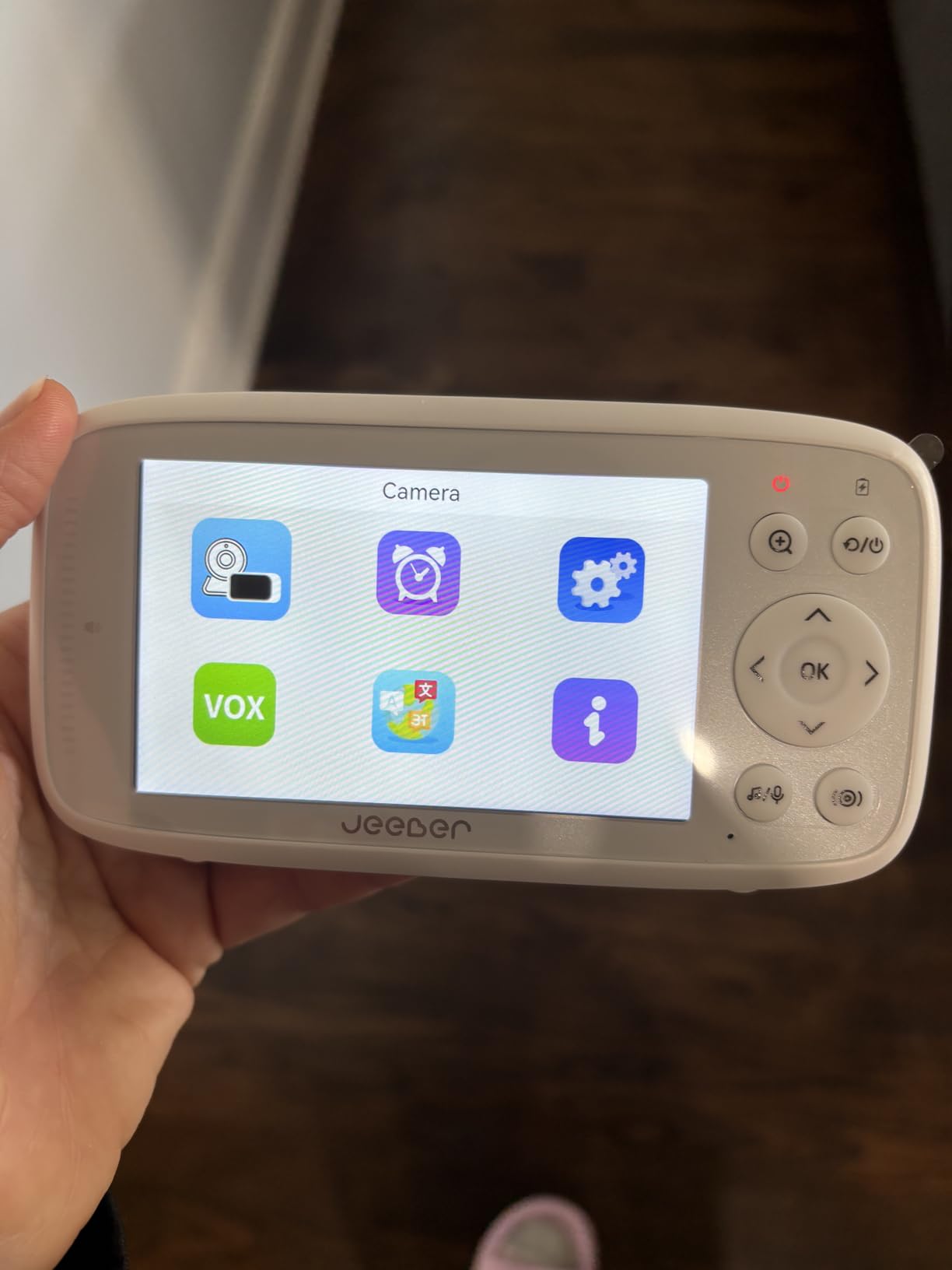
At 758 reviews the track record is short, and some reviewers report the handheld dropping its connection. The two-year warranty and 90-day return window partly offset that, which is more reassurance than most budget monitors in this guide offer.
Hybrid operation is genuinely useful rather than theoretical
I tested it in both modes. On the FHSS link the motors responded immediately, which is the same instant feel as the dedicated VTech units. Over Wi-Fi the app control introduced a short delay, as expected, but the 1080p stream looked noticeably better than the 480p feeds on comparable hardware.
The practical benefit shows up in hotels and holiday rentals where you have a screen but no network. Most Wi-Fi-only cameras are dead weight in that situation, and this one keeps working.
14 hours of battery covers a full trip
Fourteen hours with the screen on is enough for a long flight, a night in a hotel and a morning of naps without hunting for an outlet. Raising the brightness drains it faster, so a nightstand setting stretches that considerably.
Some reviewers report the handheld disconnecting during use, and the app has its own stability complaints. Test both connection paths early, because the fallback is the entire premise.
A 4 inch screen and a missing stand
The 4 inch IPS screen sits between the tiny 2.8 inch units and the 5 and 7 inch models, readable but not generous. No stand is included, so a small riser or a shelf is needed to get a useful viewing angle.
Instructions are called out as unclear, which is a trivial issue in exchange for a two-year warranty. Overall this is a flexible, privacy-respecting option for families who move between connected and unconnected spaces.
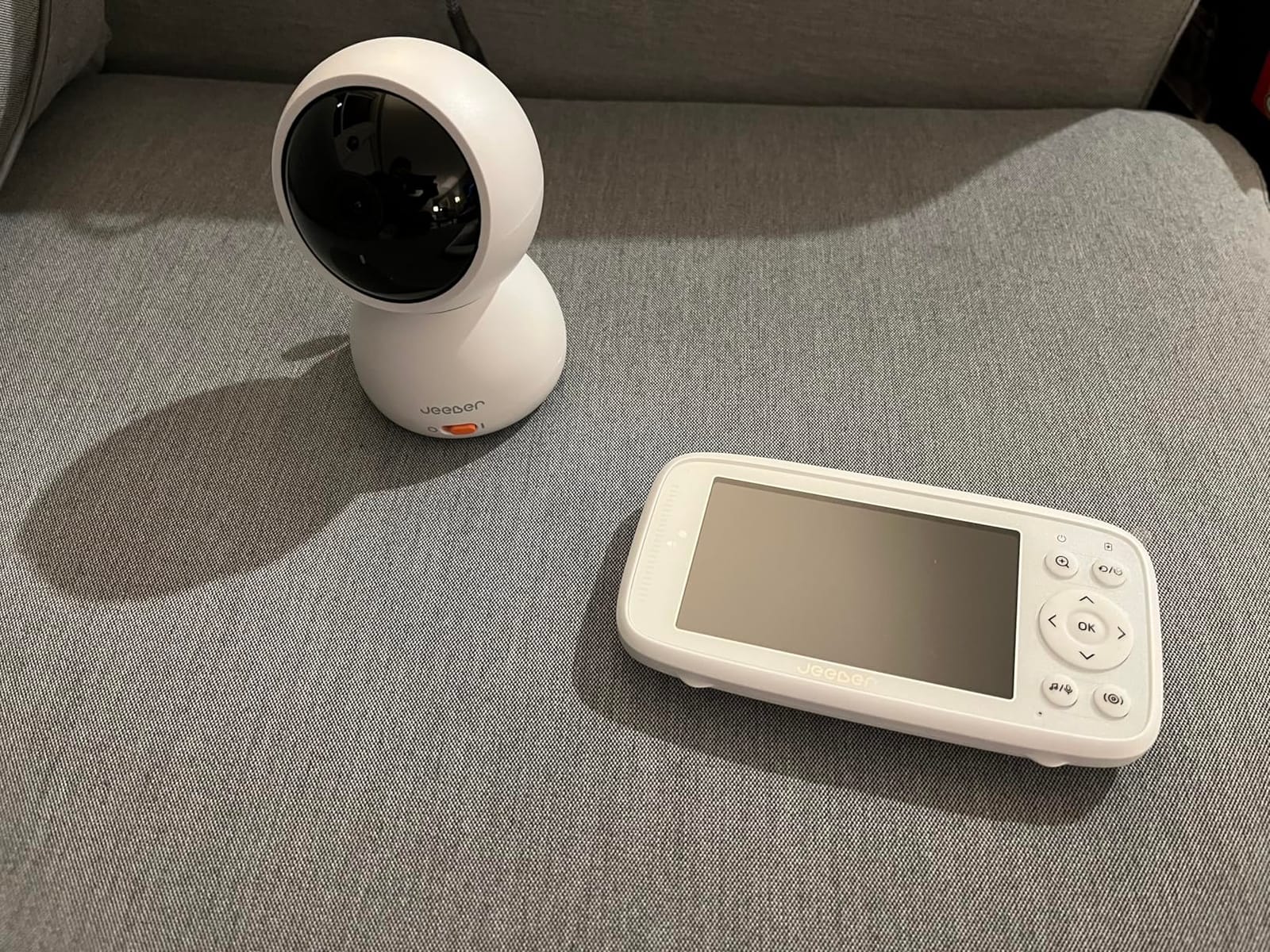
12. TOAIOHO Baby 3SM-2 – Dual Cameras, Humidity Sensor and Motion Tracking
Baby Monitor with 2 Cameras and Audio WiFi/No WiFi: Baby Monitor WiFi Smartphone APP Control NightVision 4.3′ Screen Smart Video Baby Monitor with Remote PTZ 2-Way Talk Motion & Cry Alert iOS/Android
Two cameras included
360 deg pan and tilt
4.3 inch screen
1080p video
+ Pros
- Two cameras at a budget price
- Only monitor here with a humidity sensor
- Motion tracking auto-follows the baby
- Works with or without Wi-Fi
- Cons
- Reports of the handheld failing after a few weeks
- Quiet monitor volume
- Limited downward tilt
The Baby 3SM-2 is the one model in this guide with a humidity sensor alongside the usual temperature readout, which is genuinely useful in a nursery where dry winter air is a concern. It also ships with two cameras, adds motion tracking that follows a moving baby automatically, and drives both from a 4.3 inch screen or the CloudEdge app.
Video is 1080p with invisible infrared night vision, and the 360 degree pan and tilt comes with 4x digital zoom. Operate it over 2.4GHz Wi-Fi for remote viewing or run it locally with no network at all.
I want to be direct about the caveat. With 149 reviews, the thinnest history in this guide, there are multiple reports of the handheld stopping working within one to five weeks. Motion tracking that follows a baby around the room is a lovely idea, but you should buy it knowing the durability is unproven.
Two cameras with humidity and temperature together
No other model here covers environment as well as it covers sight. A temperature and humidity readout on a nursery screen tells you something about comfort and respiratory health that a bare temperature number does not, and it pairs naturally with humidifier control.
Both cameras offer 1080p with invisible infrared, and the RGB night light with color options is a nice touch for a dark room. Lullabies and two-way talk cover the basics.
Motion tracking reduces how often you pan manually
The auto-follow function is the feature that sets this apart within its price band. Rather than chasing a crawling baby across the frame, the camera reorients itself, and I found it did follow reliably across a fairly large room.
The range of that tracking is not specified, and it depends on the camera seeing enough of the room to identify a person. It complements pan and tilt rather than replacing it, especially for movement the tracker misses.
Durability and audio volume are the weak points
Reports of the monitor disconnecting and of it ceasing to work after a few weeks appear often enough that I would only recommend this to a parent comfortable with the risk. The monitor volume is also described as quiet, which is a problem for a device whose job is to wake you up.
The camera cannot tilt low enough for a floor-level view in every room, the night light switches off automatically after about 30 minutes, and no mount is included. Budget families get an unusually long feature list here, and the caveats are consistent and worth weighing before buying.
How to Choose a Pan and Tilt Baby Monitor Without Regretting It
Pan is no longer a meaningful differentiator. Every camera in this guide rotates a full 360 degrees horizontally, so the decisions that actually change your experience are tilt range, connection type, screen size, night vision reach and how the monitor behaves at 4 a.m. Here is how to weigh each one before you commit.
Tilt range decides whether you can see the floor
Tilt figures range from 87 degrees to 132 degrees across this group, and the gap is more meaningful than it looks. A camera with 90 degrees of tilt must be aimed nearly level, which means mounting it lower and accepting more floor coverage by luck. A camera with 130 degrees can be mounted high on the wall and still angle down toward a play mat.
My rule of thumb: if your baby is under a year old and spends time out of the crib, treat anything below 100 degrees of tilt as a compromise. For a newborn who sleeps in one place, tilt barely matters.
Choose a dedicated parent unit when response speed is your priority
Every no-Wi-Fi monitor in this guide moves the camera the instant you press the control, because the signal travels a short radio hop. Wi-Fi cameras route the same command through a router, a server and an app, which adds a visible delay. The Tapo C200 and the Kasa EC70 are perfectly usable for a baby in a crib and noticeably behind for a toddler who moves fast.
The price of that instant response is losing phone access. Dedicated units cannot be checked in from an office, and no sitter can be sent a link. Decide which side of that trade-off your household actually lives on.
Screen size should match where you will read it
Below 3 inches, you will hold the handheld to read it. Around 5 inches, you can glance at it from a pillow. At 7 inches, you can read it from across the room, and IPS panels hold up better at off-axis angles. The VM923 at 2.8 inches is a monitor for holding, not for glancing.
Larger screens pair with split screen for multi-camera setups, and a 7 inch display is the difference between usable and cramped when two feeds are shown at once.
Night vision range should match room size, not brand claims
The published night vision figures here run from about 30 feet to roughly 40 feet, and both are adequate in a normal nursery. What actually degrades night vision is IR reflection off a nearby wall or ceiling, so mount the camera where the lens faces open space rather than a painted surface two feet away.
Black-and-white IR footage is the norm on dedicated units. If you need colour in a dark room, you are in a different product category entirely, and it costs more.
Battery runtime tells you whether this is a handheld or a nightstand device
Anything under 5 hours, like the VTech VM5263, is effectively a plugged-in bedside monitor. Twelve to nineteen hours, as on the VTech dedicated units, covers several nights. Thirty hours in ECO mode, as on the HelloBaby HB6550-2, means charging about once a week.
Whichever you pick, remember that parent unit batteries degrade over a year or two of daily use. A model that runs 19 hours new may not hit that figure in year three, which is a common complaint across the reviews in this category.
Privacy is a real decision, not a checkbox
Non-Wi-Fi FHSS systems transmit on their own encrypted frequency and never touch your router, which removes the possibility of a stranger logging into your nursery feed. Wi-Fi cameras are far more capable, and that capability comes with a larger attack surface, so a distinct password and current firmware matter.
Local microSD storage keeps footage inside the house, which appeals to many parents who would rather not store video of their sleeping baby on a cloud server. Check the card capacity and whether one is included before you commit.
Multi-camera support saves money if you will use it
If you have twins, or a nursery plus a playroom, a bundled second camera is worth real money. The HelloBaby HB6550-2, the VTech Advanced HQ Max and the TOAIOHO Baby 3SM-2 all include two, and the HelloBaby and the VTech expand to four.
Accept one limitation early: with split screen, you control one camera at a time. Pan and tilt commands go to the selected feed, so a full sweep of two rooms at once is not something these systems do.
Frequently Asked Questions
Do I really need a pan and tilt baby monitor?
A pan and tilt camera is worth it once your baby can roll, scoot or crawl out of a fixed frame. For a newborn who stays in one place, a fixed camera with a wide-angle lens is enough. The motorized range pays off between roughly five months and two years, and keeps paying for a toddler who moves around a room while you are asleep.
Which baby monitor has the best camera quality for a nursery?
The Tapo C210 has the sharpest sensor in this group at 2K, or 2304 by 1296 pixels, which also makes its digital zoom usable. Among no-Wi-Fi models the VTech VM5263 leads at 720p, while most dedicated units stream 480p. Resolution matters most if you want to read an expression or a chest movement from across a dim room.
Is a Wi-Fi baby monitor better than a non-Wi-Fi one for controlling pan and tilt?
A dedicated parent unit responds faster. On a non-Wi-Fi FHSS system the motor starts moving the instant you press the control, while a Wi-Fi app adds a visible delay of roughly half a second before the camera begins its sweep. Wi-Fi monitors win on resolution, remote access and phone alerts, so the right answer depends on whether your baby is mobile.
Can I pan and tilt two cameras at the same time on a split screen?
No. Every multi-camera system in this guide, including the HelloBaby HB6550-2, the VTech Advanced HQ Max and the VTech RM7764-2HD, lets you control one camera at a time even while both feeds are displayed. Patrol mode helps by cycling between cameras on a timer, but simultaneous manual control of two rooms is not available.
Why is my camera not connecting to my monitor?
Most Wi-Fi monitor failures trace back to a network problem. First, confirm your router is broadcasting on 2.4GHz, since every model in this guide except the dedicated units is 2.4GHz only. Second, move the camera closer to the router during setup. Third, clear the saved network profile on the handheld and re-pair it. On a non-Wi-Fi system, check that the parent unit is charged and that both devices are on the same channel.
Why are some baby monitors discouraged by pediatricians?
The concern is that a screen watching a baby is not a substitute for an adult in the room, and that very light sleepers may be disturbed by a glowing parent unit. That is why the screen-off timer and VOX modes on the VTech models are worth enabling. A monitor is a helpful extra set of eyes, not a replacement for safe sleep practices or staying in the room.
Which Pan and Tilt Baby Monitor Should You Buy?
There is no single best baby monitors with pan and tilt cameras choice, because the right monitor depends on how mobile your baby is and how much you care about connection speed versus picture detail. Here is how I would match the twelve models to different households.
If you want one camera that covers the room, records locally without a subscription and costs the least to run, the Tapo C200 is the pick. Its 360 degree pan and 114 degree tilt, 1080p sensor and microSD storage up to 512GB make it the most complete default choice, and its 4.5 rating across more than 42k reviews is the strongest evidence base in this guide.
If your baby has started crawling and you want the motors to respond the instant you touch the screen, choose a dedicated unit. The VTech VM923 gives the widest tilt range at 132 degrees with 19 hours of battery, the VTech VM924 adds a more readable 5 inch screen, and the HelloBaby HB6550-2 bundles a second camera for twins or a second room.
If you need a large, glanceable display, the VTech Advanced HQ Max has the biggest screen in the group at 7 inches, with dual camera split view and a 5000mAh battery. For two high-resolution rooms, the VTech RM7764-2HD pairs two 1080p pan and tilt cameras with a 7 inch display and a free remote app.
If sharp night video matters more than a handheld screen, the Tapo C210 delivers 2K resolution and baby crying detection, while the VTech VM5263 gets you 720p with no Wi-Fi, a night light and a wall mount in the box. For travel or for homes without reliable internet, the Jeeber VB816PRO runs either with or without a network and carries a two-year warranty.
Whichever you choose, mount the camera high, aim it at open space rather than a nearby wall, and turn on the sound-activated mode so the screen does not glow all night. In 2026, the best baby monitors with pan and tilt cameras still come down to one room, one baby’s movement pattern and how quickly you want the image to follow your thumb.