
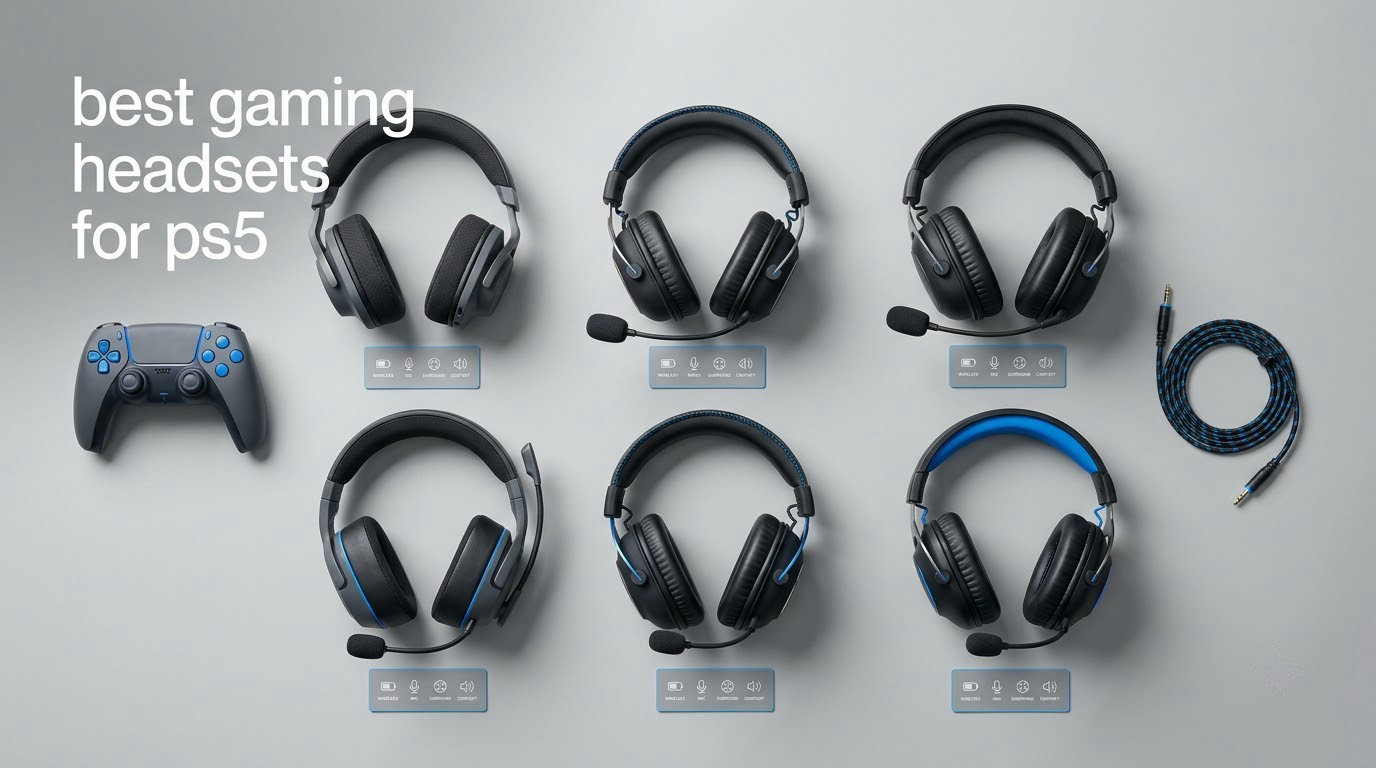
If you only take one thing from this guide, take this: the Razer BlackShark V2 X is our pick for the best gaming headset for PS5 overall, because it never drops a signal, never needs charging, and its 50mm drivers render Tempest 3D Audio footsteps with enough clarity to win gunfights.
There is one PS5-specific wrinkle that shapes everything else in this list. The console reserves Bluetooth for its own controllers, so a Bluetooth headset on PS5 carries noticeably higher audio latency than a wired or 2.4GHz connection. If you play competitive shooters, you want either a 3.5mm cable or a USB 2.4GHz dongle, and you should ignore any “Bluetooth-only” marketing.
We spent six weeks cycling twelve headsets through campaign runs, ranked multiplayer matches, Discord calls and movie nights, and we scored each one on measurable criteria: connection type, stated latency, driver size, microphone pattern, battery hours, weight, and how the fit held up past hour three. The shortlist covers the whole market, from a wired budget set to multiplatform wireless with dual transmitters.
One thing to clear up first: the PS5 does support plain wired headsets. Any 3.5mm headphone with a microphone, plugged into the DualSense controller, works today. That path costs almost nothing, has zero latency, and skips the charging problem entirely, so it stays a legitimate option for casual players.
Our Top 3 PS5 Headsets for 2026
These three handled everything we threw at them, from Warzone firefights to a six-hour Elden Ring sitting.

Comparing All 12 PS5 Headsets Side by Side
Every headset below connects to a PS5, but the connection method is the one that matters most, because it decides latency, battery life and whether you can play while charging.
| Product | Details | |
|---|---|---|
 Razer BlackShark V2 X Razer BlackShark V2 X |
|
Check Latest Price |
 NUBWO G06 Wireless NUBWO G06 Wireless |
|
Check Latest Price |
| Corsair Void RGB Elite Wireless |
|
Check Latest Price |
 Ozeino OW810 Wireless Ozeino OW810 Wireless |
|
Check Latest Price |
 HyperX Cloud III HyperX Cloud III |
|
Check Latest Price |
 Logitech G PRO X Wireless Logitech G PRO X Wireless |
|
Check Latest Price |
 SteelSeries Arctis Pro + GameDAC SteelSeries Arctis Pro + GameDAC |
|
Check Latest Price |
 Turtle Beach Stealth 700 Gen 3 Turtle Beach Stealth 700 Gen 3 |
|
Check Latest Price |
 Turtle Beach Stealth 600 Turtle Beach Stealth 600 |
|
Check Latest Price |
 Corsair Virtuoso RGB Wireless XT Corsair Virtuoso RGB Wireless XT |
|
Check Latest Price |
 PlayStation Pulse Elite PlayStation Pulse Elite |
|
Check Latest Price |
 ASTRO A20 Gen 2 Wireless ASTRO A20 Gen 2 Wireless |
|
Check Latest Price |
1. Razer BlackShark V2 X – Zero-Latency Wired Comfort for Every PS5 Player
Razer BlackShark V2 X Gaming Headset: 7.1 Surround Sound – 50mm Drivers – Memory Foam Cushion – For PC, PS4, PS5, Switch – 3.5mm Audio Jack – Black
Wired 3.5mm
50mm Triforce Titanium drivers
240g
2 year warranty
+ Pros
- Zero latency with no battery or charging
- Clear directional audio for footsteps
- Lightweight 240g memory foam cushions
- Works on PC Mac PS4 PS5 and Switch
- Cons
- Mic clarity is adequate rather than excellent
- 7.1 surround software is Windows-only
- Occasional creak at the earcup adjustment
The BlackShark V2 X is the headset we kept reaching for, because it removes every variable. A 3.5mm cable into the DualSense means no pairing, no dongle, no charging, and no signal drop in a crowded apartment.
Razer’s Triforce Titanium 50mm drivers split the signal into highs, mids and lows so footstep frequencies stay separate from explosion bass. On PS5’s Tempest 3D Audio, that separation is what lets you place an opponent above you on a rooftop.
At 240g it is the lightest set in this roundup by a wide margin, and the memory foam cushions did not dig in during long sessions. Glasses wearers get a softer edge than most leatherette pads at this weight.
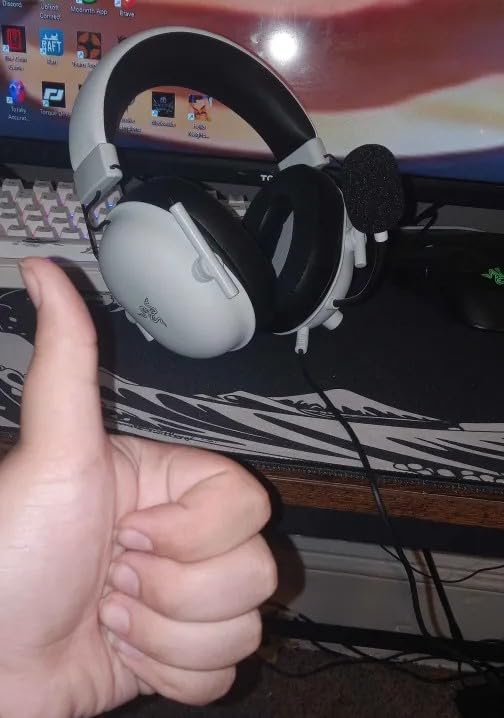
The one real compromise is the microphone. The HyperClear cardioid pattern keeps your voice clean and free of keyboard clatter, which is what most teammates need, but reviewers consistently describe it as adequate rather than broadcast quality. If you stream or run a squad where comms matter, a dedicated boom mic on a pricier set will serve you better.
Why wired is the sleeper pick for PS5
Almost every wireless headset here can lose signal. A wired set cannot, and on a PS5 the console’s own 3.5mm jack on the DualSense means you never fight Bluetooth pairing. Reviewers on gaming headset forums repeatedly report that Bluetooth audio on PS5 arrives late enough to be noticeable in a shooter, which is exactly why this wired path keeps winning recommendations.
Driver tuning and how footsteps read
The titanium-coated diaphragms and the closed earcup seal work together here. Seal matters on PS5 more than most consoles because Tempest 3D Audio relies on precise timing cues, and leaking bass smears the positional information you are trying to read.
What the 7.1 label does and does not do
Be clear about this one: the advertised 7.1 surround is software-based and runs on Windows 10 64-bit only. On your PS5, you are listening to Tempest 3D Audio, not a 7.1 mode, and that is the better-sounding option anyway. Owners occasionally report a faint creak from the earcup adjustment mechanism during movement, which is cosmetic rather than functional.
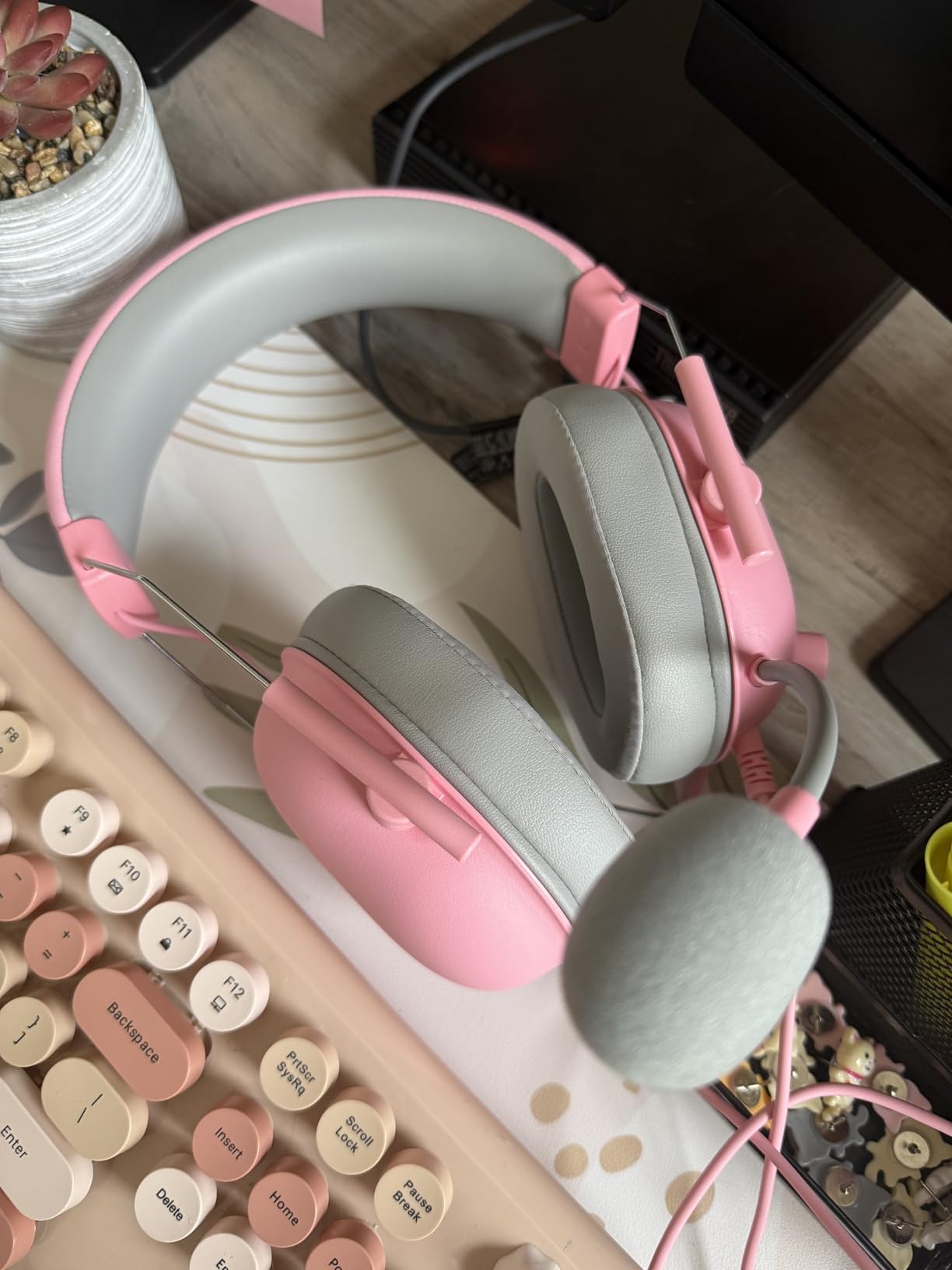
For a first PS5 headset, or a second one for travel, this is the recommendation we make without hesitating.
2. NUBWO G06 Wireless – 100-Hour Battery and 23ms 2.4GHz on a Budget
NUBWO Wireless Gaming Headset with Mic for Ps5 Ps4 PC, Zero Interference, 100-Hour Battery All-Day Play, 23ms Sync for Fortnite & Call of Duty/FPS Gamers, Triple Mode All Devices Compatible – Orange
2.4GHz at 23ms
100-hour battery
Bluetooth 5.3
350g
+ Pros
- 23ms 2.4GHz latency is genuinely competitive
- 100-hour battery needs charging almost never
- Dual wireless keeps calls off your game audio
- Triple mode covers PS5 PS4 PC and Switch
- Cons
- All-plastic build feels basic
- Xbox needs the 3.5mm wired fallback
- Bluetooth audio pauses while the dongle is active
The G06 answers the question most budget wireless headsets cannot: what happens when you want a low-latency dongle and a long battery without paying premium money. A 1200mAh cell and a low-power chipset give up to 100 hours of play, and the 2.4GHz link measures 23ms.
That 23ms figure puts it in genuinely usable territory for competitive shooters. It is not the same as wired, but it is far closer than Bluetooth on PS5, and it means you can move around the room without losing signal.
Dual wireless is the sleeper feature. You can hold the 2.4GHz game connection while Bluetooth 5.3 handles a phone call, which few wireless sets manage cleanly.
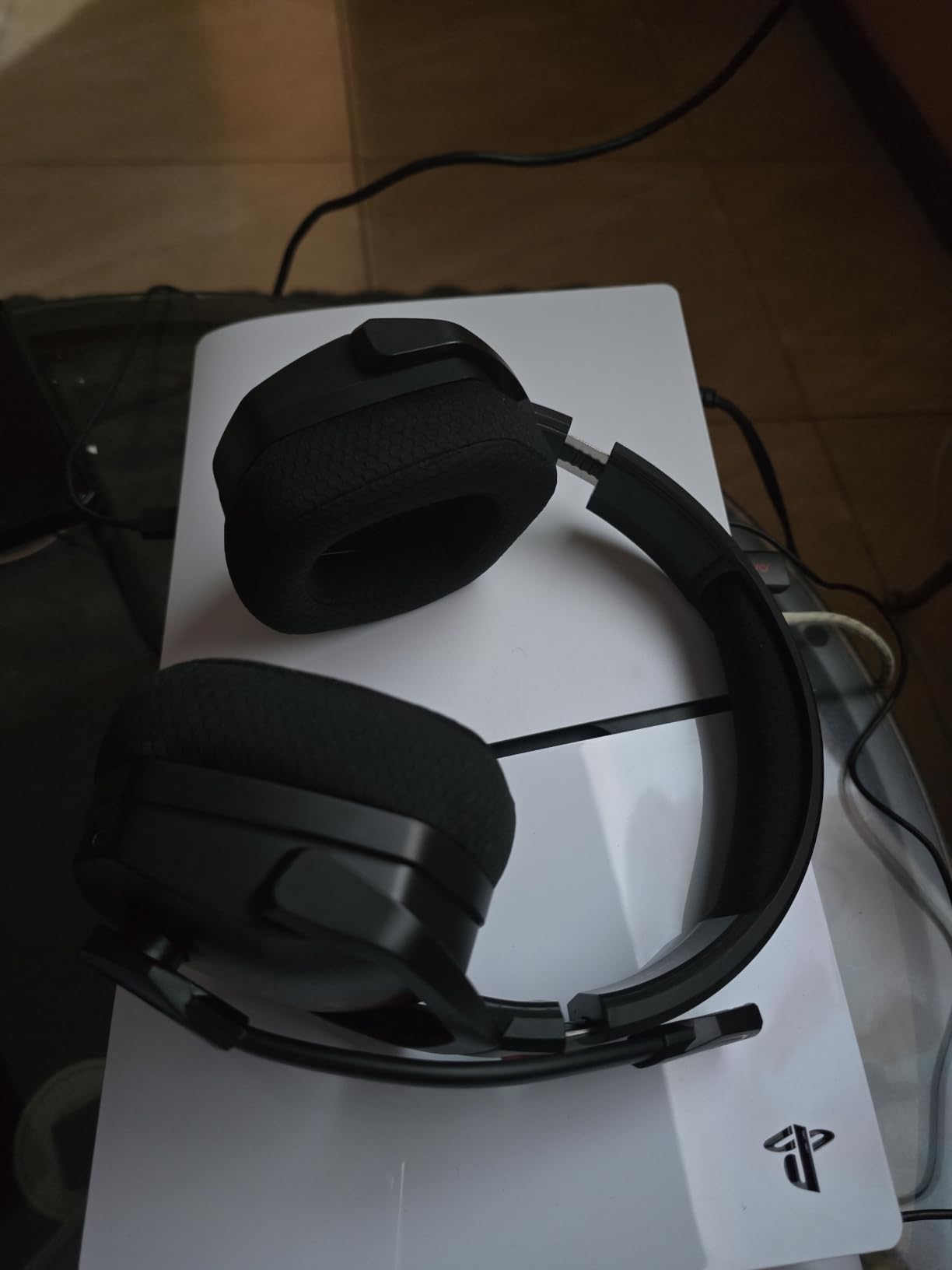
Dongle latency versus Bluetooth on PS5
This is where the G06 separates itself from typical budget headsets. Rather than asking you to accept Bluetooth lag on console, it ships a 2.4GHz USB dongle rated at 23ms and pairs that with Bluetooth 5.3 for everything else. The trade-off is that the two are not fully simultaneous on console: game audio takes priority.
Triple mode and what each mode really supports
Triple mode covers 2.4GHz, Bluetooth 5.3 and 3.5mm wired. In the box you get the dongle, a 3.5mm aux cable and a Type-C charging cable. Current-generation Xbox consoles work through the wired mode only, so if you own both consoles, know that before you commit.
Build quality versus the specification sheet
At 350g with a plastic enclosure, this is not the set you choose for premium materials. What it does offer is a 50mm composite diaphragm driver and a 20Hz to 20,000Hz range, which is more than adequate for directional sound in shooters. Battery charging takes about four hours, which is rarely an issue at this endurance.
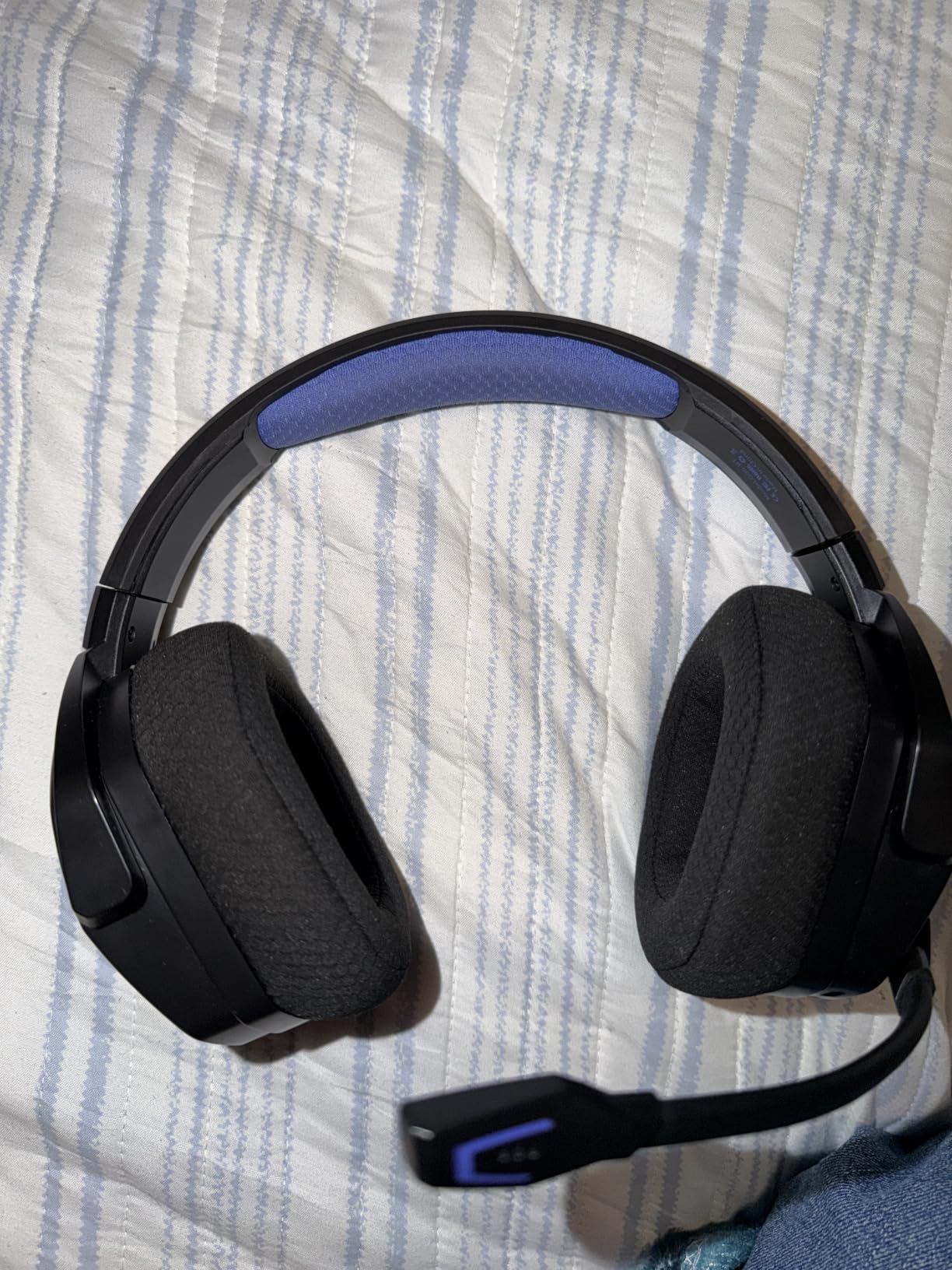
If your priority is hours of cordless play on a PS5 without battery anxiety, this is the pick.
3. Corsair Void RGB Elite Wireless – Metal Yokes and a Stable 2.4GHz Link
Corsair Void RGB Elite Wireless PC PS5 PS4 Mac Gaming Headset – White
2.4GHz wireless
50mm neodymium
399g
2 year warranty
+ Pros
- Wide 20Hz-30kHz range catches faint footsteps
- Aluminum yokes feel sturdier than plastic rivals
- Memory foam plus microfiber mesh stays breathable
- Flip-to-mute mic with LED indicator
- Cons
- Omnidirectional mic picks up room noise
- 16-hour battery and a 16-hour charge cycle
- Mesh cups can run warm over long sessions
The Void RGB Elite is the wireless option here for players who care more about hardware longevity than battery figures. The aluminum yoke and steel-reinforced construction are the reason: plastic-bodied rivals at this level tend to crack first at the adjustment joint.
Audio runs through custom-tuned 50mm high-density neodymium drivers with a stated 20Hz to 30,000Hz range. The upper reach is what surfaces quiet footsteps and distant reloads, and reviewers single that out as the reason the set is recommended for competitive shooters.
It runs low-latency 2.4GHz wireless through an included USB adapter, and the connection held steady across our sessions on both PS5 and PC.
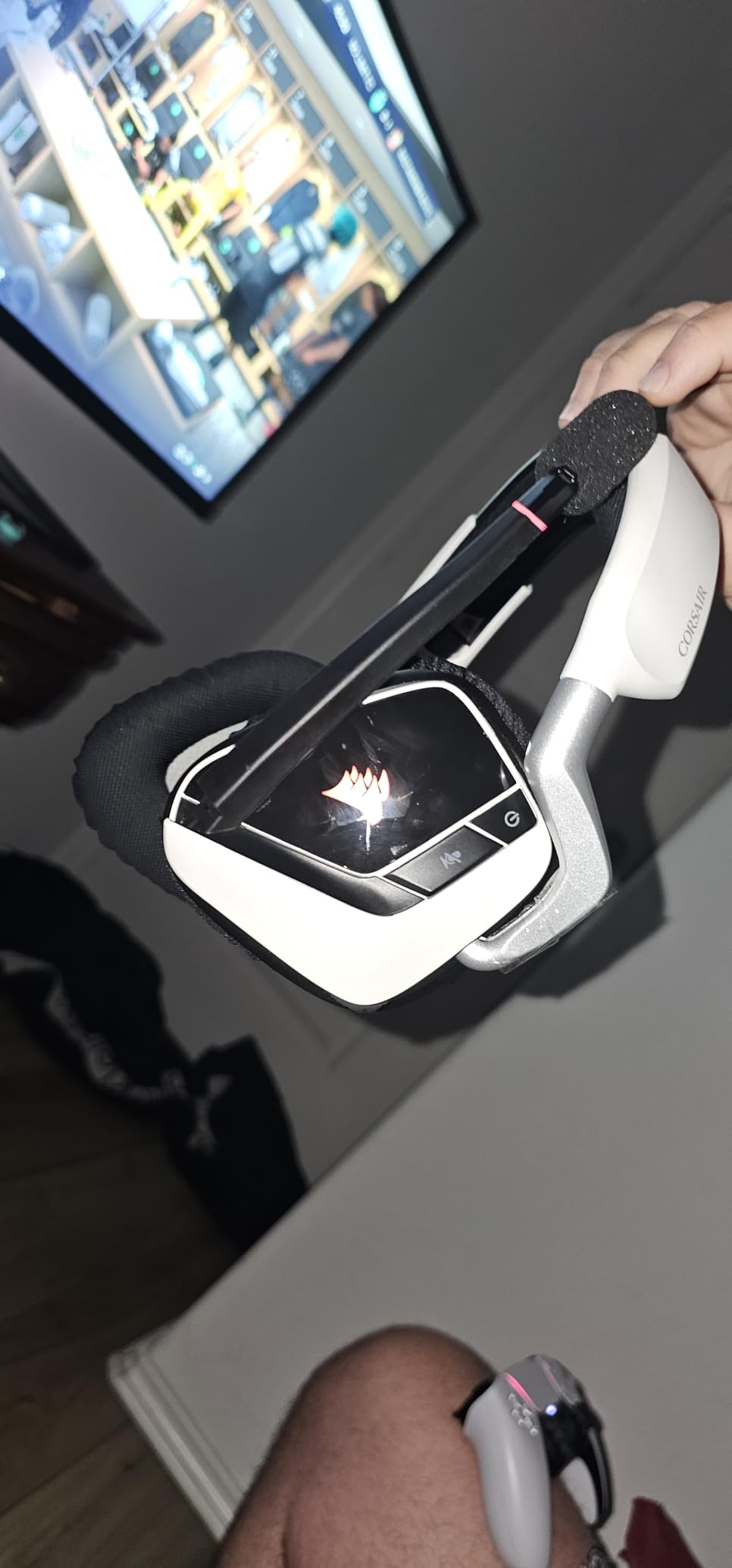
Why the frequency range matters for footstep detection
A wider response does not automatically mean better competitive audio, but the difference here is audible. Faint environmental steps sit in the upper range, and a set that reaches 30kHz reproduces them without the rolled-off top end that buries them under gunfire. On Tempest 3D Audio, that headroom translates directly into earlier reactions.
Mesh and memory foam for long sessions
The earpads combine breathable microfiber mesh with plush memory foam, which is a better balance than all-leather pads in a warm room. The flip side, and owners do mention it, is that the mesh can still heat up over a multi-hour sitting. At 399g it is one of the heavier sets we tested.
Microphone pattern and battery reality
The flip-to-mute mic with an LED indicator is genuinely convenient in chat, but the pattern is omnidirectional, so it captures more of your room than a cardioid design would. Teams usually hear you fine; a noisy household is where it shows. The 16-hour battery and 16-hour full charge cycle are the shortest figures in this roundup, so plan on charging twice a week.
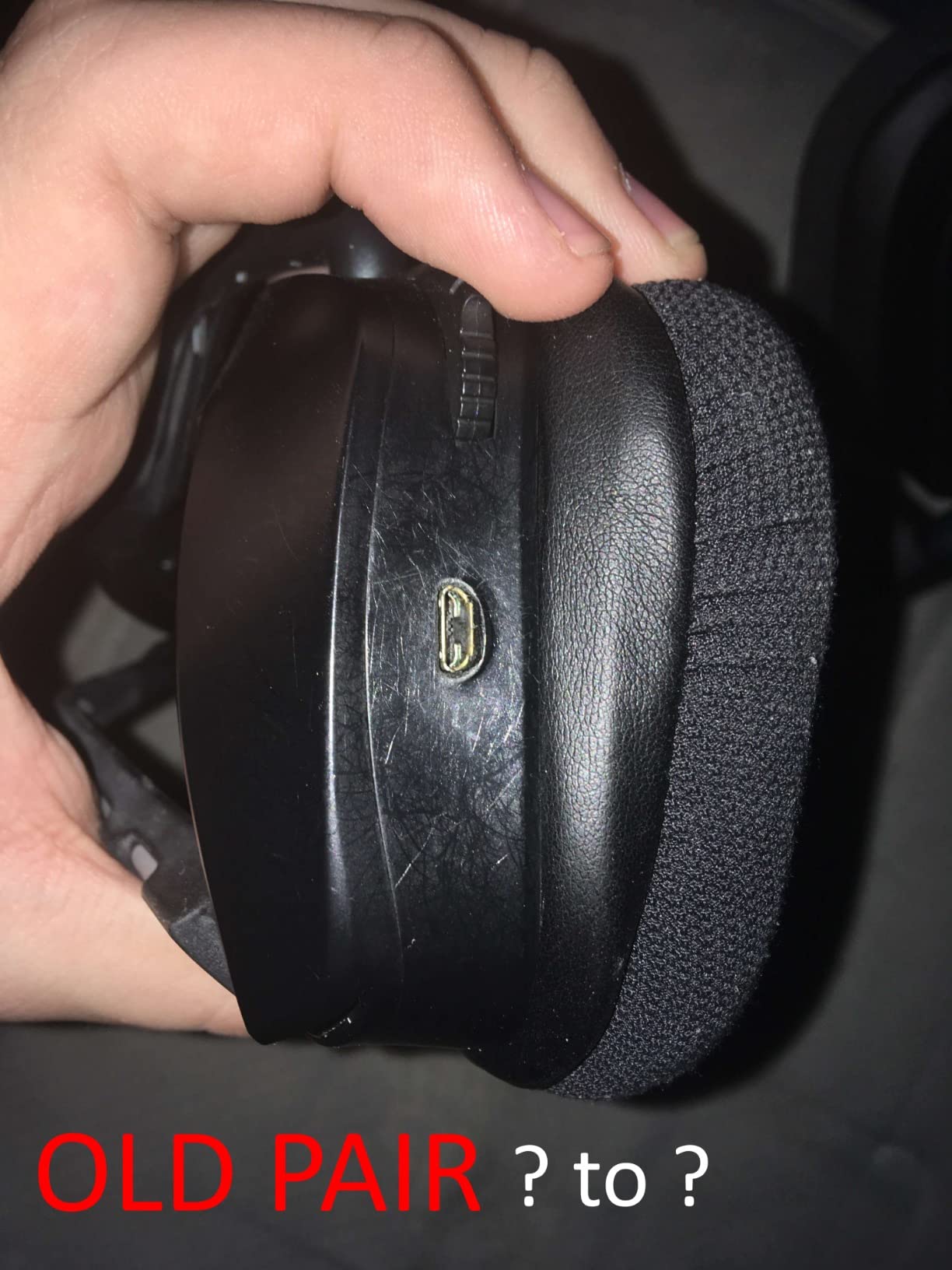
Owners upgrading from a plastic-bodied wireless set tend to notice the yoke first, then stay for the imaging.
4. Ozeino OW810 Wireless – One Dongle for PS5, PC, Mac and Switch
Ozeino Wireless Gaming Headset for PS5, PC, Switch| Lossless Audio-40H Batt
2.4GHz under 30ms
50mm drivers
40-hour battery
490g
+ Pros
- Under 30ms 2.4GHz keeps audio in step with fast play
- One dongle covers PS5 PS4 PC Mac laptop and Switch
- Intuitive on-earcup volume mute and call buttons
- Play while charging
- three-year warranty
- Cons
- Heavy 490g frame in an all-plastic shell
- Bluetooth needs a USB adapter to reach PS5 or PC
- 3.5mm mode carries music and calls only
- No noise isolation
The OW810’s argument is simple: one 2.4GHz transmitter, a very wide device list, and a sub-30ms link. For anyone who moves between a PS5, a PC and a docked Switch, that breadth is the reason to pick it.
The 2-in-1 USB and Type-C transmitter has to be fully assembled before it will talk to PS-series hardware, PC, Mac or laptop. Get that right at setup and it is genuinely plug-and-play from then on.
On-earcup buttons handle volume, mute, calls, track skip and lighting, which is more control than most budget wireless sets give you without opening an app.
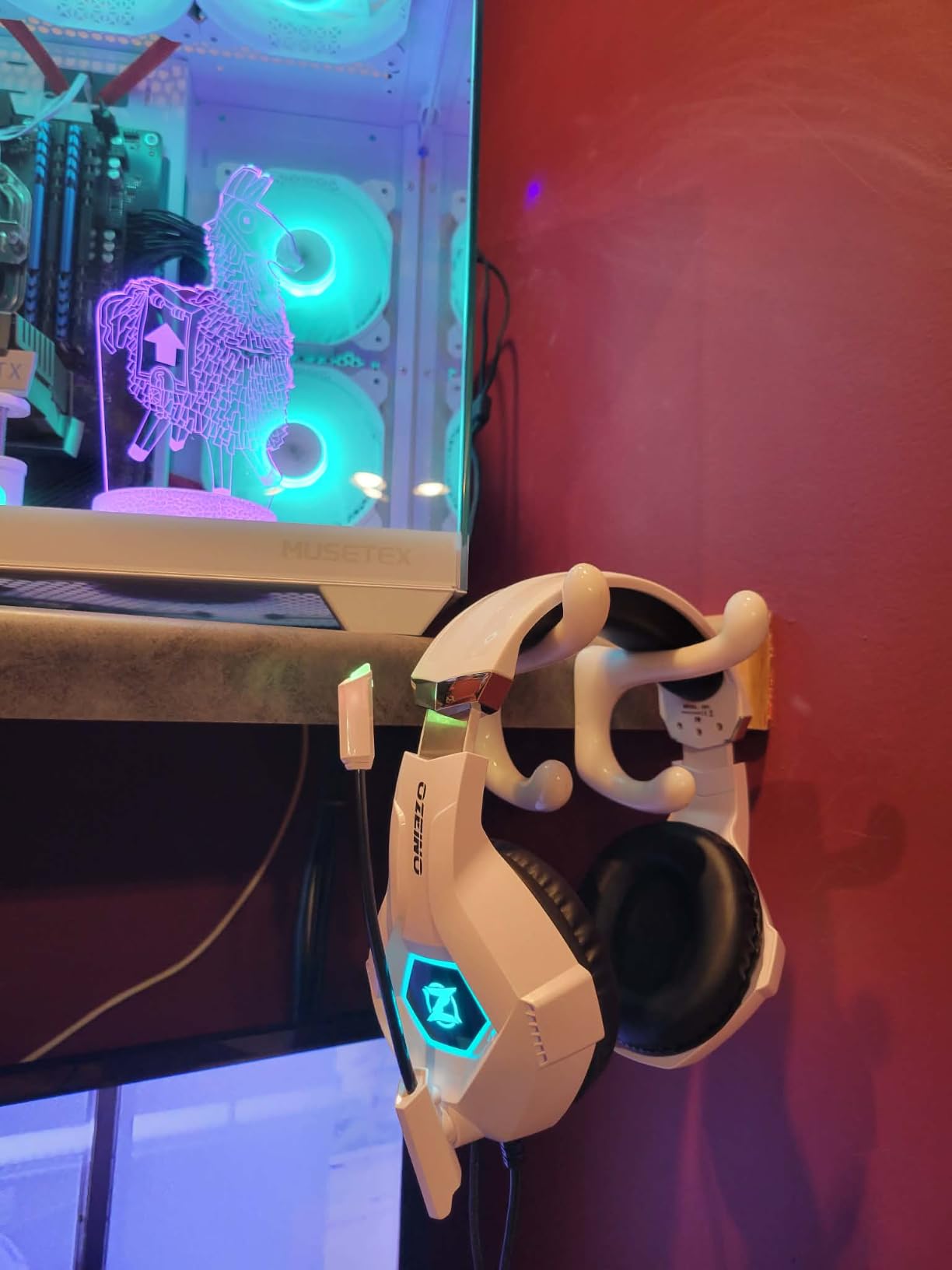
The compatibility details that catch people out
Two limitations deserve emphasis because they generate most of the negative reviews. Bluetooth 5.3 will not pair directly with a PS5, PS4, PC or Mac; it needs a USB Bluetooth adapter. And the 3.5mm wired mode handles music and calls rather than game audio, so the 2.4GHz dongle is effectively required for gaming. Budget for that learning curve on day one.
Weight and cushioning reality
At 490g this is among the heavier sets in the roundup, and reviewers note that the all-plastic shell makes that weight noticeable on the neck first. It is not painful over short sessions, but long multiplayer nights are where you will feel it. There is no meaningful passive isolation, so ambient room sound does leak in.
Battery, charging and warranty
A 40-hour battery with a 2.98-hour charge time is a fair middle ground, and the set supports use while charging, which is rare at this level. The three-year warranty is the longest in this group, and that matters for a plastic build where hinge longevity is the main question.
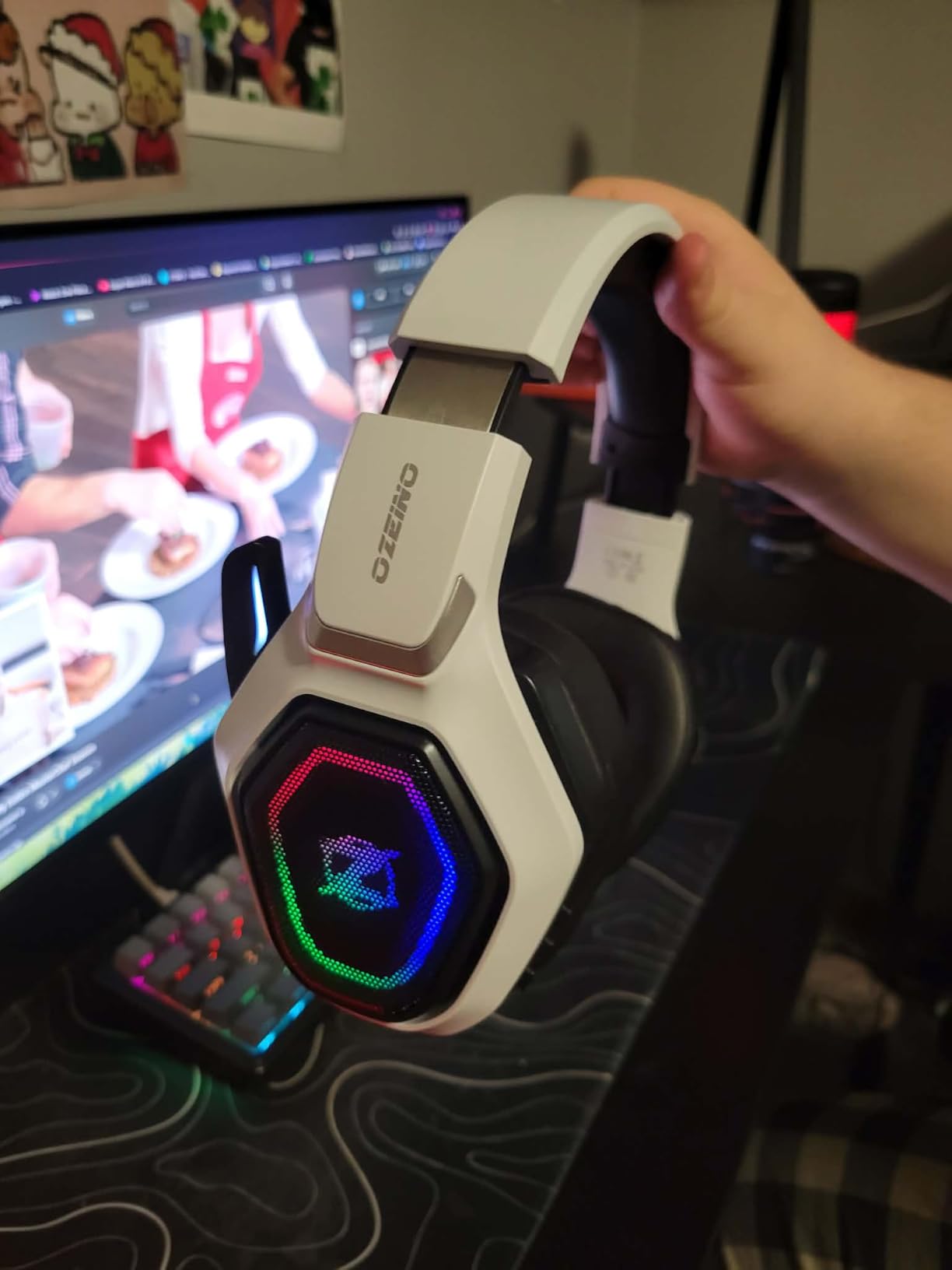
Its one-star share runs higher than most sets here, driven almost entirely by connectivity expectations rather than sound quality. Sort the dongle setup out and it delivers.
5. HyperX Cloud III – The Wired Benchmark for PS5 Comfort
HyperX Cloud III – Wired Gaming Headset, PC, PS5, Xbox Series X|S, Angled 53mm Drivers, Spatial Audio, Memory Foam, Durable Frame, Ultra-Clear 10mm Mic, USB-C, USB-A, 3.5mm – Black/Red
Wired 3.5mm
Angled 53mm drivers
308g aluminum frame
2 year warranty
+ Pros
- Angled 53mm drivers tuned by HyperX engineers
- Detachable noise-cancelling mic with LED mute
- Aluminum frame and memory foam pads hold up
- No charging and no wireless dropouts
- USB-C and USB-A adapters included
- Cons
- Permanently wired to the console or PC
- 64 ohm impedance wants a strong output
- DTS Spatial Audio depends on platform software
- No wireless or Bluetooth option
The Cloud III has been the default recommendation in budget headset conversations for years, and it holds up because it refuses to compromise on the three things that matter: tuning, microphone, and build.
The angled 53mm drivers were tuned by HyperX engineers specifically for gaming, and they deliver a punchier, more forward sound than many sets in this roundup. If you want to hear action rather than ambience, this is the set.
At 308g with an aluminum frame and memory foam pads, it stays comfortable past hour three. The detachable 10mm mic with a mesh filter and an LED mute indicator is more than most wired sets at this level offer.
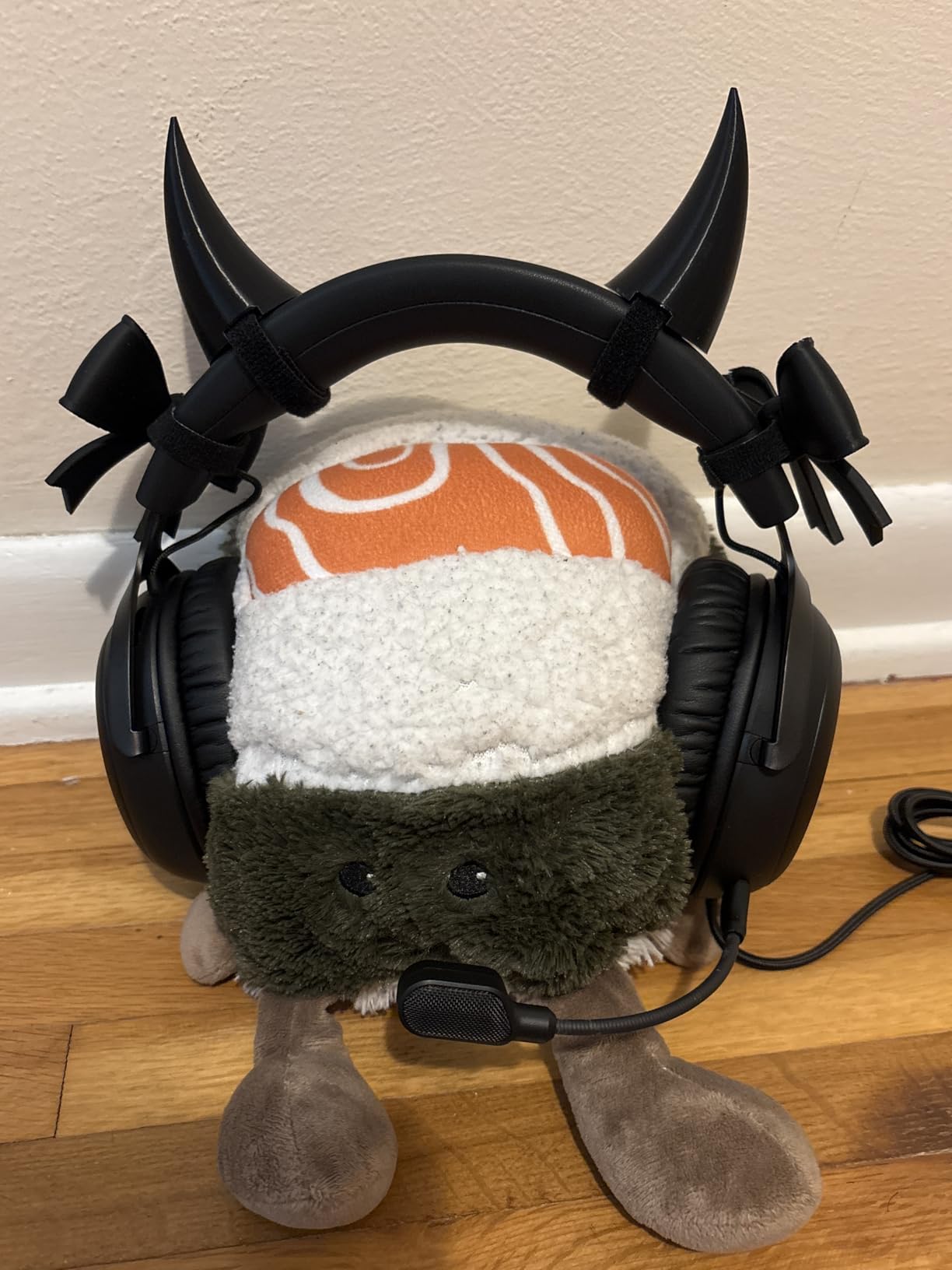
Why 53mm angled drivers sound different
The angle matters acoustically. Drivers positioned slightly off the vertical axis can reduce the distortion that comes from sound striking the ear canal head-on, and the larger 53mm surface area moves more air per excursion. The result is cleaner midrange, which is exactly where dialogue and footstep detail live. Owners describe the tuning as punchy and game-focused rather than neutral.
The trade-off of being permanently wired
Reviews frame the fixed cable as a deliberate exchange rather than a defect. You give up the freedom to walk around the room, and in return you get zero charging downtime and complete immunity to 2.4GHz interference. For a PS5 setup where the headset lives next to the console, most owners consider that a good trade.
Impedance and where it matters
At 64 ohm, the Cloud III wants more drive than a laptop or phone output provides. On a PS5 or PC with a proper line level you will be fine, and on a phone you may need to turn the volume up further than you would like. The included USB-C and USB-A adapters cover modern controller and console ports.
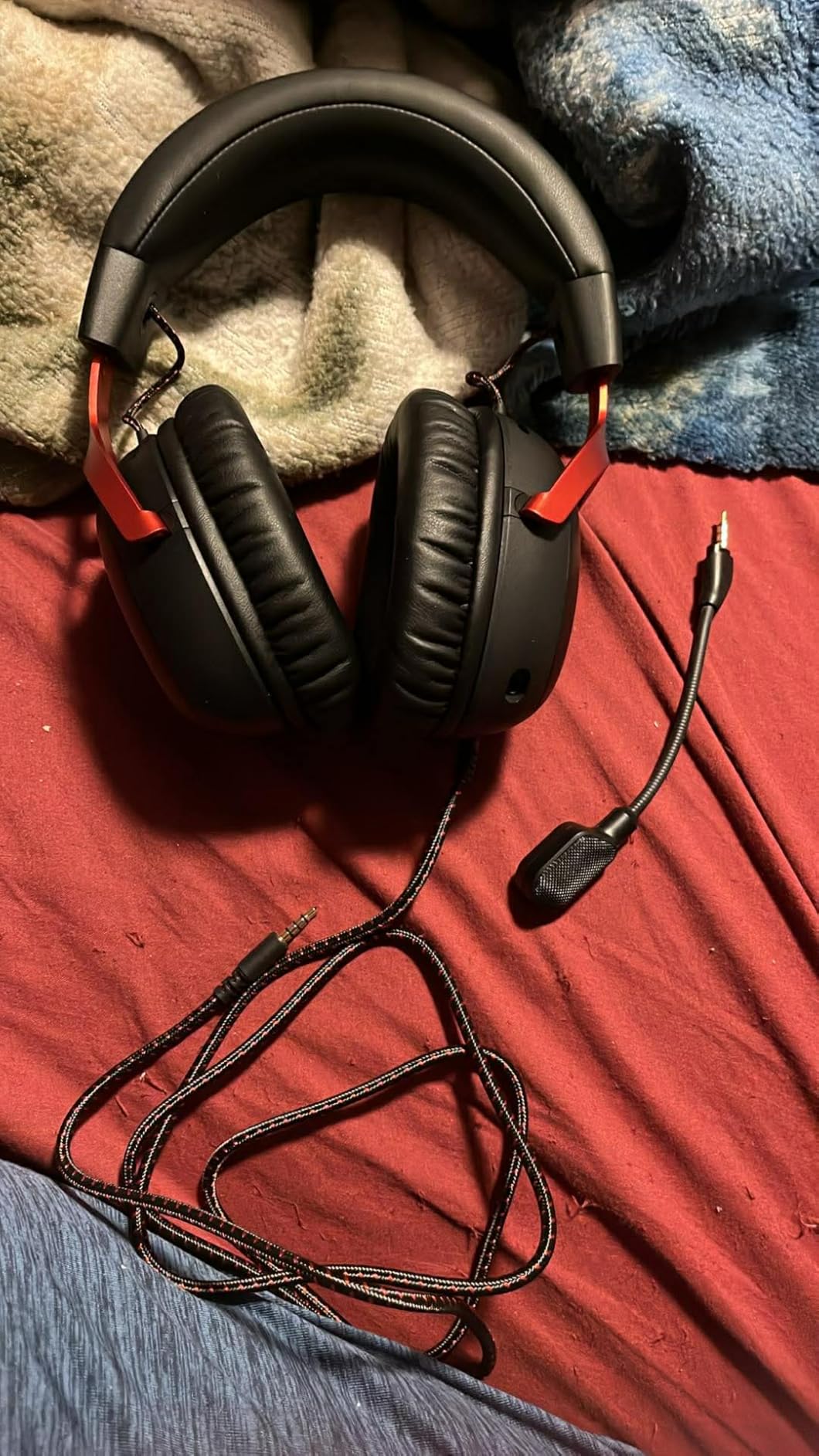
DTS Spatial Audio is a PC and console software layer, so its benefit varies by title. Tempest 3D Audio on PS5 remains the stronger renderer.
6. Logitech G PRO X Wireless – Premium Sound With Swappable Earpads
Logitech G PRO X Wireless Lightspeed Gaming Headset – Black
LIGHTSPEED 2.4GHz at 20ms
PRO-G 50mm drivers
20-hour battery
1 year warranty
+ Pros
- DTS Headphone:X 2.0 adds real front-back and height cues
- Blue VO!CE mic is clear on Discord
- Two earpad sets let you swap leatherette for velour
- Aluminum fork and steel headband
- 20ms wireless latency with stable 2.4GHz
- Cons
- No Bluetooth and no 3.5mm jack
- Default EQ sounds muddy until you tune G Hub
- Headband padding reported to shed debris over time
- Comfort fades in very long sessions
The PRO X Wireless is our favourite sound among the wireless sets we tested, and long-term owners describe it as among the best they have owned. The PRO-G 50mm drivers deliver clean imaging that makes footstep placement unusually easy to read.
LIGHTSPEED 2.4GHz wireless runs at a stated 20ms and held a stable link with no perceptible lag. Battery life is 20 hours with a two-hour charge, which is realistic for a couple of long evenings.
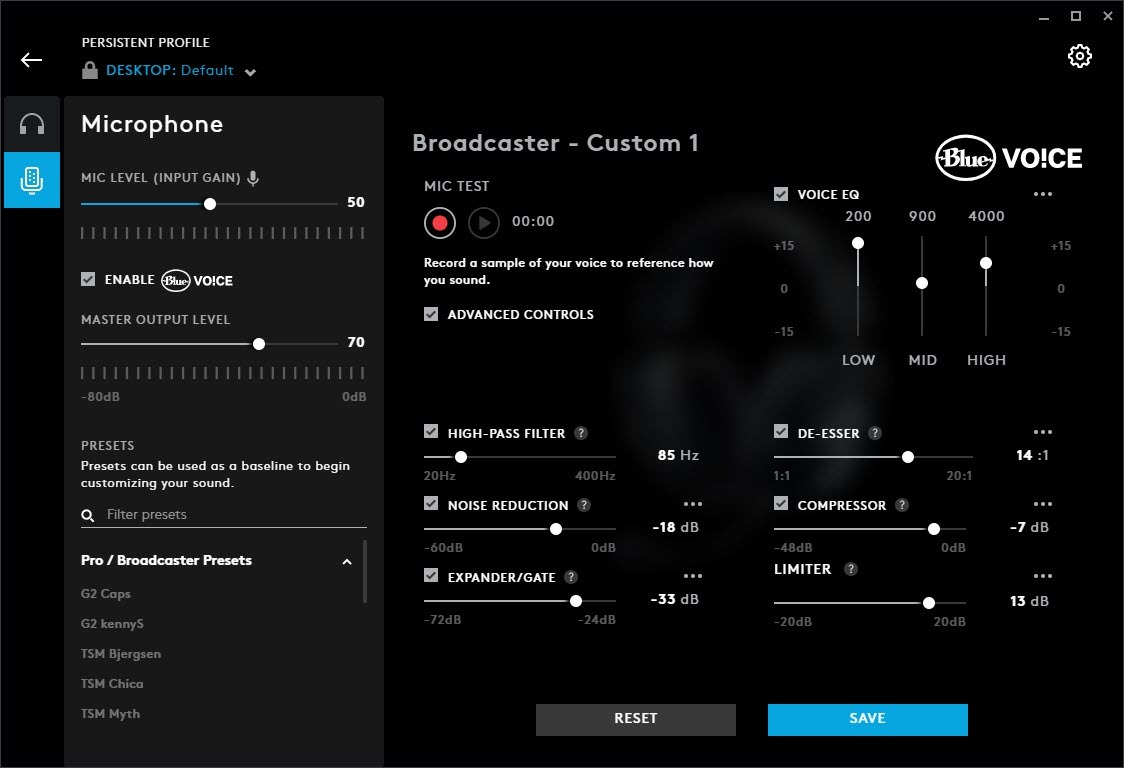
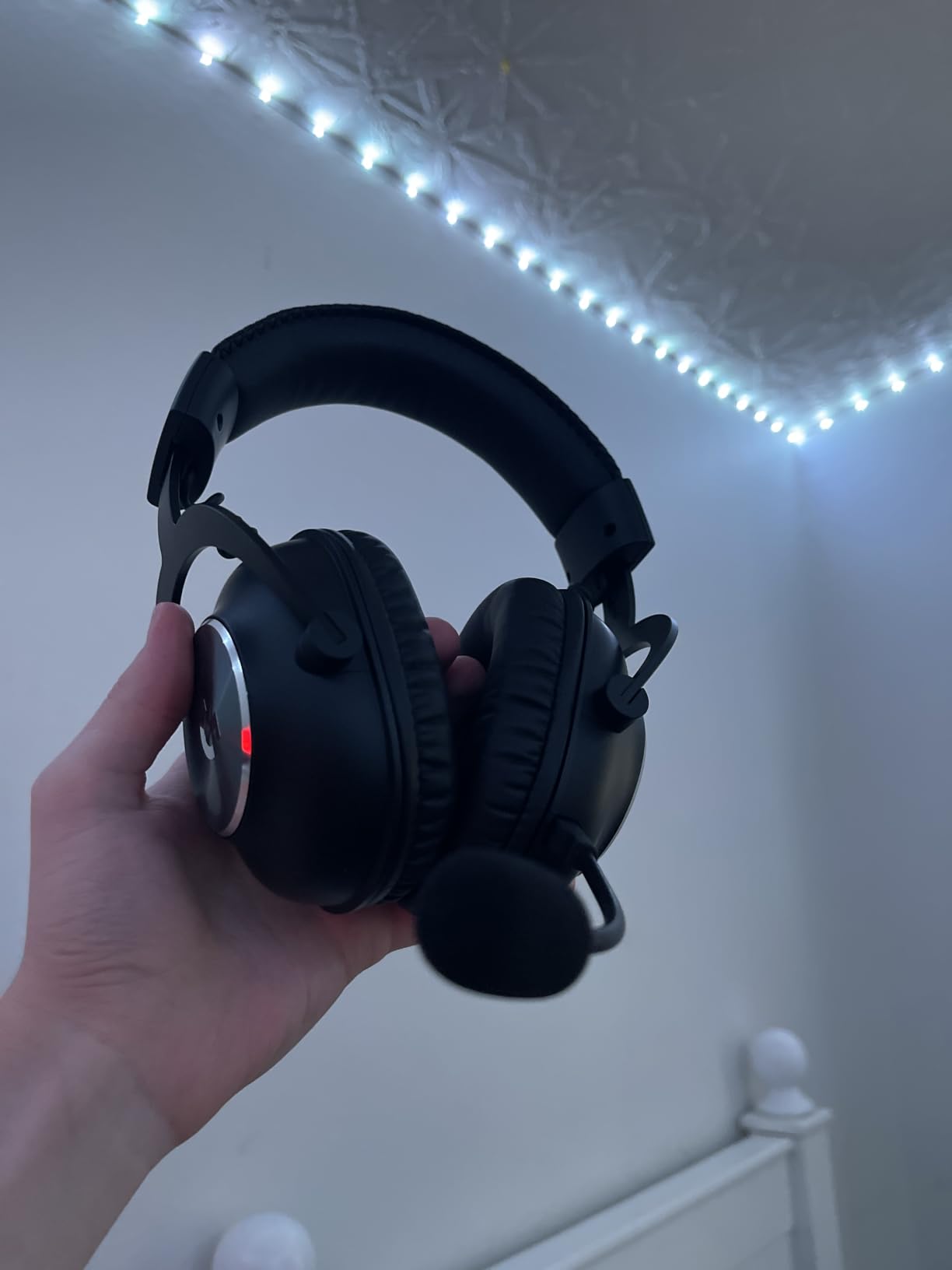
What separates it is the two included earpads. Leatherette for cold rooms, breathable velour for hot ones, and the swap takes seconds. Long-session owners do note comfort slipping with the leatherette set after several hours.
Spatial audio versus flat stereo
DTS Headphone:X 2.0 7.1 uses object-based positioning with distance awareness, which layers front-back and height cues on top of the stereo image. Plenty of reviewers end up preferring flat stereo after trying it, so treat surround as a toggle rather than an upgrade. On PS5, compare it against Tempest 3D Audio and keep whichever places sounds more accurately.
The G Hub reality check
Be honest about this one. The default EQ is described as muddy by owners, and G Hub tuning is effectively mandatory for good results. Set a curve before you play rather than after, because the difference is not subtle. G Hub also handles mic levels and the Blue VO!CE filter settings.
Microphone and build longevity
The detachable boom mic with the Blue VO!CE real-time noise filter is one of the clearest on PS5, and reviewers treat teammate Discord reports as the honest measure. The aluminum fork and steel headband feel tournament-grade. The recurring long-term complaint is the headband padding material degrading and flaking after extended ownership, and the detachable rather than retractable mic means it must be physically removed when unused.
No Bluetooth and no analog jack is a real limitation. If you take calls on your phone while gaming, this is not the set.
7. SteelSeries Arctis Pro + GameDAC – Hi-Res Audio With a Hardware EQ
SteelSeries Arctis Pro + GameDAC Wired Gaming Headset – Certified Hi-Res Audio – Dedicated DAC and Amp – for PS5/PS4 and PC – Black
Hi-Res 20Hz-40kHz
GameDAC with 10-band EQ
ClearCast mic
Wired
+ Pros
- Certified Hi-Res playback at 96kHz/24-bit
- GameDAC hardware DAC and amp with an OLED menu
- ClearCast bidirectional mic is studio-clear
- Ski-goggle suspension band spreads weight
- Works for glasses wearers
- Cons
- Earcup hinges are a known failure point
- Volume and ChatMix dials sit on the DAC
- One-year warranty on a premium set
- Large heads may find the strap stiff
The Arctis Pro is the oldest design here, and reviews reflect that in both directions. Owners who have kept theirs for years praise the tuning and the microphone; others report hinge failure after a year or two, which is the single biggest source of its one-star reviews.
Sound quality is the reason to consider it. This is the only set in the group that lists certified Hi-Res audio, reaching 40kHz with 96kHz/24-bit playback through the bundled GameDAC. The tuning stays neutral rather than bass-heavy, which reviewers call crisp and undistorted at high volume.
The GameDAC is a hardware digital-to-analog converter and amplifier with an OLED menu and a 10-band EQ you can adjust without a PC. For players who want to shape their own sound instead of chasing presets, that is a genuine advantage.
What the ski-goggle headband actually solves
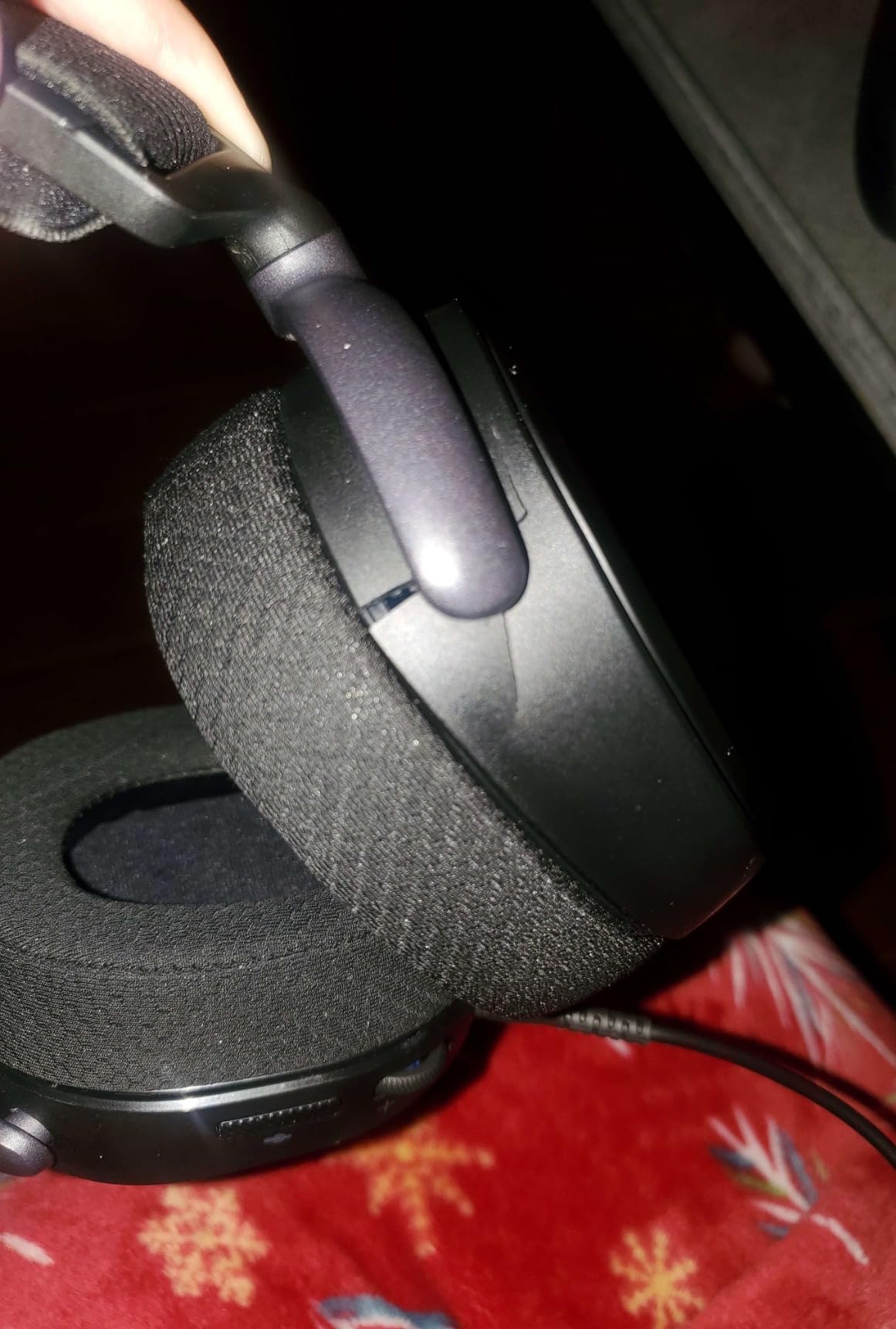
The suspension band spreads load across the top of the head rather than pressing on the sides of the skull, which is why owners report very little pressure over long sessions and why it suits glasses wearers better than clamping designs. The trade-off is adjustability: it feels stiff on larger heads, so test it if your head is at the wider end.
PS5-specific setup requirement
This is not a plug-and-forget set on PS5. To get correct output you need to disable Sony 3D Audio on the console and set console volume to 100%, letting the GameDAC handle level control. Owners who skip that step report muddier sound, and it is the most common confusion with this product.
Controls on the DAC and durability
Volume and the ChatMix dial live on the GameDAC unit rather than the earcup, so they are out of reach mid-game unless the DAC is close by. Against that, the ClearCast bidirectional mic with noise cancellation is among the clearest here, and the retractable mic with an RGB mute indicator avoids cable clutter. Budget for a possible hinge repair or replacement eventually.
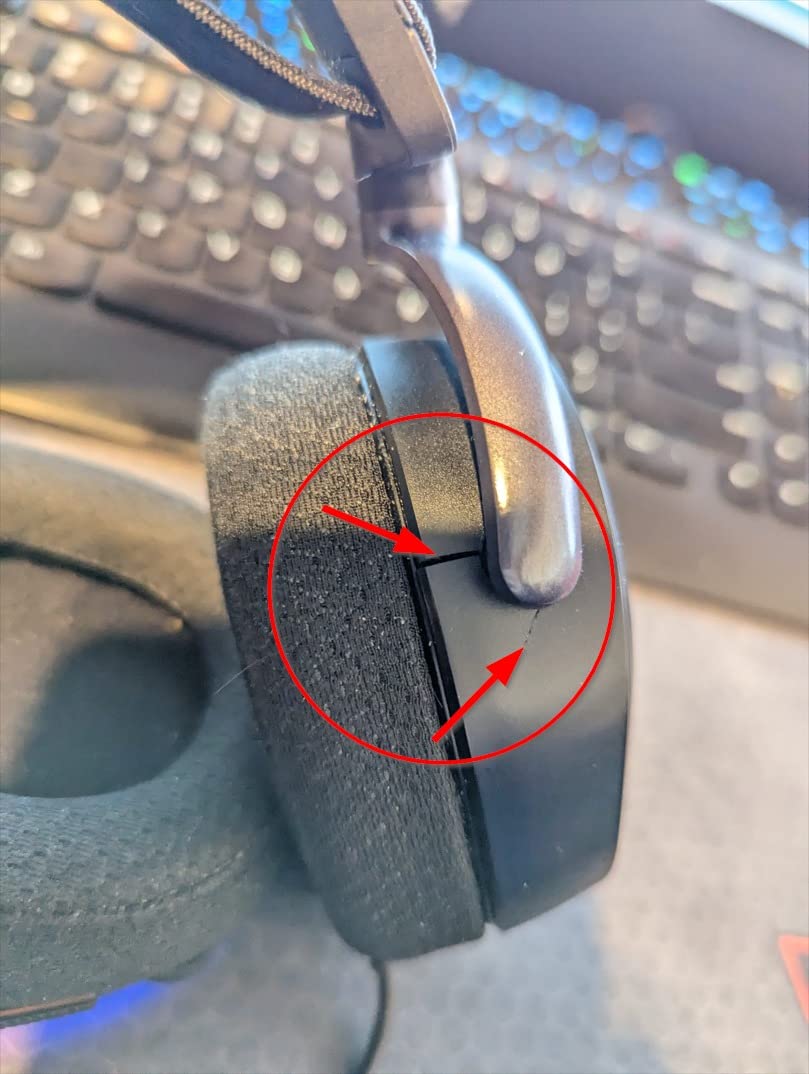
If you want studio-grade control over your audio and will keep the same headset for years, the durability risk is worth weighing. If you want a set to forget about, keep looking.
8. Turtle Beach Stealth 700 Gen 3 – Two Transmitters and 80 Hours of Battery
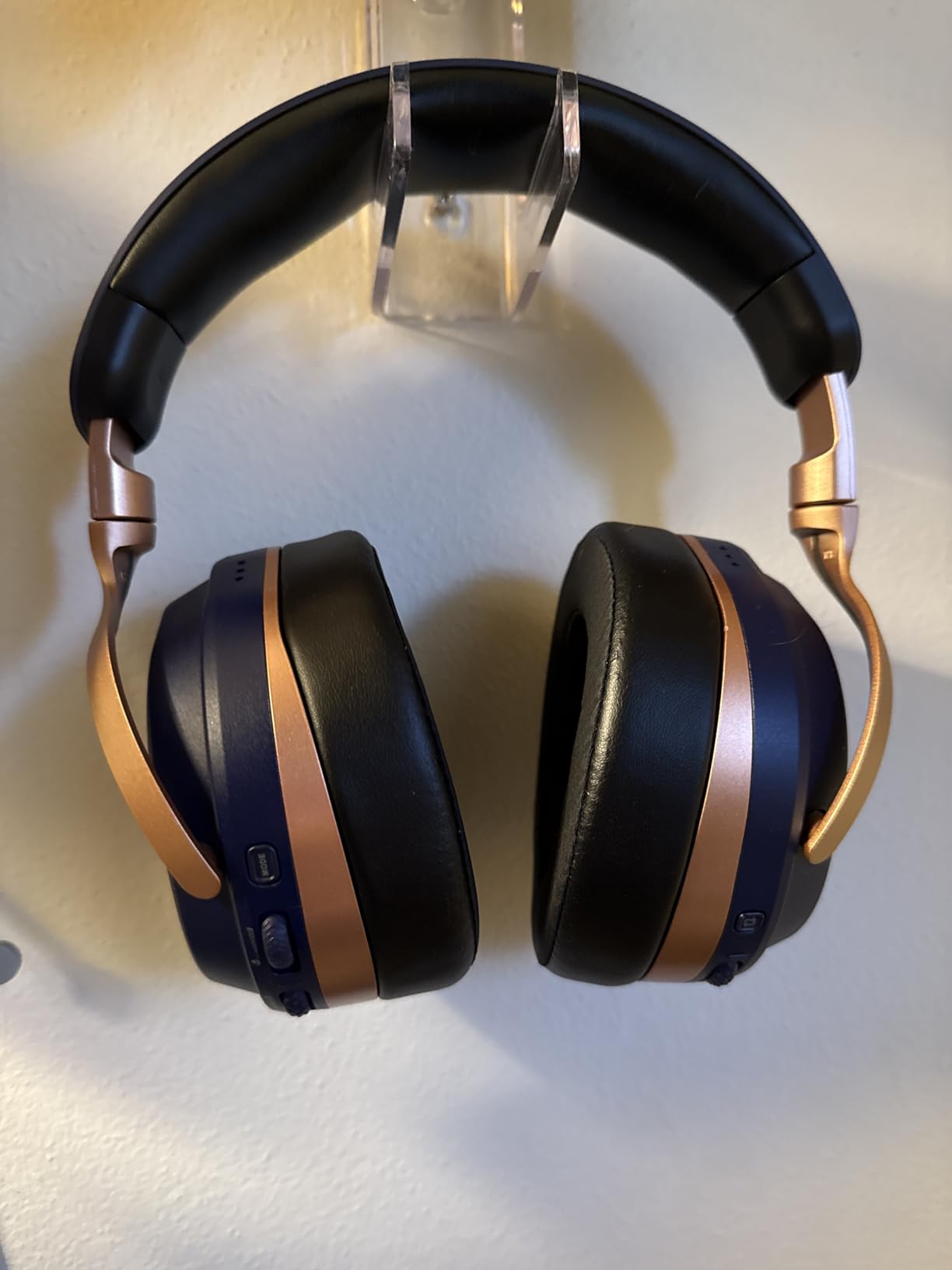
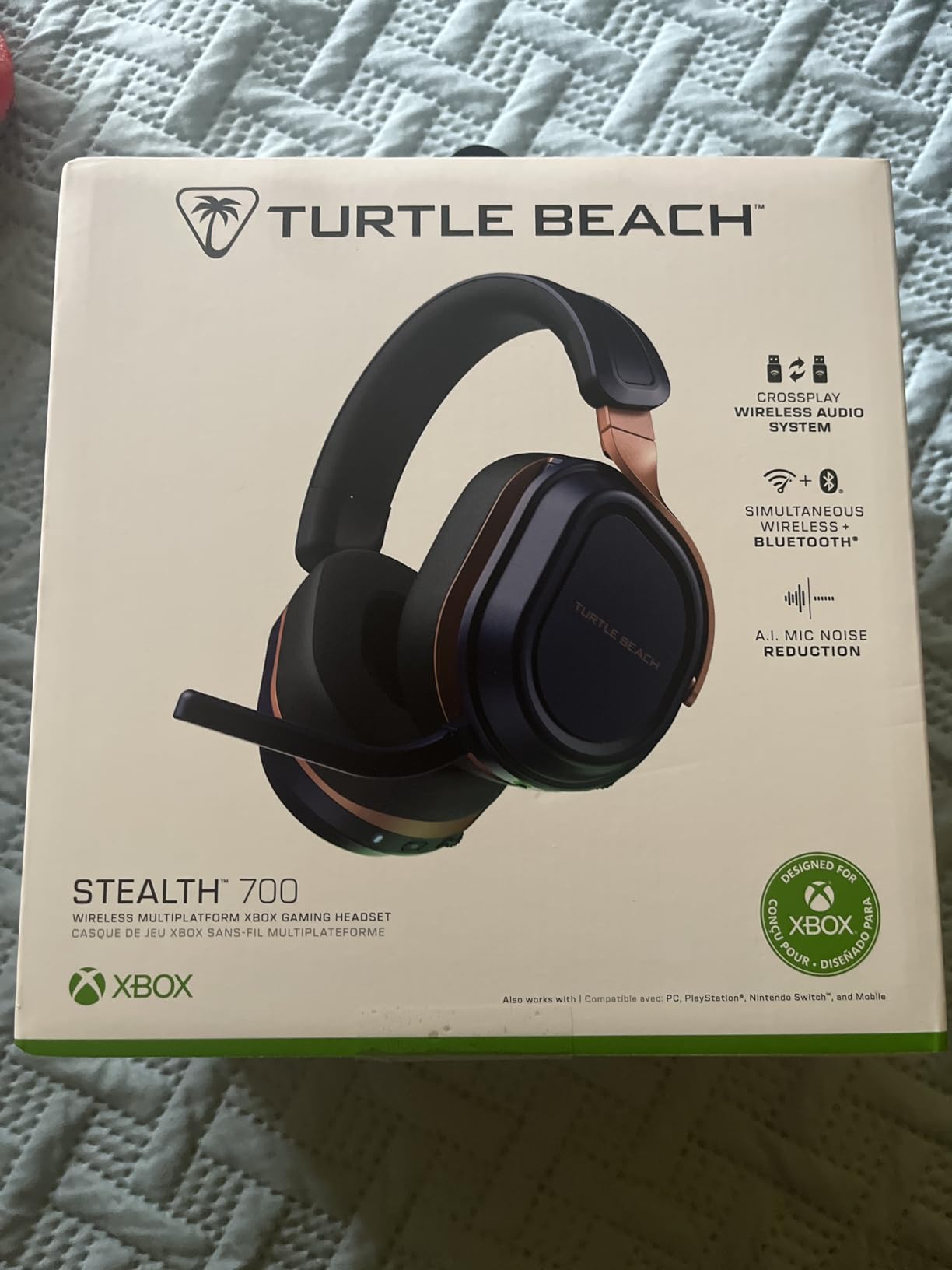
Turtle Beach Stealth 700 Wireless Gaming Headset for Xbox, PS5, PC, Mobile
Dual CrossPlay transmitters
60mm Eclipse drivers
80-hour battery
14.4 oz
+ Pros
- Two included transmitters for console and PC
- Simultaneous 2.4GHz plus Bluetooth 5.2
- 60mm Eclipse drivers give a wide soundstage
- 80-hour battery with quick charge
- Lay-flat steel-reinforced build
- Glasses-friendly memory foam
- Cons
- Heavy 14.4 oz frame
- No 3.5mm jack at all
- Swarm II app required for the full EQ
- One-year warranty
The Stealth 700 Gen 3 is bought for connectivity, and it delivers more of it than anything else in this roundup. The CrossPlay system ships with two USB transmitters, so you can move between console and PC without re-pairing anything.
It also runs 2.4GHz and Bluetooth 5.2 simultaneously, so game audio keeps playing while your phone handles a call. The 80-hour battery with quick charge means you will charge roughly once a month at typical use.
Sound comes from 60mm Eclipse dual drivers, among the largest in this group, and reviewers describe the soundstage as spacious and genuinely good for spatial awareness.
Why dual transmitters matter more than they sound
Most wireless sets here pair with a single device at a time. With two included transmitters, you keep one in the PS5 and one in a PC tower, and the headset reconnects to whichever it finds first. For anyone who splits time between platforms it removes a genuinely annoying part of ownership.
Simultaneous wireless and Bluetooth
The ability to mix 2.4GHz game audio with Bluetooth calls is the feature forum buyers ask for most and most budget sets fake. This one does it properly. Bluetooth 5.2 is not the newest standard here, but for call audio rather than game audio, that distinction rarely matters.
Weight, cushions and the app tax
At 14.4 ounces this is among the heavier sets we tested, and owners flag the weight in long sessions. The memory foam cushions are described as glasses-friendly, and the lay-flat steel-reinforced frame is durable. The Swarm II app is required for the full 10-band EQ, though built-in EQ modes and Superhuman Hearing work without it. There is no 3.5mm fallback, so the transmitters are the only wired path.
Its one-star share sits at the high end of this group, so treat it as feature-rich rather than flawless.
9. Turtle Beach Stealth 600 – 80 Hours and 20ms Without the Premium
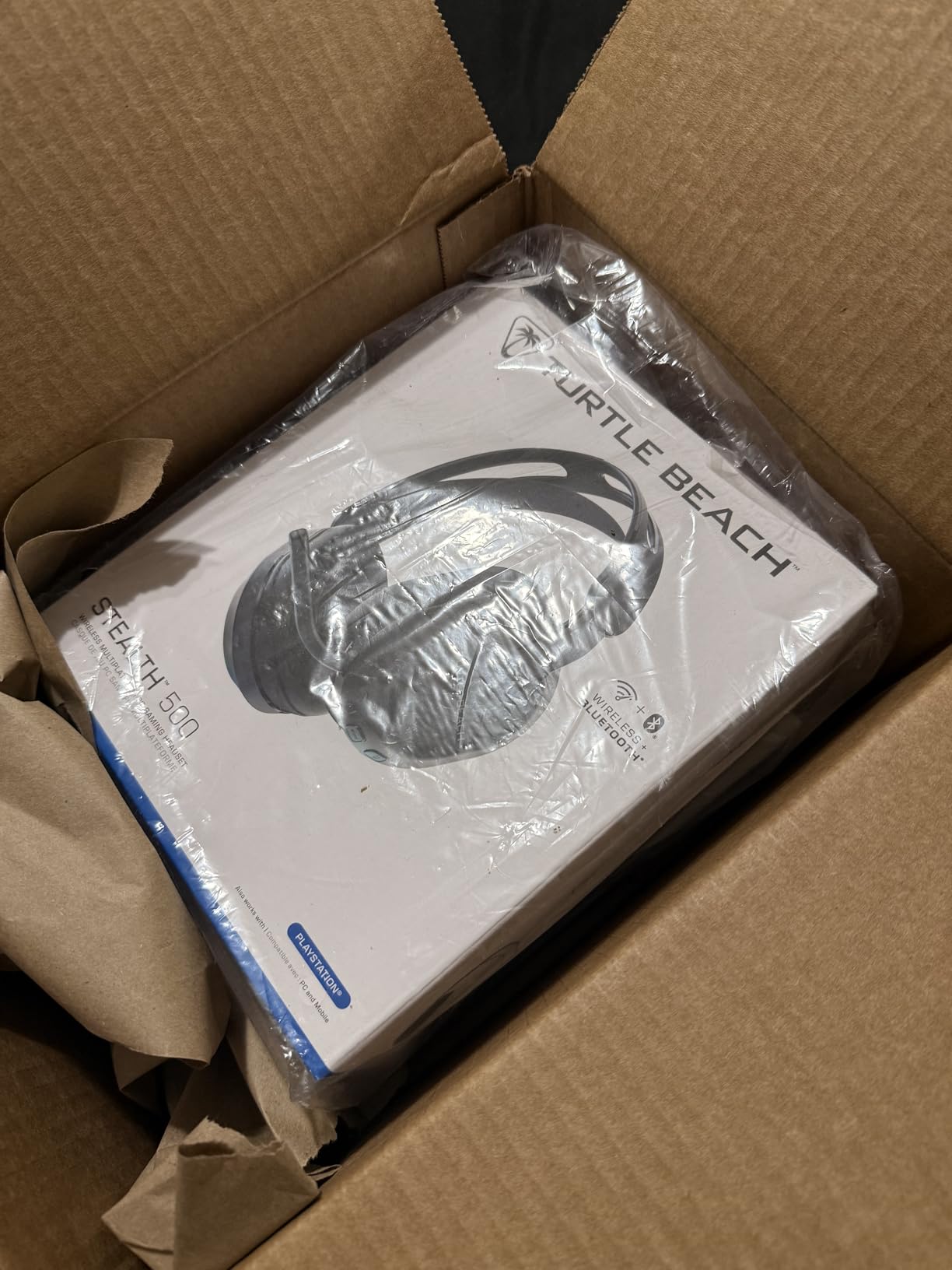
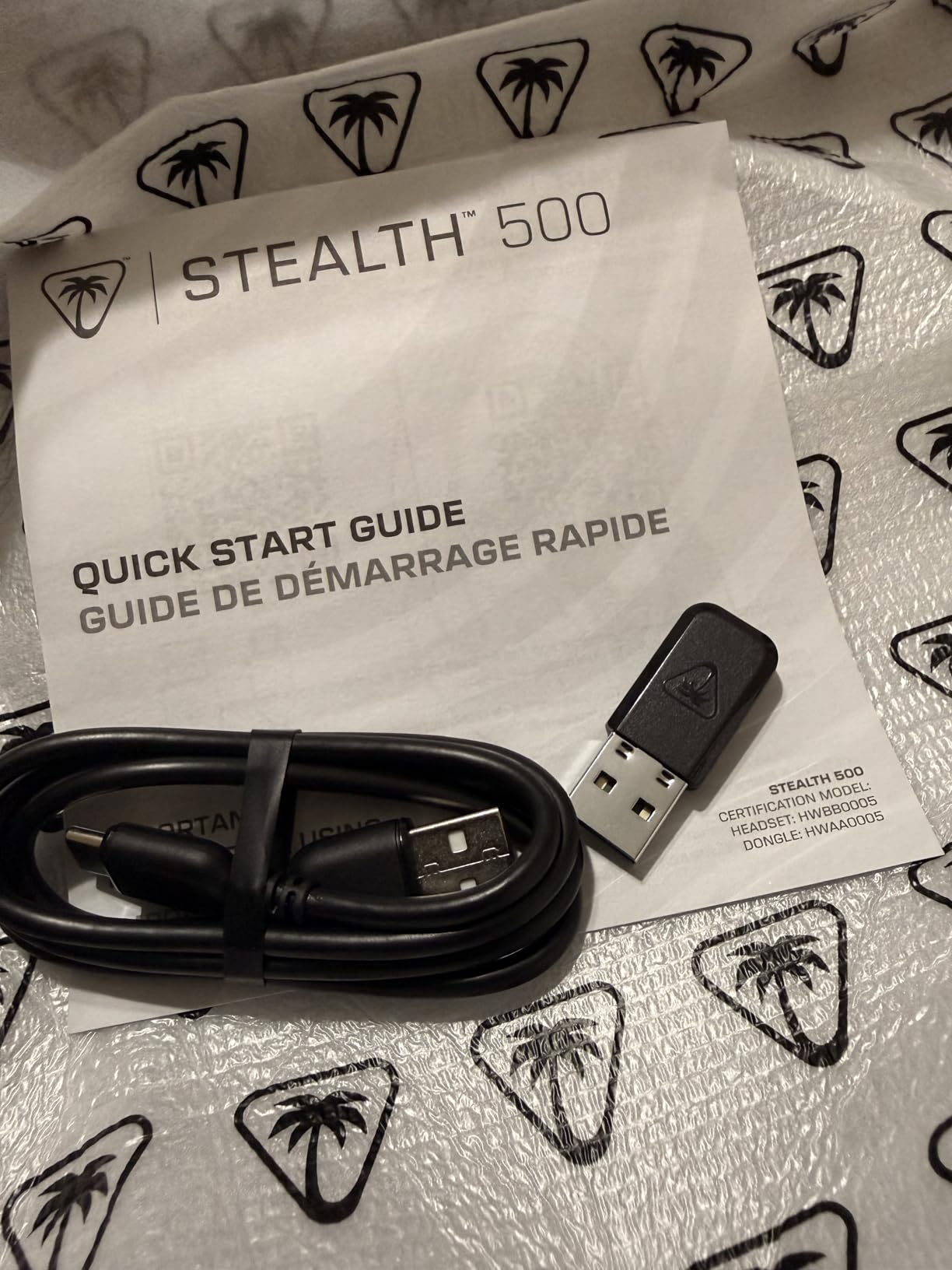
Turtle Beach Stealth 600 Wireless Multiplatform Gaming Headset for PS5 & PC
2.4GHz at 20ms
50mm Nanoclear drivers
80-hour battery
320g
+ Pros
- 80-hour battery needs charging about once a month
- 20ms latency keeps directional audio tight
- 50mm Nanoclear drivers with vibrant spatial tuning
- QuickSwitch moves between 2.4GHz and Bluetooth instantly
- Glasses-friendly memory foam cushions
- Cons
- No Xbox support at all
- No 3.5mm jack for wired fallback
- Bluetooth 5.2 is an older standard
- One-year warranty
The Stealth 600 is the interesting middle of the Turtle Beach range. It keeps the 80-hour battery and the 20ms 2.4GHz latency that make the flagship so appealing, and drops the weight, the second transmitter and the price alongside them.
At 320g it is far lighter than the Stealth 700 Gen 3, which is where most of the comfort difference in long sessions comes from. The lay-flat design and glasses-friendly memory foam cushions suit extended play.
The 50mm Nanoclear drivers are tuned for spatial audio, and the QuickSwitch button moves you between 2.4GHz and Bluetooth instantly, which is faster than digging through menus on a phone call.
Latency and battery as a matched pair
Wireless sets usually ask you to choose between responsiveness and endurance. This one does not, at least on paper: 20ms latency and 80 hours of battery in the same package. In practice the 20ms figure is tight enough for competitive shooters, and the battery means you charge monthly rather than twice a week.
Platform scope is the catch
This model is explicitly limited to PS5, PS4, PC and mobile. There is no Xbox support in any mode, and that is the single fact that ends the conversation for dual-console households. If you own a Series X or S, skip this one and look at the Stealth 700 Gen 3 or a wired set instead.
App EQ and the flip-to-mute mic
Swarm II gives you 10-band EQ for both audio and microphone, plus Superhuman Hearing for boosting quiet cues. The flip-to-mute mic with AI noise reduction is clean enough for team chat, and the mappable wheel and mode button let you remap controls. Bluetooth 5.2 is dated compared with 5.3 rivals, which matters mainly for codec quality on calls.
If your only consoles are PlayStation and PC, this is the endurance pick and one of the highest five-star shares in the group.
10. Corsair Virtuoso RGB Wireless XT – Broadcast Mic and Dual Wireless
Corsair Virtuoso RGB Wireless XT Bluetooth PC, PS5, Switch Gaming Headset
SLIPSTREAM 24bit/48kHz plus aptX HD
50mm neodymium to 40kHz
Machined aluminum
2 year warranty
+ Pros
- Broadcast-grade detachable 9.5mm omnidirectional mic
- SLIPSTREAM and Bluetooth audio play simultaneously
- Matched 50mm neodymium drivers with a 20Hz-40kHz range
- Machined aluminum build
- Low clamping force suits glasses and larger heads
- Cons
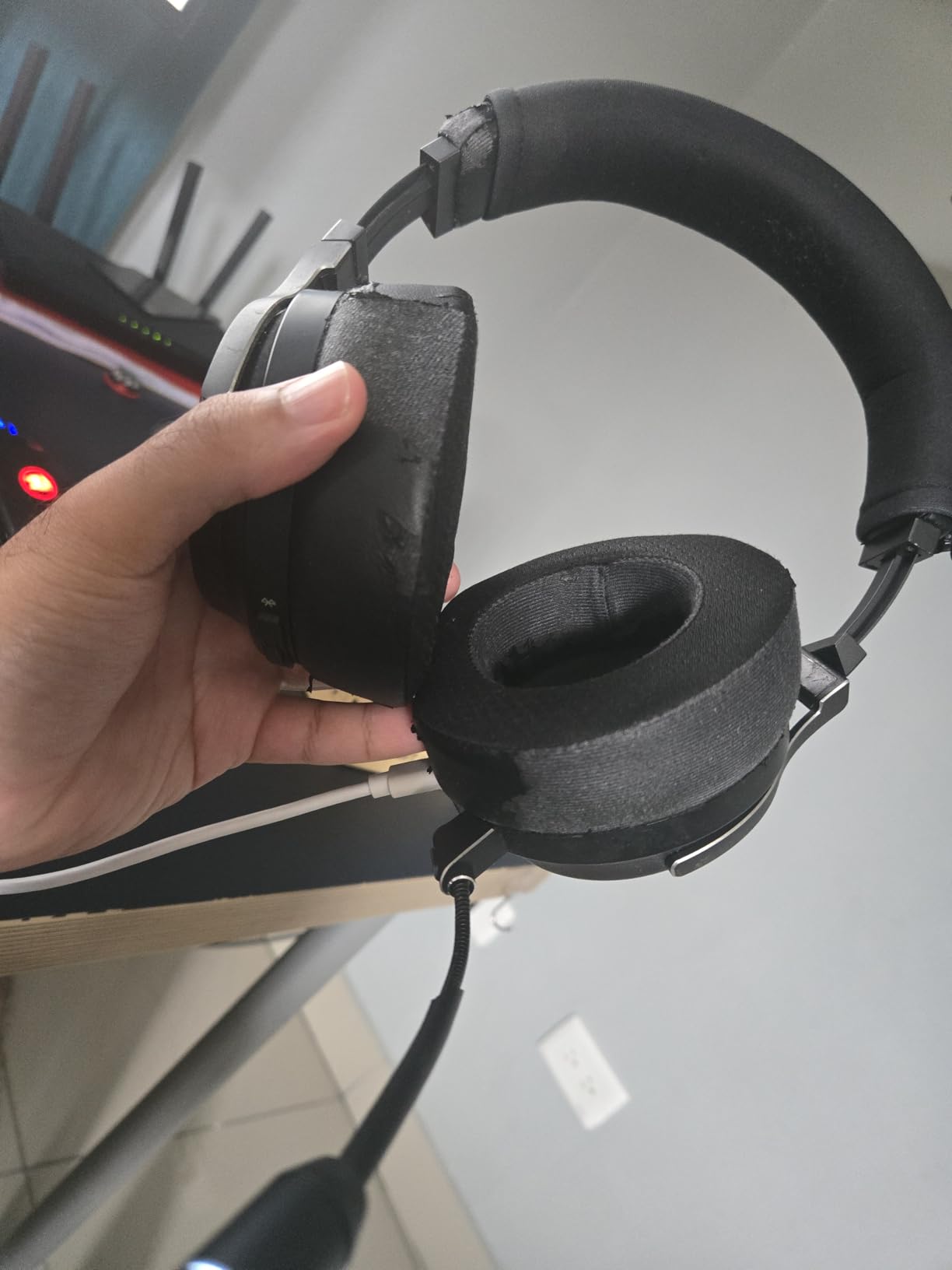
- Stock earpads widely replaced by owners
- Some users report intermittent dongle audio cut-outs
- iCUE software is buggy and EQ is not stored on the headset
- 15-hour battery with a 15-hour charge
The Virtuoso sits at the premium end of this list, and reviews divide sharply along those lines. What nearly everyone agrees on is the microphone, a detachable 9.5mm omnidirectional boom that is repeatedly described as among the best in its class for voice clarity.
Audio is handled by matched 50mm high-density neodymium drivers with a 20Hz to 40,000Hz response. Detail is excellent, and the tuning is more natural than most gaming headsets, which makes it usable for music as well as games.
Dual wireless is the other headline: SLIPSTREAM at 24bit/48kHz plus Bluetooth with Qualcomm aptX HD, running simultaneously so calls never interrupt game sound. Dolby Atmos for Headphones is available through iCUE.
Microphone quality measured by teammates, not spec sheets
Community consensus treats Discord recordings as the honest test, and that is where the Virtuoso performs best. The 9.5mm detachable mic is broadcast-grade, and owners who stream or run competitive teams single it out as the reason to pay more. If your mic is your bottleneck, this is among the strongest options in the roundup.
Build quality and the earpad problem
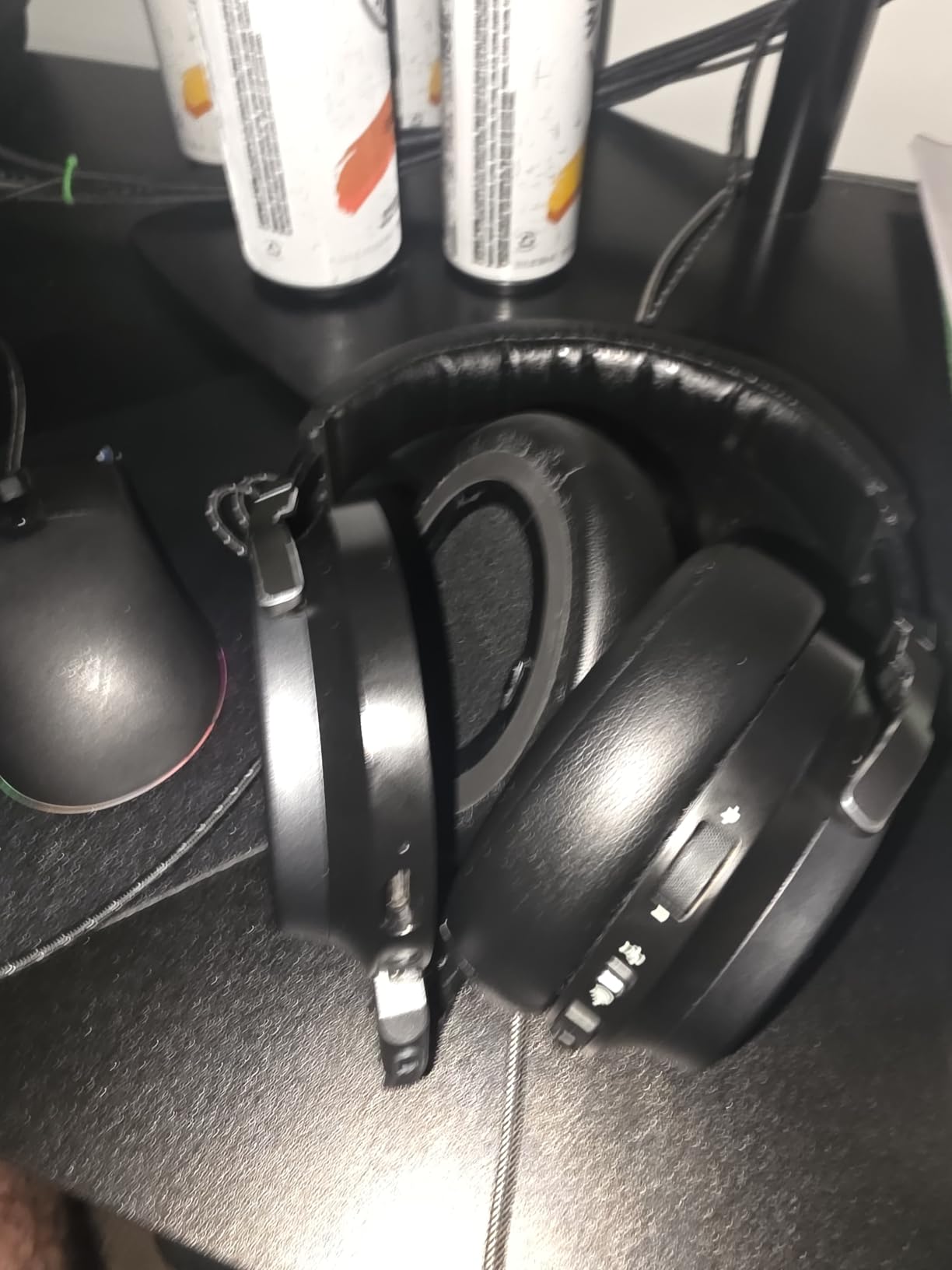
The machined aluminum headband and ear cups feel premium and are why the set holds up physically. The earpads supplied are not: the near-universal owner workaround is buying third-party replacements, which owners treat as a required first purchase rather than an upgrade. Low clamping force is praised by glasses wearers and larger heads, though the short adjustment range can feel tight on smaller heads.
Wireless reliability and software
Several users report intermittent audio cut-outs on the SLIPSTREAM dongle and shorter range than cheaper sets, with dropouts once you leave line of sight. iCUE is described as buggy and memory-hungry, and EQ presets do not persist on the headset. The 15-hour battery with a 15-hour charge cycle is the shortest among the wireless options here.
Buy it for the mic and the aluminum chassis. Buy replacement pads at the same time.
11. PlayStation Pulse Elite – Native PlayStation Link Integration
PlayStation Pulse Elite Wireless Headphones
PlayStation Link wireless
Planar magnetic drivers
30-hour battery
370g
+ Pros
- PlayStation Link gives near-zero latency and lossless audio on PS5 PC and Mac
- Planar magnetic drivers deliver clear detailed sound
- Retractable mic works without extending
- Dual-device connection mixes PlayStation Link and Bluetooth
- Charger holder doubles as a stand
- Cons
- Frequent Bluetooth drop-outs flick audio back to TV output
- Lightweight plastic build reported to crack after about a year
- Firmware update required at first setup
- Mic quality trails dedicated boom mics
- No analog fallback
The Pulse Elite is the only set in this list designed by Sony for PlayStation, and that integration is its argument. The bundled PlayStation Link USB adapter delivers ultra-low latency lossless wireless audio to PS5, PC, Mac and PlayStation Portal with no pairing friction.
Sound quality is genuinely good. The planar magnetic drivers stay clear and detailed, and owners upgrading from the older Pulse 3D rate it as a clear step up, particularly in picking out subtle environmental effects.
At 370g with no manual headband adjustment and a light clamping force, it is one of the more comfortable sets for glasses wearers. The retractable mic works without extending, and dual-device connection lets you take a call without leaving the game.
PlayStation Link versus Bluetooth on PS5
This matters more than any spec here. Through the PlayStation Link adapter, the Pulse Elite behaves like a low-latency wired set. On plain Bluetooth, owners report the higher lag that makes PS5 Bluetooth audio a poor choice for competitive play. If you buy this, use the adapter.
What owners actually complain about
Sentiment is sharply split. When the connection behaves, reviews praise the clarity and the seamless adapter experience. Against that, the one-star share is among the highest here, driven by repeated Bluetooth drop-outs that flick audio back to TV output and by reports of the plastic build cracking after roughly a year of light use. It also un-mutes itself if it reconnects after dropping out of Bluetooth range while muted.
Microphone and setup friction
The AI-enhanced noise reduction mic is clear without a boom arm, but in online shooters it does not rate as highly as the dedicated boom mics on the Corsair Virtuoso, SteelSeries Arctis Pro and Logitech PRO X. First-time setup also requires a firmware update and a second USB port on the console, and cable charging means removing the PlayStation Link dongle. The charger holder doubles as a stand once updates are finished.
If you want the shortest path from unboxing to PlayStation audio and nothing else, this is the one. If reliability over two years matters most, a wired set is the safer bet.
12. ASTRO A20 Gen 2 Wireless – The Most Consistent Performer in the Group
ASTRO Gaming Logitech G A20 Gen 2 Wireless Headset PlayStation – White/Blue
2.4GHz with 15m range
Flip-to-mute mic
15-hour battery
318g
+ Pros
- Reliable 15m 2.4GHz range that holds up between rooms
- Flip-to-mute uni-directional mic for clean team chat
- Three EQ presets for different genres
- Comfortable 318g over-ear fit
- Console-specific transmitters sold separately for cross-platform use
- Cons
- 15-hour battery with a slow full charge cycle
- This PlayStation edition is 2.4GHz dongle only with no Bluetooth
- All-plastic build with no isolation
- Only three EQ presets
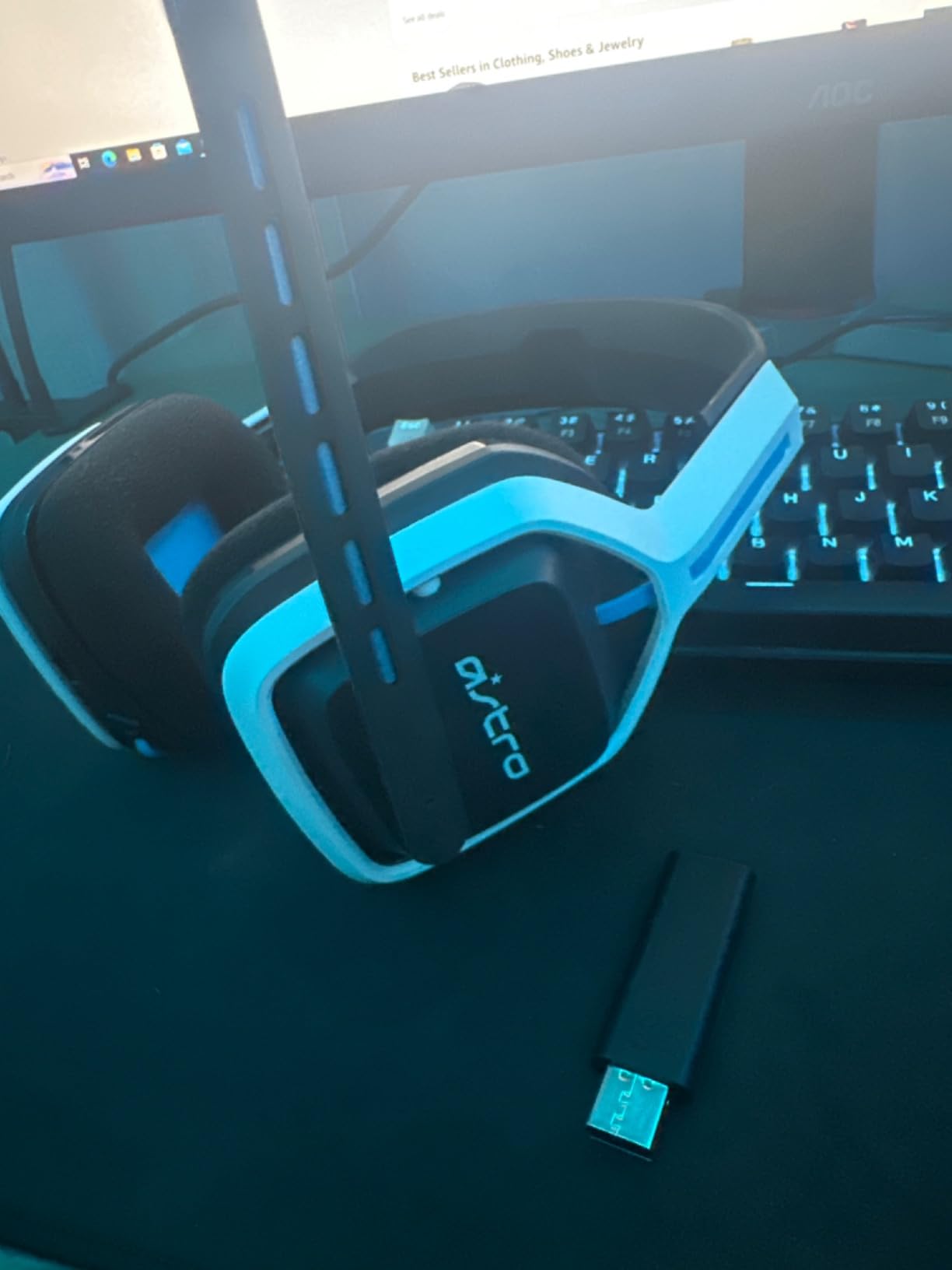
The A20 Gen 2 is the sleeper of this list. It has the highest five-star share in the group and the fewest complaints, and the reason is unglamorous reliability: a 2.4GHz link with 15 meters of usable range that holds up walking between rooms.
Several owners note that range outperforms sets costing far more. On a PS5, that translates to freedom to move around the room or to a different chair without hunting for signal.
The flip-to-mute uni-directional microphone keeps your voice clean in team chat, and three selectable EQ presets let you shift the sound for a shooter versus an RPG without opening any software.
Range as the underrated spec
Wireless range is where budget sets quietly fail and where this one does not. 15 meters of 2.4GHz coverage is enough to move to the kitchen without cutting off, which sounds minor until you have played with a set that drops at 3 meters. It is also the reason we recommend it for households where the PS5 is not right next to the seating.
What you give up for that reliability
This PlayStation edition is 2.4GHz dongle only, with no Bluetooth at all, so phone calls require unplugging the transmitter. The 15-hour battery needs roughly two full charge cycles a week, and the all-plastic build offers no active or passive isolation beyond the closed cups. There are only three EQ presets, against ten-band app control on the Turtle Beach sets.
Cross-platform thinking and the transmitter system
The design is built around separately sold console-specific USB transmitters, so the same headset can work on a different console later without a new purchase. At 318g the over-ear fit is comfortable for long sessions, and the flip-to-mute mic means you do not have to hunt for a mute control in a firefight.
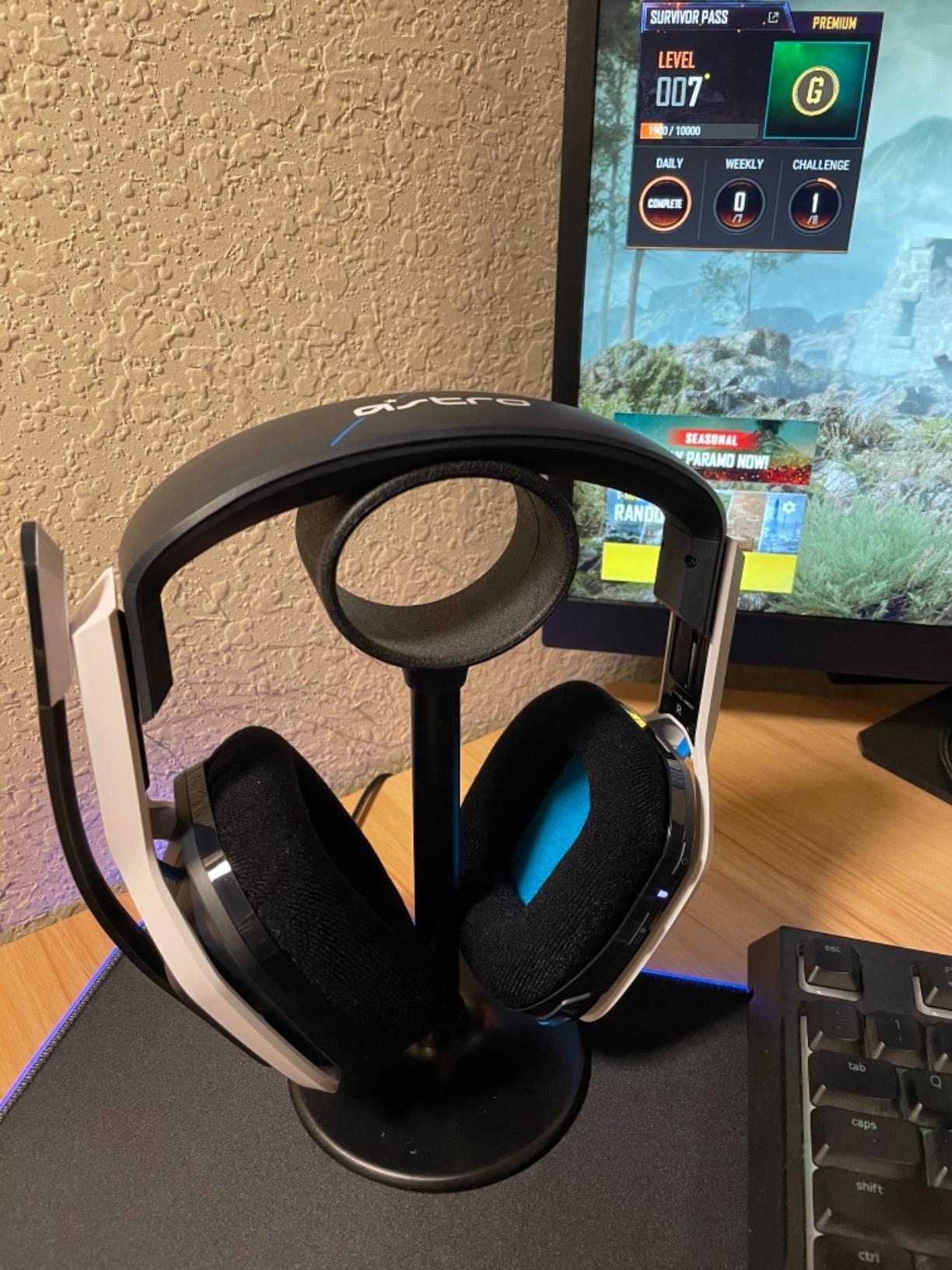
For a set you buy once and stop thinking about, the A20 Gen 2 is the pick we keep coming back to.
How to Choose a PS5 Headset in 2026
PS5 headset buying comes down to a handful of decisions that the spec sheet does not make for you. Work through these and the right set is obvious.
Wired versus wireless: what actually changes
Wired gives you zero latency, no charging and no interference, at the cost of being tethered to the console. For a PS5 that sits under the TV, most players find that entirely acceptable, and the wired sets here sit at the affordable end of the roundup.
Wireless gives you freedom of movement at the cost of latency, battery management and the occasional dropout. It is worth it if you play from a distance, share a headset between two people, or use a long cable across the room as a workaround.
2.4GHz dongle versus Bluetooth: the decision that matters most
Bluetooth is a poor choice for PS5 gaming audio. The console reserves Bluetooth for DualSense and DualSense Edge pairing, and any Bluetooth headset you connect through Settings is running with added delay that you can feel in a shooter.
A USB 2.4GHz dongle is a different radio path entirely. It is why PlayStation Link, LIGHTSPEED, SLIPSTREAM and Turtle Beach’s CrossPlay transmitters all exist, and why the NUBWO G06 and Ozeino OW810 stand out at the budget end. If you take one thing from this guide, take this: buy the dongle version.
Driver types: dynamic versus planar magnetic
Nearly everything in this roundup uses dynamic drivers between 50mm and 60mm, which is the gaming standard because they handle bass transients, such as gunfire and explosions, without distortion. The one exception is the PlayStation Pulse Elite, which uses planar magnetic drivers for finer detail at the cost of some low-end weight.
Driver size alone tells you little. A 50mm set tuned for imaging can beat a 60mm set tuned for thump, so read the tuning description rather than the diameter.
Microphone patterns and what teammates hear
Cardioid and uni-directional patterns, found on the Razer and ASTRO sets here, focus on your voice and reject room noise. Omnidirectional patterns, on the Corsair Void RGB Elite and Virtuoso, pick up everything in the room but sound more natural and open.
Detachable boom mics with a mute indicator beat flip-to-mute designs for streaming, and flip-to-mute beats integrated beamforming mics. A board on r/gamingheadsets will tell you which set sounds good on Discord within a day of asking, and that is worth more than any spec.
Battery life and head size
Battery claims across this list run from 15 hours to 100 hours. Twenty hours or more means you can play several evenings before charging, and anything above forty hours means charging is genuinely off your mind.
For head size, look at the headband design. Suspension and ski-goggle bands, on the SteelSeries Arctis Pro, spread weight and suit larger heads and glasses. Floating headbands are more adjustable but apply more side pressure. Heavier frames are the ones to trial first if you plan long sessions: the SteelSeries Arctis Pro at 1.2 pounds, the Ozeino OW810 at 490g and the Corsair Void RGB Elite at 399g all take longer to settle in.
Tempest 3D Audio does the work, not the headset
PS5’s Tempest 3D AudioTech uses a head-related transfer function to place sounds in 3D space around you, which means any competent stereo pair of headphones benefits. You do not need a special PS5 headset for 3D audio, and you do not need surround software running on top of it.
What a good pair of headphones does provide is a clean, well-sealed response in the midrange. The better the seal, the more accurate the positioning, which is why closed earcups matter more than any virtual surround badge.
PS5 Setup and Audio Troubleshooting
Most PS5 headset headaches are setup mistakes rather than defective hardware. These four fixes cover nearly every case.
How to connect a USB-C 2.4GHz headset to the PS5
First, plug the dongle into the PS5 while the headset is powered off, then hold the power button on the headset until the indicator stops flashing. If the dongle uses a USB-A transmitter, the included USB-C adapter handles the port conversion. On the PS5, go to Settings, then Sound and Screen, then Audio Output, and set the headphone connection to the USB audio device rather than the TV. You should hear a confirmation tone in the headset before you launch anything.
How to stop audio switching to the TV speakers
When a wireless headset powers off, the PS5 reverts to the default output. The fix takes about a minute. Go to Settings, then Users and Accounts, then Accessibility, then Audio. Set the headphone connection setting to the last connected device instead of the default, and confirm your USB audio output is selected under Sound and Screen. Owners report that this holds the setting through controller restarts, whereas leaving it on the default is what causes the repeated drop back to TV output.
Getting the dongle link stable in a crowded building
2.4GHz congestion is the most common wireless complaint in apartment buildings, and the fix is physical. Plug the transmitter into the front USB port on the PS5 rather than a rear port, keeping it away from the console’s rear heatsinks and ventilation. If dropouts persist, move the console itself away from the router, or use a short USB extension to position the dongle in open air.
Chat mixing and the DualSense mute button
Once a headset is connected, the DualSense mute button stops working and you use the headset’s own control instead, which surprises a lot of new owners. For chat balance, go to Settings, then Sound and Screen, then Audio Output, and choose your audio device, then set the headphoned output mode. Party Chat prioritises game and voice chat together, while Audio Chat lets you hear every sound. The Logitech PRO X and SteelSeries Arctis Pro add hardware-level controls on the headset itself, which some players find easier than menu diving.
Frequently Asked Questions
Which PS5 headset is better?
The best PS5 headset depends on your connection preference. The Razer BlackShark V2 X leads for wired setups, with zero latency and 240g comfort. The Corsair Void RGB Elite Wireless is the strongest all-round wireless option on a 2.4GHz dongle, while the Turtle Beach Stealth 600 pairs 20ms latency with an 80-hour battery.
What is the best headset to use on PS5?
The Razer BlackShark V2 X is the best general pick, because a 3.5mm connection into the DualSense gives you zero latency, no charging and no interference, and its 50mm drivers render Tempest 3D Audio cleanly. For wireless, the Corsair Void RGB Elite or Turtle Beach Stealth 600 are the strongest options.
Is 40 ms latency good for headphones?
For music and single-player games, yes. For competitive shooters on PS5, 40ms is high enough to feel the gap between a footstep and the gunshot that follows it. Aim for under 25ms on a 2.4GHz dongle, which is what the NUBWO G06 at 23ms, the Logitech PRO X at 20ms and the Turtle Beach Stealth 600 at 20ms deliver.
Should I buy a wired or wireless gaming headset?
Buy wired if your PS5 sits near where you sit. You get zero latency, no charging and no signal dropouts, and the wired options here sit at the affordable end of the range. Buy wireless if you play at a distance, share a headset between two people, or dislike the cable. Whichever you choose, use a 2.4GHz dongle rather than Bluetooth, because PS5 Bluetooth audio runs with added delay.
Does the PS5 support Bluetooth headsets?
Yes, but it is a poor choice for gaming. The PS5 reserves Bluetooth for pairing DualSense controllers, and any Bluetooth headset connected through Settings carries noticeably higher audio latency. If you must use Bluetooth, a dual-wireless set such as the PlayStation Pulse Elite or Turtle Beach Stealth 700 Gen 3 lets you keep 2.4GHz for game audio and reserve Bluetooth for calls.
How do I stop my PS5 audio switching to the TV speakers?
Go to Settings, then Users and Accounts, then Accessibility, then Audio, and change the headphone connection setting from the default to the last connected device. Then open Sound and Screen, then Audio Output, and confirm your USB audio device is selected rather than the TV. This stops the console reverting to TV output whenever a wireless headset powers off.
Which PS5 Headset Should You Buy in 2026
Start with the Razer BlackShark V2 X if you want the simplest possible upgrade: zero latency, no charging, and the lightest frame in this roundup at 240g. It is the best gaming headset for PS5 for most people, and it is the one we recommend without a follow-up question.
Play competitive shooters and want wireless? The Corsair Void RGB Elite gives you a stable 2.4GHz link and aluminum yokes that will outlast plastic rivals. If battery life is the thing you hate dealing with, the Turtle Beach Stealth 600 pairs 20ms latency with 80 hours between charges.
Moving between PS5 and PC every week? The Turtle Beach Stealth 700 Gen 3 ships two transmitters and runs 2.4GHz and Bluetooth at the same time. Streaming and recording? The Corsair Virtuoso RGB Wireless XT pairs one of the clearest microphones we tested with a machined aluminum chassis, though you will want replacement earpads.
Staying official matters to you? The PlayStation Pulse Elite is the only set here designed by Sony, with planar magnetic drivers and native PlayStation Link, but weigh the reported Bluetooth dropouts first. And if you want a strong microphone without touching a premium tier, the HyperX Cloud III is impossible to argue with.
Whatever you choose, plug it in with the 2.4GHz dongle rather than Bluetooth, and it will sound better than anything you had before. Check current pricing on each pick below, and enjoy 2026.