
Finding the best laptops under 800 dollars in 2026 is harder than it should be, because every brand stuffs this price range with a mix of genuine bargains and machines that cut corners where you will feel it most. I have spent weeks digging through verified owner reviews, spec sheets, and community feedback on all ten of the models below to separate the real value picks from the filler.
Our team focused on the things that actually matter at this budget: processor performance, RAM (16GB when possible), SSD speed, display quality, battery life, and long-term reliability. We also paid close attention to what real owners report months after purchase, because budget laptops often look great on day one and fall apart by month six.
What can you realistically expect under $800? Strong everyday performance, 8 to 16 hours of battery life on the best models, FHD or better displays, and fast SSD storage. What you give up is dedicated gaming graphics and premium chassis materials, though the MacBook Neo and the Lenovo business machine below get surprisingly close to premium territory.
A quick note for students and technical buyers: if your coursework involves CAD or heavy engineering software, also check our guide to the best laptops for engineering students for workload-specific advice. For everyone else, the ten picks below cover students, remote workers, home users, and small-business buyers.
One recurring theme from forum research: owners consistently warn that 8GB of RAM is the bare minimum in 2026, and that 16GB buys you years of extra usable life. I have flagged RAM on every pick below so you know exactly where each machine stands.
Our Top 3 Laptops Under $800 for 2026

The MacBook Neo wins overall because nothing else at this price matches its combination of 16-hour battery life, a 2.71-pound fanless aluminum body, and a 4.6-star rating across more than 1,100 reviews. The Lenovo business laptop is the smart buy for power users who want 16GB of RAM and a genuinely fast H-series Intel chip. The HP OmniBook 3 is the budget champion for anyone who wants a huge, bright 17.3-inch screen and all-day battery without spending much at all.
Comparing the Best Laptops Under $800 in 2026
| Product | Details | |
|---|---|---|
| Apple MacBook Neo 13 |
|
Check Latest Price |
 Lenovo Business 16 Lenovo Business 16 |
|
Check Latest Price |
 HP OmniBook 3 17.3 HP OmniBook 3 17.3 |
|
Check Latest Price |
 Dell 16 DC16251 Dell 16 DC16251 |
|
Check Latest Price |
 Lenovo IdeaPad 1 15.6 Lenovo IdeaPad 1 15.6 |
|
Check Latest Price |
 Acer Aspire 3 15.6 Acer Aspire 3 15.6 |
|
Check Latest Price |
 HP 17.3 17-cp2199 HP 17.3 17-cp2199 |
|
Check Latest Price |
 HP 17 Business 2026 HP 17 Business 2026 |
|
Check Latest Price |
 HP 17-cp3000 HP 17-cp3000 |
|
Check Latest Price |
 HP 14-fq1025nr HP 14-fq1025nr |
|
Check Latest Price |
This table gives you the full field at a glance. Every machine below stays under the $800 line while covering a different priority, from maximum portability to maximum screen size. Ratings and review counts come straight from verified Amazon buyer data.
1. Apple MacBook Neo 13-inch – Best Overall for Battery and Portability
Apple 2026 MacBook Neo 13-inch Laptop with A18 Pro chip: Built for AI and Apple Intelligence, Liquid Retina Display, 8GB Unified Memory, 256GB SSD Storage, 1080p FaceTime HD Camera; Blush
A18 Pro chip
8GB Unified Memory
256GB SSD
13 inch Liquid Retina
2.71 lbs
+ Pros
- Silent fanless operation
- 16 hours of real battery life
- Premium recycled aluminum build
- Outstanding trackpad and macOS smoothness
- Runs iOS and iPadOS apps
- Cons
- No keyboard backlighting
- Only two USB-C ports
- 256GB storage fills up fast
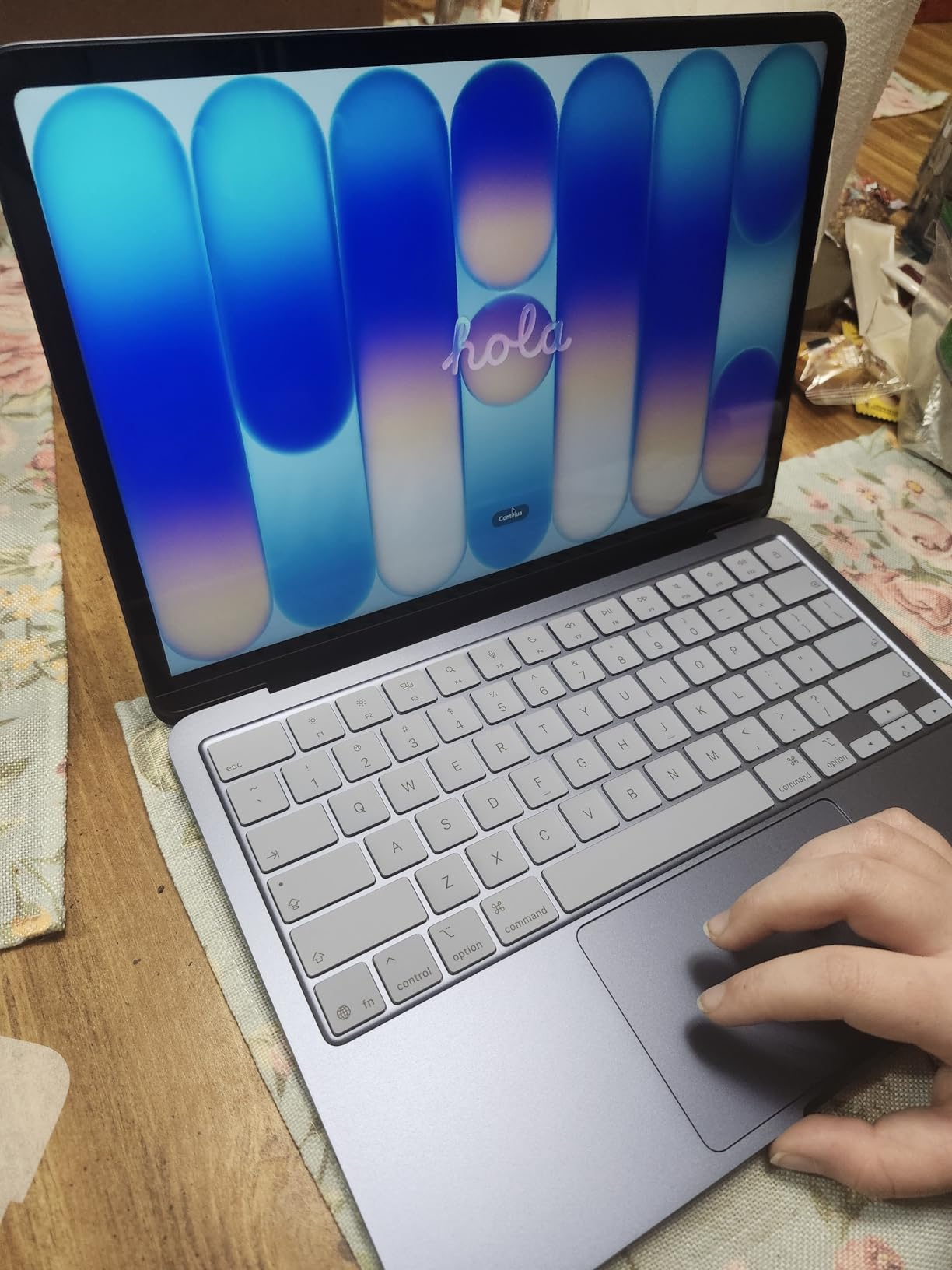
Apple quietly built the value king of this entire list. The MacBook Neo packs the same A18 Pro chip as the iPhone 16 Pro into a fanless 2.71-pound aluminum body, and owners rate it 4.6 stars across more than 1,100 reviews.
Community forums have long argued the entry MacBook is hard to beat near this price for battery life and performance, and the Neo proves the point. It runs cool, silent, and lasts up to 16 hours, which is roughly double what most Windows machines here manage.
Everyday Performance and the A18 Pro Chip
The A18 Pro handles web browsing, documents, presentations, and schoolwork without ever breaking a sweat. Owners consistently describe it as smooth for years of typical use, and Apple is expected to provide around 7 years of software support.
It also runs iOS and iPadOS apps natively, which fills software gaps that used to plague budget Macs. Just know its limits: heavy video editing and gaming are not its strengths.
Display, Webcam, and Build Quality
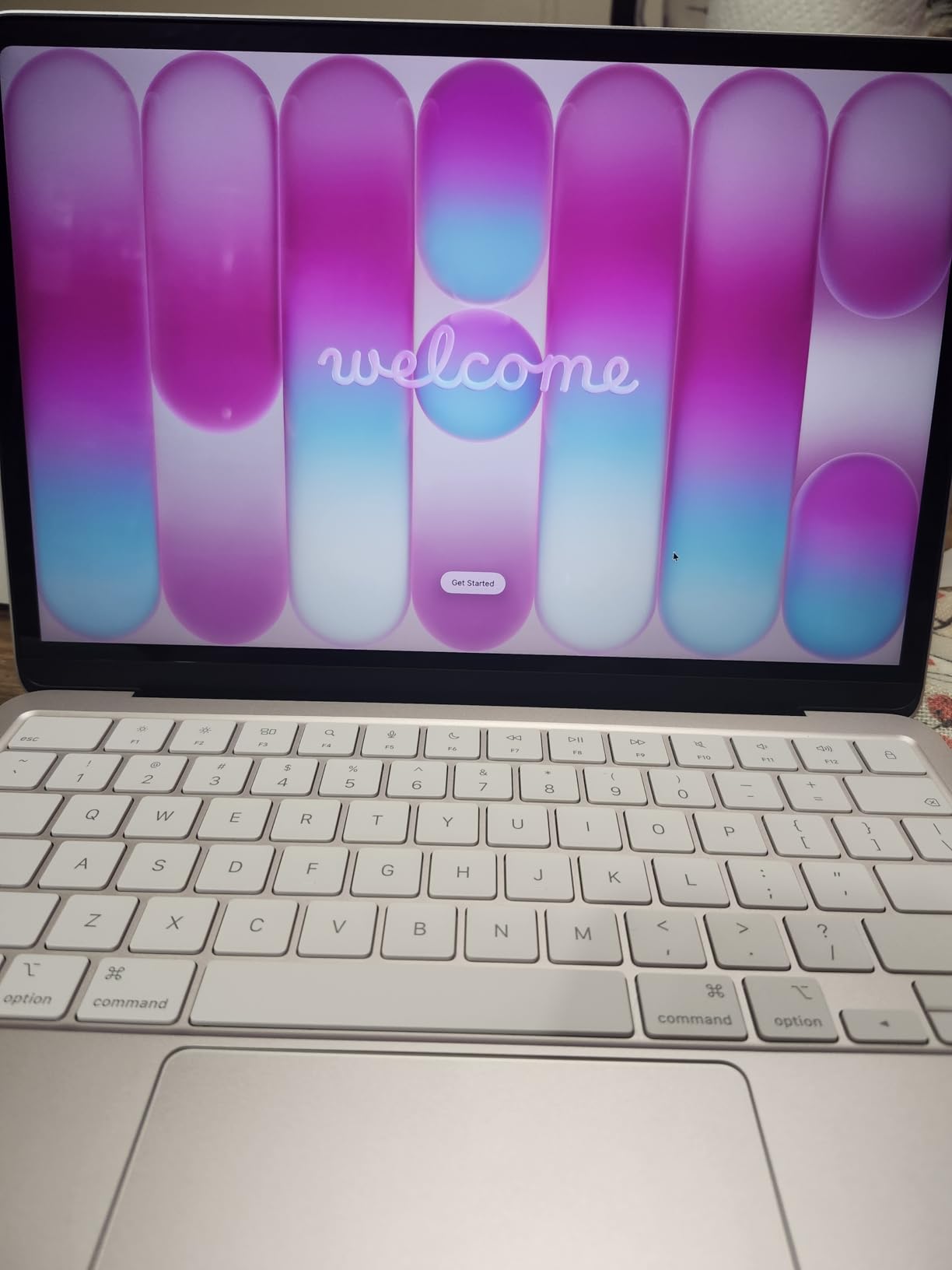
The 13-inch Liquid Retina display supports a billion colors and looks noticeably better than any other panel in this price range. The 1080p FaceTime camera and dual-mic array are excellent for video calls.
The recycled aluminum chassis (60 percent recycled content) feels like a laptop costing far more. That sustainability angle matters too, since no competitor in this roundup publishes comparable environmental credentials.
Who Should Buy It (and Who Should Not)
Buy it if you want the best battery life, the lightest body, and the most polished experience under $800. Students and writers especially will love it.
Skip it if you need Windows-specific software, lots of ports, or more than 256GB of storage without relying on cloud space. The single external display limit will also frustrate multi-monitor users.
2. Lenovo Business Laptop 16-inch (ThinkPad E16 Gen 3) – Best Value for Power Users
Lenovo ThinkPad E16 Gen 3, 2026 Edition, Ultra 5 225H, 16GB DDR5 1TB SSD
Intel Core i5-13420H
16GB DDR5
512GB SSD
16 inch WUXGA
3.70 lbs
+ Pros
- 8-core H-series processor
- 16GB DDR5 with room to 40GB
- 16:10 display with 11 percent more vertical space
- Privacy shutter on webcam
- Full port selection with SD reader
- Cons
- Integrated graphics only
- Battery life shorter than expected
- 720p webcam is average
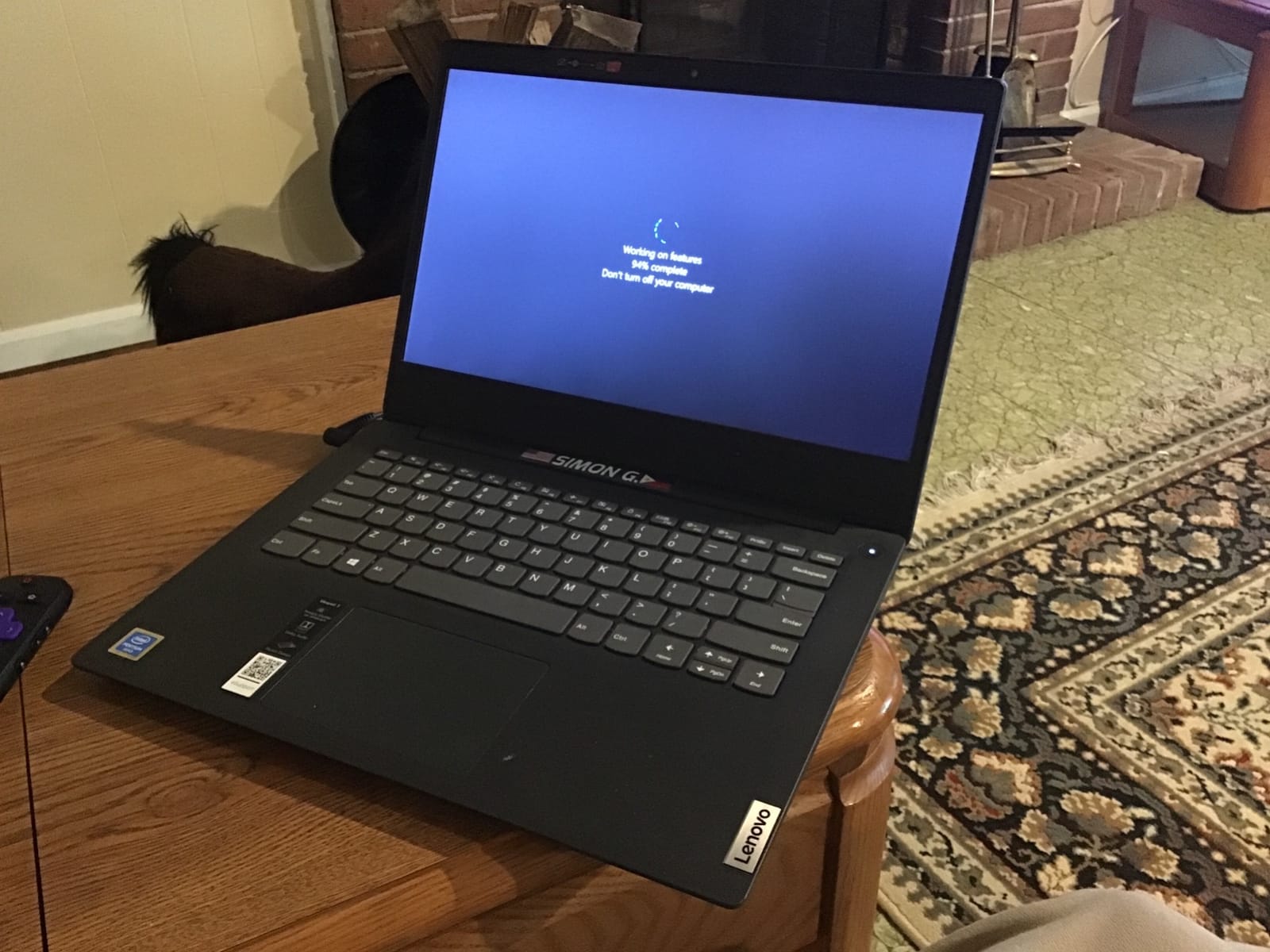
This is the laptop I point professionals and students toward when they ask for maximum computing power per dollar. The 13th Gen Core i5-13420H is an 8-core, 12-thread H-series chip, which is a full performance tier above the low-power CPUs in most budget machines.
Owners across 385 reviews rate it 4.4 stars, praising how it juggles 10+ browser tabs, video calls, and Office work without slowing down. One buyer described it as handling accounting workloads that made their old laptop stutter.
Multitasking Power and Upgrade Path
The 16GB of DDR5 RAM is the real headline, because forum consensus in 2026 treats 16GB as the minimum for longevity. Even better, this machine supports up to 40GB, so you can add memory later instead of replacing the laptop.
The 512GB PCIe SSD boots in under 10 seconds and keeps large project files snappy. Combined with the H-series chip, this is genuinely a content-creation-capable budget machine.
The 16:10 WUXGA Display Advantage
The 16-inch 1920×1200 IPS panel gives you 11 percent more vertical space than a standard 1080p screen. In practice that means fewer scrolls through spreadsheets, code, and documents.
The anti-glare coating and 300 nits of brightness make it comfortable in bright offices and classrooms. The 720p webcam with privacy shutter is serviceable, though not the best here.
Who Should Buy It (and Who Should Not)
Buy it if you code, run business apps, edit photos casually, or simply want a laptop that will still feel fast in four years. It is the best budget laptop for programming in this lineup.
Skip it if you want to game or need all-day unplugged battery life, because the H-series chip trades efficiency for speed and integrated graphics limit gaming to light titles.
3. HP OmniBook 3 17.3 inch – Best Budget Big-Screen Laptop
HP OmniBook 3 17.3 inch Laptop PC, FHD Display, AMD Ryzen 3 30, 8 GB RAM, 512 GB SSD, AMD Radeon 610M Graphics, Windows 11 Home, Mica Silver, 17-dp0199nr
AMD Ryzen 3 30
8GB LPDDR5
512GB SSD
17.3 inch FHD IPS
Up to 14h battery
+ Pros
- Huge bright 17.3 inch FHD IPS display
- 14+ hours of battery life
- Fast Charge to 50 percent in 45 minutes
- Backlit keyboard with numeric keypad
- 1080p HDR webcam
- Cons
- Ryzen 3 is entry-level
- 8GB RAM limits heavy multitasking
- Preinstalled bloatware
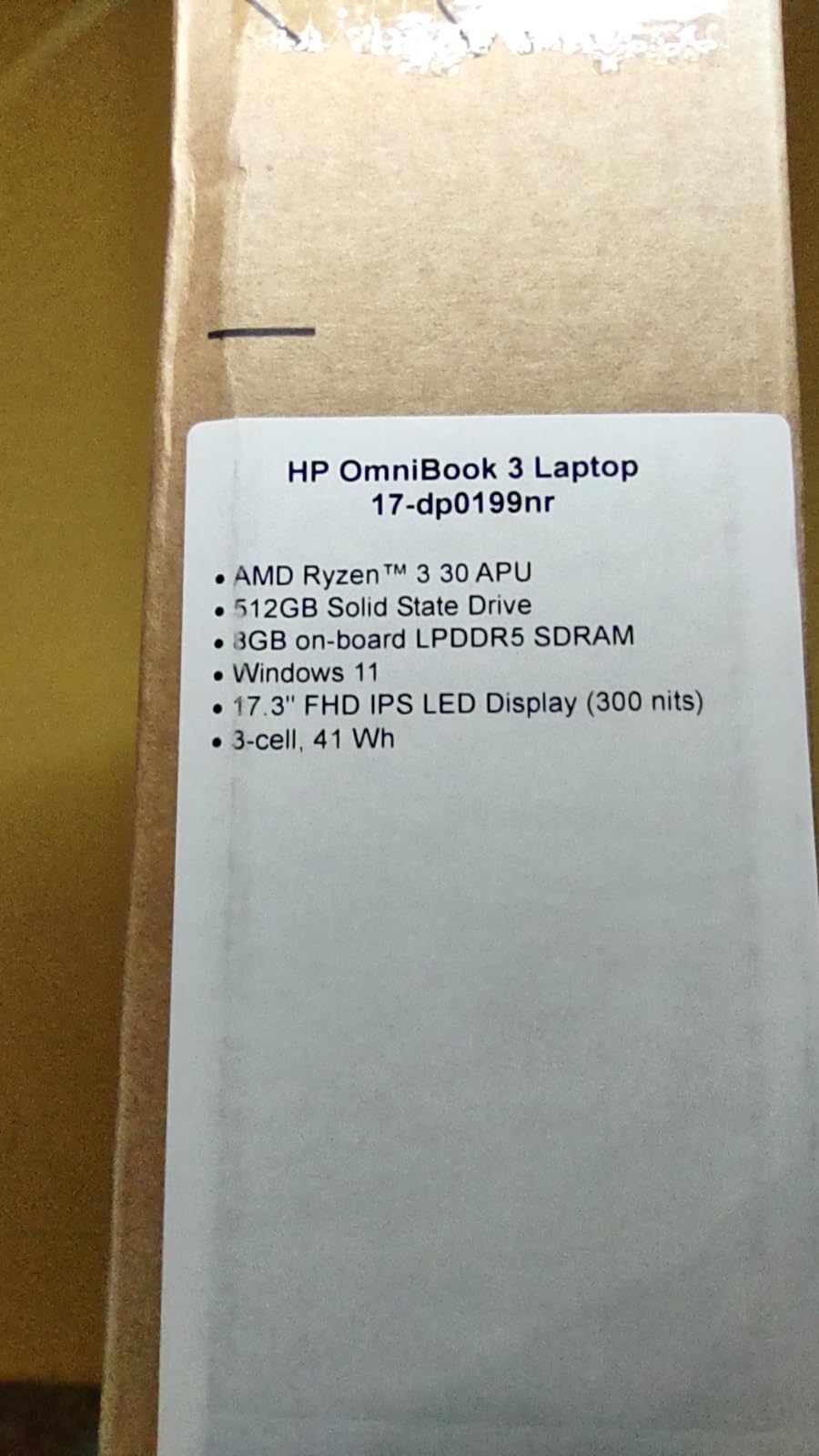
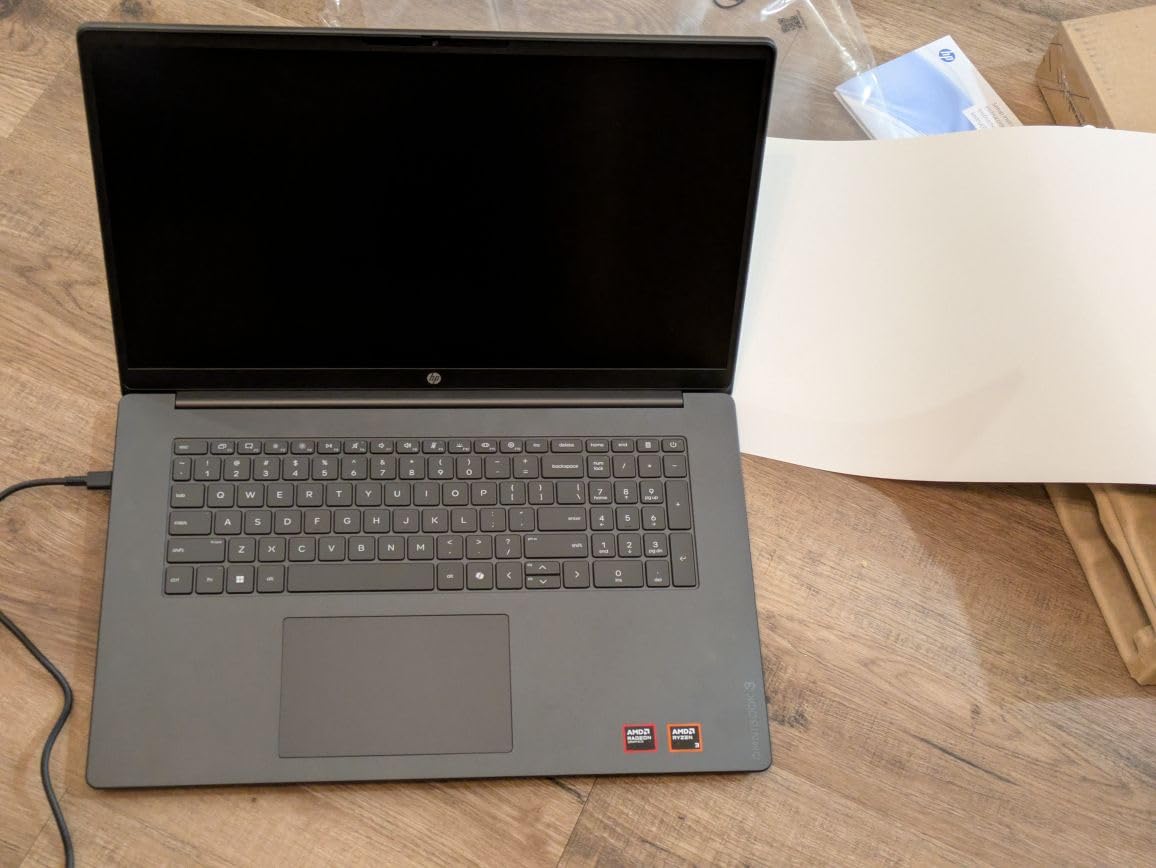
The OmniBook 3 proves a big-screen laptop does not need a big budget. For well under the mid-point of our range you get a 17.3-inch FHD IPS panel, up to 14 hours of battery, and a 4.5-star rating from early owners.
HP forum threads keep praising the OmniBook line for bringing quality displays to budget prices, and this model fits that pattern. It is a desktop-replacement feel at a budget price.
Display and Media Experience
The 17.3-inch 1920×1080 IPS screen with 300 nits is the star, offering wide viewing angles for movies, split-screen work, and photo browsing. A few owners note minor backlight bleed, so temper expectations on panel uniformity.
The 1080p FHD camera with HDR auto-switch and AI noise reduction is surprisingly good for video calls at this price. Dual speakers are adequate, though they can strain when the system is under heavy memory load.
Battery and Charging
Up to 14 hours and 15 minutes of rated battery life is exceptional for a 17-inch machine. HP Fast Charge takes you from empty to 50 percent in roughly 45 minutes.
In real-world mixed use, expect a full workday unplugged with charge to spare. That combination of giant screen and long battery is rare anywhere, let alone in the budget class.
Who Should Buy It (and Who Should Not)
Buy it for home use, entertainment, hybrid work, and anyone whose eyes appreciate a large canvas. It is also EPEAT Silver Climate+ registered and ENERGY STAR certified, a nice sustainability plus.
Skip it if you travel daily, because 4.4 pounds and a 17-inch footprint demand a big bag. The Ryzen 3 and 8GB of RAM also mean heavy multitaskers should look at the Lenovo above.
4. Dell 16 Laptop DC16251 – Best Storage Capacity at 1TB
Dell 16 Laptop DC16251, FHD+, Intel Core 7 150U, 16GB RAM, Windows 11 Home
Intel Core 7 150U
16GB DDR5
1TB SSD
16 inch FHD+
Fingerprint reader
+ Pros
- Massive 1TB SSD
- 10-core Core 7 processor
- Edge-to-edge 16:10 display
- Fingerprint login
- 1-year onsite warranty
- Cons
- RAM not upgradeable
- Integrated graphics only
- Limited port selection
Dell’s 16-inch is the storage and support pick of this roundup. Where every other machine here ships 256GB to 512GB, this one includes a full 1TB SSD plus a 1-year basic onsite service warranty, which no competitor matches.
Dell Inspirons have long been the go-to budget recommendation in forums, with owners reporting multi-year reliability. This model continues that pattern with a 4.4-star average.
Processor and Multitasking
The Intel Core 7-150U brings 10 cores with boost up to 5.4GHz, giving it strong single-thread speed for responsiveness. Paired with 16GB of fast DDR5, it breezes through family computing and office workloads.
Note that the U-series chip prioritizes efficiency over sustained heavy loads, so it is a productivity engine rather than a creator workstation. For most buyers in this bracket, that is the right trade.
Display, Comfort, and Security
The 16-inch FHD+ (1920×1200) anti-glare display runs edge to edge at 300 nits. Dell’s ComfortView Plus low-blue-light feature reduces eye strain during long sessions.
You also get a fingerprint reader for quick secure login, a backlit keyboard with a Copilot key, and an FHD webcam with noise reduction. Wi-Fi 6E rounds out modern connectivity.
Who Should Buy It (and Who Should Not)
Buy it if you hoard photos and videos, want onsite warranty support, or need one laptop to serve a whole family. The 1TB drive means no storage anxiety for years.
Skip it if you game or want upgrade flexibility, since the 16GB of RAM is soldered and there is no dedicated GPU option. At 4.4 pounds it is also middling for frequent travelers.
5. Lenovo IdeaPad 1 15.6 inch – Best Ultra-Cheap All-Rounder
Lenovo IdeaPad 1 Laptop, 15.6” FHD Display, AMD Ryzen 5 5500U, 8GB RAM, 512GB SSD, Windows 11 Home, 720p Camera w/Privacy Shutter, Smart Noise Cancelling, Cloud Grey
AMD Ryzen 5 5500U
8GB RAM
512GB SSD
15.6 inch FHD
3.5 lbs
+ Pros
- 6-core Ryzen 5 processor
- Expandable to 16GB RAM
- 12 hours of battery life
- Only 3.5 pounds
- Physical webcam privacy shutter
- Cons
- 250-nit TN-style panel with weak viewing angles
- No keyboard backlight
- Mediocre speakers
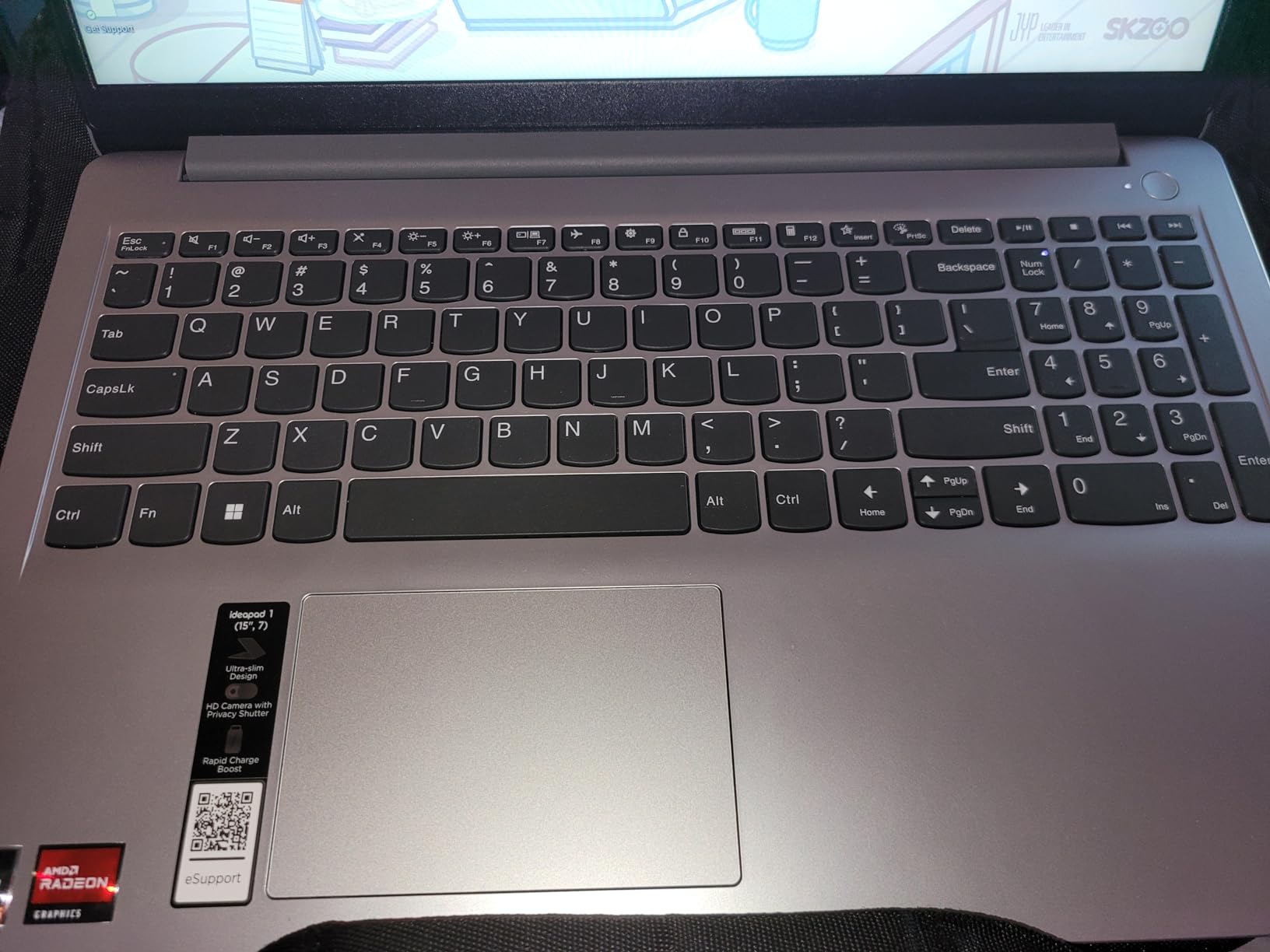
The IdeaPad 1 is the laptop I recommend when someone needs competent computing for the lowest possible spend. The Ryzen 5 5500U is a 6-core, 12-thread chip that outperforms every other processor at this end of the market.
Forum users consistently praise the IdeaPad Slim line for balancing price and performance, and 938 reviews at 4.4 stars back that up. It even handles casual gaming on medium settings thanks to Radeon Vega graphics.

Performance and the Smart Upgrade Path
Out of the box, 8GB of RAM is fine for browsing and documents. The smart move owners make is adding an 8GB stick to reach 16GB total, which transforms the multitasking experience for very little money.
The 512GB SSD boots fast and there is an available M.2 slot for storage expansion later. Few laptops at any price offer this much room to grow.
Portability and Battery
At 3.5 pounds, Lenovo markets it as lighter than a water bottle, and it genuinely disappears into a backpack. Up to 12 hours of battery with rapid charge covers a full school day.
The trade-off is the display: 250 nits and weak off-axis viewing mean you will want to face it straight-on outdoors-free. The glossy finish also picks up reflections.
Who Should Buy It (and Who Should Not)
Buy it for a student, a second household laptop, or anyone who wants to spend the minimum for genuinely usable performance. Add the RAM upgrade and it punches far above its price.
Skip it if display quality is a priority or you want a backlit keyboard. A few buyers also reported receiving resold units, so verify your warranty status on arrival.
6. Acer Aspire 3 A315-24P – Best Entry-Level Pick
acer Aspire 3 A315-24P-R7VH Slim Laptop | 15.6″ Full HD | AMD Ryzen 3 7320U Quad-Core | AMD Radeon Graphics | 8GB LPDDR5 | 128GB NVMe SSD | Wi-Fi 6 | Windows 11 Home
AMD Ryzen 3 7320U
8GB LPDDR5
128GB SSD
15.6 inch FHD
11h battery
+ Pros
- Very low purchase price
- 11 hours of battery life
- Light 3.9-pound body
- Backlit keyboard
- Wi-Fi 6 connectivity
- Cons
- Only 128GB of storage
- Fan gets noticeably loud
- 8GB RAM limits multitasking
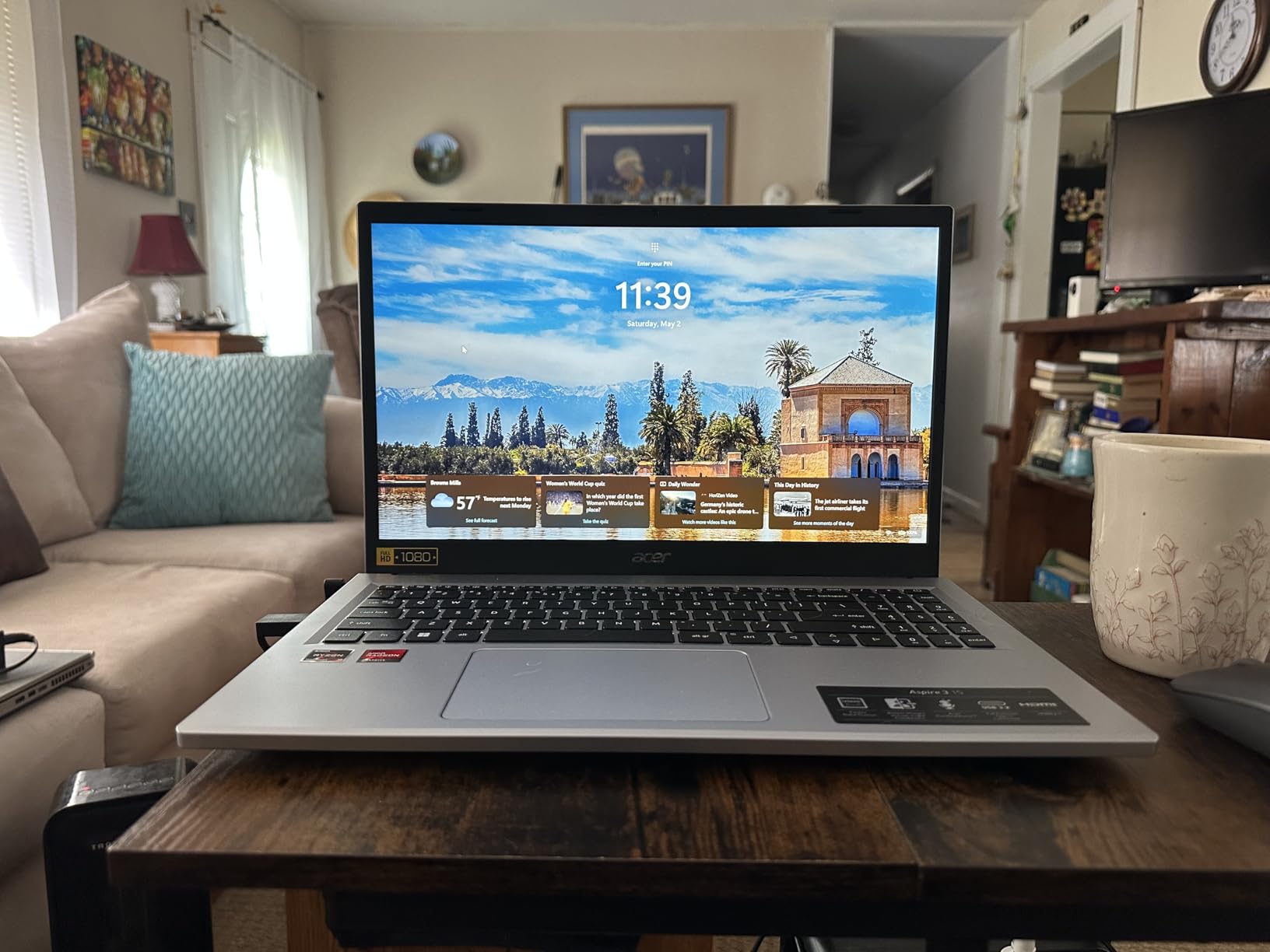
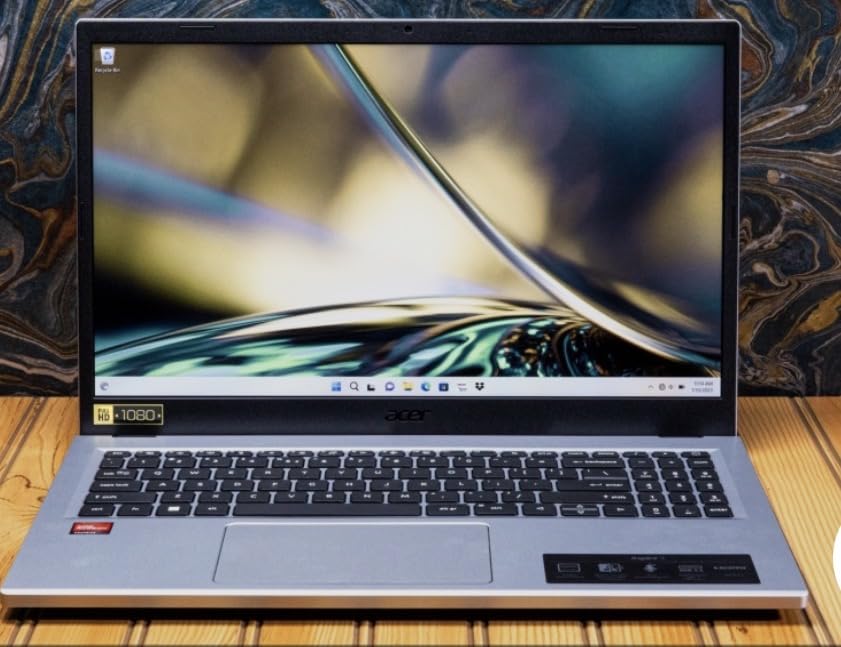
With 4,676 reviews, the Aspire 3 is the most proven machine on this list by sheer volume. Acer’s Aspire line is a long-standing forum favorite for everyday reliability at rock-bottom prices.
This is the cheapest laptop in the roundup, and it earns its 4.2-star rating by doing the basics well: quick boot, 11-hour battery, and a sharp 15.6-inch FHD IPS display with narrow bezels.
Everyday Speed and Limits
The Ryzen 3 7320U quad-core handles web, email, streaming, and schoolwork capably. LPDDR5 memory keeps things responsive for light multitasking.
The 128GB SSD is the big constraint, so plan on cloud storage or an external drive for photos and videos. Some owners also report the fan ramping up randomly, which is common at this price.
Connectivity and Details
You get Wi-Fi 6, a USB-C port, HDMI, and Acer’s PurifiedVoice AI noise reduction on calls. The backlit keyboard is a nice touch that even some pricier picks here lack.
Be aware it ships in Windows 11 S mode, which you can exit for free but which restricts app installs until you do. Build is functional plastic, with some flex in the lid.
Who Should Buy It (and Who Should Not)
Buy it as a first laptop for a student, a browsing-and-documents machine, or a backup travel laptop. For pure cost-per-use, nothing here beats it.
Skip it for gaming, heavy multitasking, or storing large files locally. Check the seller carefully too, since a small number of buyers received refurbished units sold as new.
7. HP 17.3 inch Laptop (17-cp2199nr) – Best 16GB RAM Under $600
HP 17.3 inch Laptop, HD+ Display, AMD Ryzen 5 7520U, 16 GB RAM, 512 GB SSD, AMD Radeon Graphics, Windows 11 Home, Natural Silver, 17-cp2199nr
AMD Ryzen 5 7520U
16GB LPDDR5
512GB SSD
17.3 inch HD+
Lift-hinge design
+ Pros
- 16GB of RAM at a low price
- Ryzen 5 processor with strong everyday speed
- Large 17.3-inch screen
- Physical camera shutter
- Made with ocean-bound plastic
- Cons
- HD+ resolution instead of Full HD
- Heavy at 4.6 pounds
- Battery drops to 5.5 hours under load
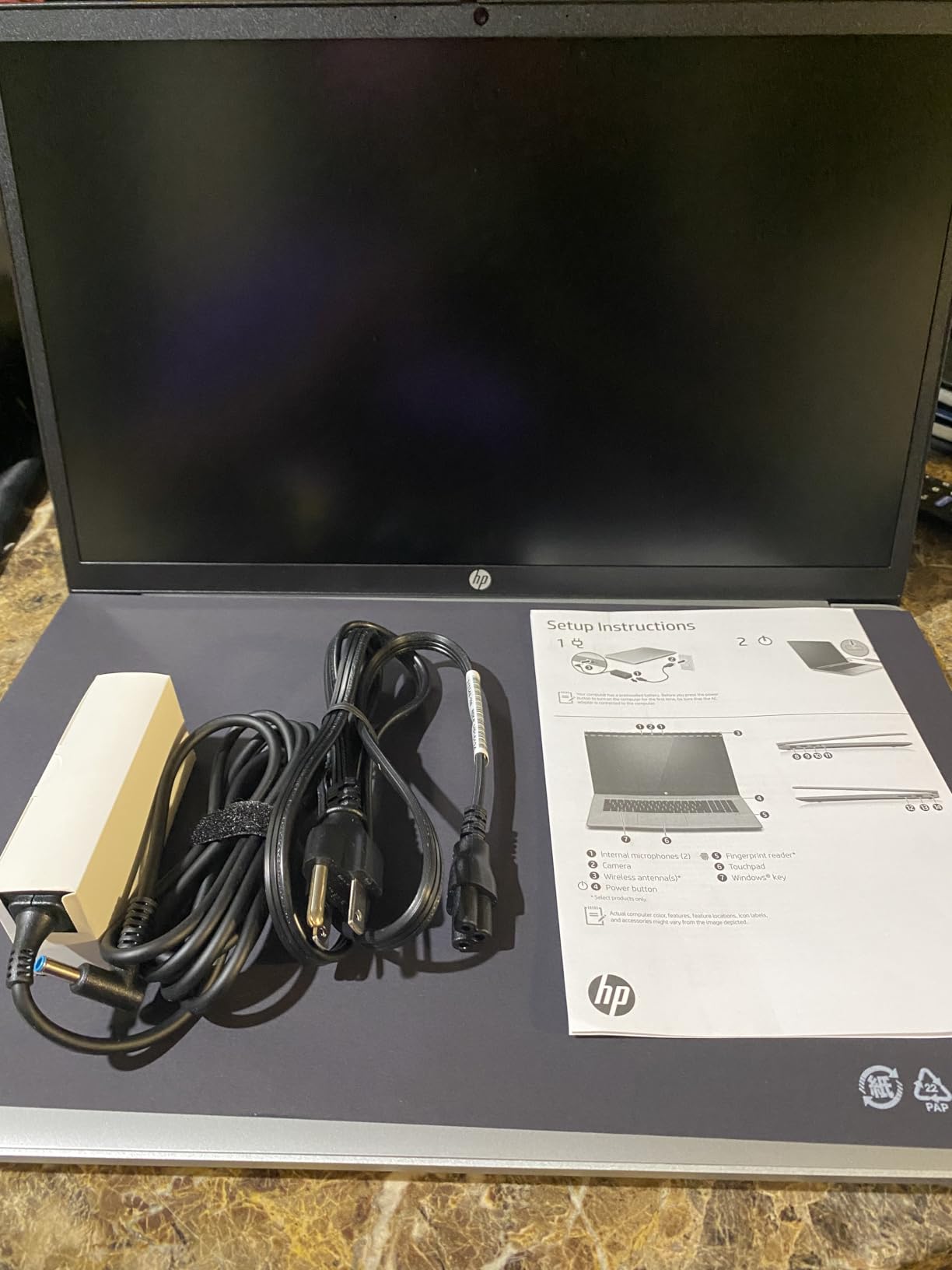
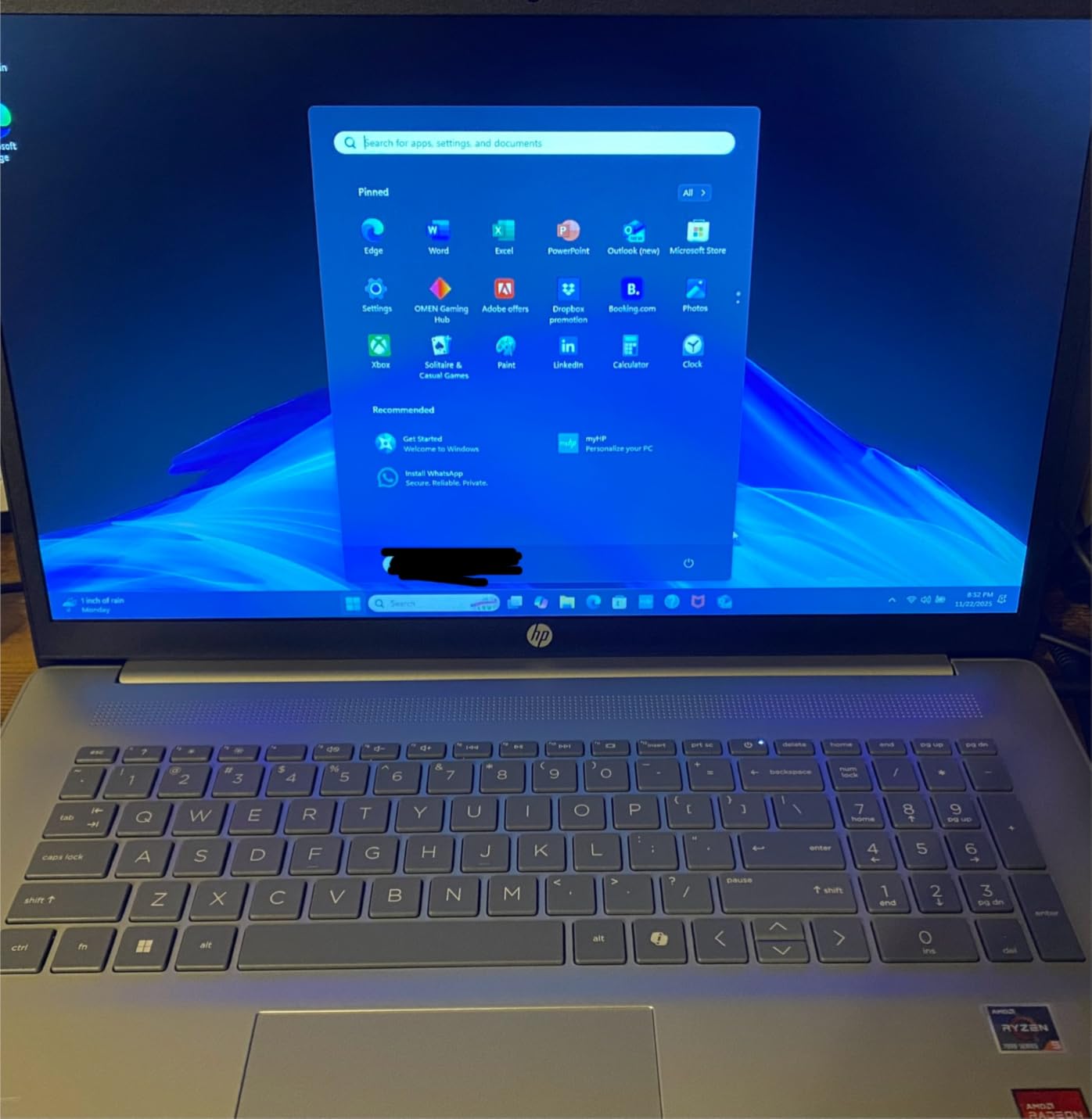
This HP 17 is the cheapest way into 16GB of RAM and a Ryzen 5 processor in the entire lineup. If the forum mantra is that 16GB is non-negotiable for 2026, this machine answers it without straining your wallet.
Owners across 592 reviews rate it 4.3 stars and consistently praise its speed for everyday work, its big multitasking screen, and its comfortable lift-hinge keyboard.
Performance Where It Counts
The Ryzen 5 7520U with 16GB of LPDDR5 RAM keeps dozens of tabs, Office apps, and video calls running smoothly. The 512GB SSD makes boot and load times quick.
This is the configuration most buyers should be aiming for at this price: mid-range chip, plenty of RAM, adequate storage. It is a smarter allocation of budget than a faster chip choked by 8GB.
Screen, Weight, and Battery Trade-offs
The 17.3-inch anti-glare display is spacious but only HD+ (1600×900), so text and images are softer than the FHD panels on the HP picks above and below. For big-screen productivity rather than media enjoyment, it works fine.
At 4.6 pounds with around 5.5 hours of real-world battery under load, this is a desk-first laptop. Sustainability-minded buyers will appreciate the ocean-bound and recycled plastics in the build.
Who Should Buy It (and Who Should Not)
Buy it if you want maximum memory and screen size per dollar for home office work, browsing, and streaming. It is the practical workhorse of the budget big-screen group.
Skip it if you need sharp FHD resolution or all-day battery, or if you were counting on the fingerprint reader some listings advertise, as units have arrived without it.
8. HP 17 inch Business Laptop 2026 Edition – Best for Office Work
HP 17 inch Business Laptop Computer • 2026 Edition • Latest AMD Ryzen 5 CPU • 16GB RAM • 512GB SSD • 17.3″ FHD Display • Numeric Keypad • Long Battery Life • Windows 11 with Office 365 for The Web
AMD Ryzen 5 7430U
16GB DDR4
512GB SSD
17.3 inch FHD
Office 365 included
+ Pros
- 6-core Ryzen 5 processor
- True FHD 17.3-inch anti-glare display
- Spill-resistant keyboard with numeric pad
- Office 365 for Web included
- HP Fast Charge support
- Cons
- Only 39 reviews so far
- 720p webcam
- No touchscreen option
This 2026 Edition HP 17 is the office-first pick, pairing a 6-core Ryzen 5 7430U with 16GB of RAM and a proper FHD 17.3-inch display. Early owners rate it 4.4 stars, with 73 percent giving five stars.
It arrives with Windows 11, AI Copilot built in, and Office 365 for the Web bundled, so it is productive within minutes of unboxing. For spreadsheet-heavy office or school administration work, the numeric keypad and sharp FHD panel make a real difference.
Work-Focused Design Details
The full-size brushed keyboard includes a 10-key number pad and a spill-resistant design, which are exactly the details bookkeepers and data-entry users notice daily. The small-bezel design keeps the footprint tighter than most 17-inch laptops.
HP Fast Charge and a long-life battery round out the business package. The Wide Vision 720p camera with digital microphones handles video meetings acceptably.
Reliability Caveats to Know
With only 39 reviews, long-term reliability data simply does not exist yet, and one buyer reported a unit that crashed within two weeks. HP warranty support has mixed reviews in forums, so consider an extended plan for business-critical use.
Some buyers also expected a touchscreen that this model does not have. Read the listing carefully before ordering.
Who Should Buy It (and Who Should Not)
Buy it for office productivity, accounting, admin work, and home business use where a big sharp screen and bundled Office apps matter. The 16GB of RAM keeps it comfortable for years.
Skip it if you want a proven track record with thousands of reviews, or if you need a touchscreen. Gamers should also pass, as graphics are integrated.
9. HP 17-cp3000 17.3 inch FHD IPS – Best Upgrade-Friendly 17 inch
HP 17.3″ FHD IPS LED Anti-Glare 300 nits Laptop, AMD Ryzen 5 7430U 6-core CPU, 16GB RAM, 1TB Storage, Webcam w/Shutter, Microsoft Copilot Key, Wi-Fi 6, BT 5.4, Win11 Home, 17-cp3000
AMD Ryzen 5 7430U
16GB DDR4
1TB SSD
17.3 inch FHD IPS
300 nits
+ Pros
- RAM expandable to 32GB across 2 slots
- 1TB SSD storage
- 300-nit FHD IPS panel
- Webcam privacy shutter
- AMD FreeSync support
- Cons
- Bulky 17-inch footprint
- Limited 57-review base
- Battery life unspecified
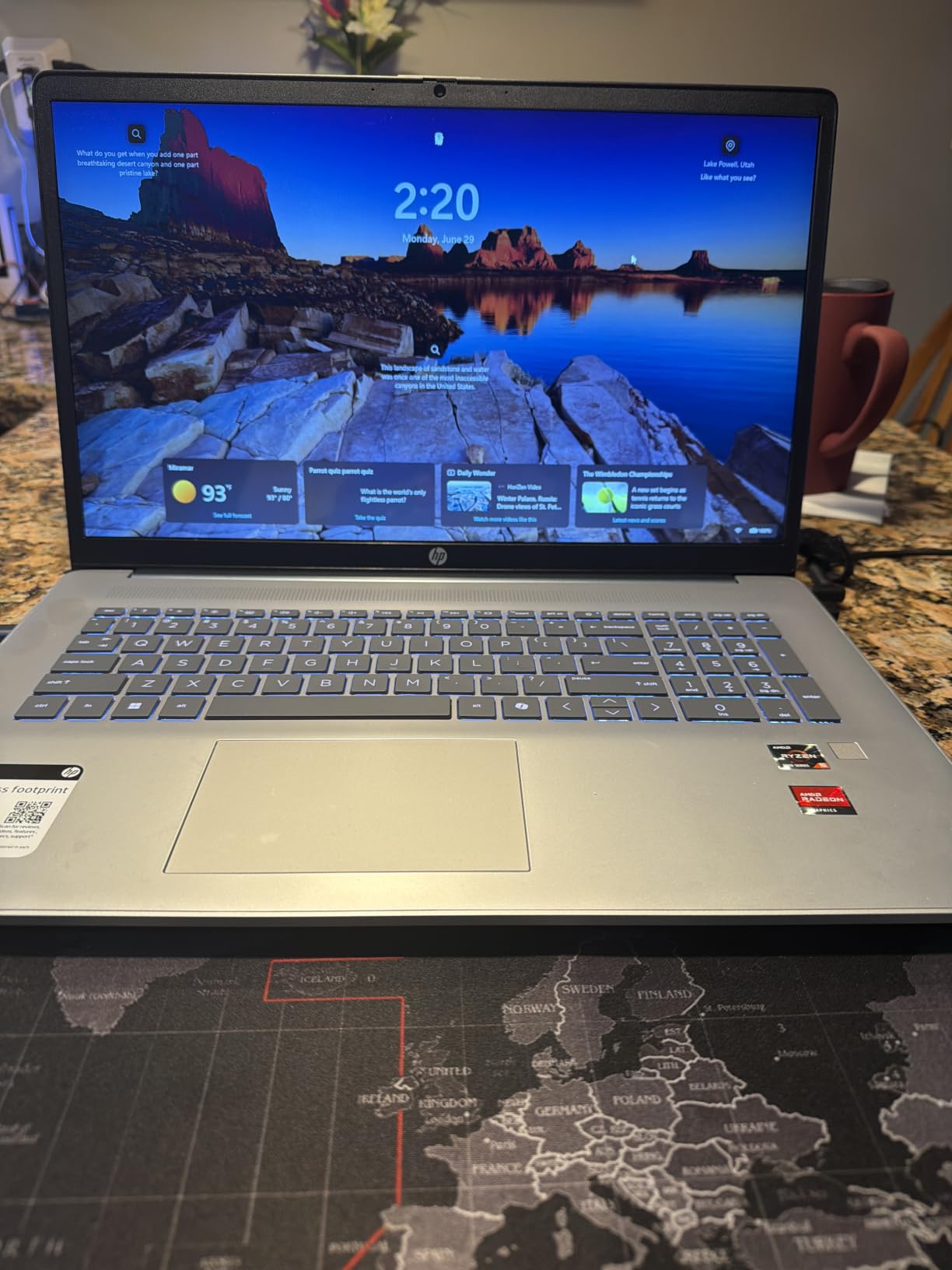
The 17-cp3000 is the sleeper pick of this roundup for tinkerers. It is one of the very few budget laptops with two RAM slots, meaning you can go from 16GB to 32GB down the road, plus it already includes a 1TB SSD.
Early owners give it 4.3 stars with a 77 percent five-star rate, highlighting smooth performance and an easy setup that imports your files and settings automatically. That combination of a big FHD IPS screen and huge upgradable storage is genuinely unusual under $700.
Display and Daily Performance
The 17.3-inch FHD IPS panel at 300 nits delivers crisp visuals with strong viewing angles and AMD FreeSync for smoother video. The 6-core, 12-thread Ryzen 5 7430U keeps everyday multitasking fluid.
Owners report no glitches or freezes, which speaks well of the platform’s stability. The dedicated Copilot key, Wi-Fi 6, and Bluetooth 5.4 check the modern-connectivity boxes.
Upgrade Potential and Practicalities
Two accessible RAM slots and a standard M.2 drive mean this laptop can grow with you for years, a genuine sustainability win since upgrades extend usable life. That is exactly the long-term-ownership thinking most reviews ignore.
The downside of any 17-inch: it is bulky for commuting, and the listed 13.1-pound shipping weight reflects packaging rather than the laptop itself. Battery life is unspecified, so expect a typical mixed-use day at best.
Who Should Buy It (and Who Should Not)
Buy it if you want a big, bright screen, a terabyte of storage, and the freedom to double the RAM later. Photographers and anyone with large media libraries will appreciate the space.
Skip it if portability matters or you want a well-established review history. Non-touch only, and integrated graphics rule out serious gaming.
10. HP 14 Laptop (14-fq1025nr) – Best Lightweight Pick
HP 14 Laptop, AMD Ryzen 5 5500U, 8 GB RAM, 256 GB SSD Storage, 14-inch Full HD Display, Windows 11 Home, Thin & Portable, Micro-Edge & Anti-Glare Screen, Long Battery Life (14-fq1025nr, 2021)
AMD Ryzen 5 5500U
8GB DDR4
256GB SSD
14 inch FHD
3.2 lbs
+ Pros
- Very light at 3.2 pounds
- Nearly 10 hours of battery
- Fast Charge to 50 percent in 45 minutes
- RAM and SSD are upgradeable
- Runs Adobe Creative Suite respectably
- Cons
- Cooling design runs the fan often
- Touchpad has too much friction
- Plastic case feels basic
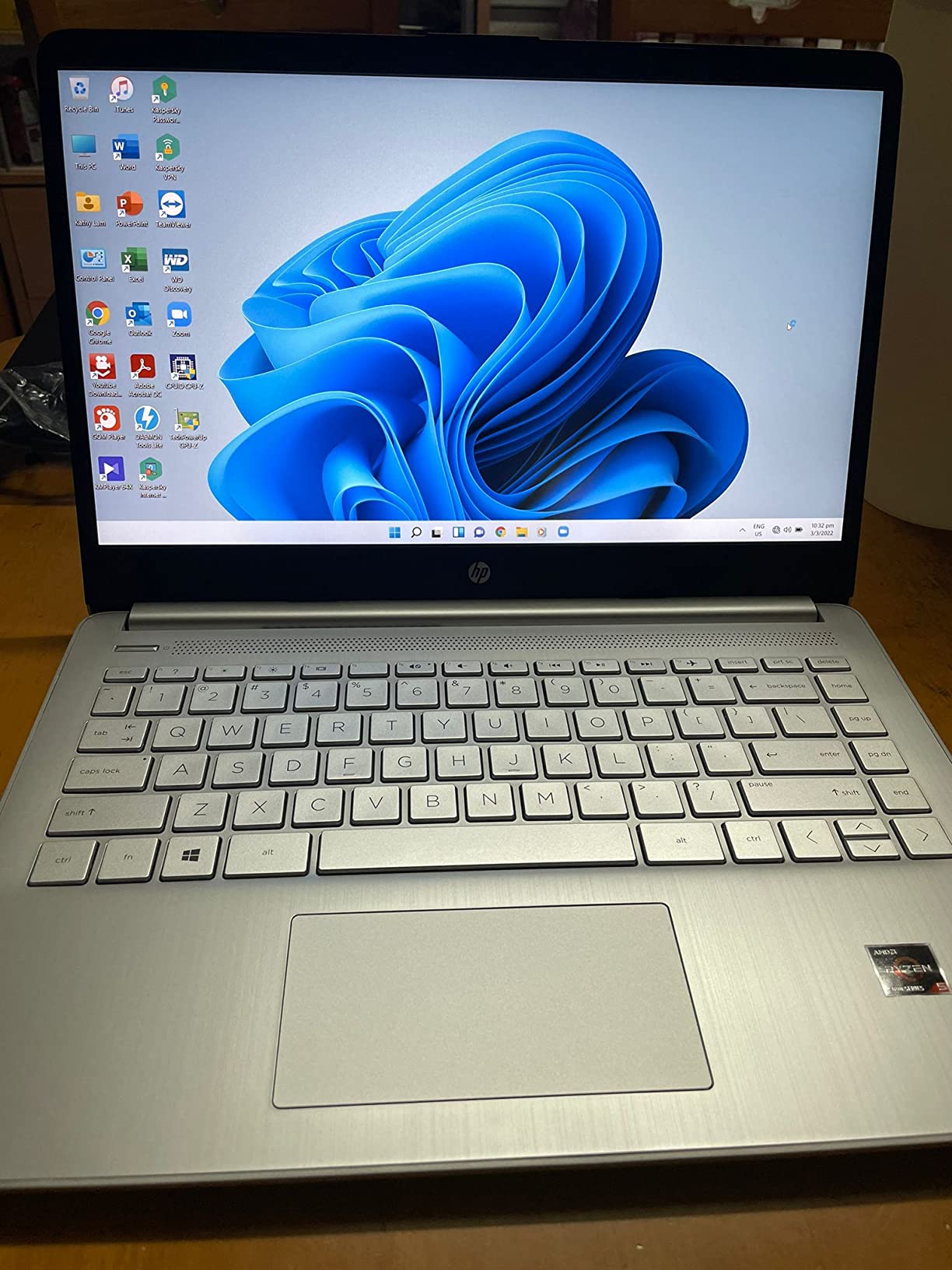
The HP 14 is the travel champion, tipping the scale at just 3.2 pounds with a 14-inch FHD anti-glare display. Owners love it for exactly this: 1,296 reviews and a 4.4-star rating built largely on portability and battery life.
Despite the small chassis, the 6-core Ryzen 5 5500U gives it real muscle. Owners report it runs Adobe Creative Suite better than expected, which is uncommon for a laptop this cheap and light.
Portability and Battery Life
Up to 9 hours 45 minutes of battery plus HP Fast Charge means you can leave the charger for day trips. The micro-edge bezels keep the footprint tiny for slipping into any bag.
It is ENERGY STAR certified and EPEAT Silver registered, so the efficiency extends to power draw as well. For students commuting daily, this is the easiest carry in the roundup.
Performance, Upgrades, and Quirks
Both the RAM and SSD are user-upgradeable, which offsets the modest 8GB/256GB base configuration. A quick RAM bump keeps it relevant for years.
Known quirks include a fan that runs more than expected due to limited airflow, a high-friction touchpad, and occasional units failing after 20+ months. The plastic case is basic but functional.
Who Should Buy It (and Who Should Not)
Buy it if weight and battery life top your list, or as a student machine that gets carried everywhere. It is the best cheap laptop for frequent travelers and coffee-shop workers.
Skip it if you want a quiet laptop under load or a premium-feeling chassis. Heavy creators should also consider the Lenovo or Dell 16-inch models instead.
How to Choose the Best Laptop Under $800 in 2026
Not every budget laptop fits every buyer, and the smartest purchase depends on how you weight five decisions. Here is the framework our team uses, informed by what real owners report going right and wrong.
RAM: Why 16GB Is the New Baseline
The single clearest message from laptop forums in 2026 is that 8GB strains quickly once you open a video call plus a dozen tabs. Windows 11 alone plus browser multitasking can consume most of 8GB.
Prioritize 16GB if you can: the Lenovo 16, Dell 16, and three HP 17-inch picks here all include it. If budget forces 8GB, choose an upgradeable machine like the IdeaPad 1, HP 14, or the 17-cp3000 with its dual slots.
Processor Tiers: H-Series, U-Series, and Apple Silicon
Intel and AMD suffixes tell you the performance class. An H-series chip like the i5-13420H in the Lenovo prioritizes sustained speed, while U-series chips like the Ryzen 5 7520U and Core 7 150U prioritize battery life.
Apple’s A18 Pro in the MacBook Neo is a different animal entirely: phone-class efficiency delivering laptop-class responsiveness and 16 hours of runtime. The trade-off is a closed ecosystem with limited ports and no upgrades.
Display Quality: Resolution, Panel Type, and Brightness
Insist on FHD (1920×1080) or better and an IPS panel, because washed-out displays are the most common budget-laptop complaint. The HP 17-cp2199’s HD+ screen shows what settling for less resolution costs you in sharpness.
Brightness matters too: 300-nit panels like the OmniBook 3 and 17-cp3000 stay usable near windows, while 250-nit screens like the IdeaPad’s force you indoors. A 16:10 aspect ratio, as on both 16-inch picks, adds useful vertical space for documents.
Battery Life vs Screen Size
Big screens and long battery rarely coexist at this price, which makes the OmniBook 3’s 14-hour, 17.3-inch combination notable. Usually you choose: the MacBook Neo and IdeaPad 1 lead on runtime, while 17-inch models lean deskbound.
Check fast charging too. HP Fast Charge hitting 50 percent in 45 minutes partially compensates for shorter battery on the HP 14 and IdeaPad lines.
Reliability, Refurbished Alternatives, and Sustainability
Review volume is a useful reliability proxy: 4,600 reviews on the Aspire 3 and nearly 1,300 on the HP 14 carry more weight than 39 on a new model. Community wisdom also favors refurbished business ThinkPads and Latitudes for durability, though buying new gets you a full warranty.
Sustainability is the angle no competitor covers: the MacBook Neo uses 60 percent recycled aluminum, several HP models use ocean-bound plastics, and upgradable machines like the 17-cp3000 stay out of landfills longer. Students in demanding majors should also review our best laptops for engineering students guide before deciding.
Frequently Asked Questions
What are the top-rated laptops under $800?
The top-rated laptops under $800 are the Apple MacBook Neo 13-inch (4.6 stars), HP OmniBook 3 17.3-inch (4.5 stars), Lenovo Business 16-inch with Core i5-13420H (4.4 stars), and Dell 16 with 1TB SSD (4.4 stars). All offer 16GB-class performance or exceptional battery life for the price.
What is the best affordable laptop right now?
The Apple MacBook Neo 13-inch is the best affordable laptop right now, combining a 2.71-pound aluminum body, up to 16 hours of battery life, and the A18 Pro chip, all backed by a 4.6-star rating from over 1,100 reviewers.
What is the cheapest but reliable laptop?
The Acer Aspire 3 A315-24P is the cheapest reliable option, with 4,676 reviews at 4.2 stars, an 11-hour battery, and a backlit keyboard. The Lenovo IdeaPad 1 is a close step-up choice with a faster 6-core Ryzen 5 processor.
Can you get a good gaming laptop for under $800?
Light gaming yes, serious gaming no. Integrated graphics like AMD Radeon and Radeon Vega run esports and older titles at medium settings, with the IdeaPad 1 and OmniBook 3 performing best, but no laptop in this price range includes the dedicated GPU needed for modern AAA gaming.
Is 8GB of RAM enough for a budget laptop in 2026?
8GB is workable for browsing, documents, and streaming, but 16GB is the recommended baseline for longevity. Community consensus is that 16GB keeps a laptop feeling fast for years of multitasking, and upgradeable models like the Lenovo IdeaPad 1 and HP 17-cp3000 let you add memory later.
Final Verdict: The Best Laptops Under $800 for 2026
If you prioritize battery life and portability, buy the Apple MacBook Neo and enjoy 16 hours of runtime in a 2.71-pound body. If raw multitasking power and upgrade room matter most, the Lenovo Business 16-inch with its H-series i5 and 16GB of DDR5 is the strongest value. And if you want the biggest screen for the smallest spend, the HP OmniBook 3 delivers a 17.3-inch FHD IPS display and 14-hour battery at a budget price.
Our honest advice after reviewing this whole field: spend your budget on RAM and a good IPS display before anything else, and pick the machine whose trade-offs you can live with daily. Any of these ten is a smart buy in the best laptops under 800 category for 2026, so match one to your actual routine and stop second-guessing the marketing spec sheets.