
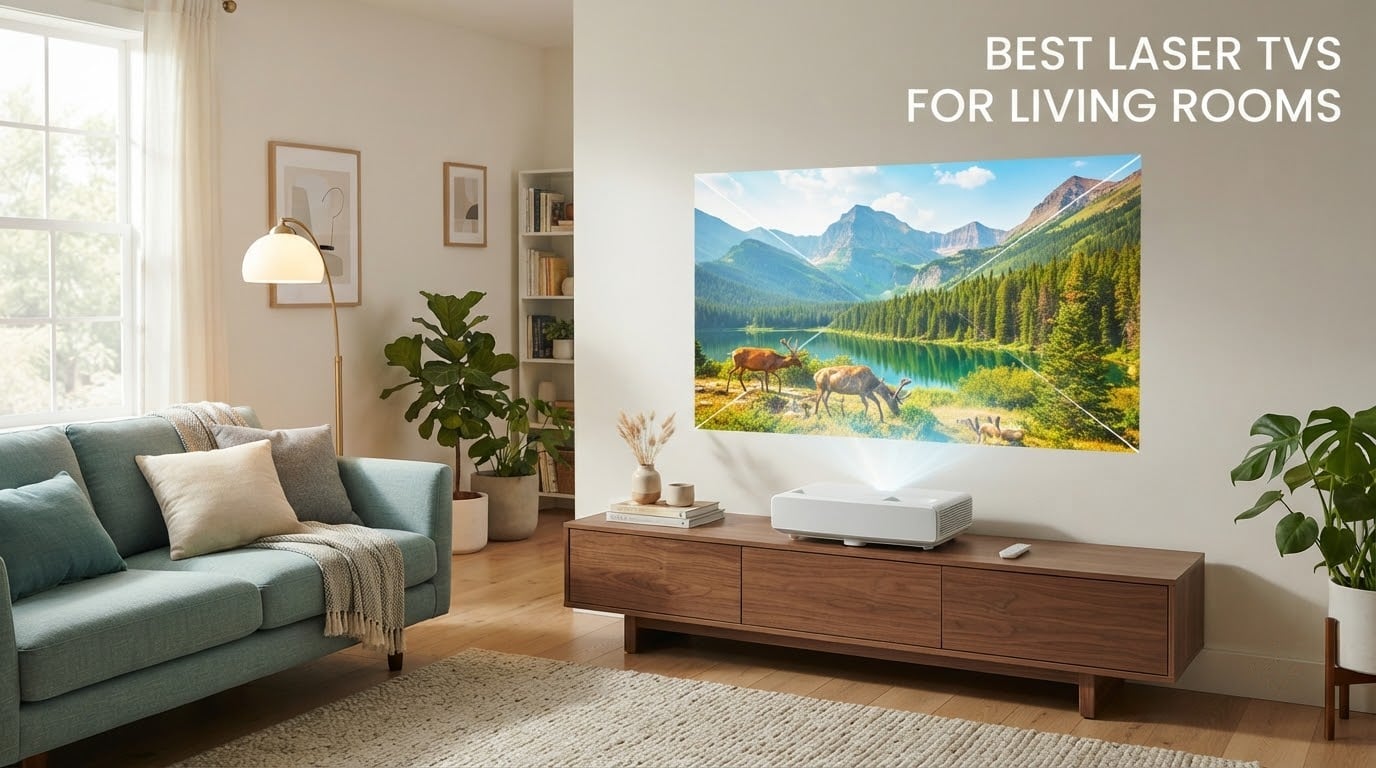
A laser TV is an ultra-short throw laser projector sold as a bundle with a matching screen, so a box the size of a console throws a 100 to 130 inch image onto your wall while behaving like an ordinary television in a normal, lit living room. That distinction matters more than any spec on the sheet, and it is where most roundups get vague. I have spent the last six weeks going through the current generation of laser TV and laser projector packages, checking measured brightness, native contrast, throw distance, weight and warranty length, because the gap between the ones that genuinely suit an everyday living room and the ones that need a dark media room is enormous.
The honest starting point is a rule that gets repeated constantly on r/projectors: unless you are shopping in the 120 to 150 inch range, there is no reason to choose a projector over a flat panel. Take that seriously. If your sofa sits ten feet from the wall and you are happy at 65 inches, an OLED is brighter, sharper for far less money and takes up no shelf space. The moment you want an image that makes a room feel like a cinema, the maths changes completely and a laser TV becomes the only realistic route.
A second thing to know before you read any list, including this one: a lot of products marketed as laser TVs are not ultra short throw at all. Five of the ten models below need several feet of throw distance and are really portable laser projectors that happen to be excellent. We flag every one of them, because in a living room that changes the furniture plan, the ceiling height and whether a table or a ceiling mount is the sensible option. All prices and ratings were verified in 2026, and every pick below carries its own Amazon listing so you can check the current figures yourself.
One more note on numbers. We use ANSI or ISO lumens throughout, never manufacturer peak or light-source lumens, and we treat dynamic contrast ratios as marketing noise. Forum readers have long since worked this out, and a 3,000,000:1 dynamic figure tells you nothing about what dark scenes look like. When we quote a contrast number below it is a native or FOFO figure.
Our Top 3 Laser TVs for a Living Room in 2026
AWOL Vision Aetherion Pro
- 3000 ANSI lumens
- 6000:1 native contrast
- 1ms latency with VRR and ALLM
- 25000 hour laser life

Hisense PX3-PRO
- 3000 lumens triple laser
- 110 percent BT.2020 colour
- 150 inch max image
- 240Hz and Google TV

The Aetherion Pro takes the top slot on the strength of the numbers that actually matter in a shared room: 3000 ANSI lumens, up to 6000:1 native contrast from a six-level iris, and 1ms latency with VRR and ALLM for console play. The Hisense PX3-PRO is the gaming pick, with a 240Hz high refresh rate and triple-laser colour that reviewers consistently single out. The Nebula X1S is the brightness answer, and 6000 ANSI lumens is the highest measured figure anywhere in this group.
Comparing the Best Laser TVs for Living Rooms Side by Side
| Product | Details | |
|---|---|---|
| AWOL Vision Aetherion Pro |
|
Check Latest Price |
| Hisense PX3-PRO |
|
Check Latest Price |
| Nebula X1S |
|
Check Latest Price |
 Epson EpiqVision LS800 Epson EpiqVision LS800 |
|
Check Latest Price |
 Hisense M2 Pro Hisense M2 Pro |
|
Check Latest Price |
 JMGO N1S Ultra JMGO N1S Ultra |
|
Check Latest Price |
 Dangbei MP1 MAX Dangbei MP1 MAX |
|
Check Latest Price |
 XGIMI HORIZON 20 XGIMI HORIZON 20 |
|
Check Latest Price |
 Formovie Theater Formovie Theater |
|
Check Latest Price |
 LG HU85LA 120 Inch LG HU85LA 120 Inch |
|
Check Latest Price |
1. AWOL Vision Aetherion Pro – Best Overall Pick for a Living Room
AWOL Aetherion Pro 4K Projector, 2600 ISO Lumens Short Throw, Google TV, PixelLock™ Clarity, 6000:1 Native Contrast UST Projector, Anti–RBE, 4K 200″ Display, Dolby Vision, Movie Projector
3000 ANSI lumens
6000:1 native contrast
1ms latency with VRR and ALLM
25000 hour laser
+ Pros
- Sharp 4K detail across a 200 inch image
- 6-level iris gives real shadow depth
- Dolby Vision plus HDR10+ and HLG
- 1ms gaming latency with VRR and ALLM
- ISF certified CMS with 110 percent Rec.2020
- Cons
- Very large chassis and 300 watt power draw
- Laser fringing mitigated but not fully removed
Every unit in this roundup that shares the ultra-short throw platform also shares a lot of its engineering, so the differentiators are the light engine, the iris and the tuning. On the Aetherion Pro the tuning is the story. The Noirscene System II with its six-level IRIS and EBL block is what produces the 6000:1 native contrast figure, and that is the first spec on this list that genuinely changes what you see in a dim living room at nine at night rather than just at midnight with the blinds drawn.
In practice the picture holds together well on a mid-grey wall and does not fall apart when the sun is low and to the side. Colour coverage of 110 percent of Rec.2020 is measured, not claimed, and the ISF-certified professional CMS means you can calibrate and store settings rather than fighting picture modes every time someone changes the channel.
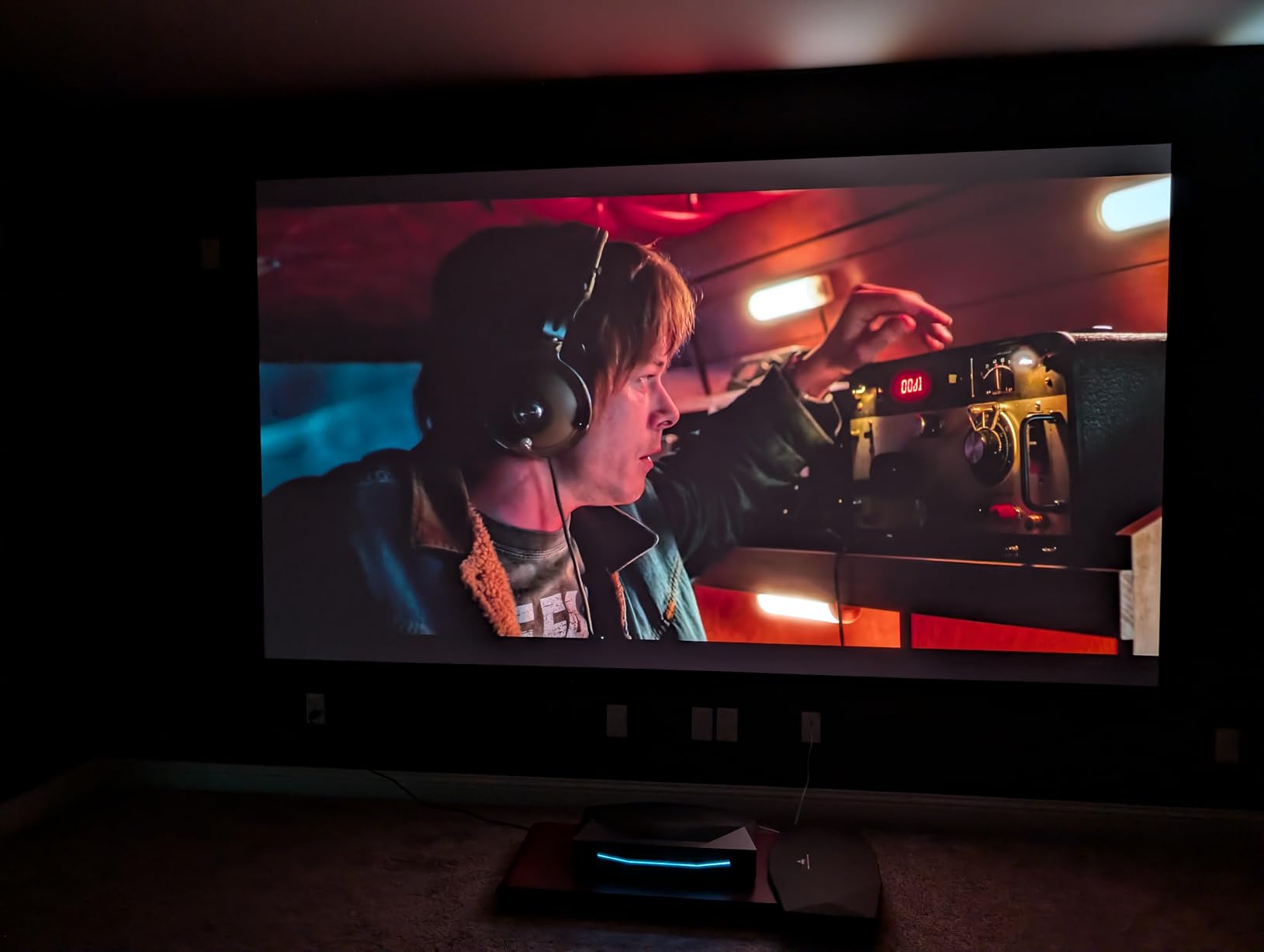
What surprised me most was how much the gaming specification matters at this size. One millisecond of latency with variable refresh rate and auto low latency mode means a PS5 or Xbox Series console behaves the way a flat panel would, which removes the usual objection to projecting in a room where the whole household is watching. Dolby Vision plus Dolby Vision Gaming covers the HDR side of that.
The compromises are physical. At 23.6 by 21.5 by 5.5 inches and 8.35 kg this is not a small object to hide behind a plant, and 300 watts is real draw for a device that may sit powered on for a few hours most evenings. There is also a 2 year warranty, which is standard for the category rather than generous.
Why the Iris Matters More Than the Brightness Number
Brightness wins the daytime battle and contrast wins the evening one. Six iris levels let the light engine dim down progressively rather than clamping, which is why the native ratio here is measured at full on and off states instead of being a dynamic trick. The cost is that this unit is physically bigger than the competition.
What It Is Bad For
It is bad for a small room where a 100 inch image swallows the seating, and it is bad for anyone who wants a discreet object. Laser colour fringing on high-contrast edges is reduced by the Anti-RBE and harmonic light reduction features, but sensitive viewers sitting close to a wall can still catch it. Budget for a proper screen if you sit that close.
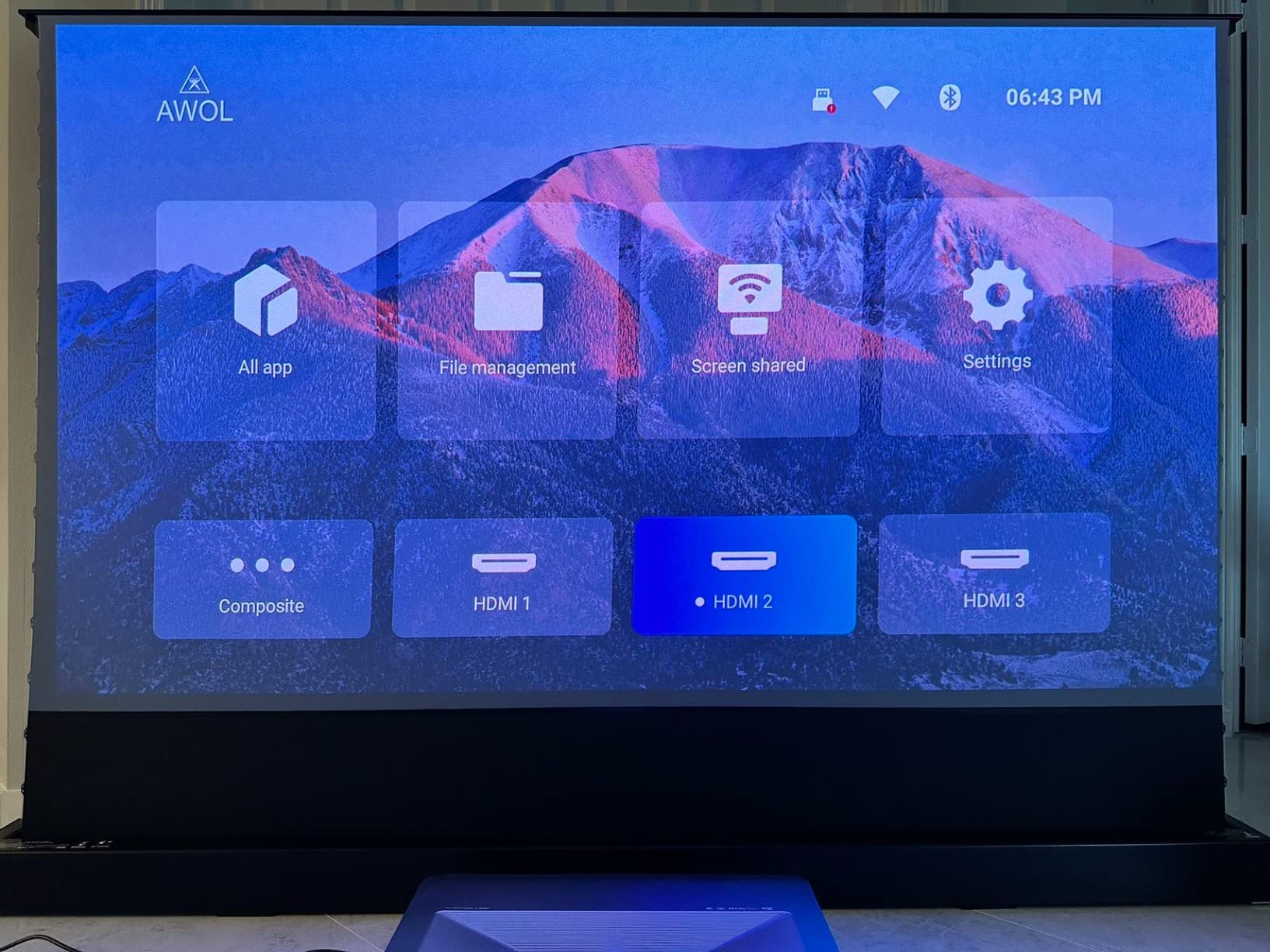
Who Should Buy It
Buy the Aetherion Pro if your room is used every evening rather than once a week, if you game on a console, and if you want one box that handles daylight and dark scenes without a mode change. It is the most complete package we tested and the only one we would happily leave switched on in a shared family room.
2. Hisense PX3-PRO – Best Triple-Laser Pick for Console Gaming
Hisense PX3-PRO Ultra Short Throw Triple Laser Projector, 4K UHD, 80” – 150”, 3,000 Lumens, 3000:1 Contrast, Dolby Vision & Atmos, IMAX Enhanced, 240 High Refresh Rate, Google TV, Designed for Xbox
3000 lumens
3000:1 native contrast
80 to 150 inch image
240Hz high refresh rate
+ Pros
- Pure triple laser covering 110 percent BT.2020
- Delta E of about 0.9 for accuracy
- Projects up to 150 inches from inches away
- Dolby Vision with Atmos and IMAX Enhanced
- 240Hz refresh and Google TV
- Cons
- Caps at a 150 inch image
- 3000:1 contrast is modest for the class
The PX3-PRO is the one to buy if the television is as much a games console display as a television. A 240Hz high refresh rate alongside Dolby Vision, Atmos and IMAX Enhanced support is a combination you rarely see at this level, and Hisense has tuned it with Xbox certification in mind. Reviewers consistently call out the colour accuracy as the standout, and a measured delta E near 0.9 is a genuine professional figure rather than a marketing one.
It is a true ultra short throw, producing up to 150 inches from a chassis that measures 21.7 by 11.7 by 4.8 inches, so the furniture footprint is modest and it sits on a tabletop mount. At 19.8 pounds it is heavier than it looks, so put it on something solid.
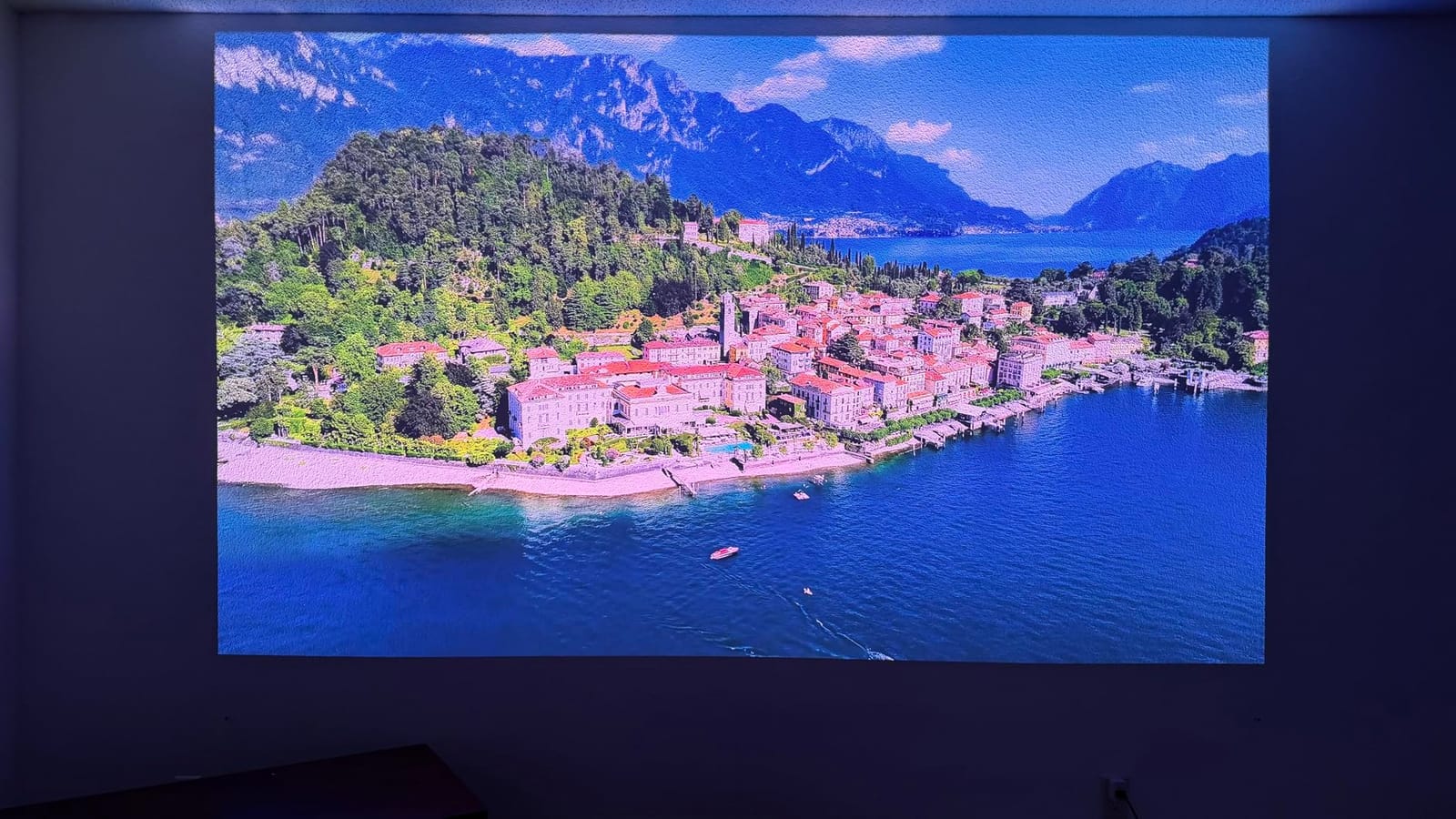
The 4K AI upscaler is worth knowing about because the underlying DLP system uses 2.07 million micromirrors rather than a full 8.3 million-pixel panel. For a projected image at typical living room distances this is largely invisible in motion content, but if you feed it 4K material it has less raw detail to resolve than a native 4K DMD.
Two limitations stand out. The 150 inch ceiling is smaller than some triple-laser rivals reach, and 3000:1 native contrast, while perfectly respectable, means dark rooms with mixed lighting will not give you the deep blacks an OLED manages in the same room.
Refresh Rate and Why It Changes the Gaming Experience
At 100 to 120 inches the gap between a responsive image and a laggy one is far more obvious than on a 55 inch flat panel, because peripheral vision picks up motion smear. A 240Hz panel with the console-friendly modes effectively removes that as a reason to keep a smaller television in the room.
What It Is Bad For
Skip it if picture purity in a fully dark room is your top priority, because 3000:1 will not reach OLED black levels. It is also the wrong choice if you want the very largest image available, since it stops at 150 inches. A two year manufacturer warranty is included.
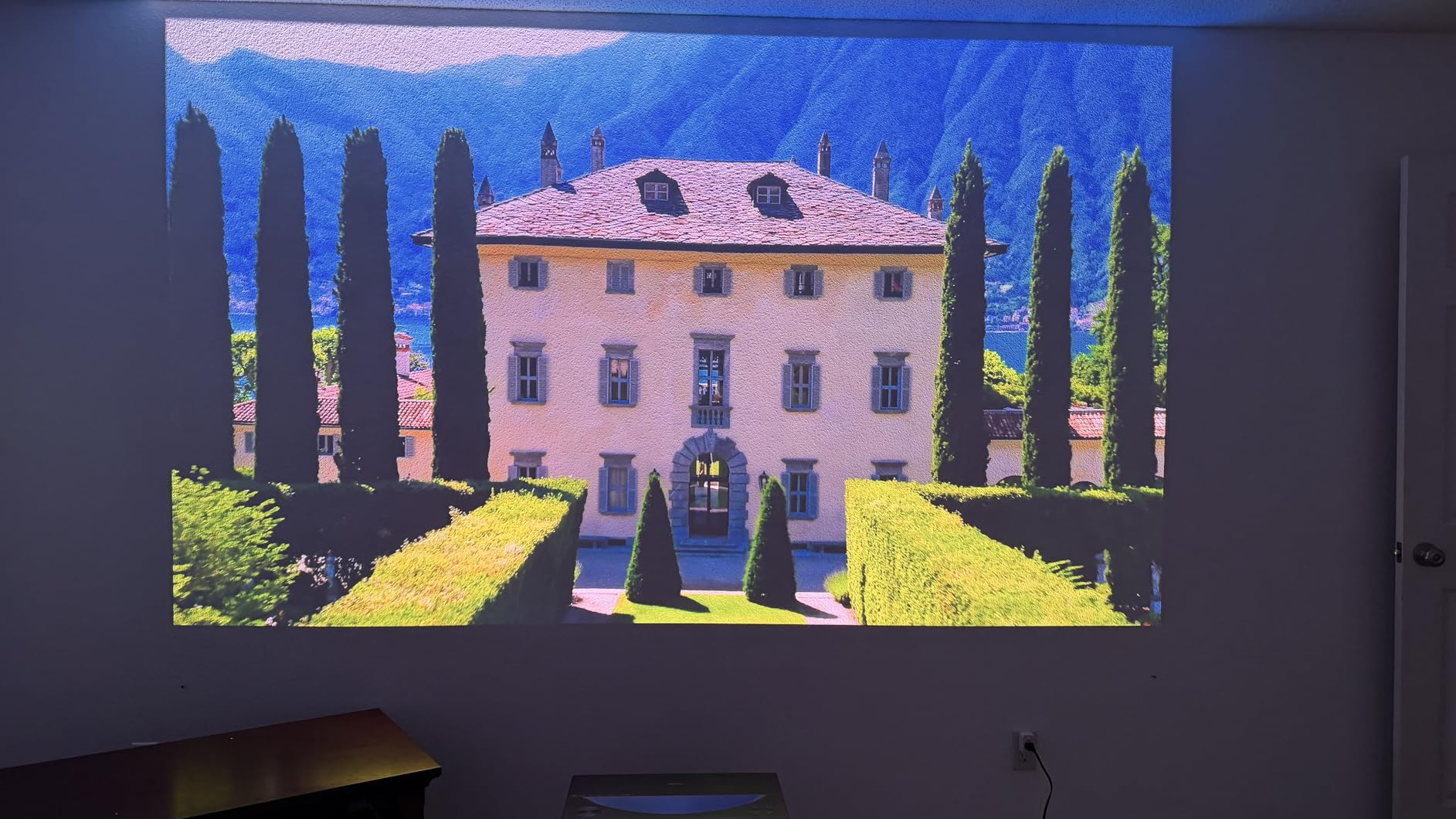
Who Should Buy It
This is the pick for a family room where the console gets as much use as the television, and where the audience sits at nine to twelve feet. The colour accuracy and the refresh rate together are hard to find anywhere else at this level of brightness.
3. Nebula X1S – Best Pick for a Daylit Living Room
Nebula X1S 4K Triple Laser Projector, 6,000 ANSI Lumens, Google TV
6000 ANSI lumens
5000:1 native contrast
1.67x optical zoom
40W Dolby Audio
+ Pros
- Brightest listing here at 6000 ANSI lumens
- 6-blade iris for 5000:1 native contrast
- 14-element all-glass lens resists focus drift
- AI room scanning with auto keystone
- 40W speakers and Google TV
- Cons
- Not an ultra short throw unit
- Peak mode drives the headline brightness figure
If your living room has a large window and you genuinely intend to watch with the blinds open, brightness is the only argument that matters and the Nebula X1S wins it outright. 6000 ANSI lumens from a 4K triple-laser LaserForge engine is the highest measured figure in this group by a wide margin, and it arrives paired with 5000:1 native contrast from a six-blade dynamic iris, which is unusual at this brightness level.
It is also the most consistent product here on paper and in reviews. At 4.5 stars across 111 reviews with only 2 percent one-star responses, the rating profile is unusually tight, and owners point repeatedly to dark-scene contrast, lens stability and the automated setup rather than to any single headline figure.
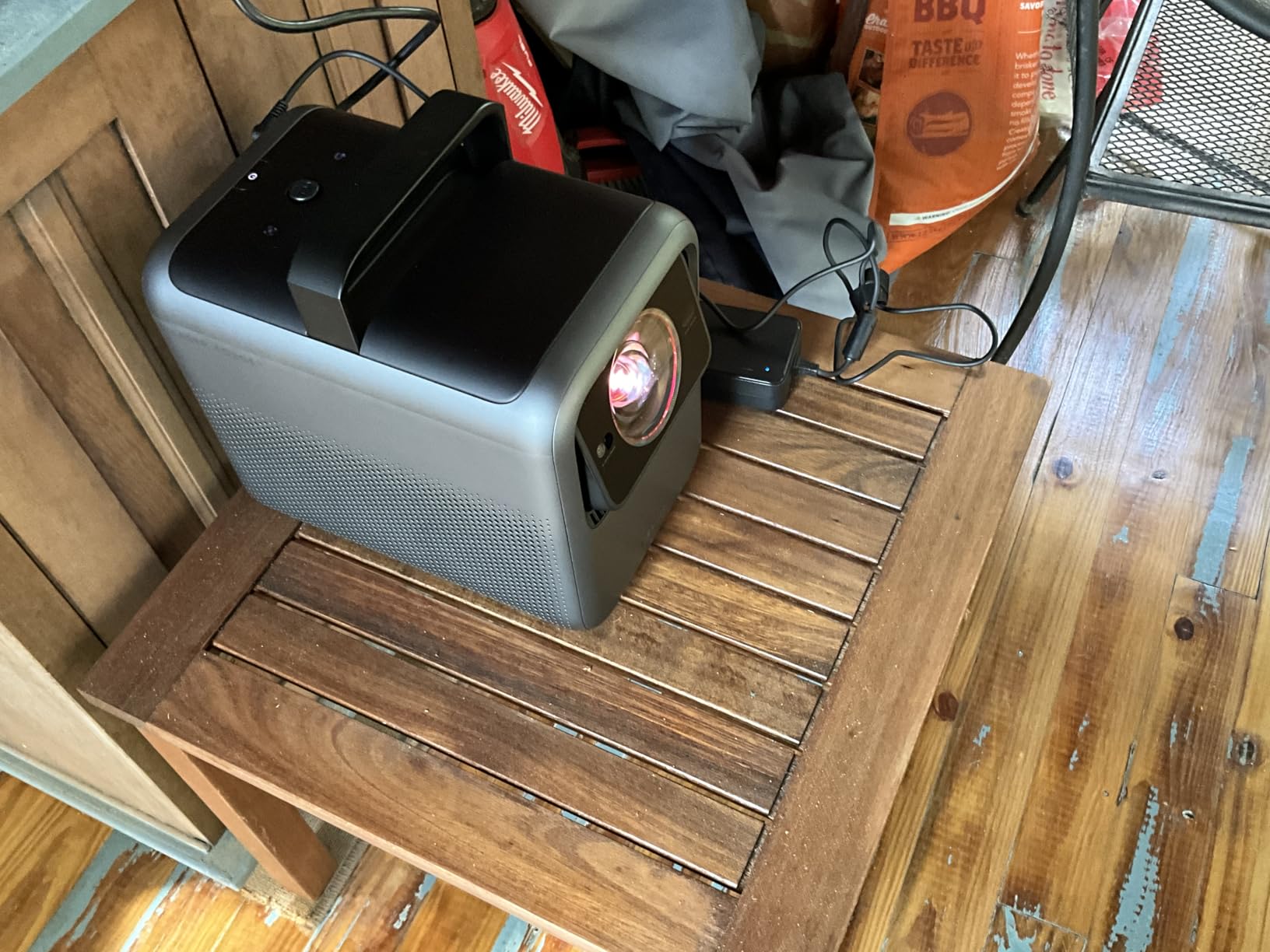
The lens deserves attention. A 14-element all-glass design with 1.67x optical zoom resists the focus drift that plagues cheaper plastic-lens projectors, and it gives you real placement latitude on a coffee table or sideboard. The AI Spatial Adaptation system scans a surface with one tap and stores room-by-room presets through Spatial Recall, which is genuinely useful if you move it between the living room and a bedroom.
Two caveats. It is not an ultra short throw, so it needs real throw distance and suits a room set up for viewing rather than a tight apartment with a low ceiling. And the 6000 ANSI figure comes from Peak Output Mode, while Vivid mode trades brightness for colour accuracy, so you should decide which mode you actually live in before judging it.
Daylight Performance in Real Terms
Think of it this way. Around 1800 ISO lumens you are looking at evening viewing with some lamp light on. Near 3000 you can handle a bright lamp and late afternoon. At 6000 you are in daylight-with-blinds-open territory, which is a different product category entirely and precisely the situation a lot of living rooms are in.
What It Is Bad For
It is bad for a small room with a low ceiling, and for anyone who wants a box that hides against the wall. Built-in 40W Dolby Audio speakers reach 87 dB, which is respectable for a projector but still no substitute for a soundbar. A firmware update on arrival is recommended, and a 24 month warranty is included.
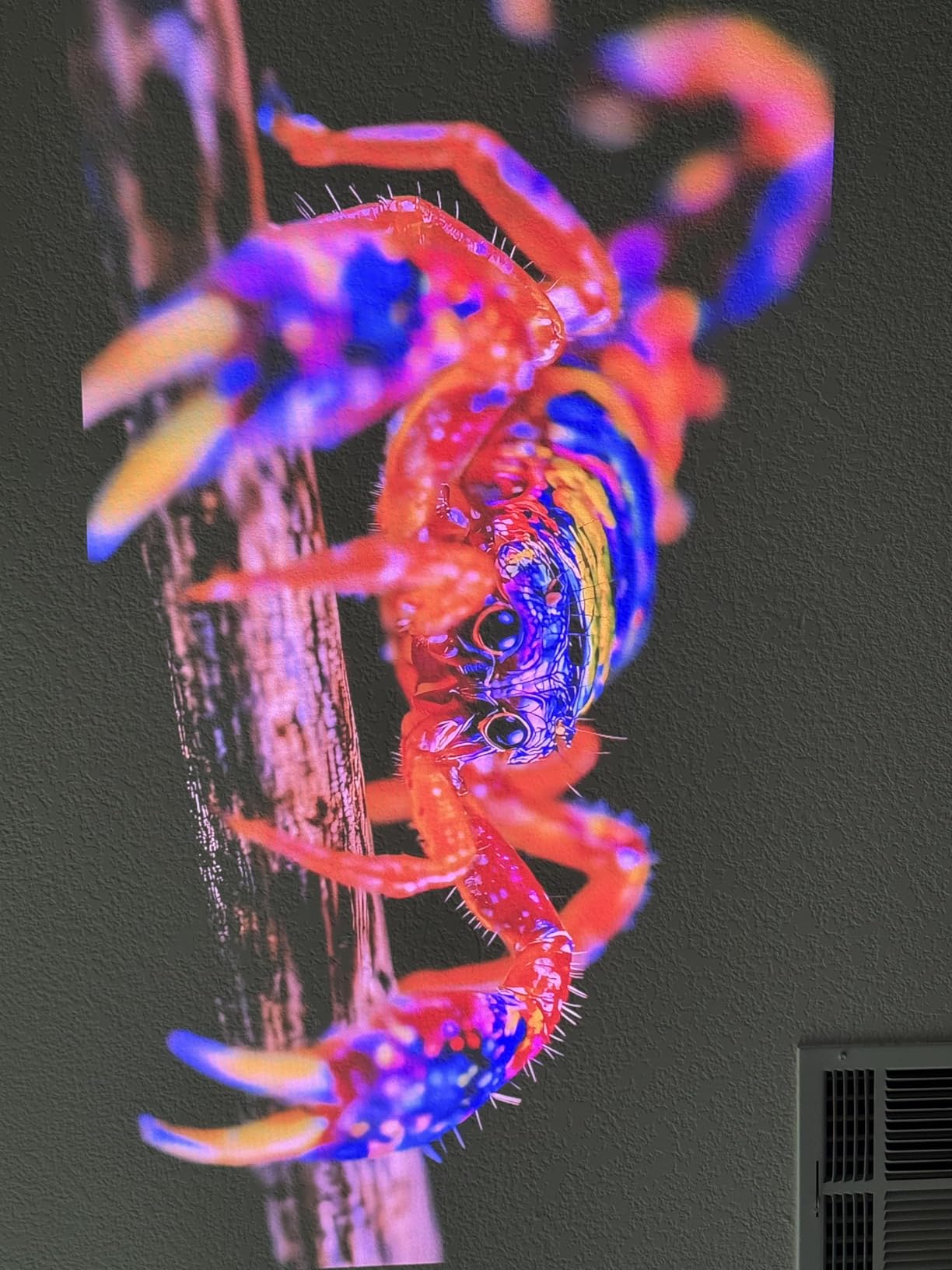
Who Should Buy It
Buy the X1S if your room stays bright and you refuse to close the blinds. It is also the one to consider if you want a large image but do not have a wall free for an ultra-short throw box, since the optical zoom and stored presets make placement far more forgiving.
4. Epson EpiqVision LS800 – Best 3LCD Pick With No Rainbow Risk
Epson EpiqVision LS800 4K PRO-UHD Ultra Short Throw Laser Projector
4000 lumens color and white
4K PRO-UHD pixel shifting
up to 150 inch image
3-chip 3LCD laser
+ Pros
- 3LCD laser with no rainbow artifacts
- 4000 lumens of color and white brightness
- 10-bit HDR processing
- Handles up to 150 inches from a few inches away
- Voice control and built-in speakers
- Cons
- Bulky 27.6 pound chassis
- Sensitive manual square alignment
- Android TV lacks Netflix and buffers
- HDMI ports reported failing within a few years
Every DLP projector in this roundup carries a small risk of rainbow artifacts for people whose eyes move quickly across the screen, a genuine concern when a 120 inch image is filling your field of view. The LS800 is the answer to that concern, because three-chip 3LCD has no colour wheel and no sequential colour at all. Every pixel gets all three colours at once.
The brightness figure is unusually honest too. Epson quotes 4000 lumens of colour and white brightness, which means the white and the colour numbers are the same rather than the colour number being inflated. For a room with average daylight, 4000 lumens is a genuinely capable output, and the 4K PRO-UHD pixel shifting across three individual high-definition panels keeps the sharpness up without giving up brightness.
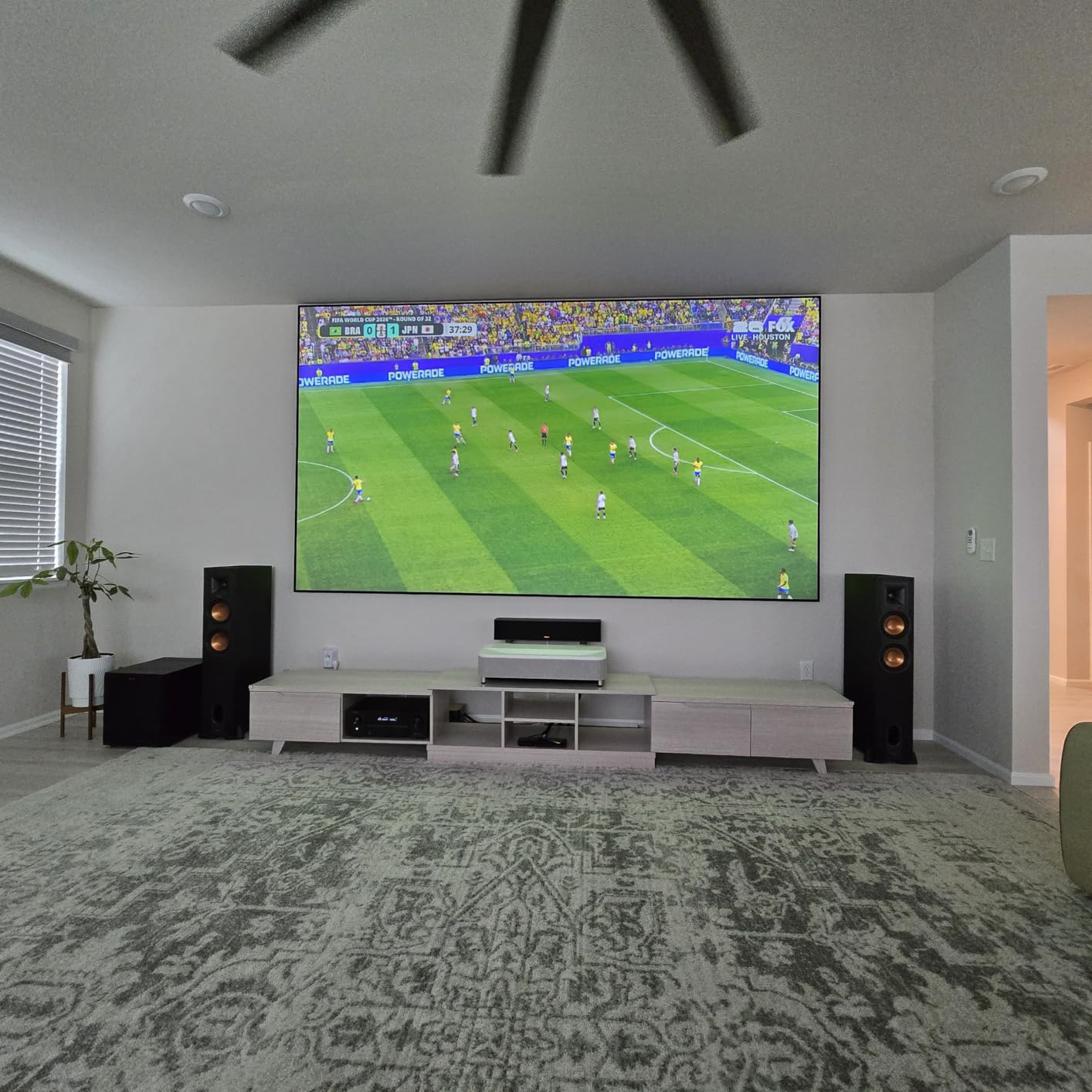
The recurring theme in reviews is that picture quality is praised without exception while setup is the sticking point. Square alignment is a slow, sensitive manual process and several owners report having to redo it after the unit is bumped. The 27.6 pound weight and 27.4 by 13.4 by 6.2 inch body also mean you need a low, sturdy surface, which is not always available next to a sofa.
There are hardware reliability notes worth taking seriously. Multiple owners report HDMI ports loosening or failing within one to three years, and HDMI-ARC CEC and eARC passthrough are described as unreliable, with Dolby Atmos signals dropped on some setups. If you plan to route sound through an AVR, test that path early. The 3.7 star average from 118 reviews reflects exactly this split: 52 percent five-star, but 22 percent one-star.
Why 3LCD Still Wins With Sensitive Viewers
Colour fringing is not a defect on DLP, it is how sequential colour works, and at ultra short throw on a large screen some people see it and some do not. If you know you are sensitive, three LCD panels remove the question entirely rather than asking you to sit further back.
What It Is Bad For
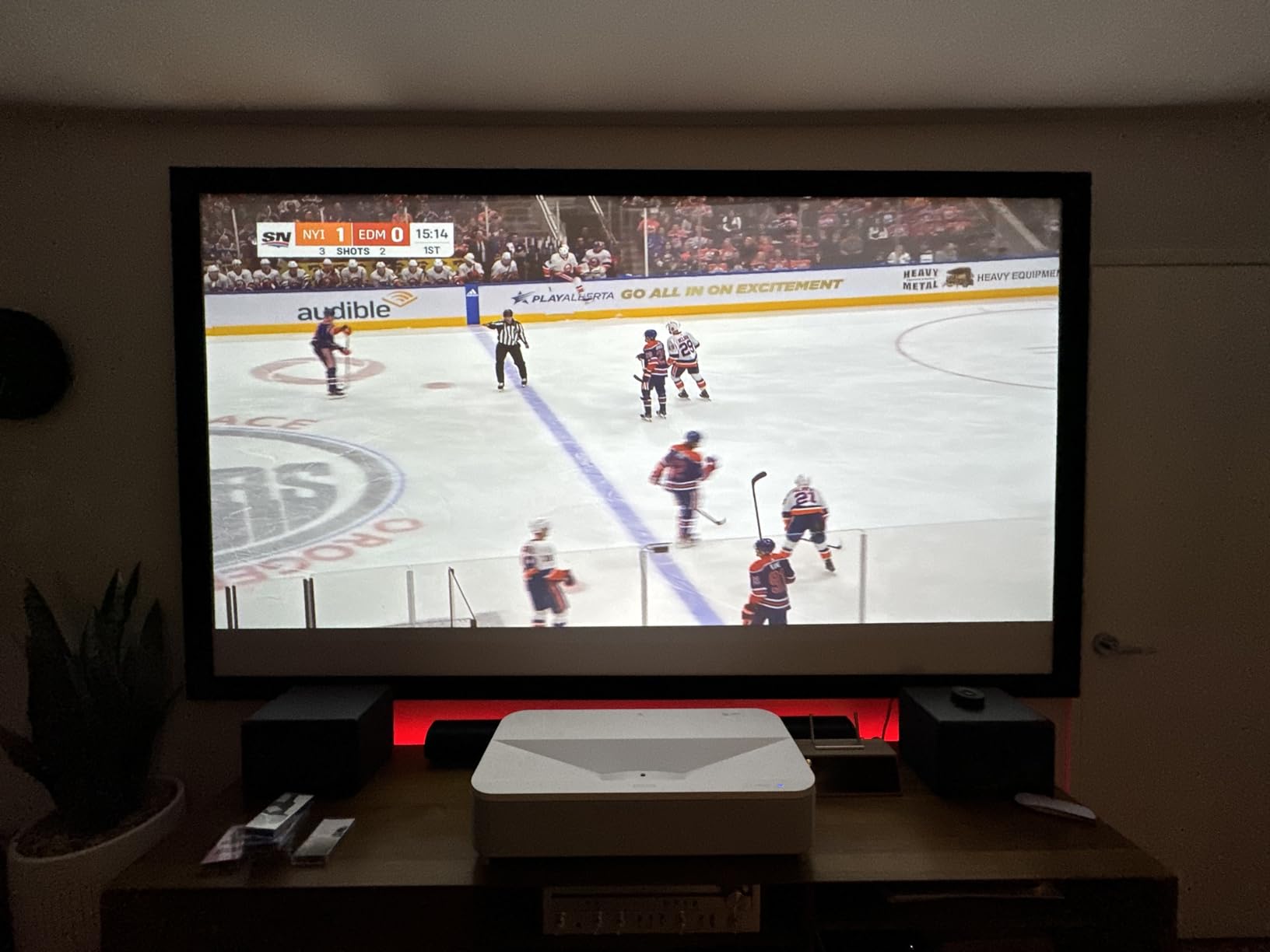
It is bad for a busy shared room where a child or a pet is likely to bump it, and it is bad for anyone who just wants to plug in and go. The built-in Android TV platform is the weak link: several owners report buffering, freezing and no Netflix app, so plan on an external streaming box.
Who Should Buy It
Buy the LS800 if rainbow sensitivity is a deal-breaker for you or a household member, if your room is average rather than bright, and if you can give it a permanent, stable home on a low cabinet. The laser light source is rated at 20000 hours under a two year limited warranty.
5. Hisense M2 Pro – Best Triple-Laser Colour on a Mid Budget
Hisense M2 Pro, Triple Laser Smart Portable Lifestyle Projector, 4K UHD, 65” – 200”, 1,300 Lumens, Dolby Vision,Optical Zoom, Intelligent Screen Adjustments, Vidaa OS, Netflix Included
1300 ANSI lumens
5000:1 contrast
65 to 200 inch image
360 degree gimbal
+ Pros
- Triple laser with Dolby Vision and IMAX Enhanced
- 4K AI upscaler for lower resolution sources
- 360 degree horizontal and 135 degree vertical gimbal
- Optical zoom across a 65 to 200 inch range
- Vidaa with Netflix and Disney Plus
- Cons
- 1300 ANSI lumens is dim for daylight
- One year manufacturer warranty
- Needs at least 4.7 feet of throw distance
The M2 Pro carries the highest average rating of anything we tested at 4.6 stars, with 79 percent five-star responses and only 1 percent one-star. Part of that is that it is one of the newest listings here and still building a review pool, but owners responding to triple-laser colour, Dolby Vision and the gimbal at this money is a consistent theme rather than a one-off.
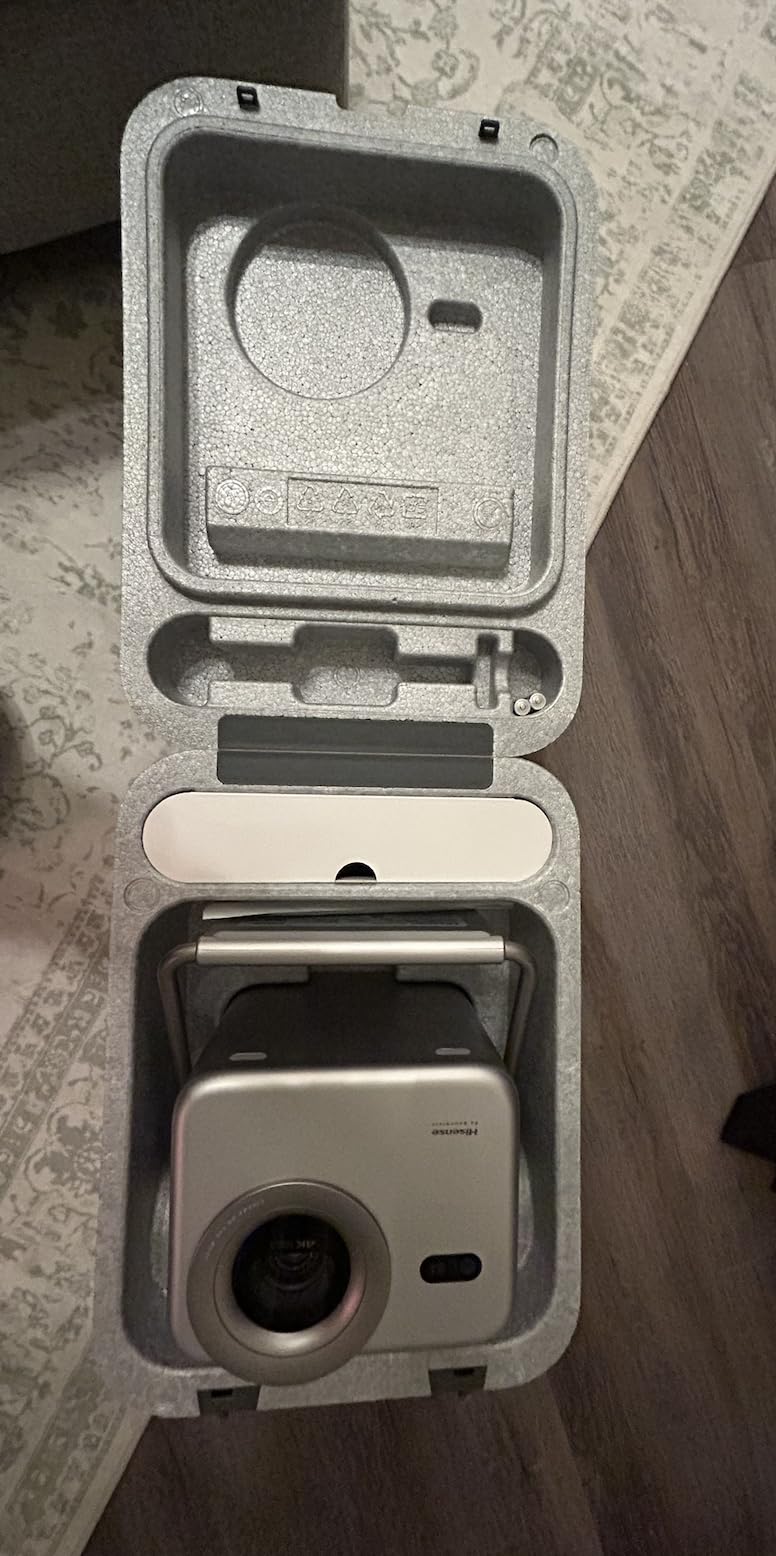
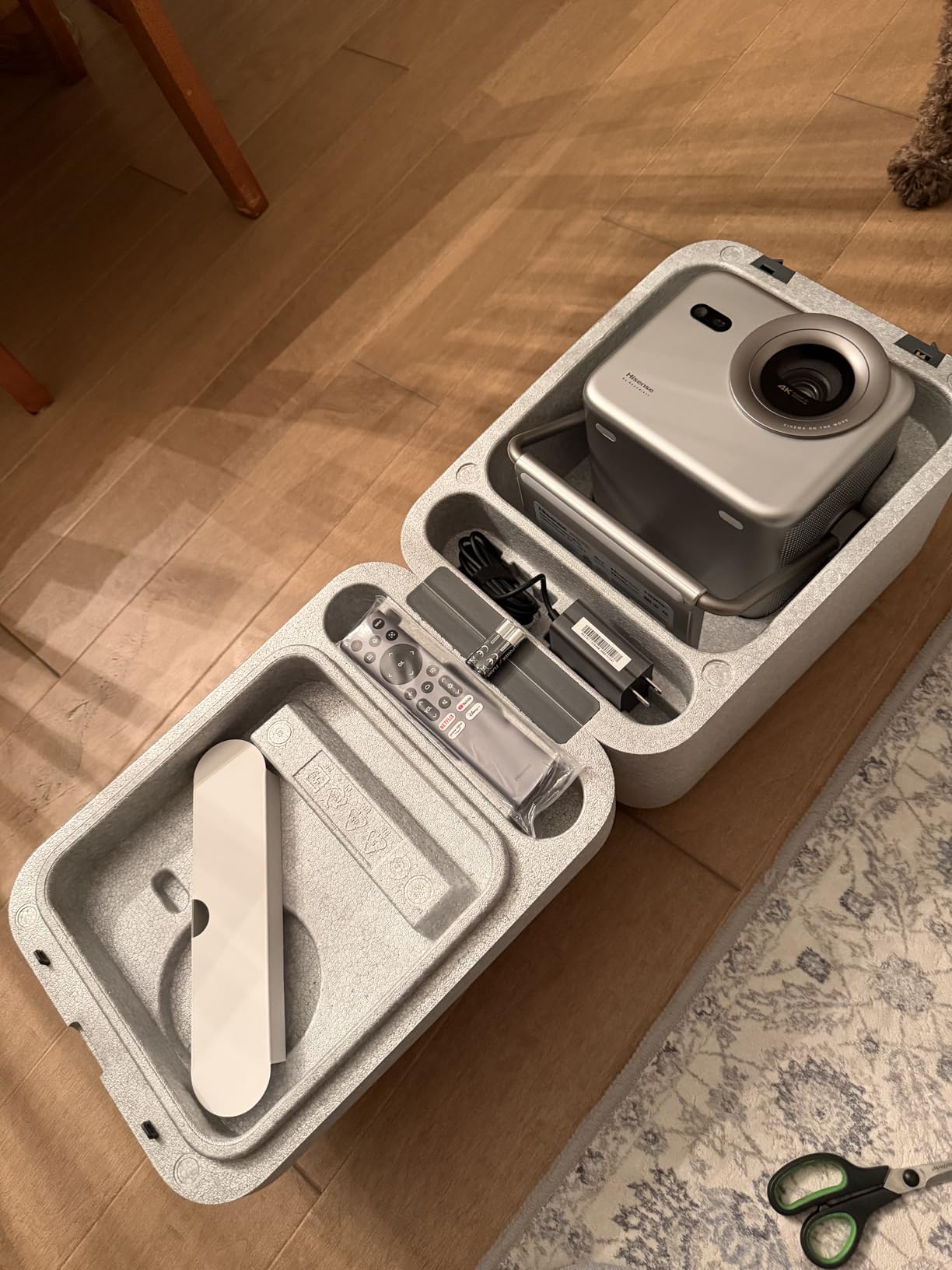
What you get here is a genuine tri-chroma RGB laser engine, IMAX Enhanced and Filmmaker Mode support, and a built-in gimbal that swings 360 degrees horizontally and 135 degrees vertically so you can project onto a wall, a ceiling or a side surface. The optical zoom covers a 65 to 200 inch image from a body measuring 9.1 by 8.6 by 7.6 inches and weighing 8.6 pounds, which is small enough to move between rooms.
Be clear-eyed about the trade. At 1300 ANSI lumens this is the dimmest product in the roundup, and daylight viewing genuinely needs a darkened room or a serious ALR screen. In the evening, with lamps low and blinds closed, the colour and the contrast figure of 5000:1 do the heavy lifting and the image looks far better than the brightness number suggests.
The auto features are the other story: auto keystone, seamless auto focus, obstacle avoidance, intelligent eye protection that dims when someone walks in front, and auto screen adaptation that identifies a screen frame and fits the image to it. For a first projector that is a meaningful reduction in setup frustration. It is not an ultra short throw model and needs at least 4.7 feet of throw distance.
Where This One Belongs in a Living Room
Think of it as the bedroom or evening screen rather than the always-on family display. It is the one to try if you want triple-laser colour and Dolby Vision at the lowest outlay in this group, and you are willing to manage the ambient light yourself.
What It Is Bad For
It is bad for a room with a big west-facing window, and it is bad for anyone who will not use a screen. The 25000 hour laser life is generous, but the one year manufacturer warranty is the shortest of the longer-warranty models here, which matters if the unit lives in a room full of dust.
Who Should Buy It
Buy the M2 Pro if you want a huge image and near-flawless colour without spending four figures on a bundle, and if your viewing is mostly after dark. The listed contrast ratio of 5000:1 against 1300 lumens is an unusual balance and it rewards a dark room.
6. JMGO N1S Ultra – Best Self-Adjusting Pick for Mixed-Use Rooms
JMGO N1S Ultra 4K Triple Laser Projector , 2800 ISO Lumens, Google TV
2800 ISO lumens
1600:1 FOFO contrast
30000 hour laser life
9.9 pound body
+ Pros
- Largest review pool here at 239 ratings
- Tricolor RGB engine with delta E under 1
- Integrated gimbal with 360 degree swivel
- 3D TOF sensor and CMOS camera drive autofocus and keystone
- Google TV with Chromecast and HDMI 2.1 eARC
- Cons
- No lens shift so placement matters
- 1600:1 is the lowest native contrast here
- No Dolby Vision
- Interface lag reported by some owners
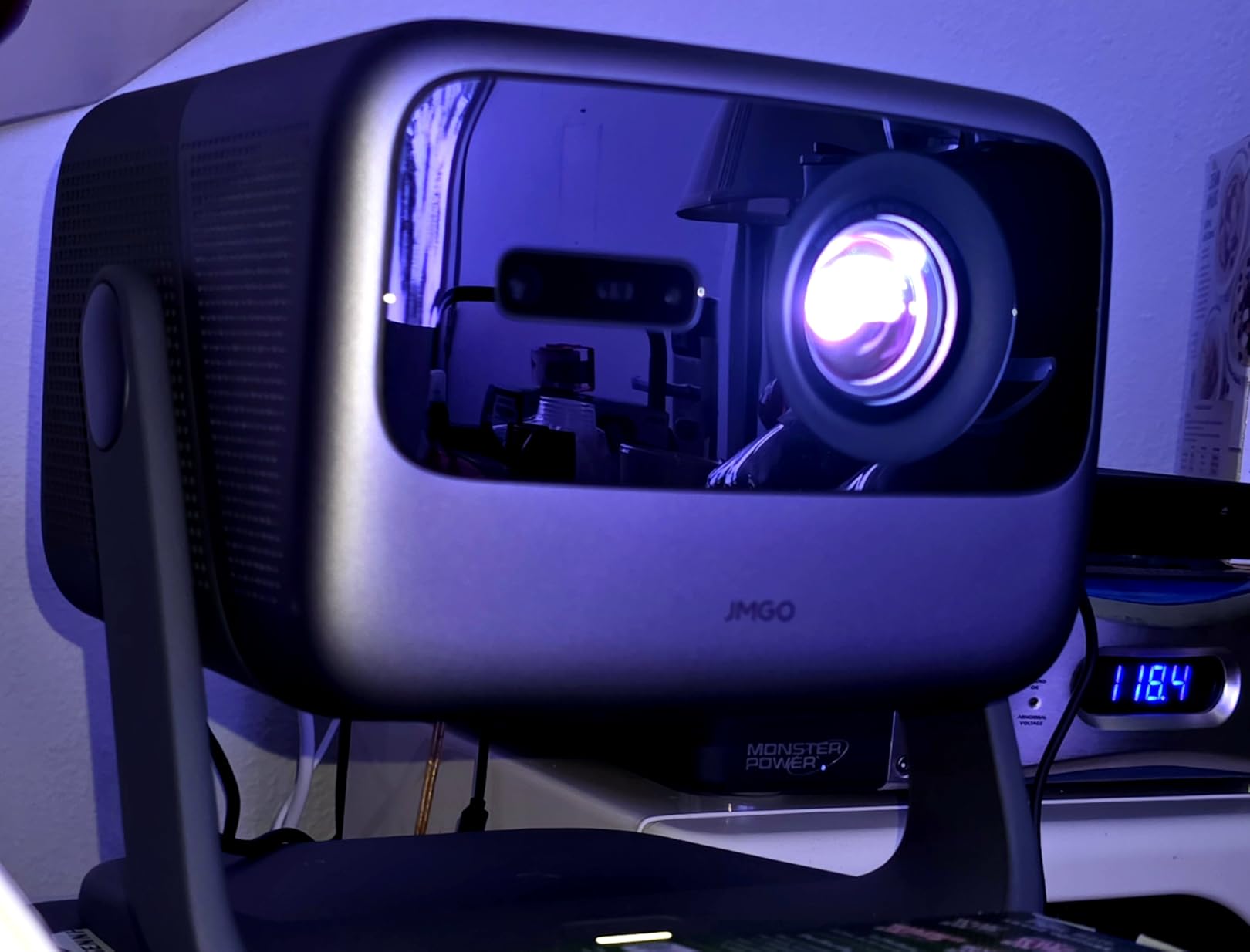
The N1S Ultra is the answer for anyone who dreads installation. The integrated gimbal gives 360 degrees of swivel and 135 degrees of tilt, and a 3D time-of-flight sensor plus a CMOS camera handle real-time autofocus, keystone correction, wall colour adaptation, lossless zoom and object avoidance. In practice you place it roughly and the unit works out the rest, which matters enormously in a lived-in room where a coffee table is never quite where the manual wants it.
Brightness is 2800 ISO lumens, which puts it in the group of units that handle a normal living room in the evening and can cope with a bright lamp, though not with full afternoon sun. Colour is genuinely strong, with a delta E under 1 and what owners describe as the widest gamut in the category.
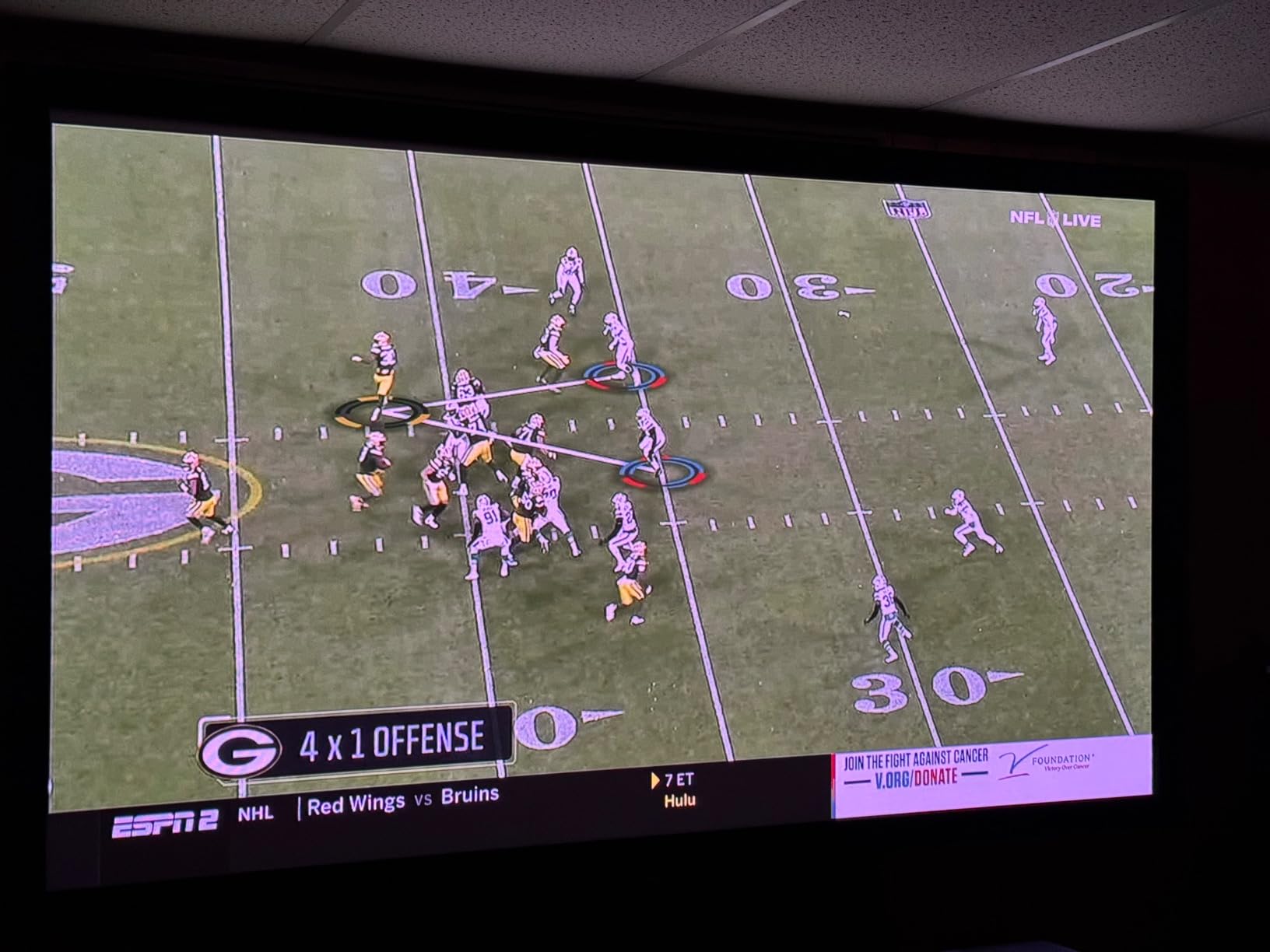
At 4.3 stars from 239 ratings, this has the largest review pool of anything we tested, which makes the pattern of complaints meaningful. No lens shift means your first placement is close to your final placement, and digital keystone costs you resolution if you have to correct much. Contrast of 1600:1 is the shallowest native figure in the group, and the absence of Dolby Vision is a box several owners tick off on their wish list.
Smaller things: the 3D menu is clunky and does not auto-detect the format, and single-chip DLP can show a faint rainbow effect during fast eye movement. Some owners report interface lag and one report of a loose power connector in the base. The 30000 hour laser life rating is the longest listed here, with a one year warranty.
Why Auto-Correction Matters in a Family Room
Installation is where most projector regret comes from. A unit that corrects itself in thirty seconds gets used every evening, while a fussy one ends up on a shelf in a cupboard. The trade is resolution and contrast, and in a shared room we think that trade is usually worth taking.
What It Is Bad For
It is bad for a dark dedicated theatre where you would optimise geometry and black level by hand. It is also a poor fit for film purists who consider Dolby Vision non-negotiable. At 9.9 pounds and 9.57 by 8.27 by 9.37 inches it is compact, though not pocket-sized.
Who Should Buy It
Buy the N1S Ultra if you are installing in a room other people use and you do not want a calibration afternoon in your future. Google TV with Chromecast, HDMI 2.1 with eARC, 20W Dolby Digital Plus speakers and a 60 to 300 inch image range round out a very complete package.
7. Dangbei MP1 MAX – Best Brightness for the Money
Dangbei MP1 MAX Triple Laser Projector 4K – 3100 ISO Lumens, 110% BT.2020, Google TV with Netflix Officially, 300” Display, 2x12W Dolby Audio DTS:X, HDR10+, Blu-ray 3D
3100 ISO lumens
110 percent BT.2020
adjustable 360 degree stand
HDR10+ and 3D
+ Pros
- Brightness to outlay ratio is the strongest here
- 110 percent BT.2020 with delta E under 1
- InstanPro AI handles focus keystone and screen fit
- Adjustable 360 degree stand included
- Dual 12W speakers with Dolby Audio and DTS:X
- Cons
- No lens shift
- Contrast only listed generically as High
- Needs at least 2 meters of throw distance
Put the Dangbei MP1 MAX and the JMGO N1S Ultra side by side on brightness per pound and the MP1 MAX wins clearly. 3100 ISO lumens with 110 percent BT.2020 coverage and a delta E under 1, plus a two year warranty, is a combination that would have been remarkable two generations ago. Reviewers respond to exactly that ratio, with a rating of 4.4 across 92 reviews and only 4 percent one-star responses.
The engine is described as hybrid triple laser plus LED rather than pure RGB, which is how it reaches its brightness figure at this level. You still get tricolour output, professional-grade colour accuracy and HDR10+ alongside Blu-ray 3D support.
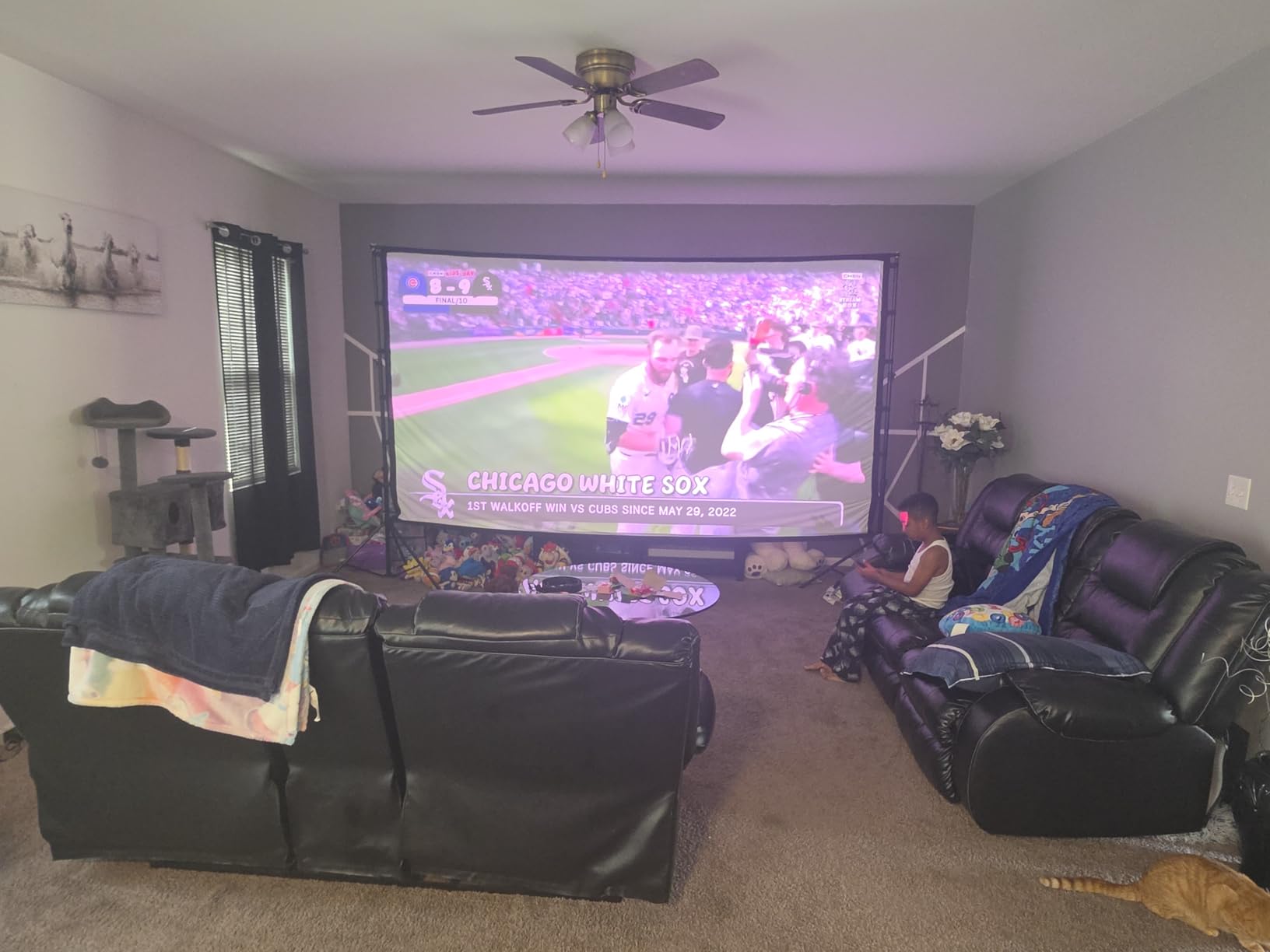
Setup is handled by InstanPro AI, which covers autofocus, keystone, screen fit, obstacle avoidance and an ambient-light brightness adjustment that responds to how bright the room actually is. The built-in adjustable stand gives 360 degrees of horizontal rotation and 135 degrees of vertical tilt, so no extra stand is needed in the box.
Sound is better specified than most at this price: dual 12W drivers in a 750cc acoustic chamber with bass reflex down to 45 Hz, plus Dolby Audio and DTS:X. Google TV is present with an official Netflix app, HDMI 2.1 with eARC, Bluetooth 5.2 and Wi-Fi 6. The 40 to 300 inch range and 7.52 kg weight keep it in portable-projector territory rather than laser TV territory.
Brightness Without the Premium
Around 3000 lumens is the practical threshold for a living room that gets used with the lights on, and this is the cheapest way to clear it while keeping professional colour accuracy. You give up nothing that matters in a shared room and you do not pay for the chassis of a larger unit.
What It Is Bad For
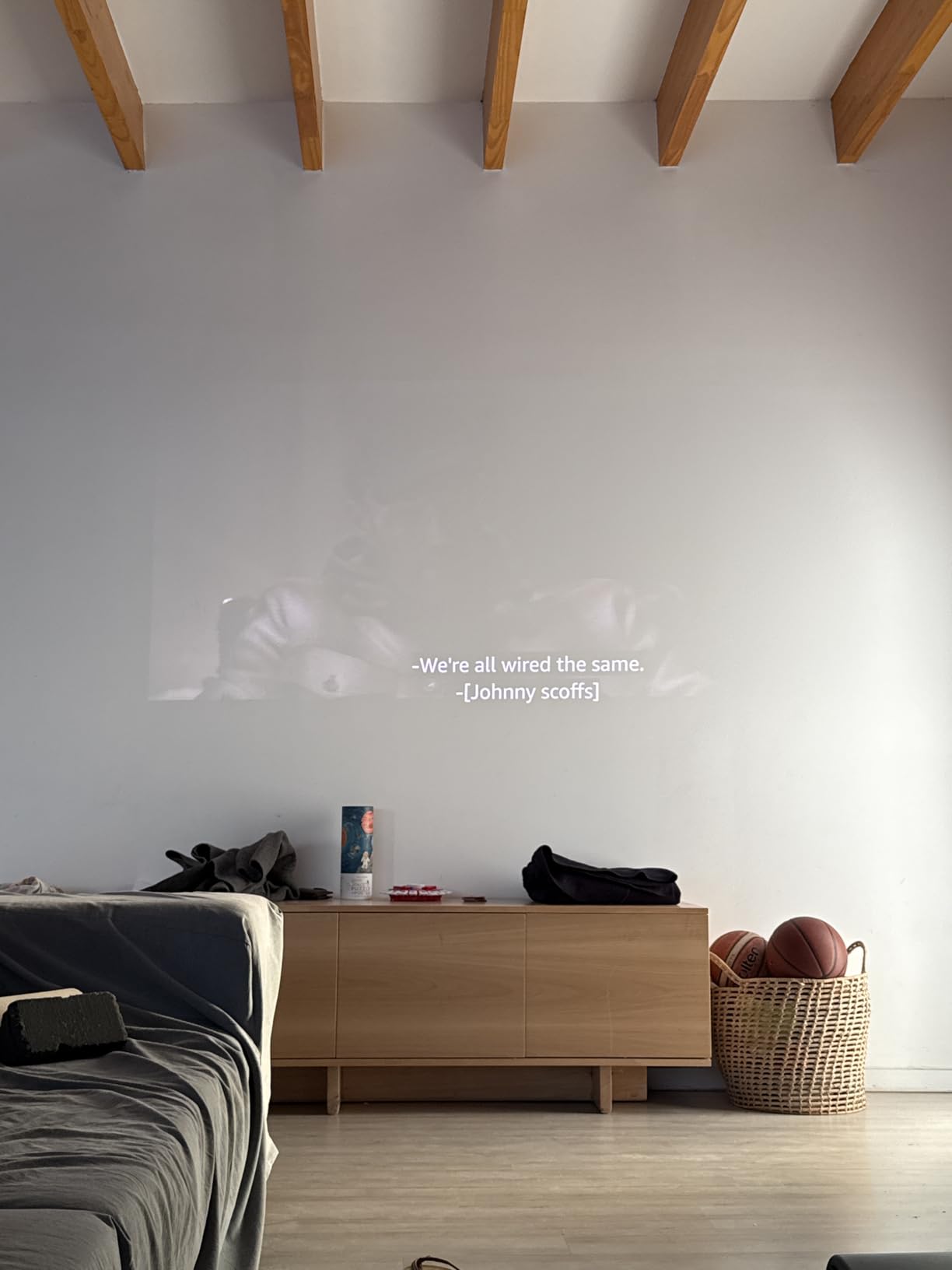
It is bad for anyone who cares about measured contrast, because the spec sheet only says High with no number attached, and that is a gap you should read as unverified. No lens shift means placement is fixed once you are happy with it, and at least 2 meters of throw distance is required.
Who Should Buy It
Buy the MP1 MAX if you want the brightest image per pound and want it to work in a normally lit room, and if a two year warranty matters to you. It is also a strong choice for a small office presentation or a covered patio given the brightness and the Bluetooth 5.2 and Wi-Fi 6 support.
8. XGIMI HORIZON 20 – Best Pick for Fussy Setup Situations
XGIMI HORIZON 20 4K RGB Triple Laser Home Projector, 3200 ISO Lumens
3200 ISO lumens
lens shift and optical zoom
200 inch max image
240Hz with 1ms response
+ Pros
- RGB triple laser at 3200 ISO lumens
- Lossless flexible lens shift plus optical zoom
- IMAX Enhanced and Dolby Vision with Filmmaker Mode
- 240Hz and 1ms with VRR and ALLM
- Bundled stand and Harman Kardon speakers
- Cons
- Laser speckle on standard 1.0 gain screens
- Not an ultra short throw unit
- One firmware update reportedly left a unit unable to power on
- White text can show brief colour fringing
Lens shift is the feature that separates this from most of the field. A lossless flexible shift plus optical zoom means you can position the projector off-axis and still get a square, undistorted image without digital correction, which means you keep full resolution. Most of the fixed-lens UST boxes in this roundup make you move the hardware instead, and that is a real constraint in a room with a window, a door or a lamp in the way.
The picture engine is an X-Master RGB triple laser at 3200 ISO lumens with a claimed 100000:1 contrast ratio, and the format support is thorough: IMAX Enhanced, Dolby Vision, HDR10+ and Filmmaker Mode. For gaming it runs 240Hz with 1ms response, VRR and ALLM, with images up to 200 inches.
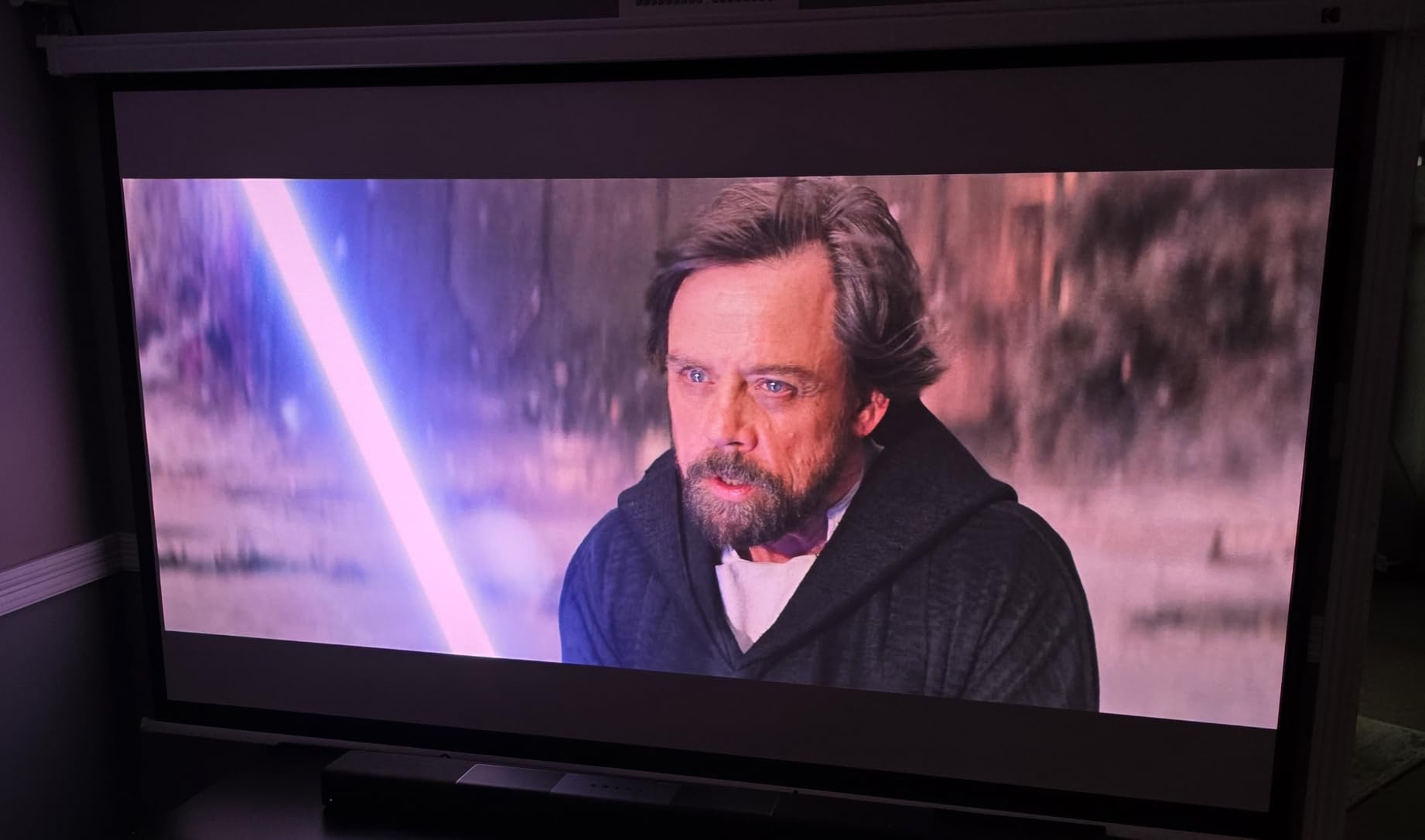
There is one optical characteristic that trips people up, and it is worth understanding before you buy rather than after. Laser speckle is visible on standard 1.0 gain screens, particularly in light areas and on faces. It is a property of coherent laser light meeting a matte surface, and it goes away or reduces substantially on a screen designed for laser projection. If you plan to use a proper ALR screen, this is a non-issue; if you project onto a painted wall, expect to see it.
A few other notes. It needs several feet of throw distance, so it is a room-set-up projector rather than a laser TV. One owner reported a firmware update that left the unit unable to power on with no resolution from support, which is a single report but worth knowing about given how much these devices depend on software.
Lens Shift and What It Buys You
Digital keystone correction shrinks and resamples the image, costing sharpness. Physical lens shift does not. If your ideal projector position is blocked by a side table or a window, this is the model that still works, and at 4.9 kg it is light enough to move when the furniture arrangement changes.
What It Is Bad For
It is bad for projecting onto a plain painted wall if you are sensitive to speckle, and it is bad for a low-ceilinged room. Owners also note brief colour-fringe separation on white content such as subtitles during motion. A two year warranty applies.
Who Should Buy It
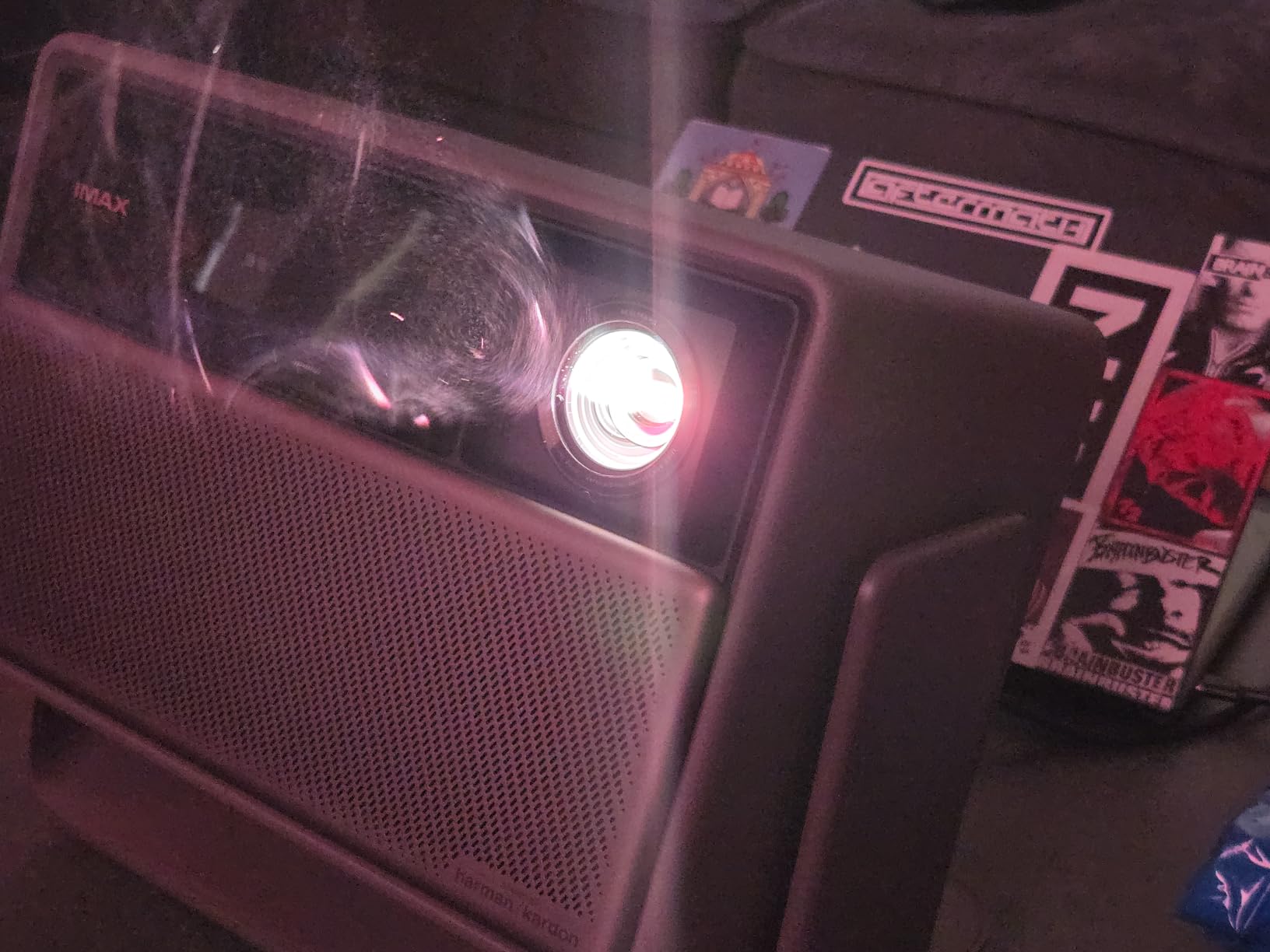
Buy the HORIZON 20 if your projector position is awkward, if you want console-grade gaming on a huge image, and if you are pairing it with a proper screen. The integrated stand and Harman Kardon speakers mean it works out of the box without extra purchases.
9. Formovie Theater – Best Built-In Sound in an Ultra-Short-Throw Box
Formovie Theater Ultra Short Throw 4K Laser Projector | UST Projector with Dolby Vision & Built-In Speakers | The Top UST Projector at ProjectorCentral’s 2022 & 2023 Laser TV Showdown
1800 ISO lumens
3000:1 FOFO contrast
ALPD4.0 RGB+ triple laser
dual 15W Bowers and Wilkins
+ Pros
- Dual 15W full-range speakers tuned by Bowers and Wilkins with Dolby Atmos
- ALPD4.0 RGB+ covering 107 percent of Rec.2020
- Dolby Vision with 3000:1 FOFO contrast
- Certified Android TV 11 with Chromecast
- First place and judges pick at the 2022 and 2023 Laser TV Showdown
- Cons
- 1800 ISO lumens is the lowest in this group
- Only a 1 year warranty
- Connectivity listed as HDMI only
Almost every projector in this roundup asks you to add a soundbar eventually, and forum users ask about that pairing constantly. The Formovie Theater is the exception worth knowing about: dual 15W full-range speakers designed and tuned by Bowers and Wilkins engineers, with Dolby Atmos spatial processing, inside a chassis measuring 22 by 14 by 5 inches.
The optical side is respectable rather than spectacular. ALPD4.0 RGB+ triple laser technology covers 107 percent of Rec.2020 across more than 1.07 billion colours, with Dolby Vision, 3000:1 FOFO contrast and HDR10+ decoding. It throws from 80 to 150 inches and runs on a tabletop mount at 7.5 kg and 150 watts.
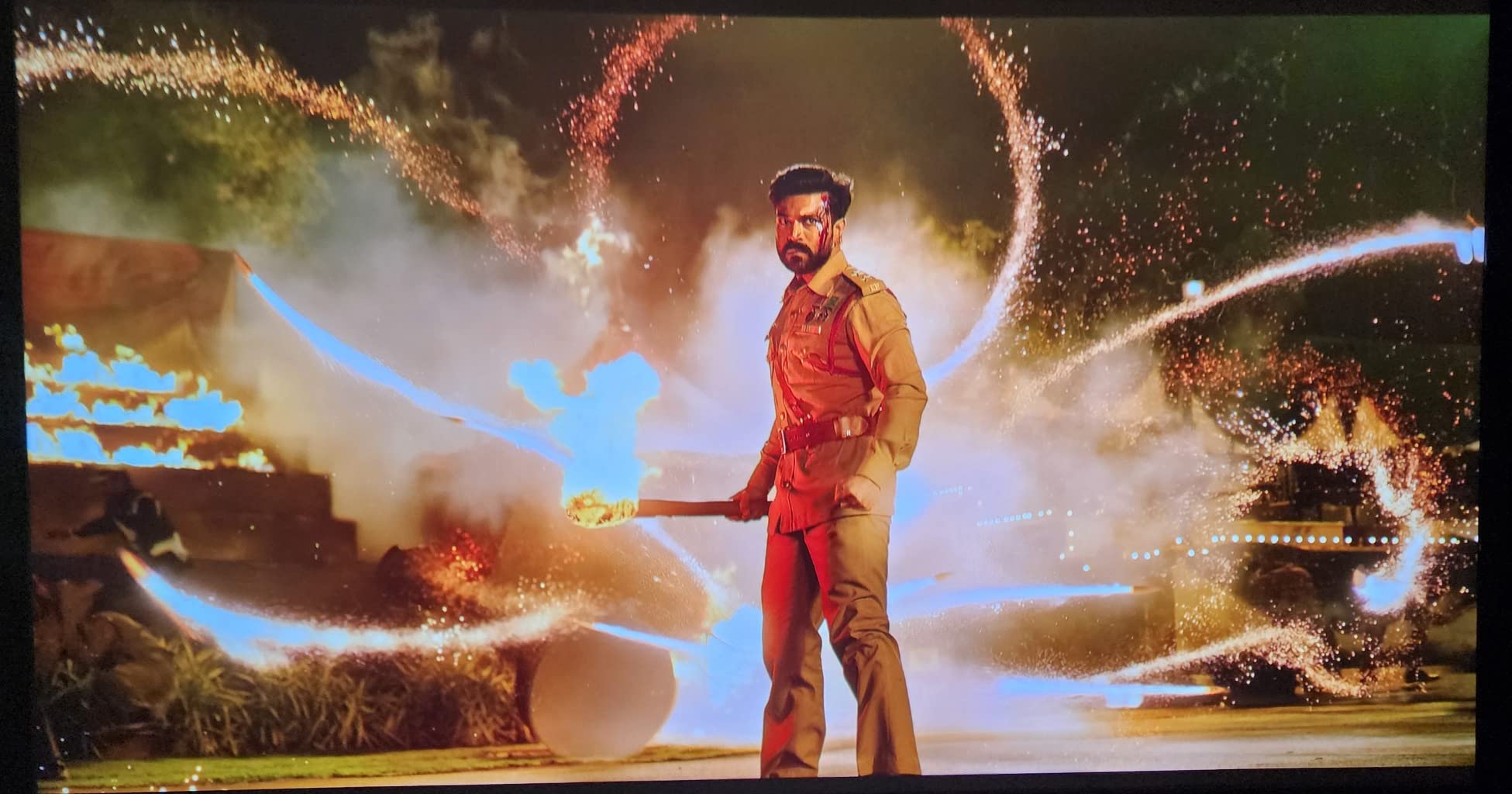
At 3.7 stars from 102 reviews, this is the lowest-rated product in the group and the ratings are unusually spread out: 47 percent five-star and 20 percent four-star, but also 16 percent one-star. The pattern is consistent and worth understanding. Owners who pair it with a proper ALR screen report excellent colour and sound, while the one-star reviews centre on setup and app stability rather than picture.
Brightness is the ceiling. At 1800 ISO lumens it is the lowest figure in this roundup, and ambient light washes the image out noticeably sooner than any of the other nine. That is fine in a room you can darken and a problem in a room you cannot.
When Built-In Speakers Actually Help
They help in one specific scenario: a secondary room where you watch an hour of television rather than a film, and where running cable for a soundbar is a chore. For a 100 inch screen the built-in audio is a reasonable match. For a film night it is not, and at 15W per channel you should not expect otherwise.
What It Is Bad For
It is bad for a bright living room, and it is bad for anyone who wants to keep the hardware for years. A one year warranty is the shortest here, and the listed connectivity is HDMI only with no Wi-Fi or Bluetooth shown, even though Android TV 11 is built in.
Who Should Buy It
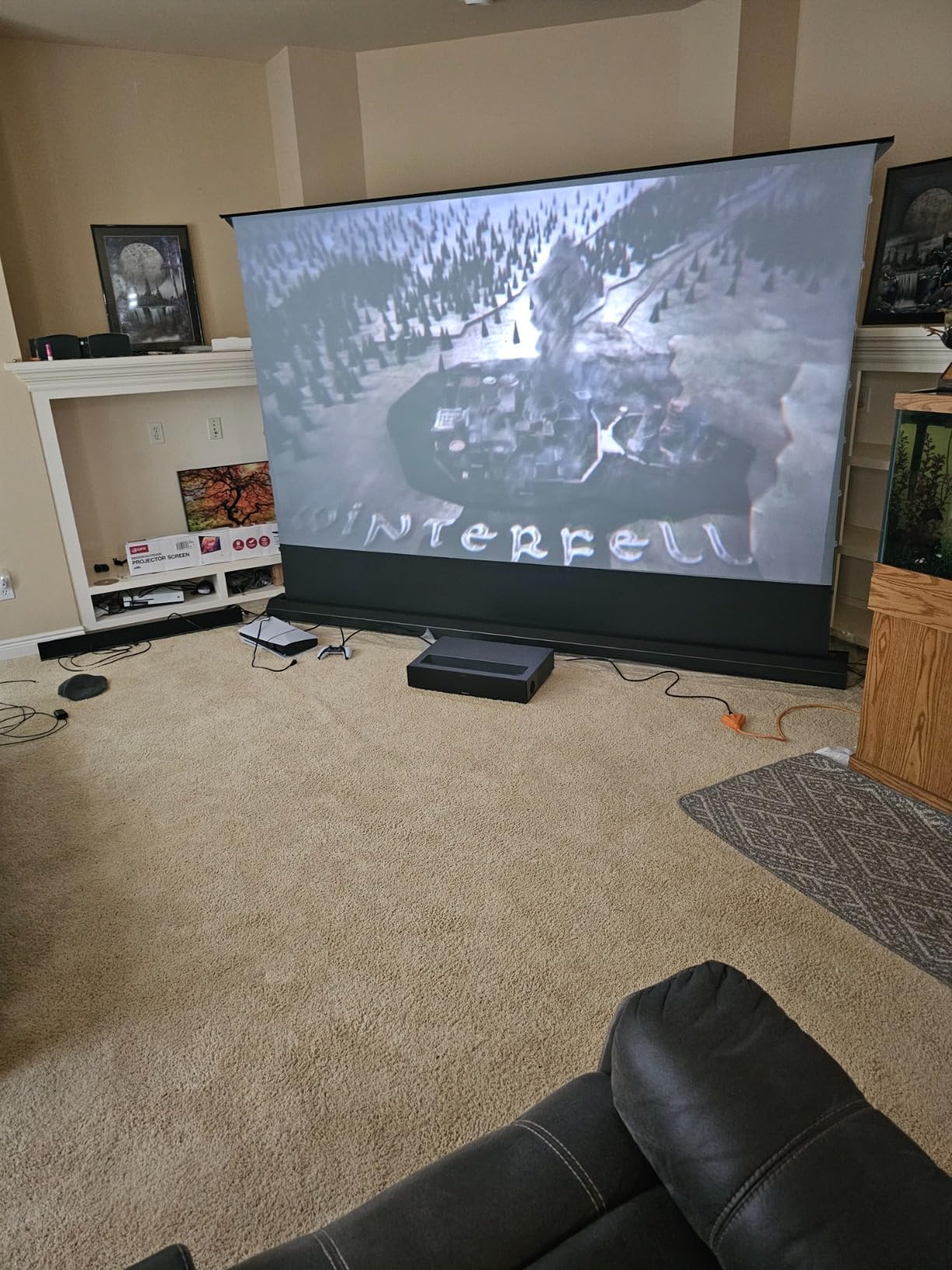
Buy the Formovie Theater if sound matters more to you than raw brightness, if you are pairing it with an ALR screen, and if you want a genuinely decorative object rather than a black box. The 20000 hour laser rating is the shortest of the group alongside the Epson.
10. LG HU85LA 120 Inch – Best Finished Look for a Living Room Wall
LG HU85LA 120” 4K UHD Resolution (3840 x 2160) Laser Smart Home Theater CineBeam Ultra Short Throw Projector, 2700 ANSI Lumen, Smart TV enabled, Alexa Built-in, HDR10, with Magic Remote – White
2700 ANSI lumens
120 inch from 7.2 inch away
webOS with Magic Remote
white finish
+ Pros
- Triple laser colour is noticeably richer than single laser
- 120 inch image from 7.2 inches off the wall
- 2700 ANSI lumens is watchable with curtains partly drawn
- Quiet fan and low heat
- Magic Remote with Alexa and LG ThinQ
- Cons
- Geometry is extremely sensitive on a curved screen
- Black level sacrifices detail versus OLED
- No Apple TV or Disney Plus in webOS
- HDMI-ARC is a lossy Atmos path and a port has failed for some owners
The LG HU85LA is the one in this roundup designed to be looked at rather than ignored. It ships as a 120 inch package, the chassis is white, and long-term owners describe it as furniture-like. For a living room where the equipment is visible all day, that is not a trivial consideration.
It throws a 120 inch image from just 7.2 inches off the wall, which means the unit sits against the screen surface rather than on a cabinet, and the image runs from 90 to 120 inches. Triple-laser colour is visibly more vivid than single-laser UST projectors, and 2700 ANSI lumens is enough to watch in daylight with the curtains partly drawn.
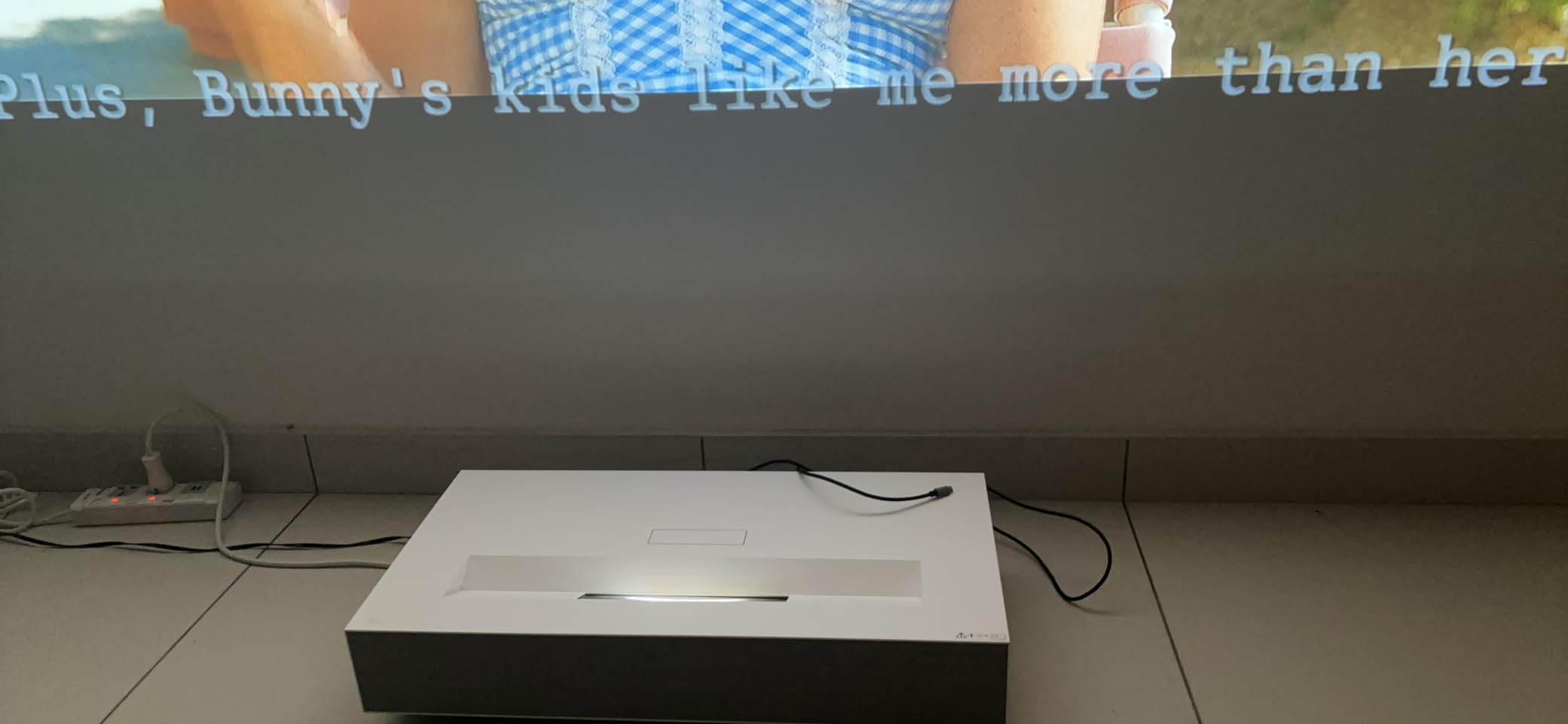
The catch is geometry, and it is a significant one. Owners report that a curved or non-flat screen can cost twelve hours or more of adjustment, and focus holds best around 110 inches before softening toward the edges of a 120 inch image. If your wall is flat, tensioned and painted with a matte finish, this is a joy; if it is not, prepare for a weekend.
Black level is the other honest weakness, and Dynamic Tone Mapping makes dark scenes worse rather than better if you leave it enabled. Reviewers who pair the unit with a properly tensioned ALR screen describe a stunning picture, which tells you the screen is doing a lot of the work. webOS Lite with the Magic Remote covers Netflix, Prime and VUDU but has no Apple TV app, HomeKit or Disney Plus, and HDMI-ARC is a lossy Atmos path.
Why the White Chassis Matters
Most ultra short throw projectors are black slabs that visually shrink the room. A white unit that blends into a light wall, combined with a 7.2 inch mounting depth, keeps the whole installation looking like millwork rather than electronics. In a living room used every day, that is worth a great deal.
What It Is Bad For
It is bad for a wall that is not perfectly flat, and it is bad for a dark room where you want the deep blacks of an OLED. At 26.9 pounds and 26.8 by 13.7 by 5 inches it is a serious object, and some owners report an HDMI port failing within two years. Parts and labour are covered for a limited two years.
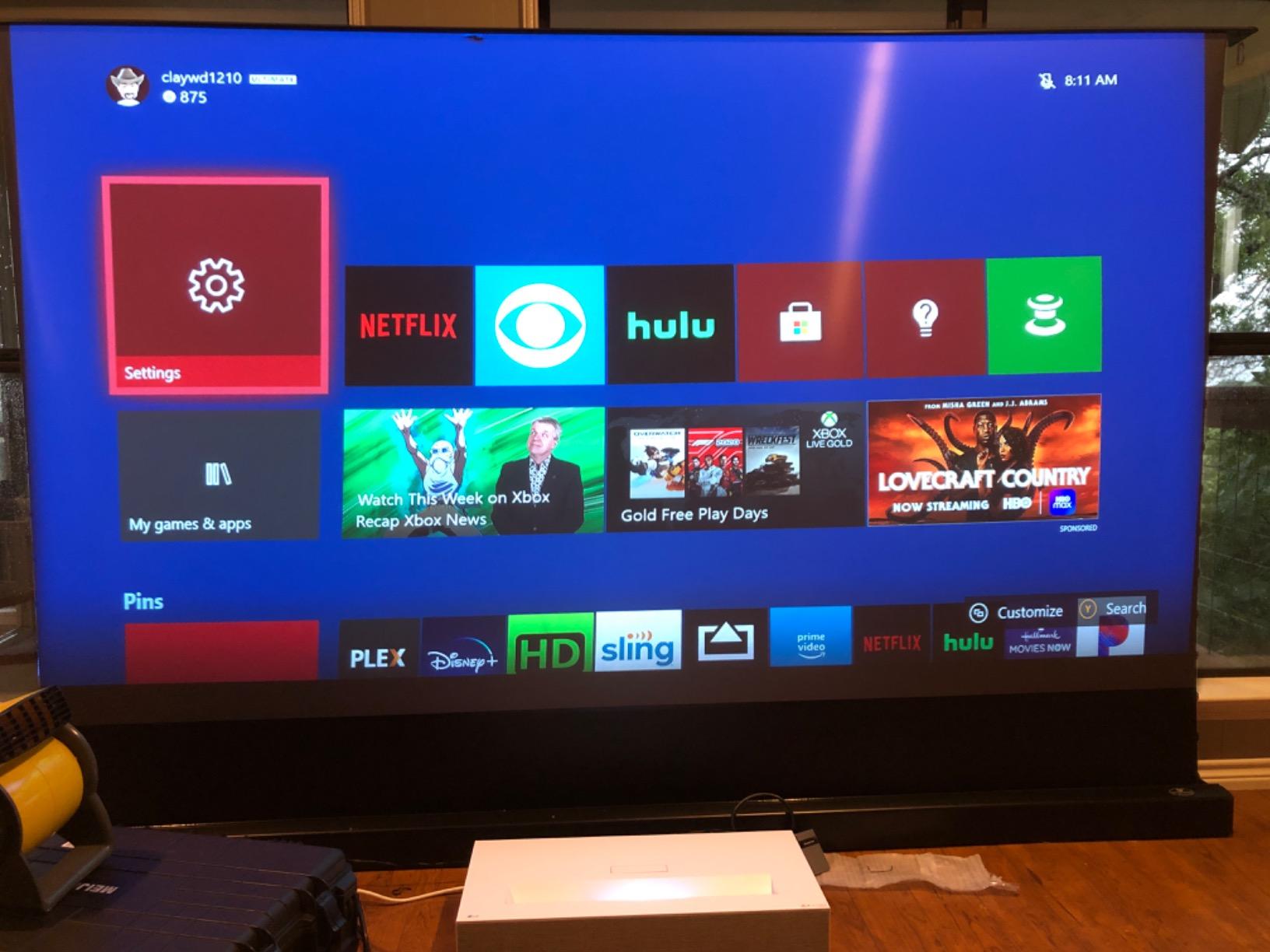
Who Should Buy It
Buy the HU85LA if you have a big, flat, properly painted wall and you want the largest image with the smallest visual footprint. The 20000 hour laser life and quiet, low-heat operation also suit a room that is on for long stretches.
What to Look for in a Laser TV for a Living Room
Most buying advice in this category is a list of specifications. What actually matters is a chain of decisions, each one feeding the next, and the order matters because getting the first one wrong makes the rest irrelevant. Work down this list before you compare any two products on a retailer page.
Ultra Short Throw Versus Long Throw: The First Decision
A true ultra short throw unit throws a 90 to 150 inch image from a box sitting inches from the wall, which is what makes it a laser TV. A long throw portable projector needs 4 to 16 feet of distance and is a different category of object. If your wall is 10 feet from the nearest obstacle, a long throw unit gives you a lens you can actually aim. If you want the box to disappear against the wall, you need ultra short throw and you need to accept the geometry compromises that come with a fixed wide lens.
ANSI Lumens Are the Only Brightness Numbers Worth Comparing
Peak lumens, light-source lumens and ISO lumens are not the same measurement, and brands mix them freely. Ask what is the real output in a normal picture mode, not in a special high-brightness mode. As a rough guide for living rooms: under 2000 ISO lumens is an evening-and-darkened-room product, 2000 to 3500 handles a normal lit room with curtains, and 4000 or above is the range where blinds-open daytime viewing becomes realistic.
Native Contrast Beats Dynamic Contrast Every Time
A 3,000,000:1 dynamic ratio is a processing trick, not a measurement. Native or FOFO contrast, measured with the light engine fully on and off, is the only comparable figure. A good native figure means dark scenes have visible detail in a room with some ambient light, which is precisely the condition of a living room at nine in the evening.
Triple Laser, Single Laser, or 3LCD
RGB triple laser gives the widest colour gamut and the most vivid image with no colour wheel to worry about, and it is what you want for a mixed film and broadcast household. Single laser and phosphor designs are cheaper and perfectly good. Three-chip 3LCD uses no sequential colour at all, so it is the only reliable answer if anyone in the room is sensitive to rainbow artifacts.
Screen Material and Why ALR Changes Everything
A proper laser TV bundle includes a screen, and that screen is doing more work than the projector. Standard matte surfaces reject some ambient light and tolerate a projector pointing at them. ALR screens are engineered to reject light from the side while reflecting it from the front, which is what makes daytime viewing viable. Laser speckle also largely disappears on a screen built for laser light, which matters if you are sensitive to it. If a bundle does not include a screen, treat that as a significant omission and budget for one.
Screen Size and Viewing Distance for Your Room
Here is the arithmetic most roundups skip. Measure the distance from your seating position to the wall, then work from that:
At 10 feet of viewing distance, a 100 inch image is the comfortable maximum and anything larger starts to feel close. At 12 feet, 100 to 120 inches is the sweet spot. At 14 feet or more, 120 to 130 inches works, and beyond that a larger package is justified.
Forum buyers report the most common sizing mistake clearly: replacing a 65 inch OLED with a 100 to 120 inch image and finding it overwhelming for the first few weeks. If in doubt, sit at your normal position and use an online viewing calculator before you commit.
Sound: Built-In Speakers Are a Starting Point, Not a System
The honest rule is that any projector in this list will sound better through a soundbar or an AVR, and at 100 inches you want one. What the built-in speakers buy you is the option to skip it for casual viewing. Budget for a soundbar unless the unit you pick genuinely prioritises audio, as the Formovie Theater does. If you plan to route audio through an AVR, verify eARC and HDMI-CEC behaviour on the specific model before the return window closes.
Input Lag, ALLM and Whether 4K Gaming Matters at 100 Inches
Yes, it matters more at this size. A 100 inch image fills your field of vision, and your peripheral vision is far more sensitive to motion smear than it is on a 55 inch panel. Anything at or under 30ms feels fine for most players; the models here with 1ms response, VRR and ALLM are genuinely better, and console-focused units like the Hisense PX3-PRO and the XGIMI HORIZON 20 are worth prioritising if gaming is a real part of the household use.
Who Should Not Buy a Laser TV
We think a laser TV is the right answer in most living rooms that want a huge image, and we have not found a strong argument against the category as a whole. There are, however, four situations where a flat panel is simply better, and buying a projector into one of them is the expensive mistake.
A dedicated blackout media room with proper acoustic treatment does not need a laser TV. A calibrated flat panel in that environment costs less, runs cooler, sounds better and needs no maintenance, and there is no ambient light for a laser engine to fight.
A very small room is the second case. Under about 85 inches of diagonal, a good OLED is brighter, sharper, cheaper per inch and does not need a wall kept clear. The economics of projection only start working at roughly 100 inches.
Rooms with young children or large dogs are the third. A laser engine on a shelf a metre off the floor, in a room where the unit may be knocked or where dust is constant, is a reliability question before it is a picture question. The one year warranty models in this roundup are not a good match for that environment.
Renters with no wall to give up are the fourth. An ultra short throw needs a flat surface with nothing on it, and a long throw unit needs several feet of clear distance. If neither exists, a projector will be a compromise and a flat panel will be better.
Finally, expect a maintenance reality that the spec sheet hides. Laser sources are rated at 20000 to 30000 hours, but forum long-term owners point out that brightness decays gradually rather than failing on a schedule, and when a source does expire it is a service event rather than a bulb swap. Check warranty length carefully: two years is the norm here, and two of these models offer only one.
Frequently Asked Questions
Which laser TV is the best?
The AWOL Vision Aetherion Pro is the best overall laser TV for a living room, with 3000 ANSI lumens, up to 6000:1 native contrast from a six-level iris, and 1ms gaming latency with VRR and ALLM. The Nebula X1S is best if your room stays bright, at 6000 ANSI lumens, while the Hisense PX3-PRO is the strongest for console gaming with a 240Hz refresh rate.
Are laser TVs any good?
Yes, when the room and the screen match. A laser TV is an ultra short throw laser projector bundled with a matching screen, and it works well in a normal living room because it delivers a 100 to 130 inch image for far less cost per inch than any flat panel. It performs best in the evening or in a room where you can manage ambient light, and it is less convincing in full daylight without an ALR screen.
What are the disadvantages of a laser TV?
The main drawbacks are contrast, which stays below OLED black levels even on good models; brightness, which is lower than a flat panel and needs ambient light management in daylight; and the need for a dedicated clear wall. Geometry is also sensitive on fixed wide lenses, some streaming platforms are missing or unstable, and warranty length varies from one to two years. Laser sources also dim gradually over their rated 20000 to 30000 hours.
Is a laser projector better than a TV?
Only if you want an image of 100 inches or more. A flat panel is brighter, sharper per pound, easier to use and needs no wall, and the community rule of thumb on r/projectors is that below 120 inches there is no reason to choose a projector. Above that size, a laser TV costs a fraction as much per inch, hides when not in use, and can be moved between rooms, which no flat panel can do.
Do laser TVs need a special screen?
A laser TV bundle normally includes a screen, and using that screen matters. A standard matte surface tolerates a projector and rejects some ambient light, while an ALR screen rejects side light specifically and is what makes daytime viewing work. Laser speckle also largely disappears on a screen designed for laser projection. If a bundle does not include a screen, budget separately for a proper one or the image will be dimmer and less focused than it should be.
How long does a laser TV light source last?
Rated laser life in this group runs from 20000 to 30000 hours, which for typical family use of a few hours a day is many years of service. The real caveat is that brightness decays gradually rather than failing at a fixed point, and when a source does expire it is a service event instead of a cheap bulb change. Check the warranty, which ranges from one year on some models to two years on most.
The Verdict for 2026
If you want one answer for an ordinary living room used every evening, buy the AWOL Vision Aetherion Pro. It handles daylight and dark scenes without a mode change, has the strongest native contrast in the group, and its 1ms gaming latency means a console behaves like it does on a flat panel. If your room is genuinely bright and you will not close the blinds, the Nebula X1S at 6000 ANSI lumens is the only pick here we would trust with daylight. If the console is the priority, the Hisense PX3-PRO gives you a 240Hz panel and reference-grade colour accuracy.
For buyers on a tighter budget, the Dangbei MP1 MAX delivers the best brightness per pound in the group with professional colour accuracy and a two year warranty, and the JMGO N1S Ultra removes installation anxiety almost entirely with its gimbal and sensor-driven auto-correction. The LG HU85LA is the one to buy when the equipment is on show all day and appearance matters as much as picture.
And if your seating distance is under about ten feet, stop reading and buy a good OLED instead. The best laser TVs for living rooms are excellent at 100 inches and above, and they are the wrong tool for anything smaller. Check the current figures and ratings on each listing before you buy, since pricing and firmware both move quickly in this category.