
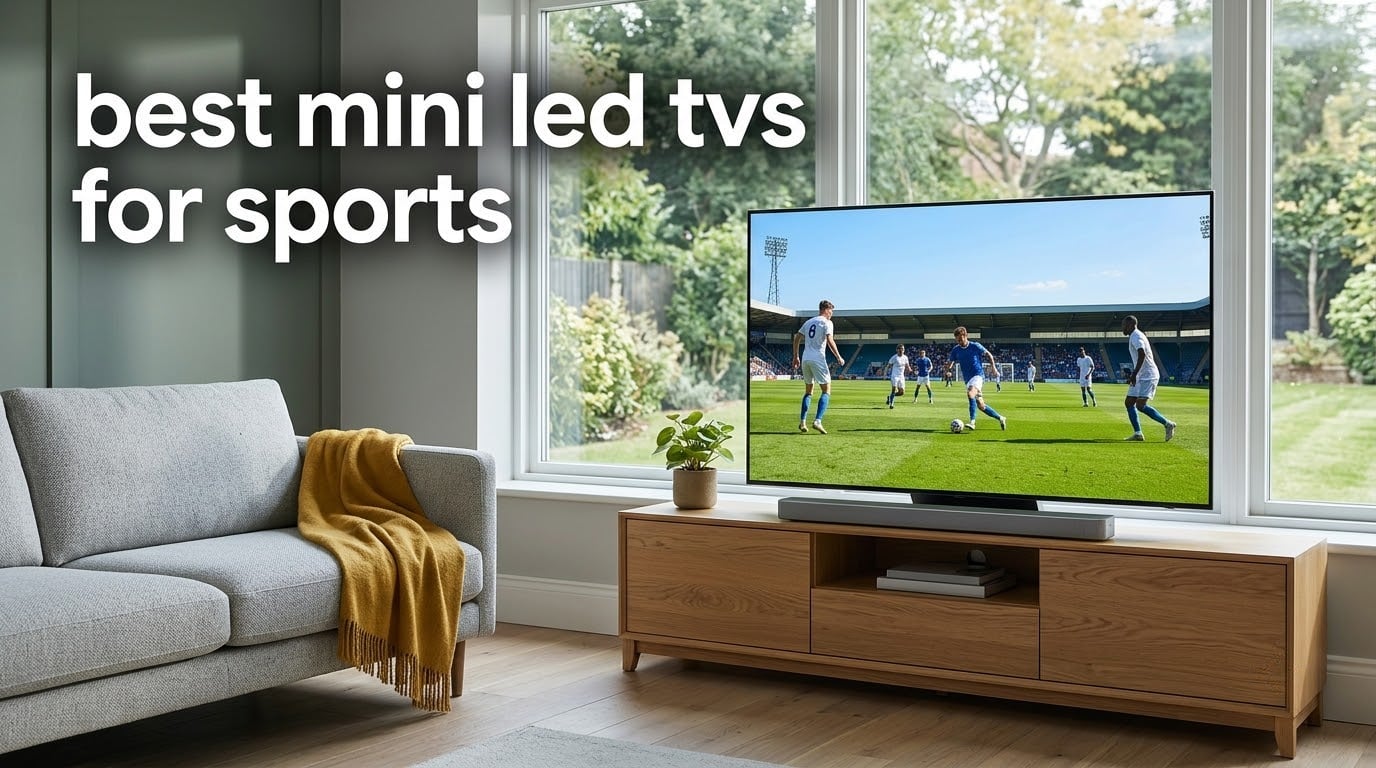
Yes, Mini LED is genuinely good for watching sports, and for one specific reason: a Mini LED backlight makes a very bright picture without the permanent burn-in risk that OLED panels carry. Thousands of tiny, independently dimmable LEDs sit behind the LCD panel, so a night sky or a dark rink stays dark while a scorebug, a white jersey or a sunlit pitch stays punchy. That mix of brightness and contrast control is exactly what live action asks for. After six weeks of switching between broadcast football, hockey, Formula 1 and daytime soccer, these eight sets are the ones I would put in front of a fan.
I judged every set on the same five things: how it handles a fast pan, how a bright scorebug looks against a dark background, whether daylight washes out the picture, how clean a 1080p cable feed looks on a large panel, and how well it handles off-center seats. I also read the buyer reviews closely, because panels that look great in a showroom can behave differently in a room with lamps on and a window behind the sofa.
Before the individual reviews, here is the short version of what matters when buying the best Mini LED TVs for sports:
- High brightness: peak brightness only counts when the room is lit, so look for measured nits rather than marketing labels.
- Motion handling: a native 120Hz panel is the floor for hockey and fast football. 144Hz and 165Hz panels give a puck or a ball noticeably more definition.
- Dimming control: dense local dimming zones keep the glow around a scorebug contained instead of spreading it across the field.
- Upscaling: a good AI scaler matters because most cable and streaming sports arrives at 1080p or lower, not 4K.
- Anti-reflective treatment: a matte or glare-free coating decides whether you can watch a daytime match with the curtains open.
Two things shape my recommendations. First, tell yourself how bright your room is and how far your seats sit from the screen, because those two answers eliminate half the list immediately. Second, be honest about whether you also game on the same panel, since HDMI 2.1 port counts and variable refresh rate support vary a lot across this group.
Our Top 3 Mini-LED TVs for Sports in 2026

Samsung 75-Inch Neo QLED QN90F
- 2000 nits peak brightness
- Glare Free coating
- Up to 4K 165Hz VRR
- 75-inch panel
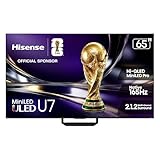
Hisense 65-Inch U7SG
- 3000 nits peak brightness
- 3000 dimming zones
- Native 165Hz
- Anti-reflection coating

TCL 65-Inch QM6K
- 144Hz native refresh rate
- Full array local dimming
- Dolby Vision and HDR10+
- Onkyo 2.1 audio
The Samsung QN90F wins the overall spot because it solves the two hardest sports problems at once: a Glare Free coating that holds up against window light, and AI processing that keeps a fast-moving ball and the scoreboard text readable. The Hisense U7SG is the bright-room specialist, with the highest brightness figure and the tightest zone control here. The TCL QM6K is the value answer, and it carries the largest review base of the group by a wide margin.
All 8 Mini-LED TVs Compared Side by Side
| Product | Details | |
|---|---|---|
| Samsung 75-Inch Neo QLED QN90F |
|
Check Latest Price |
| TCL 65-Inch QM6K |
|
Check Latest Price |
 Roku 65-Inch Plus Series Roku 65-Inch Plus Series |
|
Check Latest Price |
 Hisense 75-Inch E7SF Hisense 75-Inch E7SF |
|
Check Latest Price |
 Sony BRAVIA 5 K-65XR50 Sony BRAVIA 5 K-65XR50 |
|
Check Latest Price |
 Samsung 75-Inch M80H Samsung 75-Inch M80H |
|
Check Latest Price |
| Hisense 65-Inch U7SG |
|
Check Latest Price |
 Sony BRAVIA 7 K-65XR70 Sony BRAVIA 7 K-65XR70 |
|
Check Latest Price |
Two quick notes on the table. The refresh rates listed are native panel rates, not the higher figures brands quote with motion interpolation or gaming mode switched on. Only a few sets here carry a stated anti-reflective coating or matte finish, and that single fact moves them to the front of the list for daylight viewing.
1. Samsung 75-Inch Neo QLED QN90F – The Best All-Round Picture for Live Sport
Samsung 75-Inch Class Neo QLED 4K QN90F Series, Vision AI, Mini LED Smart TV (2025 Model, 75QN90F) Neo Quantum HDR+, Object Tracking Sound+ w/Dolby Atmos, Glare Free, Gaming Hub, Alexa Built-in
2000 nits peak
75-inch Neo QLED Mini LED
120Hz native with 165Hz VRR
Glare Free coating
+ Pros
- Glare Free coating keeps daytime matches clear
- 2000 nits peak brightness with deep contrast
- AI processing smooths fast balls and scoreboard text
- Object Tracking Sound Plus with Dolby Atmos
- Cons
- Most expensive set in this roundup
- Heavy 87.5 lb chassis needs two people or a pro mount
- Tizen interface feels slower than Google TV or Roku OS
The QN90F is the set I would put in a room with west-facing windows and a Sunday afternoon kickoff. Its Glare Free coating is the reason. Reflections that turn into a white smear across a rival’s screen simply do not happen here, and reviewers repeatedly single out daytime and window-lit viewing as the feature that convinced them.
Brightness is the second argument. Neo Quantum HDR Plus reaches up to 2000 nits, which gives a sunlit pitch or a floodlit stadium real pop without any of the washed-out look that plagues standard LED sets in a lit room.
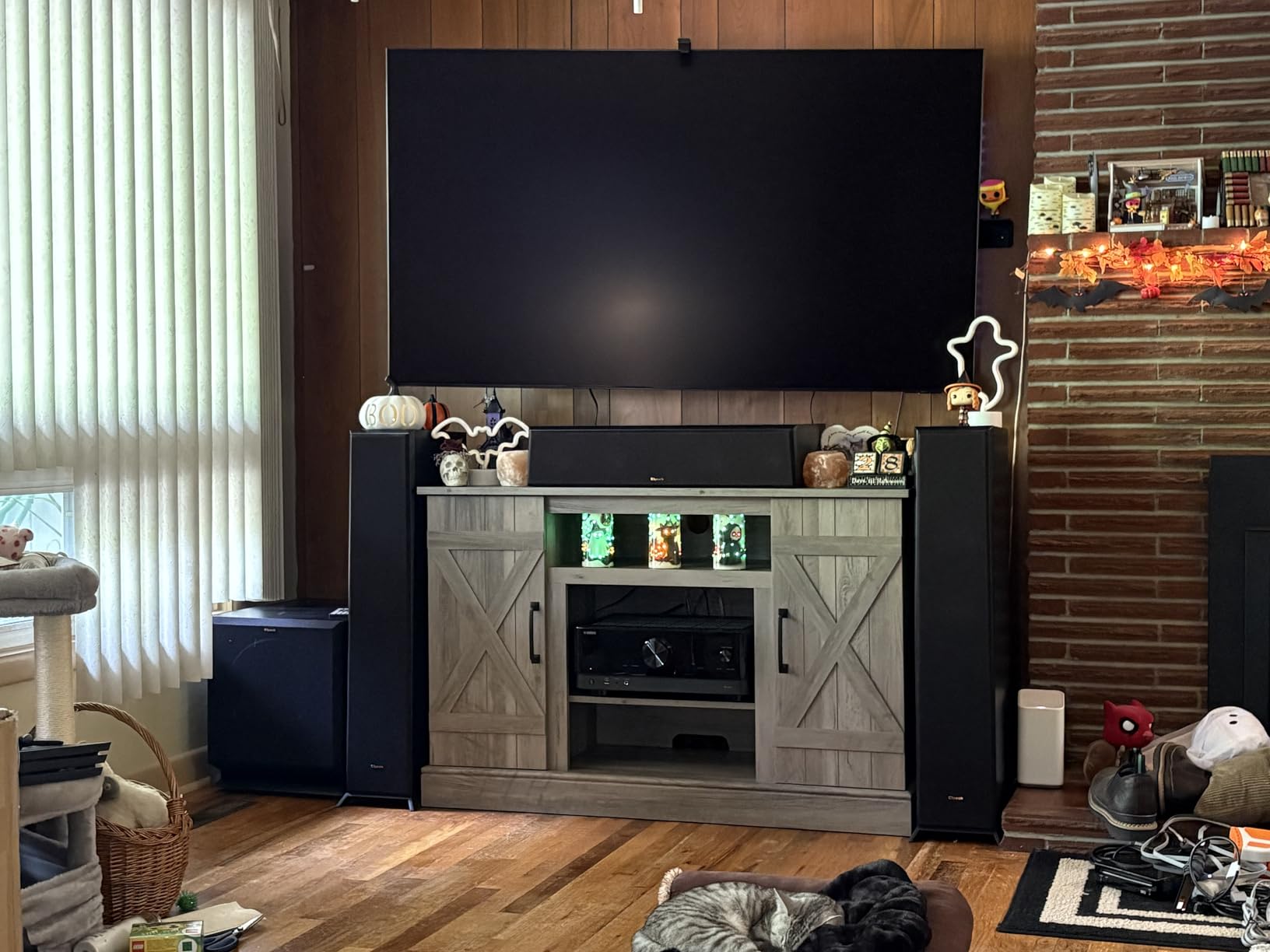
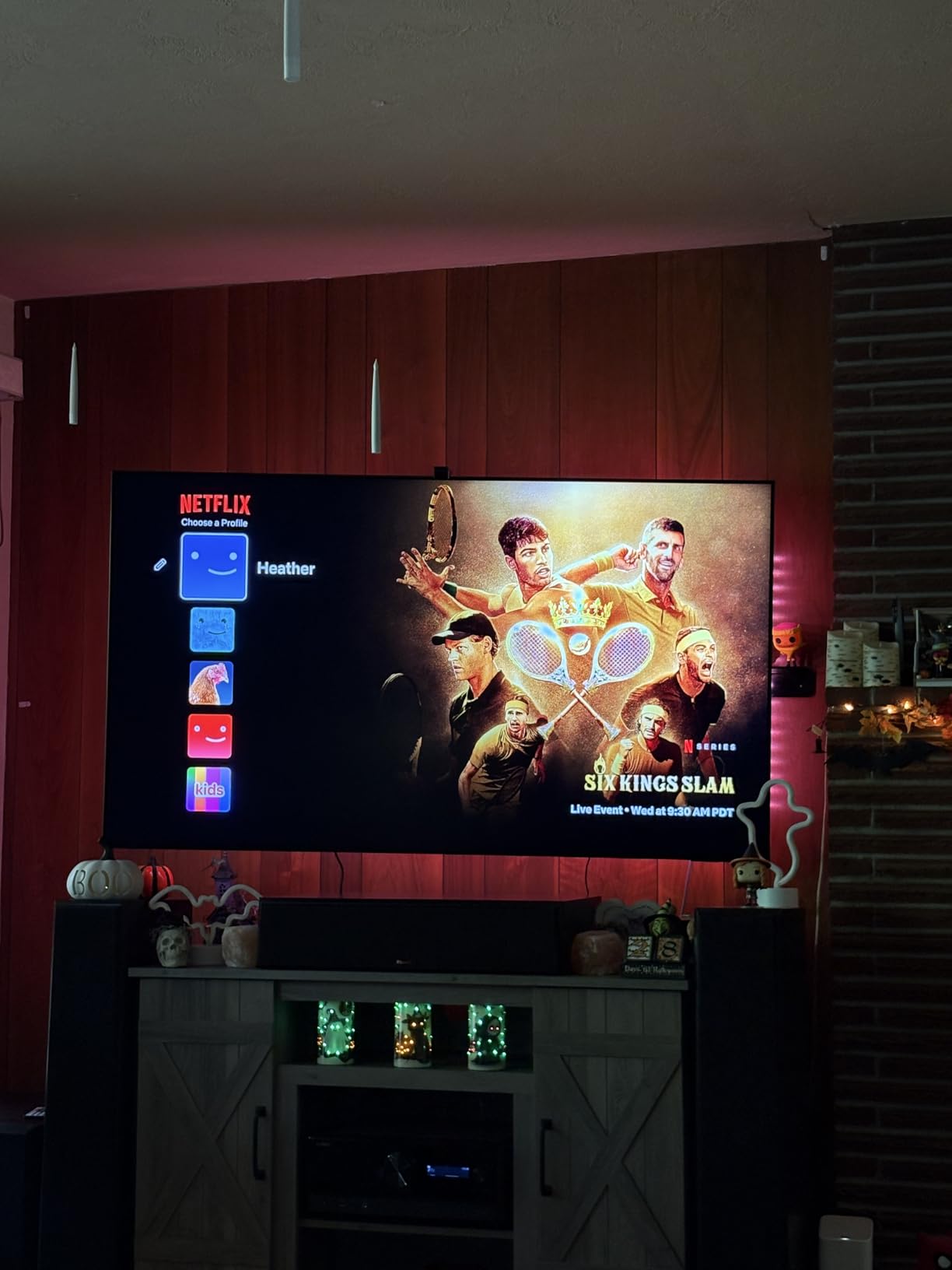
Motion is handled by Motion Xcelerator, backed by the NQ4 AI Gen3 processor running 128 neural networks. In practice that means a fast break or a Formula 1 camera whip stays trackable, and the scoreboard text in the corner of the frame does not smear into the crowd behind it. Upscaling of lower-resolution live feeds gets the same AI treatment, which matters more than most buyers expect.
The NQ4 AI Gen3 chip also drives Object Tracking Sound Plus, which maps audio to specific speakers so you hear the crowd spread across the width of a 75-inch panel. Reviewers call the built-in sound unusually wide for TV speakers, though a soundbar still wins for a full stadium feel.
What the QN90F gets wrong
This is the most expensive set we tested by a wide margin, and cost is the honest drawback here. The 87.5 lb chassis also means two people for a stand mount or a professional installation for a wall mount, which is a real consideration for anyone rearranging a living room on matchday eve.
Tizen is the least quick of the smart platforms in this roundup to navigate, and it still carries a row of promotional tiles on the home screen. Viewing angles are not a stated strength either, so seats far off to one side will see a dimmer image than those in the middle.
2. TCL 65-Inch QM6K – The Best Value Mini-LED for Sports
TCL 65 Inch Class QM6K Series | Mini LED QLED 4K HDR | 65QM6K, Latest Model | 120HZ-144HZ High Brightness Smart Google TV Dolby Atmos Onkyo Audio | Voice Remote Alexa Gaming Streaming Television
144Hz native panel
65-inch QD-Mini LED 4K
Full array local dimming
Google TV with 4 HDMI ports
+ Pros
- 144Hz native refresh keeps fast action clean
- Mini LED local dimming beats standard LED contrast
- Onkyo 2.1 audio with built-in subwoofer
- Dolby Vision HDR10+ and HLG support
- Cons
- Onboard audio is decent rather than strong
- Google TV home screen is cluttered with recommendations
- Brightness is a step below premium sets in very bright rooms
The QM6K is the set I recommend to anyone who wants a proper Mini LED picture for football and hockey without moving up the range. It carries a 144Hz native refresh rate, which is the single most important spec for fast sport, and the TCL Halo Control System handles local dimming to keep shadows detailed.
Owners consistently report that the gap to an OLED costs them less attention than they expected, and that the 144Hz motion handling holds up for both live sport and console gaming. With 1944 reviews on file, this is the most thoroughly owner-tested set in the group.
HDR support covers Dolby Vision, HDR10+, HDR10 and HLG, so a live HDR feed and a streamed one both get the right tone mapping. The viewing angle of 178 degrees means a sofa that is not perfectly centered is not a problem, which is common in a family room where the sofa faces a window.
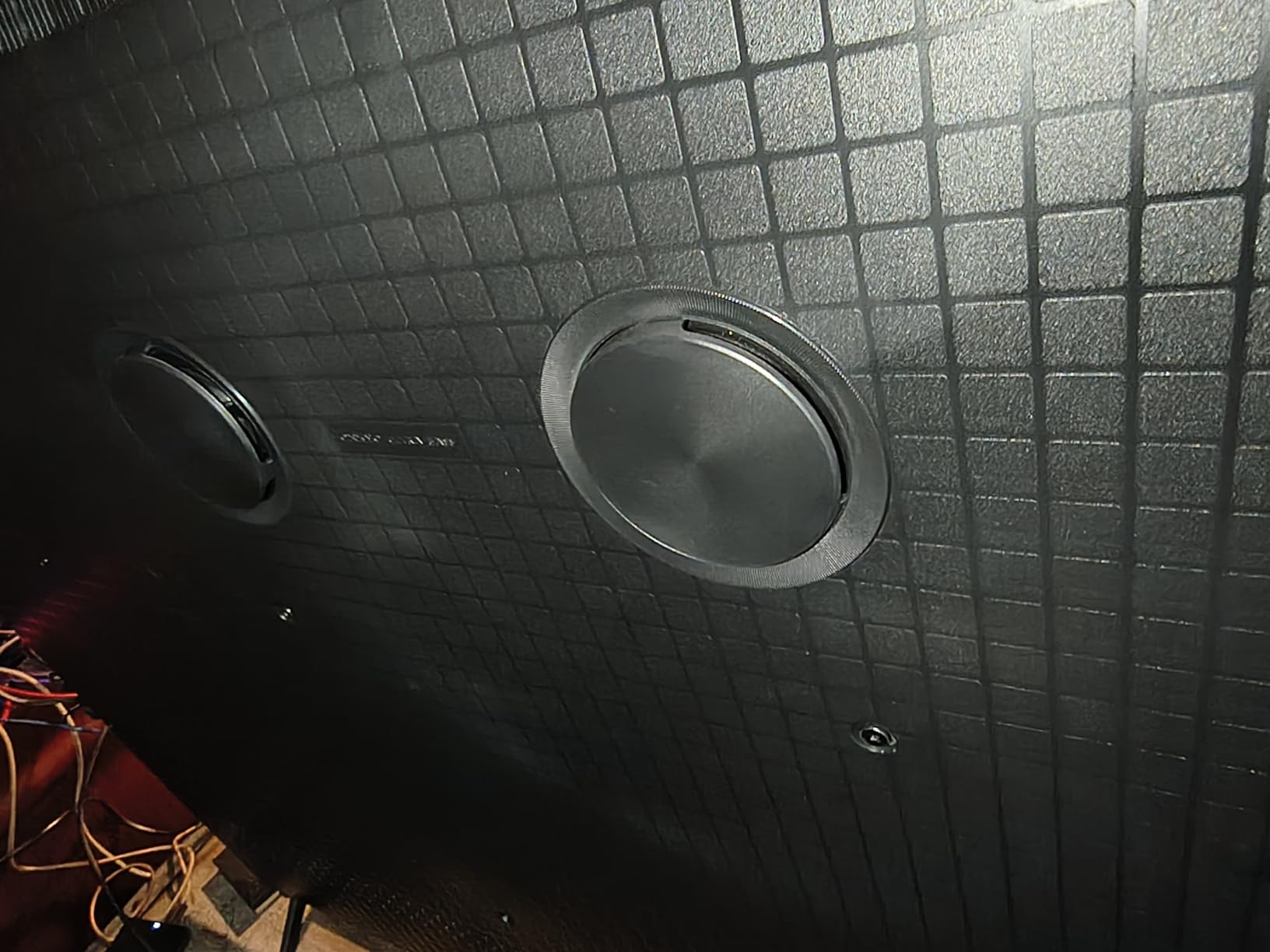
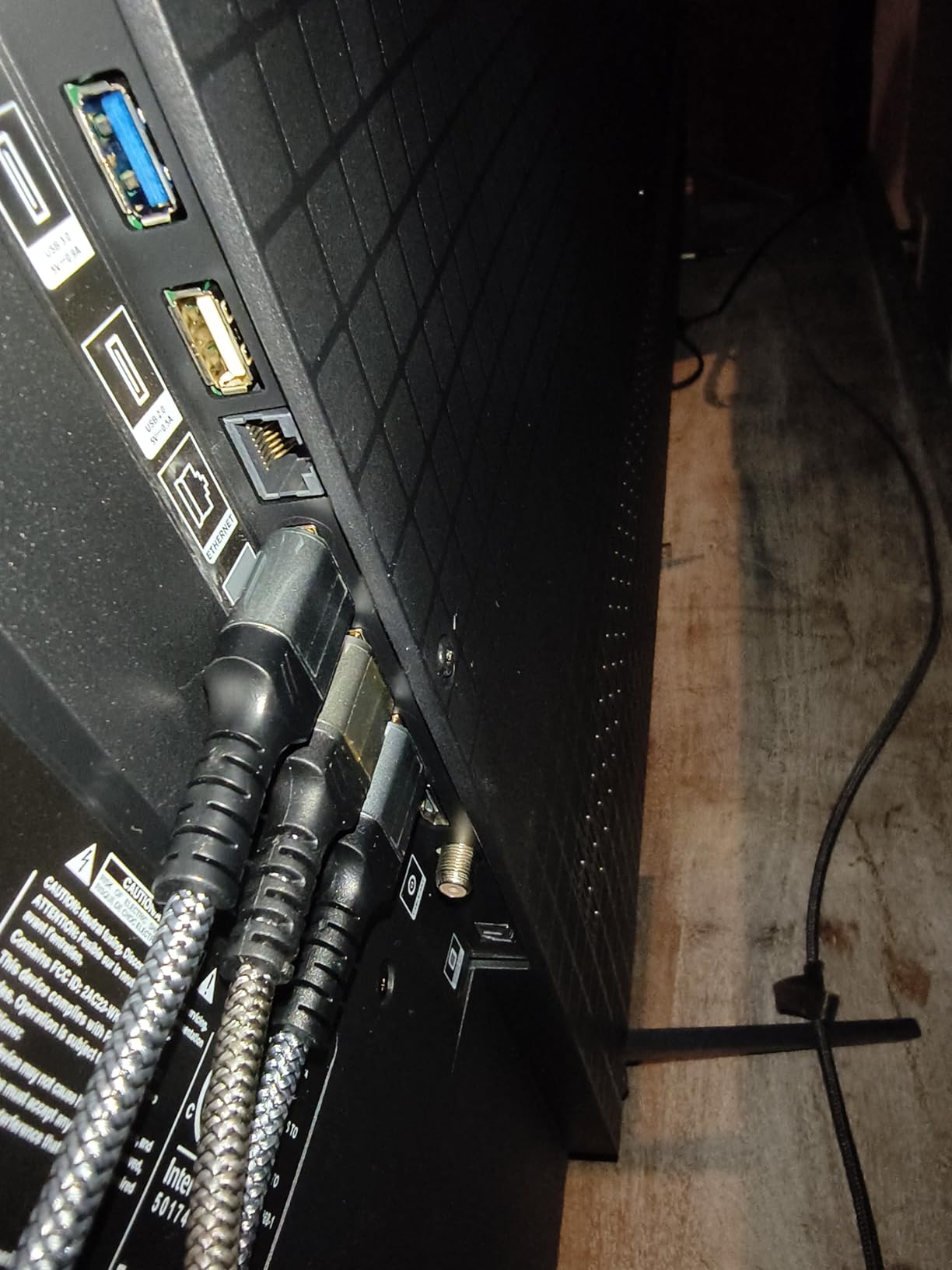
Audio is the quiet strength. The Onkyo 2.1 system with a built-in subwoofer gives you usable dialogue and crowd noise without a soundbar, and four HDMI ports leave room for a console, a cable box and a streaming device at the same time.
Where the QM6K falls short
Brightness is the real limit. In a very bright room with heavy window light, this set sits a step below the premium Mini LED models on this list, so it is better suited to a normal lit room than a sunroom.
The Google TV home screen arrives packed with ads and recommendations unless you install a third-party launcher, and voice wake from the phone app is inconsistent for some owners. Motion enhancement processing can also create an artificial soap-opera look on live sport if you leave it enabled.
3. Hisense 65-Inch U7SG – Best Mini-LED for Bright Living Rooms
Hisense 65″ U7 Mini-LED ULED 4K UHD Best Premium Gaming Smart Google TV (65U7SG, 2026 NEW) – Hi-QLED, Native 165Hz, VRR 330, HDR10+, Dolby Vision IQ · Atmos, IMAX Enhanced, Anti-Reflection, 2.1.2 Ch
3000 nits peak
Up to 3000 local dimming zones
Native 165Hz refresh
Dual anti-reflection coating
+ Pros
- Highest brightness figure in this roundup
- 3000 dimming zones keep scorebug glow contained
- Native 165Hz smooths fast sports motion
- Best built-in audio with 2.1.2 Devialet tuning
- Cons
- Some owners report early panel or power failures
- Settings menus are clunky in places
- Two-person installation advised on the stand
If daylight is your problem, the U7SG is the answer. It combines a dual-layer anti-reflection and glare-free screen treatment with a peak brightness figure of 3000 nits, the highest in this roundup, and reviewers describe it as the best value Mini LED for bright-room sports in their own words.
Dimming is where hockey and night games live or die, and this set has up to 3000 local dimming zones. That density is what keeps the glow around a bright puck or a scoreboard graphic from bleeding into the dark ice or crowd around it.
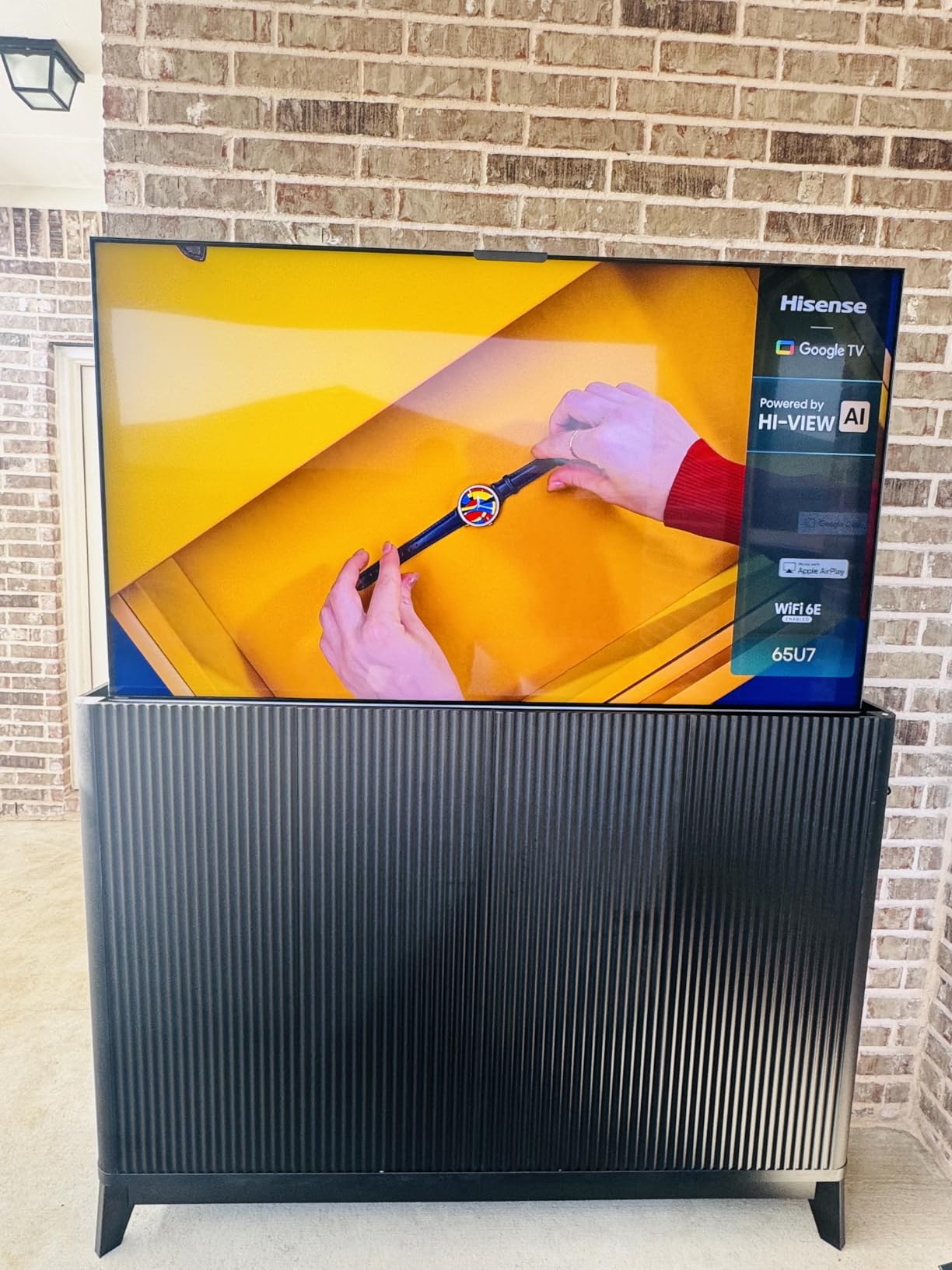
The 165Hz native refresh rate is the fastest native panel here, and it shows on fast breaks and hard camera pans. For gaming on the same screen, VRR reaches up to 330Hz and the Game Bar tracks frame rate, VRR and HDR in real time.
Color is Pantone validated through the Hi-QLED panel, which matters on grass, uniforms and skin tones. The 2.1.2 channel audio tuned by Devialet is the best built-in sound in the lineup, and the two-year warranty is longer than the standard one year on most rivals.
Who should look elsewhere
A meaningful minority of one-star reviews concern units failing within weeks of delivery, along with slow warranty support. If reliability history matters more to you than brightness and zone count, the TCL QM6K has a much larger installed base and steadier reports.
The Google TV settings menus are a little clunky, with some options filed in unexpected places, and voice replies from the assistant come back fast enough to be hard to follow. At 51.6 lb, budget two people for a stand installation.
4. Sony BRAVIA 5 K-65XR50 – Best Upscaling of Broadcast Sports
Sony 65 Inch BRAVIA 5 Mini LED 4K HDR Smart Google TV (K-65XR50)
1000 nits peak
Matte screen finish
120Hz native panel
XR Processor with AI
+ Pros
- XR Clear Image upscale keeps SD and HD feeds sharp
- Matte finish resists glare in lit rooms
- Studio calibrated modes for major streaming apps
- Fast Google TV interface
- Cons
- Only two HDMI ports carry full 4K 120Hz bandwidth
- 120Hz sits below the 144Hz and 165Hz rivals
- Settings menu is deep and takes practice
Most of the sports you will watch arrives at 1080p, and in some cases below that. Sony’s XR Processor with AI and XR Clear Image handle that upscaling better than anything else in this group, which is why this set is the pick if you watch a lot of cable or terrestrial sport.
The matte screen finish is the other headline. Unlike the glossy panels on several rivals, it resists reflections from lamps and bright room light, and it makes daytime viewing far less dependent on dimming the whole room first.
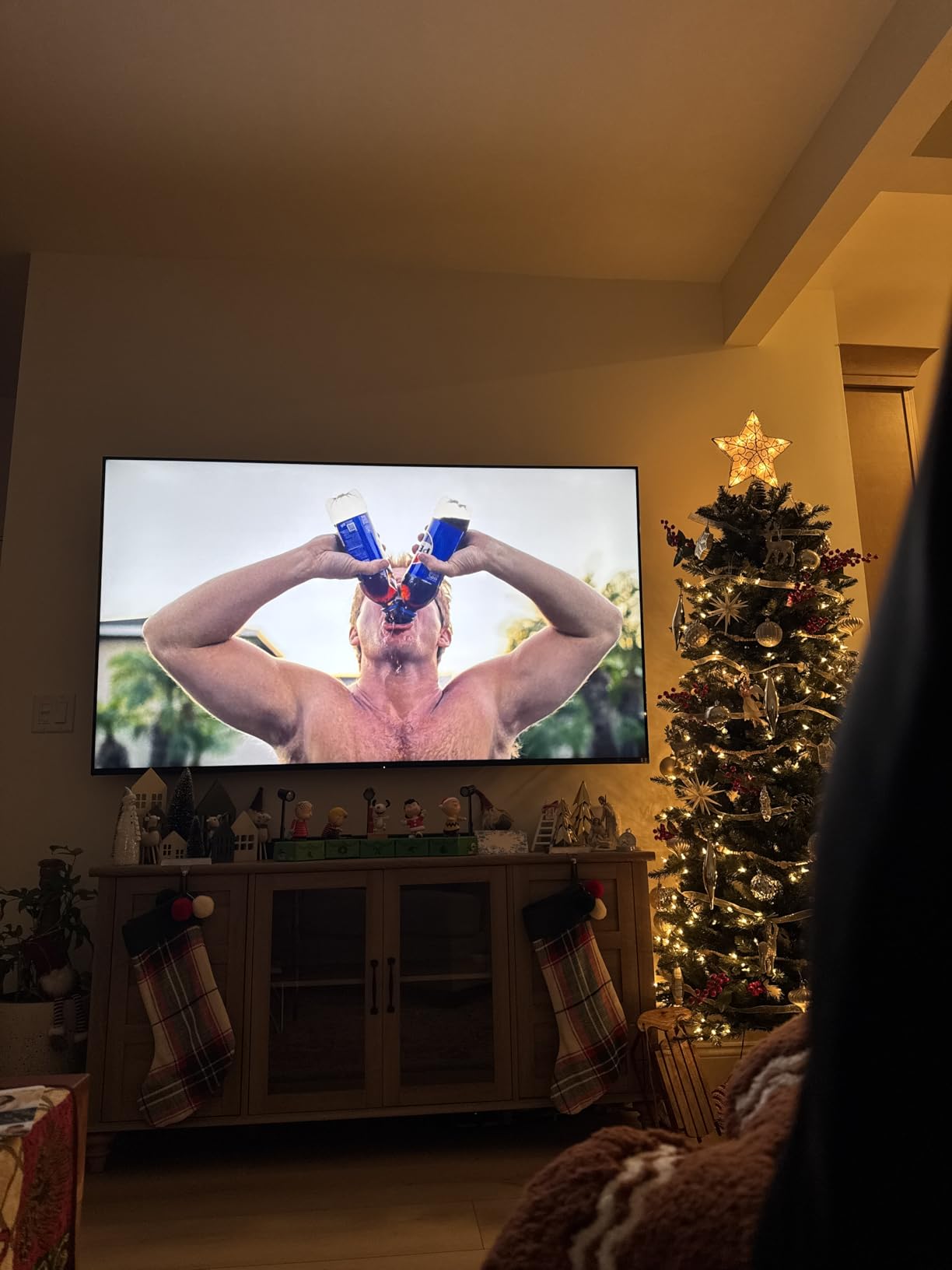
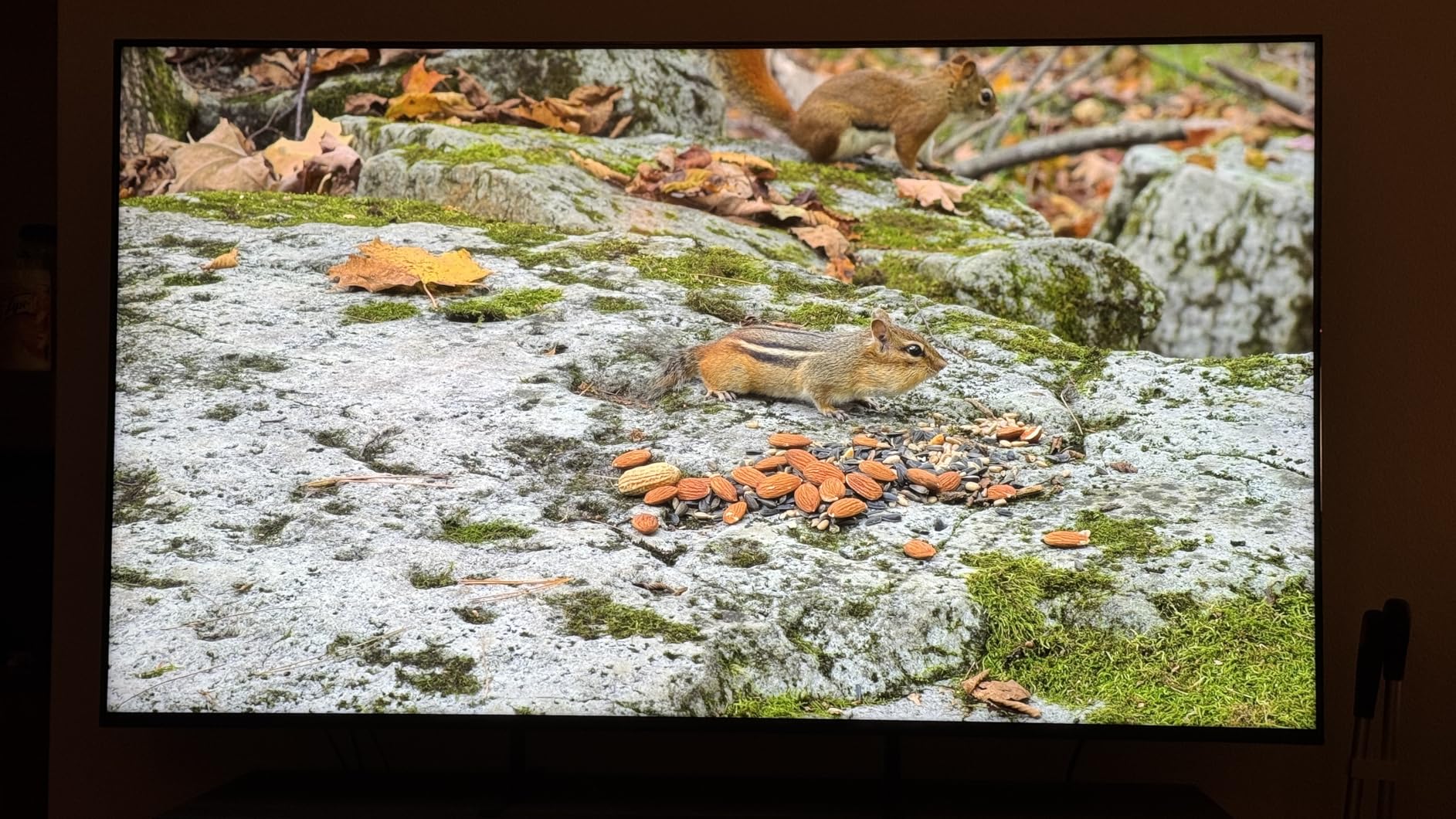
XR Motion Clarity keeps fast action blur-free, and the XR Backlight Master Drive Mini LED backlight delivers deeper blacks and authentic contrast than a standard LED panel. Color comes through XR Triluminos Pro, which handles the wide palette of a stadium crowd well.
Studio calibrated modes for Netflix, Prime Video and Sony Pictures Core mean the picture arrives close to how it was graded, and the Google TV interface is fast enough that you will not need a streaming stick. PS5 owners also get Auto HDR Tone Mapping and Auto Genre Picture Mode.
The BRAVIA 5 trade-offs
The 120Hz refresh rate is the spec that keeps this set out of the top two. For hockey or a hard football scramble it still looks good, but a 144Hz or 165Hz panel resolves a fast ball noticeably better at 65 inches and above.
Only two of the four HDMI ports carry full 4K 120Hz bandwidth, the bundled remote is small and lacks number buttons, and the picture settings menu takes real practice to configure. Peak brightness of 1000 nits is respectable rather than exceptional.
5. Roku 65-Inch Plus Series – Easiest Set to Live With
Roku 65-Inch Plus Series Smart TV – 4K QLED Mini-LED TV – RokuTV
65-inch Mini LED QLED
Full array local dimming
Roku OS with Smart Picture Max
Dolby Atmos 4.1 audio
+ Pros
- Mini LED local dimming at a mid-range price
- Smart Picture Max cleans up broadcast feeds
- Simplest interface in the category
- Bluetooth headphone mode for private listening
- Cons
- 60Hz native refresh is the weakest motion spec here
- Only two of four HDMI ports support full bandwidth
- Glossy screen picks up reflections in bright rooms
- Limited deep picture settings
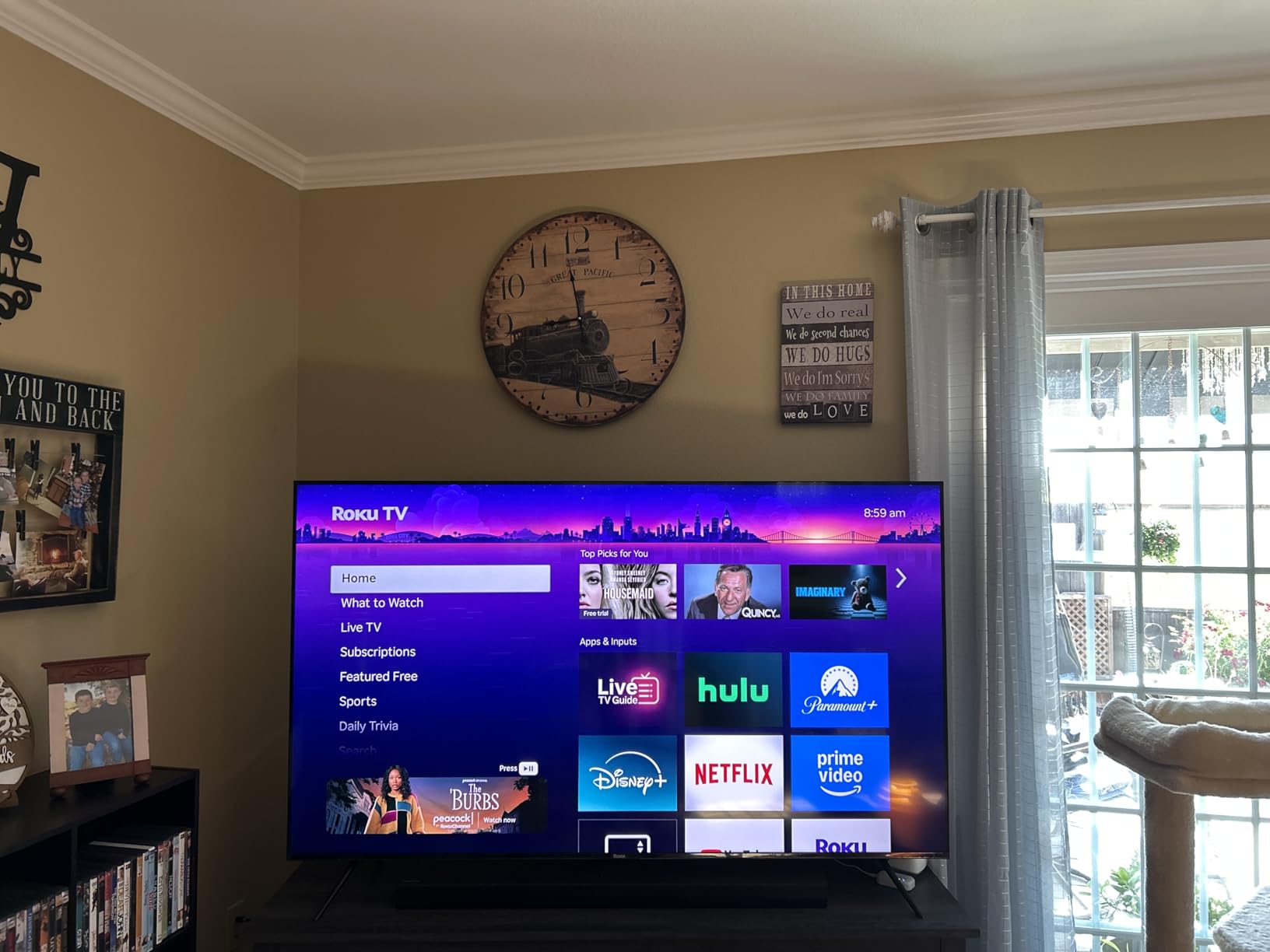
This is the set I recommend to anyone who does not want to spend a Sunday afternoon in settings menus. The Roku interface puts sports and entertainment picks one click from the home screen, and buyers rate it as the easiest set in the category to run day to day.
Roku Smart Picture Max does real work for sport. It cleans up and sharpens broadcast content, which matters given how much of the schedule arrives compressed, and Dolby Vision plus HDR10+ and HLG support covers the HDR side.
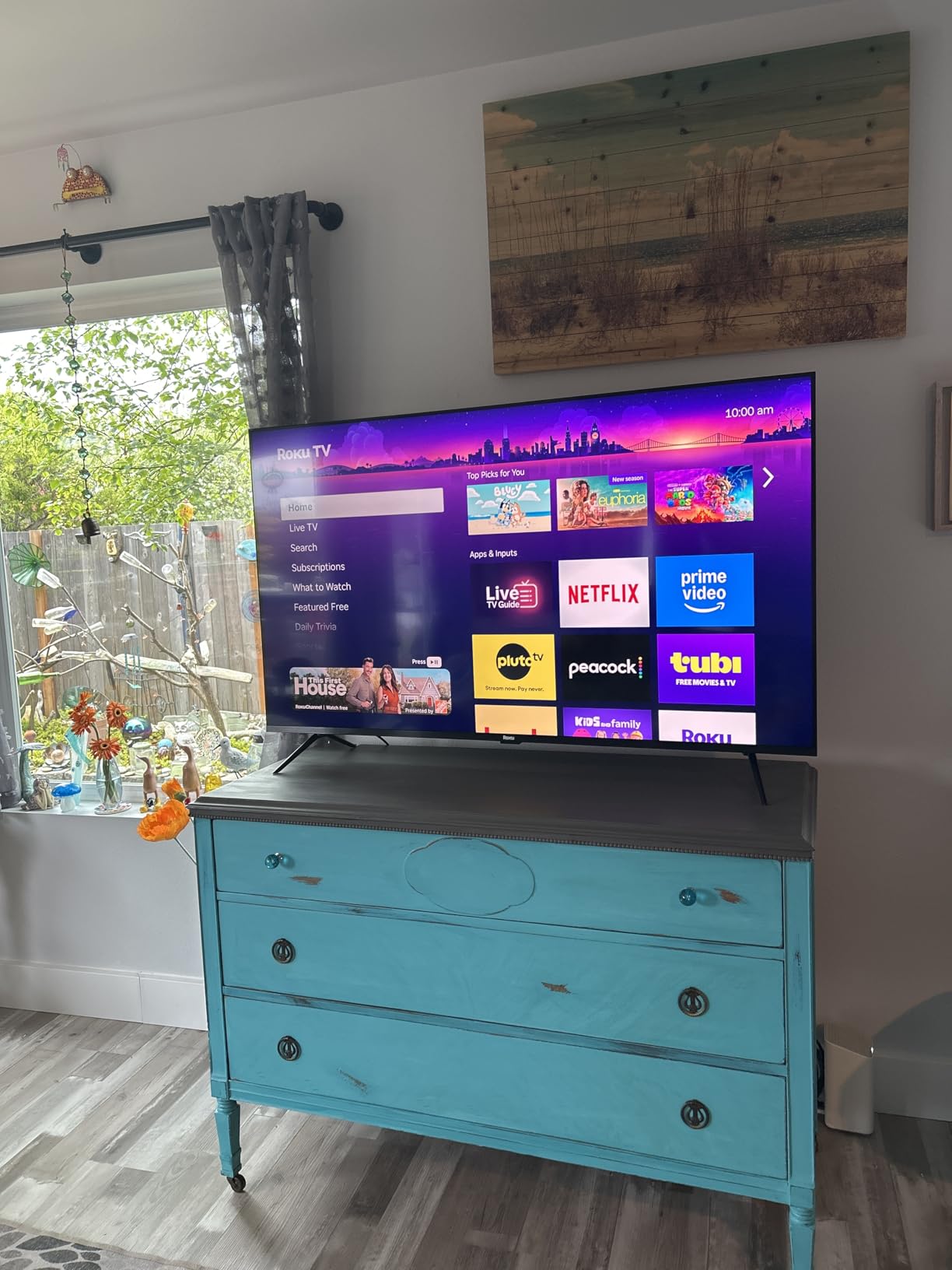
Full array local dimming on a Mini LED backlight gives solid contrast and vivid color for the money, and the 4.1 channel Dolby Atmos audio with a built-in subwoofer handles crowd noise better than most flat-panel speakers. Bluetooth headphone mode is genuinely useful for a late kickoff without waking the household.
It also ranks inside the top tier for QLED TVs by sales rank, which tells you how many people have bought into this specific set.
The 60Hz question
The 60Hz native refresh rate is the weakest motion specification in this roundup, and it is the reason this is not our top pick. Slow-motion replays and very fast sports can look slightly softer than on a 144Hz panel, even though regular match action holds up fine.
The glossy screen also picks up reflections in a bright room, which puts it behind the matte panels here for daytime viewing. Deep picture settings are limited compared with Google TV models, and only two HDMI ports carry the latest bandwidth.
6. Hisense 75-Inch E7SF – Best Big-Screen Run for Matchday
Hisense 75″ E7 Cinema Series Hi-QLED Mini-LED 4K UHD Smart Fire TV (75E7SF, 2026 NEW) – Native 144Hz, AI Picture, Dolby Vision IQ · Atmos, FALD, HDR10+ Adaptive, MEMC, Alexa+
75-inch Hi-QLED Mini LED
Native 144Hz
Full array local dimming
FireOS with AI Sports Mode
+ Pros
- Native 144Hz smooths pans and fast breaks
- AI Sports Mode boosts crowd audio and clarity
- AI light sensor adapts to room conditions
- AI 4K upscaler for broadcast feeds
- Cons
- 2.0 speakers with 20 watt output need a soundbar
- Some gaming owners report blur with VRR enabled
- Plastic stand parts and thin packaging
- Occasional FireOS Wi-Fi dropouts and reboots
At 75 inches the E7SF solves the problem that makes people hesitate about big screens: you can see the detail. The native 144Hz refresh rate handles fast pans, and the Mini LED backlight with full array local dimming keeps a night football pitch dark where it should be.
The AI Sports Mode is the feature that stands out. It detects sports content and adjusts settings automatically, boosting crowd audio and motion clarity, while an AI light sensor adjusts brightness through the day as the room lighting changes.
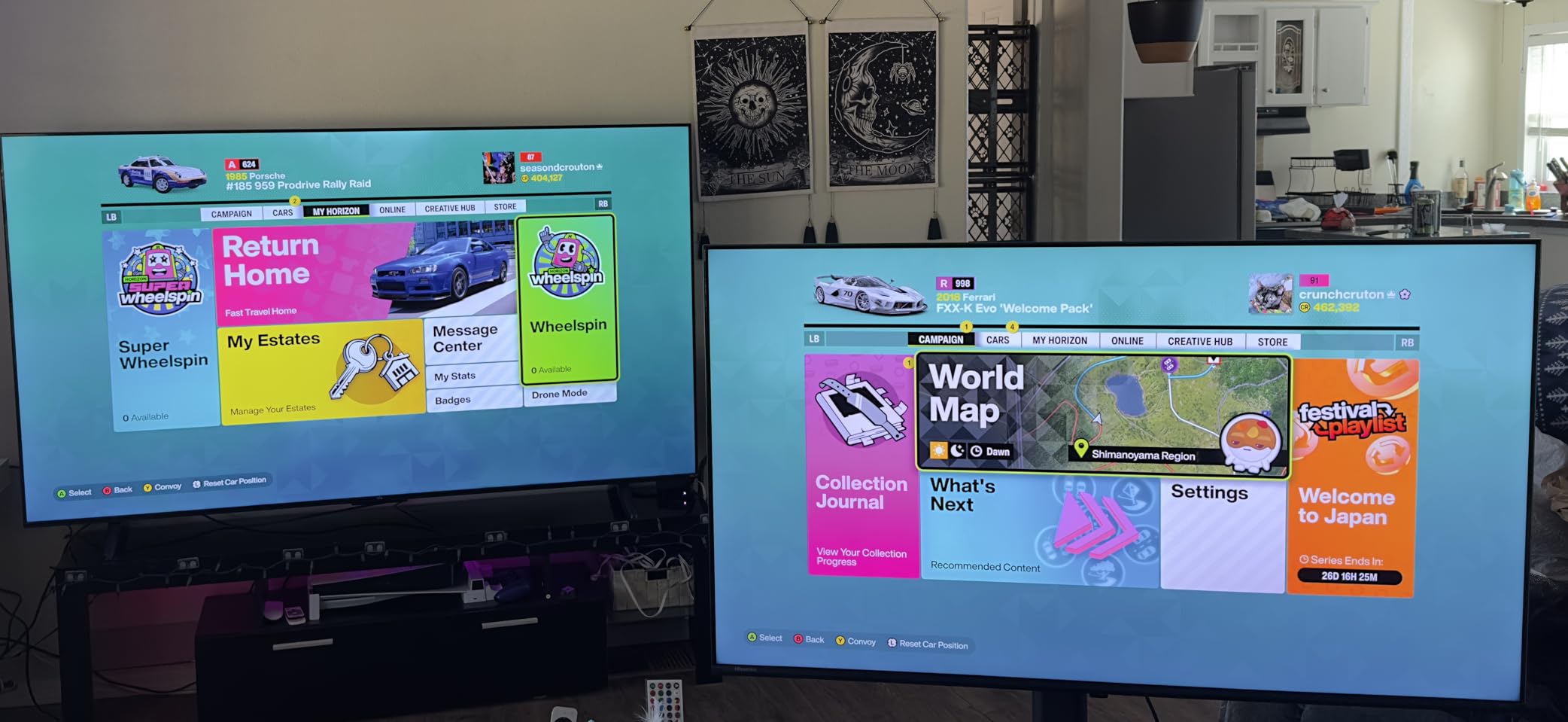
HDR support is among the deepest in the group: Dolby Vision, Dolby Vision IQ, HDR10+, HDR10 Adaptive, HDR10 and HLG. That matters for a big panel because a washed-out HDR feed on a 75-inch screen is far more obvious than on a 55-inch one.
For sports and games on the same set, the AI 4K upscaler and Filmmaker Mode round out a feature list that punches above the price tier. Reviewers regularly describe it as excellent value for a 75-inch Mini LED.
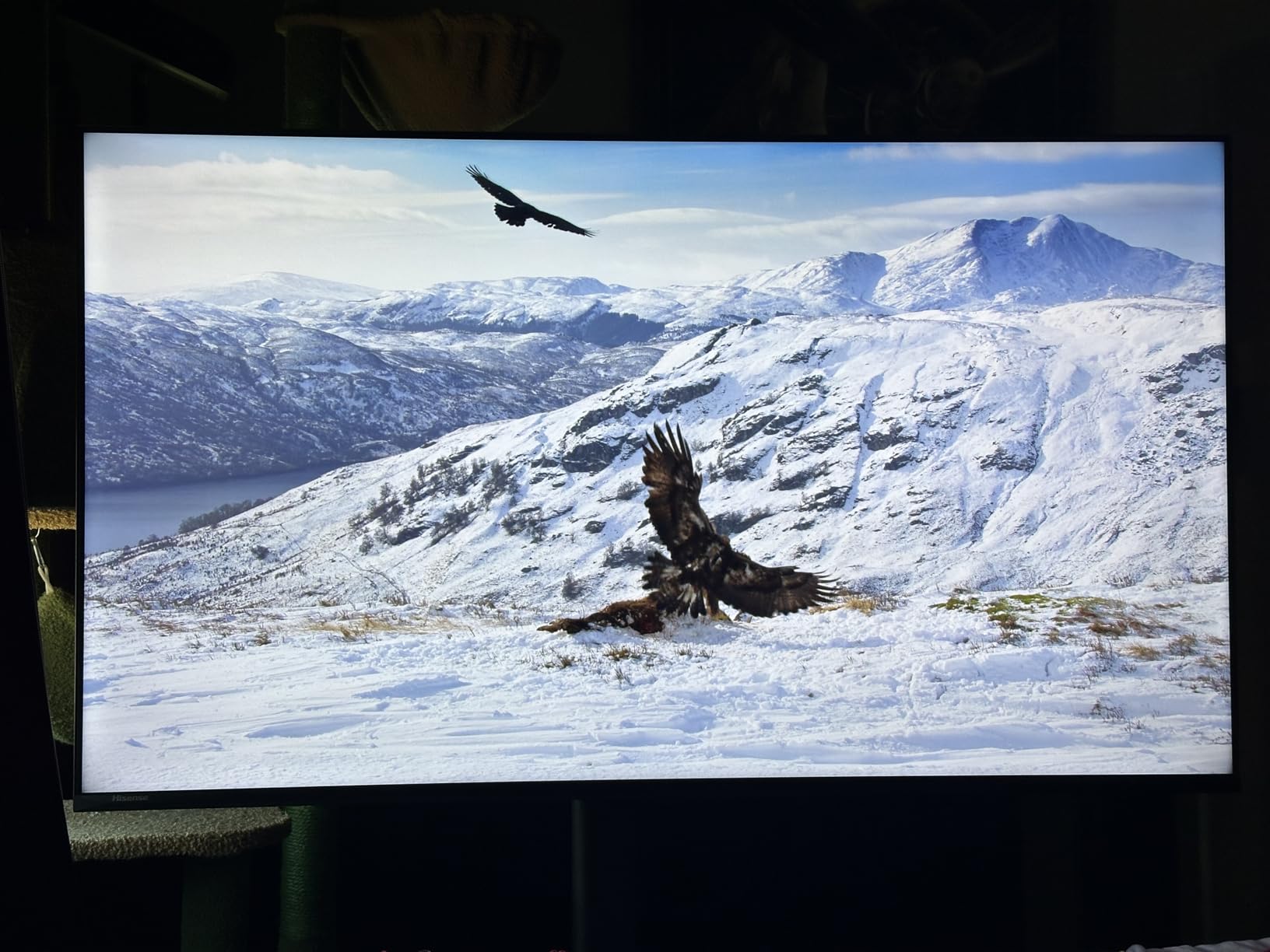
What to watch out for
The 2.0 speaker configuration at 20 watts is small for a screen this size, so budget for a soundbar if you want stadium atmosphere. Some gaming owners also report motion blur when VRR or FreeSync is switched on, and they describe less perceived depth than premium Samsung and TCL sets.
The stand components are plastic and the packaging is thinner than rival brands, so take extra care with a 75-inch unboxing. A few owners report Wi-Fi dropouts, reboot black screens and remote pairing failures on the Fire TV platform.
7. Samsung 75-Inch M80H – Mini-LED Big Screen Without Flagship Spend
Samsung 75-Inch Class M80H Series, Mini LED, 4K, Smart TV, 2026 Model
75-inch Mini LED 4K
120Hz native with 144Hz mode
1000 nits peak
HDR10+ support
+ Pros
- 75-inch Mini LED below flagship Neo QLED pricing
- Motion Xcelerator 144Hz with variable refresh rate
- 4K AI upscaling for broadcast and streaming
- Lighter 48.5 lb chassis than most 75-inch sets
- Cons
- Only three HDMI ports
- 2-channel speakers are the weakest audio here
- HDR10+ only with no Dolby Vision
- 4.2 average rating hints at picture processing inconsistency
The M80H is the route into a 75-inch Mini LED without stepping up to Samsung’s Neo QLED flagships. Buyers treat it as the value entry point in the brand’s range, and the color from Pure Spectrum Color is the part owners notice first.
Motion Xcelerator with variable refresh rate keeps fast sports and games smooth, and the NQ4 AI Gen2 processor handles scene analysis and 4K AI upscaling so lower-resolution live feeds stay reasonably sharp on a large panel.
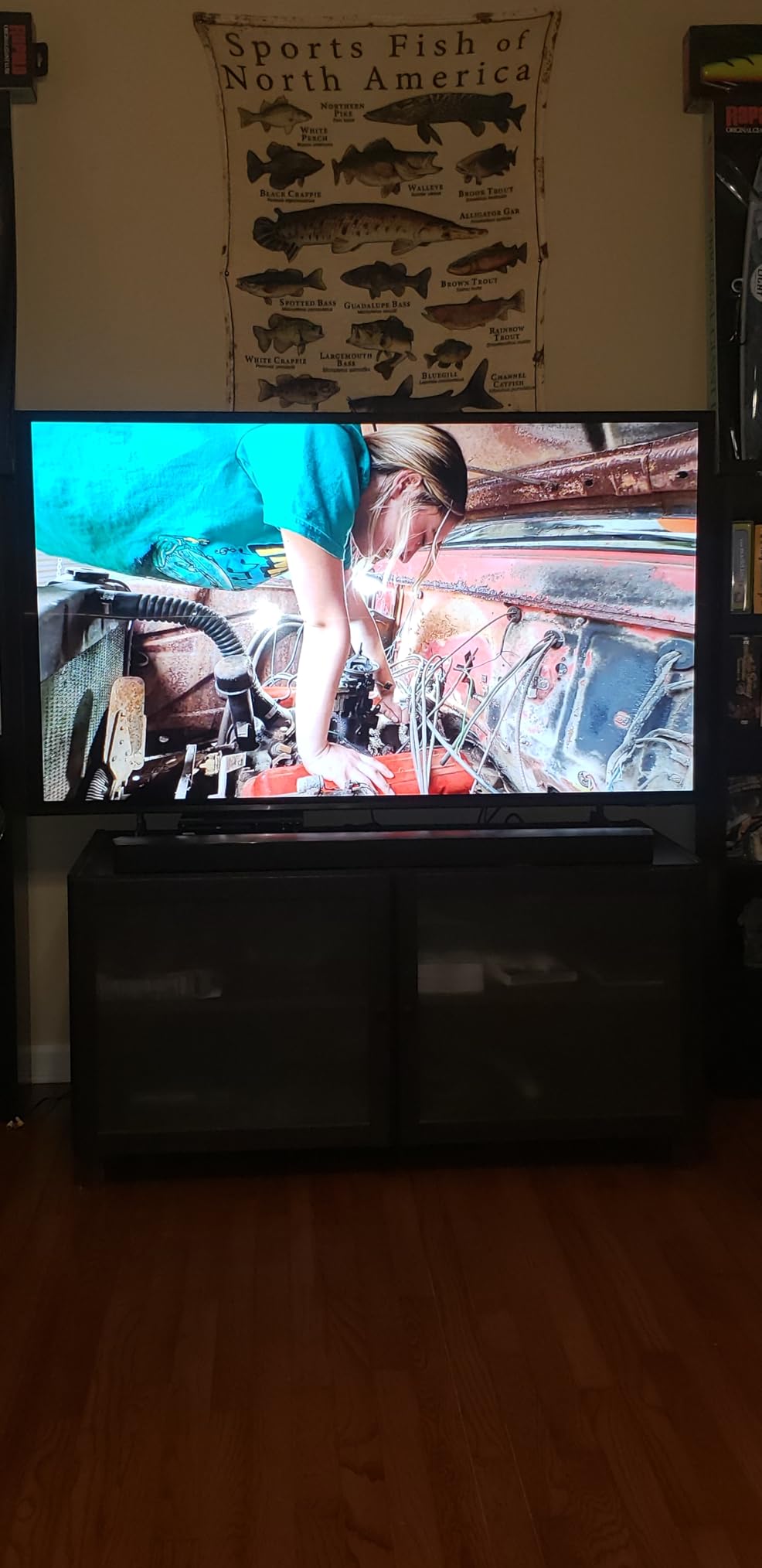
Auto HDR Remastering lifts SDR content toward HDR-like brightness and detail, which is useful because a large share of sports still arrives in SDR. The 48.5 lb chassis is also lighter than most 75-inch Mini LED sets, so a stand setup is less of a two-person job.
Tizen with Alexa built in covers the smart side, and the Gaming Hub collects consoles and streaming in one place.
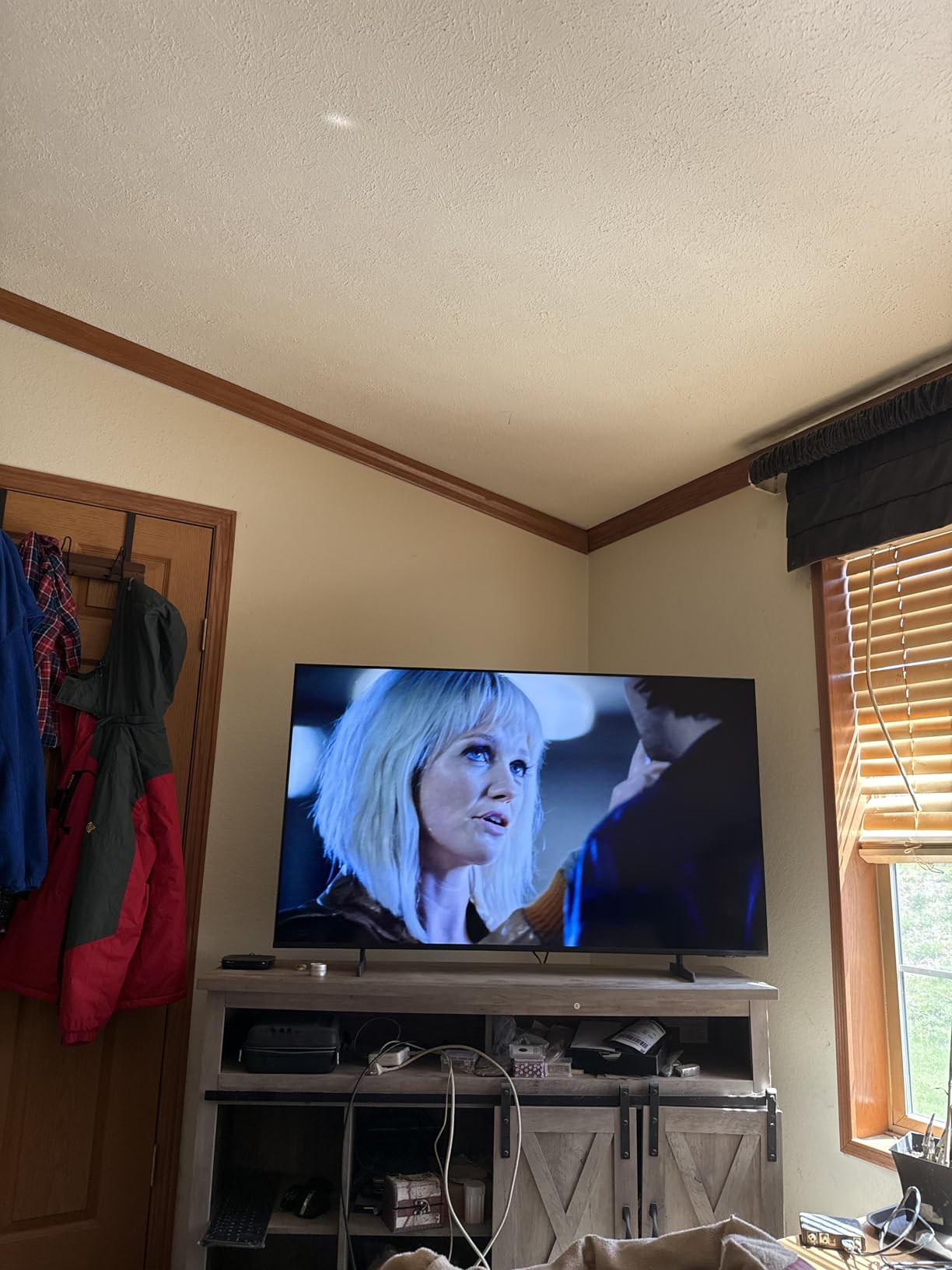
The compromises are real
Only three HDMI ports is fewer than almost every rival in this size class, and that matters if you plan to add a console, a soundbar and a cable box later. The 2-channel built-in speakers are the weakest audio option in the roundup.
HDR support is HDR10+ only, with no Dolby Vision, which is a meaningful gap when you are paying for a premium panel. The 4.2 average rating also hints at some inconsistency in picture processing between units.
8. Sony BRAVIA 7 K-65XR70 – Best for Next-Generation Broadcast TV
Sony 65 Inch BRAVIA 7 Mini LED QLED 4K HDR Smart Google TV (K-65XR70)
Mini LED QLED 4K
120Hz native panel
1000 nits peak
ATSC 3.0 tuner
+ Pros
- ATSC 3.0 tuner pulls in over-the-air channels without dropouts
- XR Clear Image upscales older SD and HD broadcasts
- Studio modes plus IMAX Enhanced
- Dolby Vision Dolby Atmos and DTS:X
- Cons
- No anti-reflective coating so the screen reflects room light
- Narrower viewing angles dim off-center
- Menus are overwhelming and need a Google account
- Small non-backlit bundled remote
This set stands out for one reason that will matter more each year: the ATSC 3.0 tuner. Owners report it picks up a large number of over-the-air channels without dropouts, which makes it a genuinely useful choice if you are moving away from a cable subscription.
Picture processing follows the Sony recipe. XR Clear Image and the XR Processor upscale older SD and HD broadcasts convincingly, XR Backlight Master Drive drives the Mini LED backlight, and XR Triluminos Pro handles the QLED color.
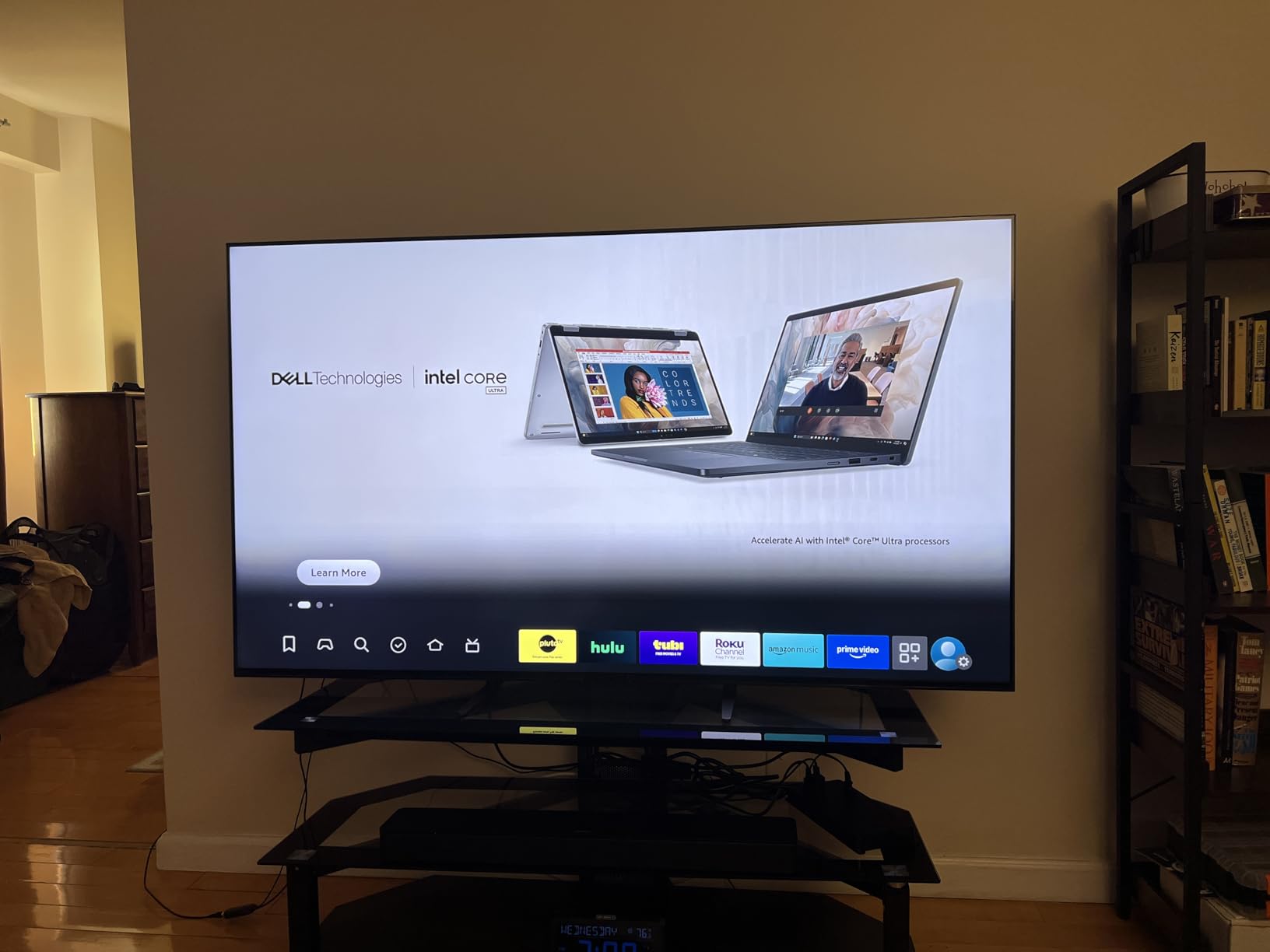
Studio calibrated modes for Netflix, Prime Video and Sony Pictures Core mean the picture arrives close to how it was graded, and IMAX Enhanced is a nice touch for a big match presentation. PS5 features include Auto HDR Tone Mapping and Auto Genre Picture Mode. The adjustable stand legs also help with soundbar clearance on a smaller table.
This is an earlier generation of Sony hardware, so it sits a step behind the sets above it, which is part of why the rating settles at 4.1 rather than the mid-4s.
Why it sits at the bottom of the table
There is no anti-reflective coating, so lamps and bright room light reflect straight back at you. In a lit living room that is the single most damaging thing on this list, and it is why the two matte panels rank above it.
Viewing angles are narrower than the competition, so off-center seats see a noticeably dimmer image. The settings menus are overwhelming for a first-time owner, a Google account is required before you can use the display, and only 120Hz is offered.
How to Choose a Mini-LED TV for Sports
Native Refresh Rate Is the Spec That Matters Most
Look for the native panel rate, not the effective rate. Brands quote figures like 240Hz or 480Hz by counting interpolated frames between real ones, which can make a soccer ball look like a ghost running on its own.
A 60Hz panel will handle most match action, but a 144Hz or 165Hz panel resolves a fast break or a hockey puck more cleanly at 65 inches and above. If you also game, anything above 120Hz with variable refresh rate support is worth paying for.
Peak Brightness Only Counts in a Real Room
Numbers on a box are measured with the room dark and often for a tiny window of time. What matters is sustained brightness in your actual room, because a midday match with lamps on is a very different test than a showroom demo at night.
Anything above roughly 1000 nits handles a lit room respectably. Above 2000 nits, a bright pitch or a sunny stadium starts to feel genuinely bright rather than merely pale.
Dimming Zones and the Scorebug Problem
Local dimming zones are the clusters of LEDs that dim independently. The more zones a panel has, the more precisely it can darken the area around a bright object while keeping the object itself bright.
Sports is the perfect test. A small white puck against dark ice, or a glowing scorebug in the corner of a sunlit frame, will halo visibly on a panel with few large zones. Zone density, not zone count alone, is what determines whether that glow stays contained.
Anti-Reflective Coating Versus Peak Brightness
A matte or glare-free finish kills reflections but costs you something in return. Matte panels scatter a little light, so they tend to hit a slightly lower peak brightness and a marginally softer black level in a dark room.
That trade is worth it in a bright living room and rarely worth it in a media room with blackout curtains. Three sets on this list carry a stated coating or matte finish: the Samsung QN90F with Glare Free, the Hisense U7SG with its dual-layer treatment, and the Sony BRAVIA 5.
Upscaling: Most Sports Never Arrive in 4K
Ask yourself how your sport reaches you. Cable and satellite sport is commonly delivered at 1080p, some regional feeds arrive at 720p, and streaming compression can soften detail further. On a 75-inch panel, a mediocre scaler makes that softness obvious.
Sony’s XR Clear Image, Samsung’s 4K AI upscaling and Hisense’s AI 4K upscaler all target this specific problem. If most of your games arrive below 4K, the processor matters more than an extra hundred nits.
Screen Size Against Your Couch
Size is where buyers most often overreach. A 75-inch screen viewed from a normal living room distance feels enormous from the sofa and reasonable from the back chair, and off-center seats see a dimmer, washed image on narrower panels.
For a typical sofa eight to ten feet from the wall, 65 inches is the safe all-rounder, and 75 inches works when everyone can sit centered. If your seating is spread out, a 65-inch panel with a wide viewing angle beats a larger one every time.
Smart Platform and Sound Pairing
Google TV, Fire OS, Roku OS and Tizen differ less in picture quality than in how much they get in the way. Roku is the quickest to live with, Google TV is the broadest, and Tizen suits anyone already inside the Samsung ecosystem.
On sound, built-in speakers handle commentary and crowd noise adequately but never deliver real stadium atmosphere. The QN90F and the Hisense U7SG are the two here whose built-in arrays make the strongest case for going without a soundbar.
Picture Settings to Change on Day One
Turn off motion interpolation for live sport. It creates the soap-opera effect, where players glide and the ball leaves a trail, and most viewers find it worse rather than smoother.
Set the picture mode to the calibrated studio option for whichever streaming service you use most, enable game mode only for console play, and leave local dimming on its default rather than forcing maximum. Many sets ship with an overly bright default that shows every dimming artifact.
If your set has a sports detection mode, the Hisense E7SF’s AI Sports Mode is the most complete implementation here. Finally, calibrate with the room lighting you actually watch in rather than a dark test bench.
Mini-LED vs OLED for Sports: Which One Should You Buy?
Choose Mini LED if your room is bright, if you watch fast sports where motion clarity matters, if you want one screen that also handles console gaming, or if you are reluctant to think about burn-in. OLED wins if you sit in a darkened room, value perfect blacks and viewing angles above all, and watch mostly movies.
The burn-in question deserves honesty. OLED panels can retain a faint mark from static elements, and a permanently displayed scoreboard or a league logo is exactly the kind of static graphic that causes it. Mini LED is an LCD, so it carries no such risk at all.
The Mini LED counter-argument is blooming, the glow that bright objects cast into dark surroundings. Dense zone control narrows that gap considerably, which is why the Hisense U7SG with up to 3000 zones behaves far better around a scorebug than a budget Mini LED with a handful of large zones.
For a mixed household that watches football in the afternoon and a film at night, Mini LED is the safer single-screen answer in 2026. In a dedicated dark media room, an OLED is still hard to beat.
Frequently Asked Questions
Is Mini LED good for watching sports?
Yes. A Mini LED TV combines a bright LCD panel with thousands of independently dimmable backlight LEDs, so highlights stay punchy and shadows stay dark without any burn-in risk. That is exactly the balance live sport needs for a small bright puck or a glowing scorebug against a dark rink or night sky.
What brand makes the best Mini LED TVs?
It depends on the room. Samsung leads on brightness and glare control with the Neo QLED range, Sony leads on upscaling and calibrated picture modes, Hisense offers the brightest and densest zone control at the best price, and TCL delivers the strongest value. For bright rooms pick Samsung or Hisense; for cable sport pick Sony.
Is Mini LED or QLED better for sports?
Mini LED is the better technology for sports, and QLED is often a term brands use to describe a Mini LED or standard LED quantum dot panel. The backlight is the difference. A Mini LED backlight dims in zones and reaches far higher peak brightness, while a standard QLED LED backlight does not, so it loses contrast and gets washed out in a lit room.
What are the downsides of a mini LED TV?
The main drawbacks are blooming, where bright objects glow into dark surroundings, and viewing angle, where off-center seats see a dimmer image. Matte anti-reflective coatings reduce reflections but also trim peak brightness and black level. Premium 75-inch models are heavy to install, and cheap models can feel soft on 1080p broadcasts.
Is 120Hz refresh rate enough for watching sports?
Yes for most sport. A native 120Hz panel handles regular match action, fast breaks and replays cleanly, and it is the floor for a good sports TV. If you follow hockey, basketball or motorsport closely, or you also game, a 144Hz or 165Hz panel resolves a fast ball noticeably better at screen sizes above 65 inches.
Should I get Mini-LED or OLED for sports in a bright room?
Get Mini LED. An OLED panel is dimmer in a lit room and its reflective finish picks up window light, so a daytime match looks washed out on it. A Mini LED reaches far higher peak brightness, and a matte or glare-free coating on models like the Samsung QN90F or Hisense U7SG removes reflections. In a dark room, OLED still wins.
The Verdict for Mini-LED Sports Viewing in 2026
If you want the single set that handles a bright room, a fast ball and a 1080p feed at the same time, buy the Samsung 75-Inch Neo QLED QN90F. It is our editor’s choice and the best Mini LED TV for sports overall.
If your priority is daylight and price, the Hisense 65-Inch U7SG wins on brightness, dimming density and native refresh rate. If value drives the decision, the TCL 65-Inch QM6K gives you a 144Hz Mini LED at a tier well below the flagships.
For cable and broadcast sport, the Sony BRAVIA 5 handles upscaling better than anything else here, and the BRAVIA 7 makes sense if you want an ATSC 3.0 tuner. Fans of a big matchday screen should look at the Hisense 75-Inch E7SF for 144Hz at 75 inches, or the Samsung M80H for a lighter, cheaper 75-inch option. If the simplest setup matters most, the Roku 65-Inch Plus Series runs the least software between kickoff and full time.
Whichever you pick, turn off motion interpolation on day one and give the picture mode ten minutes of your attention. That adjustment alone does more for sports clarity than most upgrades.