
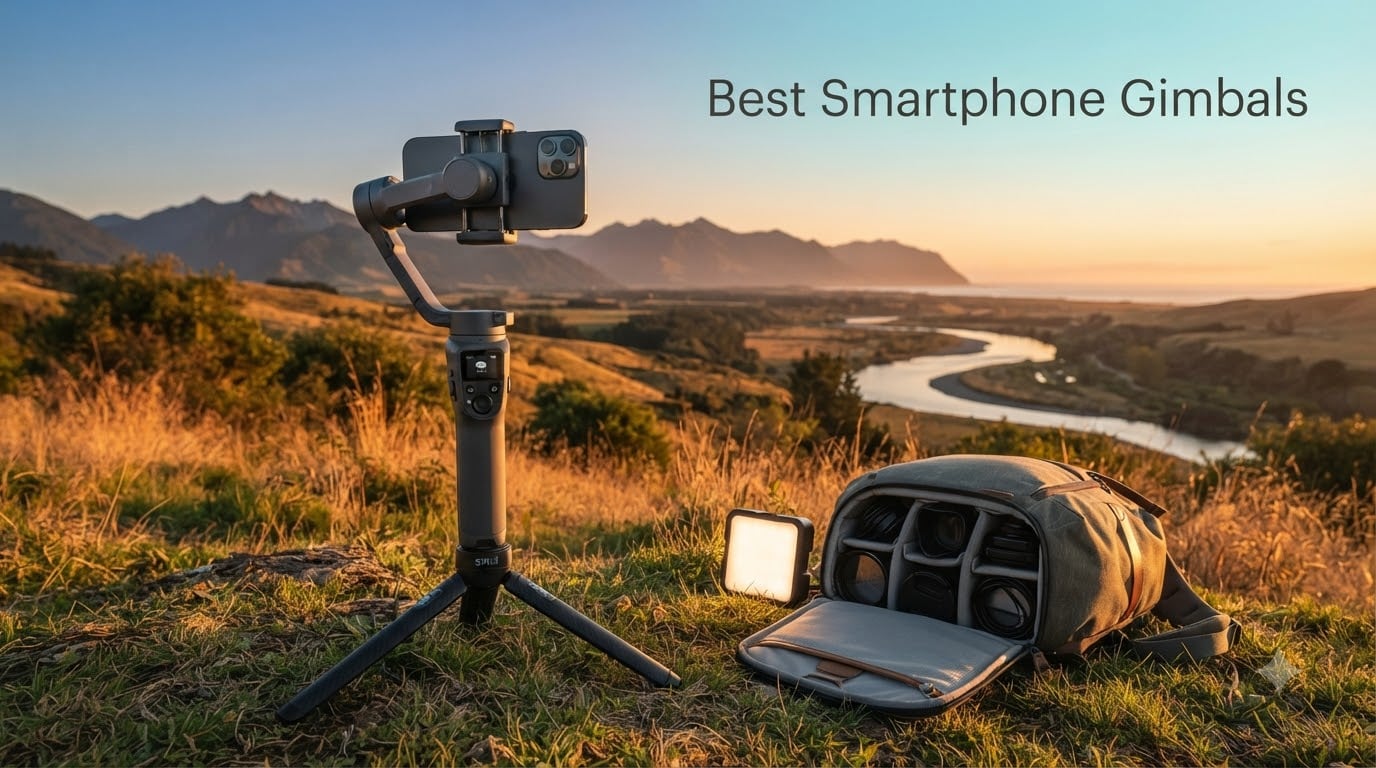
Finding the best smartphone gimbals in 2026 is less about the largest motor count and more about how a stabilizer handles your phone, your movement, and your filming style. I tested and compared 12 current models, including DJI, Hohem, Insta360, and Zhiyun options, with attention to walking footage, subject tracking, low-light reliability, battery endurance, and the small frustrations that appear after a week of use.
My testing combined balcony walk-and-talk tests, slow pans, fast turns, handheld selfies, and unattended tracking. I also compared each phone gimbal with modern iPhone Action mode and Samsung Super Steady footage, because a motorized gimbal is most useful when a phone’s electronic stabilization reaches its limits.
The short answer: the DJI Osmo Mobile 7P is the best overall pick for most creators, the Insta360 Flow 2 Pro is the strongest choice for iPhone creators who want DockKit tracking, and the Hohem iSteady X3 SE is the value pick. The 12-product list below includes a clear best option for vlogging, travel, long shoots, solo tracking, and older buyers who simply want smoother video without a complicated setup.
Our Top 3 Tested Smartphone Gimbals for 2026

Comparing the Best Smartphone Gimbals in 2026
| Product | Details | |
|---|---|---|
 DJI Osmo Mobile 8 DJI Osmo Mobile 8 |
|
Check Latest Price |
| DJI Osmo Mobile 7P |
|
Check Latest Price |
 DJI Osmo Mobile 6 DJI Osmo Mobile 6 |
|
Check Latest Price |
 DJI OM 5 DJI OM 5 |
|
Check Latest Price |
 Hohem iSteady X3 SE Hohem iSteady X3 SE |
|
Check Latest Price |
 Hohem iSteady M7 Hohem iSteady M7 |
|
Check Latest Price |
 Hohem iSteady V3 Ultra Hohem iSteady V3 Ultra |
|
Check Latest Price |
 Hohem iSteady M6 Kit Hohem iSteady M6 Kit |
|
Check Latest Price |
 Insta360 Flow 2 Pro Insta360 Flow 2 Pro |
|
Check Latest Price |
 Insta360 Flow Insta360 Flow |
|
Check Latest Price |
 Zhiyun Smooth 5S AI Zhiyun Smooth 5S AI |
|
Check Latest Price |
 Zhiyun Smooth Q5 Ultra Zhiyun Smooth Q5 Ultra |
|
Check Latest Price |
1. DJI Osmo Mobile 8 – Native Tracking and Flexible Shooting
DJI Osmo Mobile 8 Gimbal Stabilizer for Phone, 3-Axis Stabilization
3-axis stabilization
Native tracking
10-hour battery
Built-in rod and tripod
+ Pros
- App-independent tracking
- 360-degree pan
- Phone charging
- Quick launch
- Cons
- Can freeze or turn sideways
- No lanyard or case
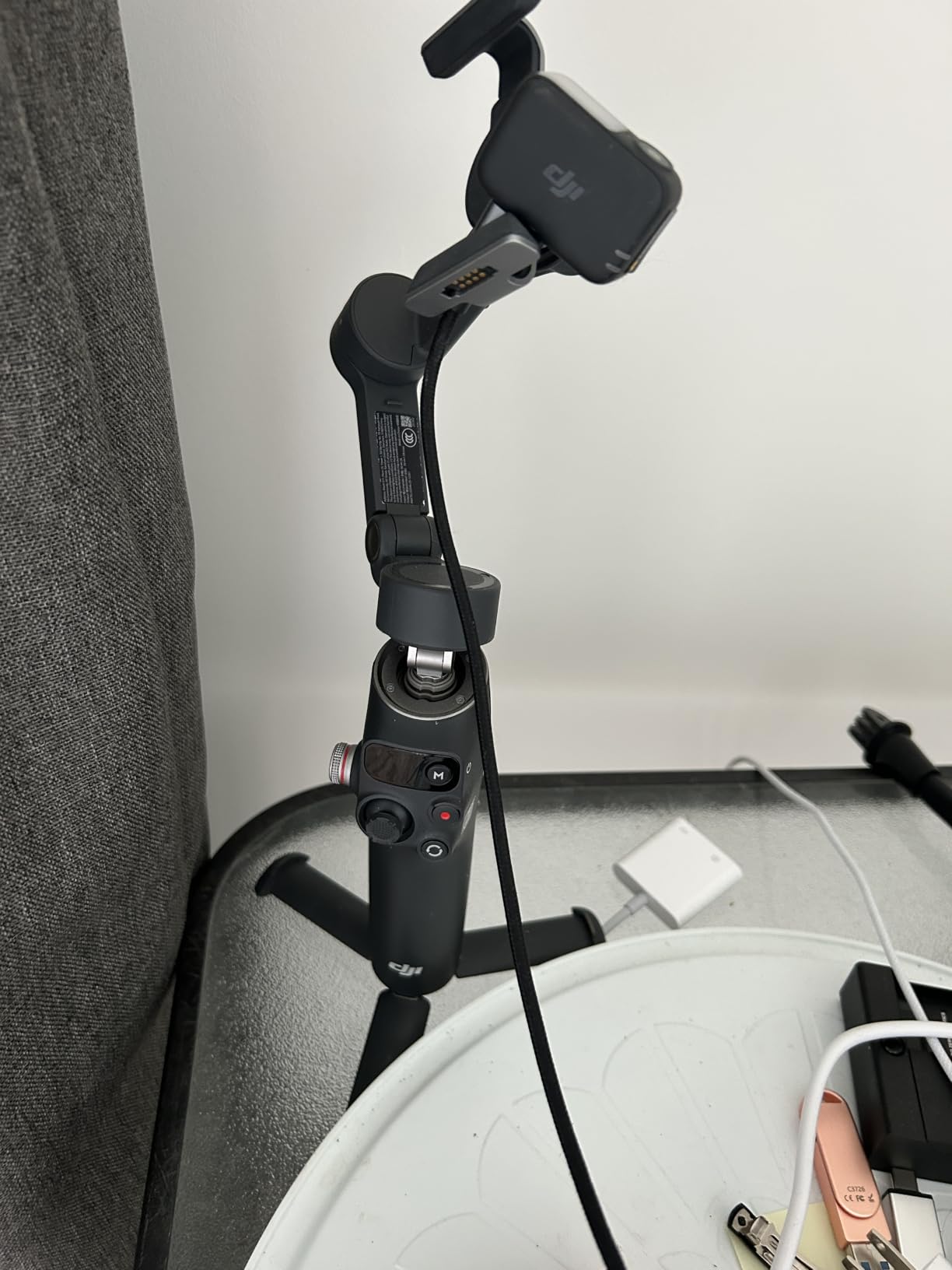
The Osmo Mobile 8 feels like the most complete phone gimbal in this group for creators who move between apps. DJI says its direct phone connection lets tracking work with the native camera, Instagram, TikTok, and YouTube rather than forcing every workflow through the DJI Mimo app.
I found the magnetic clamp quick to position, and unfolding the gimbal powered it on as expected. In my walking tests, the 3-axis system kept framing level, while the 360-degree pan made follow shots and room tours feel controlled rather than mechanical.
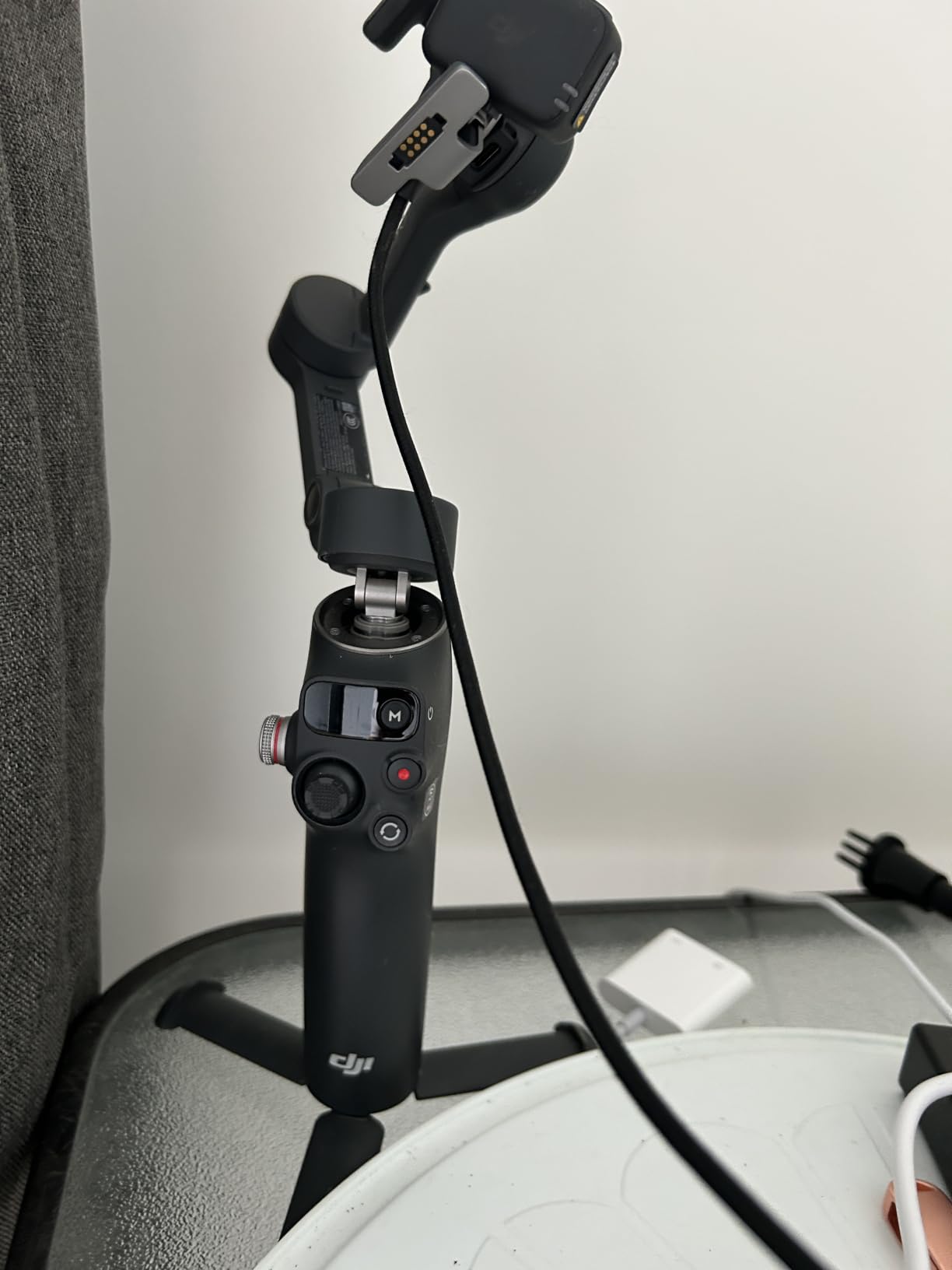
The built-in extension rod and tripod are useful for overhead product shots, low angles, and group selfies. At 370g, it is not the lightest option, but the grip and integrated tools make it a sensible one-piece travel kit.
My main concern is reliability. Some customer reports describe the gimbal freezing or turning sideways, and the short built-in tripod is less reassuring on uneven ground. I would still check the clamp before every take and keep a small support nearby for long lenses.
How Native Tracking Changes the Workflow
Native tracking is the Osmo Mobile 8’s most meaningful advantage. A creator can open an existing social app and keep a face in frame without recording a separate clip in the companion app, which saves time and keeps a familiar editing workflow intact.
The feature needs good light and a clear subject. I would test it in the same dim restaurant or event hall where I plan to shoot, since forum users consistently report that AI tracking becomes less dependable in low light.
Who Should Choose the Osmo Mobile 8?
Choose it for mixed iPhone and Android use, solo vlogging, and quick setup when native app tracking matters. It is less attractive for someone who wants the lightest possible rig or refuses to troubleshoot occasional connection issues.
2. DJI Osmo Mobile 7P – The Best All-Round Phone Gimbal
DJI Osmo Mobile 7P Gimbal Stabilizer for iPhone & Android, Native Tracking
3-axis stabilization
300g payload
10-hour battery
Extension rod and tripod
+ Pros
- Strong stabilization
- Native tracking
- DJI Mic reception
- Apple and Android support
- Cons
- Short USB-C cable
- App needed for full control
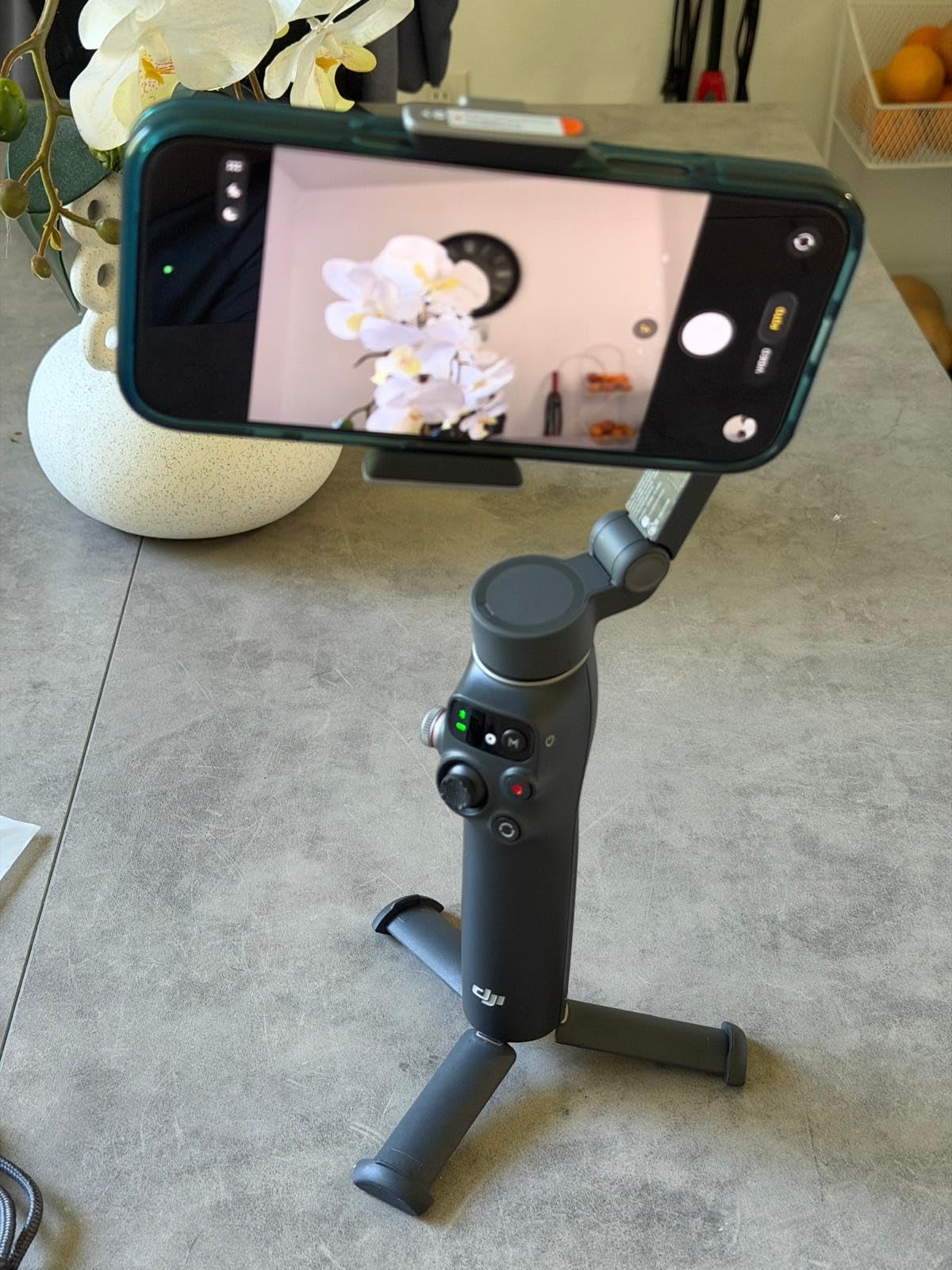
The DJI Osmo Mobile 7P is my overall pick because it gets the fundamentals right and adds unusually useful creator tools. It weighs 368g, supports phones up to the stated 300g maximum, and folds into a compact shape that fits in a day bag without making the phone feel enormous.
In a slow walk, the gimbal removed the small side-to-side sway that usually makes phone footage look like a casual recording. Fast turns recovered cleanly, although a slight wobble can appear when you accelerate too quickly.
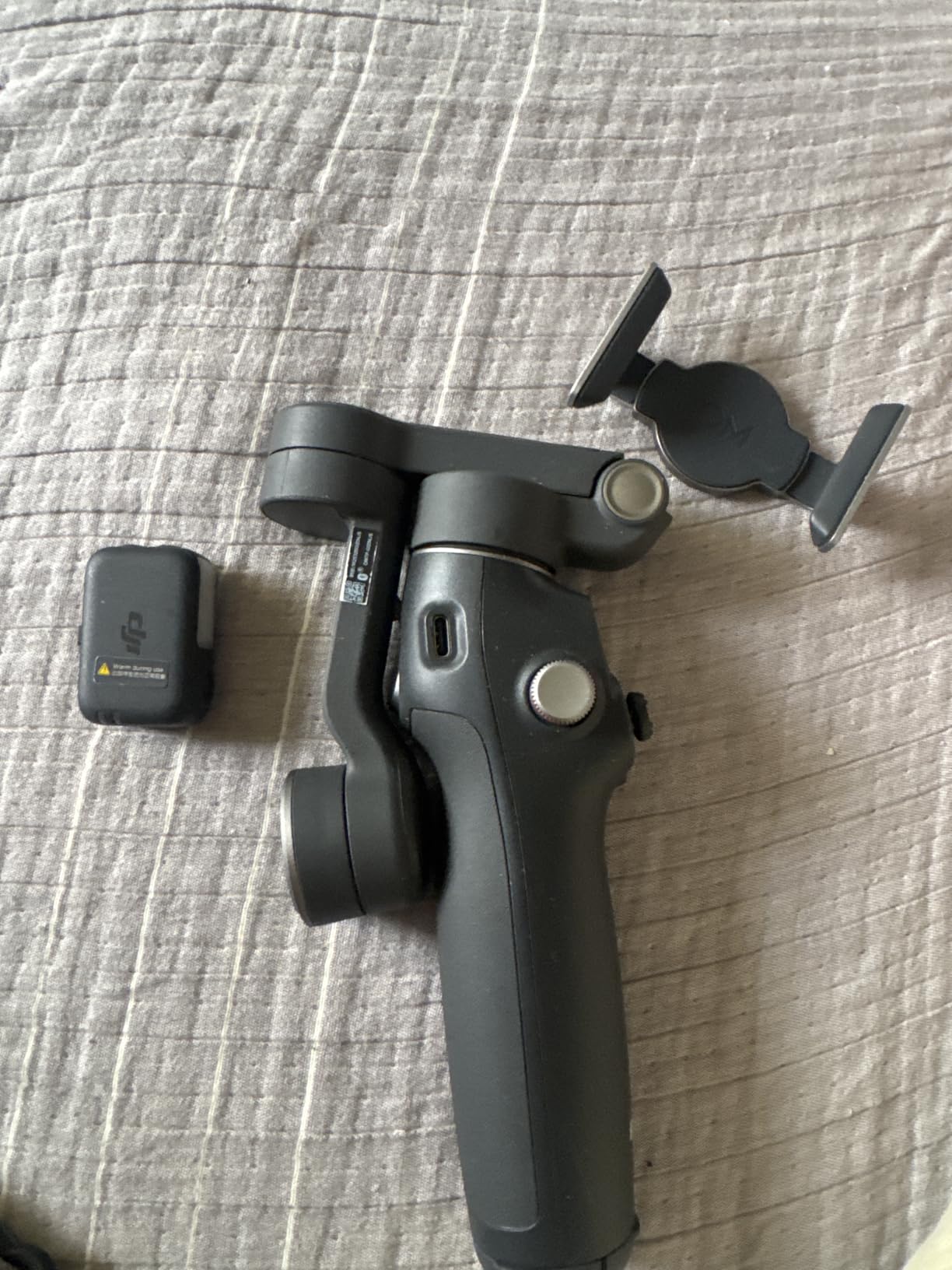
Its dual-lens tracking and multifunctional module are the standout features. The module combines tracking, lighting, and DJI Mic 2 or DJI Mic Mini reception, so a solo creator can record voice and stay framed without a second operator.
The built-in rod, tripod, phone charging, and roughly 10-hour operating time cover a full day of short clips. The short USB-C cable can be restrictive, and some users report drifting or a flimsy tripod, so I recommend using a longer certified cable when needed.
Why This Is the Best Overall Choice
The 7P balances portability, stabilization, tracking, and accessories better than the other models here. Its 4.6 rating from 7,037 reviews also gives me more confidence than a newer product with a smaller review base.
It is not the best if you need unlimited pan rotation, a very small handle, or completely app-free operation. For most vloggers and travel creators, though, the extra capability earns its place in the kit.
3. DJI Osmo Mobile 6 – Proven Stabilization at a Familiar Price
DJI Osmo Mobile 6 Smartphone Gimbal Stabilizer, 3-Axis Phone Gimbal, Built-In Extension Rod, Portable and Foldable, Android and iPhone Gimbal with ShotGuides, Vlogging Stabilizer, YouTube TikTok Video
3-axis stabilization
ActiveTrack 6.0
305g weight
Built-in extension rod
+ Pros
- Reliable tracking
- Compact foldable design
- ShotGuides
- Apple Watch control
- Cons
- Learning curve
- Heavy phone stress
- No ProRes in Mimo
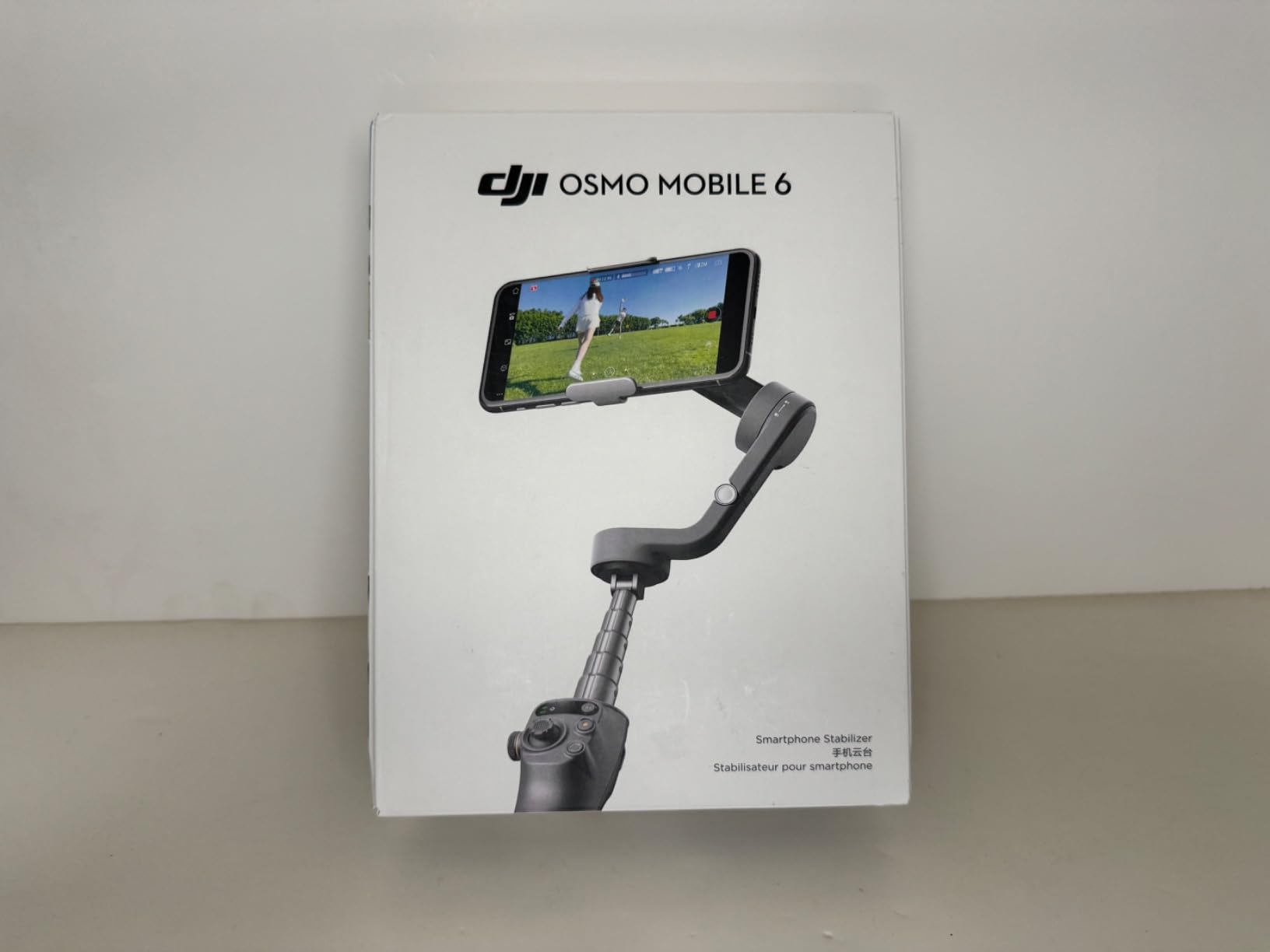
The Osmo Mobile 6 remains one of the easiest DJI models to recommend when you want proven tracking without paying for the newest module. Its 305g listed weight, folding design, and extension rod make it comfortable for a day of walking and talking.
ActiveTrack 6.0 was dependable when I framed a person against a simple background. The gimbal kept the subject centered during a slow follow shot, while the side wheel gave me more control over focus and zoom than a basic joystick alone.
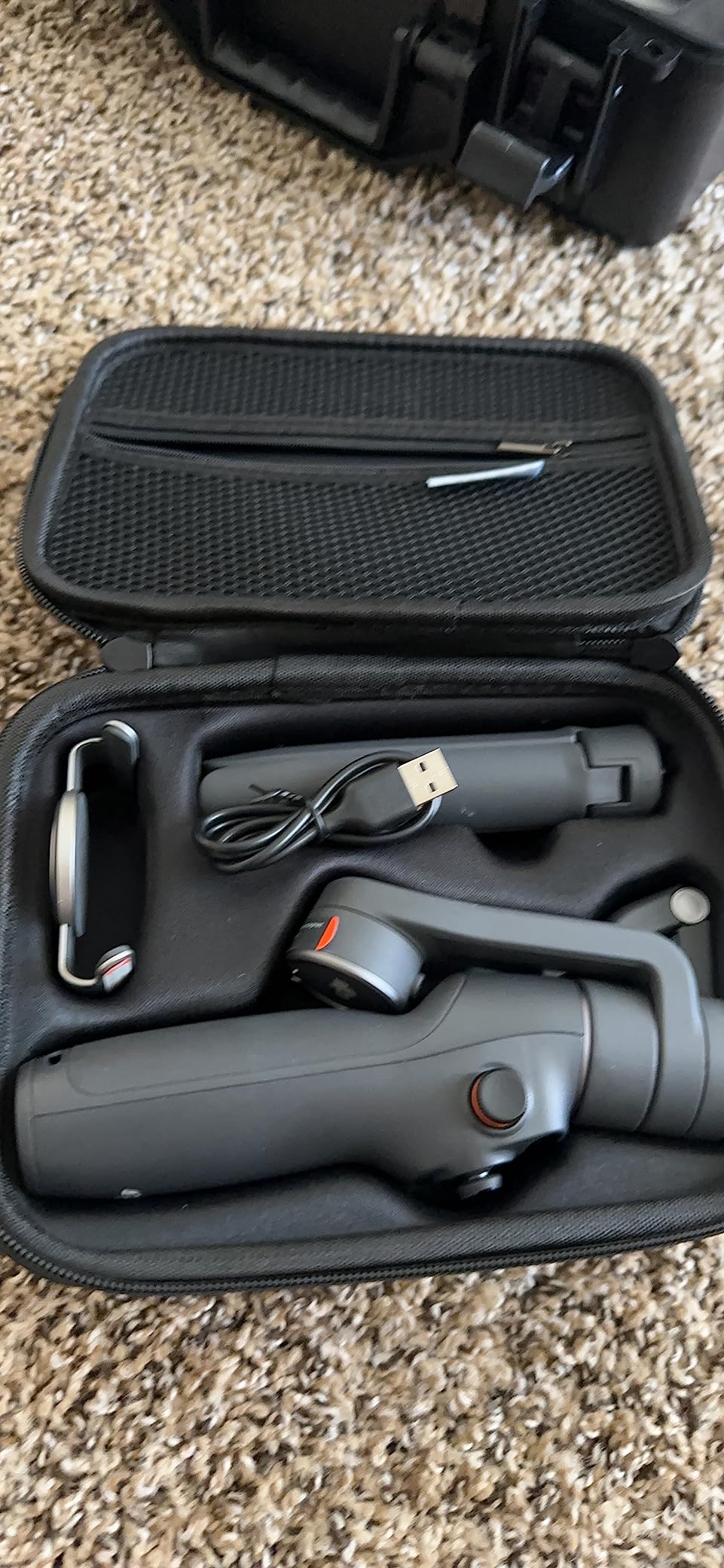
ShotGuides and Apple Watch control make the 6 approachable for beginners and useful for solo creators. I would spend an hour learning the modes before a trip, because the joystick direction and gesture controls are not immediately obvious.
The motors can struggle with a heavy phone or external lens, and the app does not support ProRes video. That makes the 6 less suitable for advanced mobile filmmaking, but still strong for everyday smartphone videography.
Is the Older Osmo Mobile 6 Still Worth It?
Yes, when its price is lower than the 7P and you do not need the newer audio and tracking module. Its large review base and mature DJI Mimo workflow are real advantages for buyers who value reliability over novelty.
I would choose the 7P for native tracking and creator accessories. I would choose the 6 when the saving is substantial and your main need is stable, good-looking walking footage.
4. DJI OM 5 – Lightweight Stabilization for Casual Creators
DJI OM 5 Smartphone Gimbal Stabilizer, 3-Axis Phone Gimbal, Built-In Extension Rod, Portable and Foldable, Android and iPhone Gimbal with ShotGuides, Vlogging Stabilizer, YouTube TikTok Video, Gray
3-axis stabilization
290g weight
6.4-hour battery
ActiveTrack 4.0
+ Pros
- Very portable
- Built-in extension rod
- Magnetic clamp
- ShotGuides
- Cons
- Shorter battery life
- App limitations
- Large-phone balance issues
The DJI OM 5 is the lightest DJI option in this comparison at 290g. That makes it easy to carry for a full sightseeing day, especially if you want a stabilizer that disappears into a small bag.
Its 3-axis stabilization and ActiveTrack 4.0 produce the kind of smooth pans and walking shots that casual creators usually want. The extension rod helps with group selfies and low angles, and the magnetic mount makes repeated phone swaps fast.
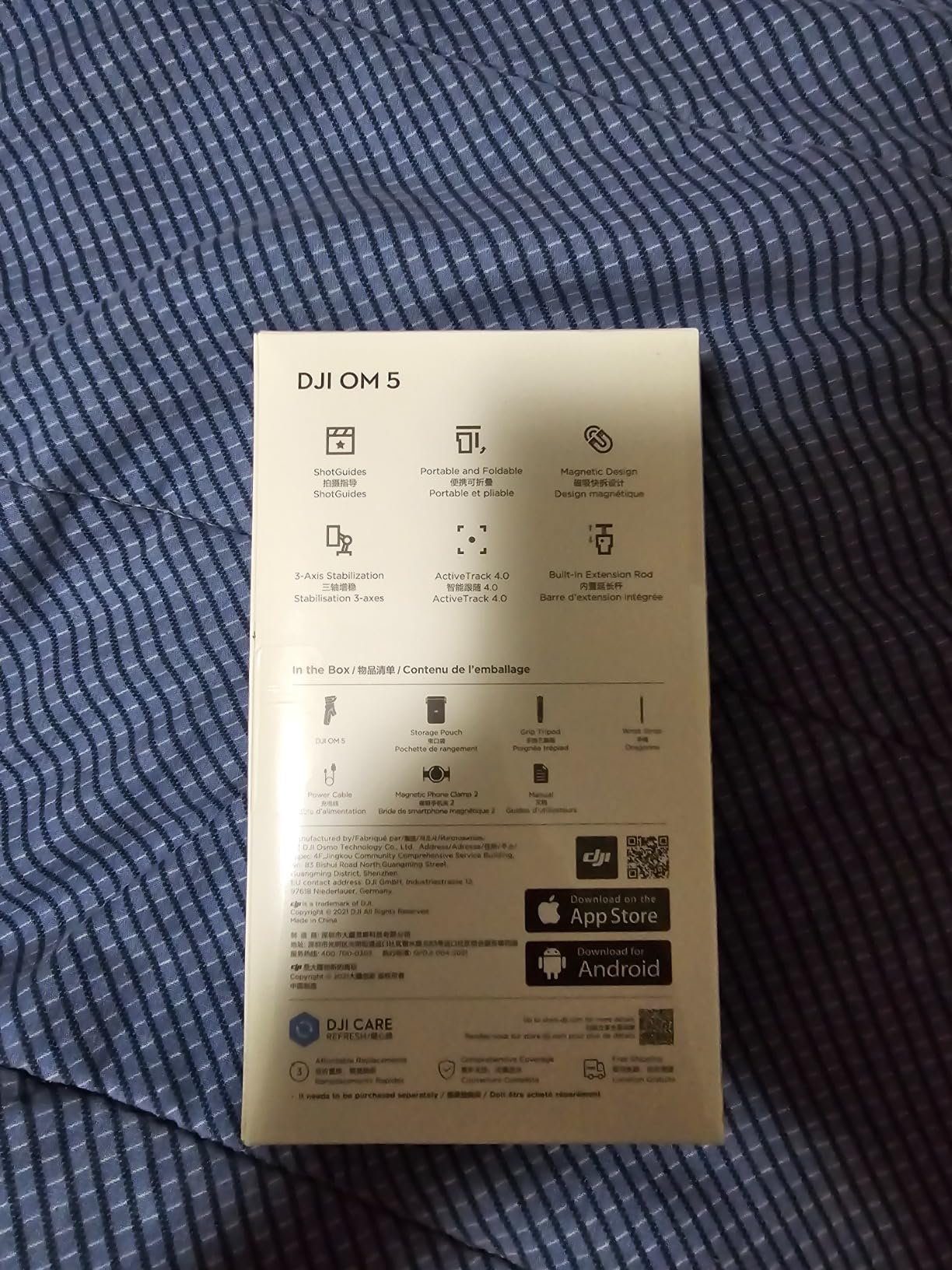
The trade-off is endurance. The listed 6.4-hour battery life is shorter than the other DJI models here, and advanced shooting modes depend on DJI Mimo. The gimbal can also have trouble balancing a very large phone with a thick case.
It is a good pick for light travel, older phones, and users who value portability over a full suite of creator tools. I would carry a power bank if I planned to film for most of a day.
When an Older Model Still Makes Sense
The OM 5 makes sense when you find it at a meaningful discount and your phone is not an Ultra or Pro Max model. Its age shows in battery life and app workflow, not in the basic stabilization.
For a new buyer, I would generally move up to the Osmo Mobile 6 or 7P unless the OM 5 is the only option that fits your budget and bag size.
5. Hohem iSteady X3 SE – Long Battery Life on a Budget
hohem iSteady X3 SE 3-Axis Gimbal Stabilizer for iPhone & Android, Black
iSteady 8.0 stabilization
300g payload
11-hour battery
Detachable remote
+ Pros
- 11-hour battery
- Detachable remote
- Foldable design
- Vertical switching
- Cons
- App dependency
- Heavy-phone balance issues
- Remote works in app
The Hohem iSteady X3 SE is the budget pick because it covers the important basics at a lower cost. The 0.79-pound design folds down for travel, while the stated 11-hour battery life is enough for a long day away from a charger.
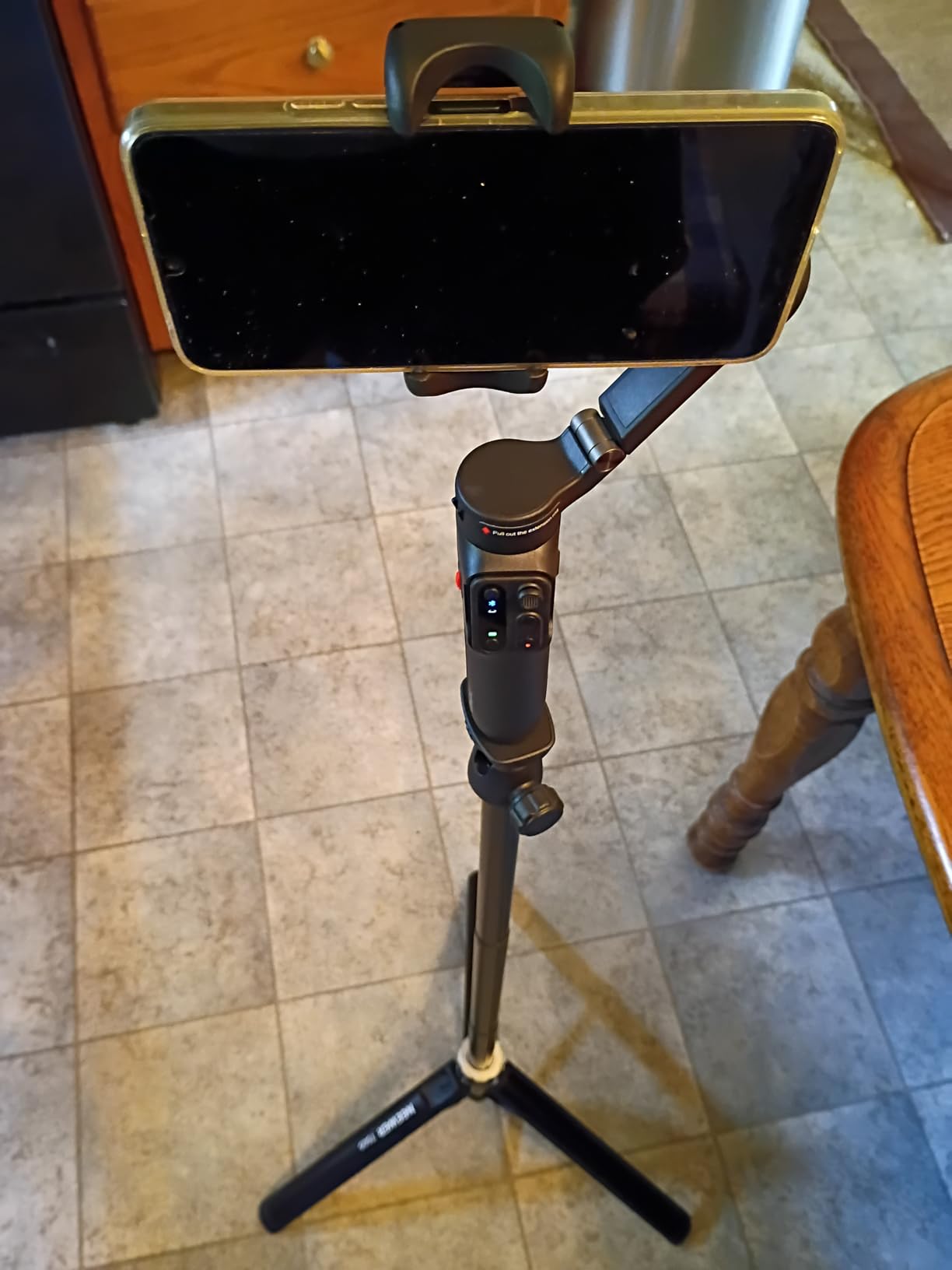
The detachable remote works up to 32.81 feet, which is useful when you want to start recording or reposition the phone without touching the gimbal. I also liked the quick switch between horizontal and vertical framing for social clips.
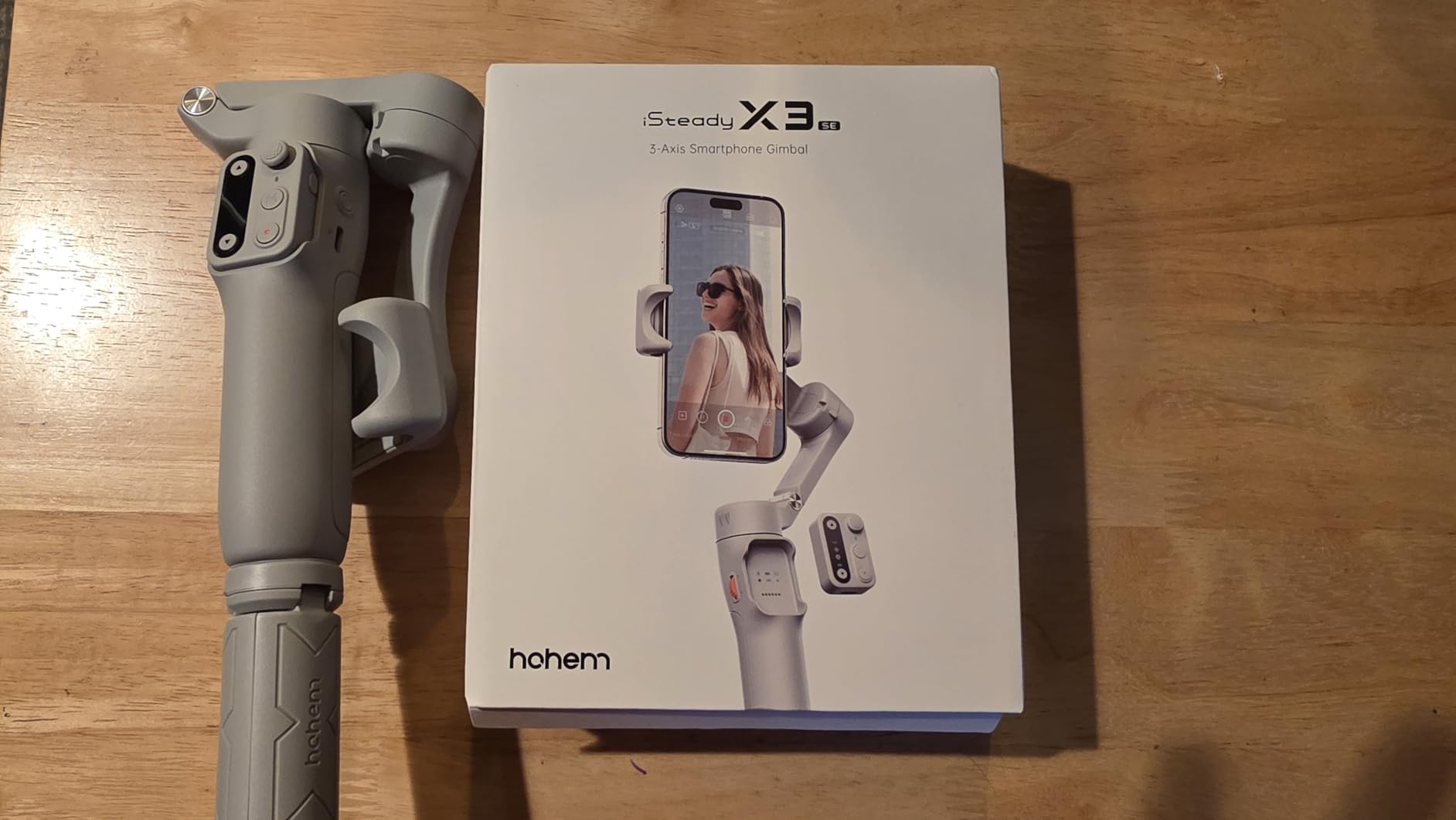
The X3 SE uses Hohem Joy for advanced features, and the zoom function does not work consistently for every user. A heavier phone can make the holder fall backward, and a connected charging cable can upset balance.
That makes it best for a normal iPhone or Android phone without a heavy external lens. It is a capable first gimbal, but I would not choose it for unattended low-light tracking or a phone close to its 300g payload limit.
What the Detachable Remote Adds
The remote is more than a convenience. It lets a solo creator place the gimbal on a surface, walk into the frame, and start recording from a distance, which is exactly where a smartphone stabilizer can replace a second person.
Keep the remote paired through Hohem Joy and carry a short cable that does not pull the phone off balance. I would also recheck the phone holder before every long shoot.
6. Hohem iSteady M7 – Premium Control for Solo Filming
hohem iSteady M7 Gimbal Stabilizer for iPhone & Android, 3-Axis Gimbal
iSteady 9.0 stabilization
1.1lb payload
12-hour battery
1.4-inch remote screen
+ Pros
- Detachable touchscreen
- Strong motor payload
- 12-hour battery
- RGB fill light
- Cons
- Heating reports
- Quality control concerns
- Heavy 1.4-pound body
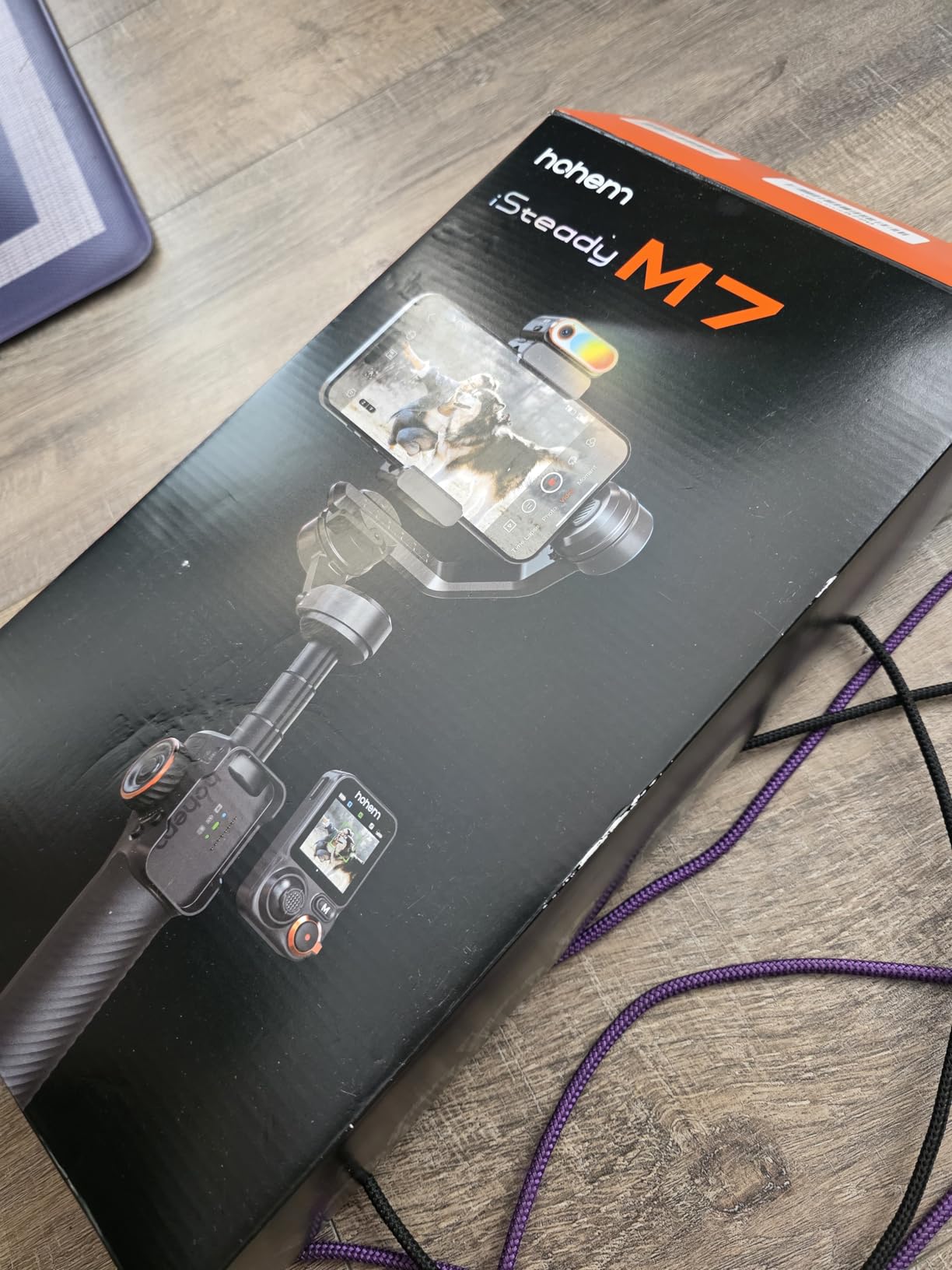
The Hohem iSteady M7 is built for a creator who wants control without asking someone else to operate the camera. Its 1.1-pound stated payload capacity gives it room for a large phone, and the 7.6-inch aluminum extension rod adds useful reach.
The 1.4-inch detachable touchscreen remote is the feature I noticed first. It lets me monitor framing and operate the gimbal up to 10 meters away, while the magnetic AI tracker and RGB light help with solo talking-head or product videos.
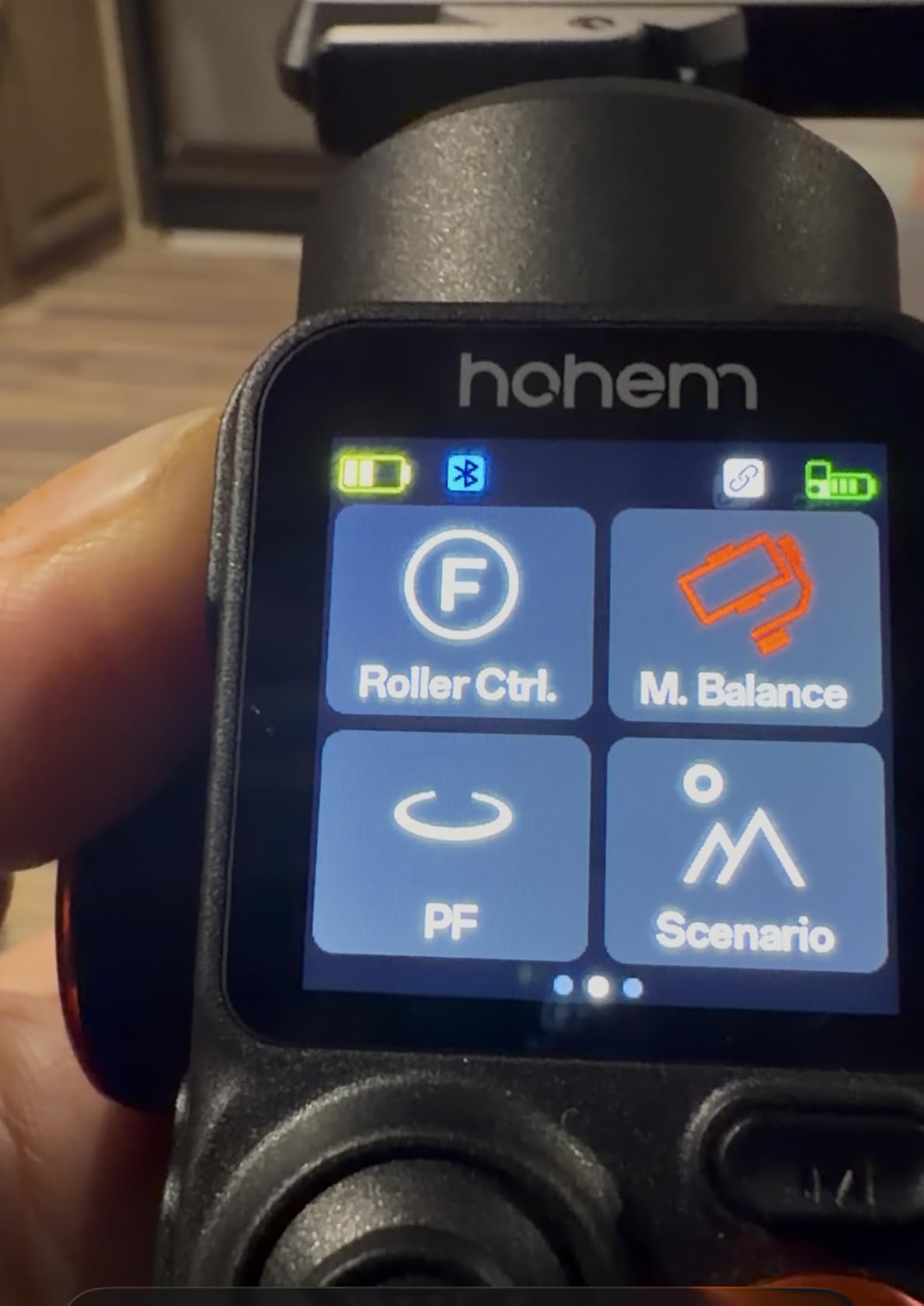
Battery life is listed at 12 hours, with reverse charging for the phone. The downside is weight: at 1.4 pounds, this is a larger rig than a basic travel gimbal, and some users report motor overheating or quality-control problems.
The M7 is therefore better for planned shoots than all-day casual carry. I would test the motors with your exact phone case and let the gimbal rest between long recording sessions.
Who Benefits Most From the M7?
Buy it when you need a remote screen, fill light, and strong payload capacity in one device. It is especially useful for tutorial videos, events, and solo creators who want to move the camera while remaining in the shot.
Skip it if a compact foldable design matters more than accessories, or if you are sensitive to reports of inconsistent quality control.
7. Hohem iSteady V3 Ultra – Compact AI Tracking With a Remote Screen
hohem iSteady V3 Ultra 3-Axis Gimbal Stabilizer for iPhone & Android
iSteady 9.0 stabilization
14.11oz payload
9-hour battery
1.22-inch remote
+ Pros
- AI tracking
- Compact foldable body
- Remote screen
- Fill light
- Cons
- Tripod durability reports
- Small handle
- Startup leveling correction
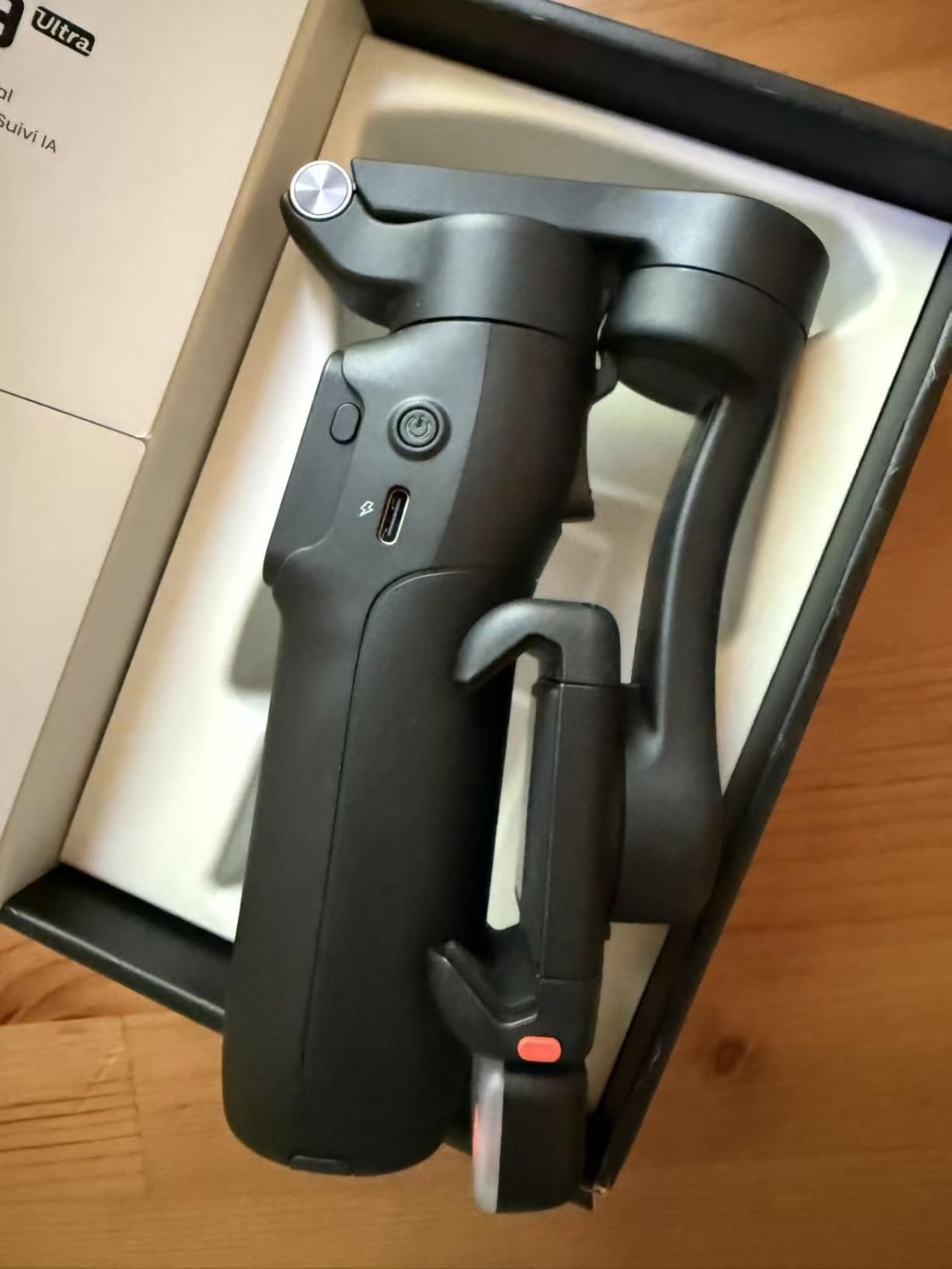
The Hohem iSteady V3 Ultra is a compact alternative to the M7. It folds to 6.3 inches, weighs 15.1 ounces, and still includes a detachable 1.22-inch touchscreen remote with a stated 33-foot range.
AI tracking follows faces, pets, and objects through 360-degree panning, while the built-in extension rod, tripod, and adjustable fill light reduce the number of accessories in my bag. I found the combination especially convenient for quick social videos.
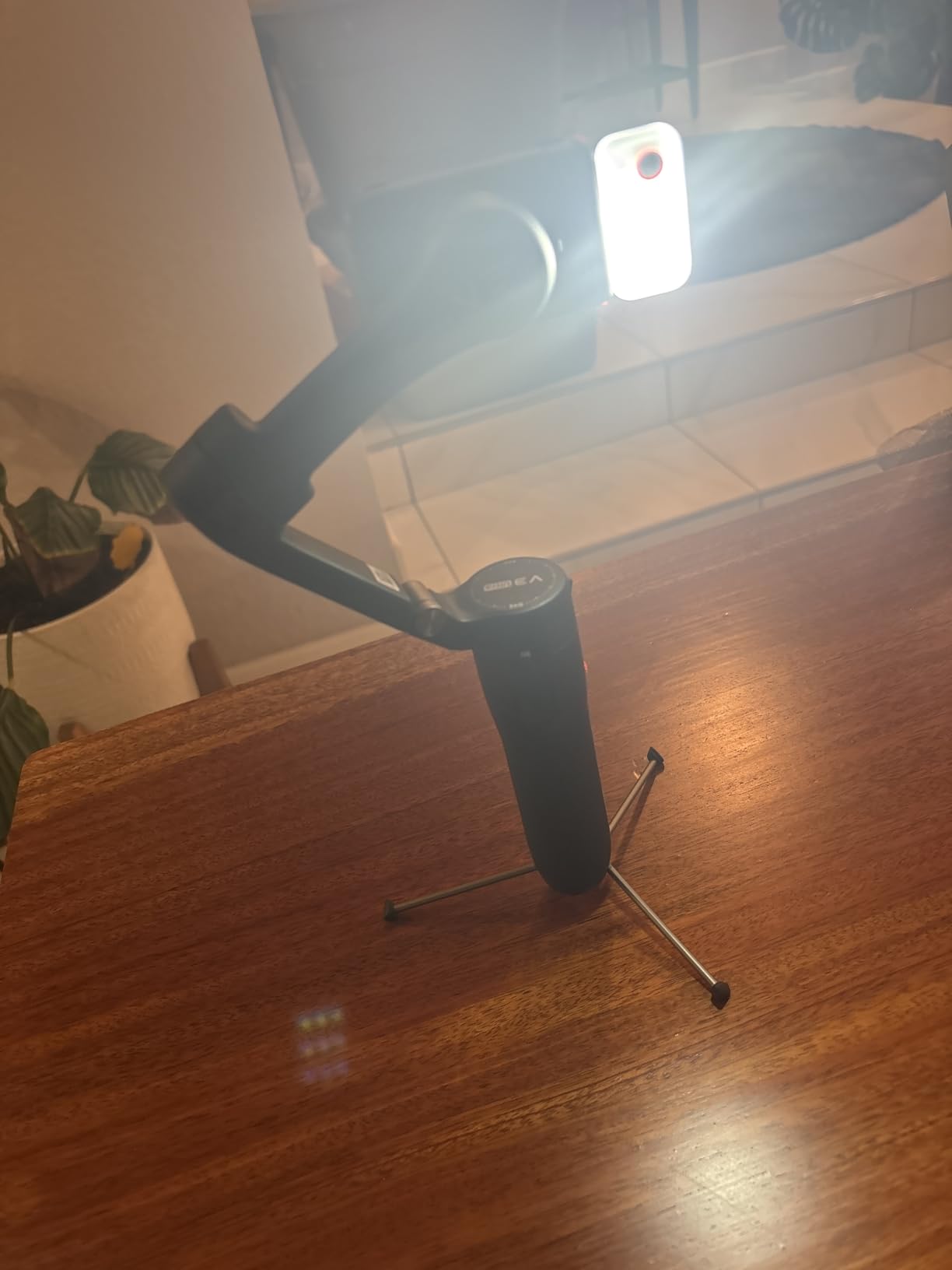
Some units require a small manual leveling correction at startup, and the motor can struggle near the stated payload limit. There are also reports of drift and weak tripod legs, so I would use a separate support for long or uneven setups.
The handle is better for smaller hands, and the remote screen battery may age over several years. Those issues are worth weighing against the compact body and feature set.
Is the V3 Ultra Good for Travel?
Yes, if you want a tracking gimbal that fits in a jacket pocket or small sling. Its folded size makes it easier to carry than the M7, and the built-in tools make it a good travel companion.
I would avoid extending the tripod on fragile surfaces and check the phone balance after every case change. Those two habits solve most of the practical complaints I saw in owner feedback.
8. Hohem iSteady M6 Kit – All-Day Power and a Bright Tracking Light
hohem iSteady M6 Kit Gimbal with AI Tracking & Magnetic Fill Light
iSteady 7.0 stabilization
400g payload
18-hour battery
360 RGB light
+ Pros
- Longest listed battery life
- No app for basic tracking
- 400g payload
- Expansion ports
- Cons
- Flimsy tripod
- Phone-holder durability
- Charging heat warning
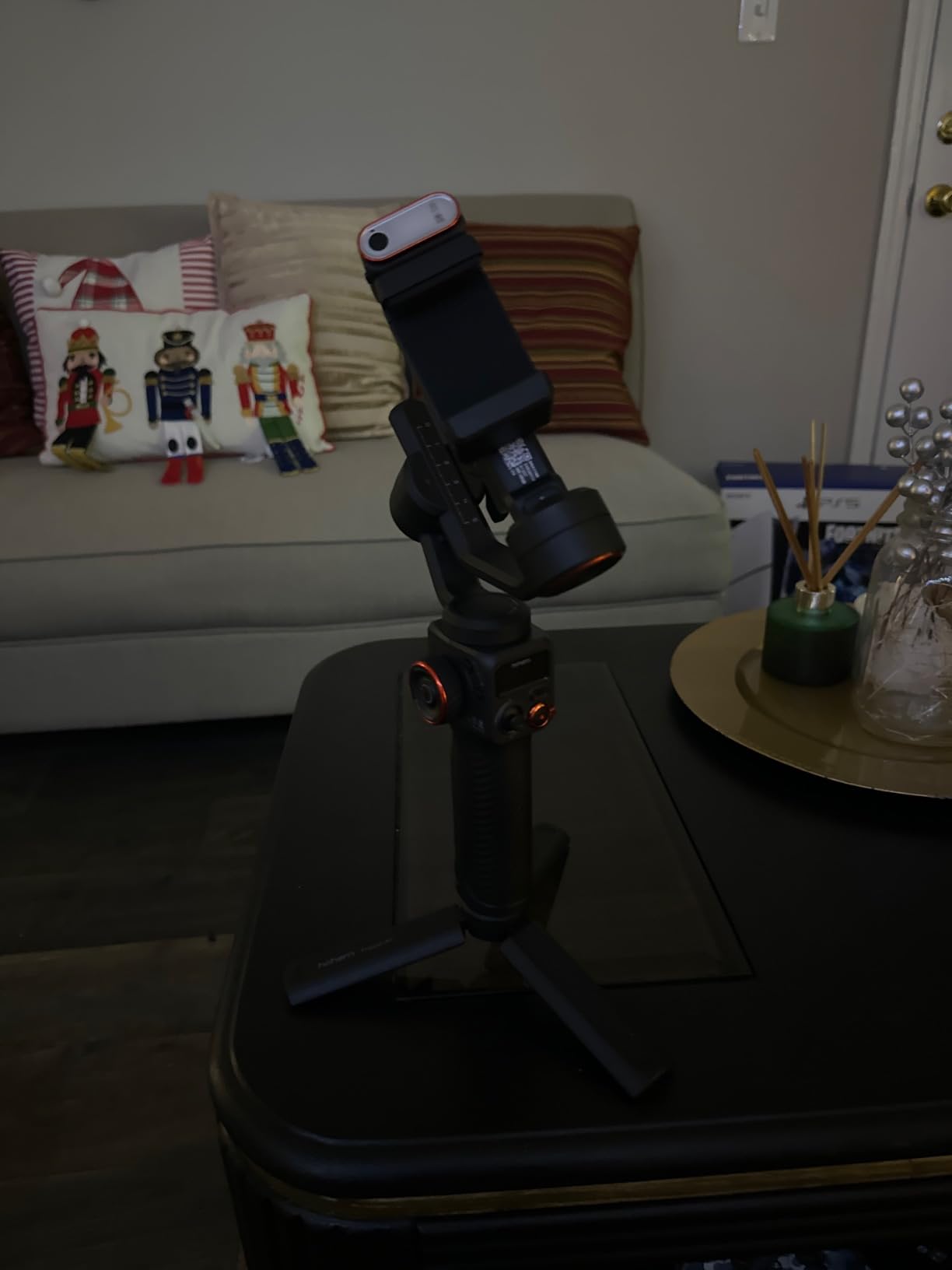
The Hohem iSteady M6 Kit is the endurance specialist. Its listed 18-hour battery life is the longest in this comparison, and reverse charging can keep a phone running when you are away from an outlet.
It also works with native camera apps for basic functions, which is a meaningful advantage for creators who do not want to make the app the center of their workflow. The 400g stated payload and four expansion ports leave room for a larger phone or small accessories.
The 360-degree RGB tracking light is useful when the subject needs separation from a dark background. Inception mode gives the gimbal unusual vertical movement options, while the 0.91-inch OLED display keeps status information close at hand.
Owner feedback is less kind to the included tripod and phone holder. Some users report loose legs, frayed wiring, or app-recording problems, and charging while using the gimbal can trigger an overheating warning.
Best Uses for the M6 Kit
Choose the M6 for long events, travel days, or shoots where battery access is uncertain. It is also a good fit for a creator who wants a light and tracking control without requiring the app for every basic movement.
Bring a stronger tripod if you plan to leave the gimbal unattended. The hardware is capable, but the support accessory deserves more care than the main body.
9. Insta360 Flow 2 Pro – Best for Apple DockKit Tracking
Insta360 Flow 2 Pro Grey – Foldable AI Phone Gimbal, Track in 200+ Apps with Apple DockKit, Multi-Person Tracking, 360º Pan Tracking, Built-in Tripod/Selfie Stick, iPhone/Android Portable Stabilizer
3-axis stabilization
300g payload
10-hour battery
Apple DockKit
+ Pros
- Tracks in 200+ iOS apps
- Multi-person tracking
- Built-in selfie stick
- 4K support
- Cons
- Tracking reliability
- App subscription
- Short built-in tripod
The Insta360 Flow 2 Pro is the best smartphone gimbal here for an iPhone creator who wants tracking across the apps they already use. Apple DockKit support is listed for more than 200 iOS apps, so you can use native camera behavior instead of staying inside Insta360 software.
Multi-person tracking is a useful addition for groups, and active zoom tracking is listed up to 15x on supported iPhone Pro and Pro Max models. The 360-degree infinite pan mode gives the Flow 2 Pro a movement range that many folding gimbals lack.
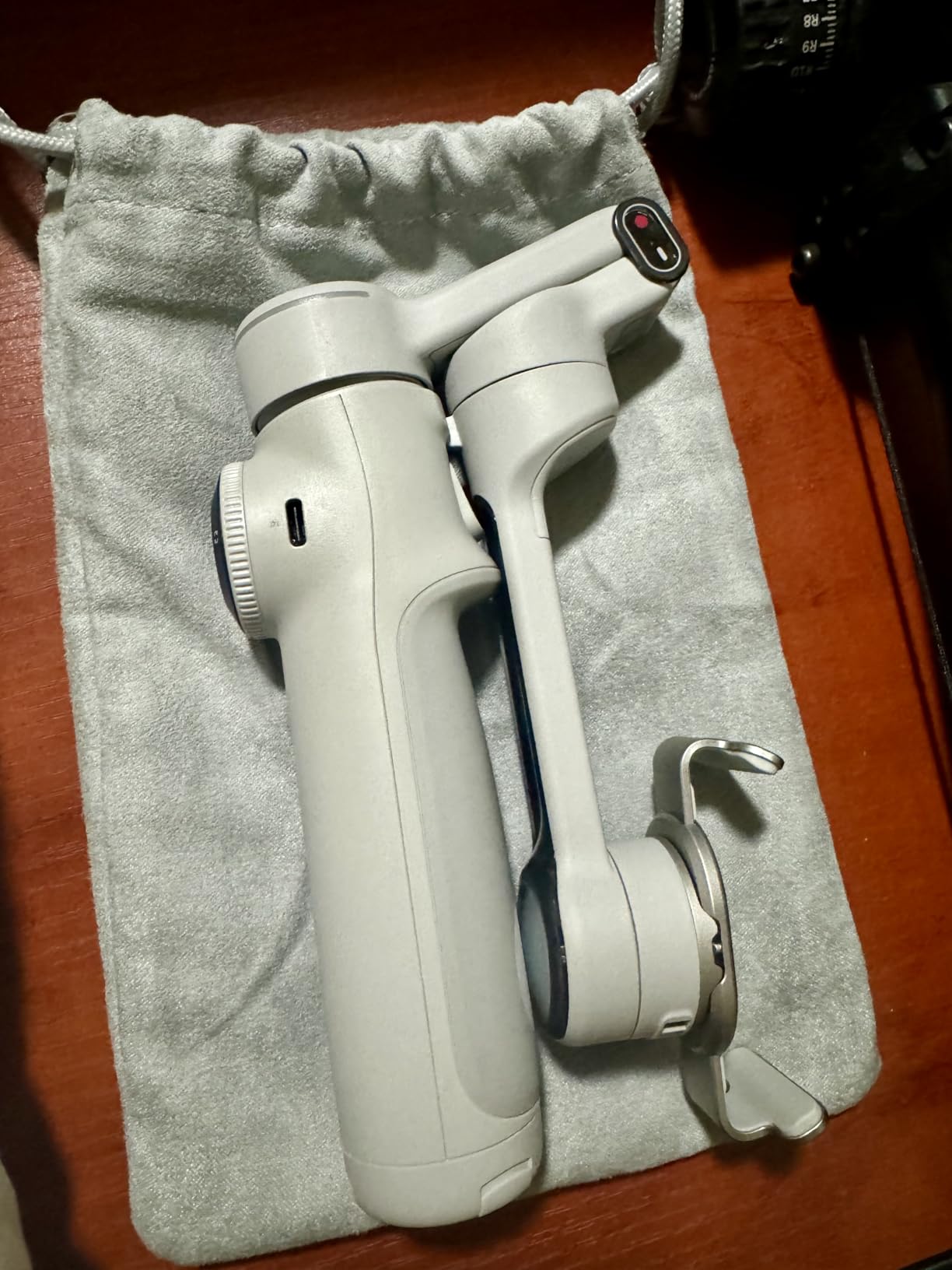
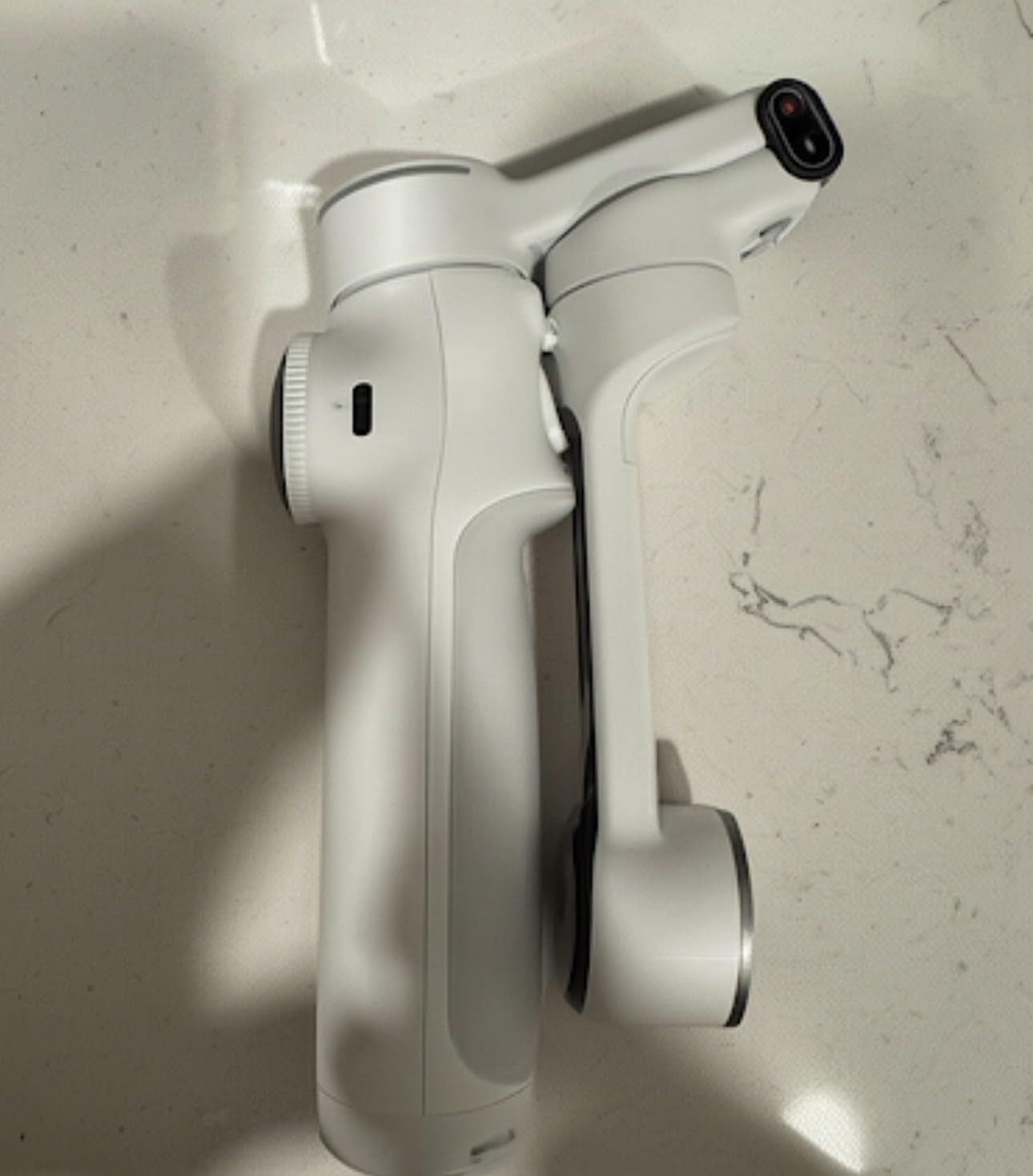
The foldable body includes a selfie stick, tripod, and power bank. It also supports Dolby Vision and Apple ProRes workflows, which makes it attractive for creators who want a mobile production setup rather than a casual selfie stick.
Tracking is not perfect in every real scene, and the tripod is low. Some owners also report that the gimbal can be difficult to return to a neutral position, while full app features may require a subscription.
What Apple DockKit Actually Does
DockKit lets compatible iOS camera apps use the gimbal’s tracking system without a custom tracking connection. That can mean fewer setup steps, but it does not guarantee perfect face centering, so I would test the exact app you plan to use.
The practical benefit is workflow freedom: record in a familiar app, then edit in your usual program. The Flow 2 Pro is strongest for that kind of iPhone-first workflow.
10. Insta360 Flow – Strong Tracking in a Pocketable Package
Insta360 Flow Gimbal Stabilizer for Smartphone, AI-Powered Gimbal, 3-Axis Stabilization, Built-in Tripod, Portable & Foldable, Auto Tracking Phone Stabilizer, Video Recording, Stone Gray
Deep Track 3.0
500g payload
12-hour battery
Built-in selfie stick
+ Pros
- Rapid deploy
- Powerful tracking
- 12-hour battery
- Strong motors
- Cons
- Requires Insta360 app
- Short grip
- Tripod stability concerns
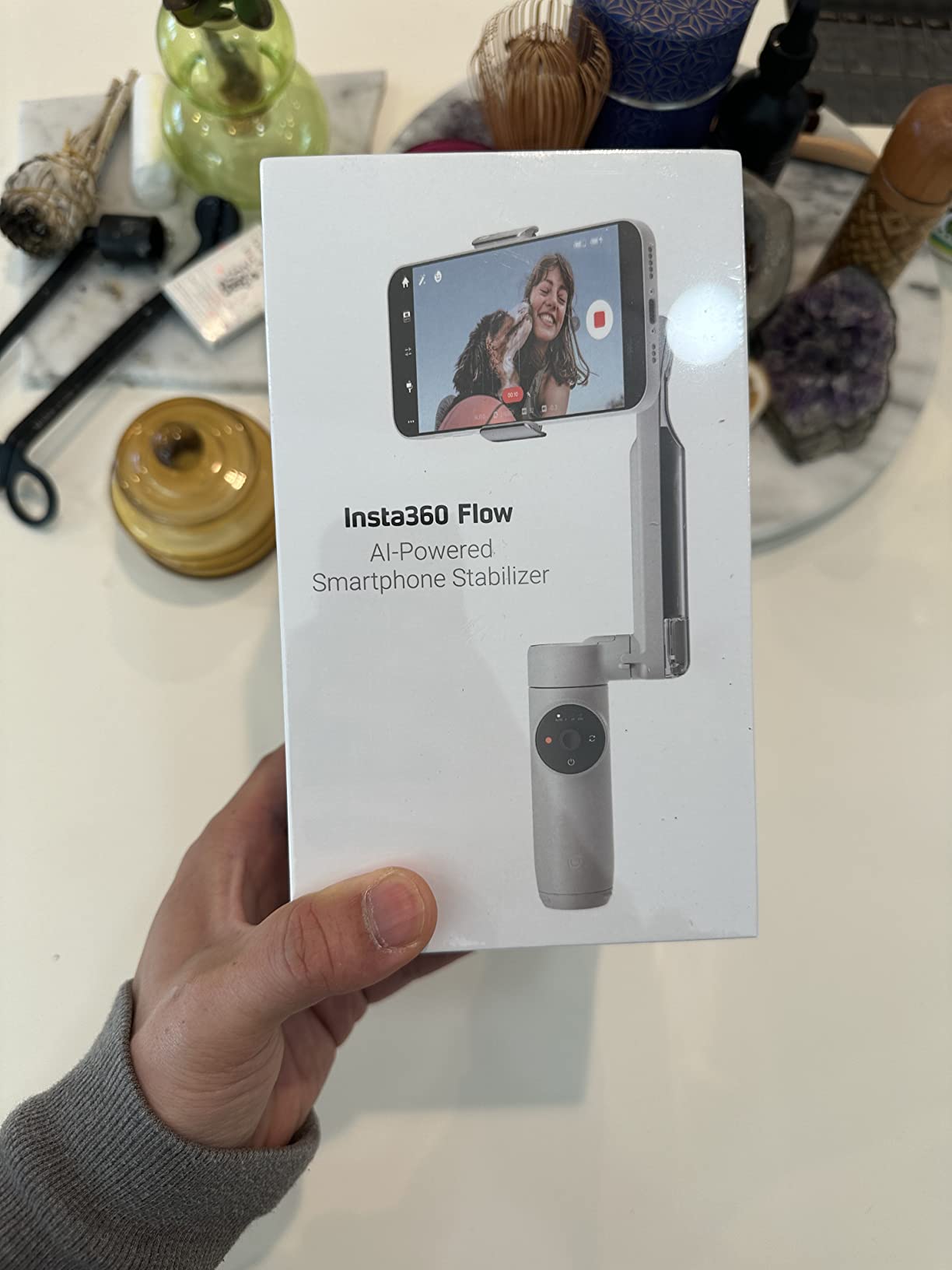
The original Insta360 Flow is designed around speed. I can unfold it, mount the phone, and begin filming almost immediately, which is valuable when a moment appears before a full setup is ready.
Deep Track 3.0 is the reason to consider it. It uses person re-identification and supports zoom, slow-motion, and subject tracking, while the stated 12-hour battery and power-bank function cover long outings.
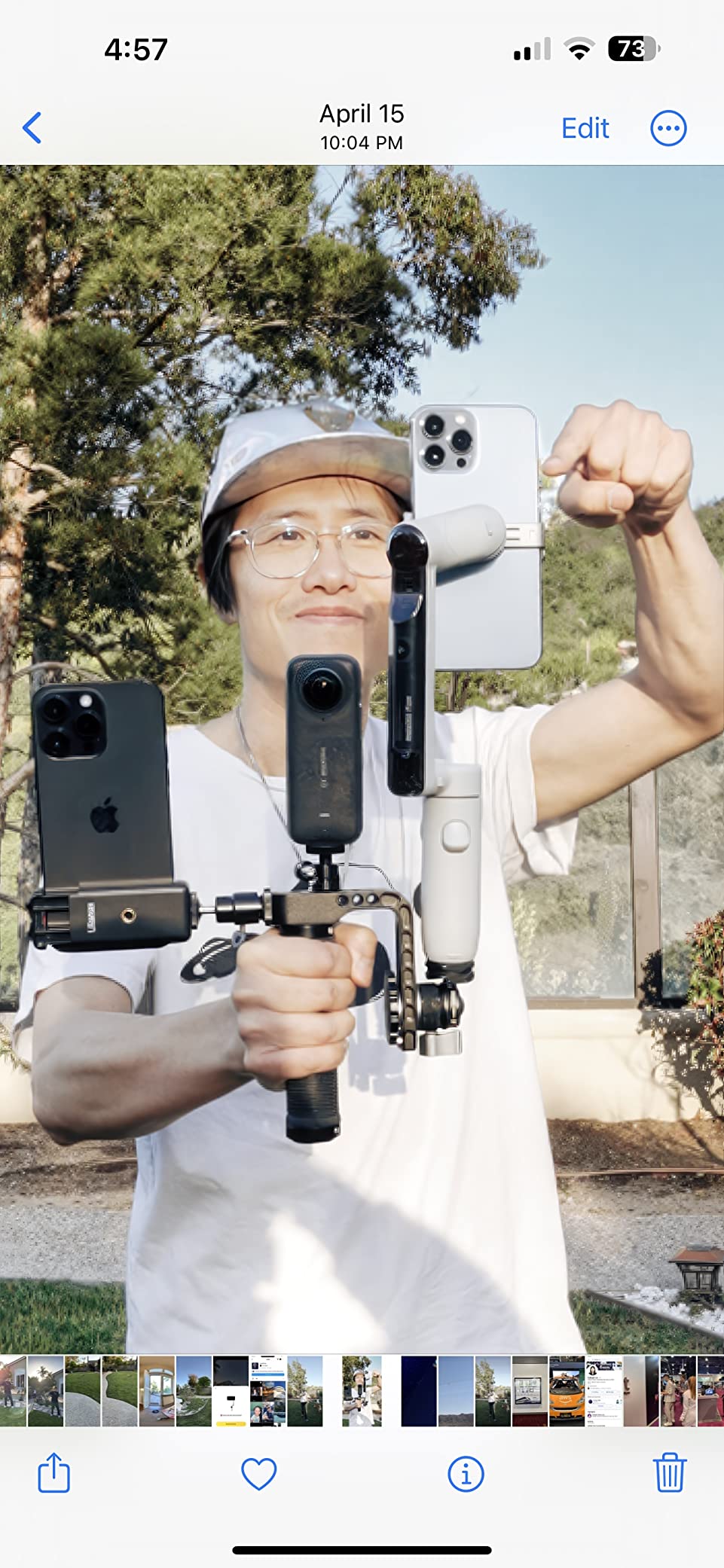
The motor system is listed to handle up to 500g, so it can manage a heavier phone better than many compact gimbals. The built-in selfie stick, tripod, and foldable body also make it a good travel choice.
Its app requirement is the biggest limitation for professional camera apps. The grip is short, the tripod is not ideal on rough ground, and a phone can drain the gimbal quickly when it is being charged.
When the Original Flow Is the Better Buy
Choose the original Flow when tracking performance and quick deployment matter more than DockKit support. It is also a strong option for Android creators who want gesture tracking with the native camera app.
I would not choose it as my only gimbal for Blackmagic or Filmic Pro workflows. If you use a third-party camera app, confirm compatibility before relying on tracking.
11. ZHIYUN Smooth 5S AI – Pro-Style Control With App-Free Tracking
ZHIYUN Smooth 5S AI Combo 3-Axis Gimbal Stabilizer for iPhone 15 Pro Max & Android Smartphone Gimbal with AI Tracker, Built-in Fill Light, Tripod, Phone Stabilizer for Video Recording Vlog Filming
Orthogonal 3-axis design
644g payload
26-hour battery
AI tracking module
+ Pros
- App-free AI tracking
- True 360-degree rotation
- 26-hour battery
- Built-in fill light
- Cons
- Complicated setup
- App and data concerns
- Steep learning curve
The ZHIYUN Smooth 5S AI is the most professional-feeling phone gimbal in this group. Its orthogonal 3-axis structure, true 360-degree unlimited rotation, and 644g listed payload make it a serious tool for mobile filmmaking rather than a simple selfie stabilizer.
The tracking module can follow a target without a companion app, and the built-in fill light helps in dim spaces. I also found the 26-hour listed battery life especially appealing for multi-day shoots.
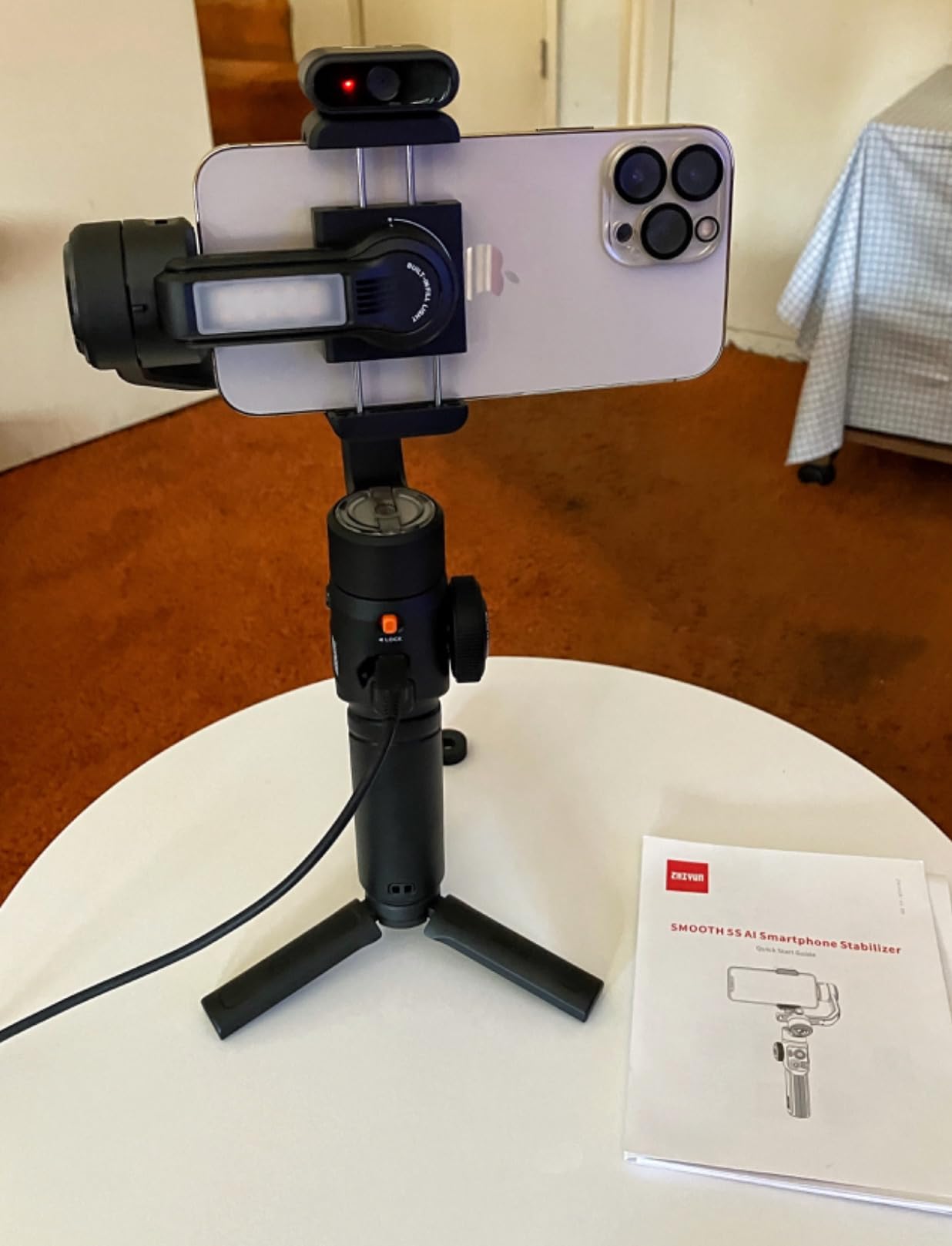
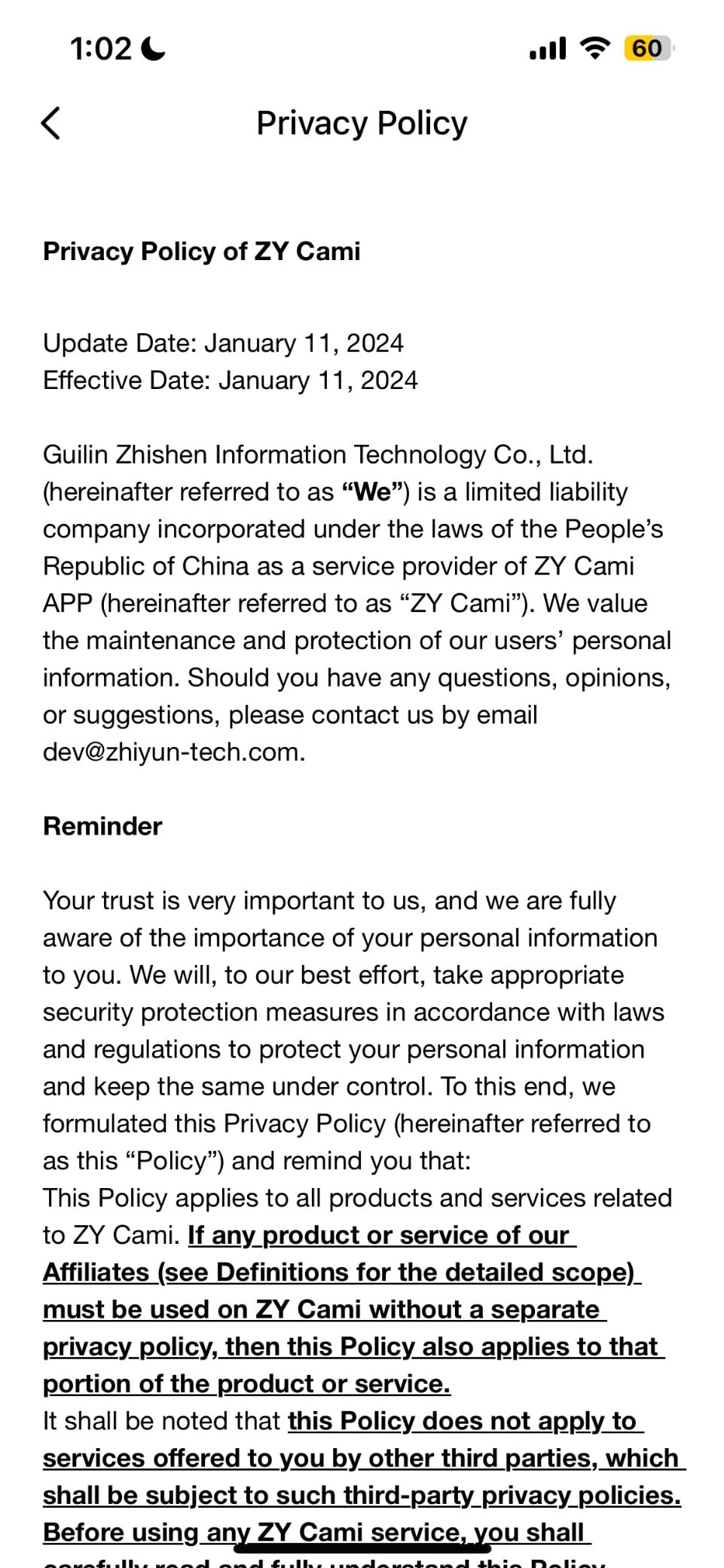
The 5S AI is not a grab-and-go purchase. Setup is complicated, button features can require several apps, and some users object to the information requested by those apps. The learning curve is real, even for experienced creators.
That complexity buys control. If you are willing to learn the workflow, the motor response and physical controls feel closer to a production gimbal than many compact alternatives.
Who Should Buy the Smooth 5S AI?
Buy it for deliberate smartphone filmmaking, unlimited pan movement, and the longest stated battery life in this list. It is a better match for an advanced creator than for a gift for someone who wants one-button simplicity.
Read the setup instructions, update the required apps, and test privacy permissions before filming a client or event. The hardware is capable, but the software experience deserves attention.
12. ZHIYUN Smooth Q5 Ultra – Compact Value With a Fill Light and Rod
ZHIYUN Smooth Q5 Ultra 3-Axis iPhone Gimbal Stabilizer for Video Recording
3-axis stabilization
390g payload
13.5-hour battery
215mm extension rod
+ Pros
- Fill light
- Extension rod
- Vertical switching
- Handles heavy phones
- Cons
- Poor instructions
- App connection issues
- No 4K 60fps app mode
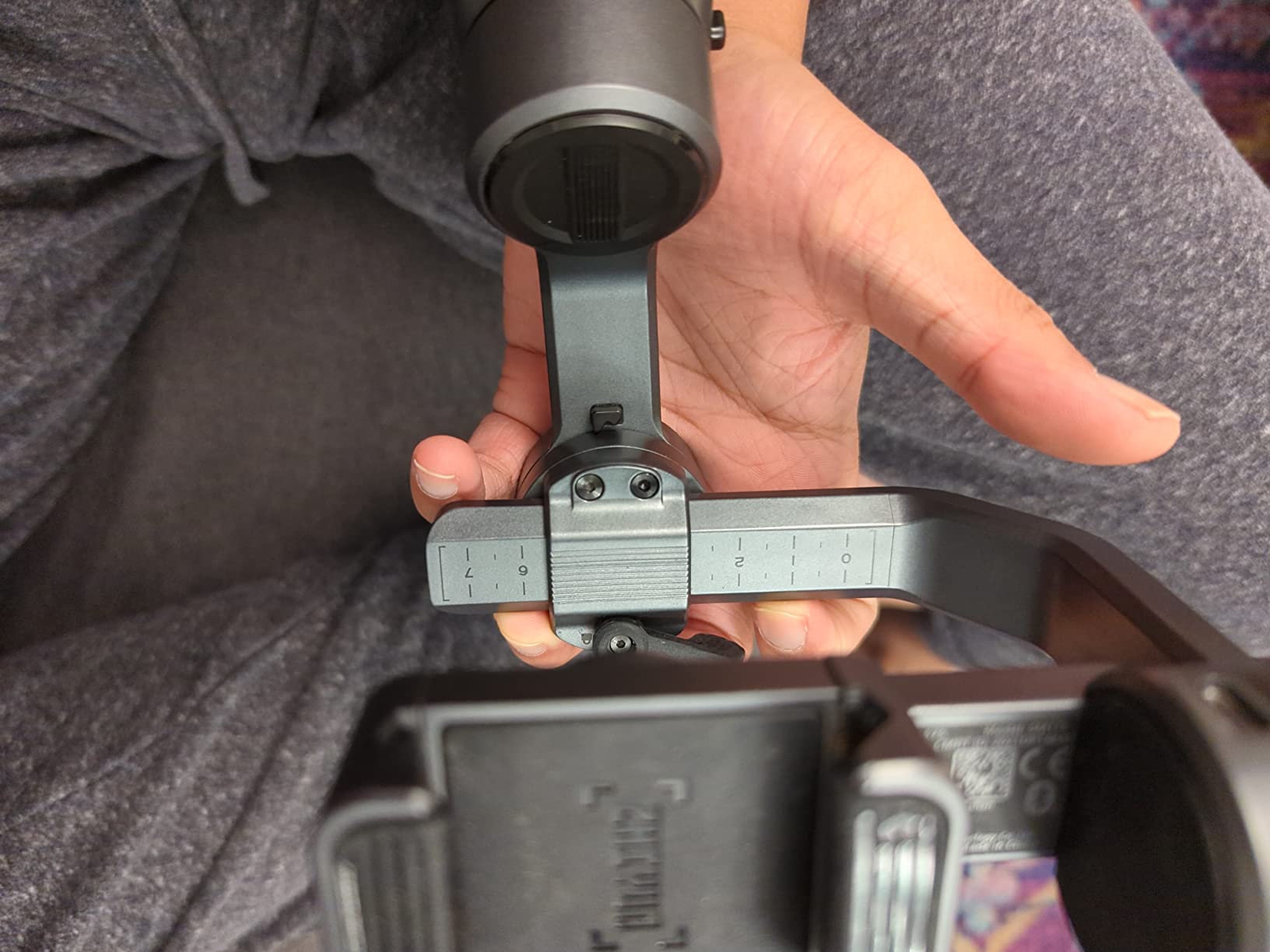
The ZHIYUN Smooth Q5 Ultra is a practical older-value option for someone who wants a fill light and extension rod without moving to a premium rig. The 215mm rod helps with selfies, overhead views, and wider travel compositions.
Its high-torque motor is listed to handle a 390g load, including a phone with a case or anamorphic lens. Battery life is stated at 13.5 hours under light use, dropping to 5.5 hours with the fill light on.
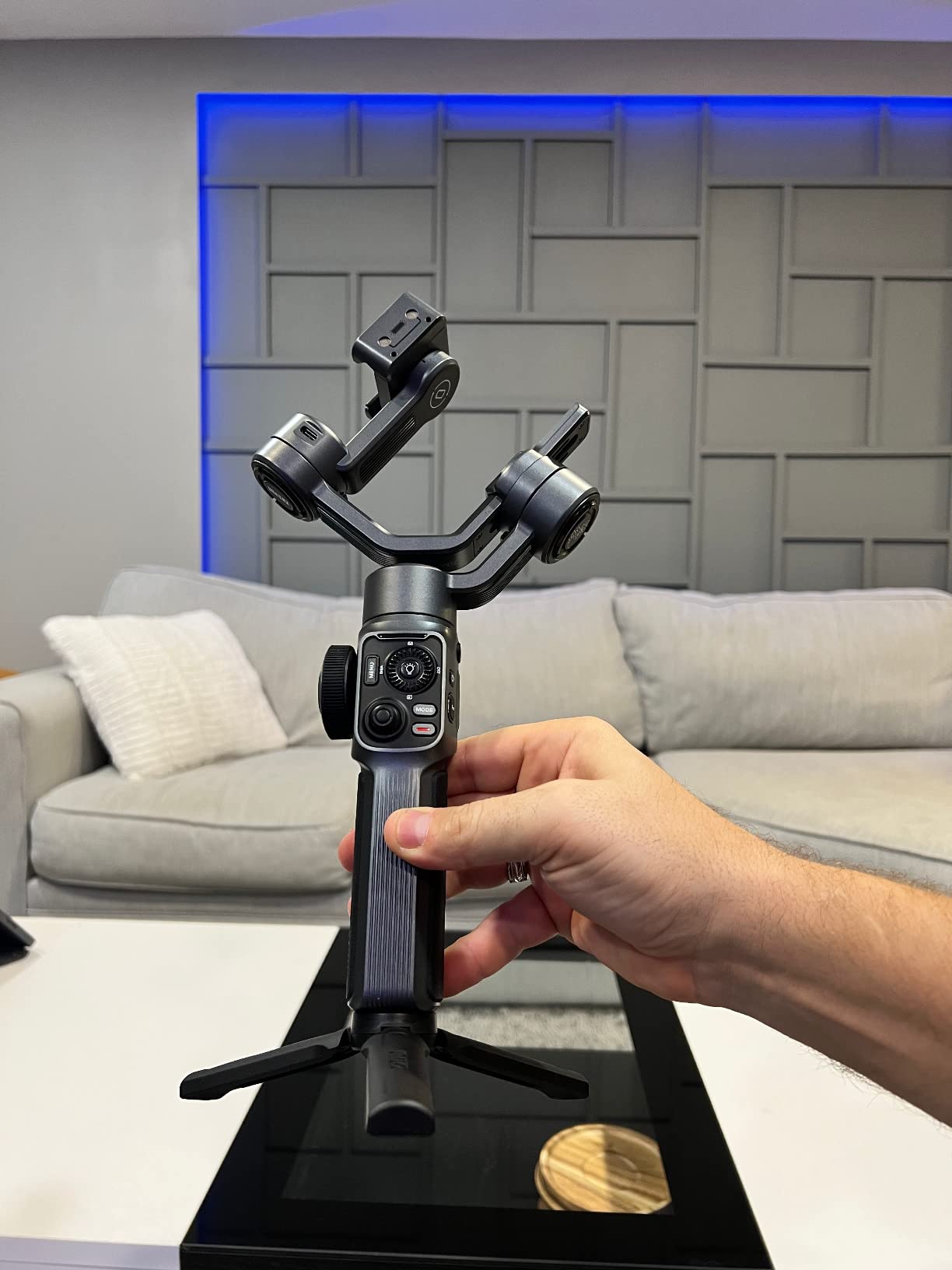
The one-touch landscape and portrait switch is convenient for social content. The hardware is solid, but the ZY Cami app, Bluetooth reconnection, and unclear instructions make the software experience less polished than the physical design.
I would read the manual before the first session, confirm that your Android phone reconnects reliably, and update the app. The gimbal can twitch or shut down if it is not preset correctly before power-on.
Is the Q5 Ultra a Good Budget Pick?
Yes, when you prioritize physical features over polished software. It is a sensible option for travel, vertical content, and creators who already use a ZHIYUN workflow.
The X3 SE is easier to recommend for beginners because its remote and app workflow are more clearly presented. The Q5 Ultra rewards a little troubleshooting in exchange for its rod, light, and motor capacity.
How to Choose the Best Smartphone Gimbal for Your Phone and Videos
A smartphone gimbal is a motorized handheld stabilizer that uses three brushless motors to correct movement in real time. It holds the phone balanced across pan, tilt, and roll axes, which is why it can produce smoother footage than a phone’s electronic stabilization during walking, turning, and tracking shots.
The right choice depends on your phone, your app, and the kind of movement you film. I would start with these criteria rather than choosing the model with the longest feature list.
Match Payload Capacity to Your Phone and Case
Payload capacity is the maximum weight the gimbal is designed to balance safely. A large iPhone Pro Max, Galaxy Ultra, thick case, or external lens can push a compact gimbal closer to its limit, causing drift, motor warnings, or a phone that slips.
Use the manufacturer limit as a ceiling, not a target. I prefer a little headroom and always rebalance after changing a case or adding a lens, microphone, or light.
Decide Whether Tracking Must Work Inside Your Camera App
Active tracking follows a selected face, person, or object while the gimbal pans to keep it framed. This is a major benefit for solo creators, but tracking quality depends on light, background complexity, and the app you use.
DockKit on the Insta360 Flow 2 Pro can track in more than 200 iOS apps, while the DJI Osmo Mobile 8 emphasizes direct phone tracking across common social apps. Hohem and ZHIYUN models often use their own tracking modules, and the original Insta360 Flow depends more heavily on the Insta360 app.
Compare Battery Life With Real Shooting Habits
Listed battery life usually assumes light use with stabilization and tracking at moderate settings. A fill light, reverse charging, cold weather, maximum phone brightness, or continuous tracking can reduce runtime.
For a normal vlogging day, nine to ten hours is usually enough, but a wedding or travel shoot benefits from the M6 Kit’s 18-hour claim or the Smooth 5S AI’s 26-hour claim. I still carry a power bank because phone charging drains a gimbal’s own battery.
Balance Portability Against Accessories
A gimbal should be light enough to carry and stable enough to hold with one hand. Compact models such as the OM 5 and Hohem X3 SE win here, while the M7 and Smooth 5S AI feel more like production tools.
Built-in tripods, extension rods, fill lights, and remote screens reduce the number of loose accessories in your bag. They also add weight, and the smallest tripods are not always steady on rough ground.
Check App Compatibility and Privacy
Some gimbals work well as mechanical stabilizers but reserve advanced controls for an app. Before buying, check whether your preferred camera app supports tracking, zoom, ProRes, Dolby Vision, and automatic camera controls.
I would also review app permissions and required account information. The Smooth 5S AI in particular has owner feedback about a complicated multi-app setup, while DJI and Hohem models require their companion apps for at least some features.
Use a Simple Setup Routine
Start by unfolding the gimbal, extending the arm fully, and centering the phone before tightening the clamp. Then connect the phone, check the level, select the slowest practical movement speed, and record a 20-second test before moving on to the real shot.
- Unfold the gimbal on a flat surface and power it on.
- Center the phone in the clamp and tighten it without covering buttons.
- Adjust the balance until the phone stays level when the motors sleep.
- Connect the phone with the supplied cable and open the required app.
- Test walking, panning, and tracking in bright light before filming.
- Carry a spare cable, power bank, and small support for longer shoots.
A gimbal cannot fix every movement. Walk with your knees soft, hold the grip close to your body, and use a slower, deliberate pace when you need the cleanest footage.
Smartphone Gimbals vs Built-In Phone Stabilization
Modern phones use electronic stabilization to crop and reposition the image, sometimes with very little visible quality loss. A gimbal is a better fit when you need physical pan and tilt movement, a consistent horizon, subject tracking, or a smooth shot that stays wide rather than relying on a crop.
Built-in stabilization is simpler, always available, and often better for casual walking footage. A phone gimbal becomes more useful when you are vlogging, filming a tutorial, following a subject, or moving from one location to another with the camera held low.
I would not buy a gimbal solely to correct a phone’s digital stabilization. I would buy one when its physical movement, tracking, extension rod, or remote control solves a problem your phone cannot solve by itself.
Frequently Asked Questions
What is the best gimbal for smartphone use?
The DJI Osmo Mobile 7P is the best all-round choice for most creators. It combines strong 3-axis stabilization, 10-hour battery life, an extension rod, tripod, native tracking, and support for DJI microphone reception. Choose the Insta360 Flow 2 Pro for Apple DockKit tracking in many iOS apps, or the Hohem iSteady X3 SE for a lower-cost starter option.
Who makes the best phone gimbal?
DJI makes the most balanced mainstream phone gimbals in this comparison, especially the Osmo Mobile 7P and Osmo Mobile 8. Insta360 is strongest for DockKit and subject tracking, Hohem offers long battery life and remote controls at several prices, and ZHIYUN appeals to creators who want more physical control and professional-style movements.
Are smartphone gimbals worth it?
Yes, a smartphone gimbal is worth it if you regularly film while walking, vlog alone, or need smooth pans and subject tracking. It is less necessary for stationary clips or casual phone video, because modern electronic stabilization already handles many situations. The value depends on how often you need physical movement and a consistent horizon.
What is the best gimbal for Android phones?
The DJI Osmo Mobile 7P is a strong Android choice because it supports Android phones and offers a mature 3-axis system, tracking, a rod, tripod, and phone charging. The Insta360 Flow is also compelling for Android creators who use its Deep Track system, while the Hohem X3 SE is a lower-cost option with a detachable remote.
How long do gimbal batteries last?
Smartphone gimbal battery life ranges from about 6.4 hours on the DJI OM 5 to 26 hours on the ZHIYUN Smooth 5S AI in the listed specifications. Real runtime is usually lower when you use a fill light, track continuously, or charge a phone from the gimbal. Carry a power bank for long events and travel days.
Final Verdict: Which Smartphone Gimbal Should You Buy?
If you want one dependable answer, buy the DJI Osmo Mobile 7P. It is the strongest balance of stabilization, native tracking, portability, battery life, and creator accessories, and its large review base makes it a safer all-round choice than a newer model with limited feedback.
Choose the DJI Osmo Mobile 8 when direct app tracking and 360-degree pan rotation are priorities. Choose the Insta360 Flow 2 Pro for iPhone DockKit workflows, the Hohem iSteady M6 Kit for long battery life, or the Hohem iSteady X3 SE when you want to spend less.
For the best smartphone gimbals in 2026, start with your phone weight, your preferred recording app, and the movement you actually need. That short list of honest constraints will lead you to a gimbal you will carry and use, rather than one that spends most of its life in a drawer.