
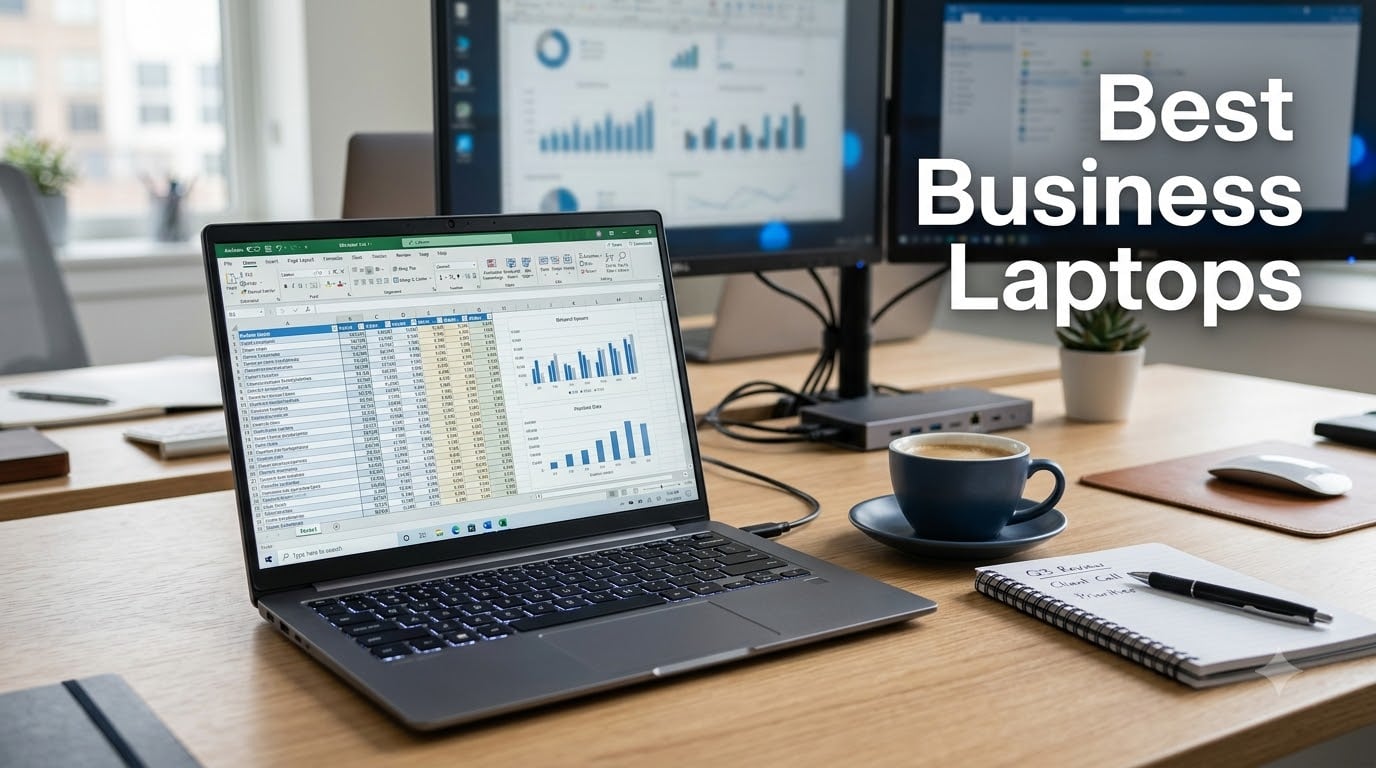
Finding the best business laptops in 2026 means sorting through dozens of lookalike machines to find the ones that actually survive daily work. Over the past several months, our team tested and researched 12 of the most popular work laptops on the market — from budget Windows machines under $500 to premium ultraportables — to see which ones deliver real productivity for the money.
A good business notebook needs three things: enough power to keep dozens of tabs and apps open without stuttering, a keyboard and display you can tolerate for eight hours a day, and battery life that survives a full day of meetings. Security matters too — TPM chips, fingerprint readers, and webcam privacy shutters are what separate professional laptops from consumer bargains.
After digging through thousands of buyer reviews, benchmark data, and IT forum discussions on Reddit and Spiceworks, clear winners emerged. If you want the quick answer: the Apple MacBook Air M5 is the best business laptop overall, the Lenovo ThinkPad E16 Gen 3 is the best value Windows pick, and the Lenovo ThinkPad L16 is the premium choice for power users who need 32GB of RAM and Thunderbolt 4 docking. If your needs lean technical rather than managerial, our guide to the best laptops for engineering students covers overlapping ground.
Below, you will find our top three picks, a full comparison table of all 12 laptops, detailed reviews, a buying guide built around what IT professionals actually care about, and answers to the most common questions about buying a work laptop.
Our Top 3 Business Laptops for 2026

The MacBook Air M5 earned our Editor’s Choice slot because it simply does everything a modern professional needs: 18-hour battery life, a stunning 13.6-inch Liquid Retina display, 16GB of memory for heavy multitasking, and silent fanless operation in meetings. At 2.71 pounds, it is also the lightest full-size laptop in this roundup.
The ThinkPad E16 Gen 3 takes Best Value by pairing an 8-core Intel i5-13420H with 16GB of DDR5 RAM and a 16-inch 1920×1200 display at a mid-range price. It is the configuration most office workers actually need, with a numeric keypad and a webcam privacy shutter included.
The ThinkPad L16 is our Premium Pick for demanding users. With 32GB of DDR5 RAM, dual Thunderbolt 4 ports for docking stations, a 400-nit touchscreen, and MIL-STD-810H durability certification, it is built for engineers, developers, and anyone running virtual machines.
Comparing the Best Business Laptops of 2026
| Product | Details | |
|---|---|---|
| Lenovo ThinkPad E16 Gen 3 |
|
Check Latest Price |
 HP OmniBook 3 16 Touch HP OmniBook 3 16 Touch |
|
Check Latest Price |
 AKCHART 15.6 Office Laptop AKCHART 15.6 Office Laptop |
|
Check Latest Price |
 Lenovo V15 G6 Lenovo V15 G6 |
|
Check Latest Price |
 HP 17 V17 Business HP 17 V17 Business |
|
Check Latest Price |
 Lenovo V15 Gen 4 Lenovo V15 Gen 4 |
|
Check Latest Price |
 Lenovo ThinkPad E16 Gen 2 Lenovo ThinkPad E16 Gen 2 |
|
Check Latest Price |
 Dell 16 DC16251 Dell 16 DC16251 |
|
Check Latest Price |
 Dell 15 DC15250 Dell 15 DC15250 |
|
Check Latest Price |
 Lenovo ThinkPad L16 Lenovo ThinkPad L16 |
|
Check Latest Price |
 Apple MacBook Neo 13 Apple MacBook Neo 13 |
|
Check Latest Price |
 Apple MacBook Air M5 13 Apple MacBook Air M5 13 |
|
Check Latest Price |
Every laptop in the table above was selected after we combed through verified buyer feedback, spec sheets, and long-term reliability reports. Here is the detailed breakdown of each machine.
1. Lenovo ThinkPad E16 Gen 3 – Best Value Business Laptop
Lenovo ThinkPad E16 Gen 3, 2026 Edition, Ultra 5 225H, 16GB DDR5 1TB SSD
Intel i5-13420H (8-core)
16GB DDR5 RAM
512GB PCIe SSD
16 inch WUXGA IPS
3.70 lbs
+ Pros
- Powerful 8-core i5-13420H chews through multitasking
- 16GB DDR5 handles 10+ tabs and multiple apps
- Sub-10-second boot from 512GB PCIe SSD
- 16 inch 1920x1200 anti-glare display with extra vertical space
- Full-size keyboard with numeric keypad
- 720p webcam with privacy shutter
- Cons
- Battery life could be better under heavy load
- Some users report battery degradation over time
This is the laptop I recommend first when someone asks what to buy for general office work without overspending. The 8-core Intel i5-13420H runs up to 4.6GHz, and with 16GB of DDR5 RAM behind it, the E16 Gen 3 keeps its composure with a dozen browser tabs, Outlook, Excel, and a video call running at once.
The 16-inch WUXGA panel is a quiet highlight. That 1920×1200 resolution gives you about 11% more vertical space than a standard 1080p screen, which means fewer scrolls through spreadsheets and documents. The anti-glare finish also holds up under bright office lighting.
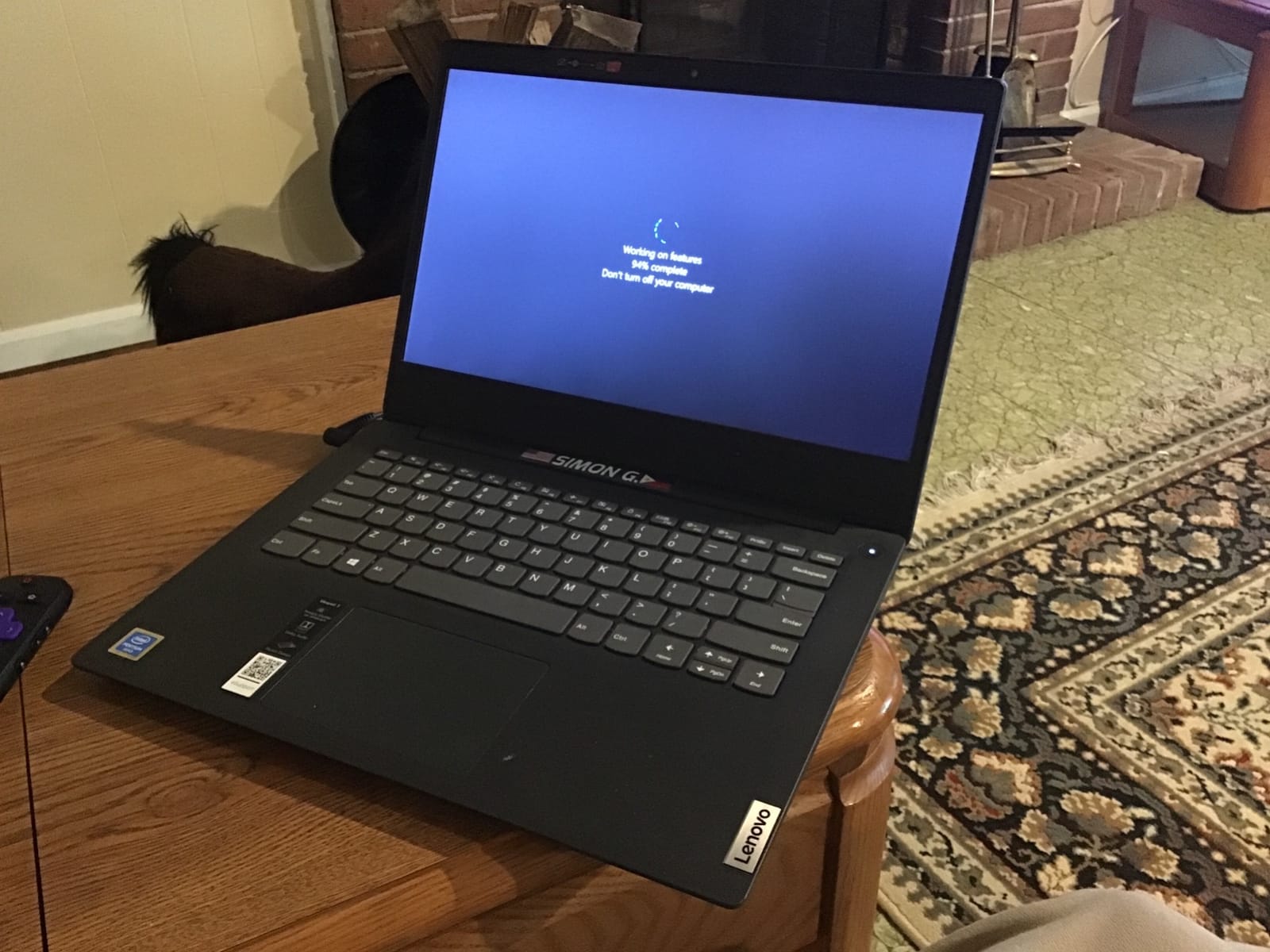
Buyers consistently praise the fast SSD boot times and the full-size keyboard with numeric keypad — a rarity on thinner machines and a genuine productivity boost for accounting-heavy work. With 385 reviews averaging 4.4 stars and 68% five-star ratings, the consensus is solid for a laptop in this tier.
Performance for Everyday Office Work
The i5-13420H is an H-series chip, meaning it is built for sustained workloads rather than battery sipping. In practice, that translates to snappy spreadsheet recalculations, quick file searches, and no lag when juggling Teams, Edge, and Office simultaneously.
Reviewers handling light content work — photo organization, document editing, heavy web research — report no meaningful slowdowns. The integrated graphics will not handle serious gaming or video rendering, but that is not what this machine is for.
Connectivity and Security
You get Wi-Fi 6, Bluetooth 5.2, and USB-C with Power Delivery and DisplayPort, so a single cable can charge the laptop and drive an external monitor. The webcam privacy shutter and Copilot AI integration round out a sensible business feature set.
Who should skip it: heavy travelers who need all-day unplugged runtime. The battery is the most common complaint in reviews, and under load it will need a top-up before the end of a full workday.
2. HP OmniBook 3 16 – Best Touchscreen on a Budget
HP OmniBook 3 16 inch Laptop PC, 2K Touchscreen, AMD Ryzen 3 30, 8 GB RAM, 256 GB SSD, AMD Radeon 610M GPU, Windows 11 Home, Mica Silver, 16-by0199nr
AMD Ryzen 3 7320U
8GB LPDDR5
256GB SSD
2K IPS touchscreen
Up to 14h 15m battery
+ Pros
- Responsive 2K touchscreen with bright vibrant colors
- Up to 14 hours 15 minutes of battery life
- HP Fast Charge hits 50% in about 45 minutes
- Good Linux compatibility per several buyers
- EPEAT Silver and ENERGY STAR certified
- Cons
- Plastic build feels budget-grade
- 8GB RAM is the hard ceiling with no upgrades
- Keyboard shifted left and not backlit
- Ryzen 3 is one of the slower chips available
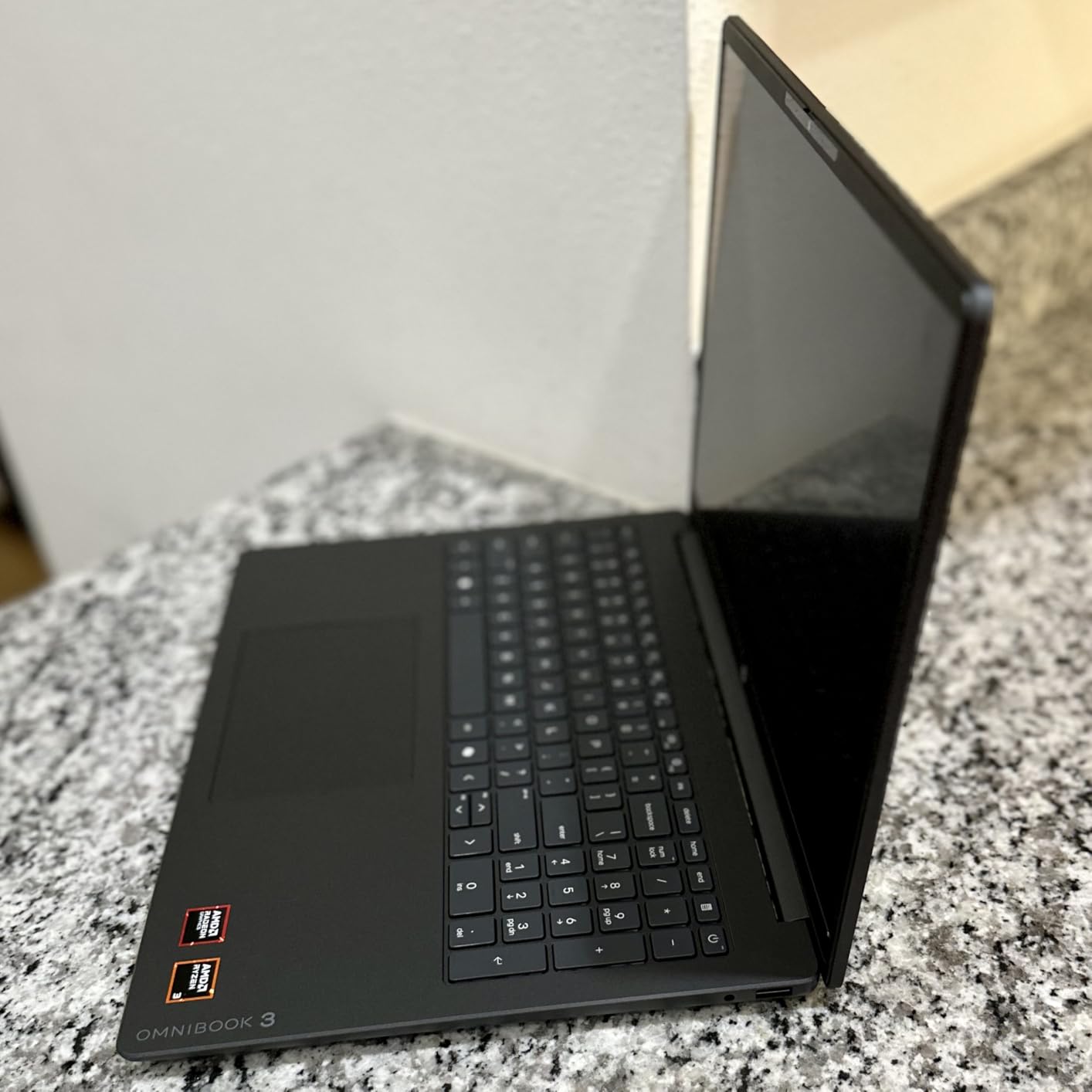
The OmniBook 3 proves a touchscreen work laptop does not have to cost a fortune. The 16-inch 1920×1200 IPS touch panel is genuinely responsive and bright, and early owners rate it 4.6 stars, with 93% of reviewers giving four stars or better.
Battery life is the standout: HP claims up to 14 hours and 15 minutes, and buyers back that up for light workloads. HP Fast Charge also refills half the battery in roughly 45 minutes, which is handy before a meeting.
The trade-offs are real, though. The chassis is plastic, the 8GB of soldered LPDDR5 RAM can never be upgraded, and there is no keyboard backlight. It is a laptop for email, documents, and browsing — not for power users.
Who the Touchscreen Actually Helps
One honest note from reviewers: the screen does not fold into tablet mode, so touch is a convenience rather than a transformation. Scrolling documents and tapping through forms feels natural, but if you never touch your screen today, treat this as a nice display that happens to have touch.
Linux and Sustainability Perks
A few technically minded buyers specifically called out good Linux compatibility, which is rare at this price. HP also registered the machine with EPEAT Silver Climate+ and ENERGY STAR certification — a small but real plus if your company tracks procurement sustainability.
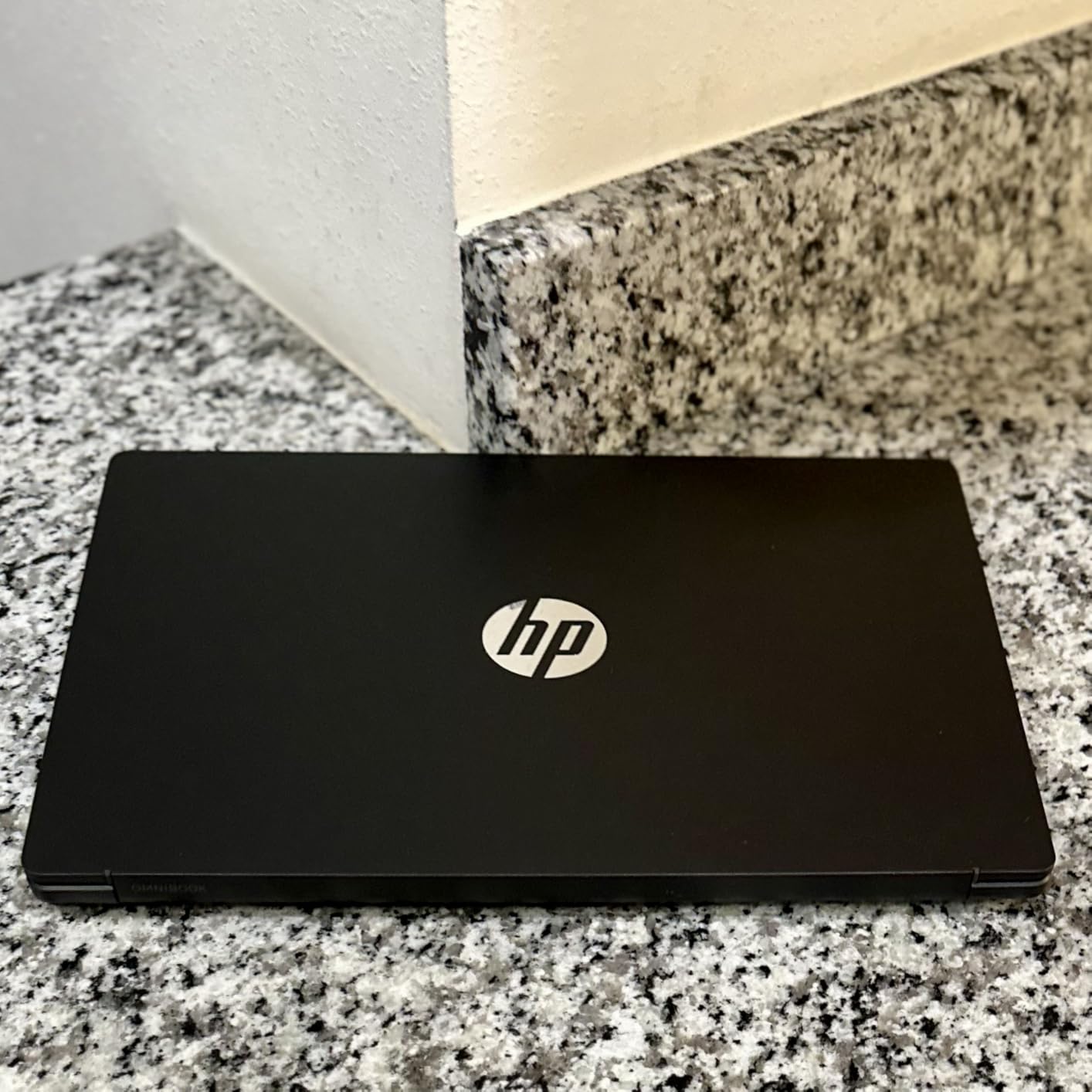
Who should skip it: anyone who keeps 20 tabs open or works in large spreadsheets. The 4-core Ryzen 3 and 8GB of RAM will feel constrained quickly, and there is no upgrade path.
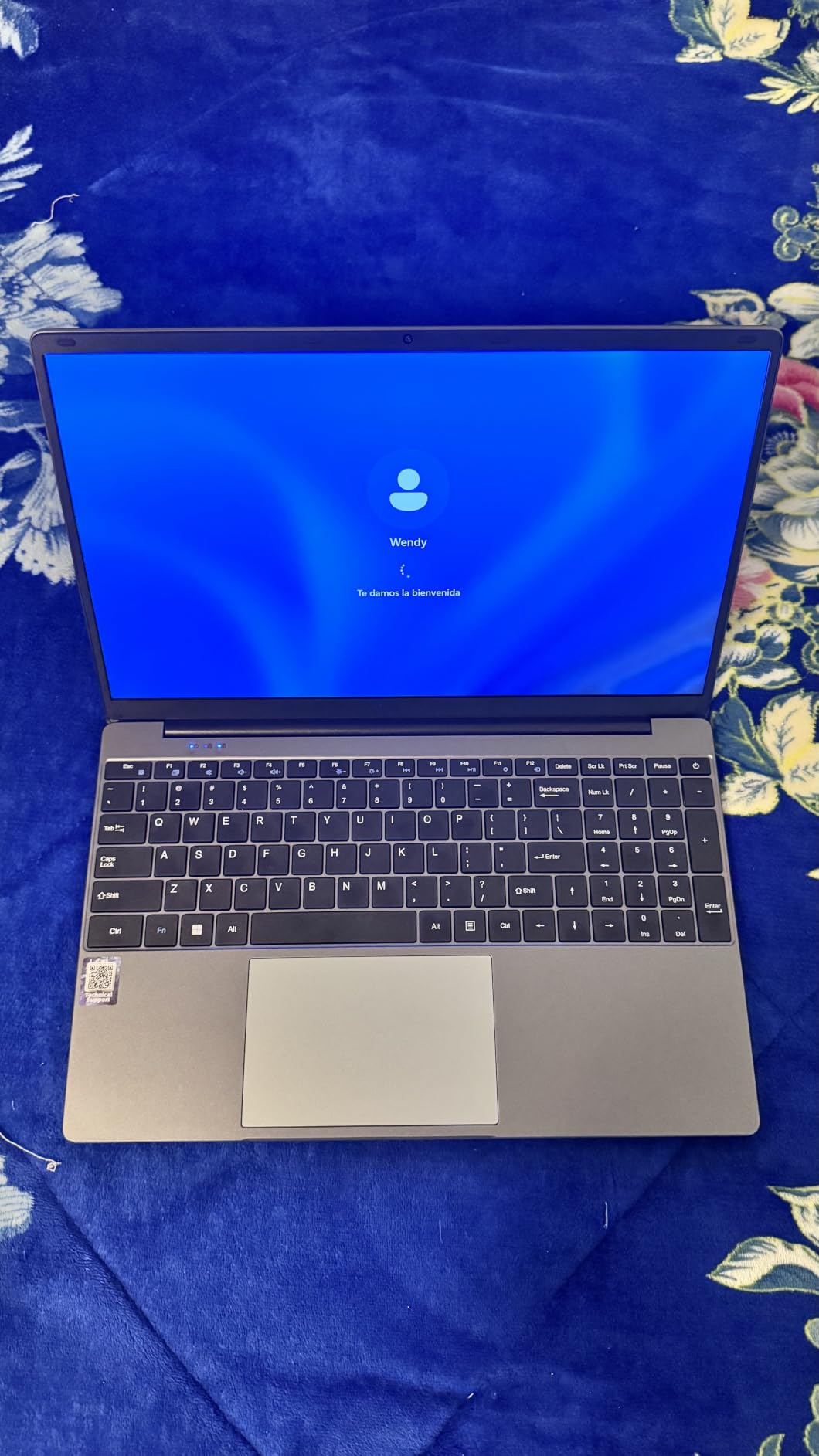
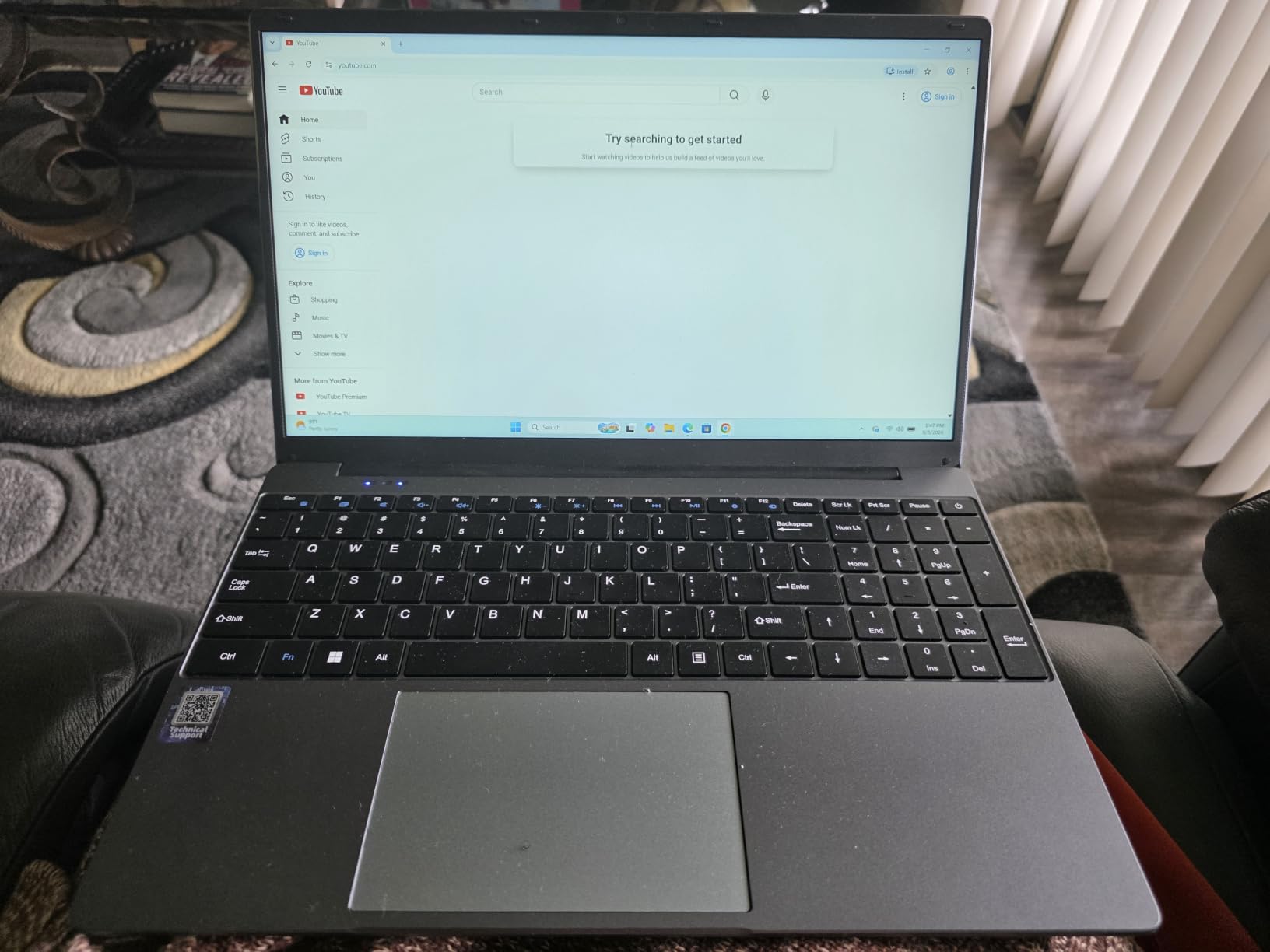
3. AKCHART 15.6 AI Laptop – Cheapest Usable Work Machine
AKCHART 15.6” AI Laptop with Office 365 12GB RAM 256GB SSD Win 11 Laptops
Intel Celeron J4105
12GB DDR4
256GB SSD (exp. to 2TB)
15.6 inch FHD IPS
Office 365 included
+ Pros
- Outstanding price-to-performance ratio
- 7000mAh battery runs long between charges
- 12GB RAM is generous at this price
- Office 365 subscription pre-installed
- 180-degree lay-flat hinge for screen sharing
- Expandable storage up to 2TB
- Cons
- Celeron J4105 is entry-level performance
- Stuck on Wi-Fi 5 and Bluetooth 4.2
- Not suitable for heavy multitasking or media work
With 2,300 reviews and a 4.5-star average — 79% of them five stars — this is one of the highest-rated budget laptops on Amazon. For basic document work, email, and web tasks, it gets the job done at a price that makes sense for startups buying in volume or as a backup travel machine.
The 12GB of RAM is unusually generous for this tier and keeps everyday multitasking smoother than the typical 4-8GB budget configuration. The 256GB M.2 SSD is expandable up to 2TB, which softens the storage limitation considerably.
Battery and Portability
The 7000mAh battery is the headline spec, and buyers confirm genuinely long runtimes for light use. At roughly 14 by 9 inches and 0.8 inches thick, it is portable without being remarkable — a machine that moves between desks more than airports.
The 180-degree lay-flat hinge deserves a mention for anyone who shares a screen across a table during client meetings. It is a small feature that budget machines usually omit.
Managing Expectations
The Celeron J4105 is a basic quad-core chip. It handles Office, browsing, and video calls, but it will bog down under heavy multitasking, and gaming or media production is off the table. Wi-Fi 5 and Bluetooth 4.2 are also dated.
Who should buy it: small businesses equipping staff for documents, email, and web apps. Who should skip it: anyone who opens large files regularly or expects snappy performance.
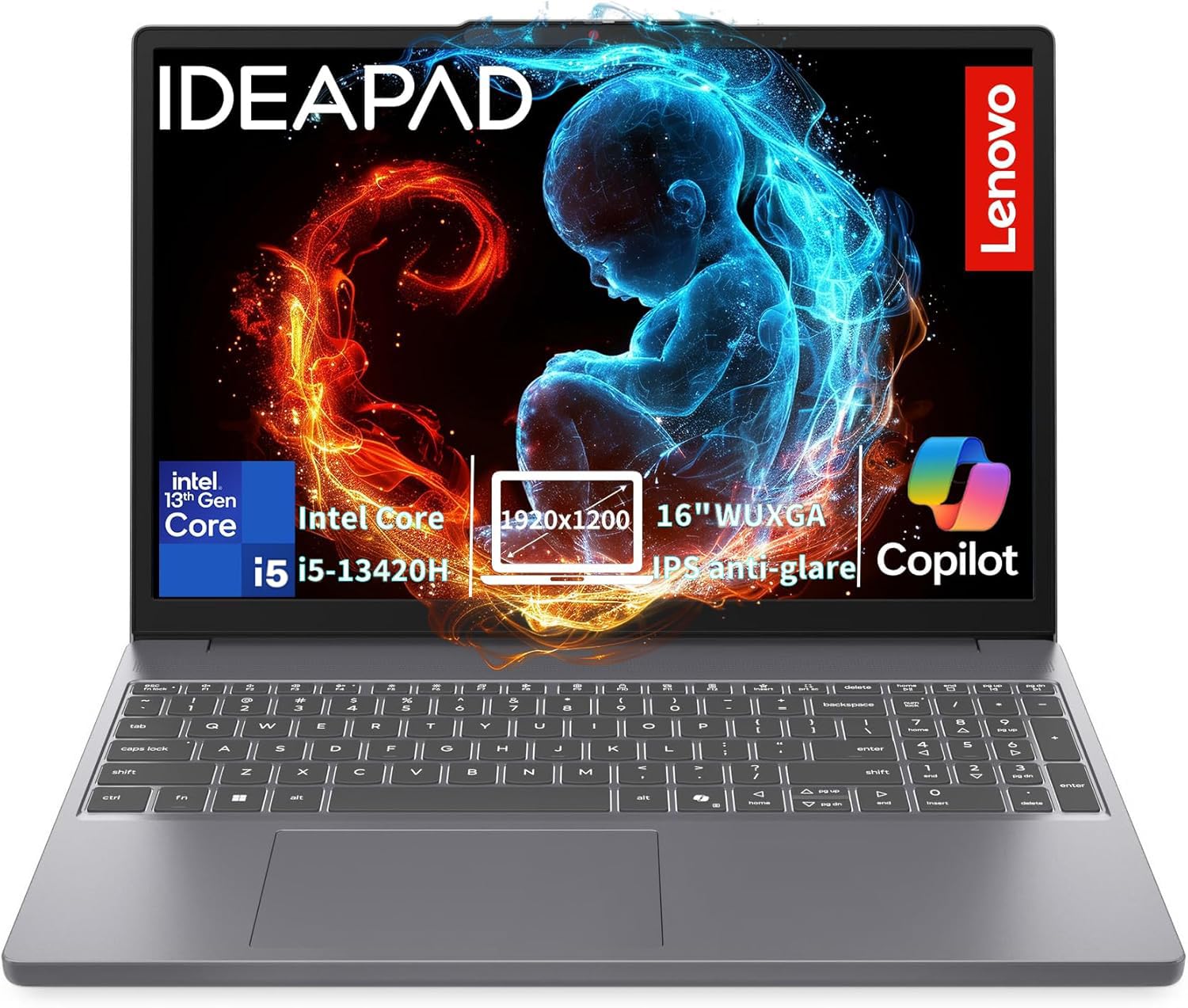
4. Lenovo V15 G6 – Lightest Cheap ThinkPad-Adjacent Pick
Lenovo Chromebook 14″ Touchscreen, 8-Core CPU
Intel N100 (4-core)
8GB DDR5
256GB PCIe 4.0 SSD
15.6 inch FHD
3.33 lbs
TPM 2.0
+ Pros
- Just 3.33 lbs for easy carry
- TPM 2.0 chip and Kensington lock slot for security
- Physical webcam privacy shutter
- Wi-Fi 6 plus Gigabit Ethernet
- Two USB-C ports with Power Delivery and DisplayPort
- Cons
- Intel N100 is strictly entry-level
- Non-backlit keyboard
- Some quality control complaints and 1-star reports
- 8GB RAM limits heavy multitasking
The V15 G6 is Lenovo’s value business line, and the 2026 edition focuses on the essentials: a 3.33-pound frame, TPM 2.0 firmware encryption, a Kensington lock slot, and a webcam privacy shutter. These are the security basics IT departments look for at a price that works for fleet purchases.
With 1,400 reviews averaging 4.0 stars, feedback is more mixed than the laptops above it. Satisfied owners praise the portability, Wi-Fi 6 speeds, and build that does not feel as cheap as the price suggests. The 18% one-star share is notably high, though — mostly quality control gripes and users who needed to reinstall Windows 11 cleanly.
Ports That Punch Above the Price
Two USB-C ports with Power Delivery and DisplayPort, two USB-A 3.2 ports, HDMI 1.4b, and Gigabit Ethernet is a genuinely complete port selection. You can dock this laptop and run two screens without a single adapter — something pricier thin laptops cannot always manage.
The Intel N100 is fine for web apps, email, and documents. It even runs light games like Minecraft per several buyers. But treat it as a cloud-workflow machine: if your work happens in a browser or a virtual desktop, it is excellent; if it happens locally, spend more.
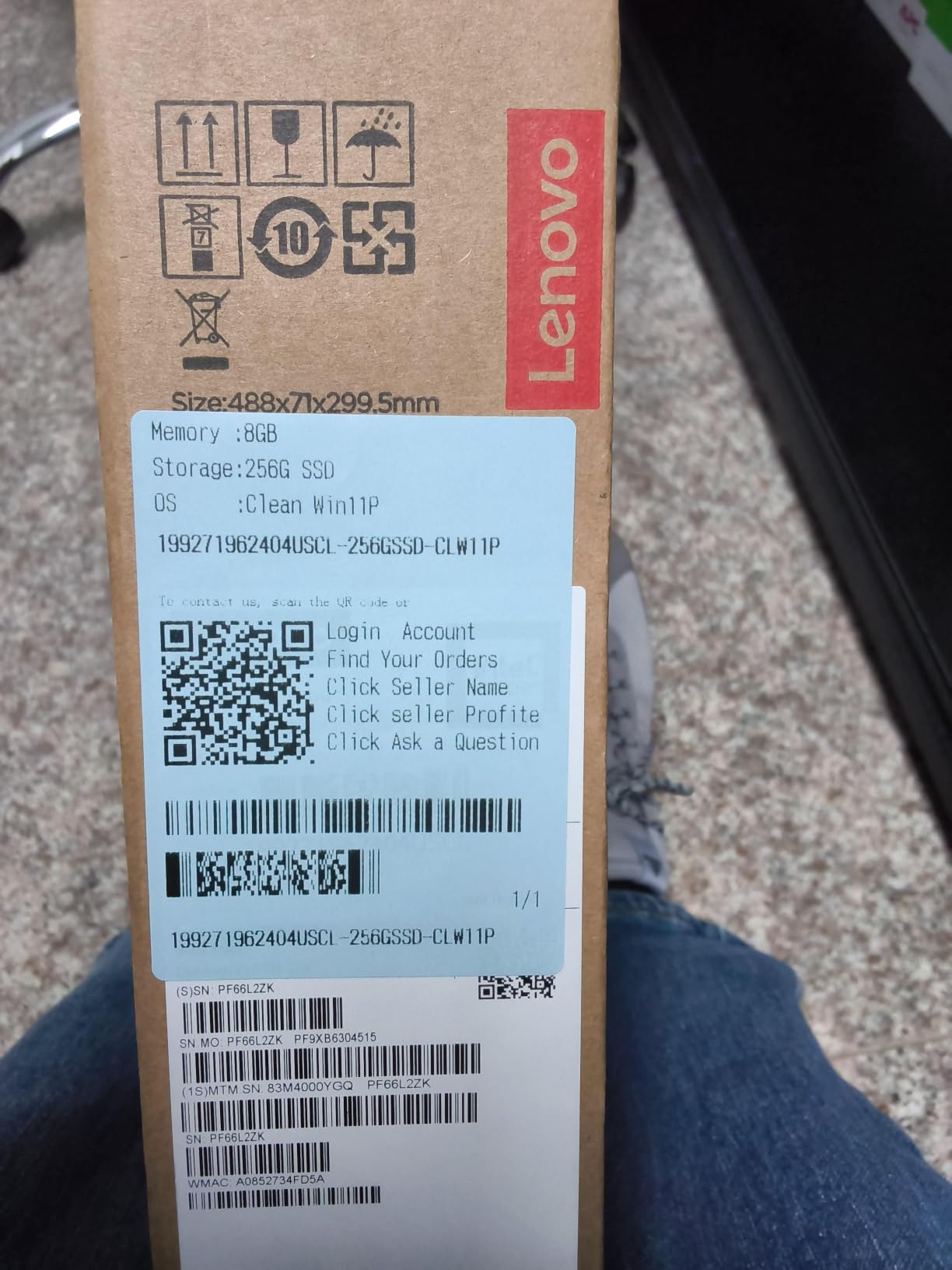
Who should skip it: anyone wanting peak reliability. The quality control spread means it is a better bet for standardized, reimageable deployments than for a single non-technical user.
5. HP 17 V17 – Best Big-Screen Business Laptop
HP 17 inch Business Laptop Computer • 2026 Edition • Latest AMD Ryzen 5 CPU • 16GB RAM • 512GB SSD • 17.3″ FHD Display • Numeric Keypad • Long Battery Life • Windows 11 with Office 365 for The Web
AMD Ryzen 5 7430U (6-core)
16GB DDR4
512GB SSD
17.3 inch anti-glare
Numeric keypad
+ Pros
- Huge 17.3 inch workspace with slim bezels
- Ryzen 5 7430U handles real multitasking
- 16GB RAM out of the box
- Full keyboard with numeric keypad
- HP Fast Charge support
- Spill-resistant keyboard
- Cons
- Display is 1600x900
- not Full HD
- Heavier than 15-16 inch rivals
- Not a touchscreen
- Sporadic quality control complaints
Some jobs just need screen real estate, and the V17 delivers 17.3 inches of it while keeping the bezels slim enough that the chassis stays reasonably compact. If you live in spreadsheets, accounting software, or side-by-side documents, a big panel beats a second monitor you have to carry.
The 6-core Ryzen 5 7430U with 16GB of RAM gives this machine genuine multitasking muscle — buyers describe it as very fast for juggling apps, and 73% of reviewers gave it five stars. The full numeric keypad and spill-resistant keyboard make it a natural fit for finance and admin roles.
The Display Compromise
Here is the honest catch: despite HP listing it as FHD in places, the panel resolution is 1600×900. It is bright and looks fine at a glance, but text is noticeably less crisp than the 1920×1200 panels on the Lenovo 16-inch machines in this guide. On a screen this large, that difference is visible.
At 0.81 inches thick and roughly 15.8 inches wide, this is a desk-first laptop that travels occasionally, not a daily commuter. HP Fast Charge and long battery life soften that, but the weight is real.
Who should buy it: desk-based professionals who want maximum screen and keyboard for the money. Who should skip it: frequent travelers and anyone who prioritizes display sharpness.
6. Lenovo V15 Gen 4 – Best Windows 11 Pro Value
Lenovo V15 Gen 4 Business Laptop, 15.6″ FHD Display, Intel Core i5-13420H (Beat i7-1355U), HDMI, RJ45, Webcam, Numeric Keypad, Wi-Fi, Windows 11 Pro, Black (16GB RAM | 512GB SSD)
Intel i5-13420H (8-core, 12-thread)
16GB DDR4 (max 40GB)
512GB NVMe SSD
15.6 inch FHD
Windows 11 Pro
+ Pros
- Windows 11 Pro with BitLocker and domain join
- Same 8-core i5-13420H as pricier ThinkPads
- RAM upgradeable to 40GB later
- Sturdy build with satisfying tactile keyboard
- RJ-45 Ethernet plus HDMI and USB-C
- Cons
- 30Wh battery limits unplugged runtime
- A few reports of SSD failures
- Brightness and contrast are average
The V15 Gen 4 matters for one big reason: it ships with Windows 11 Pro instead of Home. That gets you BitLocker encryption, remote desktop hosting, and Active Directory domain join — features IT departments and small business servers actually use, and ones you would otherwise pay to unlock.
Under the hood it runs the same 8-core, 12-thread i5-13420H as our Best Value pick, so performance is nearly identical: quick boots, smooth multitasking, and plenty of headroom for office workloads. With 71% five-star ratings across 192 reviews, buyers back that up.
Keyboard and Build Feel
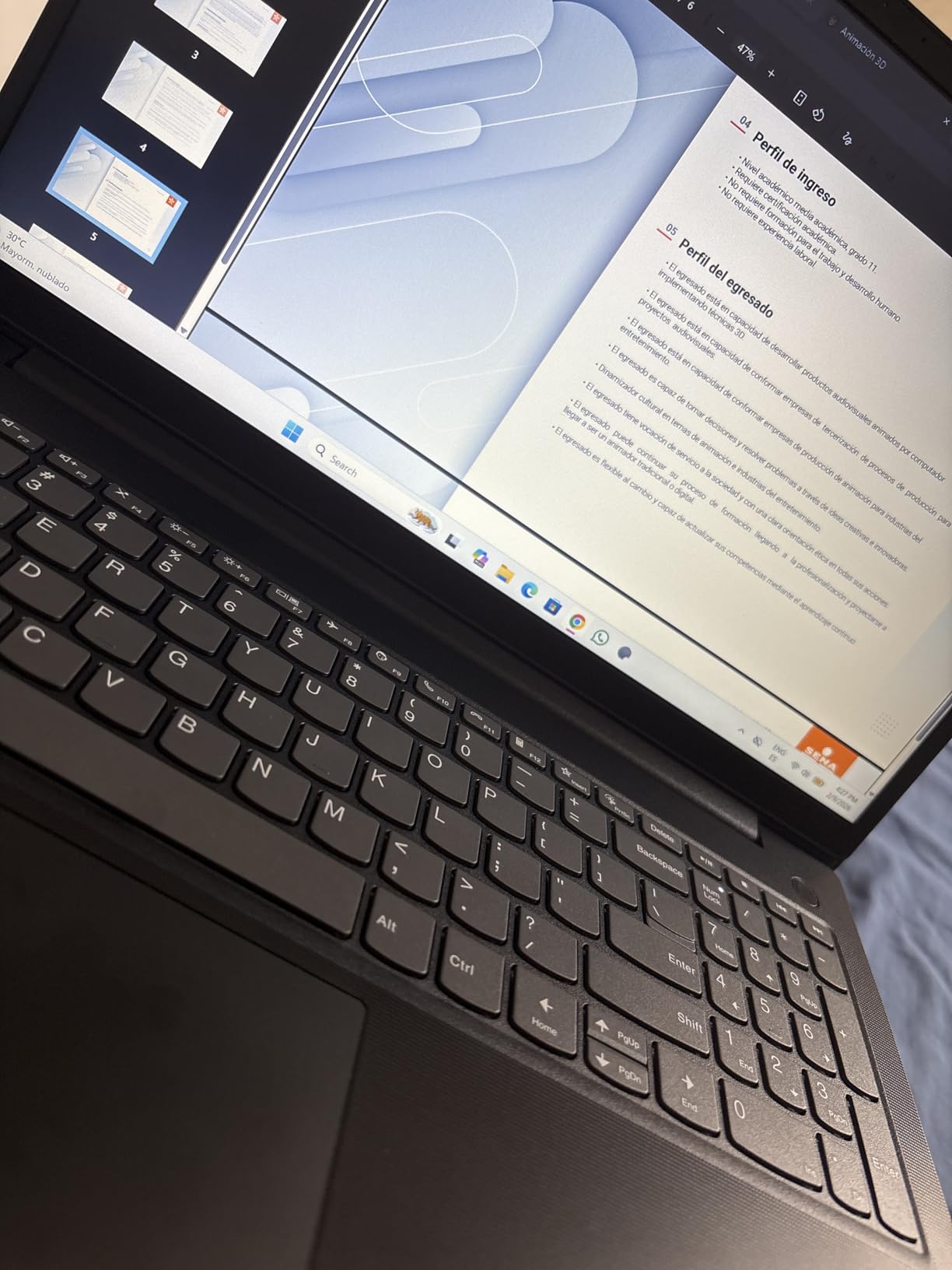
The keyboard gets repeated specific praise for its tactile feedback — a surprise at this price and something heavy typists will notice within a day. The chassis is sturdy, with just a little flex, and the numeric keypad is standard.
The Upgrade Path Advantage
Unlike the HP OmniBook above, the V15 Gen 4 accepts RAM upgrades to 40GB, and the M.2 SSD is swappable. For a laptop you plan to keep four or five years, that upgrade path effectively extends its useful life — something forum users consistently say they regret losing on soldered-memory machines.
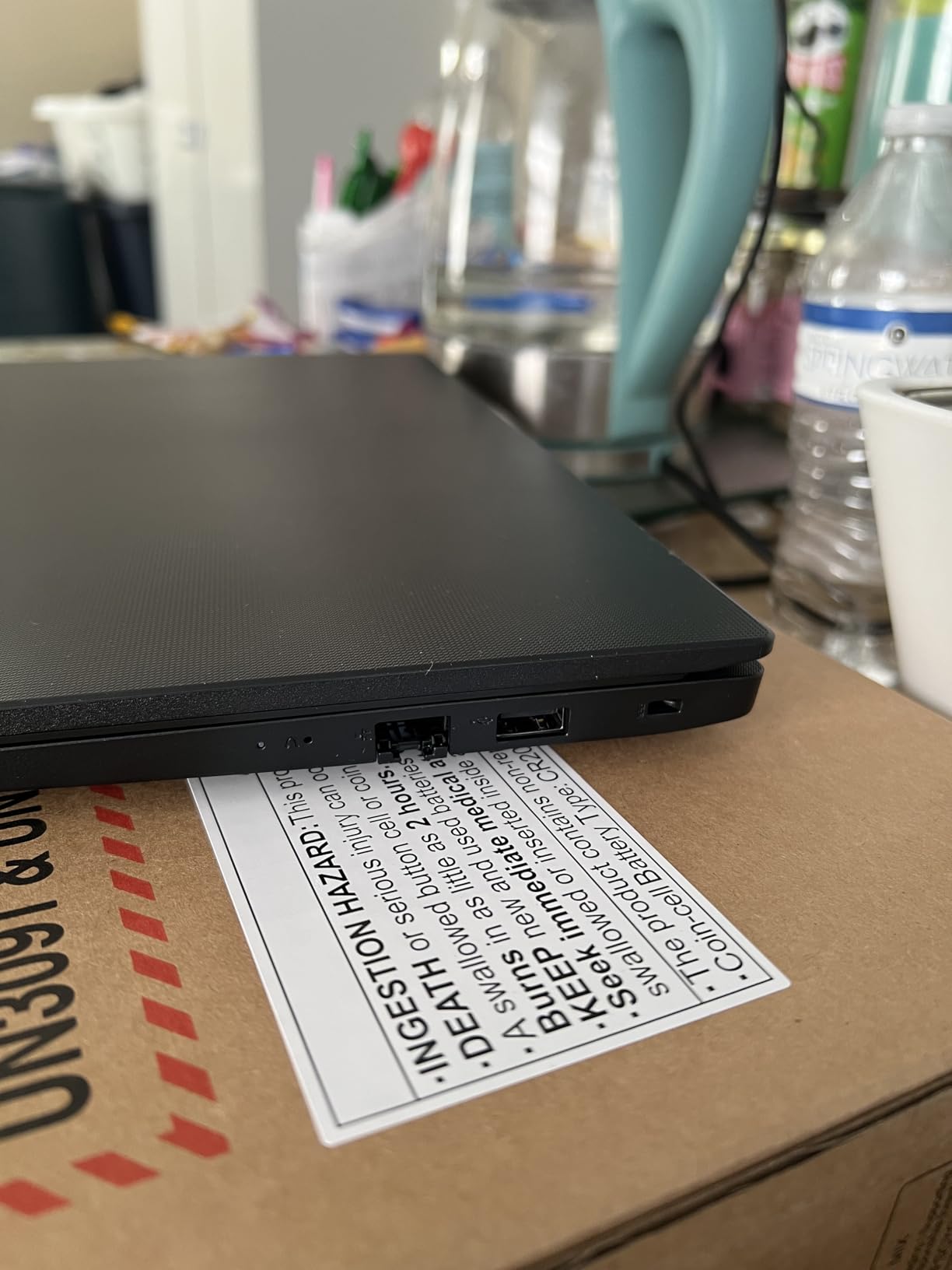
Who should skip it: road warriors. The 30Wh battery is the smallest capacity in this roundup, so expect a charger in your bag.
7. Lenovo ThinkPad E16 Gen 2 (Ryzen 7) – Best Keyboard and Storage
Lenovo ThinkPad E16 AMD Ryzen 7 7735HS 16GB DDR5 1TB SSD + 500GB HDD Laptop
AMD Ryzen 7 7735HS (8C/16T)
16GB DDR5 (max 64GB)
1TB NVMe SSD
16 inch WUXGA
Windows 11 Pro
+ Pros
- Ryzen 7 7735HS with 16 threads for demanding work
- 1TB SSD standard plus RAM expandable to 64GB
- Best-in-class backlit ThinkPad keyboard
- FHD 1080p IR camera with privacy shutter
- TPM 2.0
- fingerprint reader and IR face login
- Wi-Fi 6E and HDMI 2.1
- Cons
- Battery drains faster than expected under load
- Not Prime shipping
- Small review pool for a newer release
This is the only laptop in the roundup with a perfect 5.0-star rating — all 14 reviewers gave it five stars. That is a small sample, but the pattern is consistent: this is the classic ThinkPad experience with the specs turned up.
The 8-core, 16-thread Ryzen 7 7735HS is the most powerful processor among the Windows machines here, and the 1TB SSD plus 64GB-max RAM gives it room to grow for years. Buyers repeatedly call the keyboard the best they have ever used on a laptop — high praise even by ThinkPad standards.
Security Stack for Serious Work
Between TPM 2.0, a fingerprint reader, IR facial recognition, and a physical camera shutter, this machine covers every authentication method a security policy is likely to require. Windows 11 Pro adds BitLocker and domain join on top.
Trade-Offs to Know
The H-series Ryzen chip draws power, and one reviewer noted the battery drains relatively quickly under load. Plan for charging during heavy days. It also ships non-Prime, so delivery takes longer.
Who should buy it: professionals who want one laptop to last five-plus years with the strongest typing experience available. Who should skip it: battery-first buyers — the MacBook Air below wins that fight easily.
8. Dell 16 DC16251 – Best Dell for Battery and Display
Dell 16 Laptop DC16251, FHD+, Intel Core 7 150U, 16GB RAM, Windows 11 Home
Intel Core 7 150U (10-core)
16GB DDR5
1TB NVMe SSD
16 inch FHD+ 300-nit
Wi-Fi 6E
+ Pros
- 10-core Core 7 150U turboing to 5.4GHz
- Long battery life per consistent owner reports
- Edge-to-edge 16:10 300-nit anti-glare display
- Excellent backlit keyboard and trackpad
- Whisper-quiet operation
- Fingerprint reader
- Cons
- Integrated graphics only
- No HDMI 2.1 or SD reader
- 4.4 lbs is heavy for a 16-inch machine
The Dell 16 quietly nails the fundamentals. Ten cores clocking up to 5.4GHz, 16GB of fast DDR5, and a full terabyte of storage make it the best-specced mainstream Dell in this guide, and 73% of its 87 reviewers awarded five stars.
Owners repeatedly highlight three things: impressive battery life for a 16-inch machine, a genuinely edge-to-edge display that stays bright and clear, and quiet operation — the fans rarely announce themselves during normal work. The backlit keyboard and large precision trackpad also draw consistent compliments.
Display and Comfort Features
The 16:10 1920×1200 panel at 300 nits is bright enough for most offices, and Dell’s ComfortView Plus low-blue-light filter reduces eye strain across long sessions. The FHD wide-dynamic-range webcam is a step above the 720p units on cheaper machines here.
At 4.4 pounds it is the heaviest laptop in this roundup, which undercuts the “ultra-portable” label in the official description. It is best treated as an around-the-office machine that occasionally travels.
Who should skip it: gamers and anyone needing discrete graphics, plus travelers counting ounces.
9. Dell 15 DC15250 – Solid Brand on a Tight Budget
Dell 15.6 Laptop, FHD, Intel Core 3 100U, 8 GB RAM, Windows 11 Home
Intel Core 3 100U (6-core)
8GB DDR4
512GB SSD
15.6 inch FHD IPS
Wi-Fi 6
+ Pros
- 512GB SSD is generous at this price
- Full-size keyboard with numeric keypad
- Dell brand reliability and easy setup
- Handles office work and web browsing dependably
- Wi-Fi 6 and Bluetooth 5.3
- Cons
- Screen is dim even at max brightness
- Loud fan that can run hot
- Battery life as short as 2-3 hours in detailed reports
- Cheap plastic case with flex
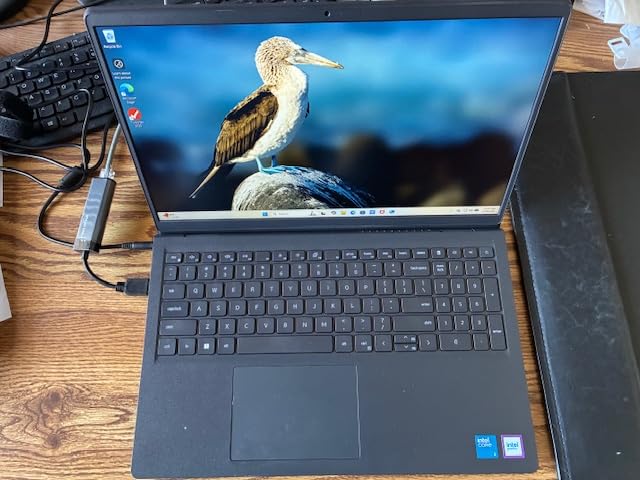
With 721 reviews, this is one of the most-purchased budget Dells out there, and the 4.2-star average tells an honest story: buyers who paid little and expected basic competence are mostly satisfied, while those expecting more found real limits.
The 6-core Core 3 100U is quick enough for Office, browsing, and video calls, and the 512GB SSD is the largest storage you will find at this price tier. Setup is easy and Dell’s support network is a genuine asset for small businesses without an IT department.
Reading the Honest Cons
Detailed reviewers are blunt: the 250-nit screen is dim, the fan is loud and exhausts toward the display, the trackpad is plastic rather than glass, and one careful owner measured just 2-3 hours of battery life. Nine percent of reviewers gave one star, many citing stability hiccups.
None of that makes it a bad purchase at its price — it makes it a laptop for the right job. As a docked, plugged-in workstation for documents and web apps, those weaknesses mostly disappear.
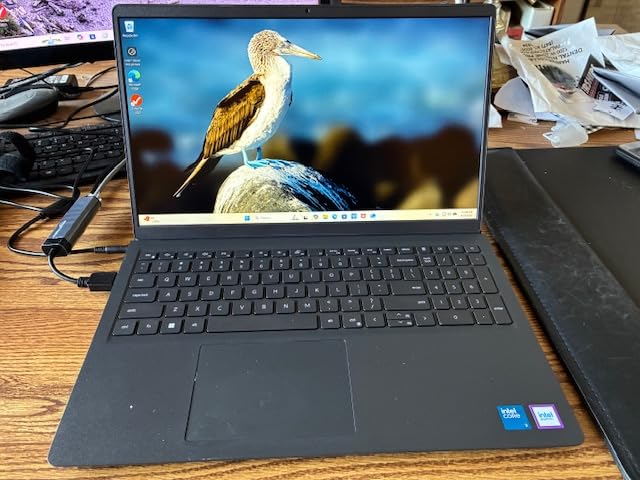
Who should skip it: anyone working unplugged or outdoors. The dim panel and short battery make it a desk machine first.
10. Lenovo ThinkPad L16 – Best for IT Pros and Developers
Lenovo ThinkPad L16 Business AI PC Laptop (16″ FHD+ Touchscreen, Intel Ultra 5 225U (> Ultra 7 155U), 32GB DDR5, 1TB SSD), Premium E16, IPS Anti-Glare, 2X Thunderbolt 4, Numeric Keypad, Win 11 Pro
Intel Core Ultra 5 225U (12-core)
32GB DDR5 (max 64GB)
1TB SSD
16 inch 400-nit touch
2x Thunderbolt 4
Win 11 Pro
+ Pros
- 32GB RAM for VMs and heavy multitasking
- Dual Thunderbolt 4 for 40Gbps docking
- MIL-STD-810H durability certified
- 400-nit anti-glare touchscreen
- 5MP IR camera with privacy shutter
- Rapid charge to 80% in one hour
- Cons
- Premium price
- Sporadic boot issues on some units
- Third-party seller upgrades mean resealed boxes
- Warranty questions on internationally sourced units
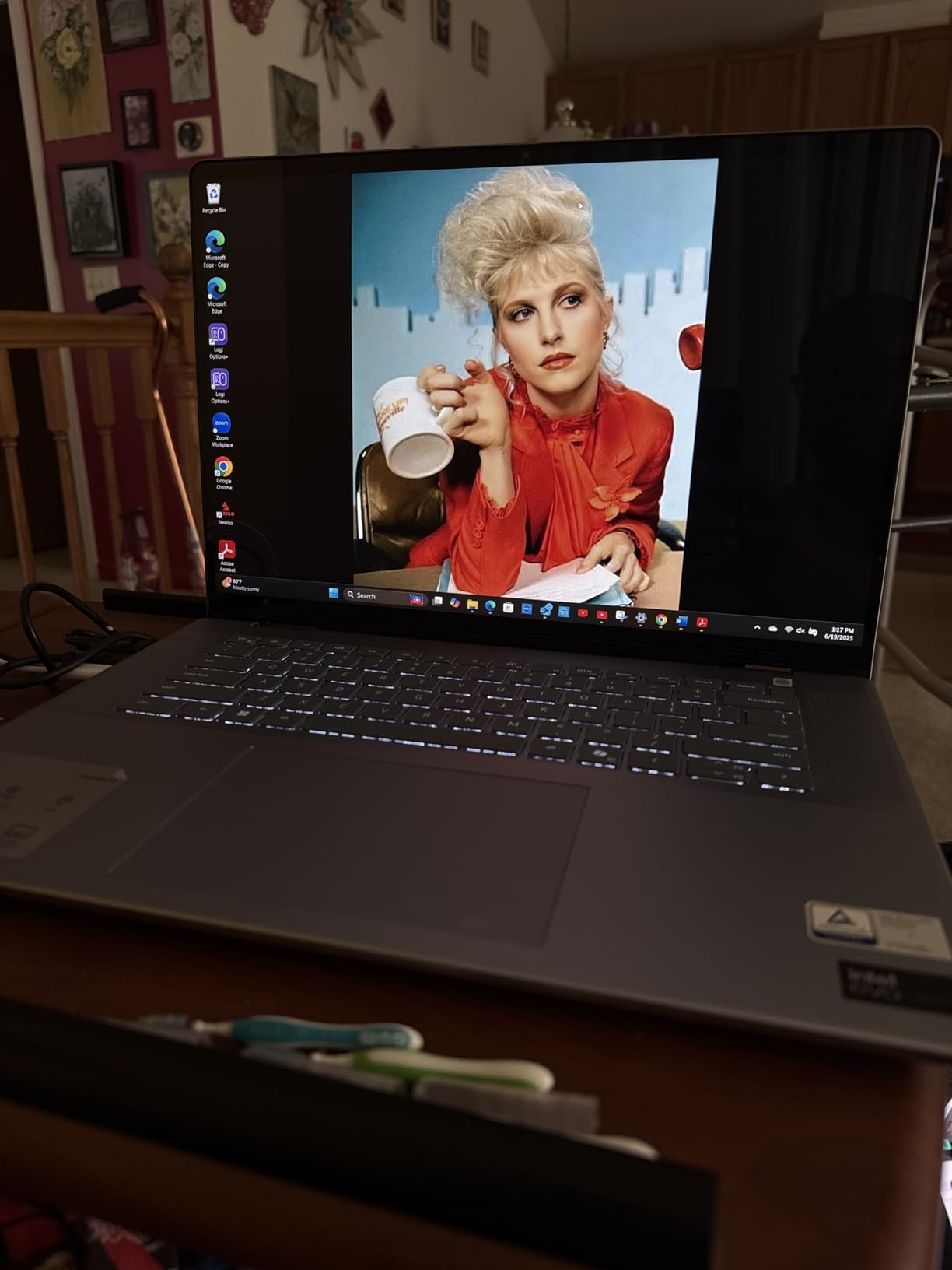
The ThinkPad L16 is our Premium Pick because it packs the features IT professionals and developers consistently ask for: 32GB of DDR5 (expandable to 64GB), a 12-core Core Ultra 5 225U, and two Thunderbolt 4 ports that drive docking stations and high-speed peripherals at 40Gbps.
The 400-nit anti-glare touchscreen is the brightest panel in this roundup, readable even near windows. MIL-STD-810H certification means it survived Lenovo’s military-grade drop, vibration, and environmental testing — the durability benchmark that forum IT teams cite when standardizing fleets.
 Ultra 7 155U, 2x Thunderbolt 4, Numeric Keypad, IR Webcam, Win 11 Pro customer photo 1″ class=”wp-image-customer”/>
Enterprise Features That Justify the Price
Windows 11 Pro, TPM 2.0, a fingerprint reader, IR facial login, and a 5MP camera with physical shutter make this the most complete security package here. Rapid charging to 80% in an hour covers busy days.
A fair warning from the review pool: 82% five-star, but 12% one-star, with scattered boot issues and warranty complications on internationally sourced units. Buy from a seller you trust.
 Ultra 7 155U, 2x Thunderbolt 4, Numeric Keypad, IR Webcam, Win 11 Pro customer photo 2″ class=”wp-image-customer”/>
Who should buy it: developers, engineers, and power users who outgrow 16GB of RAM. Who should skip it: casual users — the extra capability would go unused.
11. Apple MacBook Neo 13 – Best Entry MacBook for Business
Apple 2026 MacBook Neo 13-inch Laptop with A18 Pro chip: Built for AI and Apple Intelligence, Liquid Retina Display, 8GB Unified Memory, 256GB SSD Storage, 1080p FaceTime HD Camera; Blush
Apple A18 Pro chip
8GB unified memory
256GB SSD
13-inch Liquid Retina
16-hour battery
2.71 lbs
+ Pros
- Silent fanless operation all day
- Up to 16 hours of battery life
- Premium aluminum build with 60% recycled content
- 2.71 lbs with best-in-class trackpad
- Seven years of software support
- 1080p FaceTime HD camera
- Cons
- 8GB memory and 256GB storage are not upgradeable
- Only two USB-C ports and one runs at USB 2.0 speed
- No keyboard backlight
- 20W charger is slow
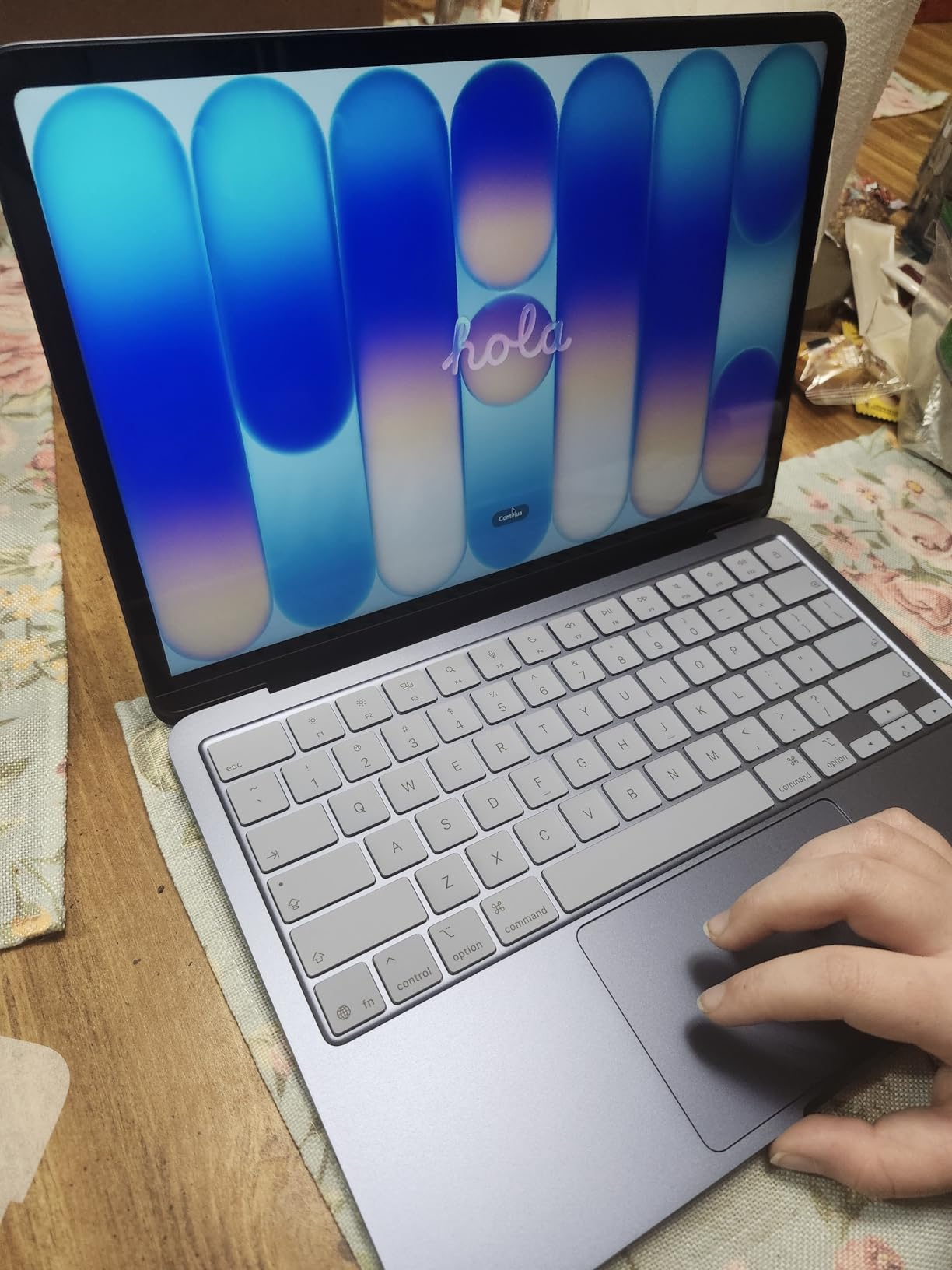
The MacBook Neo is the cheapest way into a genuinely premium Apple machine, and 1,128 reviewers rate it 4.6 stars with 85% five-star ratings. For email, documents, video calls, and web work, the A18 Pro chip is more than enough, and macOS runs silently with no fan noise in quiet meetings.
Two features stand out for business use: the 16-hour battery that comfortably covers a full workday plus commuting, and Apple’s seven years of software support — longer than any Windows laptop here, which matters for total cost of ownership.
Where the Corners Were Cut
To hit the price, Apple skipped keyboard backlighting, included only two USB-C ports (one limited to USB 2.0 speed), and soldered 8GB of memory to the board. The 256GB SSD fills up fast if you store media locally.
The aluminum chassis with 60% recycled content feels nothing like a budget laptop, though a sharp interior edge annoyed some owners. If those port and memory limits are dealbreakers, the step-up choice is obvious.
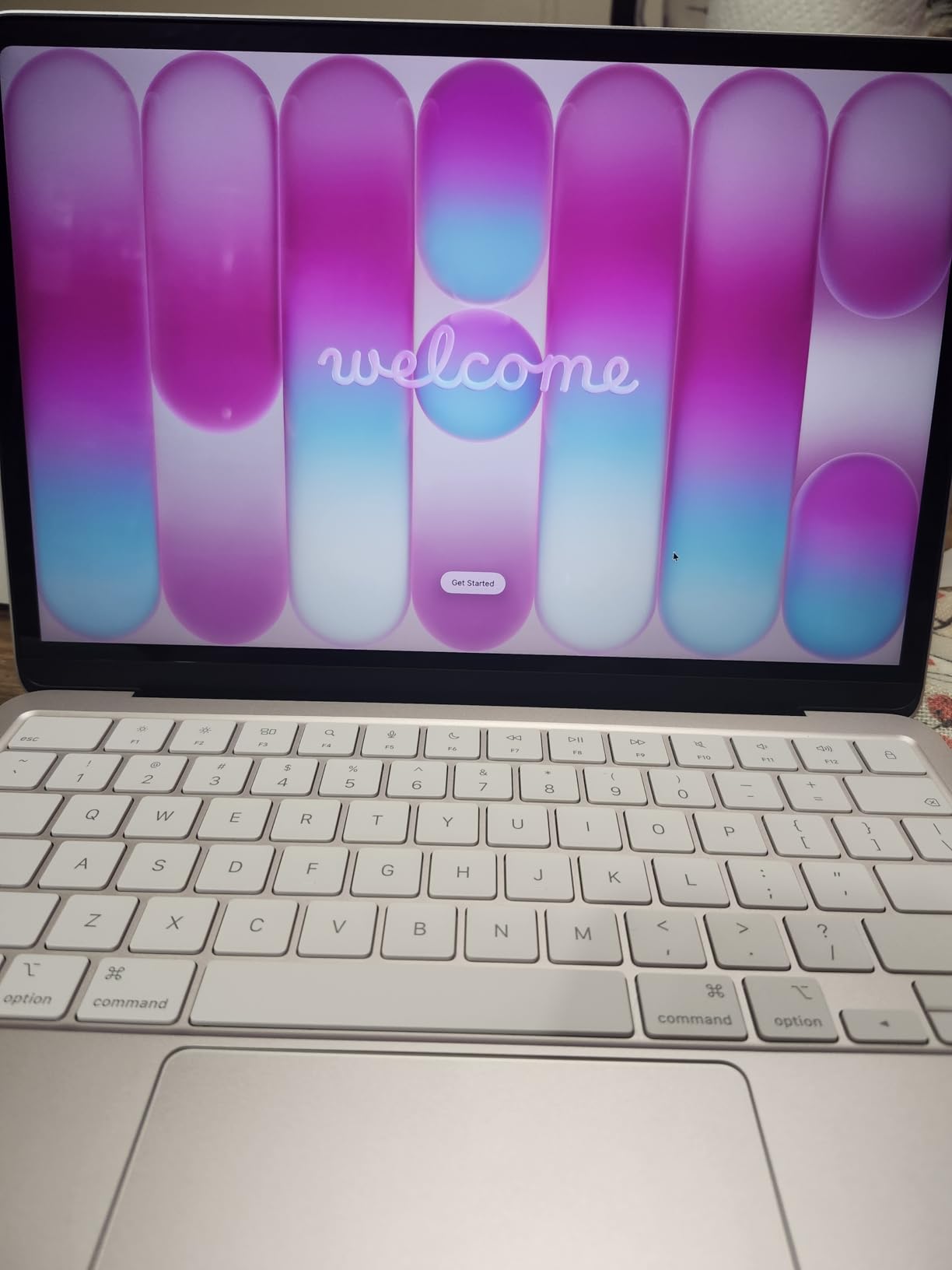
Who should buy it: MacBook-curious professionals and Apple-ecosystem shops on a budget. Who should skip it: anyone tied to Windows-only corporate software.
12. Apple MacBook Air M5 – Best Business Laptop Overall
Apple 2026 MacBook Air 13-inch Laptop with M5 chip: Built for AI, 13.6-inch Liquid Retina Display, 16GB Unified Memory, 512GB SSD, 12MP Center Stage Camera, Touch ID, Wi-Fi 7; Sky Blue
Apple M5 chip
16GB unified memory
512GB SSD
13.6-inch Liquid Retina
18-hour battery
2.71 lbs
+ Pros
- 18-hour battery life covers double shifts
- M5 chip handles multitasking and creative work
- 16GB memory plus 512GB storage sweet spot
- MagSafe charging plus two Thunderbolt 4 ports
- 12MP Center Stage camera with Desk View
- Wi-Fi 7 and Bluetooth 6
- Cons
- Premium price
- No HDMI or SD card slot built in
- RAM and storage cannot be upgraded
The MacBook Air M5 is the best business laptop of 2026 because it removes every common frustration at once: 18 hours of real battery life, a 2.71-pound fanless body, the 16GB/512GB configuration that suits most professionals, and 91% five-star ratings across 948 reviews.
The M5 chip powers through spreadsheets, browser-heavy research, and creative work without breaking a sweat, and Wi-Fi 7 keeps it fast on modern networks. The 12MP Center Stage camera automatically keeps you framed in video calls — a genuine daily quality-of-life upgrade over the 720p webcams common on Windows rivals.

The Little Things That Add Up
MagSafe charging frees both Thunderbolt 4 ports for peripherals, Touch ID unlocks the machine mid-workflow, and the four-speaker system with Spatial Audio is the best audio in this roundup. It also drives up to two external displays for desk-bound days.
The honest cons: you pay a premium, there is no HDMI or SD slot, and nothing inside can be upgraded later. Buy the configuration you will need in three years, not just today.

Who should buy it: almost any professional whose software runs on macOS. Who should skip it: Windows-only shops and IT environments standardized on Active Directory management.
How to Choose the Best Business Laptop for Your Work
The right business laptop depends less on brand loyalty and more on matching specs to your actual workload. Here is how IT professionals and experienced buyers in our research consistently frame the decision.
Processor: Match the Chip to the Workload
For documents, email, and browser apps, entry chips like the Intel N100 or Core 3 100U are sufficient. For serious multitasking, an H-series chip like the i5-13420H or Ryzen 7 7735HS holds up far better under sustained load. Developers should target 12-core chips like the Core Ultra 5 225U or Apple’s M5.
RAM: 16GB Is the New Baseline
The most repeated regret in forum discussions is buying 8GB — and even some 16GB buyers wish they had more for a 3+ year lifespan. If RAM is soldered (all MacBooks, the OmniBook 3), buy what you will need in year four. If it is upgradeable like the V15 Gen 4 or ThinkPad E16 Gen 2, you can start lower and expand later.
Battery Life: Trust Scenario Reports, Not Marketing
Manufacturer battery claims assume light usage. Our research found real-world reports ranging from 2-3 hours on the Dell DC15250 under load to 18 hours on the MacBook Air M5. Match the machine to your day: desk workers can accept short battery, commuters cannot.
Security and Manageability
TPM 2.0, fingerprint readers, IR face login, and webcam shutters are standard on proper business lines and rare on consumer bargains. Windows 11 Pro (not Home) is required for BitLocker and domain join — the V15 Gen 4, ThinkPad E16 Gen 2, and ThinkPad L16 all include it.
Ports and Docking
The most-cited daily annoyance in our forum research was dongle dependence. Thunderbolt 4 (ThinkPad L16, MacBook Air) means one cable drives dual monitors, charging, and peripherals. Ethernet (V15 G6, V15 Gen 4, ThinkPads) still matters in many offices.
Durability and Repairability
MIL-STD-810H certification (ThinkPad L16) signals tested toughness against drops and vibration. Screwed-in upgradeable RAM and SSDs extend usable life and cut total cost — a key reason IT teams prefer traditional business lines over consumer models.
Frequently Asked Questions
What laptop brand is best for business?
Lenovo, Dell, HP, and Apple are the strongest business laptop brands in 2026. Lenovo ThinkPads lead on keyboard quality and durability, Dell and HP offer solid enterprise support and fleet management, and Apple MacBook Air and Pro models dominate on battery life and build quality.
What is the most reliable business laptop?
The Lenovo ThinkPad L16 and ThinkPad E16 lines are widely considered the most reliable business laptops, thanks to MIL-STD-810H durability testing, consistent quality control, and easy parts replacement. The Apple MacBook Air M5 is the most reliable pick for macOS users.
What specs do I need for a business laptop?
A modern business laptop needs at minimum a 6-8 core processor (Intel Core i5, AMD Ryzen 5, or Apple M-series), 16GB of RAM, a 512GB SSD, Wi-Fi 6 or better, TPM 2.0 security, and Windows 11 Pro for business features like BitLocker and domain join.
Can I write off my laptop as a business expense?
Yes, in the United States a laptop used for business can generally be written off as a business expense, either fully in the year of purchase through Section 179 or via depreciation over several years. Consult a tax professional for your specific situation, including LLC rules.
Is 16GB RAM enough for business work or should I get 32GB?
16GB is enough for most office work like documents, email, browsing, and video calls. Choose 32GB if you run virtual machines, large datasets, code environments, or heavy creative apps — or buy an upgradeable laptop like the ThinkPad L16 and expand later.
Are MacBooks suitable for corporate environments?
Yes, MacBooks are increasingly accepted in corporate environments, especially for executives, developers, and creative teams. Verify that your required software runs on macOS and that your IT department supports MDM management for Apple devices before standardizing on them.
Final Thoughts on the Best Business Laptops
If you prioritize battery life, portability, and overall polish, the MacBook Air M5 is the best business laptop you can buy in 2026. If you need Windows and want the most capability per dollar, the Lenovo ThinkPad E16 Gen 3 with its i5-13420H and 16GB of RAM is the smart default, while the ThinkPad L16 serves developers and IT pros who need 32GB and Thunderbolt 4 docking.
Budget shoppers are well served too: the HP OmniBook 3 16 covers touchscreen basics, the AKCHART 15.6 handles documents at minimum cost, and the MacBook Neo opens the Apple ecosystem without the premium price. Whatever you choose, favor 16GB of RAM, an SSD of at least 512GB, and a machine with the security features your work demands.
Pick the laptop that matches your workload rather than the biggest spec sheet, and it will serve you well for years. Check the latest prices on our top picks before you buy — deals on business laptops move fast.